 2
Montech King 45 Pro Review
Thermal Stress Test »Assembly

Installing a motherboard into the sunken area is straightforward and aligning it is simple thanks to some screws with that guide ring on top. The openings all around the board are partially covered by the PCB itself, another indication that Montech may have initially planned to make this case BTF compatible. Seeing the motherboard in place, one can see why it would have been nice to have grommets, just to keep things as clean as possible.
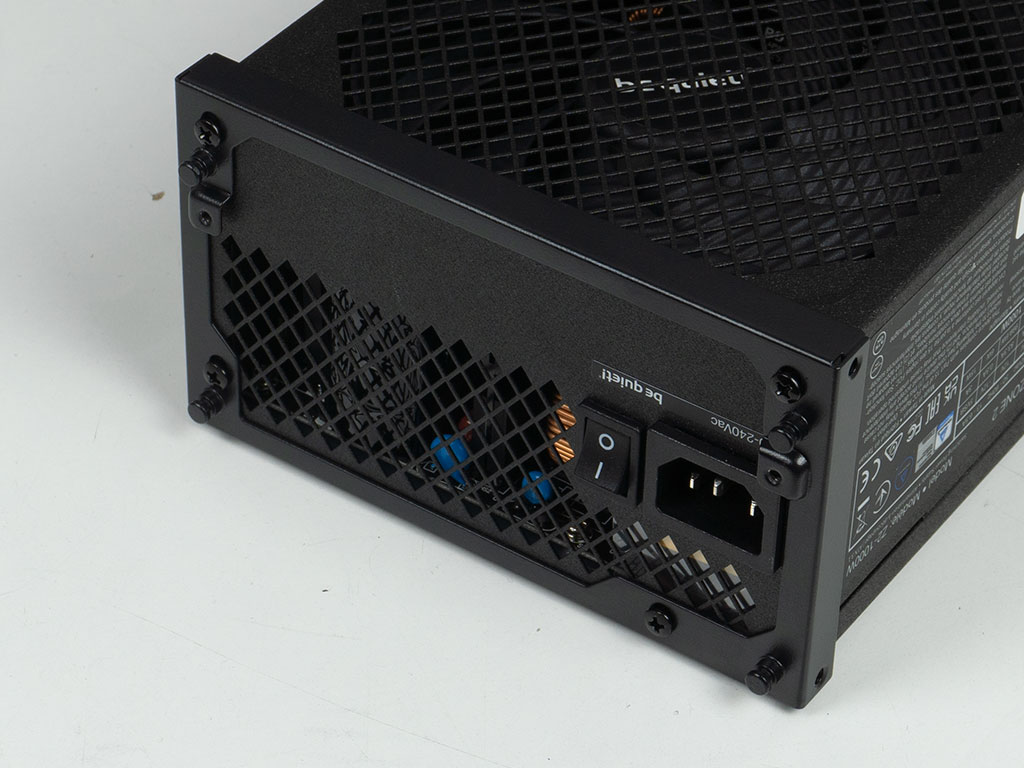


While we usually wait to install the PSU in the assembly process of our case reviews, it instead makes sense to do so next in the King 45 Pro. You will have to secure the mounting frame to the PSU first and then slide the whole unit into the bay and secure it in place with two thumb screws. The PSU we use in our case reviews sports a 160 mm long housing, and there is a bit more room left, so while you could truly go for 180 mm long variants, you would then have to find different ways to cable manage things. Unfortunately for both the review build and our thermal benchmark system, the power cable needs to be bent uncomfortably tight to allow us to plug it in.
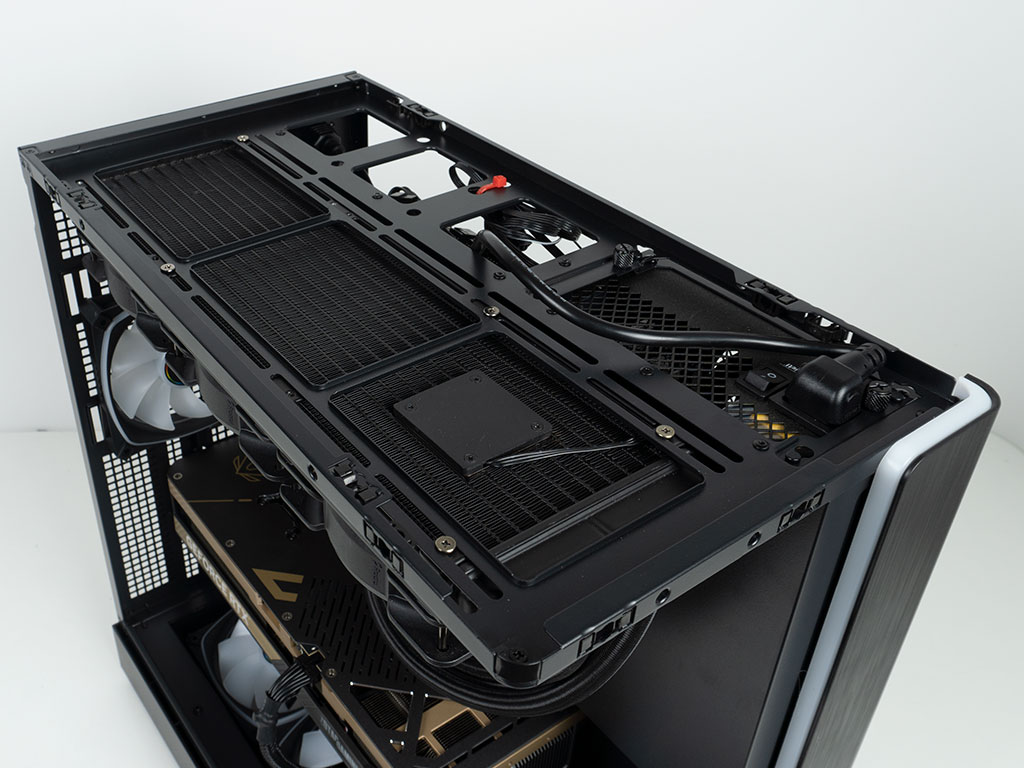
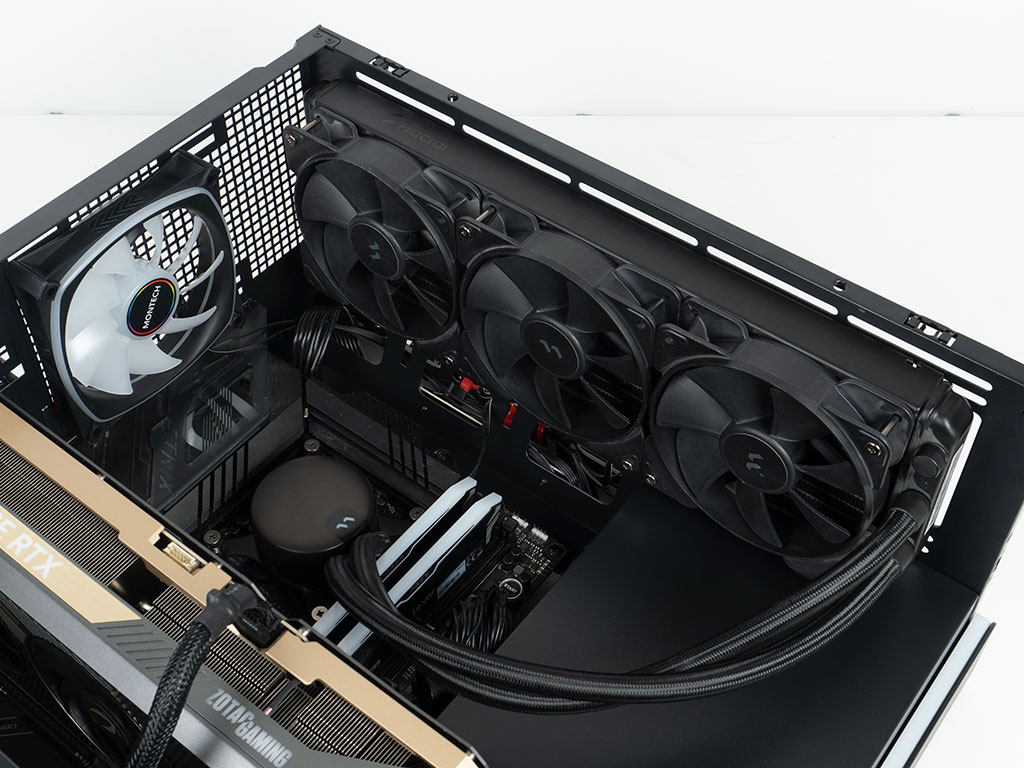
Adding the AIO bears no surprises, as our 360 mm unit easily fits with an almost absurd amount of room. This means that you should easily be able to opt for units that are thicker than usual, splurge for push/pull fan setups, or employ thick radiators if going for a custom loop. We had to play with the cables a bit, so that they would not be as visible. Similarly to the bottom of the chassis, there would be some easy ways to provide a pathway right next to the radiator for wires to disappear into the other chamber instead of having to route them through one of the three large openings.
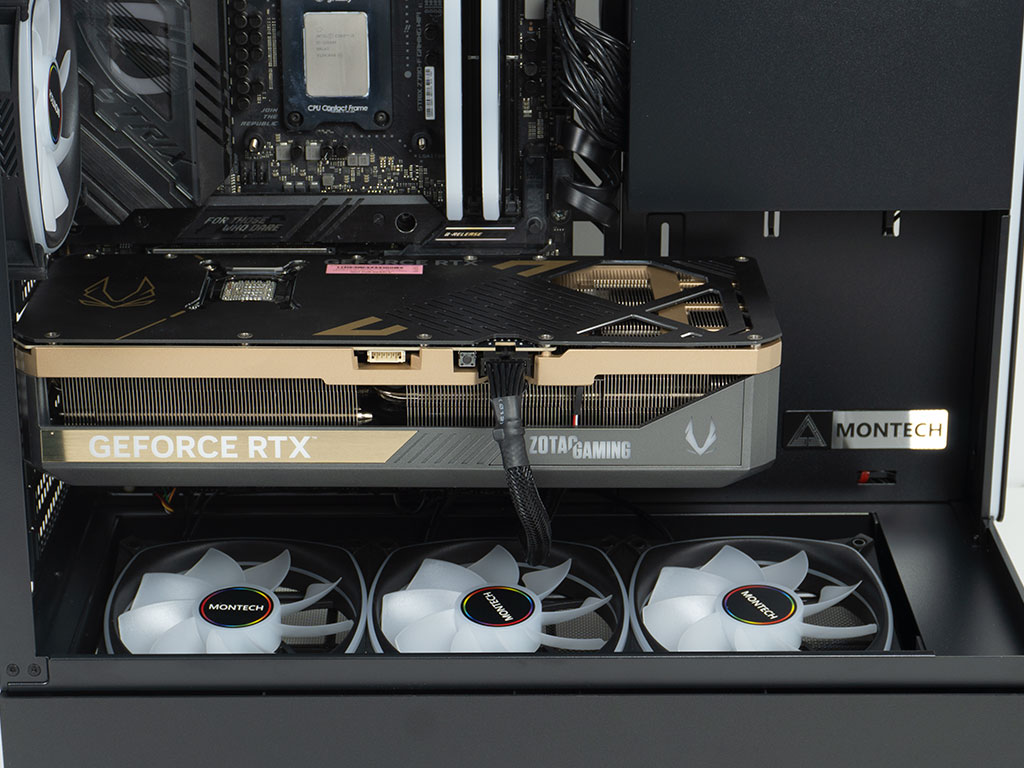
Adding the GPU, it easily clears the PSU compartment in the front. In fact, most microATX and ATX motherboards skip the top most expansion slot in favor of adding NVMe connectors there. Only ITX variants still have to stick to the very first expansion slot. Thus, Montech could have gone for the compromise that ITX users would have to stick to a short GPU, and dropped the PSU bay down a bit more to give you that extra room for the power cable at the top.
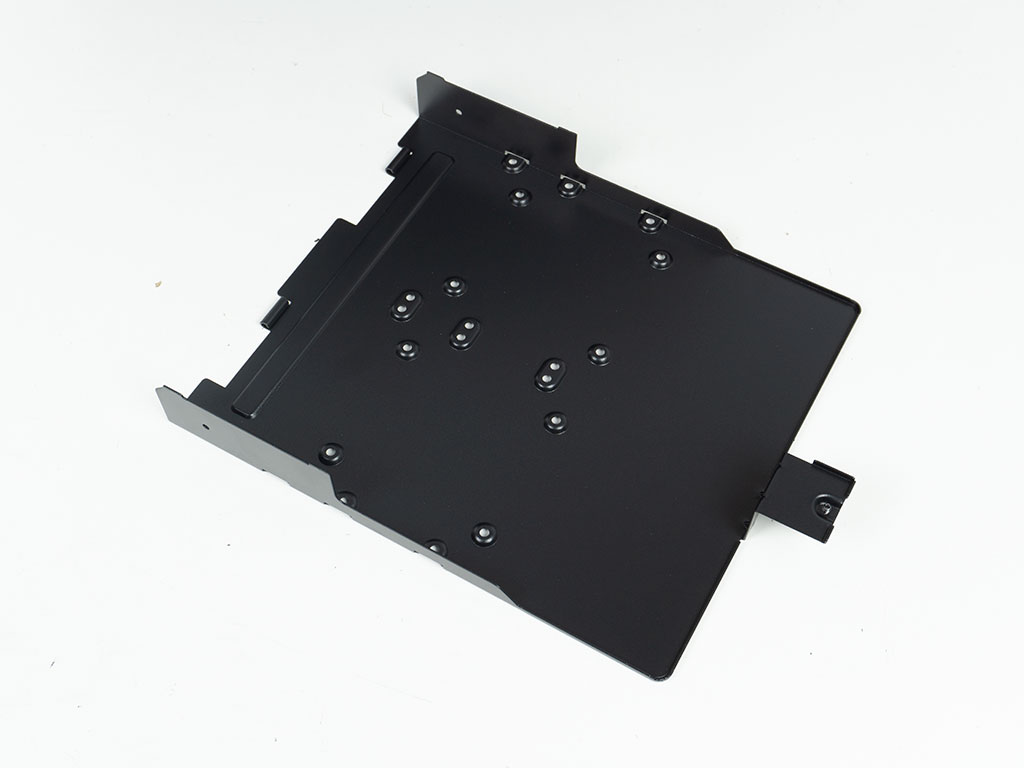
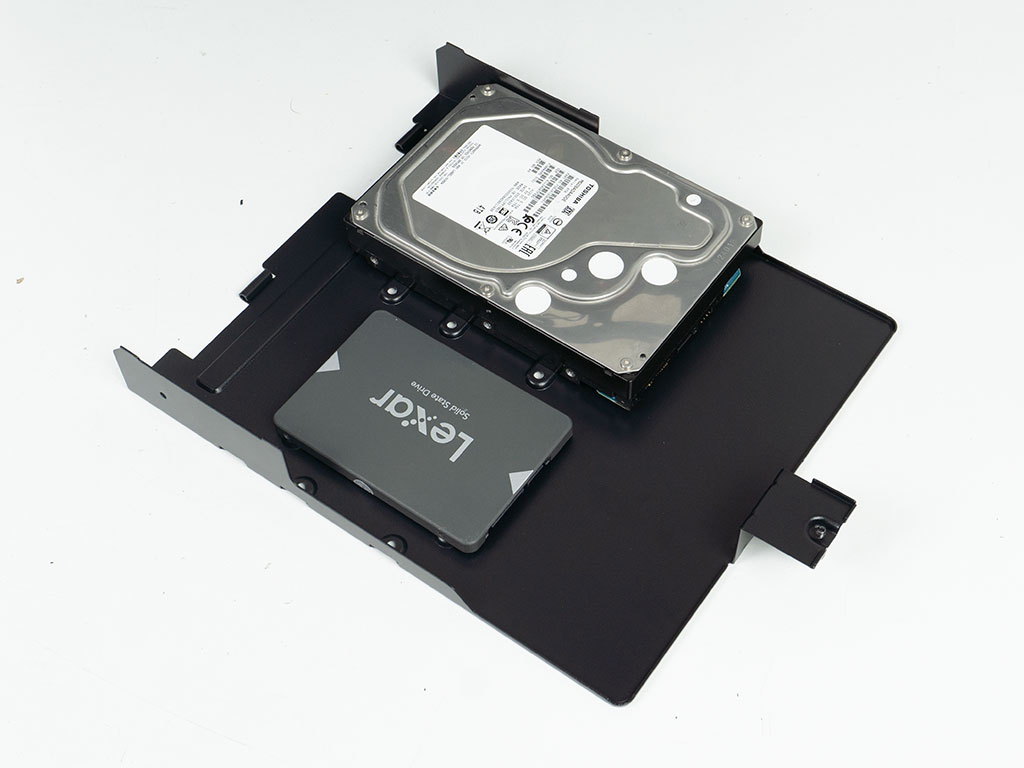
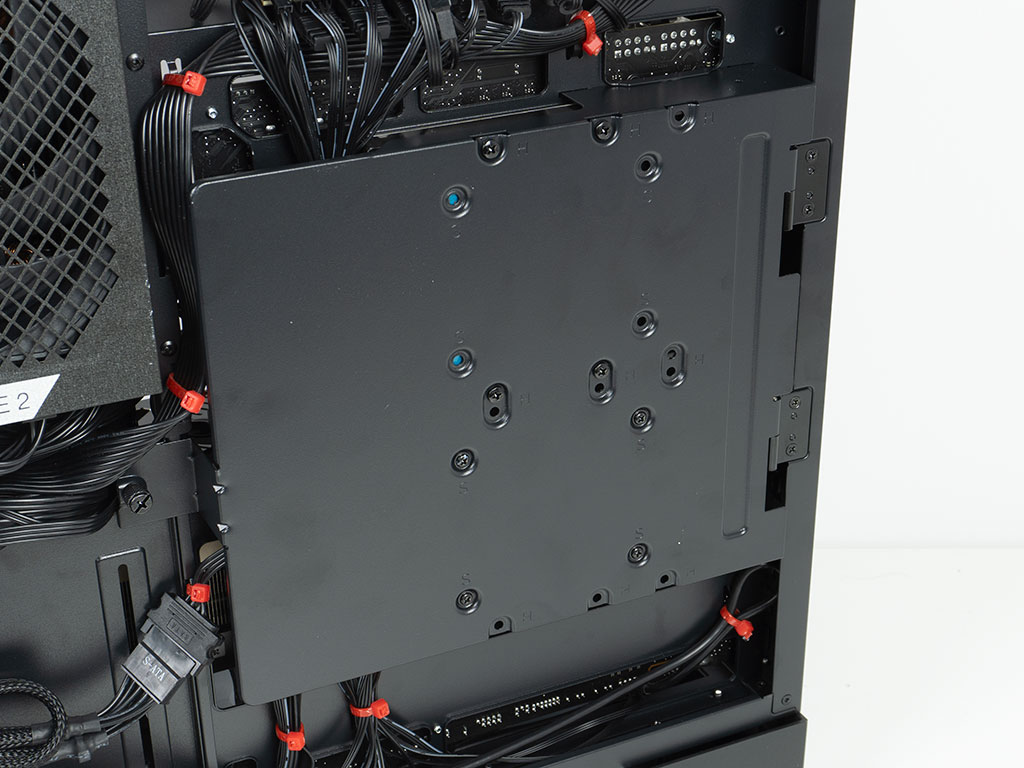
Last but not least, including your storage drives in the case is achieved by screwing them unto the hinged tray. The downside here is that they become a bit tricky to access, as you have to plug them in as you rotate that plate into position on its hinges.
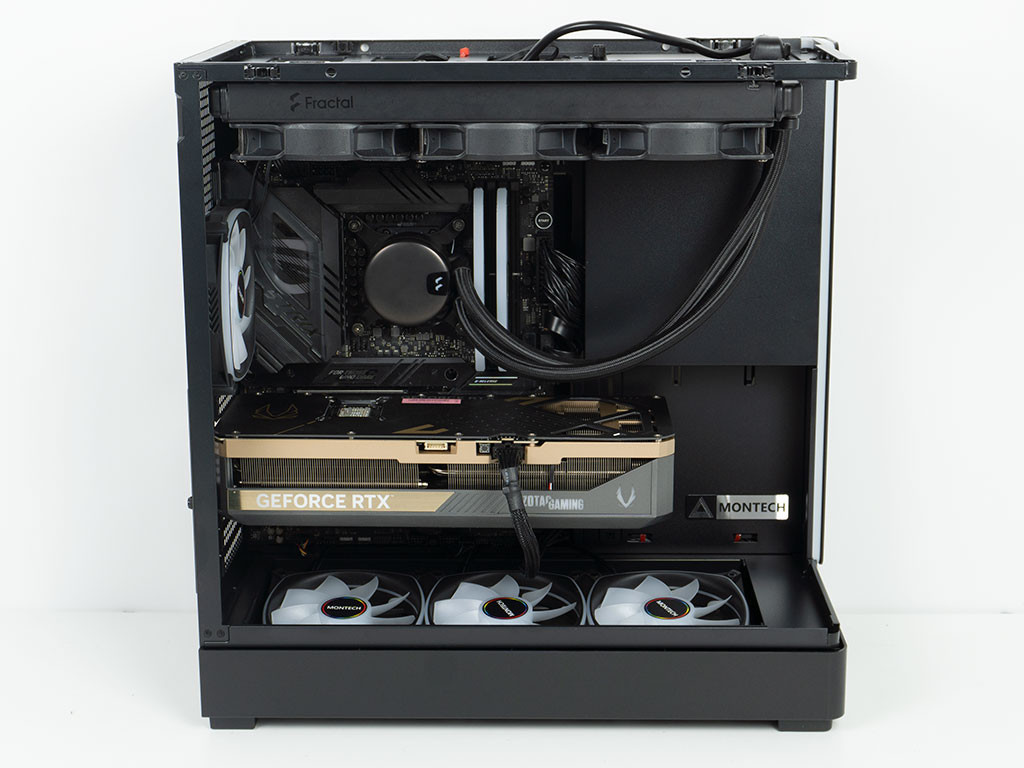
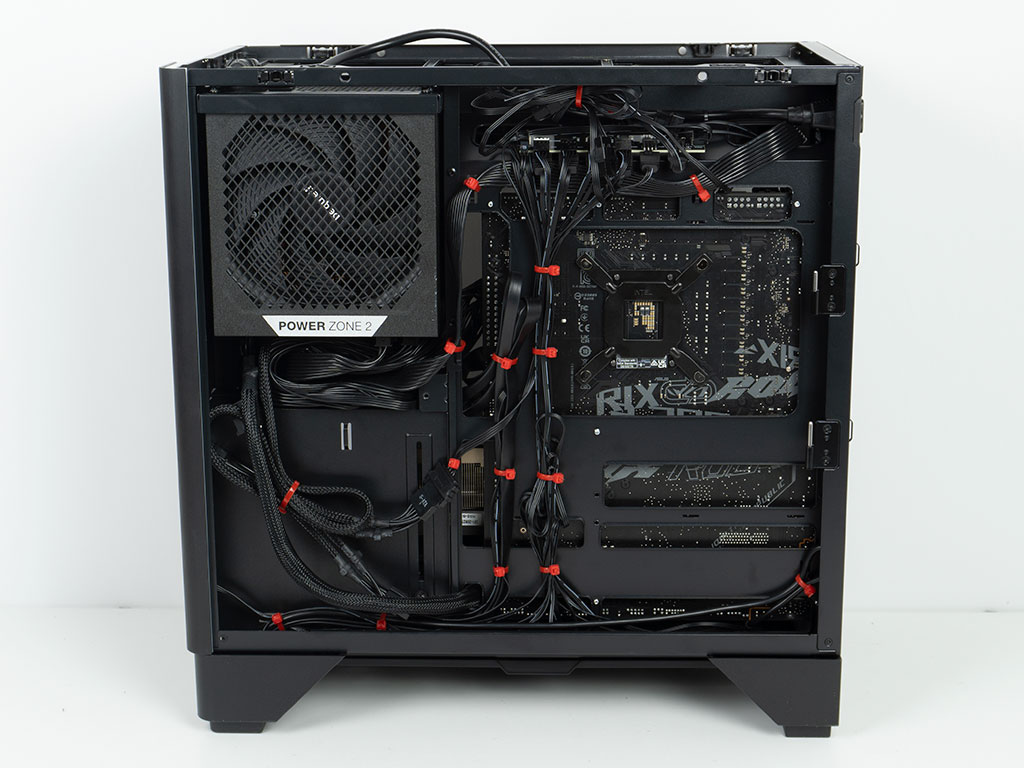
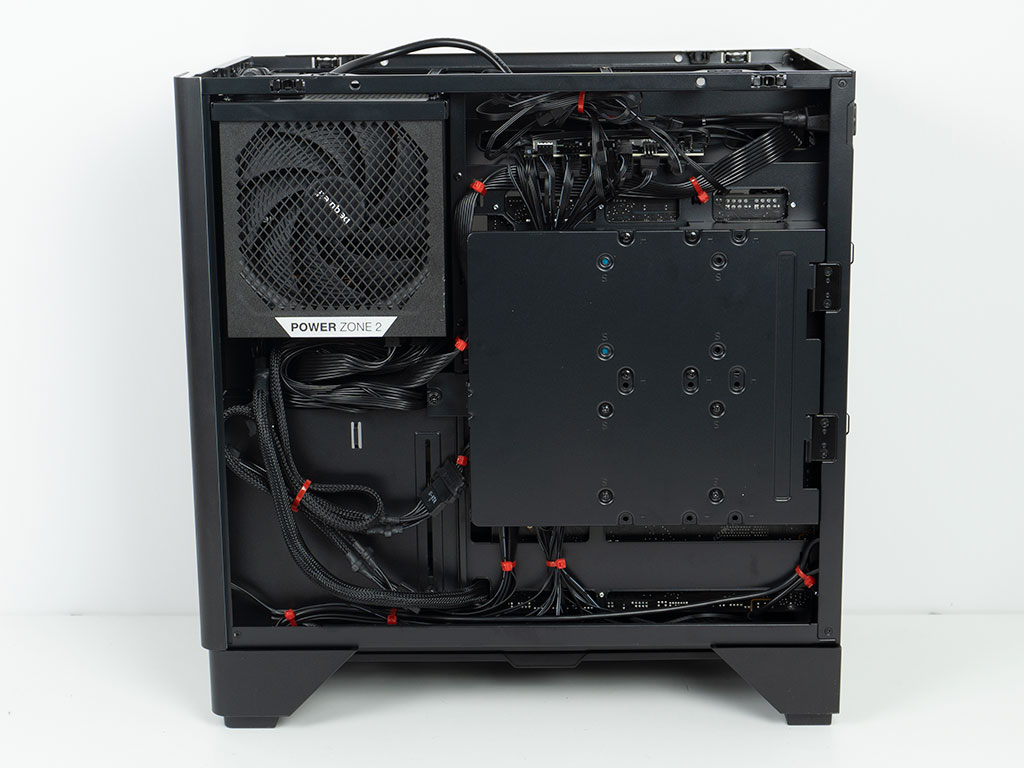
With everything installed, things look quite good. The Montech emblem really pops nicely as well. If you look closely, you will notice some zip ties and a bit of cable noise at the bottom and top of the case - both of which blend into black and are blocked by components at least partially. On the back we had to use a considerable amount of zip ties to manage all the wires, but the fact that Montech has equipped the King 45 Pro with an abundance of hooks and holes for such purpose is great to see.
Finished Looks
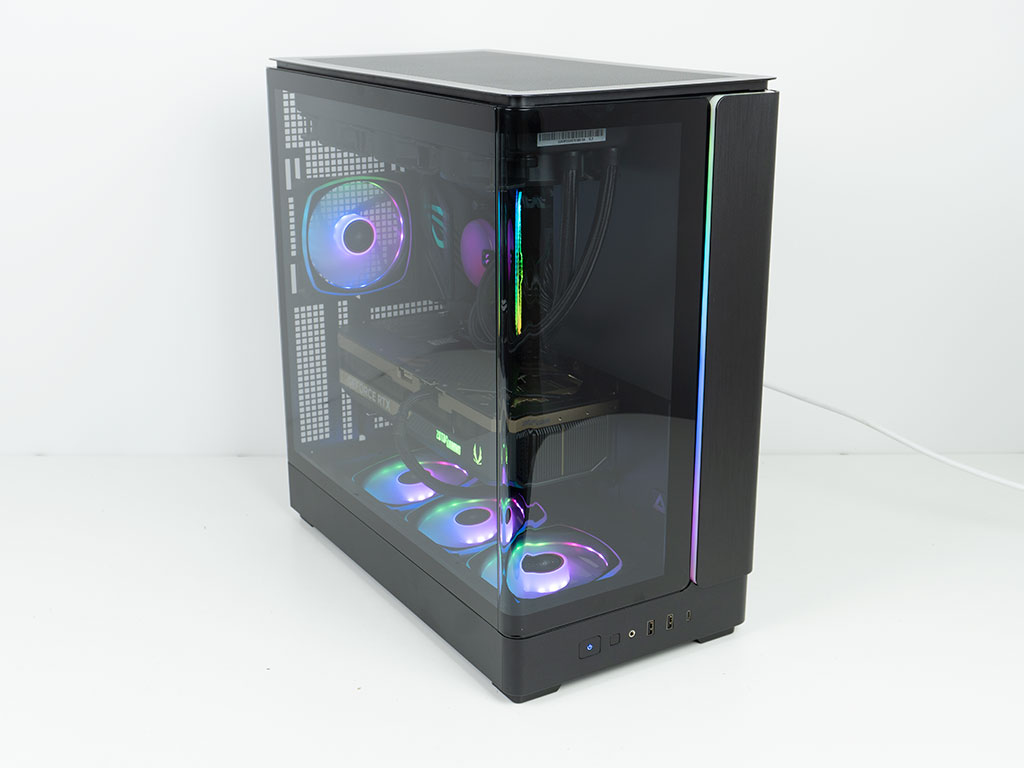
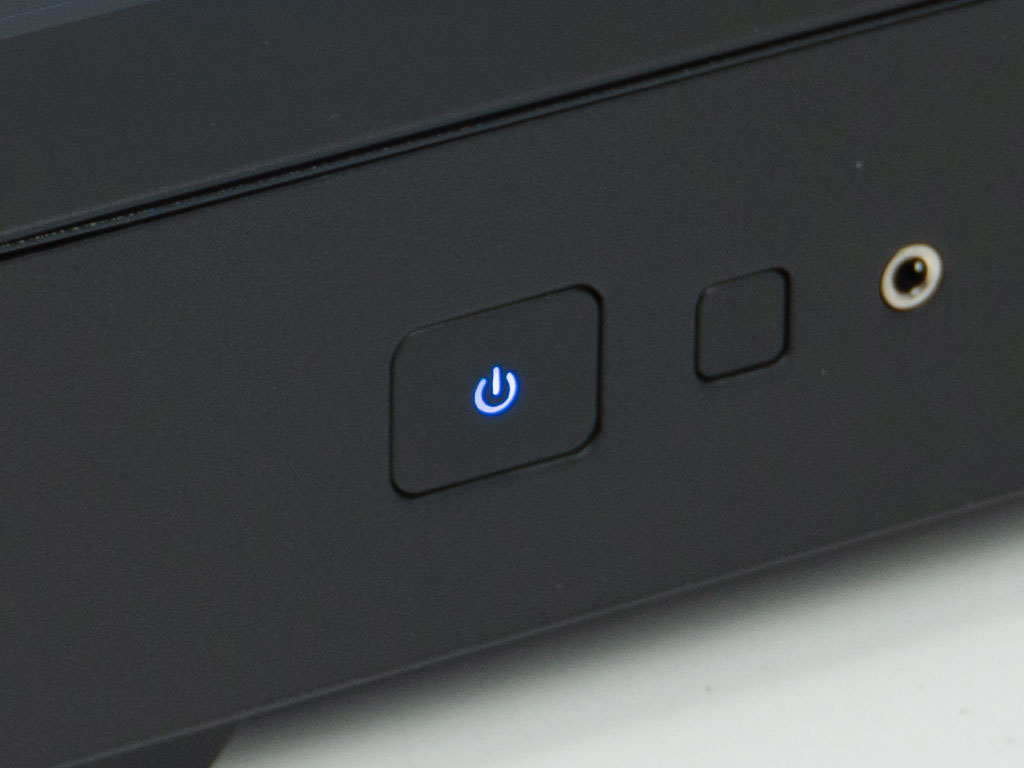
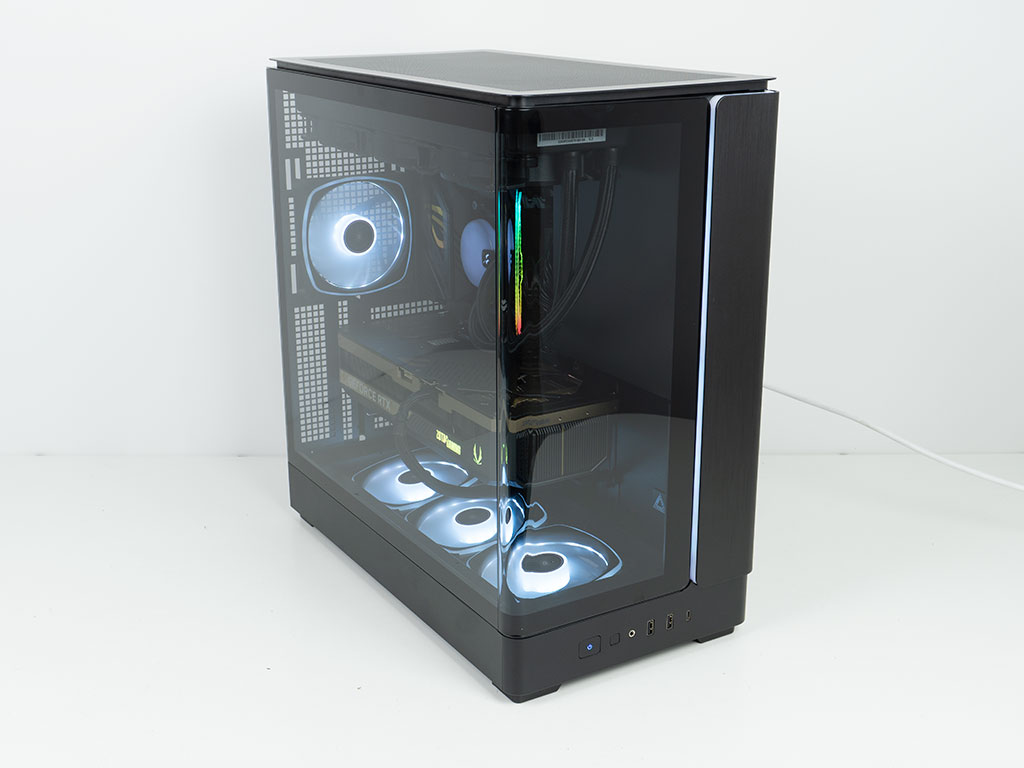
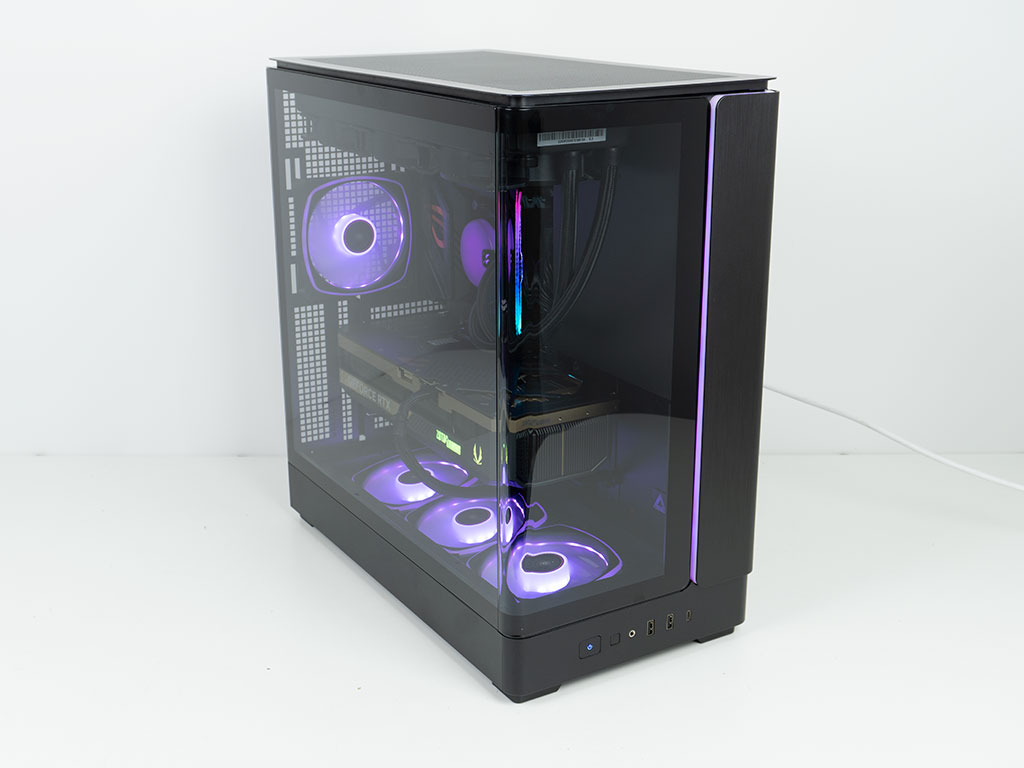
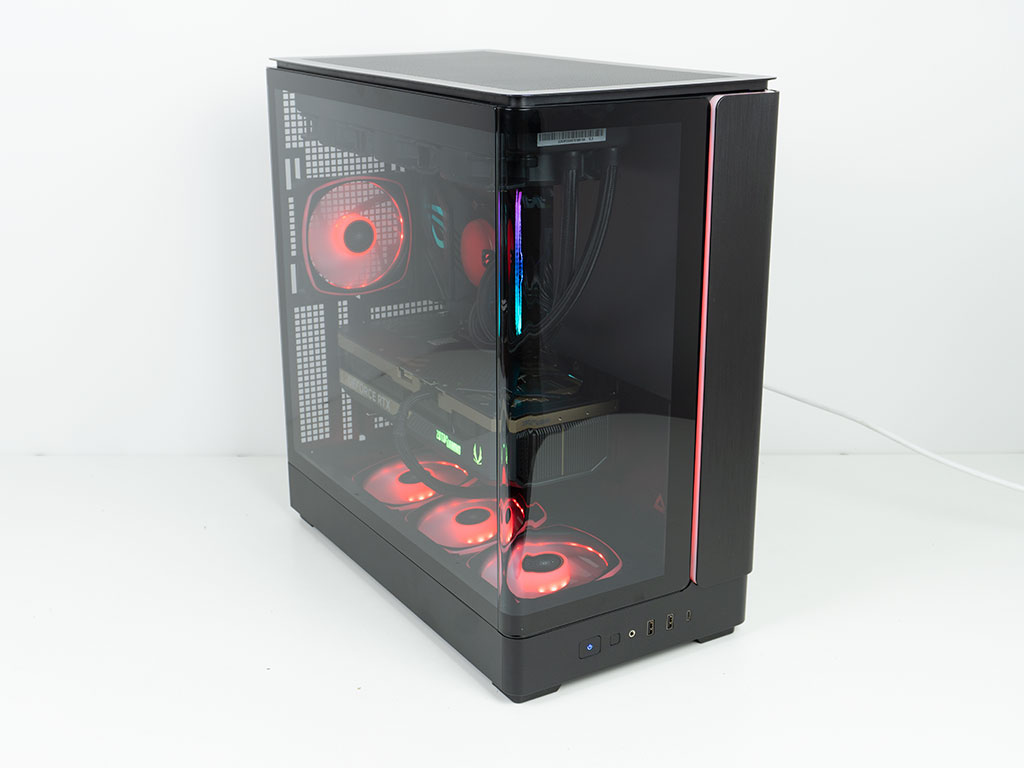
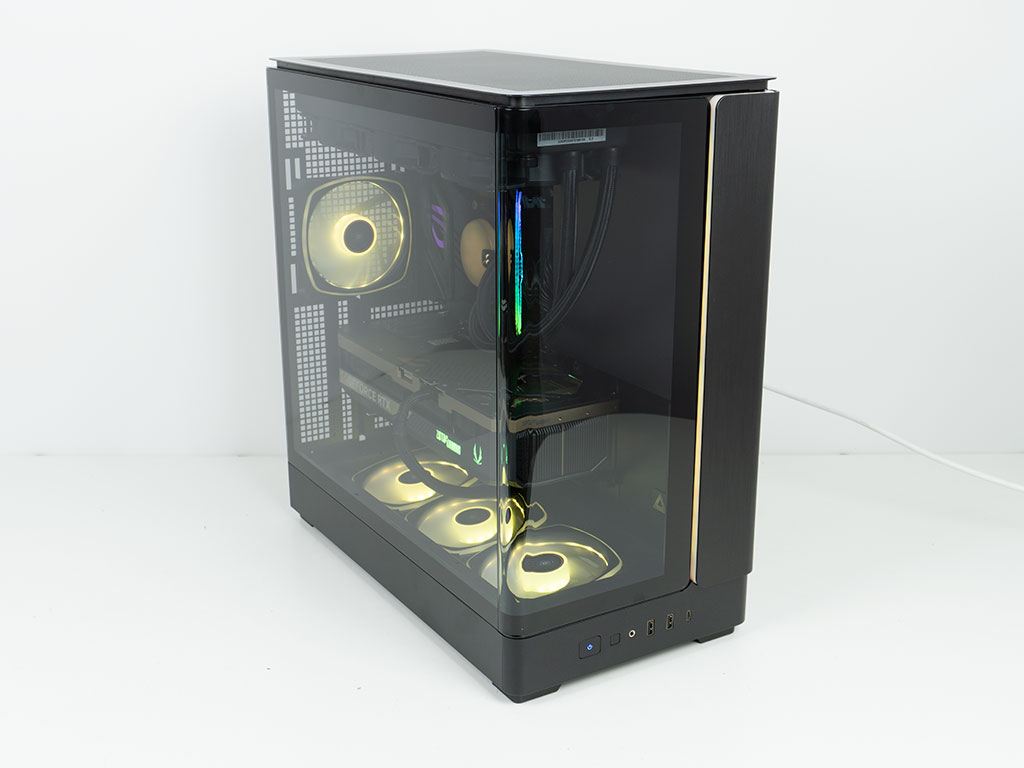
Once turned on, the ARGB from the four fans in combination with the wide ARGB element in the front of the chassis really make the Montech King 45 Pro pop. The soft curves of the square design on the fans complements the round edges of the one on the chassis very well. Thanks to the ARGB hub, the lighting in the AIO is already in sync with no additional tweaking needed. The power button has a clean blue LED embedded, which looks very nice once turned on as well.
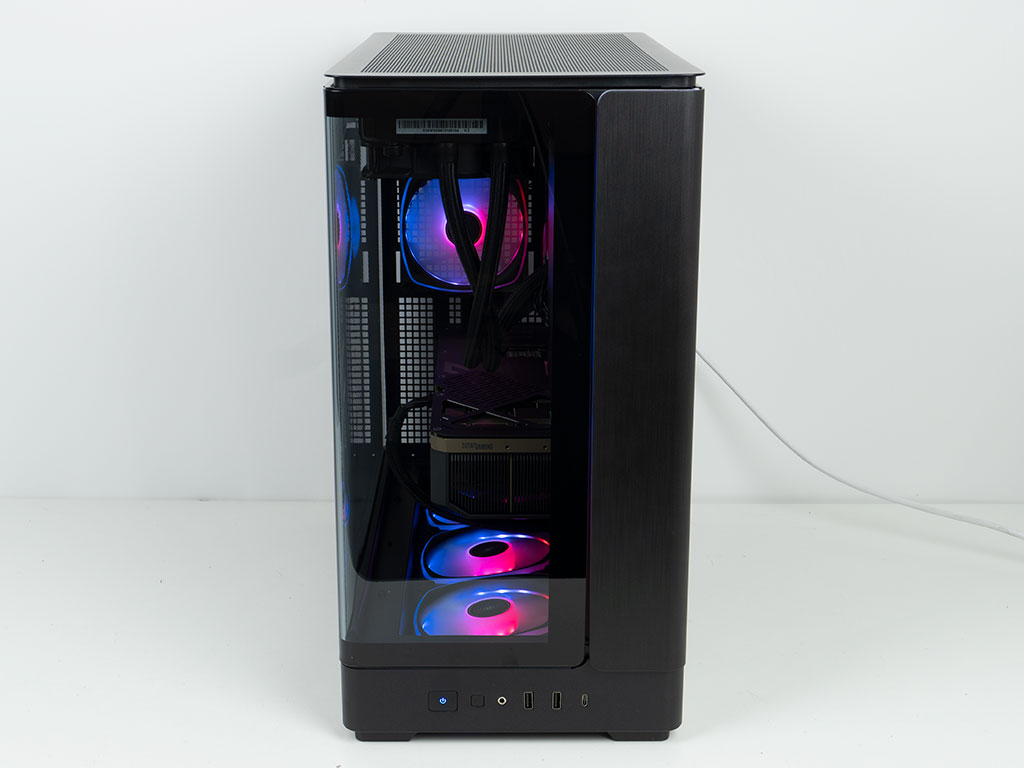
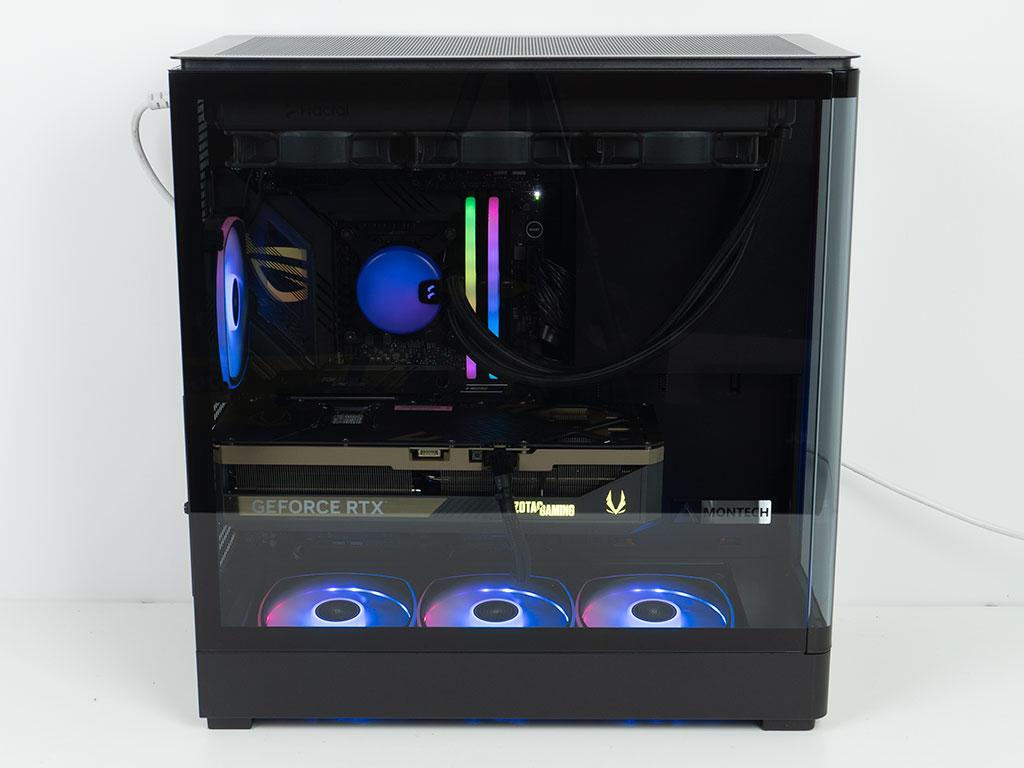
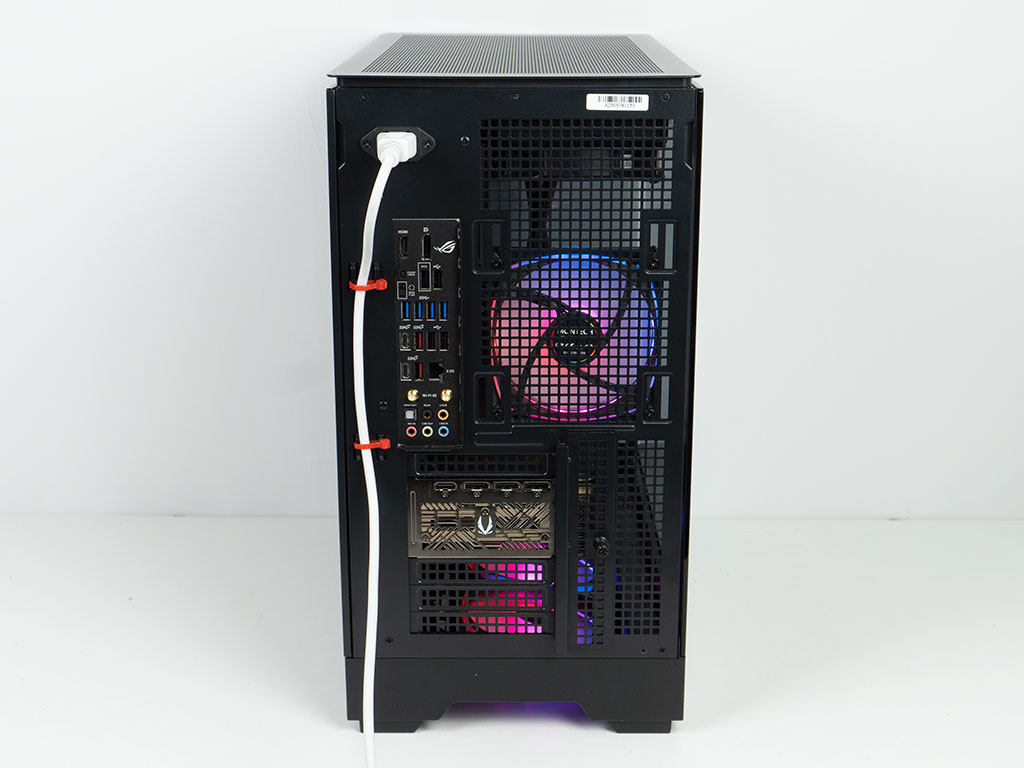
Thanks to the two glass pieces that continue along with the black framing, you can see all your hardware from two sides beautifully as well. Unlike the King 95, the panels on the King 45 Pro are gently tinted. In the rear everything is accessible, and we even used some zip ties to secure the power cable to the exterior hooks. This is one area where the inclusion of Velcro strips would have been nice though, as users are likely to switch out their gear or unplug their system often. As such, using zip ties feels rather inconvenient. Montech could have had one more set of hooks at the bottom, which would be the best possible setup to those who plan to place the chassis on their desk.
Thanks to the built-in controller, you may cycle through a great number of single, dual and multicolor animations. On top of that, there are seven solid colors to pick from as well, shown below.
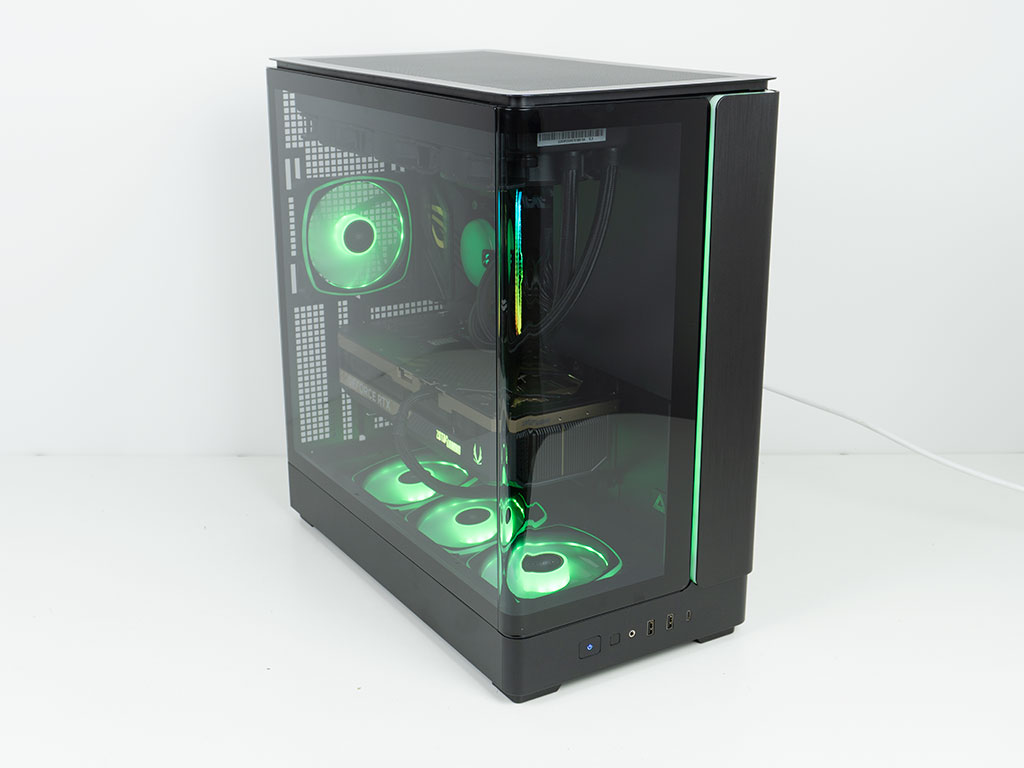
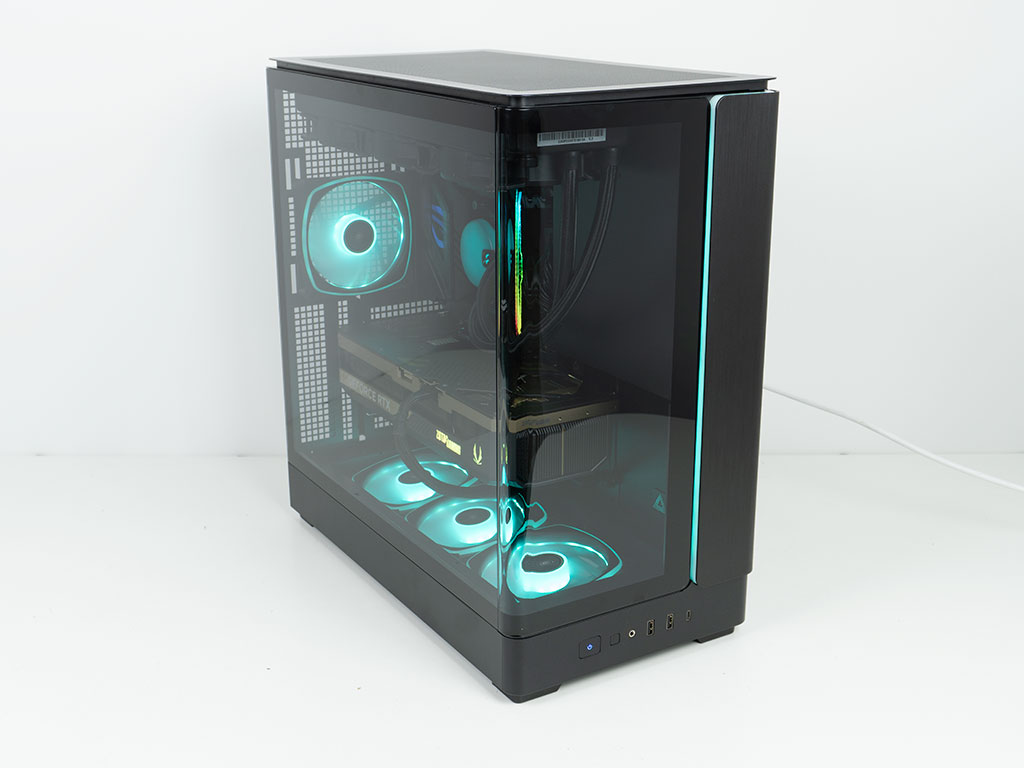
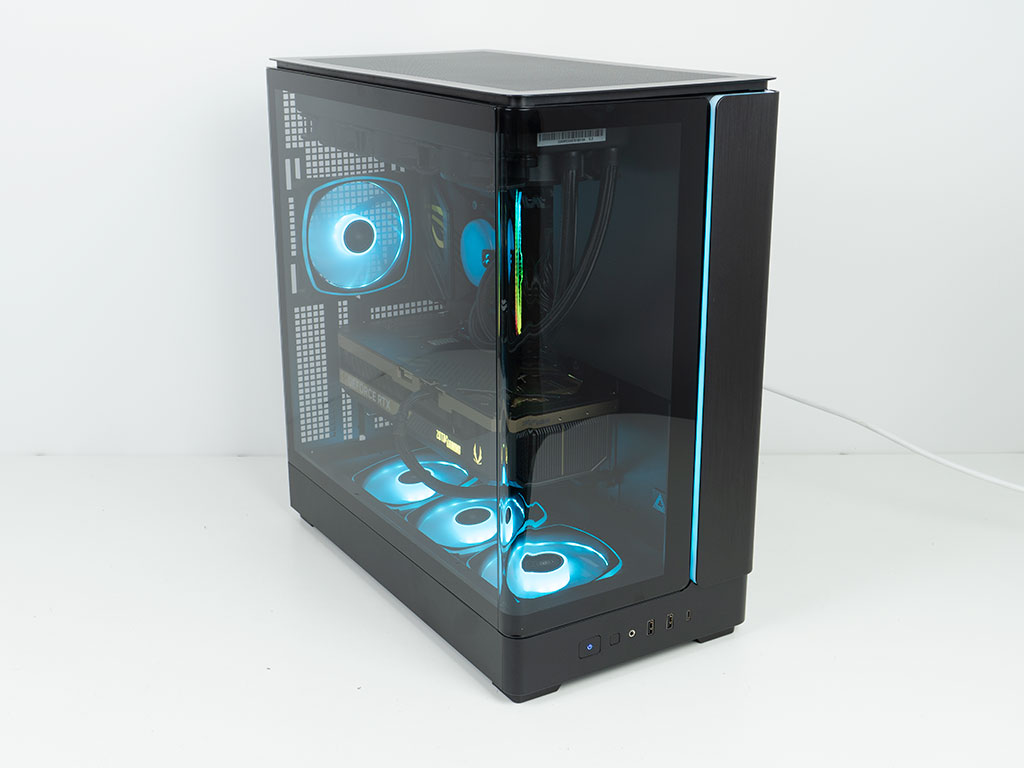
Nov 23rd, 2026 01:44 CST
change timezone
Latest GPU Drivers
New Forum Posts
- Youtube channel video downloader, not playlist. (2)
- Honestly, do you care about GTA VI? (270)
- Can you guess Which game it is? (347)
- Increasing Power Limit? (10)
- Last game you purchased? (1416)
- Anker SOLIX C2000 Gen 2 + PS400 Solarpanel (1)
- What are you playing? (26241)
- DTS DCH Driver for Realtek HDA [DTS:X APO4 + DTS Interactive] (2818)
- UPS what one to get? (48)
- Your PC ATM (36458)
Popular Reviews
- Microsoft Surface Laptop Ultra Review - The Next-gen Arm Laptop
- Corsair RM1200e (Second Generation) Review
- Upcoming Hardware Launches 2027 (Updated Nov 2026)
- Pulsar Office Tour & First Look at P1 Dual-Sensor Mouse
- Ugreen NASync DXP4800 GT Review
- AMD Ryzen 7 9800X3D Review - The Best Gaming Processor
- AMD Zen 6 Technical Deep Dive
- AMD Ryzen 7 5800X3D 10th Anniversary Review
- Phantom Blade Zero Performance Benchmark Review - 35 GPUs Tested
- Biwin Black Opal NV7400 2 TB Review
TPU on YouTube
Controversial News Posts
- NVIDIA Co-Founder and CEO Jensen Huang Officially Resigns (492)
- Report: Jensen Huang Eyes NVIDIA Comeback (266)
- Open Letter Asking NVIDIA to Reinstate Jensen Huang Passes 115,000 Signatures (184)
- OpenAI CEO Argues Home PCs Waste the World's Limited DRAM Supply (152)
- NVIDIA Launches Investigation Into Jensen Huang's Relationship With Suspected Chinese Spy (136)
- Intel "Raptor Lake Next" 16-Core and 20-Core CPUs Surface (130)
- NVIDIA GeForce RTX 50-Series Scheduled for up to $500 Price Hike This Week (89)
- Intel Razor Lake Gets a 12 P-Core bLLC Chip With No E-Cores, Per Leak (86)