 32
MSI Claw 8 EX AI+ CG3EM Review - Panther Lake FTW
Display & Audio »Controls and Ergonomics
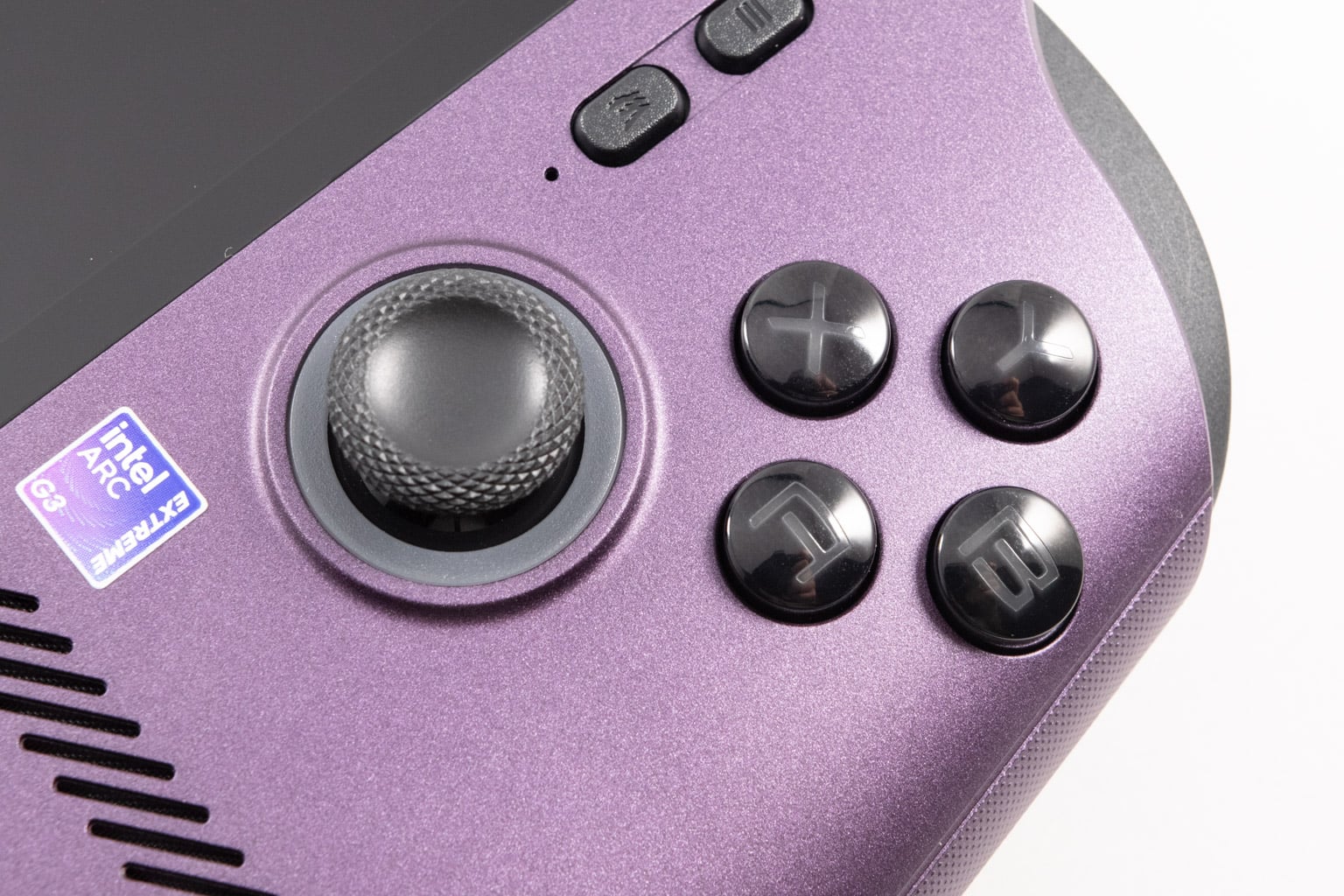
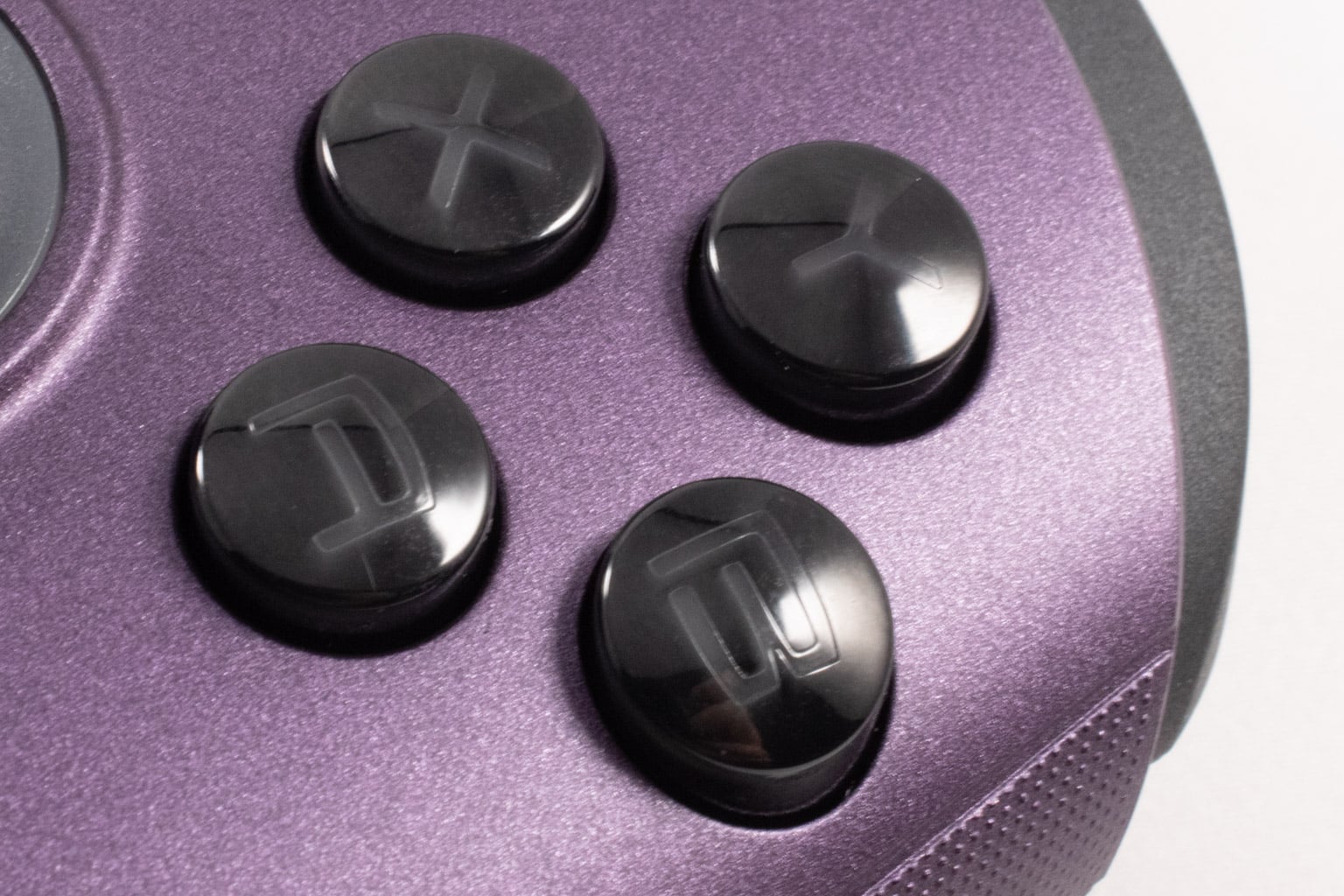
As always, let's start with the face buttons. They're membrane buttons and have nice feedback. They aren't that loud and are rounder than those on the Claw 8. Overall, pretty solid.
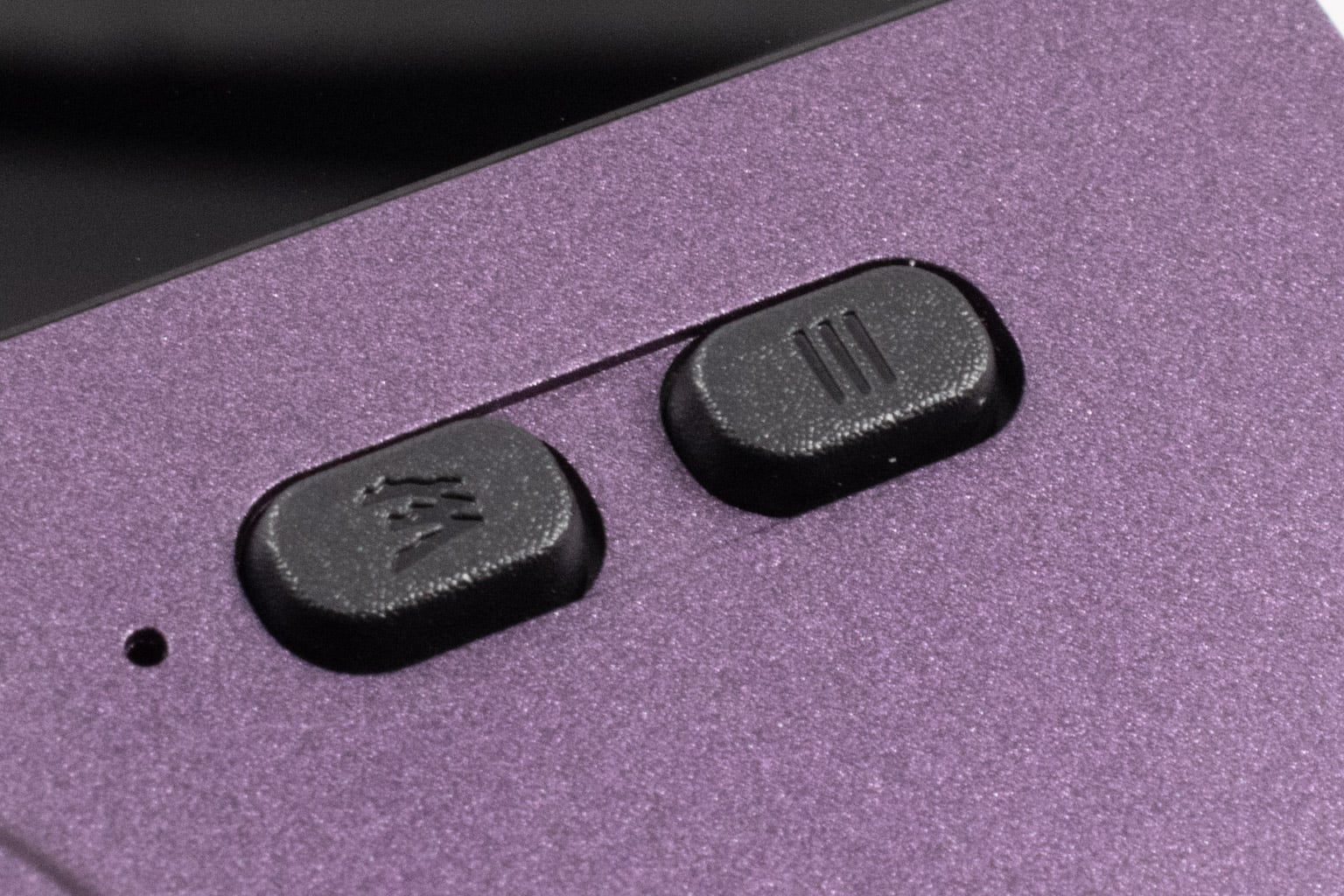
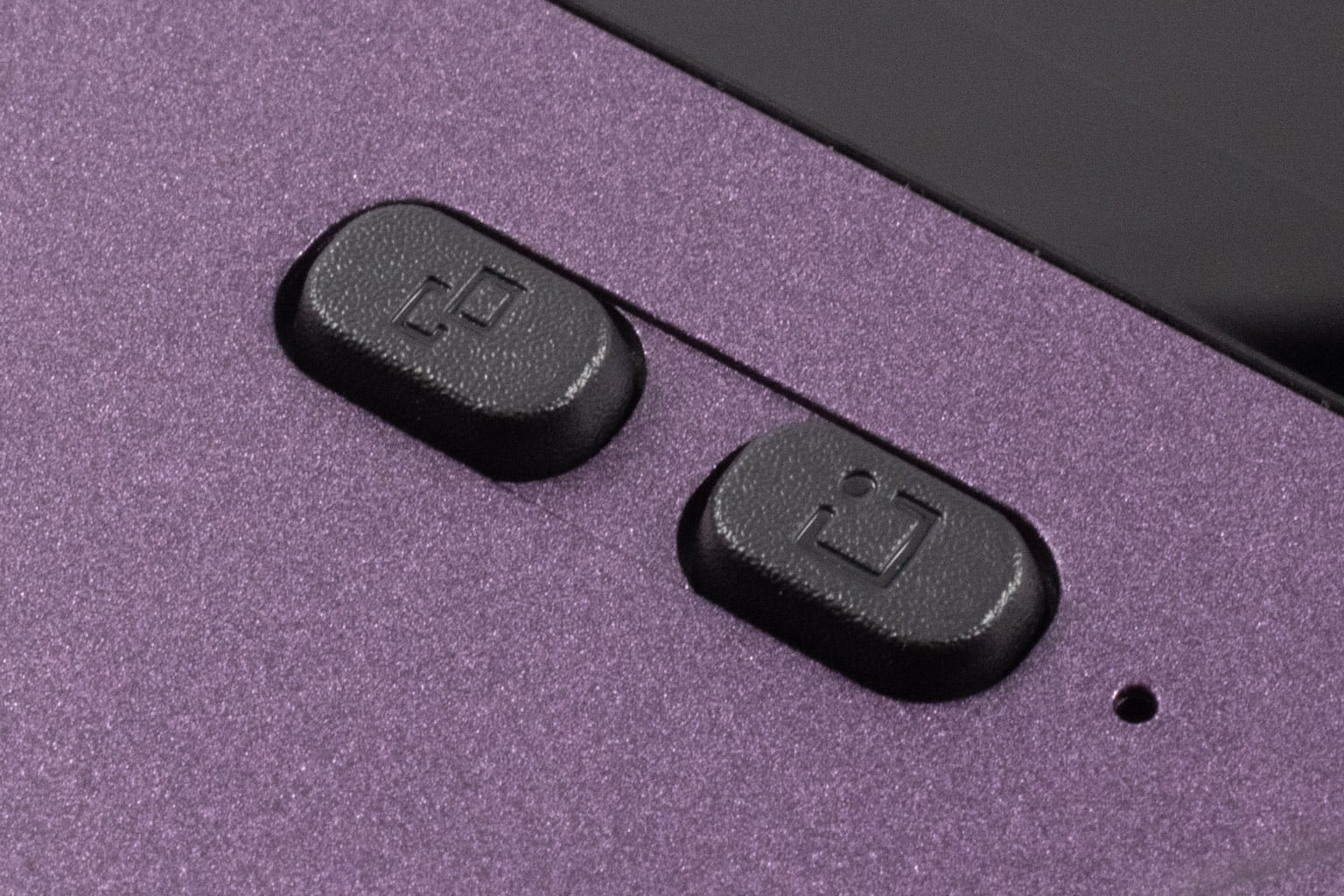
The four buttons placed around the screen are clicky. Their feedback is similar to the ones on the original Claw 8, but not as harsh, making them easier to press. MSI, like ASUS, decided to switch the positions of the two buttons that open Quick Settings and the control software, so now the MSI Center M button is on the right and the Quick Settings button is on the left, whereas they're the other way around on the Claw 8. This makes zero sense and only messes with your muscle memory if you're upgrading from the Claw 8 to the Claw 8 EX.
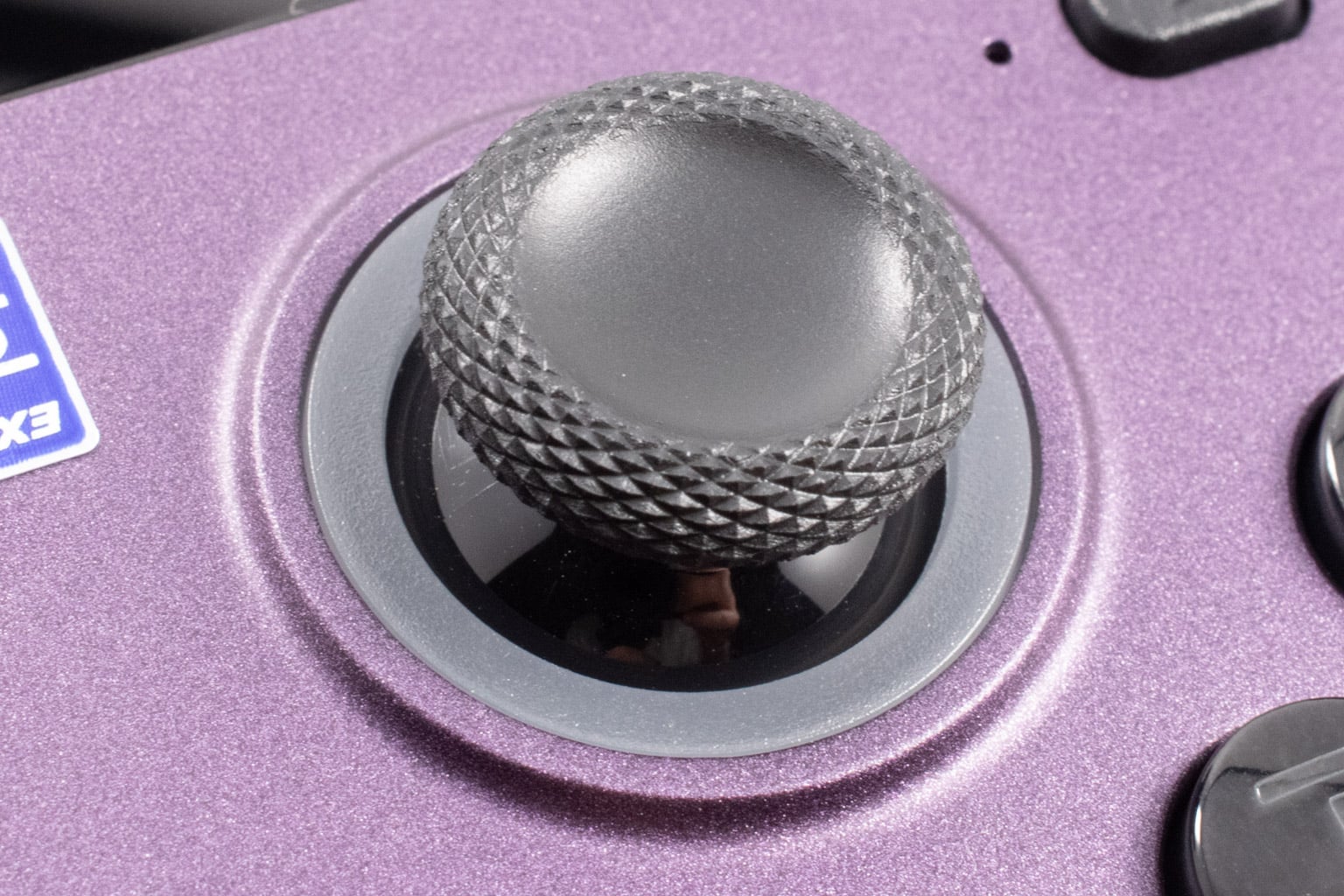
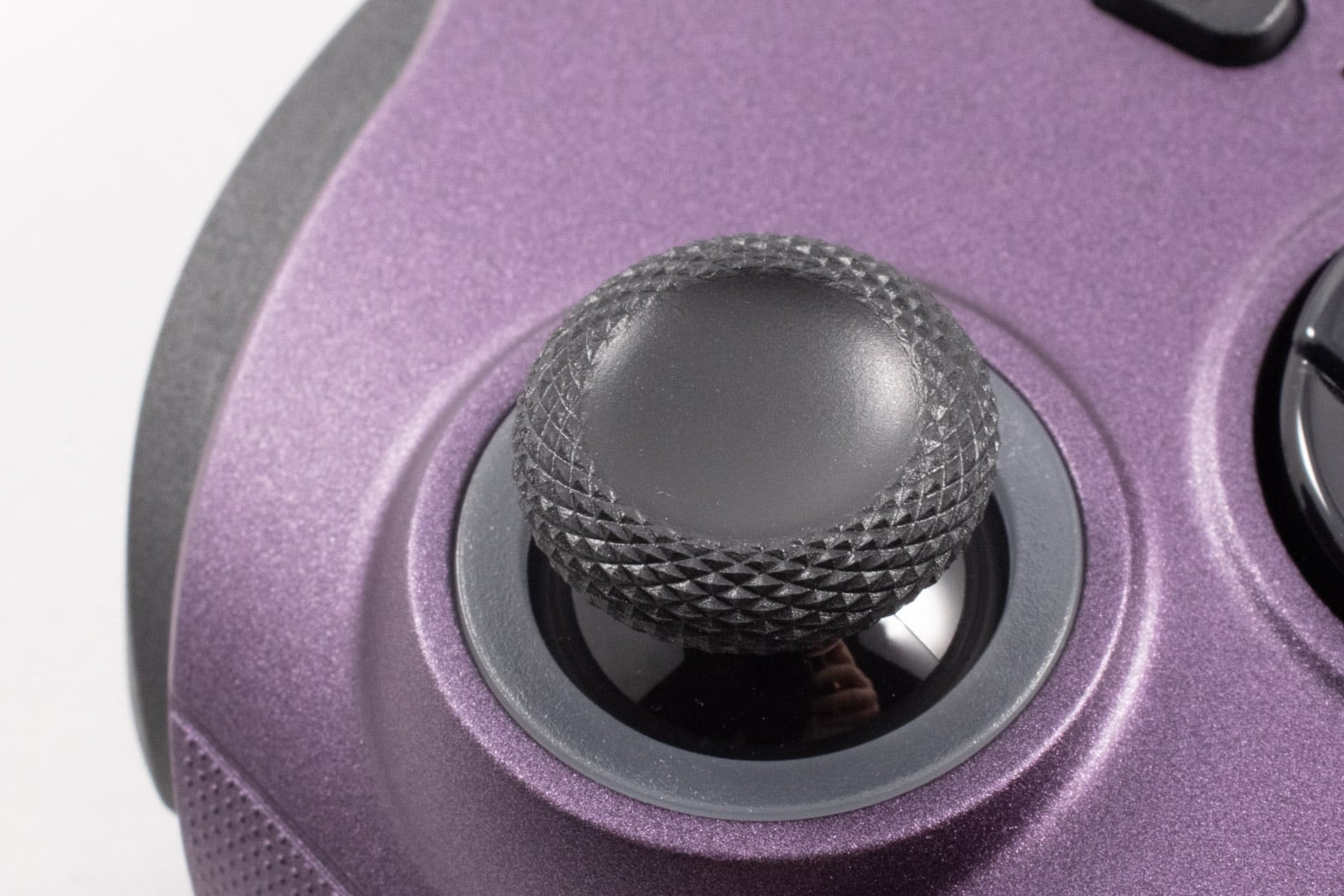
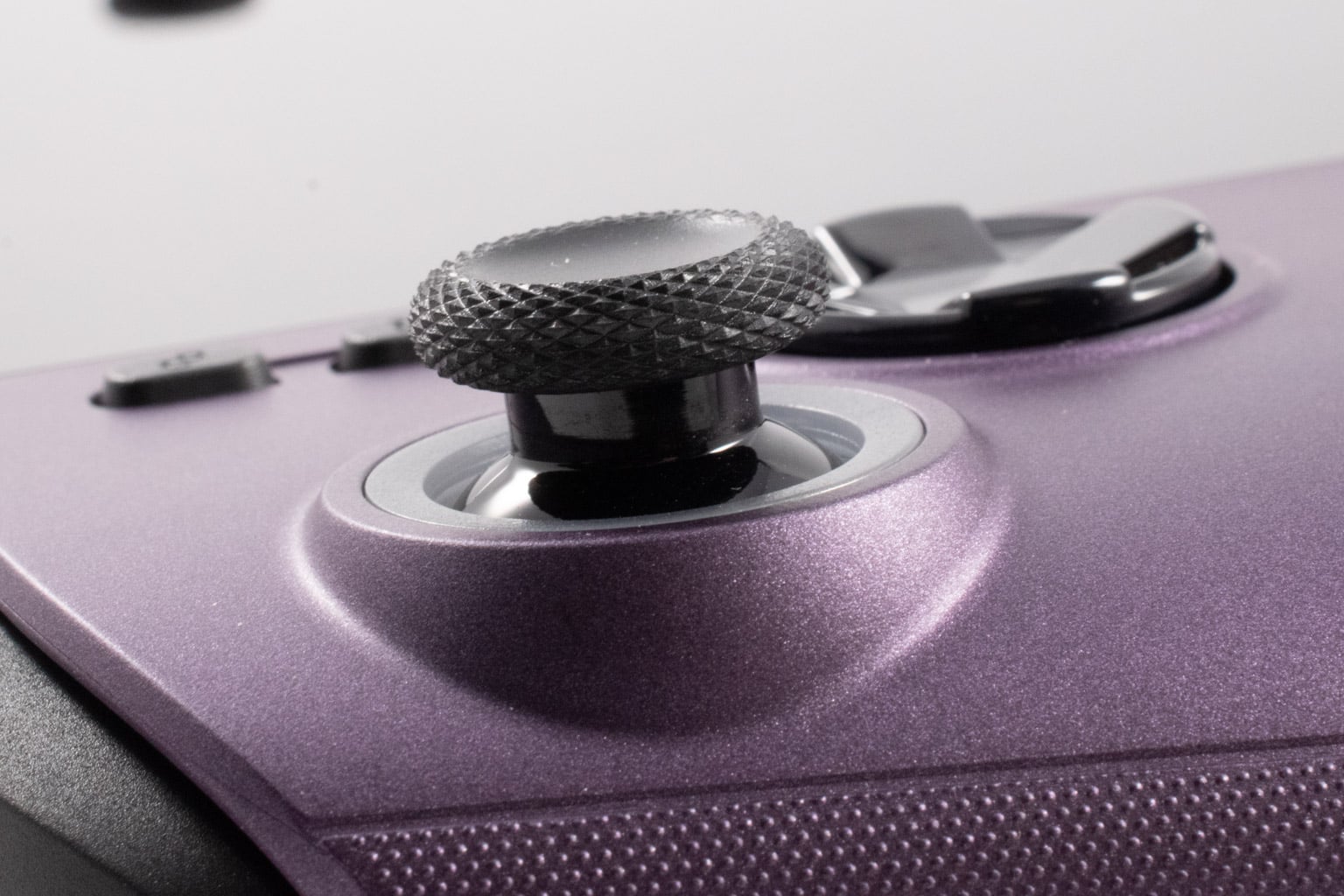
The thumbsticks use the same Hall effect modules as those on the Claw 8, meaning they're not full-sized but come very close. They're concave and very grippy, but we reckon that some gamers will find them too loose. We don't mind them; they're much better tension-wise than the ones on the original ROG Ally, but we agree that they may not be ideal for shooters, where tighter sticks can noticeably improve the overall experience.
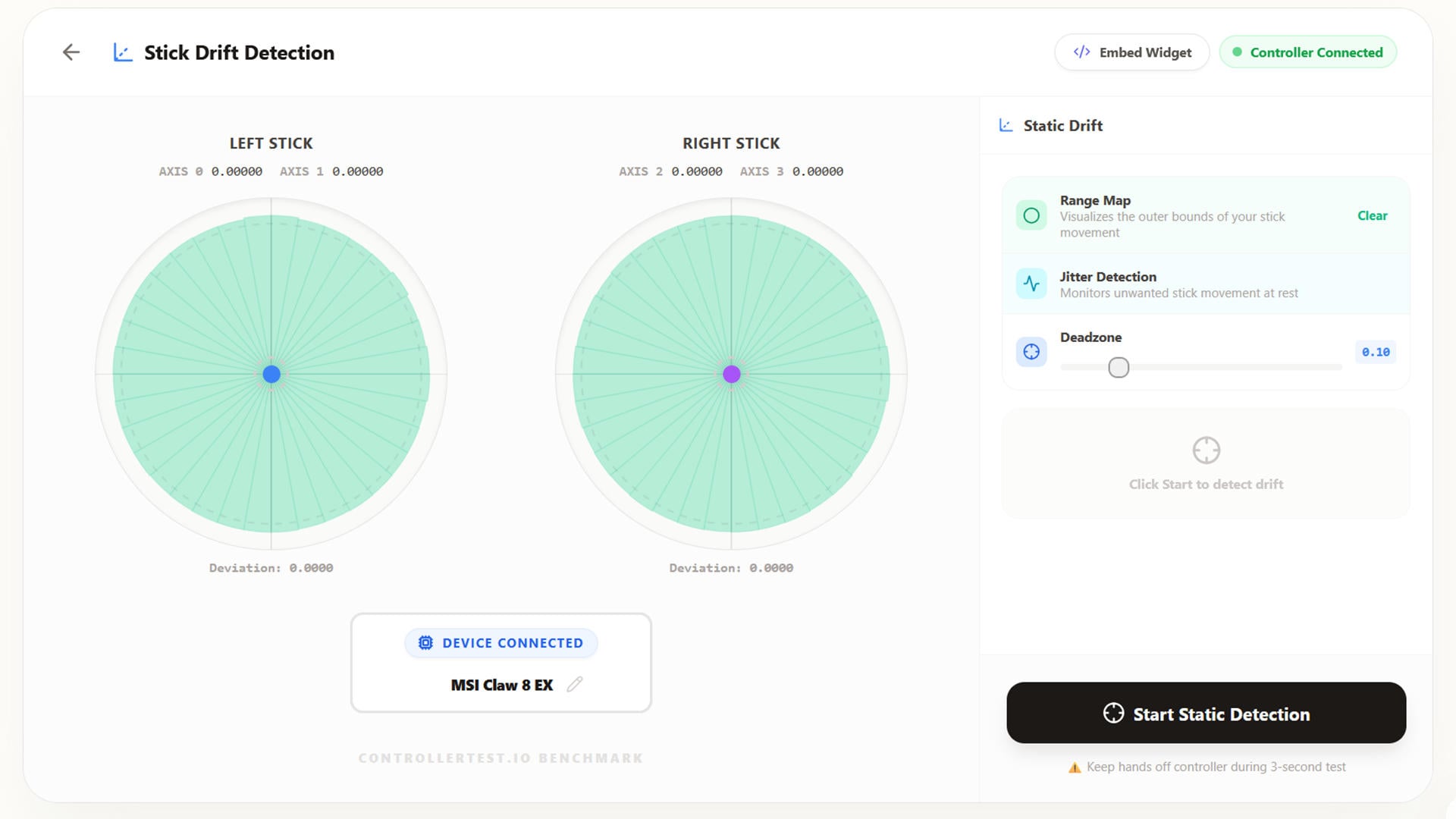
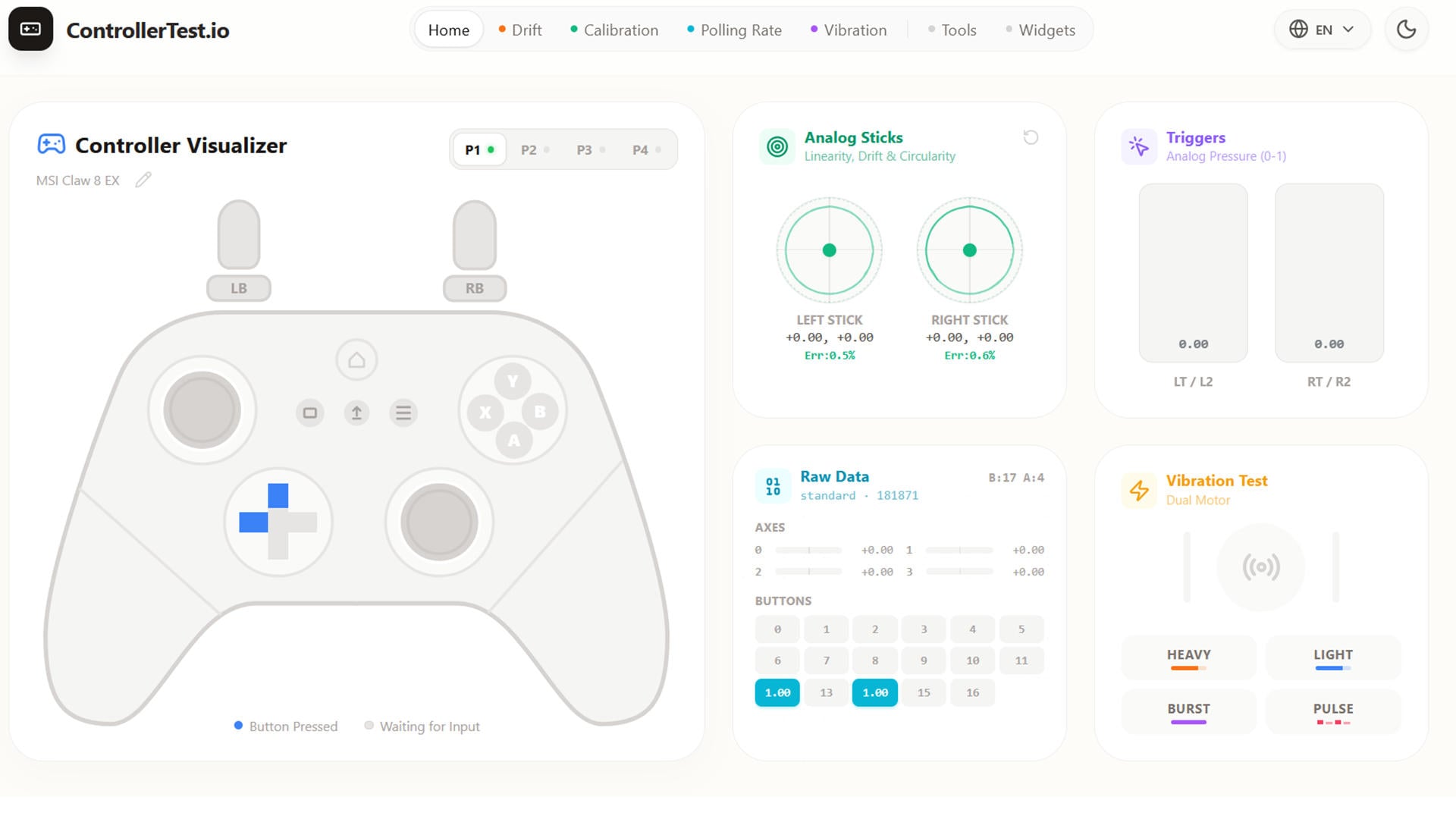
We used ControllerTest to test the analog sticks. As you can see, they're near-perfectly circular. Overall, aside from being on the looser side, we didn't experience any issues during our testing.
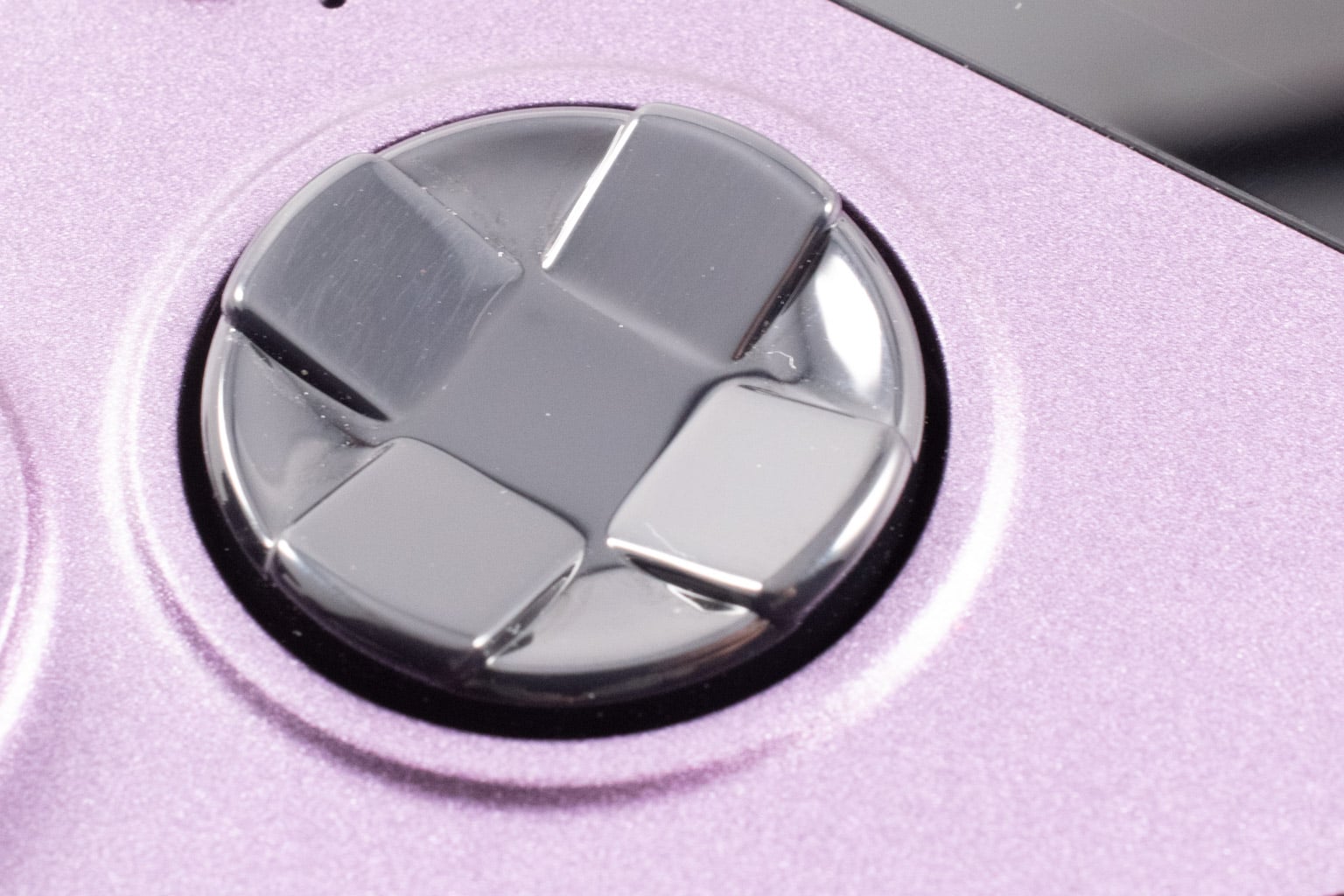
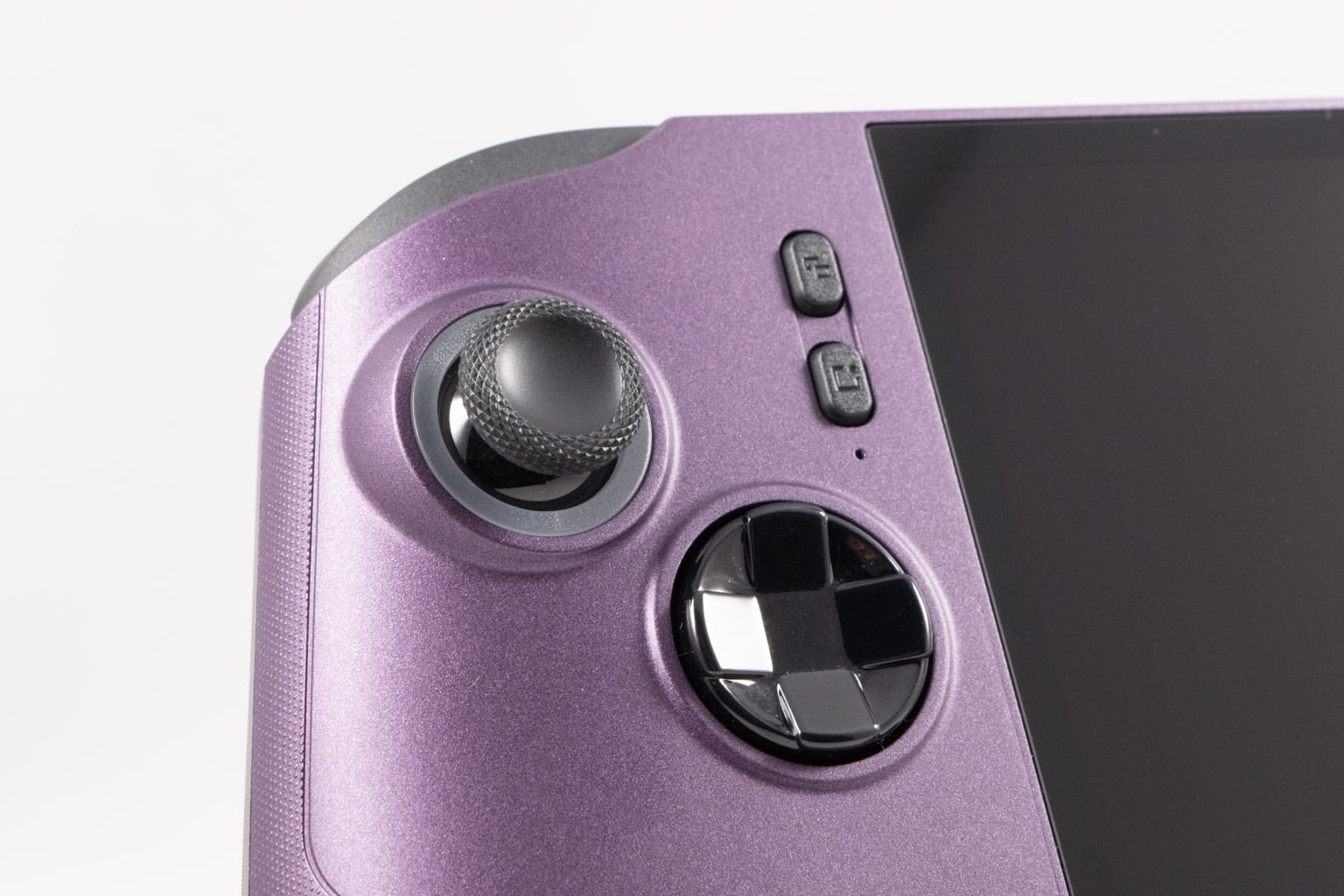
As for the d-pad, it feels like a mix of a rubber-dome and clicky microswitch design. That's because MSI used the same d-pad design but added a metal dome, making it sort of clicky but completely silent. We like the redesign, but couldn't do any in-game testing because our unit came with a defective d-pad. Pressing it just a tad harder would activate one of the adjacent directions (left also triggers up, right triggers up or down, and so on), making it unusable in games that require d-pad input, such as Tetris or 2D platformers. For what it's worth, we like the d-pad on the original Claw 8, and this one feels like a slight upgrade.
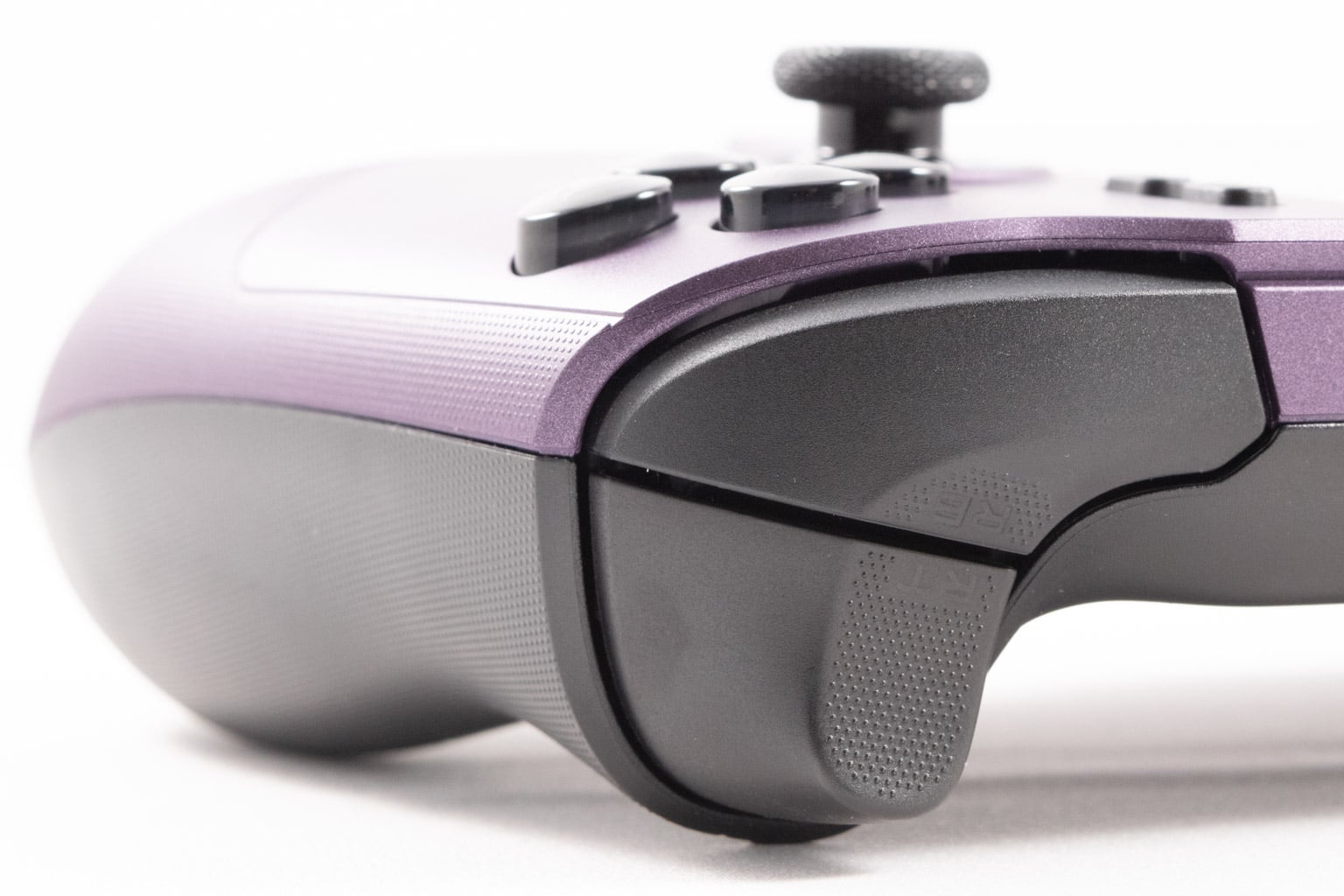
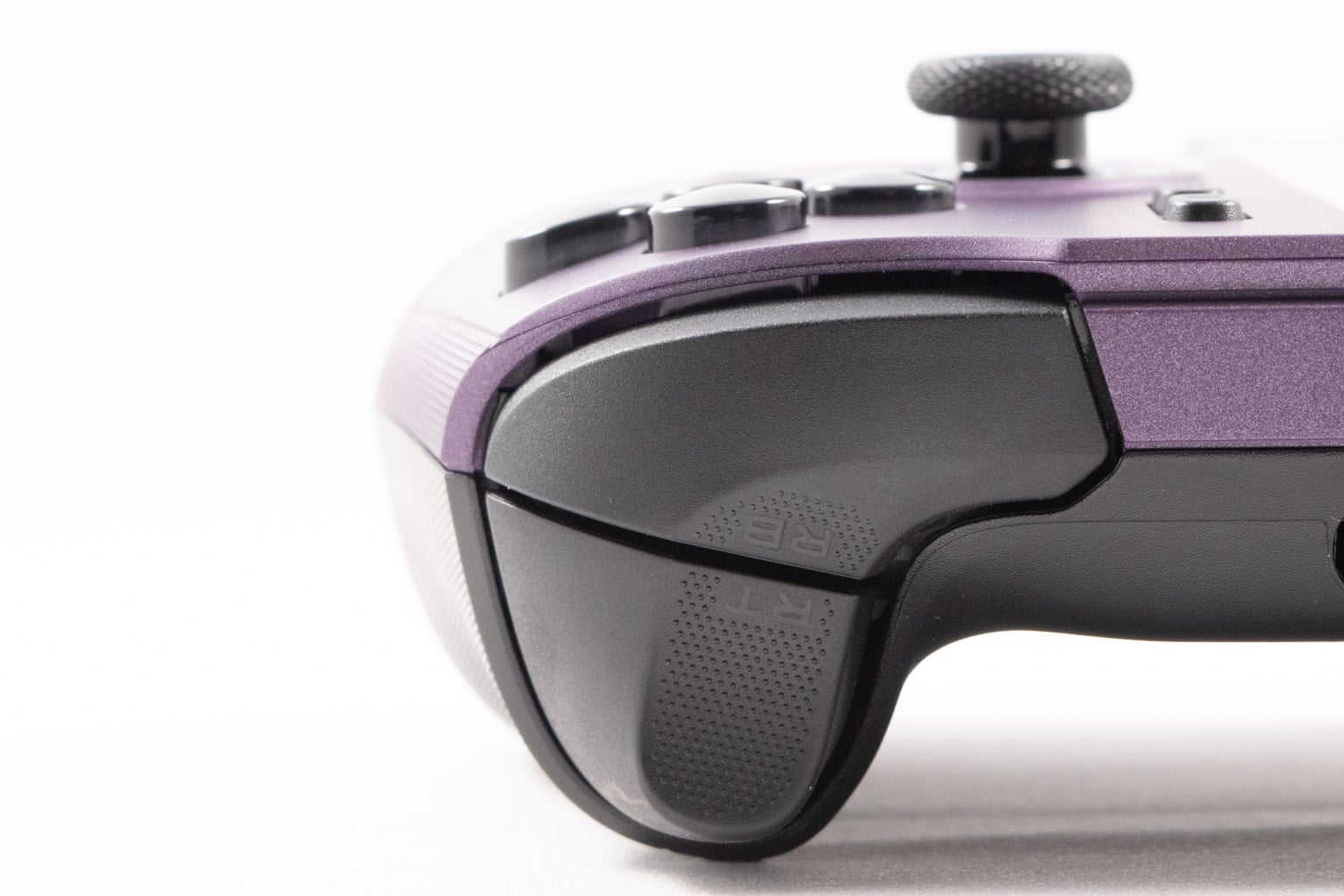
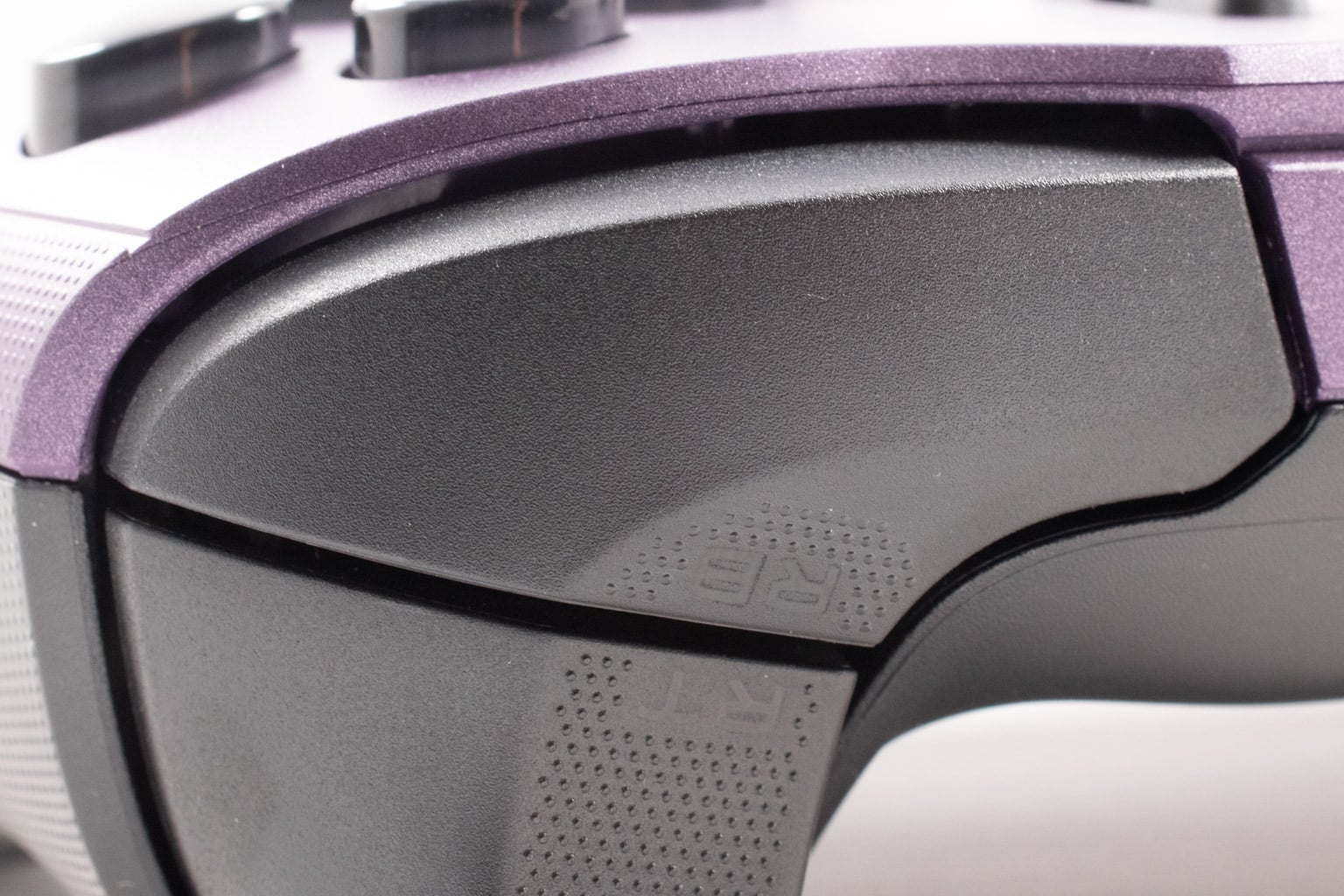
The bumpers are tactile and have that "hollow" click sound that we really like. That said, they can be hard to reach due to the size of the device, especially if you have smaller hands. As for the triggers, they're quite an improvement over the Claw 8. The width and shape are very similar (they're basically copies of the Xbox Series controller triggers, only wider), but the tension is noticeably increased over the previous Claw, making them feel much better when playing racing games. That said, the triggers on the ROG Xbox Ally X are better since they're wider and have trigger rumble.
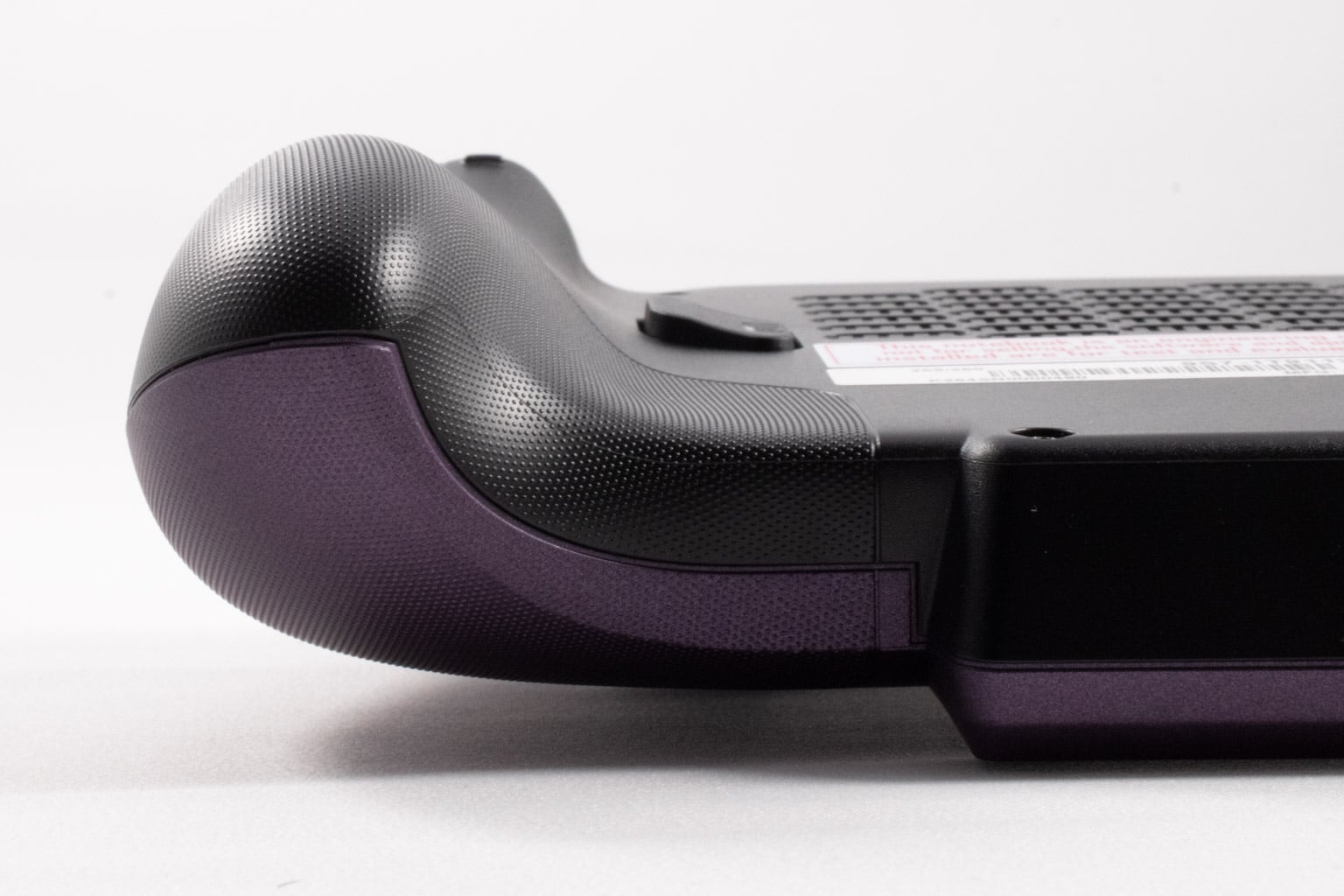
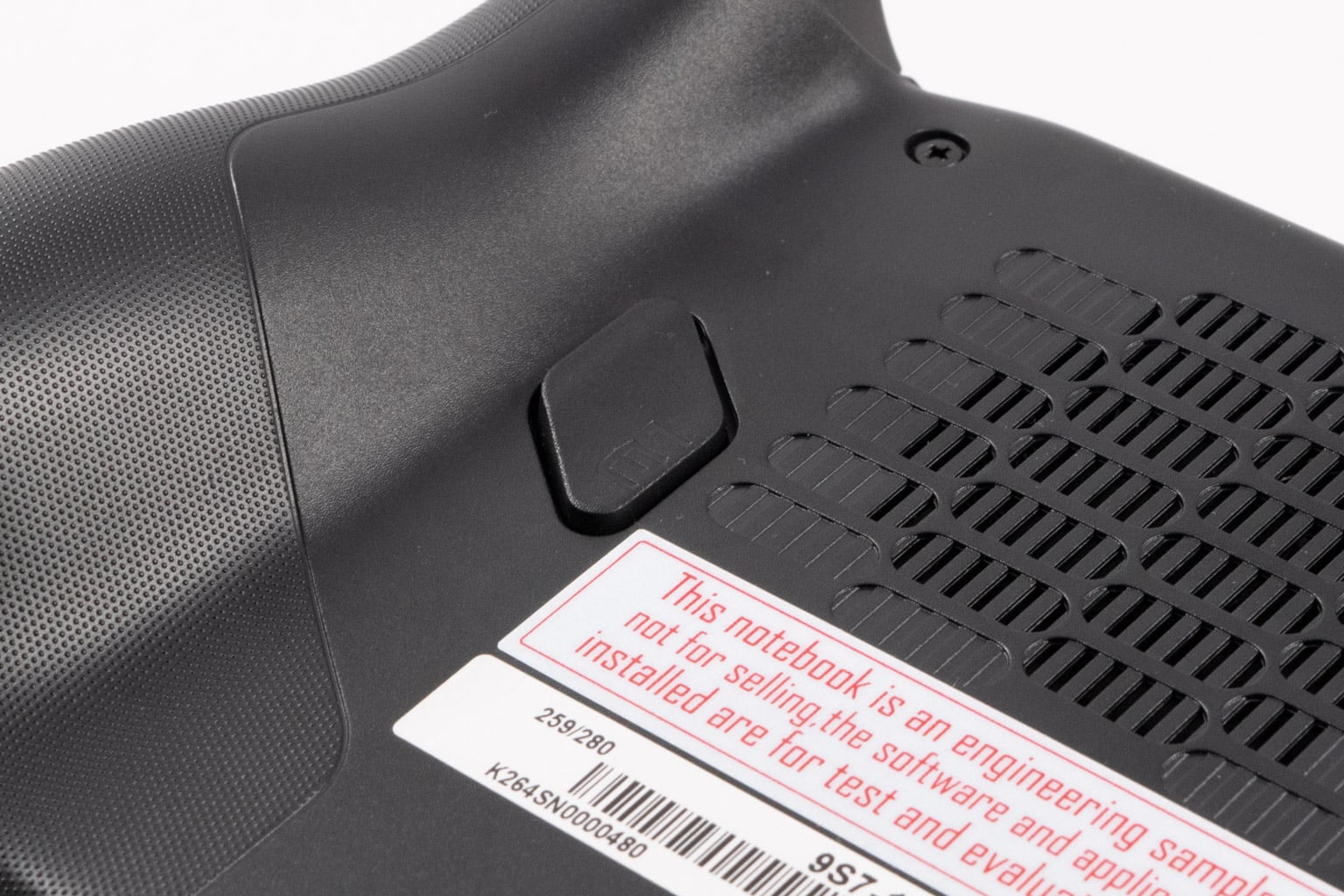
Lastly, the rear buttons are big and easy to reach and press. They're very usable while gaming and a much better implementation than the ones found on the Xbox Ally X, for instance.
Overall, the MSI Claw 8 EX has pretty good controls. The thumbsticks are a bit loose, but that's about the only proper downside, aside from the defective d-pad, which only affects our review unit.
Ergonomics
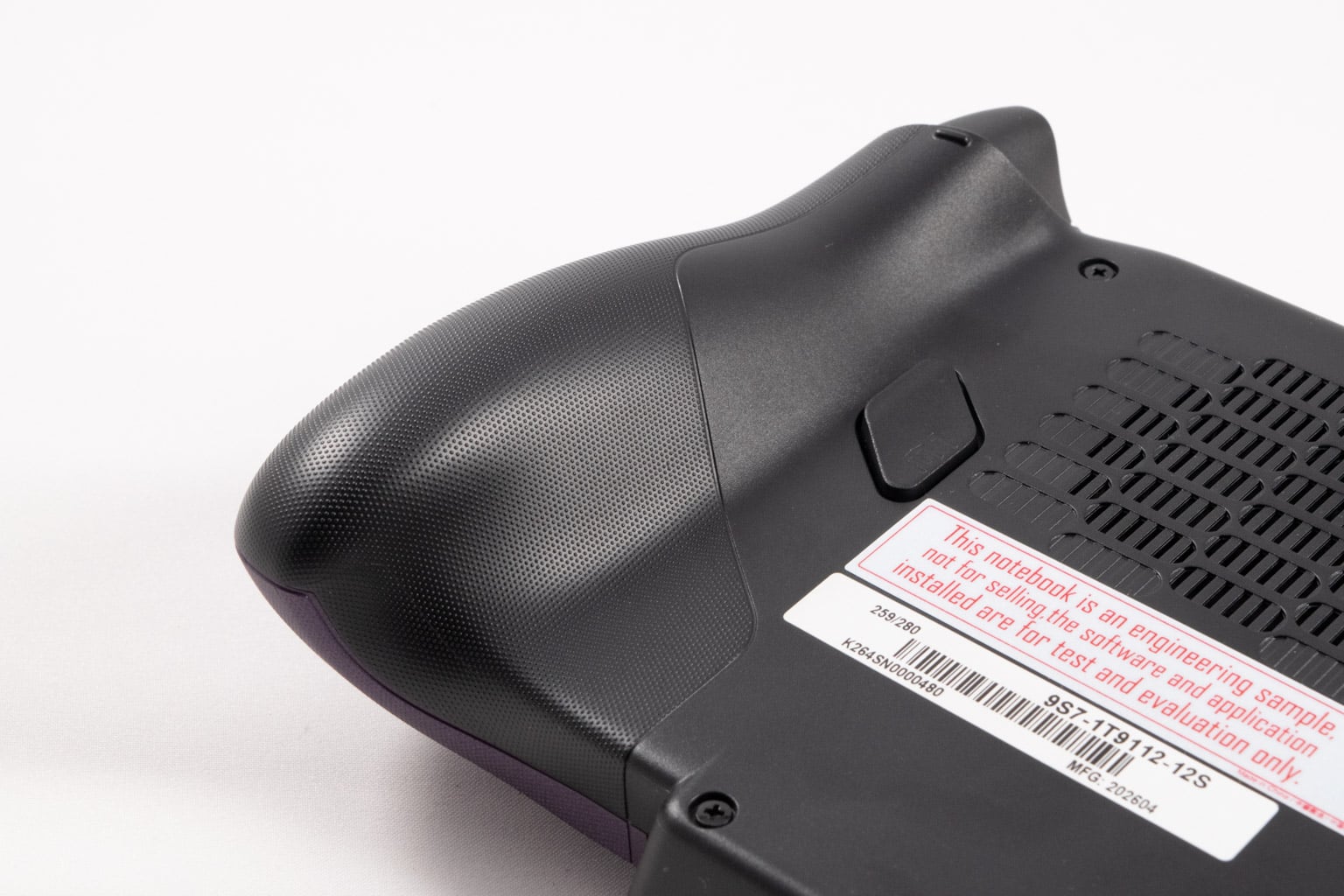
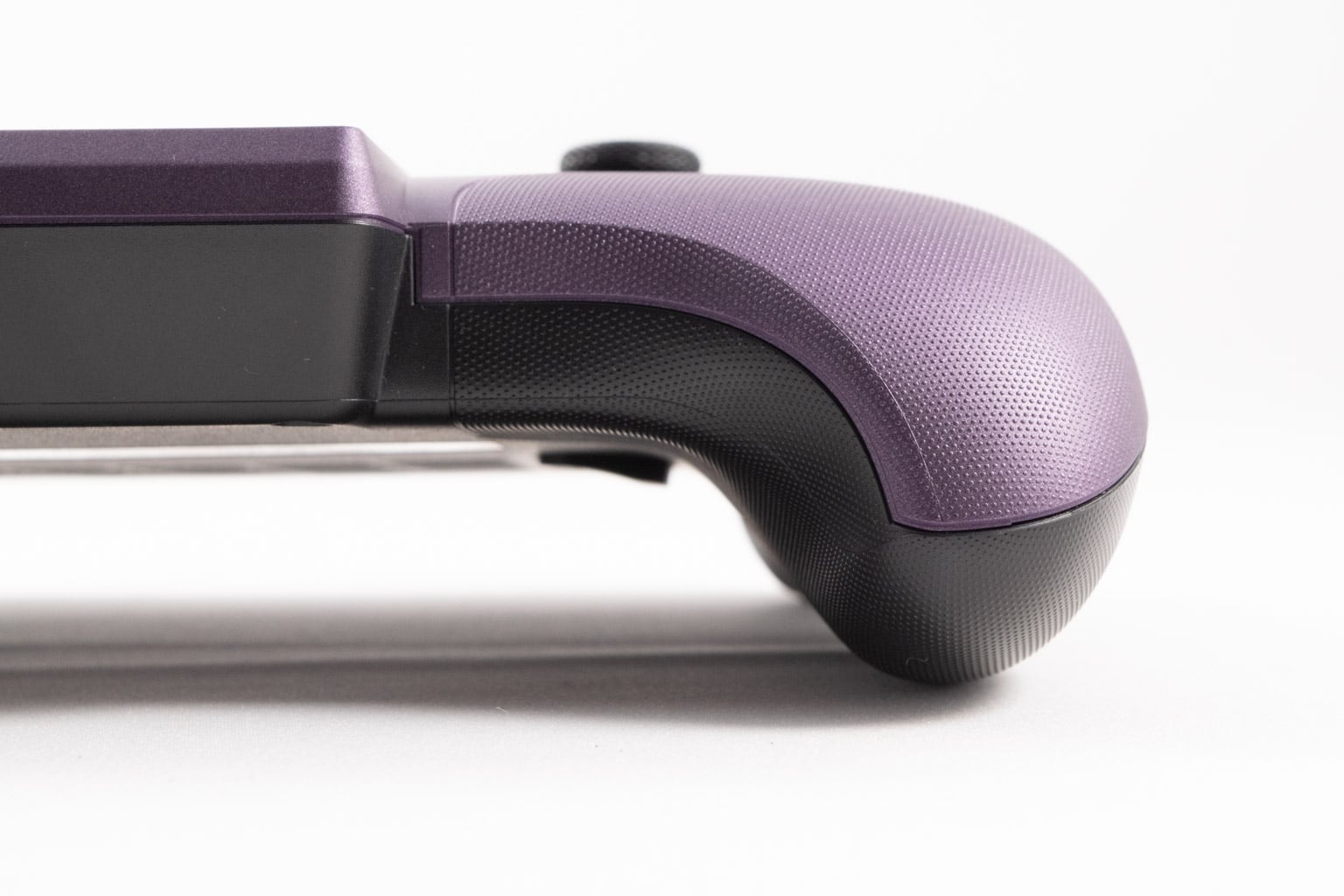
Similarly to the ROG Xbox Ally X, we knew we were dealing with an exceptionally comfortable handheld the moment we first held it in our hands. The wide and thick grips are perfect for long gaming sessions, and while the MSI Claw 8 EX is heavier than the Xbox Ally X, it feels almost as good in our hands thanks to its increased width and excellent weight distribution.
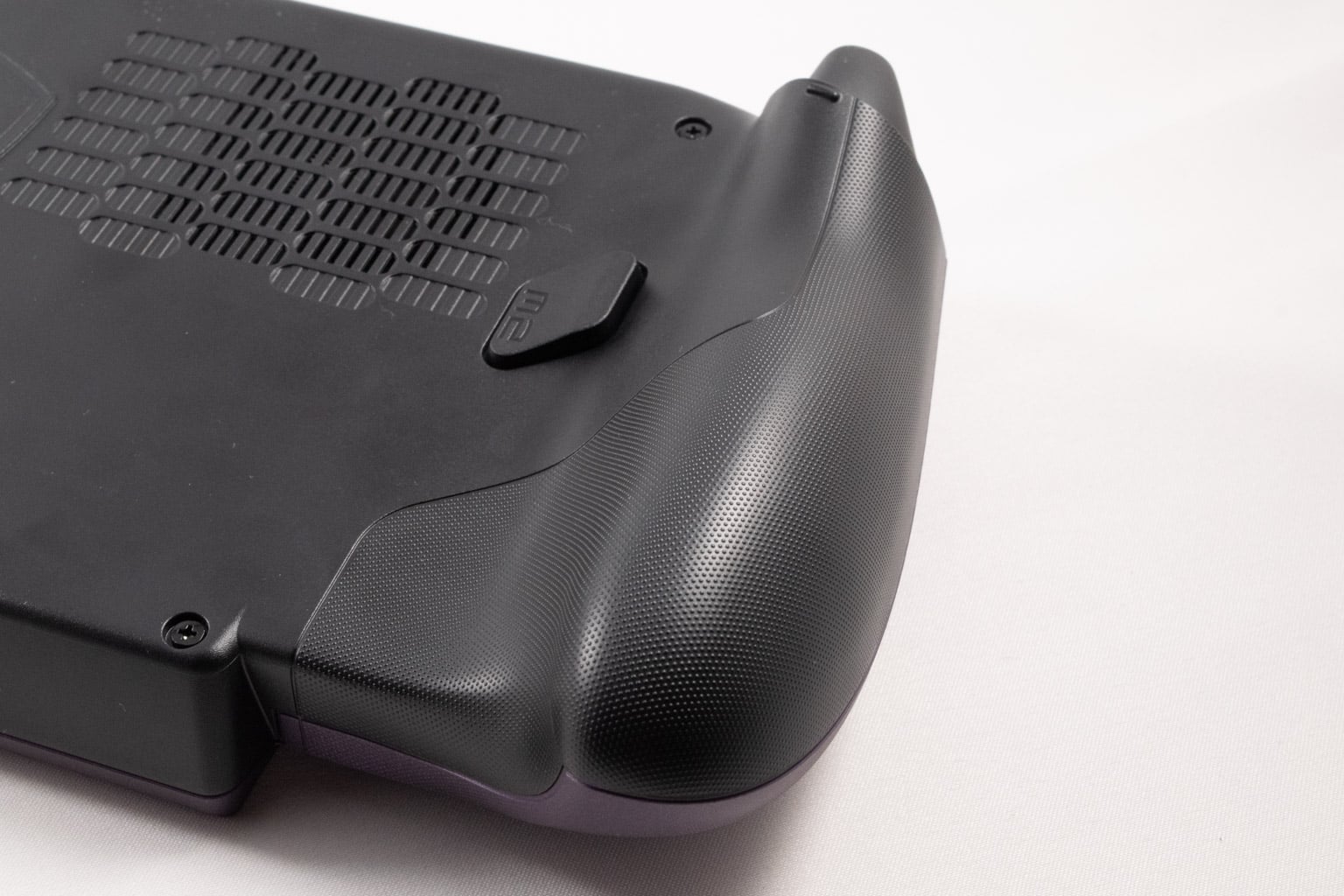
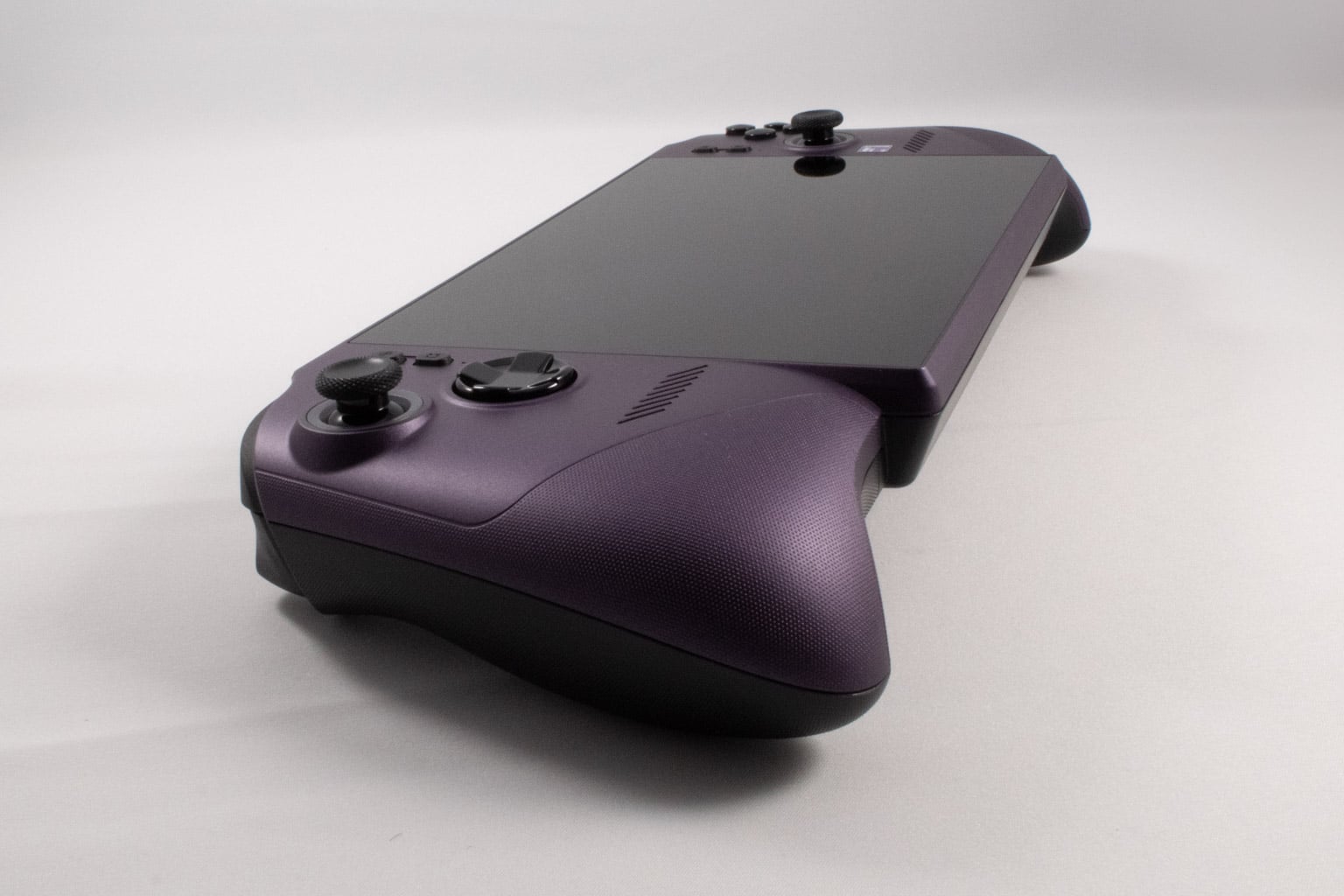
We didn't feel any wrist pain while gaming on the device, even during multi-hour sessions, and we're glad MSI took a page from ASUS' book and redesigned the Claw 8 EX to put ergonomics first and foremost. Sure, the thing's not a looker, but who cares when it's super comfy? Comfort is arguably the most important thing when it comes to handheld PCs after all.
While we had to submit this review much sooner than we'd have liked (our review unit arrived a week later than it was supposed to), we still spent about two dozen hours using the Claw 8 EX and can say that we didn't experience any wrist pain, even during multi-hour gaming sessions.
With all that said, we still find the ROG Xbox Ally X a tad more comfortable. If ASUS' handheld is a 10, this is a 9 or 9.5 in terms of comfort and ergonomics. We just hope other manufacturers will follow suit, because some handhelds out there look like a death sentence for the wrists. Just look at the Legion Go 2, which is impossible to use while lying down unless you're resting it on a pillow.
Nov 15th, 2026 20:17 CST
change timezone
Latest GPU Drivers
New Forum Posts
- GPU Temperatures Rise Very Quickly in FurMark – Is This Normal? (0)
- Will zen 6 mobos have anything extra vs current ones? (45)
- Your PC ATM (36433)
- It’s been fascinating times in Retro agian r36s isn’t even worth 50-65 dollars no more and newly listed Rm36 64gb 4in IPS models for only 34 dollars. (6)
- Power supply noise stops when I move the mouse (10)
- Can you guess Which game it is? (320)
- What is the latest game you finished or 100% (203)
- HP Office Jet 7740 Pro - Supply system problem with replacement cartridge (4)
- What are you playing? (26224)
- WarpCoreBench scores! (55)
Popular Reviews
- ASUS ROG Strix B850-I Gaming Wi-Fi7 W Review
- Corsair HX1000i Shift Crystal Review
- AMD Zen 6 Technical Deep Dive
- Upcoming Hardware Launches 2027 (Updated Nov 2026)
- Montech King 95 3D PRO Review
- NZXT C1200 Platinum Review
- Phantom Blade Zero Performance Benchmark Review - 35 GPUs Tested
- AMD Ryzen 7 9800X3D Review - The Best Gaming Processor
- NZXT H7 RGB+ Review
- NZXT H5 Review
TPU on YouTube
Controversial News Posts
- NVIDIA Co-Founder and CEO Jensen Huang Officially Resigns (430)
- Open Letter Asking NVIDIA to Reinstate Jensen Huang Passes 115,000 Signatures (184)
- OpenAI CEO Argues Home PCs Waste the World's Limited DRAM Supply (152)
- NVIDIA Launches Investigation Into Jensen Huang's Relationship With Suspected Chinese Spy (136)
- Intel "Raptor Lake Next" 16-Core and 20-Core CPUs Surface (130)
- Legendary Game Studio BioWare Shuts Down Following EA Layoffs (104)
- Dell CEO Says the Memory Shortage Will Get Worse in 2027 (95)
- NVIDIA GeForce RTX 50-Series Scheduled for up to $500 Price Hike This Week (89)