 14
MSI Crosshair 16 HX AI (D2XW) Review - The Mid-range Choice for a Vivid Display
Ports & Connectivity »A Closer Look - Outside
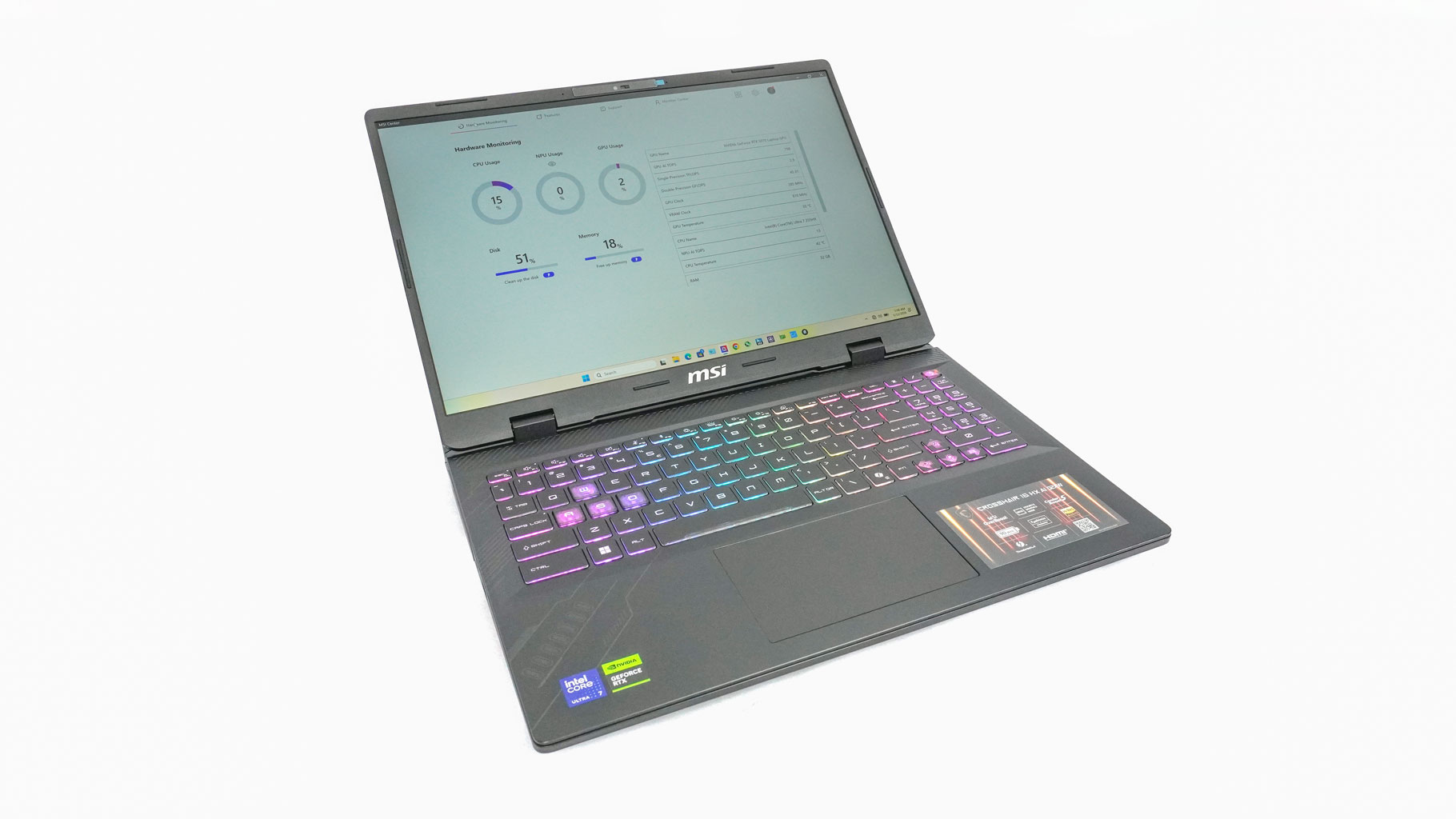
The Crosshair 16 HX definitely looks like a gaming laptop straight out of MSI's portfolio.
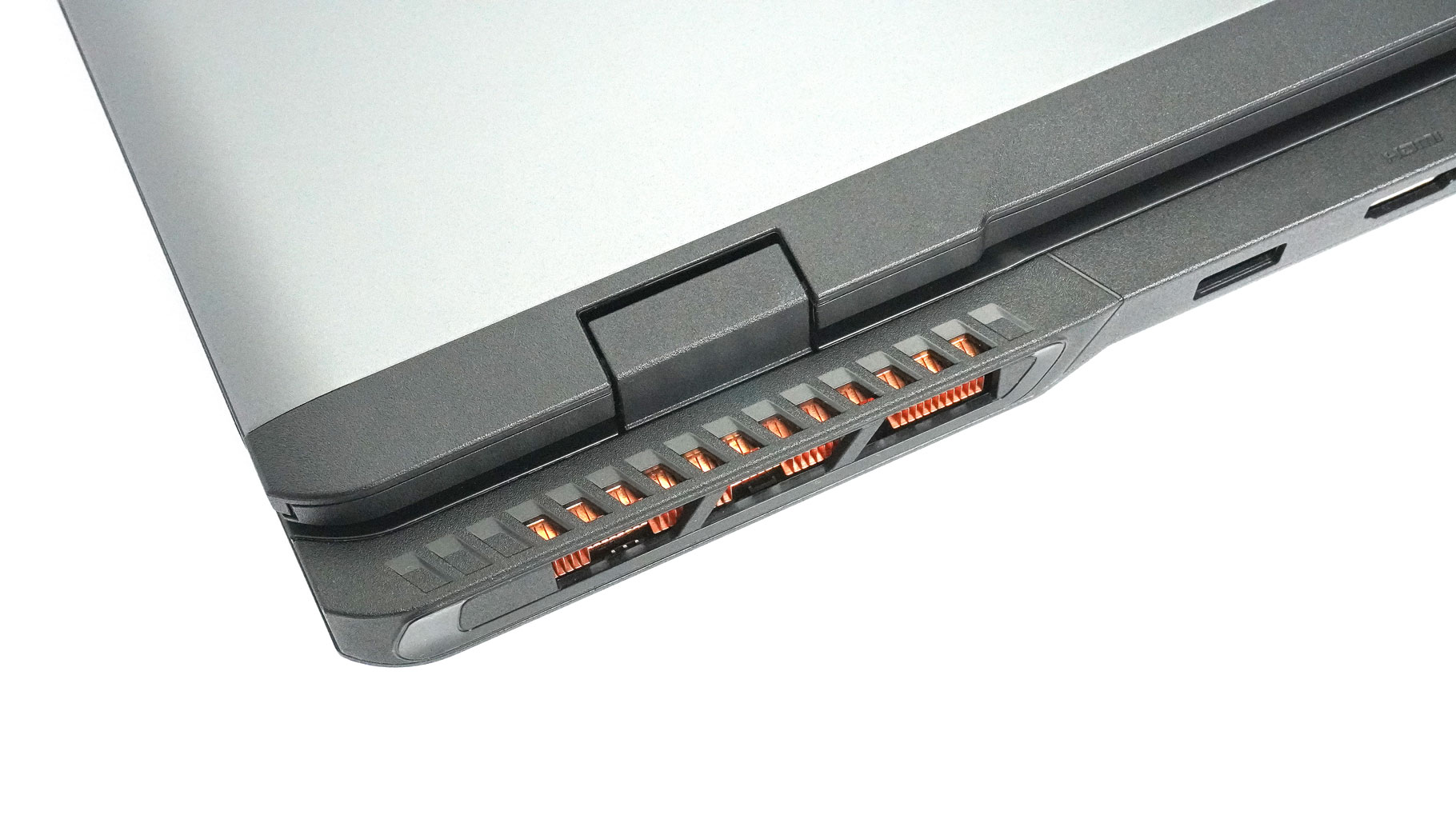
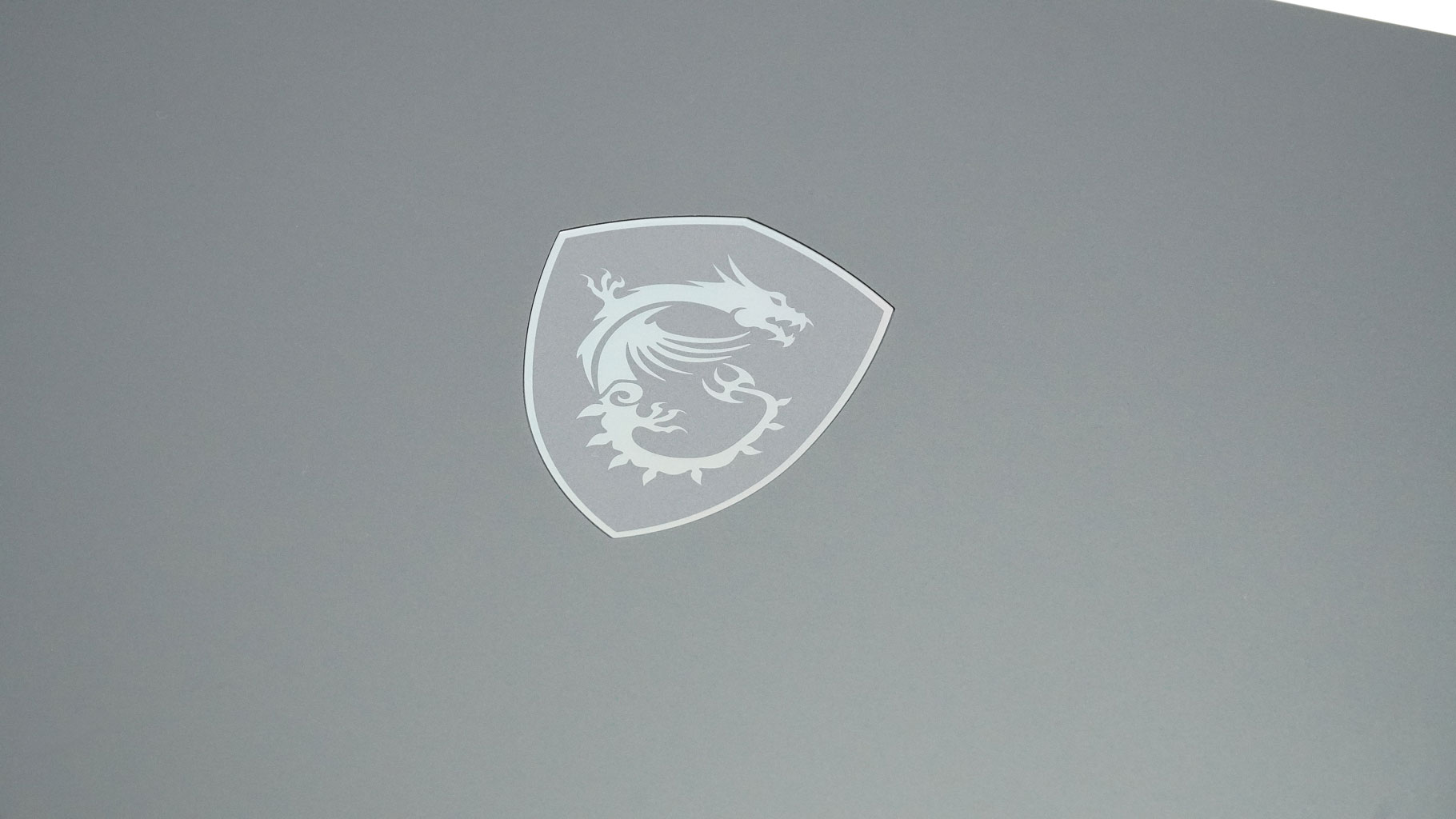
Its signature design traits are hard to miss, from the side exhausts and sculpted bottom cover to the huge logo on the lid.
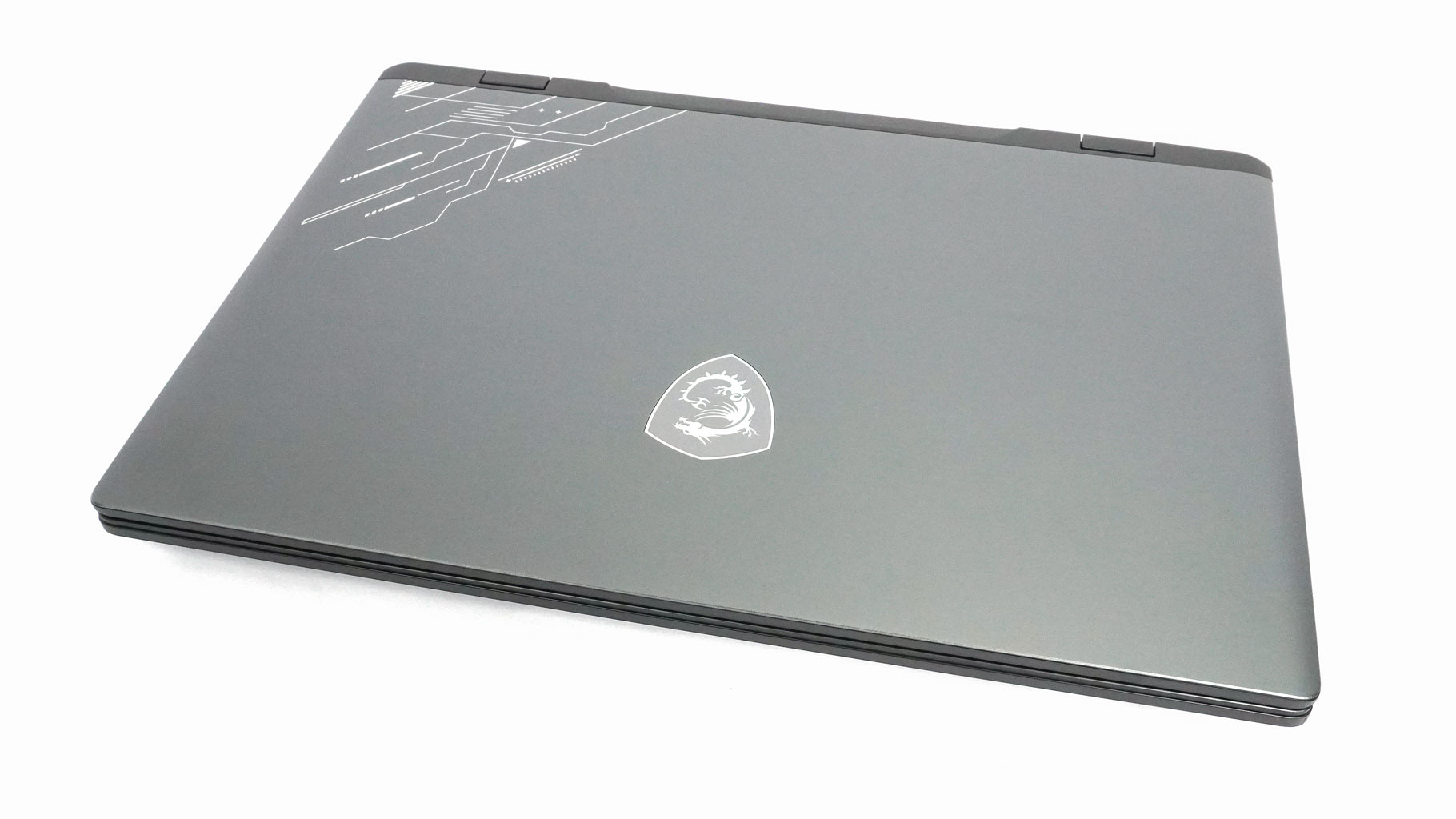
The latter is made of metal, and its mecha-inspired pattern looks like a sci-fi cockpit's HUD or tactical circuitry. Plus, the lines are semi-reflective, so they are flashing with iridescent purples, blues, and golds when the light is right.
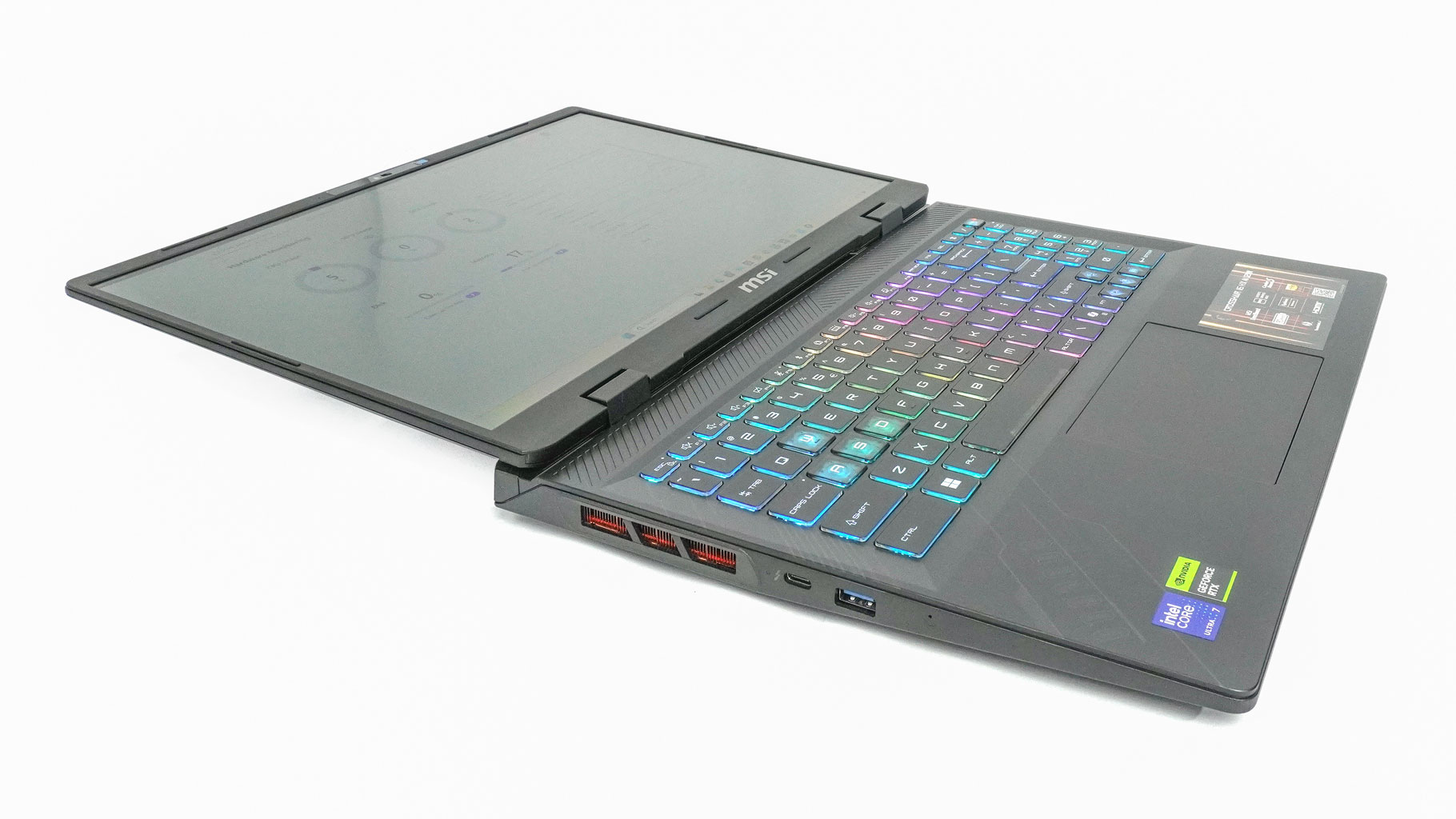
Opening the device with one hand up to 180 degrees is a breeze. The hinges feel stable, even though the lid isn't actually that heavy.
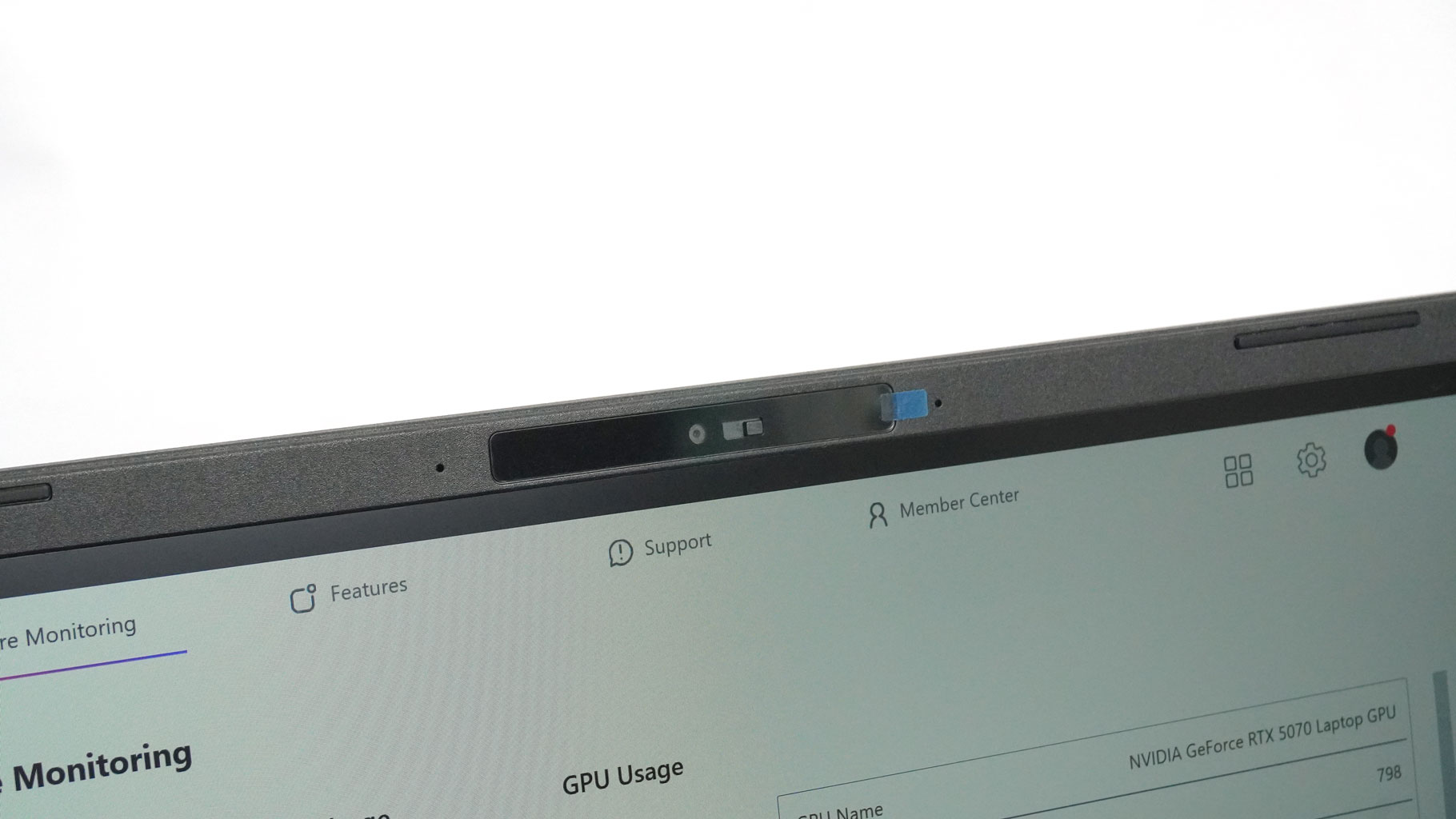
The top-mounted 720p webcam lacks IR functionality, but you do get a physical privacy shutter and 3D Noise Reduction.
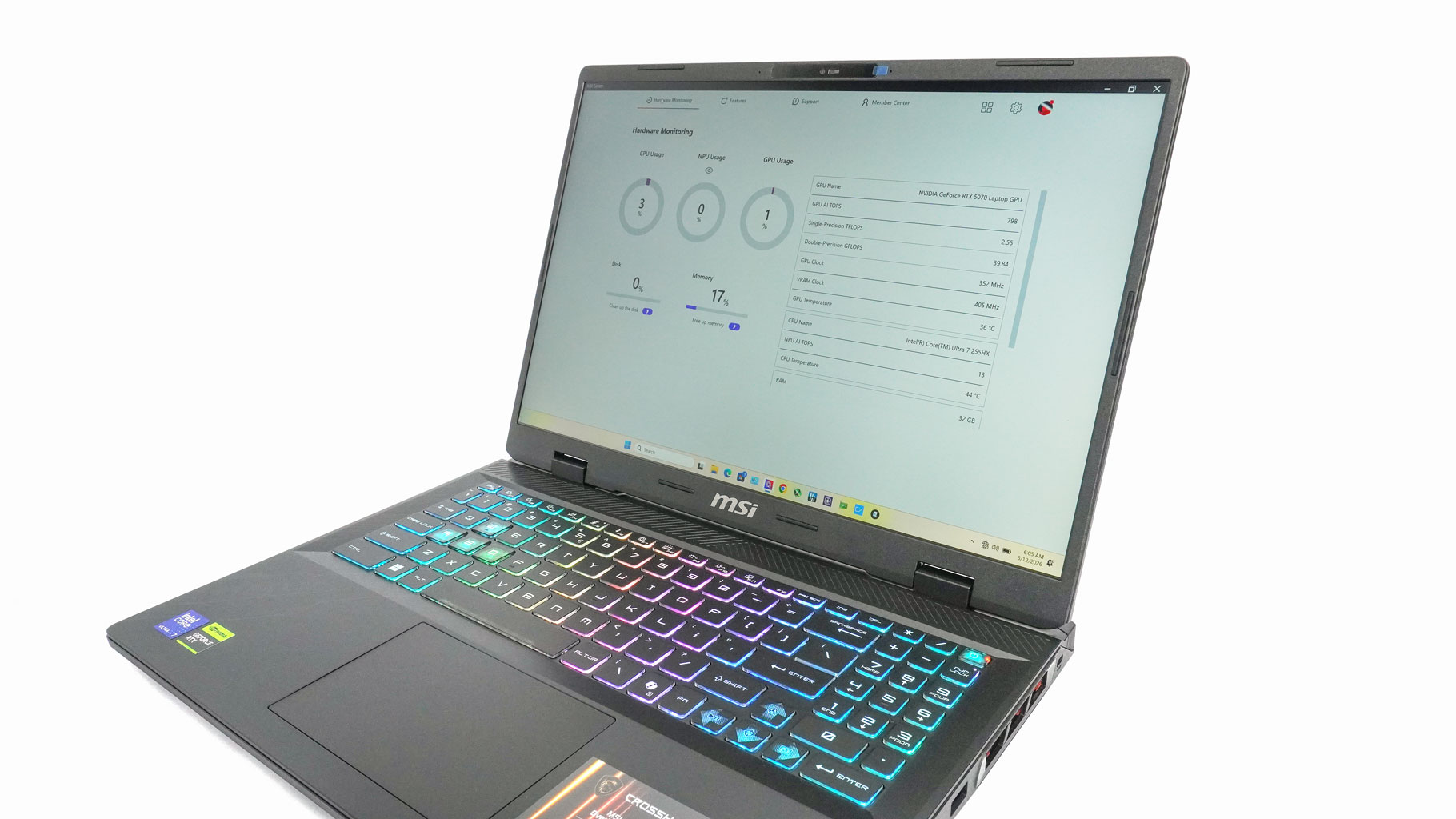
The bezel thickness is alright, except for the massive bottom chin. Still, that's pretty typical stuff for a machine in this price class.
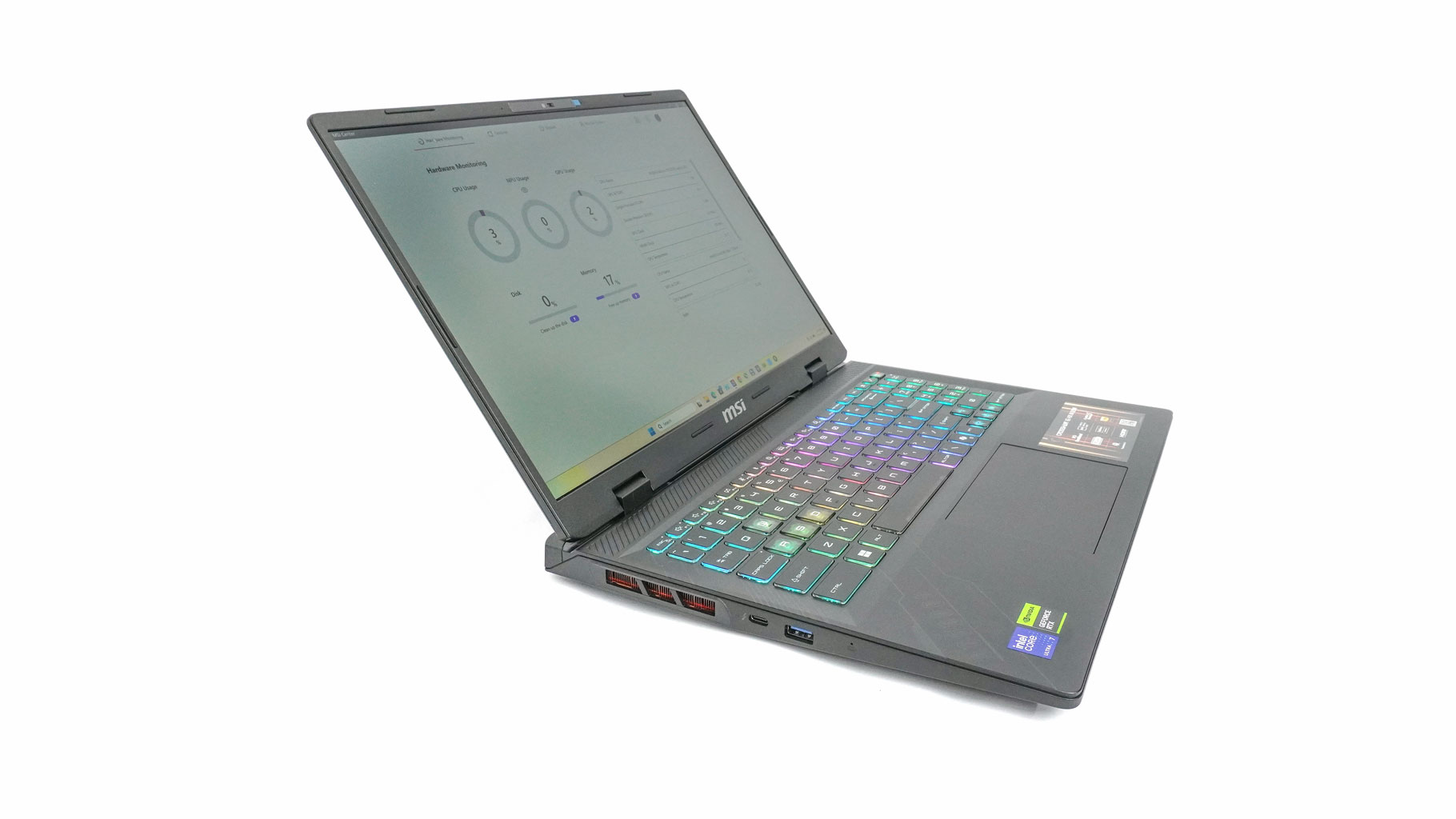
Overall, the chassis feels rigid enough despite the main body being plastic. Pushing down hard doesn't result in much visible flex or any strange creaking noises. The 180-degree hinge is a nice bonus, too.
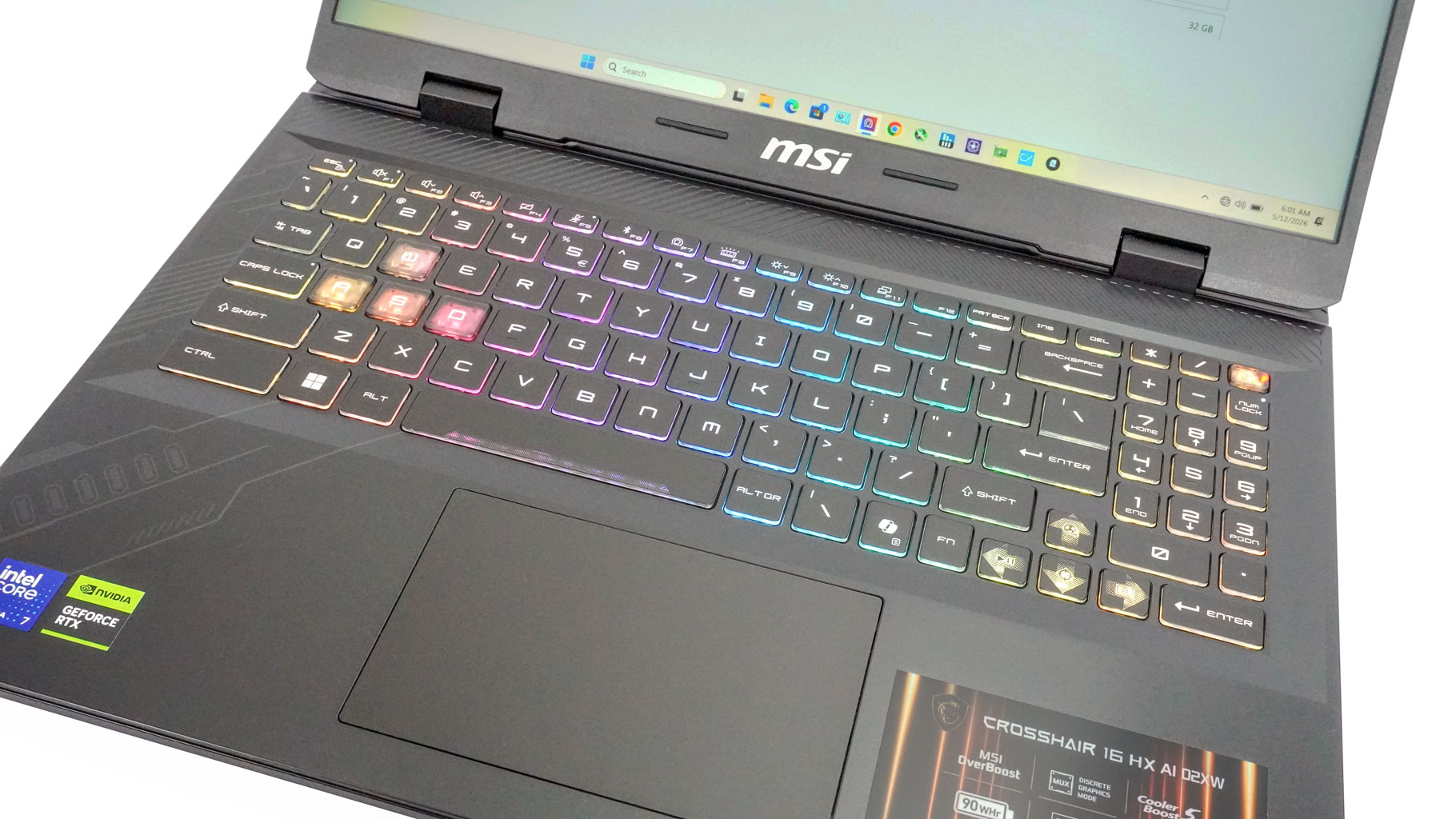
The 24-zone SteelSeries RGB keyboard is hard to fault. MSI claims a 1.7 mm key travel, and while I can't officially measure it, it feels great whether you're gaming or typing. The same goes for the tactile feedback.
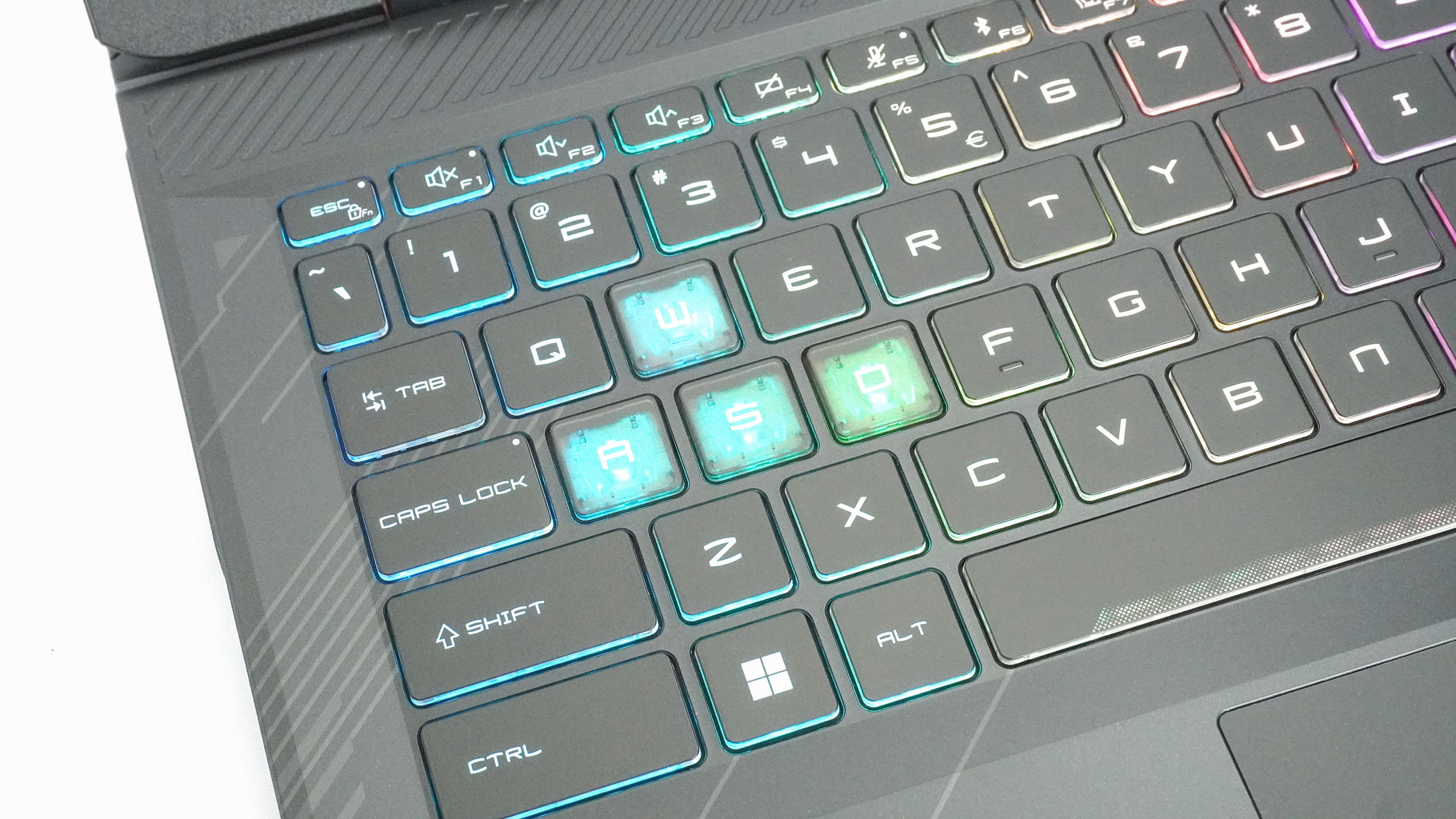
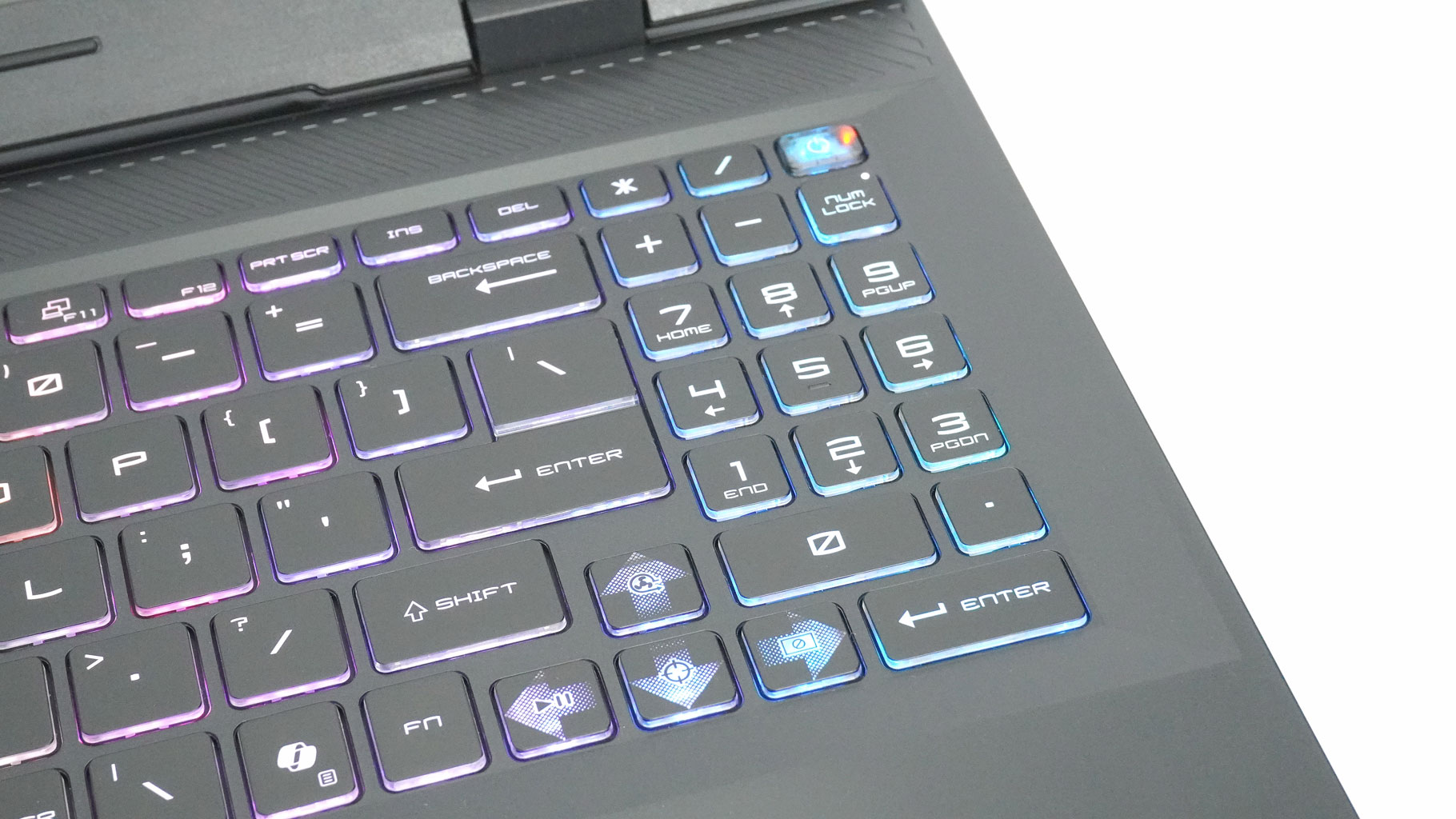
The translucent, illuminated WASD zone looks seriously cool in person. The arrow keys match the size of the NumPad keys, which are squished into three rows instead of the usual four. They also double as shortcuts for media controls, activating the Cooler Boost function, and more. I played CS2 for around an hour. Anti-Ghosting seems to work pretty well.
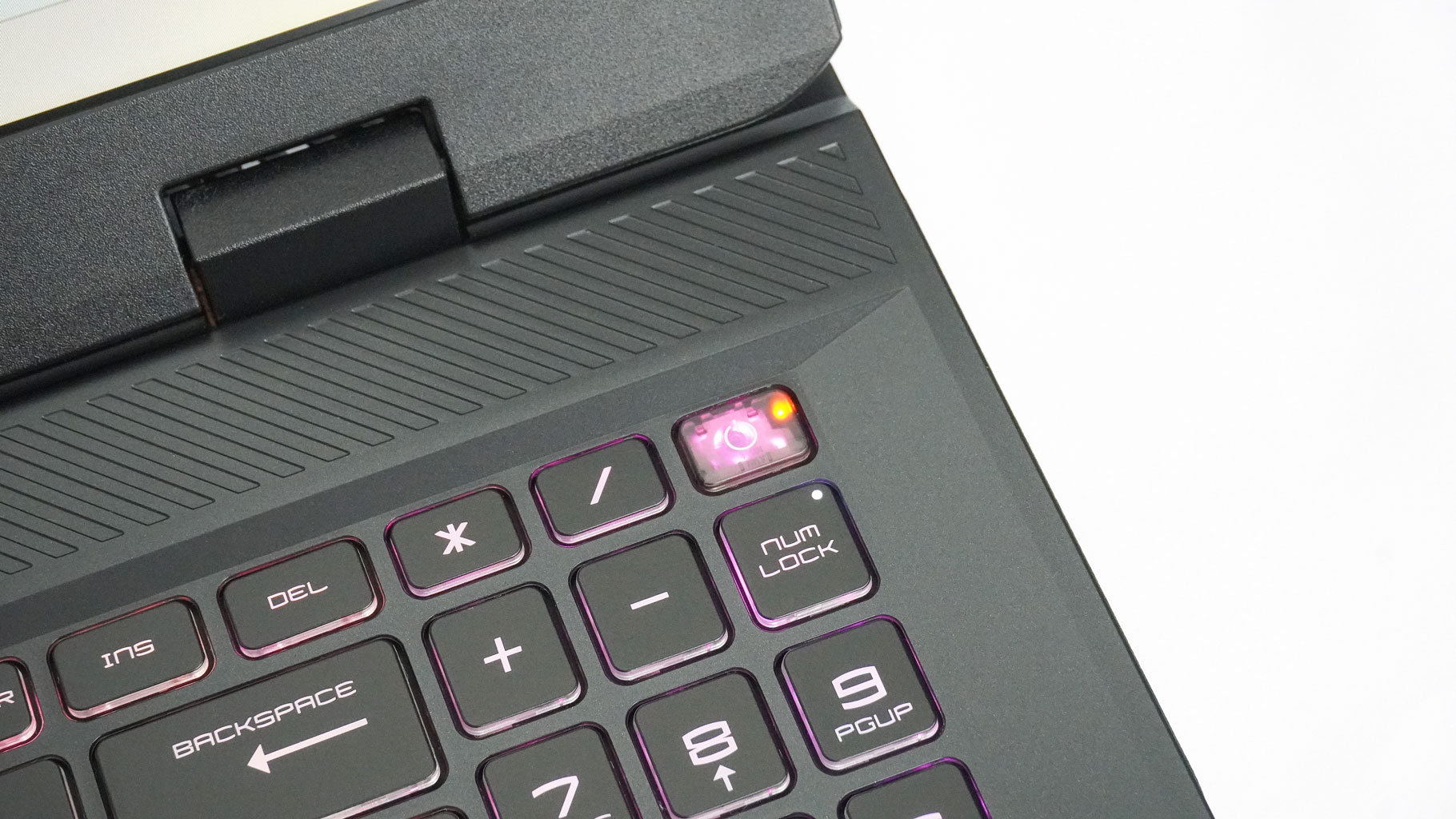
The power button sits in the top right, and its status LED changes color based on your active GPU mode. Amber light means you're running on the discrete GPU.
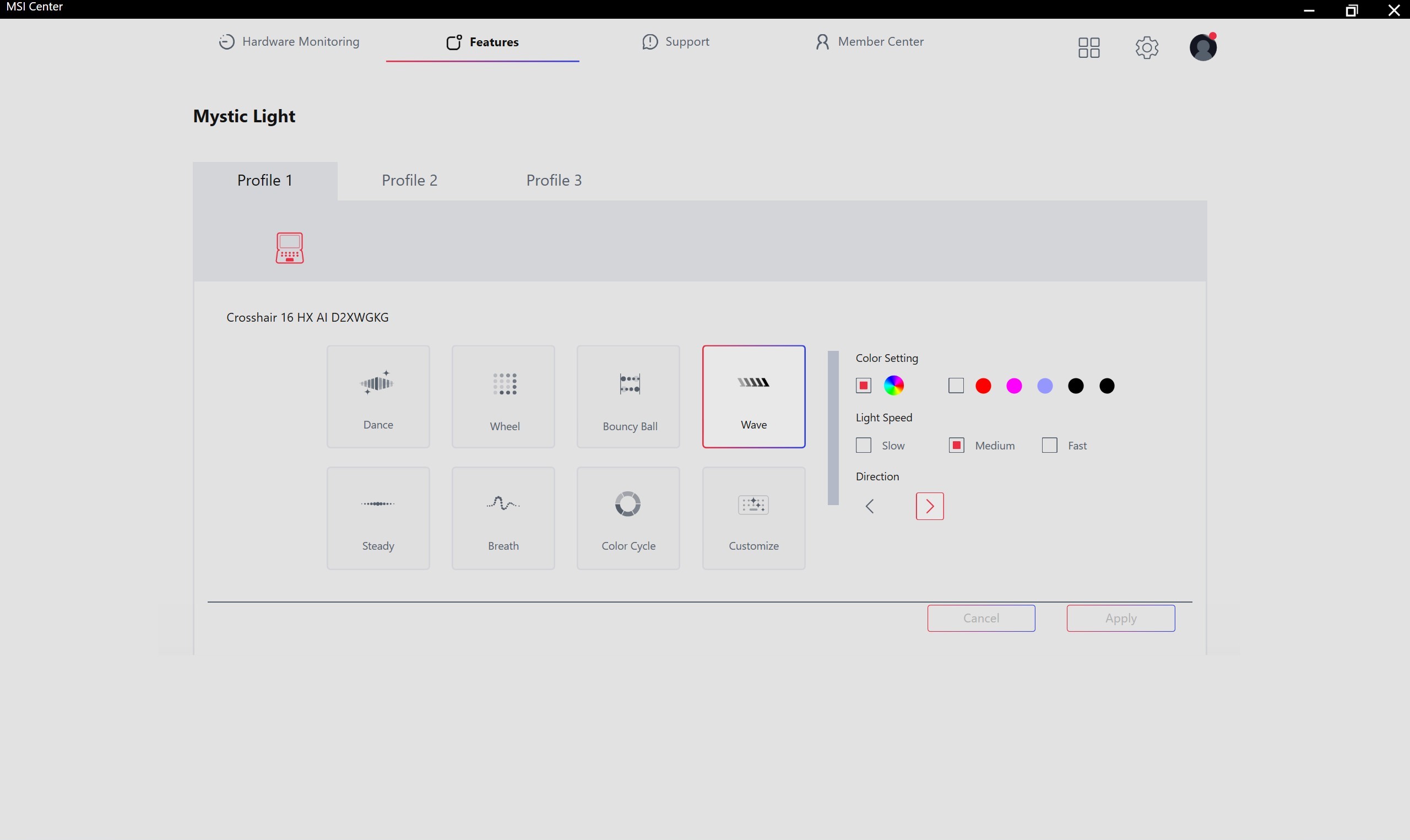
You can easily tweak the keyboard's backlighting via the MSI Center app. It puts plenty of customization at your disposal, letting you control different effects, colors, speed, and even the direction of the lighting.
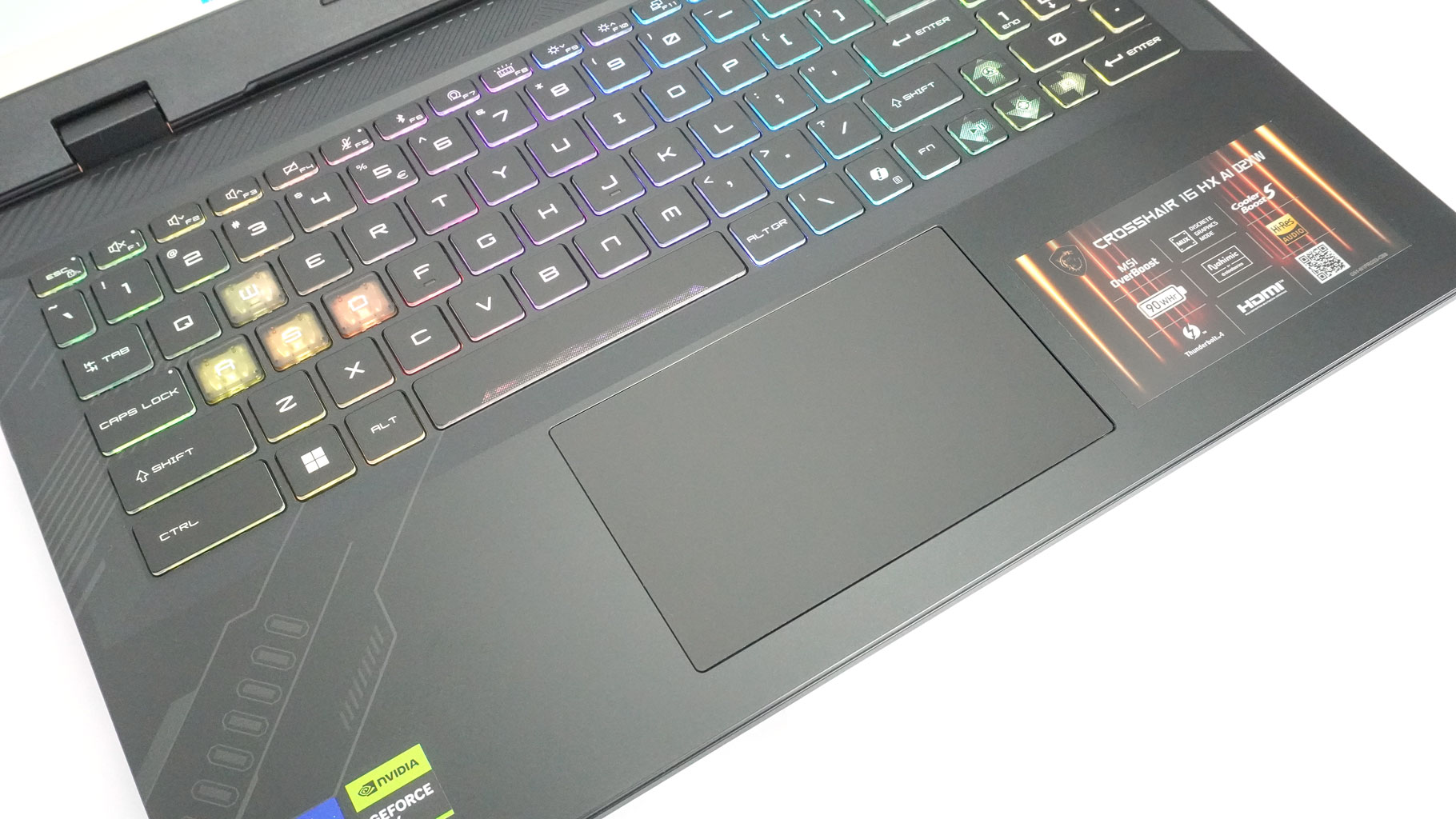
The touchpad simply gets the job done. The physical click mechanism is a bit loud, but aside from that, the smoothness and tracking are definitely above average.
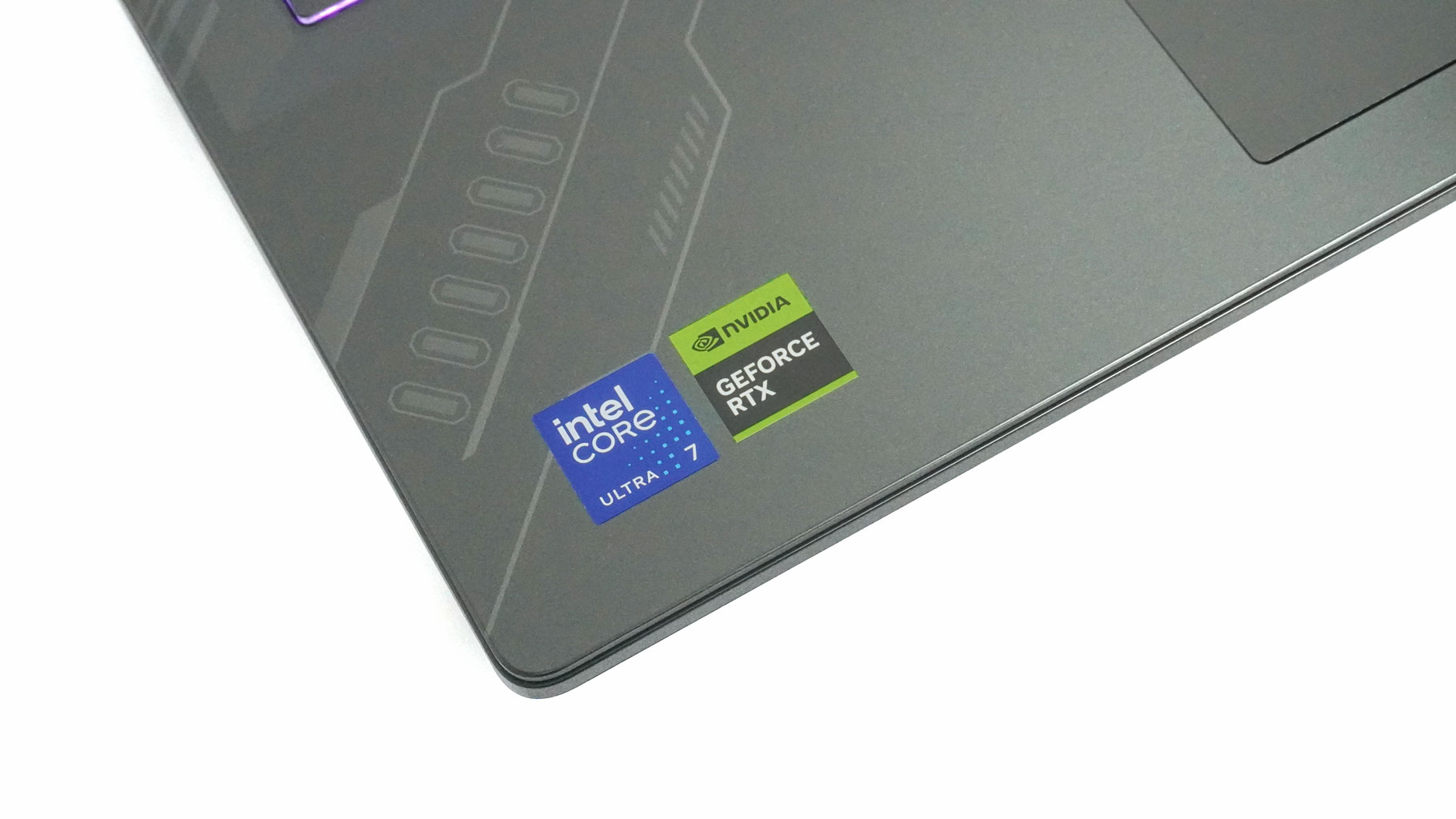
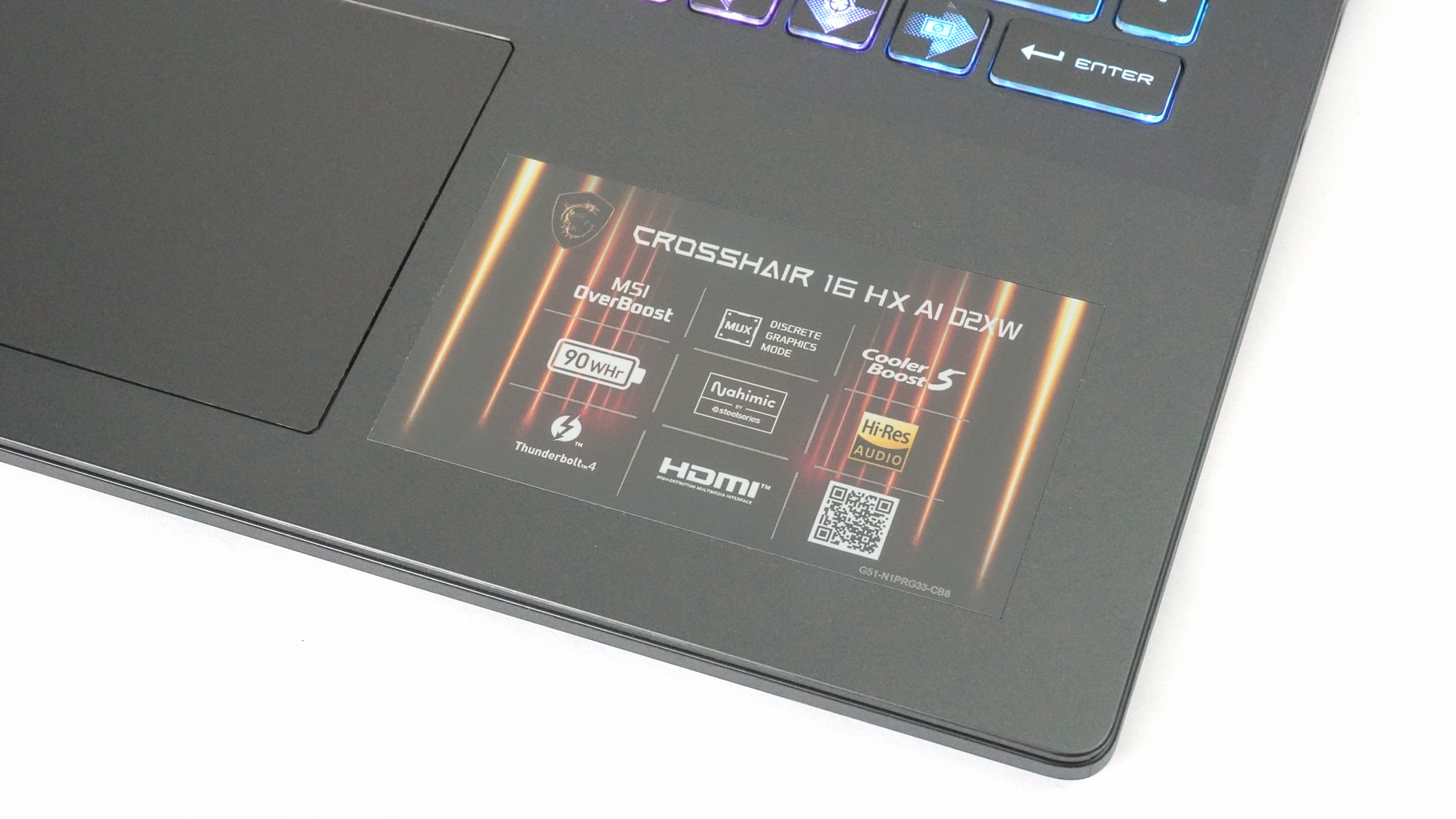
The stickers on the base inform you what kind of hardware is hidden inside the chassis.
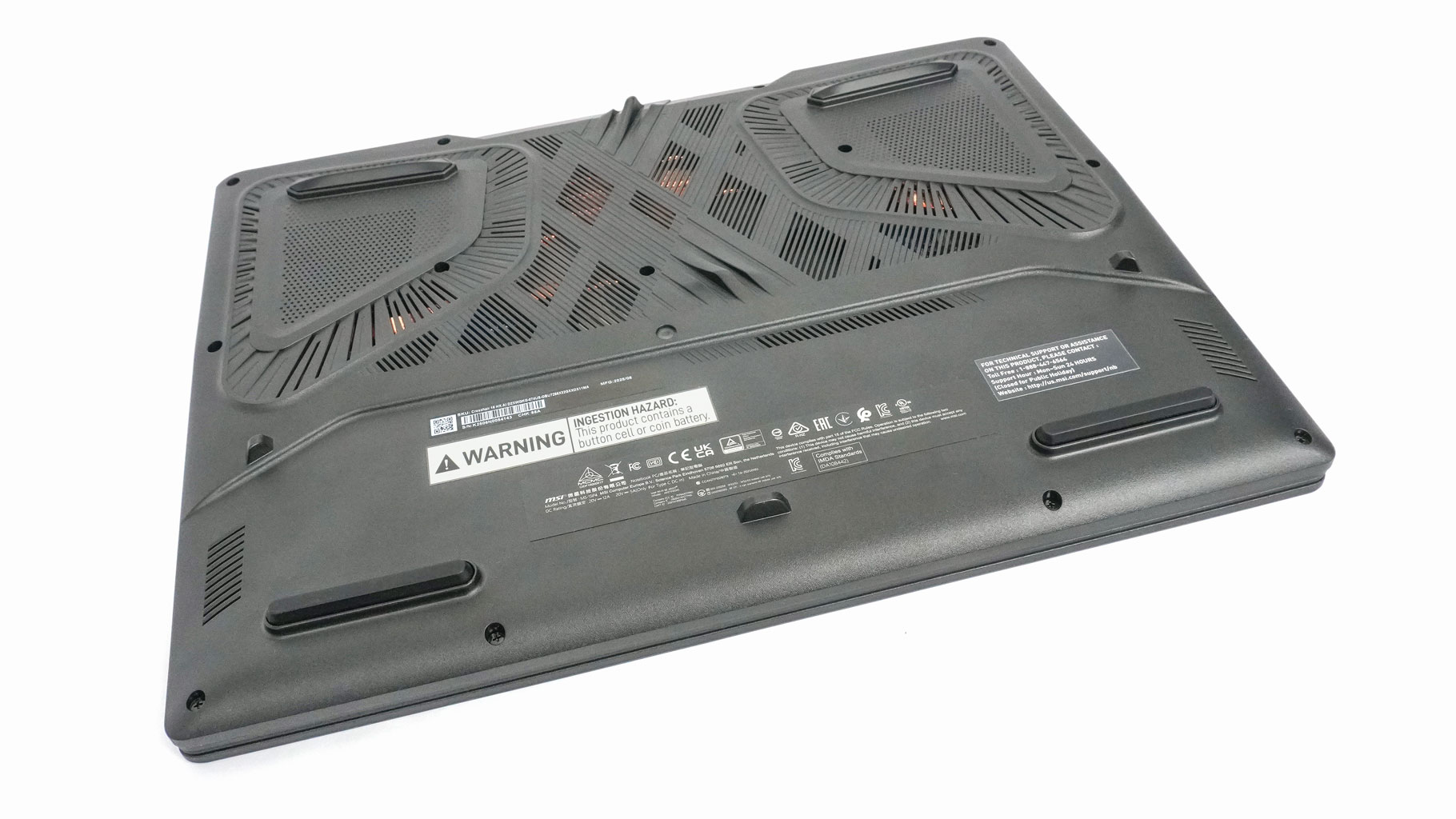
If you're familiar with MSI notebooks, you'll notice the underside design is incredibly similar to its stablemates, like the Sword series. The entire baseplate is dominated by a ton of ventilation grilles in various shapes and sizes. You get four rubber feet and five plastic ones to help support the chassis. The speaker cutouts sit close to the front edge.
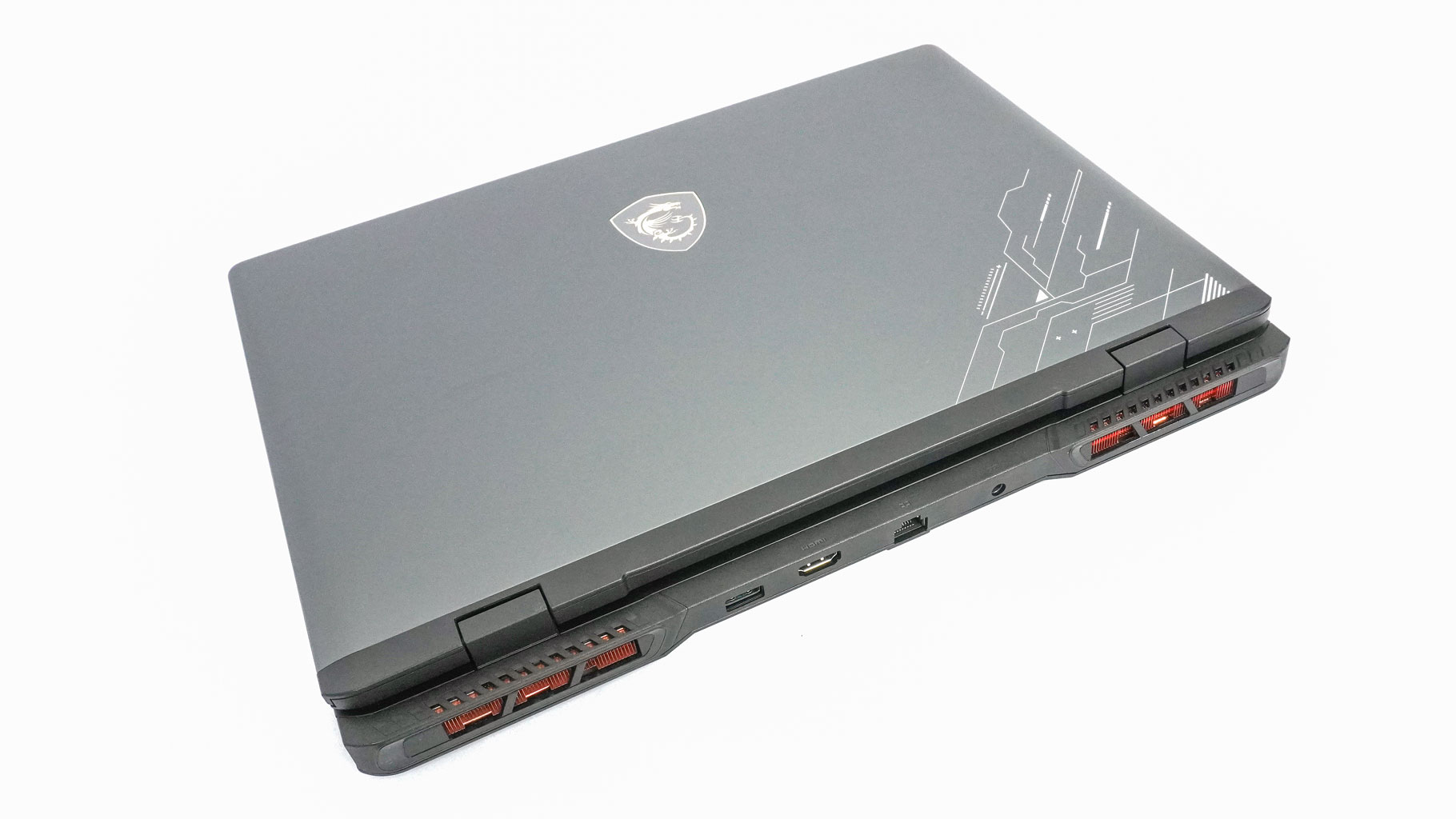
Heat generated by the internal components gets pushed out through four exhaust vents - two on the back and two on the sides.
Nov 22nd, 2026 18:51 CST
change timezone
Latest GPU Drivers
New Forum Posts
- Increasing Power Limit? (6)
- What are you playing? (26240)
- UPS what one to get? (48)
- Honestly, do you care about GTA VI? (265)
- Your PC ATM (36458)
- Gacha Games - Discussions, Pulls, Updates, etc. (1157)
- Last game you purchased? (1414)
- Making a game in Godot engine (19)
- Intel D270 (5)
- X870E AORUS ELITE WIFI7 thread with setting and OC (69)
Popular Reviews
- Microsoft Surface Laptop Ultra Review - The Next-gen Arm Laptop
- Corsair RM1200e (Second Generation) Review
- Upcoming Hardware Launches 2027 (Updated Nov 2026)
- Pulsar Office Tour & First Look at P1 Dual-Sensor Mouse
- Ugreen NASync DXP4800 GT Review
- AMD Ryzen 7 9800X3D Review - The Best Gaming Processor
- AMD Zen 6 Technical Deep Dive
- AMD Ryzen 7 5800X3D 10th Anniversary Review
- Phantom Blade Zero Performance Benchmark Review - 35 GPUs Tested
- Biwin Black Opal NV7400 2 TB Review
TPU on YouTube
Controversial News Posts
- NVIDIA Co-Founder and CEO Jensen Huang Officially Resigns (492)
- Report: Jensen Huang Eyes NVIDIA Comeback (266)
- Open Letter Asking NVIDIA to Reinstate Jensen Huang Passes 115,000 Signatures (184)
- OpenAI CEO Argues Home PCs Waste the World's Limited DRAM Supply (152)
- NVIDIA Launches Investigation Into Jensen Huang's Relationship With Suspected Chinese Spy (136)
- Intel "Raptor Lake Next" 16-Core and 20-Core CPUs Surface (130)
- NVIDIA GeForce RTX 50-Series Scheduled for up to $500 Price Hike This Week (89)
- Intel Razor Lake Gets a 12 P-Core bLLC Chip With No E-Cores, Per Leak (86)