 16
MSI MAG X870E Tomahawk Max Wi-Fi Review
(16 Comments) »Introduction

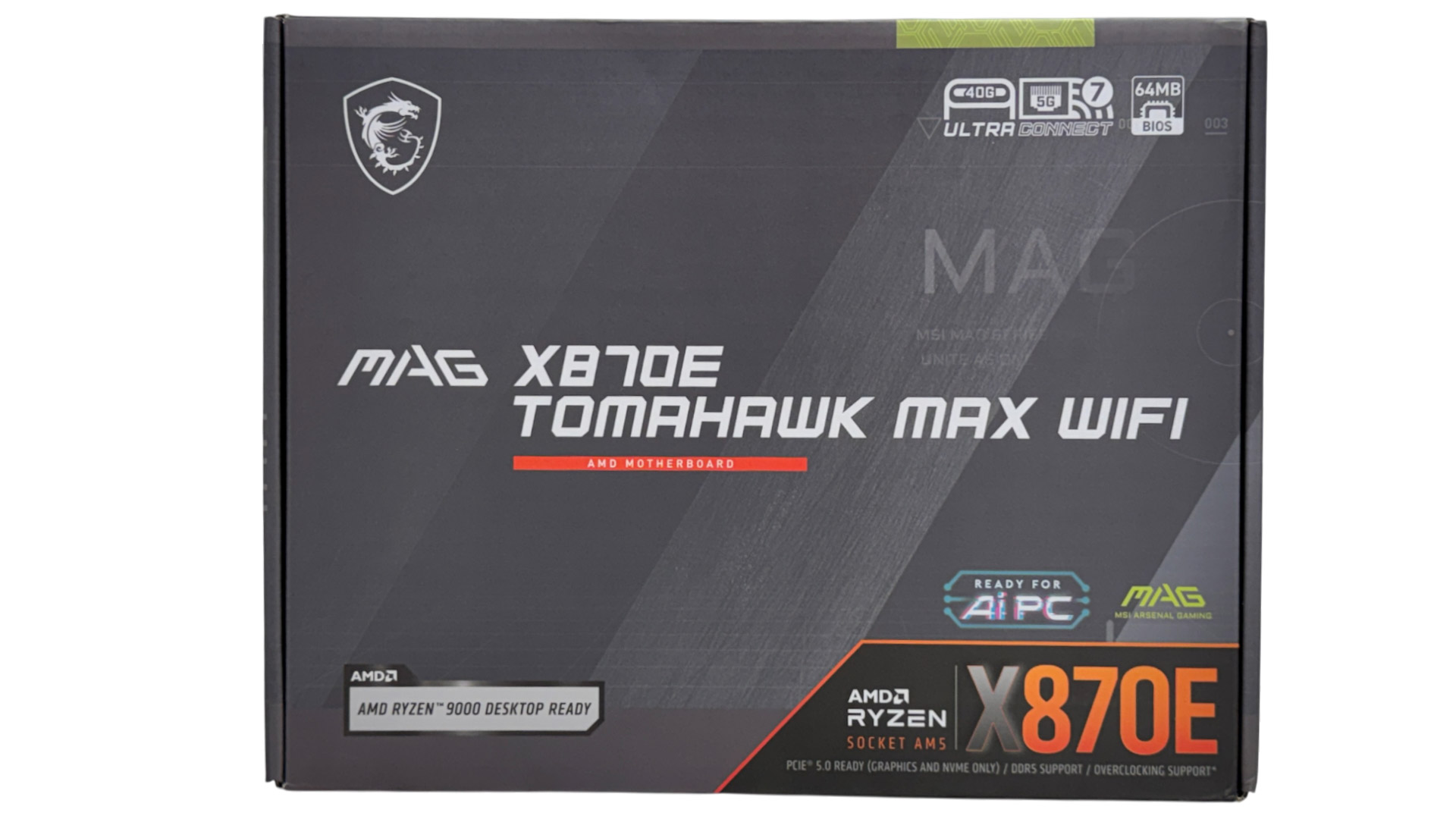
The original MAG X870E Tomahawk Wi-Fi was one of the best-value options when it came to AMD's X870E chipset, offering the premium hardware you need, without skimping on features or performance. The MAG X870E Tomahawk Max Wi-Fi is mostly identical, but does have some additional features.
Its BIOS size has doubled to 64 MB, so motherboard drivers could be integrated while also offering the potential for more features and better future CPU support. It also has independent base clock overclocking along with preset profiles, allowing you to boost this frequency without impacting the rest of the system. To make this more accessible, there are also jumpers on the PCB that allow for overclocking the base clock on the fly within Windows.
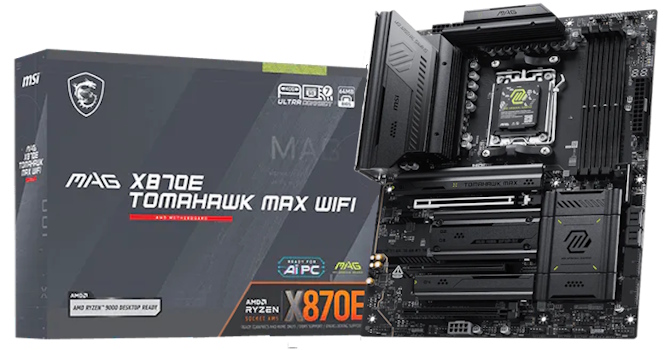
Some interesting tweaks then, on top of what was already a solid option for an affordable X870E motherboard that brings more bandwidth and I/O such as USB4, plus the usual modern features such as PCIe Gen 5 GPU and SSD support, Wi-Fi 7 and a bunch of tools to make the DIY build process easier. With the old model still available and plenty of competition, though, is its price premium worth these extras?
Specifications
| Specifications | |
|---|---|
| CPU Support: | AMD Socket AM5 Ryzen 7000, 9000 |
| Power Design: | CPU Power: 14-phase/80 A/Monolithic Power Systems MPS2516 SOC Power: 2-phase/80 A/Monolithic Power Systems MPS2516 MISC Power: 1-phase/Alpha and Omega BR00 |
| Chipset: | AMD X870E |
| Integrated Graphics: | Supported 1× HDMI 2.1 2× DisplayPort 1.4 via Type-C |
| Memory: | 4× DIMM, Support up to 256 GB 1× Single Rank DDR5-8400 (OC) |
| BIOS: | 512 Mbit (64 MB) AMI UEFI |
| Expansion Slots: | 1× PCIe Gen 5 x16 slot (x16, x8/x8, x8/x4/x4, x4/x4/x4/x4) 1× PCIe Gen 4 x16 slots (x4) 1× PCIe Gen 3 x16 slots (x1) |
| Storage: | 4× SATA 6 Gb/s 2× M.2 (PCIe Gen 5 x4) 2× M.2 (PCIe Gen 4 x4) |
| Networking: | 1× Realtek RTL8126 5 Gbps Ethernet 1× MediaTek MT7927 Wi-Fi 7 |
| Rear Ports: | BIOS Flashback button CMOS clear button 1× 5 Gbps Ethernet 1× HDMI port 2× USB4 40 Gbps (Type-C) 1× USB 3.2 Gen 2 10 Gbps (Type-C) 2× USB 3.2 Gen 2 10 Gbps (Type-A) 3× USB 3.0 (Type-A) 4× USB 2.0 (Type-A) 2× Wi-Fi antenna connectors 2× Audio jacks 1× Optical S/PDIF Out port |
| Audio: | 1× Realtek ALC4082 Codec |
| Fan / Thermistor headers: | 9× 4-pin/0 |
| Form Factor: | ATX Form Factor 12.0 × 9.6 in./30.5 × 244 cm |
| Exclusive Features: |
|
Packaging and Contents

MSI includes some unique accessories with its latest motherboards, such as its 1 to 3 EZ Conn-Cable that splits its proprietary connector on the PCB into 4-pin fan, 3-pin ARGB and USB 2.0 headers, plus an EZ Front Panel Cable, which extends the front panel header so it's easier to hook up your case cables. Other than this, things are pretty basic with a magnetic Wi-Fi aerial, two SATA cables, preloaded USB drive and sticker set.
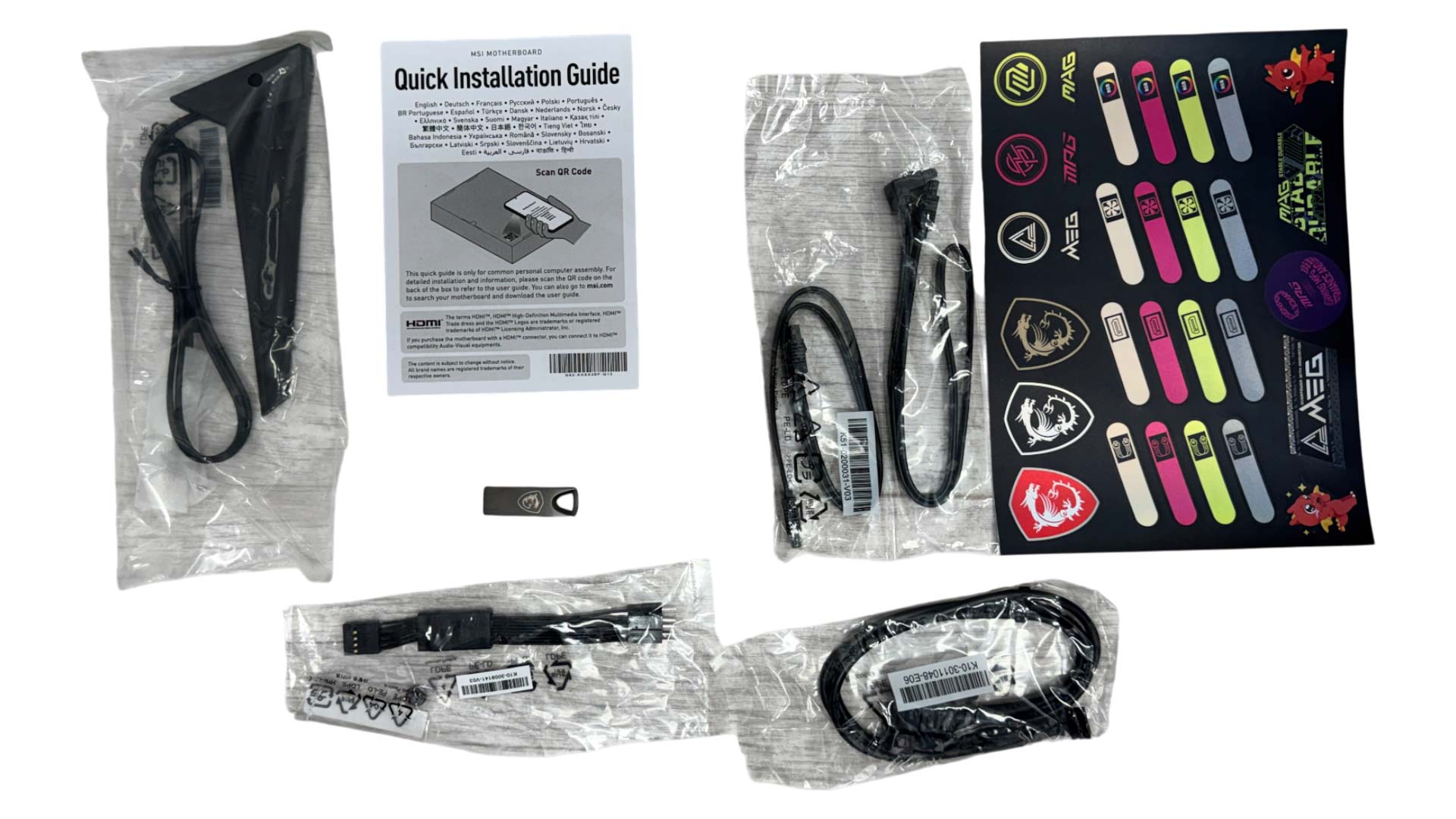
The full list of accessories includes:
- 2× Wi-Fi Antenna
- 2× SATA cables
- 1× EZ M.2 Clip II Remover
- M.2 Plate Screw
- 1× USB drive
- Cable sticker set
- 1 to 3 EZ Conn-Cable
- EZ Front Panel Cable
- 1× Quick start guide
Our Patreon Silver Supporters can read articles in single-page format.
Nov 13th, 2026 22:44 CST
change timezone
Latest GPU Drivers
New Forum Posts
- no "PhysX" workable (9)
- What are you playing? (26215)
- Tell me about your favourite graphics card (32)
- AI generated images... (224)
- Crimson Desert (31)
- RenoDX HDR - how to view the differnce Before&After in game? (0)
- Displayport DP80 3M (10ft) cable that can achieve 80gbps stable? (5)
- I'll flash a ASUS ROG Strix RX480 O8G in Cause of Code 43, as a Newbie (1)
- Opinion on Monitor Replacement (6)
- TMOG - post your benchmark results here (16)
Popular Reviews
- AMD Zen 6 Technical Deep Dive
- Corsair HX1000i Shift Crystal Review
- NZXT C1200 Platinum Review
- Upcoming Hardware Launches 2027 (Updated Nov 2026)
- ASUS ROG Strix B850-I Gaming Wi-Fi7 W Review
- Montech King 95 3D PRO Review
- NZXT H7 RGB+ Review
- NZXT H5 Review
- Phantom Blade Zero Performance Benchmark Review - 35 GPUs Tested
- XPG NIMBUS PLUS Review - Mid-range Chair With Strong Competitors
TPU on YouTube
Controversial News Posts
- NVIDIA Co-Founder and CEO Jensen Huang Officially Resigns (379)
- OpenAI CEO Argues Home PCs Waste the World's Limited DRAM Supply (152)
- NVIDIA Launches Investigation Into Jensen Huang's Relationship With Suspected Chinese Spy (136)
- Intel "Raptor Lake Next" 16-Core and 20-Core CPUs Surface (130)
- Legendary Game Studio BioWare Shuts Down Following EA Layoffs (104)
- Dell CEO Says the Memory Shortage Will Get Worse in 2027 (95)
- NVIDIA GeForce RTX 50-Series Scheduled for up to $500 Price Hike This Week (89)
- Modder Fits RTX 5090 With Four 8-Pin Connectors, Halving Current per Wire (80)