 8
MSI MAG Z890 Tomahawk Wi-Fi Review
Board Software »BIOS Overview
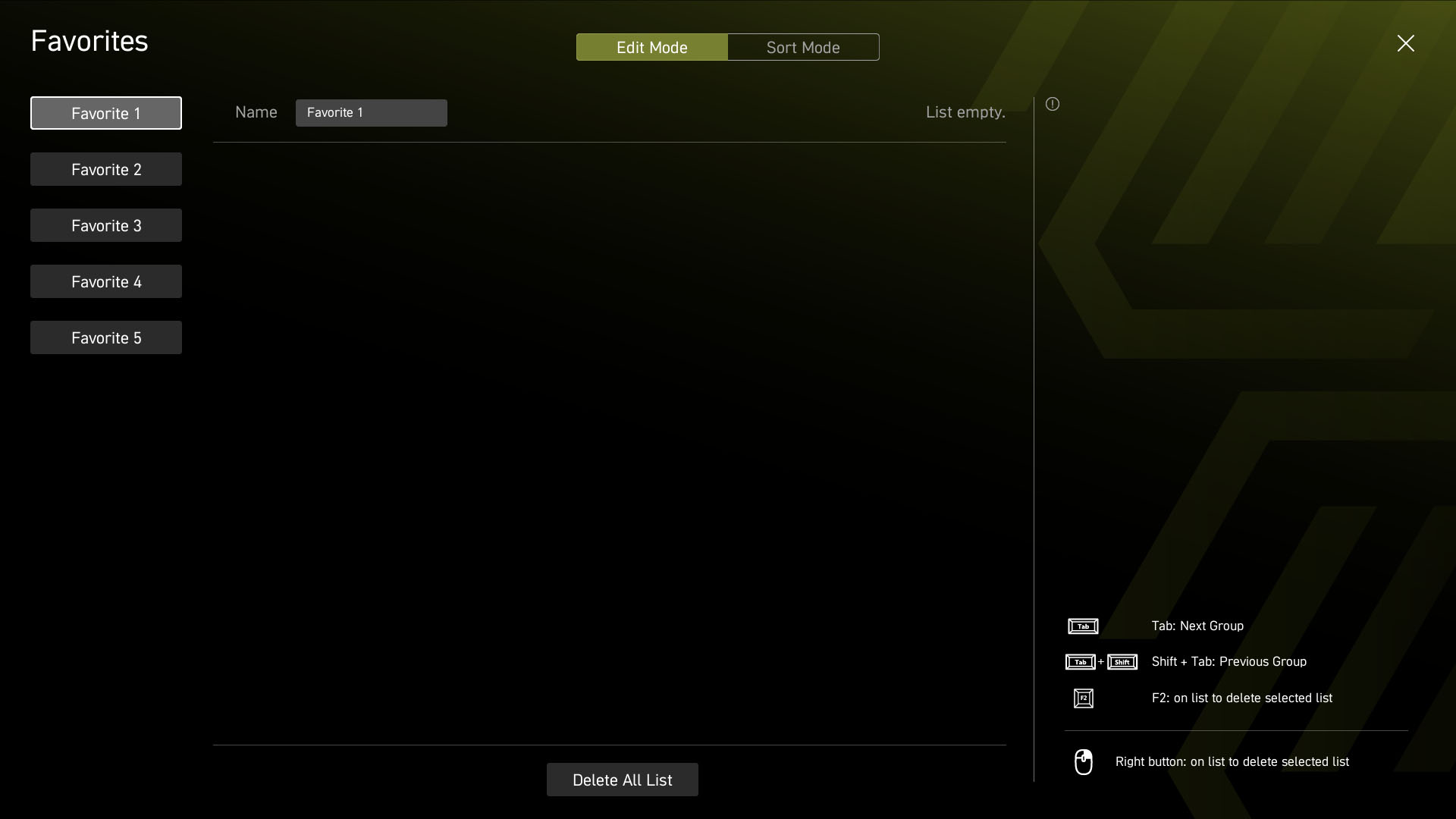
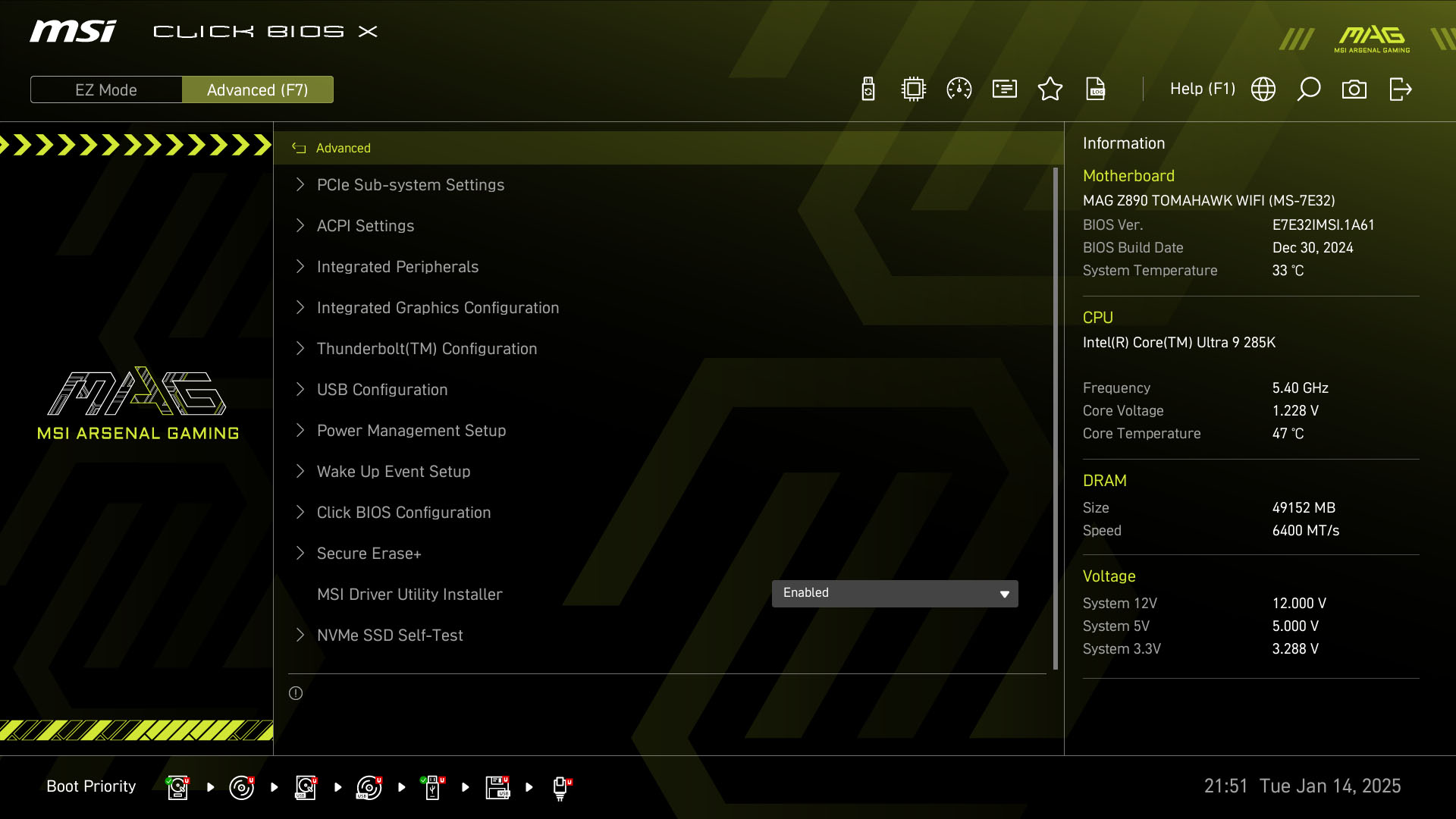
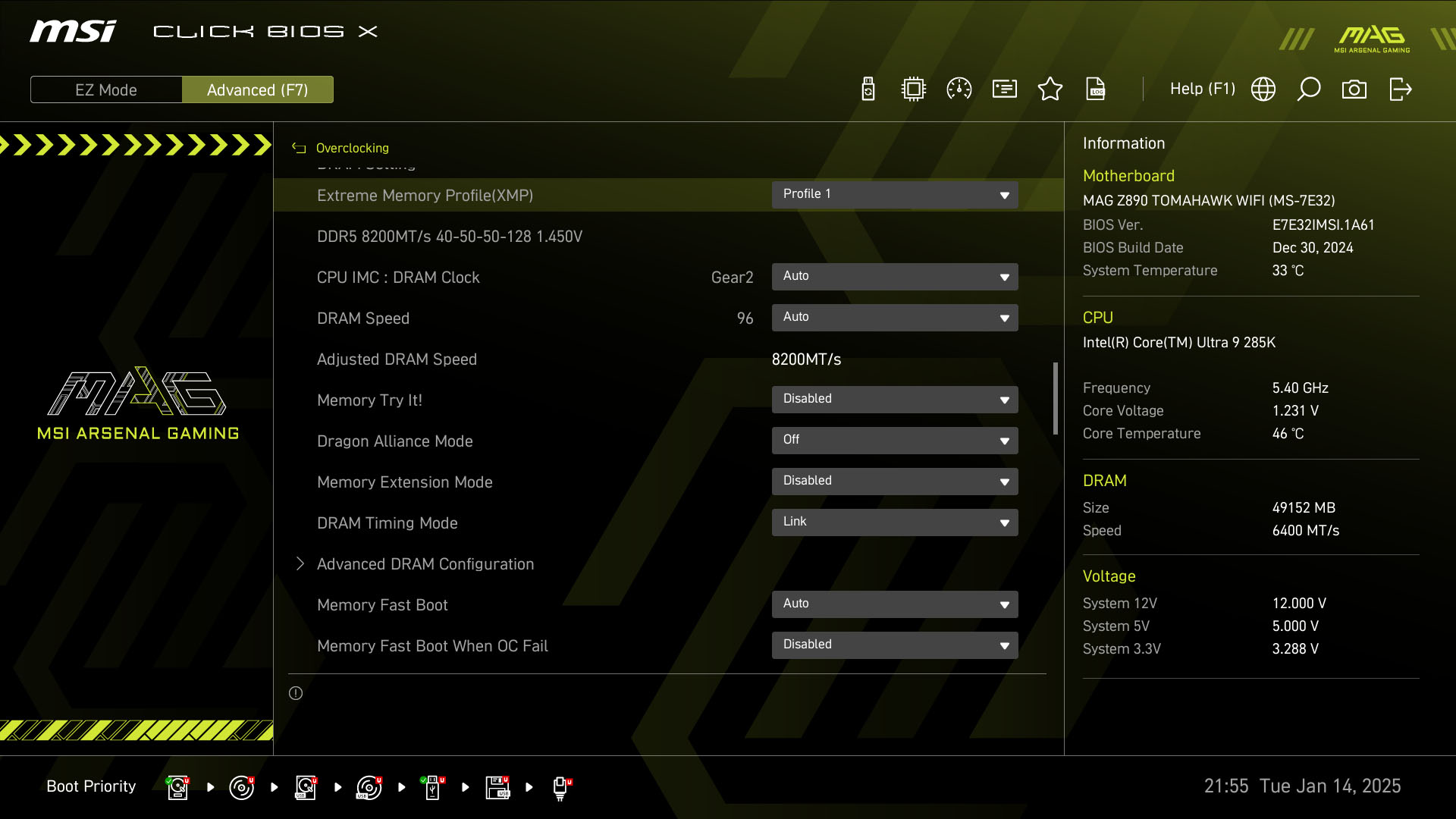
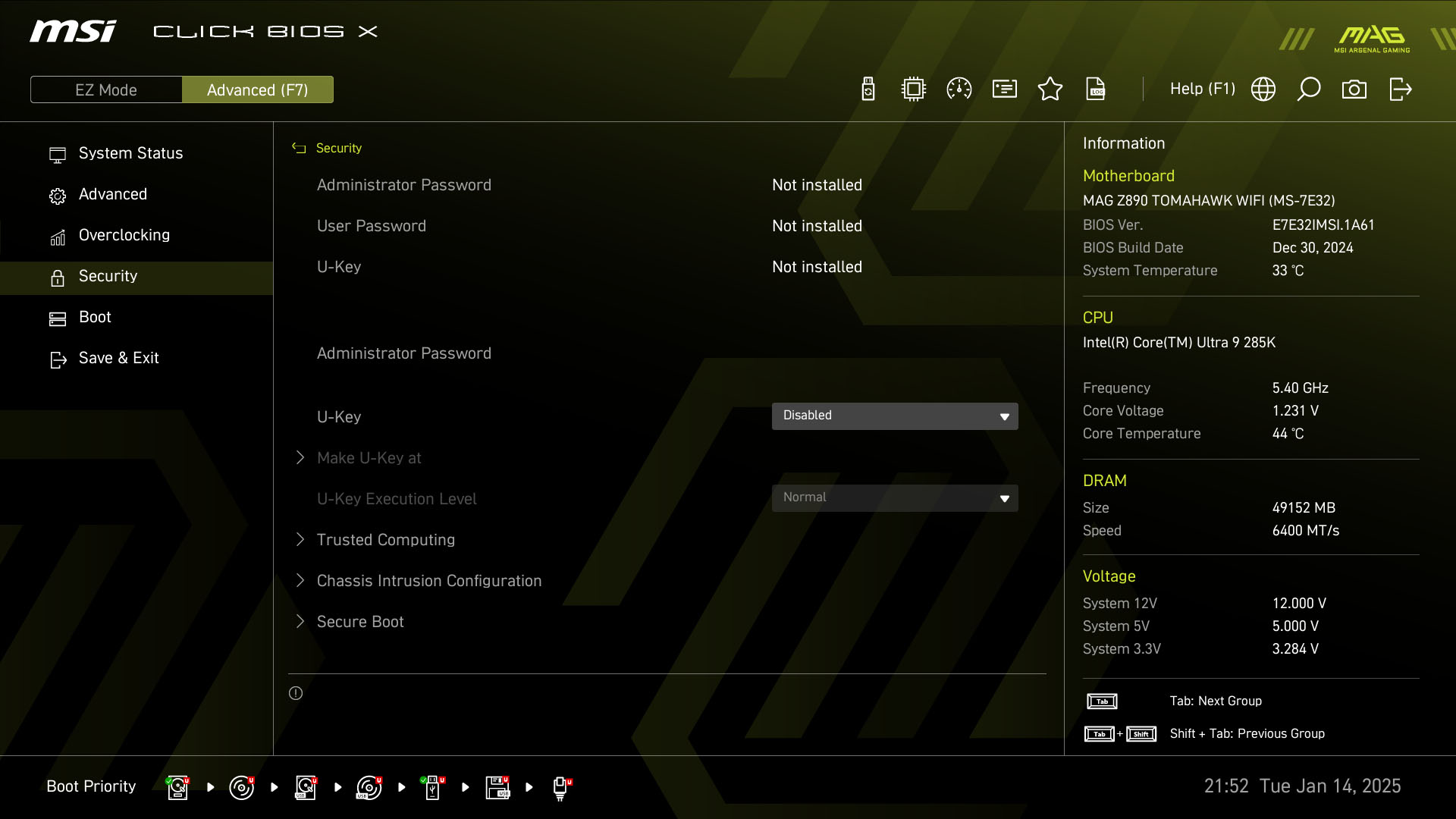
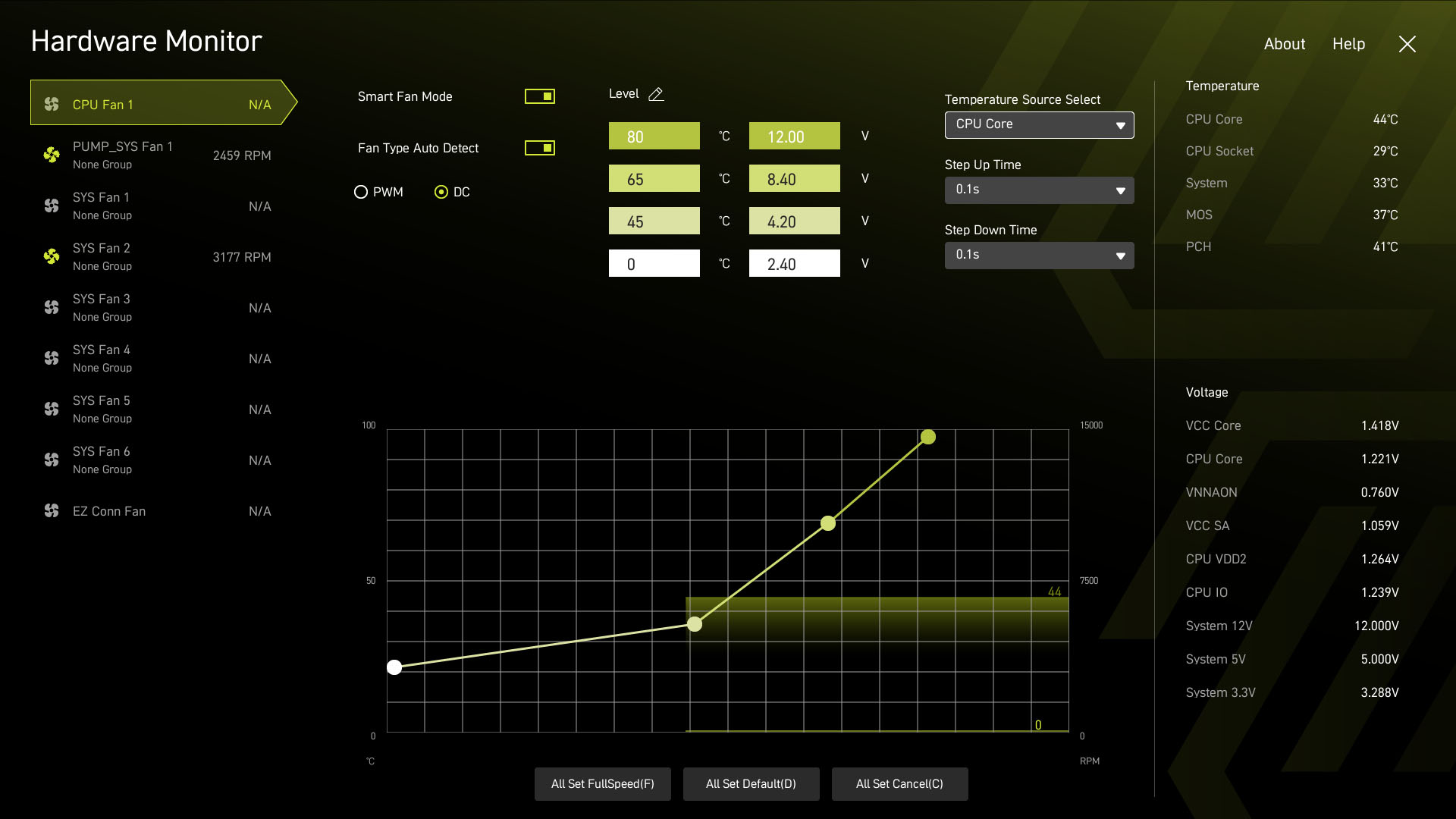
Like its latest AMD boards, MSI has given its EFI a big makeover. Gone is the tile interface which while dated, we had no complaints about, The new high resolution design is much more similar to the norm, while offering easy access to key features while using an appealing design and colors. Specifically, the EZ mode page here focussed on key settings for Intel CPUs such as loading XMP profiles and applying performance presets for your CPU, with a specific page for this popping up allowing you to pick from Intel defaults or various MSI settings that gradually open the taps. On the left side is the new menu location allowing you switch between different sections under advanced mode. This is perhaps the only part we're not too keen on for the simple reason it has the habit of disappearing and isn't always fixed in place.The favorites section is a useful feature for regular visitors and the overclocking section has practically everything you need all in one menu. MSI's fan control section is generally excellent, although we do prefer the ASUS fan curve graph as moving the lower or upper points on the graph automatically drags the rest up or down too. Here you have to adjust every point manually, which just takes longer. Still, it's much better than some of ASRock's lower-end efforts that lack features such as temperature source selection and instead force you to alter that for a specific fan header elsewhere in the EFI.






Nov 21st, 2026 21:53 PST
change timezone
Latest GPU Drivers
New Forum Posts
- How to prevent OLED burn damage due to PC freezes or power outtages? (52)
- Ryzen or Intel system (11)
- AI generated images... (231)
- TPU's Nostalgic Hardware Club (22189)
- RX 9000 series GPU Owners Club (2252)
- Your PC ATM (36446)
- SATA drive 1.4 GBps with Intel X25-E on Windows 98! (38)
- Introducing DST Bench : one of the most advanced disk benchmark and storage analyzer real-time software (7)
- UPS what one to get? (26)
- repair an NVIDIA Quadro M4000 (1)
Popular Reviews
- Microsoft Surface Laptop Ultra Review - The Next-gen Arm Laptop
- Corsair RM1200e (Second Generation) Review
- Pulsar Office Tour & First Look at P1 Dual-Sensor Mouse
- Upcoming Hardware Launches 2027 (Updated Nov 2026)
- Ugreen NASync DXP4800 GT Review
- AMD Ryzen 7 9800X3D Review - The Best Gaming Processor
- Biwin Black Opal NV7400 2 TB Review
- AMD Zen 6 Technical Deep Dive
- Phantom Blade Zero Performance Benchmark Review - 35 GPUs Tested
- AMD Ryzen 7 5800X3D 10th Anniversary Review
TPU on YouTube
Controversial News Posts
- NVIDIA Co-Founder and CEO Jensen Huang Officially Resigns (492)
- Report: Jensen Huang Eyes NVIDIA Comeback (262)
- Open Letter Asking NVIDIA to Reinstate Jensen Huang Passes 115,000 Signatures (184)
- OpenAI CEO Argues Home PCs Waste the World's Limited DRAM Supply (152)
- NVIDIA Launches Investigation Into Jensen Huang's Relationship With Suspected Chinese Spy (136)
- Intel "Raptor Lake Next" 16-Core and 20-Core CPUs Surface (130)
- NVIDIA GeForce RTX 50-Series Scheduled for up to $500 Price Hike This Week (89)
- Intel Razor Lake Gets a 12 P-Core bLLC Chip With No E-Cores, Per Leak (86)