 12
MSI MEG X299 CREATION Review
(12 Comments) »Introduction

Intel took a big step forward in decreasing the gap between their mainstream and HEDT market segments when they released the 9000 series of Core processors. Just a few short years ago, breaking past the eight-thread barrier required deep pockets (well, deeper pockets anyway) and an HEDT framework. However, what if you still have those deeper pockets and a professional workload that demands a professional build? Does Intel still have a compelling HEDT product on offer? MSI certainly does with the MEG X299 CREATION.
Before getting into the X299 CREATION, I want to reiterate the details of the new MSI product designations. I promise that I will eventually have reviews from each product category; for now, here are the basics. Starting with this generation of boards in both the mainstream and HEDT segments, MSI motherboards will be sorted into four categories: the MEG series, MPG series, MAG series, and PRO series. The first three, which are new designations, are acronyms (M.E.G., M.P.G., and M.A.G.). Punctuation has been left out in order to accommodate inventory management systems that may have trouble with punctuation symbols. MSI intends these segments to sort boards based on features instead of price. So what can consumers expect from each category?
The MEG (MSI Enthusiast Gaming) series boards boast the most advanced technologies, specifically for this launch. The two MEG models (the GODLIKE and ACE) feature Killer network controllers, a dedicated audio DAC, and an infinity mirror RGB light zone.
The MPG (MSI Performance Gaming) series is designed around the mainstream gaming market, both in features and aesthetic design.
The MAG (MSI Arsenal Gaming) series focuses on pure functionality and is designed to have a rugged military aesthetic.
The PRO series, which is not new, covers all boards designed for home or business use. These boards will not feature support for the MSI software suite that is included with the other three categories of motherboard.
The MEG X299 CREATION, as its name has already given away, is another halo product; part of the MEG line with top-shelf features and performance. The X299 chipset isn't exactly new, but still a platform to be reckoned with. Featuring the Intel 2066 socket and designed for Skylake-X and Kaby Lake-X, I will be pairing it up with a Core i9-7980XE for this review.
Obviously, the MEG X299 CREATION isn't just another X299 board. To hold the MEG designation, it has to bring more to the table, and the CREATION certainly delivers. Featuring unique styling, steel-reinforced PCIe and DIMM slots, and no less than three 8-pin CPU power connections, the MEG X299 CREATION is ready to work. Oh, and did I mention the included Thunderbolt PCIe card or M.2 Xpander-Aero? That second card features four additional M.2 slots, all cooled by a GPU-grade heatsink. I have something special in mind for it later on thanks to the help of ADATA.
There is a whole lot in store on the following pages, so I will stop wasting time here. Let's see what the MEG X299 CREATION has to offer.

Specifications
| Specifications | |
|---|---|
| CPU Support: | Intel Core X-Series Processors |
| Power Design: | CPU Power: 13 phase Memory Power: 1 phase |
| Chipset: | Intel X299 |
| Integrated Graphics: | N/A |
| Memory: | 8x DIMM, Support Quad Channel DDR4-4200 (OC) MHz |
| BIOS: | Dual AMI UEFI BIOS |
| Expansion Slots: | 4x PCIe 3.0 x16 slots (lanes dependent on CPU) 1x PCIe 3.0 x1 slots |
| Storage: | 8x SATA 6 Gb/s port 3x M.2 port (SATA3/PCIe 3.0 x4) 1x U.2 port |
| Networking: | 1x Intel I219-V Gigabit LAN 1x Realtek RTL8125-CG 2.5G LAN 1x Intel Wireless-AC 9260 |
| Rear Ports: | 2x Antenna ports 1x Optical SPDIF out port 2x LAN (RJ45) ports 2x USB 2.0 Type-A port 1x USB 3.1 (Gen2) Type-C port 1x USB 3.1 (Gen2) Type-A port 6x USB 3.1 (Gen1) ports 1x Clear CMOS button 1x BIOS Flashback button 5x 3.5 mm Audio jacks 1x PS/2 Mouse/Keyboard combo port |
| Audio: | 1x Realtek ALC1220 Codec |
| Fan Headers: | 8x 4-pin |
| Form Factor: | E-ATX Form Factor: 12.0 in x 10.7 in, 30.5 cm x 27.2 cm |
| Exclusive Features: |
|
Packaging and Contents

The front of the MEG X299 CREATION box features a shot of the board on the right side, over a stylized background akin to colorful, broken glass. The MSI logo is in the top left, with brand badges in the top right. "MEG X299 CREATION" features in the bottom left. This box doesn't include a fold-out flap like the MEG Z390 GODLIKE, but sometimes, simpler designs work better. The shot of the board actually wraps around the side of the box, and the printing is topnotch.
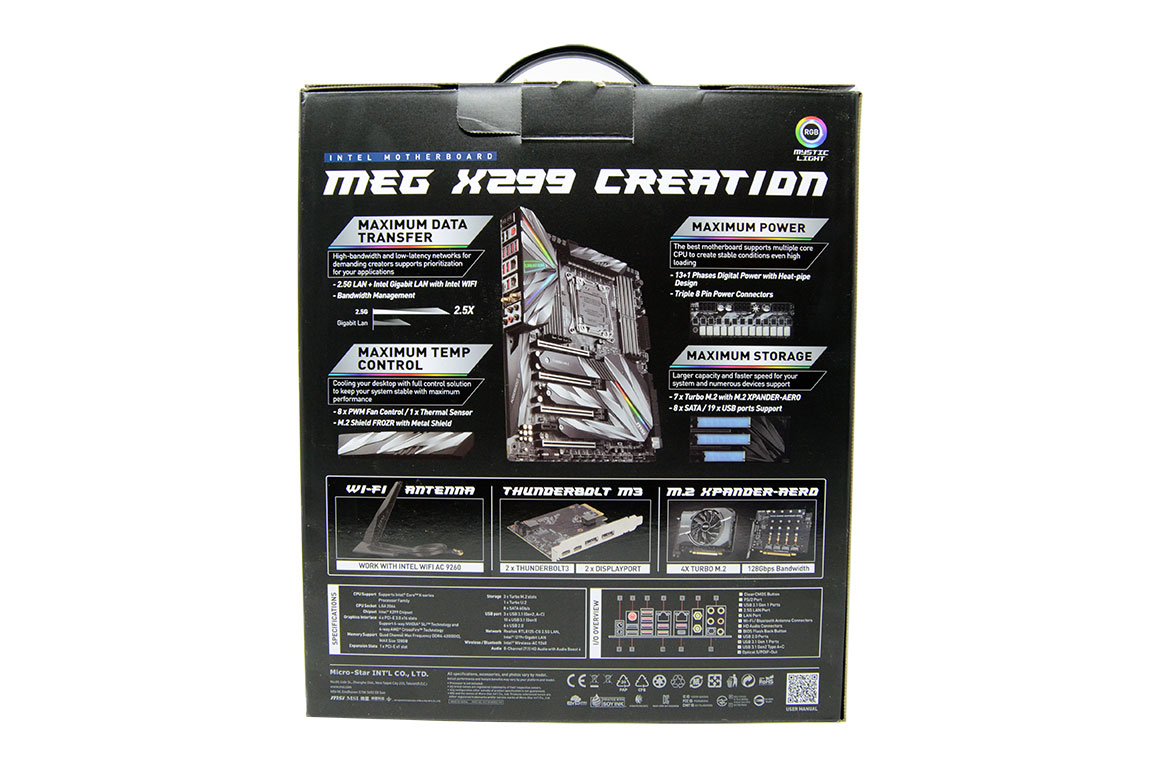
The back of the MEG X299 CREATION box has a simple black background with the board top center and surrounded by feature highlights. Below it are three boxes depicting the most exciting of the extras for this board, including the Thunderbolt M3 card and M.2 Xpander-Aero. On the bottom left is a specifications list and on the right a rear I/O diagram.
The MEG X299 CREATION box follows a standard layout that is flawlessly executed. The printing is fantastic and the information concise and complete. While the fold-out flap that is sometimes present on high-end boards is missing, the level of detail put into the pictures and the print quality more than make up for it.
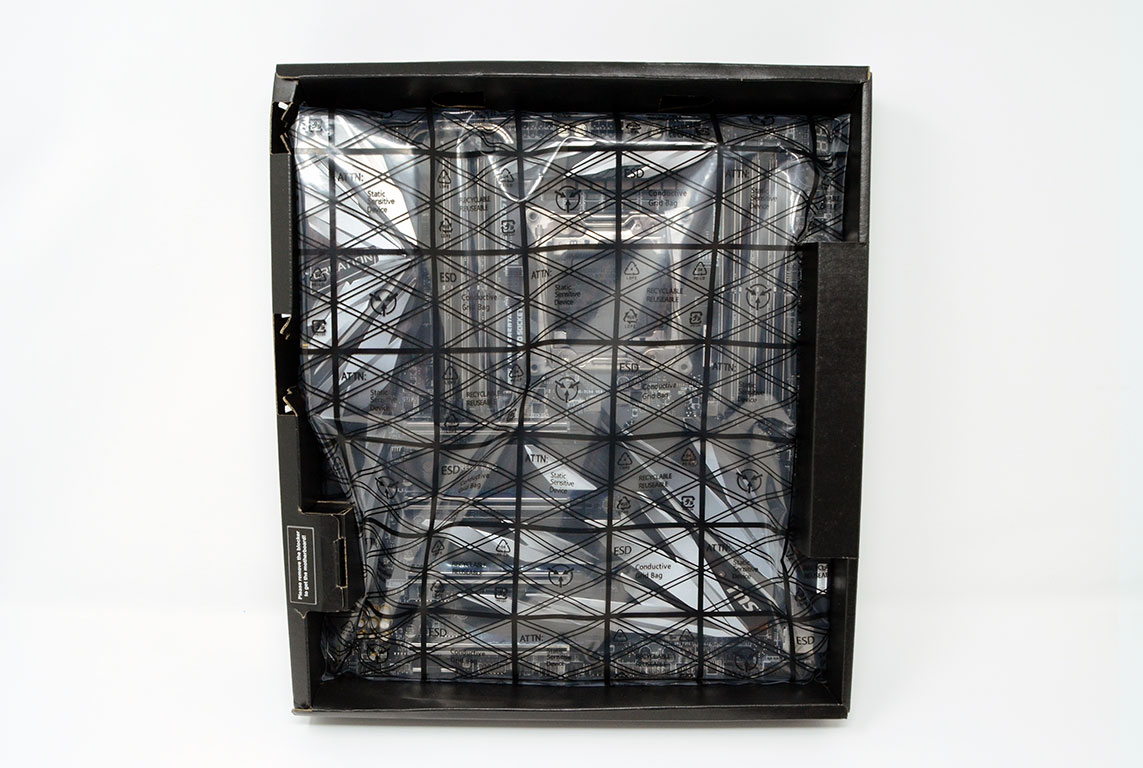
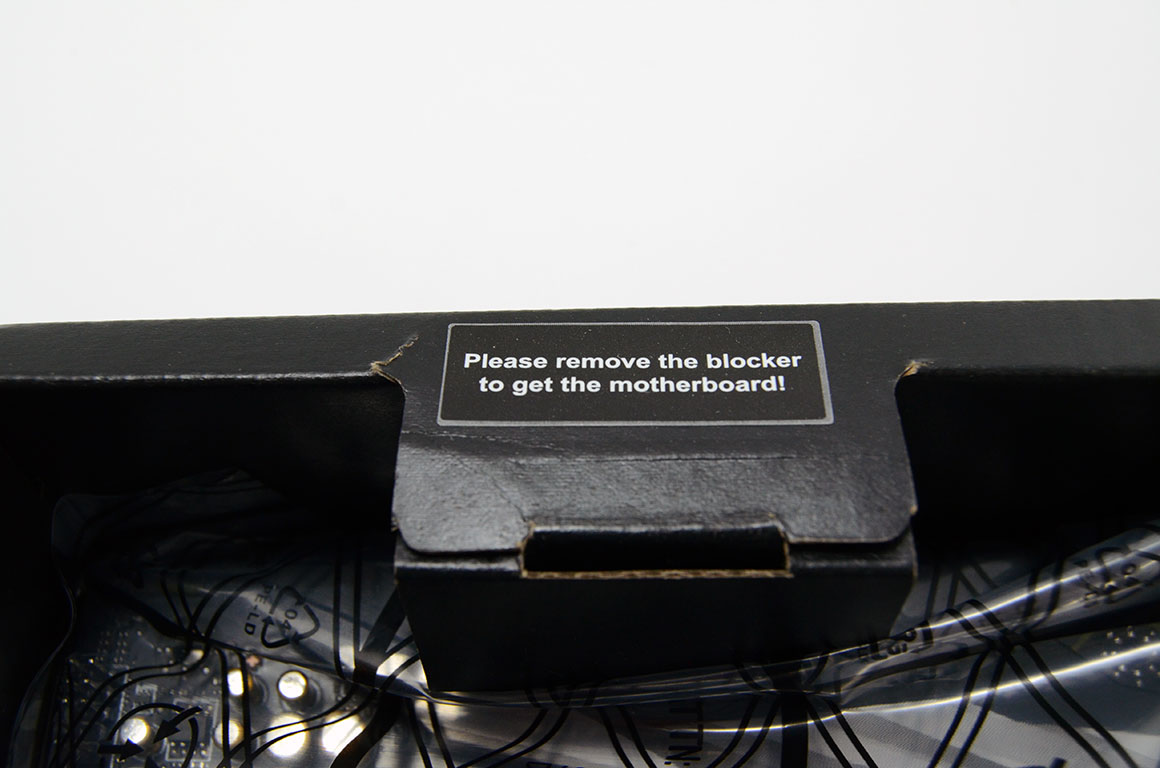
Opening the outer box reveals two more boxes, one for the board and another for the accessories. The board box, or tray, uses folded cardboard sections to hold the board in place, a method I have not seen before. The accessory box is identical to the one used for the MEG Z390 GODLIKE.

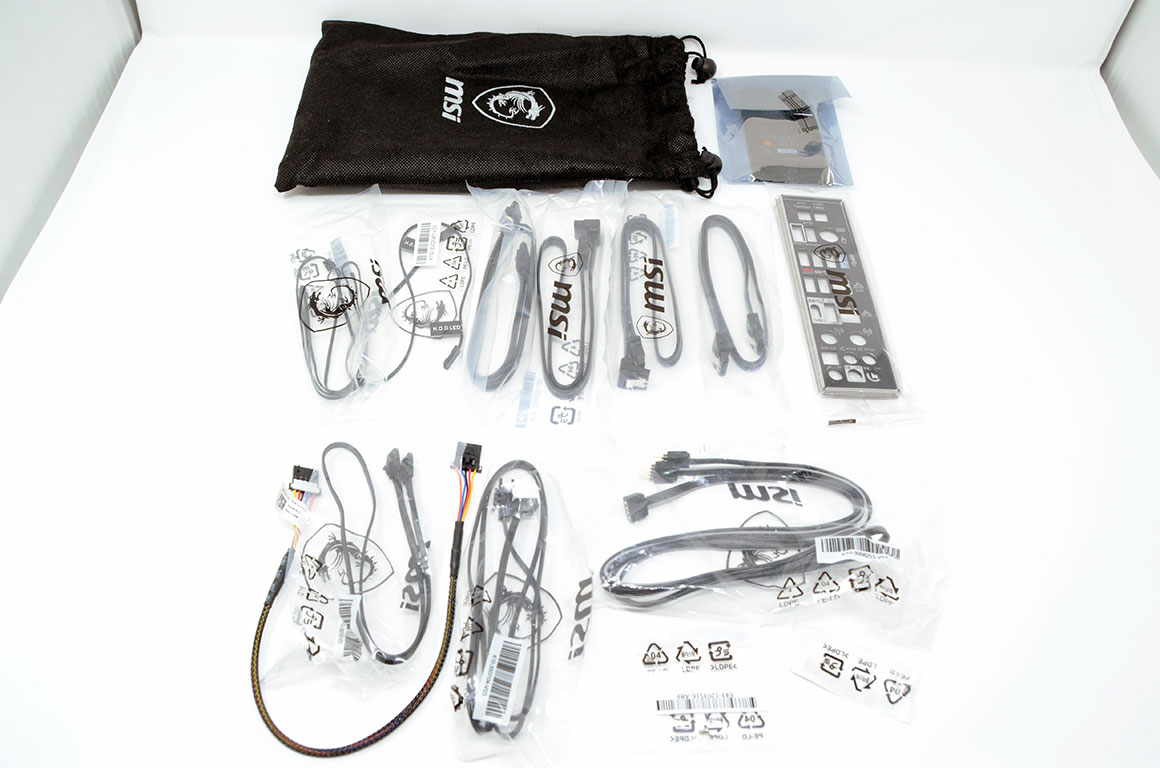
The accessory box has two folding lids, and the contents are neatly packed like origami within. Like the MEG Z390 GODLIKE, MSI did not hold back when kitting out this board. There is a little bit of everything here, but the real stars are the M.2 Xpander-Aero and Thunderbolt M3 PCIe cards.

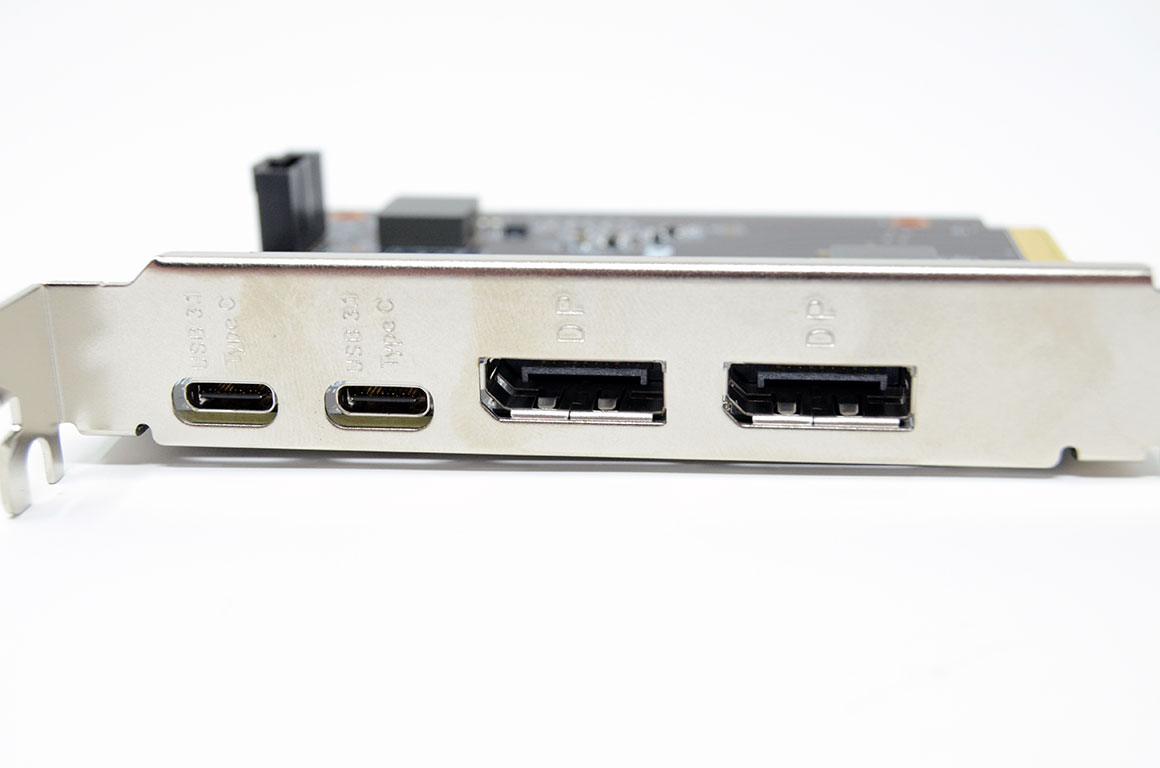
The Thunderbolt M3 adds Thunderbolt capabilities to the MEG X299 CREATION with two USB Type-C ports which support up to 40 Gb/s for Thunderbolt, or up to 10 Gb/s for USB 3.1 Gen 2 devices. Also present are two DisplayPort input ports featuring DisplayPort 1.2. A Thunderbolt 5-pin header is included for internal hubs.
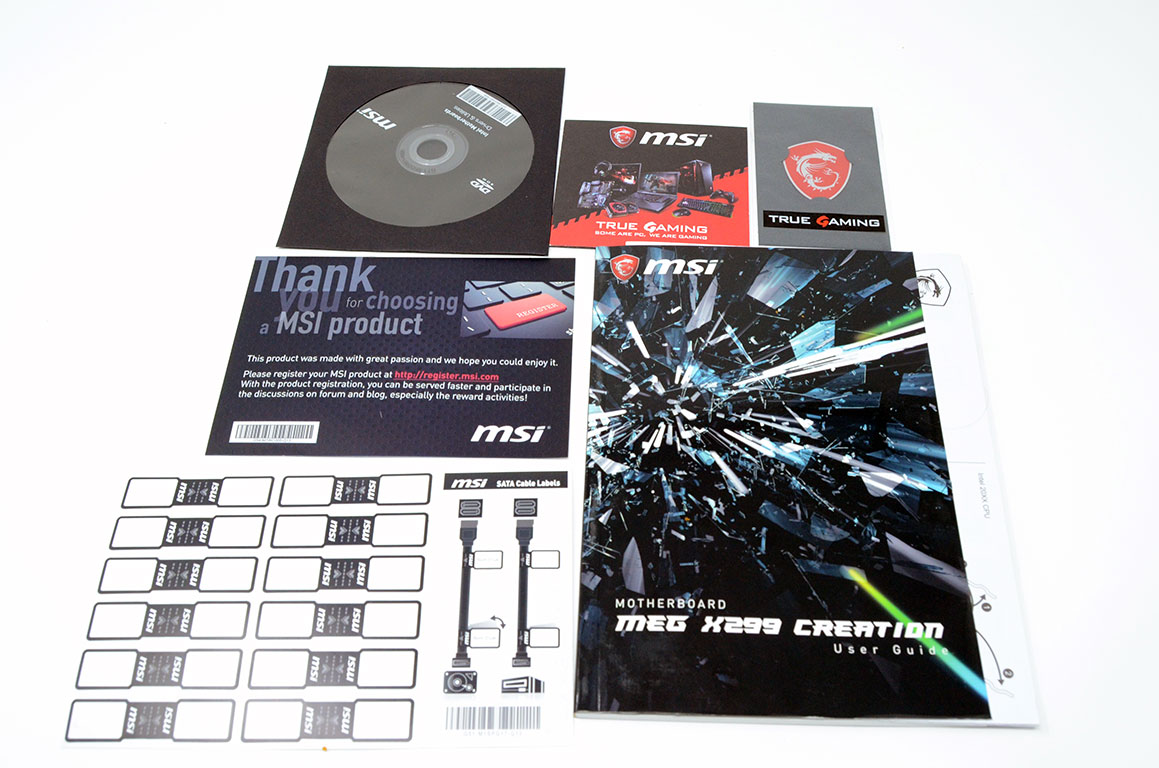
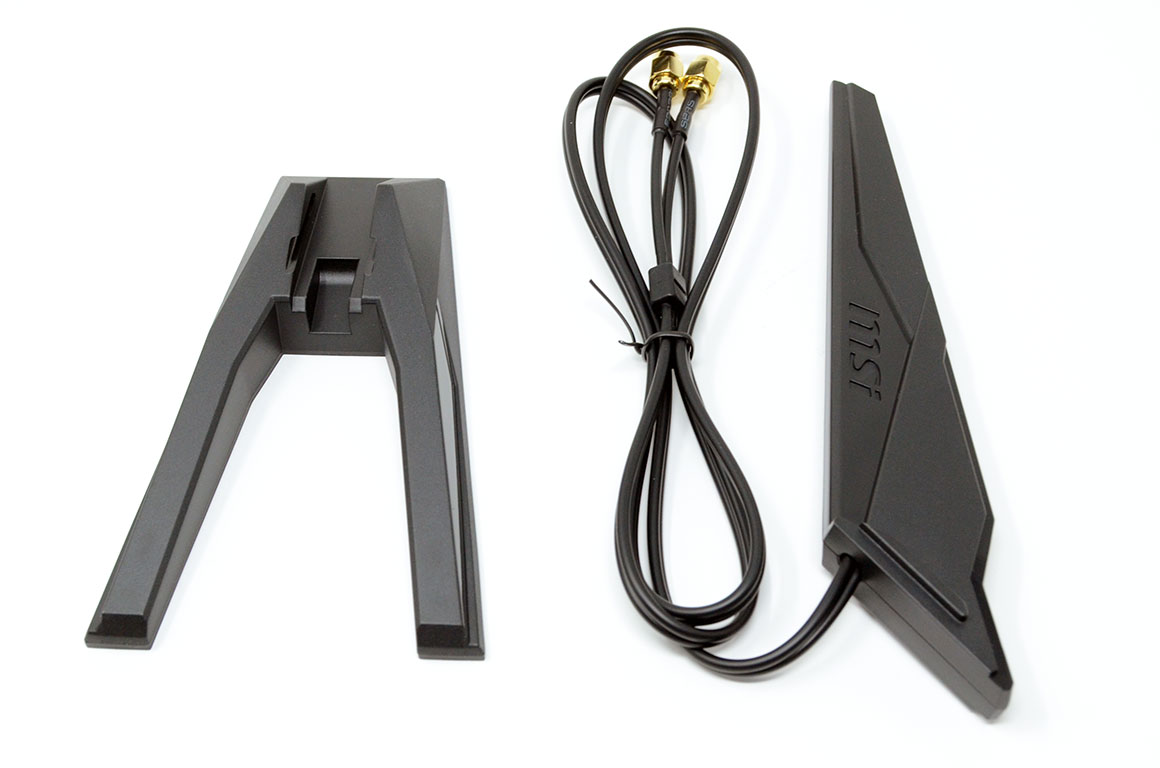
The M.2 Xpander-Aero will have its own section and testing later on. Other notable accessories include a SLI hard bridge, RGB LED extension cables, and nice MSI-branded bag to keep everything in. The full list of accessories includes:
- Manual and support DVD
- Warranty card and quick install manual
- 1x Thunderbolt cable
- 1x Sheet of MSI cable label stickers
- 1x MSI badge
- 4x SATA 6 Gb/s cables
- 1x WiFi antenna
- 1x SLI HB bridge L
- 1x Black rear I/O shield
- 1x RGB LED extension cable
- 1x Corsair RGB LED extension cable
- 1x Rainbow RGB LED extension cable
- 1x Corsair to Rainbow RGB extension cable
- 1x Thermistor cable
- 1x M.2 Xpander-Aero
- 1x Thunderbolt M3
Board Layout


So, on to the good part: the MEG X299 CREATION itself. The board features a black PCB with gray accent printing, while the heatsinks and I/O shield feature a silver pattern like shattering glass. The back of the MEG X299 CREATION is a nearly unbroken black with only the silver CPU socket, warnings against poor case standoff placement, and some certifications.


"CREATION" is printed on the I/O shield, and "MSI" on the chipset. "TURBO M.2" and "AUDIOBOOST" also make appearances, but overall, the branding is subtle to avoid contrasting with the bold print design.


The CPU socket has as much room as one could hope for on a board this feature-packed. I can certainly see why MSI opted for an E-ATX form factor here.


The eight steel-armored DDR4 DIMM slots bracket the large 2066 socket on either side, while the VRM sits immediately above it. Top center, almost inconspicuous against the rest of the board, the three 8-pin power connectors offer a quiet promise of this board going further than most can take it.


There are three M.2 slots on the MEG X299 CREATION, sitting within the gaps between each of the four PCIe x16 slots. The M.2 placement is standard, but the heatsink solution is not. The MEG X299 CREATION uses two large heatsinks to cover all three slots as well as the chipset. This means that these spaces all share cooling, but unless you run them all at the same time (say in a RAID configuration), this solution should provide improved individual cooling for each component when under load. This heatsink also lends to the MEG X299 CREATION's unique look with the chipset appearing to reach out towards the PCI slots.


Speaking of PCI express, the MEG X299 CREATION includes four metal-reinforced PCI Express 3.0 x16 slots and one PCI Express 3.0 x1 slot. The board features eight SATA 6 Gb/s ports, all angled 90 degrees from the board, as well as a steel-armored U.2 port which supports PCI Express 3.0 (x4) NVME storage.


The rear I/O on the MEG X299 CREATION is pretty much as I would expect, which is to say excellent. While I would have liked more USB 3.1 Gen2 ports, the Thunderbolt M3 can help with that.
Notably, one of the RJ45 ports (the one on the left) is 2.5 Gigabit capable, so be sure to take advantage of it if your network is capable of greater than Gigabit speeds. There is no obvious marking on the board or the ports to denote which port is which; an omission MSI will hopefully correct for the next generation.
The full list includes:
- 1x "clear CMOS" button
- 1x "BIOS Flashback" button
- 2x Antenna ports
- 1x PS/2 keyboard and mouse combo connector
- 1x USB 2.0 Type-A ports
- 6x USB 3.1 Gen1 Type-A ports
- 1x USB 3.1 Gen2 Type-A ports
- 1x USB 3.1 Gen2 Type-C port
- 2x RJ-45 LAN ports
- 1x Optical SPDIF out port
- 5x 3.5 mm audio jacks
Our Patreon Silver Supporters can read articles in single-page format.
Nov 19th, 2026 16:08 CST
change timezone
Latest GPU Drivers
New Forum Posts
- Honestly, do you care about GTA VI? (164)
- Windows 11 General Discussion (7736)
- Current Sales, Bundles, Giveaways (10448)
- Last game you purchased? (1409)
- WarpCoreBench scores! (76)
- Got the EOL 32GB TridentZ 6000 CL26 1.4V (12)
- Dell Workstation Owners Club (3516)
- Making a game in Godot engine (4)
- DTS DCH Driver for Realtek HDA [DTS:X APO4 + DTS Interactive] (2815)
- Security Apps (2)
Popular Reviews
- Acemagic Retro X3 Review
- Ugreen NASync DXP4800 GT Review
- Upcoming Hardware Launches 2027 (Updated Nov 2026)
- Pulsar Office Tour & First Look at P1 Dual-Sensor Mouse
- AMD Zen 6 Technical Deep Dive
- Biwin Black Opal NV7400 2 TB Review
- Sapphire Radeon RX 7700 XT Pure Review
- Sapphire Radeon RX 7700 XT Pulse Review
- AMD Ryzen 7 9800X3D Review - The Best Gaming Processor
- Chieftec Iceberg PRO 360 DARK Review
TPU on YouTube
Controversial News Posts
- NVIDIA Co-Founder and CEO Jensen Huang Officially Resigns (489)
- Report: Jensen Huang Eyes NVIDIA Comeback (223)
- Open Letter Asking NVIDIA to Reinstate Jensen Huang Passes 115,000 Signatures (184)
- OpenAI CEO Argues Home PCs Waste the World's Limited DRAM Supply (152)
- NVIDIA Launches Investigation Into Jensen Huang's Relationship With Suspected Chinese Spy (136)
- Intel "Raptor Lake Next" 16-Core and 20-Core CPUs Surface (130)
- Legendary Game Studio BioWare Shuts Down Following EA Layoffs (104)
- Dell CEO Says the Memory Shortage Will Get Worse in 2027 (95)