 30
MSI MEG X870E Ace Max Review
Value & Conclusion »Overclocking
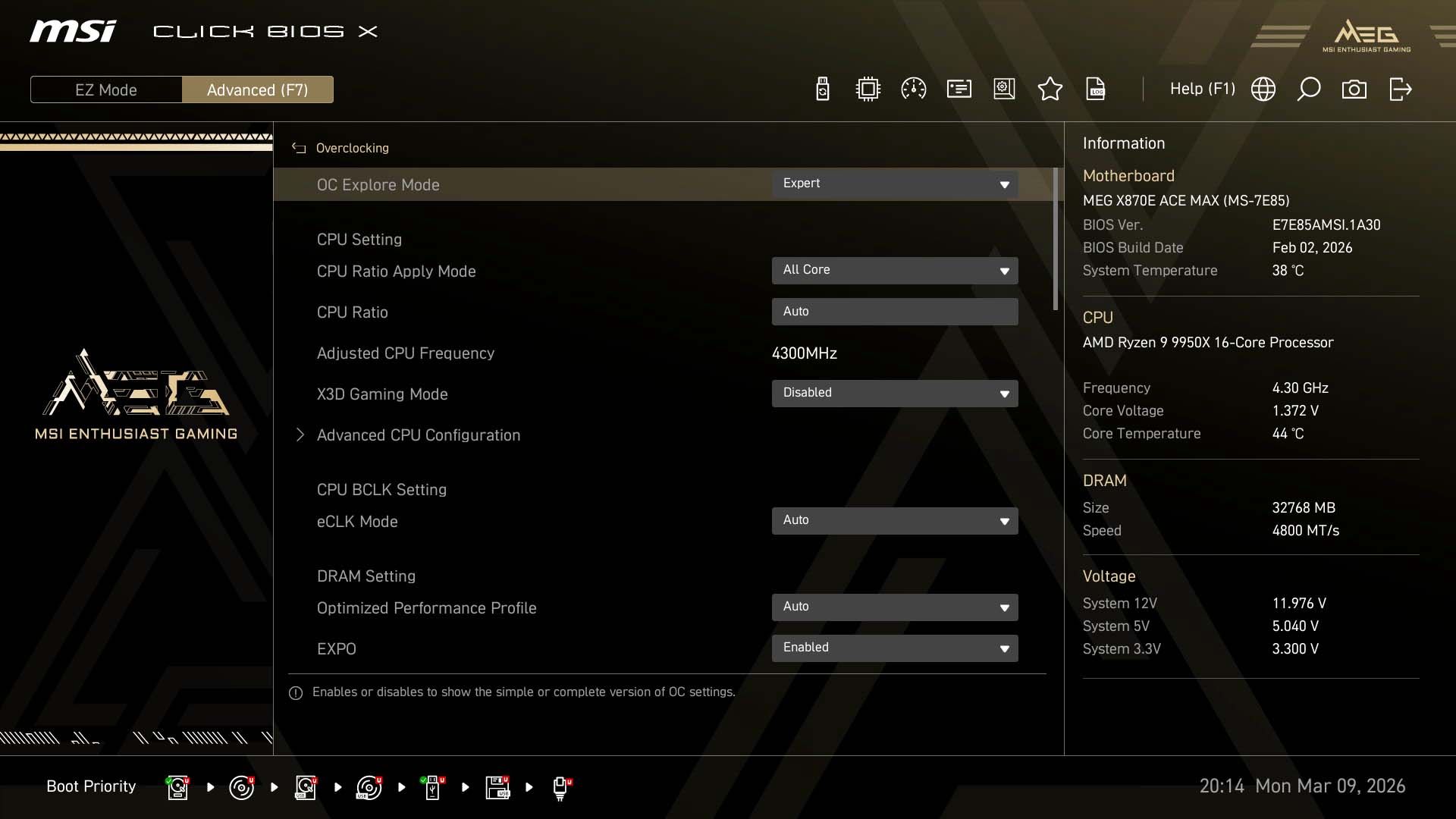
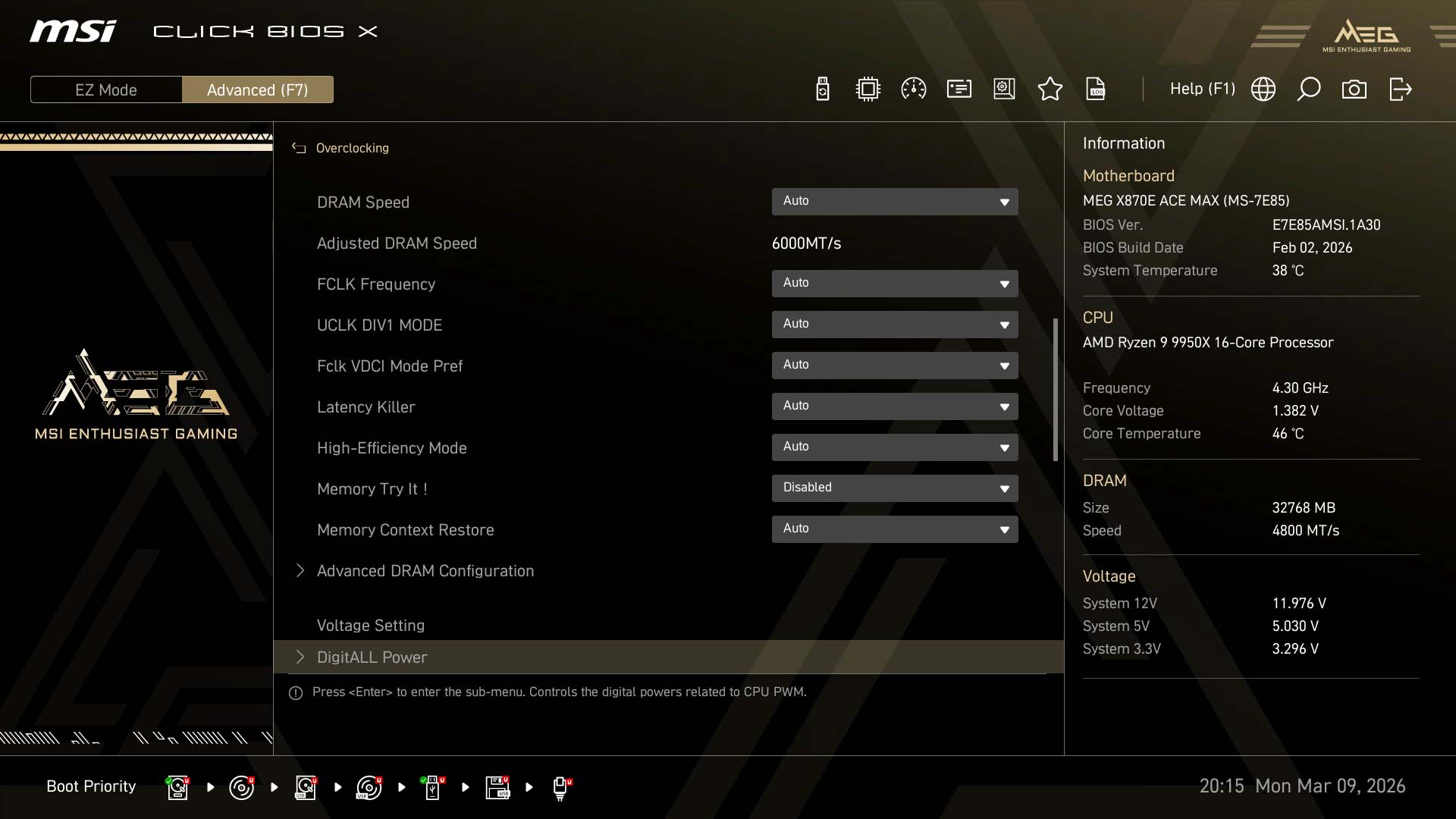
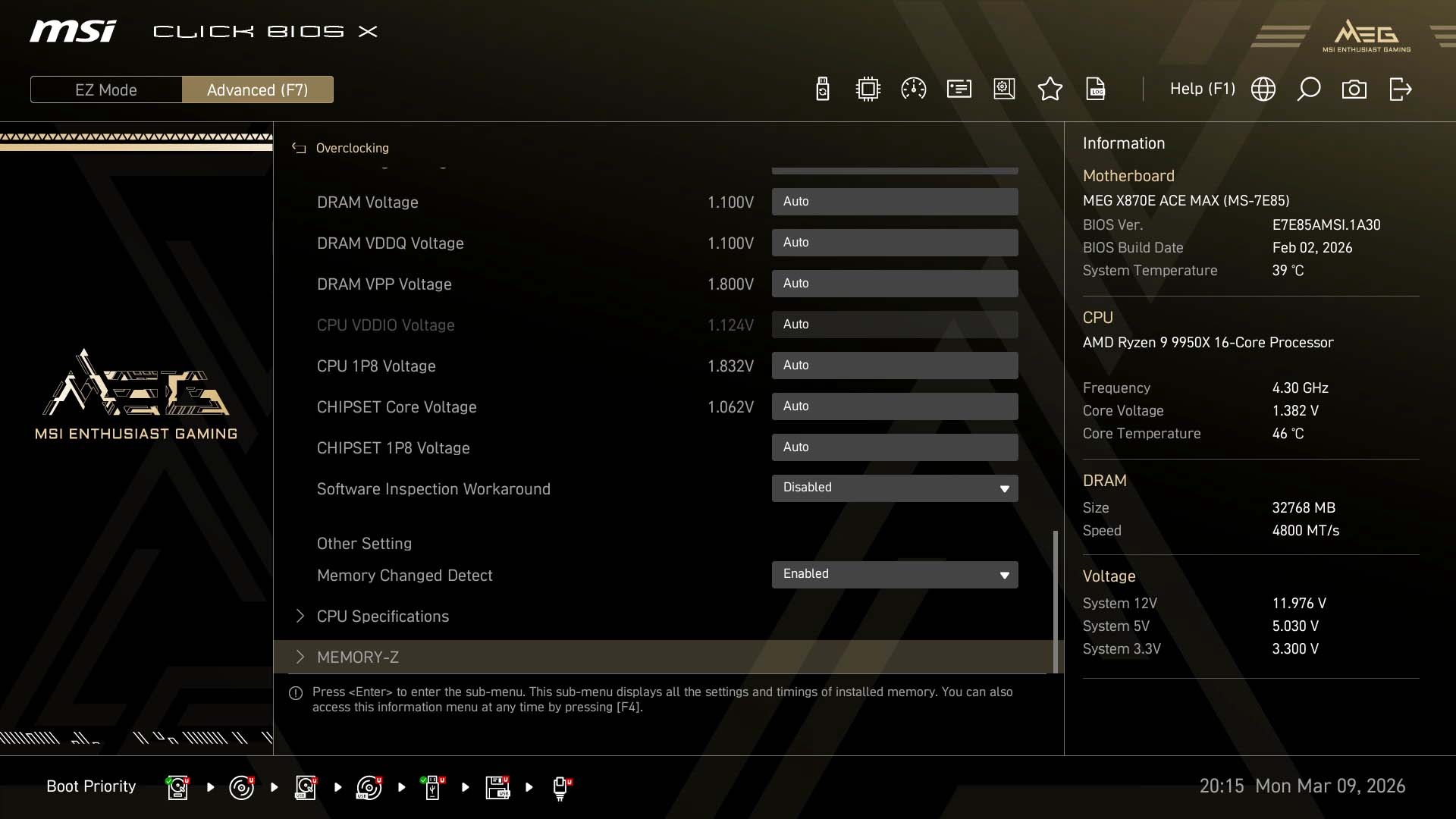
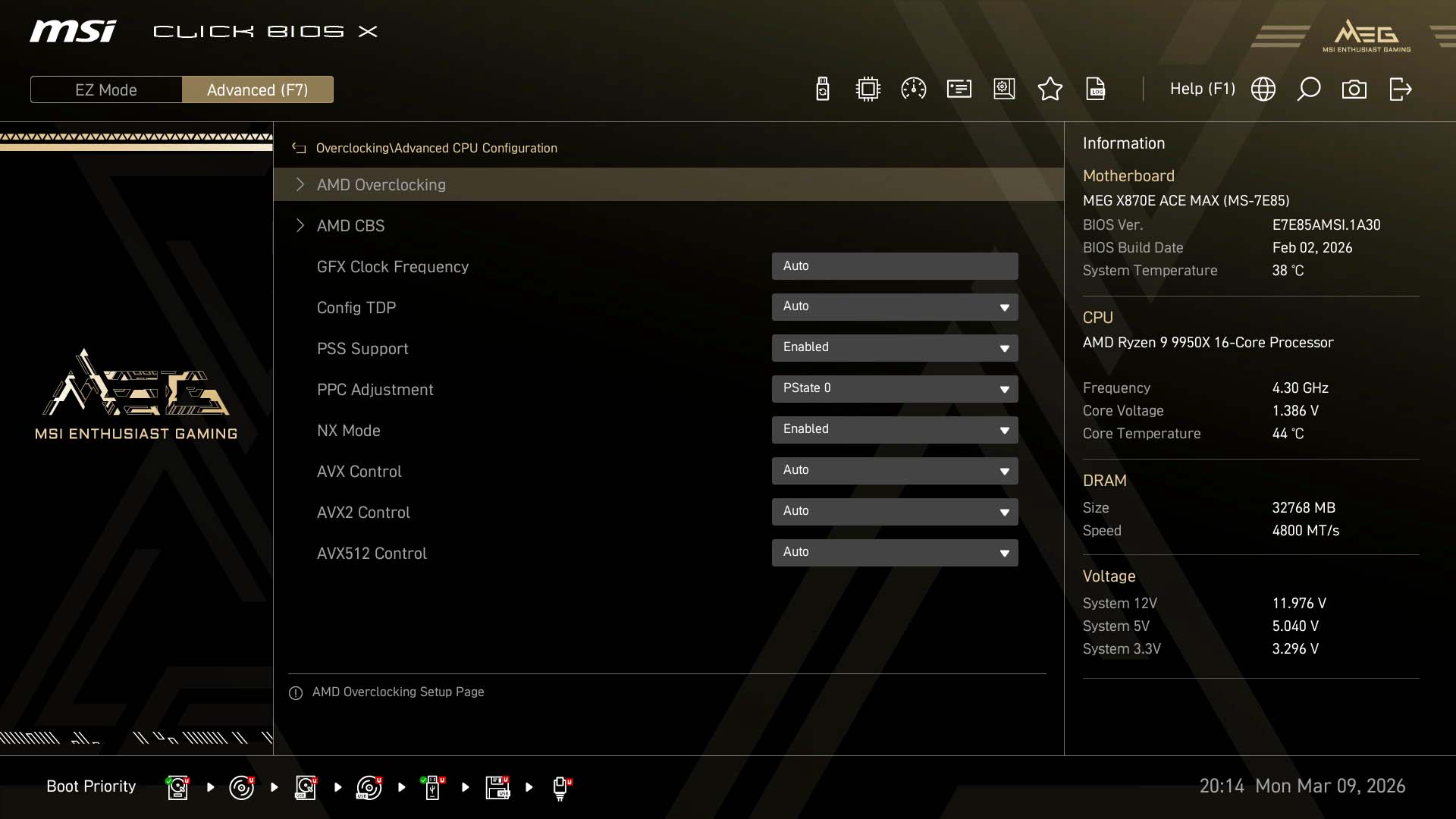
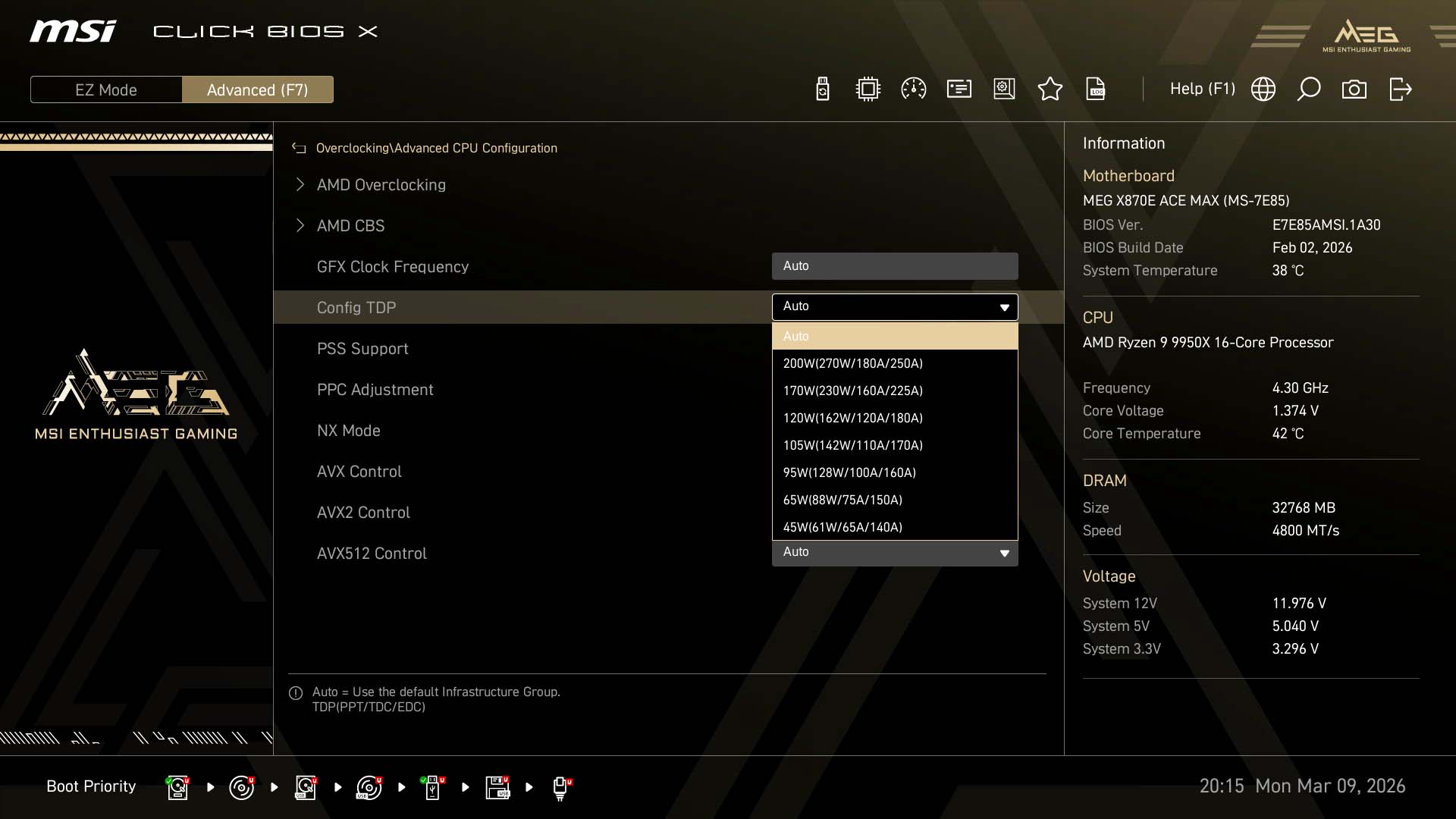
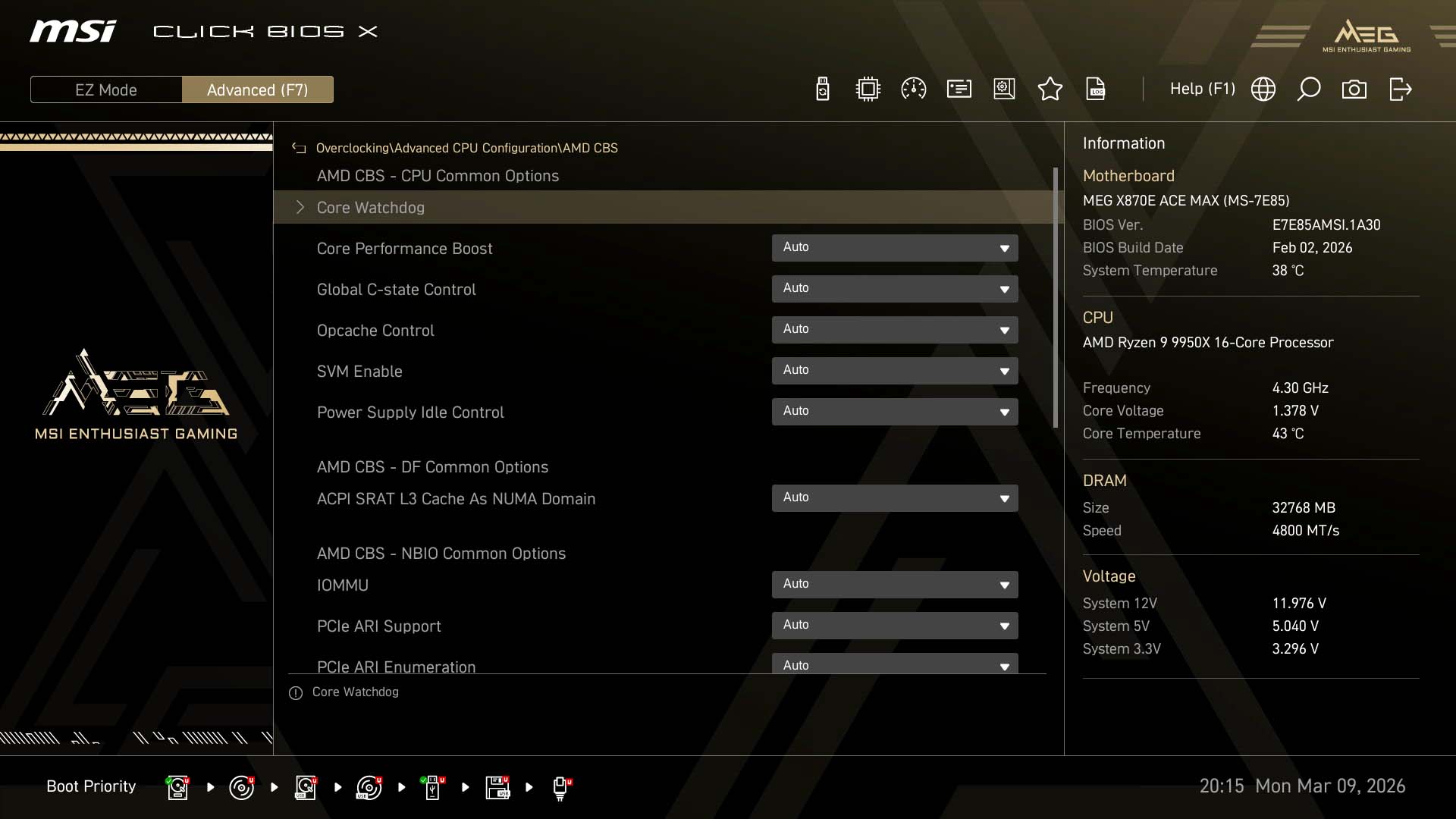
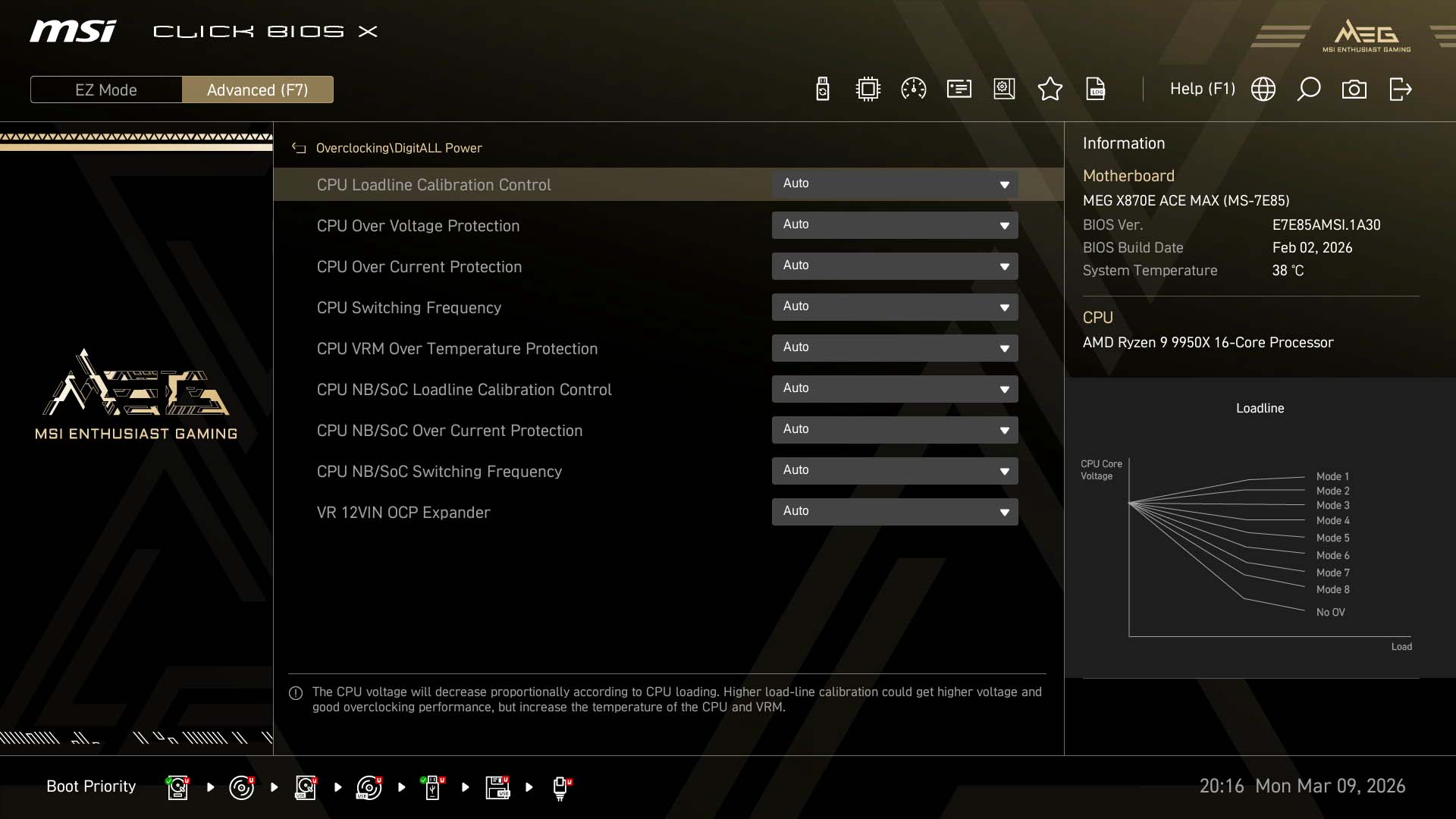
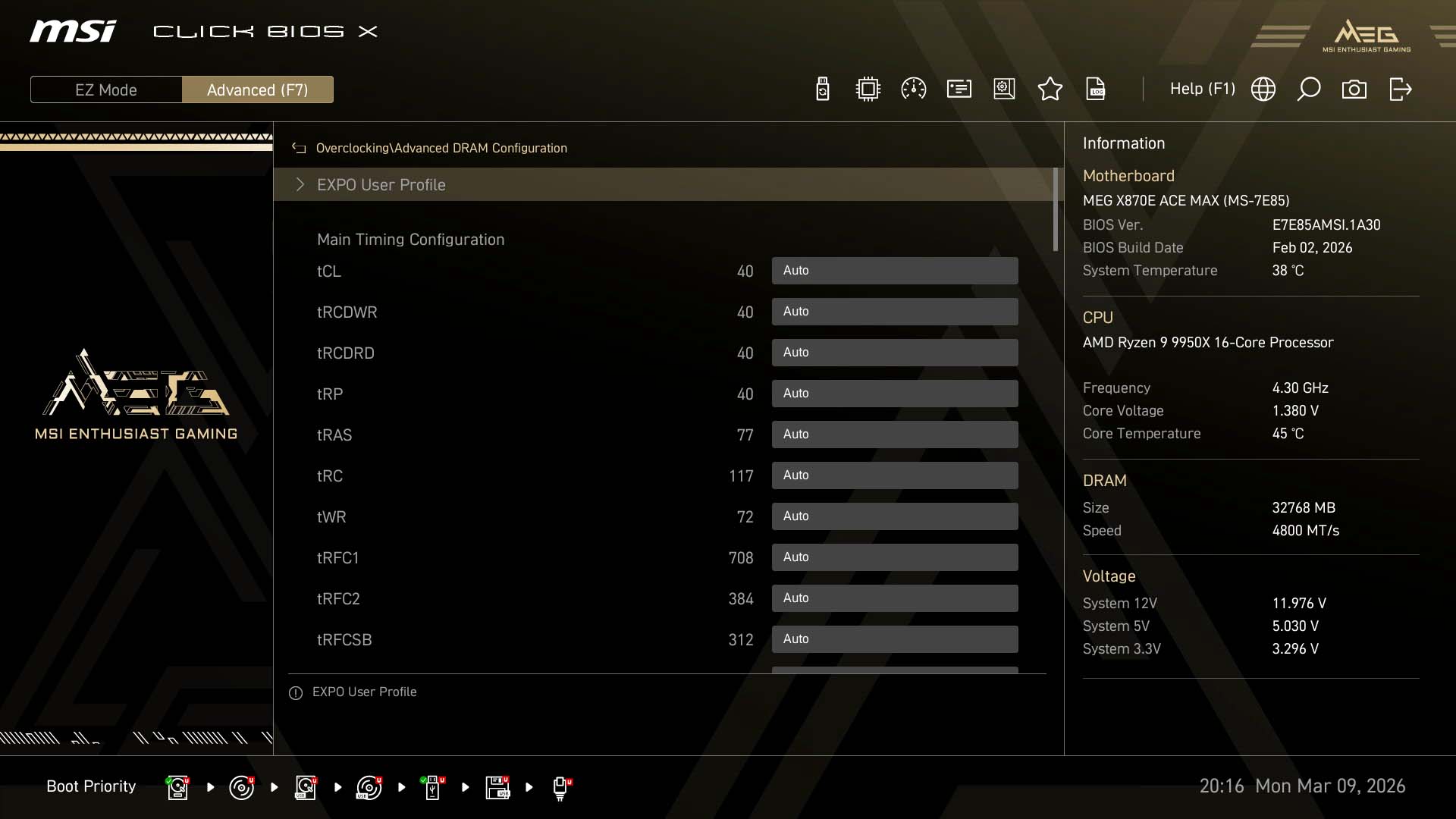
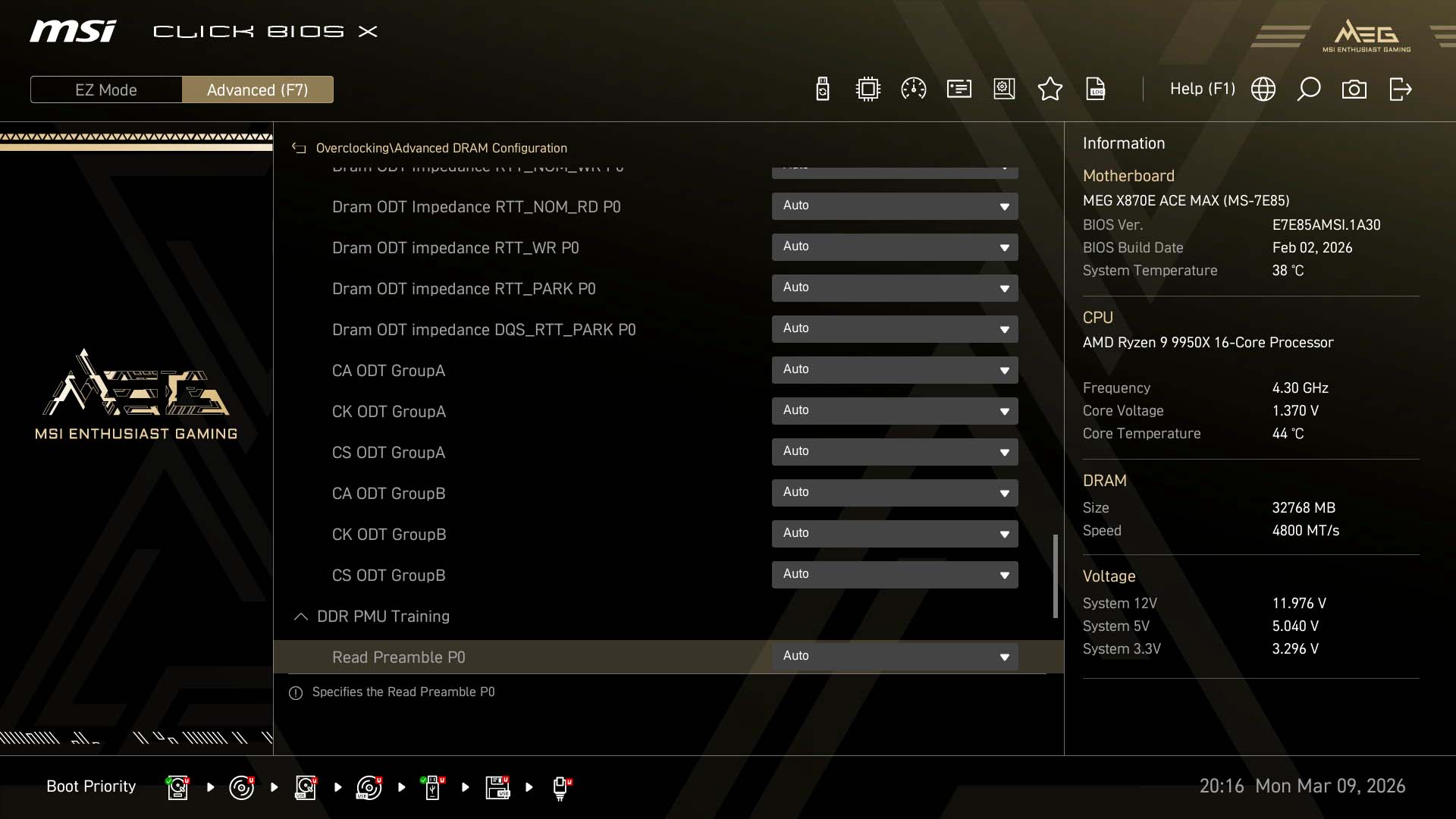
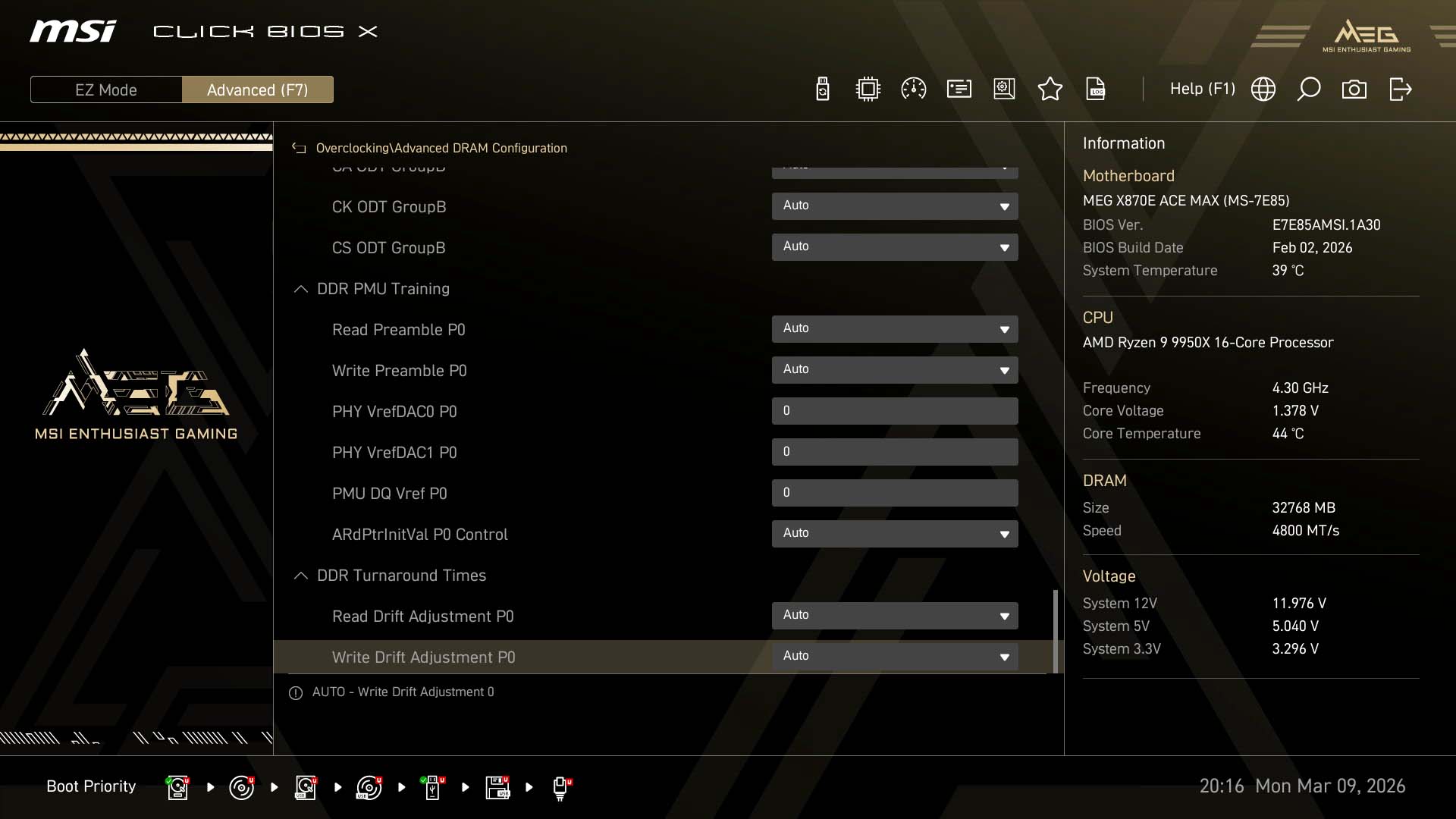
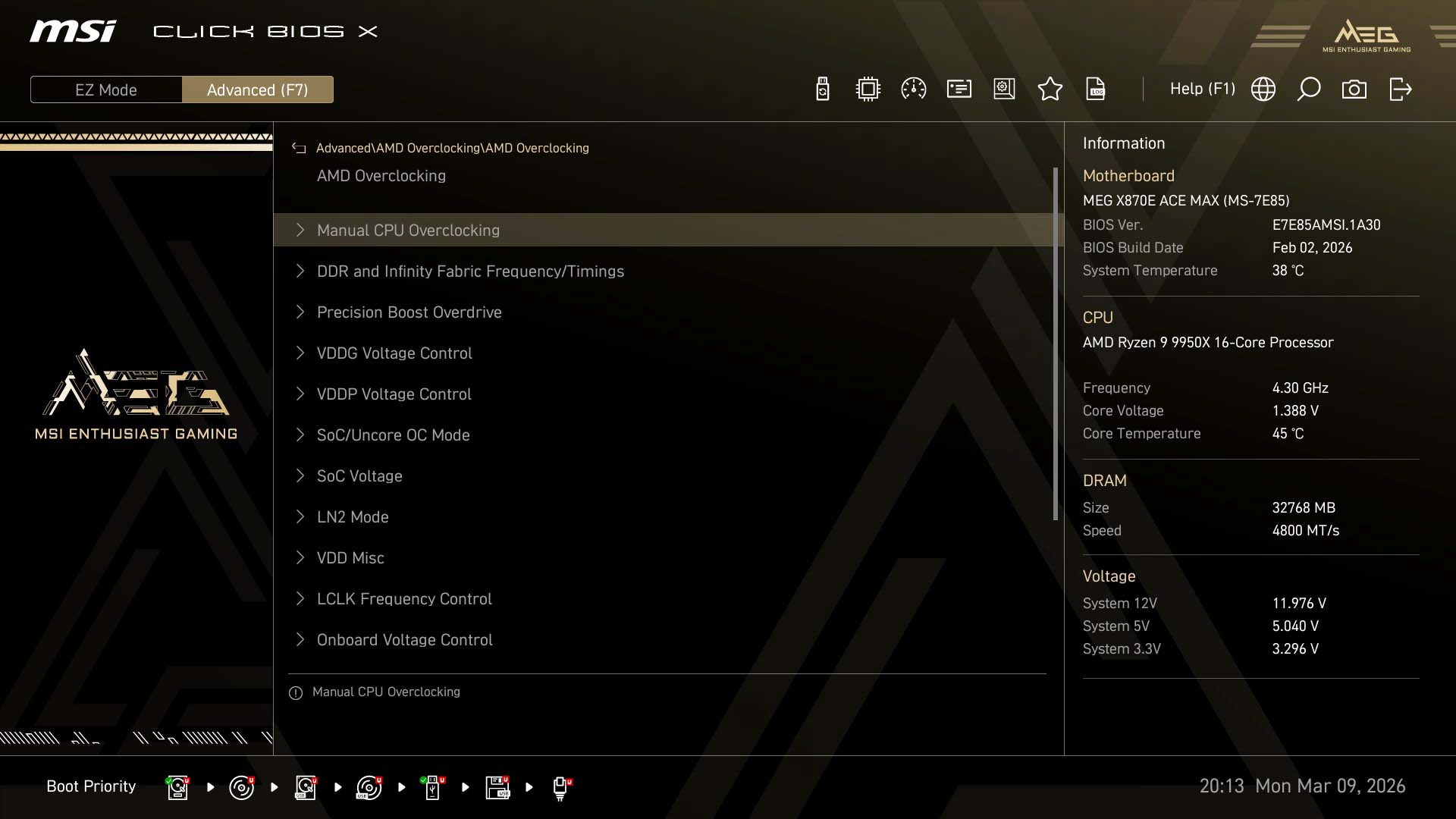
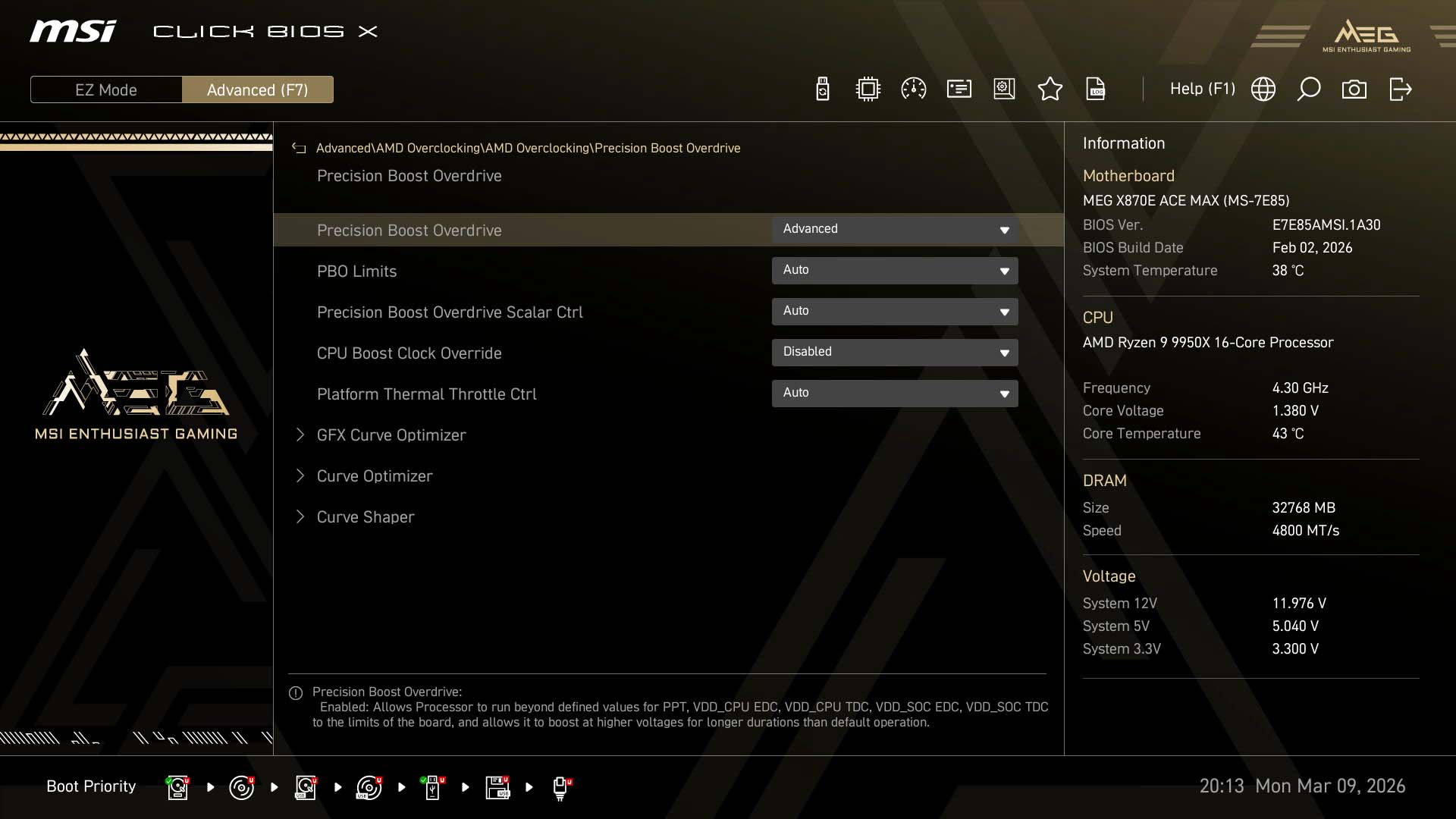
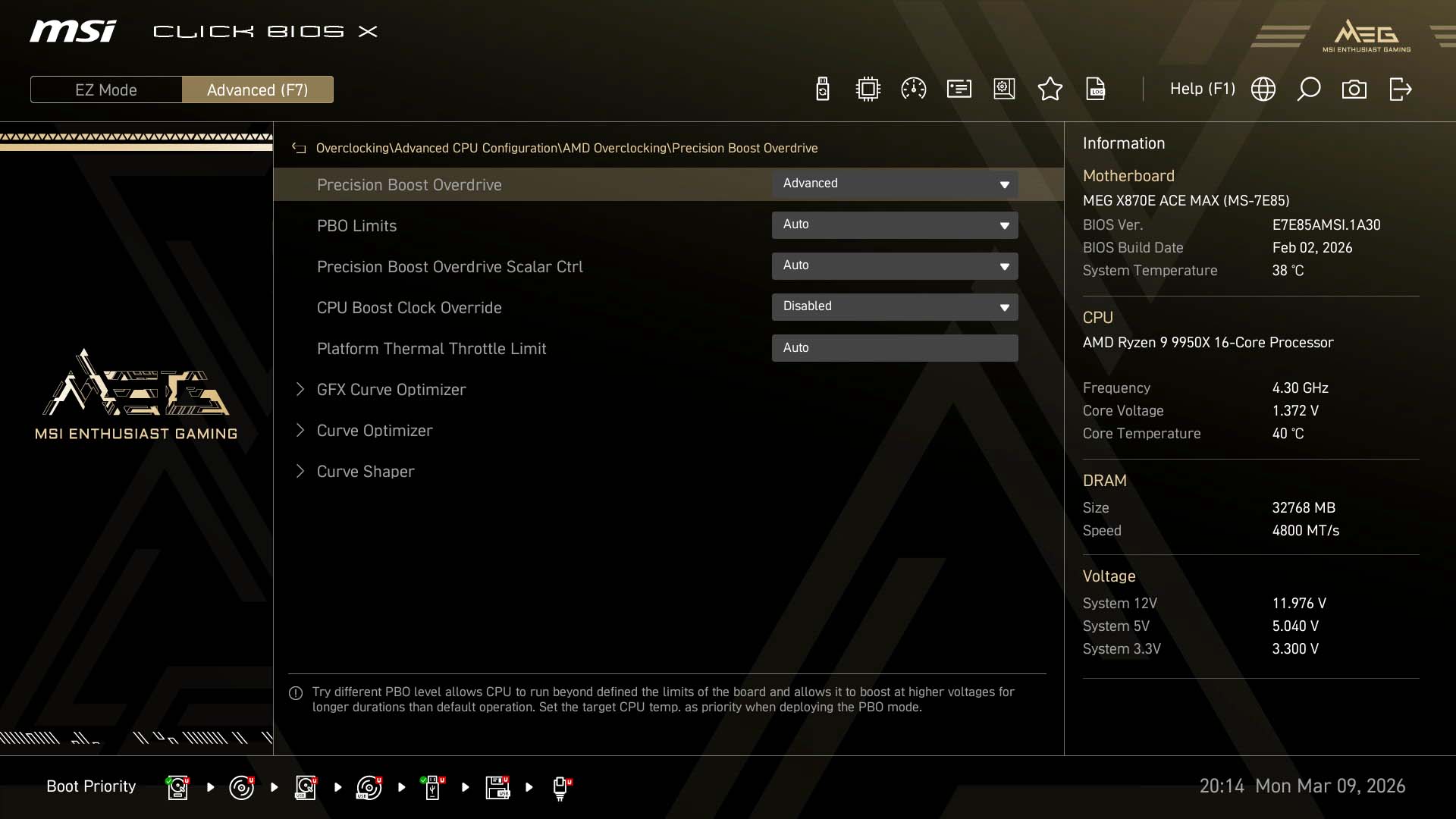
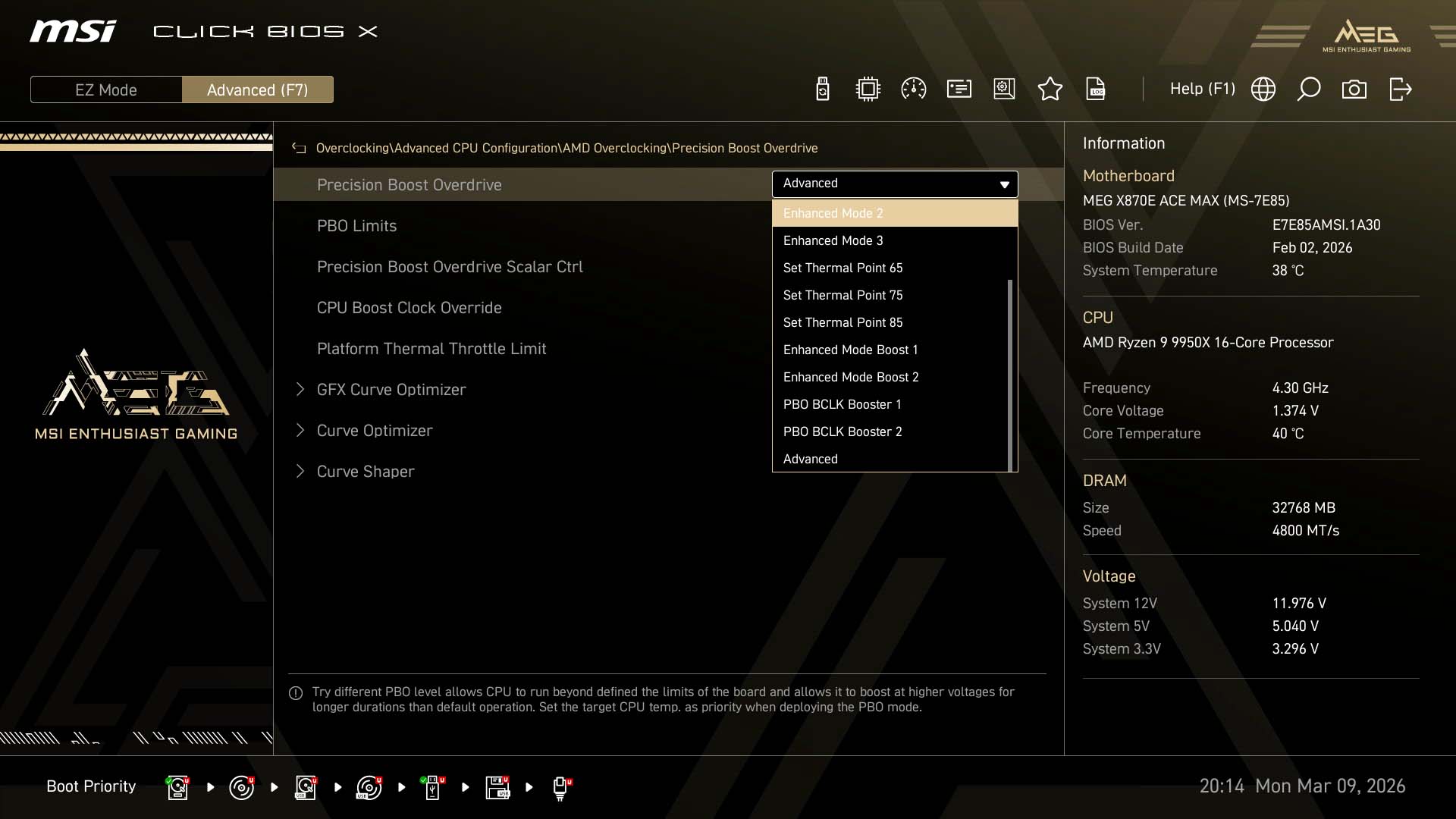
MSI's EFI allows for easy overclocking, whichever way you're doing it, and most items you need are listed on the main overclocking page including popular frequencies and voltages. The AMD overclocking section is present here too under Advanced CPU configuration, which also includes Config TDP, which has essentially replaced ECO mode in terms of limiting your CPU to specific power levels. There are now more options too. Advanced power settings including loadline calibration plus temperature and current protection can be found under the DigitALL Power subsection. There's also an impressive array of memory tweaking options too.As usual there's an AMD Overclocking section under the advanced menu, which is essentially the same as the one in the main overclocking menu, except it's a little more concise. You still get options such as Curve Optimizer and Curve Shaper though. MSI has added more options to the PBO drop down menu that include PBO BCLK Booster 1 and PBO BCLK Booster 2. These provide presets for increasing the base clock by around 3 MHz or around 5 MHz. The exact amount seems to vary depending on the CPU. For example, a Ryzen 7 9800X3D saw increases of 3 MHz and 5 MHz respectively, while a Ryzen 9 9950X sat 1 MHz higher on those frequencies. You can of course also manually adjust the base clock too, but be sure to set it to asynchronous mode so it's not dragging other bus speeds up with it.

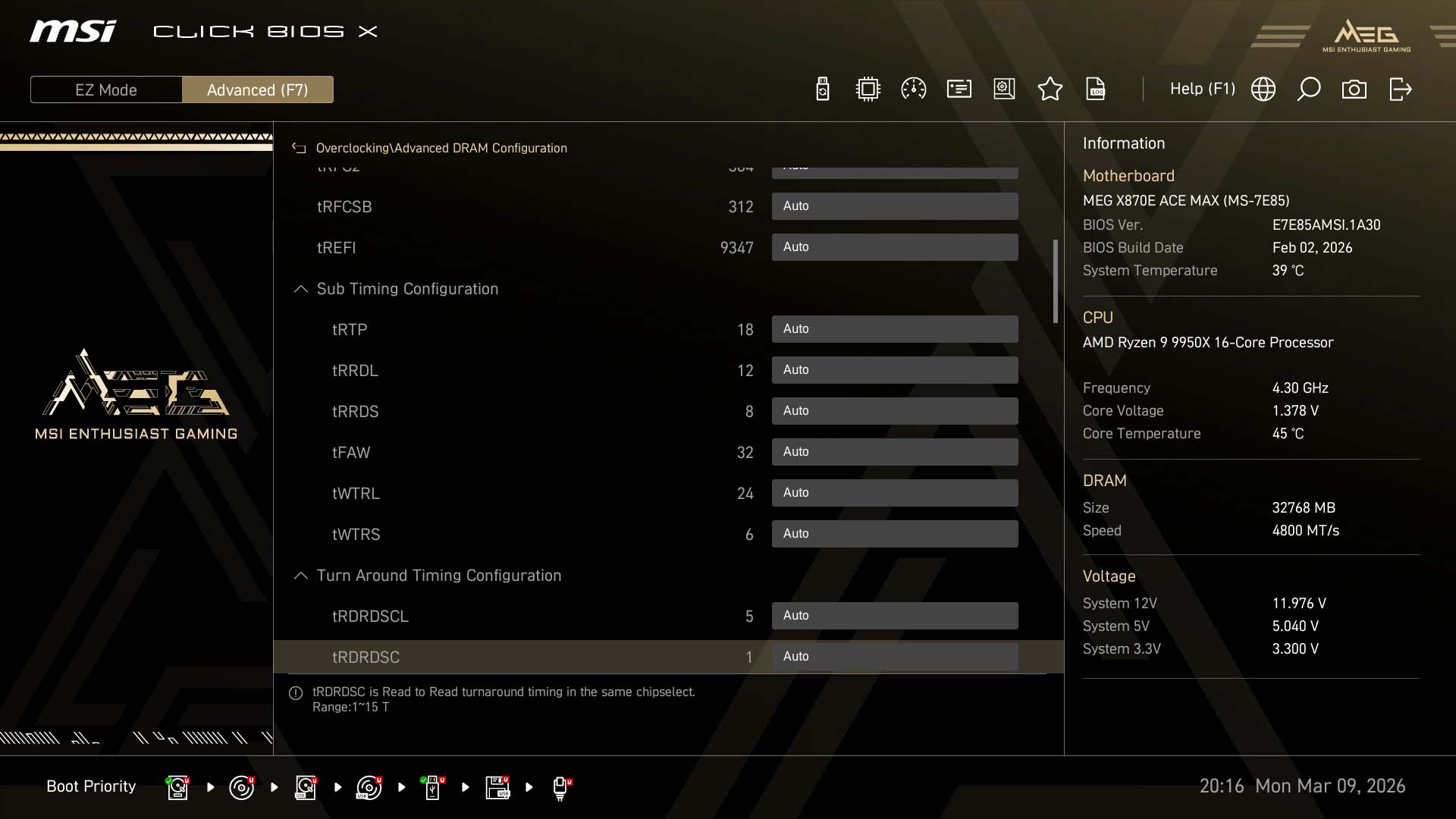
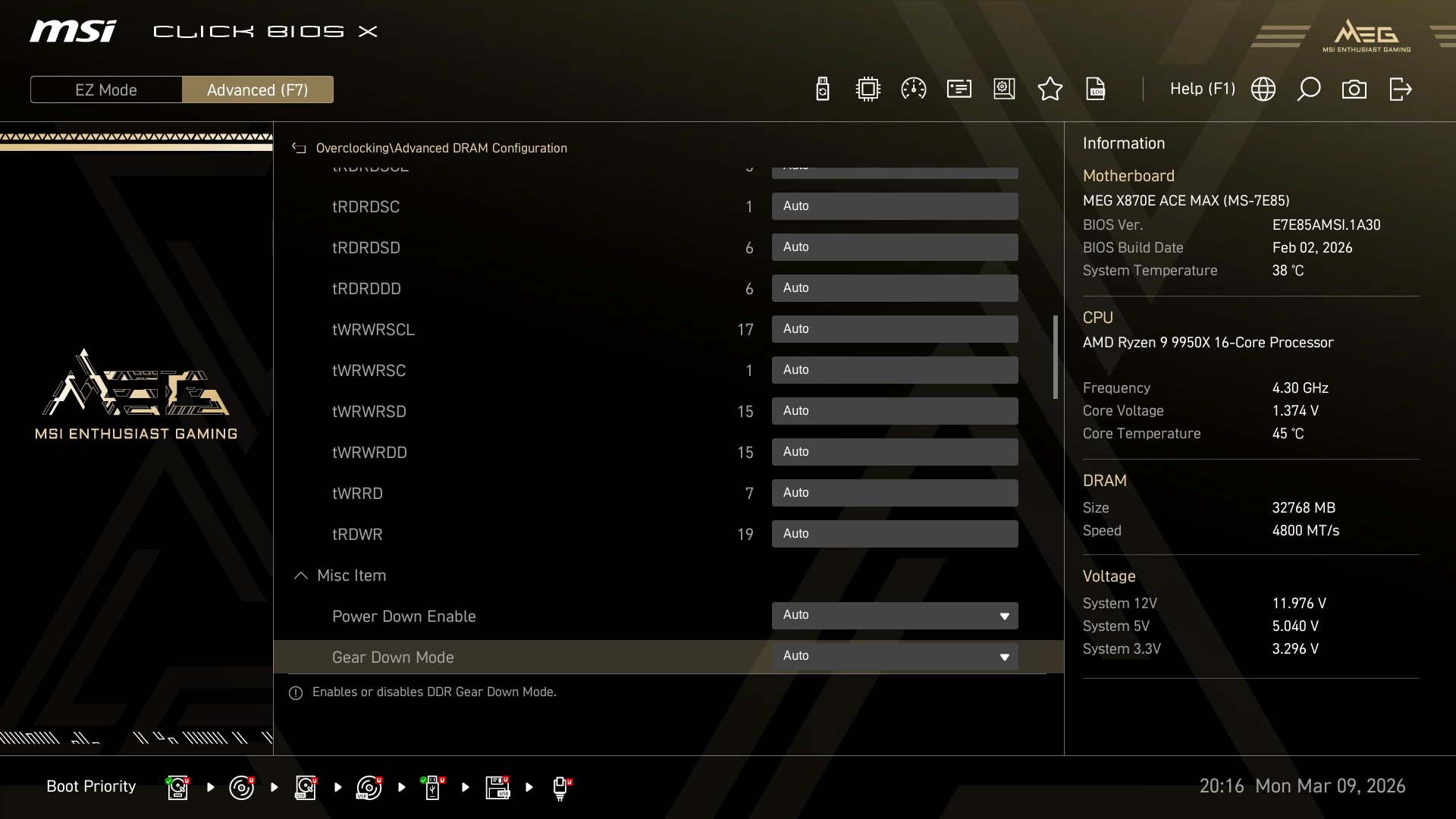
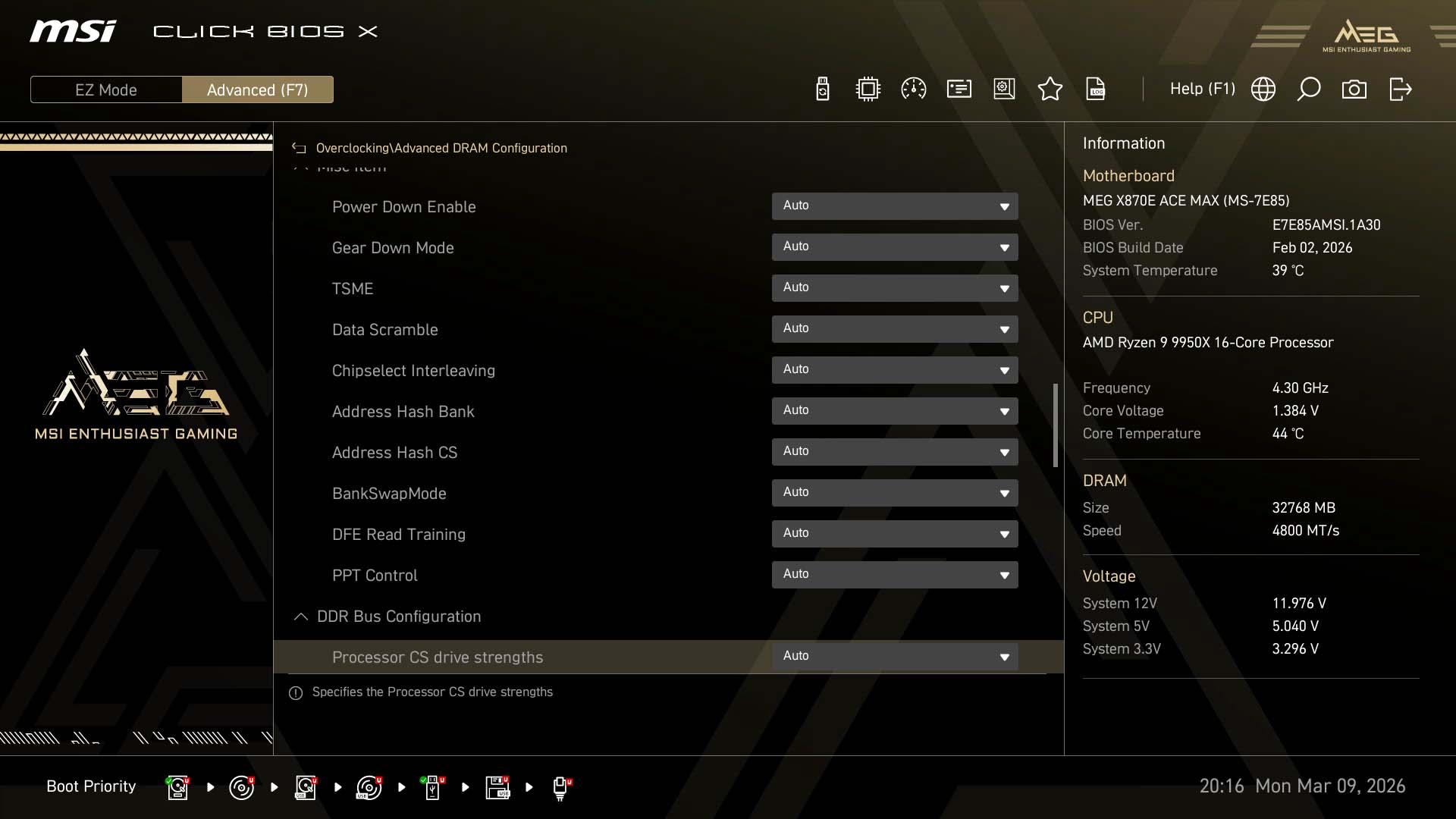
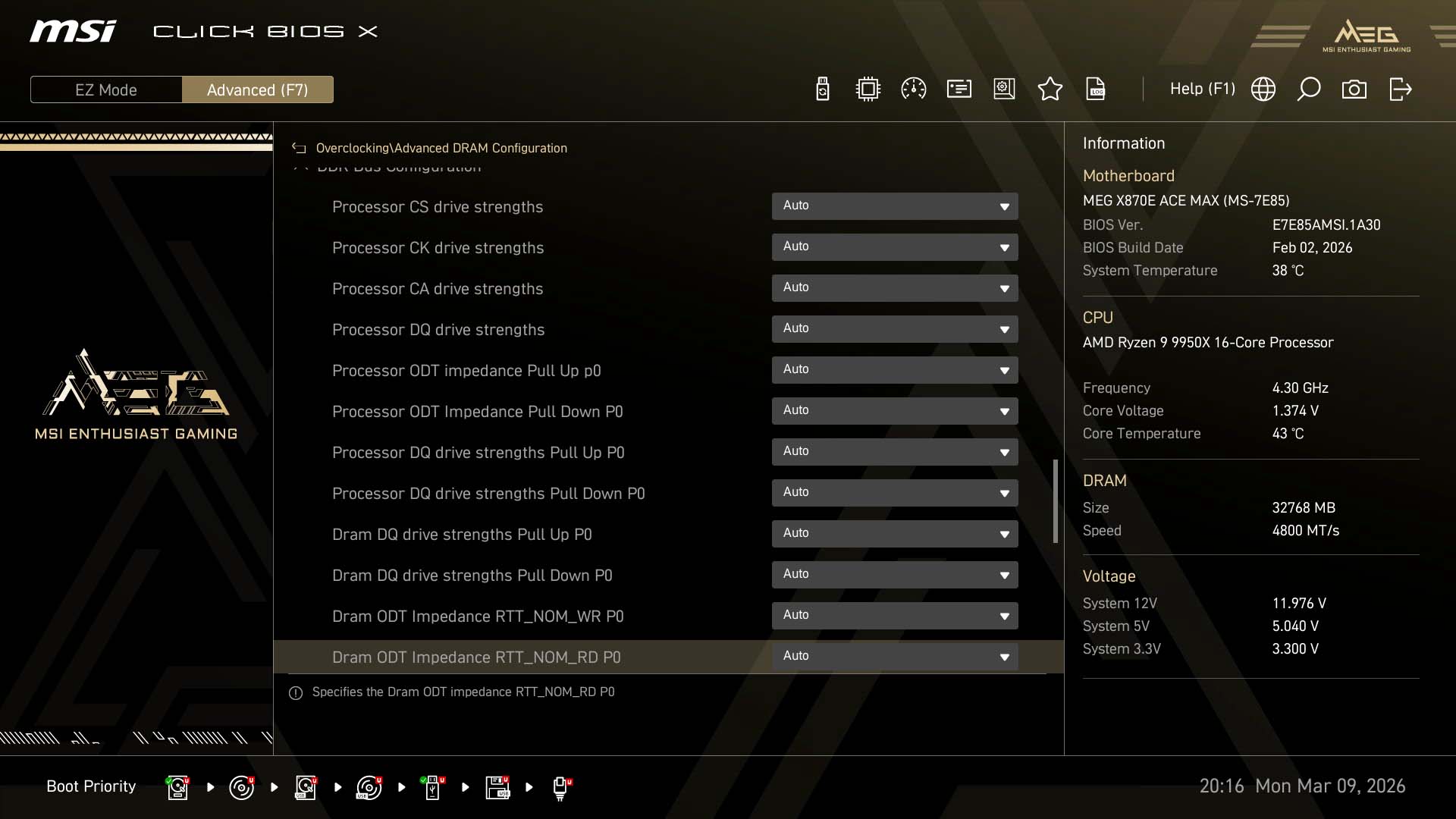
Nov 19th, 2026 05:16 PST
change timezone
Latest GPU Drivers
New Forum Posts
- Cpu waterblock water shows some tinting = Bad? (15)
- Windows HDR on = Tinted colors (6)
- Time to upgrade CPU and MOBO (69)
- How much does an RTX 5090 cost in your area? (70)
- Will zen 6 mobos have anything extra vs current ones? (60)
- Dell Precision 7560 (i7-11850H) stuck at base clock under load after GPU upgrade. (1)
- Anime Nation (13186)
- Without Jensen, PC gaming will be (50)
- Very unusual two gaming-pc scenarios. (14)
- GIGABYTE - H55N-USB3 ITX Upgrade experience (5)
Popular Reviews
- Acemagic Retro X3 Review
- Ugreen NASync DXP4800 GT Review
- Upcoming Hardware Launches 2027 (Updated Nov 2026)
- AMD Zen 6 Technical Deep Dive
- Pulsar Office Tour & First Look at P1 Dual-Sensor Mouse
- Biwin Black Opal NV7400 2 TB Review
- Sapphire Radeon RX 7700 XT Pure Review
- Sapphire Radeon RX 7700 XT Pulse Review
- Chieftec Iceberg PRO 360 DARK Review
- AMD Ryzen 7 9800X3D Review - The Best Gaming Processor
TPU on YouTube
Controversial News Posts
- NVIDIA Co-Founder and CEO Jensen Huang Officially Resigns (484)
- Report: Jensen Huang Eyes NVIDIA Comeback (215)
- Open Letter Asking NVIDIA to Reinstate Jensen Huang Passes 115,000 Signatures (184)
- OpenAI CEO Argues Home PCs Waste the World's Limited DRAM Supply (152)
- NVIDIA Launches Investigation Into Jensen Huang's Relationship With Suspected Chinese Spy (136)
- Intel "Raptor Lake Next" 16-Core and 20-Core CPUs Surface (130)
- Legendary Game Studio BioWare Shuts Down Following EA Layoffs (104)
- Dell CEO Says the Memory Shortage Will Get Worse in 2027 (95)