 27
MSI MEG X870E Godlike X Edition Review
Finished Looks & Test System »Board Software
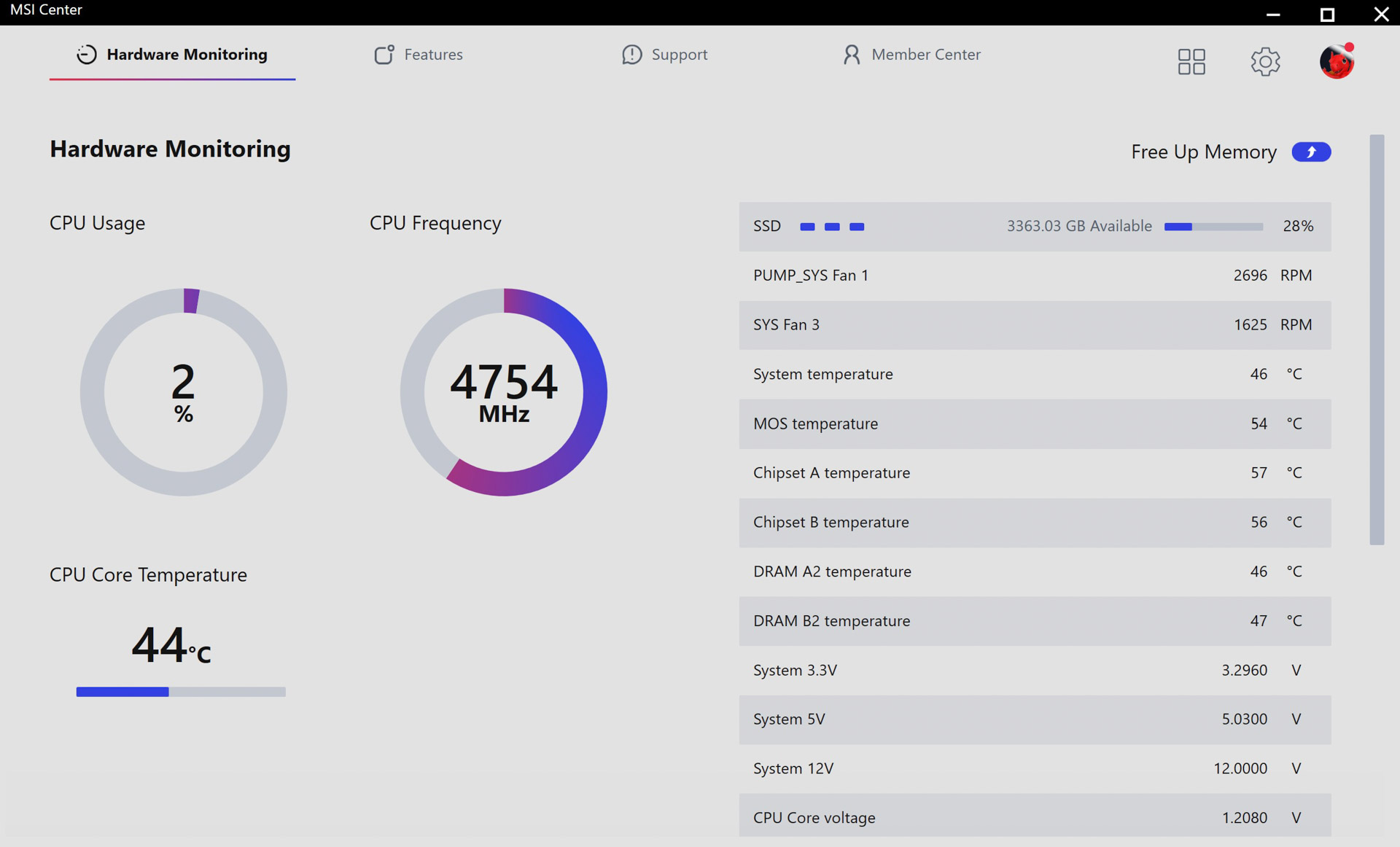
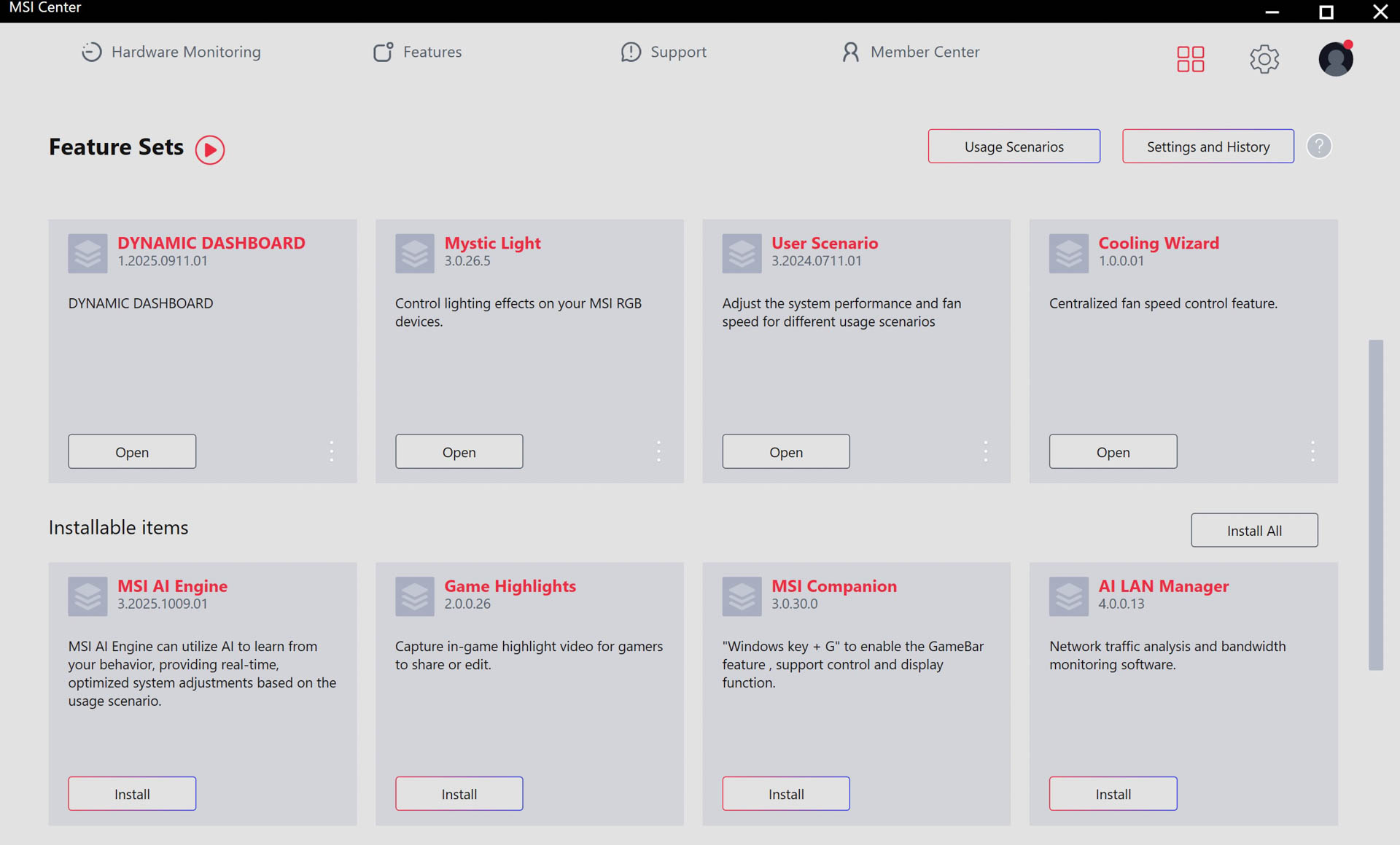
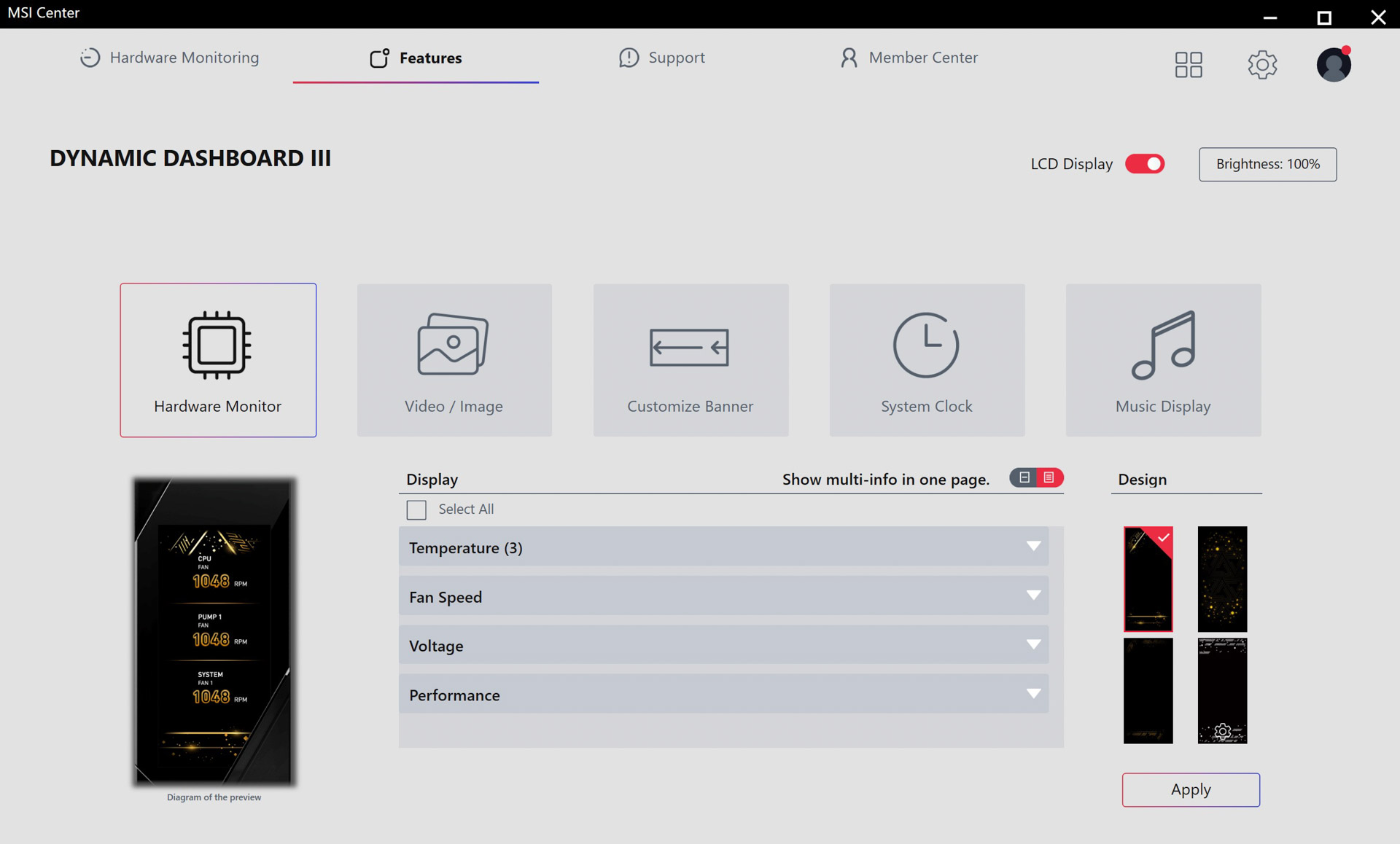
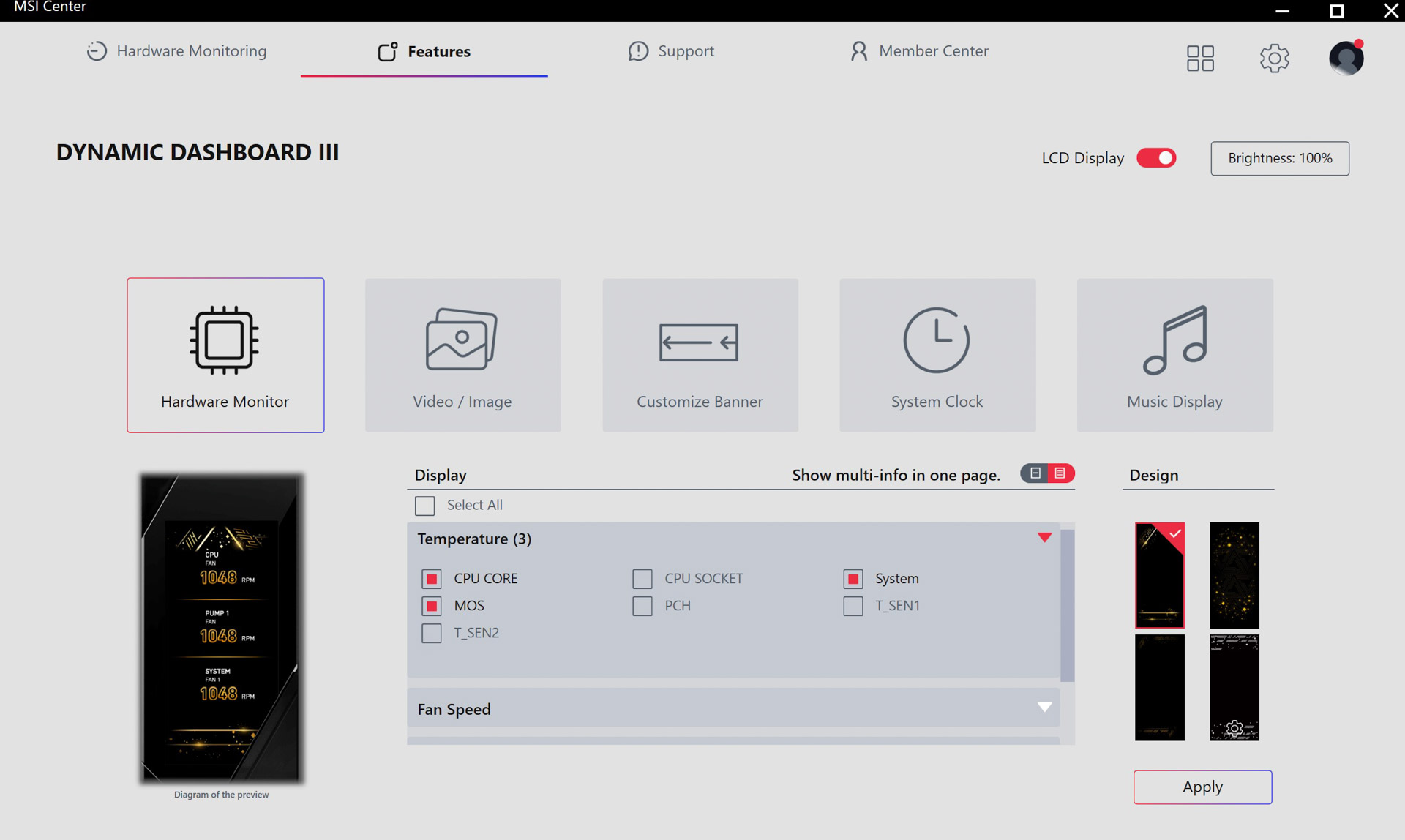
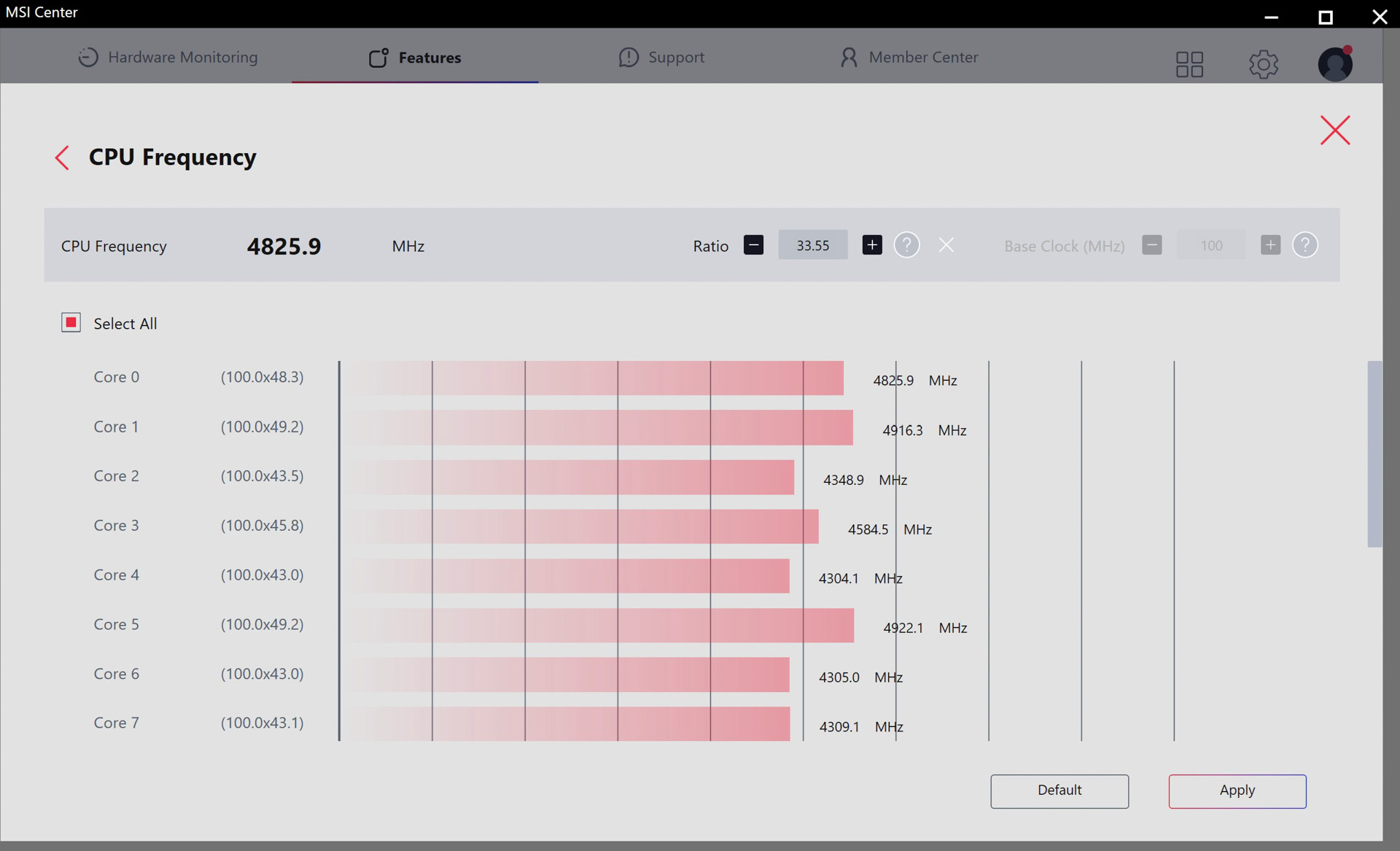
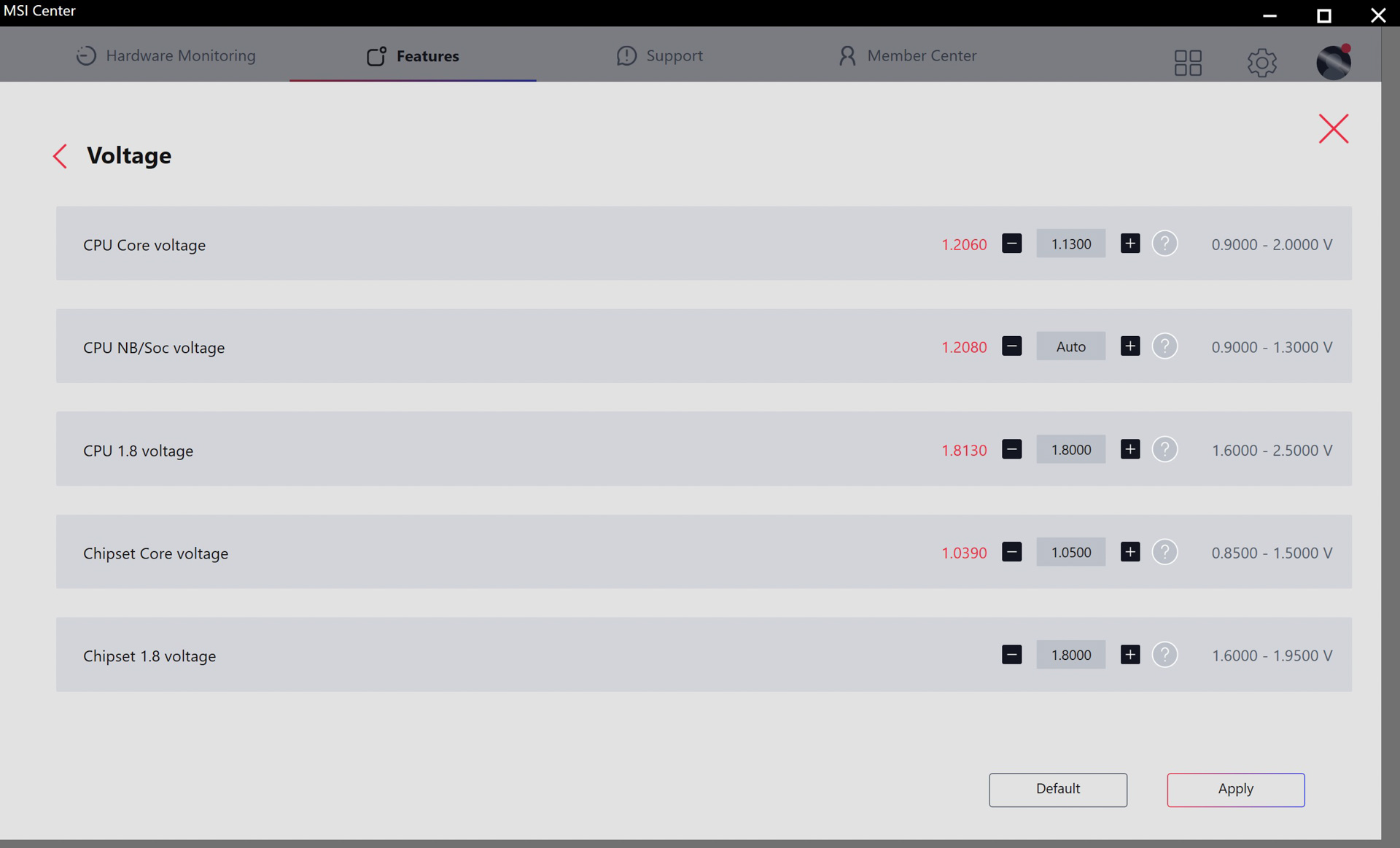
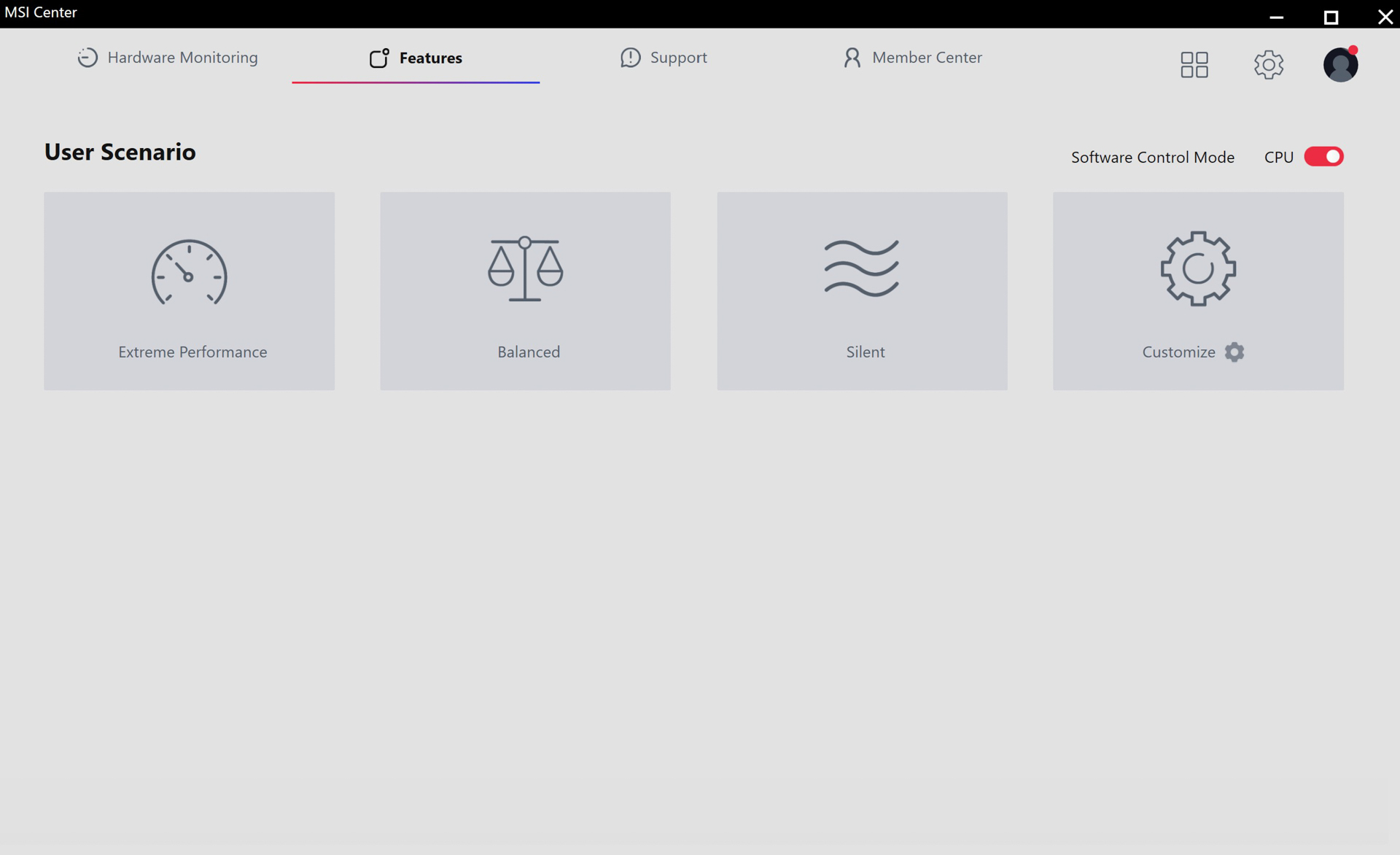
The MSI Center software is simple to install, and you're able to pick the packages you want rather than being forced to install everything. The main issue is constant reminders to install Norton Antivirus afterward, but you can just disable notifications for the app to stop this. Kind of annoying though MSI, and unfitting of a halo-tier product.The features you'll likely want are Mystic Light for RGB lighting, Cooling Wizard for controlling fans, and User Scenario for quickly setting performance and cooling profiles. For the Godlike X Edition we also have Dynamic Dashboard, for control over the LCD.
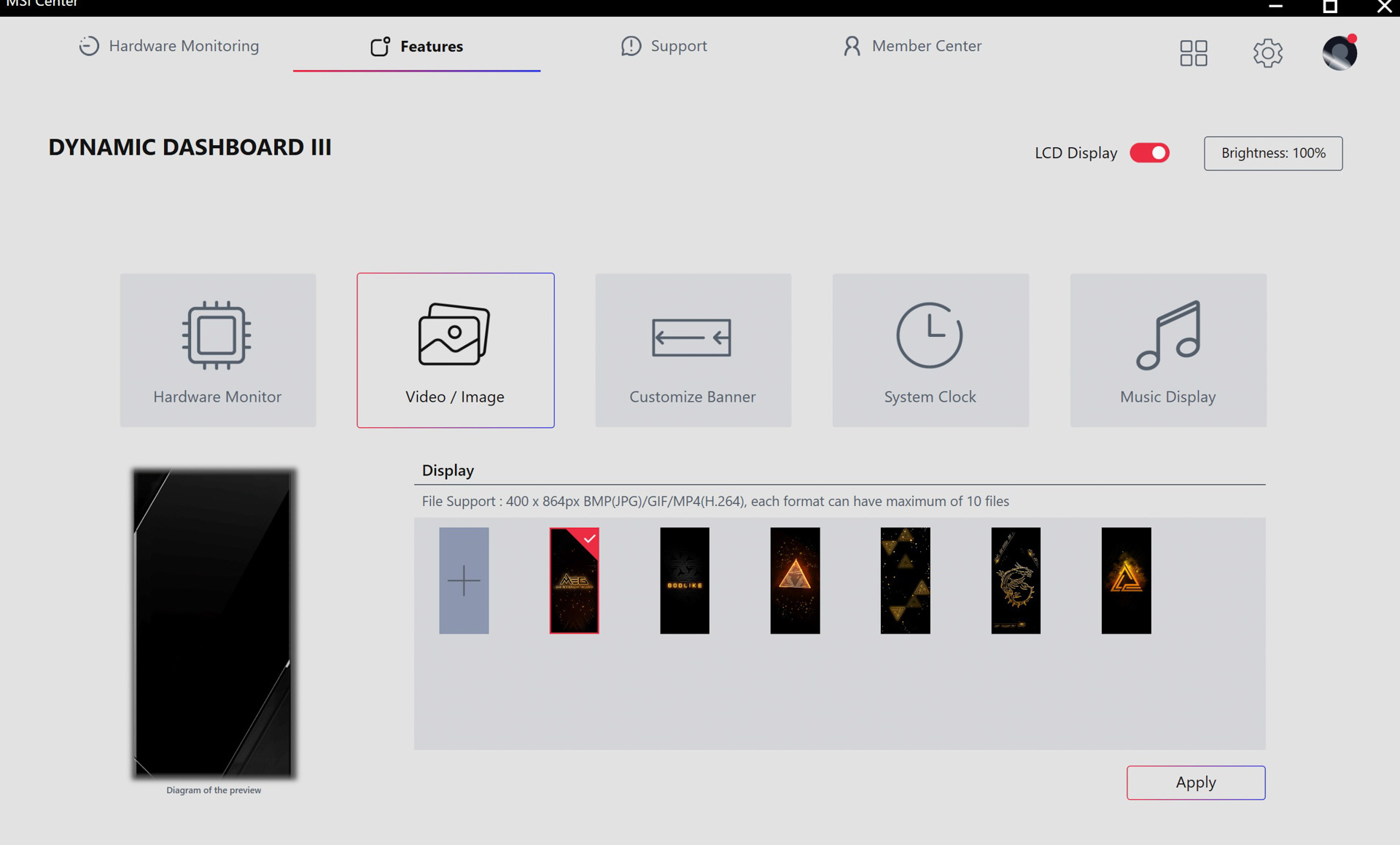
With the latter, you're able to pick which inputs are displayed from a range of options including fan speeds, temperatures and frequencies. You can also control the image design and customize it with your own 400x 864 pixel image or video. You can opt for a clock design or custom banner and music options.
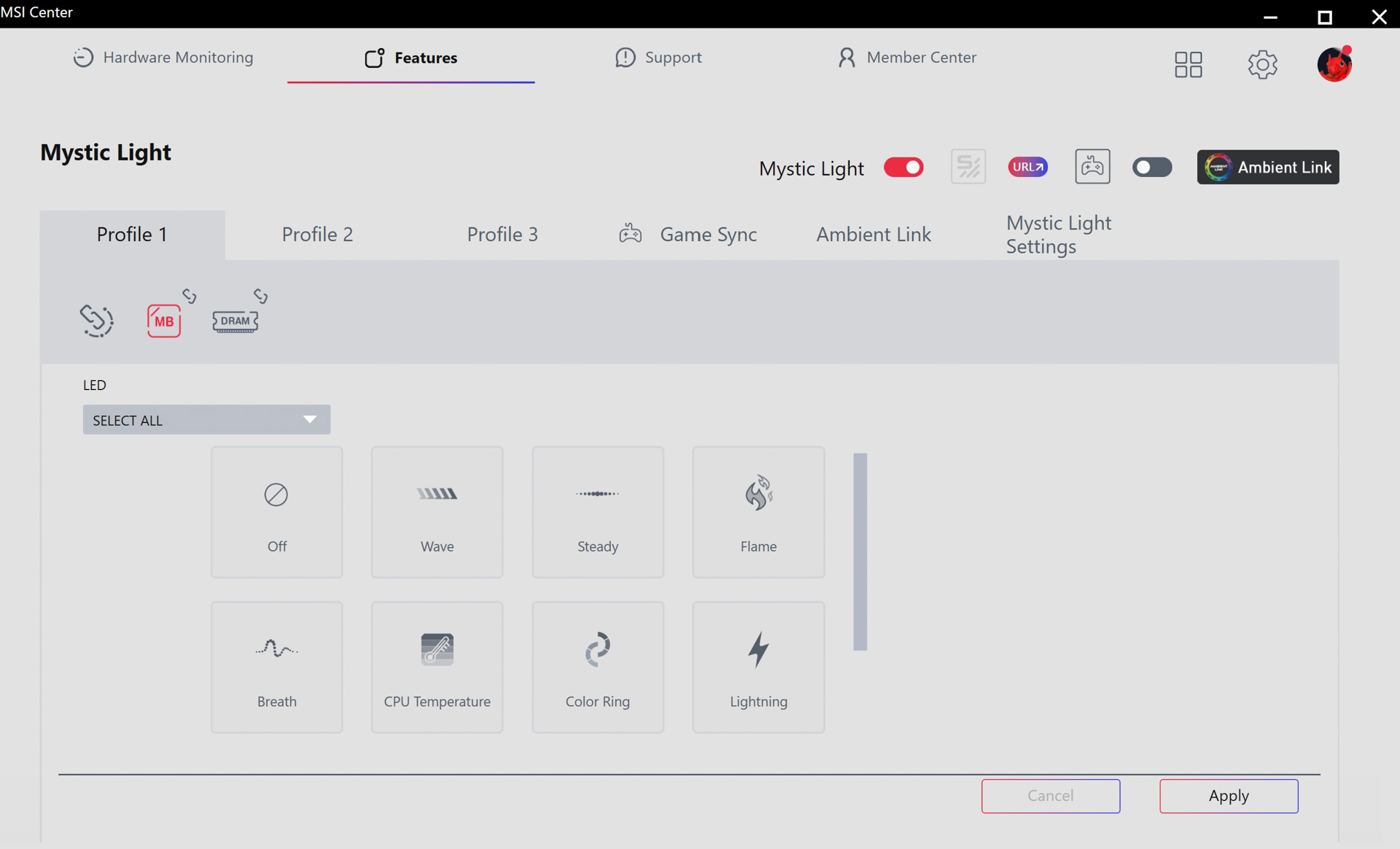
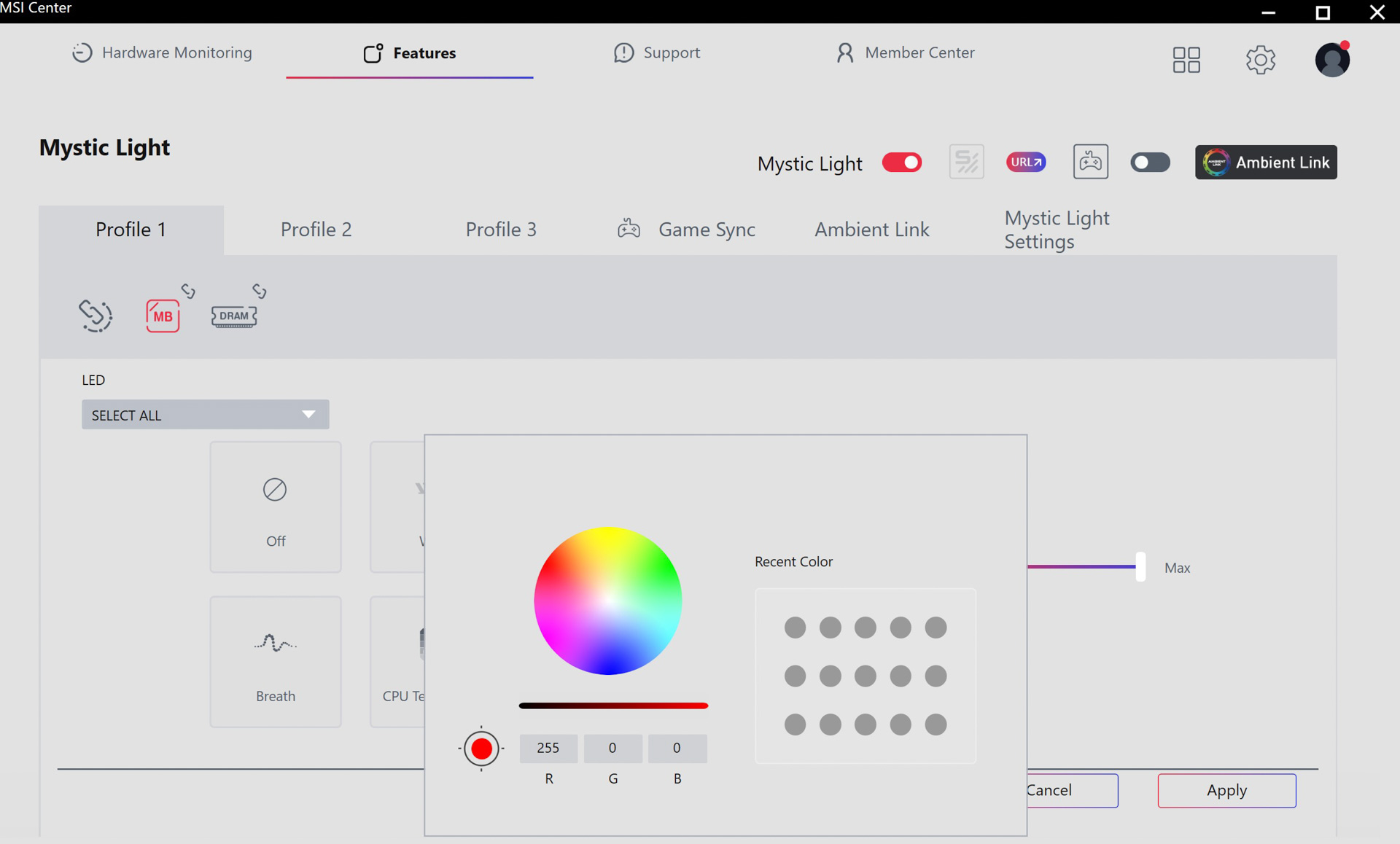
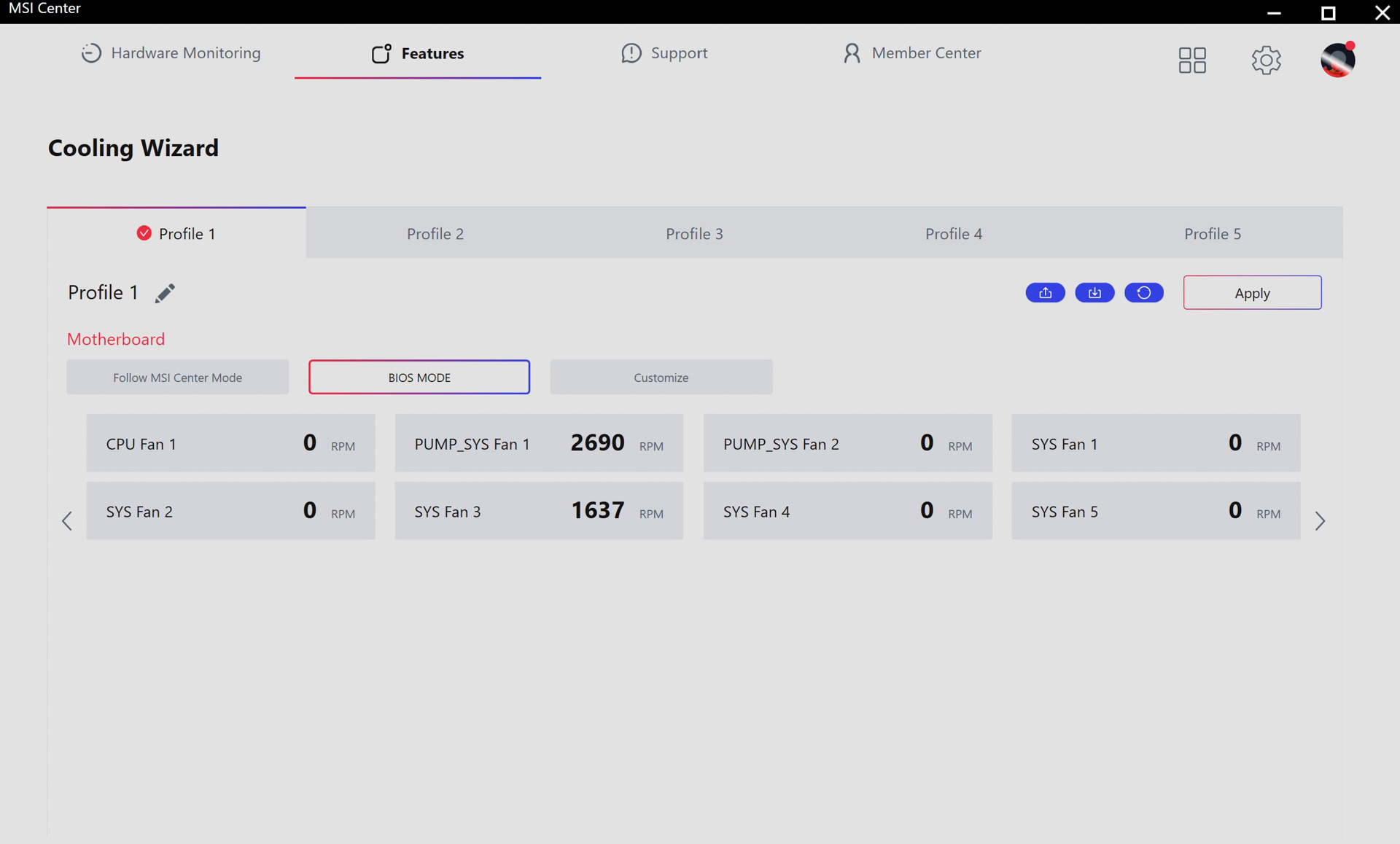
Mystic Light has the usual RGB lighting controls as well as the ability to control certain RAM lighting too, plus you can sync the lighting to games and music. Cooling Wizard is a little clumsy compared to the competition as you have to jump through a few hoops to get at the fan curve graph. Once there, you have most of the options you get in the EFI, but it is missing a few. Thankfully, you can switch temperature inputs, but there's no option to sync the fan speeds to your SSD temperature like you can with ASUS boards.
Nov 15th, 2026 08:23 CST
change timezone
Latest GPU Drivers
New Forum Posts
- budget home NAS – X79, X99 or another platform? (148)
- What generation of Wi-Fi do you use at home (98)
- I'll flash a ASUS ROG Strix RX480 O8G in Cause of Code 43, as a Newbie (5)
- Honestly, do you care about GTA VI? (58)
- Recommendations Wanted - Affordable Enterprise SSD for Boot (4)
- Is this anyhow possible, that a GPU (ROG Strix RX480 O8G) can crash the whole PC after "ReFlash" in normal Mode? (2)
- WarpCoreBench scores! (47)
- So where’s y’all’s lowbie or noob finds? Do you think Amazon is to blame for spending 64 dollars on a 35 dollar R36S klone? Is it good or bad? (0)
- Optical Disc Drive owners club (216)
- Planning for Prolonged High Prices and Maintaining What You Already Have (73)
Popular Reviews
- AMD Zen 6 Technical Deep Dive
- ASUS ROG Strix B850-I Gaming Wi-Fi7 W Review
- Corsair HX1000i Shift Crystal Review
- Upcoming Hardware Launches 2027 (Updated Nov 2026)
- Montech King 95 3D PRO Review
- NZXT C1200 Platinum Review
- NZXT H7 RGB+ Review
- NZXT H5 Review
- Phantom Blade Zero Performance Benchmark Review - 35 GPUs Tested
- AMD Ryzen 7 9800X3D Review - The Best Gaming Processor
TPU on YouTube
Controversial News Posts
- NVIDIA Co-Founder and CEO Jensen Huang Officially Resigns (412)
- OpenAI CEO Argues Home PCs Waste the World's Limited DRAM Supply (152)
- NVIDIA Launches Investigation Into Jensen Huang's Relationship With Suspected Chinese Spy (136)
- Intel "Raptor Lake Next" 16-Core and 20-Core CPUs Surface (130)
- Legendary Game Studio BioWare Shuts Down Following EA Layoffs (104)
- Open Letter Asking NVIDIA to Reinstate Jensen Huang Passes 115,000 Signatures (98)
- Dell CEO Says the Memory Shortage Will Get Worse in 2027 (95)
- NVIDIA GeForce RTX 50-Series Scheduled for up to $500 Price Hike This Week (89)