 17
MSI MPG 322URX QD-OLED Review - Top-tier 4K Gaming
Picture Quality, Uniformity & Viewing Angles »MSI Gaming Intelligence


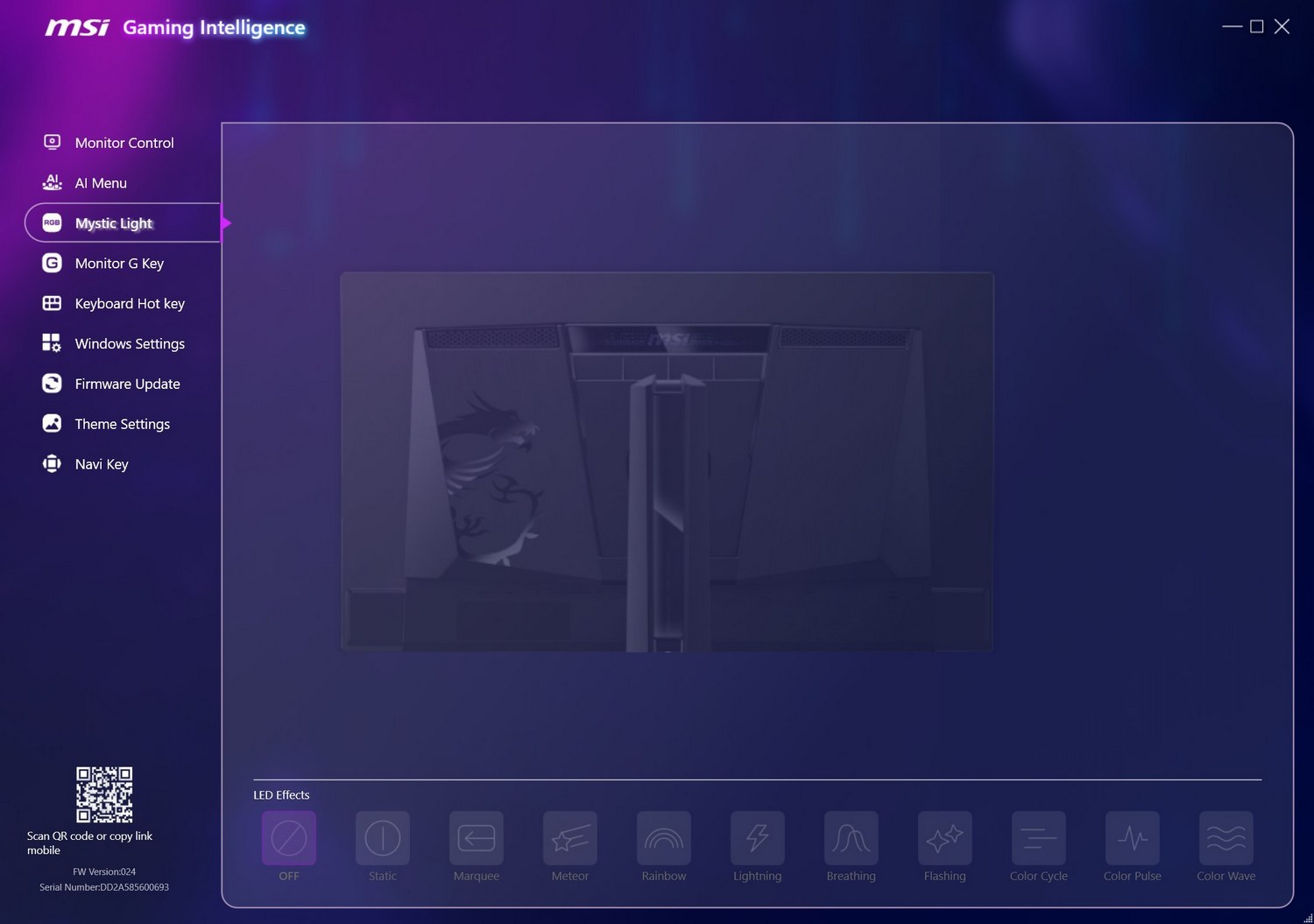


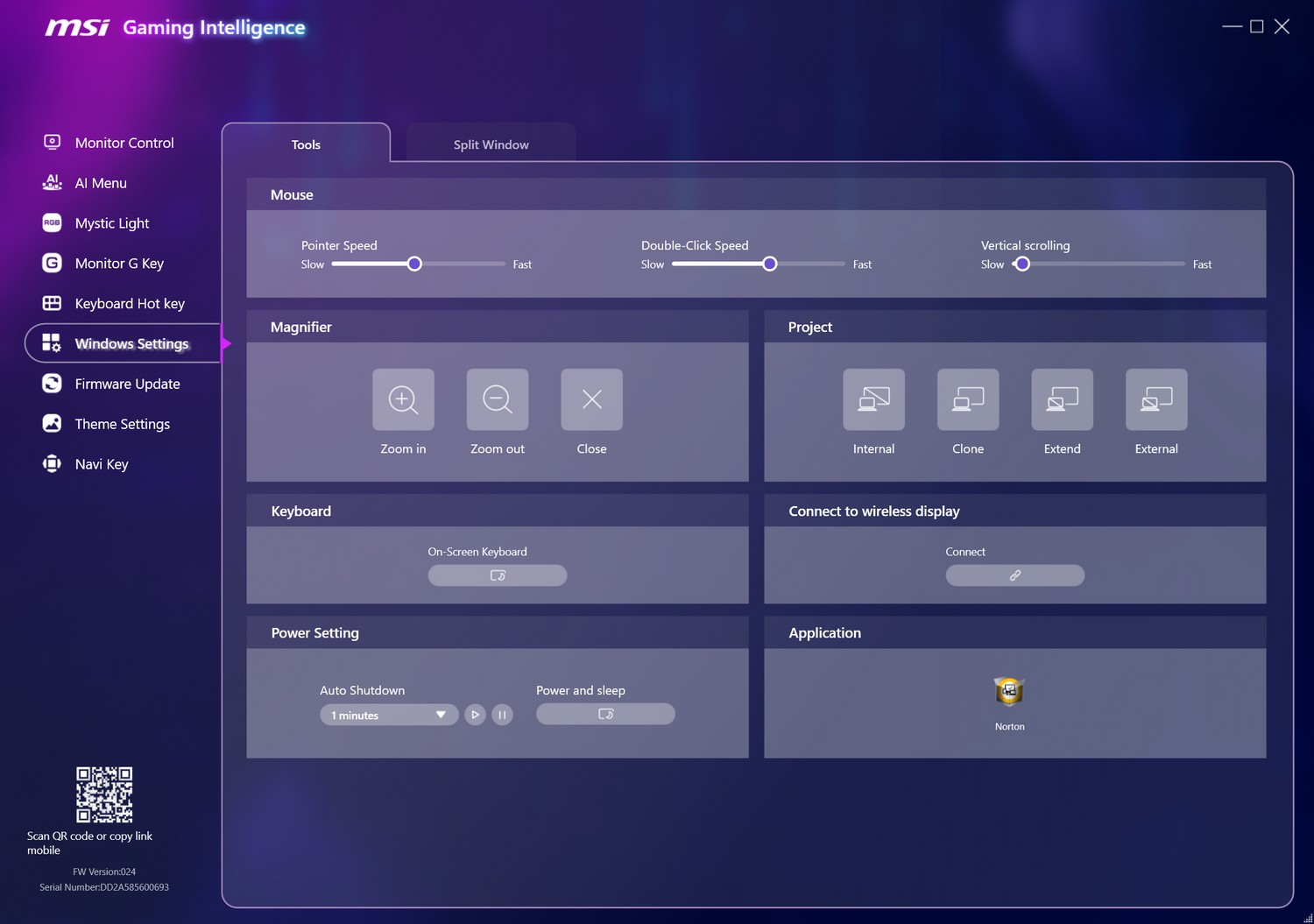
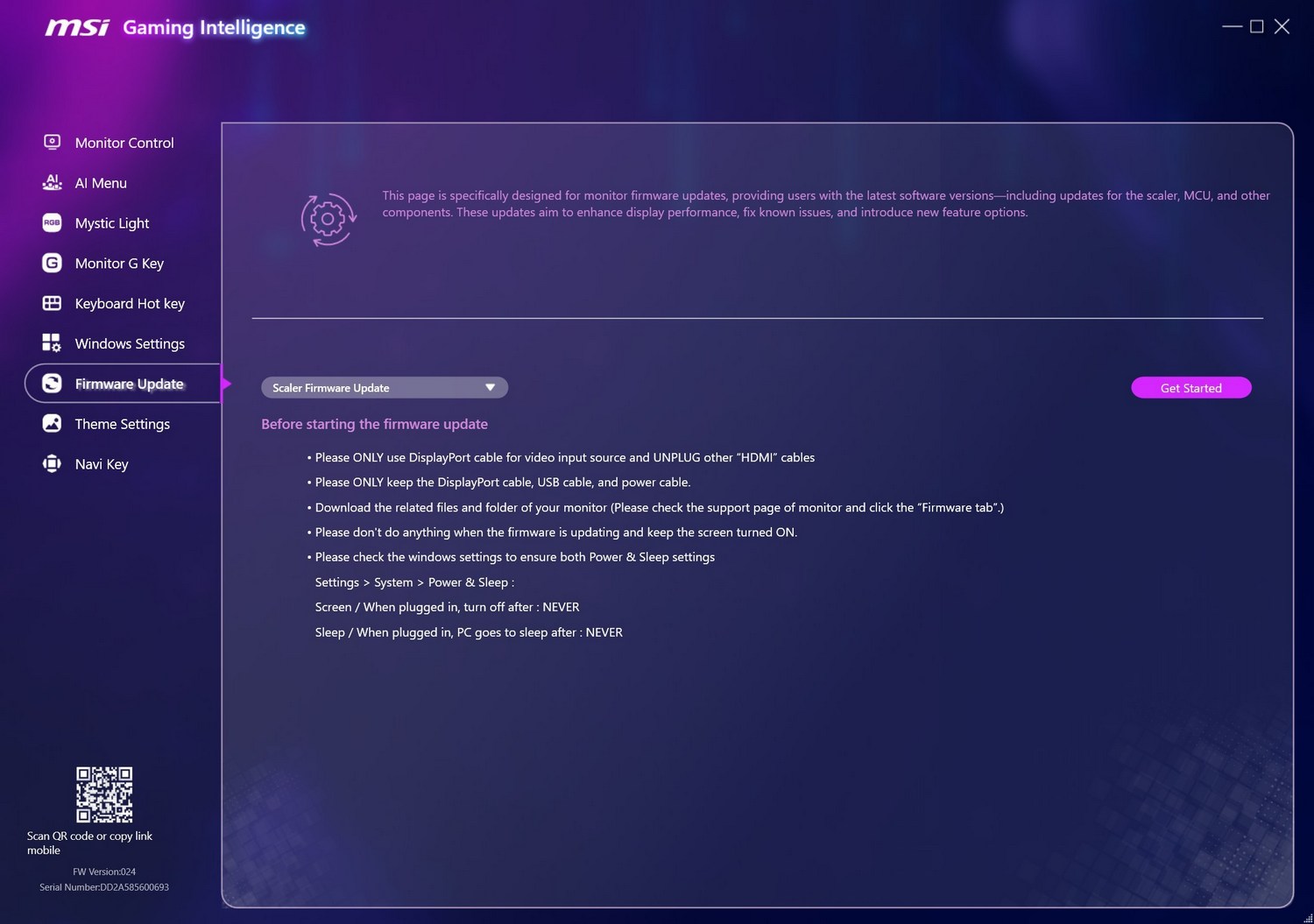

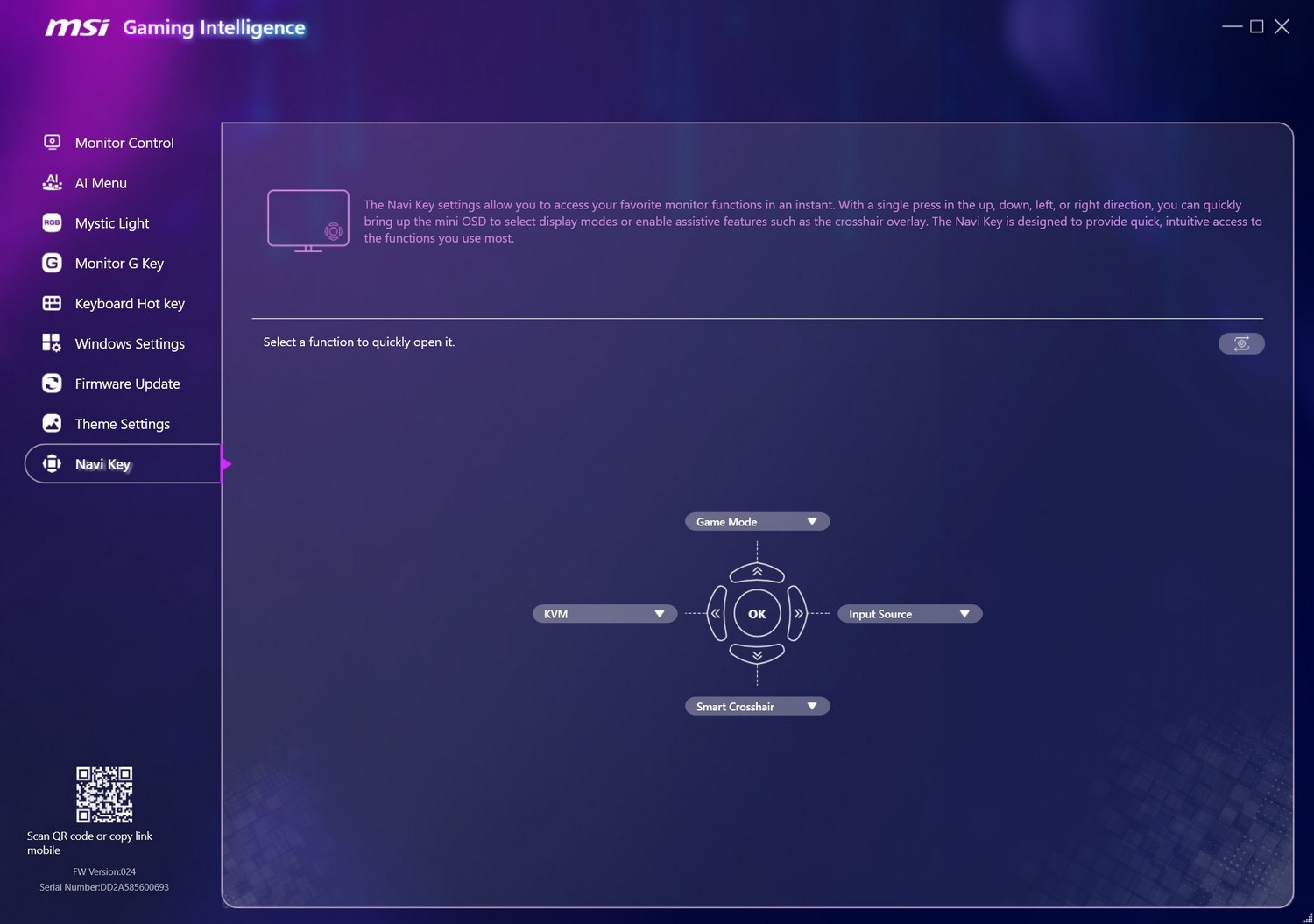
MSI Gaming Intelligence is a capable desktop companion that gives you full control over the MPG 322URX without touching the monitor's joystick. It mirrors the entire OSD, so you can adjust picture settings, switch inputs, manage the KVM, toggle gaming tools like crosshairs or Optix Scope, update firmware, and configure RGB lighting from a clean and responsive interface.
The app also adds features that the physical OSD cannot. Keyboard Hot Keys let you bind monitor functions to custom shortcuts, which is useful if you switch inputs or color modes several times per day. G Key allows you to assign macros to the monitor's hardware button, located next to the joystick. The split window tool offers basic window management for snapping apps into predefined layouts. Firmware Update provides a guided interface for installing new scaler and MCU firmware, complete with instructions to prevent failed updates. Mystic Light handles the monitor's rear RGB lighting with presets like Static, Rainbow, and Color Wave. Finally, Theme Settings lets you switch the app's visual style to match MSI's GI, MAG, MPG, or MEG product lines.
Arguably the most interesting of the lot is the AI Menu section, where you can assign settings such as virtual crosshairs, "scopes," timers and brightness, on a per-app basis. By doing so, the monitor will automatically switch to the chosen settings as soon as you start the app in question, and go back to default settings when you close it. This solves the headache of having to manually alter monitor settings in case you're using some of the aforementioned "tweaks" when gaming.
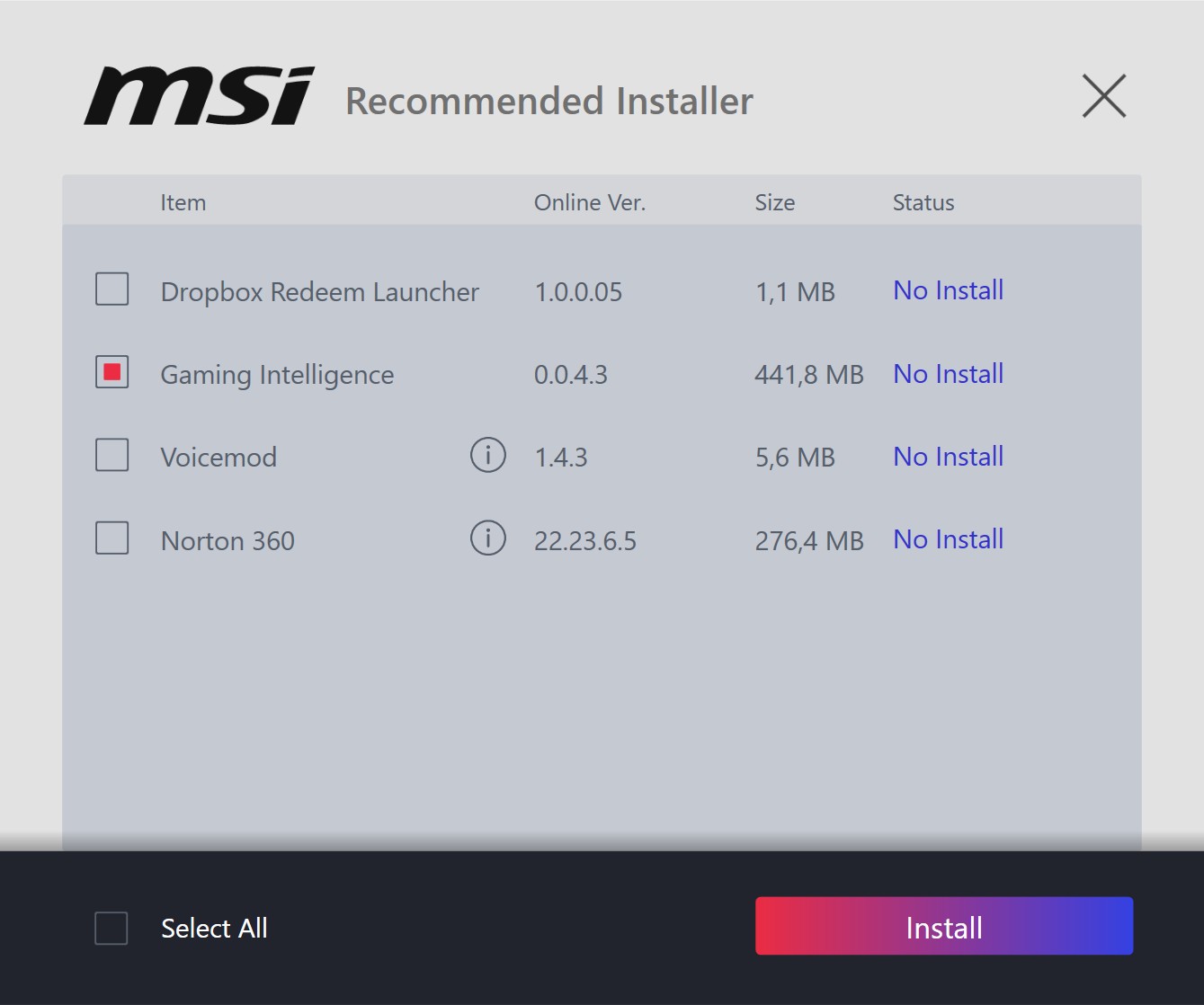
There is one annoyance worth mentioning. MSI distributes Gaming Intelligence through a "Recommended Installer" that tries to bundle several unrelated applications, including Dropbox Redeem Launcher, Voicemod, and Norton 360. You can decline them, but having to sift through bloatware before installing a monitor control app feels unnecessary and out of place for a premium product. Once you get past that screen, the software works well, but the onboarding experience could be cleaner.
Nov 25th, 2026 21:11 CST
change timezone
Latest GPU Drivers
New Forum Posts
- What's your main Black Friday / Cyber Monday purchase? (10)
- Exploring Local LLMs: Models, Hardware and Setup Experiences (0)
- Smokin Hot Lappy (10)
- Gacha Games - Discussions, Pulls, Updates, etc. (1165)
- Linpack Xtreme Released (511)
- Sexy Hardware Close-Up Pic Clubhouse. (10345)
- AAF Optimus Modded Driver For Windows 10 & 11 - Only for HDAUDIO Chips [WINDOWS 11 RECOMMENDED] (1155)
- Which ryzen am5 cpu ? (219)
- {NA} 2026 Black November prices / deal (7)
- TPU's Nostalgic Hardware Club (22208)
Popular Reviews
- ASRock X870E Challenger Wi-Fi White Review
- VZMORE AX9 Max Review
- Upcoming Hardware Launches 2027 (Updated Nov 2026)
- Microsoft Surface Laptop Ultra Review - The Next-gen Arm Laptop
- AMD Ryzen 7 9800X3D Review - The Best Gaming Processor
- AMD Zen 6 Technical Deep Dive
- Corsair RM1200e (Second Generation) Review
- Phantom Blade Zero Performance Benchmark Review - 35 GPUs Tested
- Pulsar Office Tour & First Look at P1 Dual-Sensor Mouse
- Ocypus lota P1000 Review
TPU on YouTube
Controversial News Posts
- Jensen Huang Reinstated as CEO of NVIDIA (573)
- NVIDIA Co-Founder and CEO Jensen Huang Officially Resigns (492)
- Report: Jensen Huang Eyes NVIDIA Comeback (281)
- Open Letter Asking NVIDIA to Reinstate Jensen Huang Passes 115,000 Signatures (184)
- OpenAI CEO Argues Home PCs Waste the World's Limited DRAM Supply (152)
- NVIDIA Launches Investigation Into Jensen Huang's Relationship With Suspected Chinese Spy (136)
- Intel "Raptor Lake Next" 16-Core and 20-Core CPUs Surface (130)
- Intel Razor Lake Gets a 12 P-Core bLLC Chip With No E-Cores, Per Leak (94)