 7
MSI MPG B860I Edge Ti Wi-Fi Review
VRM Overview »Component Analysis
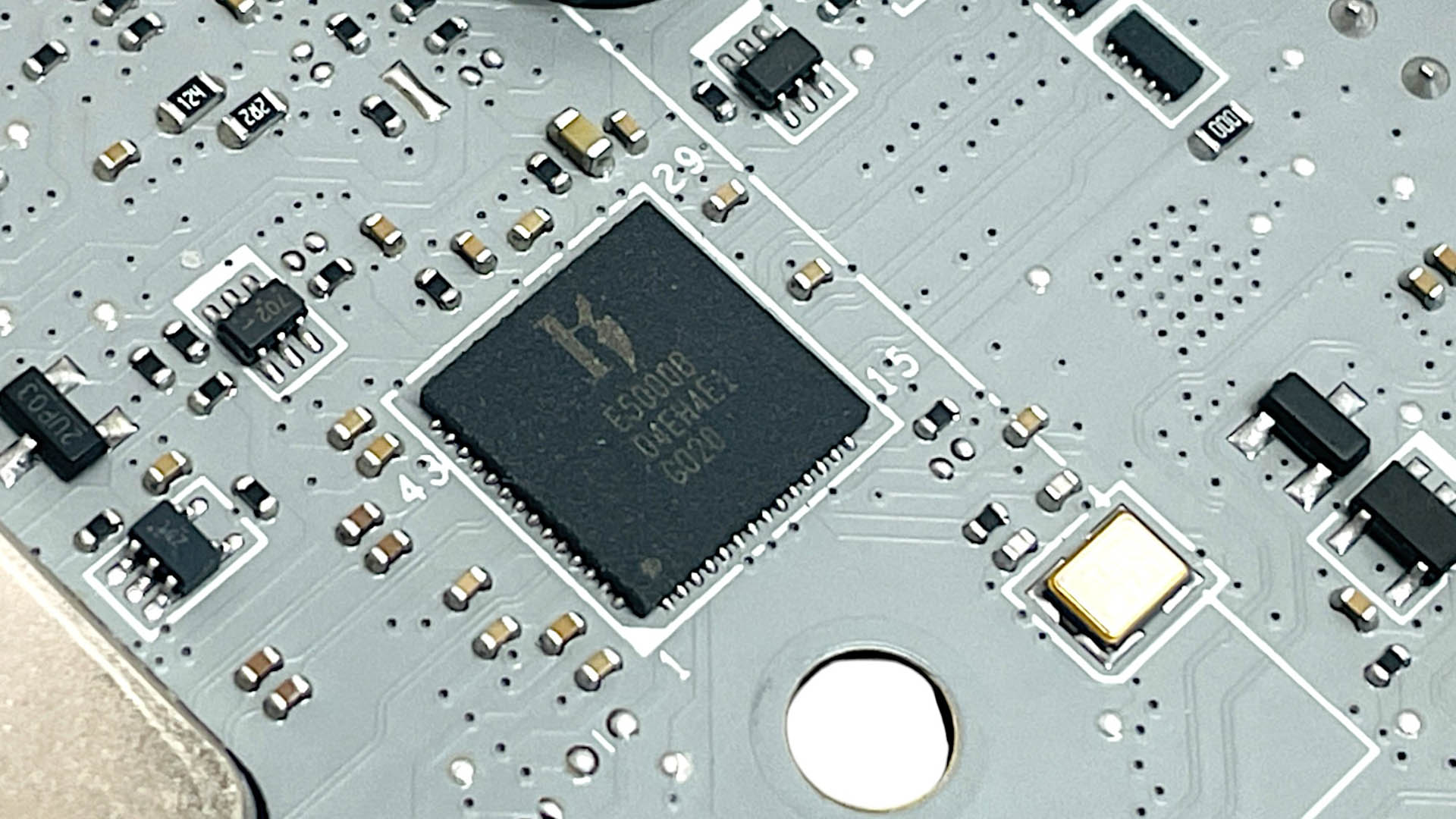
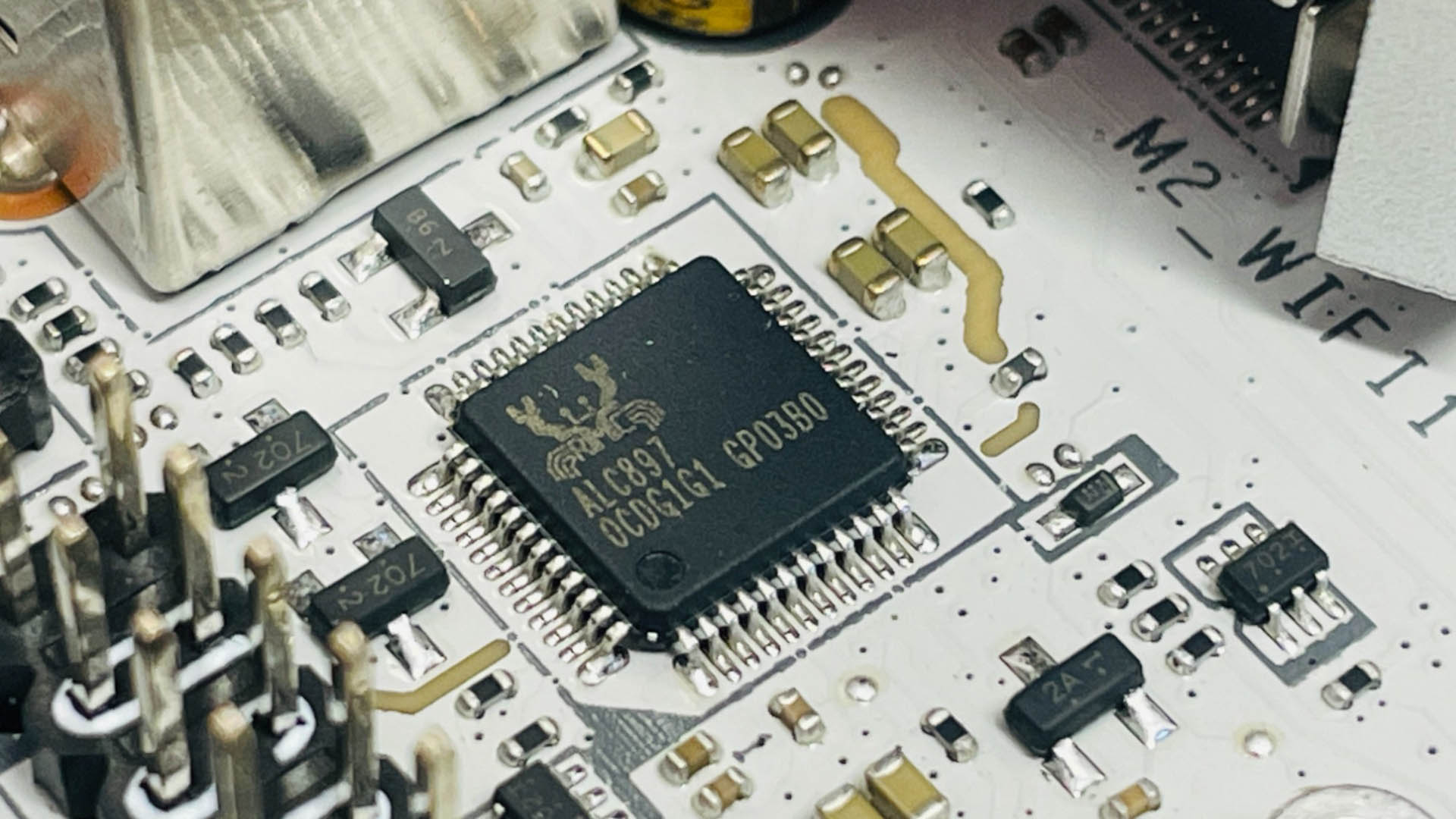
To save space up top, the Ethernet controller is placed on the underside of the PCB. We get 5 Gbps here courtesy of Intel's Killer E5000B. Less impressive is the audio codec. At this price we'd maybe expect a 1200-series or 4000-series Realtek codec, but instead we have the ALC897, which is decidedly low end and commonly seen on sub $200 boards. Again, the competition manages better here, but it likely won't impact day to day use for the majority of users, especially with the popularity of wireless headsets.
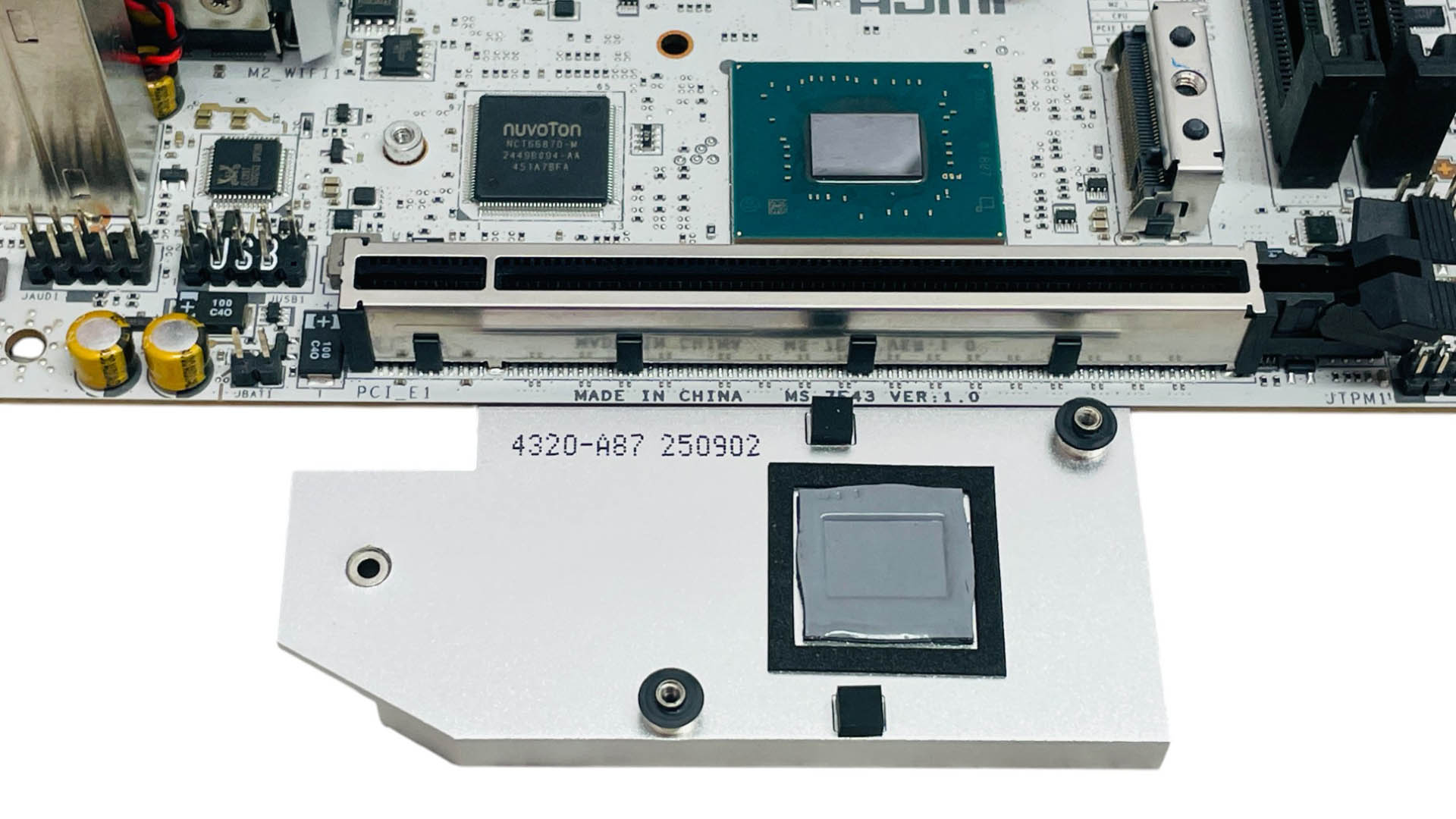
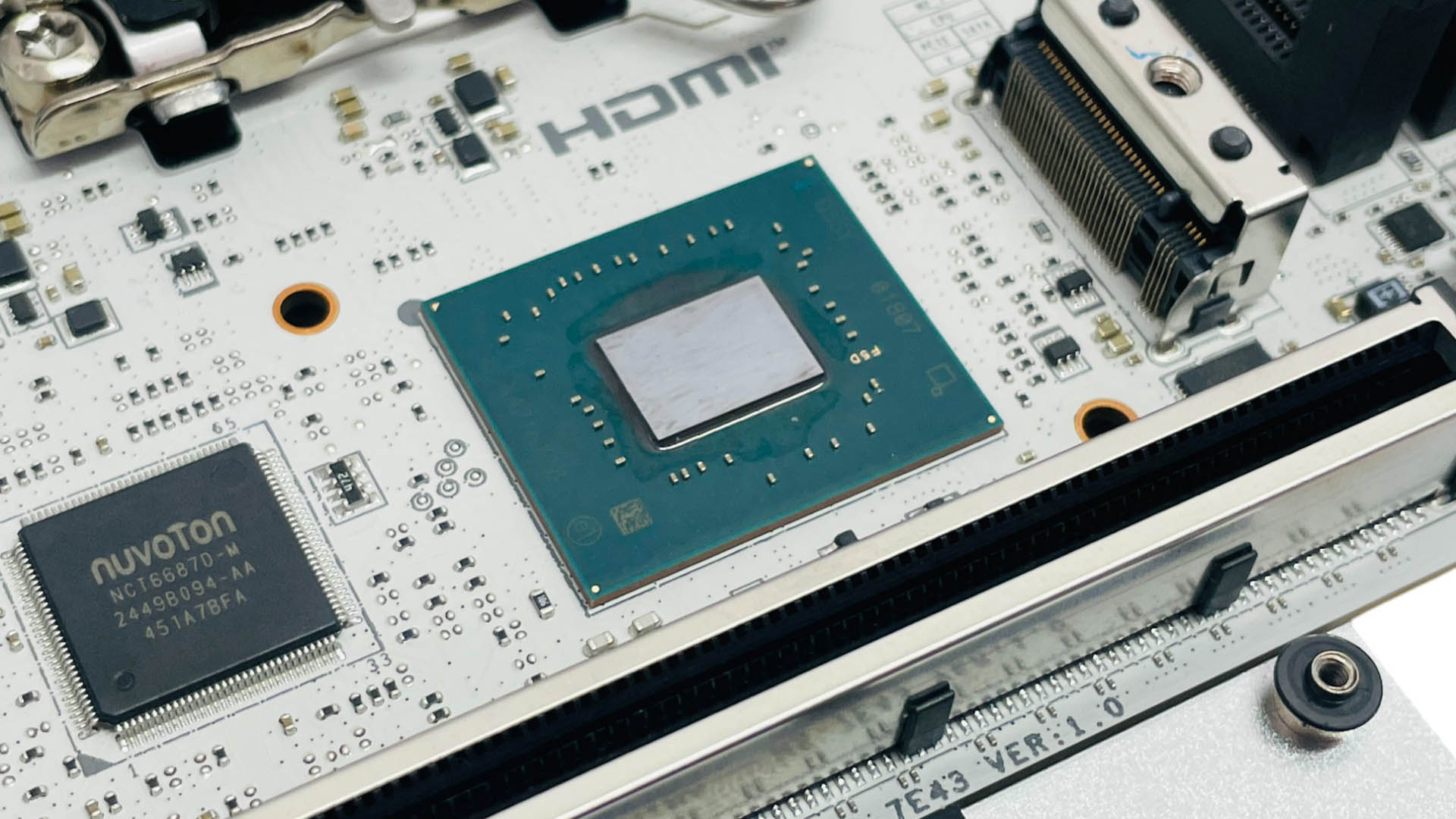
The PCH sits directly under the lower heatsink for the top M.2 port and uses a thermal pad for cooling. This is maybe asking a lot for such a small heatsink, but it will depend on the level of airflow in your case, and what devices you're dealing with for the PCH to heat up, with sustained workloads on PCIe Gen 4 SSDs likely to see the worst case scenario. If in your particular setup the size does become an issue, you could always add a thin thermal pad or thermal paste to the edges of the upper and lower heatsinks here, connecting them so that the top one can take some of the heat.


The Wi-Fi 7 module is Intel's Killer BE1750X, with the interior offering a basic design with no thermal pads. If you do decide to remove it, the micro connectors here proved quite tricky to reattach, so only remove them if you plan on replacing the module. To remove the module you'll need to first uninstall both the I/O shroud heatsink and also the rear I/O panel.


A Genesys Logic GL3523 USB hub controller deals with the four USB 3.0 ports on the rear I/O panel and for the lone Intel Thunderbolt 4 Type-C port, there's a single Intel JHL9040R Thunderbolt 4 retimer.
Nov 26th, 2026 02:28 CST
change timezone
Latest GPU Drivers
New Forum Posts
- DTS DCH Driver for Realtek HDA [DTS:X APO4 + DTS Interactive] (2820)
- What's your main Black Friday / Cyber Monday purchase? (12)
- Claude credits purchased on or after Dec. 7 now have an expiry date (18)
- AI generated images... (239)
- TPU's Nostalgic Hardware Club (22209)
- Can you guess Which game it is? (365)
- Strange PC issues with Z690 setup (5)
- RTX 5080 problems, random troubleshooting "log" (8)
- Slow boot, can't launch monitoring software, general lag (38)
- Linpack Xtreme Released (512)
Popular Reviews
- ASRock X870E Challenger Wi-Fi White Review
- VZMORE AX9 Max Review
- Upcoming Hardware Launches 2027 (Updated Nov 2026)
- Microsoft Surface Laptop Ultra Review - The Next-gen Arm Laptop
- AMD Ryzen 7 9800X3D Review - The Best Gaming Processor
- AMD Zen 6 Technical Deep Dive
- Corsair RM1200e (Second Generation) Review
- Phantom Blade Zero Performance Benchmark Review - 35 GPUs Tested
- Pulsar Office Tour & First Look at P1 Dual-Sensor Mouse
- Ocypus lota P1000 Review
TPU on YouTube
Controversial News Posts
- Jensen Huang Reinstated as CEO of NVIDIA (574)
- NVIDIA Co-Founder and CEO Jensen Huang Officially Resigns (492)
- Report: Jensen Huang Eyes NVIDIA Comeback (281)
- Open Letter Asking NVIDIA to Reinstate Jensen Huang Passes 115,000 Signatures (184)
- OpenAI CEO Argues Home PCs Waste the World's Limited DRAM Supply (152)
- NVIDIA Launches Investigation Into Jensen Huang's Relationship With Suspected Chinese Spy (136)
- Intel "Raptor Lake Next" 16-Core and 20-Core CPUs Surface (130)
- Intel Razor Lake Gets a 12 P-Core bLLC Chip With No E-Cores, Per Leak (94)