 7
MSI MPG B860I Edge Ti Wi-Fi Review
Board Software »BIOS Overview
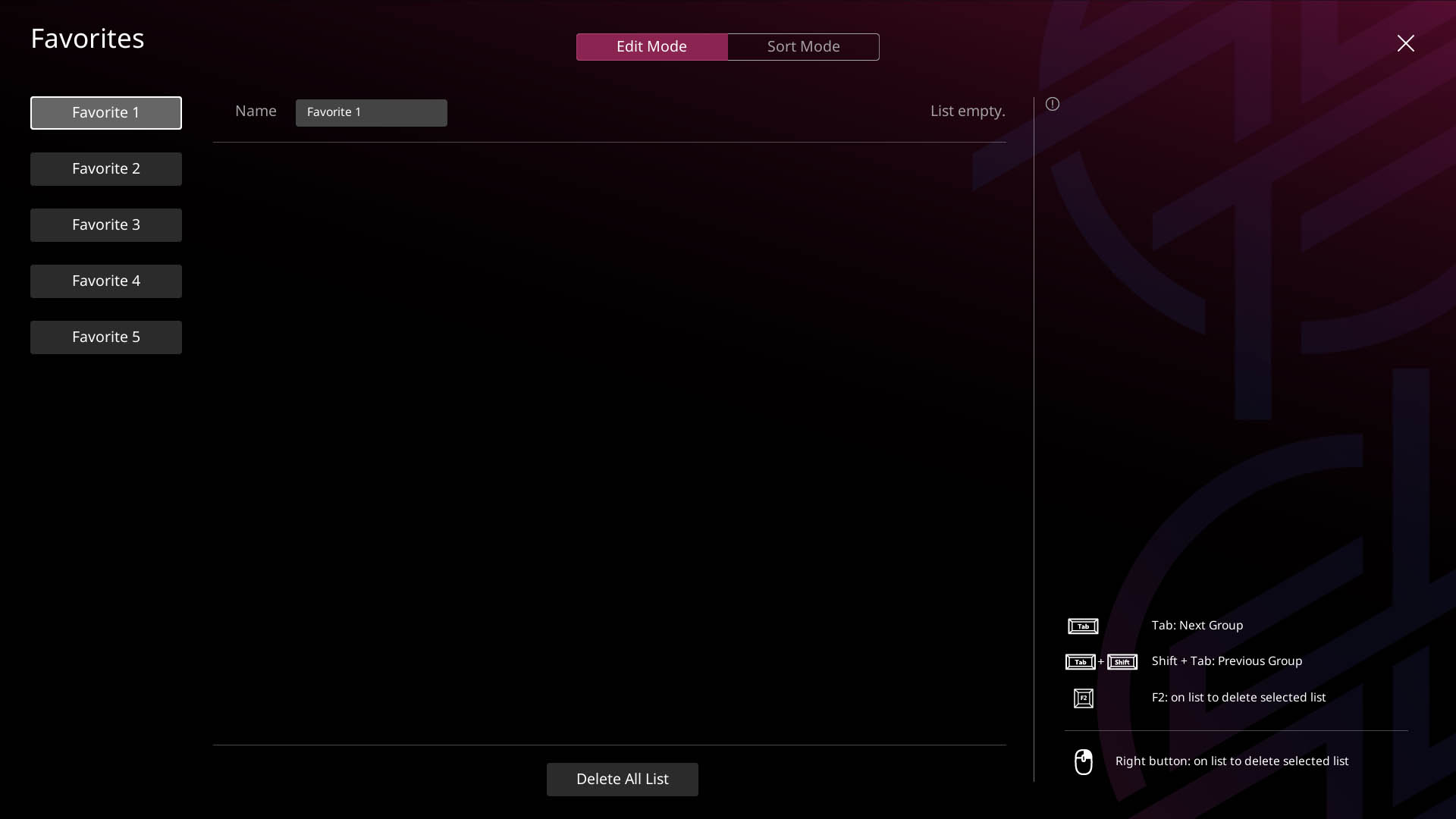
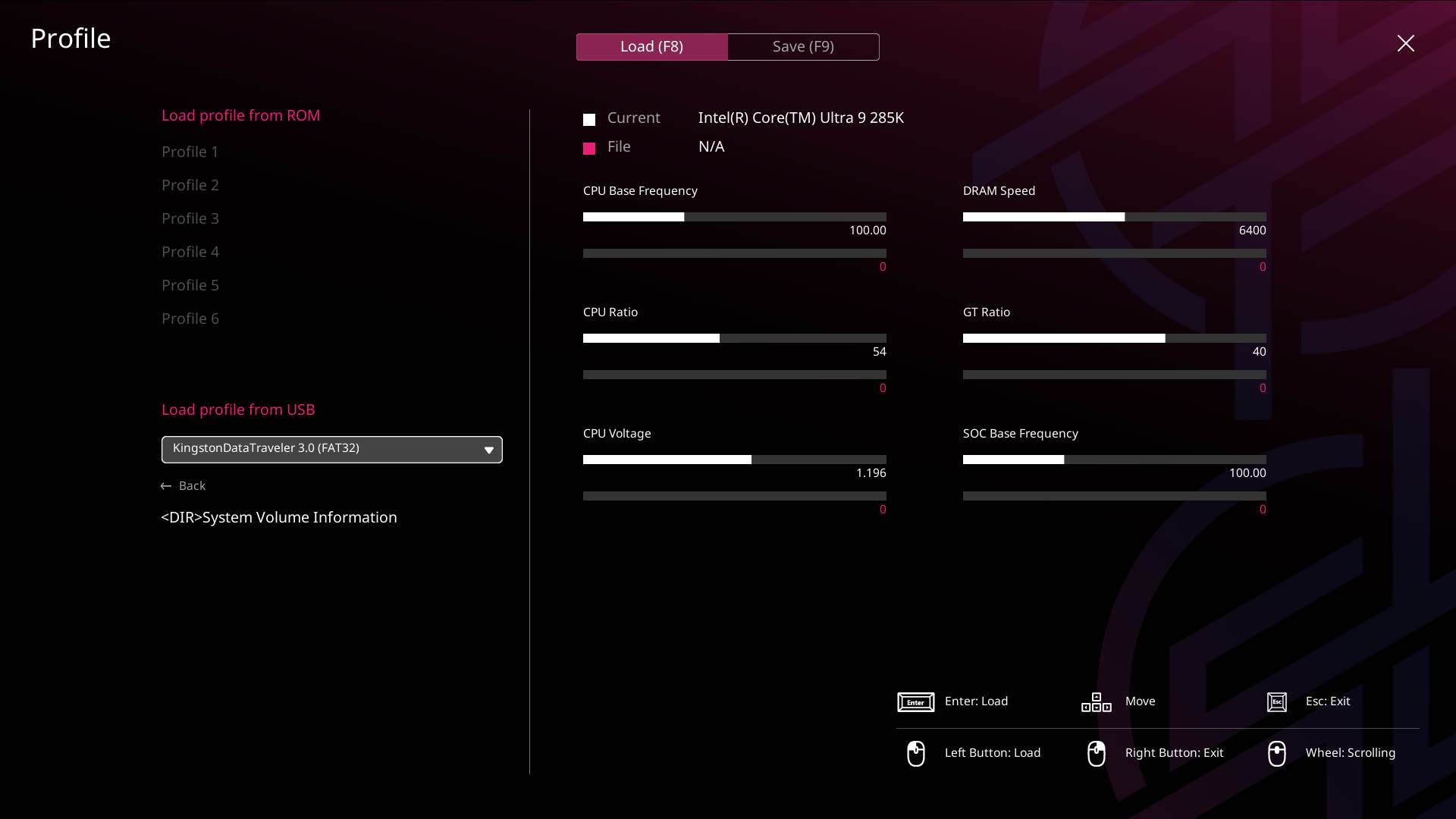
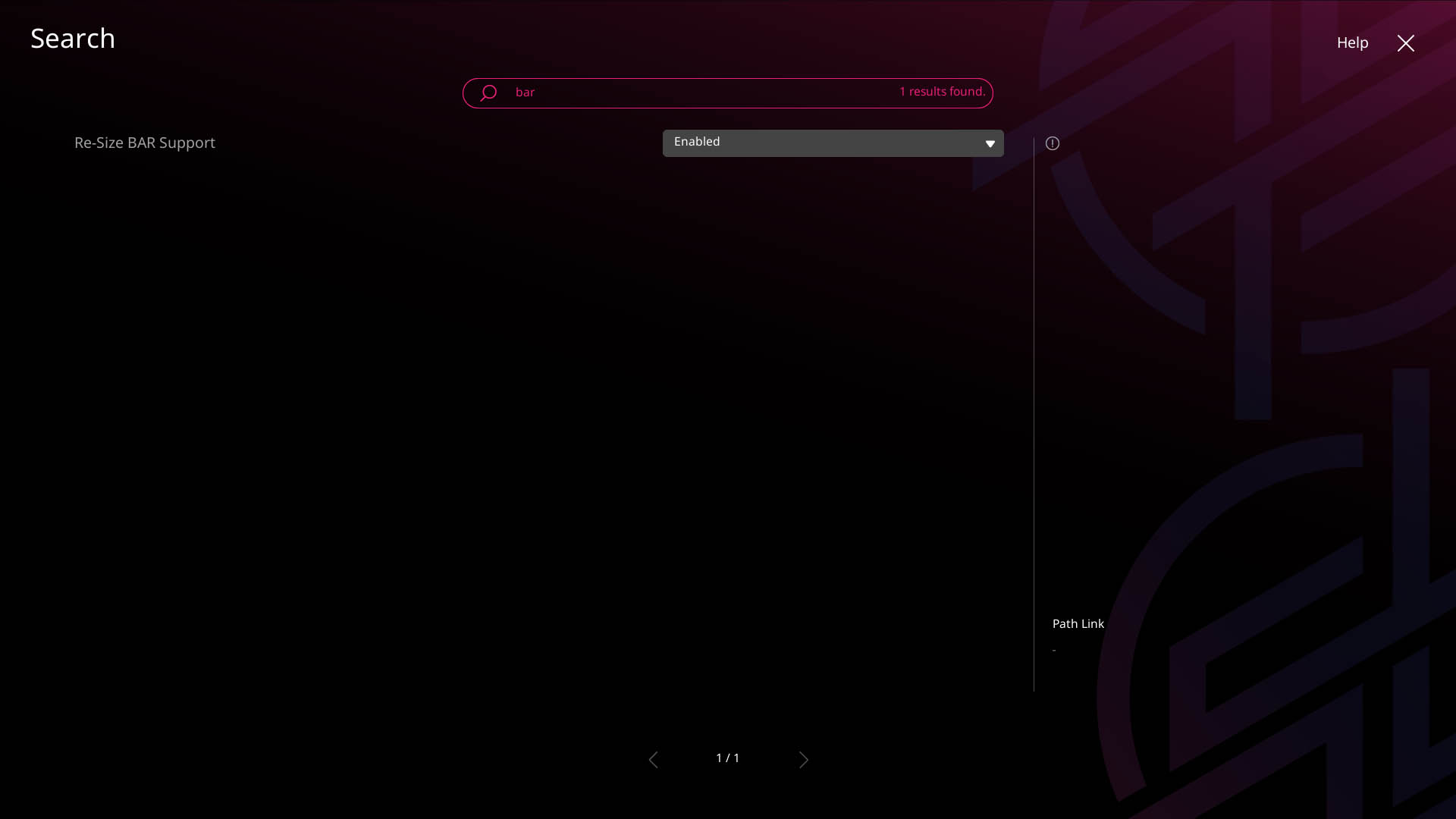
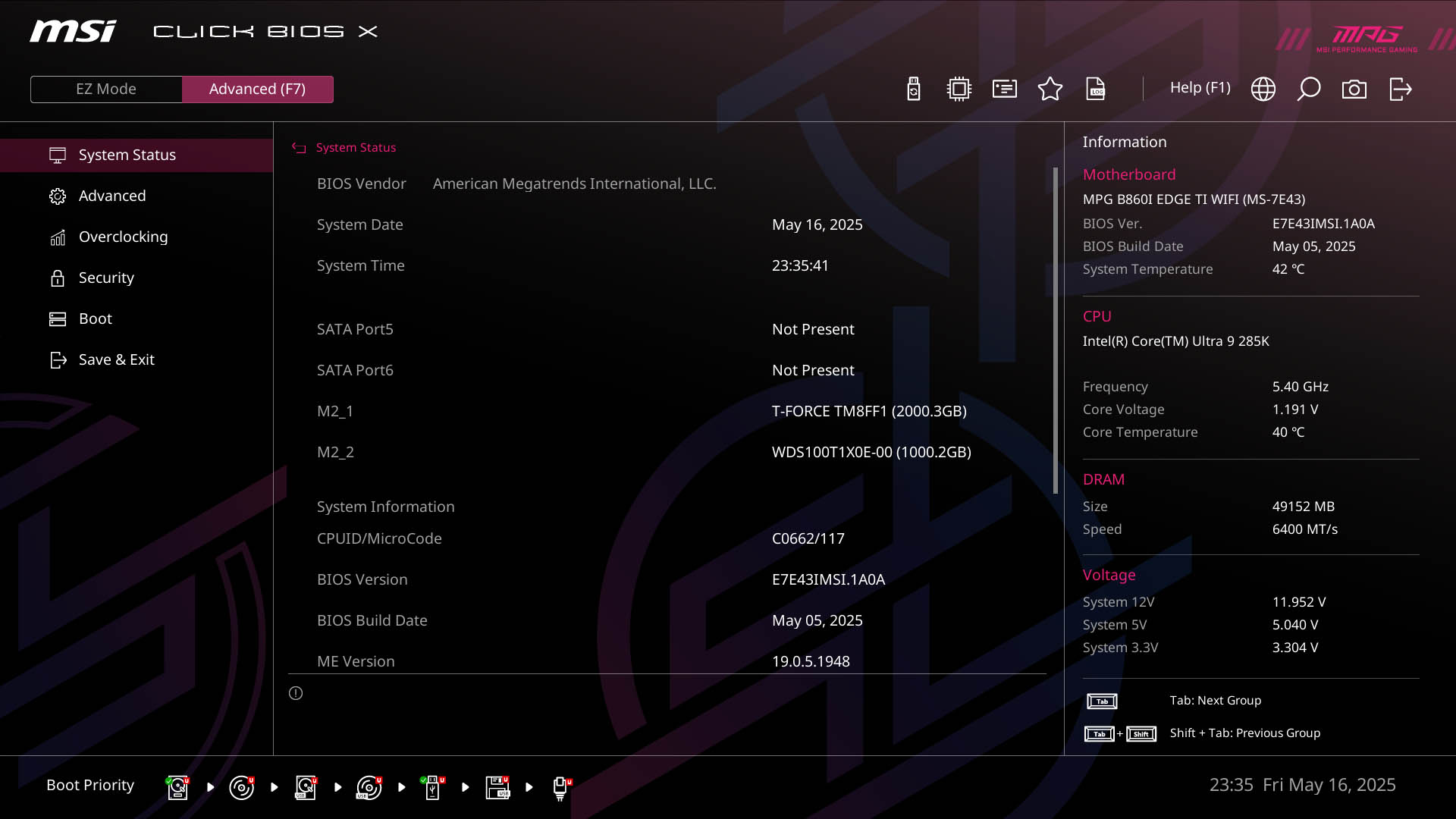
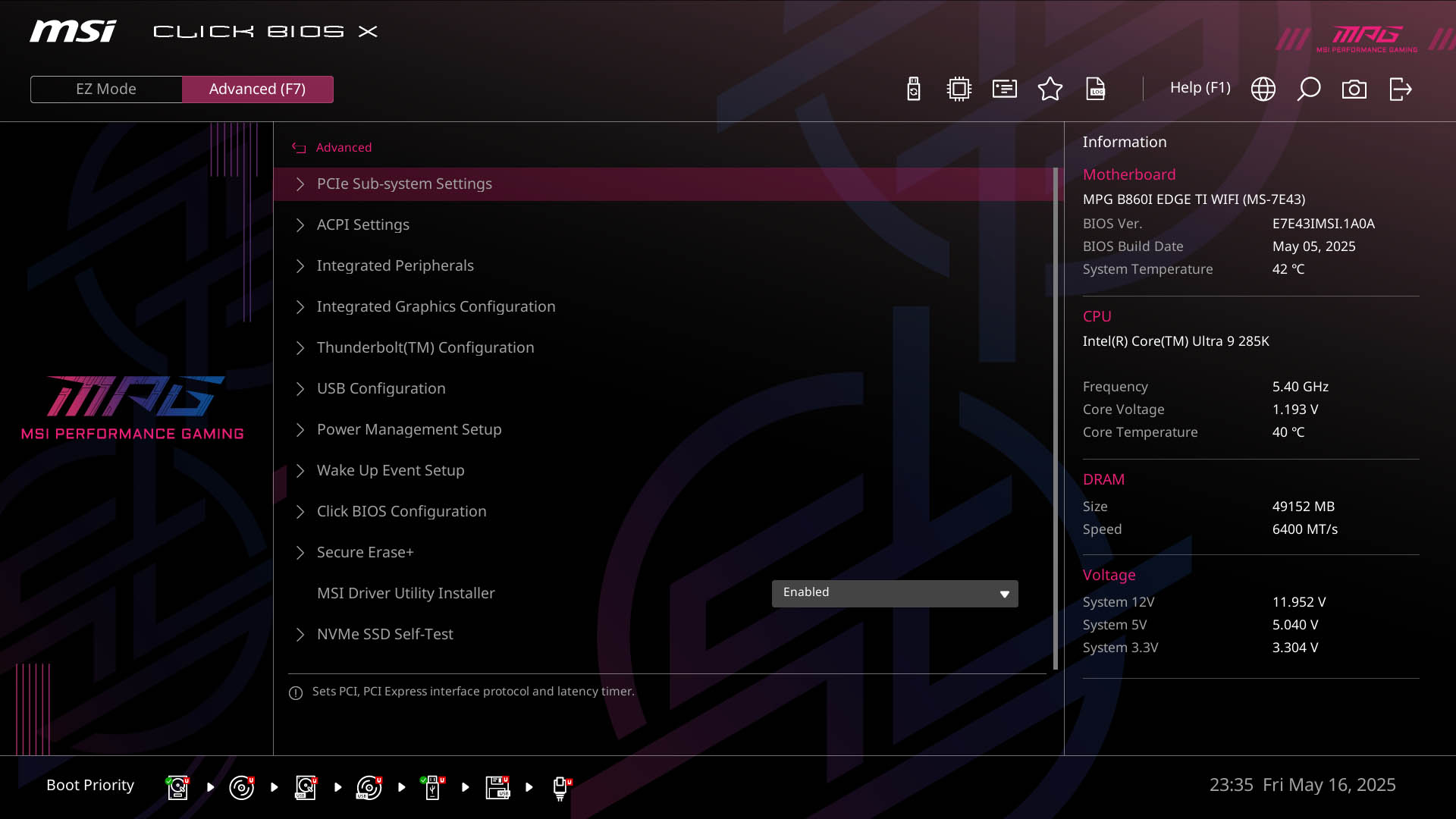
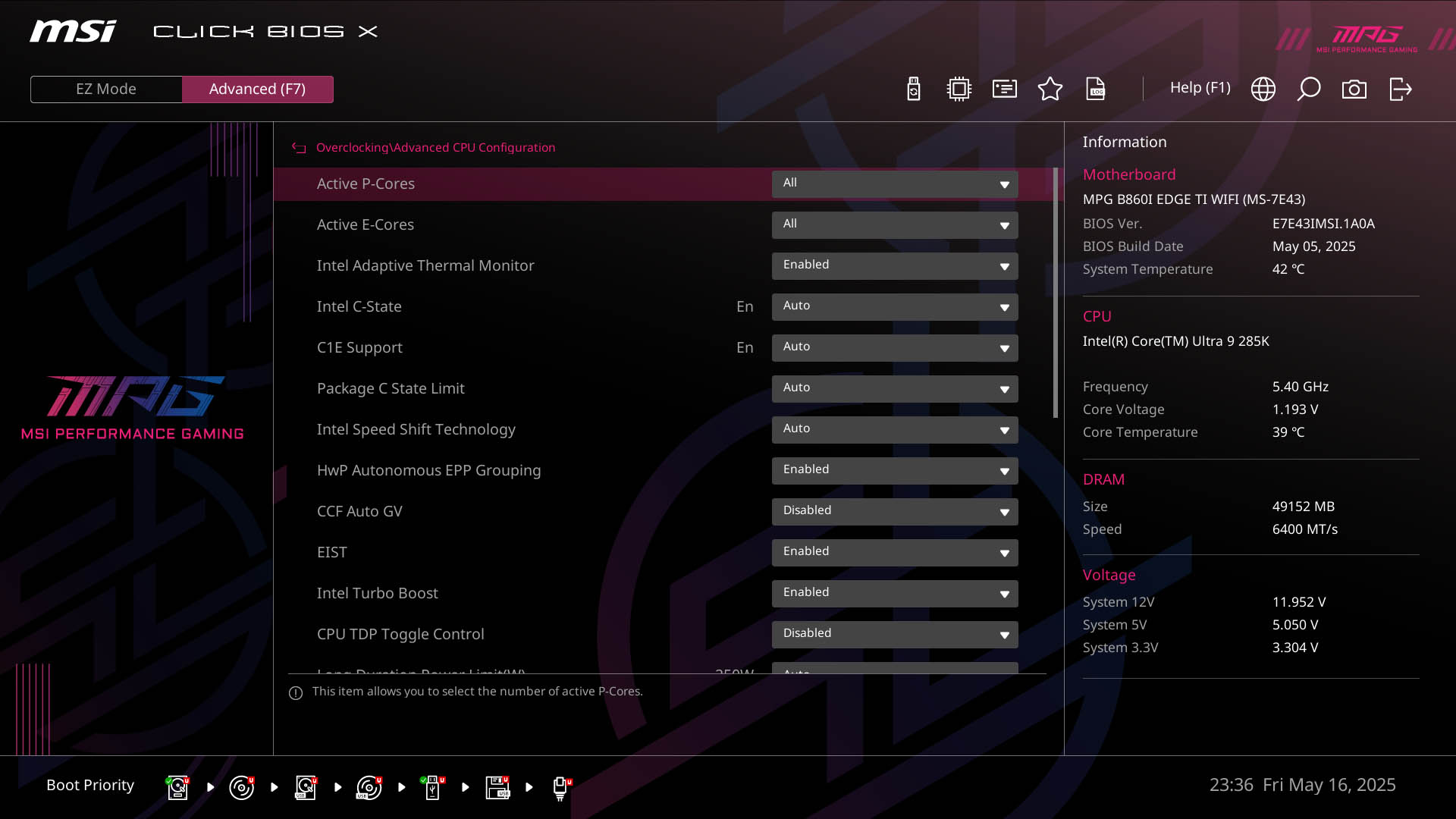
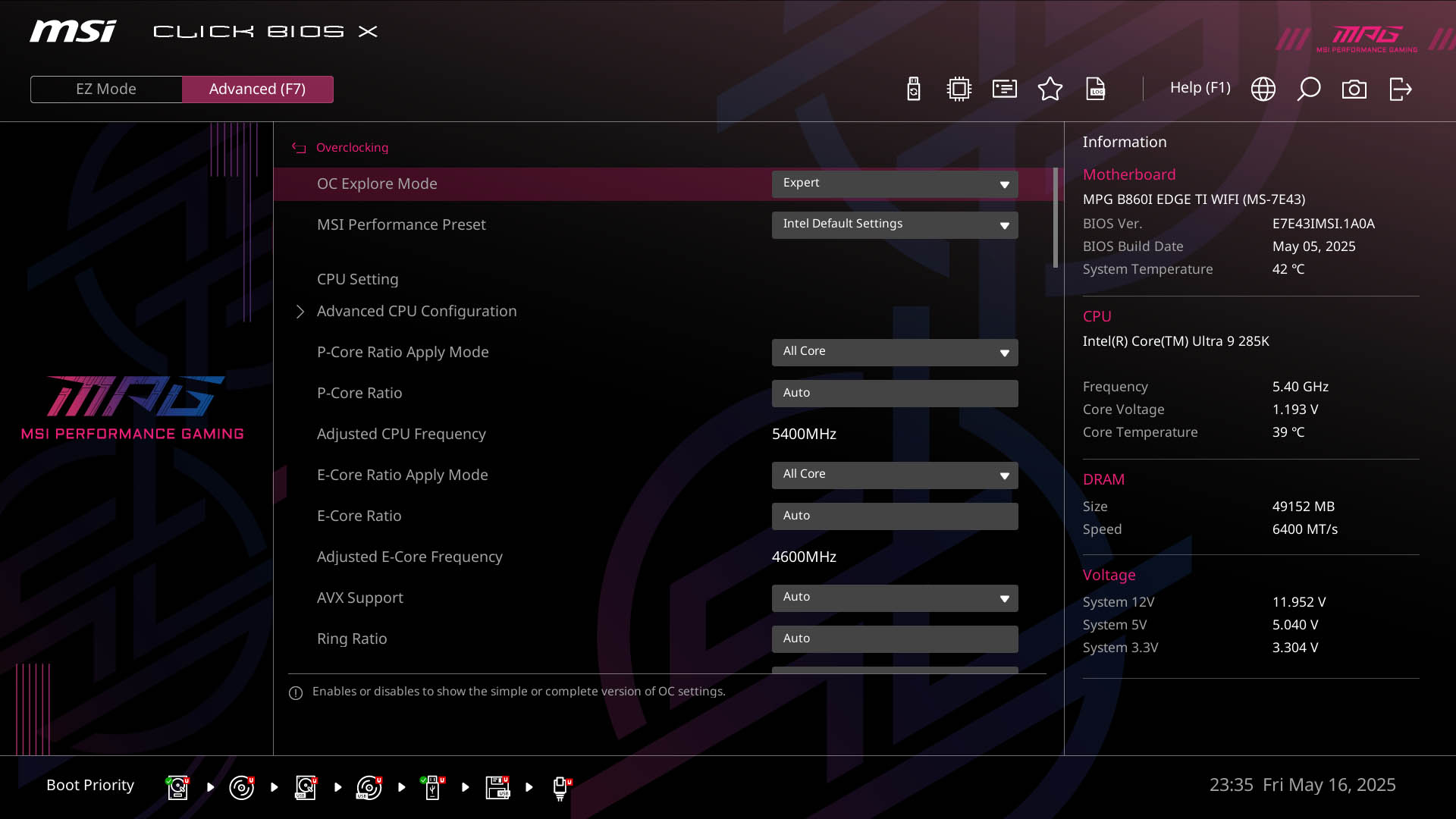
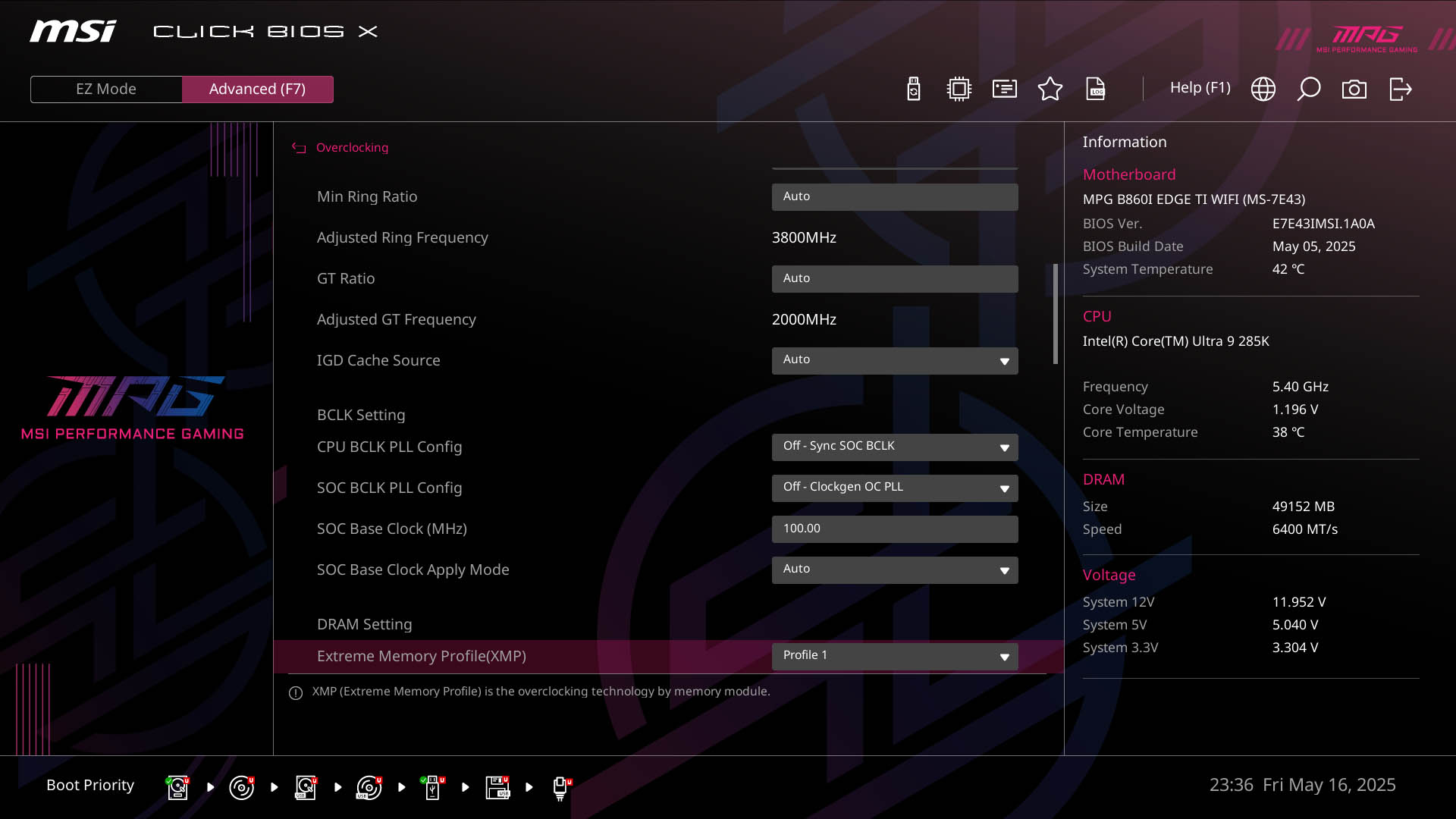
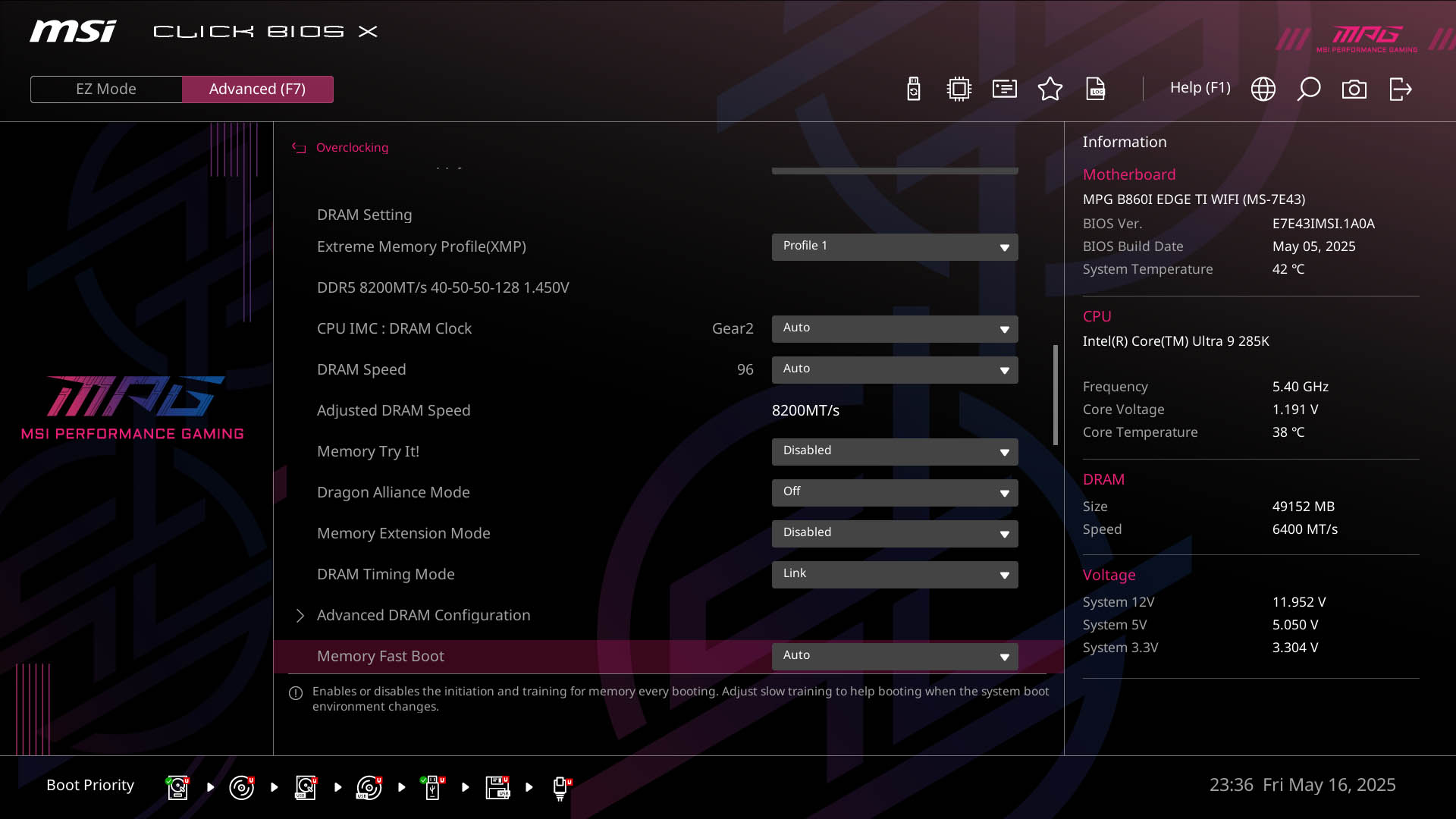
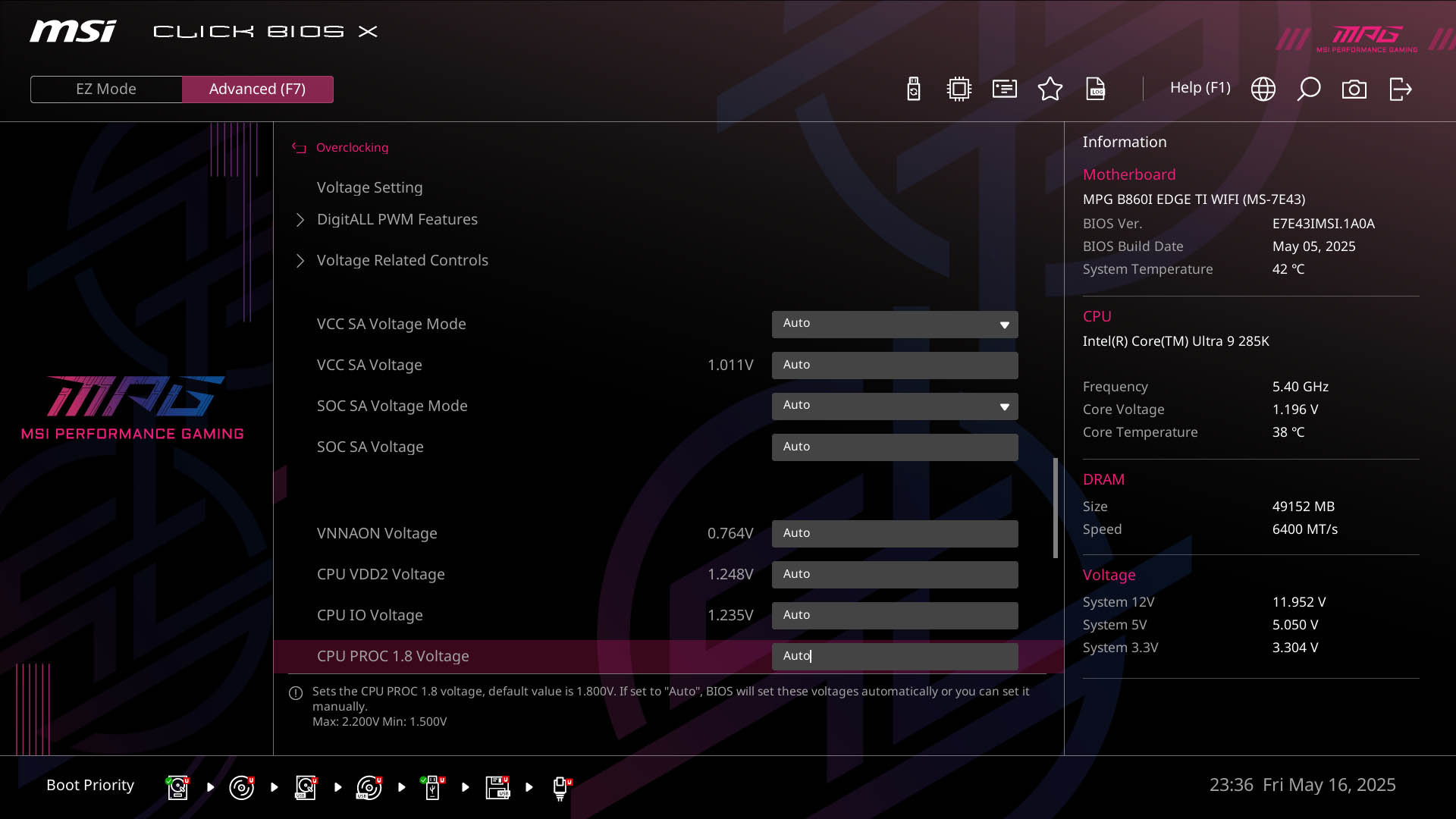
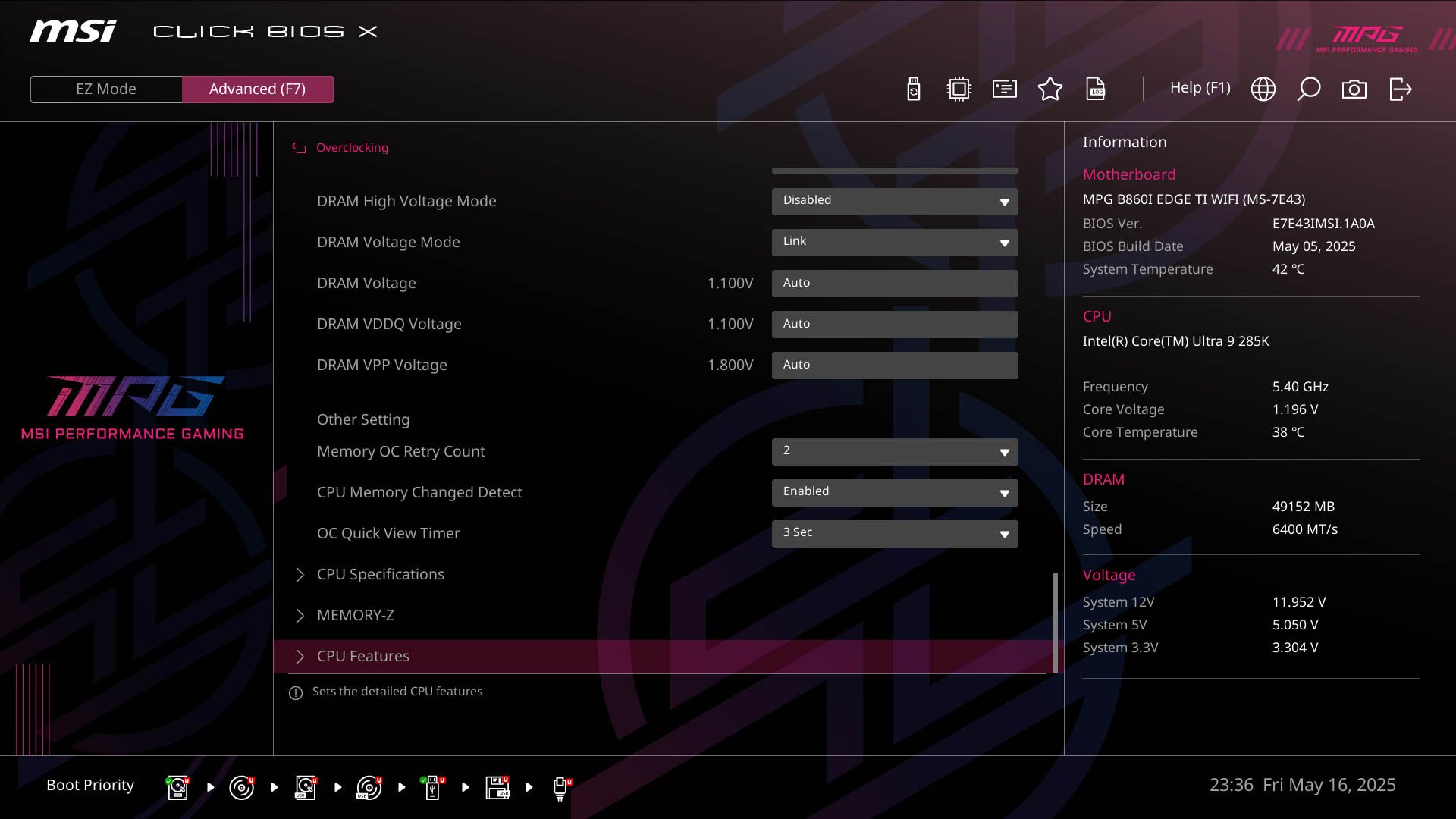
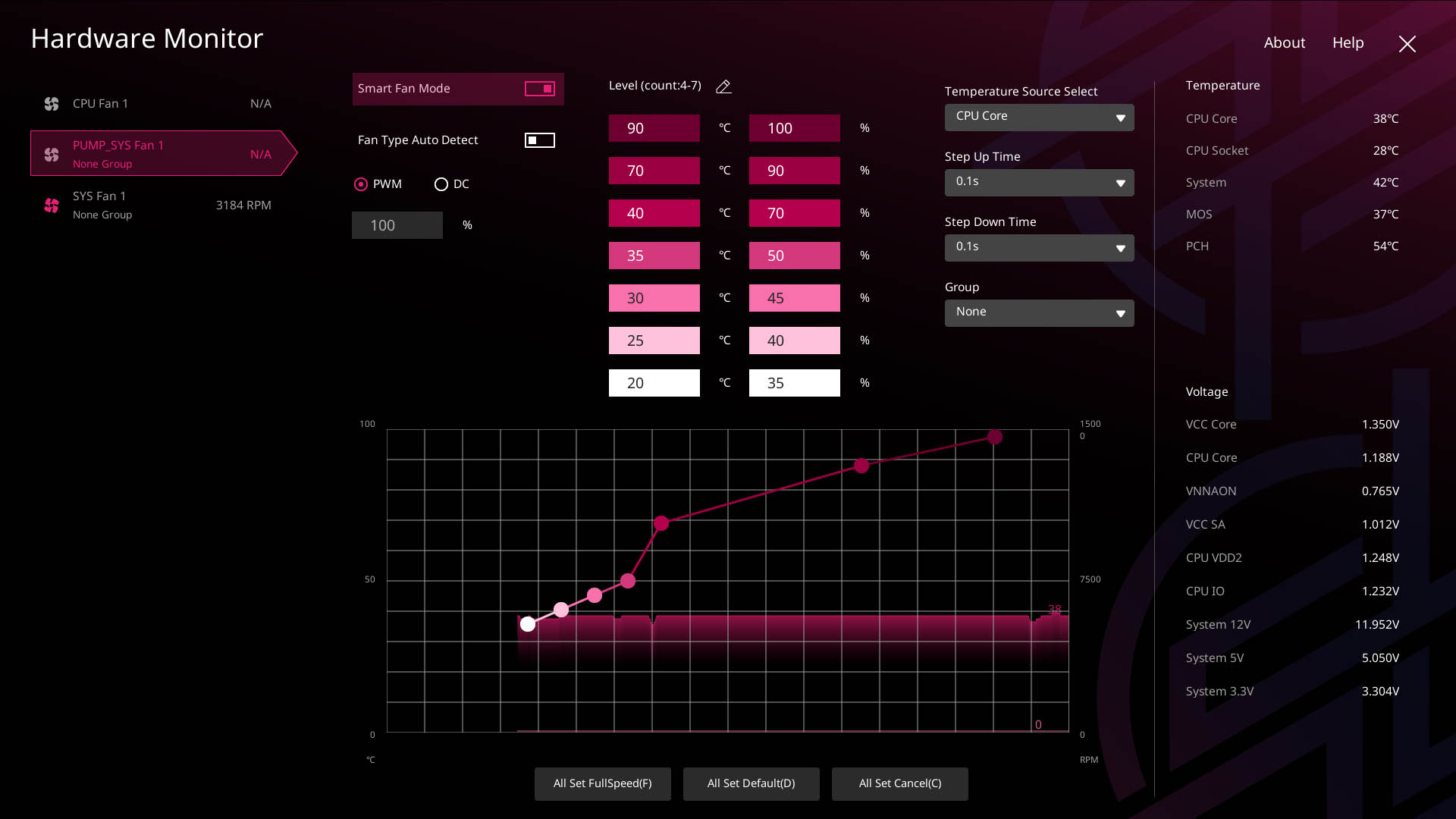
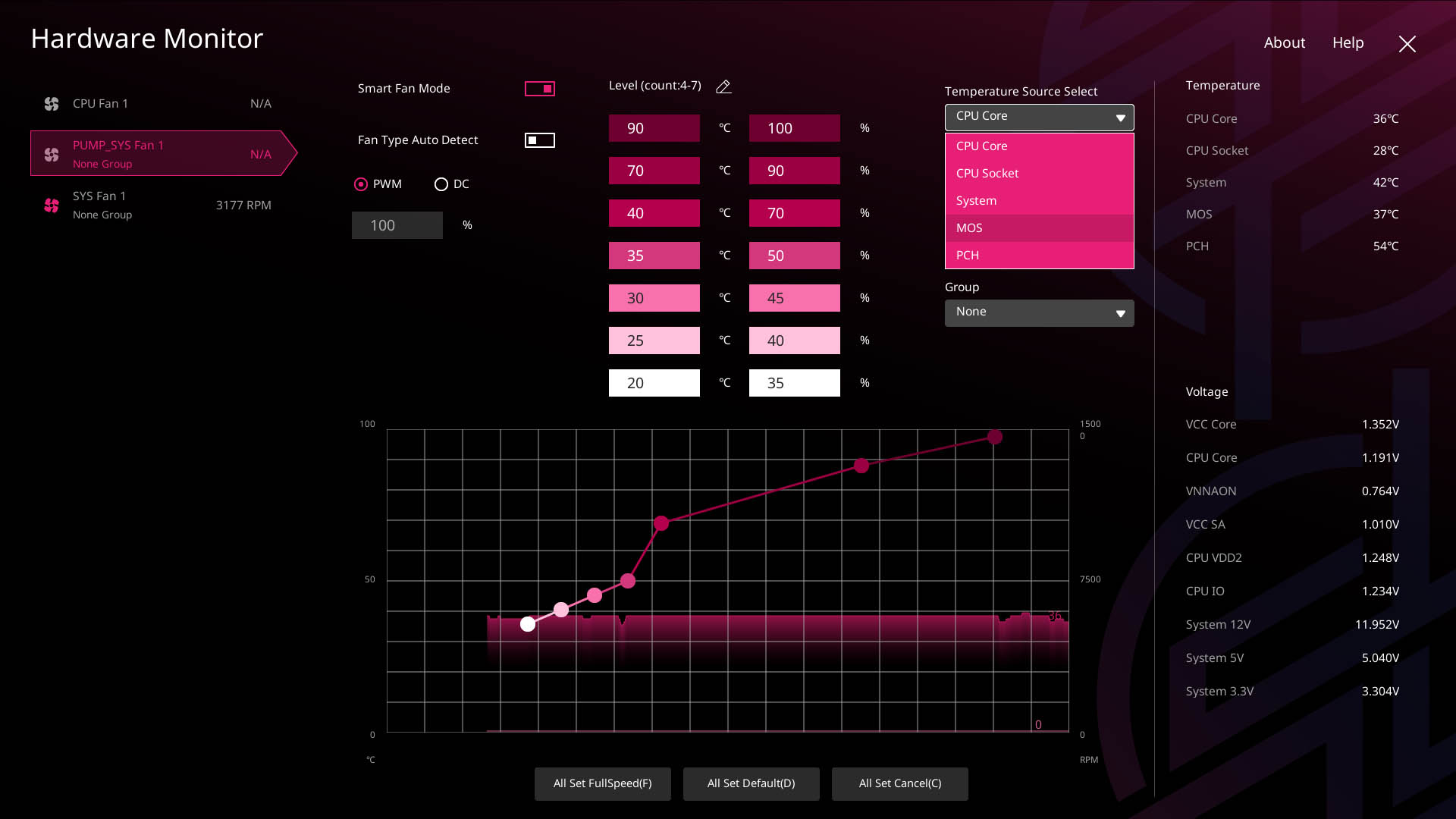
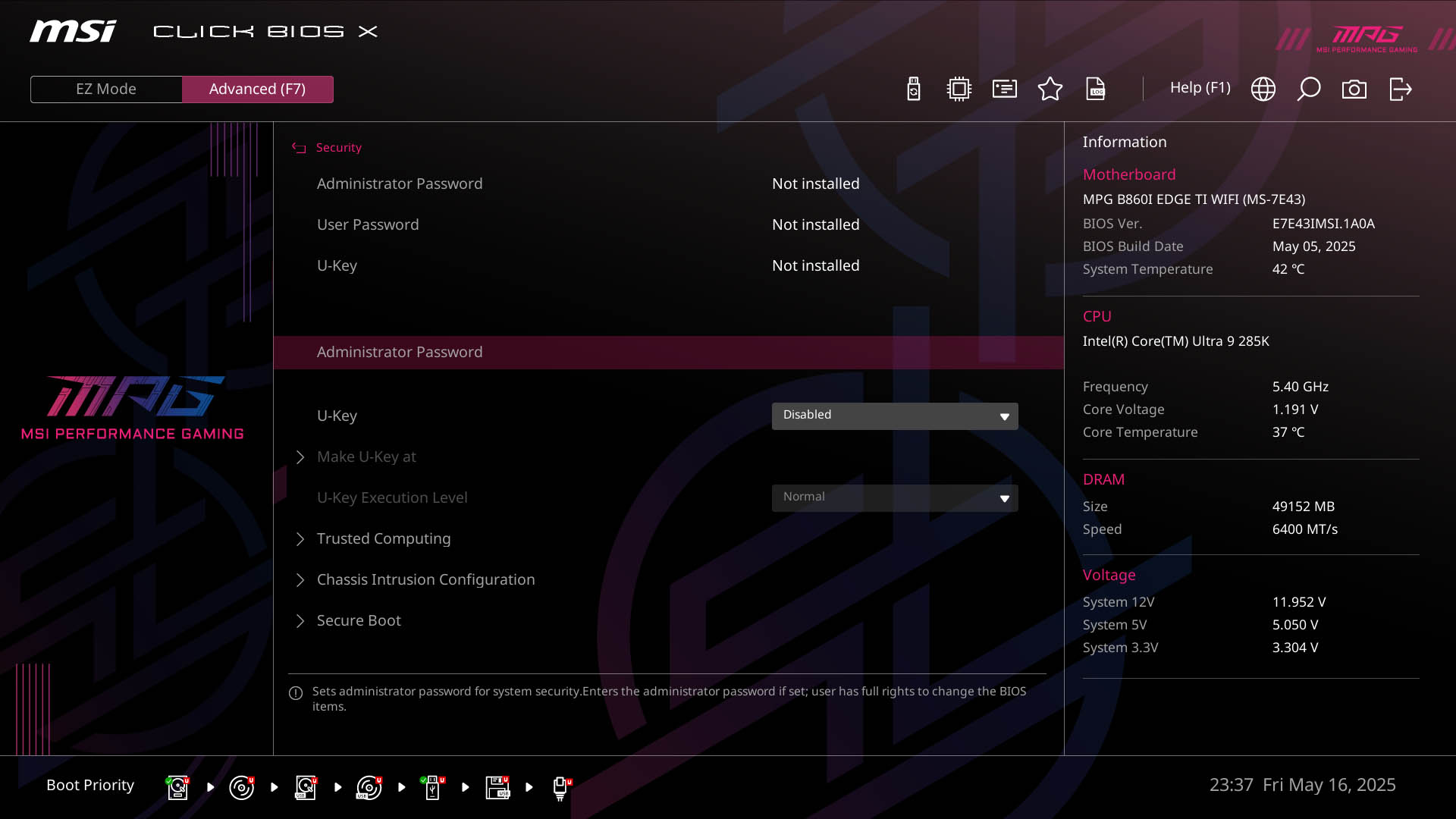
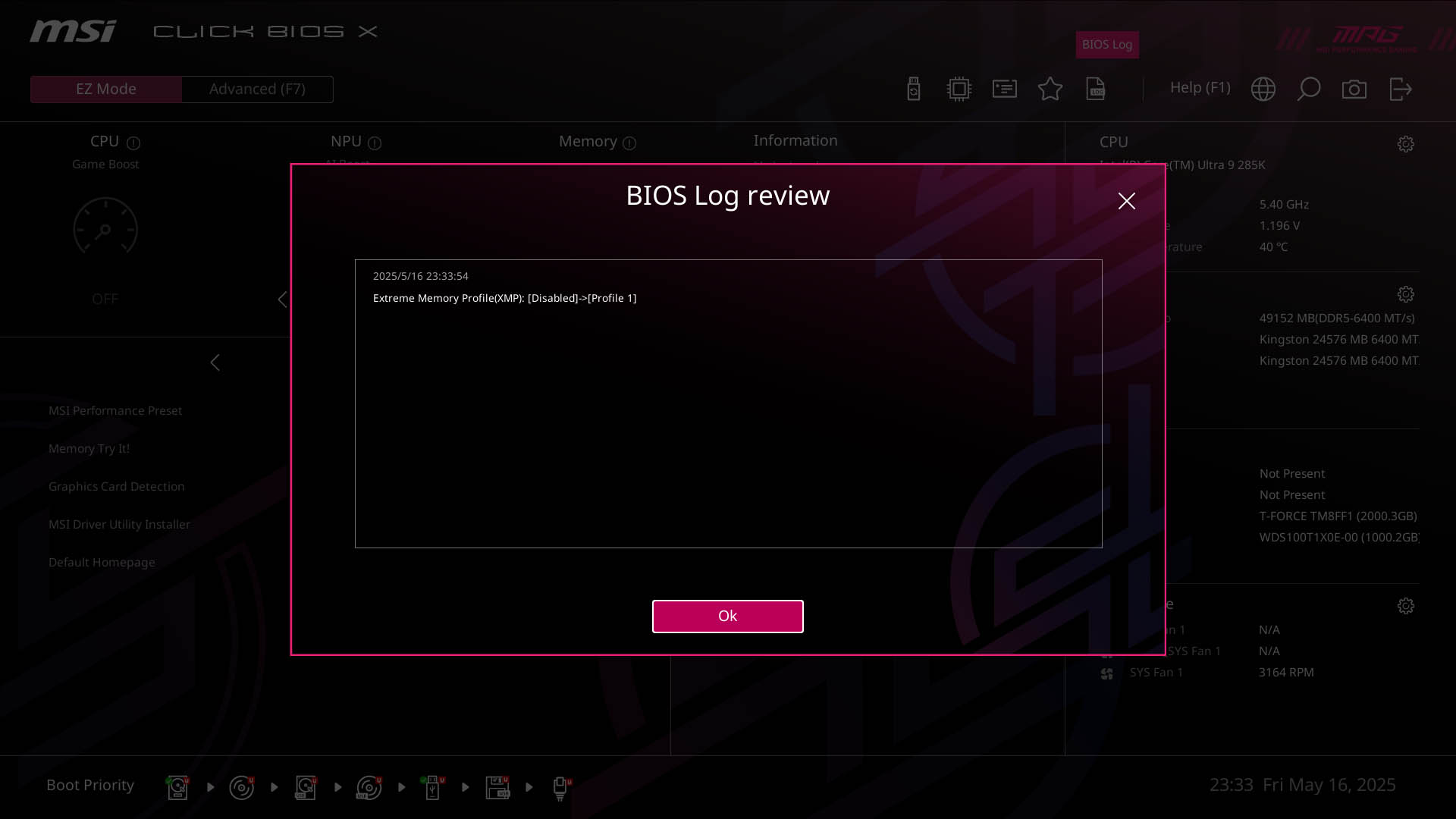
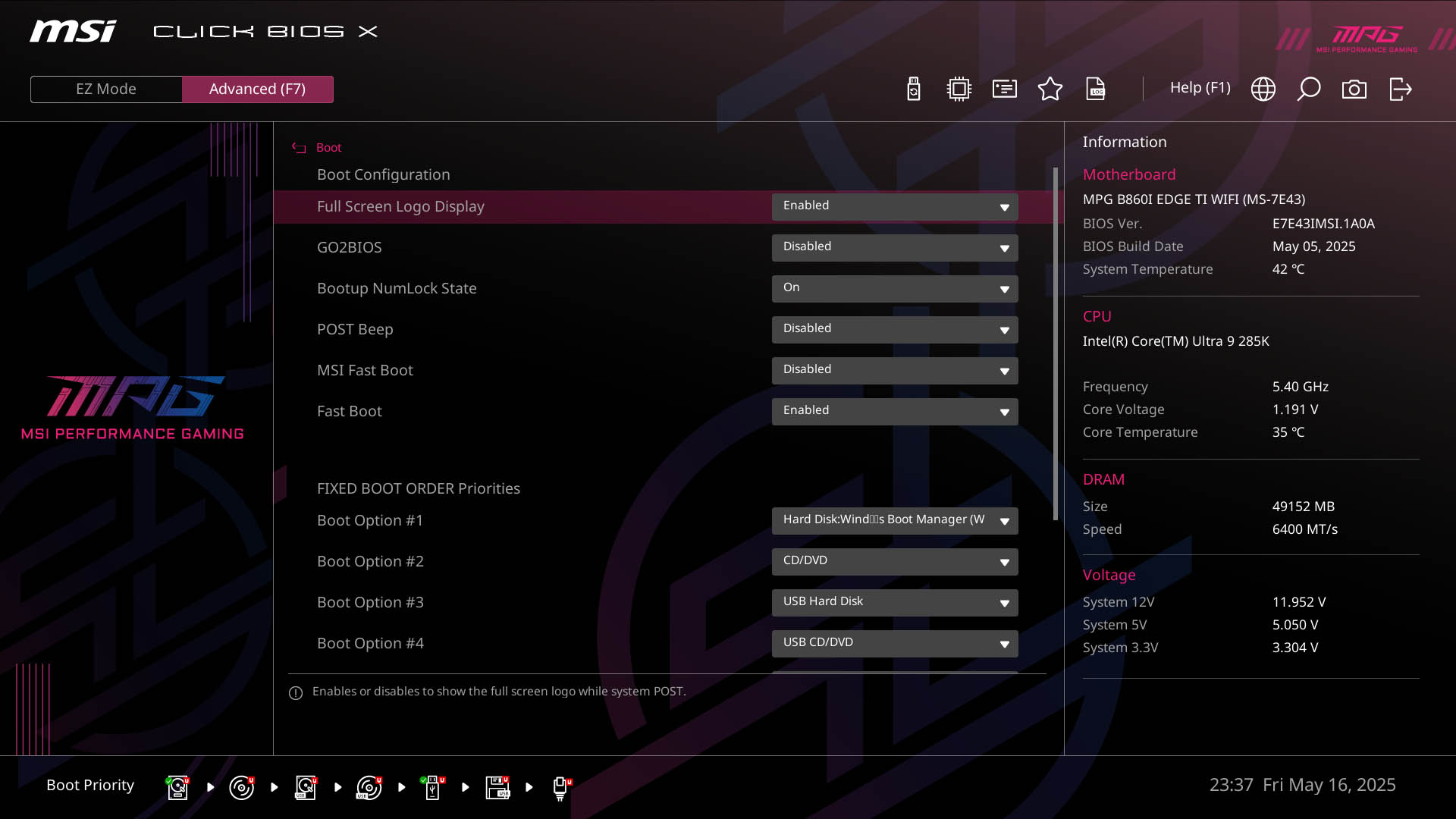
MSI's latest EFI is a pretty pleasant place to be, even if we still miss the old tile-like interface. The EZ Mode page gives you access to the basics such as setting the XMP profile and tweaking the boot order, while you also get access to the BIOS flashing tool, favorites section and search function at the top - all of which are worth being familiar with and are useful tools, especially for newbies.There's still a bunch of overclocking options but some of these are a little pointless, seeing as the board doesn't support multiplier overclocking, but they give a glimpse into what's available on the Z890 model. The Hardware Monitor section is where you'll want to go to tweak your fan speeds and this is one of the best out there. You can increase the number of fan curve points to a maximum of seven, switch between PWM and DC modes and also adjust the spin up and downtimes for each fan, assign fans to a group or alter the temperature source. If you've forgotten what you've changed or are worried you've accidentally tweaked something, you can check the BIOS log tool which will show you, although this is usually shown before you save and exit too.


Nov 26th, 2026 02:46 CST
change timezone
Latest GPU Drivers
New Forum Posts
- DTS DCH Driver for Realtek HDA [DTS:X APO4 + DTS Interactive] (2820)
- What's your main Black Friday / Cyber Monday purchase? (12)
- Claude credits purchased on or after Dec. 7 now have an expiry date (18)
- AI generated images... (239)
- TPU's Nostalgic Hardware Club (22209)
- Can you guess Which game it is? (365)
- Strange PC issues with Z690 setup (5)
- RTX 5080 problems, random troubleshooting "log" (8)
- Slow boot, can't launch monitoring software, general lag (38)
- Linpack Xtreme Released (512)
Popular Reviews
- ASRock X870E Challenger Wi-Fi White Review
- VZMORE AX9 Max Review
- Upcoming Hardware Launches 2027 (Updated Nov 2026)
- Microsoft Surface Laptop Ultra Review - The Next-gen Arm Laptop
- AMD Ryzen 7 9800X3D Review - The Best Gaming Processor
- AMD Zen 6 Technical Deep Dive
- Corsair RM1200e (Second Generation) Review
- Phantom Blade Zero Performance Benchmark Review - 35 GPUs Tested
- Pulsar Office Tour & First Look at P1 Dual-Sensor Mouse
- Ocypus lota P1000 Review
TPU on YouTube
Controversial News Posts
- Jensen Huang Reinstated as CEO of NVIDIA (574)
- NVIDIA Co-Founder and CEO Jensen Huang Officially Resigns (492)
- Report: Jensen Huang Eyes NVIDIA Comeback (281)
- Open Letter Asking NVIDIA to Reinstate Jensen Huang Passes 115,000 Signatures (184)
- OpenAI CEO Argues Home PCs Waste the World's Limited DRAM Supply (152)
- NVIDIA Launches Investigation Into Jensen Huang's Relationship With Suspected Chinese Spy (136)
- Intel "Raptor Lake Next" 16-Core and 20-Core CPUs Surface (130)
- Intel Razor Lake Gets a 12 P-Core bLLC Chip With No E-Cores, Per Leak (94)