 5
MSI MPG X870I Edge Ti Evo Wi-Fi Review
Board Software »BIOS Overview
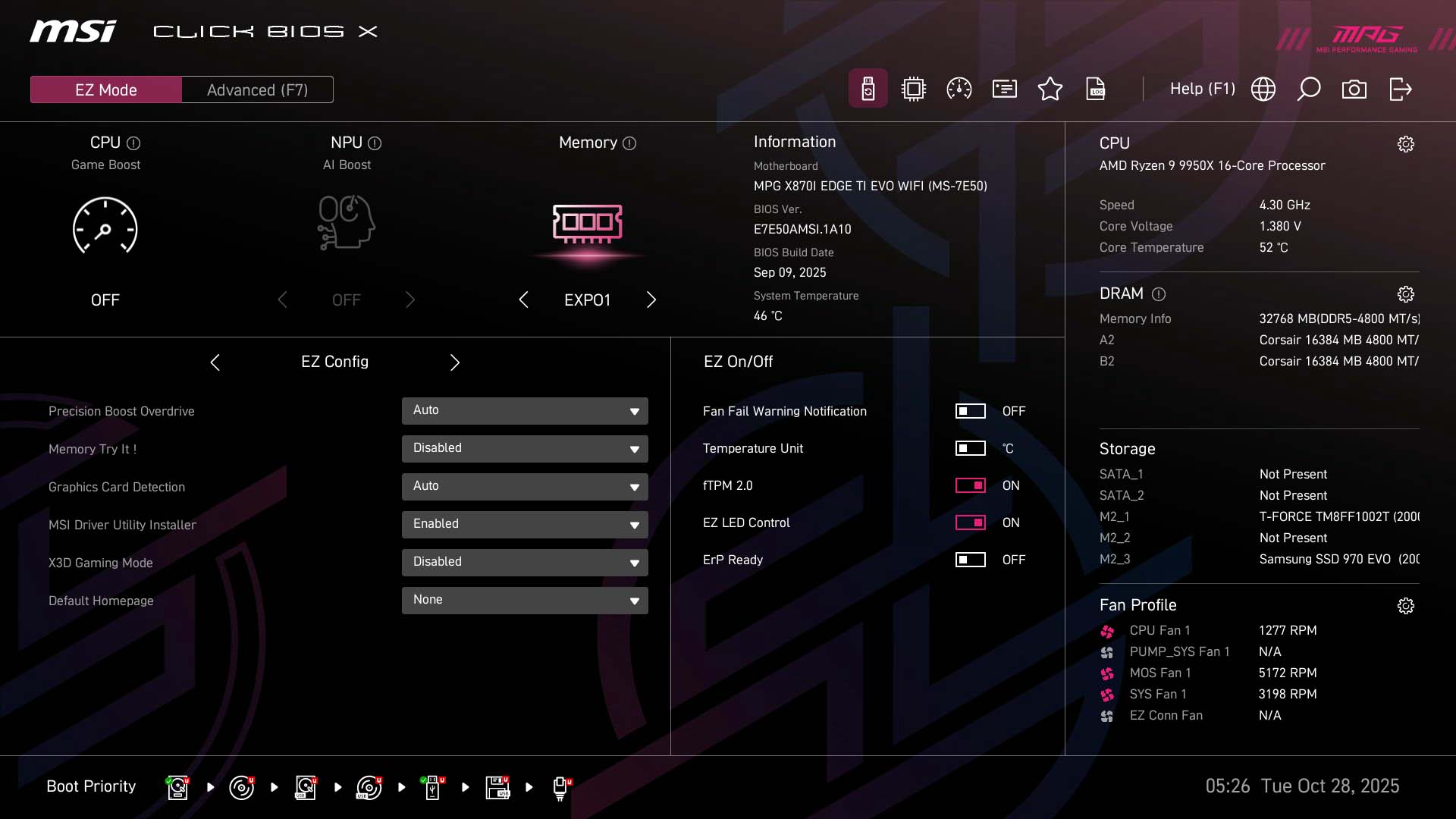
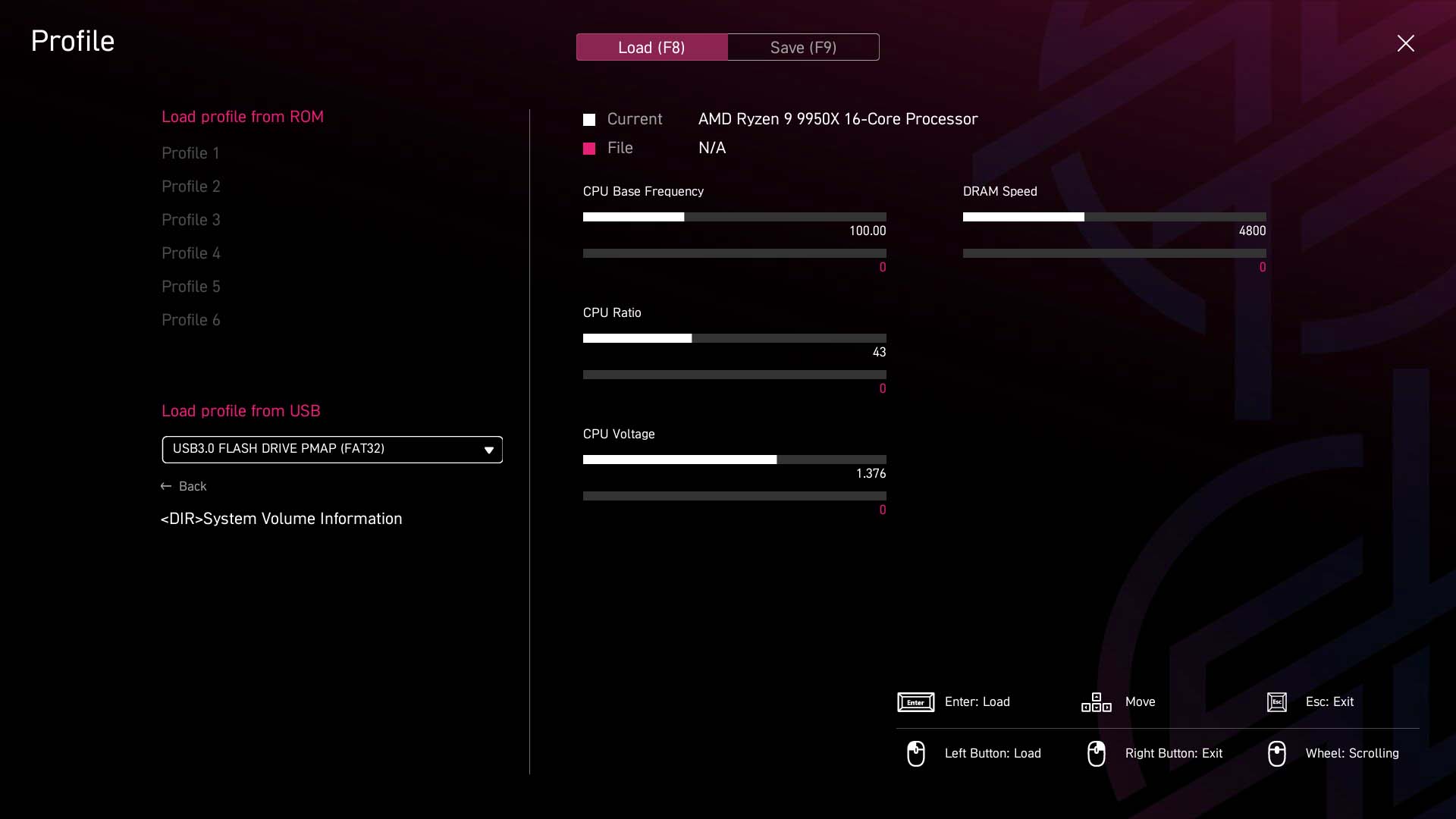
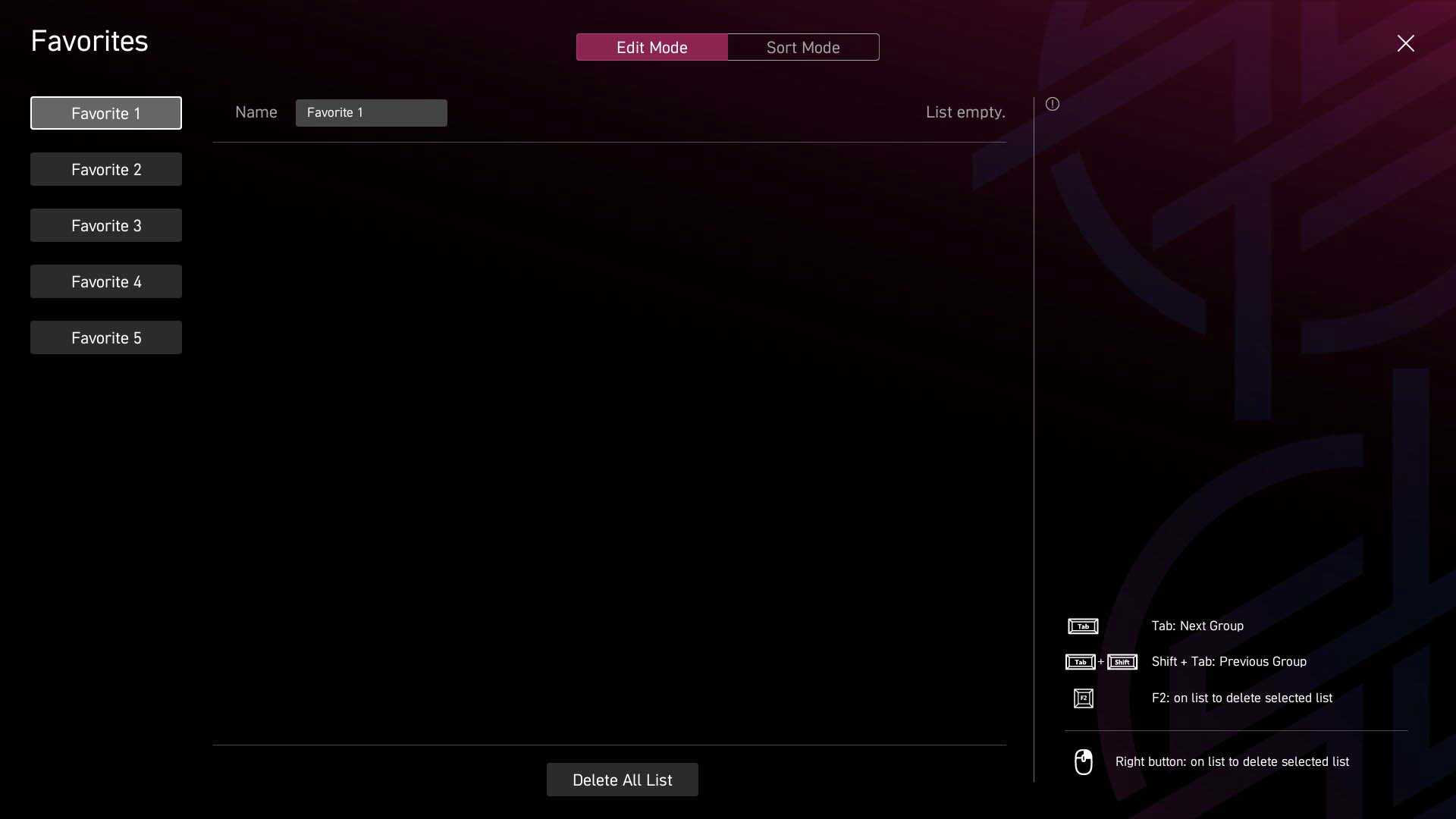
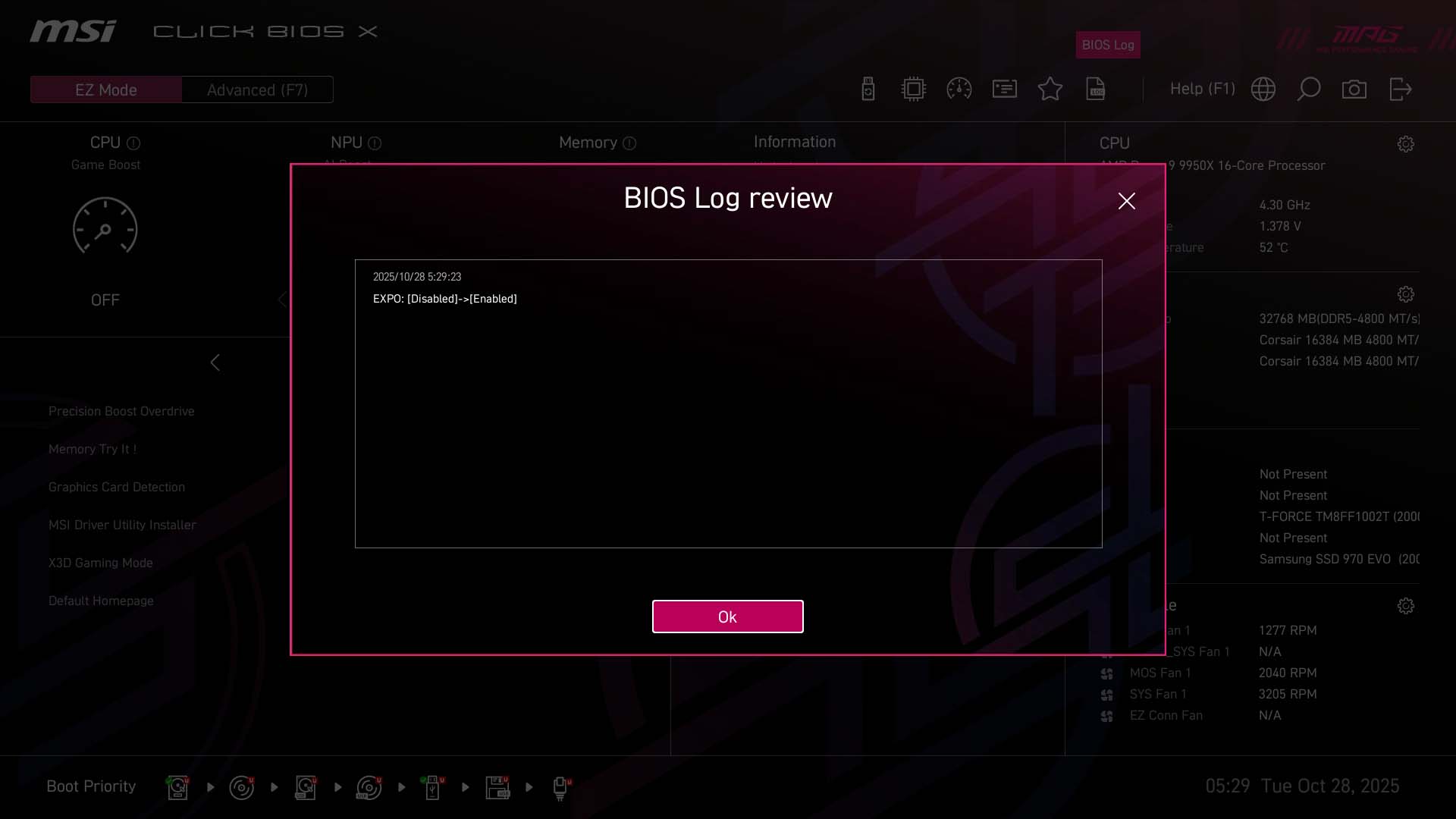
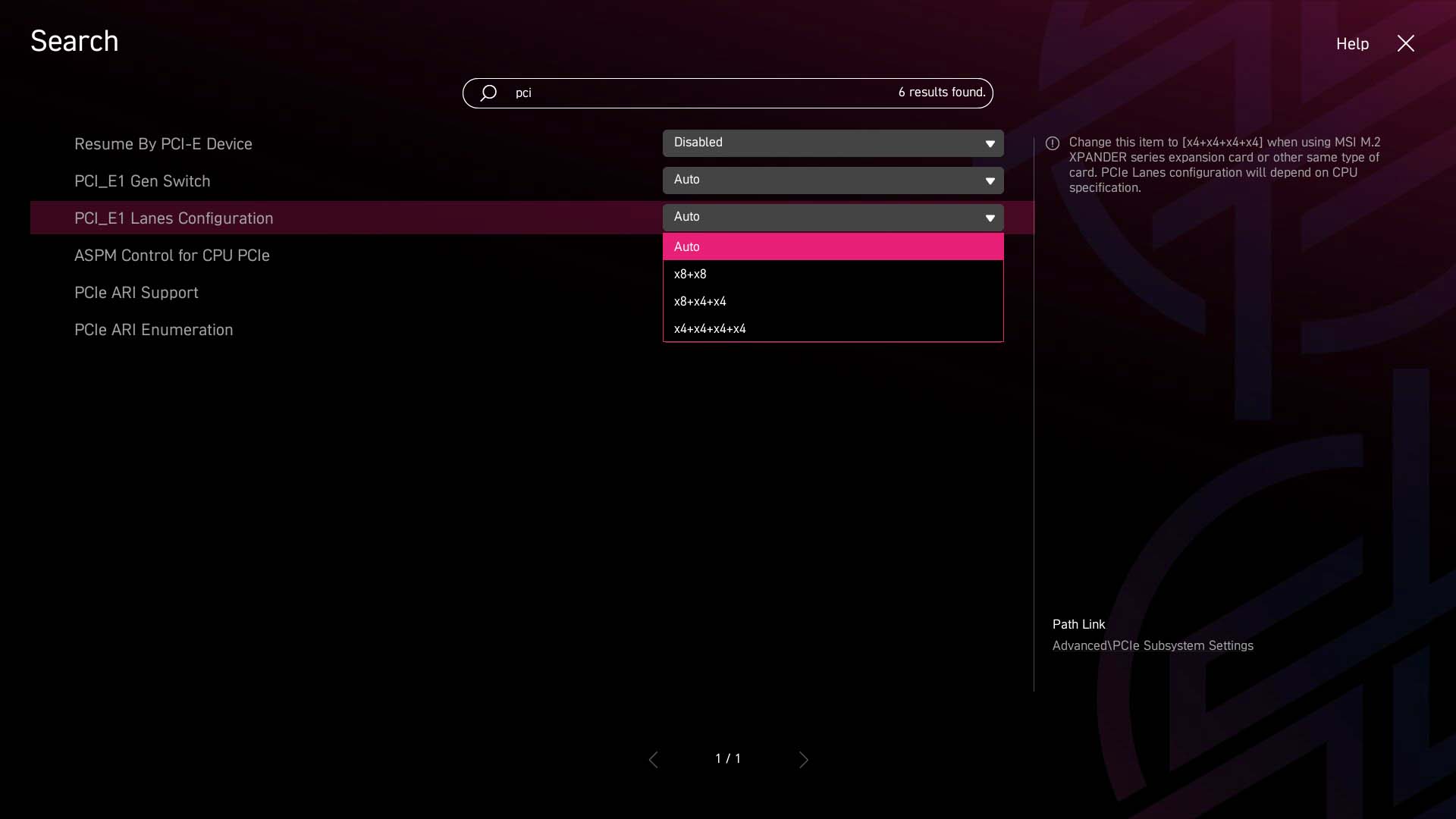
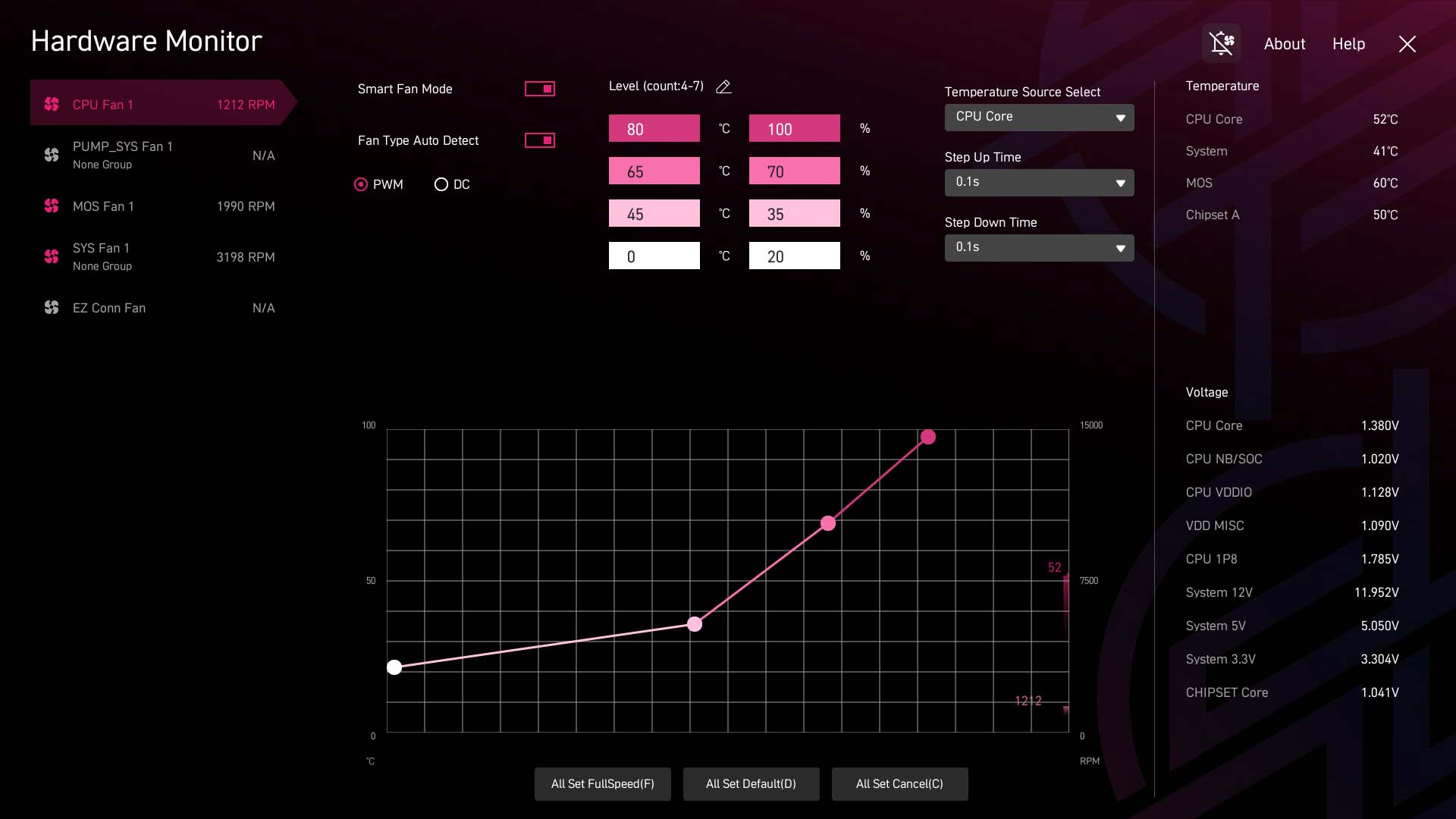
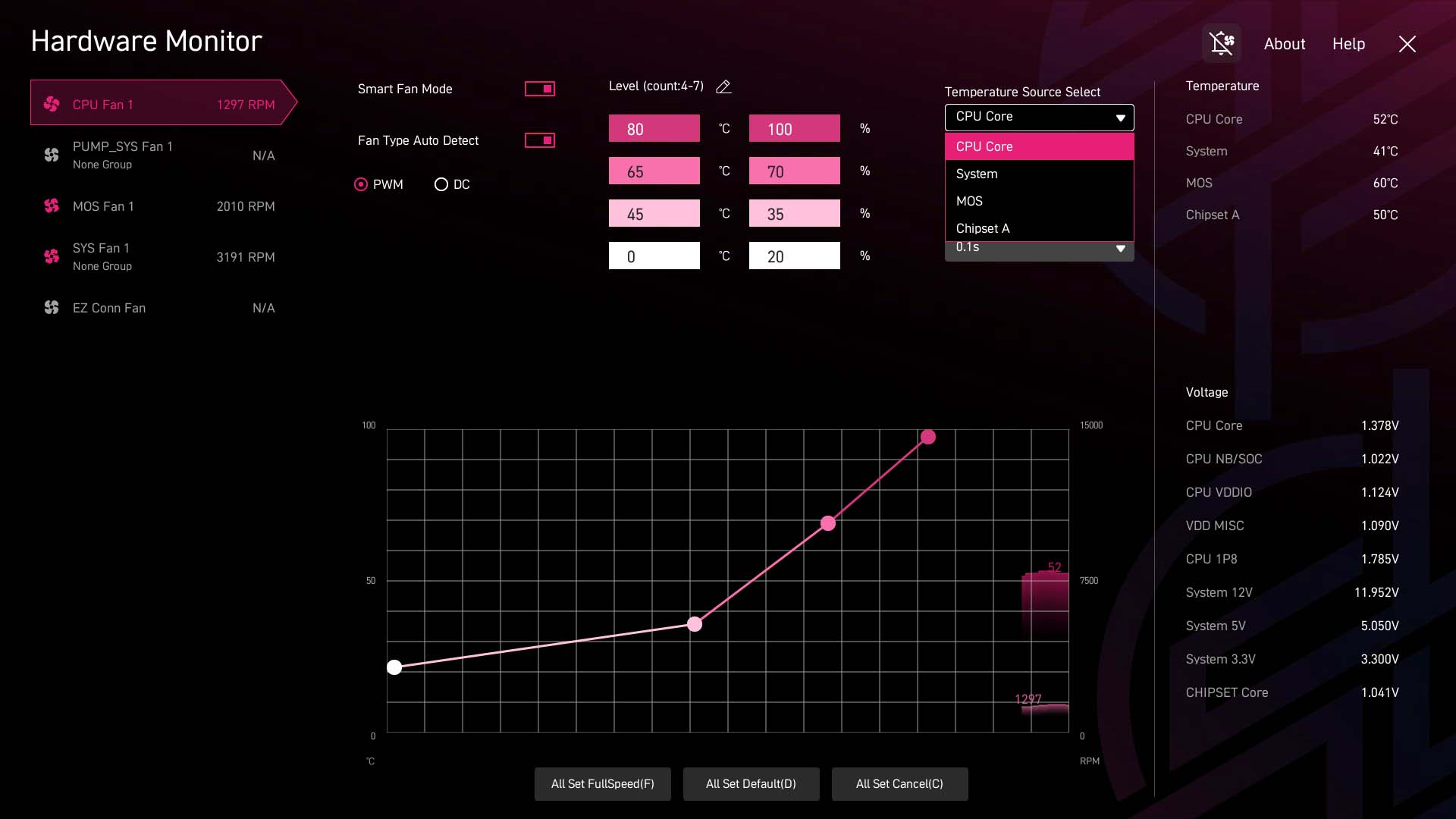
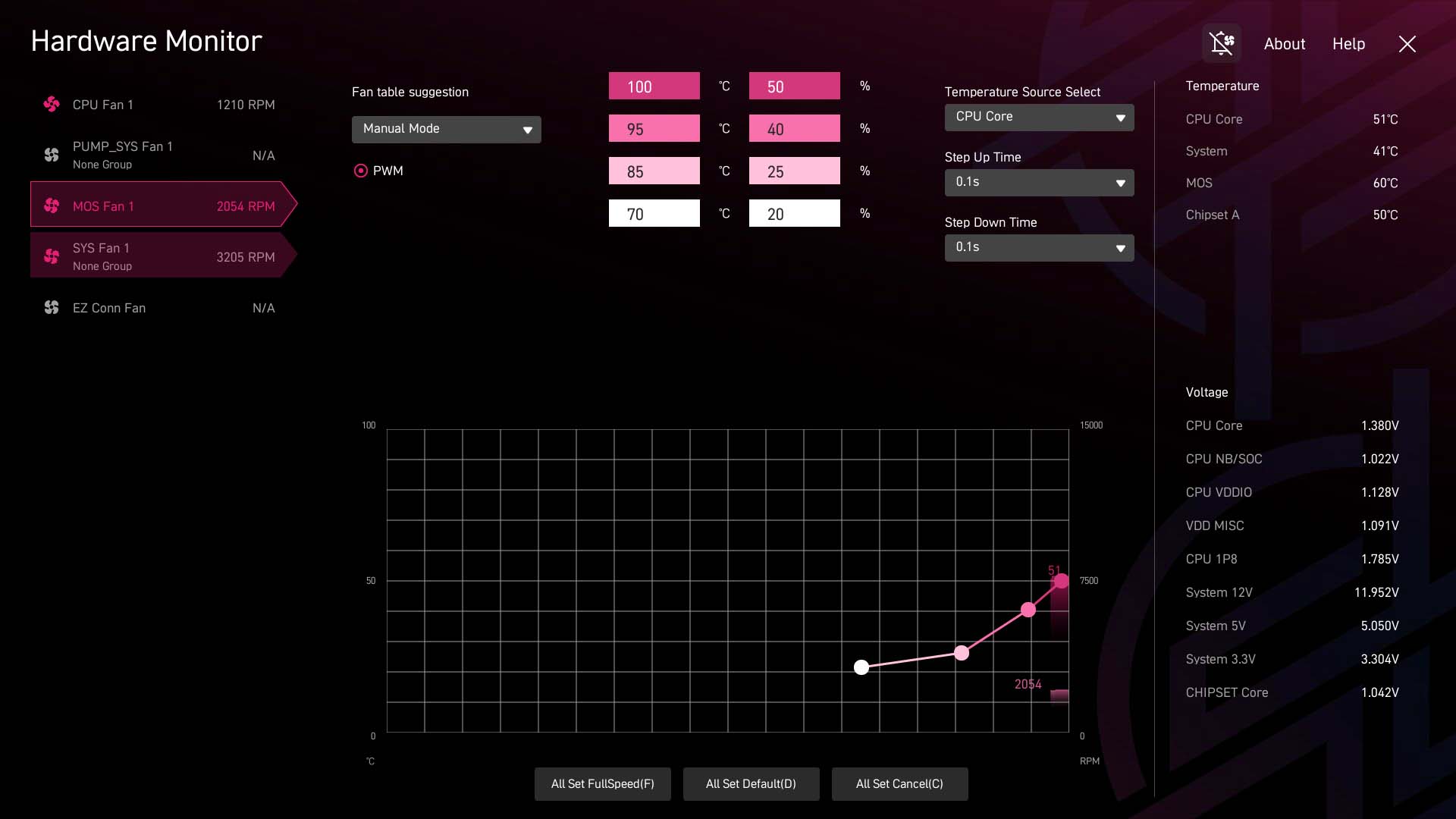
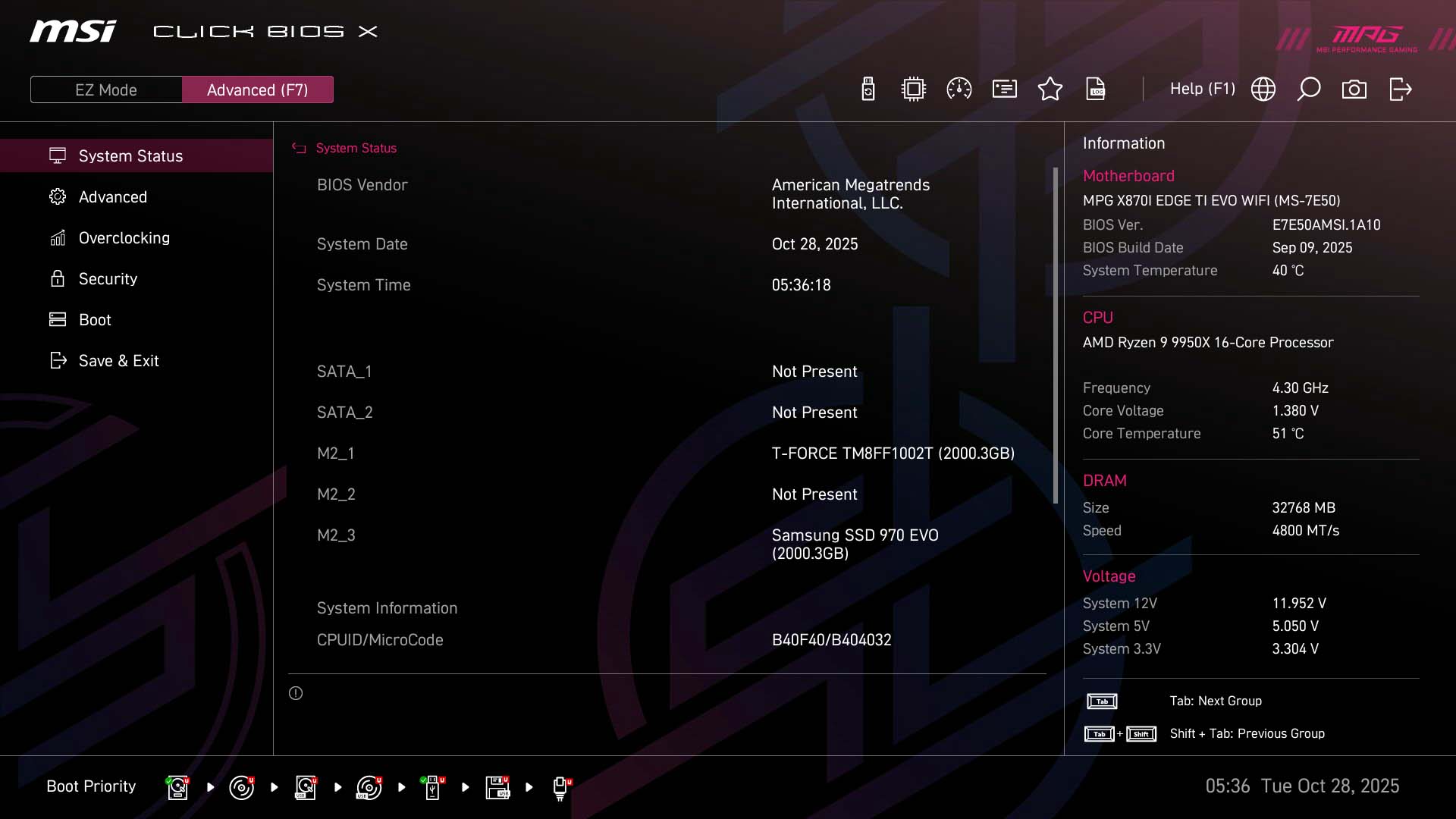
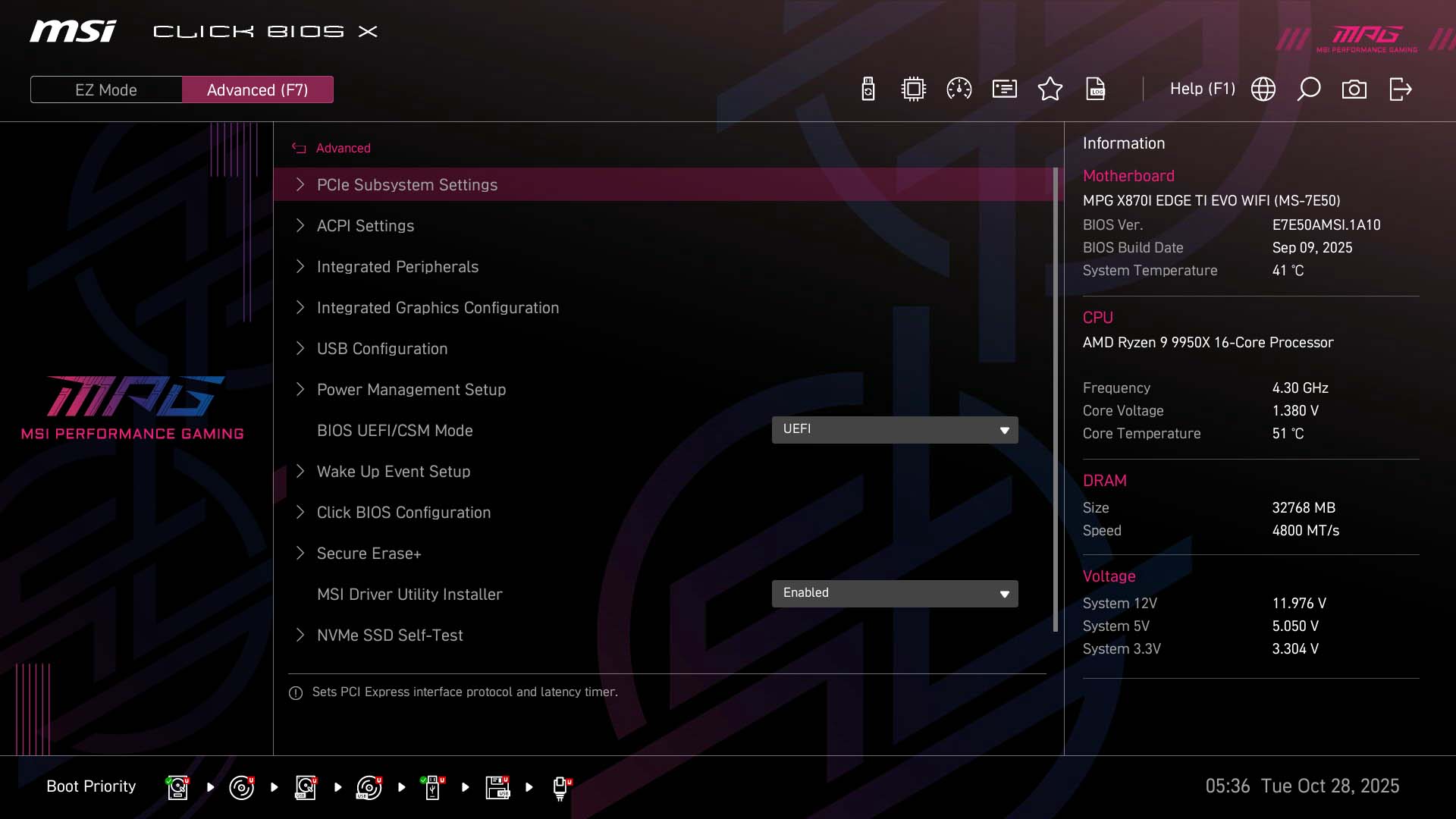
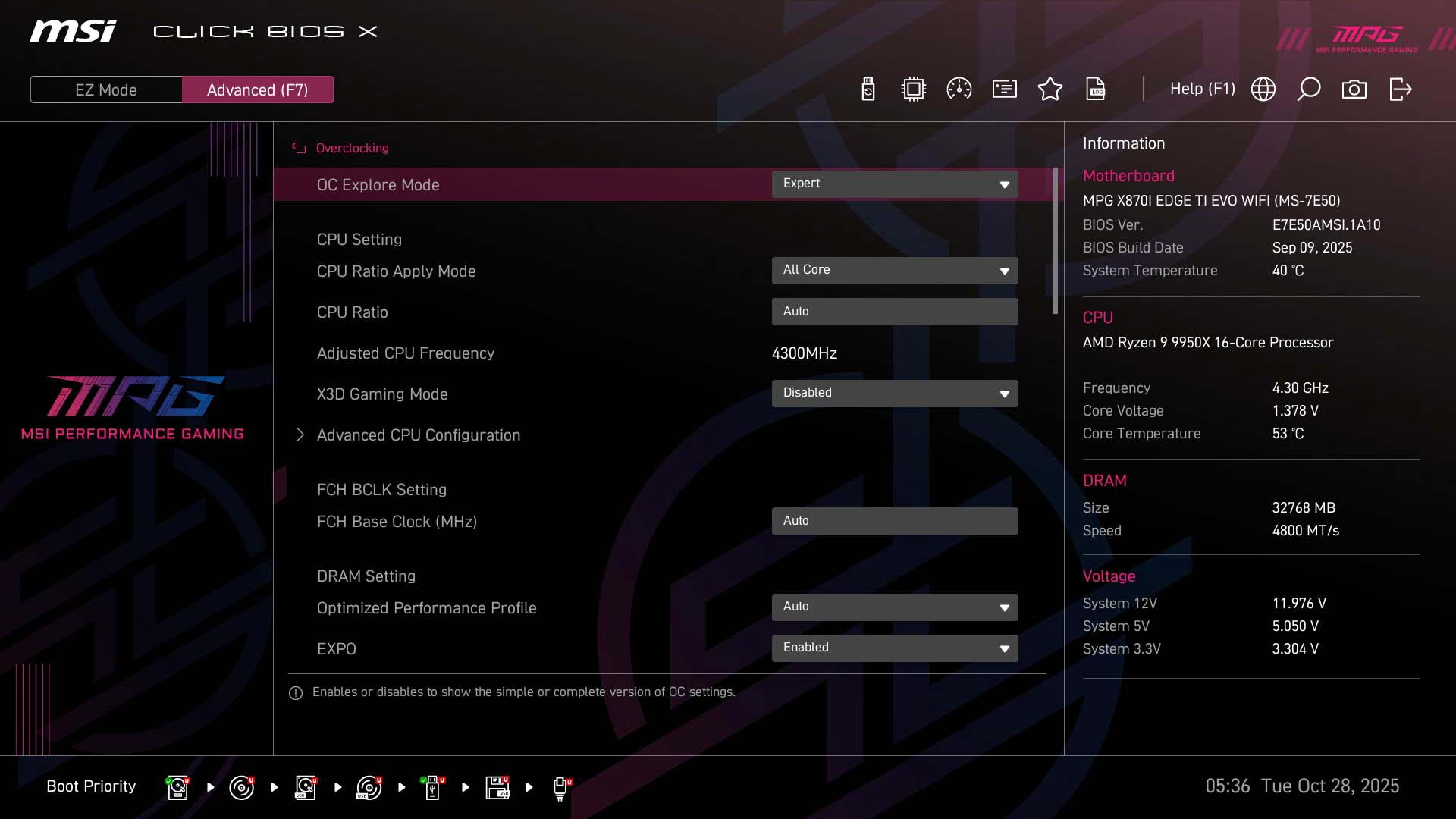
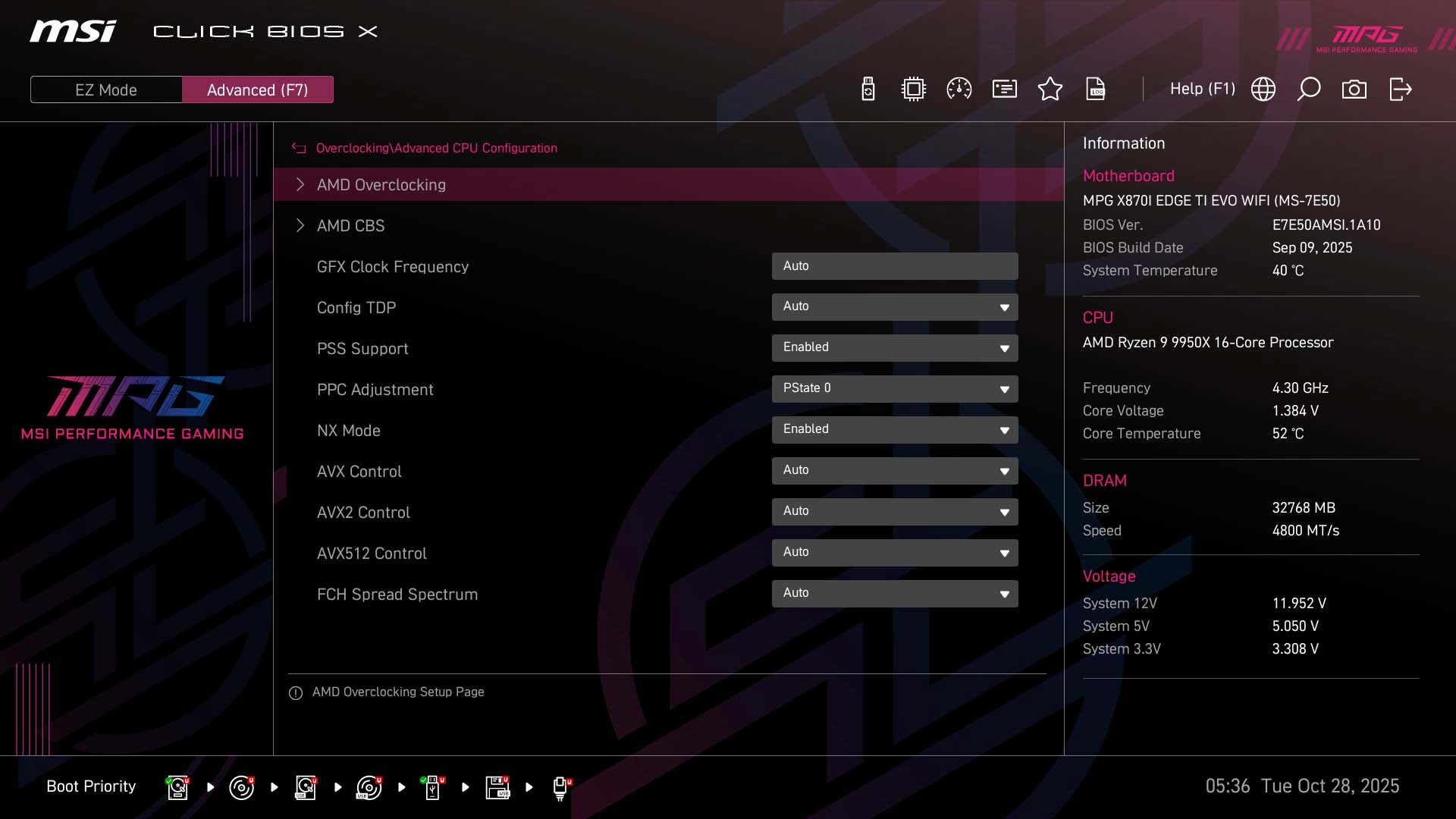
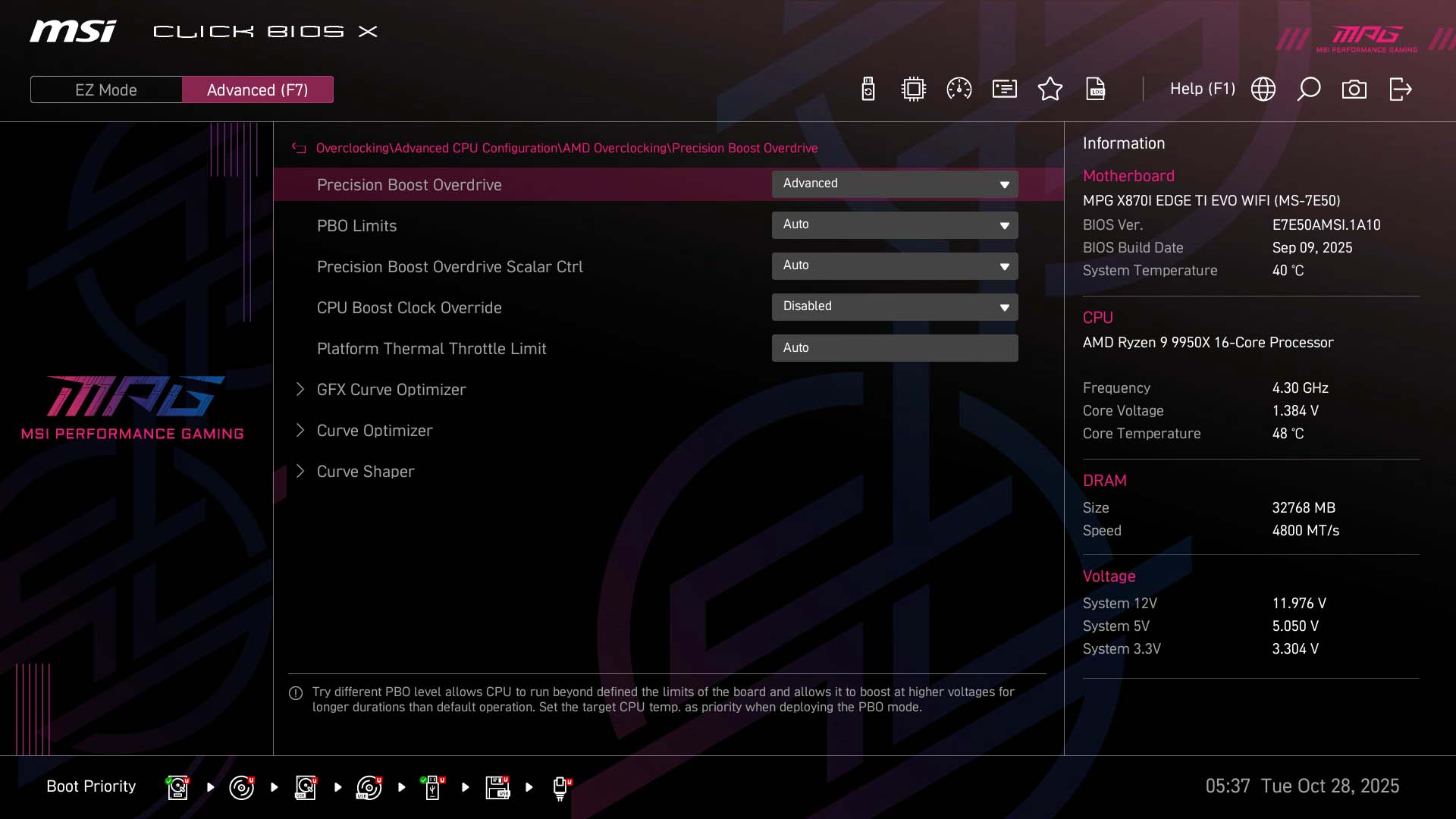
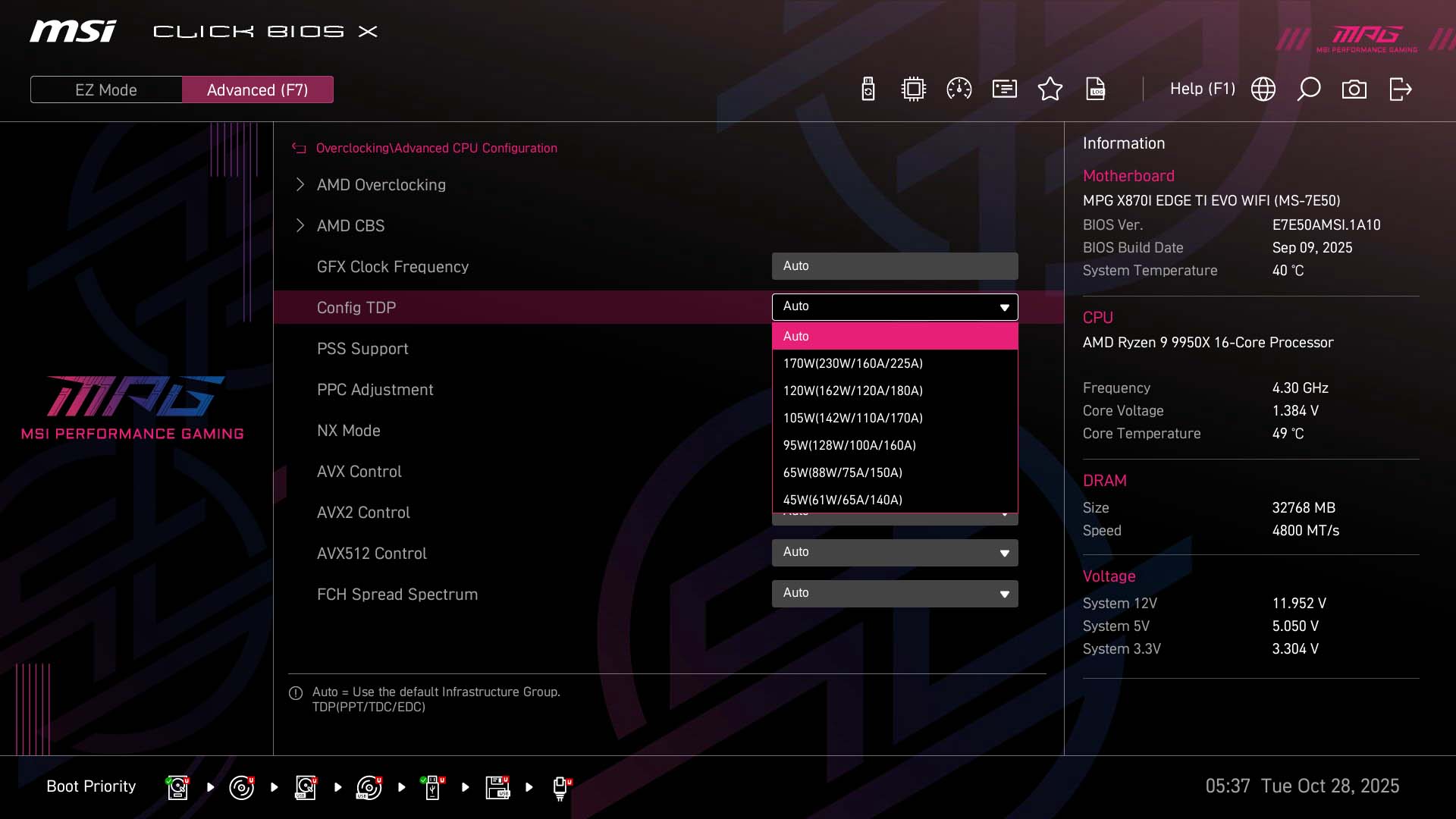
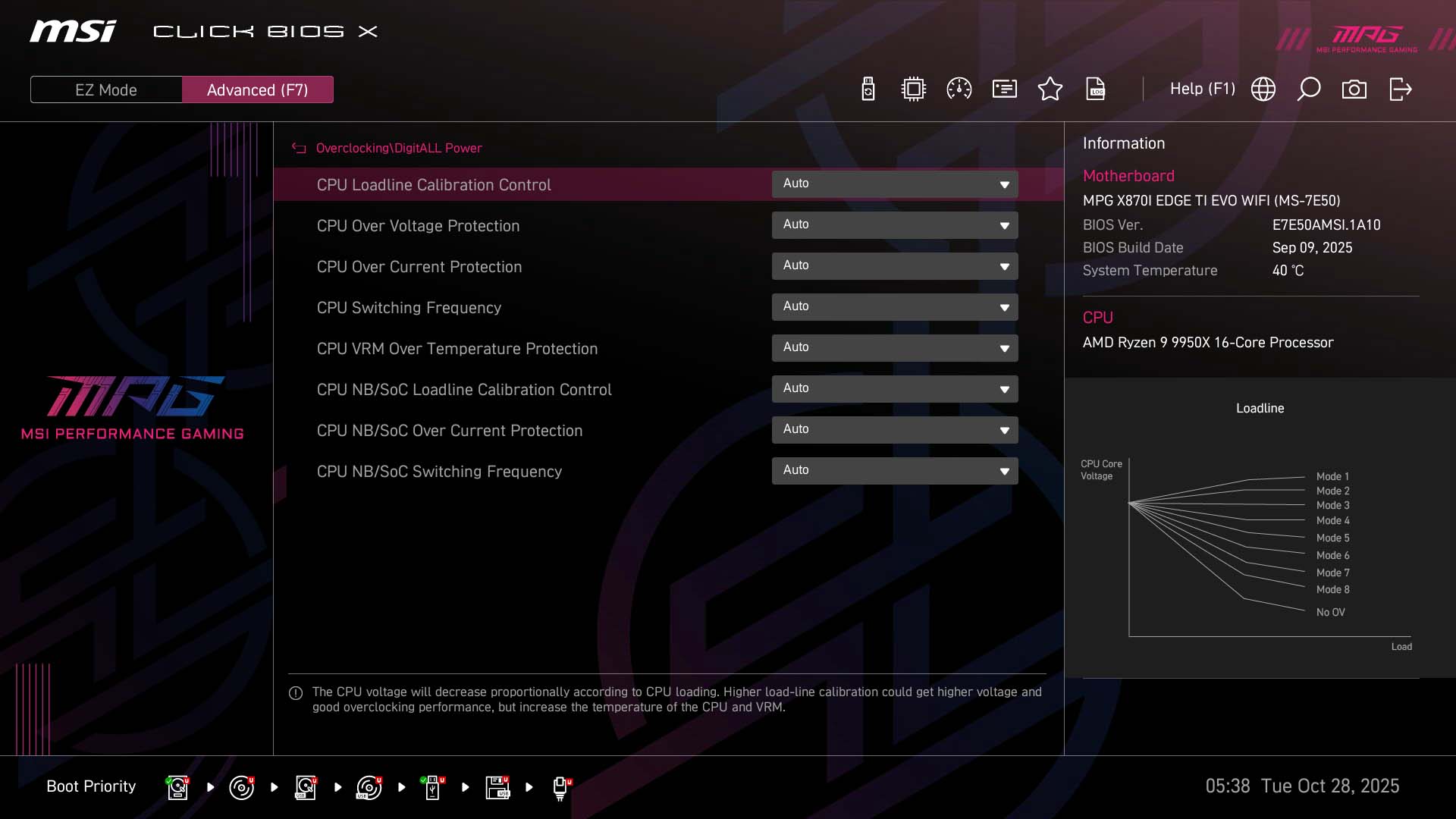
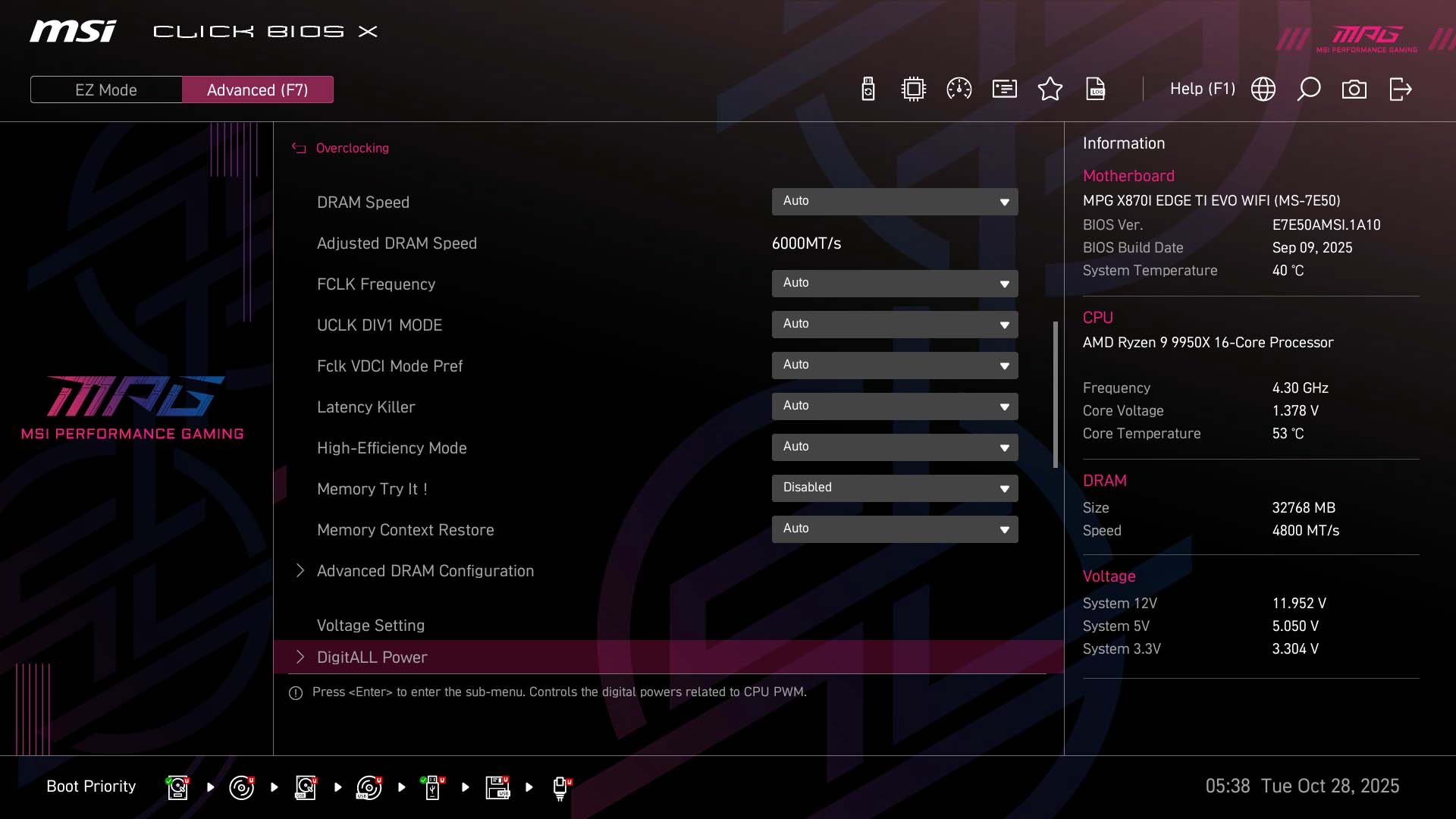
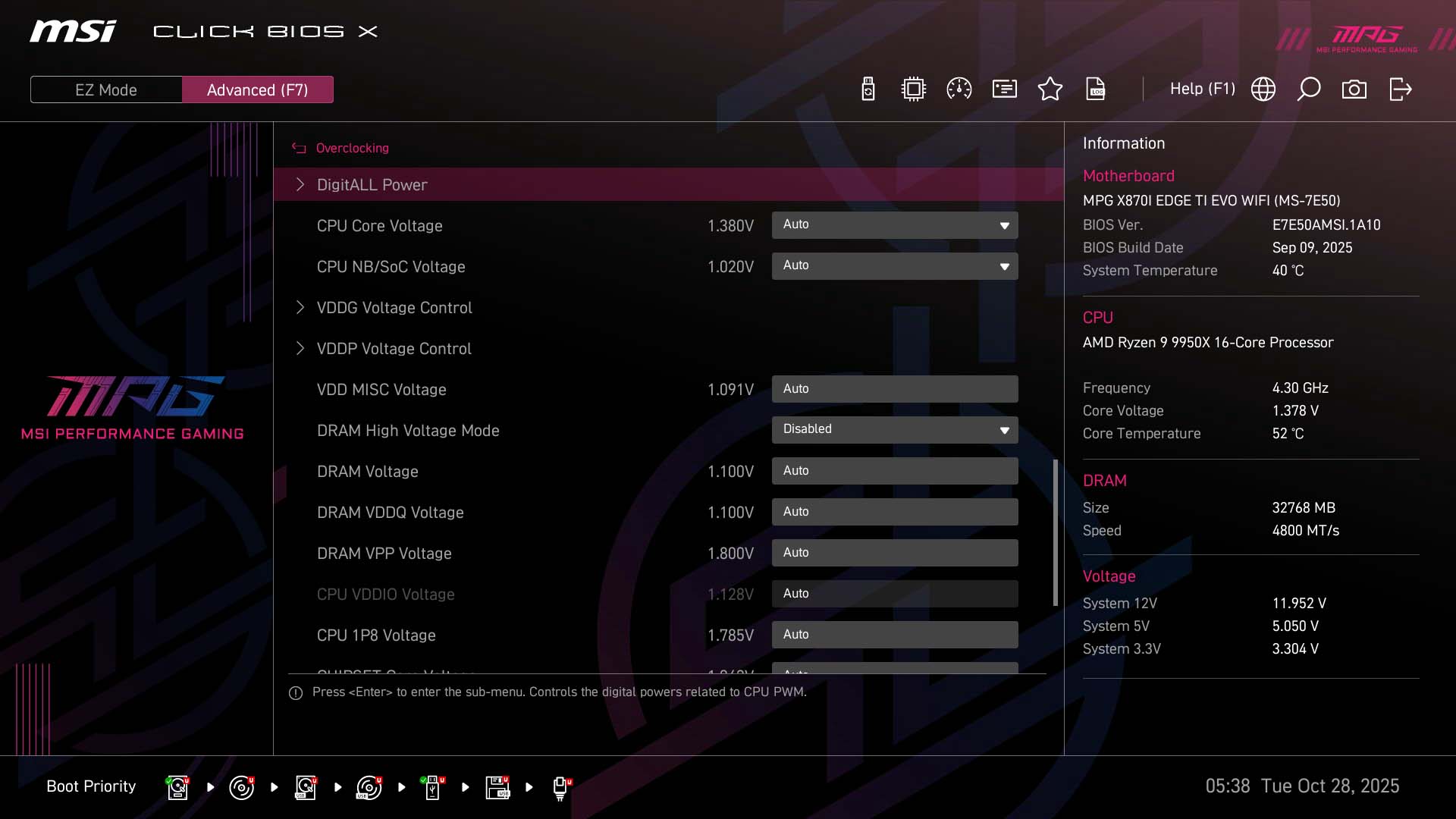
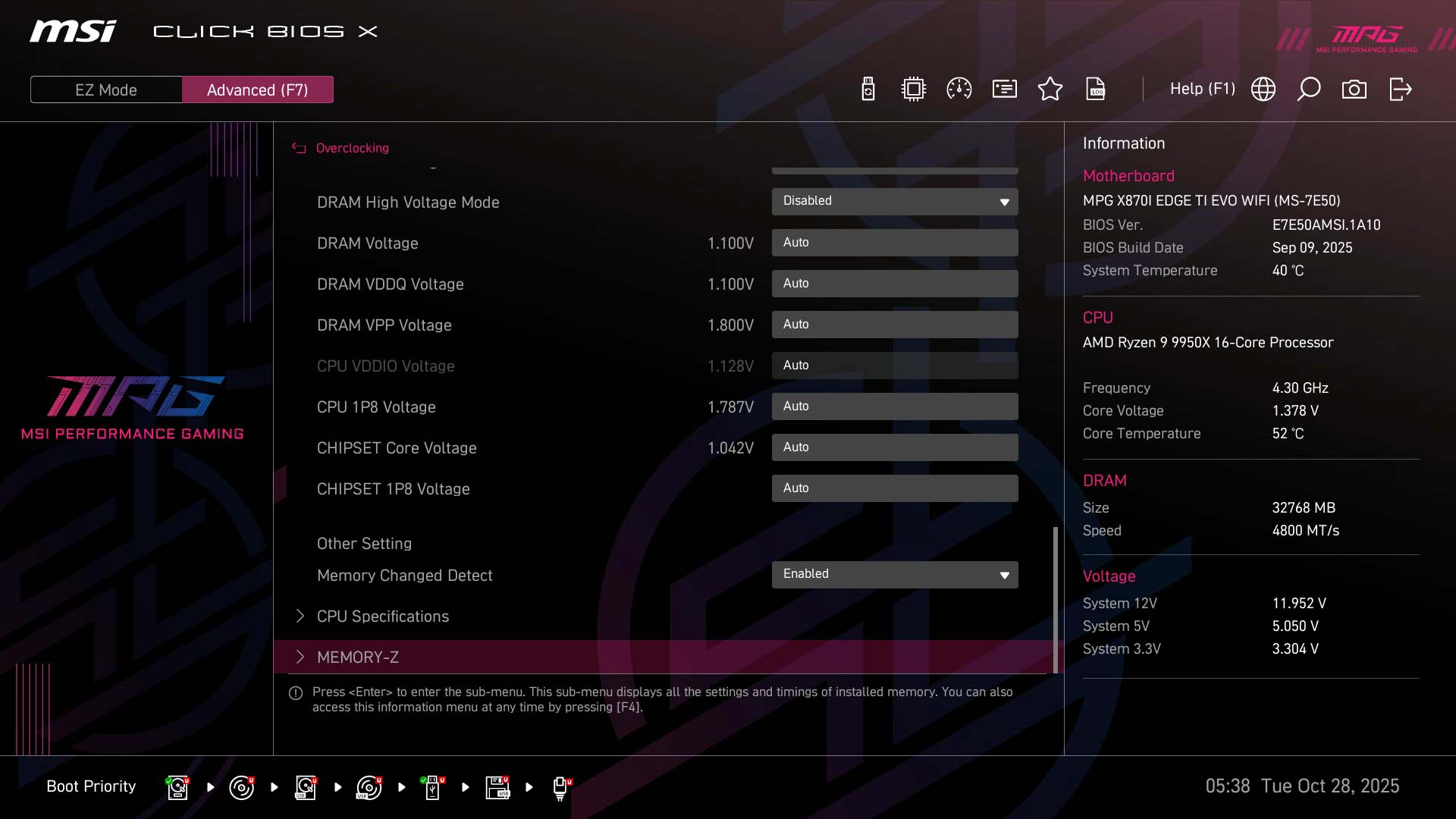
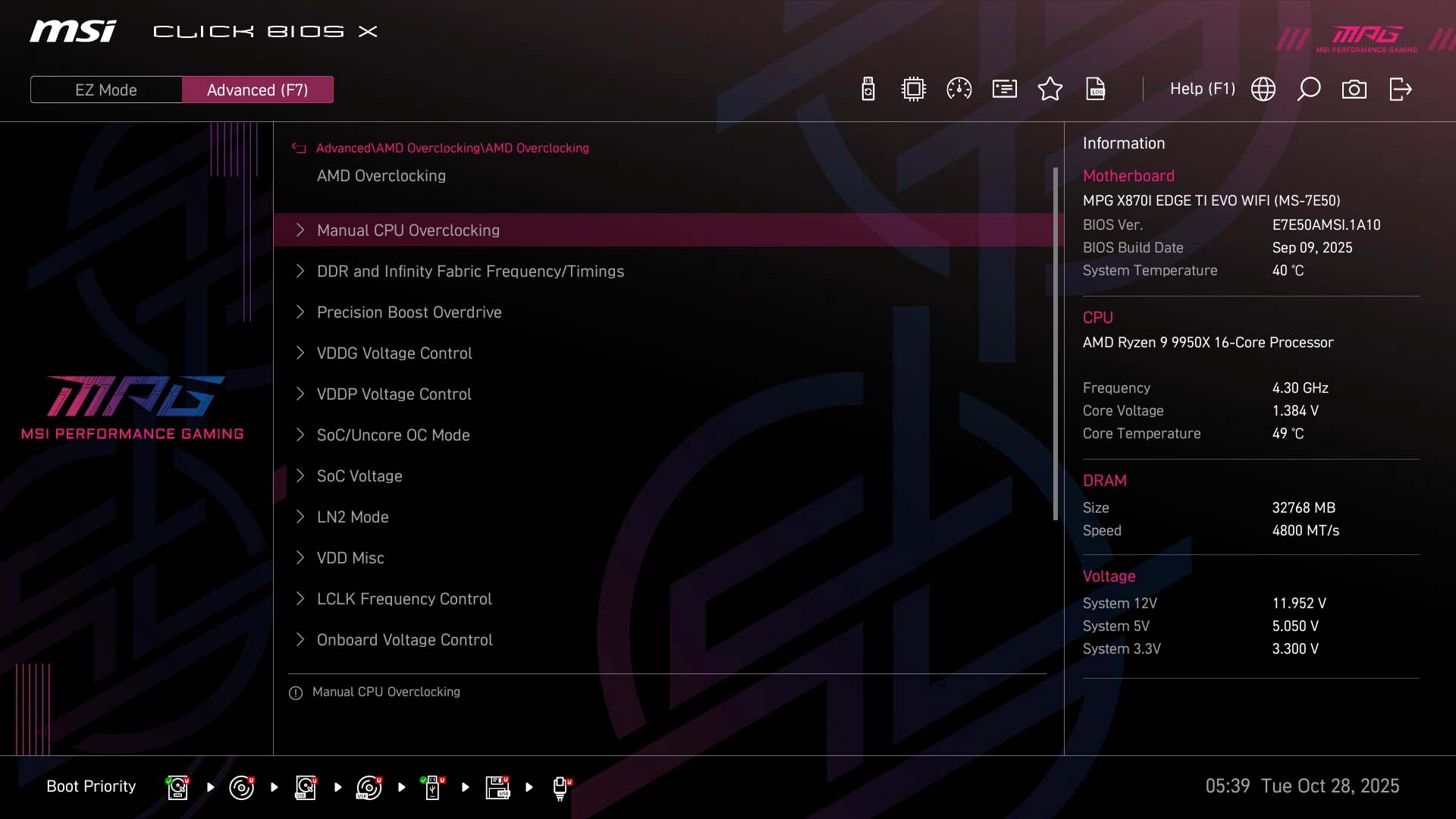
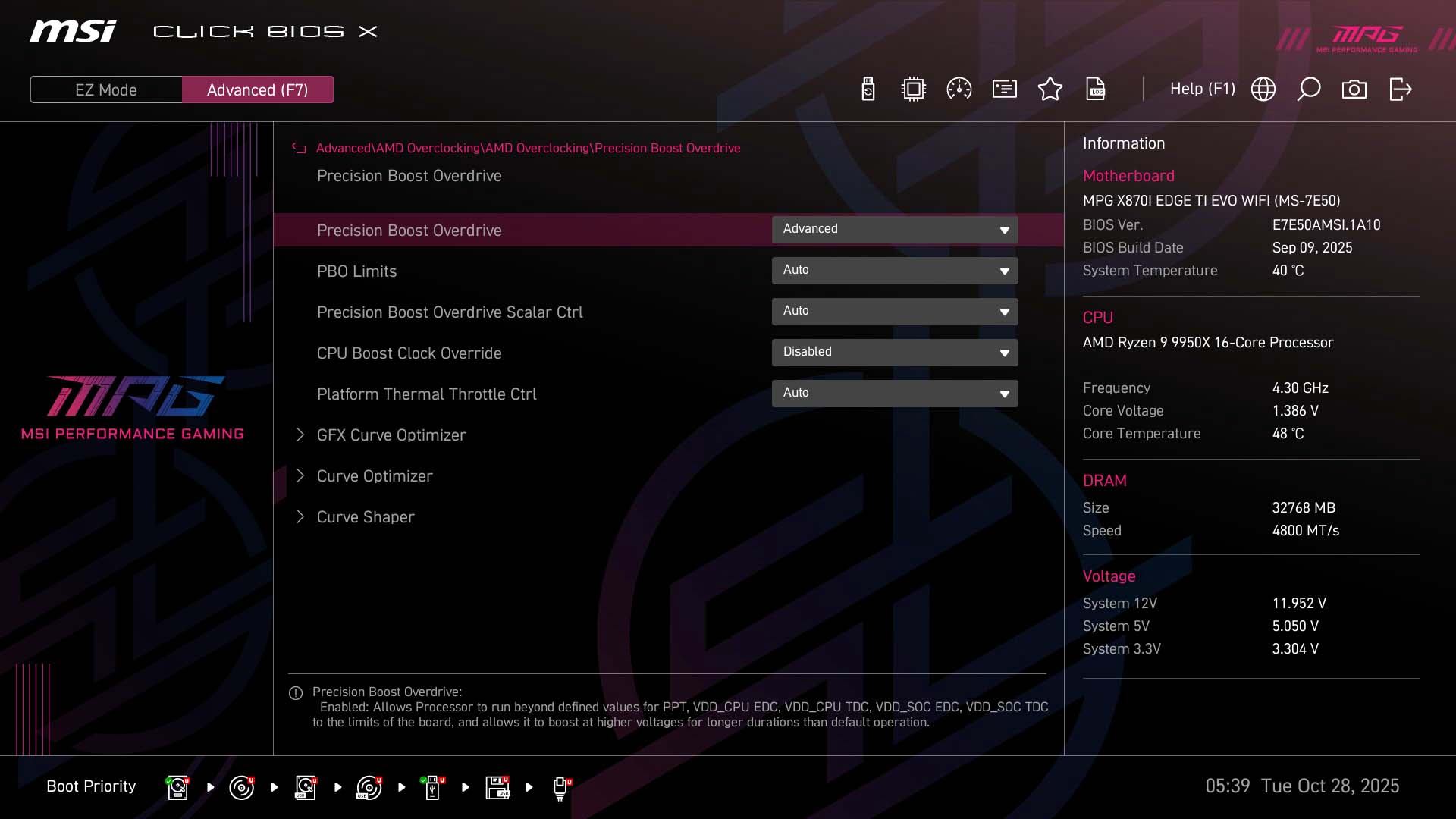
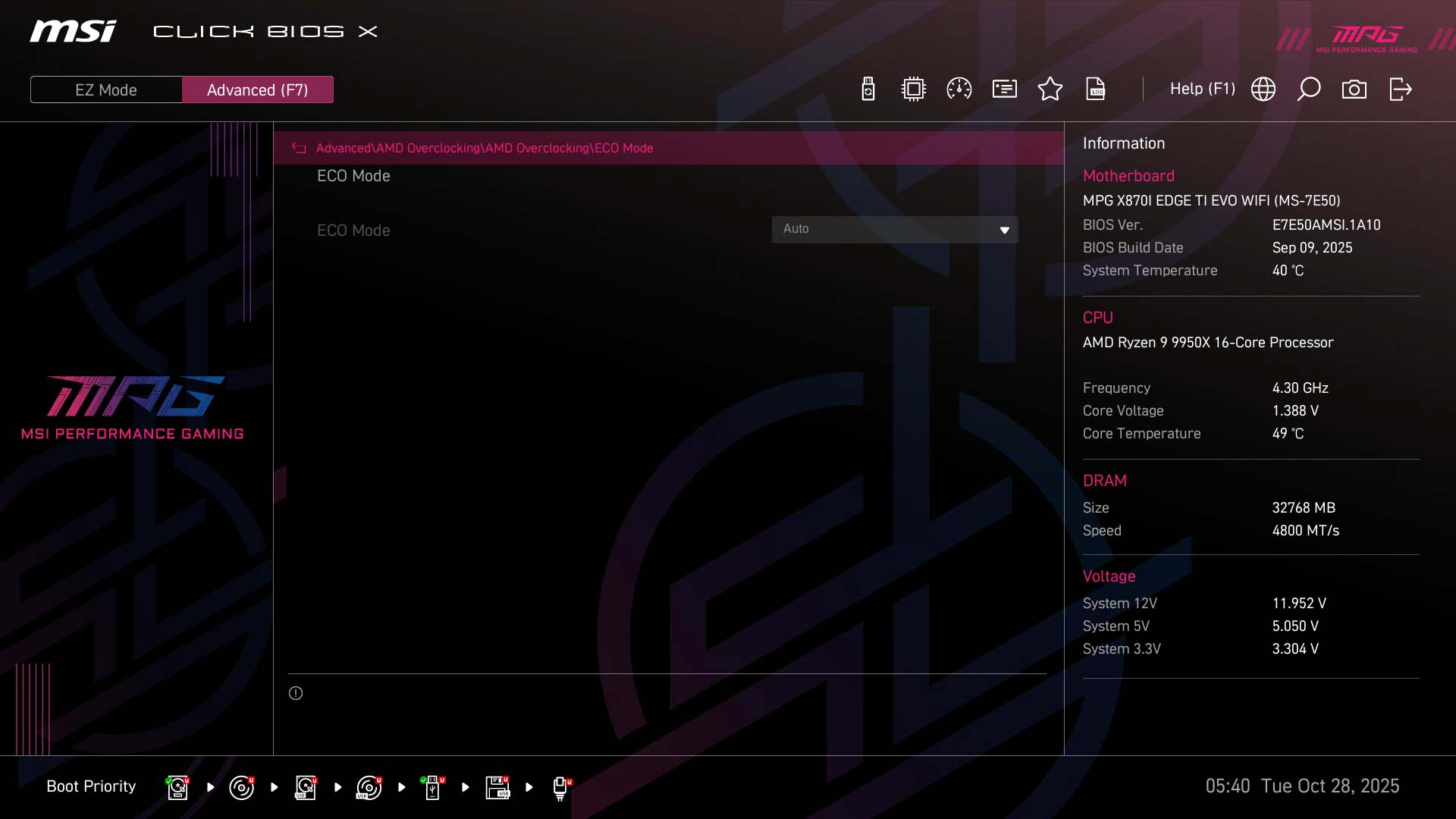
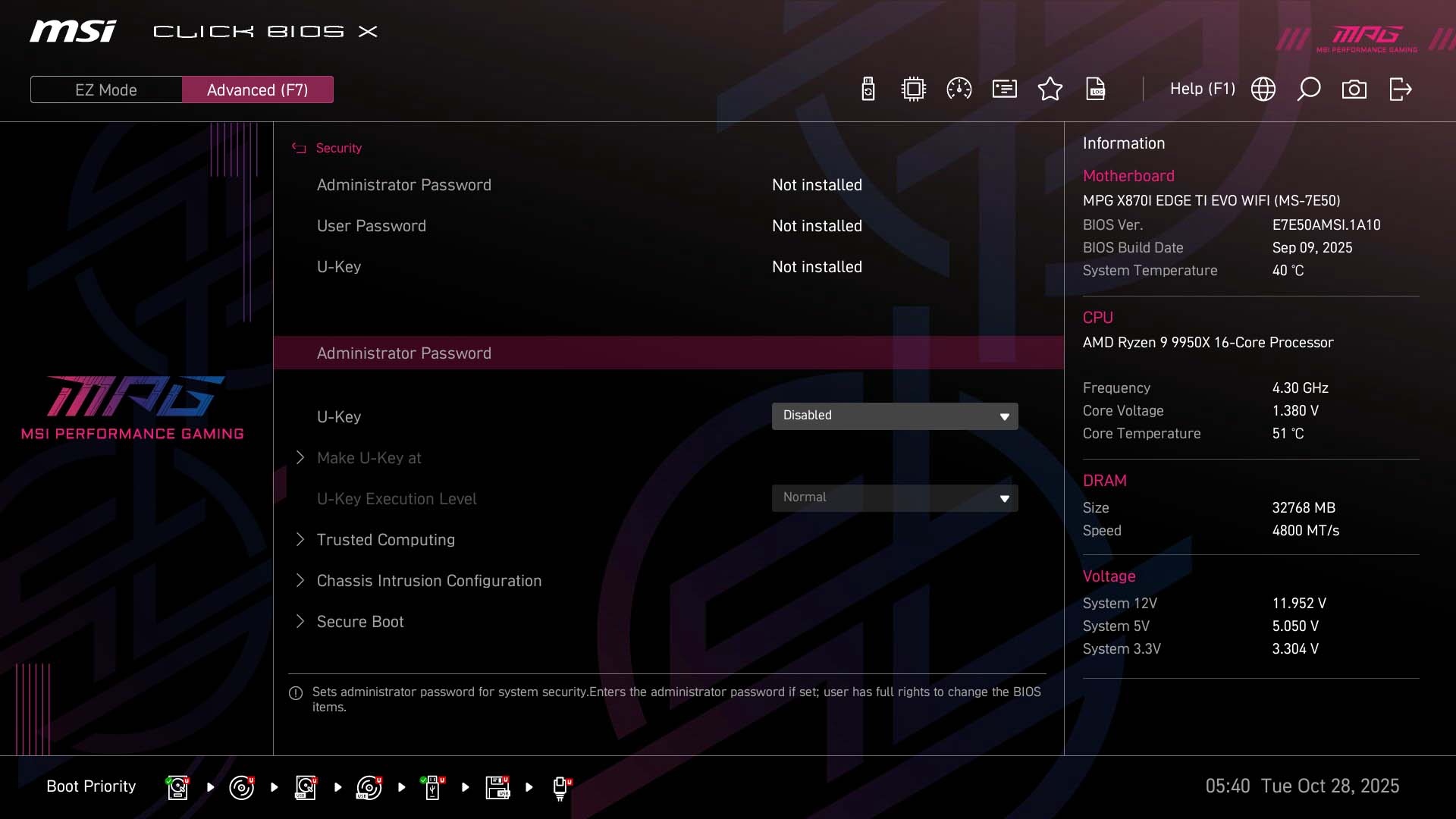
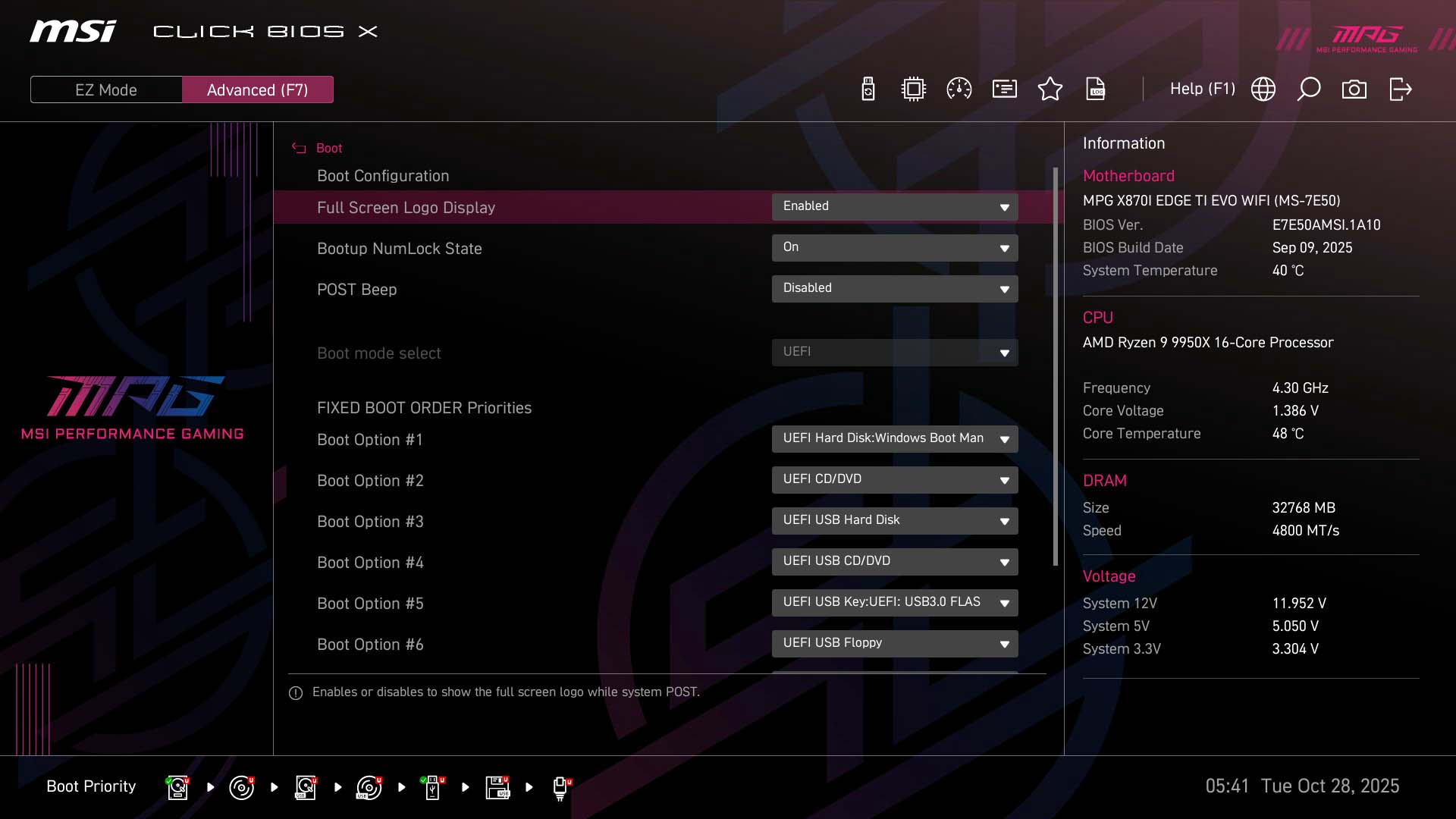
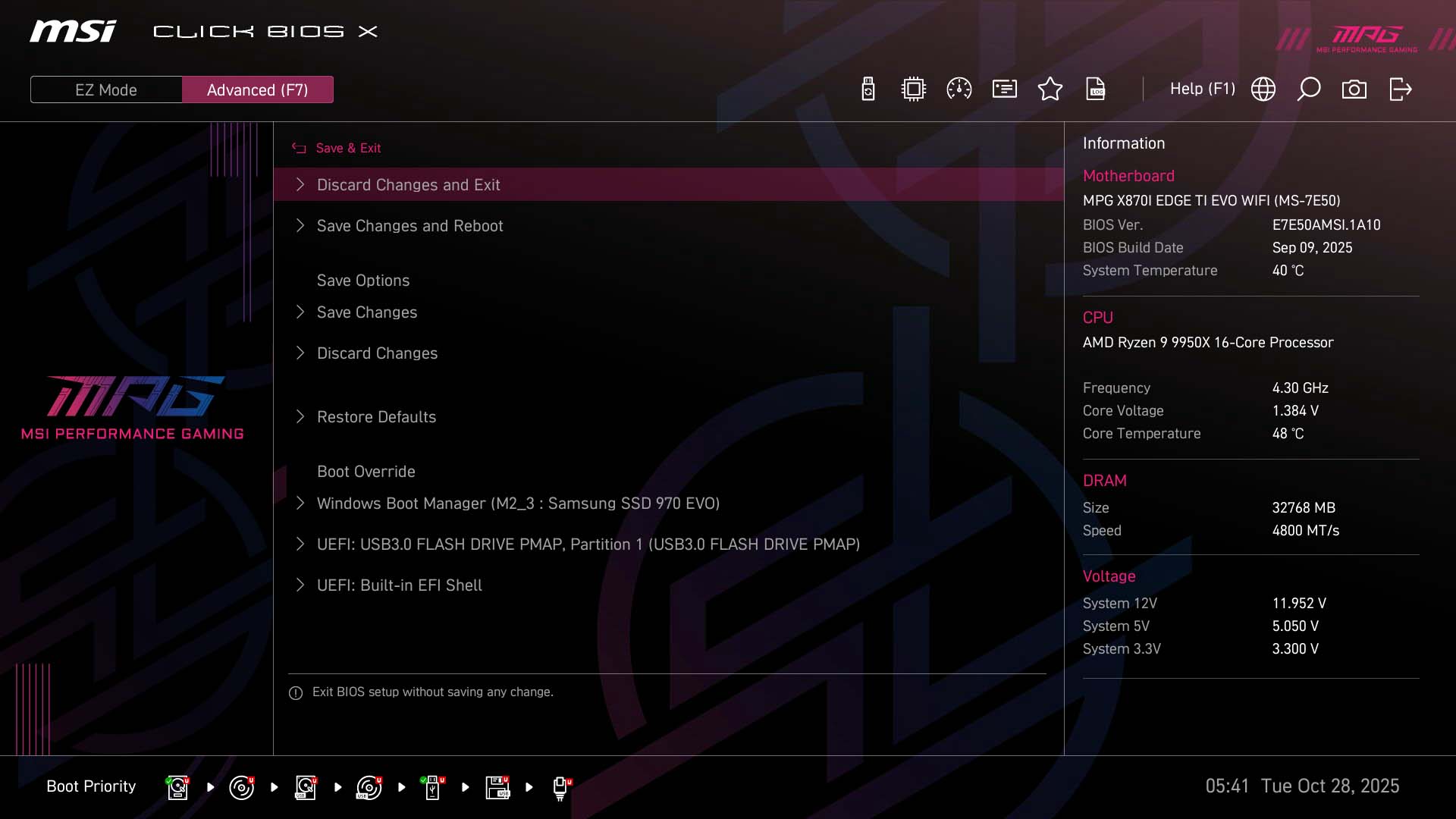
MSI's BIOS looks great and generally offers a well laid-out interface that works well for its intended purpose. The EZ Mode page has most options including PBO controls, boot device priority, memory profiles and quick links to fan control and BIOS flashing. The search function is very useful for avoiding the depths of menus and there's also a favorites section that allows you to add regularly-used settings to a single menu page for quick access.Fan control is mostly excellent, with the ability to add and remove adjustment points on the fan curve, but you're not able to drag the whole curve up or down using a single point like you can on some competing boards. Otherwise, you're able to change the input source as well as the step-up ad step down-times. However, one issue we noticed is that the graph at the bottom can be a little misleading. The scale on the left is not temperature and is in fact fan speed percentage, but the scale on the bottom has 18 steps and the temperature doesn't seem to adjust linearly. You'll need to pay careful attention to the actual temperature when moving the adjustment points.
Nov 19th, 2026 16:44 CST
change timezone
Latest GPU Drivers
New Forum Posts
- Dell Workstation Owners Club (3517)
- Making a game in Godot engine (6)
- Honestly, do you care about GTA VI? (166)
- Introducing DST Bench : one of the most advanced disk benchmark and storage analyzer real-time software (6)
- Windows 11 General Discussion (7736)
- Current Sales, Bundles, Giveaways (10448)
- Last game you purchased? (1409)
- WarpCoreBench scores! (76)
- Got the EOL 32GB TridentZ 6000 CL26 1.4V (12)
- DTS DCH Driver for Realtek HDA [DTS:X APO4 + DTS Interactive] (2815)
Popular Reviews
- Acemagic Retro X3 Review
- Ugreen NASync DXP4800 GT Review
- Upcoming Hardware Launches 2027 (Updated Nov 2026)
- Pulsar Office Tour & First Look at P1 Dual-Sensor Mouse
- AMD Zen 6 Technical Deep Dive
- Biwin Black Opal NV7400 2 TB Review
- Sapphire Radeon RX 7700 XT Pure Review
- Sapphire Radeon RX 7700 XT Pulse Review
- AMD Ryzen 7 9800X3D Review - The Best Gaming Processor
- Chieftec Iceberg PRO 360 DARK Review
TPU on YouTube
Controversial News Posts
- NVIDIA Co-Founder and CEO Jensen Huang Officially Resigns (489)
- Report: Jensen Huang Eyes NVIDIA Comeback (223)
- Open Letter Asking NVIDIA to Reinstate Jensen Huang Passes 115,000 Signatures (184)
- OpenAI CEO Argues Home PCs Waste the World's Limited DRAM Supply (152)
- NVIDIA Launches Investigation Into Jensen Huang's Relationship With Suspected Chinese Spy (136)
- Intel "Raptor Lake Next" 16-Core and 20-Core CPUs Surface (130)
- Legendary Game Studio BioWare Shuts Down Following EA Layoffs (104)
- Dell CEO Says the Memory Shortage Will Get Worse in 2027 (95)