 7
MSI MPG Z890I Edge Ti Wi-Fi Review
Board Software »BIOS Overview
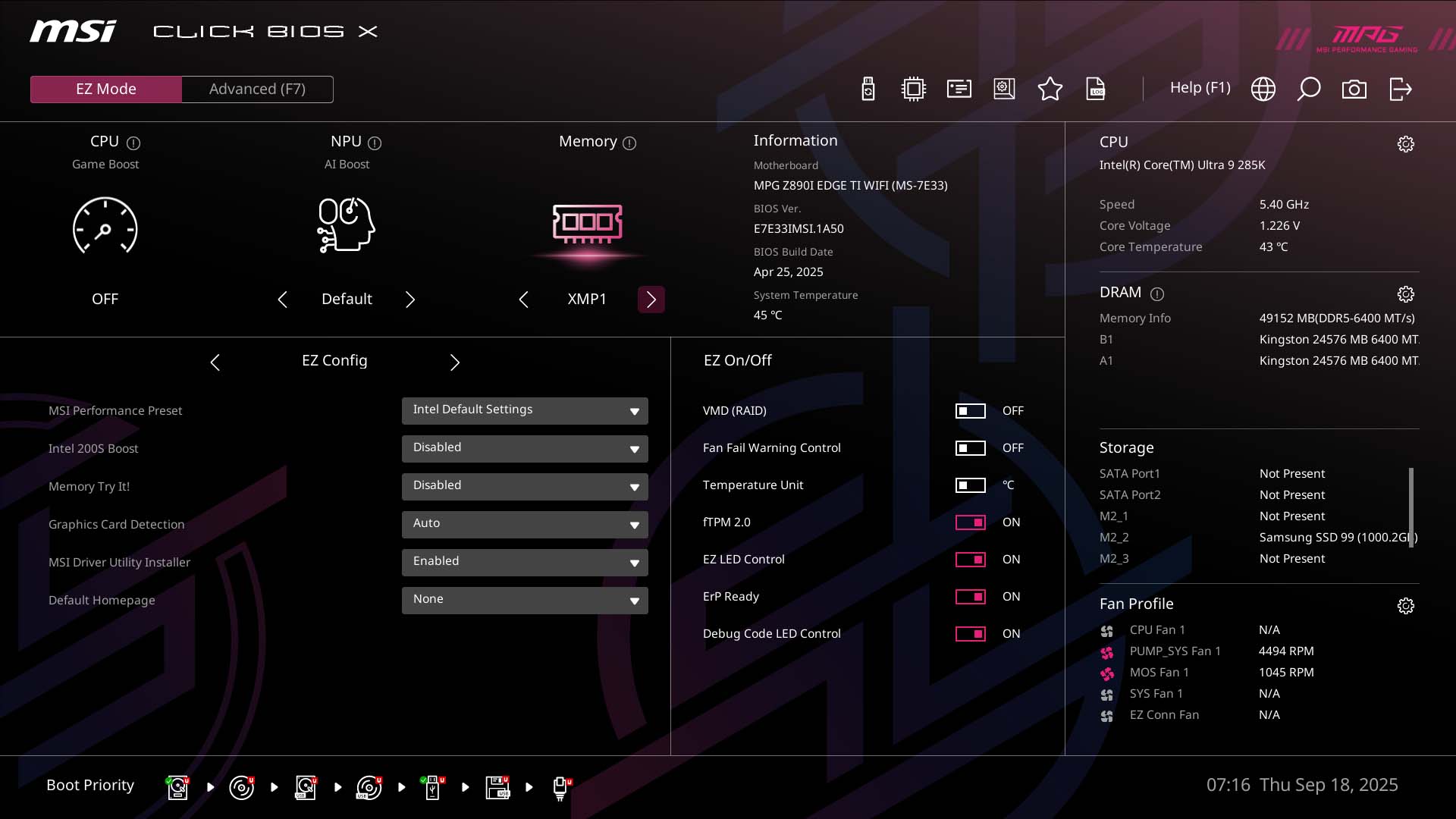
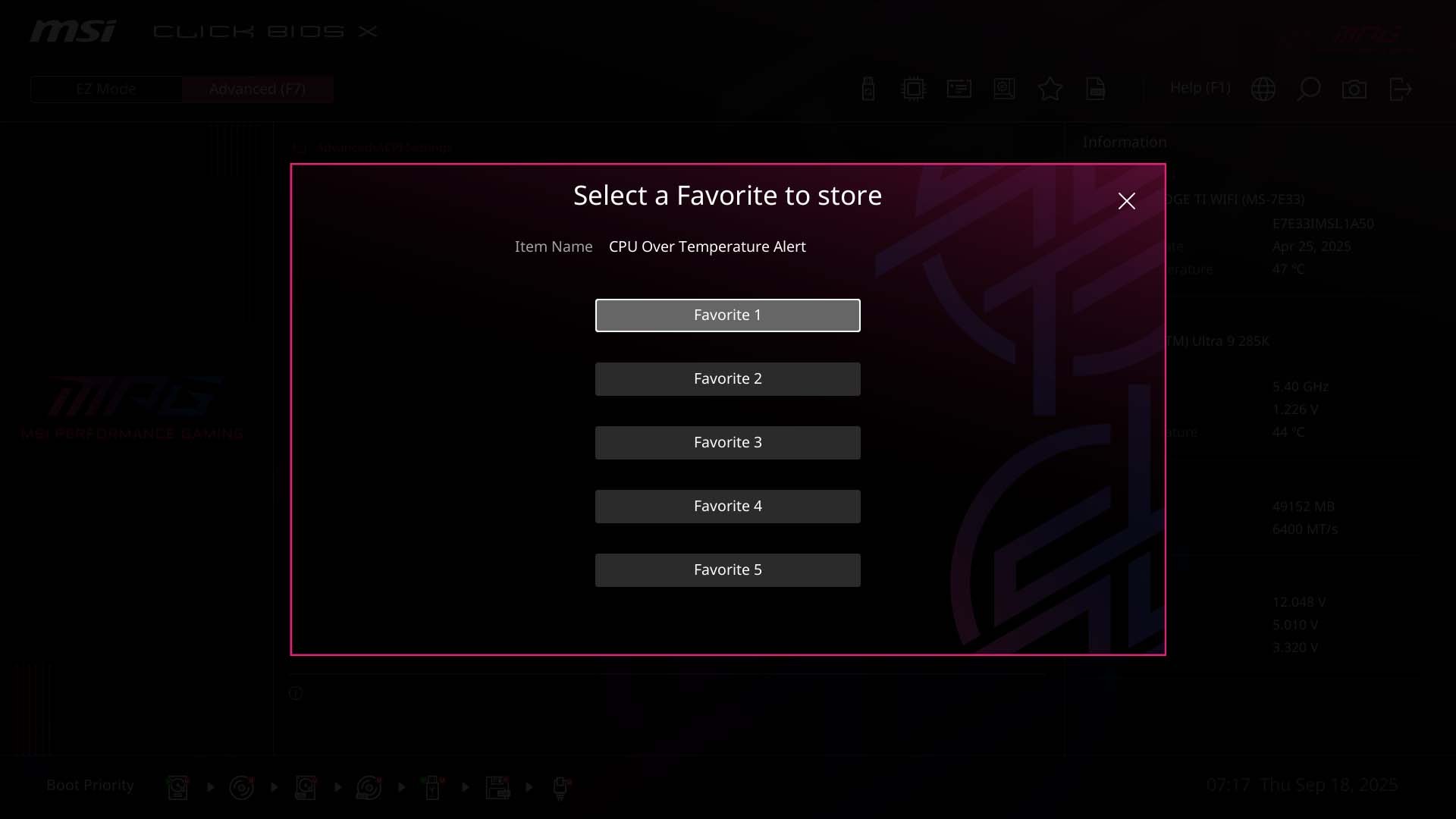
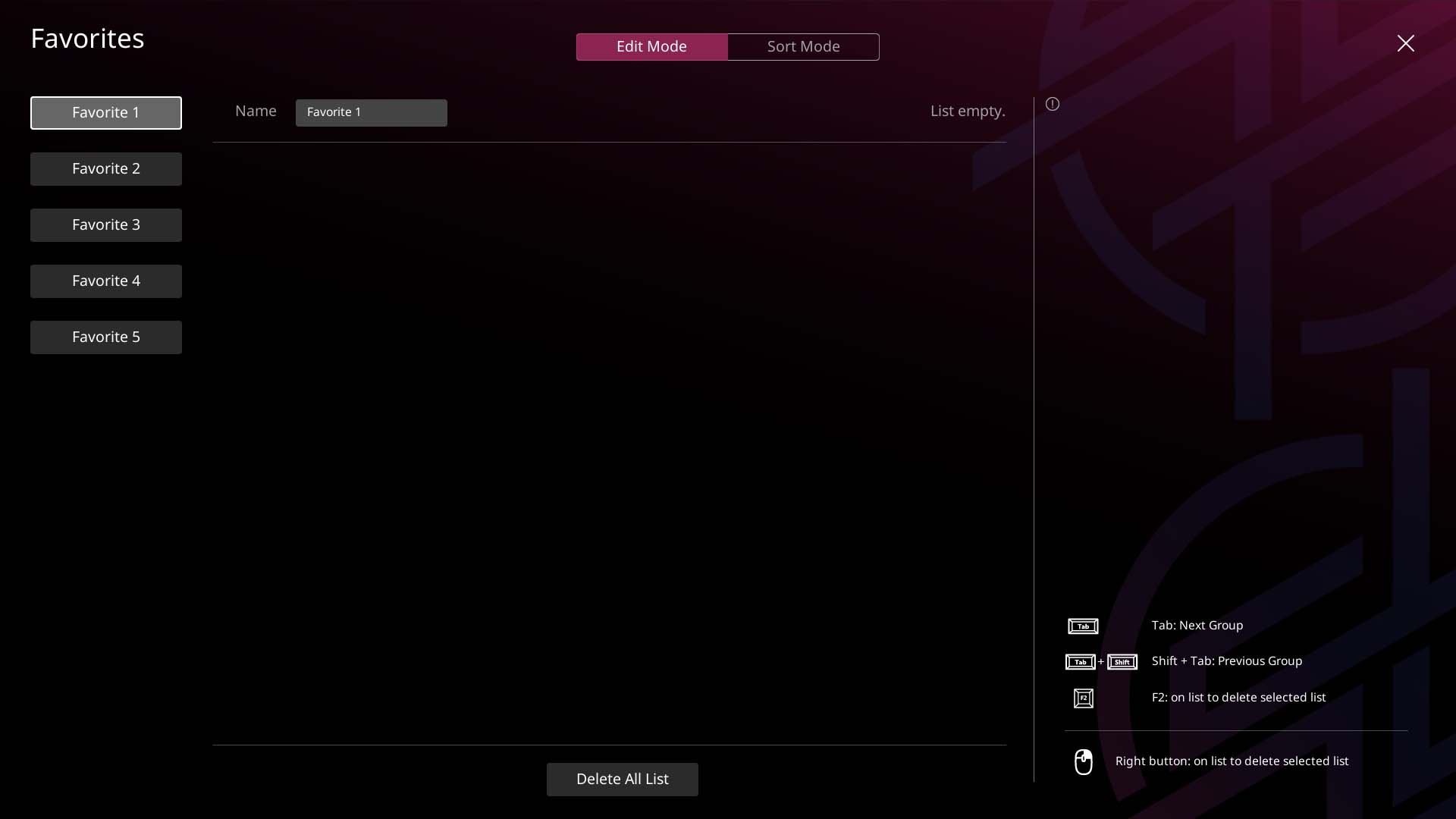
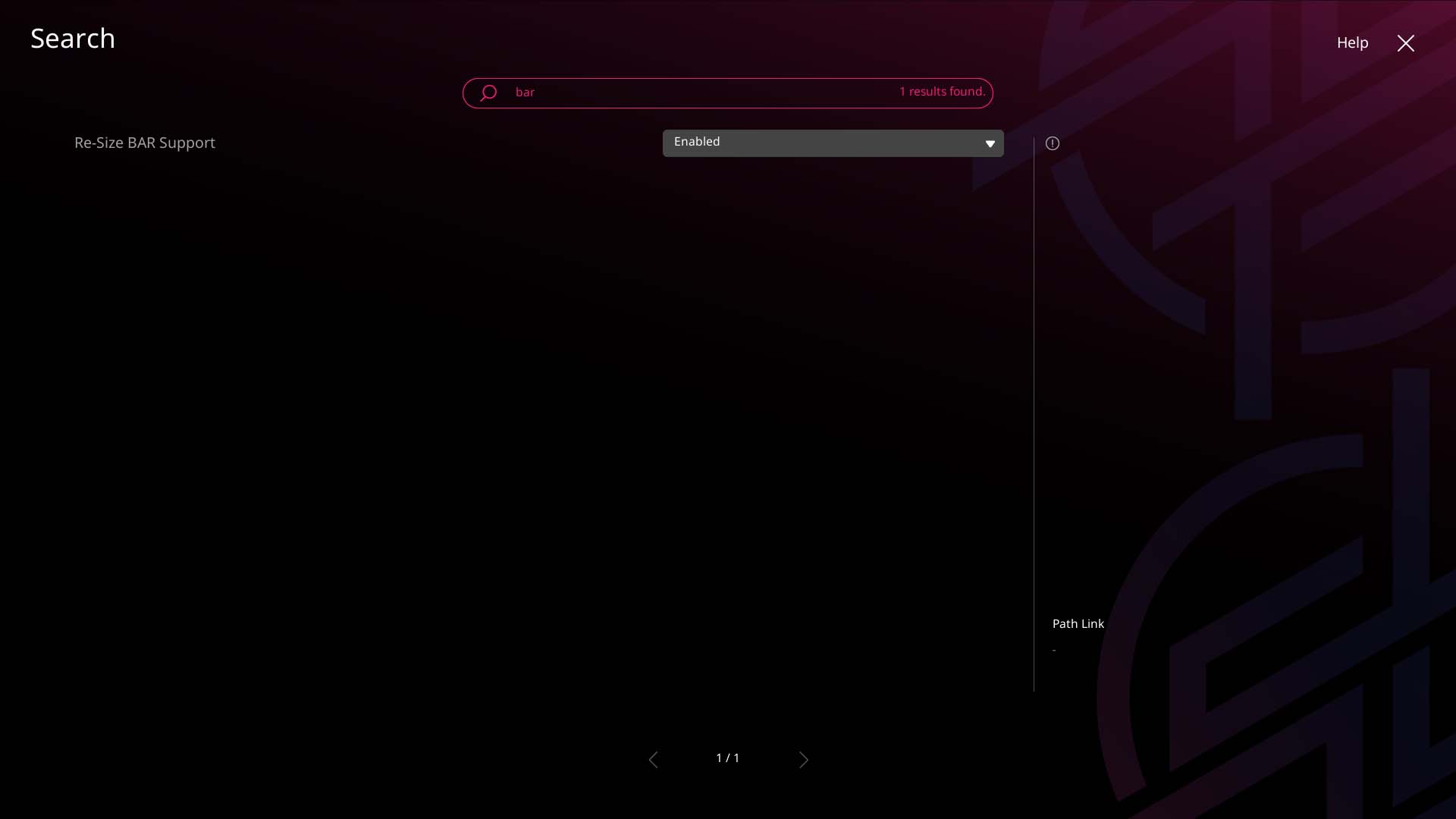
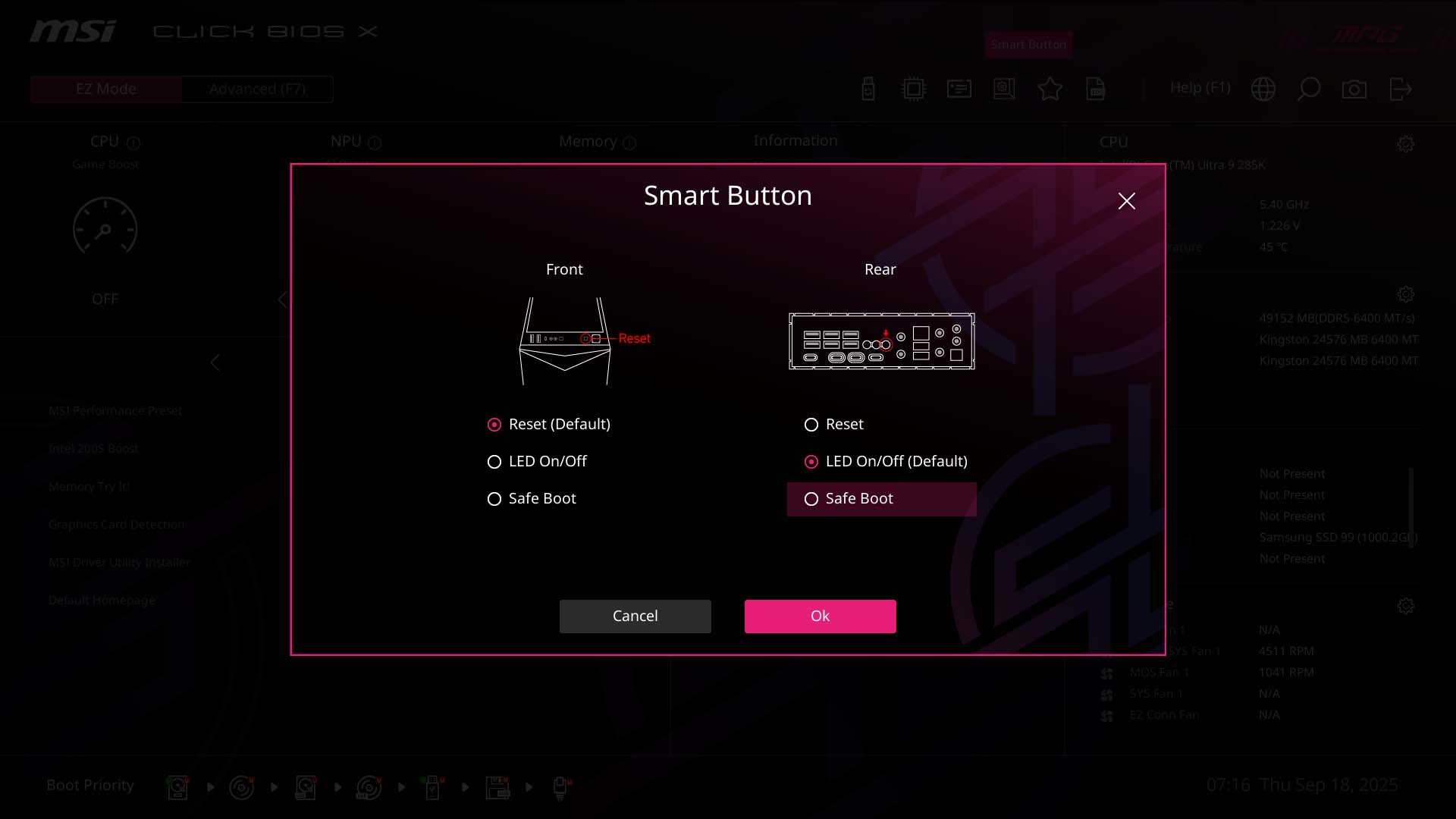
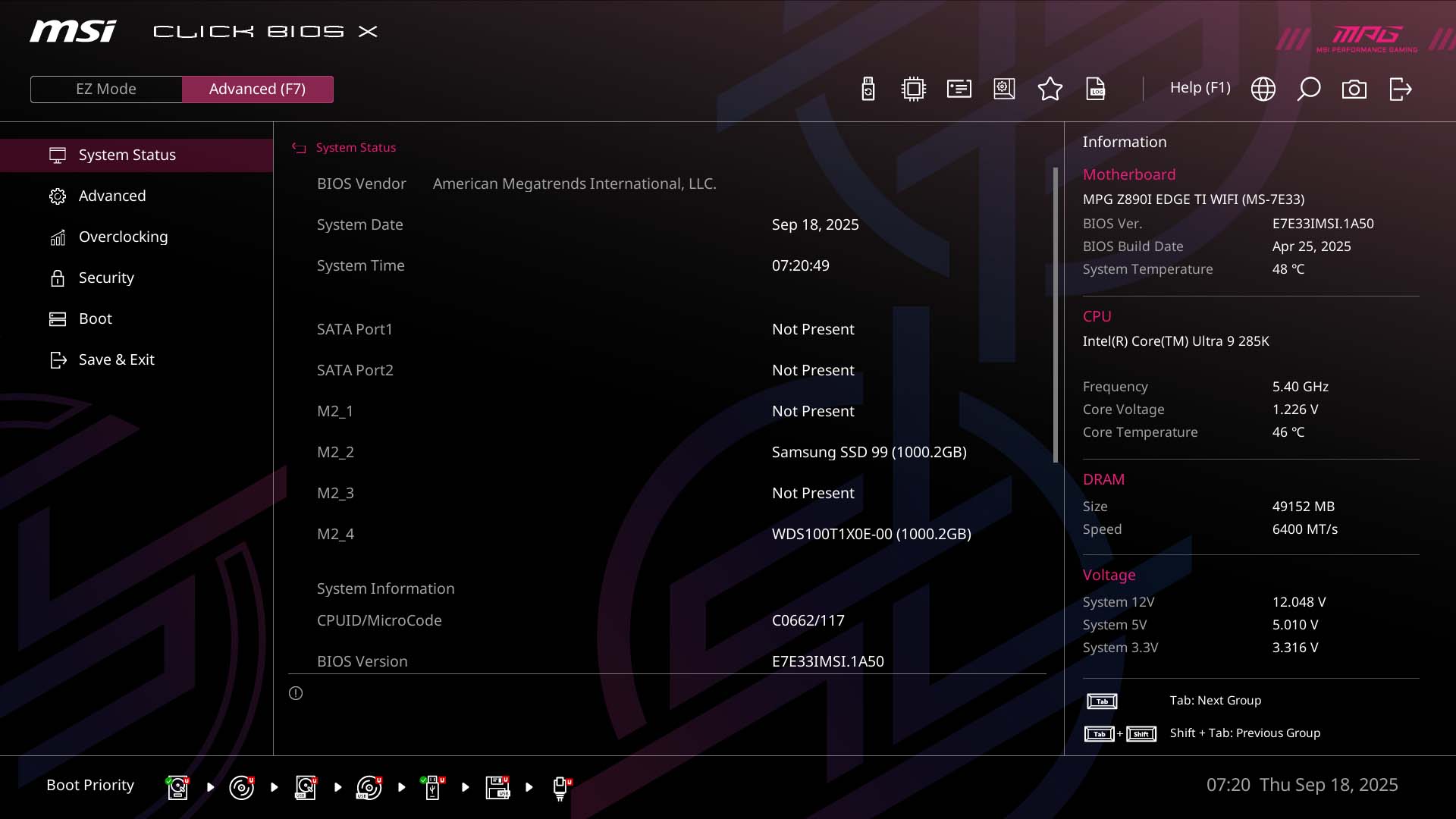
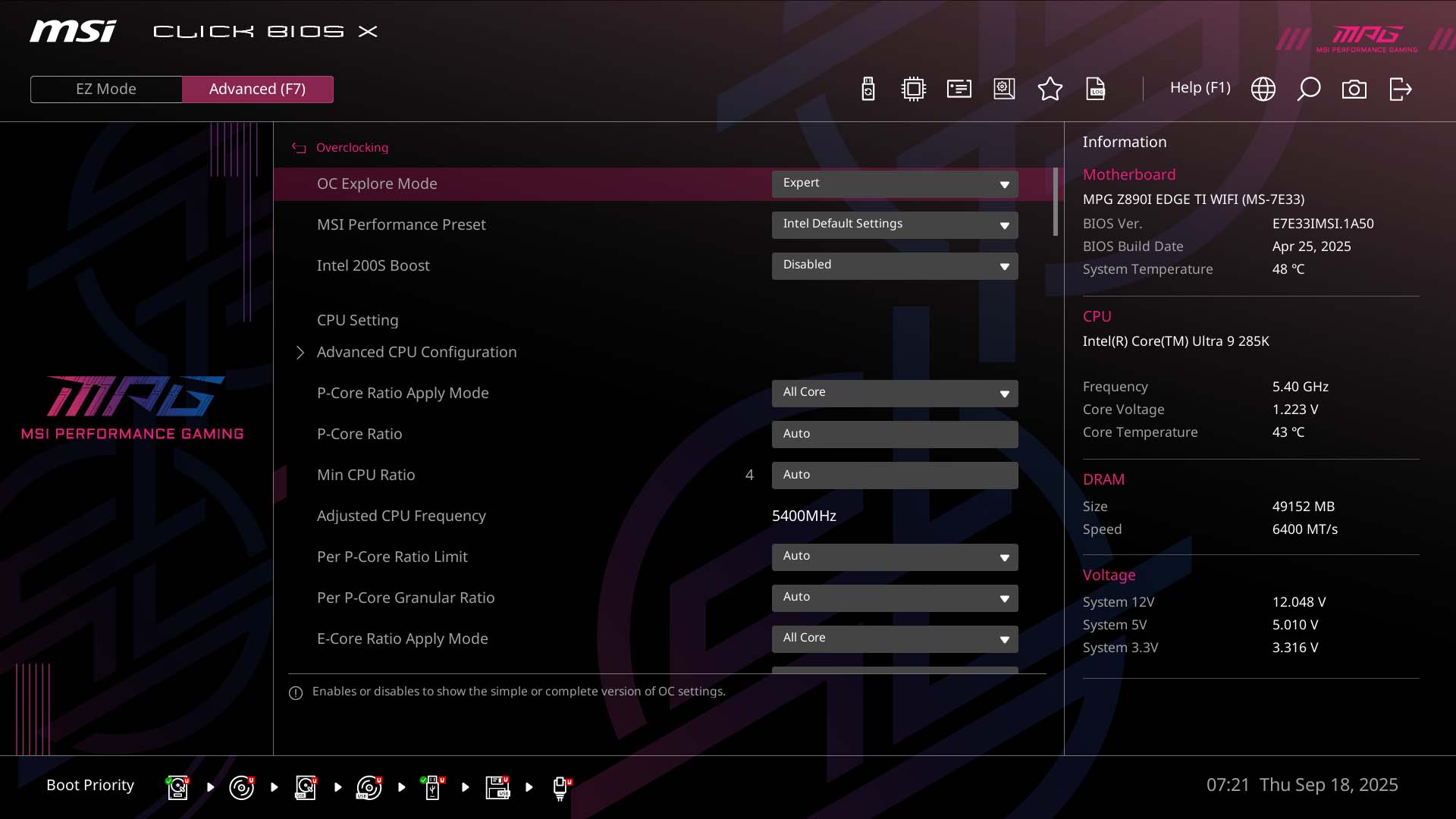
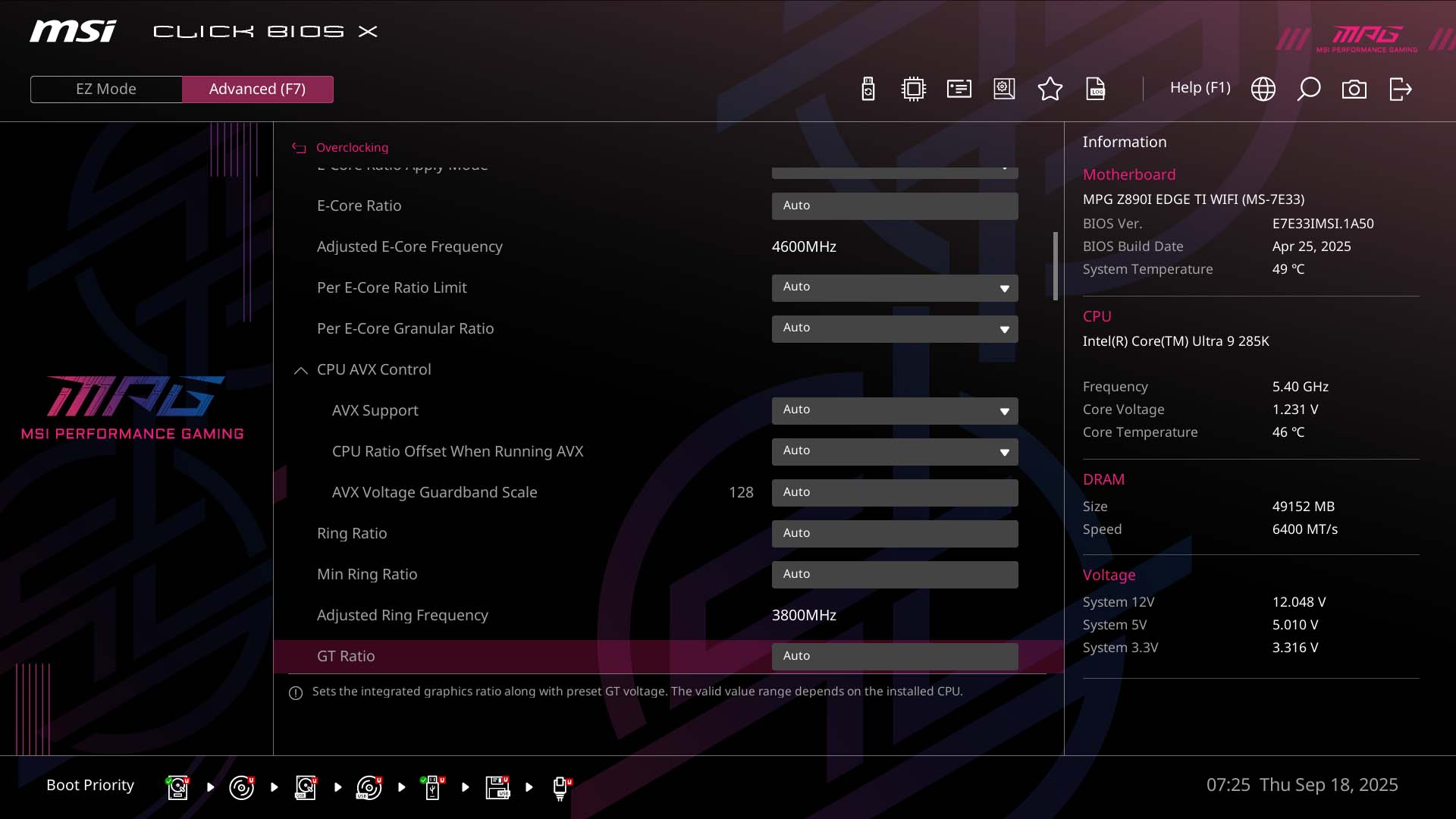
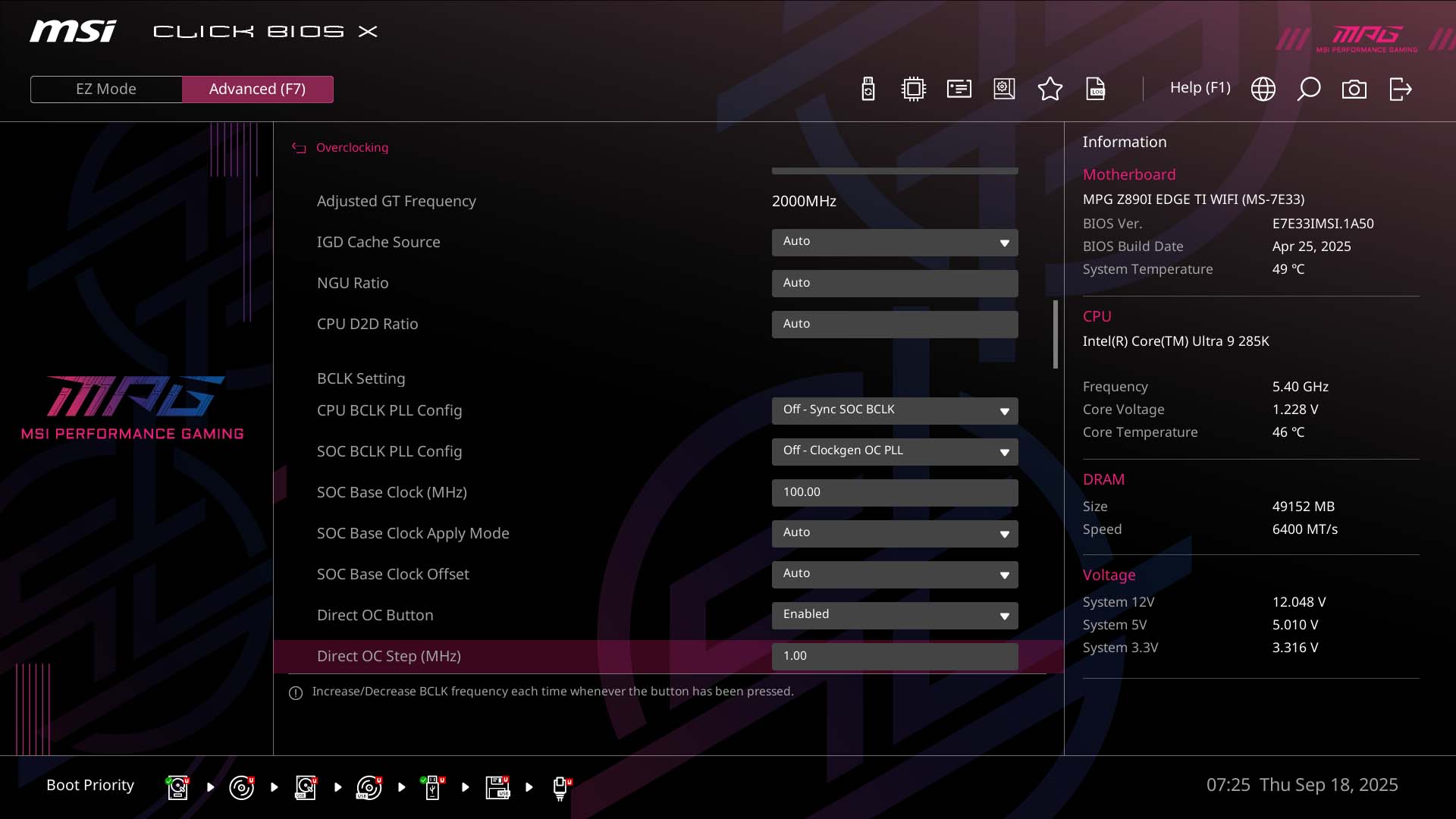
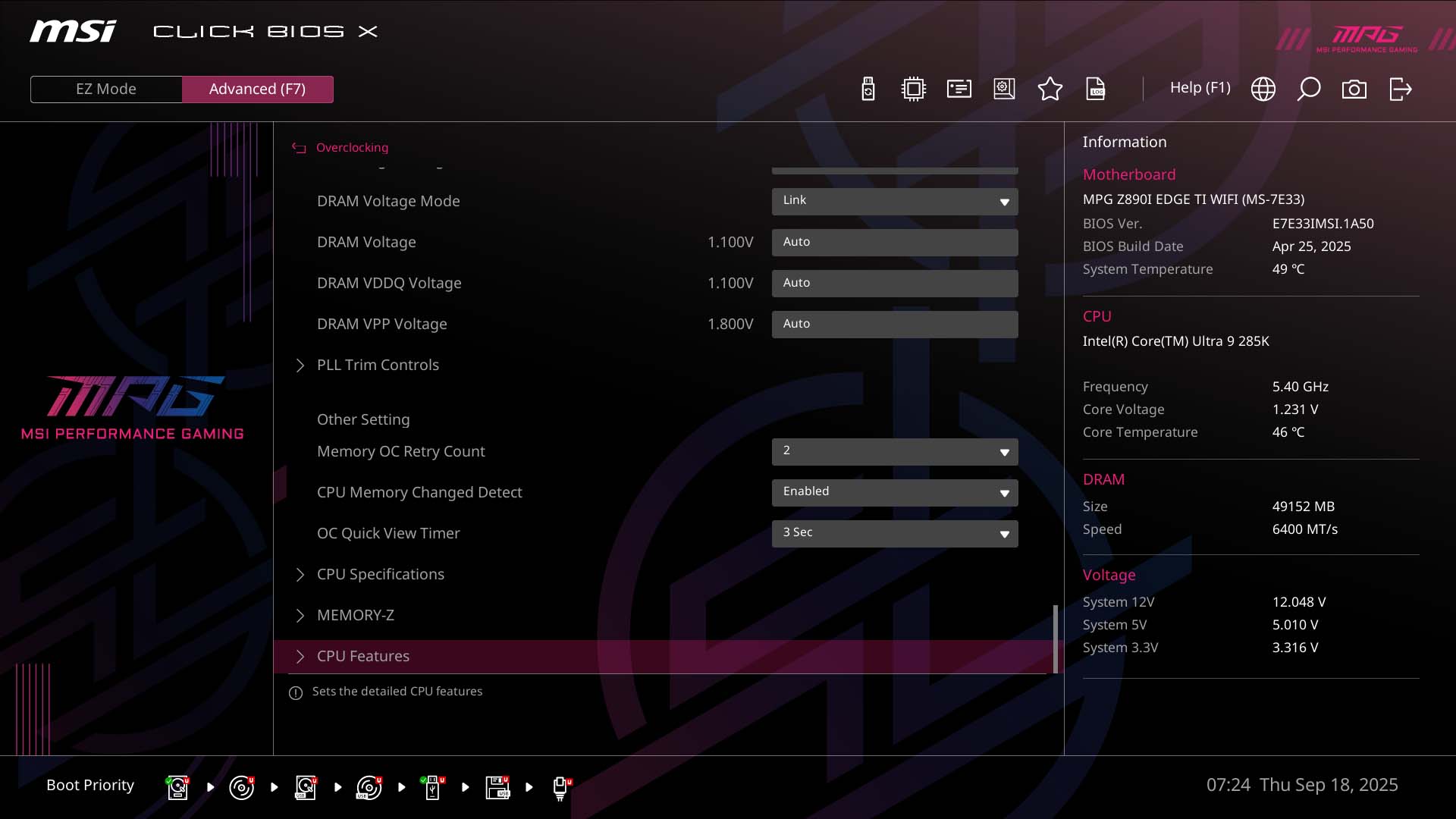
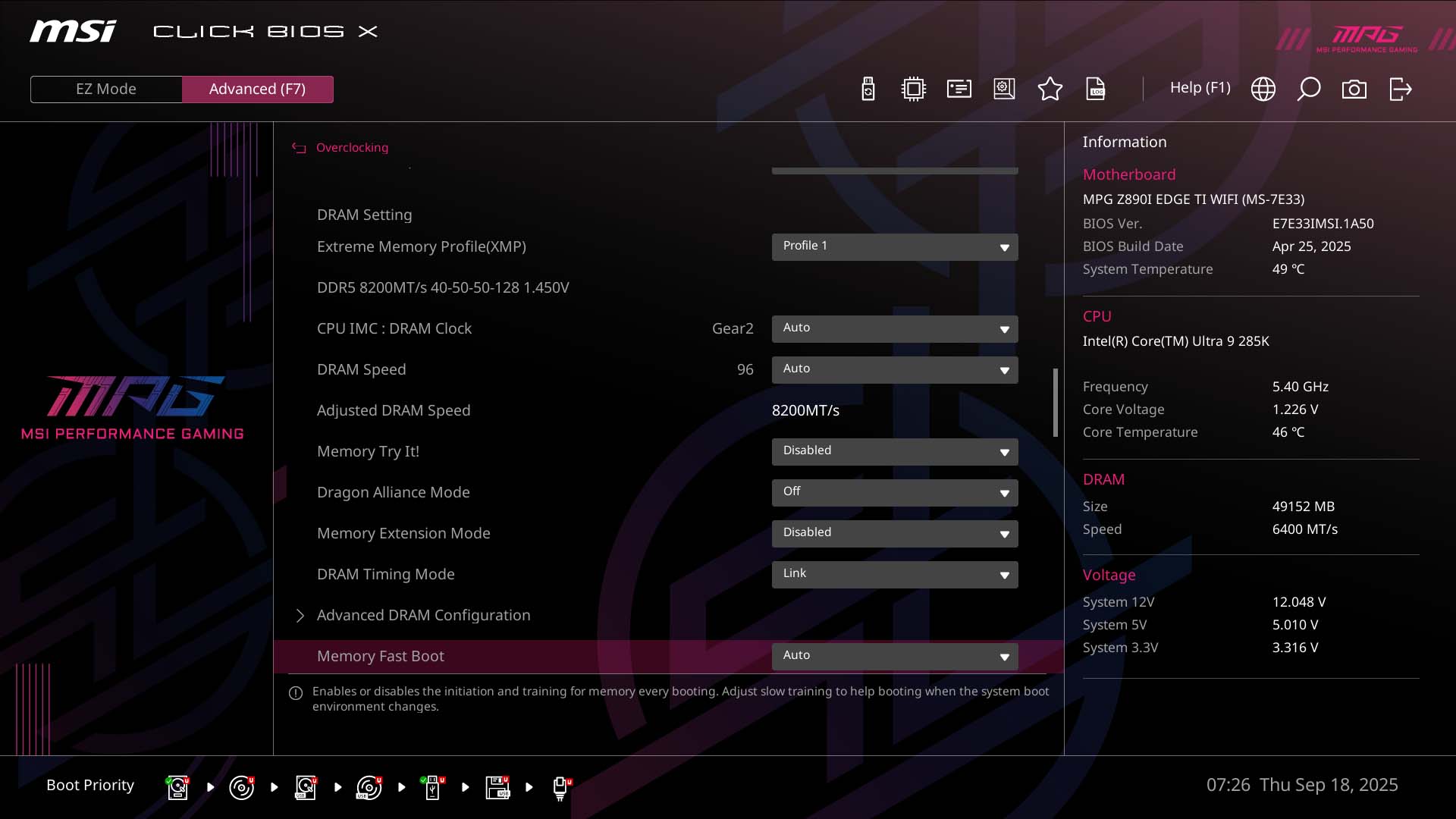
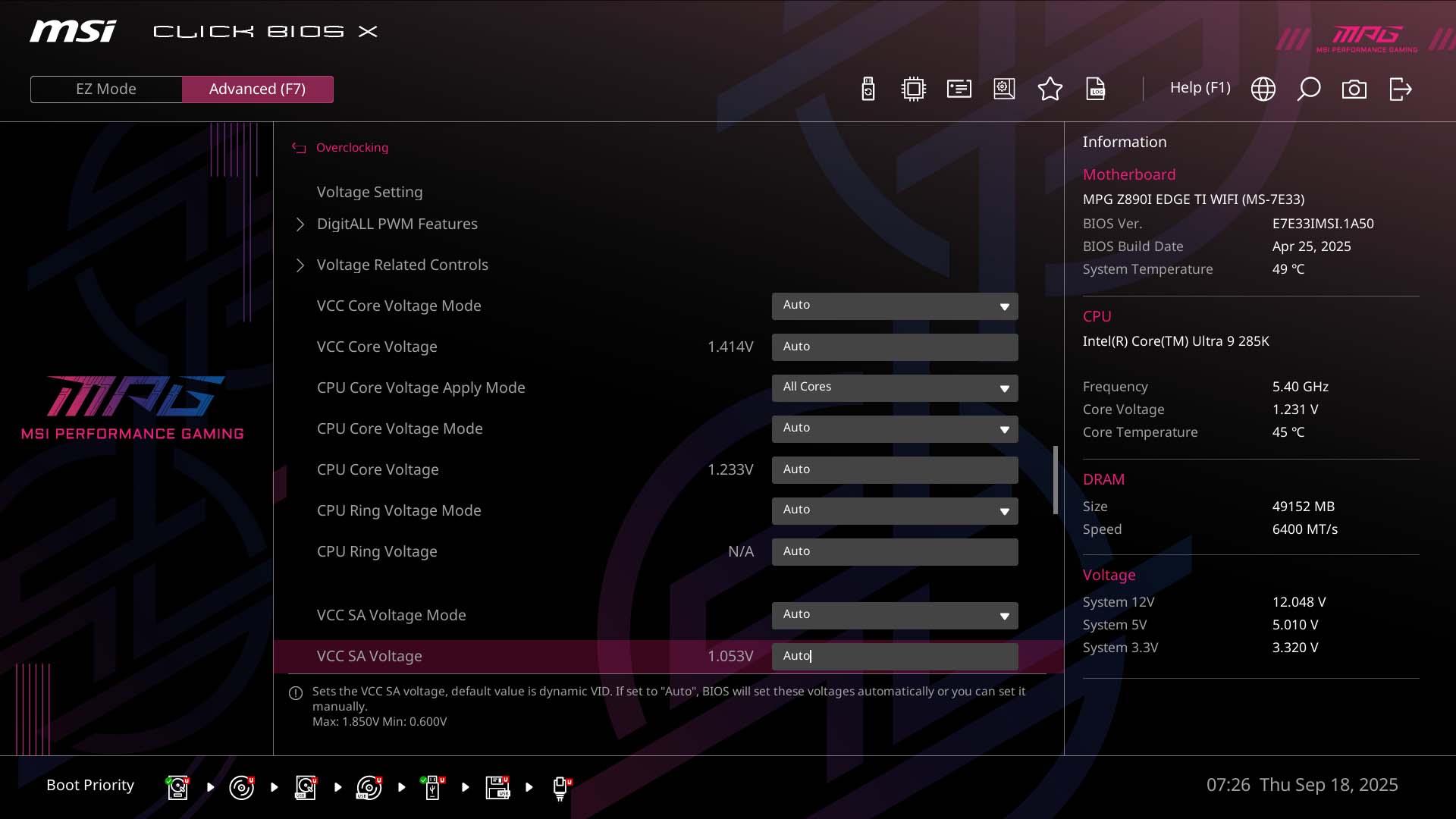
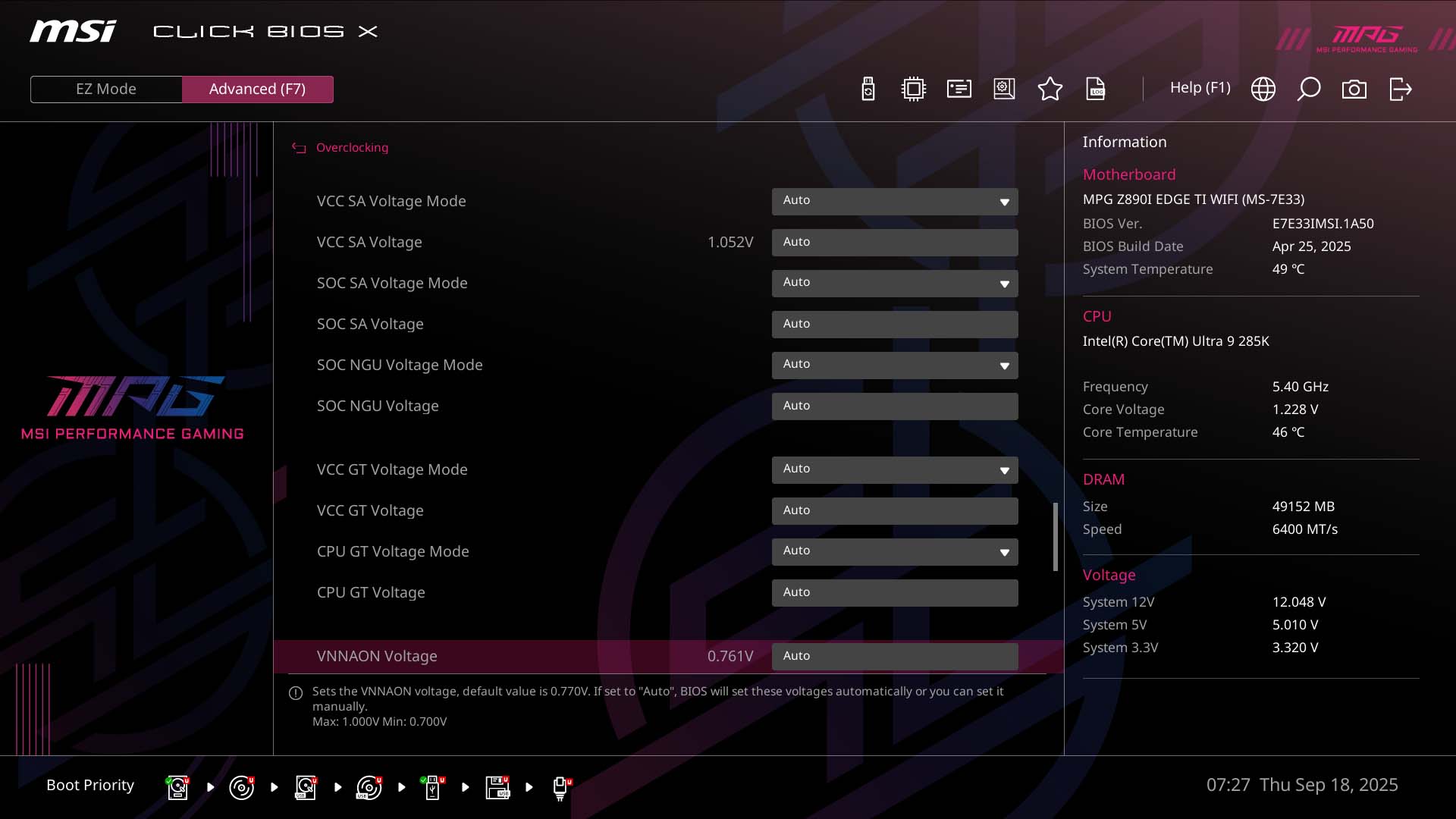
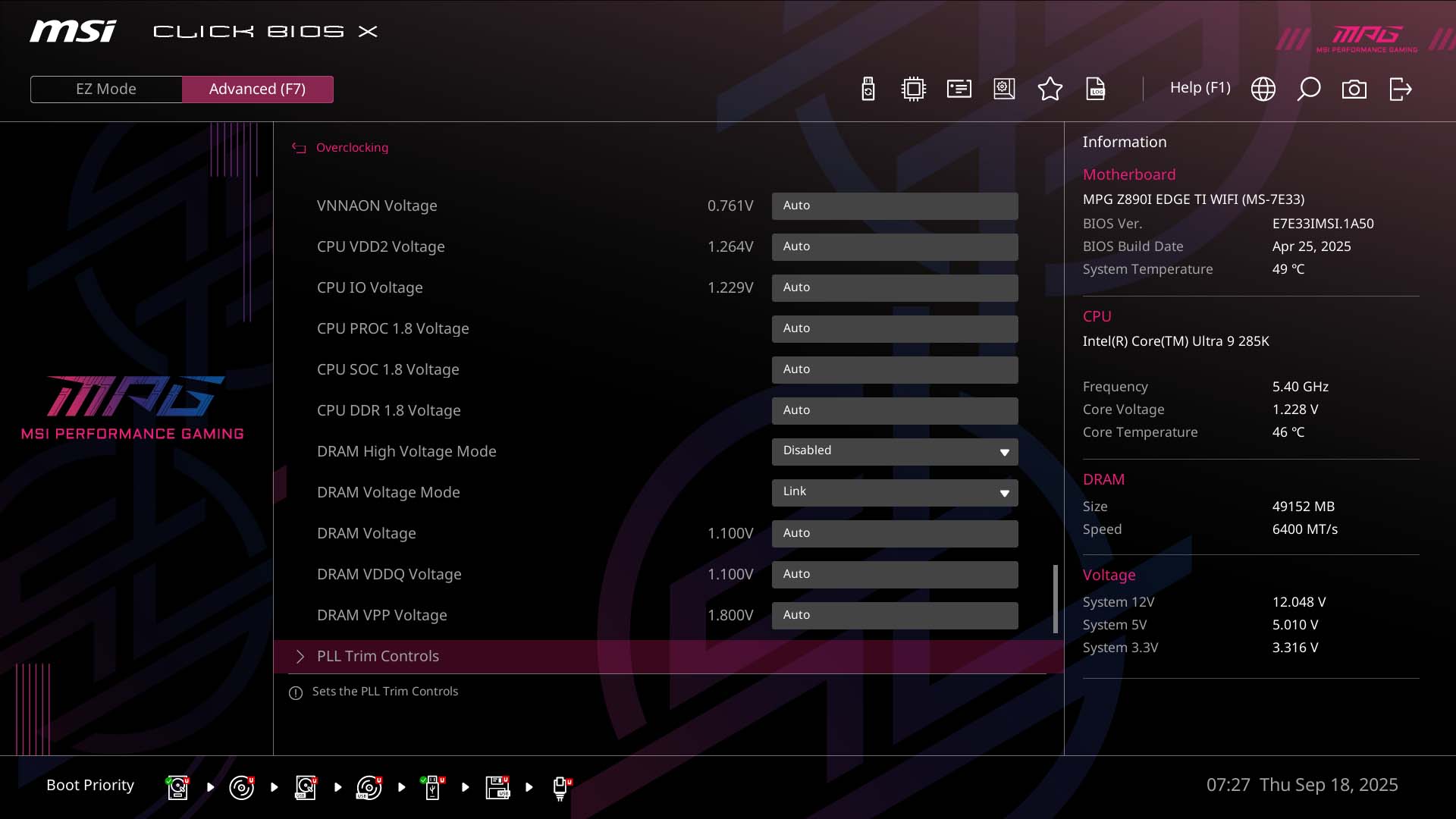
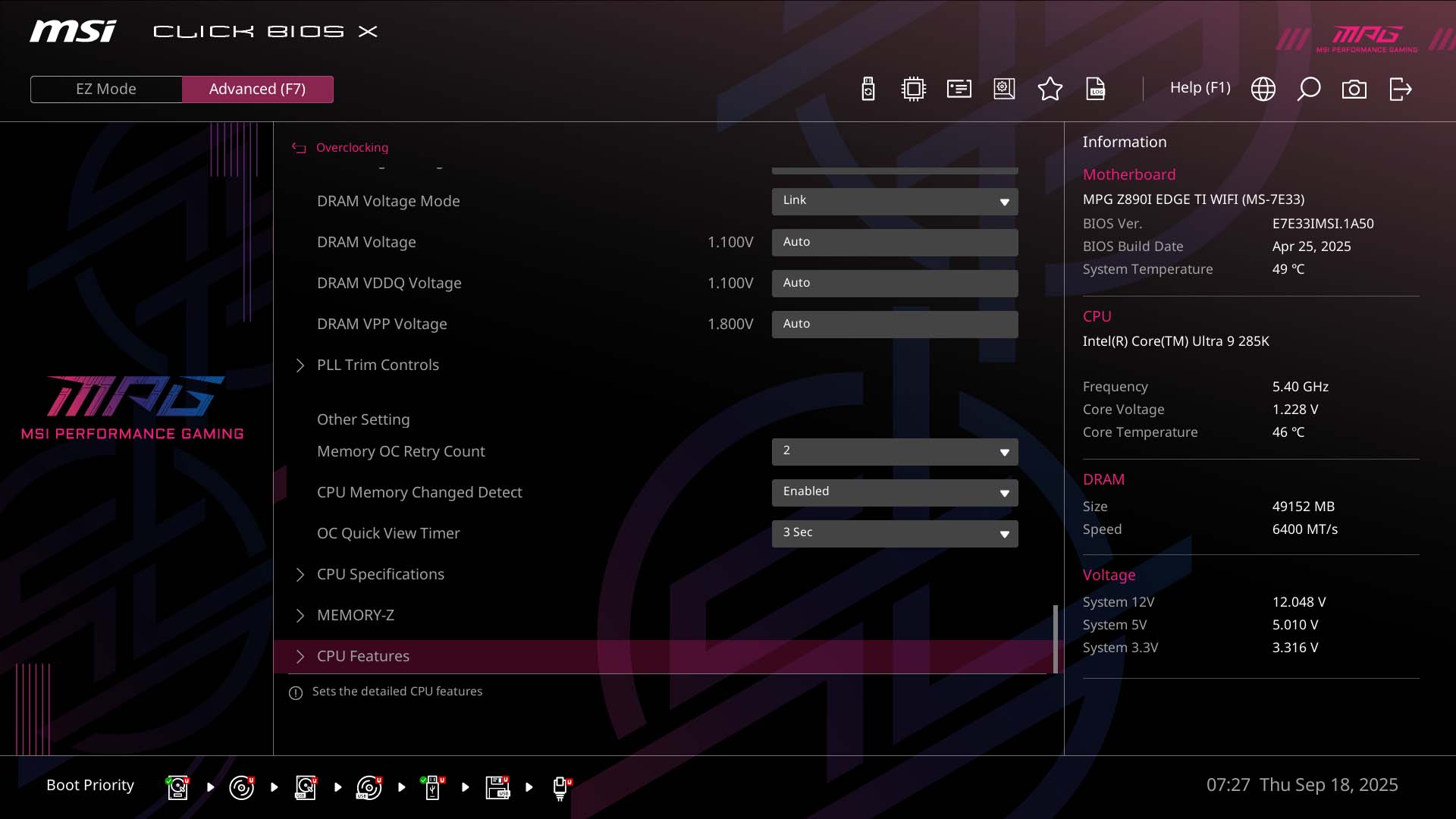
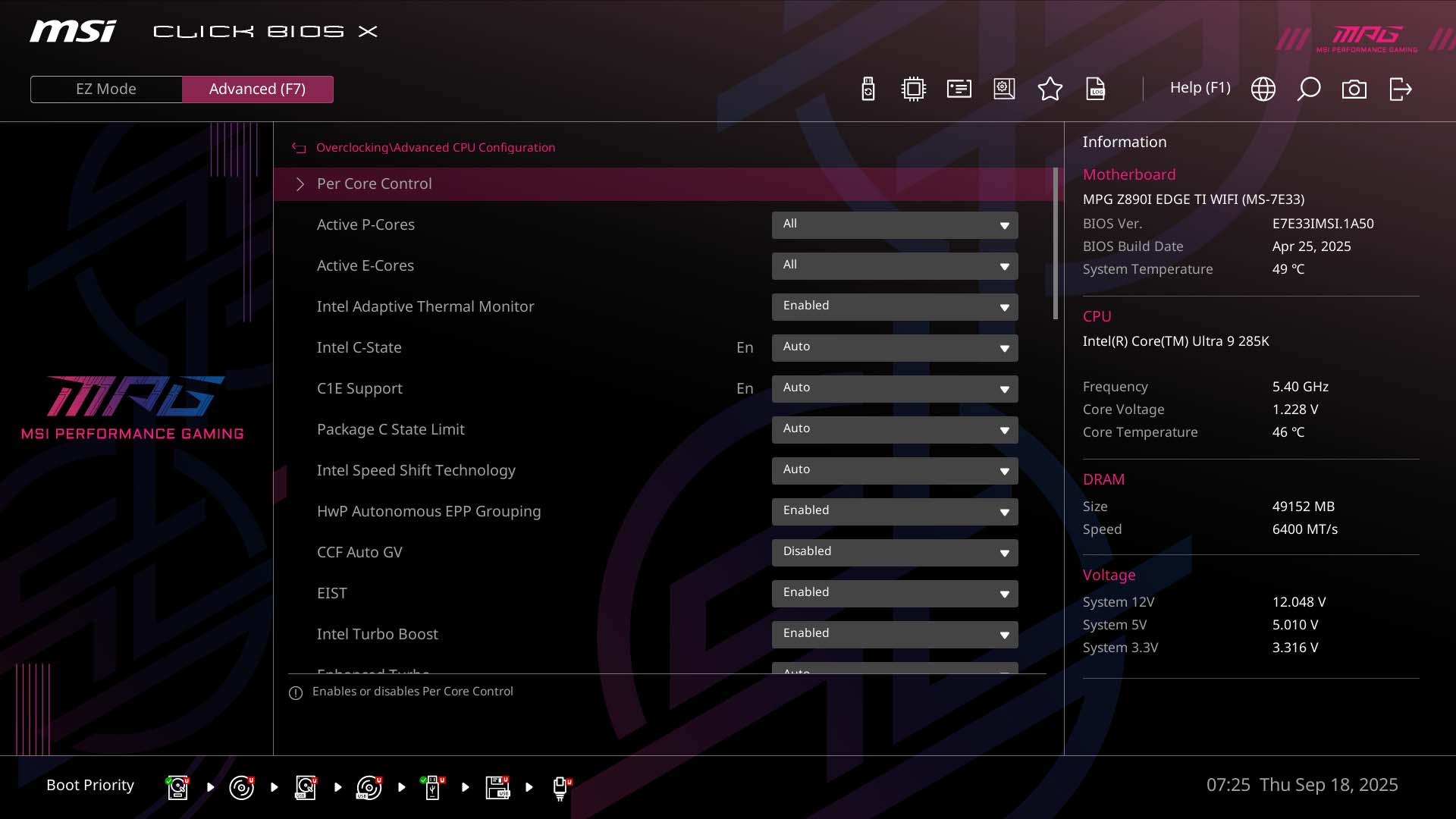
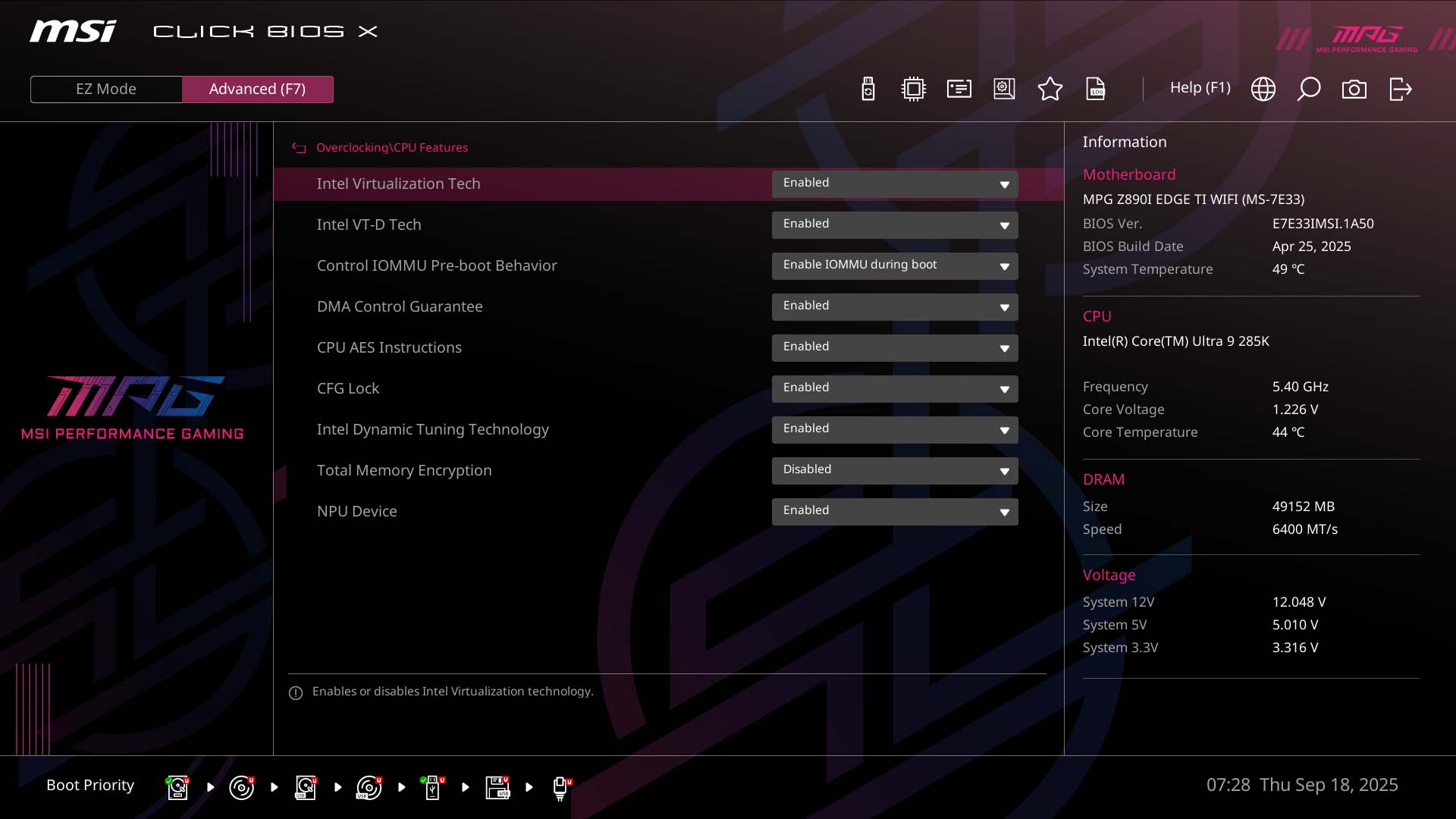
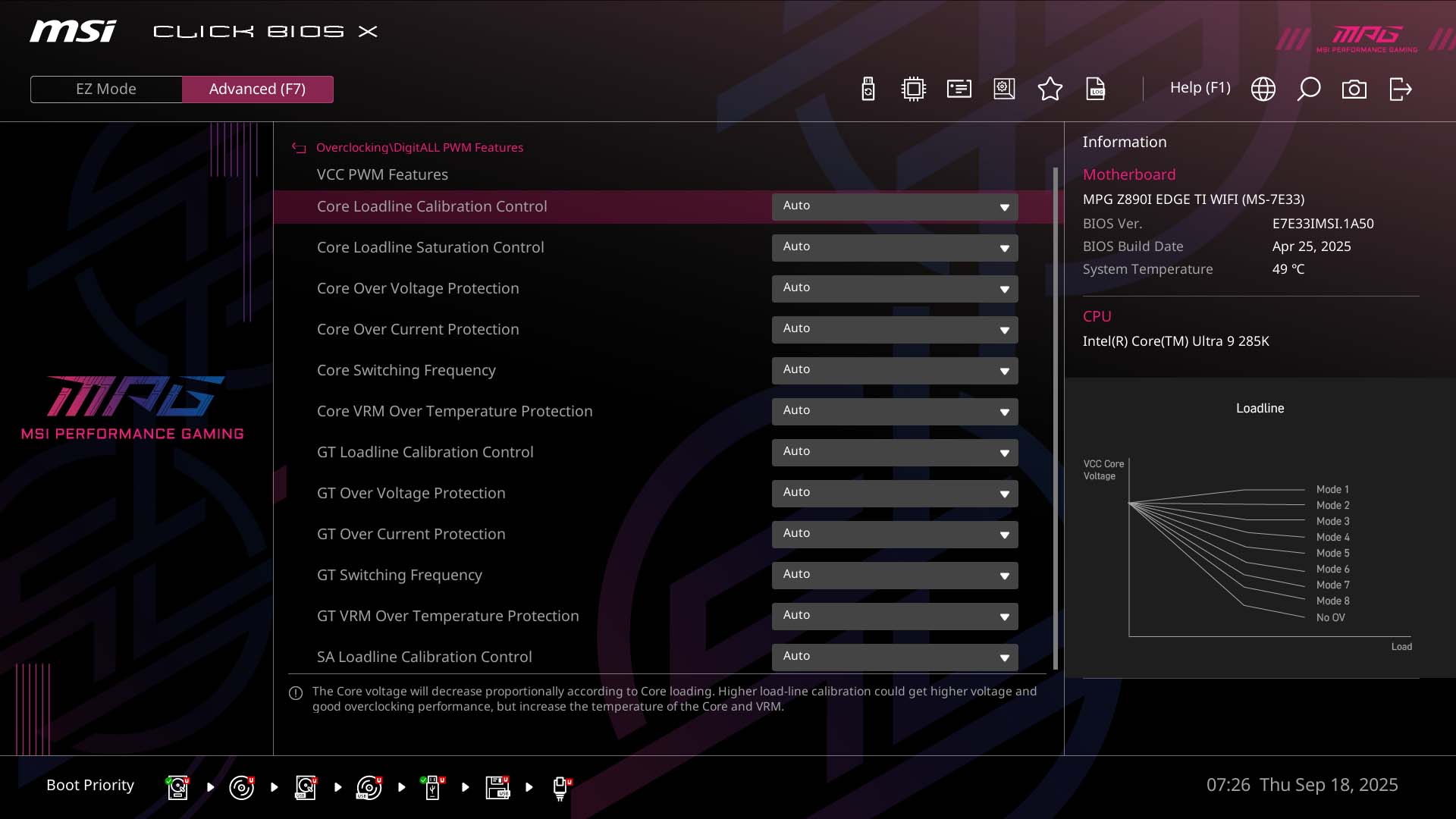
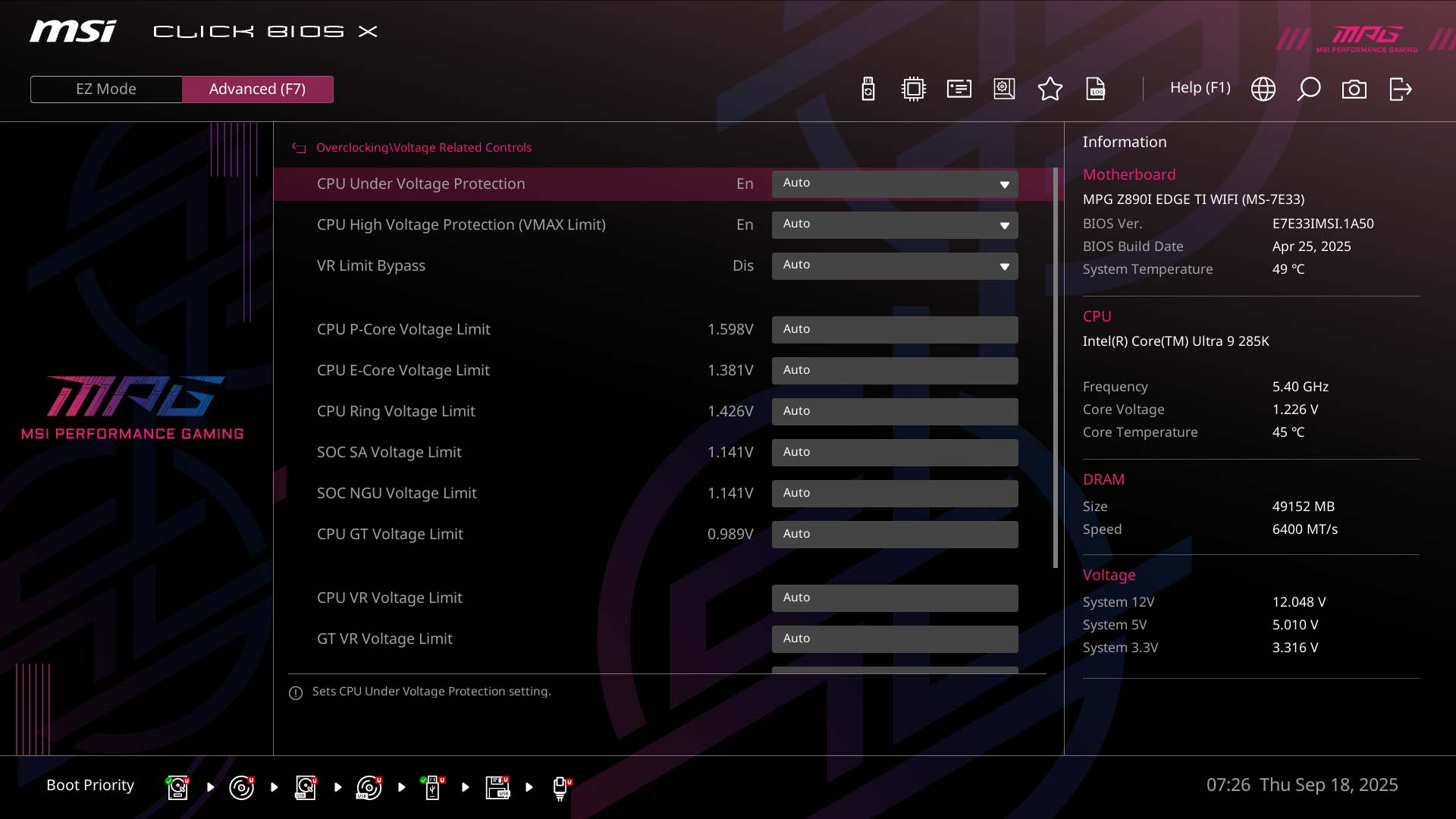
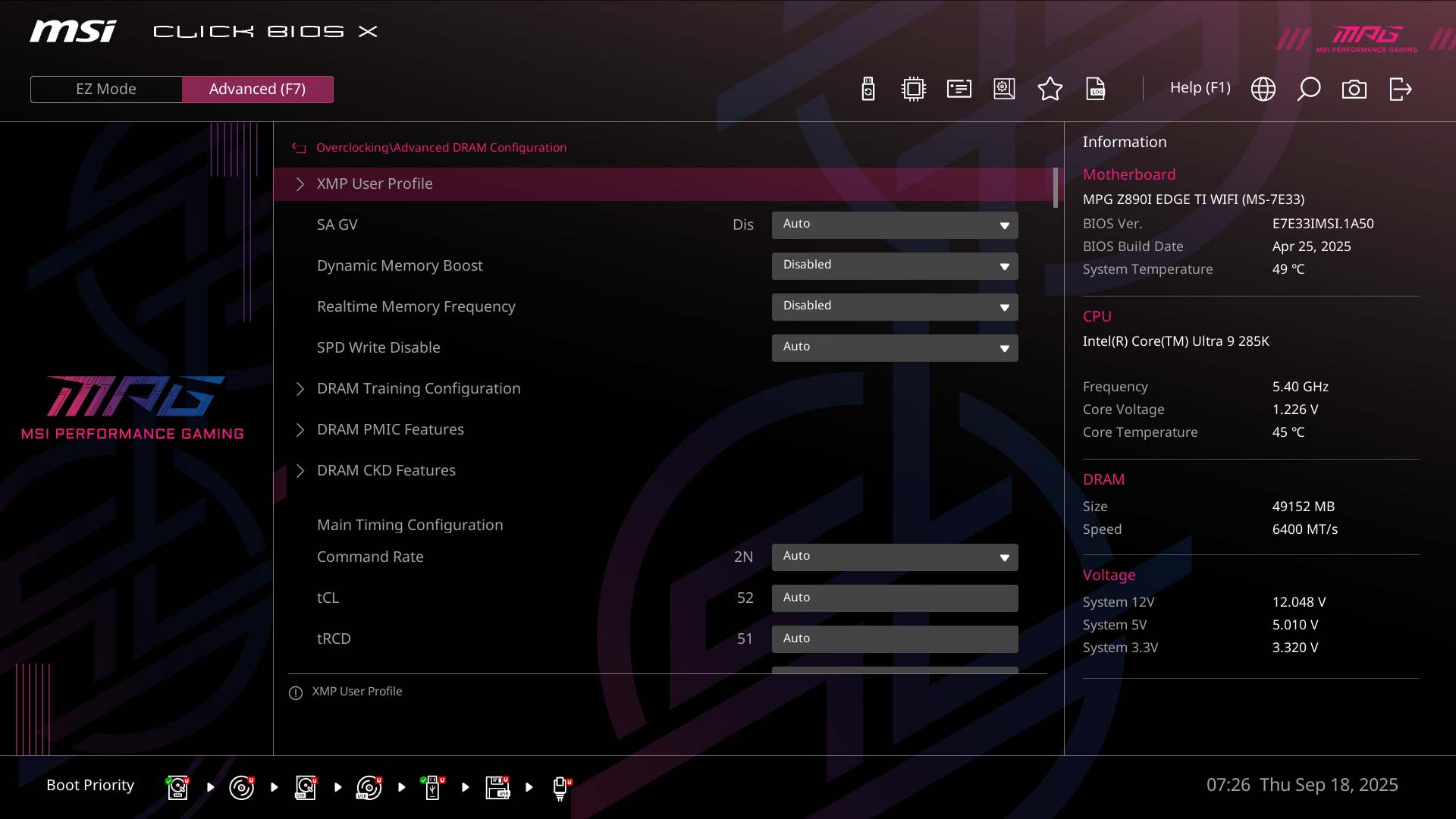
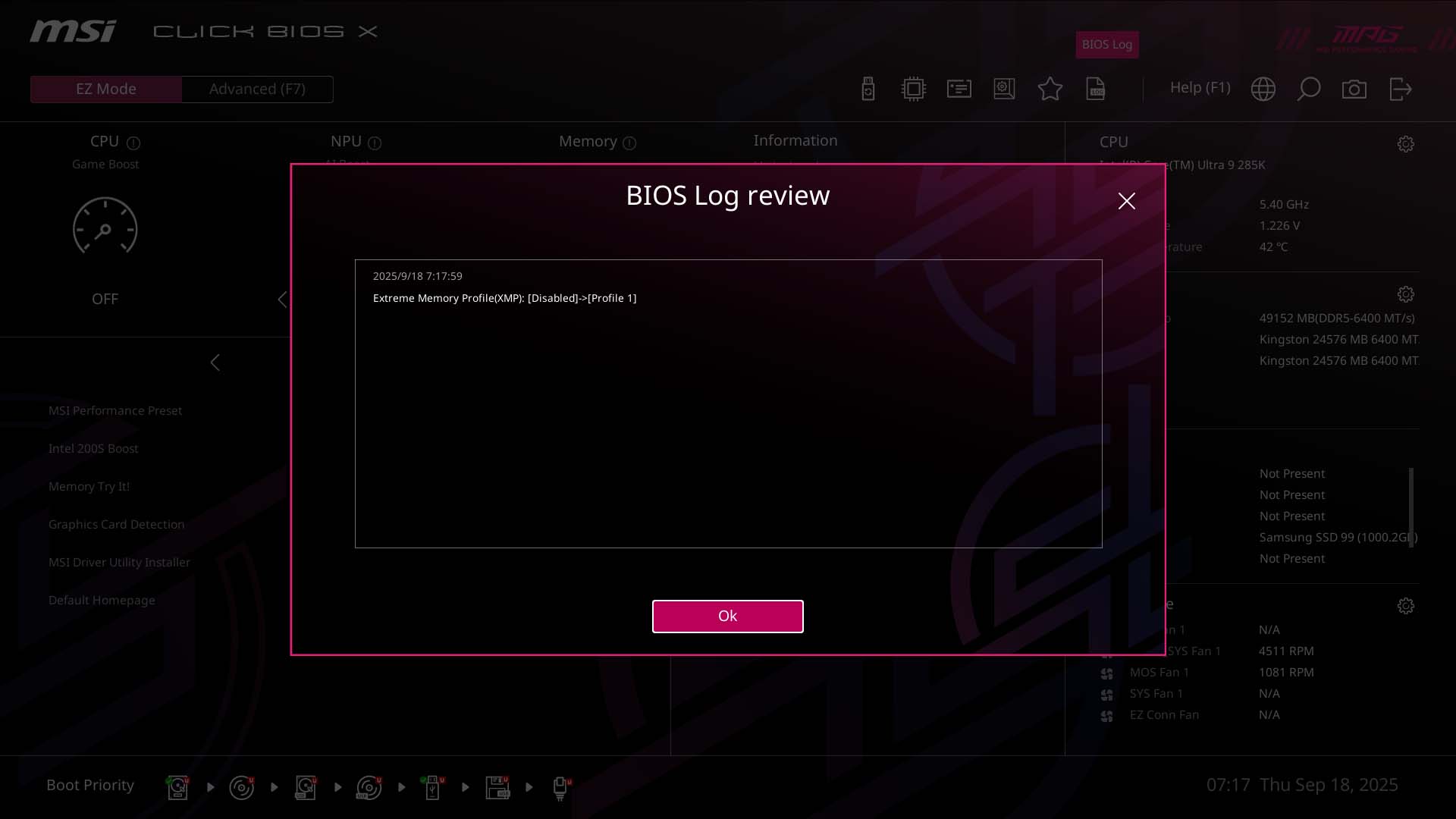
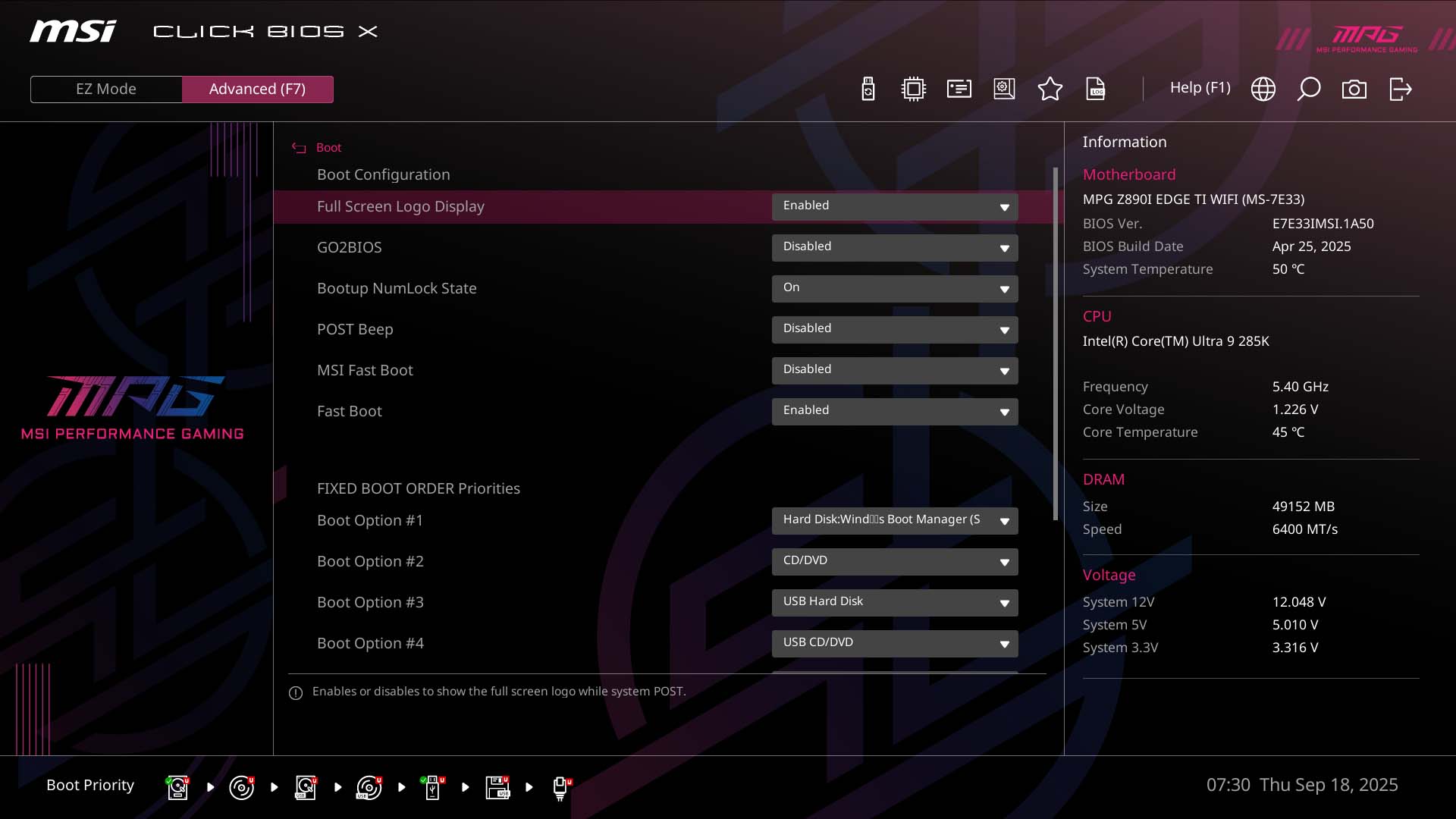
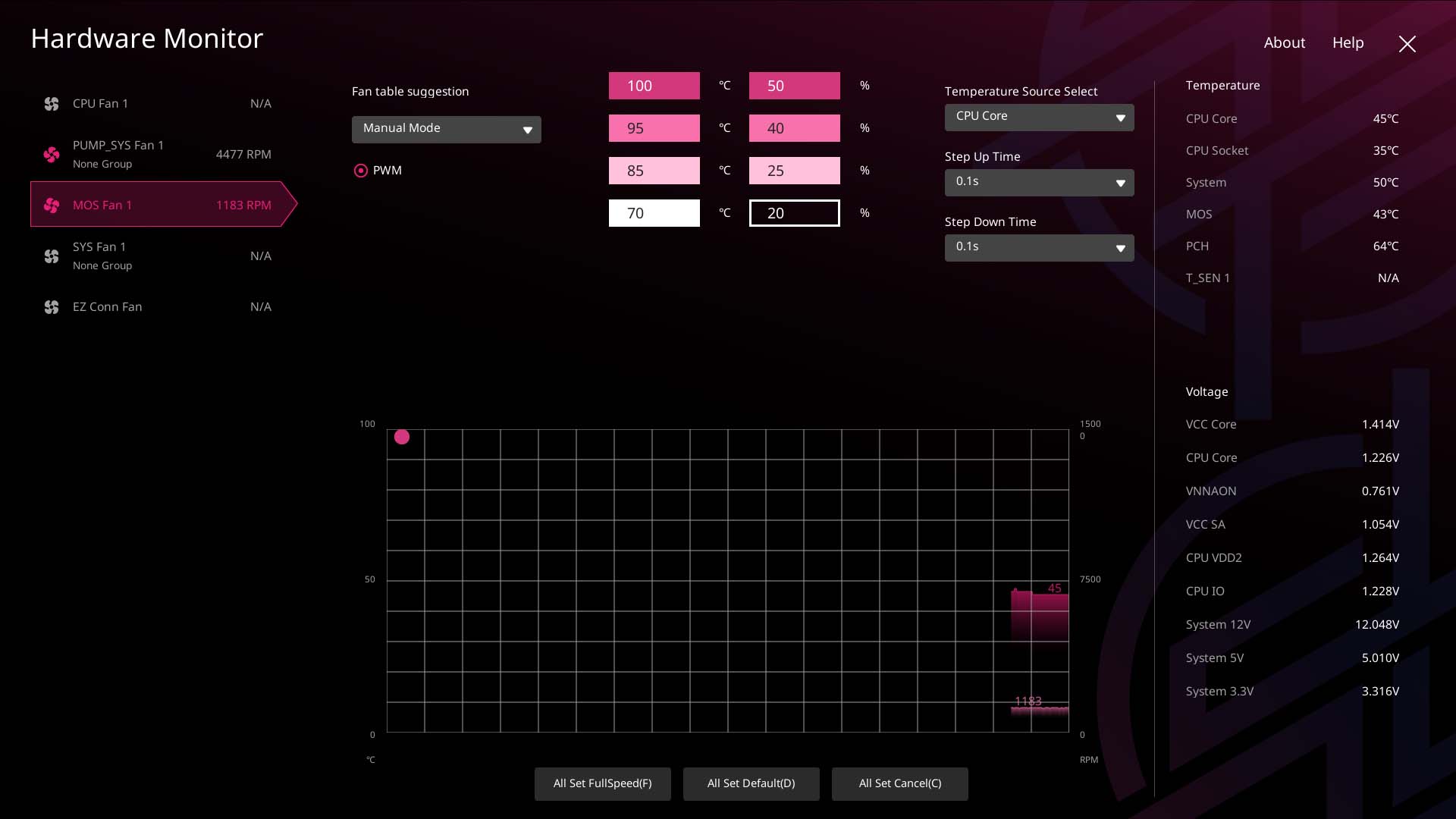
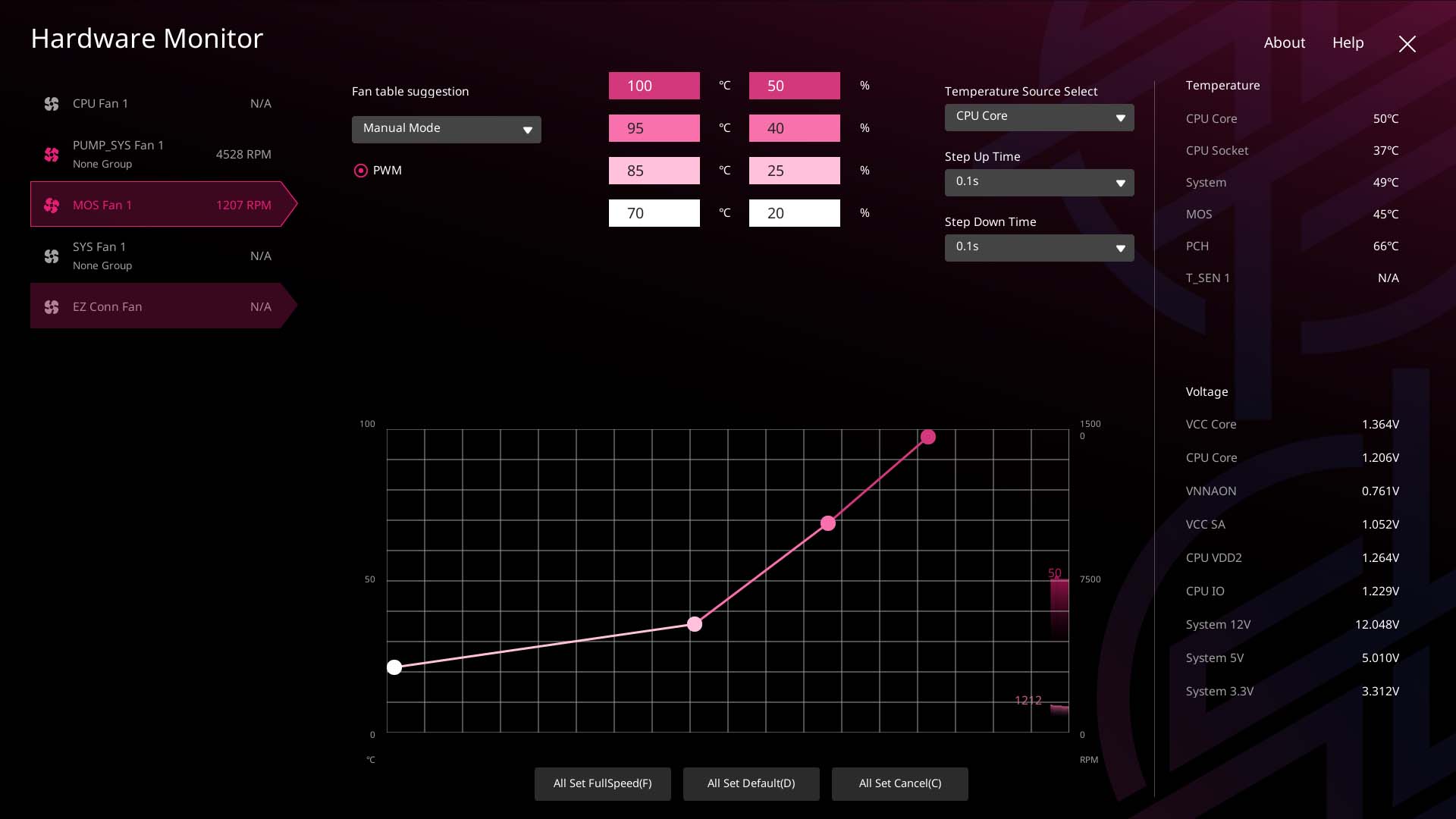
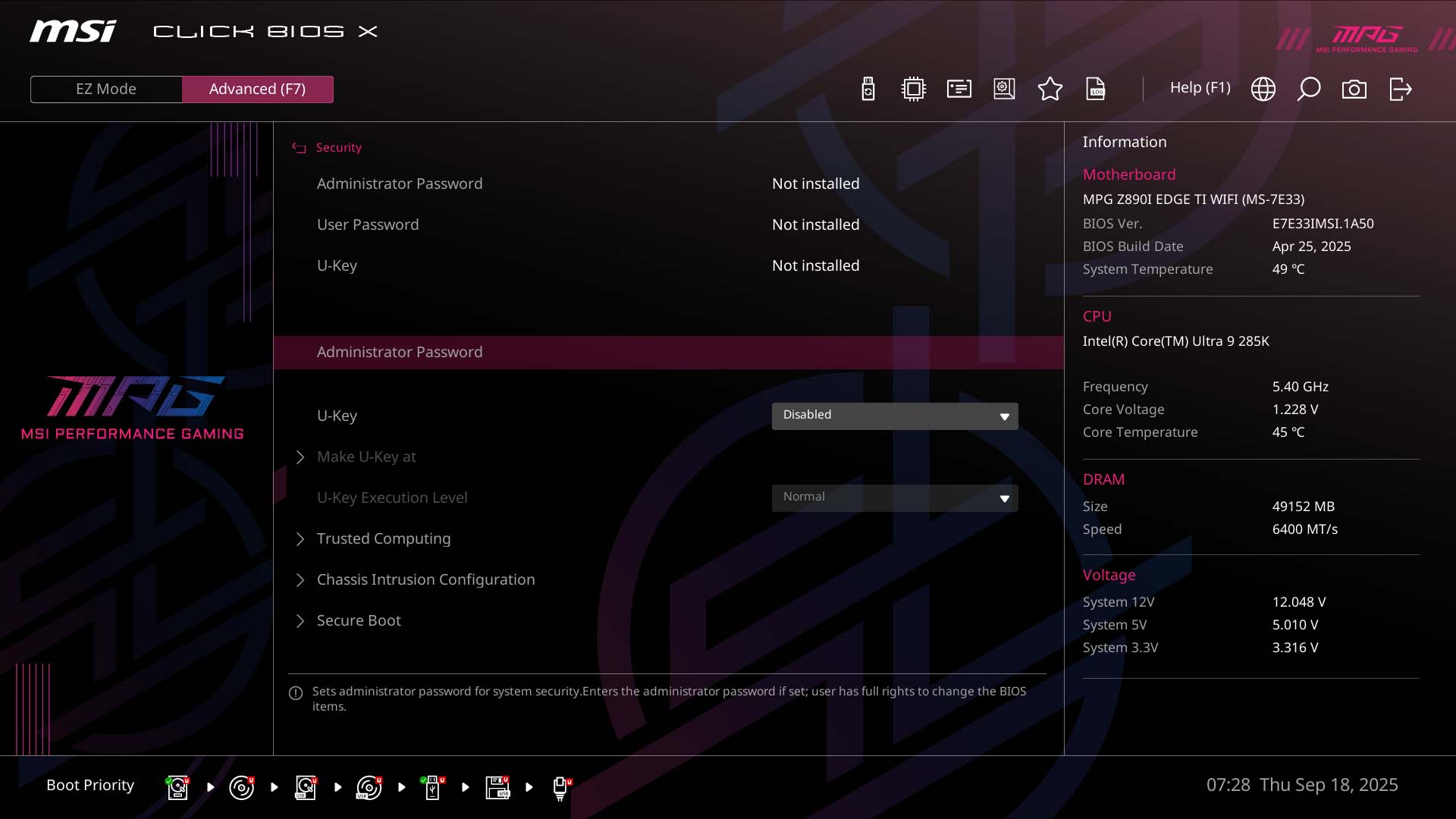
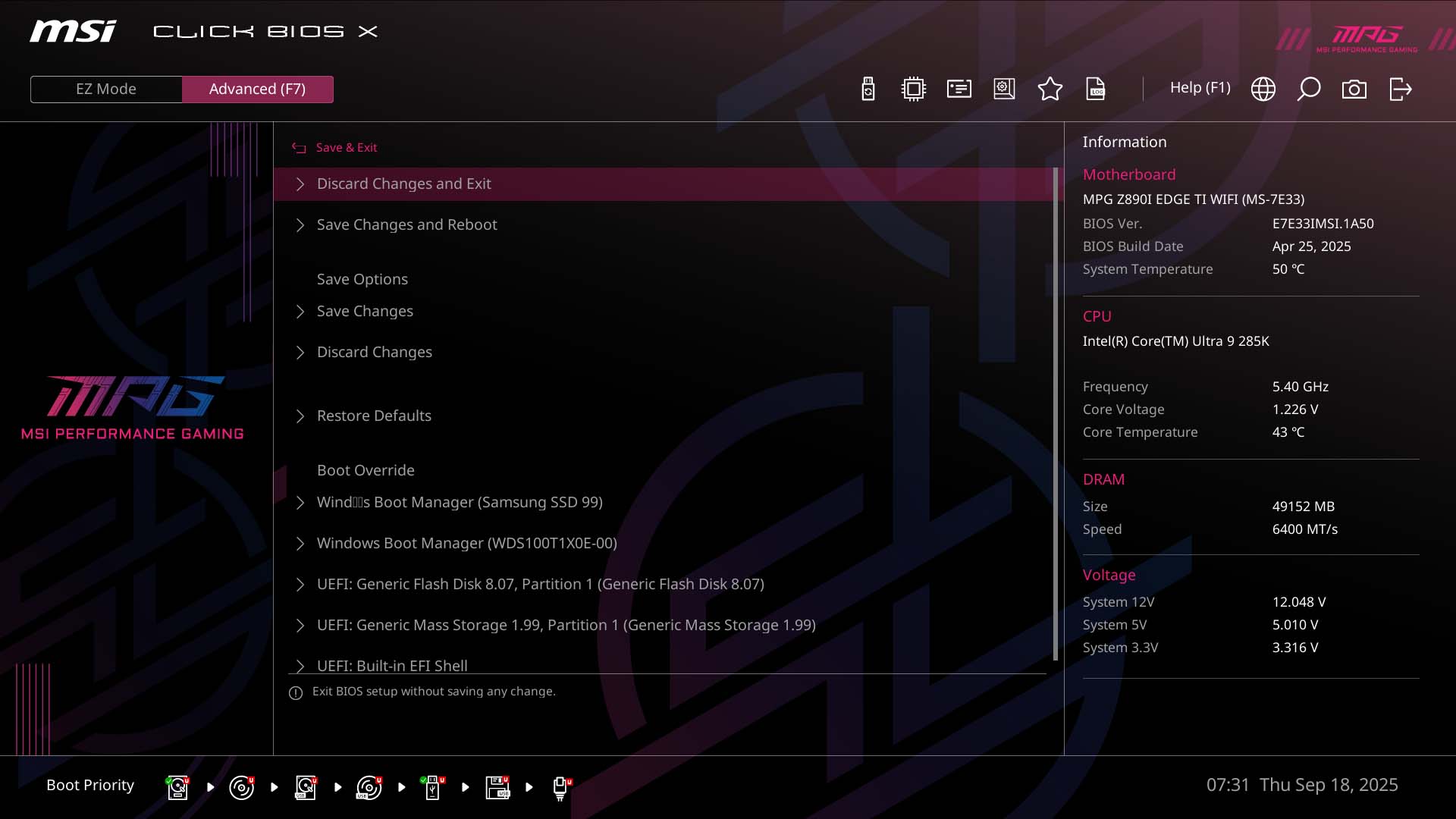
MSI's EFI is one of the newer, fresher ones out there thanks to its somewhat recent update, and the EZ Mode page offers the usual tools such as selecting memory profiles, boot orders and quick access to fan control and its flash utility. The EFI also features a favorites menu where you have five pages of your favorite options to configure. If you're struggling to find certain options, the search function is well worth a look.The MSI MPG Z890I Edge Ti Wi-Fi features a Smart Button, which can configured in the EFI, as well as the standard reset header, that both have the option of switching RGB lighting on and off or enabling safe boot. The Advanced tab has six sub menus that appear on the left. As usual with Intel models there's a ton of options in the Overclocking menu.
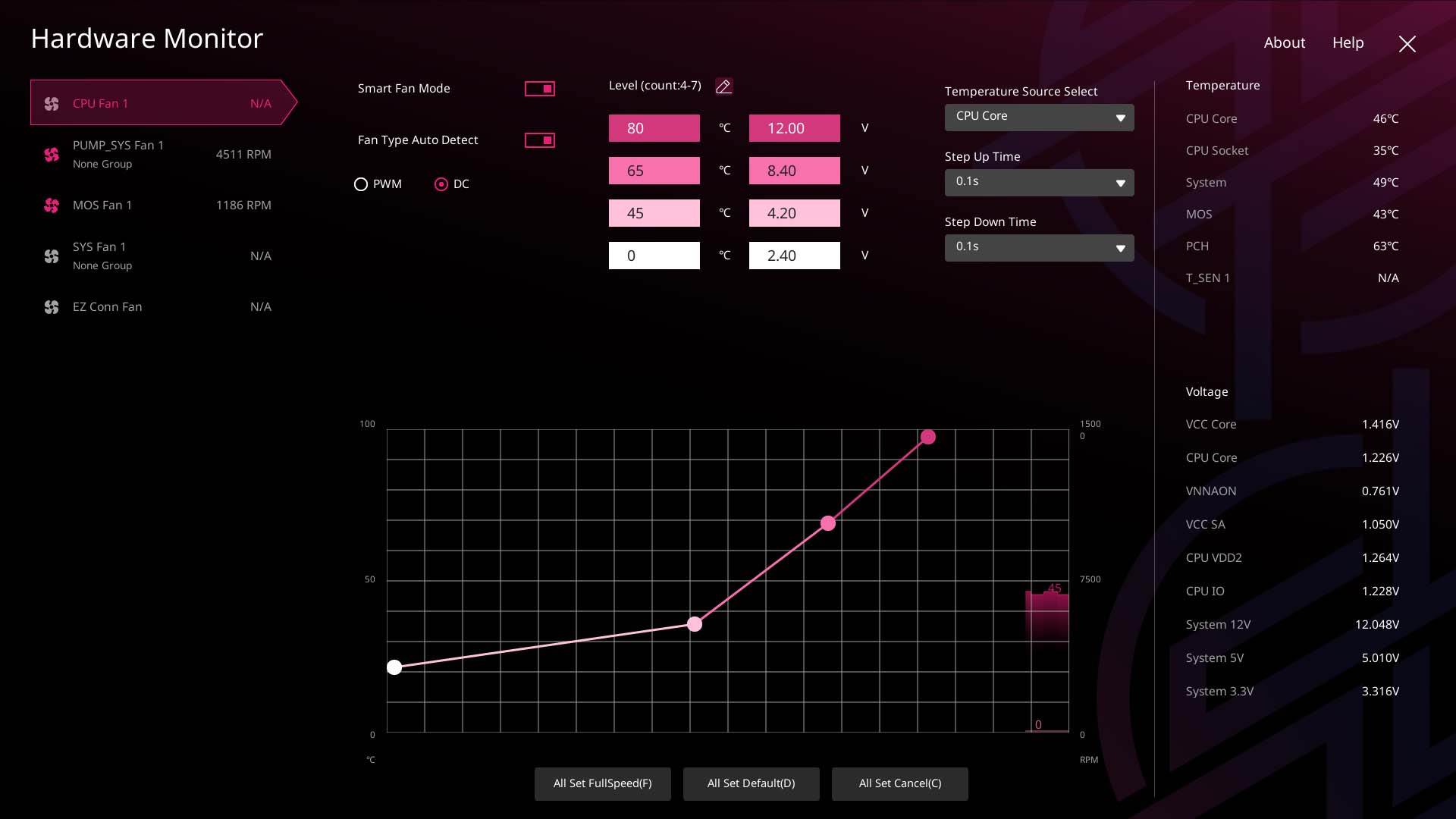
The fan control section is mostly excellent, with the unique ability to add and remote fan curve adjustment points. That's in addition to switching between temperature inputs including the onboard thermistor header and switching between PWM and voltage modes. The graph can be a little tricky to get your head around as temperature is actually on the x-axis with the labelling here not being particularly clear. We'd like to see something similar to the ASUS Q-Dashboard feature here as MSI had something similar in the past, which was useful.

Nov 27th, 2026 17:33 CST
change timezone
Latest GPU Drivers
New Forum Posts
- Anthrophics IPO (49)
- -18C on GPU by moving it to the front of the case. (17)
- What's your main Black Friday / Cyber Monday purchase? (41)
- Exit Adobe - PDF reader, and PDF editor recommendations (10)
- The TPU UK Clubhouse (27308)
- Wireless Internet sharing between PC and router both-ways, is it possible? (34)
- Gigabyte RX 6800 XT Gaming OC and I would like to test the BIOS version 020.001.000.071.000000. (18)
- Mouse Pad advice - Shidenkai out of production? (21)
- Which Xfinity modem/router setup supports network printing/scanning between a wired PC and a Wi-Fi Brother MFC-L8900CDW printer? (0)
- Unigine Superposition on Linux (20)
Popular Reviews
- VZMORE AX9 Max Review
- Upcoming Hardware Launches 2027 (Updated Nov 2026)
- AMD Ryzen 7 9800X3D Review - The Best Gaming Processor
- ASRock X870E Challenger Wi-Fi White Review
- Microsoft Surface Laptop Ultra Review - The Next-gen Arm Laptop
- AMD Zen 6 Technical Deep Dive
- Montech CyberFlow ARGB 360 Review
- Phantom Blade Zero Performance Benchmark Review - 35 GPUs Tested
- Moaiplay Ora Pro G1 850 Review
- ORICO Obook15 AI Review
TPU on YouTube
Controversial News Posts
- Jensen Huang Reinstated as CEO of NVIDIA (623)
- NVIDIA Co-Founder and CEO Jensen Huang Officially Resigns (492)
- Report: Jensen Huang Eyes NVIDIA Comeback (281)
- Open Letter Asking NVIDIA to Reinstate Jensen Huang Passes 115,000 Signatures (184)
- OpenAI CEO Argues Home PCs Waste the World's Limited DRAM Supply (152)
- NVIDIA Launches Investigation Into Jensen Huang's Relationship With Suspected Chinese Spy (136)
- Intel Razor Lake Gets a 12 P-Core bLLC Chip With No E-Cores, Per Leak (94)
- NVIDIA GeForce RTX 50-Series Scheduled for up to $500 Price Hike This Week (89)