 6
MSI MEG Z890 ACE Review
Finished Looks & Test System »Board Software
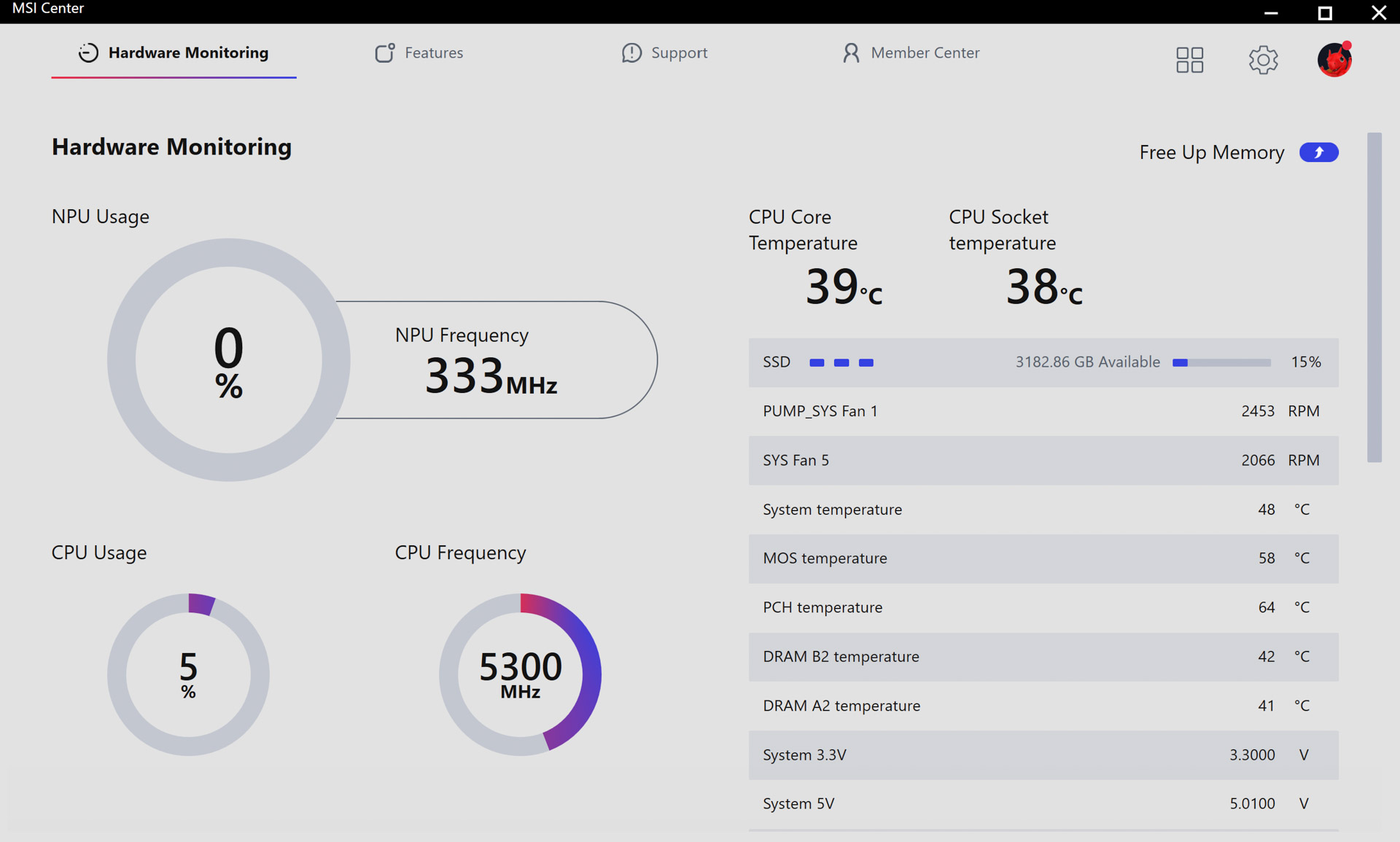
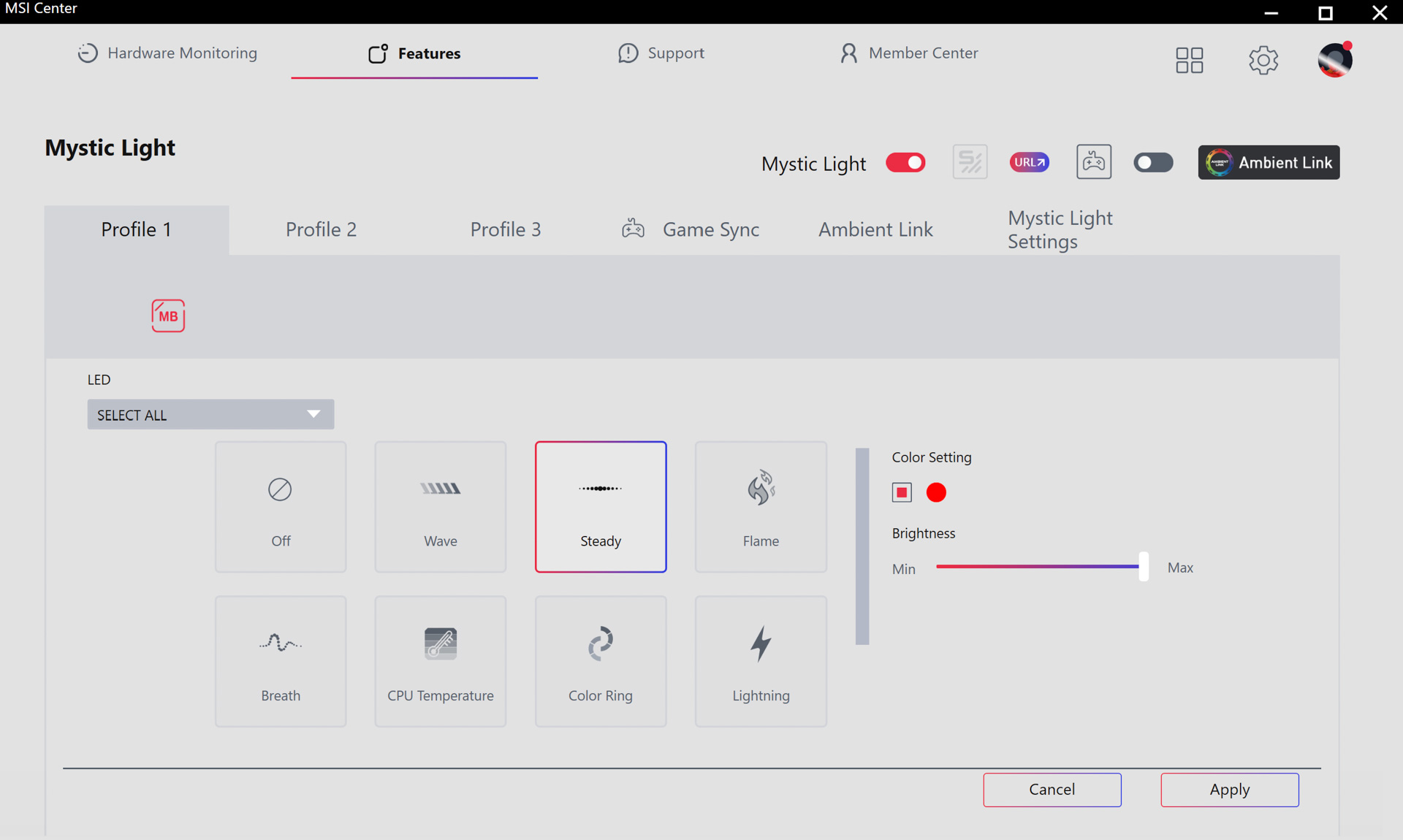
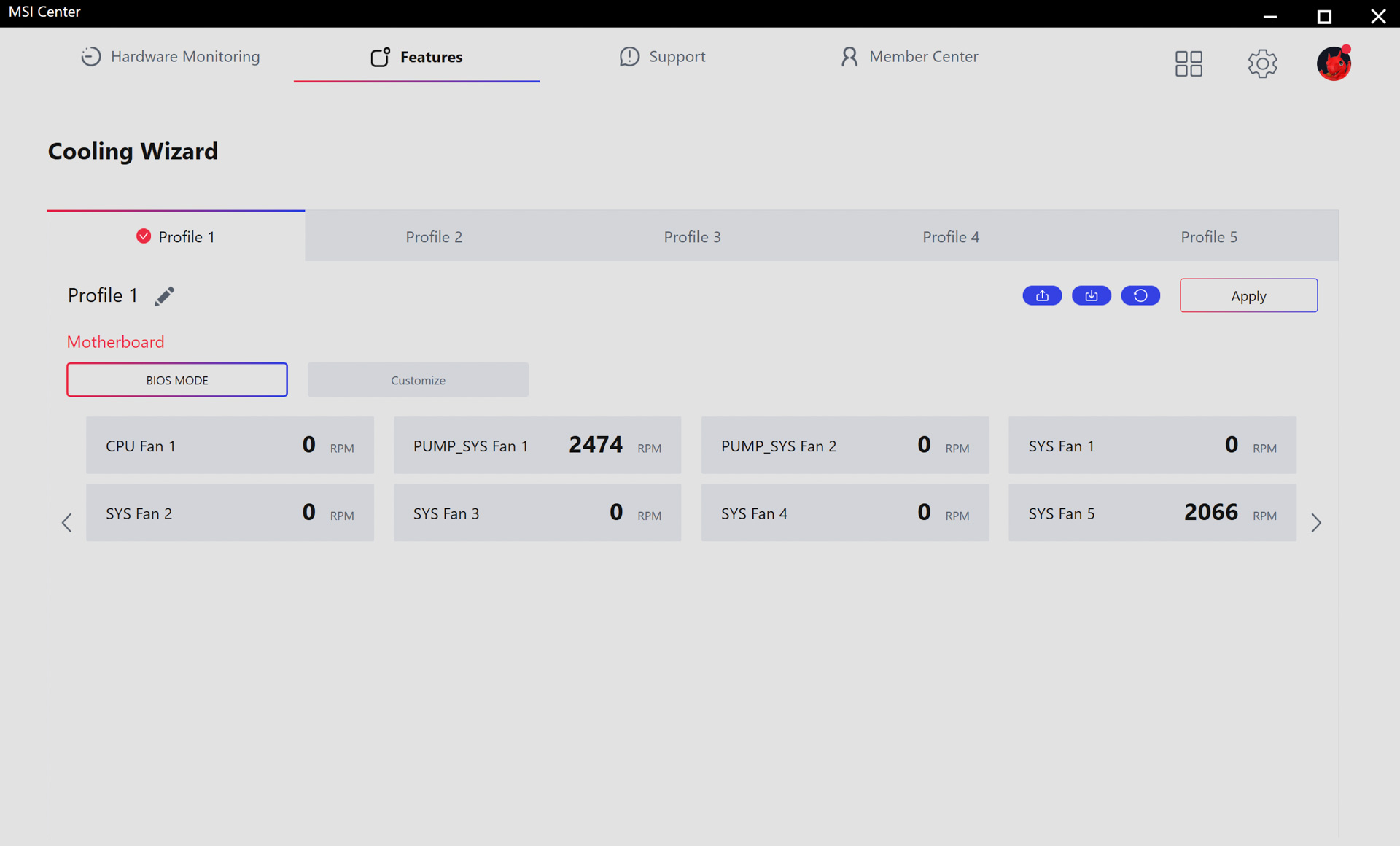
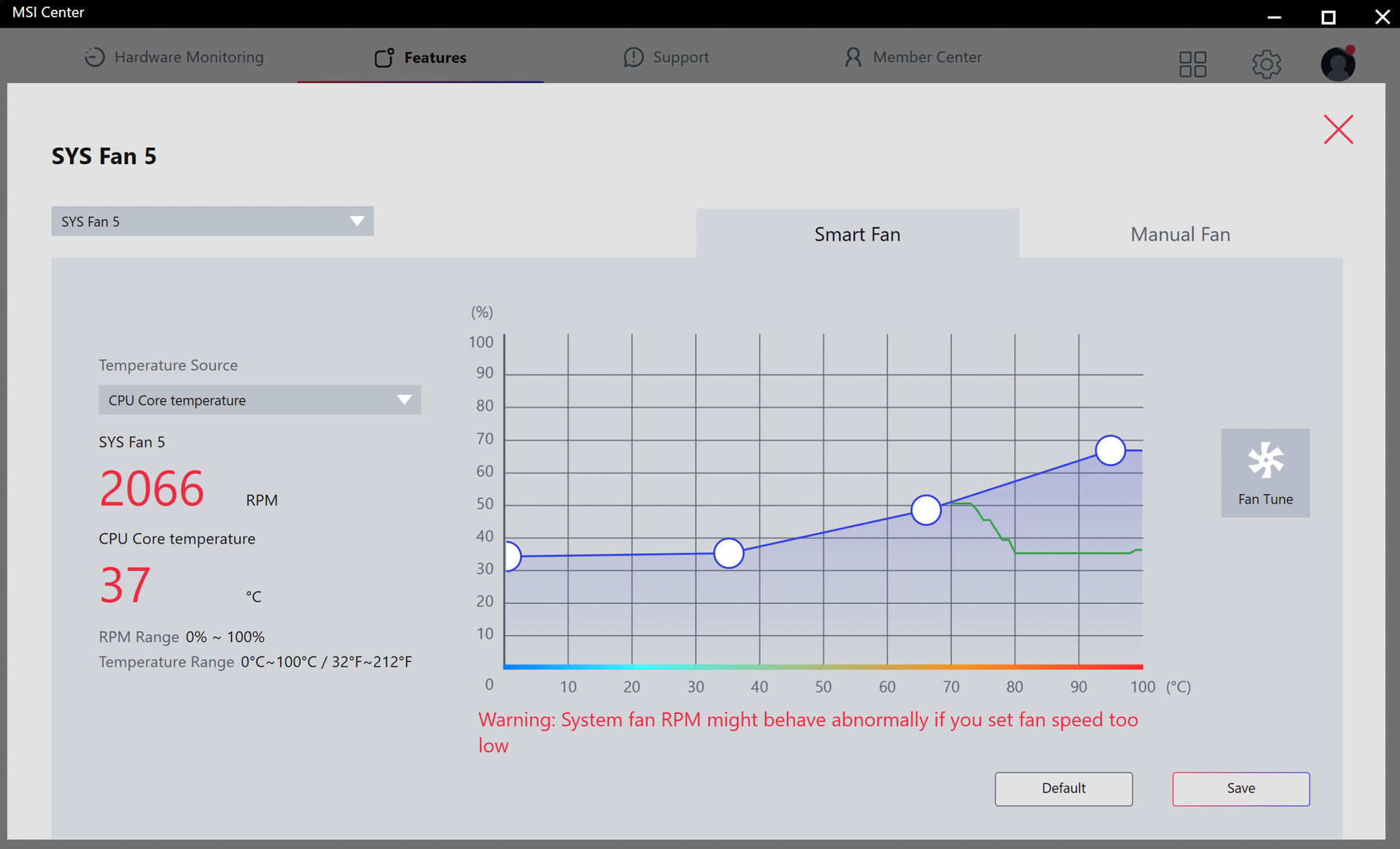
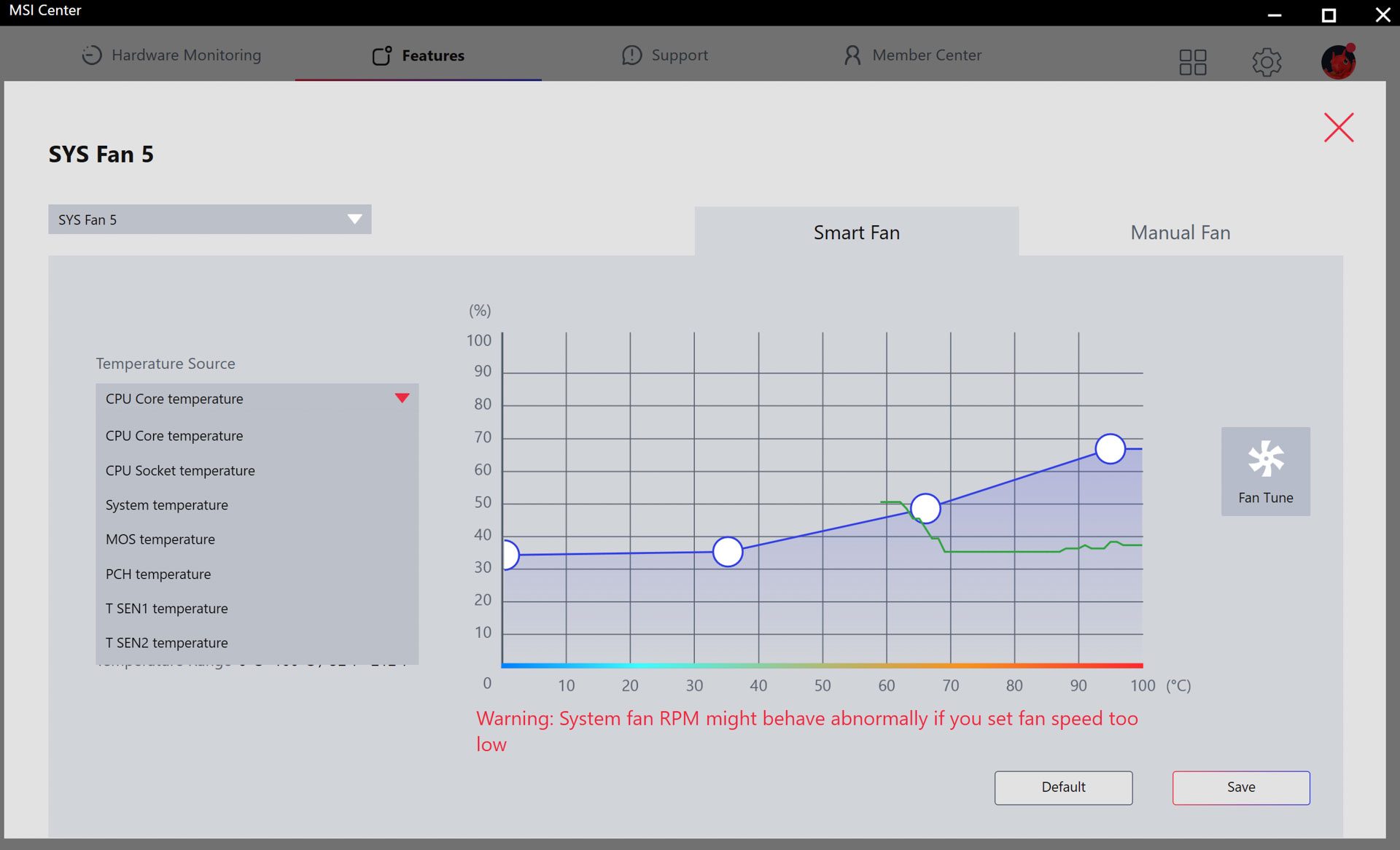
The MSI Center software is easy to install and unlike ASUS, doesn't force you to install large feature libraries, instead just smaller individual programs. The ones you'll want are Mystic Light for the RGB lighting, Cooling Wizard for controlling fans, User Scenario for quickly adjusting fan speeds. If you want to see real time readouts of your USB charging—perhaps over the 60 W Type-C front panel—you can do this using Super Charger +. The fan control section is pretty decent and allows you to tweak four fan curve points as well as switch between temperature inputs. You can also switch between BIOS and software settings. However, EFI features such as switching between PWM and voltage control, adding curve adjustment points, and also spin-up and spin-down times are not included.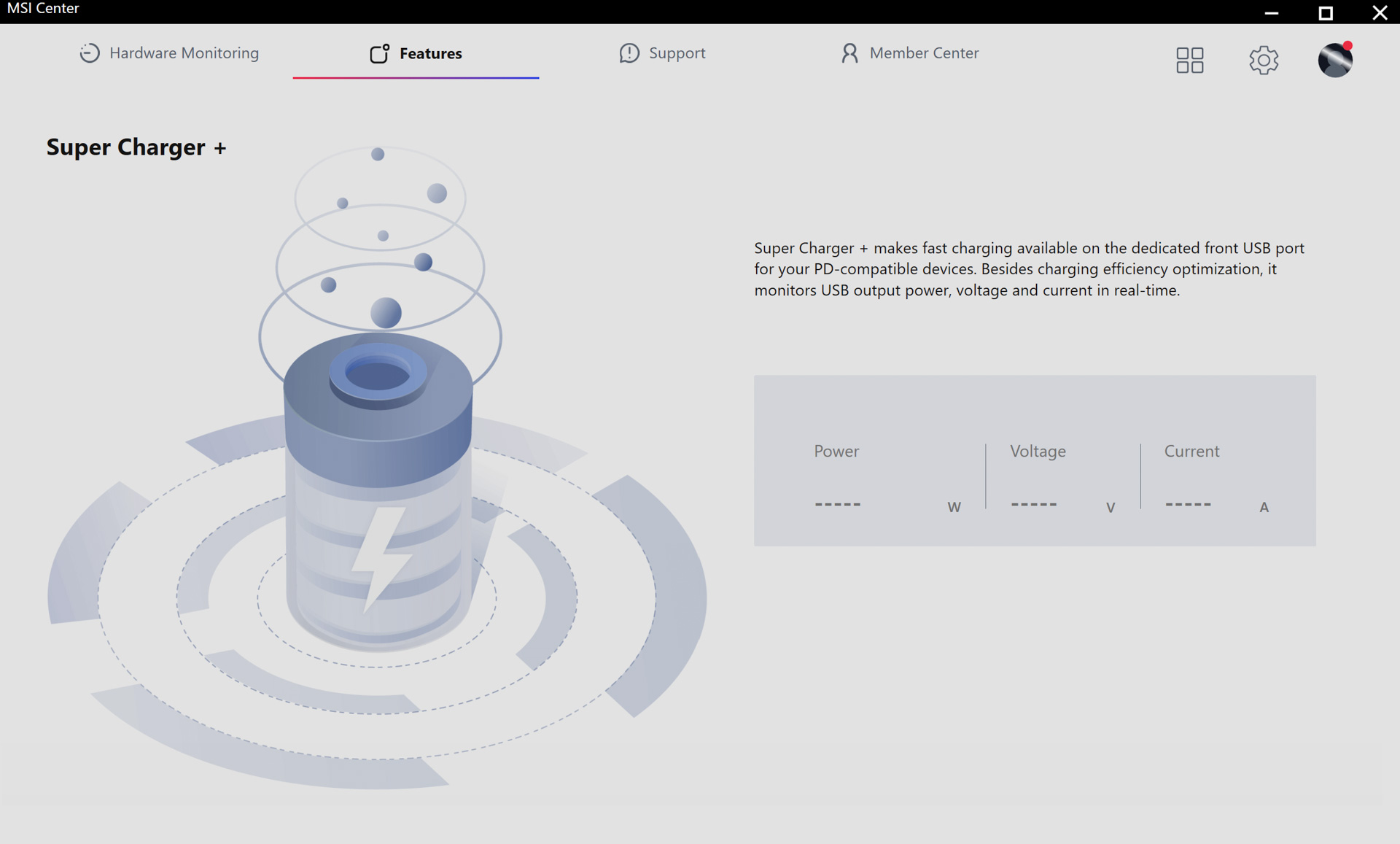
Nov 25th, 2026 17:36 CST
change timezone
Latest GPU Drivers
New Forum Posts
- Sexy Hardware Close-Up Pic Clubhouse. (10345)
- AAF Optimus Modded Driver For Windows 10 & 11 - Only for HDAUDIO Chips [WINDOWS 11 RECOMMENDED] (1155)
- Which ryzen am5 cpu ? (219)
- {NA} 2026 Black November prices / deal (7)
- TPU's Nostalgic Hardware Club (22208)
- UPS what one to get? (74)
- More Nova Lake specs (5)
- Share your CPUZ Benchmarks! (2680)
- X79 and/or rampage IV OC'ing thread for those of us still left.... (2457)
- Asus Rog Maximus Z890 Extreme. (Various questions). (38)
Popular Reviews
- ASRock X870E Challenger Wi-Fi White Review
- Microsoft Surface Laptop Ultra Review - The Next-gen Arm Laptop
- VZMORE AX9 Max Review
- Upcoming Hardware Launches 2027 (Updated Nov 2026)
- AMD Ryzen 7 9800X3D Review - The Best Gaming Processor
- AMD Zen 6 Technical Deep Dive
- Corsair RM1200e (Second Generation) Review
- Phantom Blade Zero Performance Benchmark Review - 35 GPUs Tested
- Pulsar Office Tour & First Look at P1 Dual-Sensor Mouse
- Ocypus lota P1000 Review
TPU on YouTube
Controversial News Posts
- Jensen Huang Reinstated as CEO of NVIDIA (571)
- NVIDIA Co-Founder and CEO Jensen Huang Officially Resigns (492)
- Report: Jensen Huang Eyes NVIDIA Comeback (281)
- Open Letter Asking NVIDIA to Reinstate Jensen Huang Passes 115,000 Signatures (184)
- OpenAI CEO Argues Home PCs Waste the World's Limited DRAM Supply (152)
- NVIDIA Launches Investigation Into Jensen Huang's Relationship With Suspected Chinese Spy (136)
- Intel "Raptor Lake Next" 16-Core and 20-Core CPUs Surface (130)
- Intel Razor Lake Gets a 12 P-Core bLLC Chip With No E-Cores, Per Leak (94)