 5
Ninkear L20 Review
(5 Comments) »Introduction

The Ninkear L20 is a compact Mini-PC built around Intel's Core Ultra 5 226V, making for a modern Lunar Lake platform with low power use, Arc 130V graphics, and dedicated AI hardware in a very small chassis. My review unit came with 16 GB of LPDDR5X-8533 memory, a 512 GB NVMe SSD, and Windows 11 Pro installed. Ninkear positions the L20 primarily for everyday desktop and office use, while the Arc 130V graphics, multi-display support, and generous port selection give it enough flexibility for media, lighter creative work, and some gaming. Ninkear markets the L20 as a compact AI workstation, and the 40 TOPS NPU gives it hardware acceleration for Copilot+ features and compatible local AI workloads.
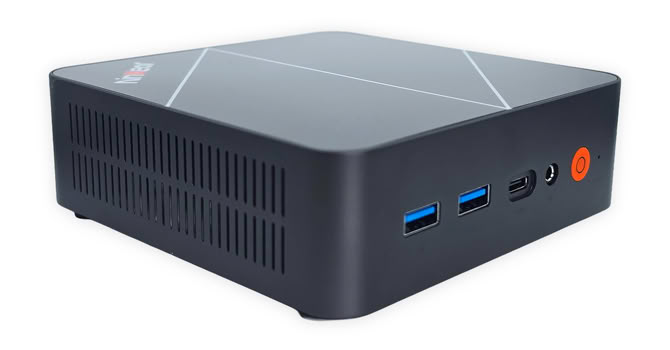
The Core Ultra 5 226V is a little different from the usual mobile chips we've seen so far in Mini-PCs, with four performance cores, four low-power efficiency cores, and no Hyper-Threading. Intel rates it at 17 W base power and 37 W maximum turbo. It also includes Arc 130V graphics with seven Xe cores and a 40 TOPS Intel AI Boost NPU, while Intel rates the full CPU, GPU, and NPU platform at up to 97 TOPS of combined AI performance. Ninkear rounds that out with USB4, 2.5 GbE, two HDMI outputs, DisplayPort, several USB-A ports, Wi-Fi 6, and support for up to three displays. There is also a second M.2 slot inside, which gives you an easy way to add more internal storage if the 512 GB factory drive starts filling up.
The rear USB-C power input is not something I see very often with Mini-PCs, as Ninkear uses a 100 W USB-C adapter rated for 20 V/5 A instead of another barrel-style connector. That avoids tying the L20 to a proprietary power brick, makes replacement easier if the original charger is lost or fails, and gives you more flexibility if the system moves between locations. The rear USB-C connection is dedicated to power, while the front USB4 port stays free for fast storage, docks, displays, and other peripherals.
The fixed 16 GB of LPDDR5X memory is the main limitation with this configuration, since it is built into the Lunar Lake package and cannot be upgraded later. That is still enough for normal office work and everyday desktop use, but heavier multitasking, virtual machines, larger creative projects, and local AI workloads can start asking for more. For how the L20 is priced and likely to be used, though, 16 GB should be enough for most of the target audience.
The 512 GB model is currently listed at €699, or about US$795 at the time of publication. That puts it toward the higher end of the Mini-PCs I would consider for everyday office and productivity use, so let's see what that extra cost brings.
| Specifications | |
|---|---|
| CPU | Intel Core Ultra 5 226V 8 cores/8 threads Up to 4.5 GHz 17 W base power/37 W maximum turbo power Intel AI Boost NPU, up to 40 TOPS |
| GPU | Intel Arc 130V 7 Xe cores Up to 1.85 GHz |
| Memory | 16 GB LPDDR5X-8533 Integrated with processor package, not upgradeable |
| Storage | 512 GB RAYSMEM RM512GSSD510 PCIe 3.0 NVMe SSD 2× M.2 2280 SSD slots |
| Display Outputs | 1× HDMI 2.1 1× HDMI 1.4 1× DisplayPort 1.4 Display output through USB4 Up to three simultaneous displays |
| Connectivity | Front: 2× USB-A 5 Gbps, 1× USB4, 1× 3.5 mm audio jack, power button |
| Networking | 2.5 Gb Ethernet Wi-Fi 6 Bluetooth 5.3 |
| Cooling | Active blower-style cooling |
| Operating System | Windows 11 |
| Power Supply | 100 W USB-C power adapter 20 V/5 A |
| Dimensions | 129 × 129 × 43 mm (0.66 L) |
| Weight | 625 g |
| Color | Dark gray |
| Accessories | 100 W USB-C power adapter HDMI cable |
| Pricing | Approximately US$795 for 16 GB/512 GB configuration * Pricing is reflected at the time of publication |
Packaging and Contents
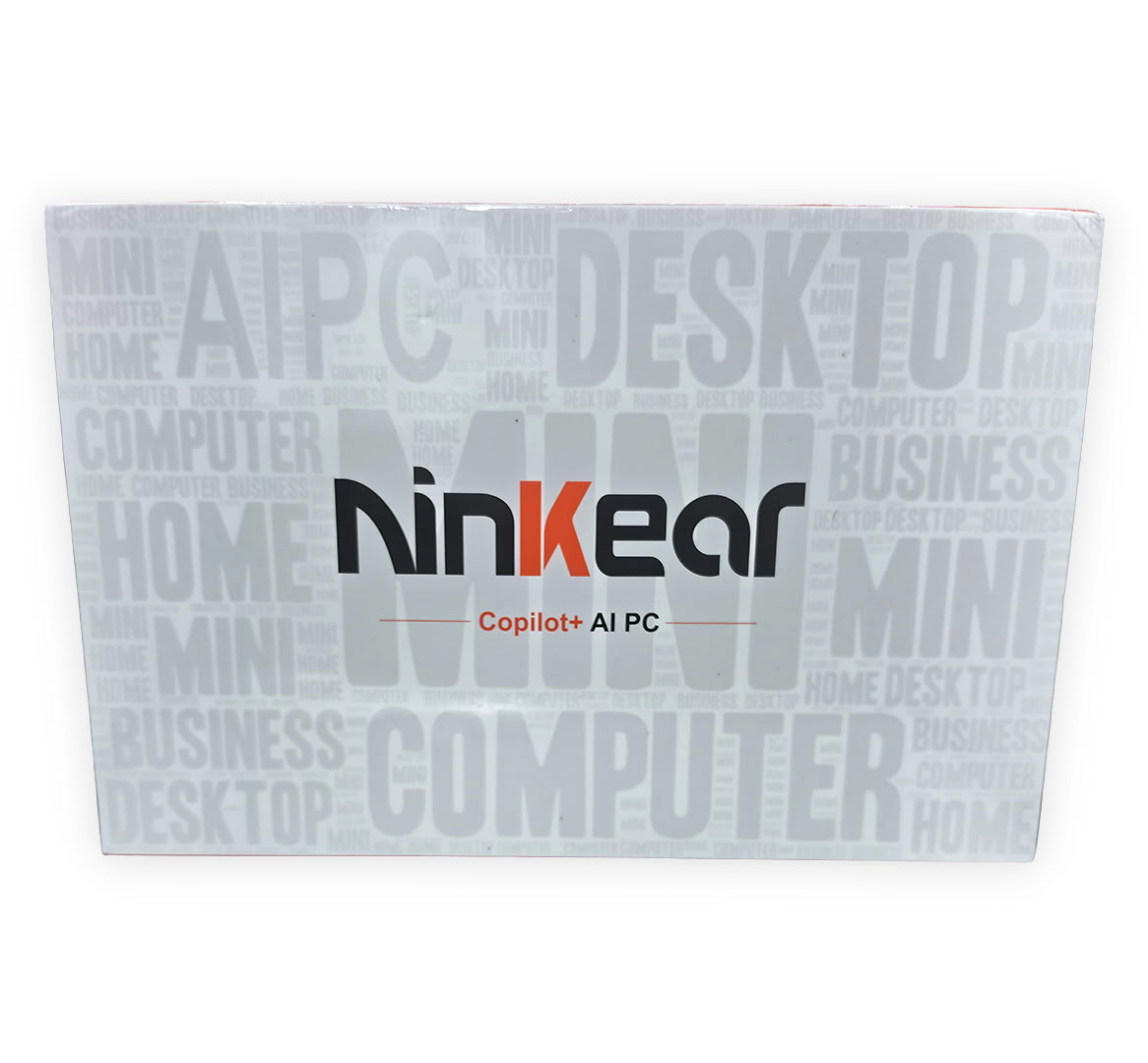
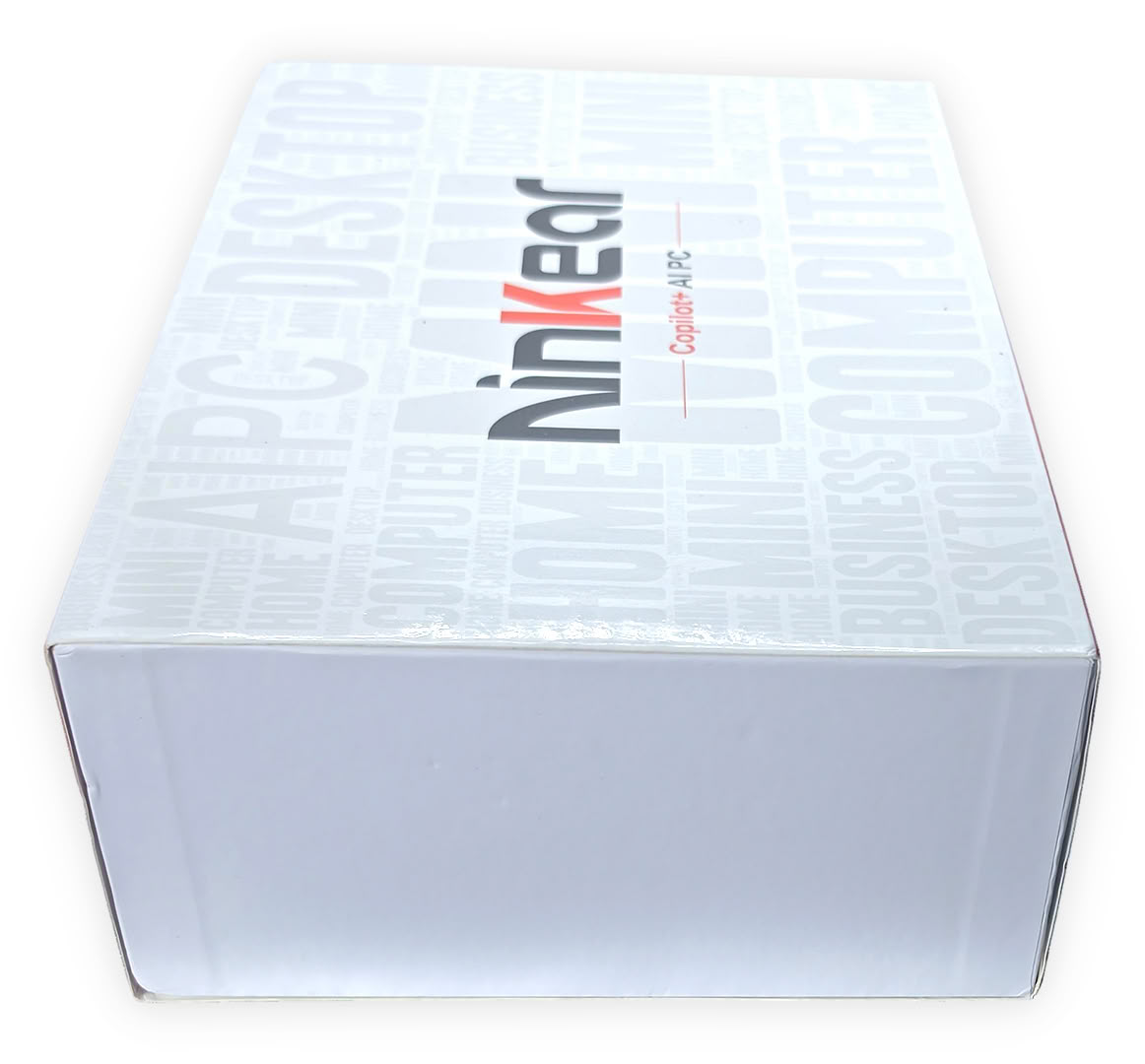
The L20 comes in a compact white box with Ninkear branding across the front and enough internal protection to keep the small system secure during shipping. The presentation is simple but tidy, and the unit was well protected when I opened it.
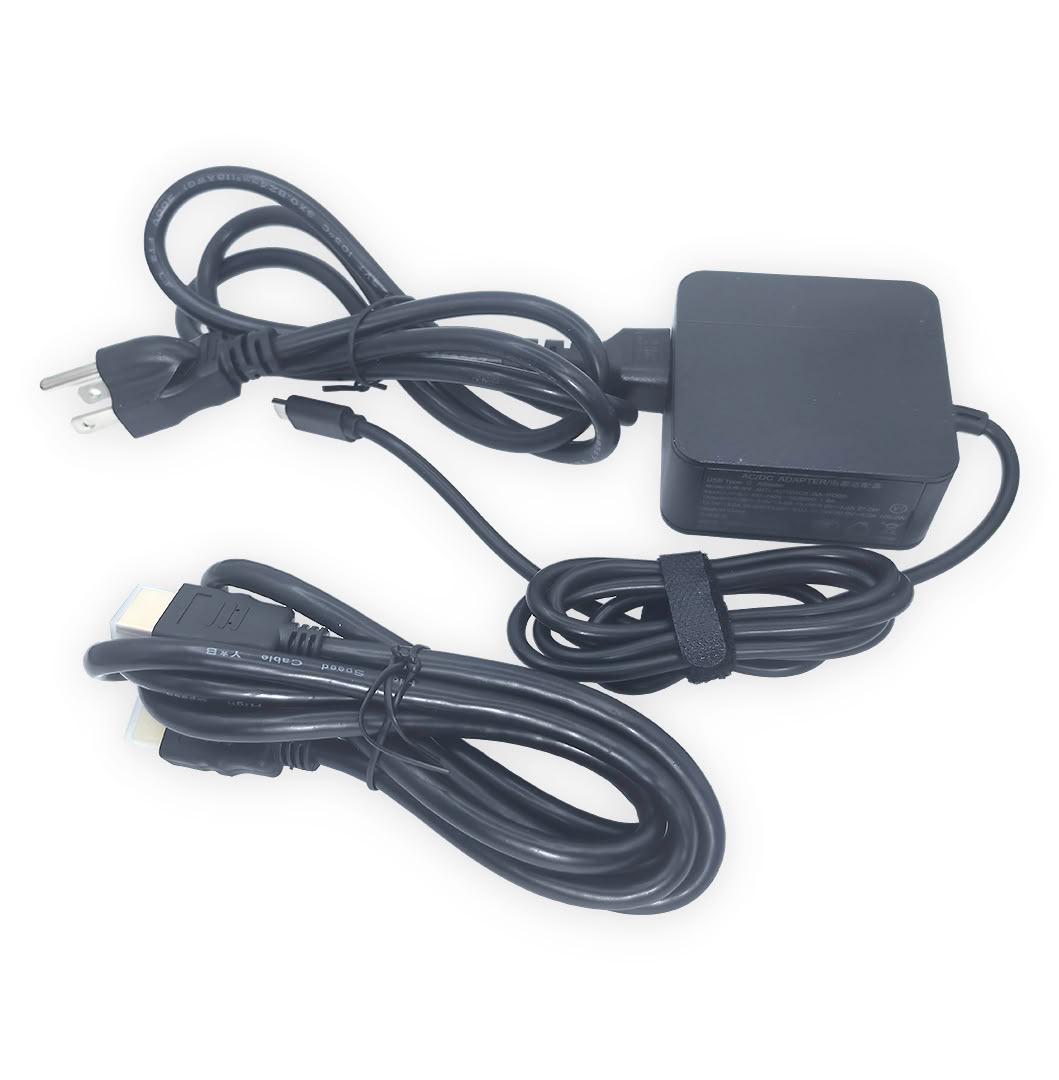
Inside the box, my review sample included the L20, its 100 W USB-C power adapter and cabling, along with an HDMI cable for connecting a display.
Design and Build
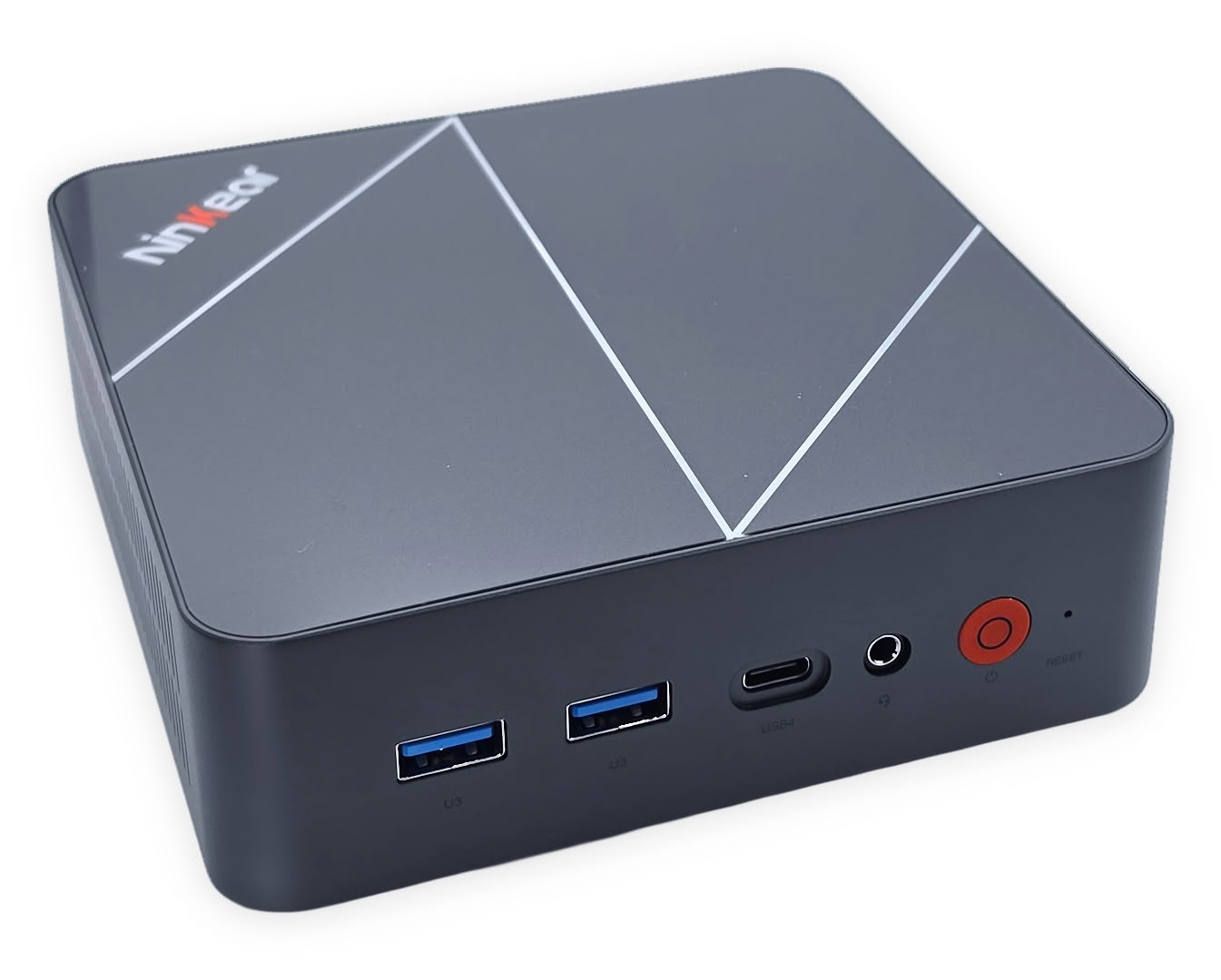
The L20 is surprisingly light when you pick it up, but it doesn't feel flimsy. The dark gray chassis has a pretty simple look overall, with a glossy top panel and a few thin geometric lines to break things up. I like the design, though the glossy top does show fingerprints pretty quickly.
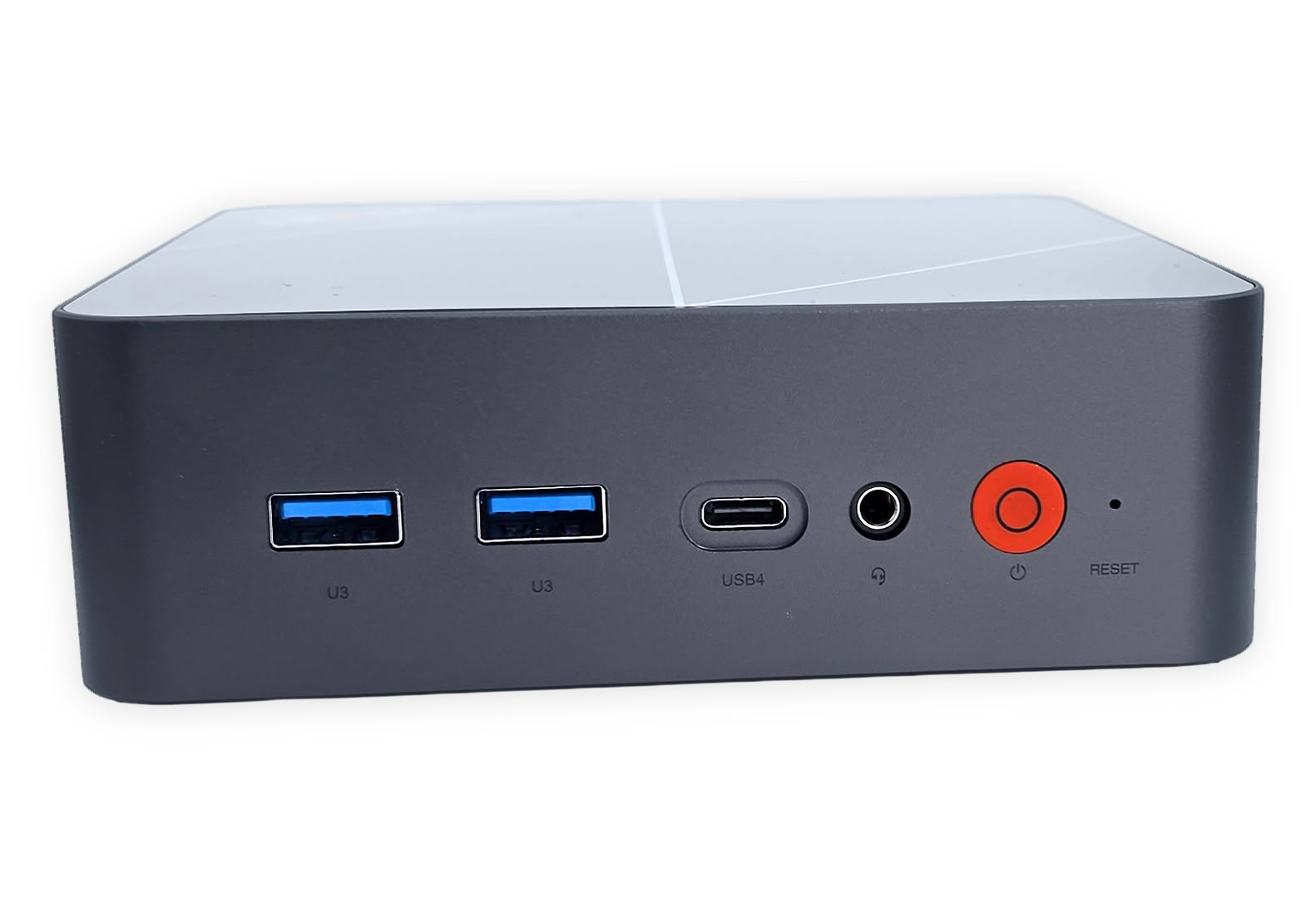
The front has the ports I would expect to use most often, with two USB-A ports, USB4, and a 3.5 mm audio jack sitting beside the orange power button. Having USB4 on the front is especially useful, since it is easy to reach for fast external storage, docks, or a temporary display, without having to run another cable around the back.
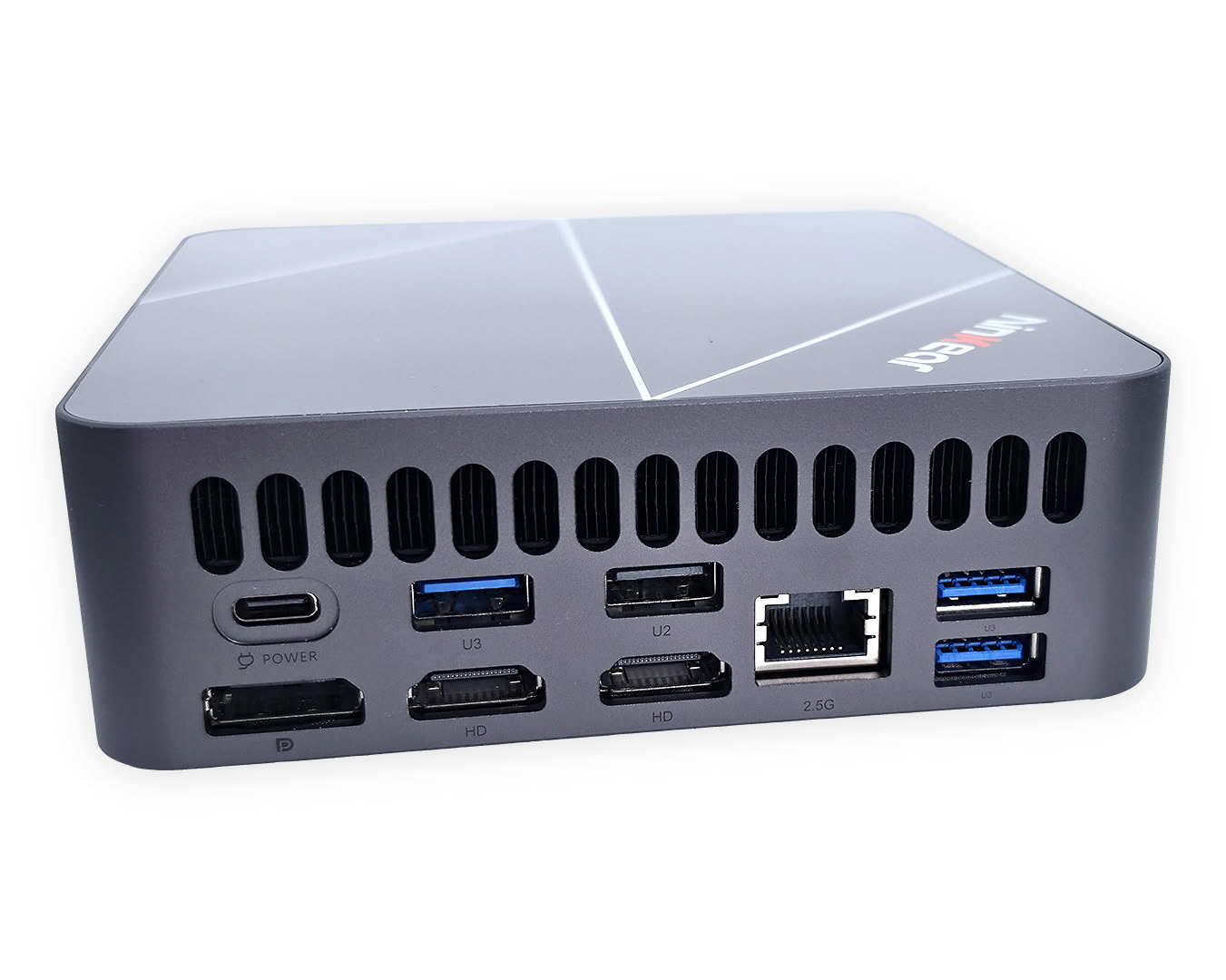
Most of the permanent connections are on the rear, including 2.5 GbE, DisplayPort 1.4, HDMI 2.1, HDMI 1.4, four more USB-A ports, and the dedicated USB-C power input. There are enough display outputs for a three-monitor setup, with the secondary HDMI 1.4 port limited to 4K at 30 Hz. I would probably reserve that connection for a secondary display at lower resolutions.
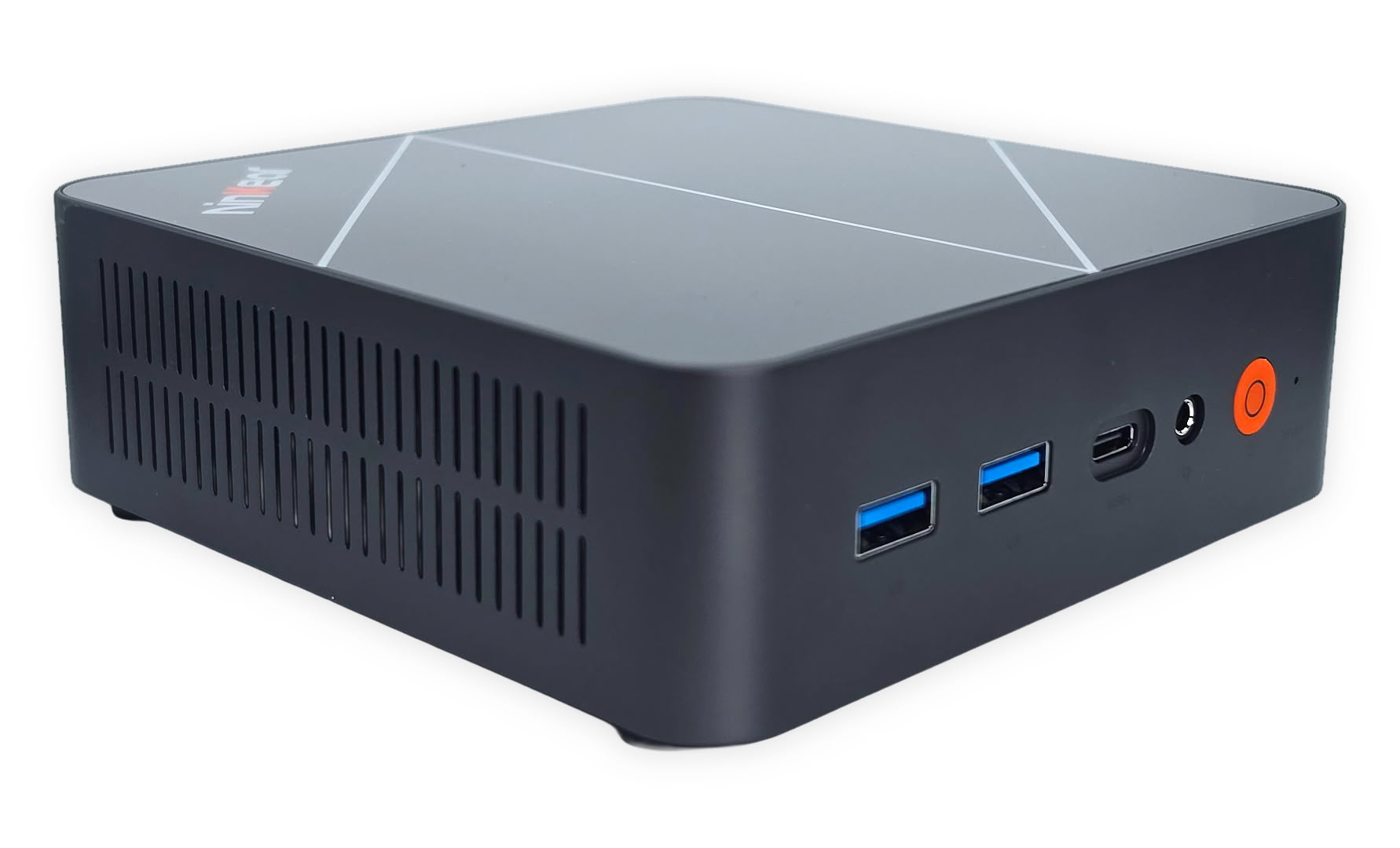
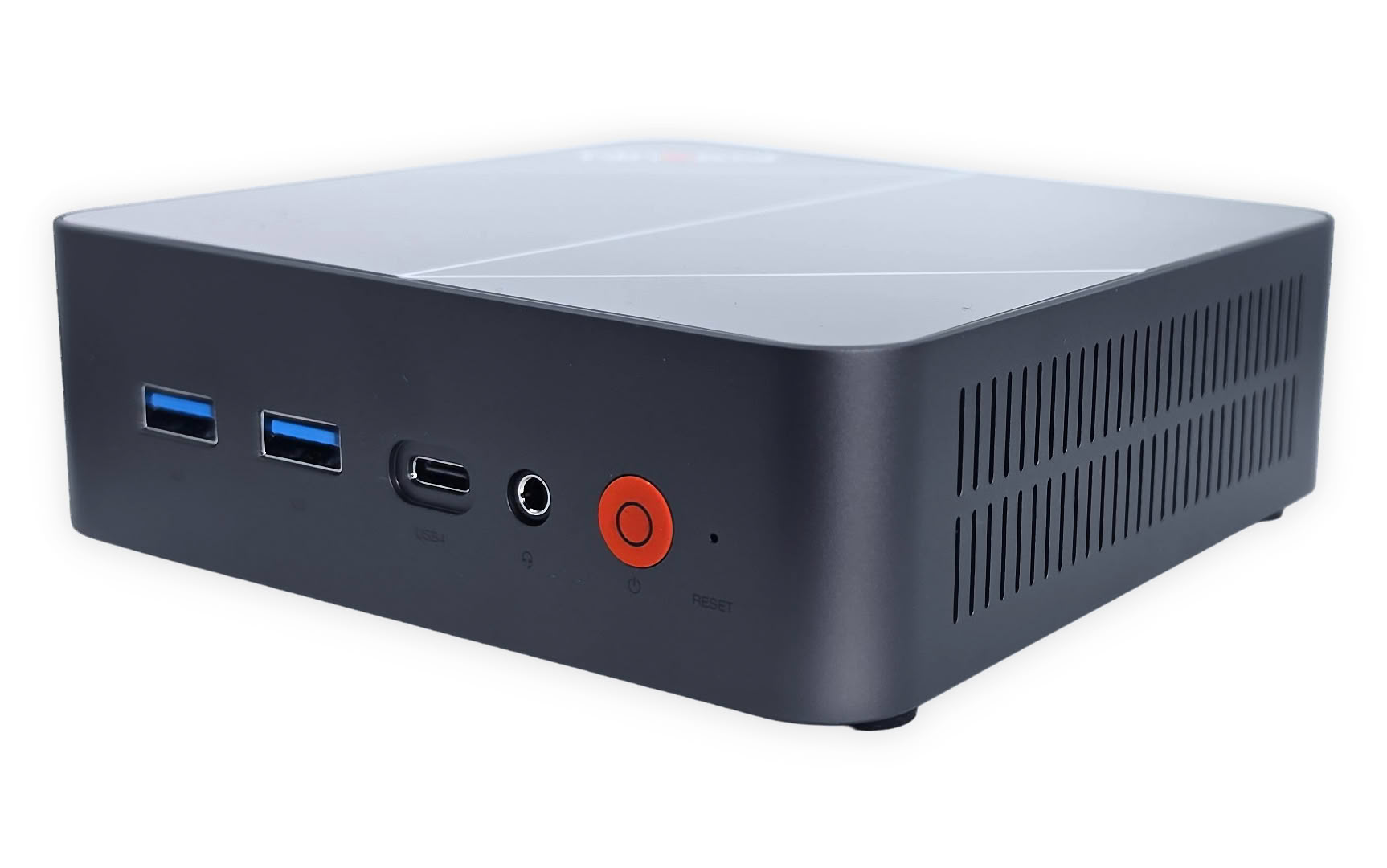
Ventilation runs along both sides and across the rear, giving the internal fan plenty of room to move air through the chassis. The L20 is also very compact at 129 × 129 × 43 mm and weighs just 625 g, so it barely takes up any desk space and is easy to move around when needed.
Our Patreon Silver Supporters can read articles in single-page format.
Nov 22nd, 2026 19:17 CST
change timezone
Latest GPU Drivers
New Forum Posts
- Increasing Power Limit? (6)
- What are you playing? (26240)
- UPS what one to get? (48)
- Honestly, do you care about GTA VI? (265)
- Your PC ATM (36458)
- Gacha Games - Discussions, Pulls, Updates, etc. (1157)
- Last game you purchased? (1414)
- Making a game in Godot engine (19)
- Intel D270 (5)
- X870E AORUS ELITE WIFI7 thread with setting and OC (69)
Popular Reviews
- Microsoft Surface Laptop Ultra Review - The Next-gen Arm Laptop
- Corsair RM1200e (Second Generation) Review
- Upcoming Hardware Launches 2027 (Updated Nov 2026)
- Pulsar Office Tour & First Look at P1 Dual-Sensor Mouse
- Ugreen NASync DXP4800 GT Review
- AMD Ryzen 7 9800X3D Review - The Best Gaming Processor
- AMD Zen 6 Technical Deep Dive
- AMD Ryzen 7 5800X3D 10th Anniversary Review
- Phantom Blade Zero Performance Benchmark Review - 35 GPUs Tested
- Biwin Black Opal NV7400 2 TB Review
TPU on YouTube
Controversial News Posts
- NVIDIA Co-Founder and CEO Jensen Huang Officially Resigns (492)
- Report: Jensen Huang Eyes NVIDIA Comeback (266)
- Open Letter Asking NVIDIA to Reinstate Jensen Huang Passes 115,000 Signatures (184)
- OpenAI CEO Argues Home PCs Waste the World's Limited DRAM Supply (152)
- NVIDIA Launches Investigation Into Jensen Huang's Relationship With Suspected Chinese Spy (136)
- Intel "Raptor Lake Next" 16-Core and 20-Core CPUs Surface (130)
- NVIDIA GeForce RTX 50-Series Scheduled for up to $500 Price Hike This Week (89)
- Intel Razor Lake Gets a 12 P-Core bLLC Chip With No E-Cores, Per Leak (86)