 4
Ninkear S14 Review - A Featherweight Laptop for a Budget Price
Ports & Connectivity »A Closer Look - Outside
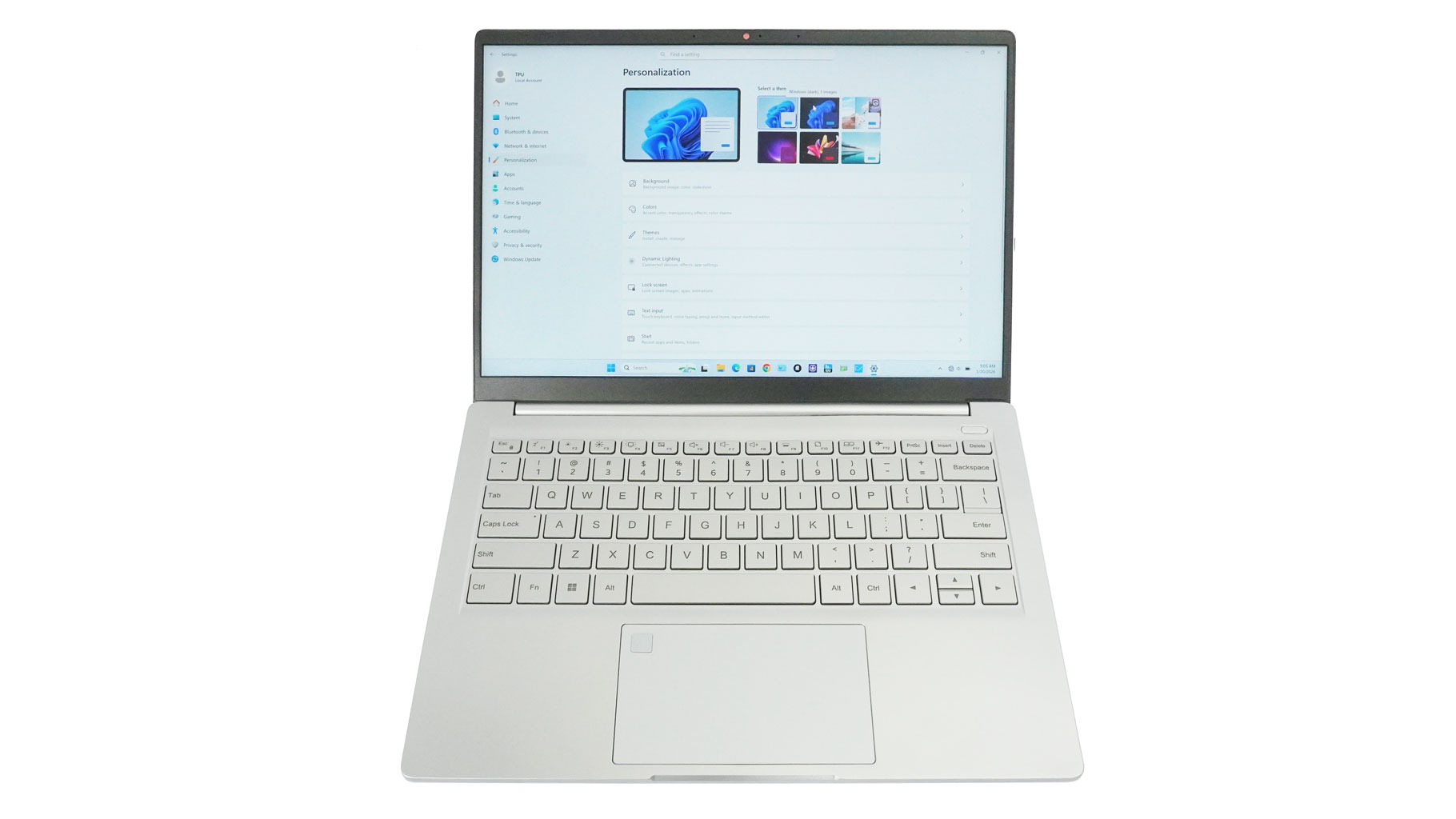
Here we have the Ninkear S14 in all its glory. It's quite the looker, thanks to the 15.95 mm thin profile and a clean silver finish. The matte surface isn't too prone to smudges. At just 1.10 kg, it's a dream for anyone constantly on the move who wants to avoid lugging around a bulky machine.
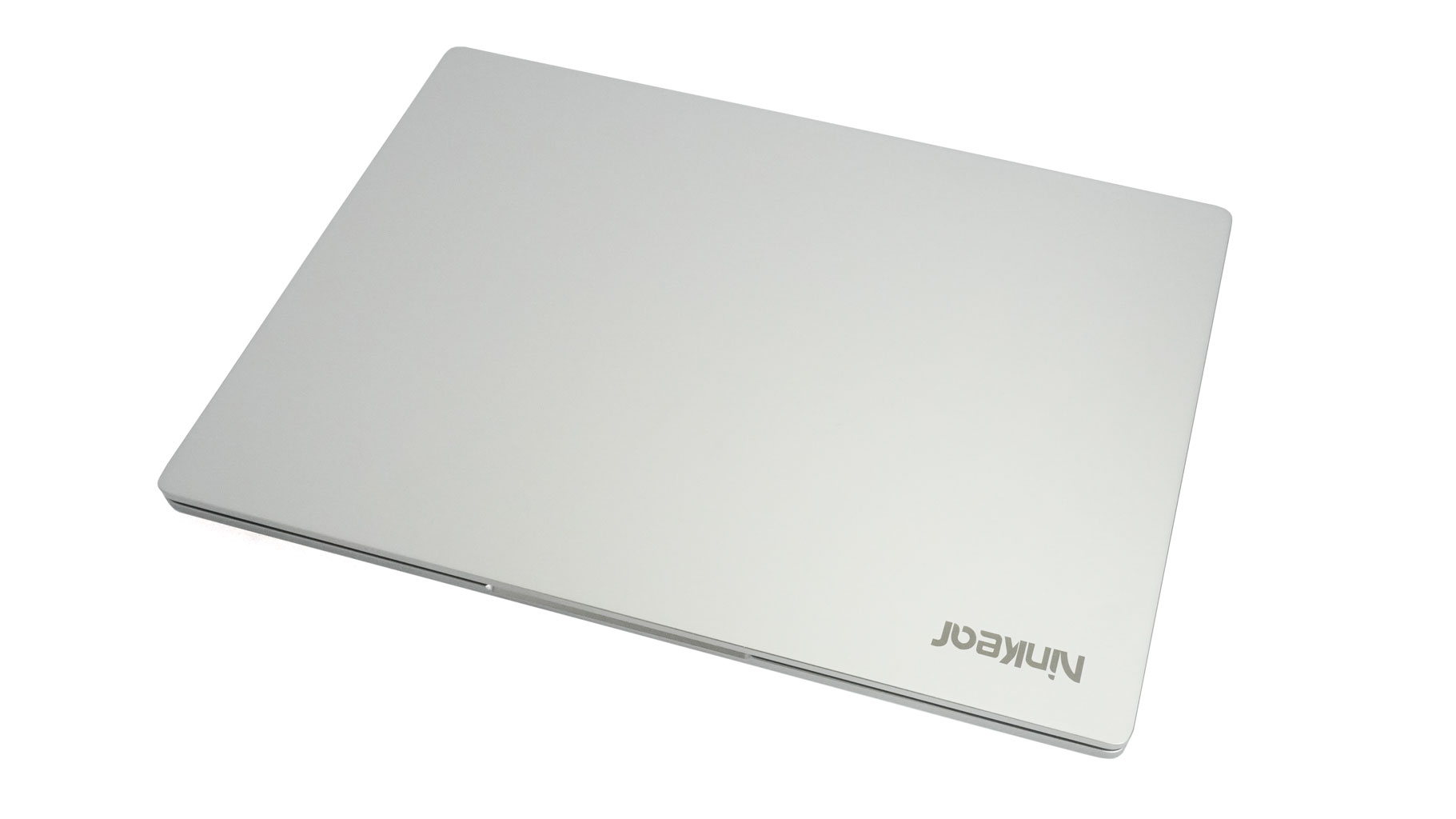
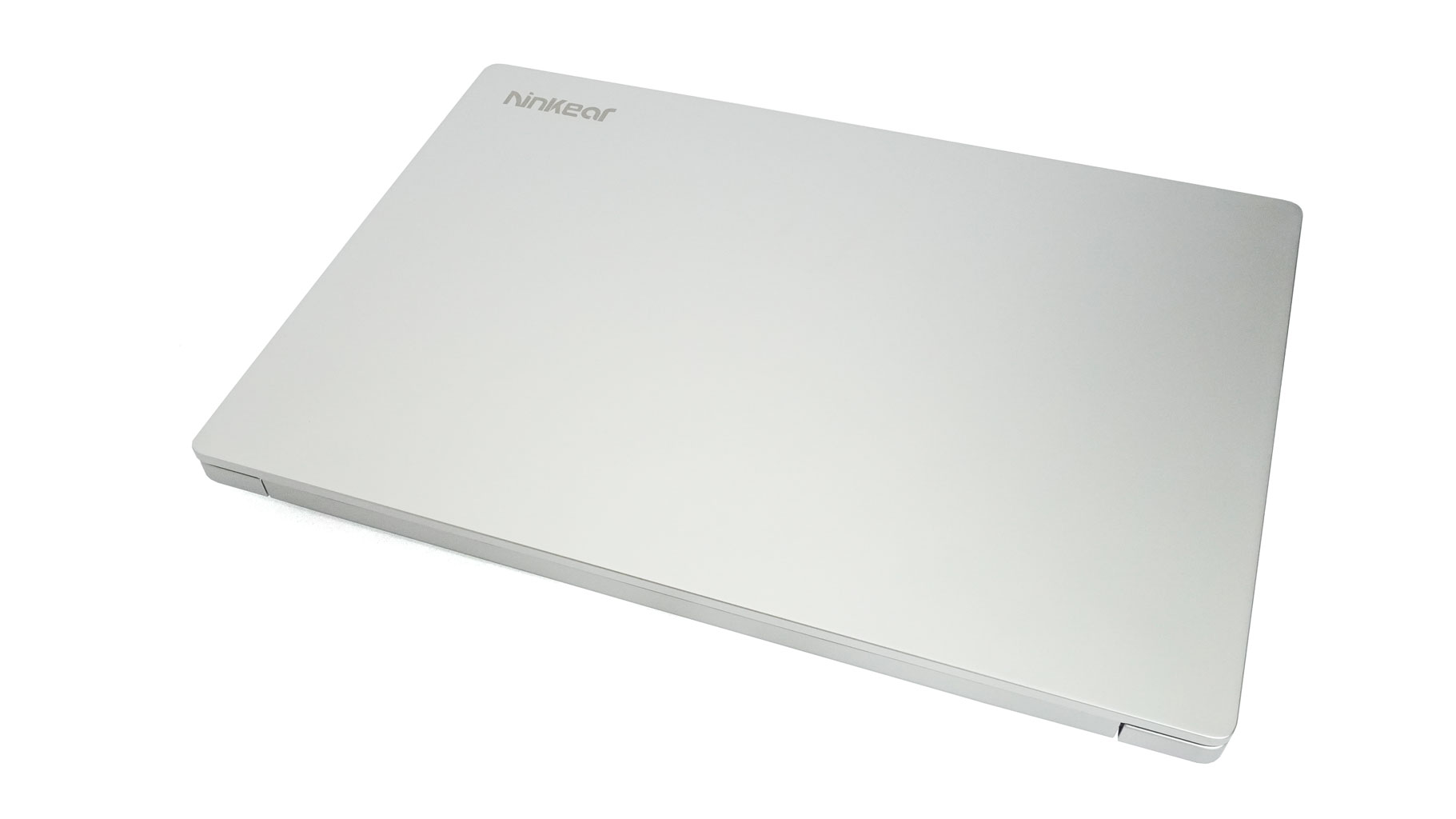
A few words about the body materials. The lid and bottom plate are aluminium, but the keyboard deck (C-panel) is plastic. I definitely would prefer a metal upper side of the chassis and a plastic bottom, but it is what it is.
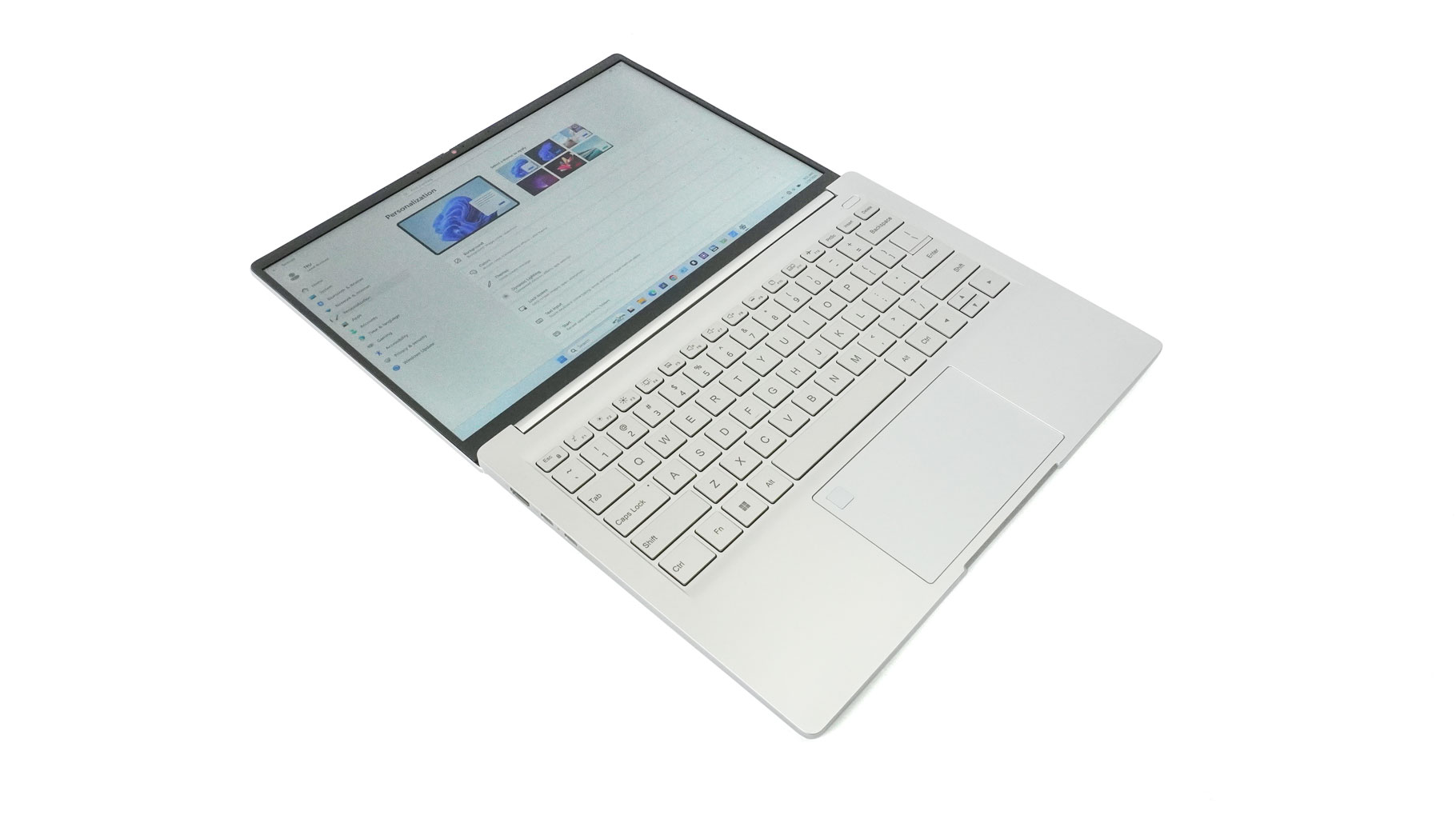
The lid opens easily with a single finger all the way to 180 degrees. I didn't expect to see that in the budget segment, but I count it as a nice bonus.
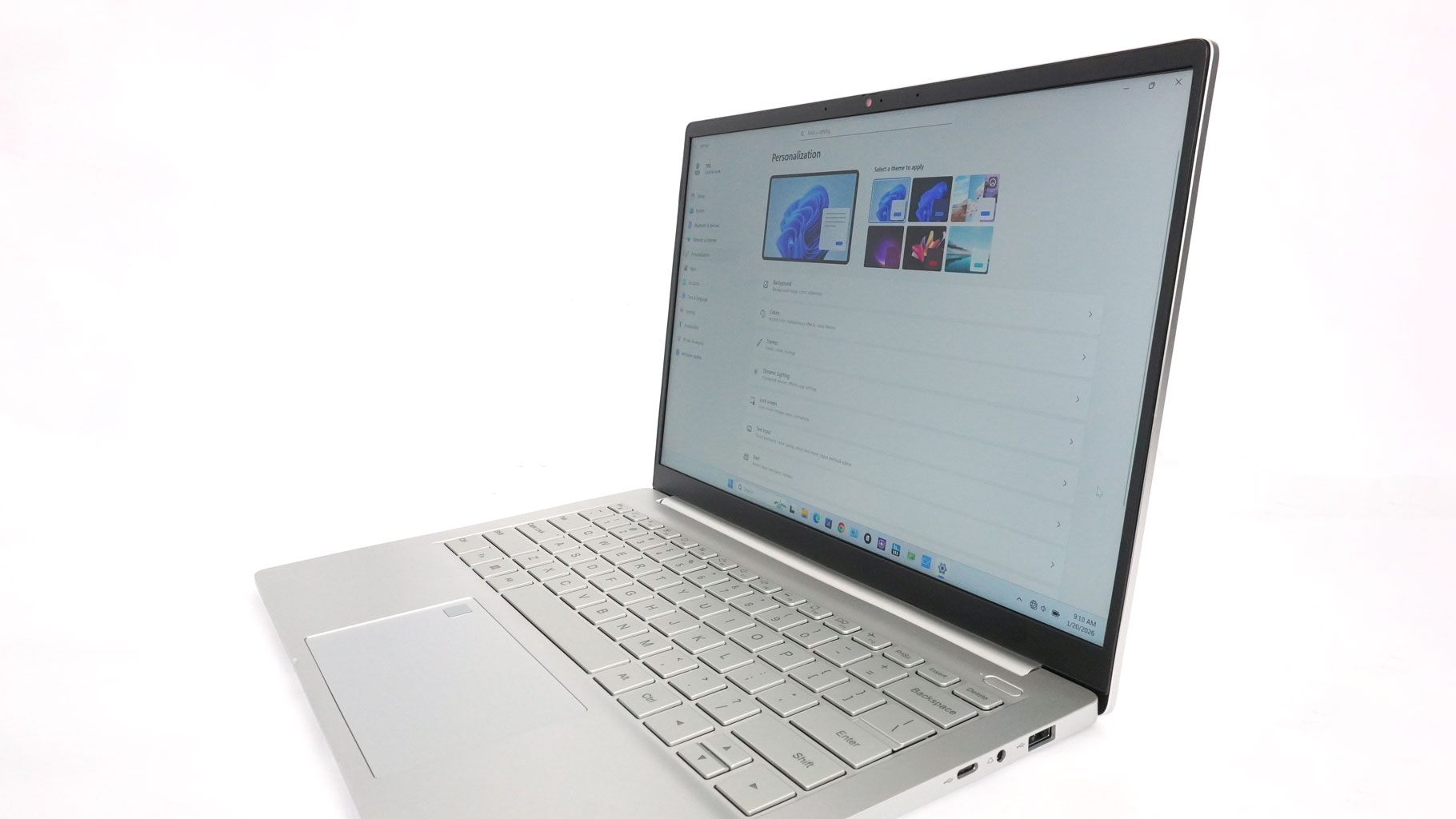
The lid rigidity is okay - it's (almost) not bendable in the middle. Giving it a twist by the corners reveals some play, but it's certainly not catastrophic. On the flip side, the internal structural support feels a bit lacking, as there's noticeable deck flex while typing. It's not a huge problem, but it's noticeable, and it's always there.
The side bezels around the screen are thin. The other two are a different story, though, especially the bottom bezel.
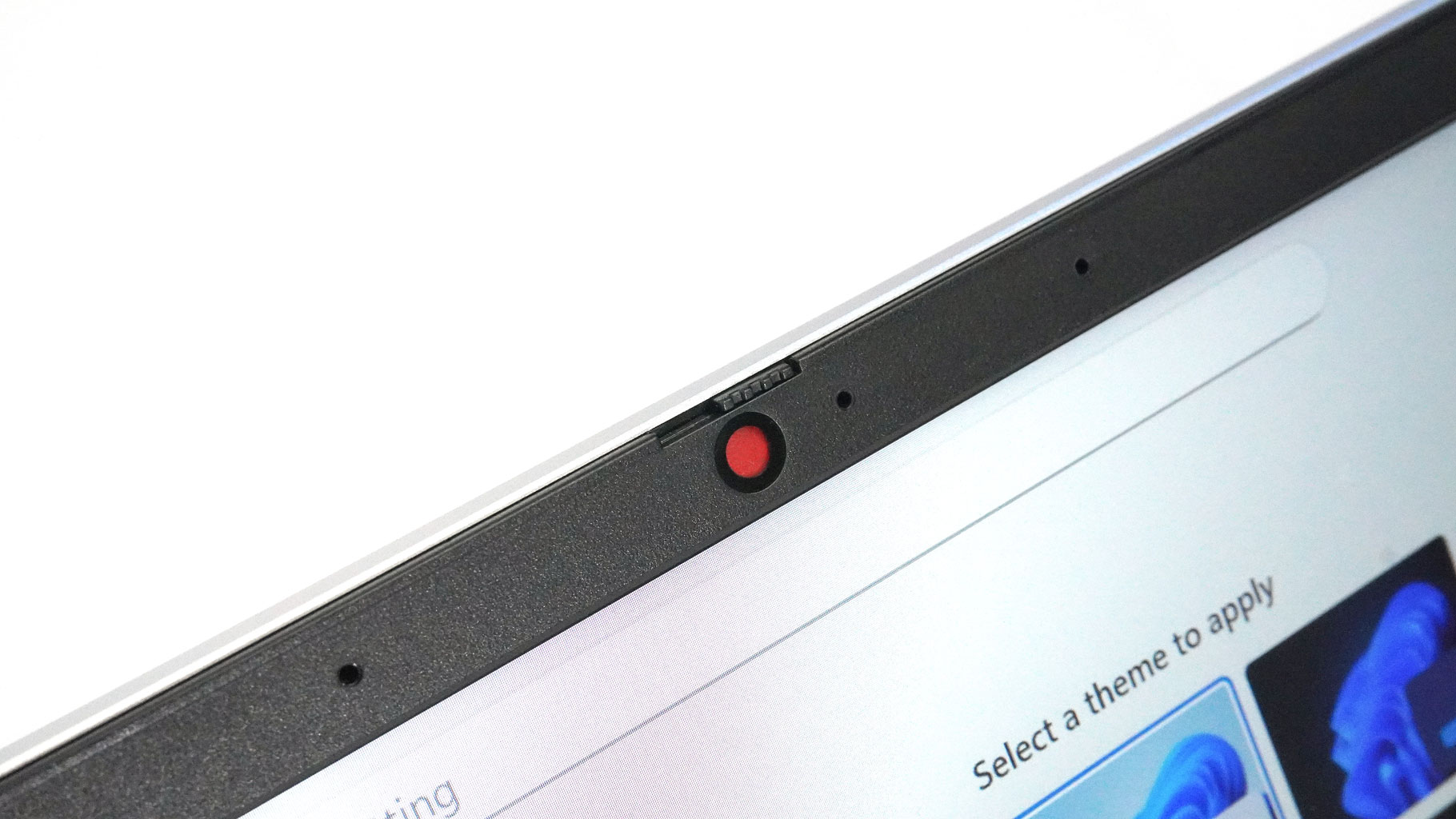
The top bezel houses a 1080p webcam with a privacy shutter.
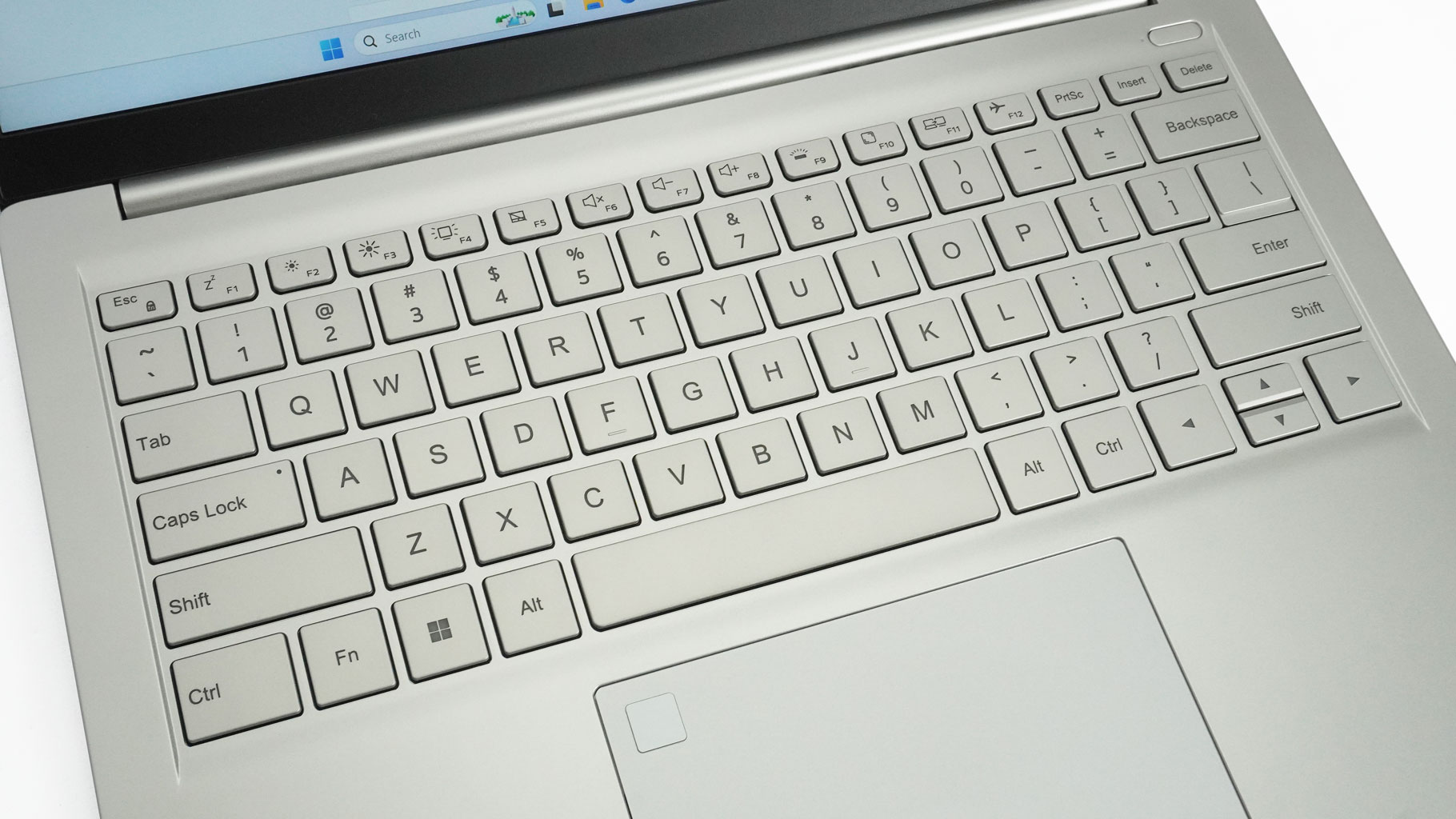
Now, the keyboard is a capable unit. It features large keycaps with deeper-than-average travel and satisfying, clicky feedback. Of course, the cramped "half-height" up and down arrows are something of a trademark for most of the sub-15-inch laptops. The board is complemented by a two-level backlight. However, silver keys and white backlighting aren't always a great match, as the glow can make the legends nearly invisible in certain light.
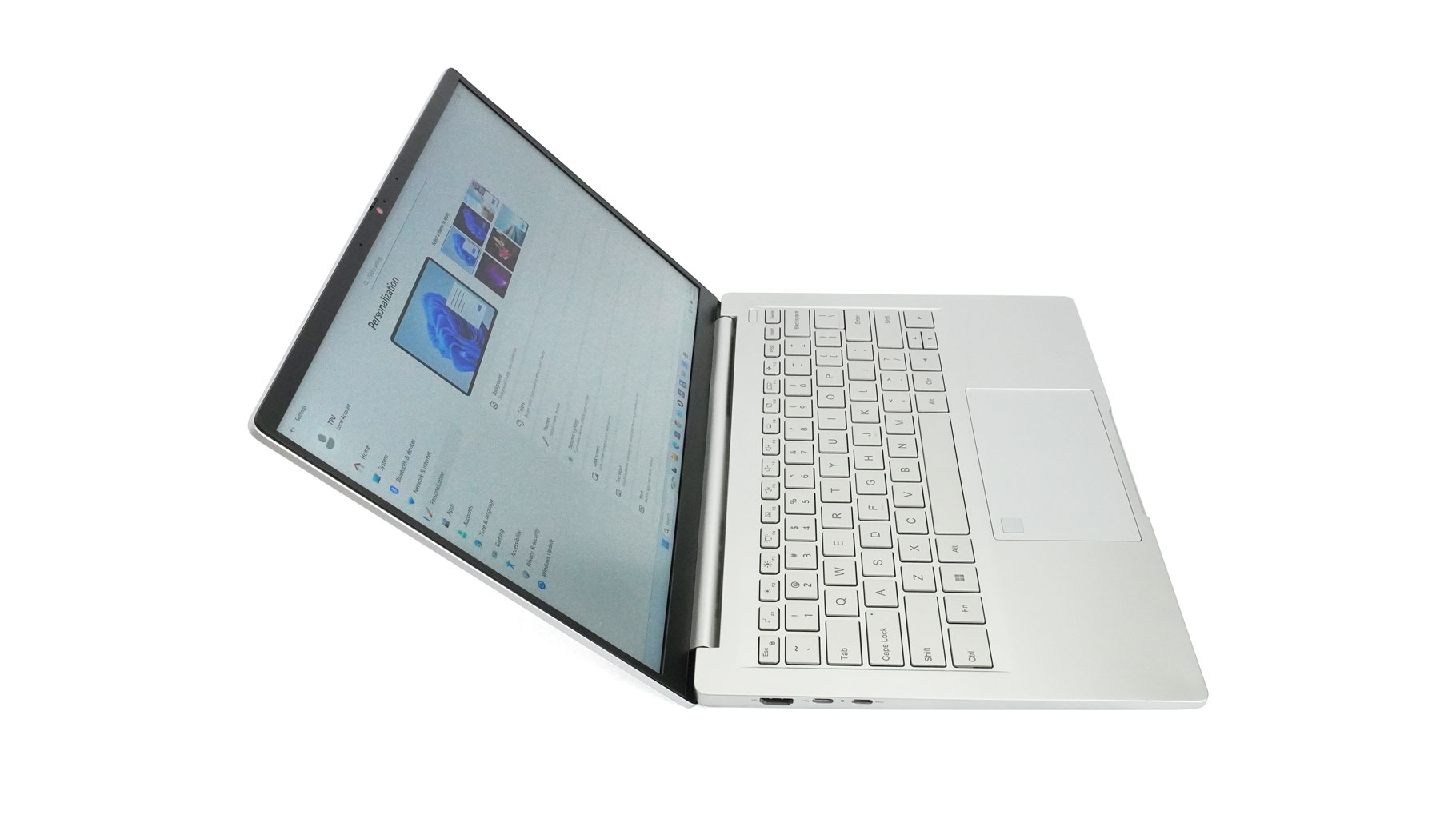
Maxing out the brightness helps, but personally, I found turning it off entirely during the day to be the best move. To be fair, this isn't unique to Ninkear; you'll see this visibility issue on many silver laptops, regardless of the price tag.
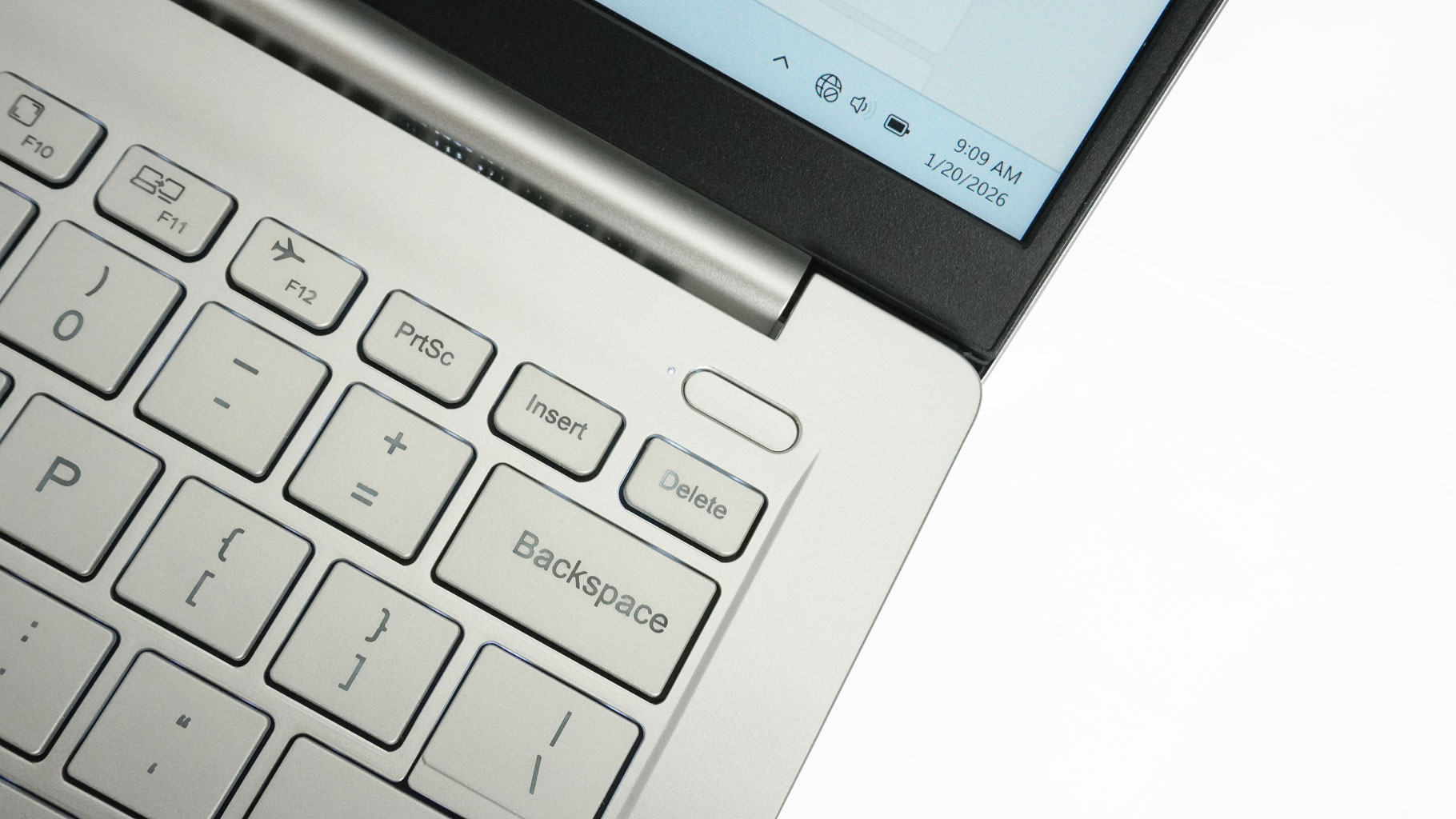
The small power button can be found in the top right corner, next to its status LED.
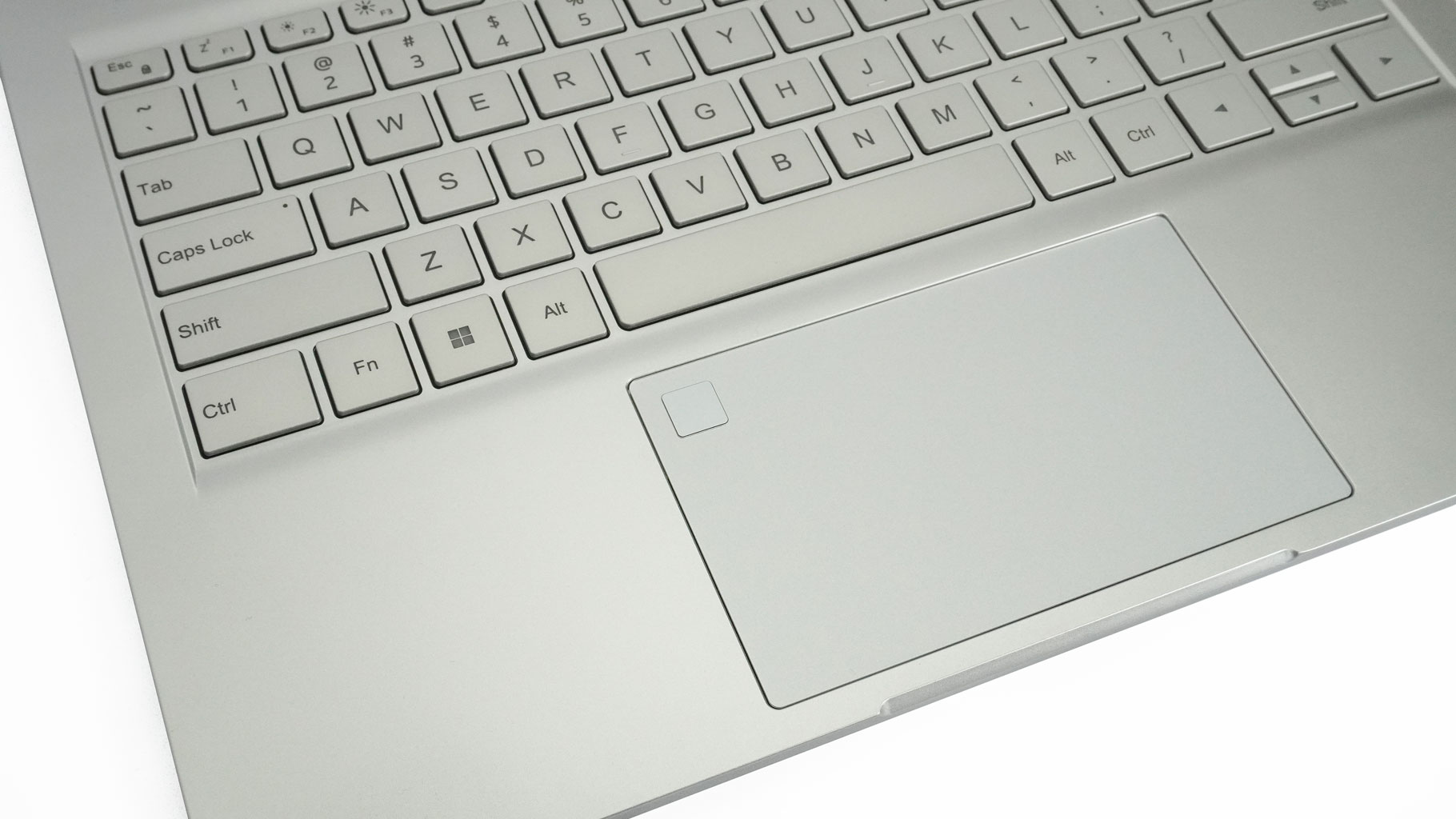
Let's take a look at the wide (120×72 mm), centrally placed touchpad. It has a built-in fingerprint scanner in the top left corner, which is a welcome addition. The pad's smoothness and accuracy are close to the performance of much more expensive devices in the same category. Thumbs up for that!
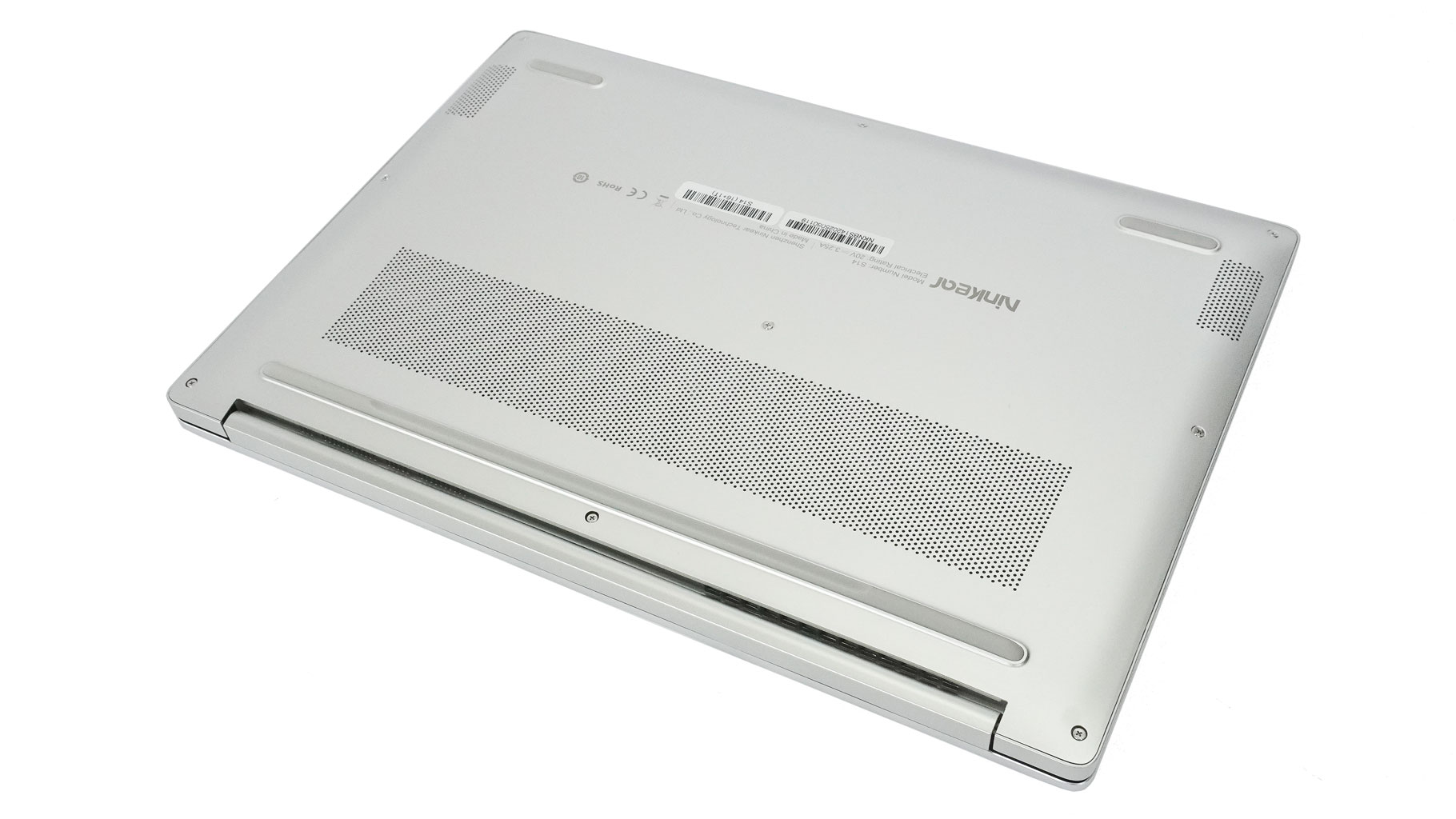
Flipping it over, you'll find a ventilation grille, three rubber feet, and the speaker cutouts.
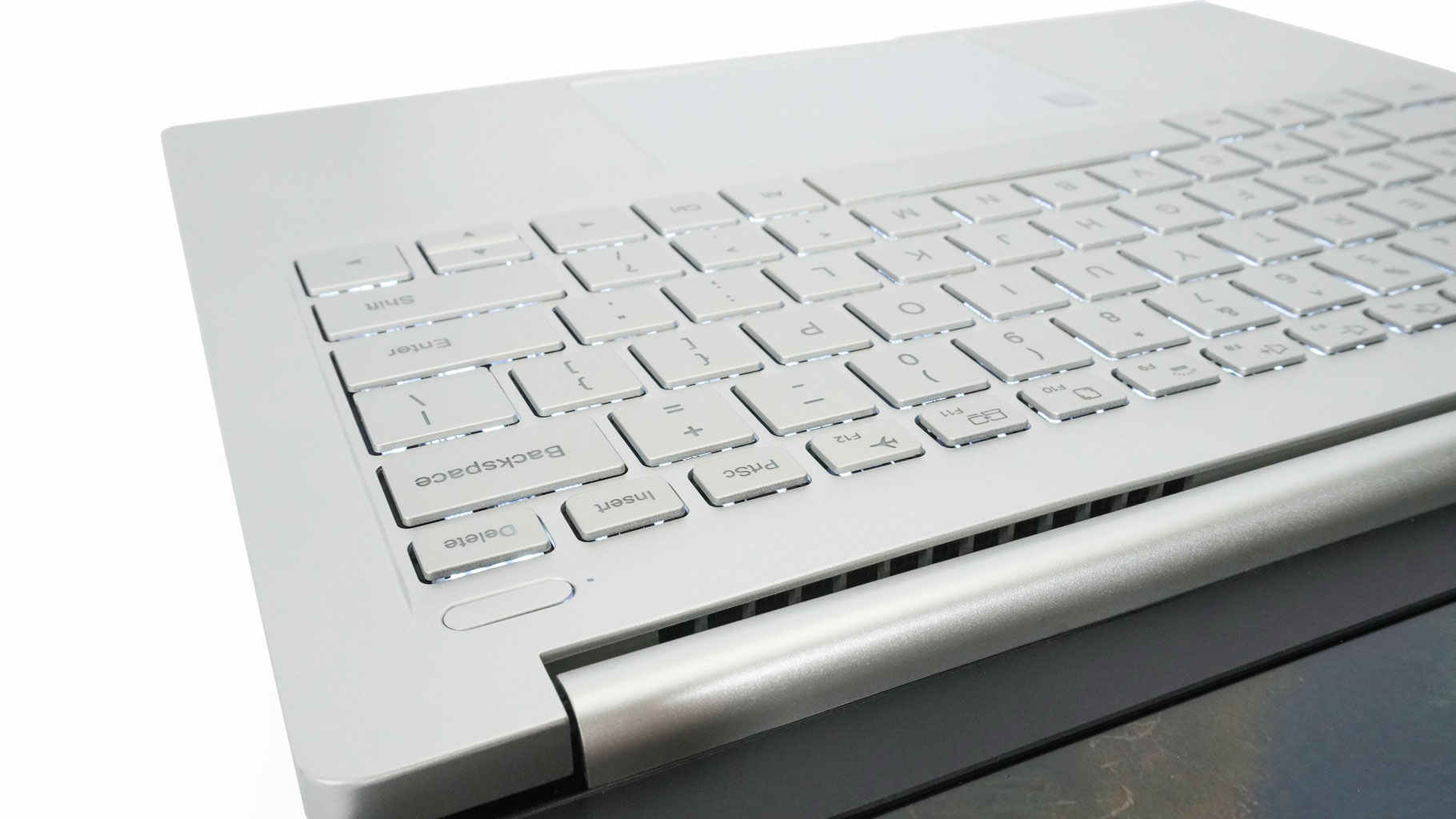
The heat is guided via a small exhaust vent on the back. The hinge cover blocks some of the hot airflow, but part of it still makes its way to the screen when the CPU is doing the heavy lifting.
Nov 20th, 2026 14:19 PST
change timezone
Latest GPU Drivers
New Forum Posts
- 1 - 5 person file storage server equivalent accasible from anywhere + general VM server. (0)
- WarpCoreBench scores! (81)
- How to prevent OLED burn damage due to PC freezes or power outtages? (48)
- Honestly, do you care about GTA VI? (208)
- When you could finally run Crysis maxed out? (63)
- GTA VI (20)
- Anthrophics IPO (25)
- GeekMagic Ultra Smart WiFi Weather Station (8)
- Very unusual two gaming-pc scenarios. (35)
- Can i play GTA 6 now? (Joke) (14)
Popular Reviews
- AMD Zen 6 Technical Deep Dive
- Ugreen NASync DXP4800 GT Review
- Microsoft Surface Laptop Ultra Review - The Next-gen Arm Laptop
- Corsair RM1200e (Second Generation) Review
- Acemagic Retro X3 Review
- Upcoming Hardware Launches 2027 (Updated Nov 2026)
- Pulsar Office Tour & First Look at P1 Dual-Sensor Mouse
- Biwin Black Opal NV7400 2 TB Review
- AMD Ryzen 7 9800X3D Memory Performance Scaling
- AMD Ryzen 7 9800X3D Review - The Best Gaming Processor
TPU on YouTube
Controversial News Posts
- NVIDIA Co-Founder and CEO Jensen Huang Officially Resigns (490)
- Report: Jensen Huang Eyes NVIDIA Comeback (255)
- Open Letter Asking NVIDIA to Reinstate Jensen Huang Passes 115,000 Signatures (184)
- OpenAI CEO Argues Home PCs Waste the World's Limited DRAM Supply (152)
- NVIDIA Launches Investigation Into Jensen Huang's Relationship With Suspected Chinese Spy (136)
- Intel "Raptor Lake Next" 16-Core and 20-Core CPUs Surface (130)
- Legendary Game Studio BioWare Shuts Down Following EA Layoffs (104)
- Dell CEO Says the Memory Shortage Will Get Worse in 2027 (95)