 4
Ninkear S14 Review - A Featherweight Laptop for a Budget Price
Display Testing »Disassembly and Teardown
The Ninkear S14 is a small and light device. Let me show you how to open it.
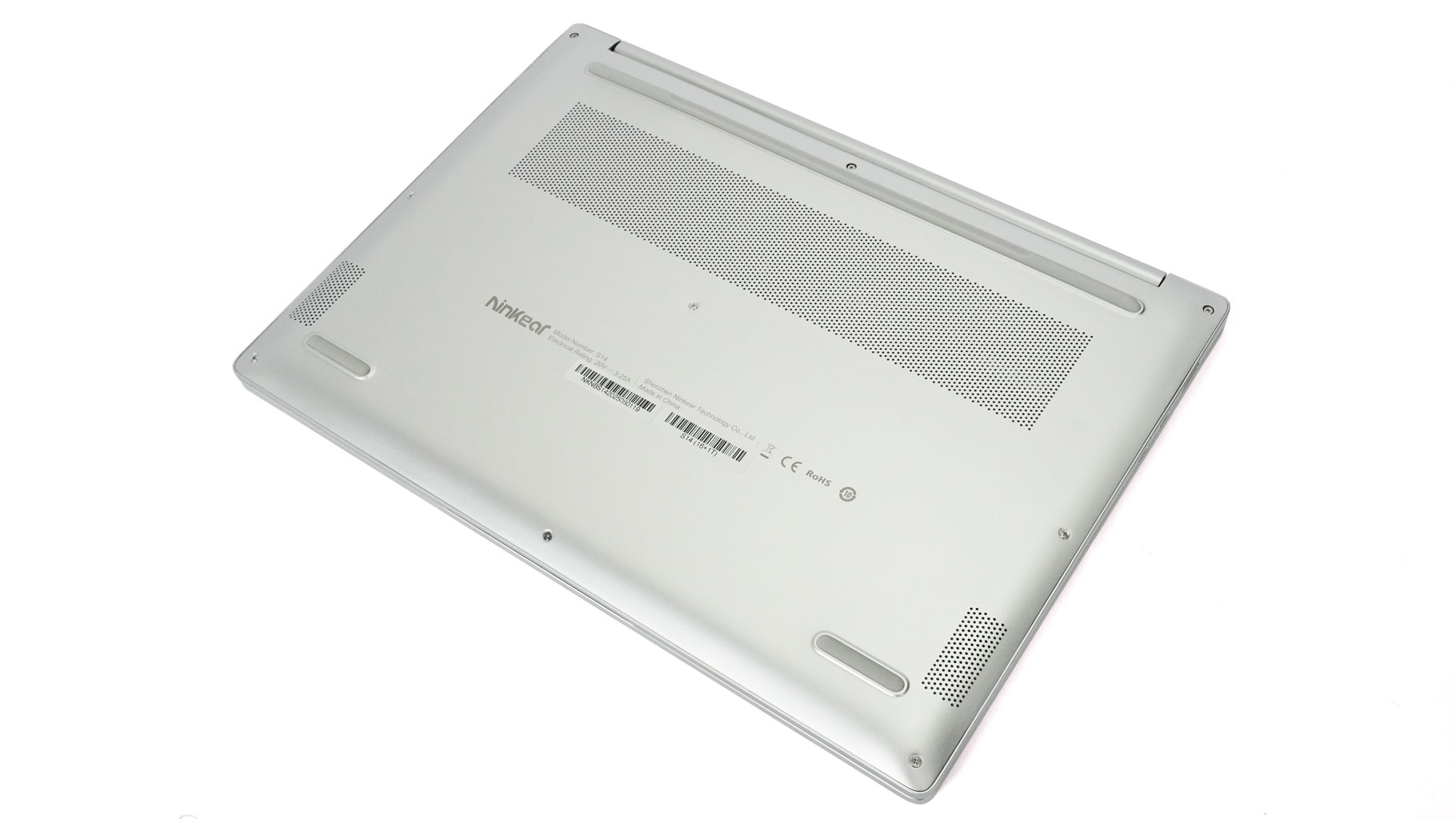
Nine Phillips head screws secure the bottom panel. Pry the plate with a thin plastic tool, starting from one of the top corners.
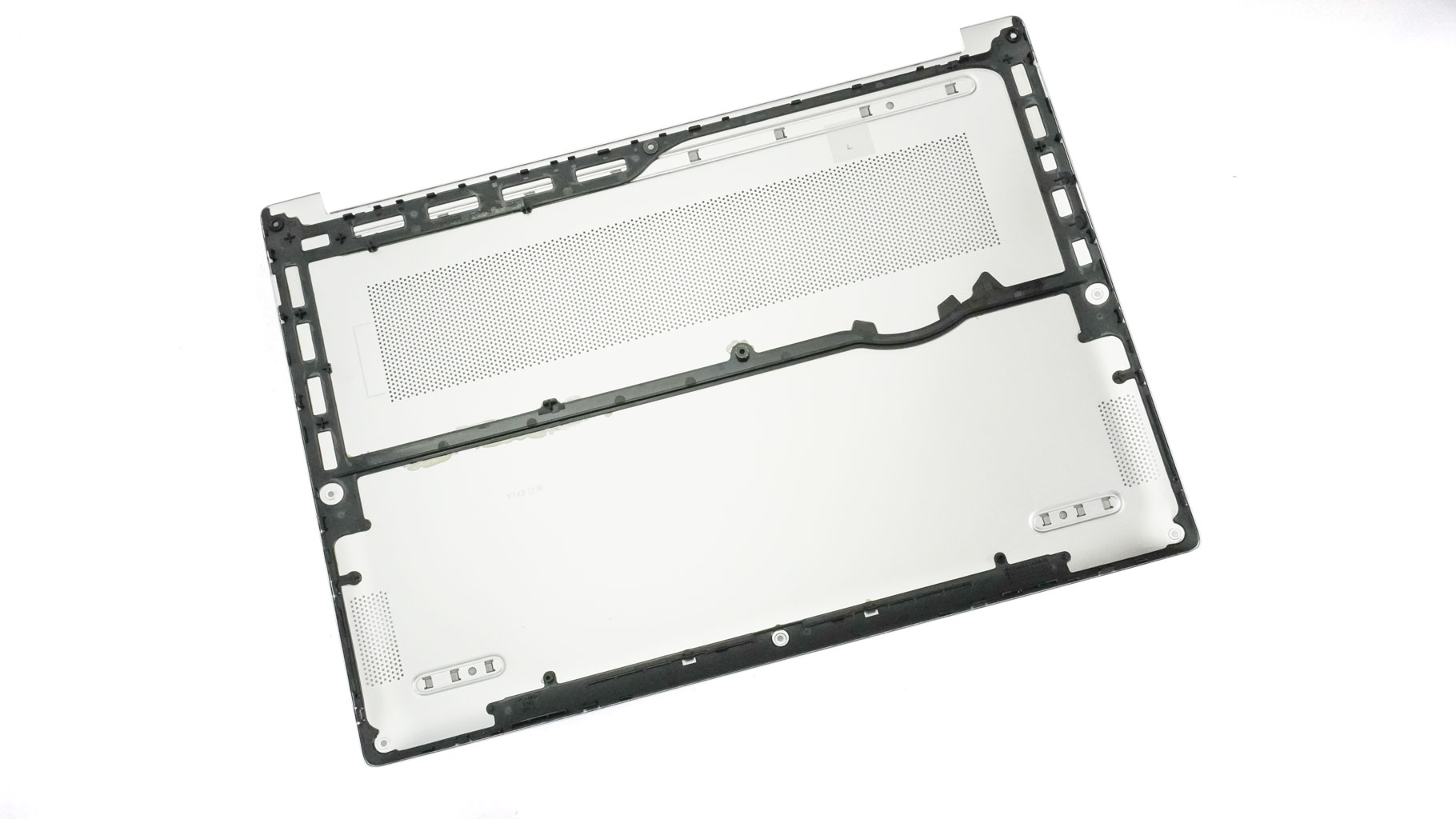
Here's how the bottom cover looks on the inside.
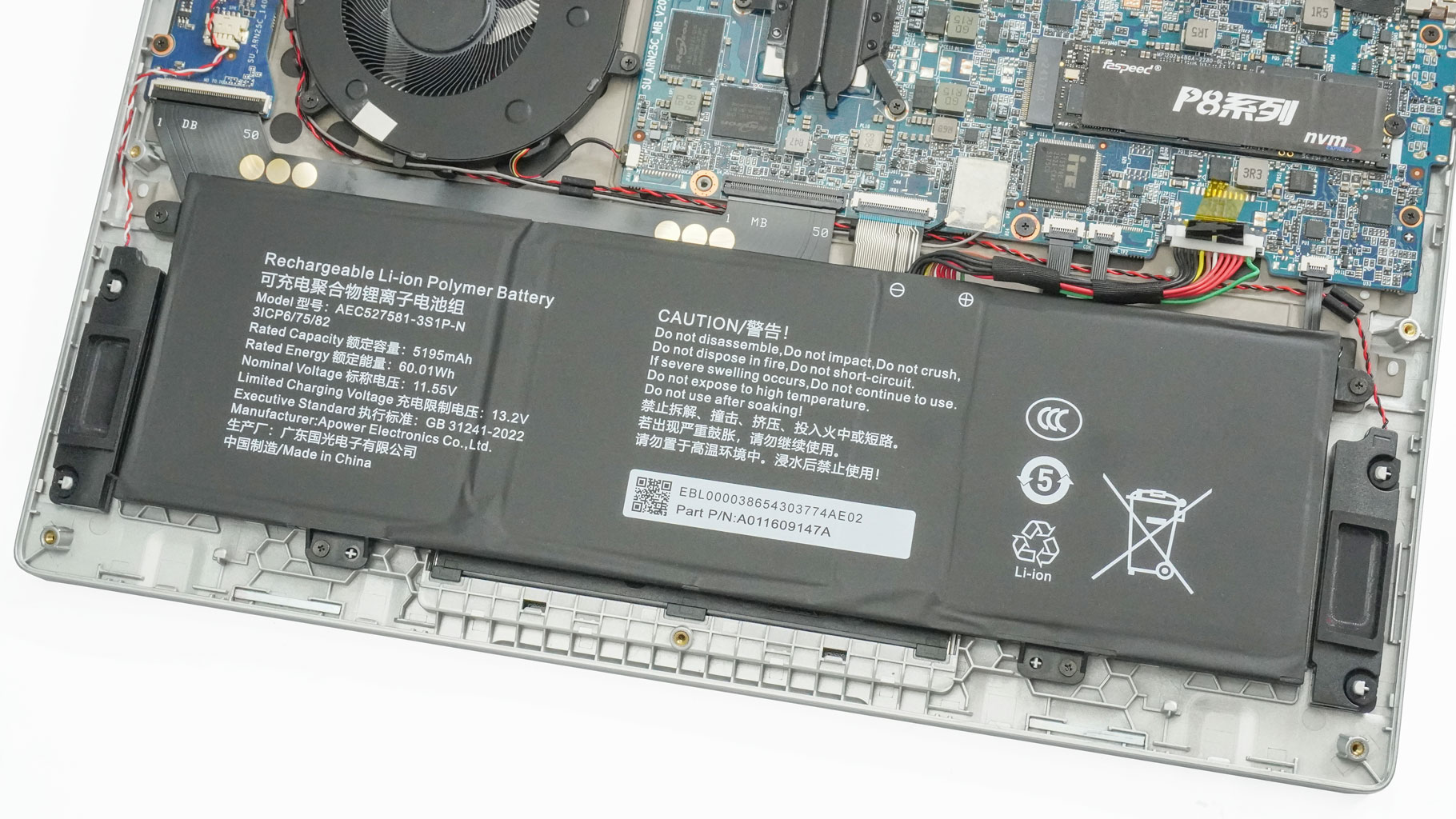
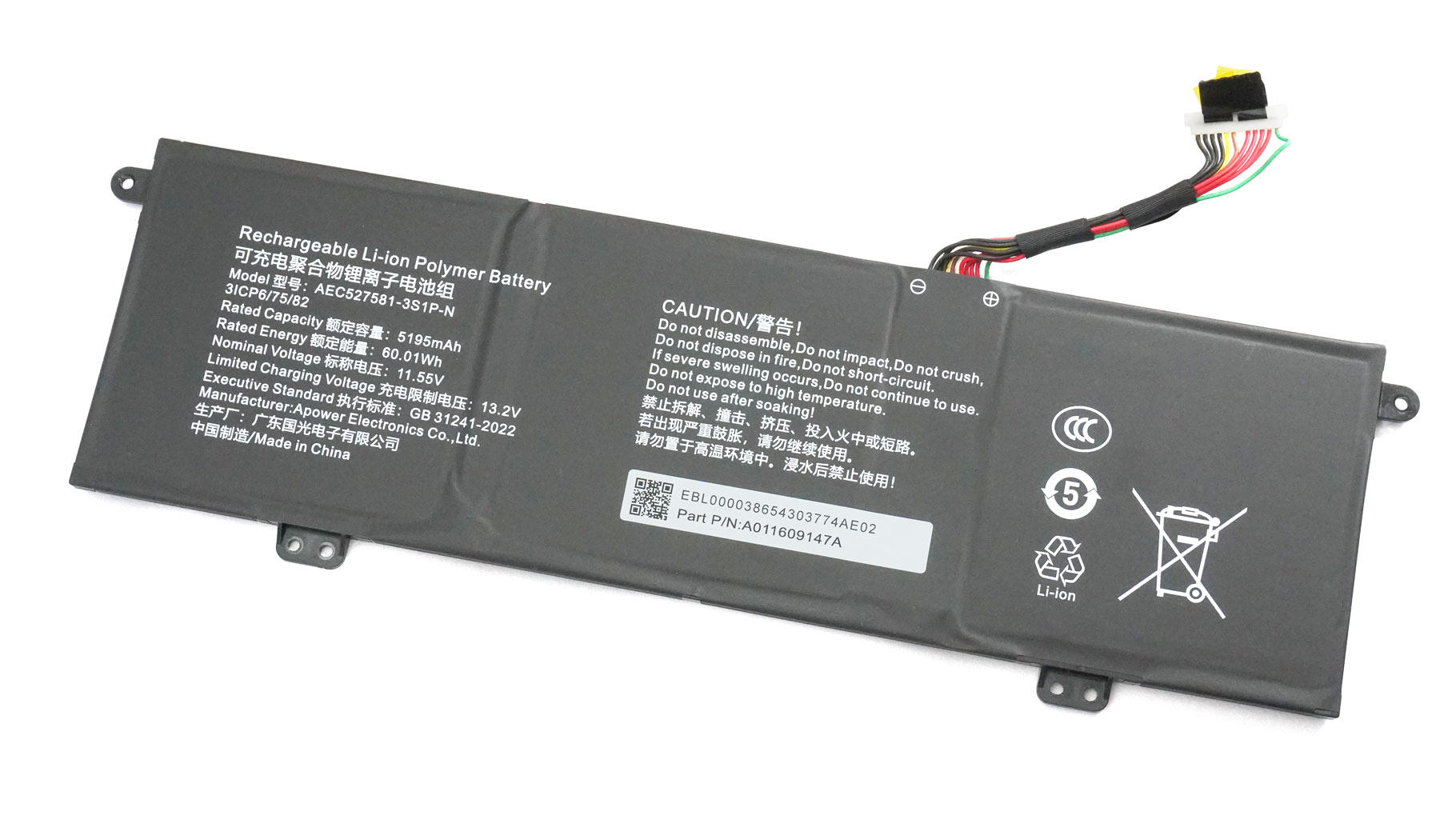
This machine has a 60 Wh internal battery. To take it out, pull up the connector by holding the small plastic handle on top. Then you must remove the four screws that fix the unit to the base. The battery life of four and a half hours watching 4K YouTube videos seems okay, considering the 1400p screen.
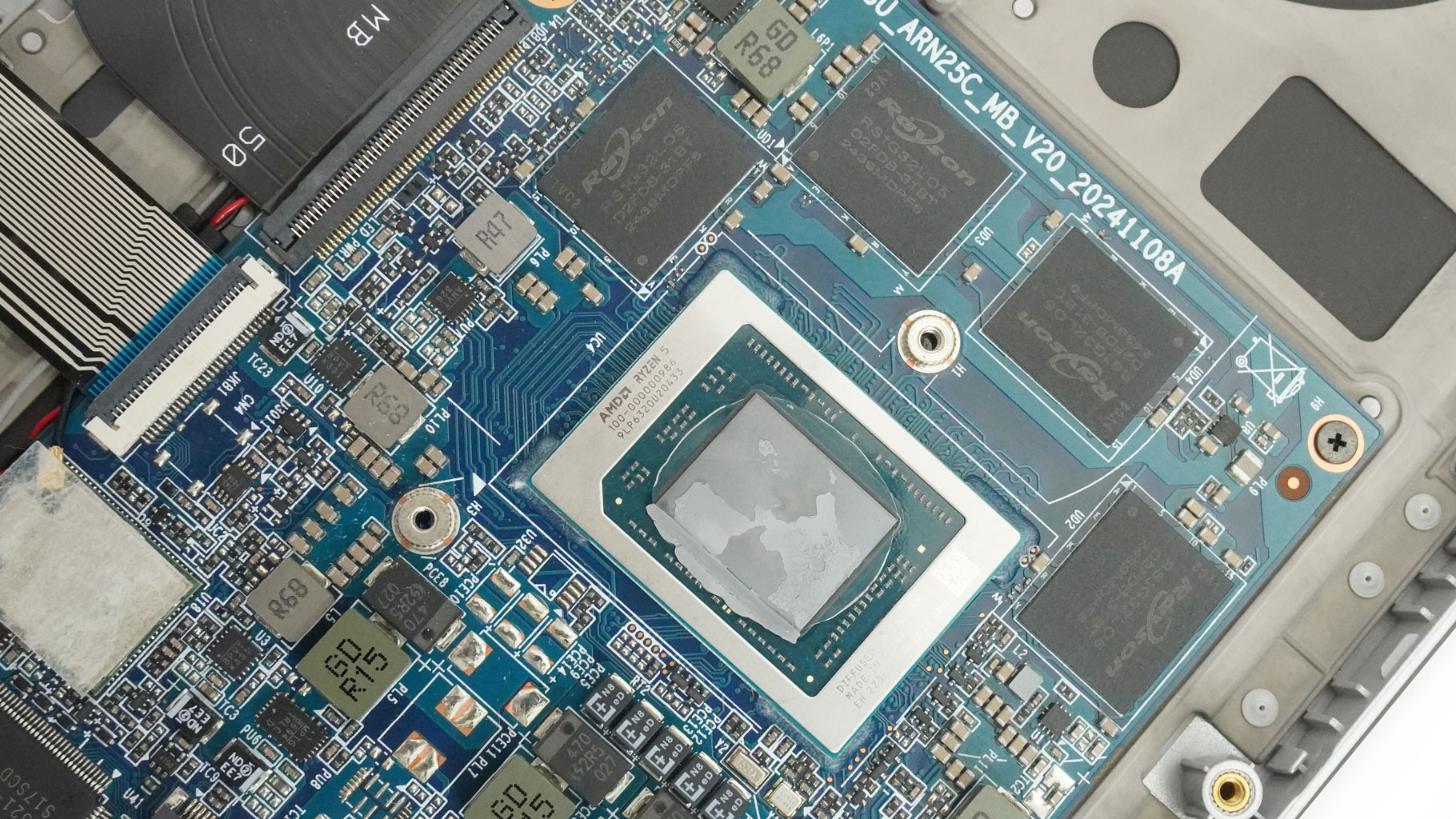
Both the 16 GB of LPDDR5-6400 memory and the Wi-Fi 6 card are soldered.
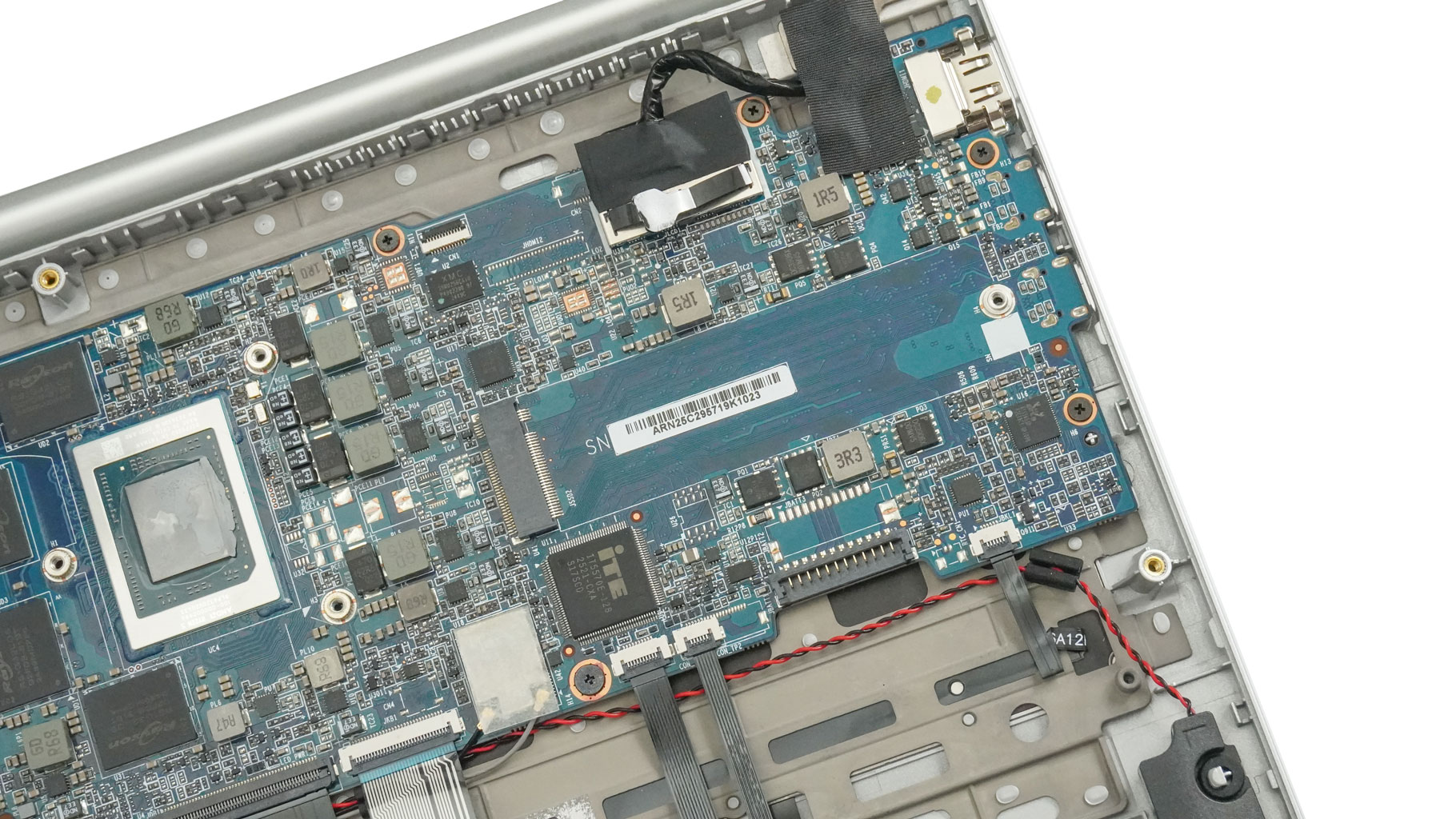
For storage, there is just one M.2 2280 slot that fits Gen 3 NVMe drives, newer drives can be used, but will operate at Gen 3 speeds.
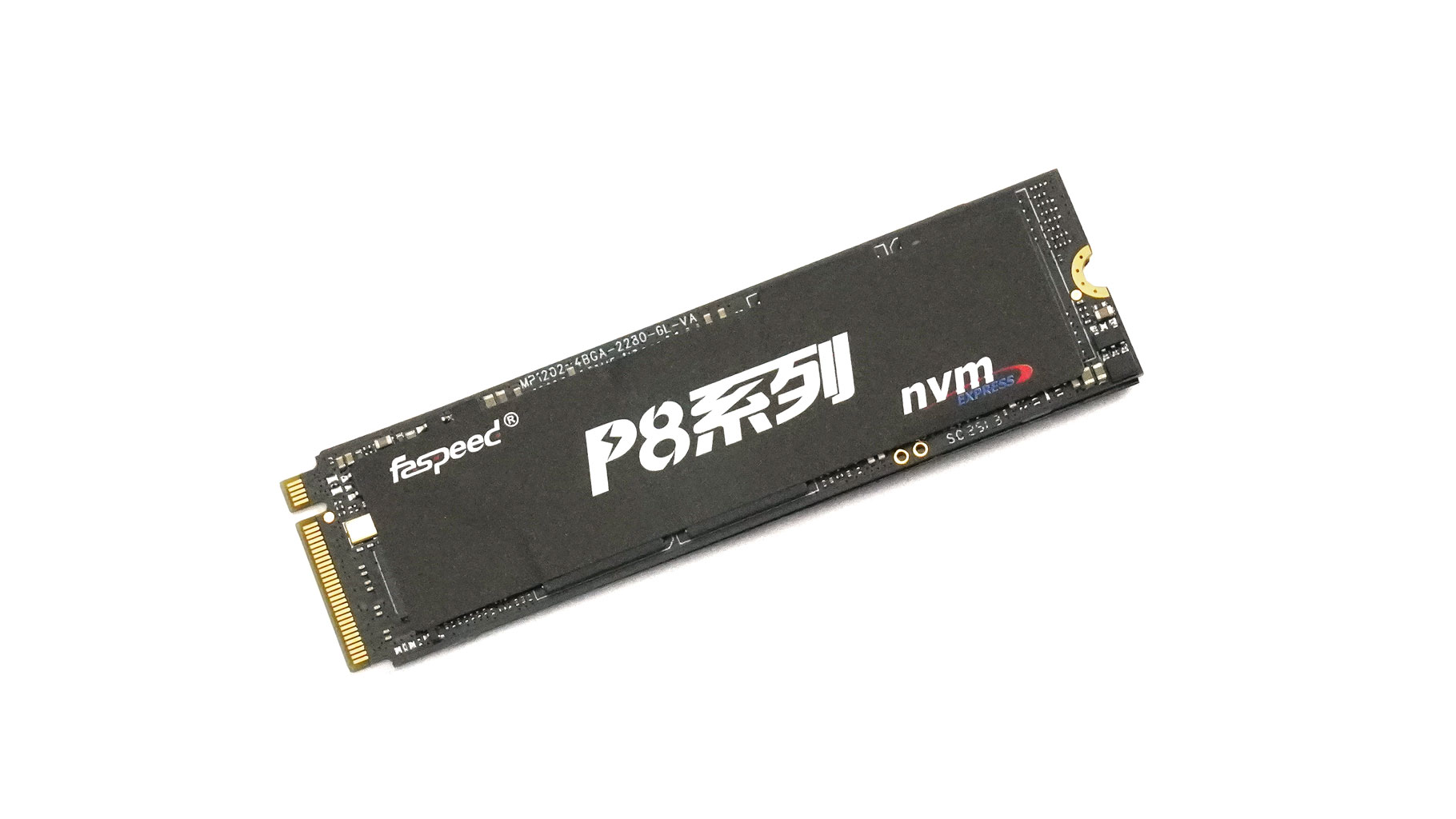
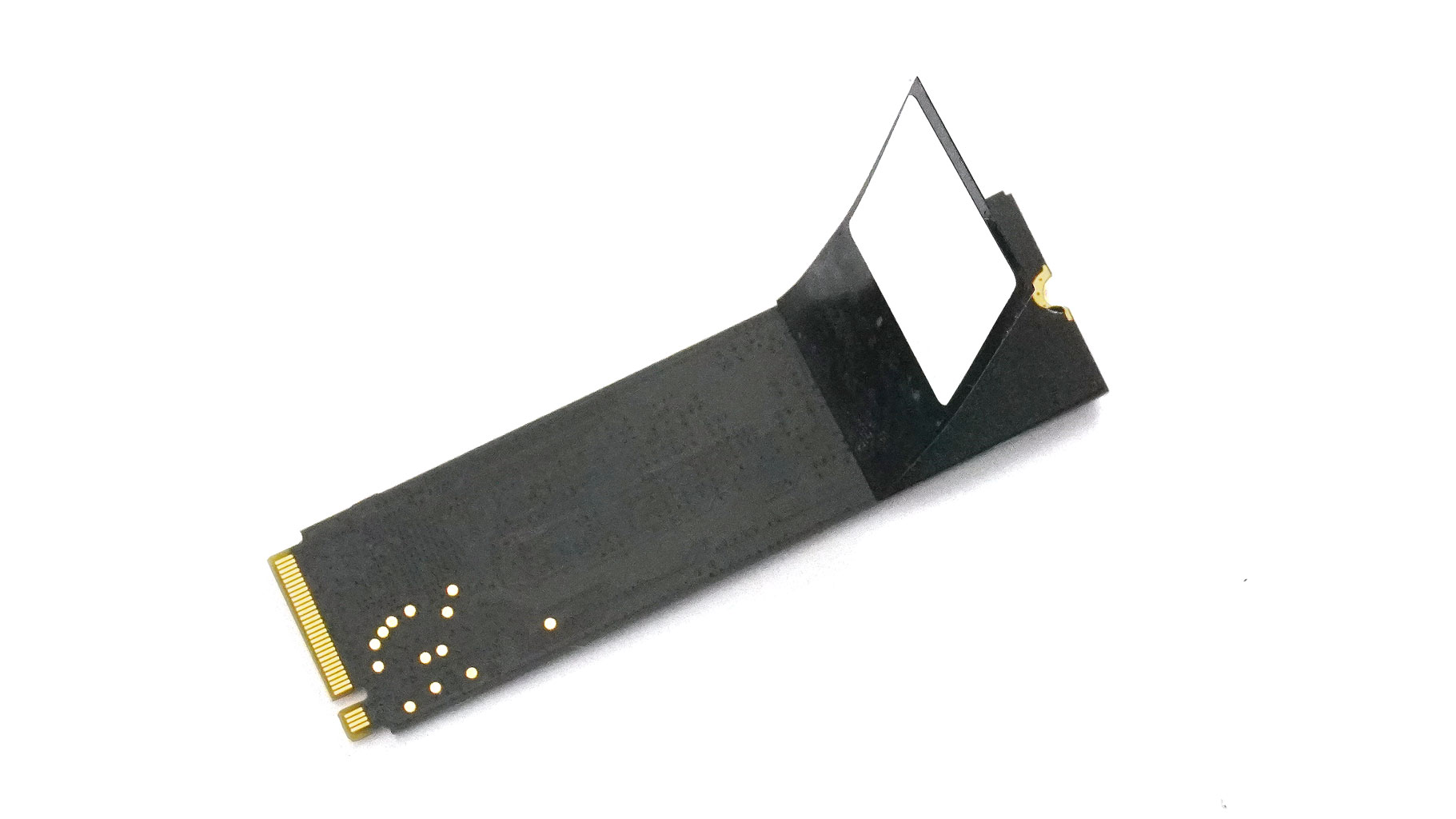
The SSD's controller is cooled from the bottom with a thin thermal sticker.
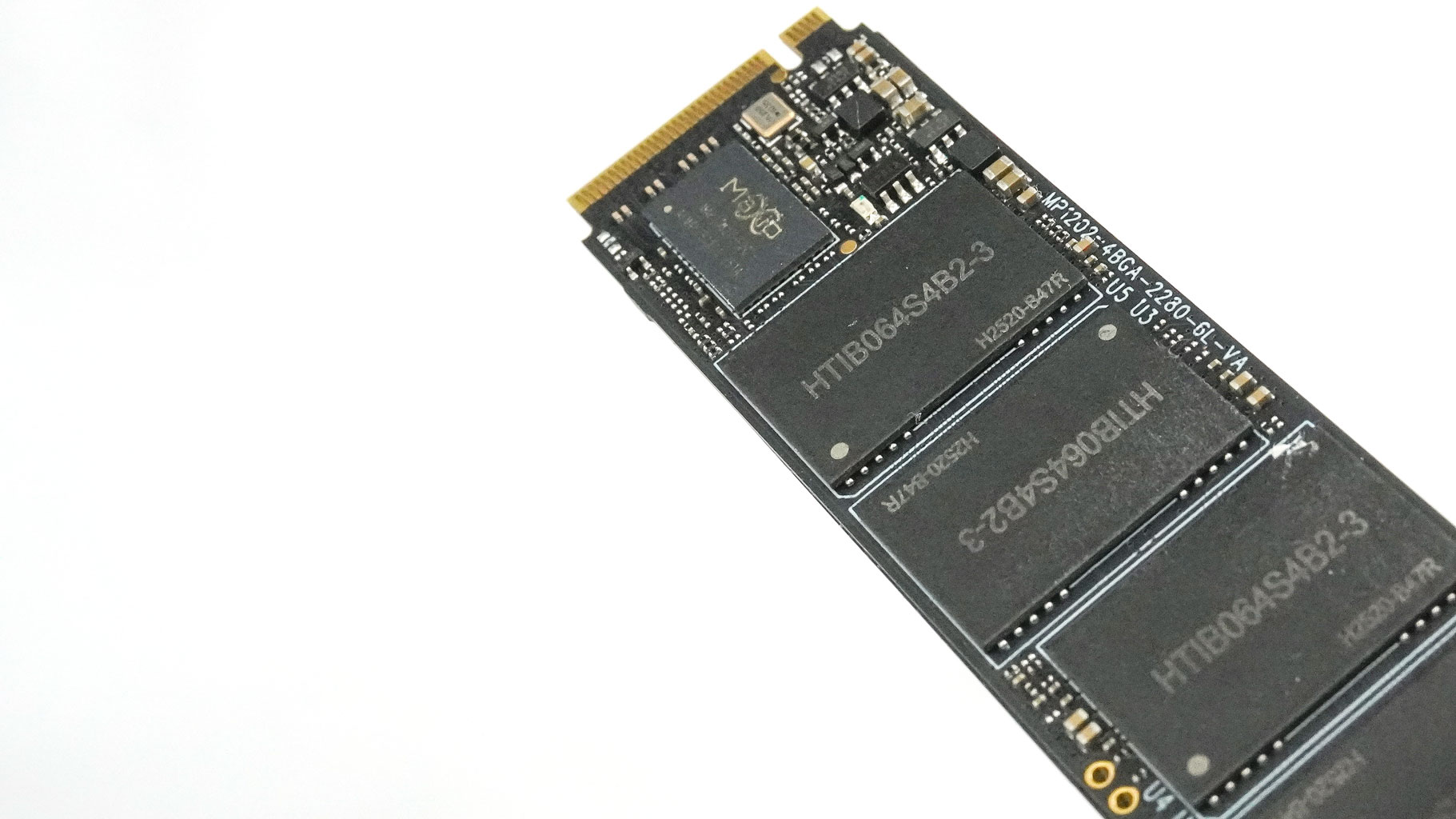
These are the NVMe drive NAND chips and controller.
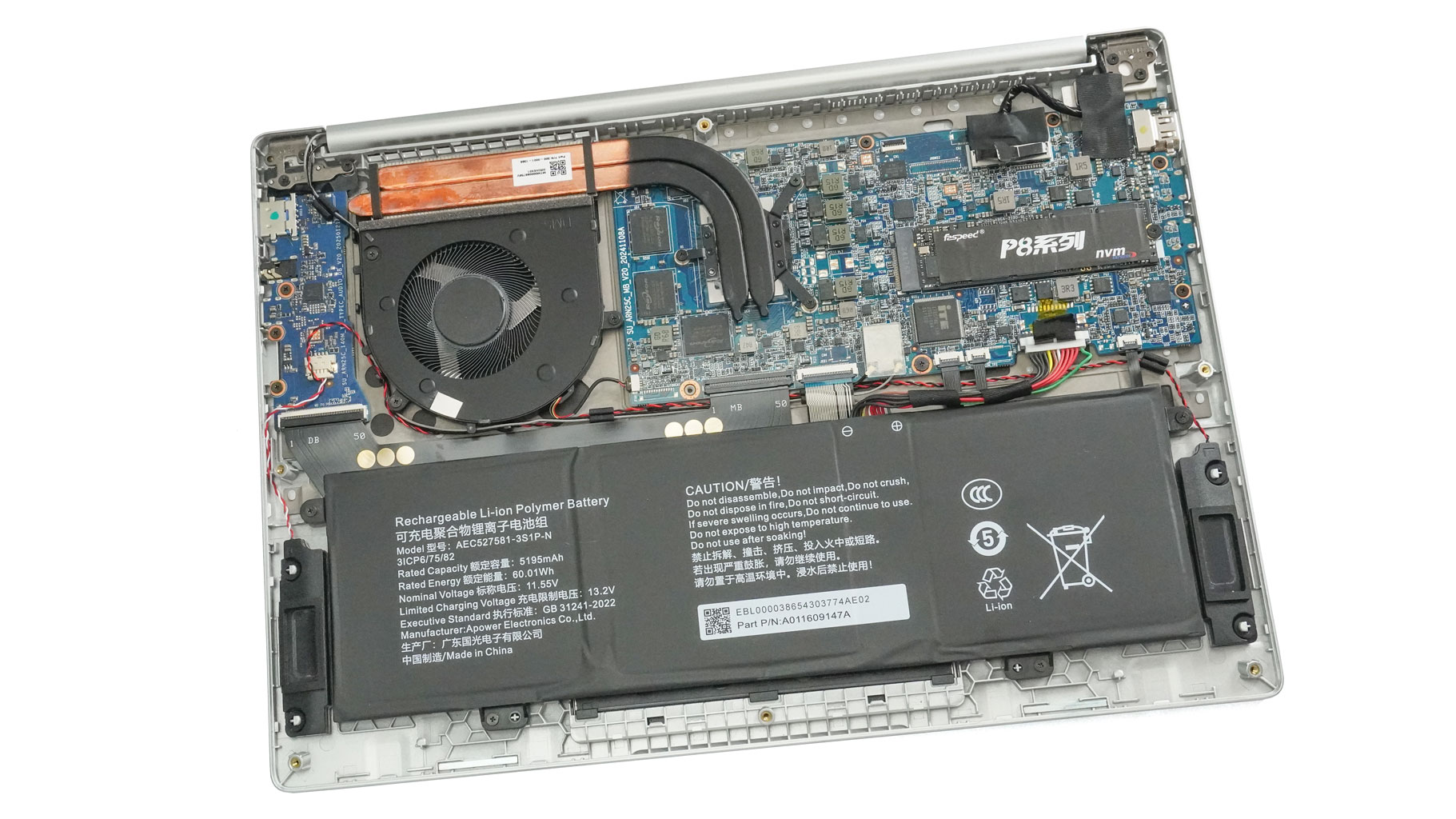
The cooling setup includes one large fan, two fairly long heat pipes, a top-mounted heatsink, and a small heat spreader.
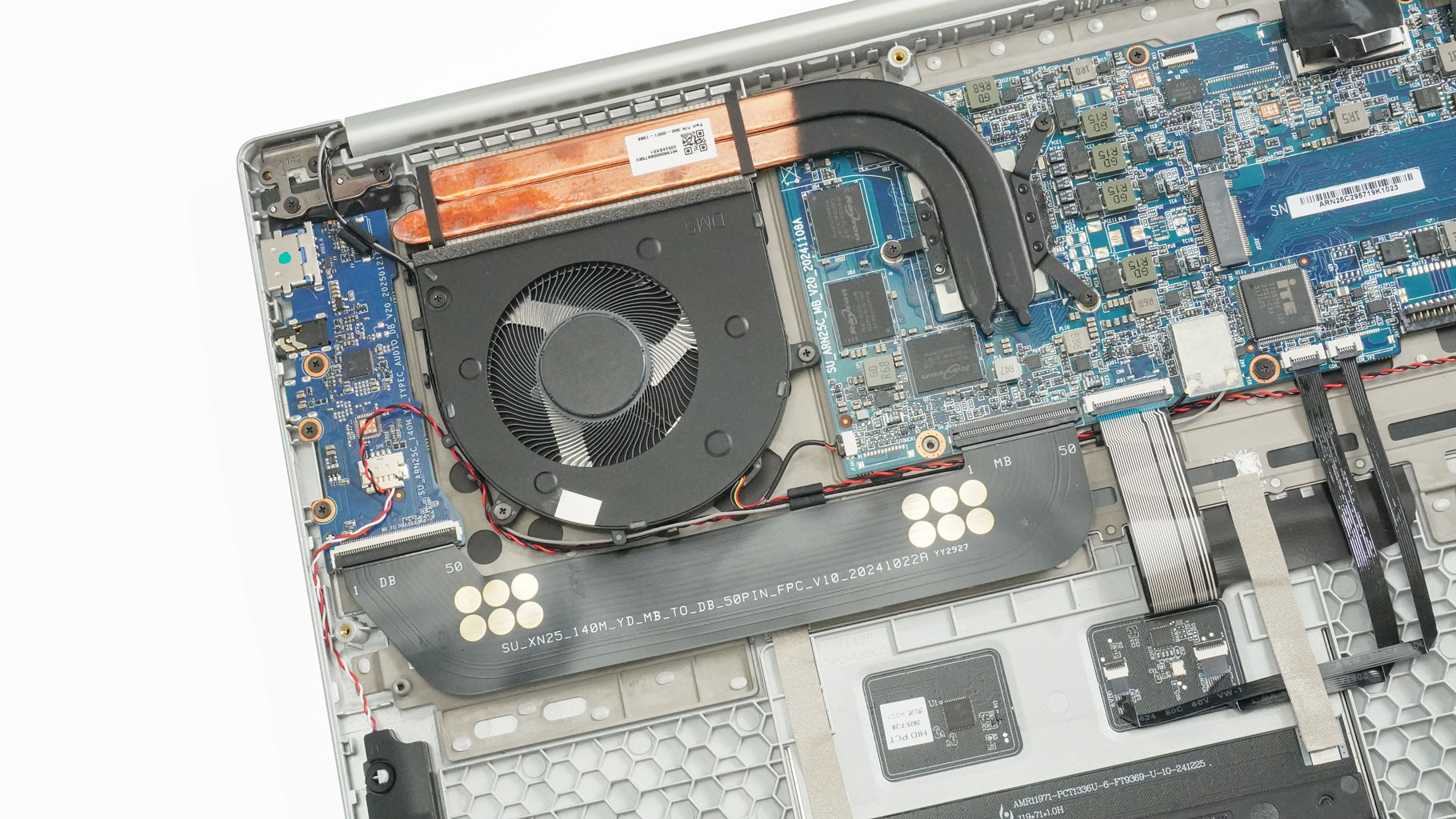
It's time to remove the thermal system. Let's start with the fan. Pull the connector and undo the three screws that hold it fixed. There is another trio of screws that surrounds the CPU. You'll need to untangle the cables around the fan before you can lift it out.
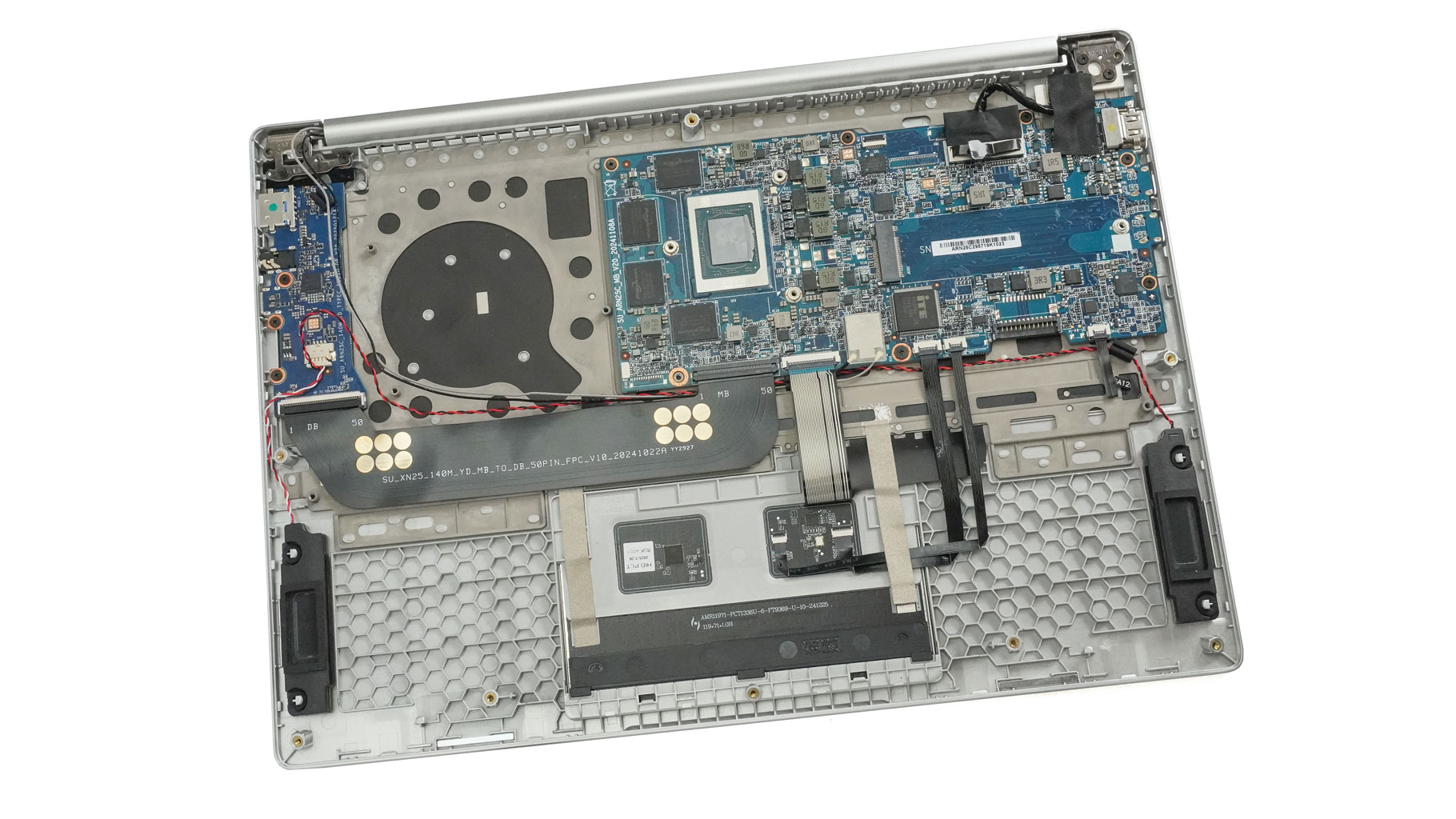
Finally, pop the cooling off to get a look at the CPU.
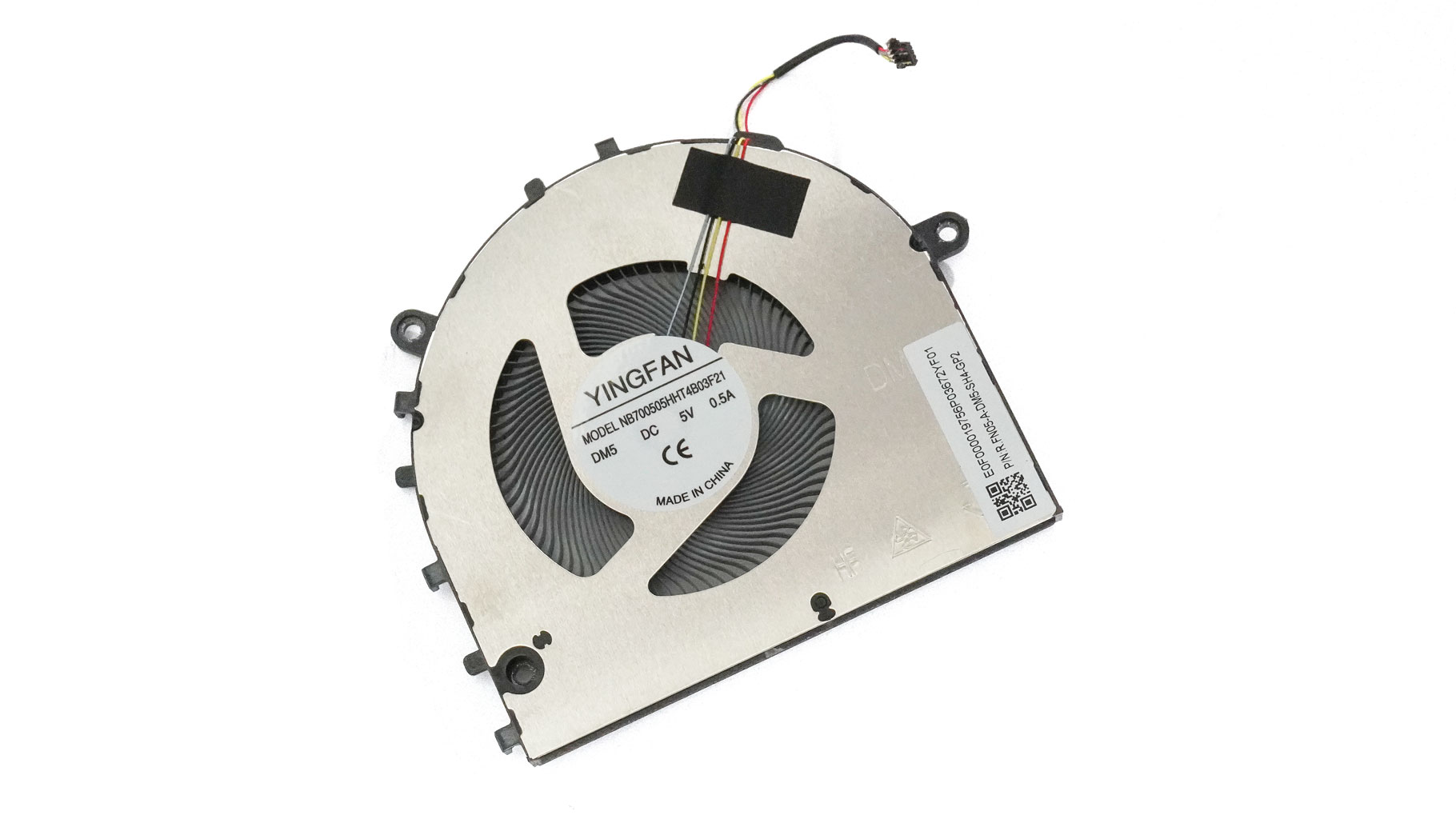
That's the fan model.
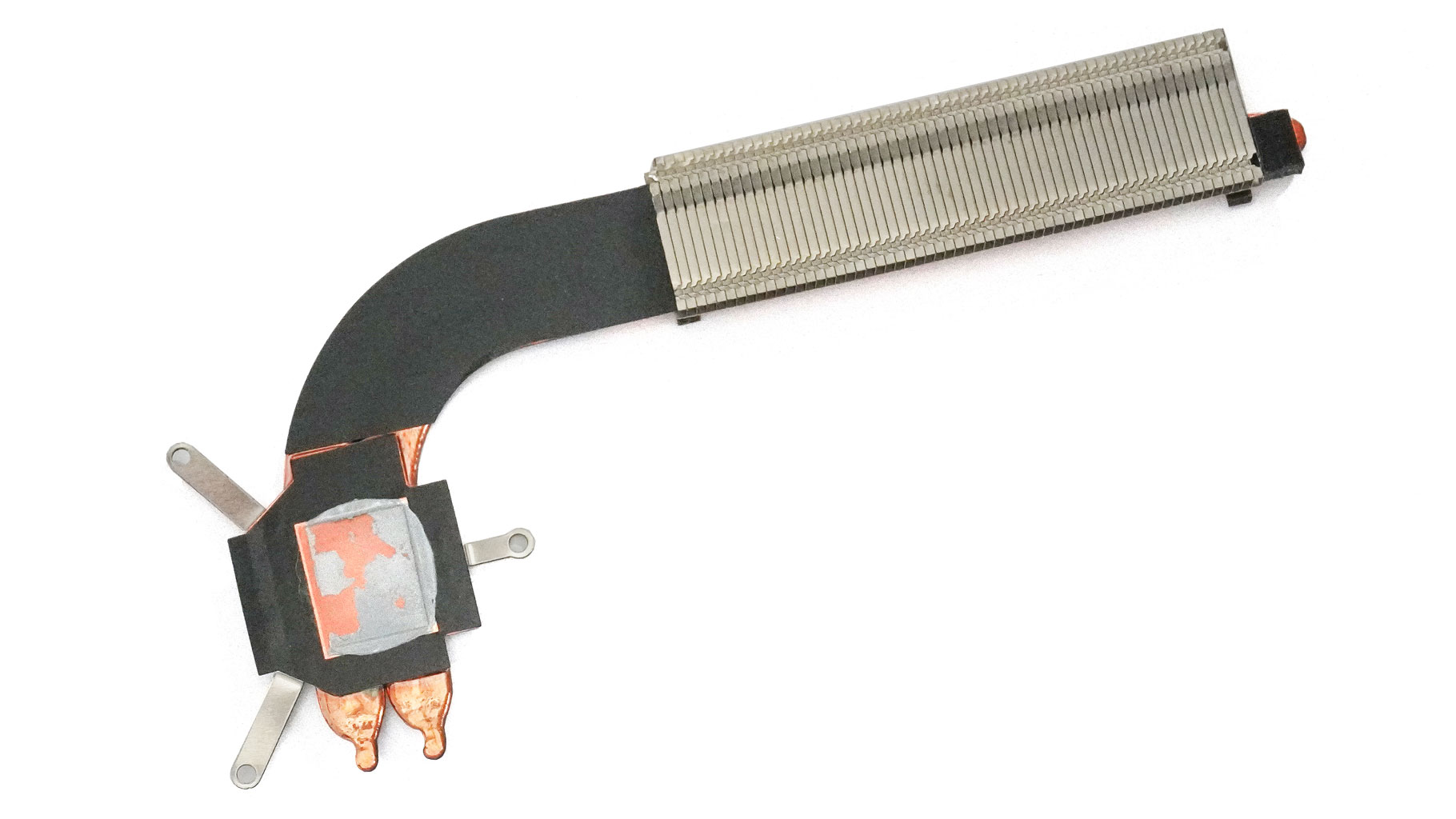
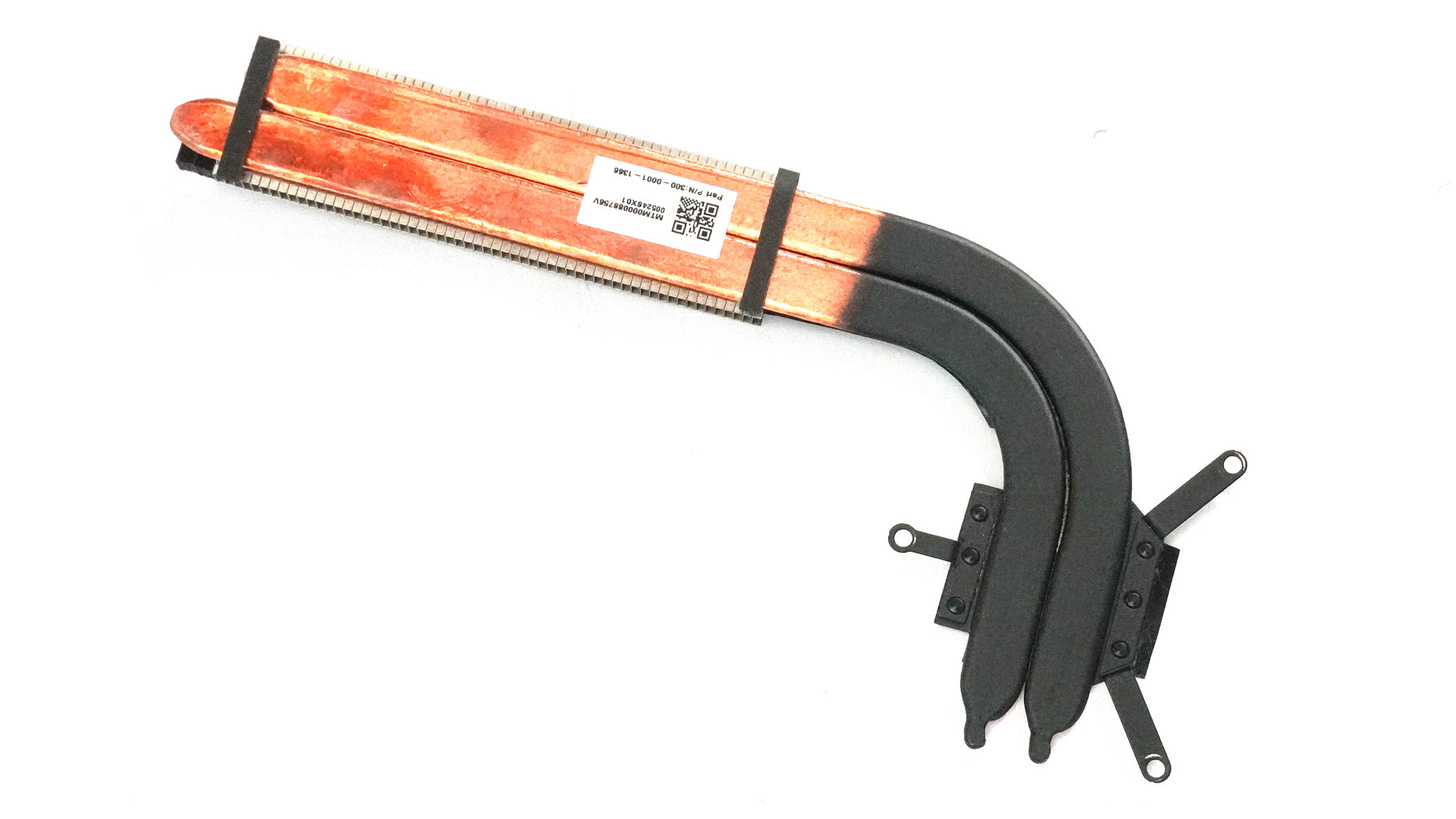
Now, we can have a more in-depth look at both sides of the thermal system.
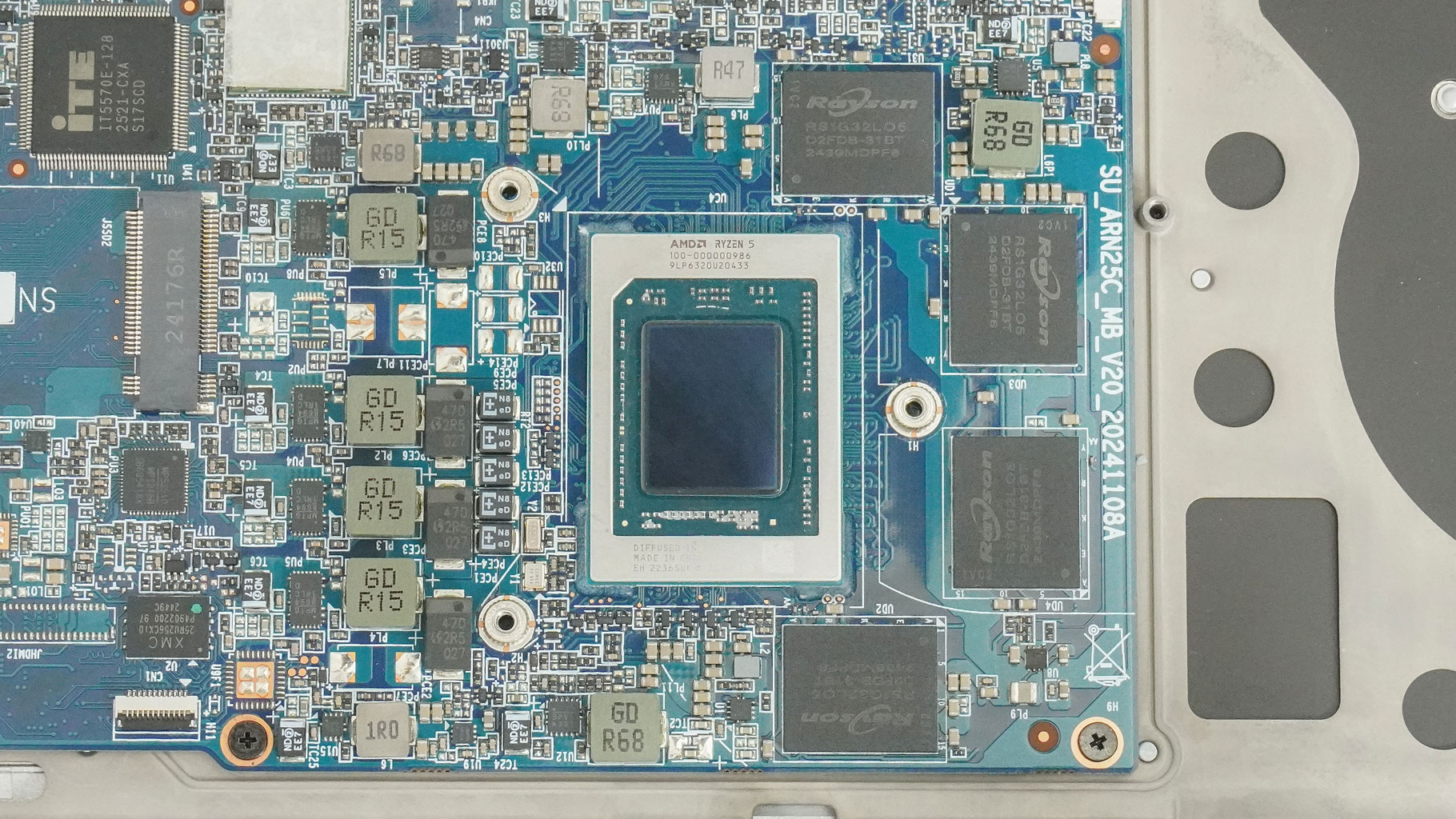
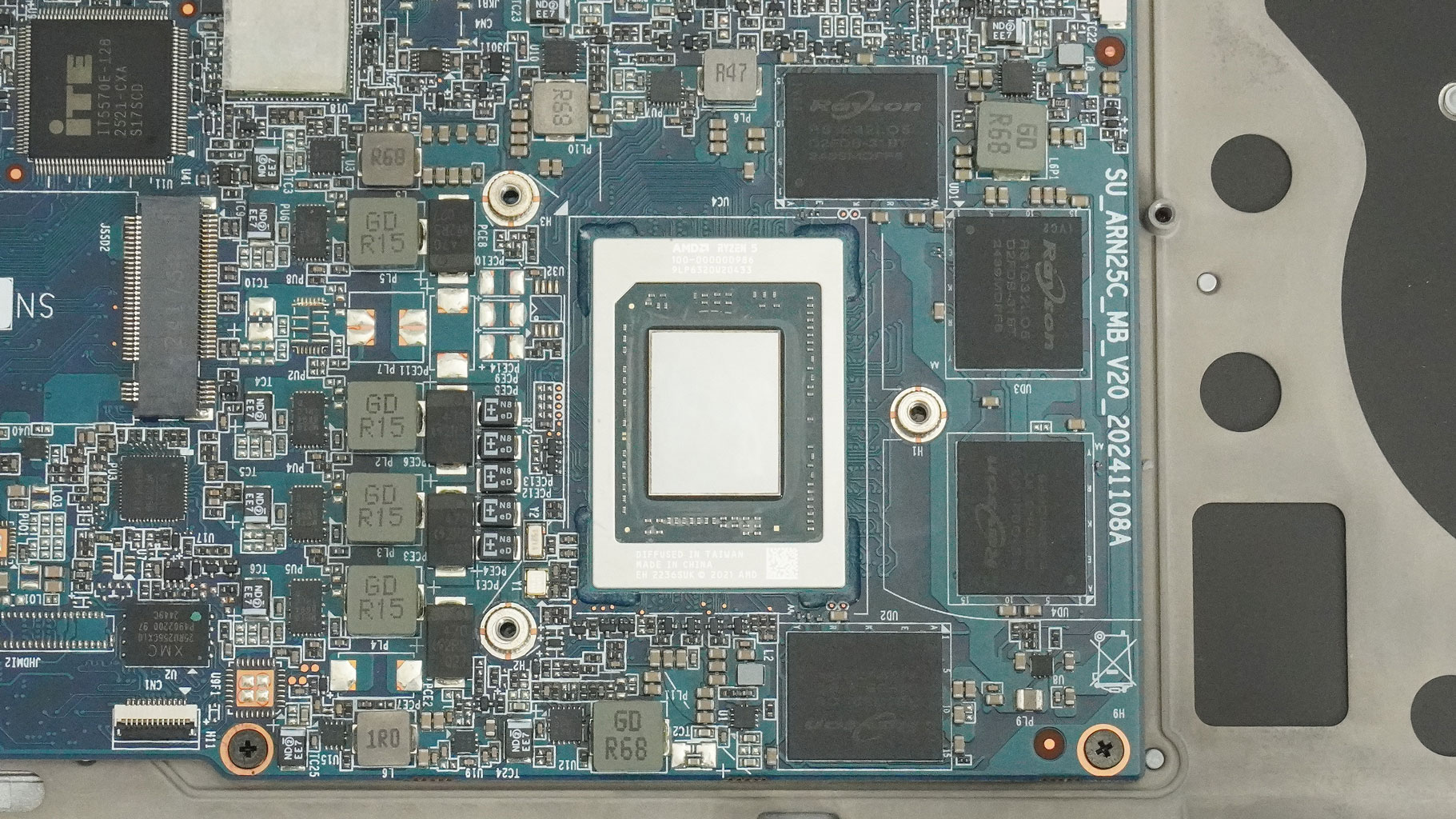
Here are some still images of the CPU chip.
Nov 20th, 2026 14:47 PST
change timezone
Latest GPU Drivers
New Forum Posts
- Logitech Headsets Modded Driver — Unlock Dolby in G HUB (23)
- 1 - 5 person file storage server equivalent accasible from anywhere + general VM server. (1)
- WarpCoreBench scores! (81)
- How to prevent OLED burn damage due to PC freezes or power outtages? (48)
- RX 9000 series GPU Owners Club (2247)
- Honestly, do you care about GTA VI? (208)
- When you could finally run Crysis maxed out? (63)
- GTA VI (20)
- Anthrophics IPO (25)
- GeekMagic Ultra Smart WiFi Weather Station (8)
Popular Reviews
- AMD Zen 6 Technical Deep Dive
- Microsoft Surface Laptop Ultra Review - The Next-gen Arm Laptop
- Ugreen NASync DXP4800 GT Review
- Corsair RM1200e (Second Generation) Review
- Acemagic Retro X3 Review
- Upcoming Hardware Launches 2027 (Updated Nov 2026)
- Pulsar Office Tour & First Look at P1 Dual-Sensor Mouse
- Biwin Black Opal NV7400 2 TB Review
- AMD Ryzen 7 9800X3D Memory Performance Scaling
- AMD Ryzen 7 9800X3D Review - The Best Gaming Processor
TPU on YouTube
Controversial News Posts
- NVIDIA Co-Founder and CEO Jensen Huang Officially Resigns (490)
- Report: Jensen Huang Eyes NVIDIA Comeback (256)
- Open Letter Asking NVIDIA to Reinstate Jensen Huang Passes 115,000 Signatures (184)
- OpenAI CEO Argues Home PCs Waste the World's Limited DRAM Supply (152)
- NVIDIA Launches Investigation Into Jensen Huang's Relationship With Suspected Chinese Spy (136)
- Intel "Raptor Lake Next" 16-Core and 20-Core CPUs Surface (130)
- Legendary Game Studio BioWare Shuts Down Following EA Layoffs (104)
- Dell CEO Says the Memory Shortage Will Get Worse in 2027 (95)