 12
NZXT H2 Flow Review
A Closer Look - Inside »A Closer Look - Outside
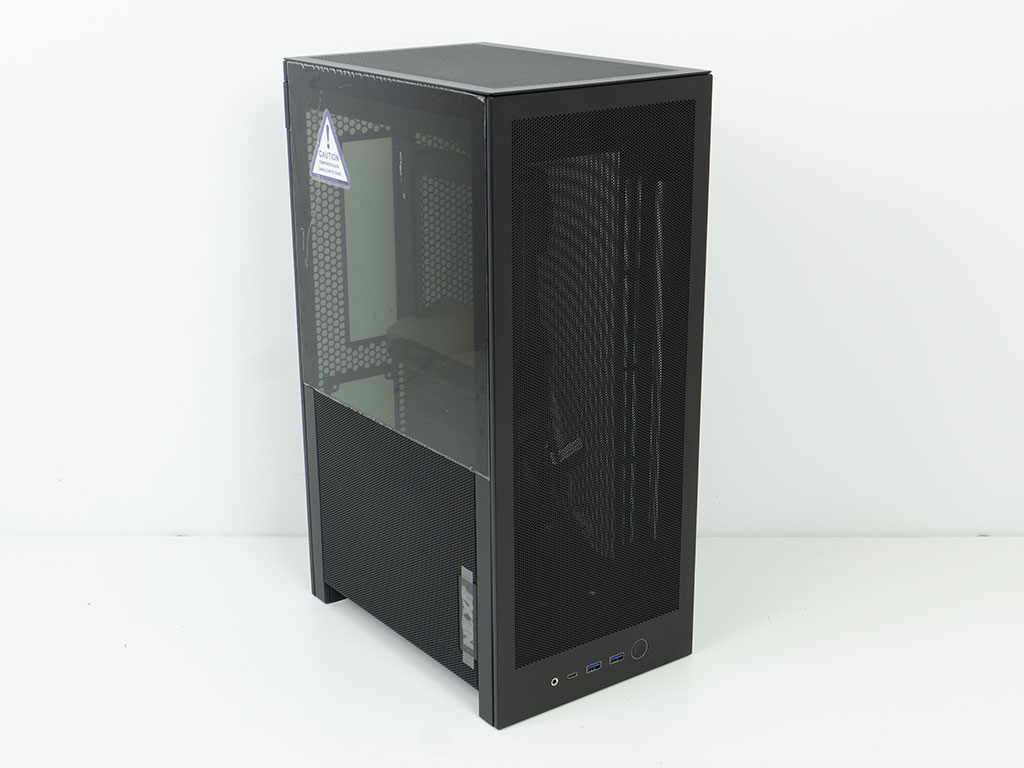
Out of the box, the NZXT H2 is essentially an SFX sandwich chassis that has been stood up on its smaller side. This minimizes the footprint the case needs and follows the same general approach as the H1. But, unlike that case, NZXT has ensured to maximize ventilation, with every single panel perforated. We can say from experience that this is a very good idea, as it is one of the few ways to really have acceptable thermals in a form factor this small. NZXT didn't want to forgo glass completely, so you still get a window into the insides of the case.
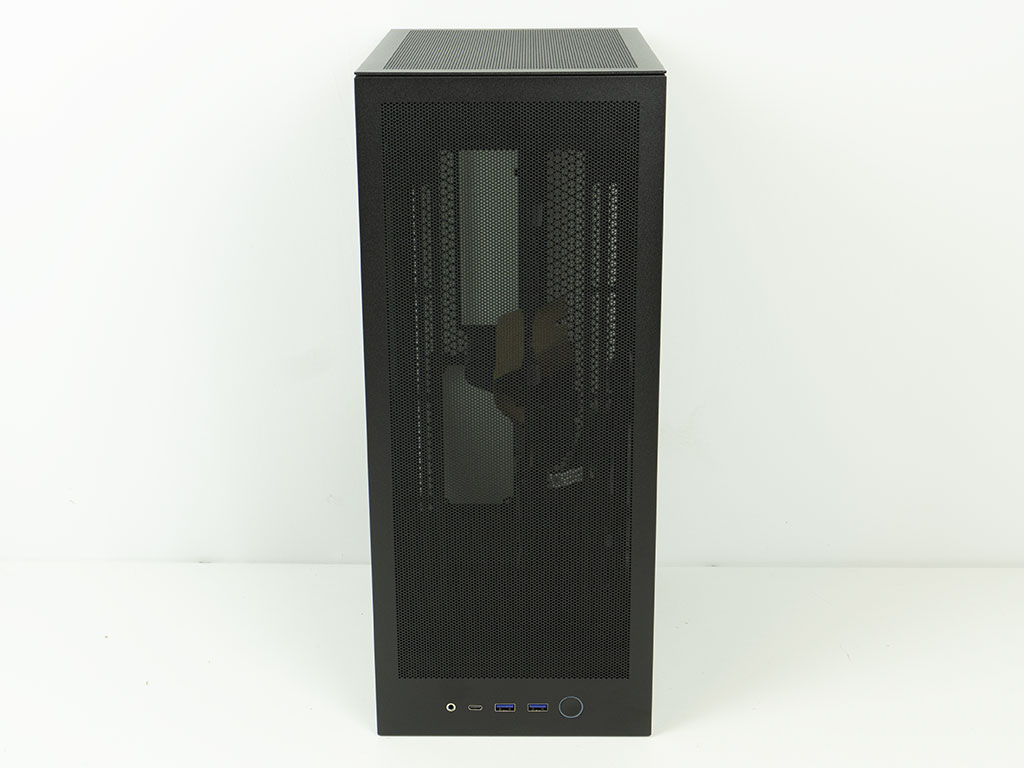
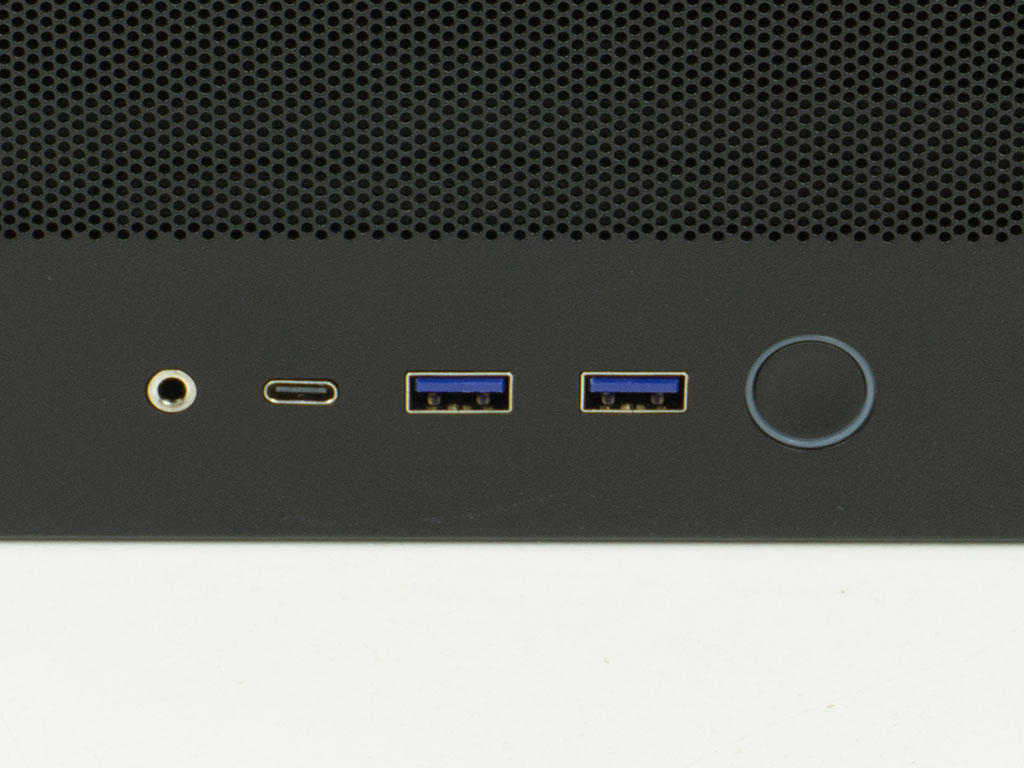
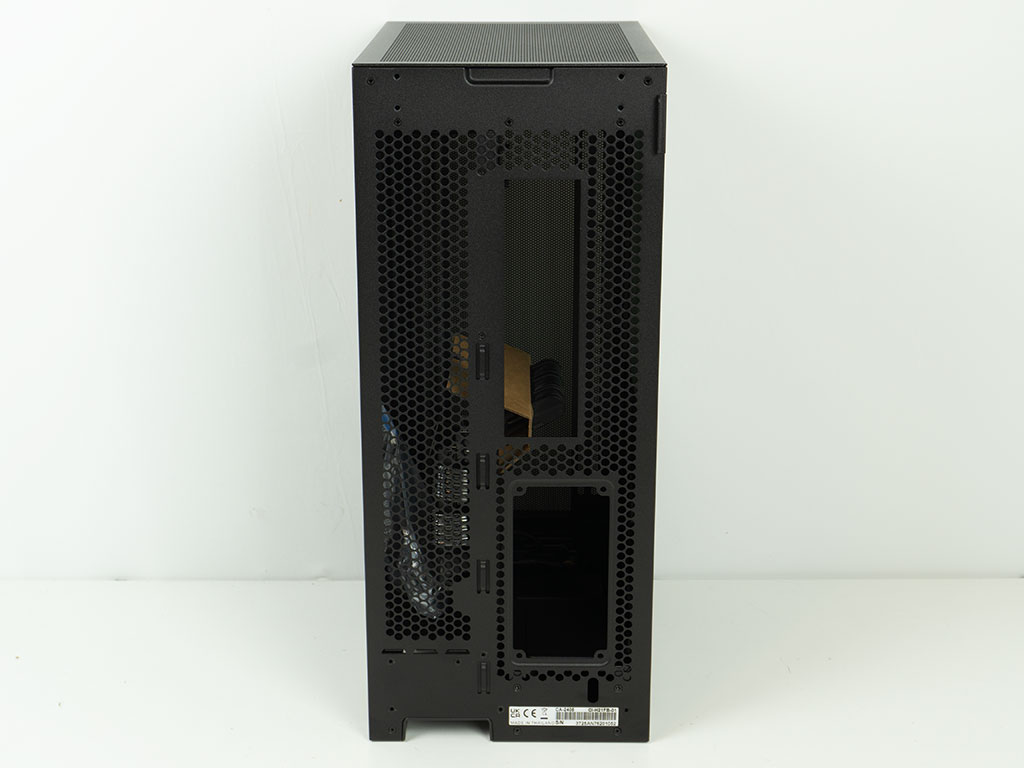
Looking at the front, the panel sports a fairly fine metal mesh which also acts as a dust filter. The I/O has been placed on the bottom edge, consisting of two USB-A which are colored in the brand's purple, a USB-C and an audio plug. The power button is the same we have seen on other cases from NZXT, with a circular power LED around it. Viewing the case from the rear, you can clearly see the side that is intended for the GPU on the left, and the other side of the sandwich layout is for the motherboard and power. Its surface is completely vented as well, but these cutouts are larger.
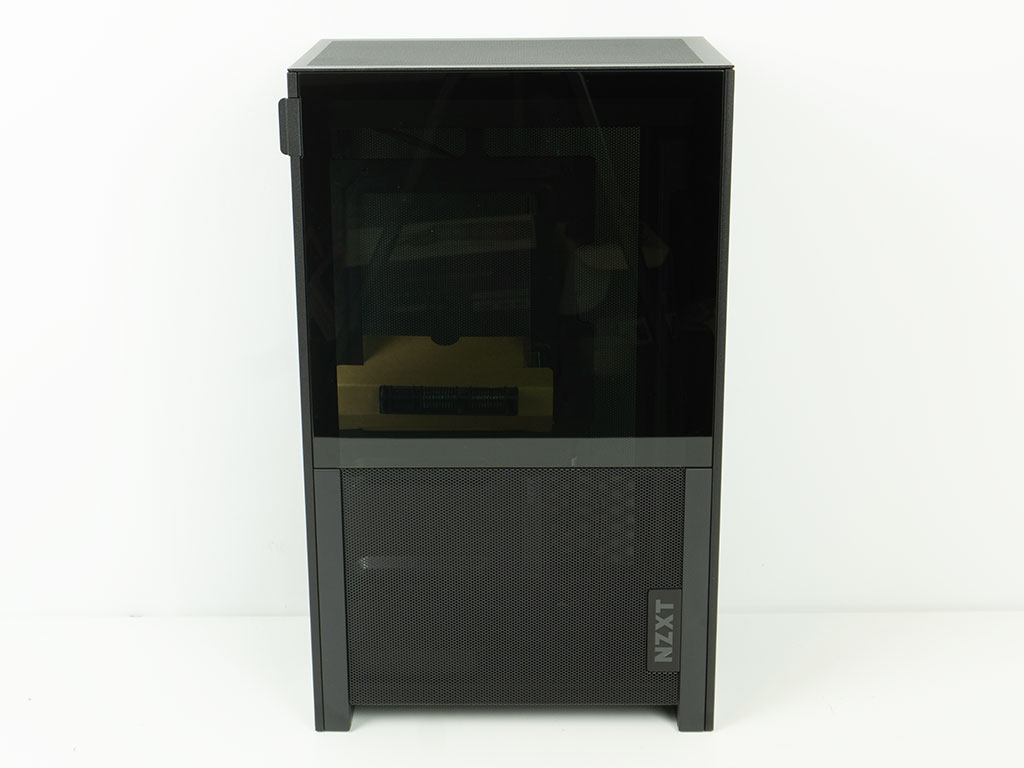
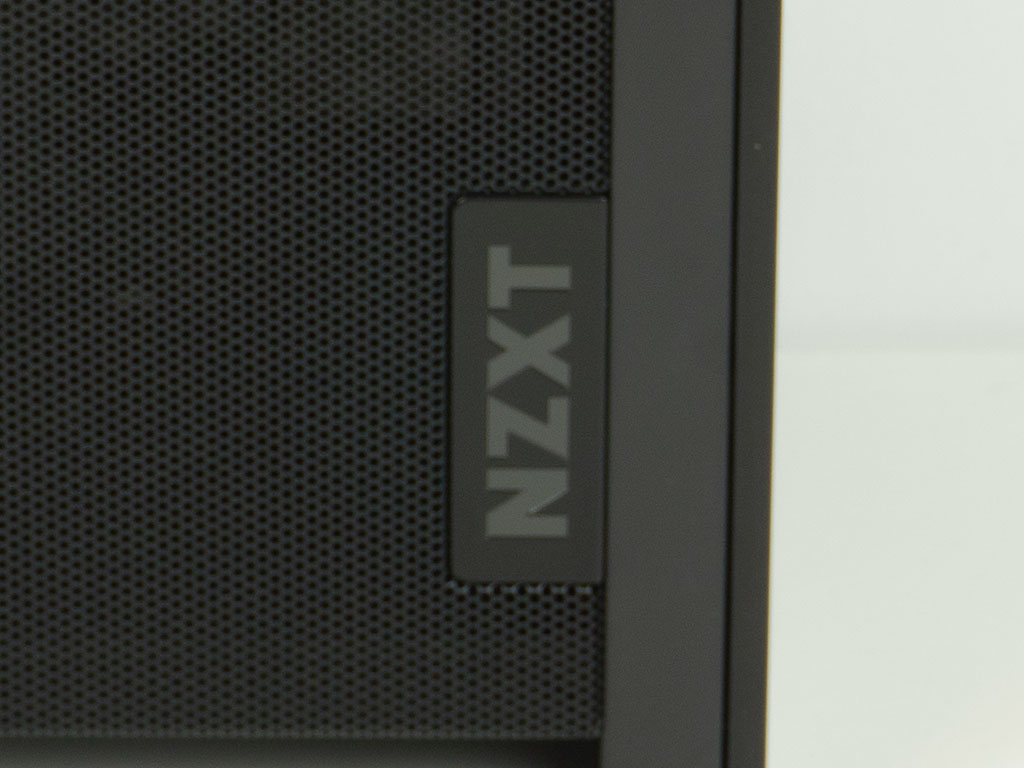
The side that holds the motherboard and PSU is also equipped with a window panel in the top half. This means you will be able to see the board, your CPU cooling and memory. The bottom half is vented to provide an installed SFX unit with fresh air to intake. NZXT has also placed a fairly prominent branding element on this part of the H2 Flow.
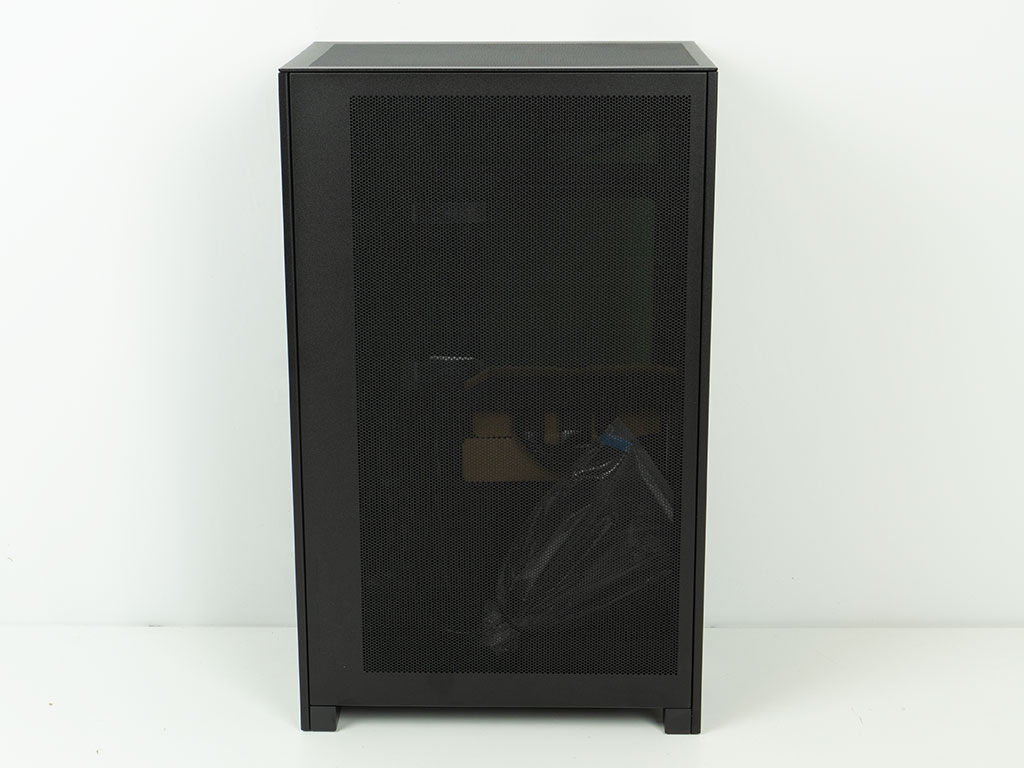
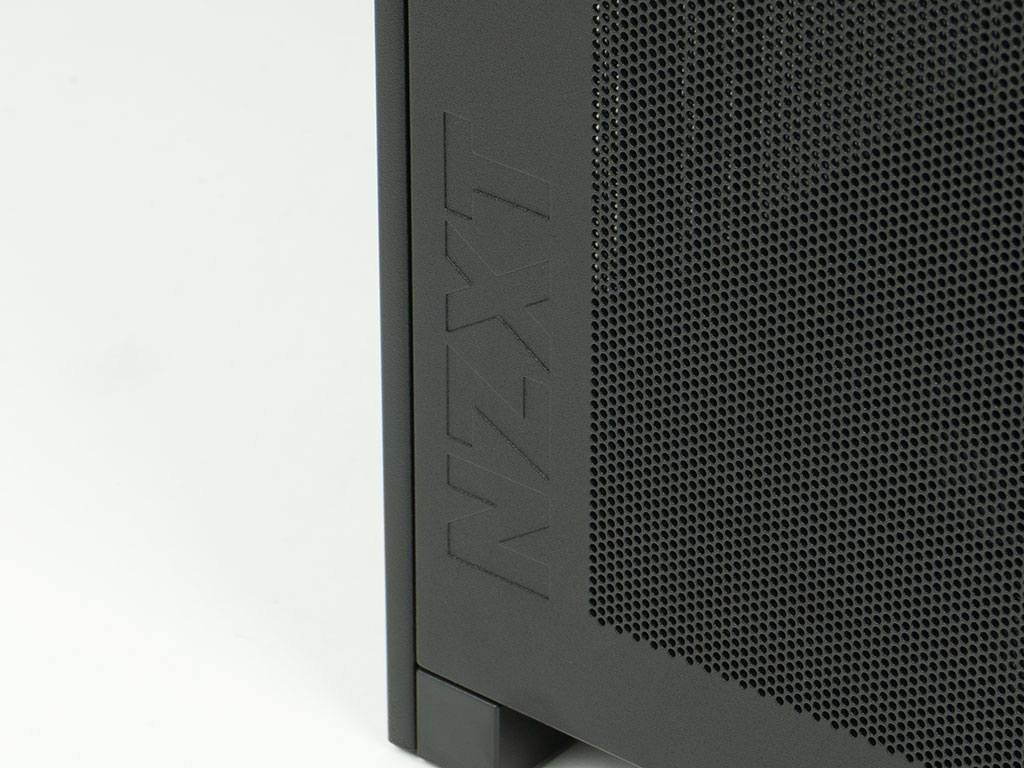
On the other side, there is a single panel made of metal, once again with fine perforation. Interestingly enough, NZXT decided that the chassis needed even more branding and put some more on this side of the enclosure.
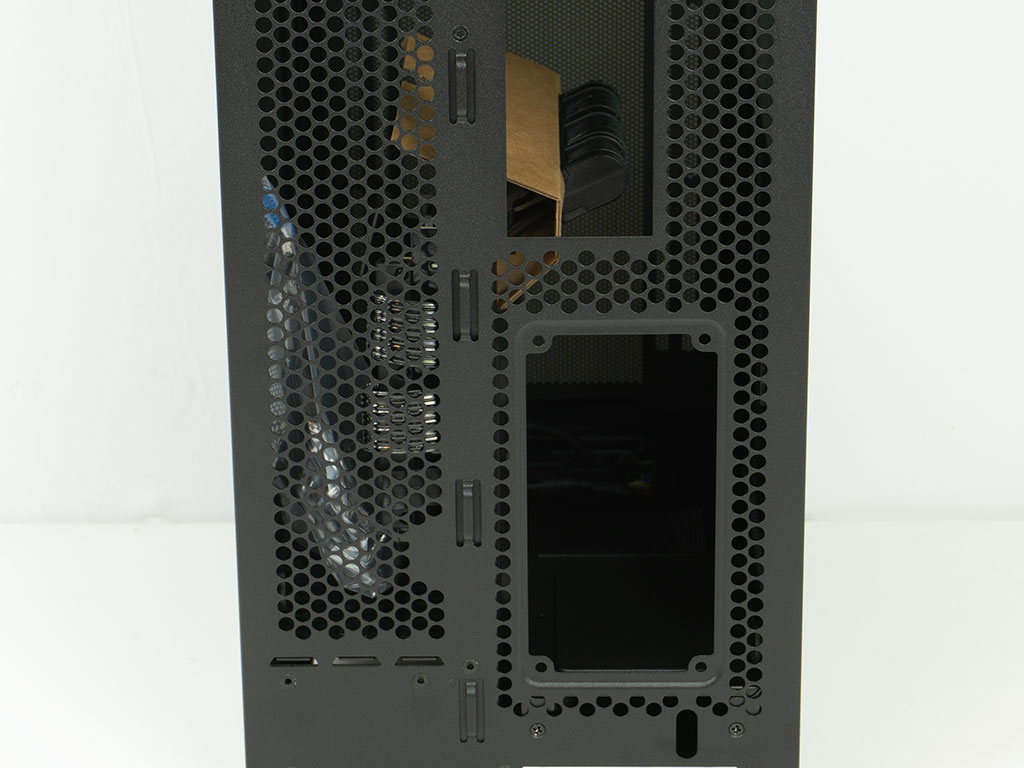
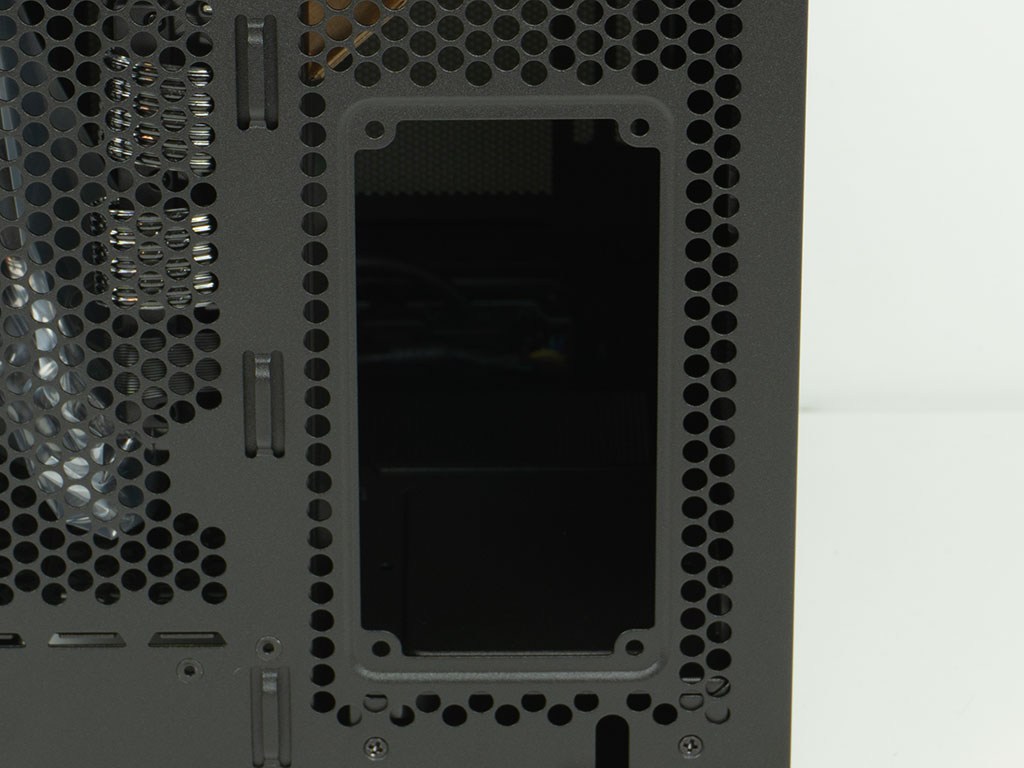
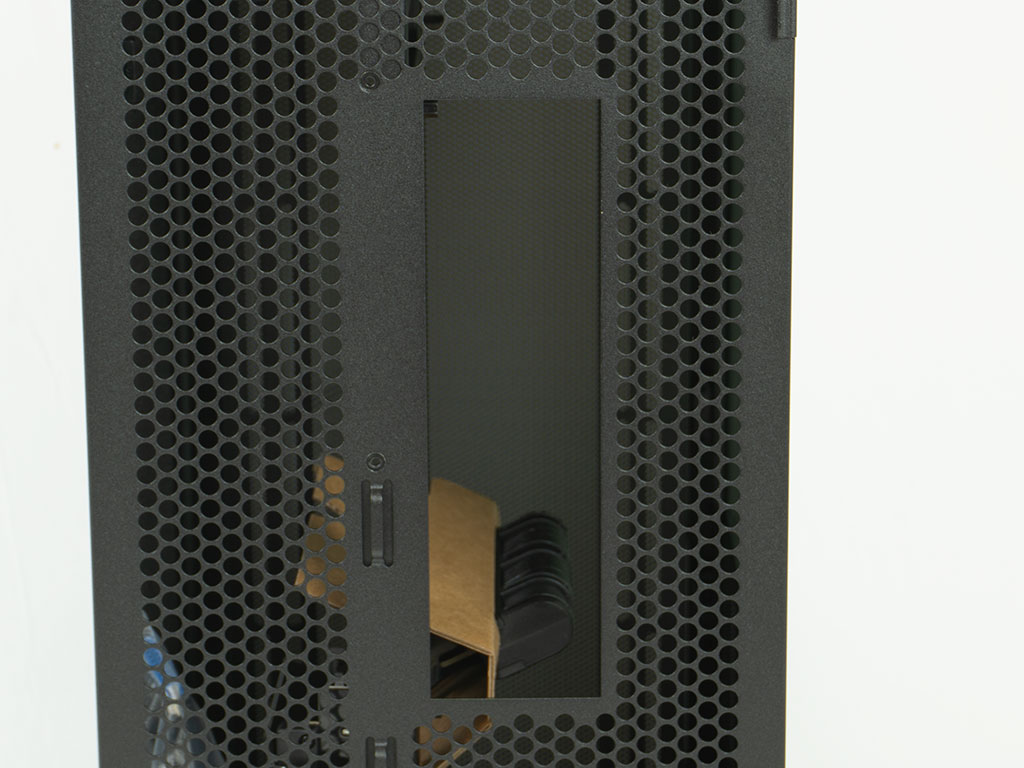
Taking a closer look at the rear, you will find three hooks for external cable management. This is a great little addition to keep your wiring clean on your desk. To top it off, it would have been great if NXZT had included some Velcro strips for this purpose. The cutout for the motherboard above the PSU means that your Mini-ITX board will be installed the normal side up. Speaking of the power supply bay, the one in the NZXT H2 Flow is simple but naturally perfectly functional.
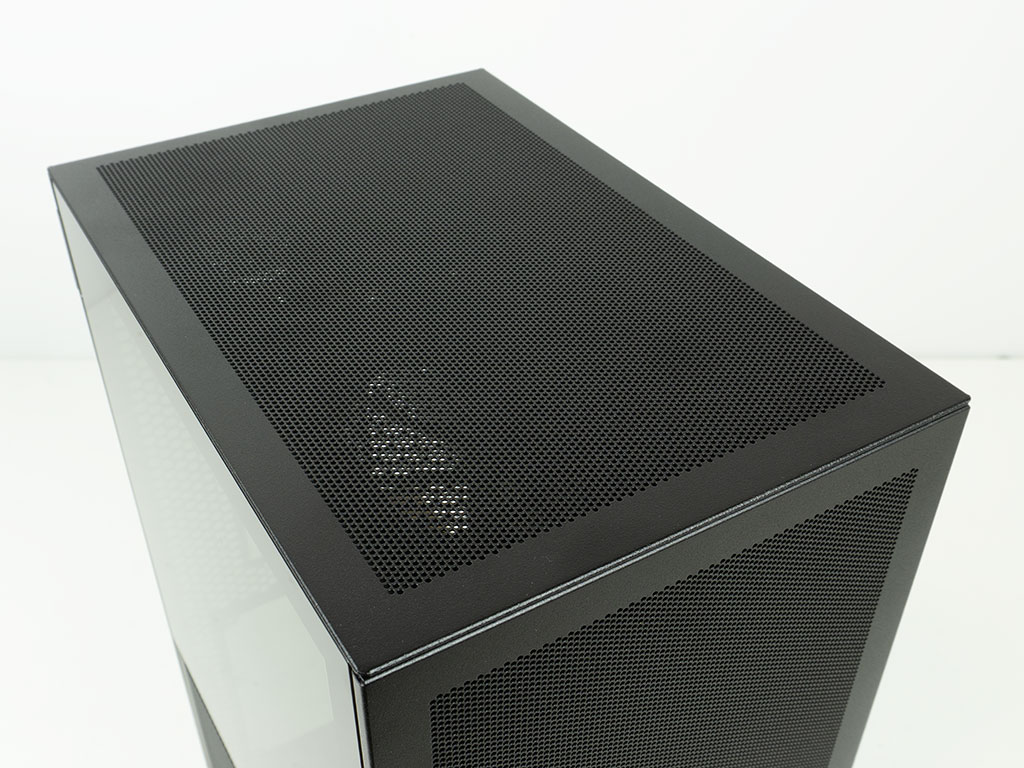
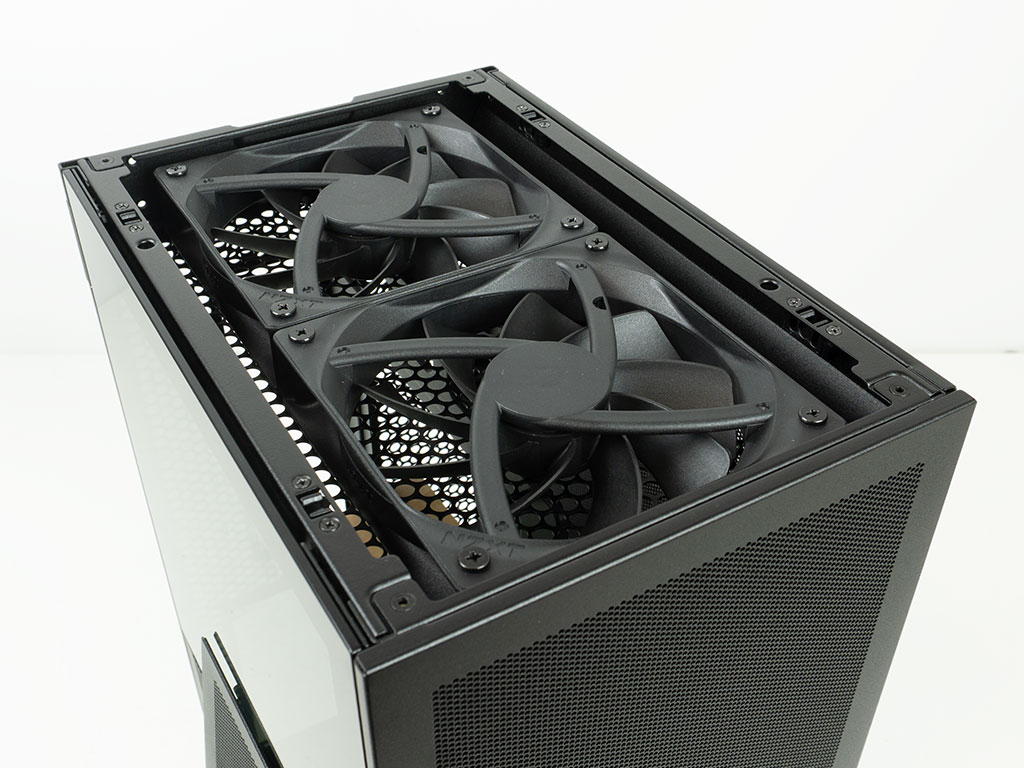
The focus on venting continues at the top, with another metal panel sporting fine perforation. You may have noticed that NZXT has managed to skip plastic completely when it comes to the structure of the chassis. Underneath the top panel, you will find two 120 mm exhaust fans. These are pretty nondescript and don't even have any stickers on them. They aren't even PWM, instead NZXT is utilizing RPM based units. NZXT calls these F120Q "Case Edition" fans, but they have nothing in common with those units and in fact fall short in terms of the speed range, static pressure, the amount of air they can move and obviously don't use PWM when compared to the retail versions. They don't even look anything like the retail F120Q units. NZXT should have just used their retail fans inside the case instead, and it is unfortunate that they are using marketing trickery to make it sound like these are somewhat equal to those retail units.
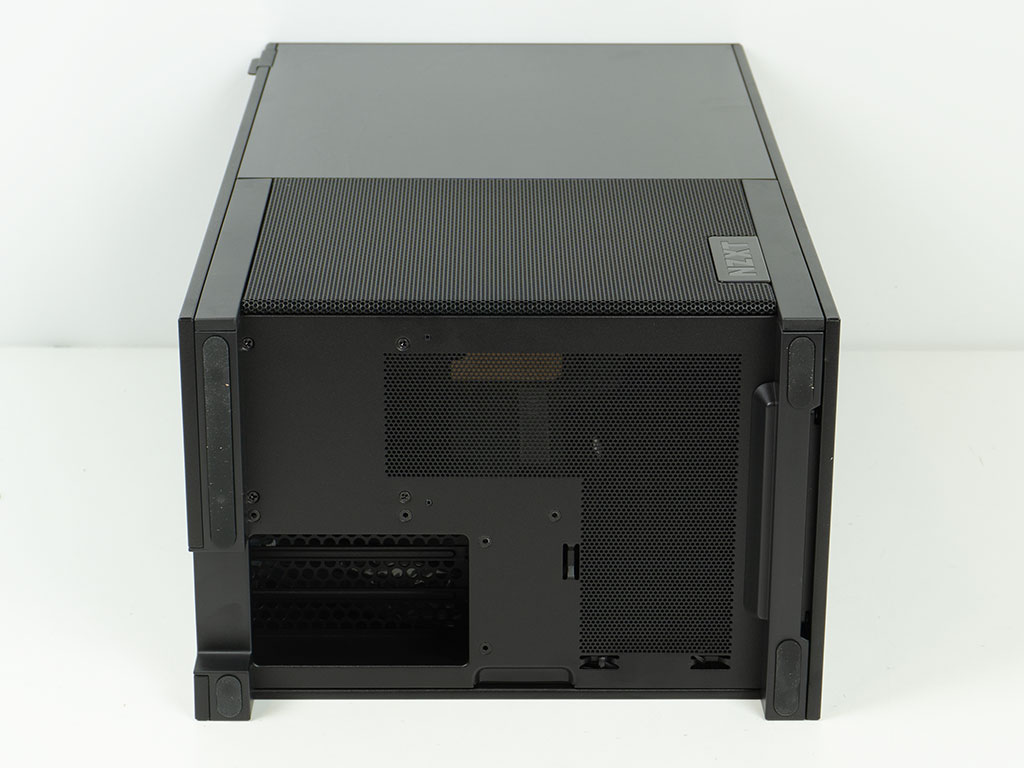
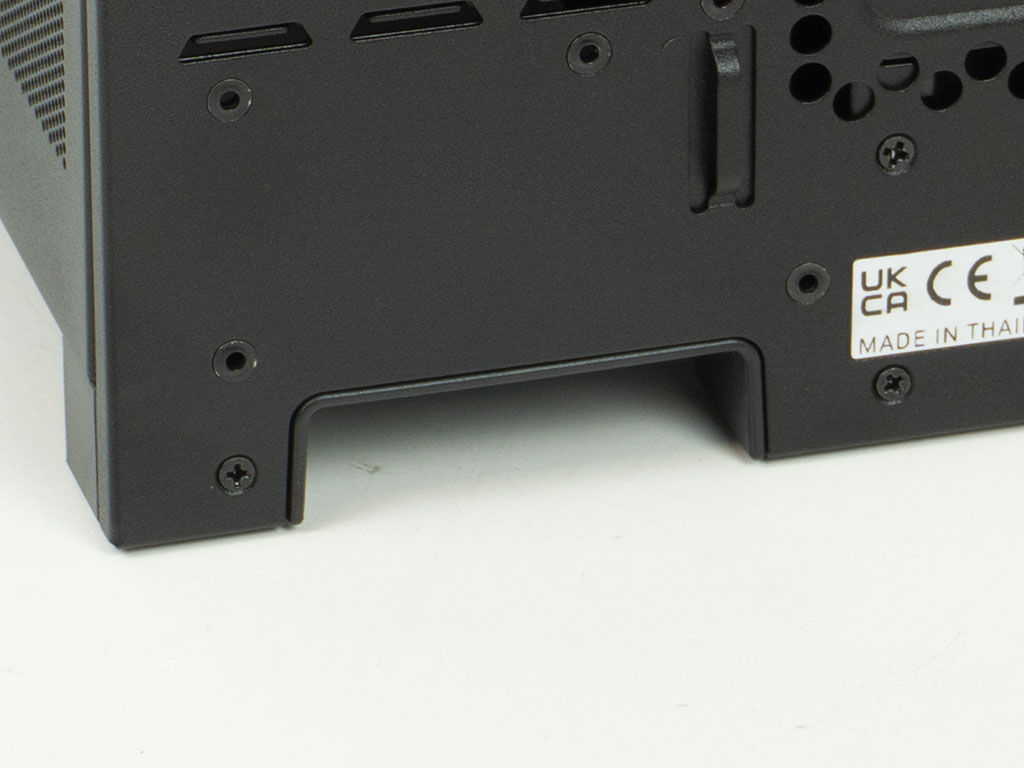
On the underside, there is an opening to reach the three expansion slots. By raising the GPU away from the floor, you can use classic, straight connectors and still manage the bend radius so that these cables can easily be routed out the back cleanly.
Nov 27th, 2026 10:53 CST
change timezone
Latest GPU Drivers
New Forum Posts
- Found Out Why My FygoOS Transfers Were Stuck at 11 MB/s (1)
- WireView Pro II GPU Alignment: Wired | Variant: Black (11)
- Mouse Pad advice - Shidenkai out of production? (18)
- Unigine Superposition on Linux (19)
- Exit Adobe - PDF reader, and PDF editor recommendations (8)
- -18C on GPU by moving it to the front of the case. (8)
- Technical Issues - TPU Main Site & Forum (2026) (410)
- What's your main Black Friday / Cyber Monday purchase? (31)
- Wireless Internet sharing between PC and router both-ways, is it possible? (32)
- TPU's WCG/BOINC Team (34813)
Popular Reviews
- VZMORE AX9 Max Review
- Upcoming Hardware Launches 2027 (Updated Nov 2026)
- ASRock X870E Challenger Wi-Fi White Review
- AMD Ryzen 7 9800X3D Review - The Best Gaming Processor
- Microsoft Surface Laptop Ultra Review - The Next-gen Arm Laptop
- Montech CyberFlow ARGB 360 Review
- AMD Zen 6 Technical Deep Dive
- Phantom Blade Zero Performance Benchmark Review - 35 GPUs Tested
- Corsair RM1200e (Second Generation) Review
- ORICO Obook15 AI Review
TPU on YouTube
Controversial News Posts
- Jensen Huang Reinstated as CEO of NVIDIA (621)
- NVIDIA Co-Founder and CEO Jensen Huang Officially Resigns (492)
- Report: Jensen Huang Eyes NVIDIA Comeback (281)
- Open Letter Asking NVIDIA to Reinstate Jensen Huang Passes 115,000 Signatures (184)
- OpenAI CEO Argues Home PCs Waste the World's Limited DRAM Supply (152)
- NVIDIA Launches Investigation Into Jensen Huang's Relationship With Suspected Chinese Spy (136)
- Intel Razor Lake Gets a 12 P-Core bLLC Chip With No E-Cores, Per Leak (94)
- NVIDIA GeForce RTX 50-Series Scheduled for up to $500 Price Hike This Week (89)