 9
NZXT N7 B850 Review
Board Software »BIOS Overview
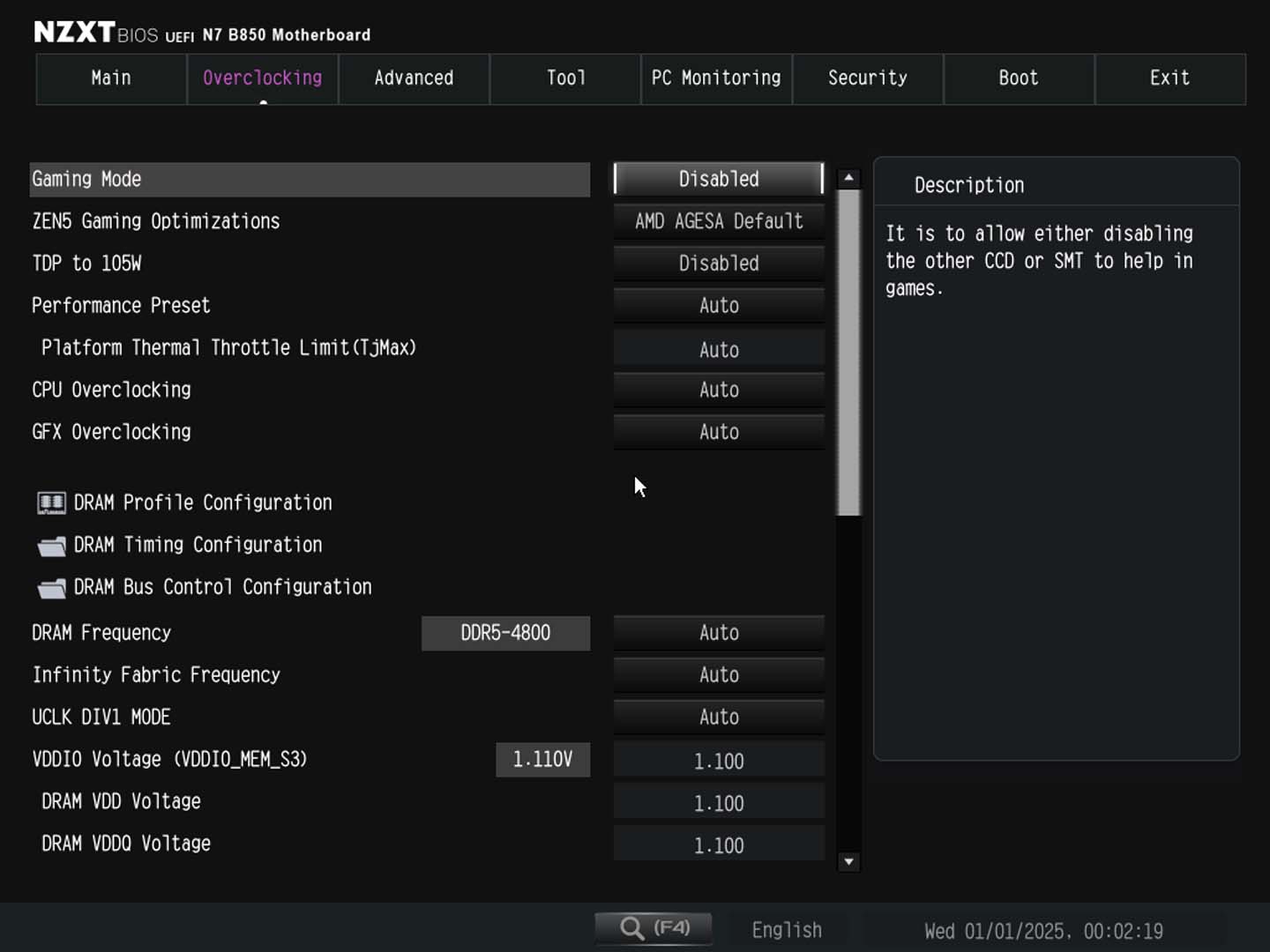
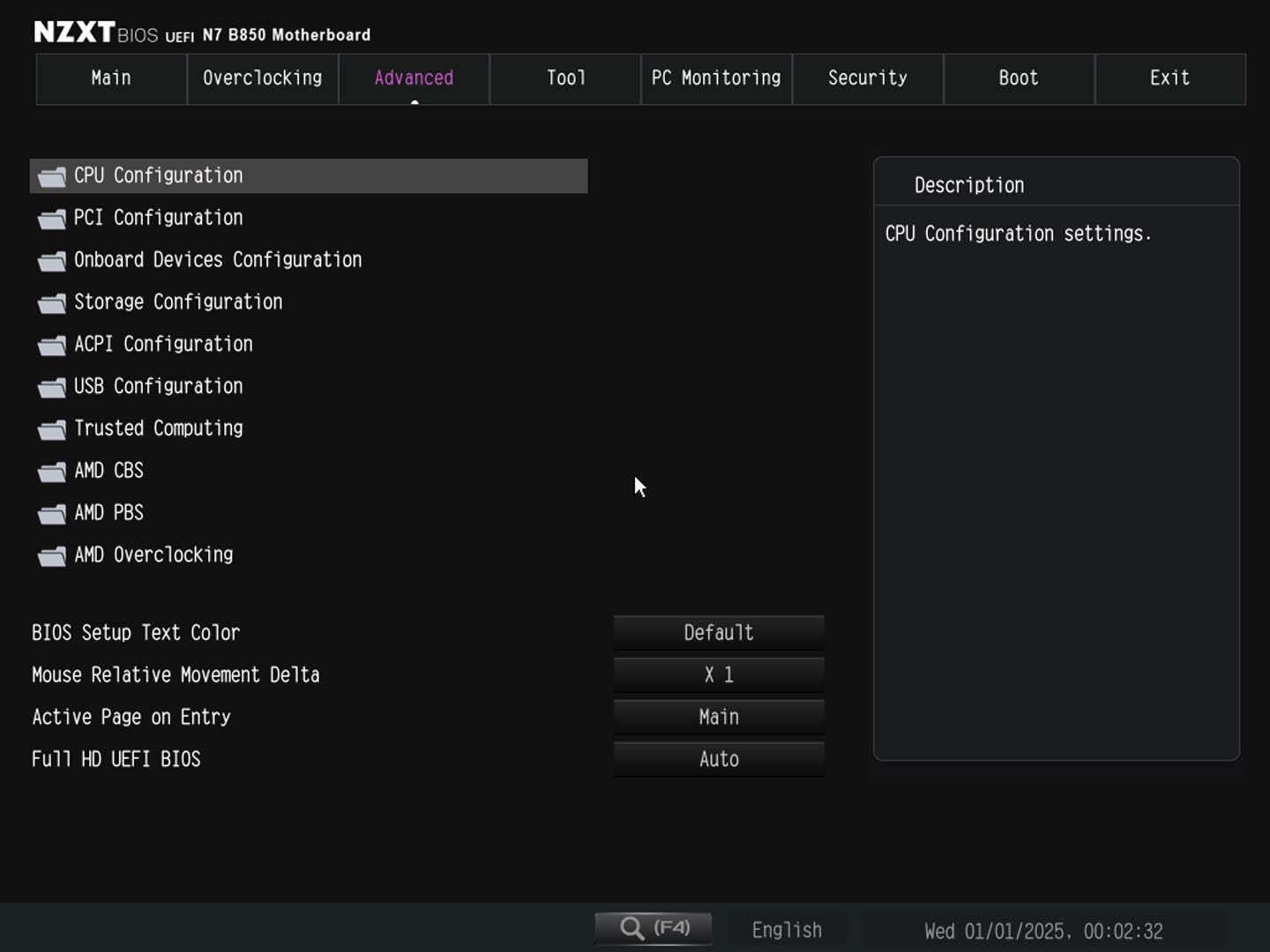
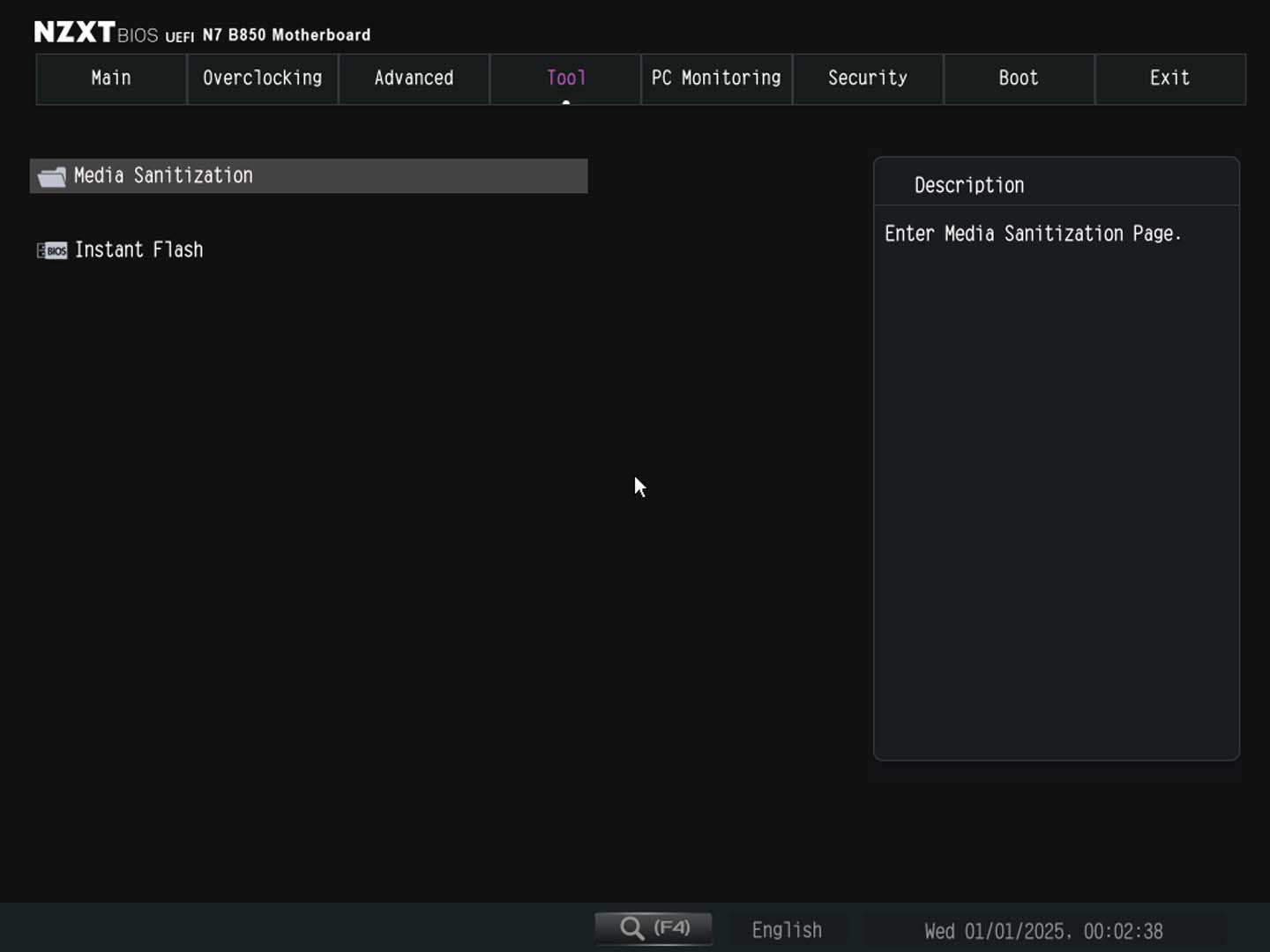
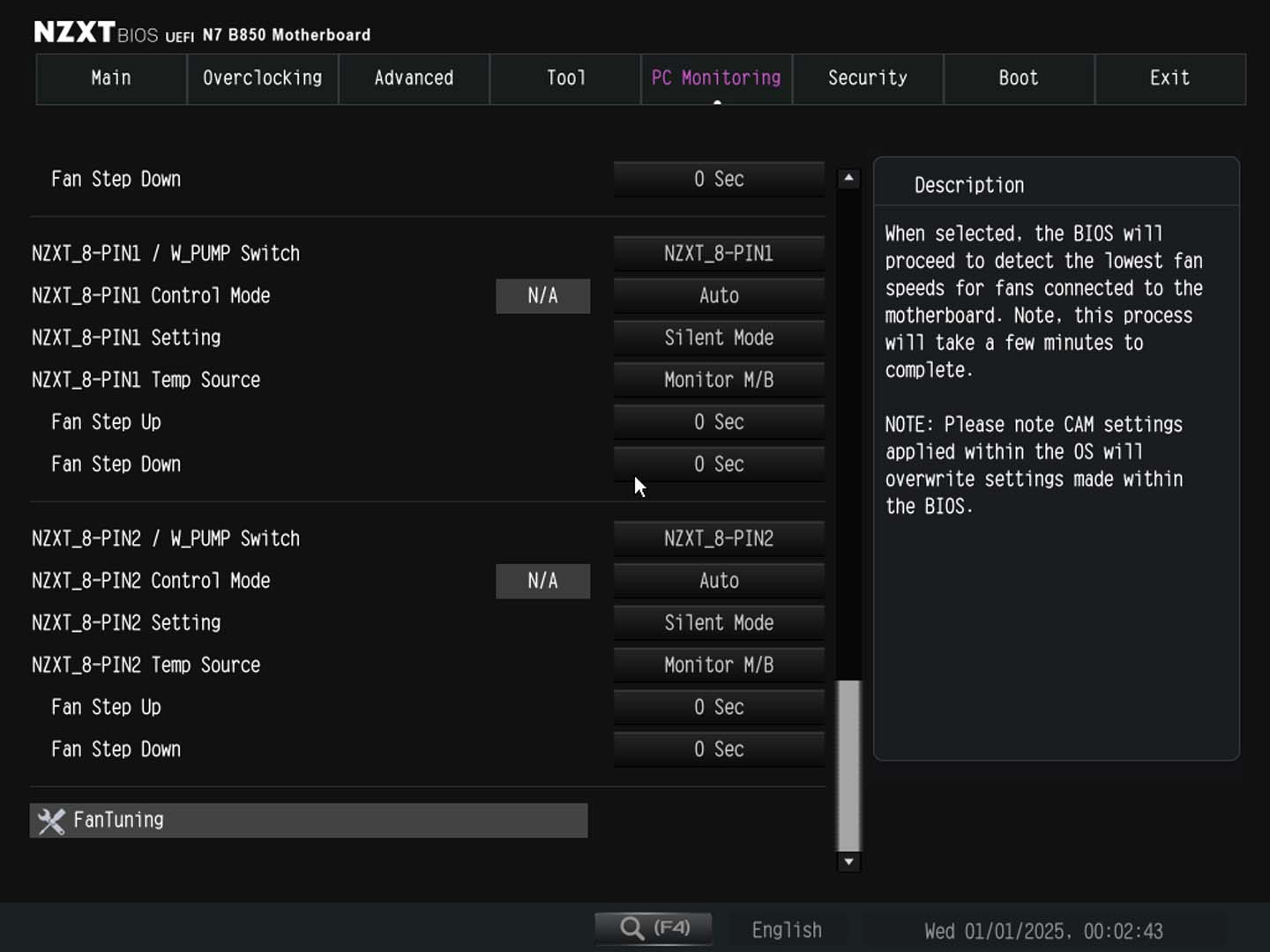
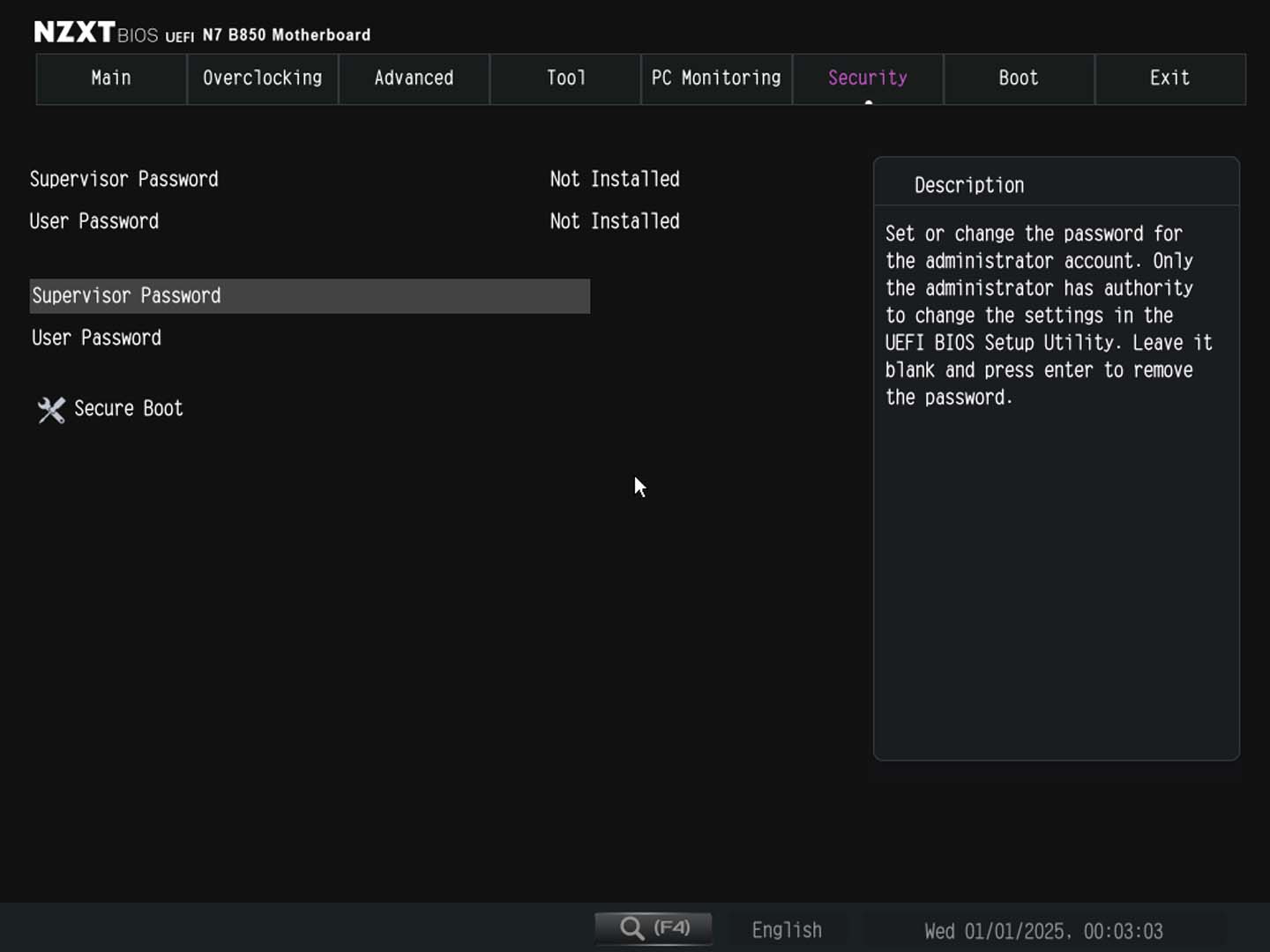
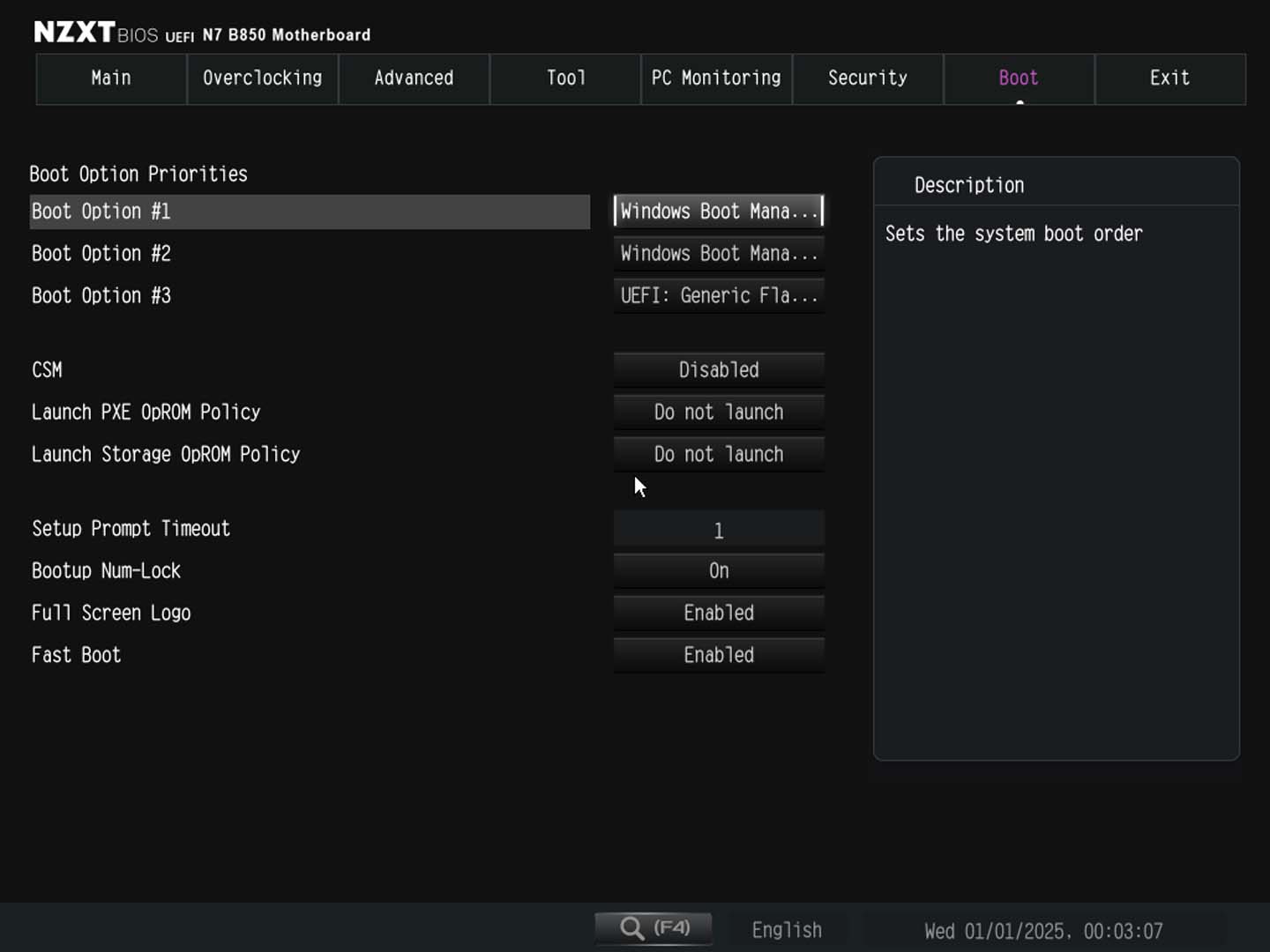
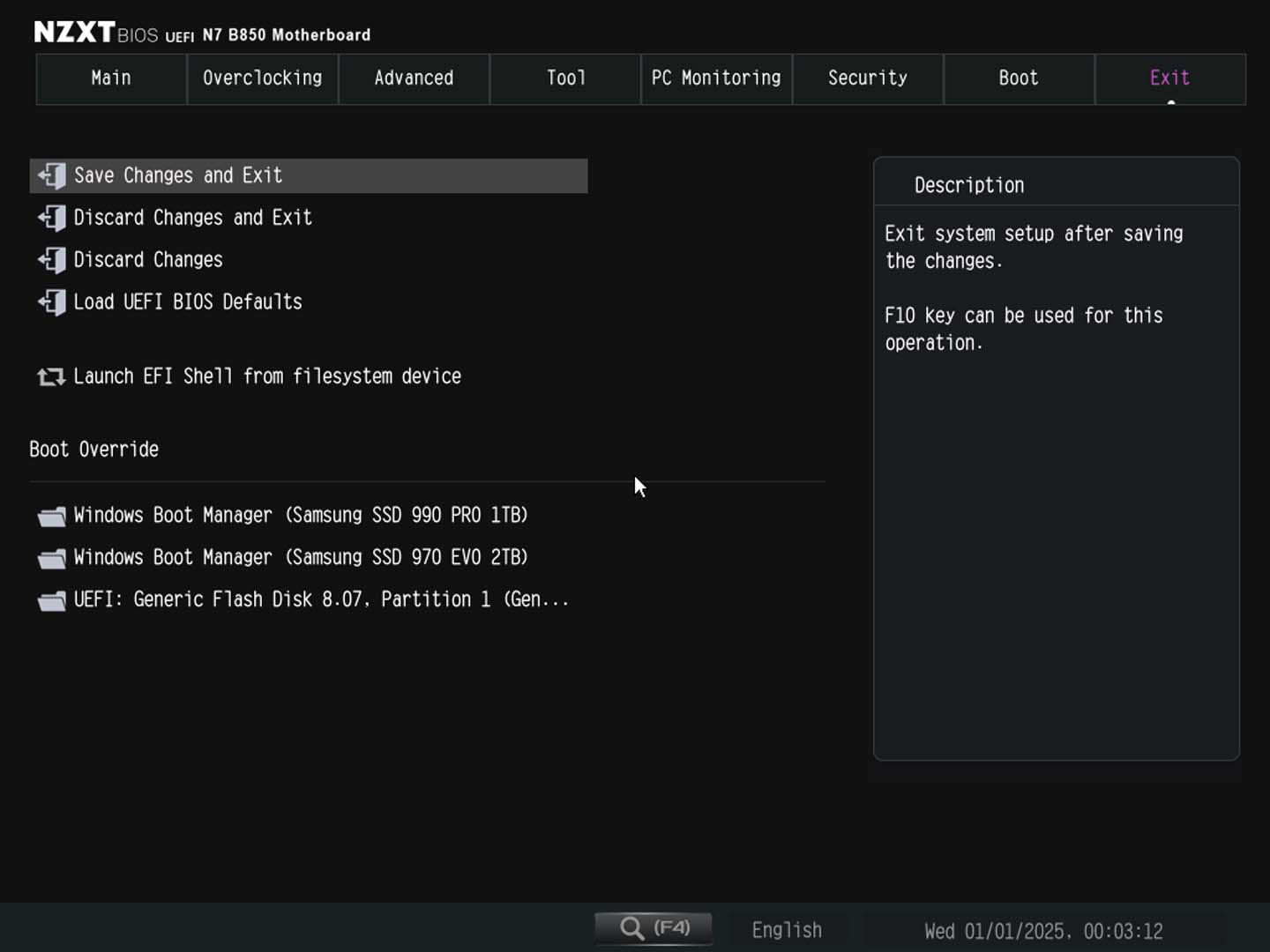
The NZXT EFI is unmistakeably ASRock-derived, but has fewer features. There's no easy mode front page and instead just a basic display of BIOS version and component information. You'll need to head to the Overclocking tab to apply memory profiles for example, although the search function does work reasonably well. Annoyingly, the built-in screen grab function failed to work here, but the only downside is that you're unable to adjust settings within the search window like you can on competing boards. Instead, you are directed to that option's page within the menu system.As usual on NZXT motherboards, there's a complete lack of modern fan control adjustment using a fan curve interface. You have basic text-based adjustment, which is extremely tedious, while the FanTuning option at the bottom of the PC Monitoring page is purely for auto-tuning fans, with the usual Fan-Tastic fan curve page available on most ASRock boards absent. Obviously, NZXT would prefer you take a look at its CAM software rather than use the EFI.

Nov 26th, 2026 05:02 CST
change timezone
Latest GPU Drivers
New Forum Posts
- AMD GPU software/driver kills itself (0)
- GTA VI (48)
- What's your main Black Friday / Cyber Monday purchase? (14)
- Smokin Hot Lappy (12)
- X79 and/or rampage IV OC'ing thread for those of us still left.... (2458)
- Youtube channel video downloader, not playlist. (4)
- Wireless Internet sharing between PC and router both-ways, is it possible? (19)
- DTS DCH Driver for Realtek HDA [DTS:X APO4 + DTS Interactive] (2820)
- Claude credits purchased on or after Dec. 7 now have an expiry date (18)
- AI generated images... (239)
Popular Reviews
- ASRock X870E Challenger Wi-Fi White Review
- VZMORE AX9 Max Review
- Upcoming Hardware Launches 2027 (Updated Nov 2026)
- Microsoft Surface Laptop Ultra Review - The Next-gen Arm Laptop
- AMD Ryzen 7 9800X3D Review - The Best Gaming Processor
- AMD Zen 6 Technical Deep Dive
- Corsair RM1200e (Second Generation) Review
- Phantom Blade Zero Performance Benchmark Review - 35 GPUs Tested
- Pulsar Office Tour & First Look at P1 Dual-Sensor Mouse
- Ocypus lota P1000 Review
TPU on YouTube
Controversial News Posts
- Jensen Huang Reinstated as CEO of NVIDIA (579)
- NVIDIA Co-Founder and CEO Jensen Huang Officially Resigns (492)
- Report: Jensen Huang Eyes NVIDIA Comeback (281)
- Open Letter Asking NVIDIA to Reinstate Jensen Huang Passes 115,000 Signatures (184)
- OpenAI CEO Argues Home PCs Waste the World's Limited DRAM Supply (152)
- NVIDIA Launches Investigation Into Jensen Huang's Relationship With Suspected Chinese Spy (136)
- Intel "Raptor Lake Next" 16-Core and 20-Core CPUs Surface (130)
- Intel Razor Lake Gets a 12 P-Core bLLC Chip With No E-Cores, Per Leak (94)