 16
Once Human Handheld Performance Benchmark Review - Steam Deck and ROG Ally Tested
(16 Comments) »Introduction
Once Human is a free-to-play open-world survival game with MMO and looter shooter elements. You can play solo, with friends, or use matchmaking to play with randoms. The game takes place in a post-apocalyptic world ravaged by Stardust, a substance of alien origin that destroyed human civilization in an event known as Starfall. This was triggered by Rosetta, a conglomerate that had tried to fast-forward human evolution with Stardust.
The player controls one of the Meta-Humans who are capable of controlling Stardust, fighting against remnants of Rosetta as well as Deviations, violent mutants affected by Stardust. An underlying theme is the process of finding out more about the player character, other Meta-Humans, and Rosetta. Once Human offers the usual features found in survival games, such as base-building, gathering resources, and taking care of hunger and thirst, but also includes a ton of different loot players can get while exploring the post-Starfall remnants across a huge open-world map. Certain friendly deviations known as Deviants grant players unique abilities, helping in the fight against Rosetta and (other) Deviations. If all this sounds a little confusing, don't worry, we'll get straight into covering how the game presents graphically, before talking about performance.
Once Human was developed by Starry Studios and published by Starry Studios and NetEase Games, famed for Naraka: Bladepoint and Diablo Immortal. This is a DirectX 11 game based on the NeoX engine, NetEase Games' proprietary graphics engine that doesn't support ray tracing but does allow for attractive visuals, especially at higher graphical settings. The game is slated to receive a DirectX 12 update sometime in August 2024. Upscaler-wise, only AMD FSR is supported.
This PC gaming handheld benchmark review will evaluate the performance of Once Human on Steam Deck LCD and ASUS ROG Ally, talk about the out-of-box experience on SteamOS and Windows, and offer optimized settings for both devices.
Screenshots
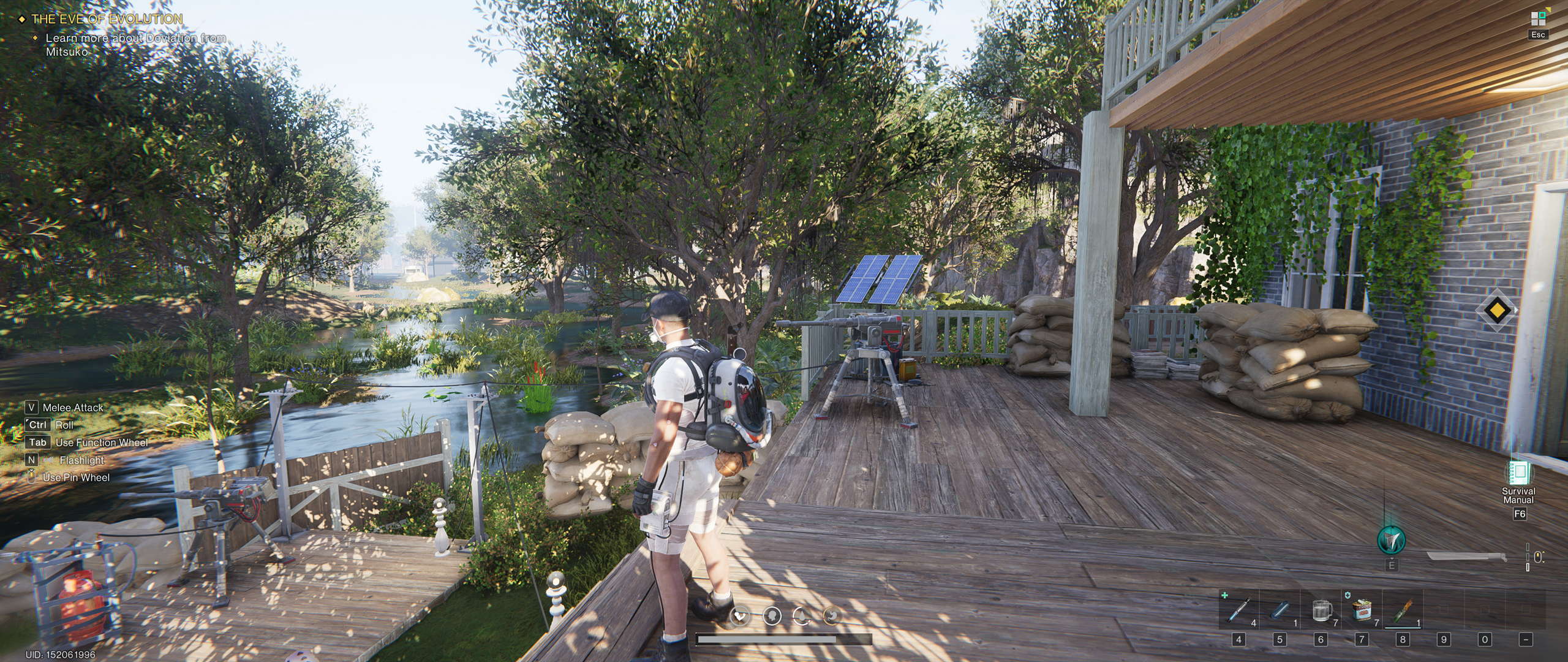
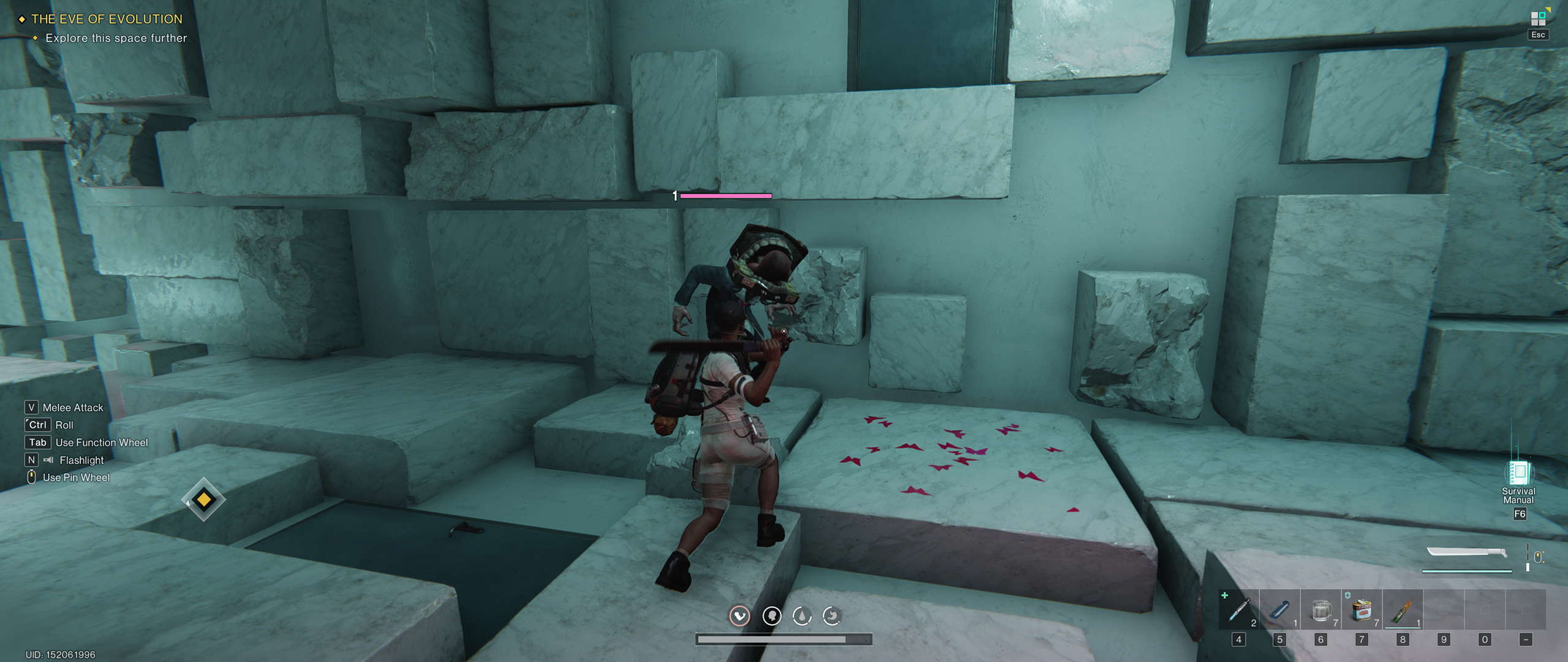
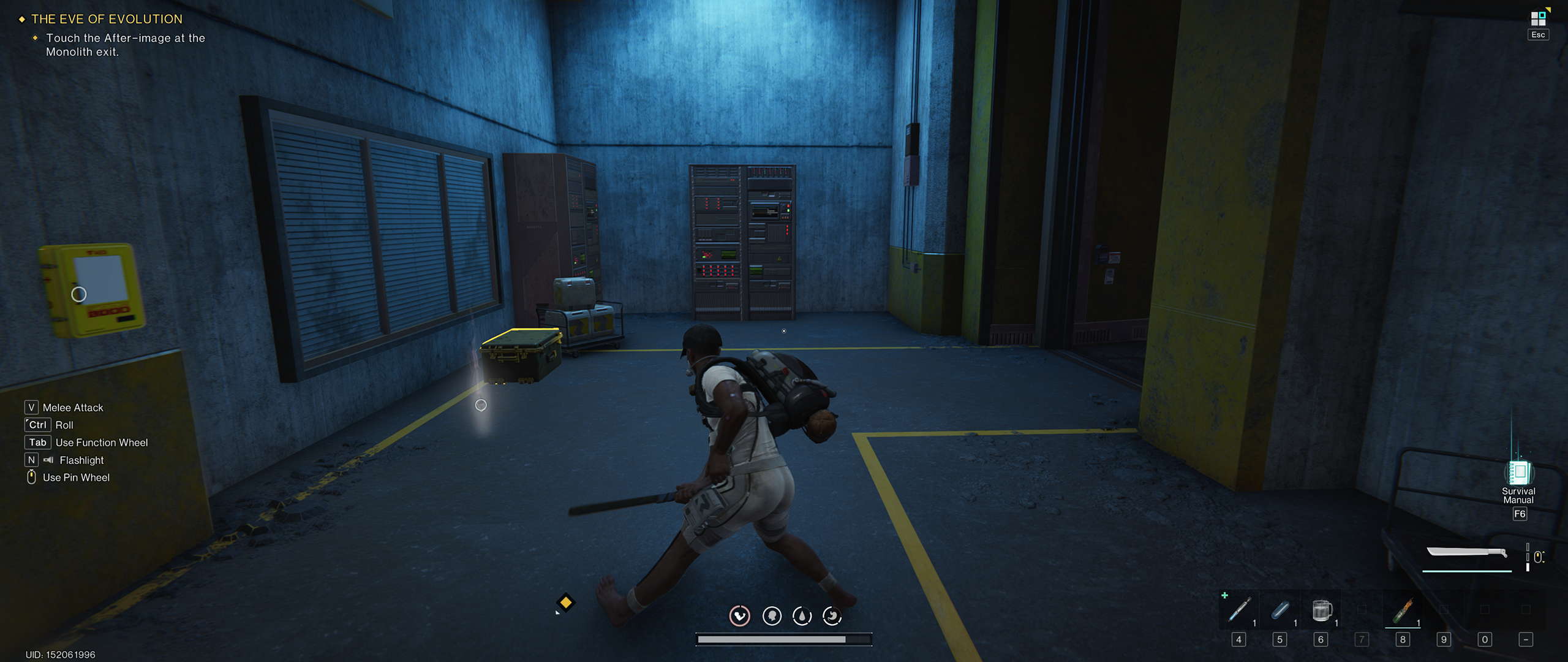
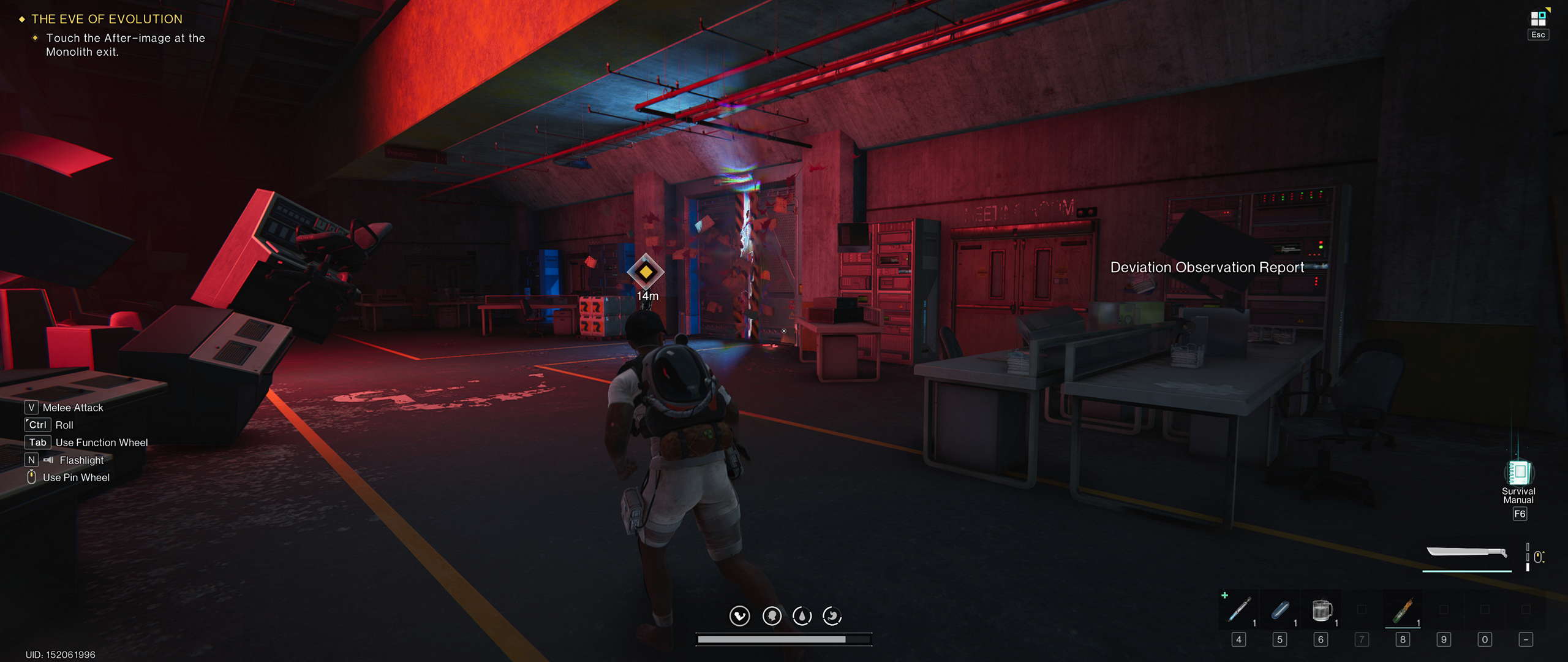
All screenshots were taken on a desktop PC at maximum settings with upscaling disabled. You can navigate the gallery with cursor keys.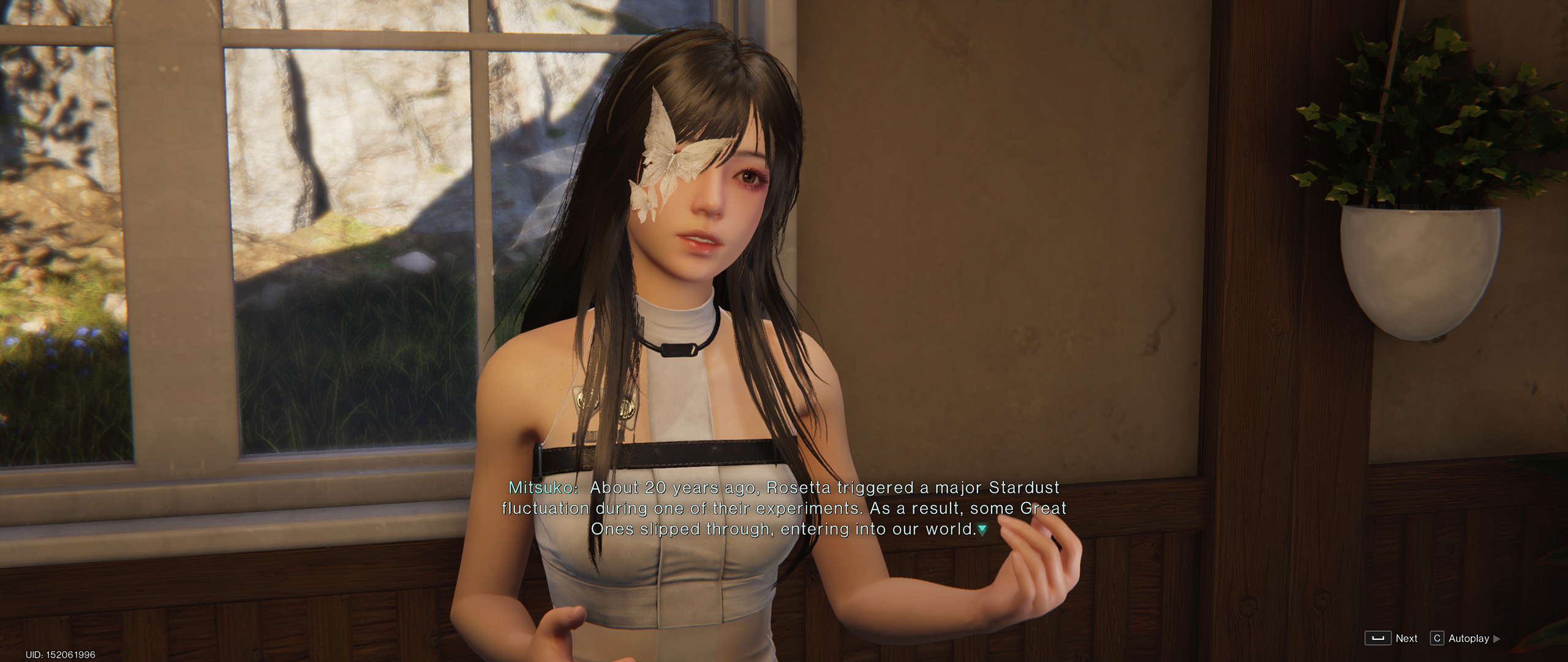
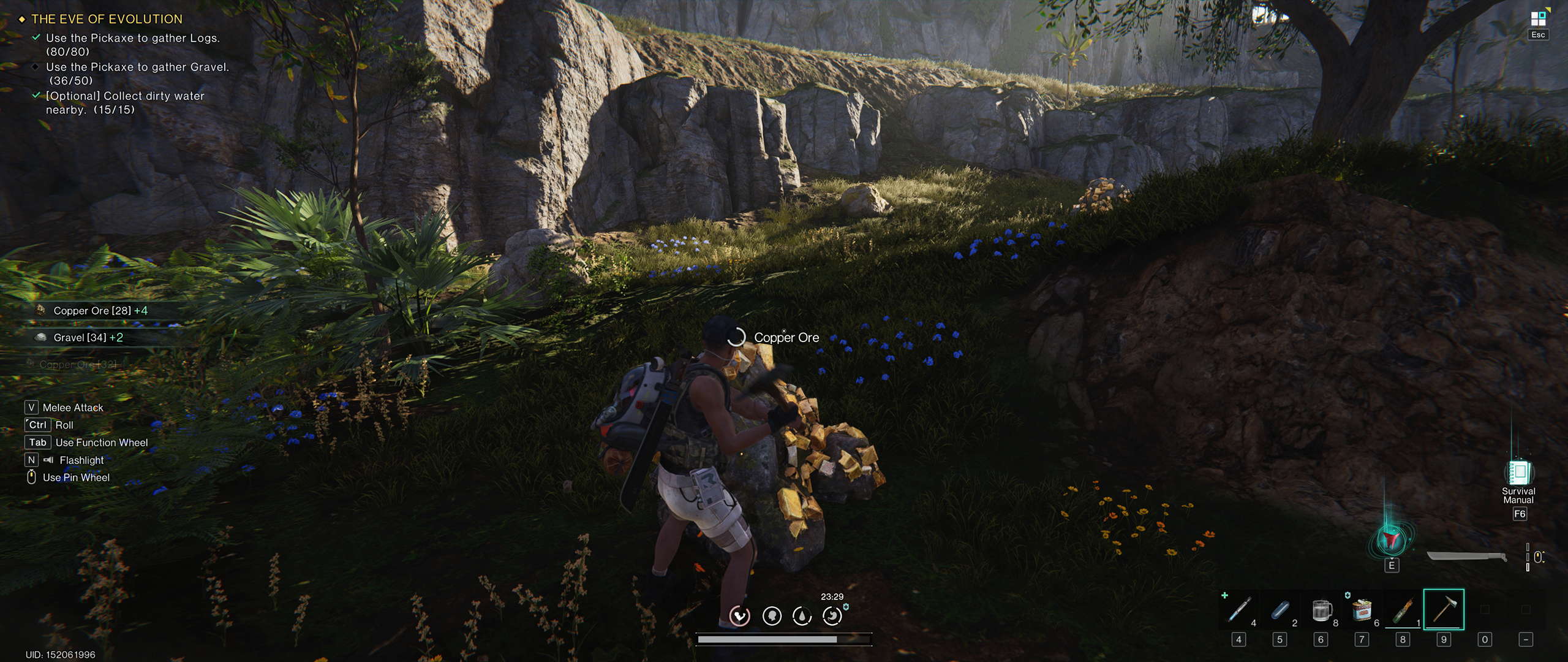

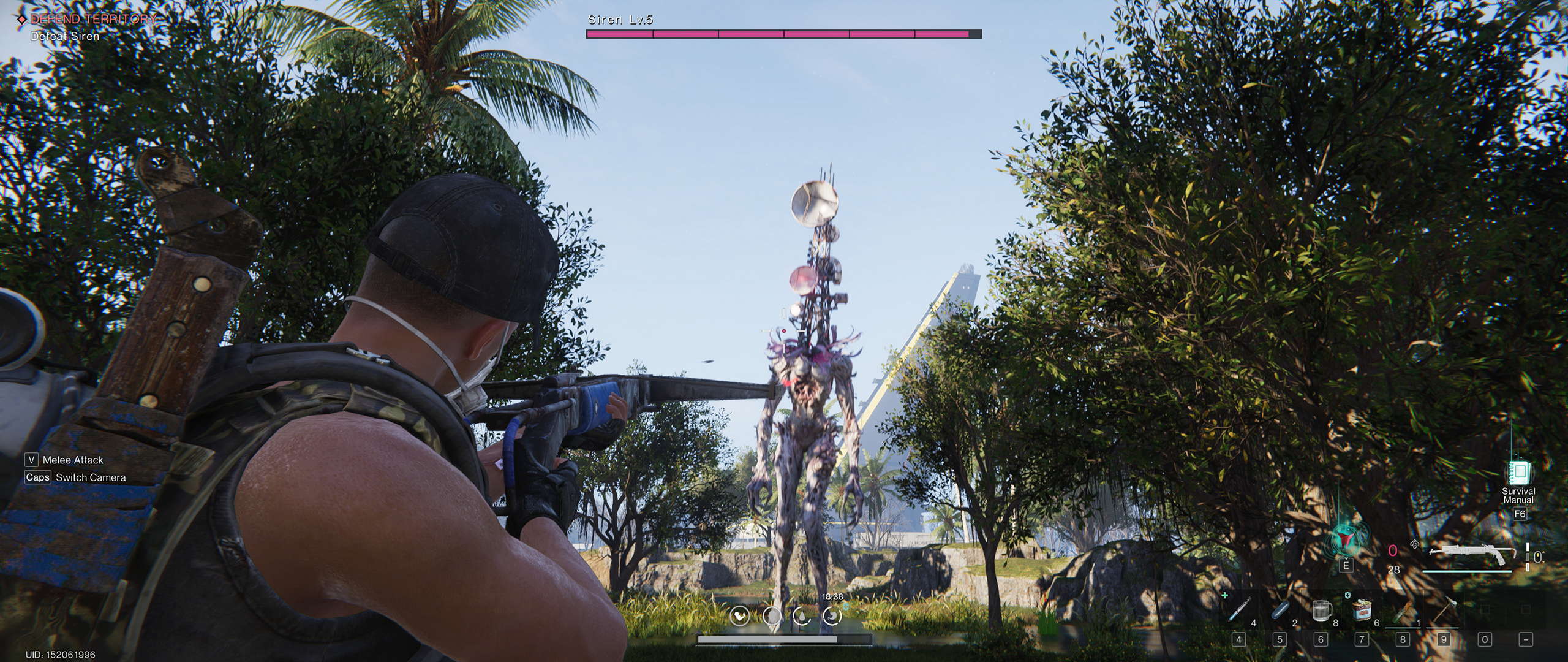
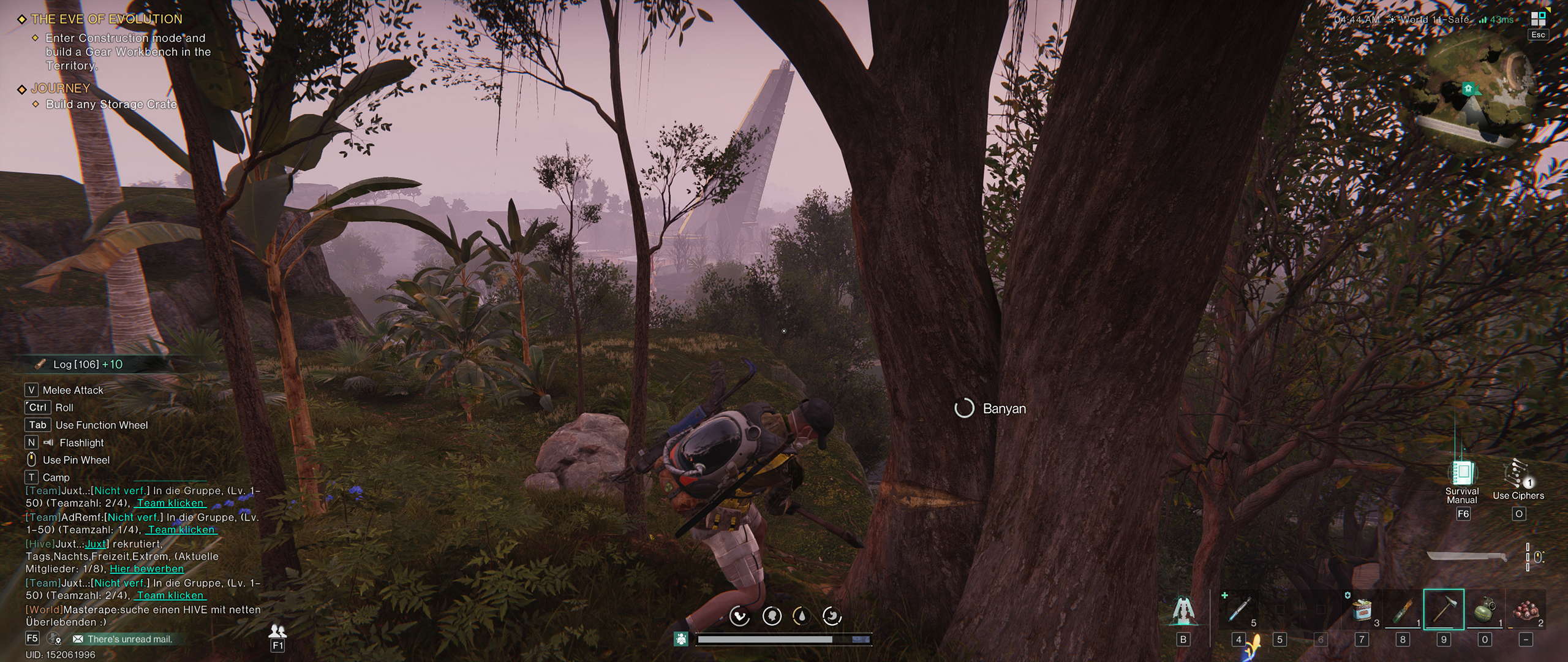
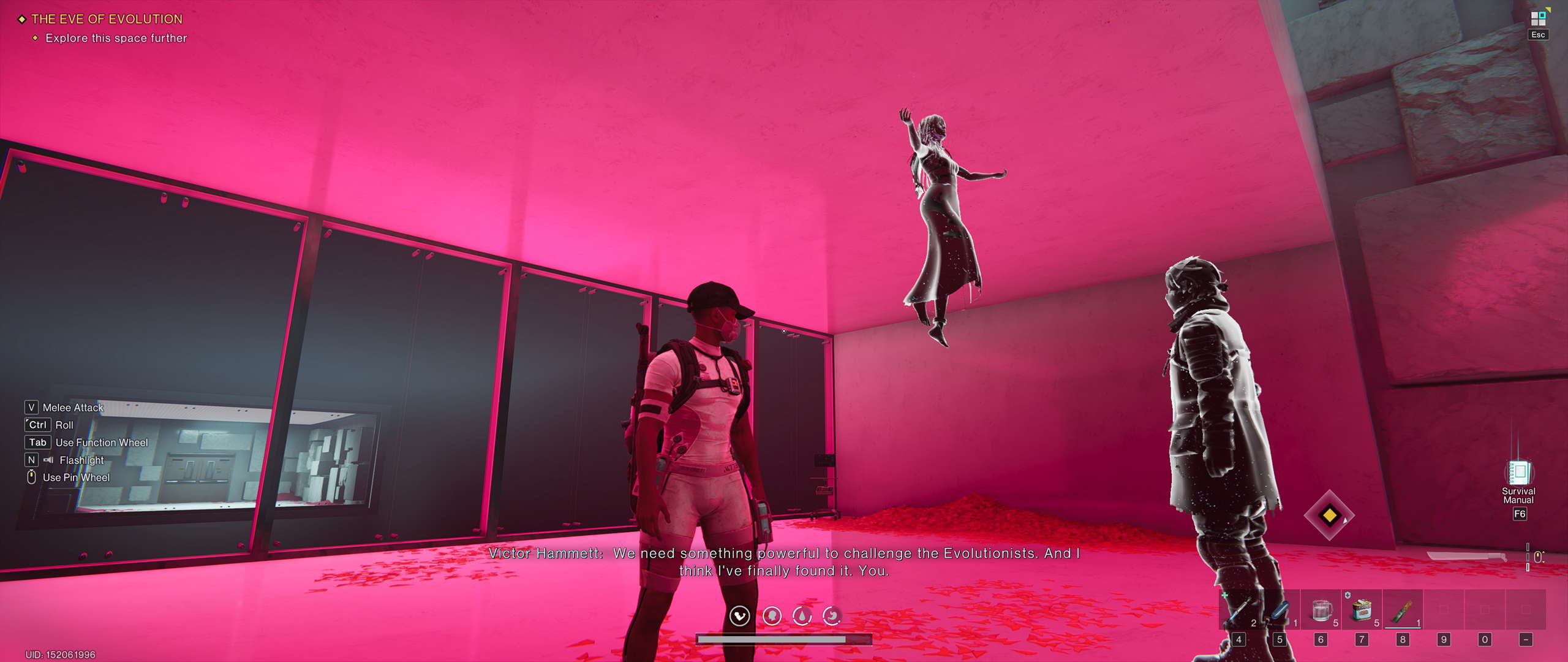

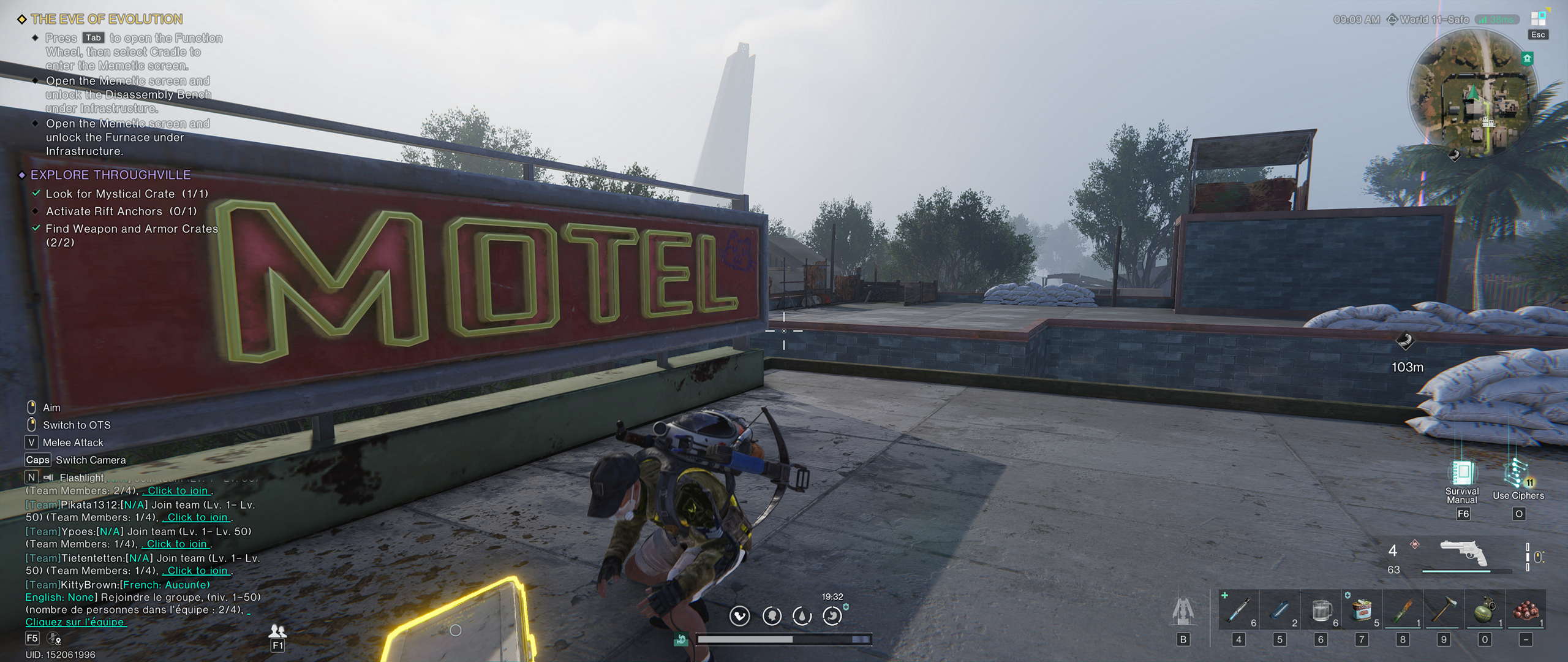


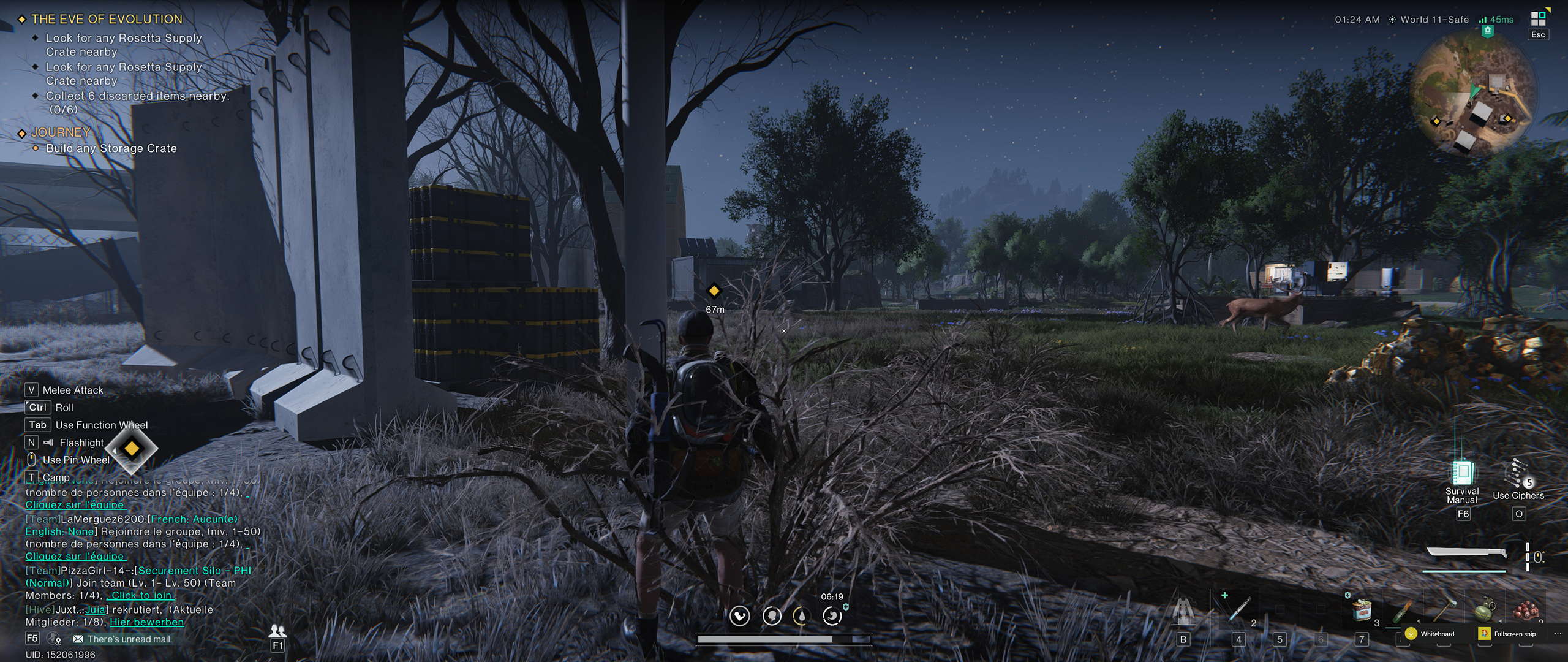
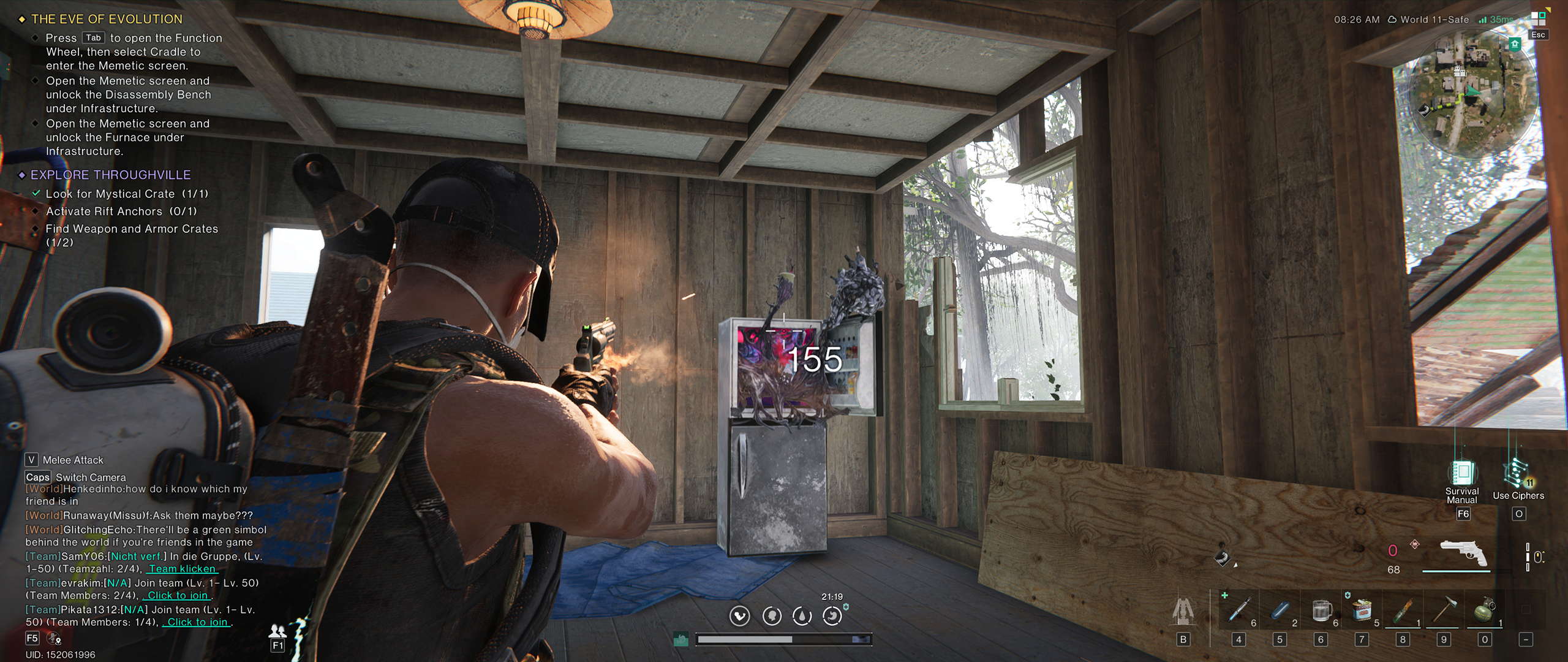





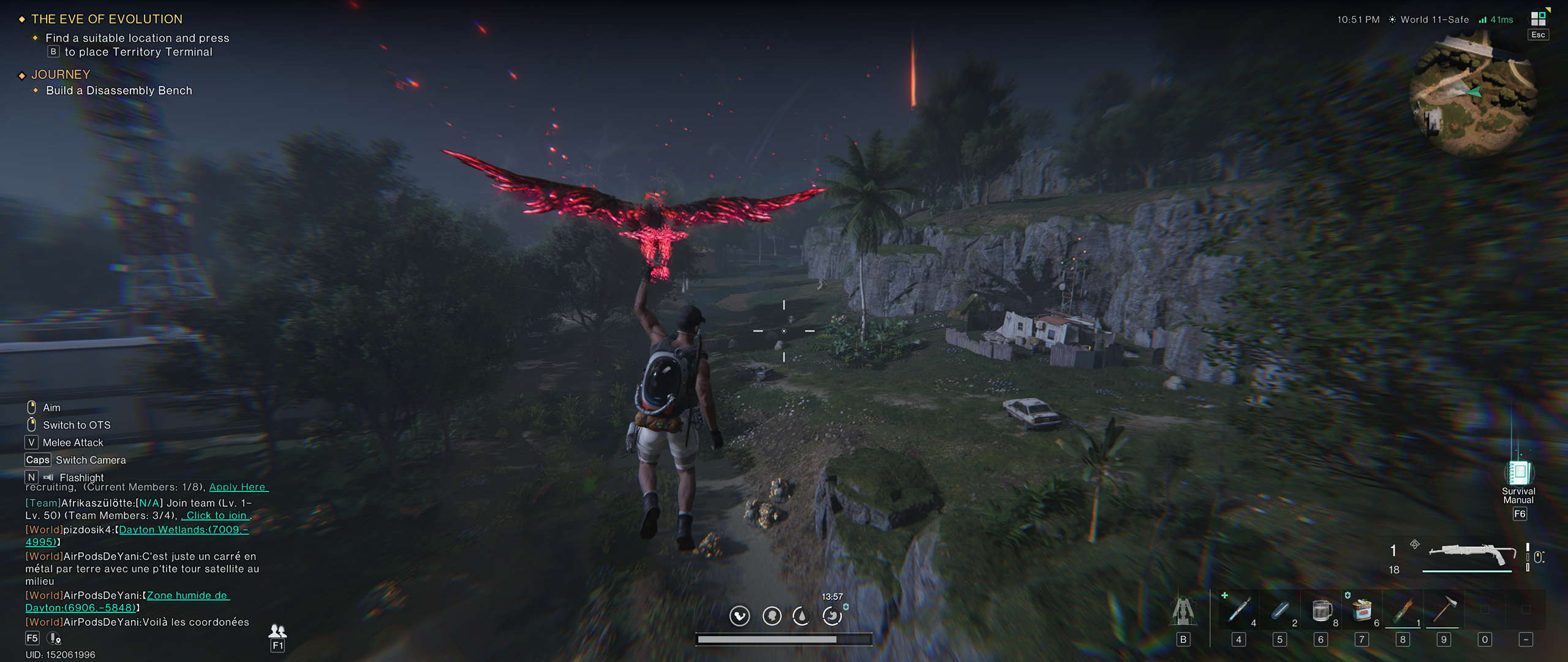


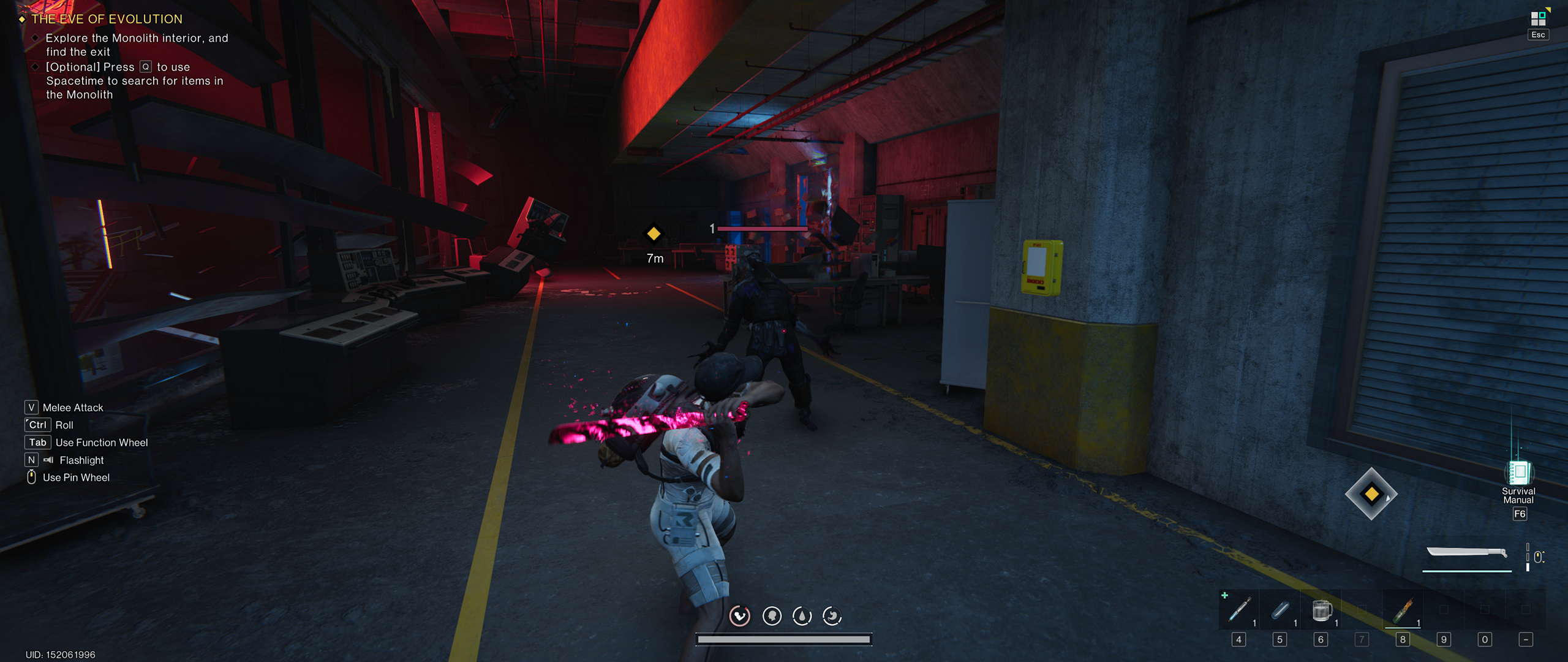


Graphics Settings

- The graphics menu includes five visual presets: "Very Low," "Low," "Middle," "High," and "Very High."
- The number of visual options is solid, with the main issue being the fact that the "VFX" option affects multiple effects including reflections and ambient occlusion, making the game quite flat looking at "Very Low" and "Low" values.
- If you don't want to use FSR, you can decrease render scale instead.
- When an upscaler is enabled, you can select the quality level but cannot control sharpening.

- The display settings tab only allows you to set the resolution, display mode ("fullscreen" and "windowed"), and brightness.

- If you want to tweak the camera FOV you have to visit the "Game Settings" menu tab.
Our Patreon Silver Supporters can read articles in single-page format.
Nov 16th, 2026 08:55 CST
change timezone
Latest GPU Drivers
New Forum Posts
- How much does an RTX 5090 cost in your area? (64)
- need an ide to sata adapter that lets me burn cds on an ide cdrw drive (that doesn't power down while burning or copying) (55)
- Windows 11 General Discussion (7729)
- Honestly, do you care about GTA VI? (62)
- Meeting point of those who broke their GPUs. Please share what GPUs you've burned, shattered, ionized or melted accidentally. (36)
- What storage medium you lost the most data thus far from failure? HDD/SSD Flash, etc (53)
- Samsung MZ-HPU256T/004 (12)
- Recommendations Wanted - Affordable Enterprise SSD for Boot (10)
- Samsung 860 Evo MZ-76E2TO 2tb. 2018-10 (1)
- no "PhysX" workable (16)
Popular Reviews
- ASUS ROG Strix B850-I Gaming Wi-Fi7 W Review
- Corsair HX1000i Shift Crystal Review
- AMD Zen 6 Technical Deep Dive
- Upcoming Hardware Launches 2027 (Updated Nov 2026)
- Montech King 95 3D PRO Review
- NZXT C1200 Platinum Review
- Phantom Blade Zero Performance Benchmark Review - 35 GPUs Tested
- AMD Ryzen 7 9800X3D Review - The Best Gaming Processor
- NZXT H7 RGB+ Review
- NZXT H5 Review
TPU on YouTube
Controversial News Posts
- NVIDIA Co-Founder and CEO Jensen Huang Officially Resigns (431)
- Open Letter Asking NVIDIA to Reinstate Jensen Huang Passes 115,000 Signatures (184)
- OpenAI CEO Argues Home PCs Waste the World's Limited DRAM Supply (152)
- NVIDIA Launches Investigation Into Jensen Huang's Relationship With Suspected Chinese Spy (136)
- Intel "Raptor Lake Next" 16-Core and 20-Core CPUs Surface (130)
- Legendary Game Studio BioWare Shuts Down Following EA Layoffs (104)
- Dell CEO Says the Memory Shortage Will Get Worse in 2027 (95)
- NVIDIA GeForce RTX 50-Series Scheduled for up to $500 Price Hike This Week (89)