 10
OWC Envoy Ultra 2TB Thunderbolt 5 SSD Review - Blistering Speed for Creators
(10 Comments) »Introduction

Other World Computing (OWC) Envoy Ultra is a premium portable SSD for creative professionals on the move, who use large amounts of data that they can transfer at speeds rivaling internal SSDs. This drive is roughly the size, shape, and weight of a 2.5-inch portable hard drive from the 2000s, but with at least 60 times the transfer speeds and infinitesimally better latencies thanks to being flash-based. The drive uses the latest Thunderbolt 5 and USB4 V2 interface, with a bandwidth of 80 Gbps per direction. We have with us its 2 TB version, but the drive also comes in 4 TB and 8 TB.
OWC has decades of experience making peripherals, accessories, and upgrade kits for Apple Macs, and so the brand is very popular among the creative professional community. The company is also known for its first-party online store, Macsales, a go-to destination for Mac users to find gear that they know has been designed for and thoroughly tested for compatibility and performance with their Apple products. Since Apple is ahead of most Windows PC OEMs in implementing Thunderbolt 5 across its MacBook Pro, Mac Pro, and Mac Studio lines, the OWC Envoy Ultra comes pre-formatted in APFS, you're supposed to format it to NTFS to use it on a Windows PC. That's how keenly OWC knows its customers.

Unlike most other OWC products in the category that come in Apple's favorite shade of silver-aluminium, The OWC Envoy Ultra in our review is designed to match the aesthetic of Macs with the Space Black color scheme. The enclosure is made of an aluminium alloy overall, and its design allows for heat transfer from its internal components across the body, for passive cooling. OWC also designed the LED of the drive to point downwards, with the right brightness, so even when blinking to indicate activity, it doesn't look distracting sitting on a desk.
An interesting design choice with the Envoy Ultra is its fixed (captive) Thunderbolt 5 cable, meaning that the cable is attached to the drive and cannot be removed. This has probably been done to ensure that the right kind of cable is used with the drive at all times. Portable storage devices of this size, such as portable HDDs, have shipped with captive cables in the past, so this might not be out of the ordinary, however, this limits customer choice in case they want an aftermarket cable that's a bit longer than the 20 cm (8-inch) cable OWC provides.
Thunderbolt 5 achieves 80 Gbps per-direction thanks to PAM3 signaling in contrast to 40 Gbps Thunderbolt 4, which uses NRZ signaling. While the two interfaces are pin-compatible, cable quality plays a role in ensuring that PAM3 signals are reliable between a host and a connected accessory. Thunderbolt 5 devices are designed to check cable capability when connected, and fall back to 40 Gbps when they do not report Thunderbolt 5 readiness. This is probably why OWC gave the Envoy Ultra a captive cable that is guaranteed to support the advertised 80 Gbps interface speeds when connected to a Thunderbolt 5 host.
We tested the OWC Envoy Ultra 2 TB on a Windows 11 PC with an ASUS ThunderboltEX 5 add-on card that provides Thunderbolt 5 and USB4 V2 ports. This setup lets us use our regular portable SSD test suite with the drive. We had to manually format it to NTFS, and use "better performance" drive policy on Windows, as per the in-box instructions.
OWC is asking $650 for the Envoy Ultra 2 TB, which we are testing today. The 4 TB variant is priced at $1,080, and the 8 TB variant at $1,900. All variants are backed by a generous five-year product warranty, which is high for portable storage devices.
| OWC Envoy Ultra 2 TB Portable SSD | |
|---|---|
| Brand: | Other World Computing (OWC) |
| Model: | Envoy Ultra 2 TB |
| Capacity: | 1920 GB |
| Controllers: | Intel JHL9480 Barlow Ridge Phison PS5027-E27T |
| Flash: | Kioxia BiCS6 162-layer 3D TLC NAND T2BIGA5A1V |
| Dimensions: | 130 mm × 75 mm × 20 mm (DxWxH) |
| Weight: | 341 g (12 oz) |
| Interface: | Thunderbolt 5 and USB4 V2, 80 Gbps |
| Internal SSD Interface: | M.2-2280 with PCI-Express 4.0 x4 |
| Warranty: | Five years |
| Price at Time of Review: | $650 |
Package


The OWC Envoy Ultra SSD comes in a solid paperboard box that opens up similar to a motherboard box. Inside, there is an inner molded cardboard clamshell.
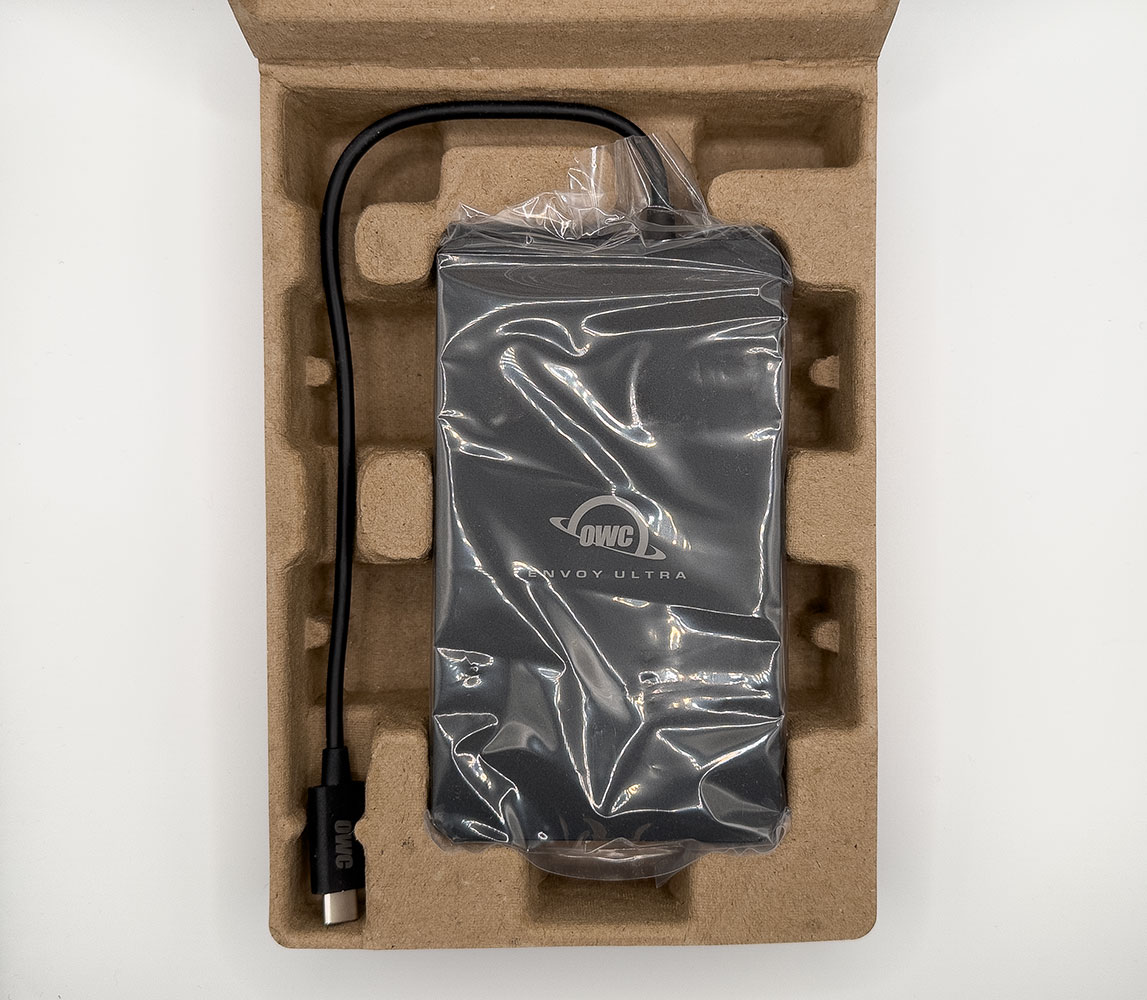
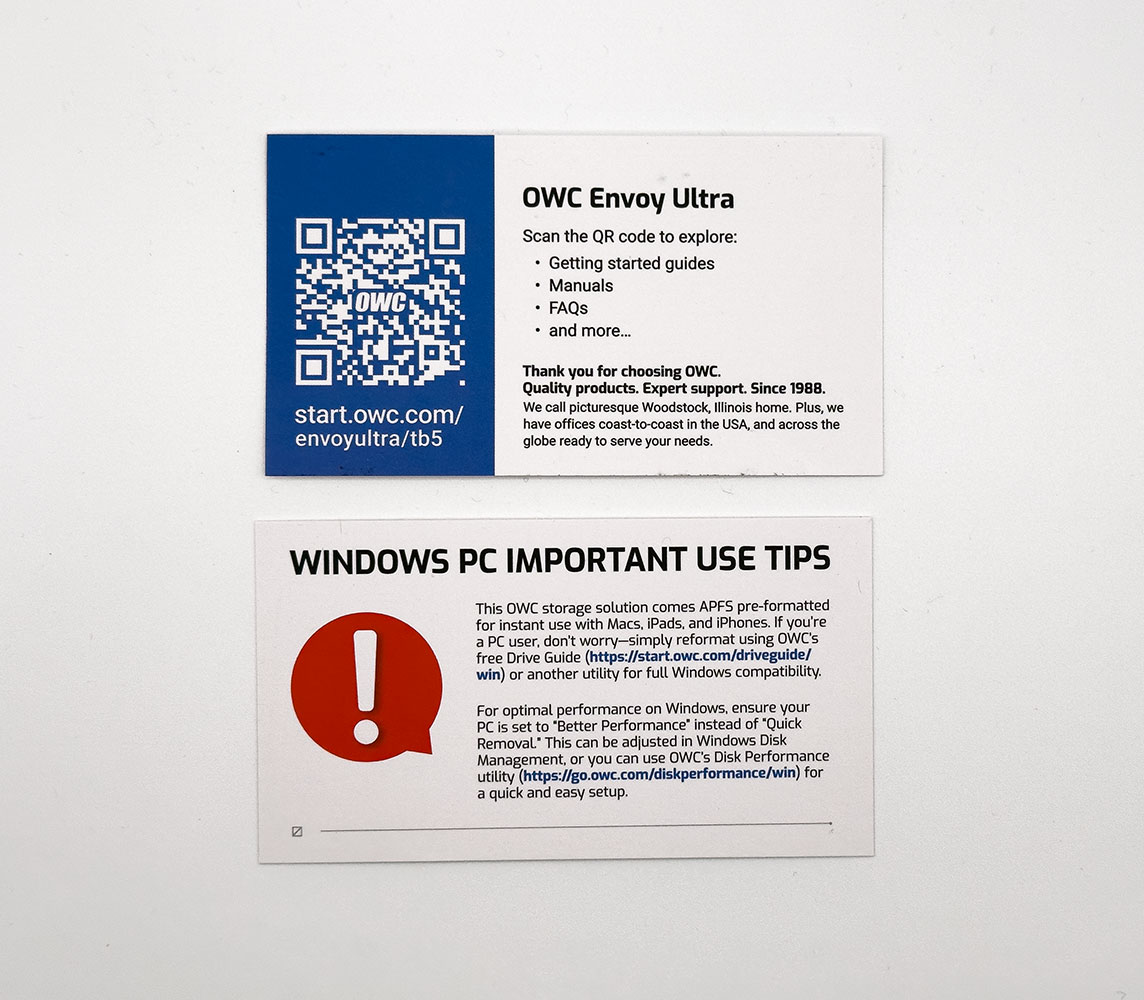
You open the cardboard clamshell to reveal the drive inside, wrapped in plastic, with its cable dangling out. There's nothing else in the box besides two business cards, one has a QR code that points you to an online manual, and the other is an important notice to Windows users telling them to manually format the drive to NTFS, because it won't just show up in Explorer when plugged in for the first time.
The Drive

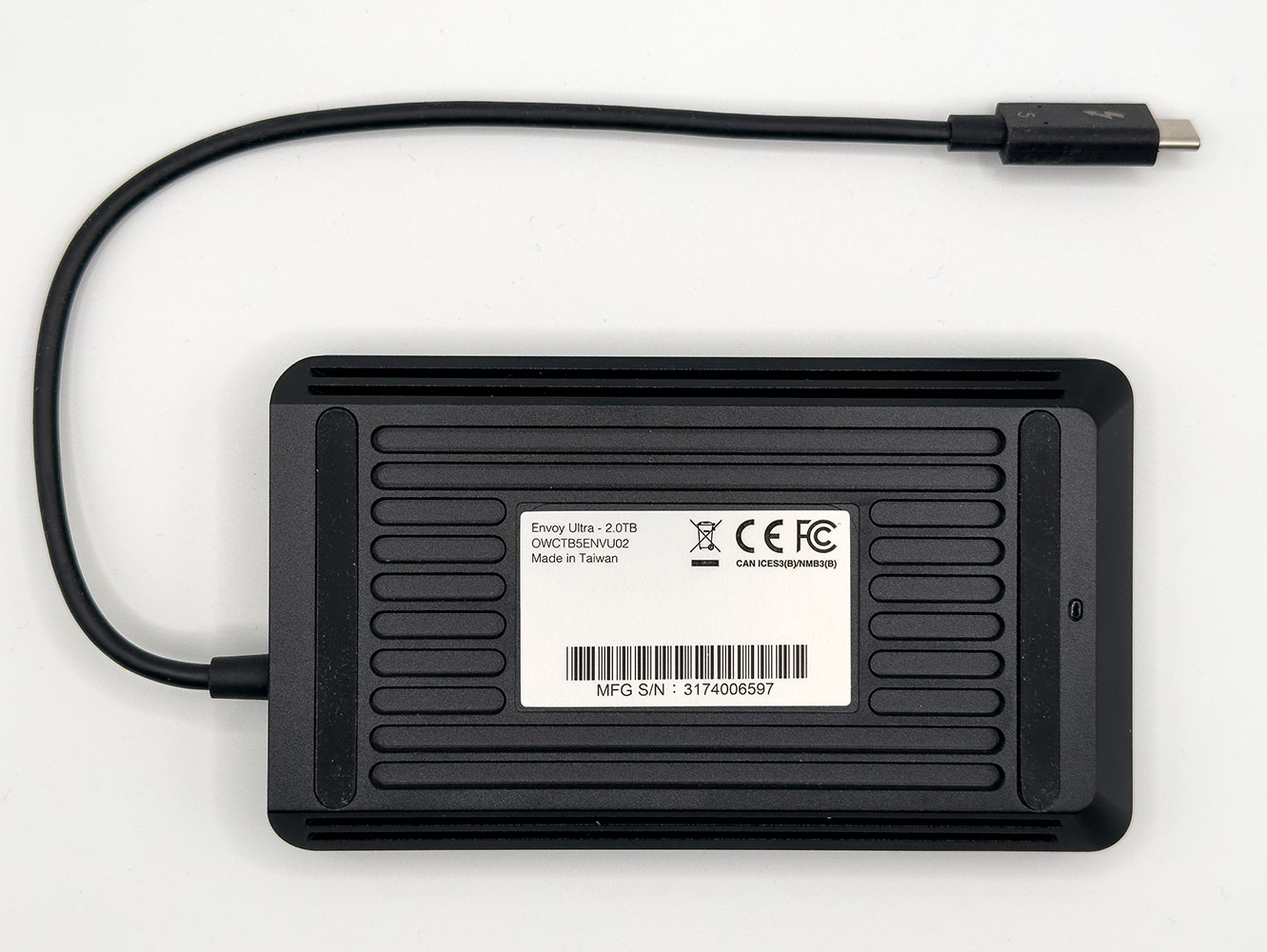
The OWC Envoy Ultra feels a lot like a 2.5-inch portable HDD from the 2000s. It's about the same size and weight as those early high capacity portable storage devices.
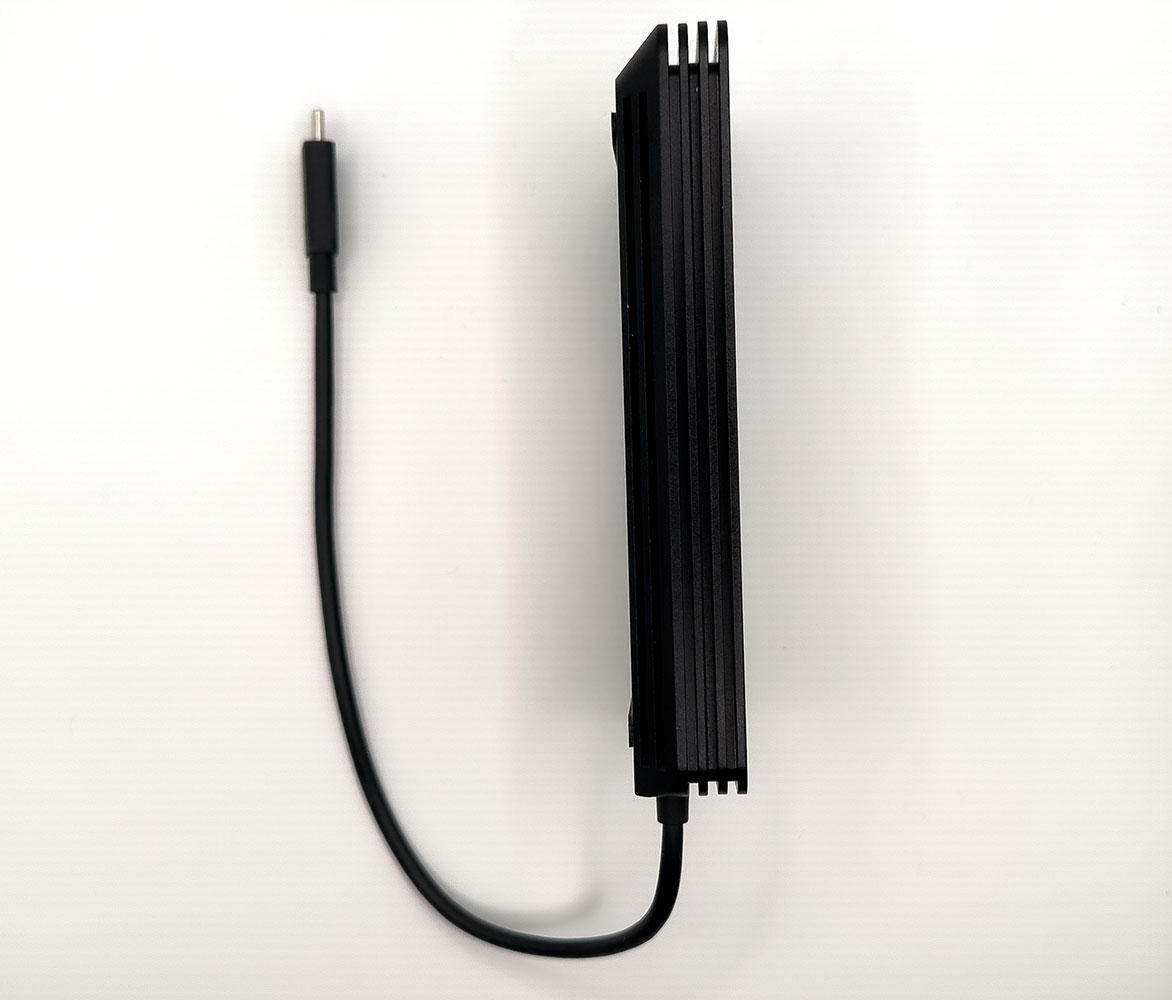
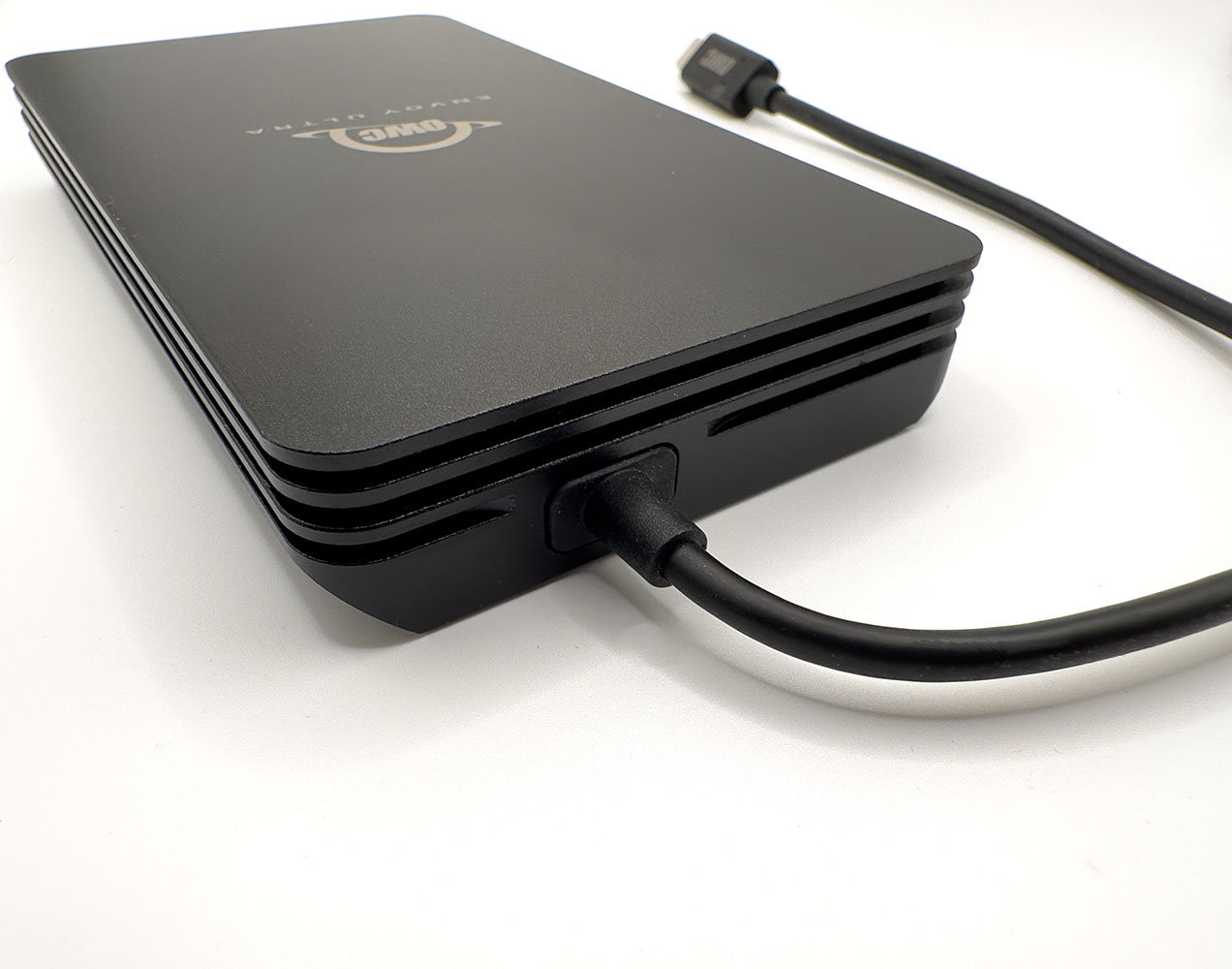
The Envoy Ultra is 2 cm (0.78 inch) thick. There are no sharp edges, the drive won't hurt an expensive silk-lined suit pocket, but you'll feel its weight. The drive comes with a fixed cable.
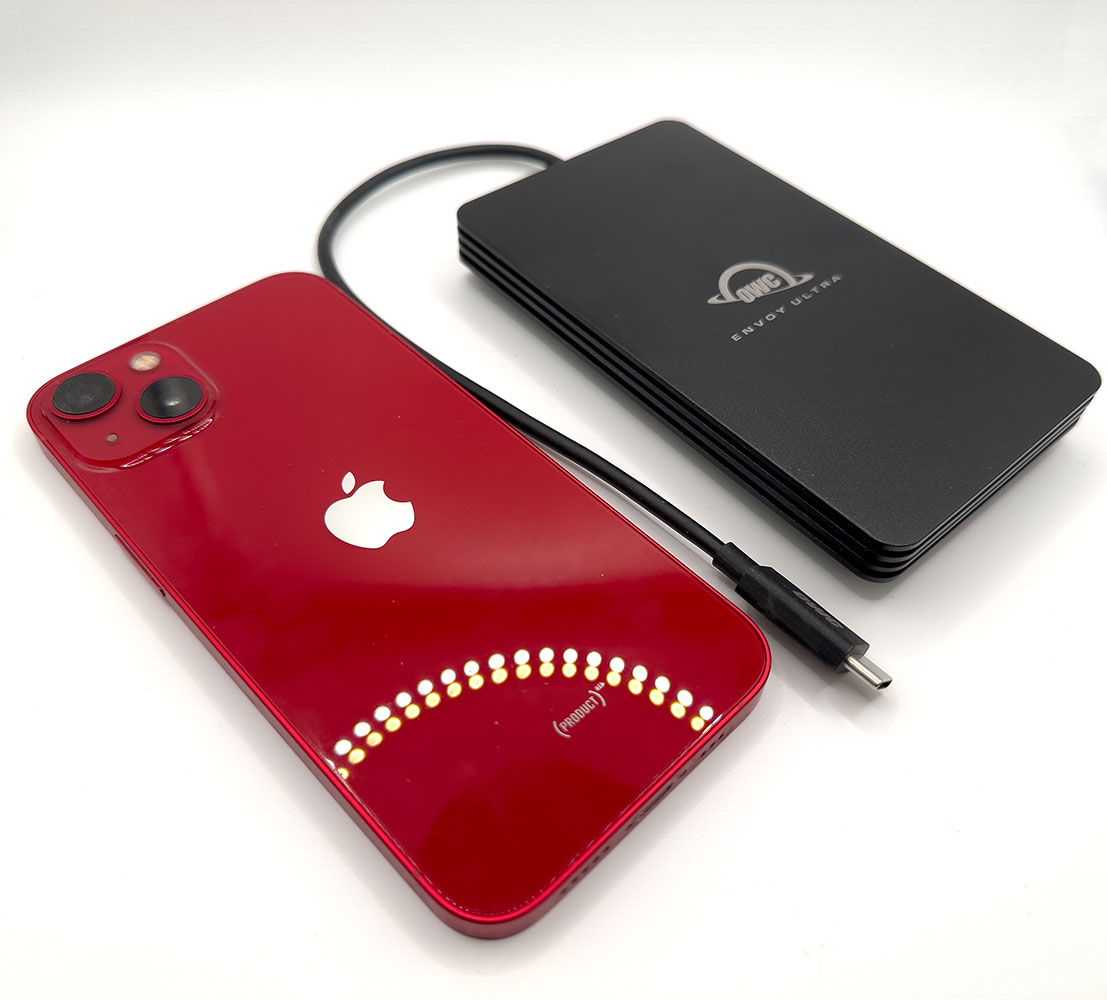
Here's the drive next to an iPhone 13 (6.1-inch). They're about the same size, but the Envoy Ultra is twice as thick and weighs twice as much.
Our Patreon Silver Supporters can read articles in single-page format.
Nov 14th, 2026 12:09 CST
change timezone
Latest GPU Drivers
New Forum Posts
- Tell me about your favourite graphics card (56)
- Slow SSD read speeds - help! (7)
- What can the FX 8320 do today? Here is the answer. (29)
- What card do I get for VR? (29)
- Ddr4 instead of ddr5 for 9060xt 8 gb over 5060 8 gb (7)
- Your PC ATM (36414)
- TPU's Nostalgic Hardware Club (22161)
- Microsoft Exchange/365 outages? (62)
- Opinion on Monitor Replacement (7)
- Show us your collections thread!! (366)
Popular Reviews
- AMD Zen 6 Technical Deep Dive
- Corsair HX1000i Shift Crystal Review
- ASUS ROG Strix B850-I Gaming Wi-Fi7 W Review
- NZXT C1200 Platinum Review
- Upcoming Hardware Launches 2027 (Updated Nov 2026)
- Montech King 95 3D PRO Review
- NZXT H7 RGB+ Review
- NZXT H5 Review
- Phantom Blade Zero Performance Benchmark Review - 35 GPUs Tested
- XPG NIMBUS PLUS Review - Mid-range Chair With Strong Competitors
TPU on YouTube
Controversial News Posts
- NVIDIA Co-Founder and CEO Jensen Huang Officially Resigns (399)
- OpenAI CEO Argues Home PCs Waste the World's Limited DRAM Supply (152)
- NVIDIA Launches Investigation Into Jensen Huang's Relationship With Suspected Chinese Spy (136)
- Intel "Raptor Lake Next" 16-Core and 20-Core CPUs Surface (130)
- Legendary Game Studio BioWare Shuts Down Following EA Layoffs (104)
- Dell CEO Says the Memory Shortage Will Get Worse in 2027 (95)
- NVIDIA GeForce RTX 50-Series Scheduled for up to $500 Price Hike This Week (89)
- Modder Fits RTX 5090 With Four 8-Pin Connectors, Halving Current per Wire (80)