 35
Monster Hunter: World Benchmark Performance Analysis
(35 Comments) »Introduction

Monster Hunter: World was first released for Playstation 4 and Xbox One in January this year. Now, six months later, the PC version has been released. The console version sold over eight million units so far, which makes this Capcom's most successful game ever, and also the most successful title in the "Monster Hunter" series.
The game's concept sounds deceptively simple. Collect materials to craft weapons and armor in quests, and slay monsters with that gear for parts to craft increasingly powerful equipment to slay more powerful monsters. Of course, it's the diversity of these weapons, characters, monsters, and locales in a vast world with dozens of environments that makes this game addictive. There's also a core story element that provides a narrative and path for those who need one. It involves you and your handler (an NPC) exploring a planet named Zorah Magdaros in a quest to figure out why some of its biggest monsters, called the "Elder Dragons," are migrating to "the new world."
Capcom is including a cooperative multiplayer experience with Monster Hunter: World, which enables groups of up to four hunters to take up the challenges of bringing down the monsters.
Monster Hunter: World is built on Capcom's new game engine for changing times—MT Framework. The engine takes advantage of DirectX 11, Tessellation, and shader post processing effects. Its geometry and textures may seem a little behind the times, but that's due to game's console origins.
In this performance review, we put Monster Hunter: World through our selection of graphics cards, backed by the latest game-ready drivers from both AMD and NVIDIA. We measure the game's performance across various screen resolutions, investigate VRAM usage, and even test the game's multi-core CPU performance scaling.
Screenshots

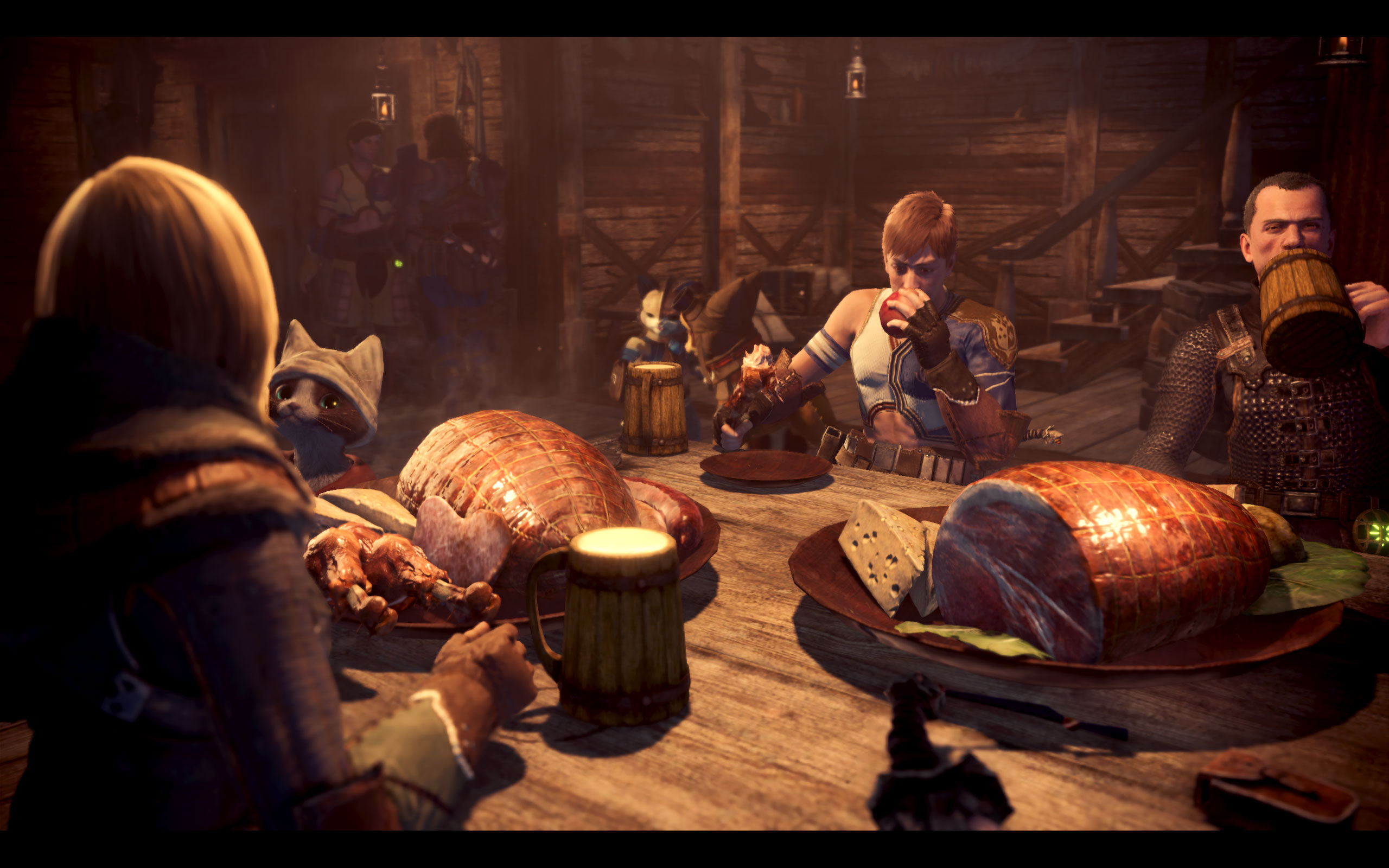




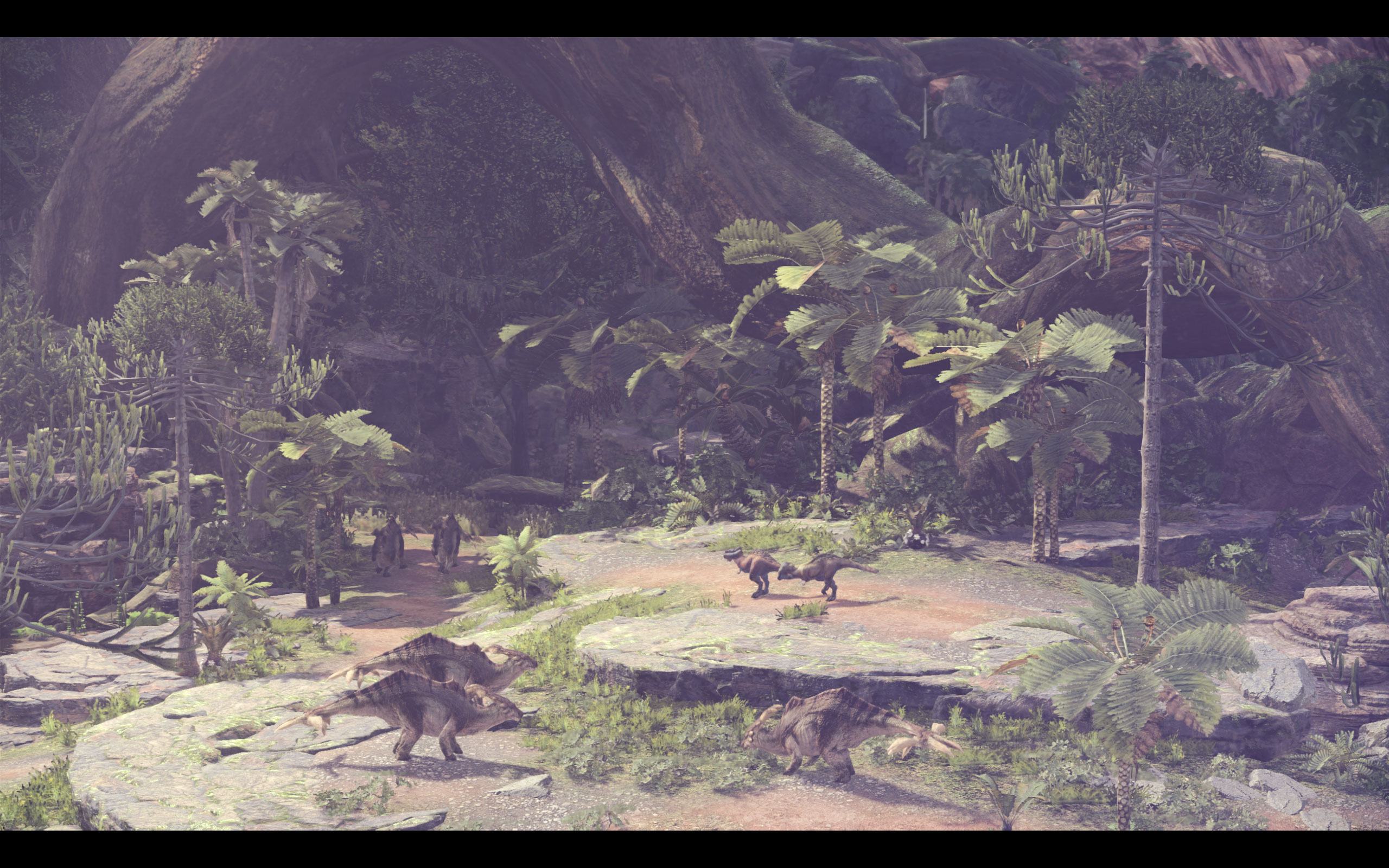


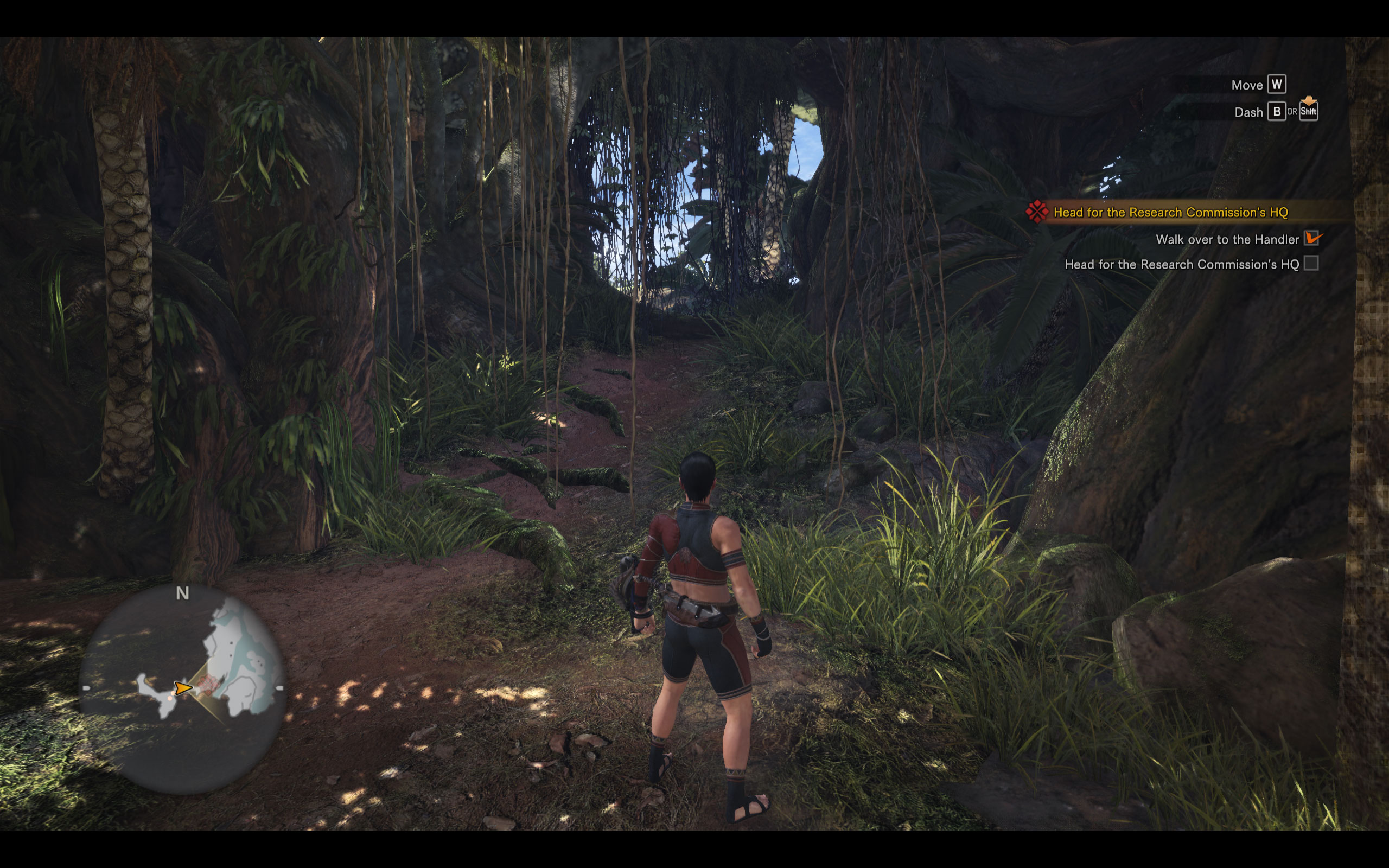


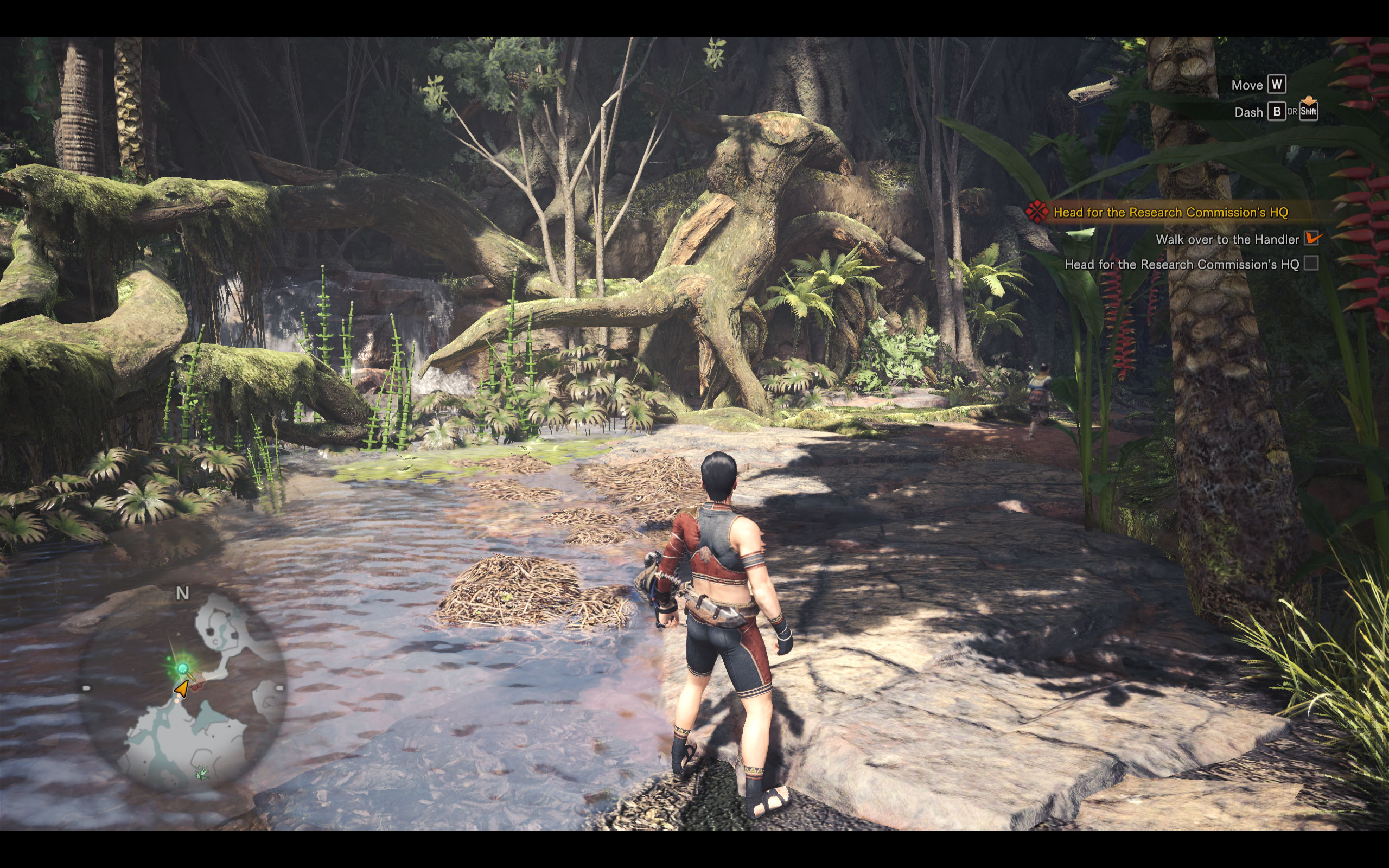
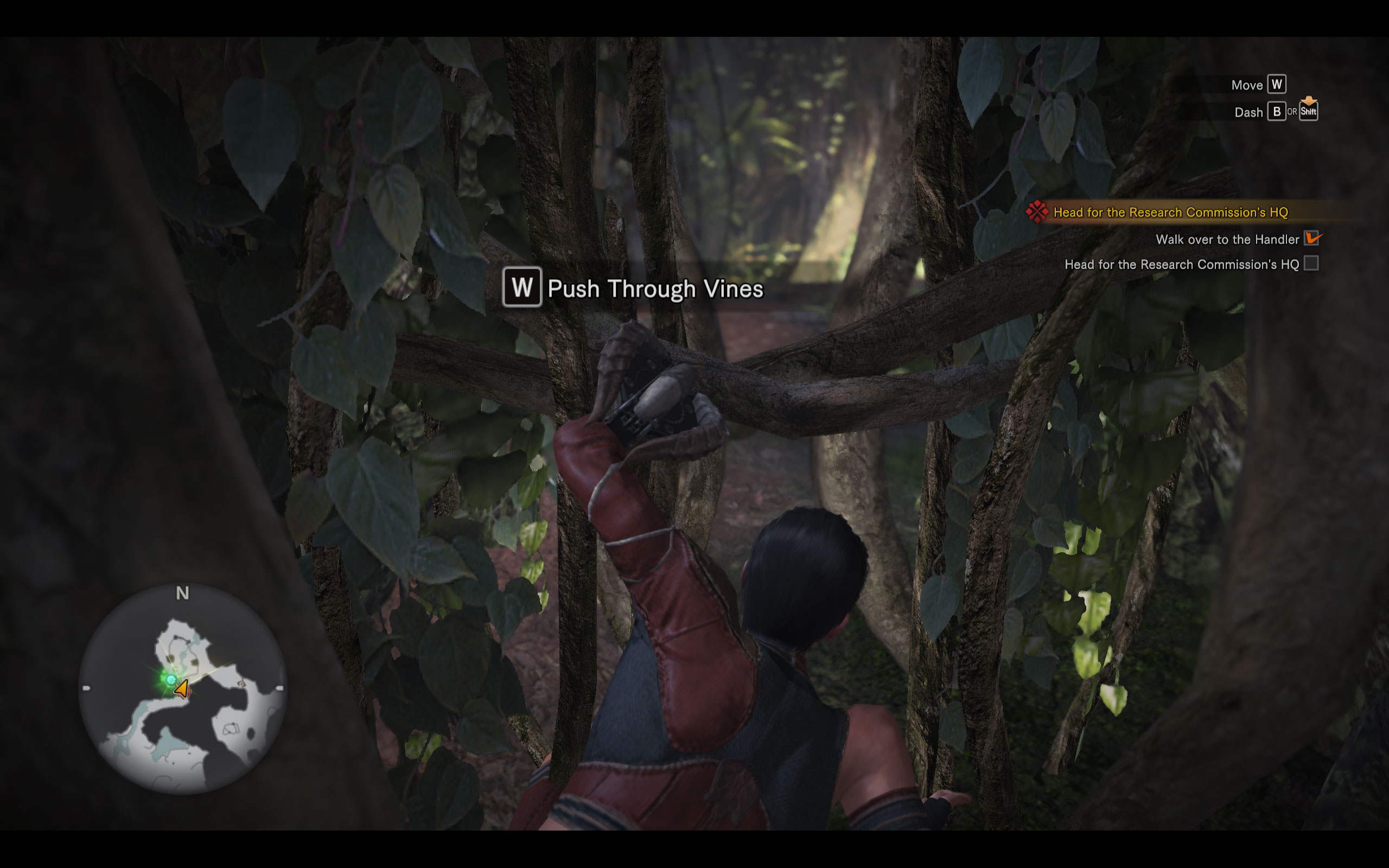
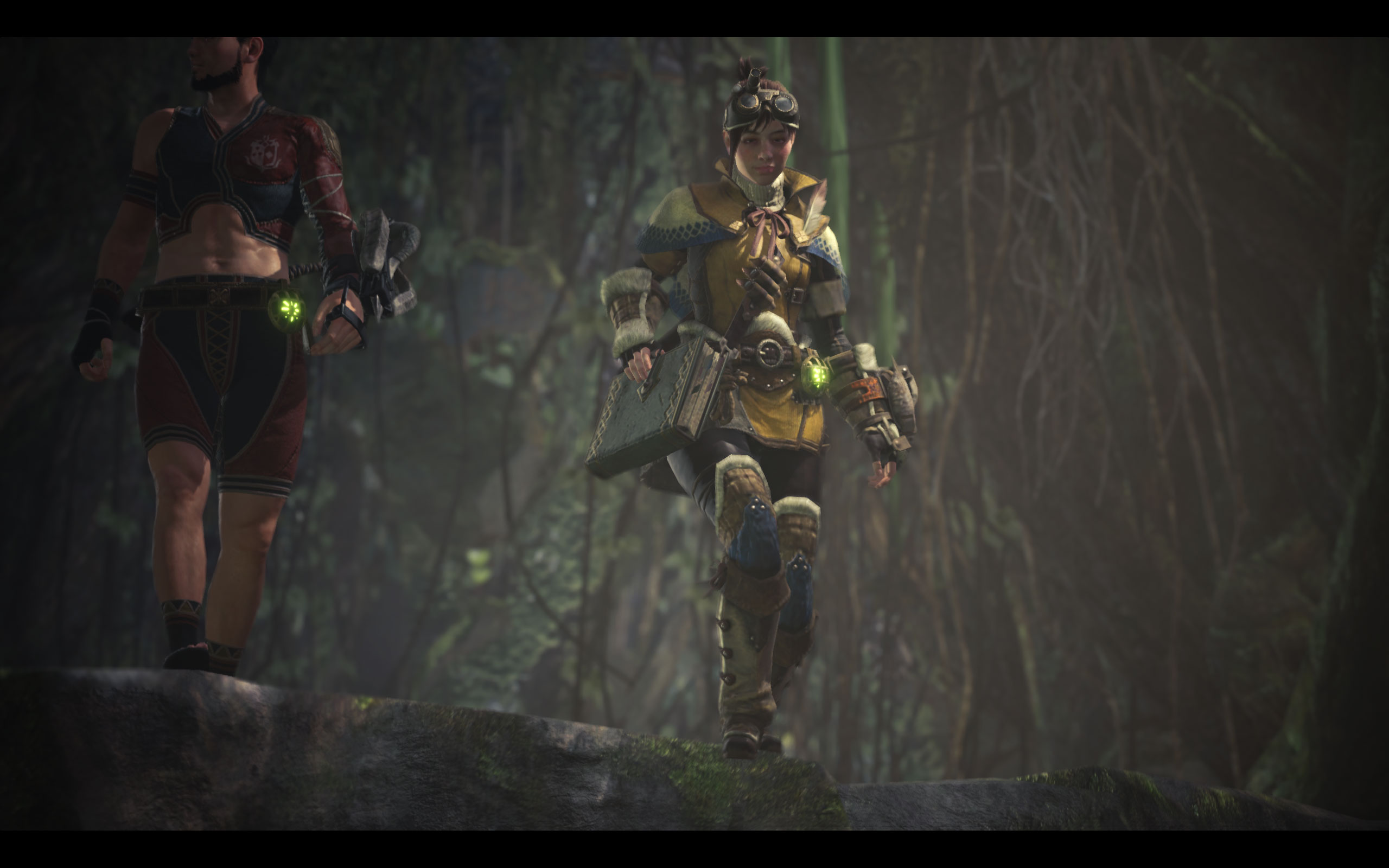

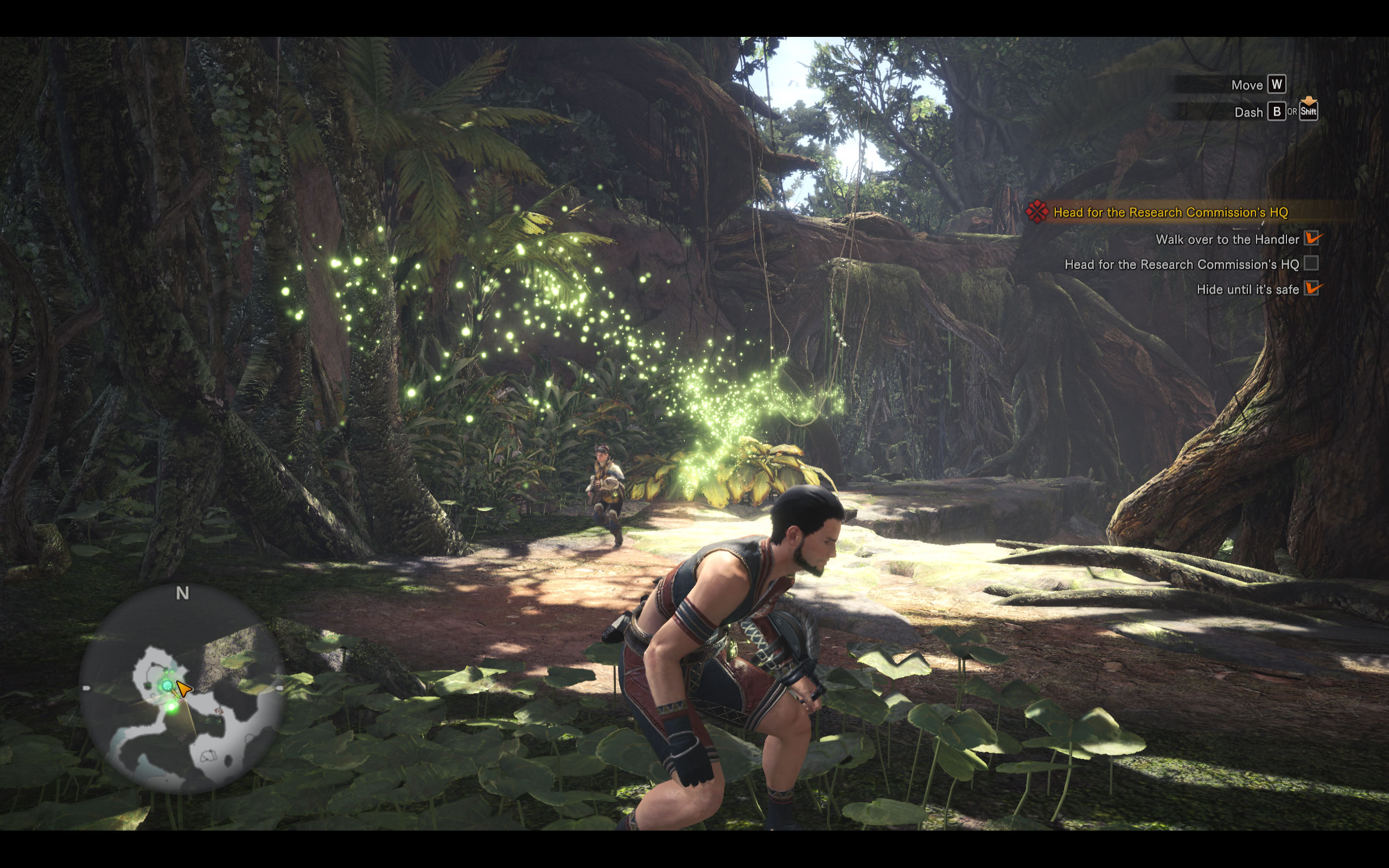


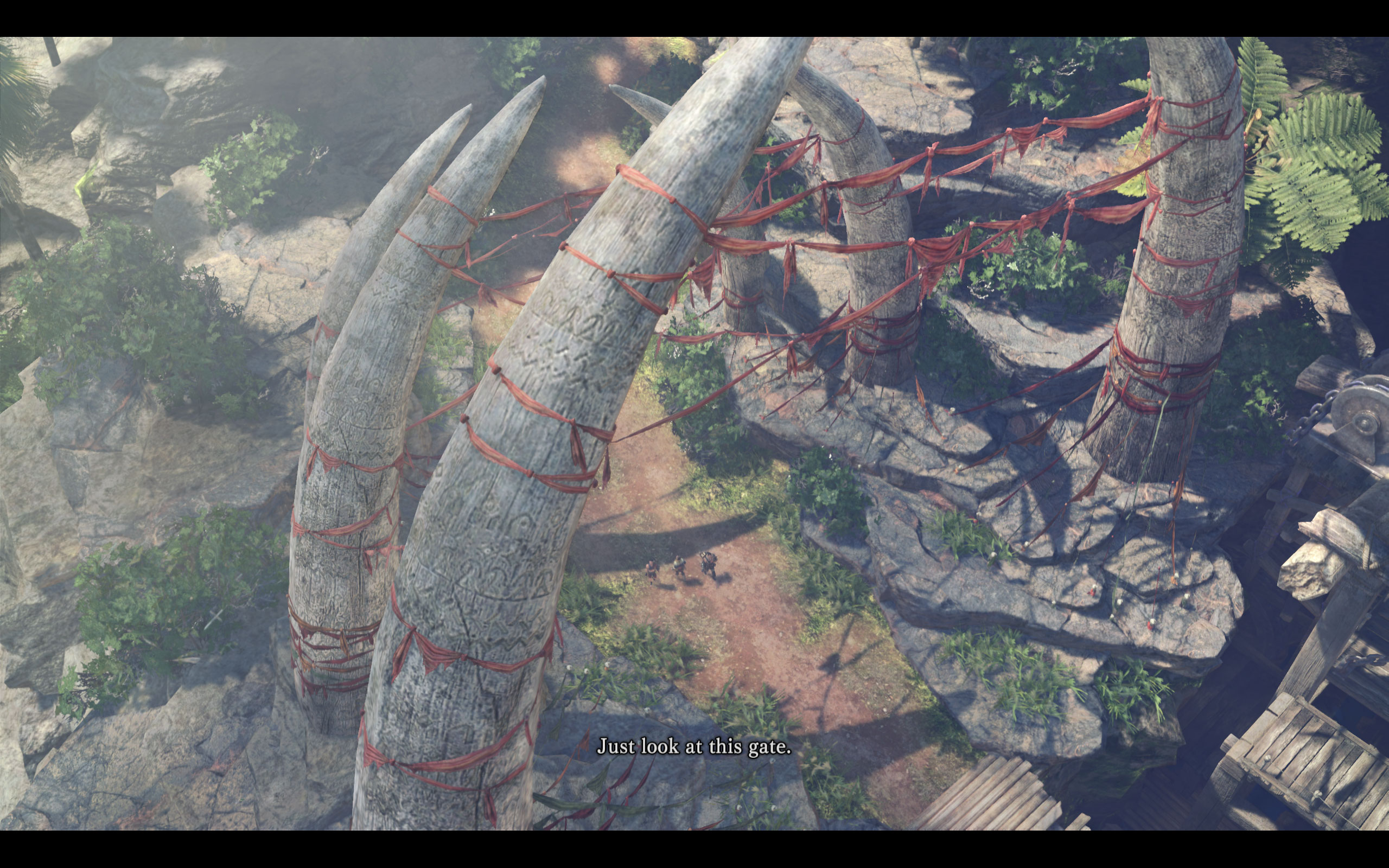


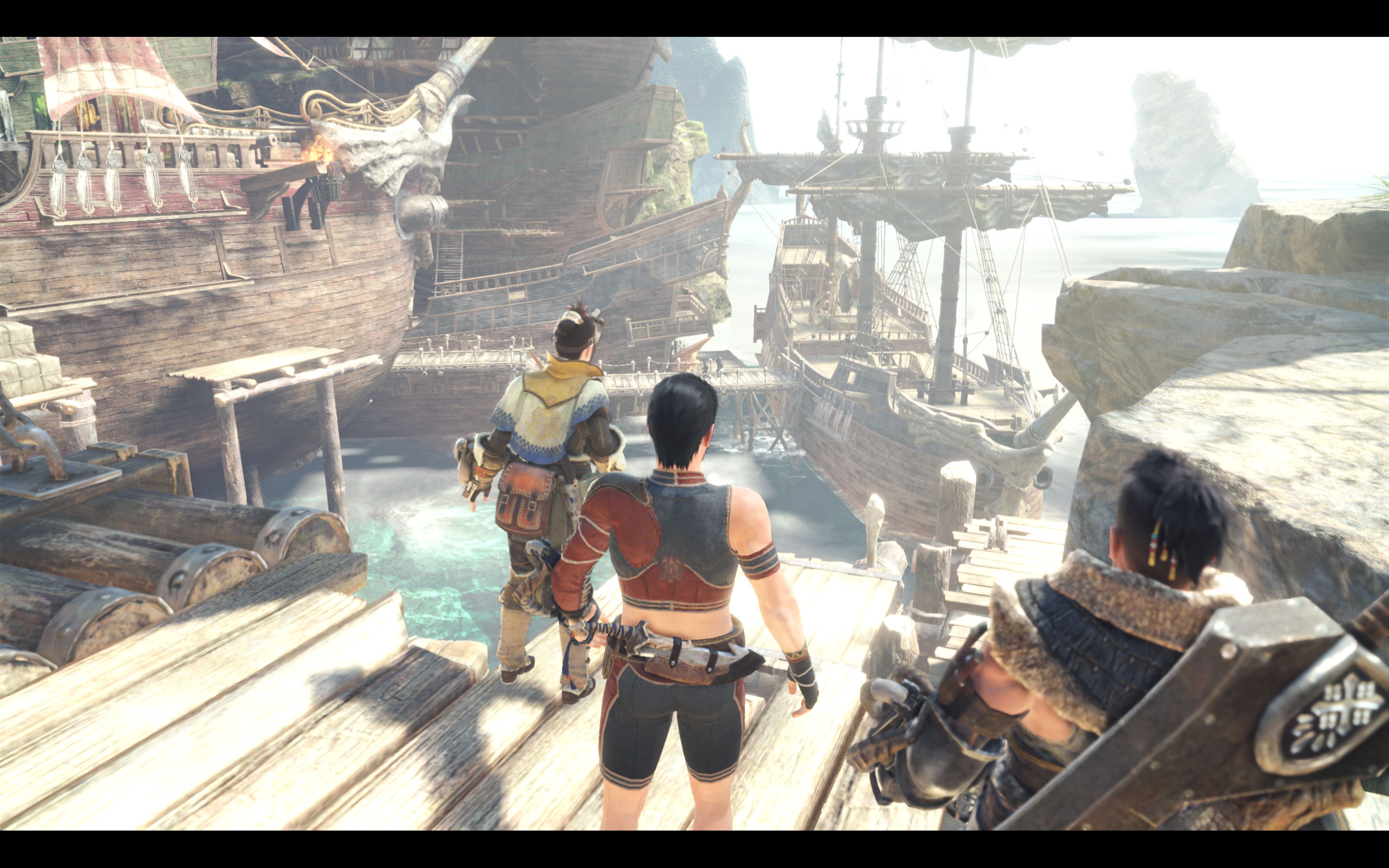


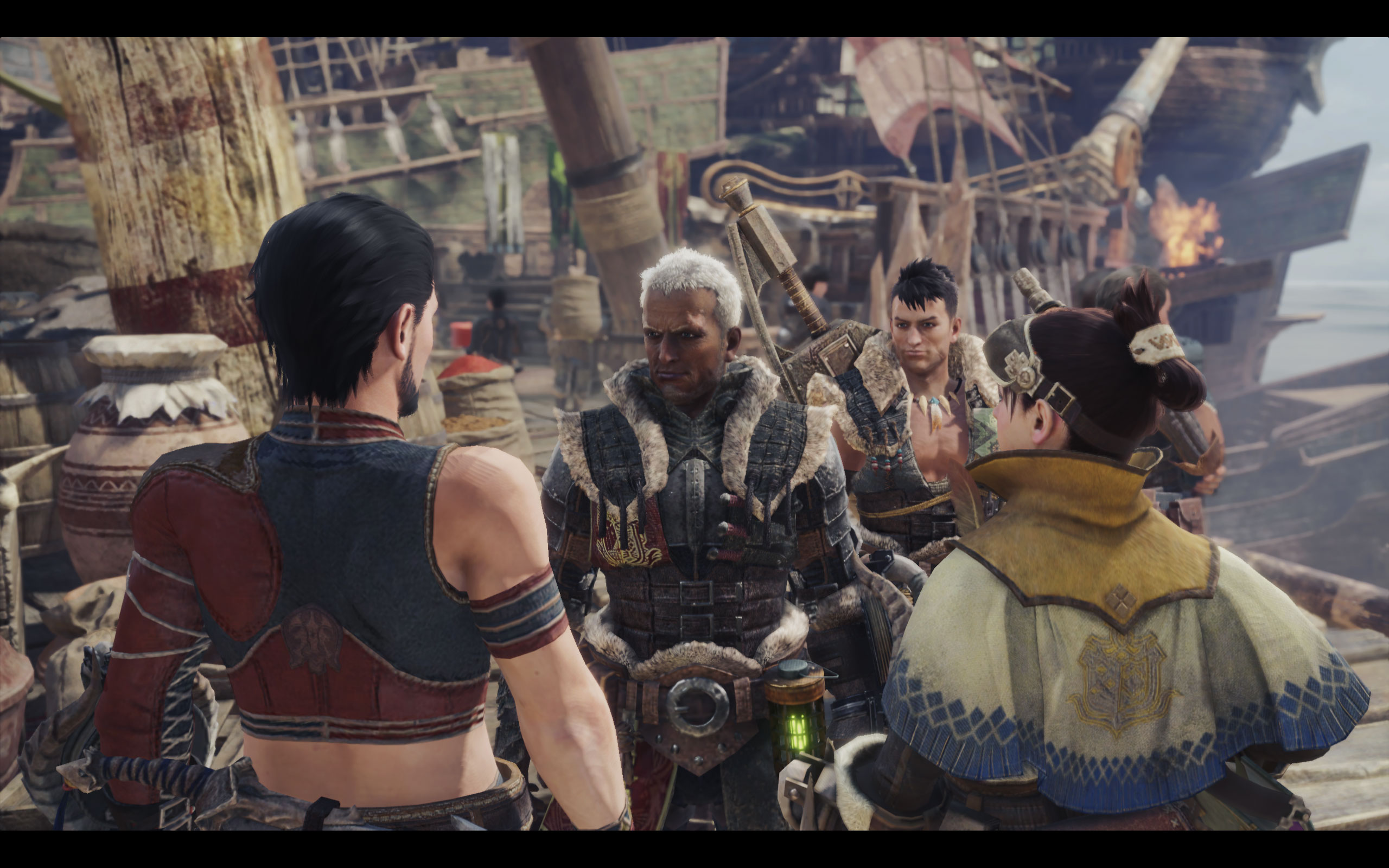

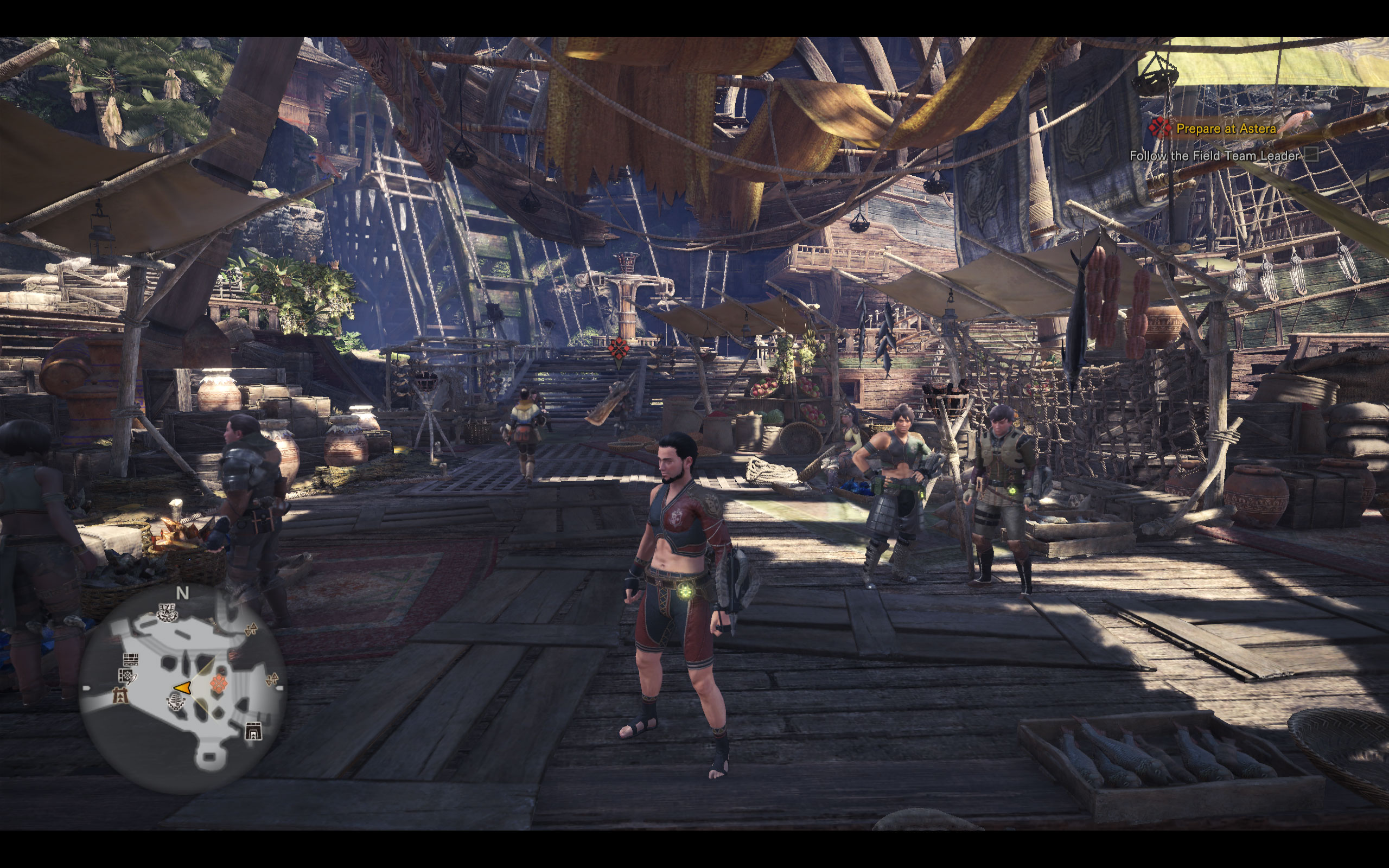
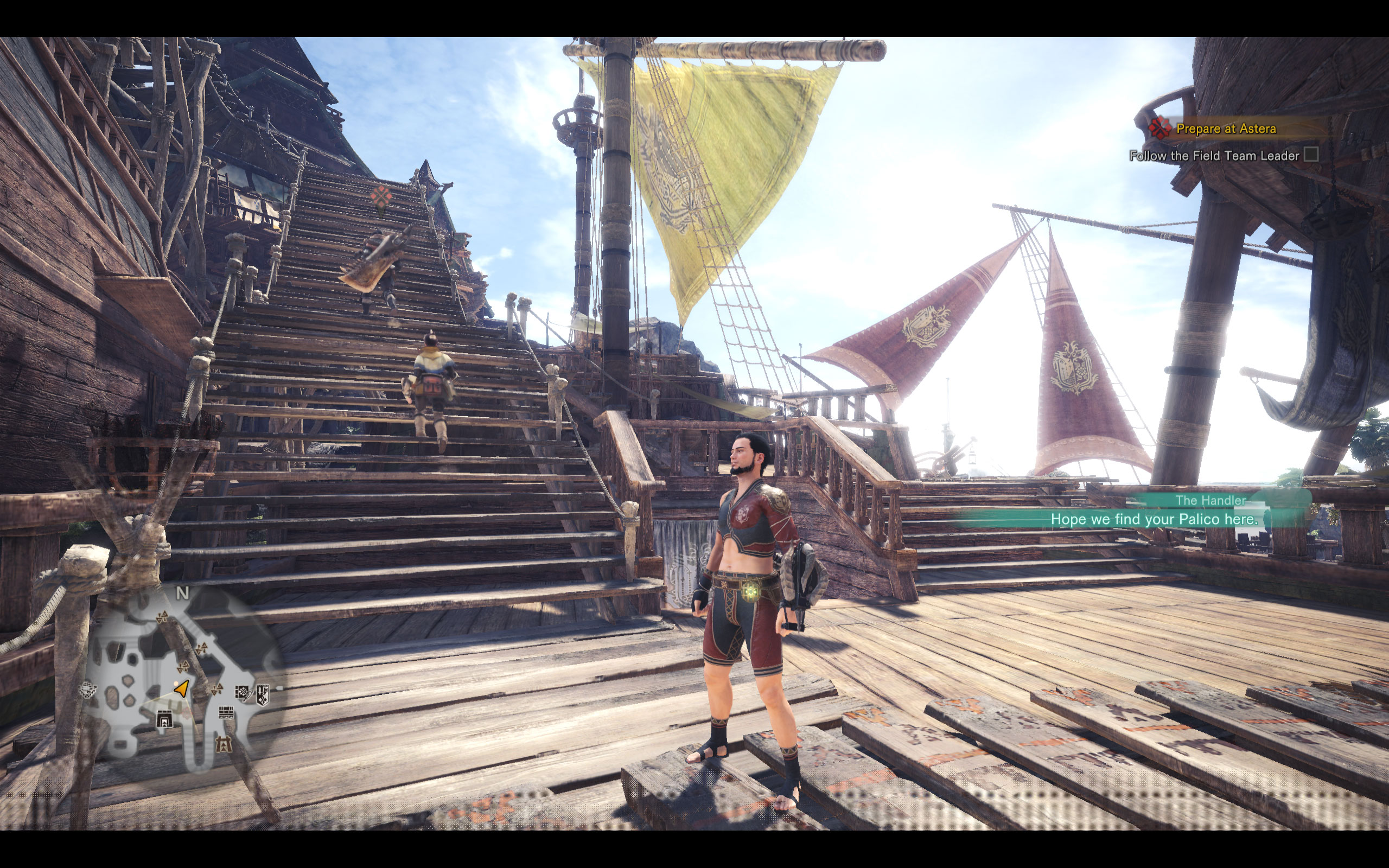
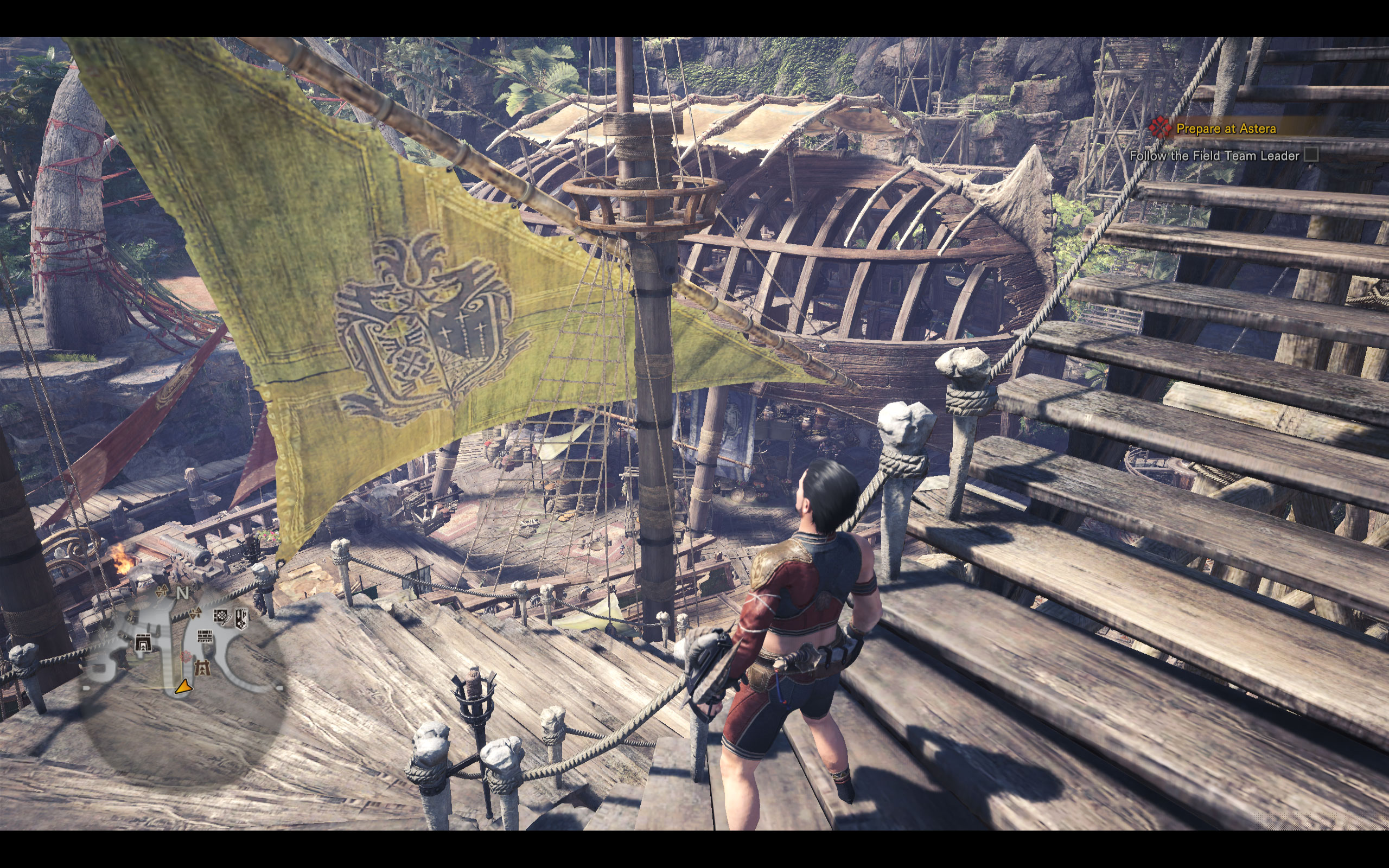




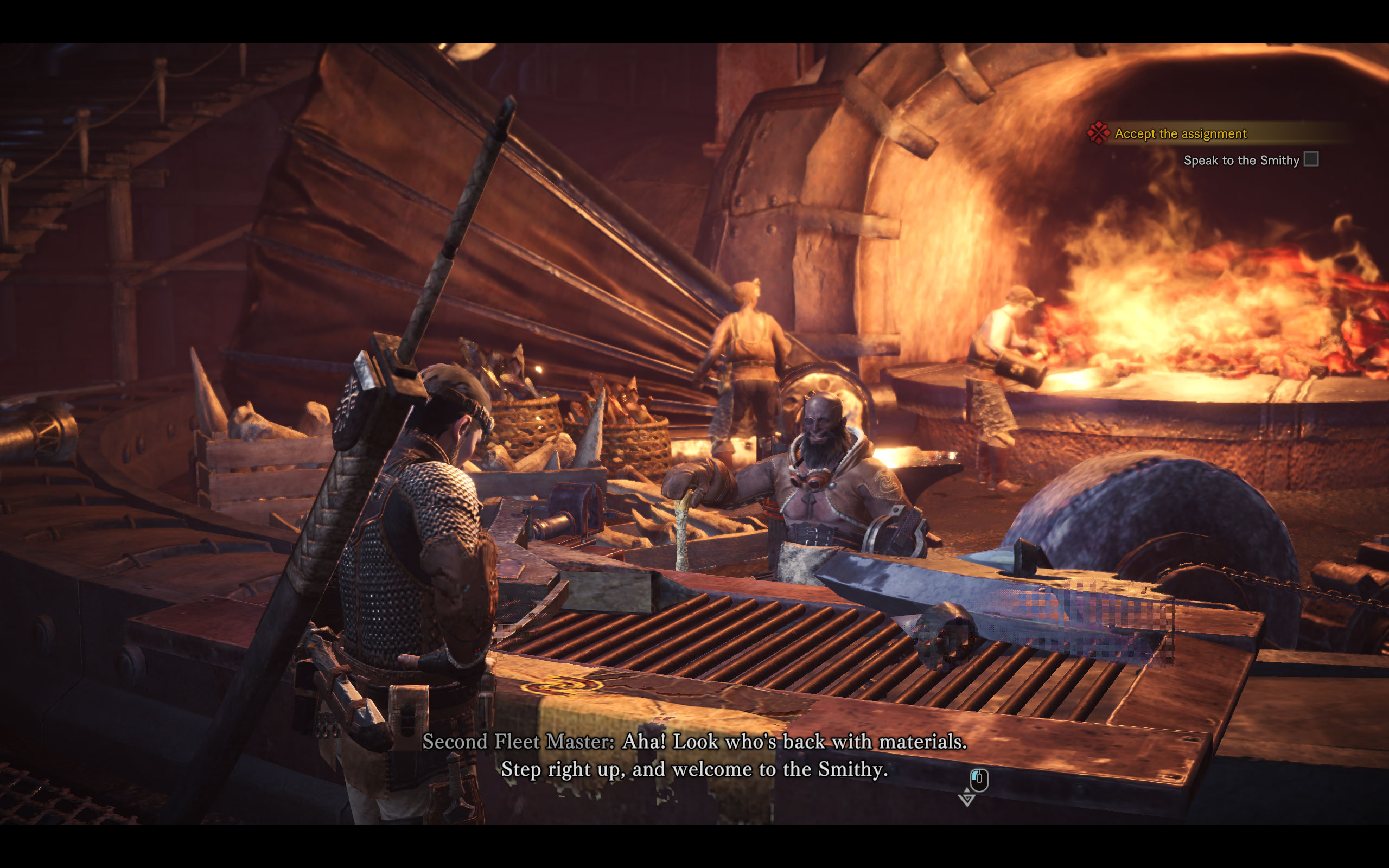


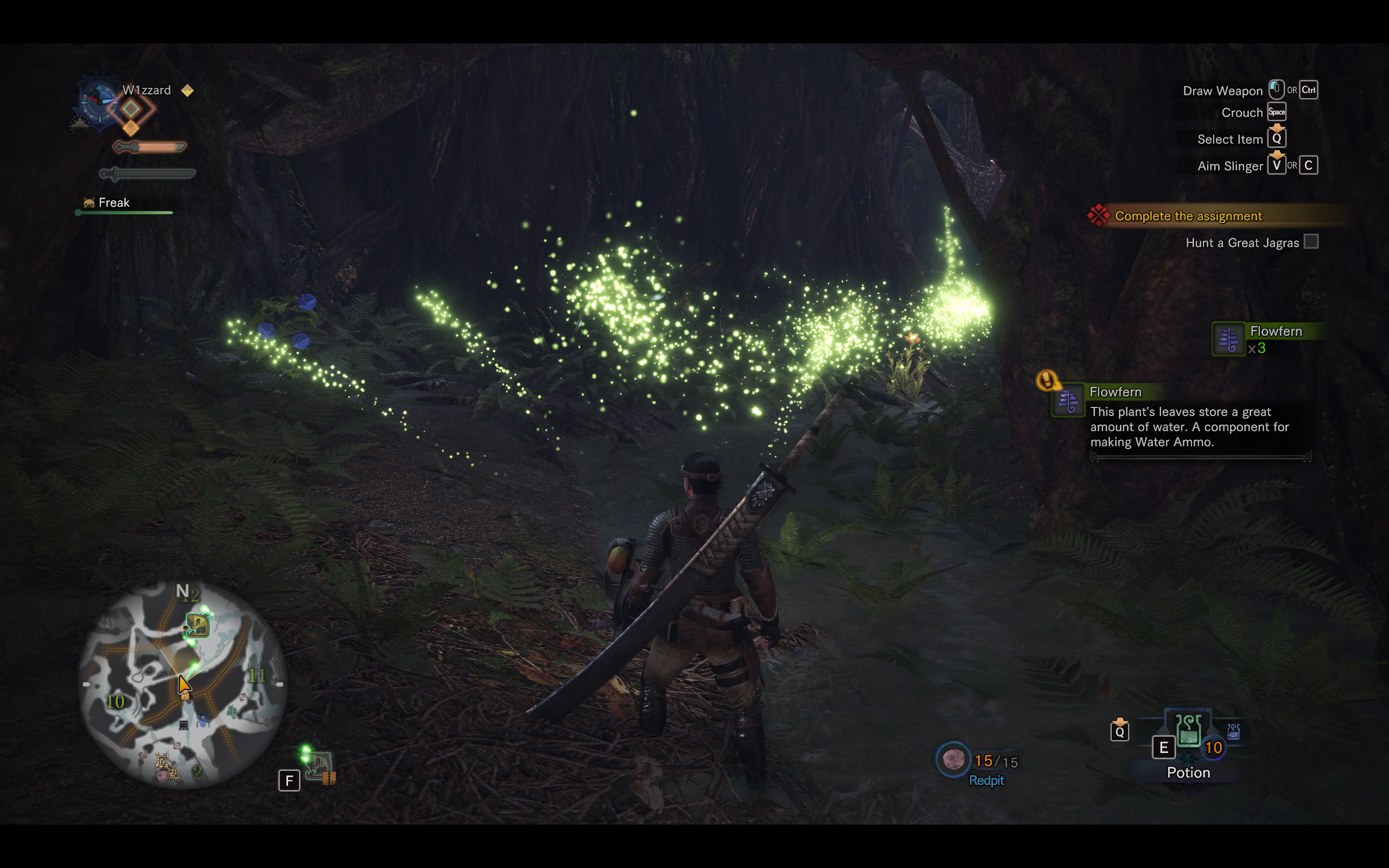


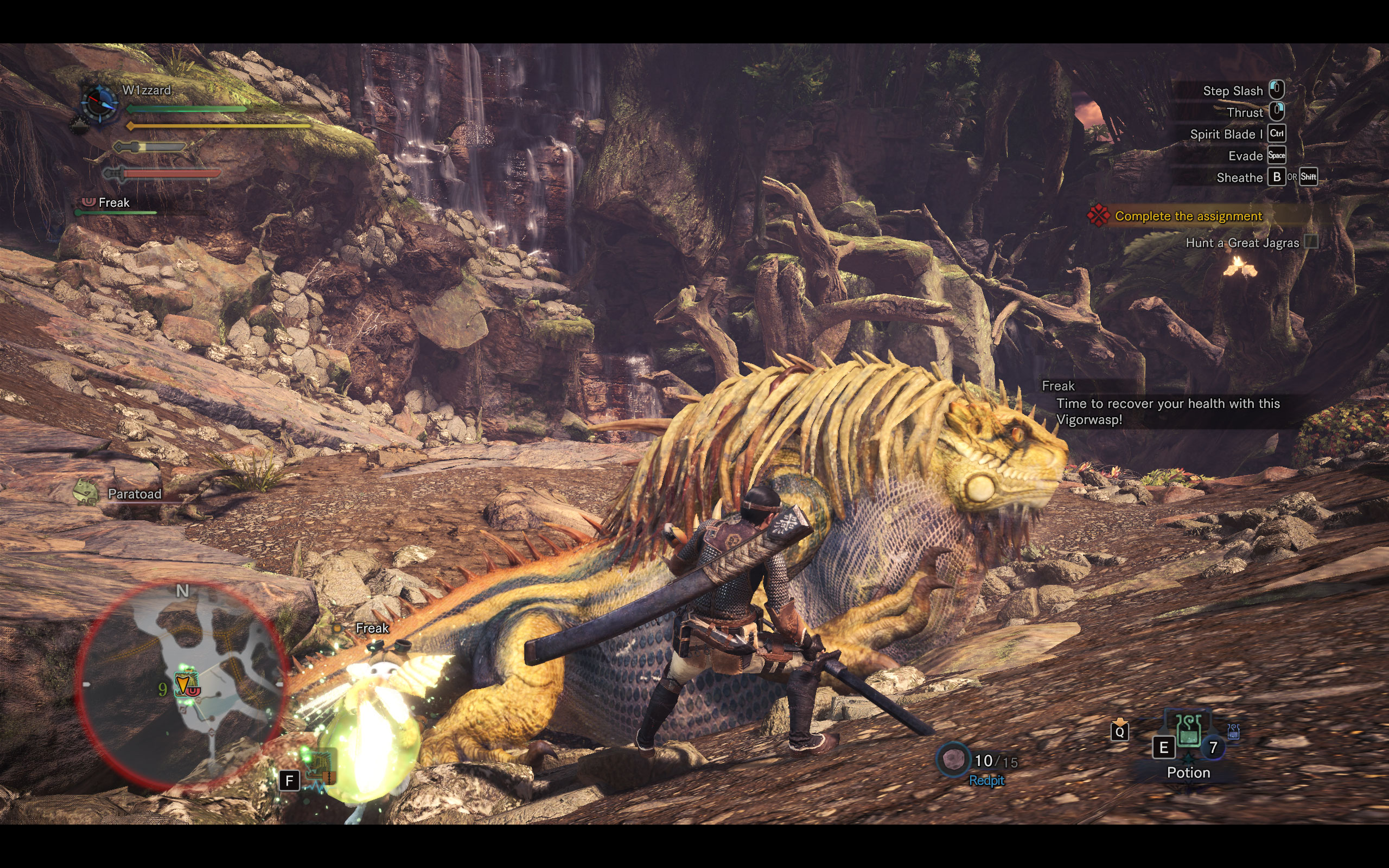

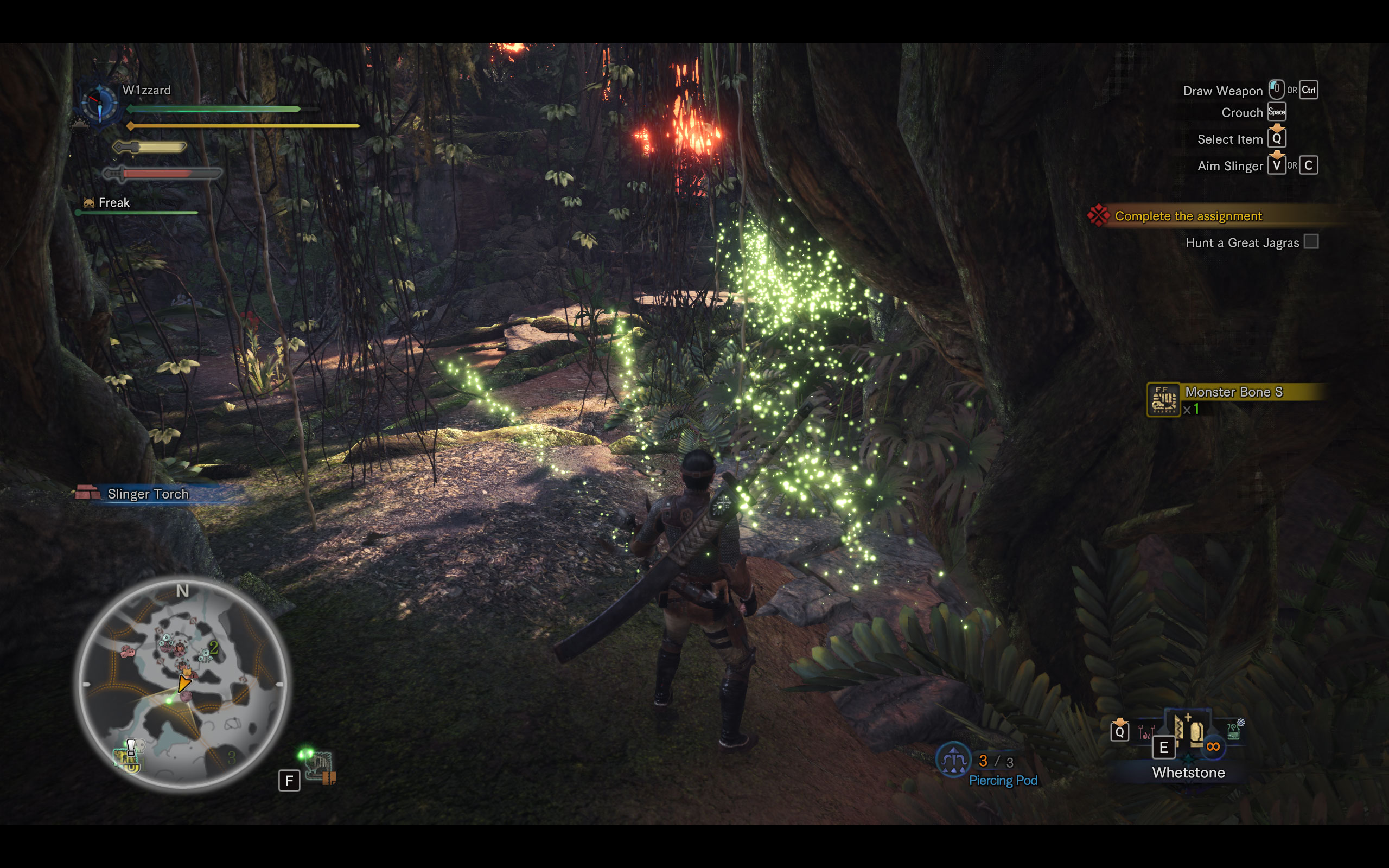


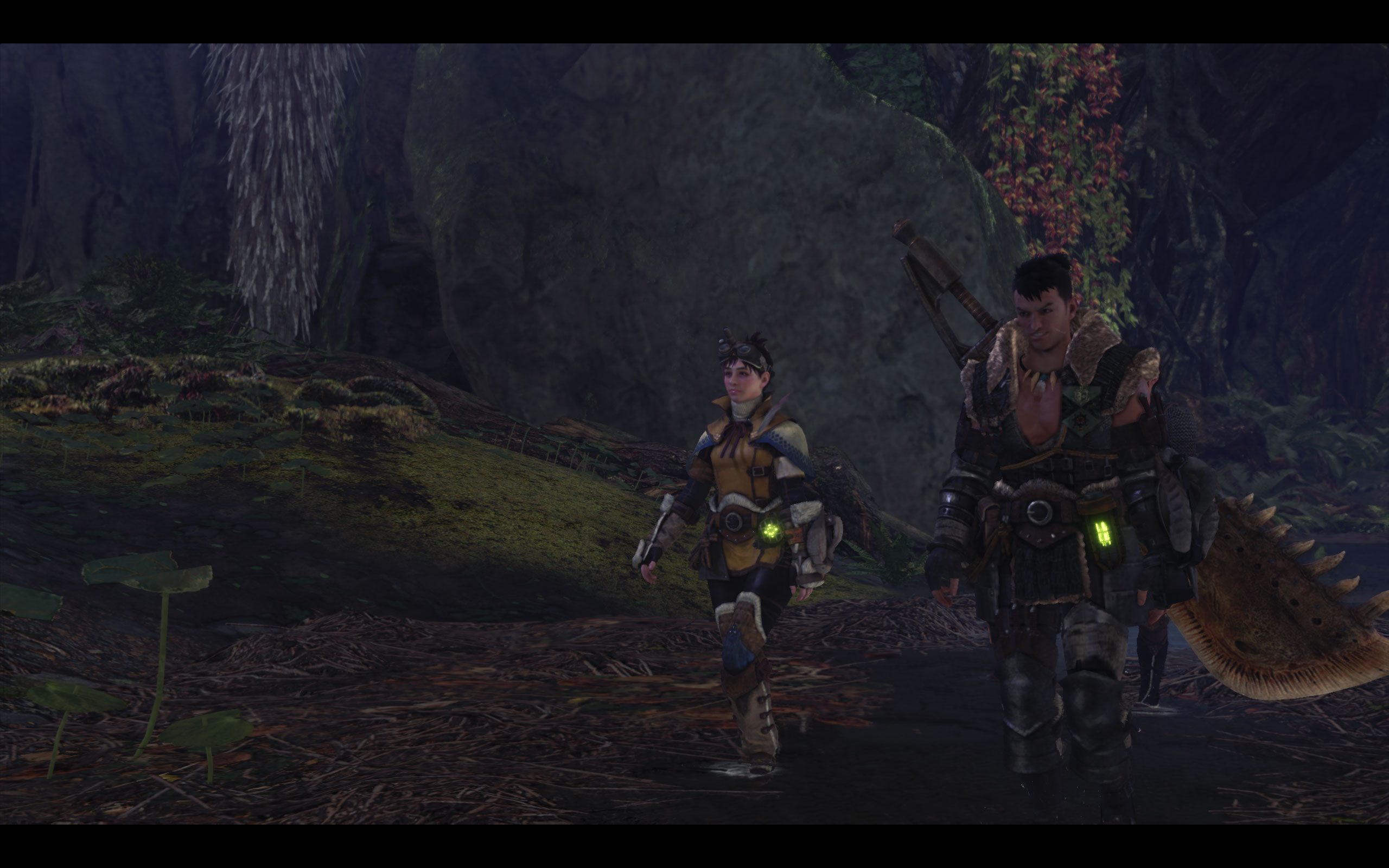


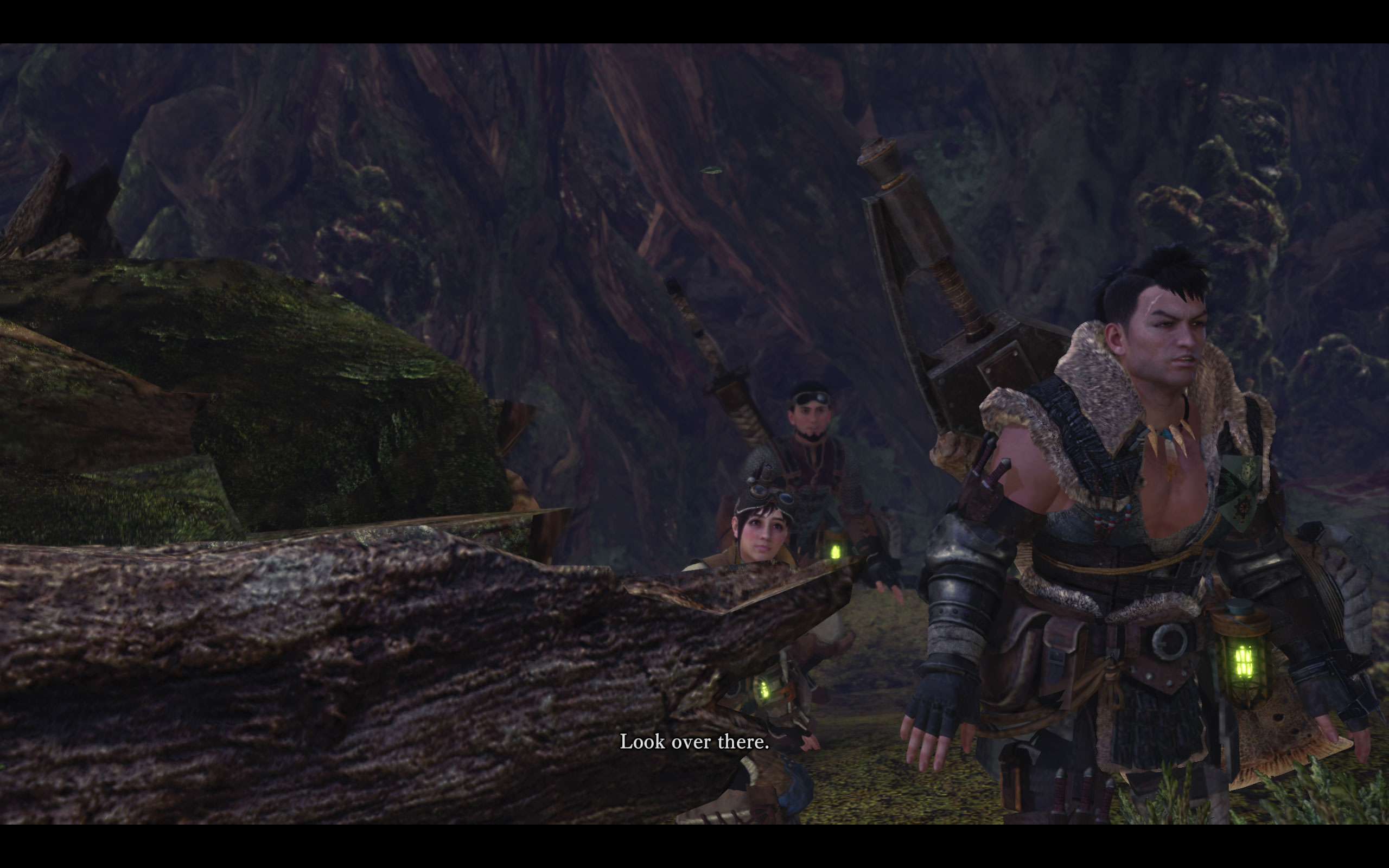


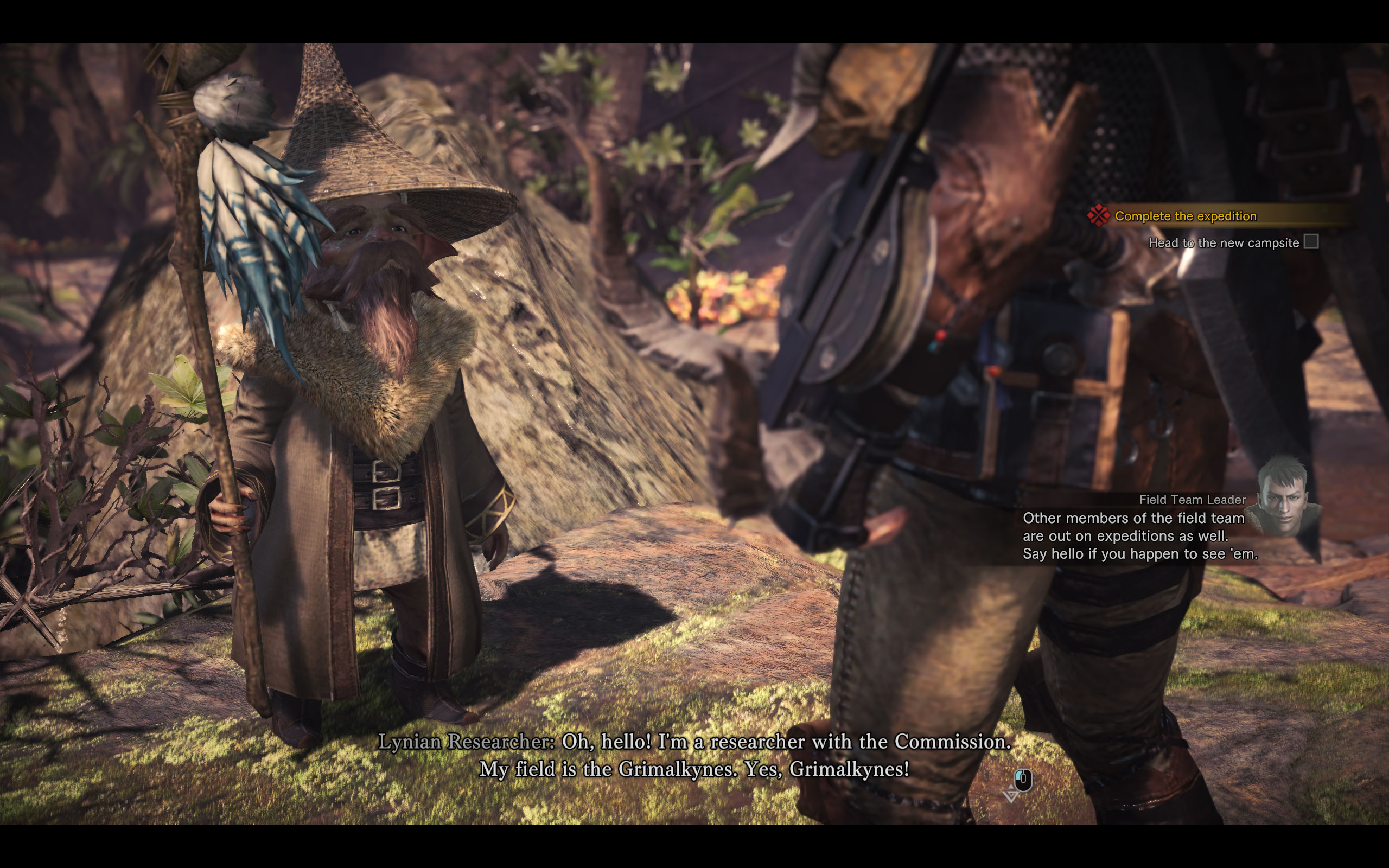
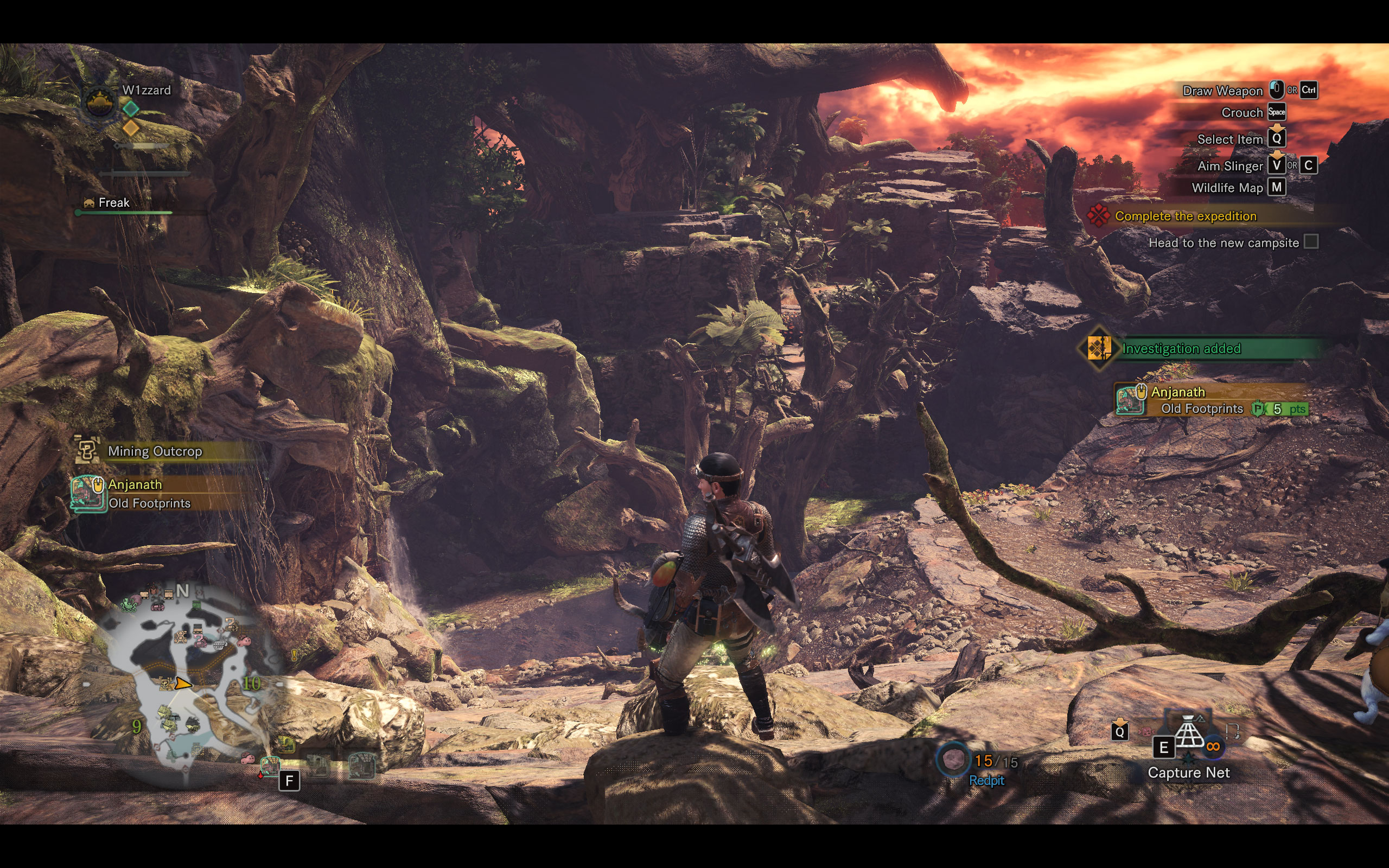
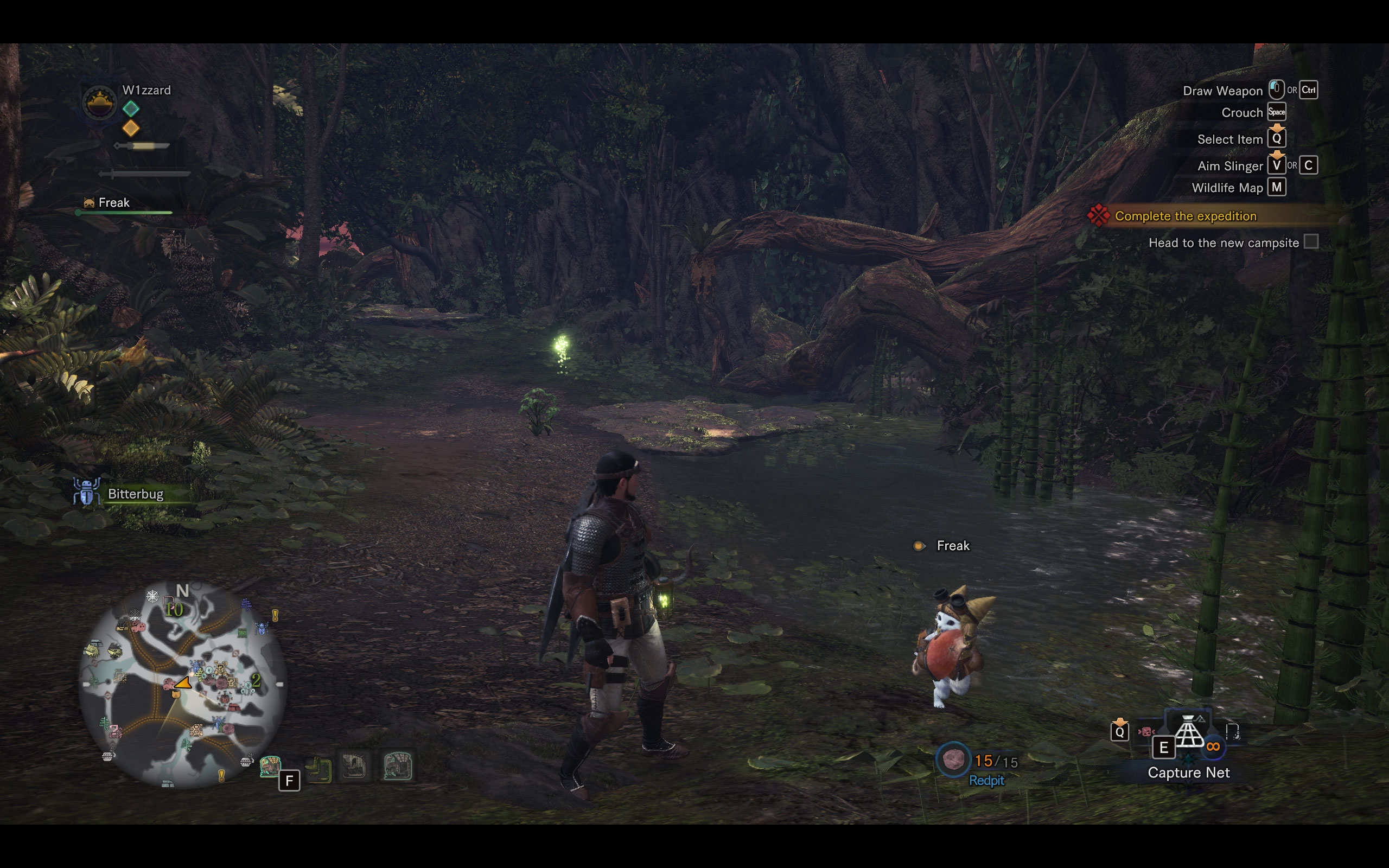


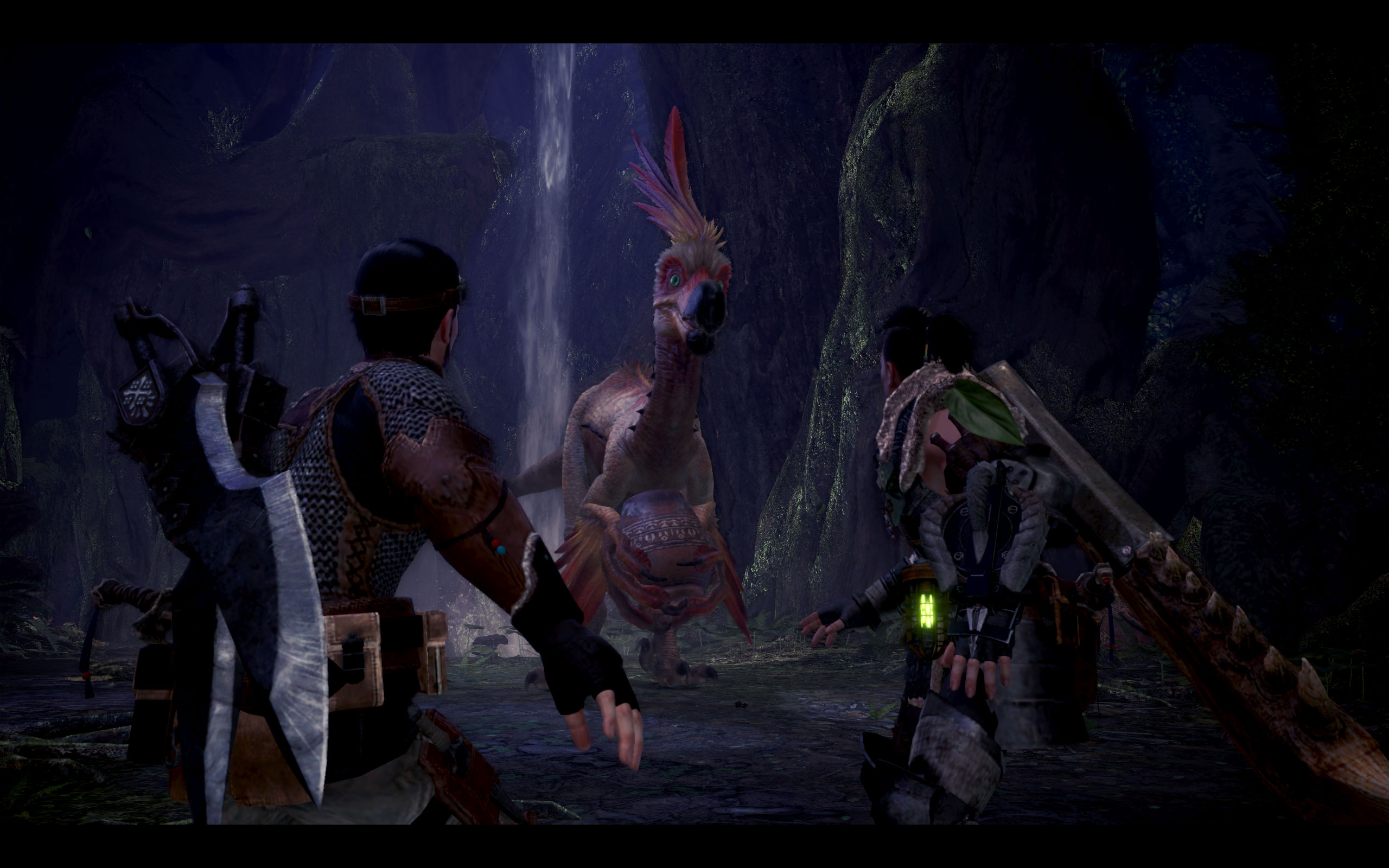
Graphics Settings

- The first settings screen deals with the usual monitor settings
- As expected, the game has options to choose the screen resolution, but it really only supports 16:9. As you can see from my screenshots on the previous page, 16:10 (2560x1600) comes with black bars. The same will happen when a 21:9 monitor is used.
- You can also toggle between fullscreen, windowed, and borderless
- Vertical Sync can be disabled, and you may also adjust the FPS cap (30 FPS/60 FPS/No Limit)
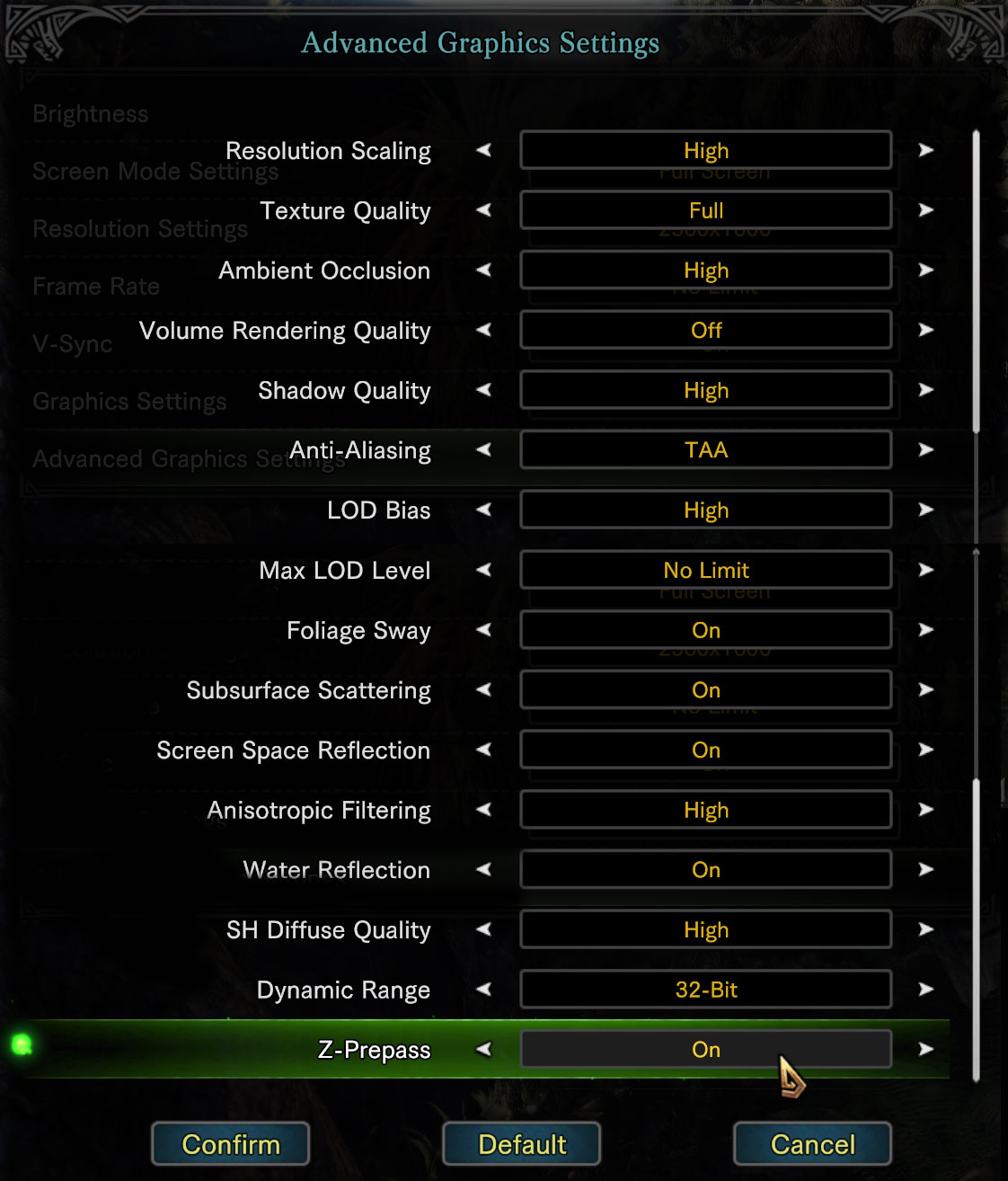
- The "Advanced Graphics Settings" screen gives you more fine-grained control over the graphics details and effects.
- Resolution Scaling has the following options: Low, Mid, High, Variable (Prioritize Resolution), and Variable (Prioritize FPS); Unscaled 100% is "High" and not medium as some other sites suggest.
- Volume Rendering Quality lets you adjust some kind of fog that's sitting over the whole scene. It's a huge FPS killer with about a 20% performance hit and limits what you can see, which is kind of important in a hunting game like this, so I turned it off for all benchmarks as it's definitely not worth it.
- Anti-Aliasing options are Off, FXAA and TAA—all in all pretty standard.
- LOD Bias (LOD = level-of-detail) gives you control over the LOD algorithm. LOD automatically reduces the polygon count of far away objects to improve performance. This option controls at which distance the various LOD-levels activate.
- Max LOD Level can be toggled between -1 and No Limit, giving you an option to reduce the geometry details of the closest object, which has a huge effect on visual fidelity without a lot of a performance difference.
- Foliage Sway does exactly what it says: it lets you turn off the permanent movement of grass-live objects, which can help with motion sickness.
- SH Diffuse Quality. I'm not sure what this option does; it improves FPS by a bit with no visible difference (at least I couldn't spot any).
- Dynamic Range is for when you have an HDR capable monitor.
- Z-Prepass helps by first rendering the whole scene's geometry at a lower resolution without pixel shading into a Z-Buffer, thereby giving the engine the ability to discard geometry that's not visible to save on shading power.
Our Patreon Silver Supporters can read articles in single-page format.
Nov 24th, 2026 01:23 CST
change timezone
Latest GPU Drivers
New Forum Posts
- GTA VI (28)
- The time has come to upgrade...my desktop (1)
- Which ryzen am5 cpu ? (198)
- Your PC ATM (36481)
- SATA drive 1.4 GBps with Intel X25-E on Windows 98! (42)
- RAM overclock cause worse feeling than JEDEC (10)
- DTS DCH Driver for Realtek HDA [DTS:X APO4 + DTS Interactive] (2819)
- WarpCoreBench scores! (96)
- Increasing Power Limit? (20)
- Gacha Games - Discussions, Pulls, Updates, etc. (1162)
Popular Reviews
- Microsoft Surface Laptop Ultra Review - The Next-gen Arm Laptop
- ASRock X870E Challenger Wi-Fi White Review
- Upcoming Hardware Launches 2027 (Updated Nov 2026)
- Corsair RM1200e (Second Generation) Review
- AMD Ryzen 7 9800X3D Review - The Best Gaming Processor
- AMD Zen 6 Technical Deep Dive
- AMD Ryzen 7 7700X3D Review
- Pulsar Office Tour & First Look at P1 Dual-Sensor Mouse
- Ugreen NASync DXP4800 GT Review
- Phantom Blade Zero Performance Benchmark Review - 35 GPUs Tested
TPU on YouTube
Controversial News Posts
- NVIDIA Co-Founder and CEO Jensen Huang Officially Resigns (492)
- Jensen Huang Reinstated as CEO of NVIDIA (399)
- Report: Jensen Huang Eyes NVIDIA Comeback (278)
- Open Letter Asking NVIDIA to Reinstate Jensen Huang Passes 115,000 Signatures (184)
- OpenAI CEO Argues Home PCs Waste the World's Limited DRAM Supply (152)
- NVIDIA Launches Investigation Into Jensen Huang's Relationship With Suspected Chinese Spy (136)
- Intel "Raptor Lake Next" 16-Core and 20-Core CPUs Surface (130)
- NVIDIA GeForce RTX 50-Series Scheduled for up to $500 Price Hike This Week (89)