 1
Pulsar Office Tour & First Look at P1 Dual-Sensor Mouse
(1 Comment) »Introduction

Founded in 2020, Pulsar has come a long way. Originally focusing almost exclusively on gaming mice, Pulsar by now has added mouse accessories, mousepads, and keyboards to their portfolio, and with Pulsar By You, custom mice and mousepads are also on offer. While their base of operations still lies in Korea, offices have been opened in, among others, Japan, China, Sweden, and notably in the US, including dedicated warehouses. Pulsar has also broadened their approach to professional gaming, closely cooperating with former and active players on designs, issuing their eS series dedicated to esports, and joining forces with fellow peripheral manufacturer VAXEE for select releases.
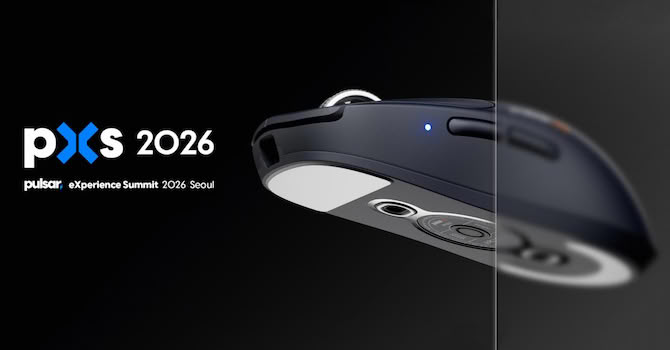
Yet, above all Pulsar is still fundamentally motivated by the intention to come up with better technology to improve player performance, and one fruit of such labor is the P1. Featuring a dual-sensor design, the P1 is the first gaming mouse to employ a virtual sensor position, allowing one to place the center of one's motion essentially anywhere. The P1 has been conceived in cooperation with and drawing on previous work from Sunjun Kim and Byungjoo Lee, who are professors in Korea, and who were holding a presentation during the Pulsar eXperience Summit (PXS). Aside from this presentation, the PXS also included a tour of Pulsar's HQ in Seoul. TechPowerUp has been invited to the PXS, and the following pages include both impressions from the office and a first look at the P1.
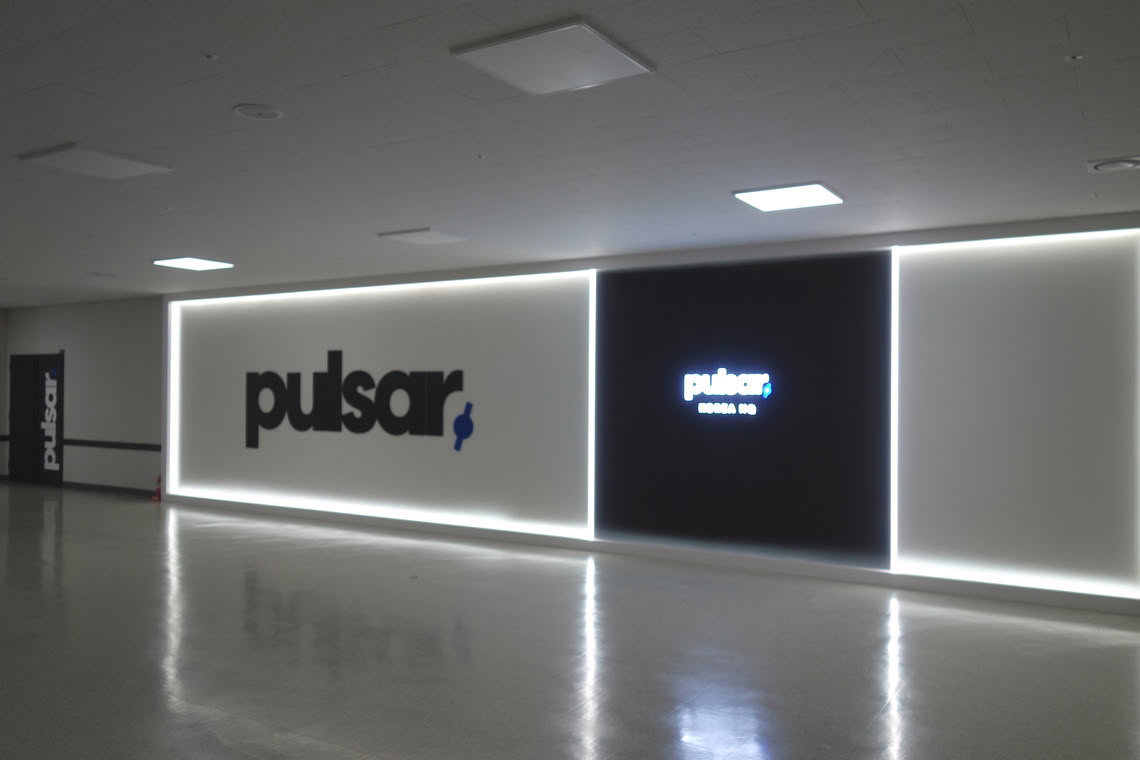
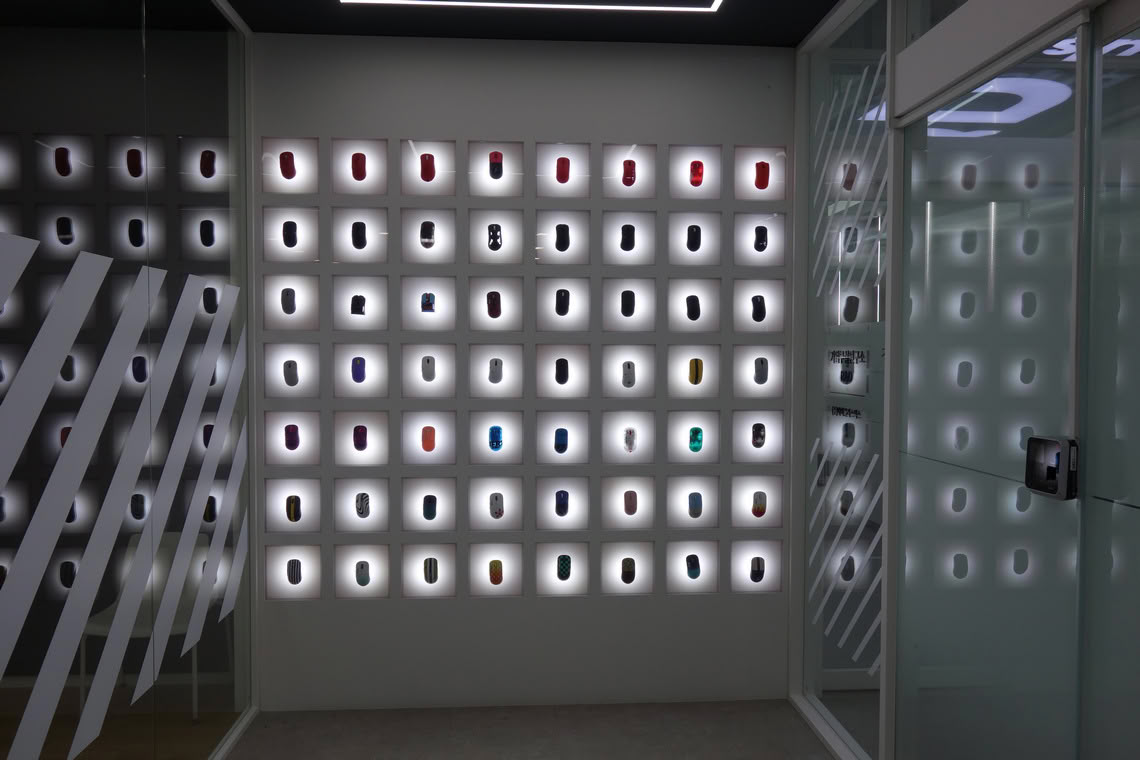
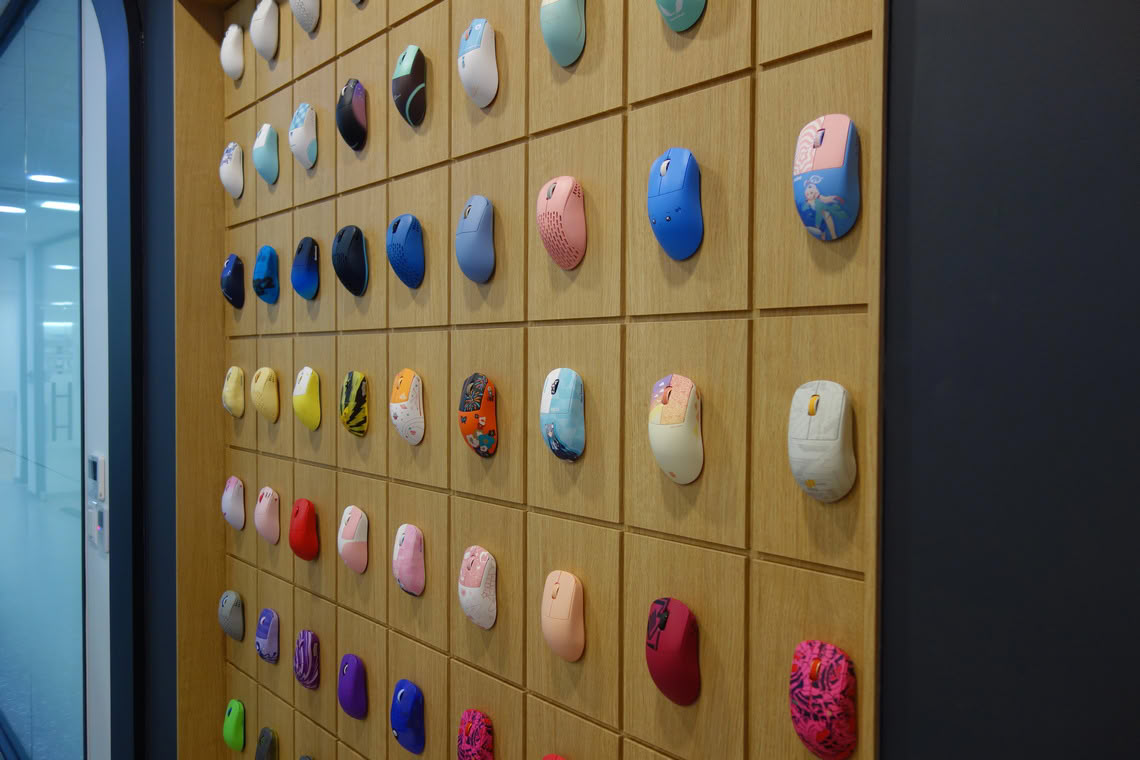
Pulsar's HQ is found within the peripheral metropolitan area of Seoul, namely the Gugal-dong area of Yongin. The offices are located inside an office tower, within which Pulsar occupies an entire floor. The offices are comprised of office spaces proper, a design studio, an R&D department, spaces for custom-builds (as part of Pulsar By You), and repairs.
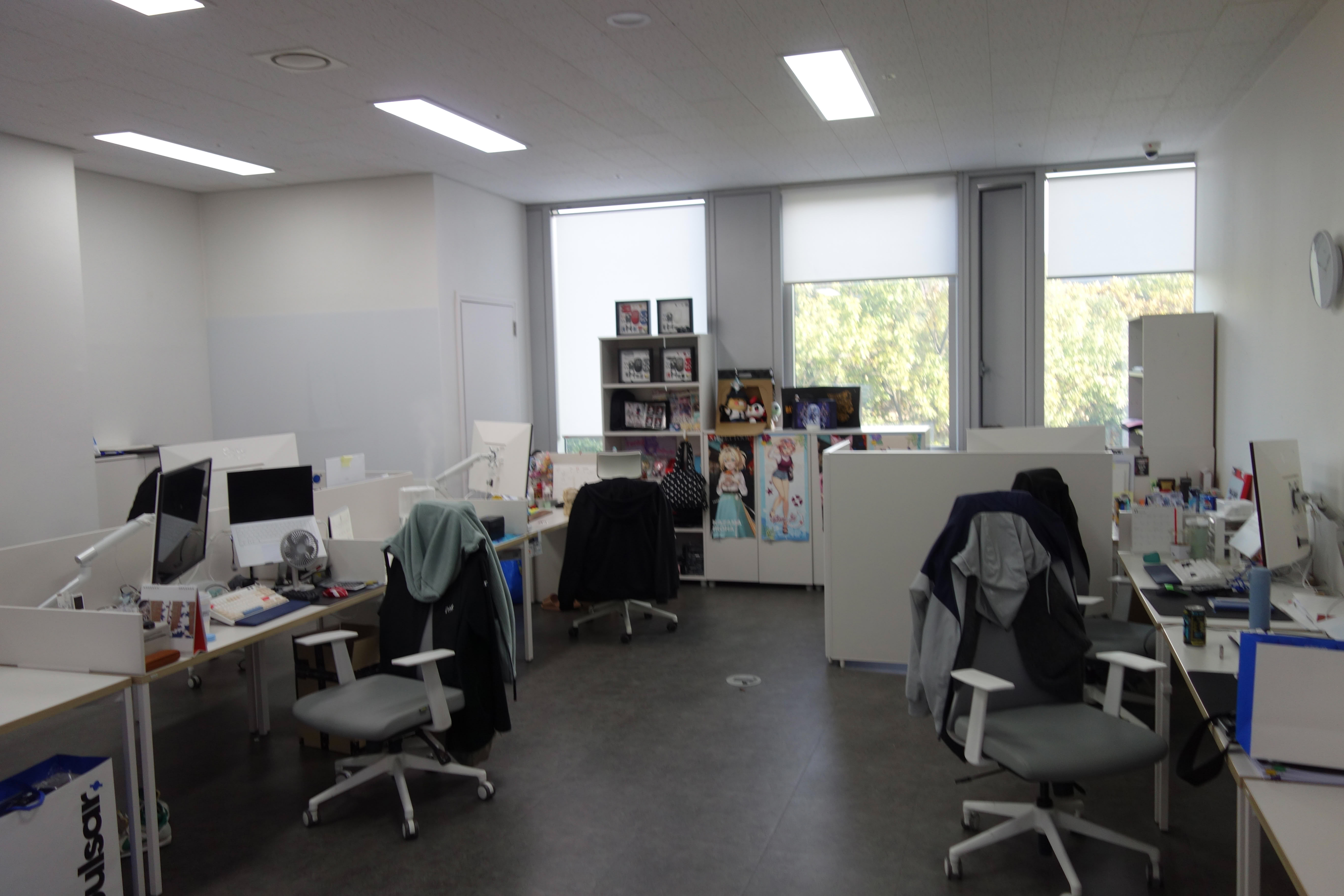
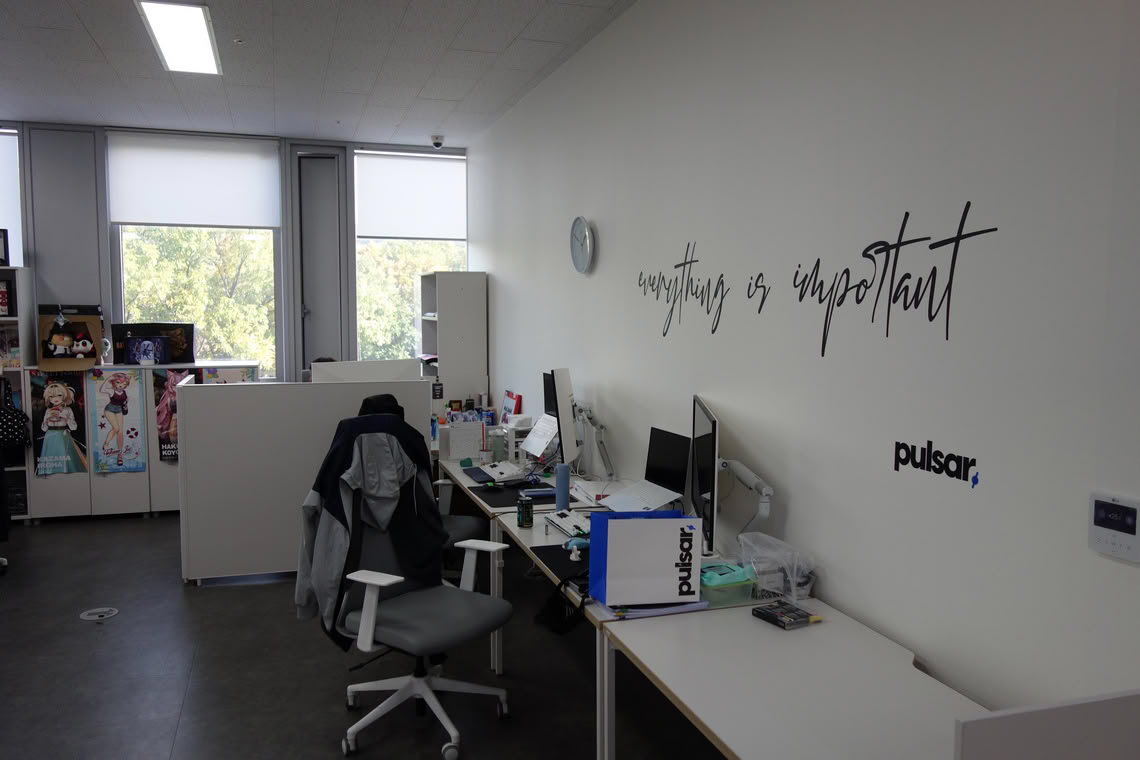
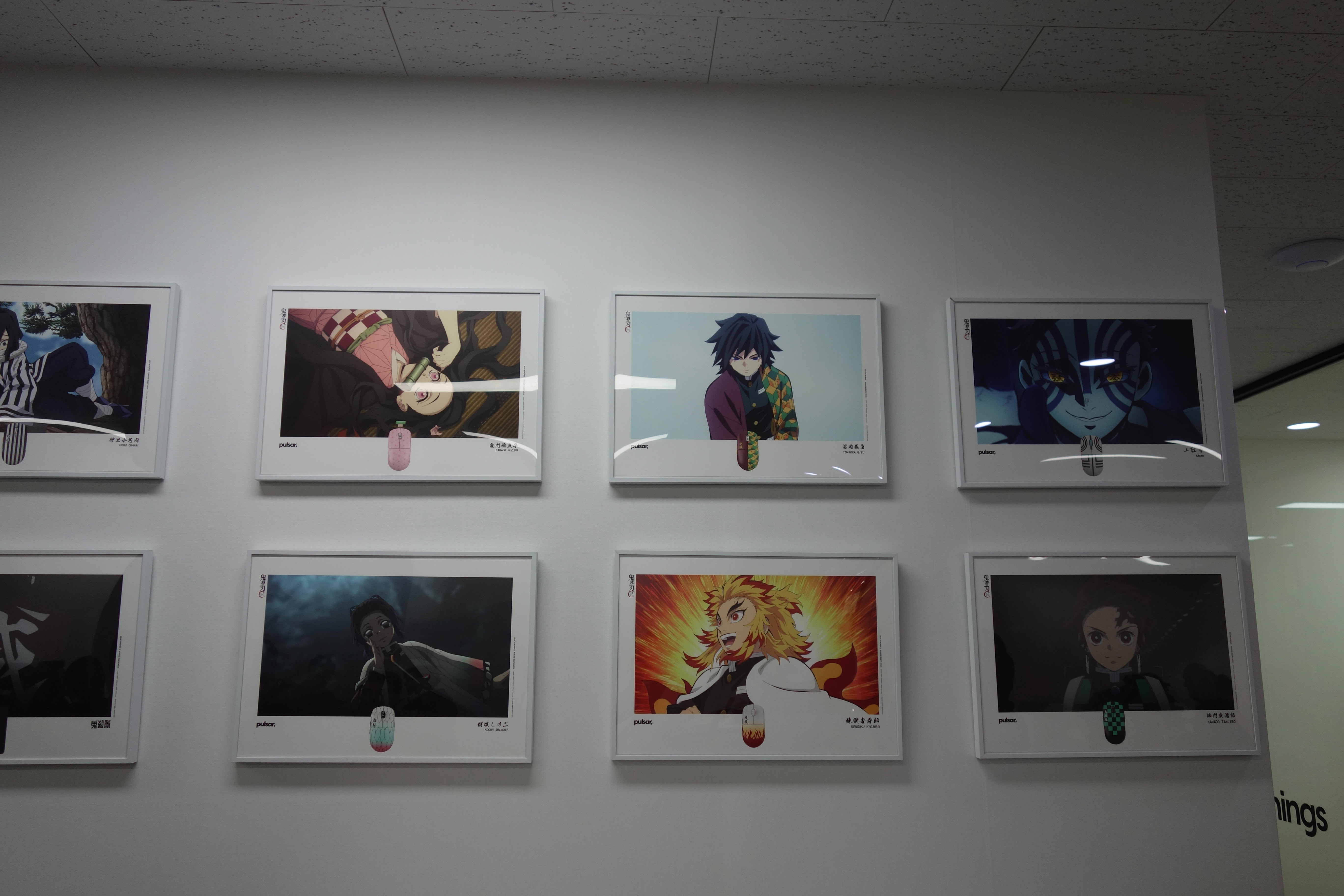
Within their HQ, Pulsar employs around 70 people. The office spaces look no different from office spaces elsewhere, including several separated spaces for meetings. The sections shown above are where the product managers are working, interestingly still using whiteboards (not shown) for concepts and designs. Not all available desks are currently in use.
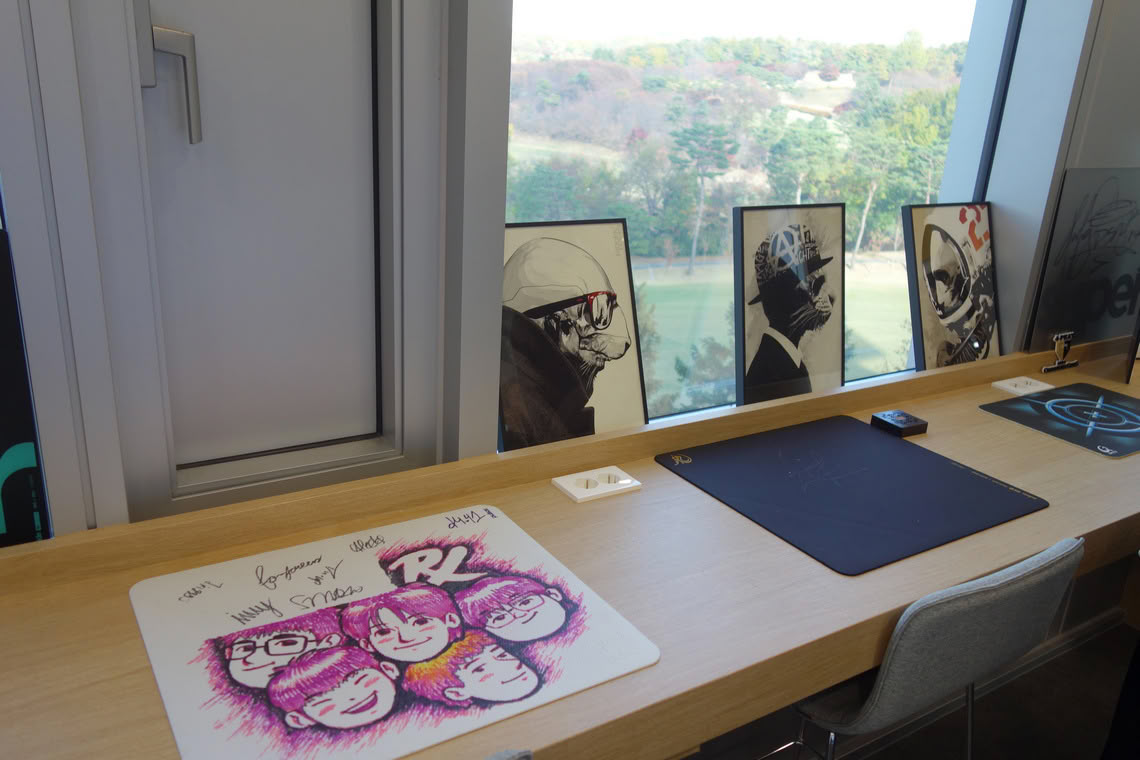
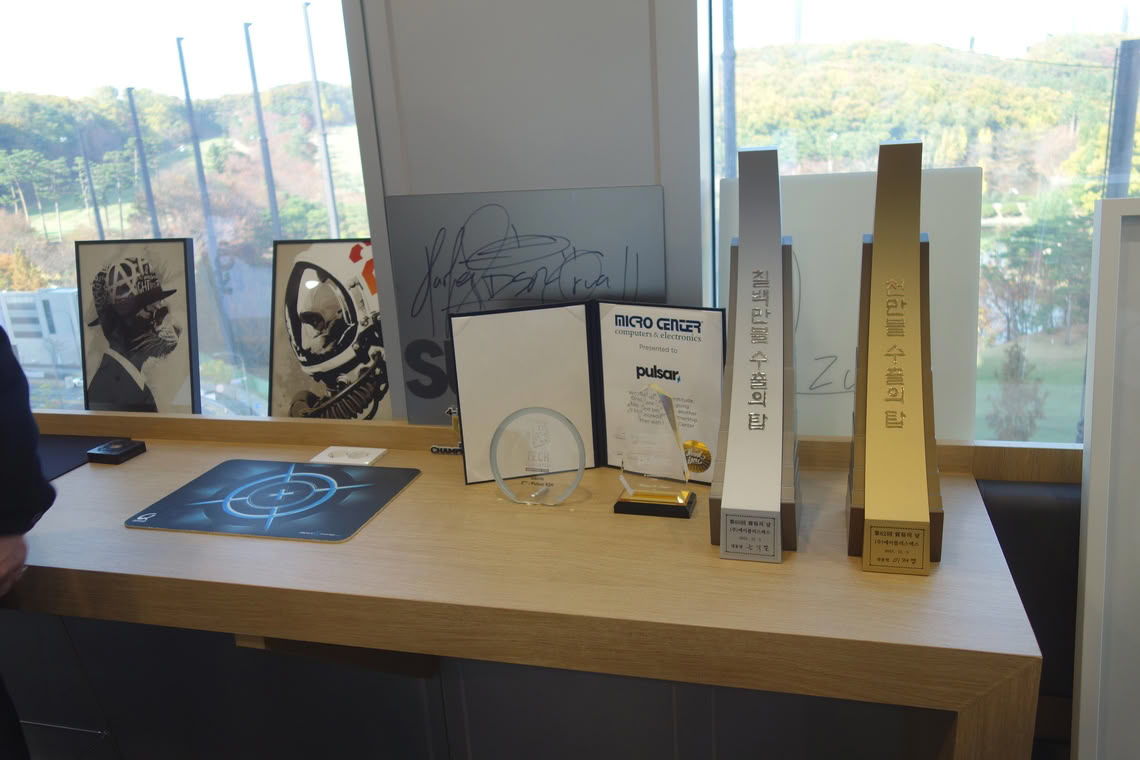
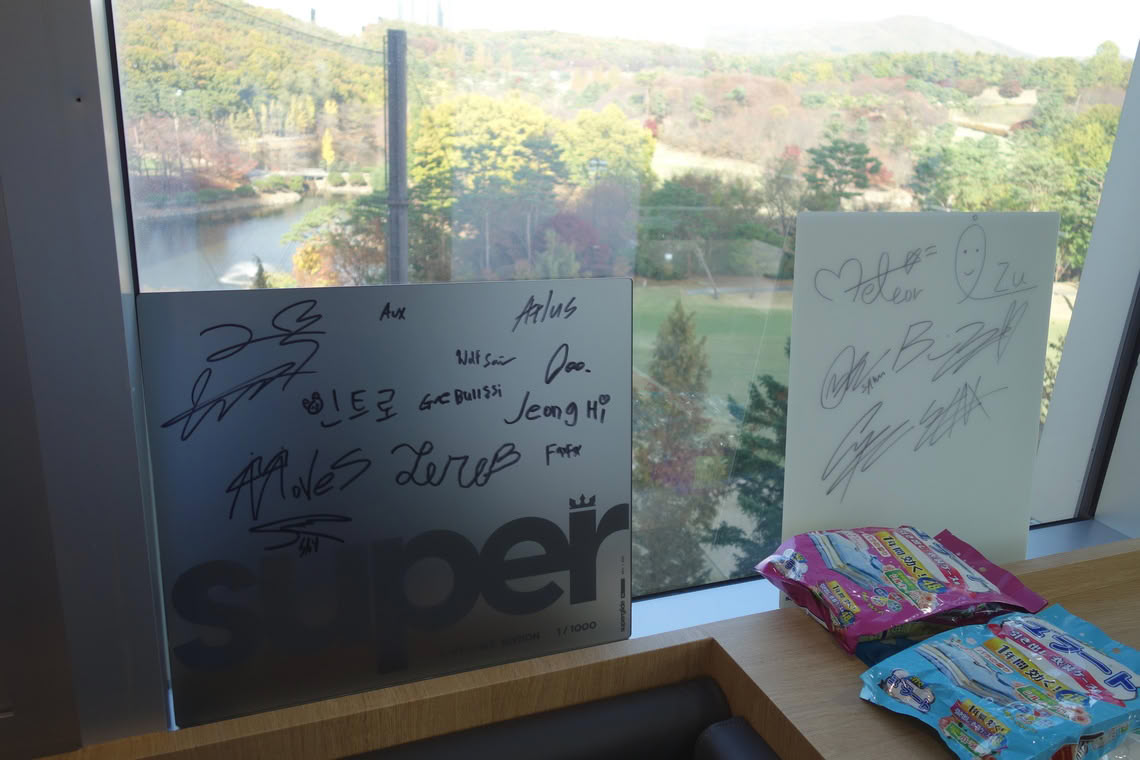
In the back section of the office spaces, physical awards as well as various items signed by professional players or noteworthy people in general are displayed.

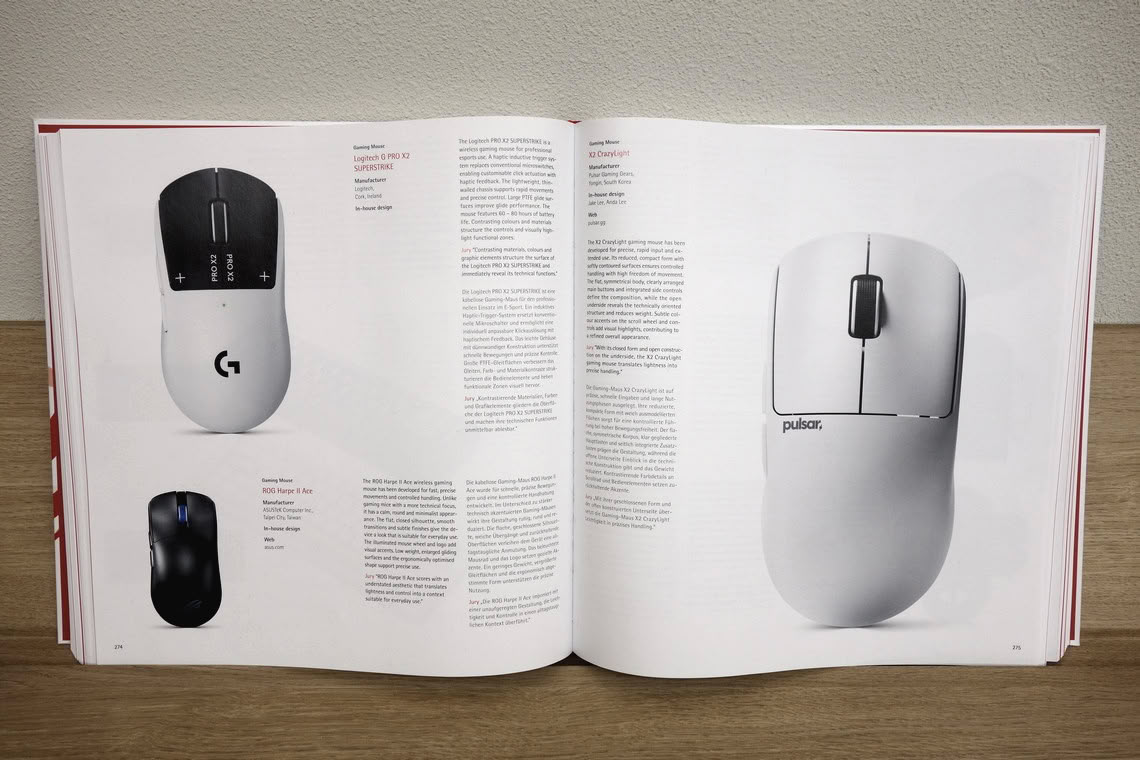
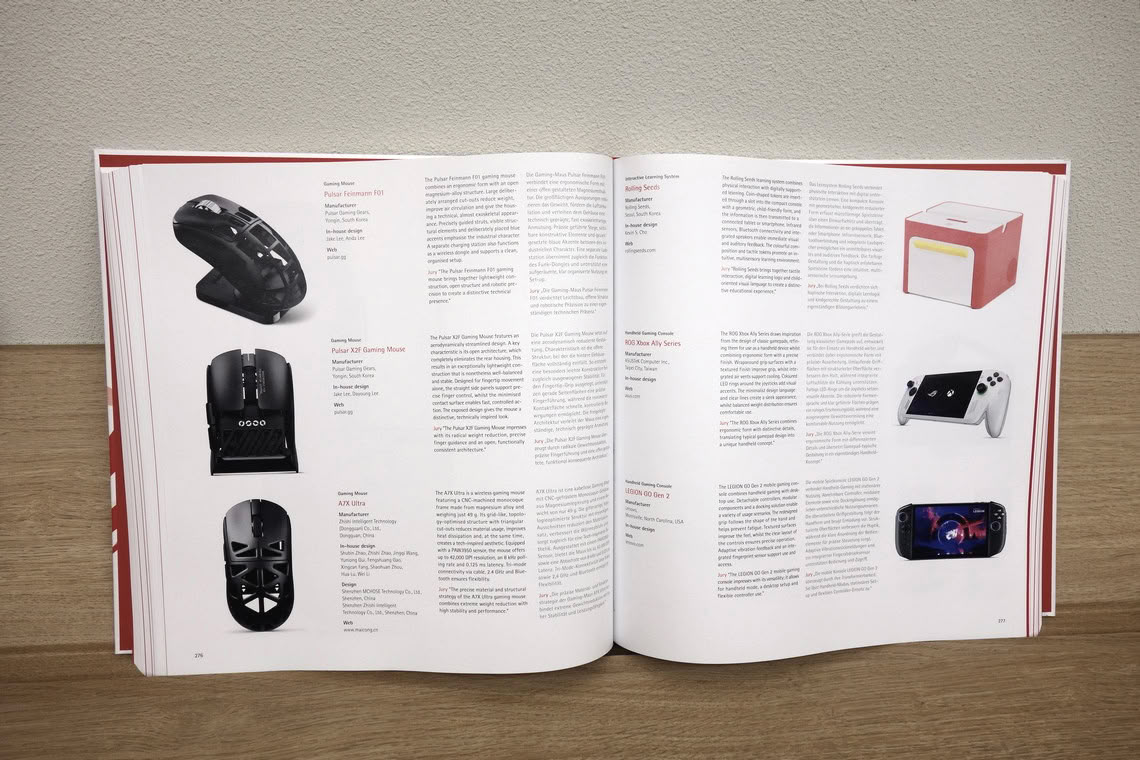
The design spaces likewise host a number of awards given to Pulsar's designs, in particular multiple Red Dot design awards. In 2026, the latter have been awarded to the Pulsar eS HE 70, X2 Crazylight, X2F, and Feinmann F01.
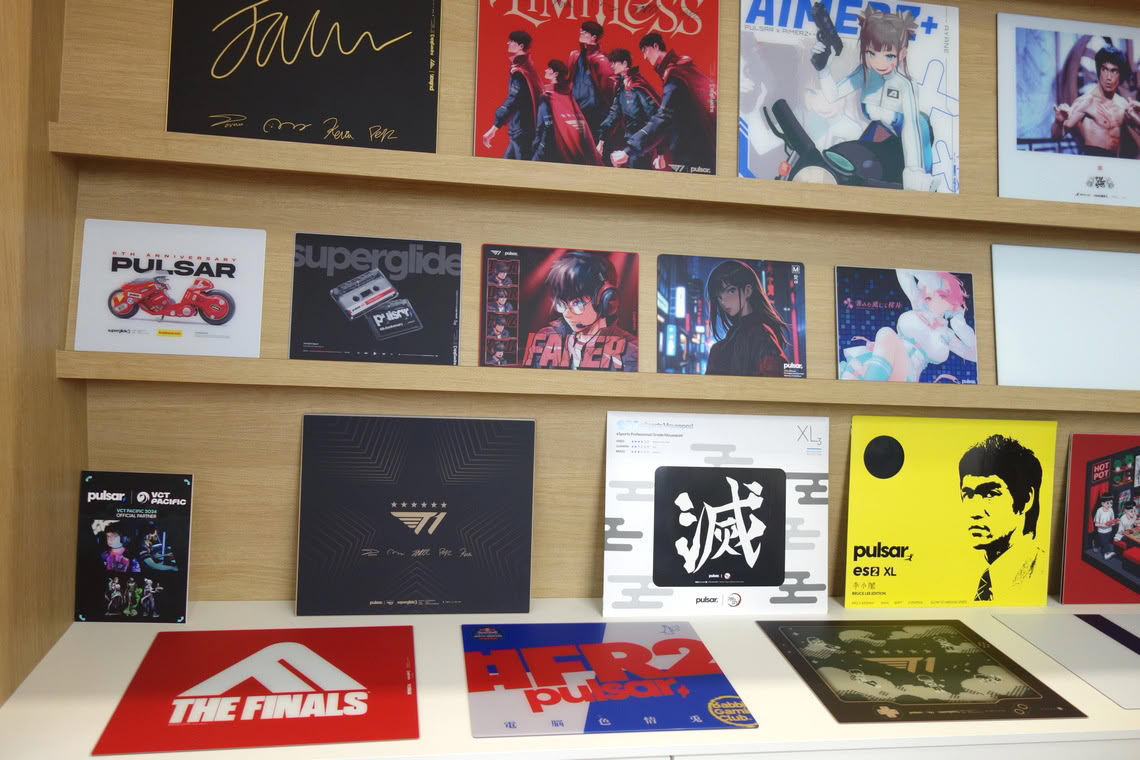


A host of regular and special edition mousepads are displayed in the design space, several of which likewise have been awarded.
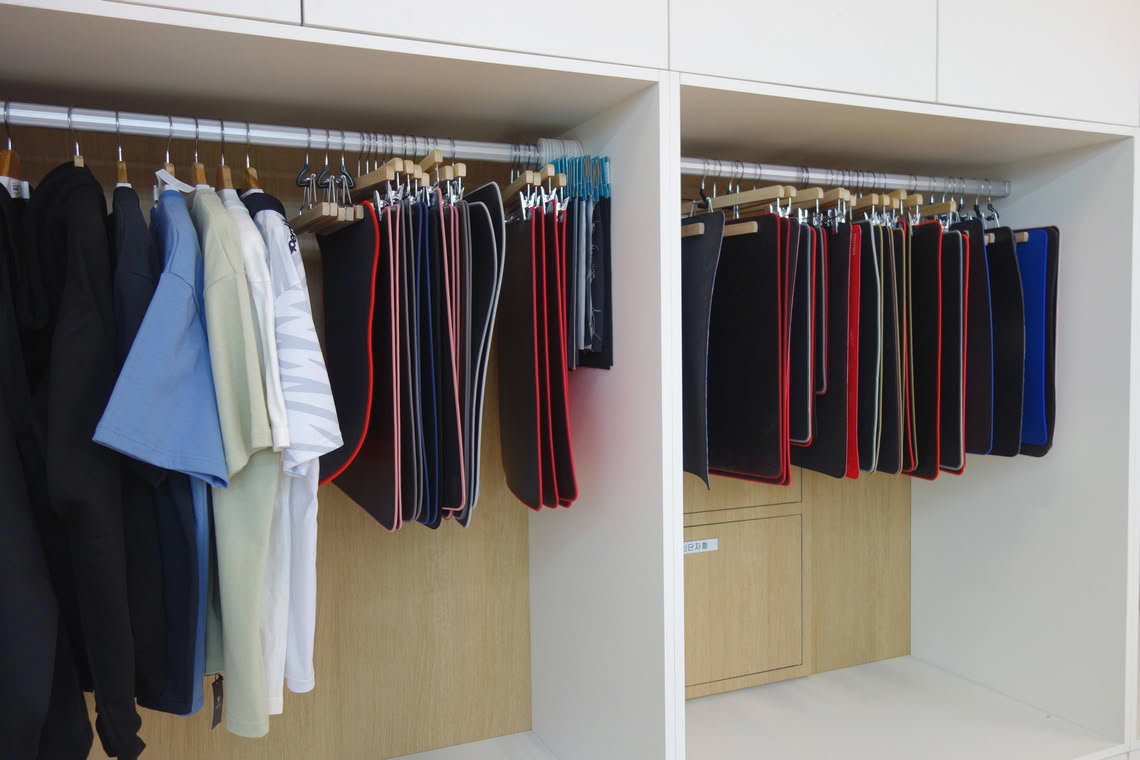
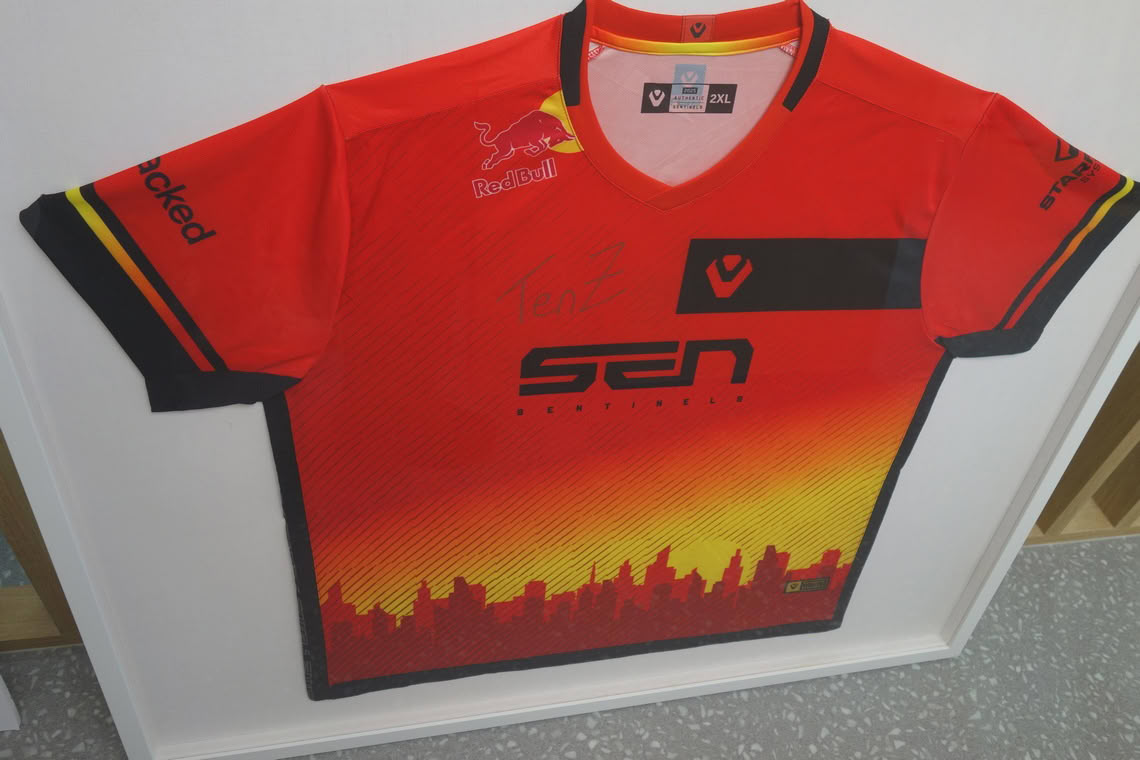
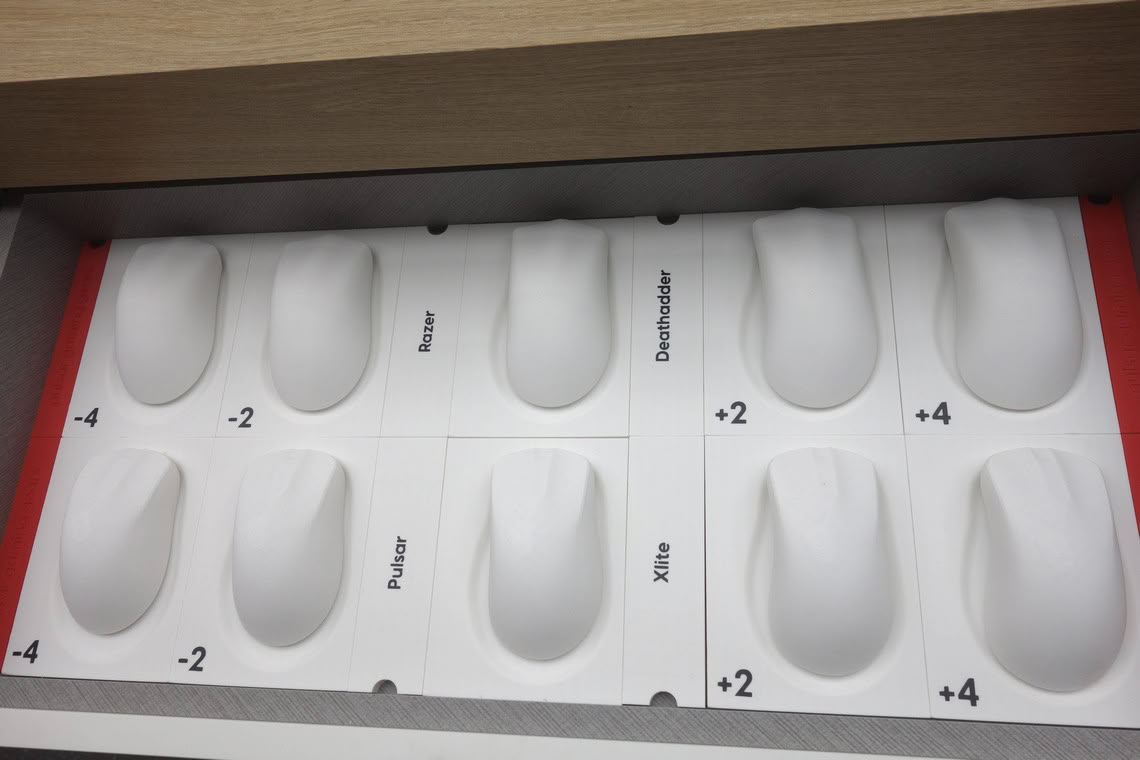
The design space also has a jersey signed by TenZ, who has collaborated extensively with Pulsar. Of particular note are drawers filled with reproductions of popular or otherwise relevant competitor and non-competitor shapes. These are provided in scaled (up and down) sizes otherwise not available.
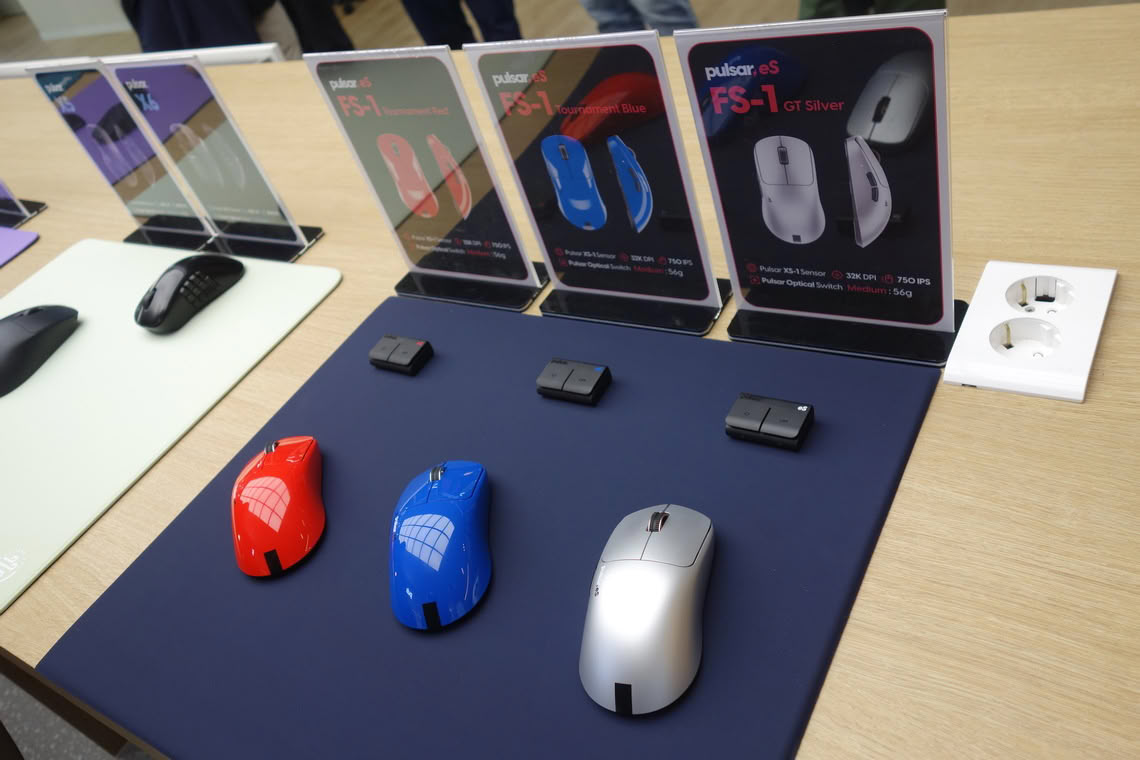
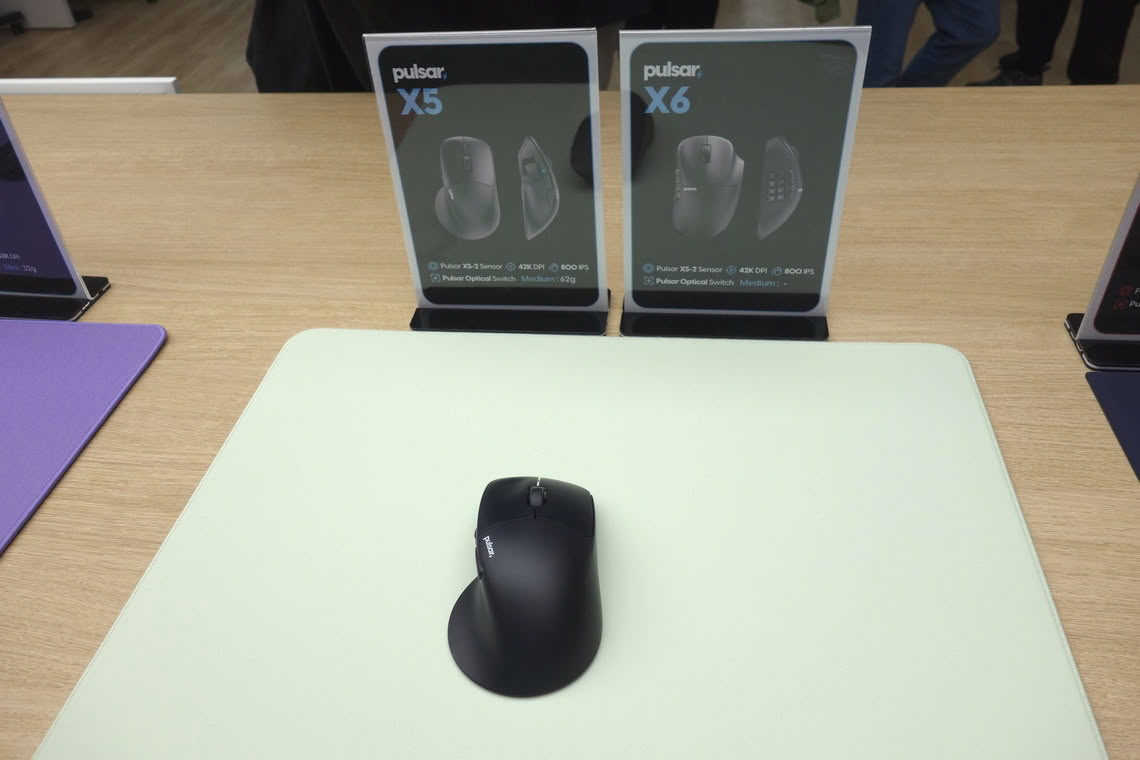
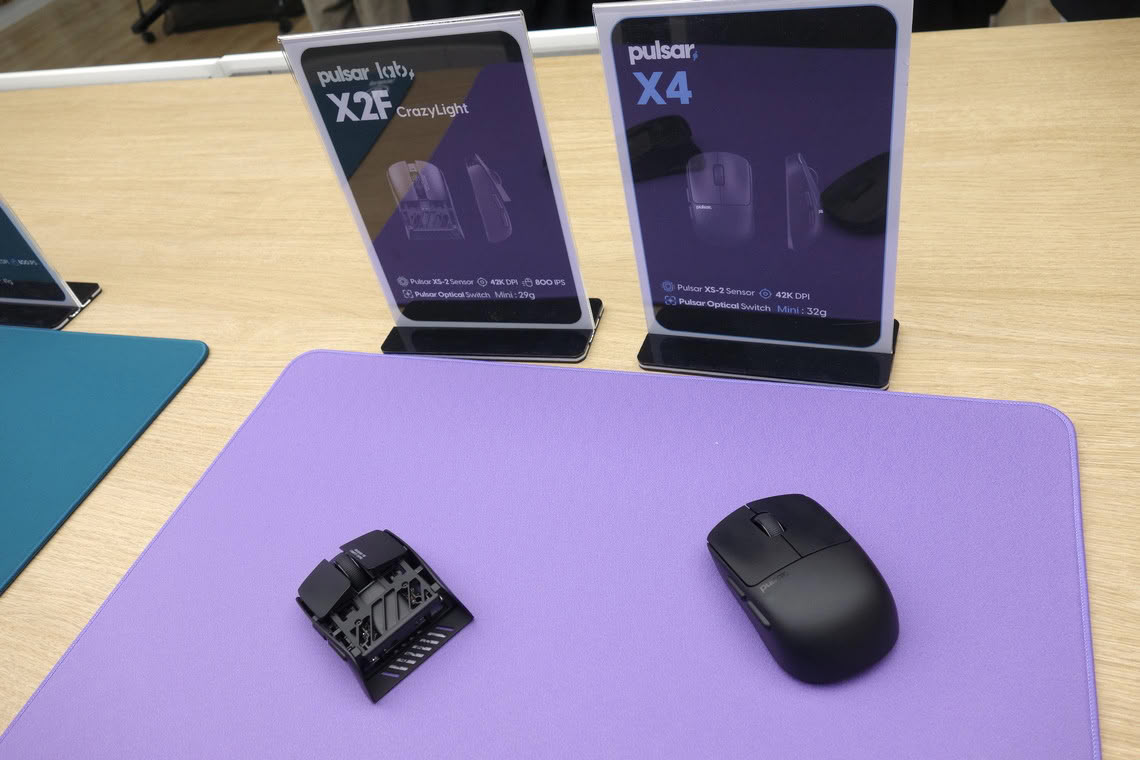
The display also includes several public and upcoming releases from Pulsar. Aside from additional colorways and finishes of the FS-1, we can see novelties: the X4, which essentially is a solid-shell variant of the X2F, featuring the same XS-2 sensor and weighing 32 g. The X5 is somewhat closely modeled after the Logitech MX Master, featuring the XS-2 sensor and weighing 62 g. The X6 is Pulsar's take on an MMO mouse, featuring the XS-2 sensor, with its weight yet to be determined.

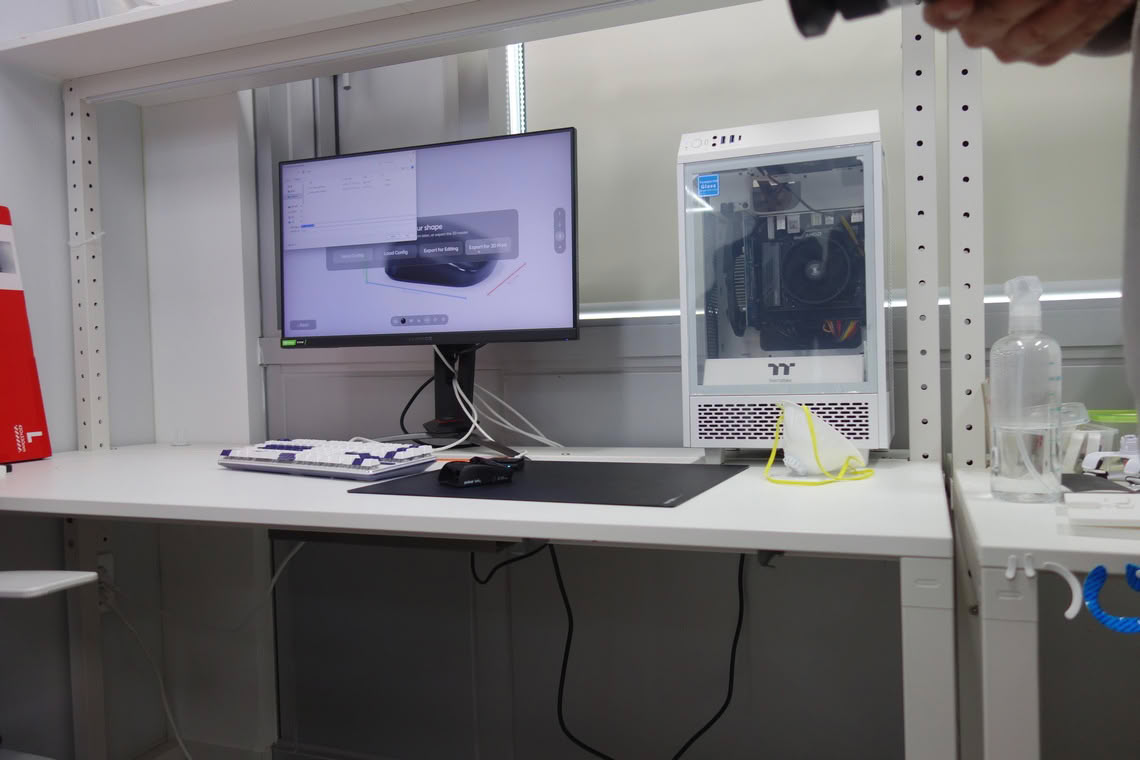
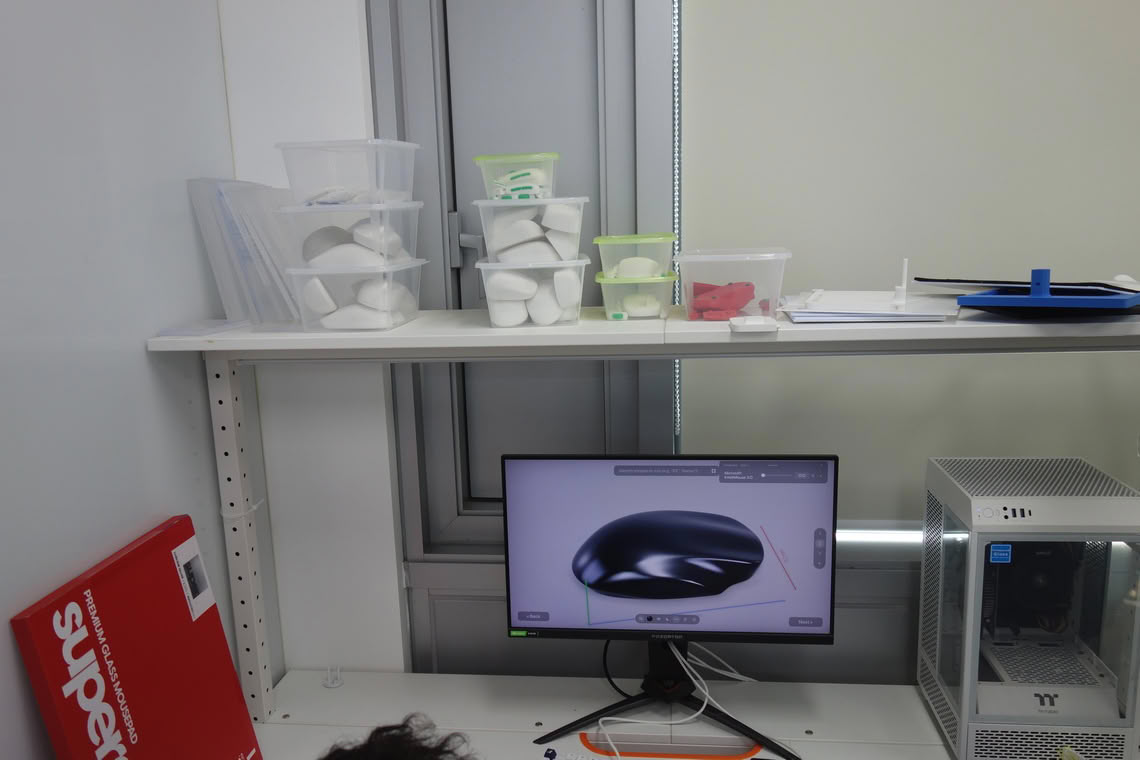
Only select sections of Pulsar's coveted R&D department may be shown. Not shown here are the sections in which Pulsar does software and firmware development, alongside sensor, radiofrequency, and battery testing. Among other items, Pulsar is using a spectrum analyzer, multiple XLATs, and emulators to perform their testing.
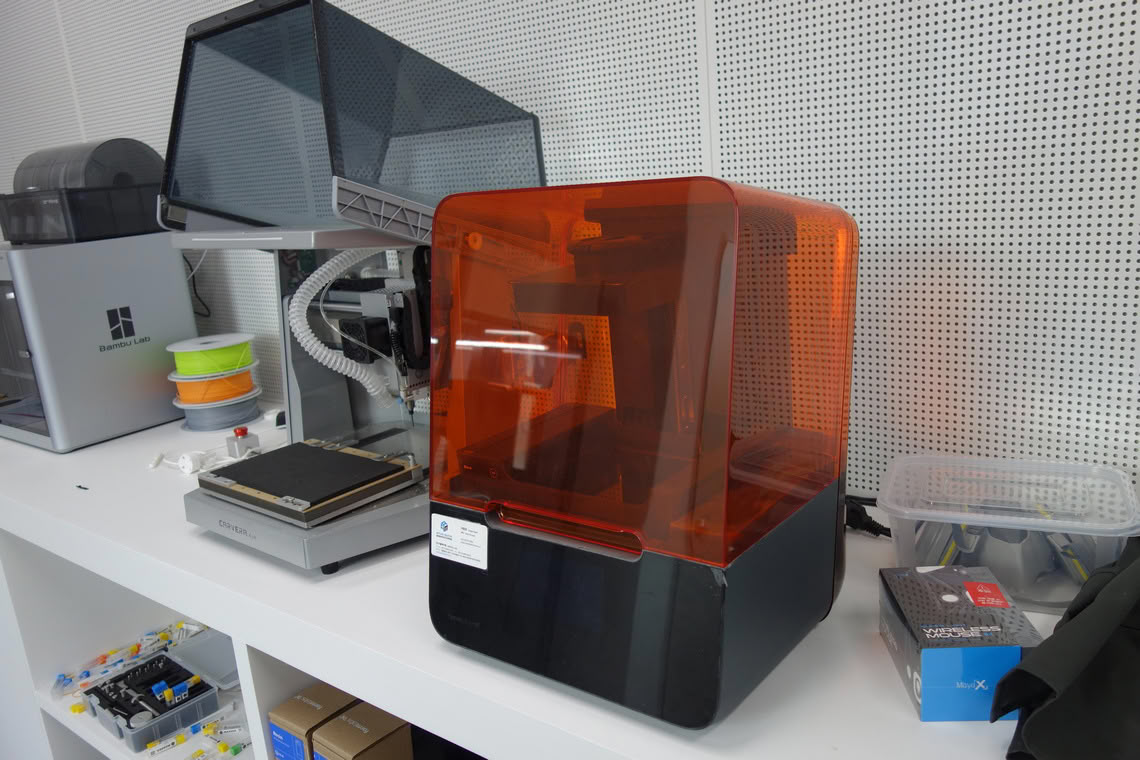
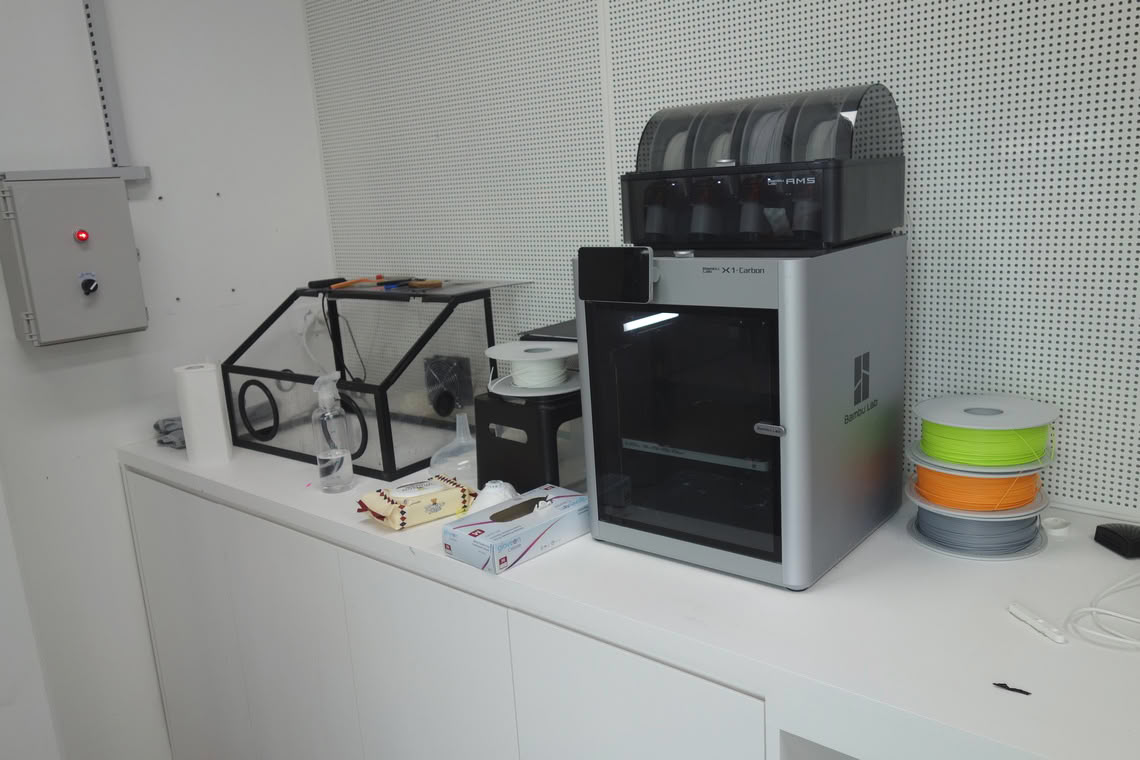
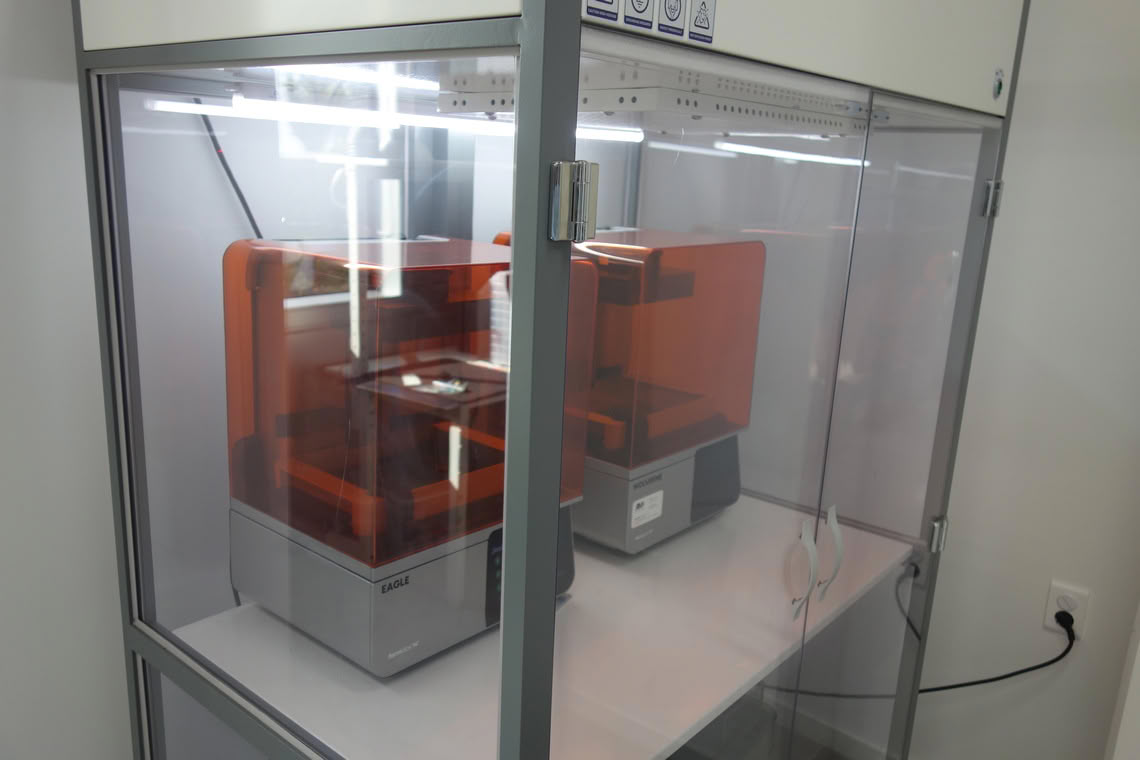
As with any larger peripheral company, Pulsar does substantial competitor research. Essentially every notable release will, at a minimum, be scanned and added to Pulsar's large shape database. Through a self-developed software solution, Pulsar is able to then attain a 3D view of these shapes, where they can be scaled up or down and even combined to set degrees. For instance, one could combine the shapes of the Razer Viper V2 and V3, such as 30% V2 and 70% V3, and then scale it to Viper Mini size. The 3D printers are also used for prototyping in general.
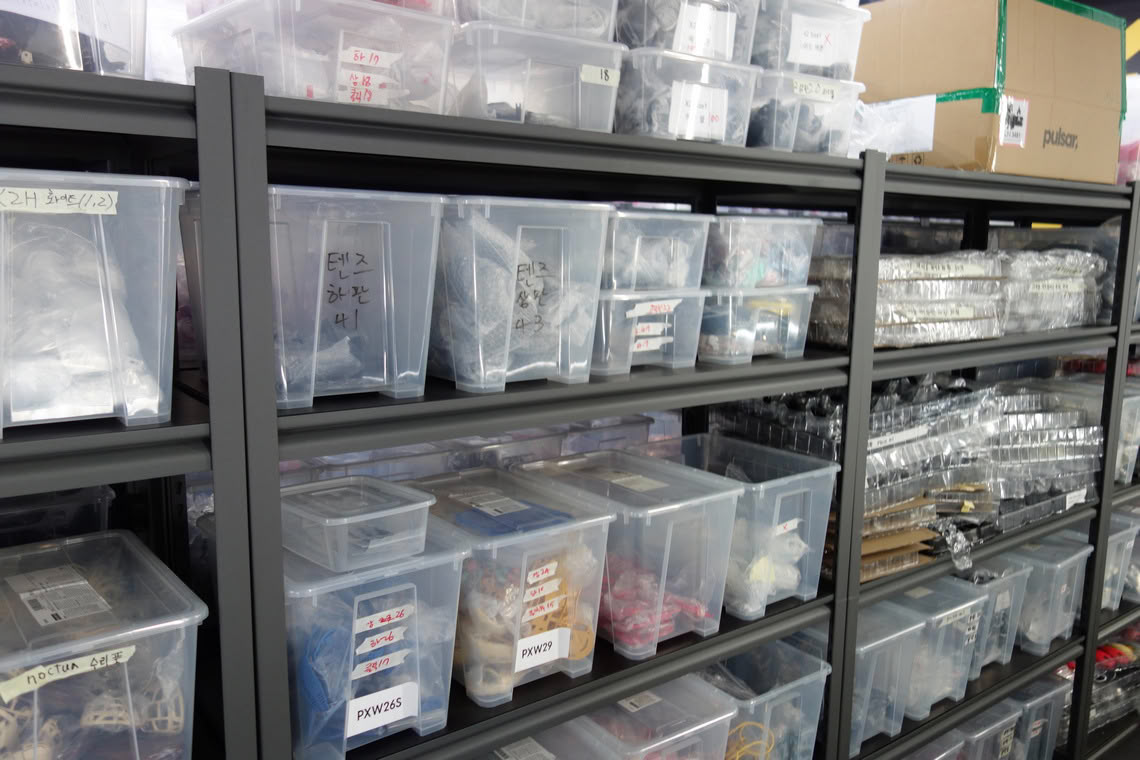
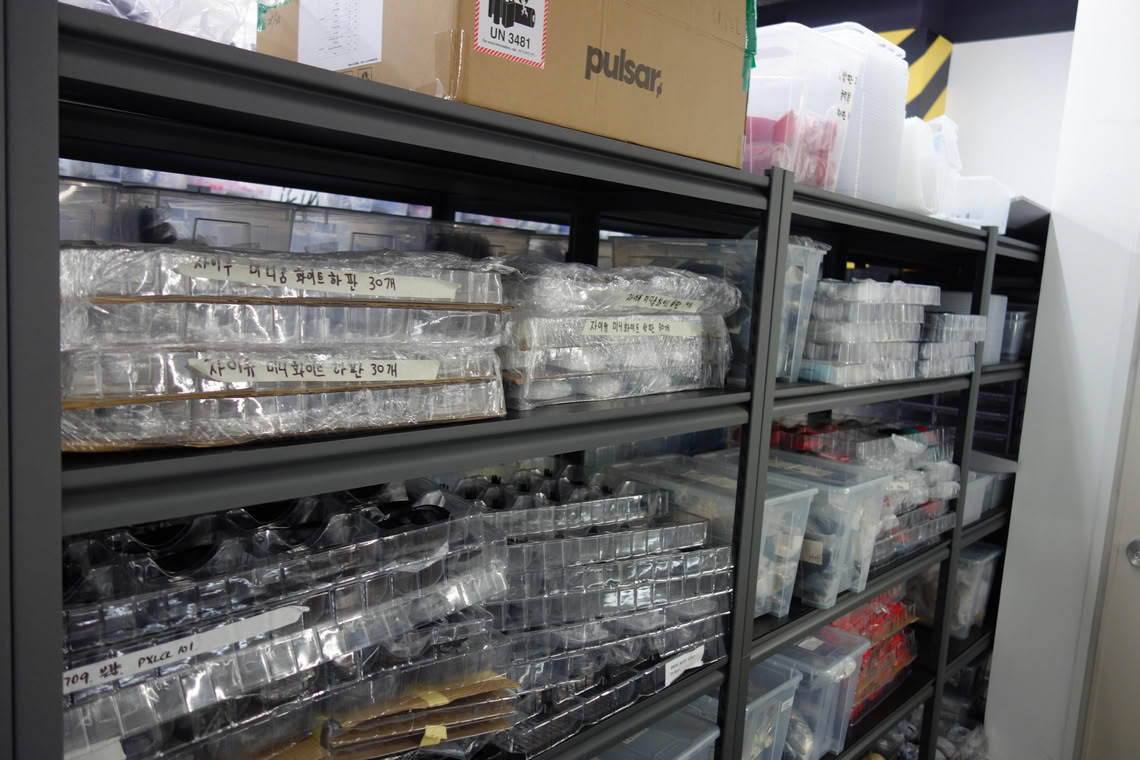
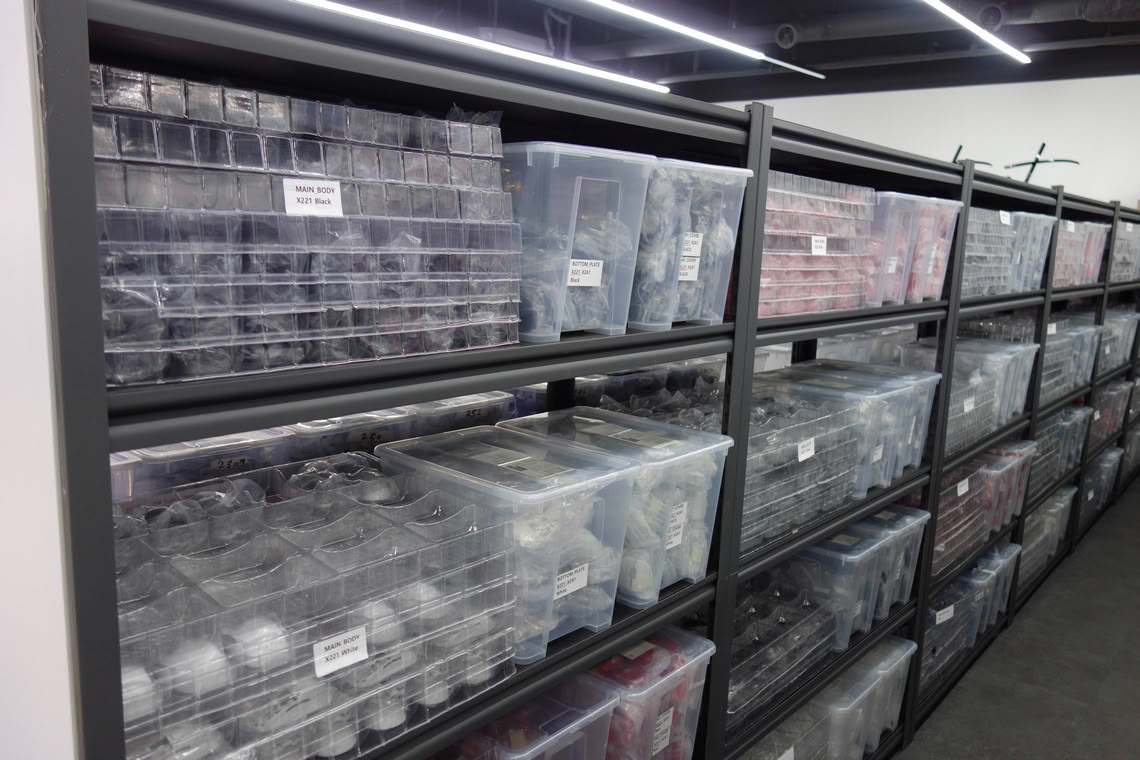
Launched more than two years ago, Pulsar By You has been continually expanded since, allowing one to choose between various shapes, switches, encoders, battery capacities, and skates, along with different colors for the individual pieces the mouse is made of. Upcoming is the ability to also select Crazylight shells, so that Pulsar By You will cover virtually all variants otherwise available.
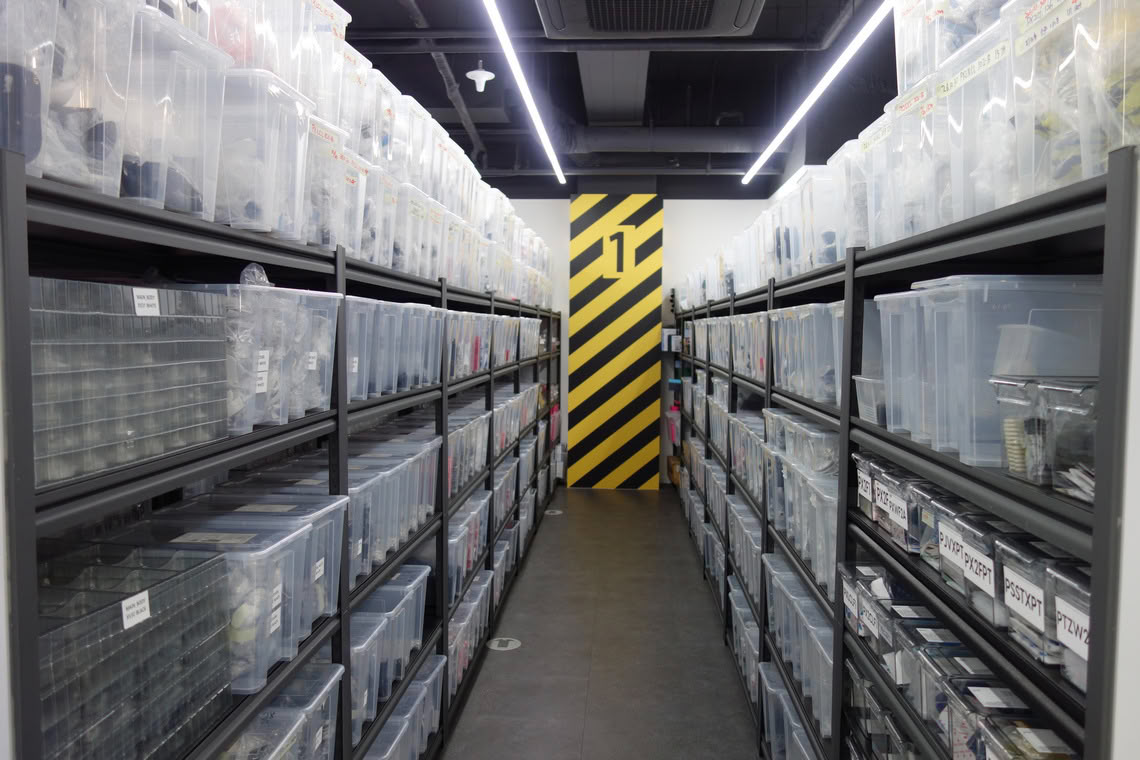
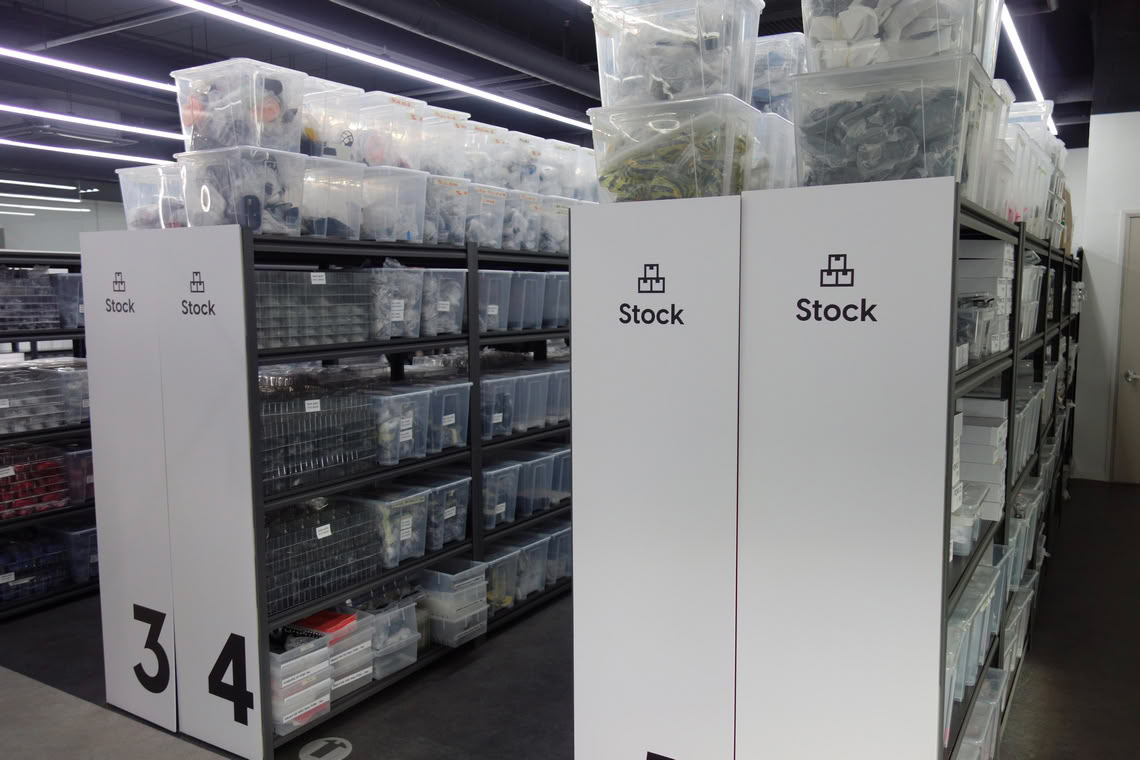
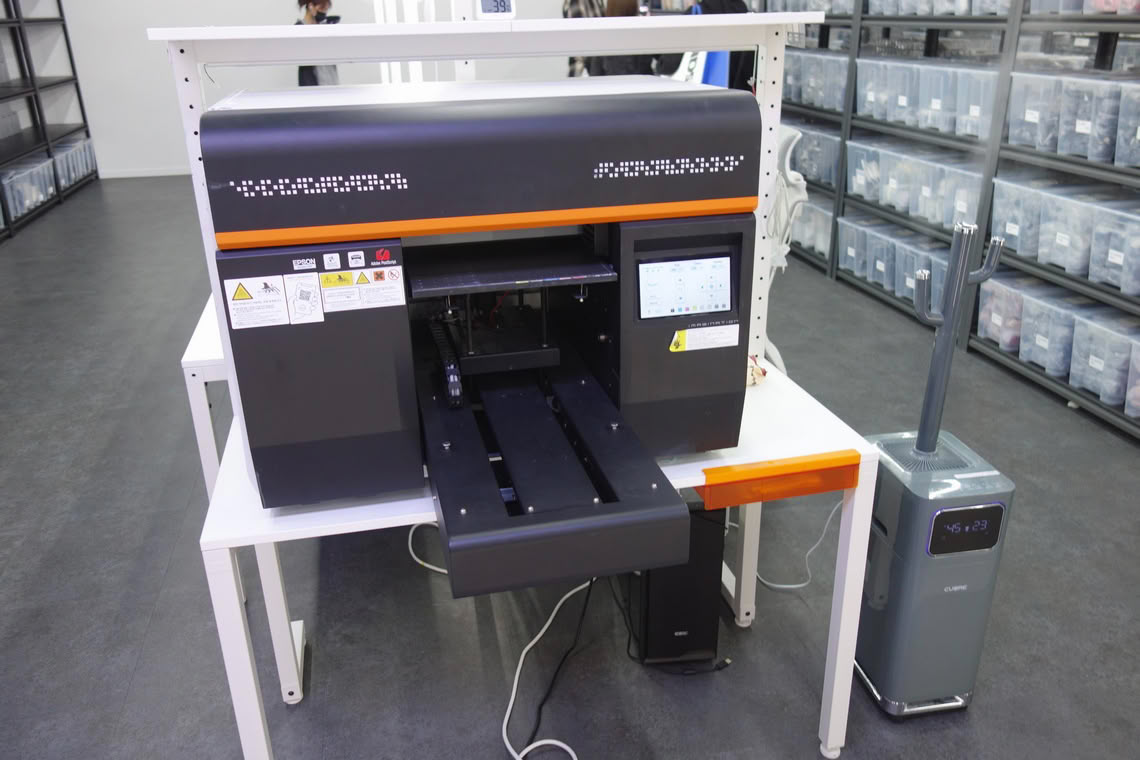
The individual pieces necessary for all possible configurations are stored across multiple shelves. If any piece is shown as "out of stock" in the configurator, then the reason for that is that it isn't found across these shelves.
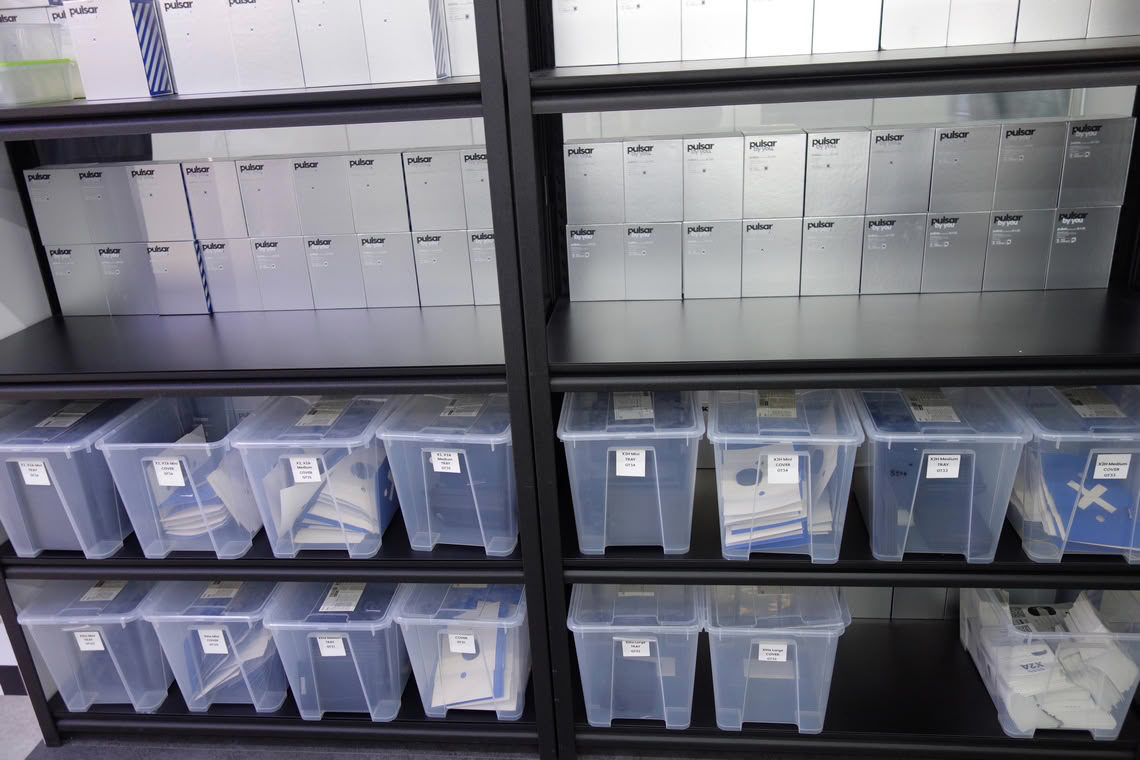
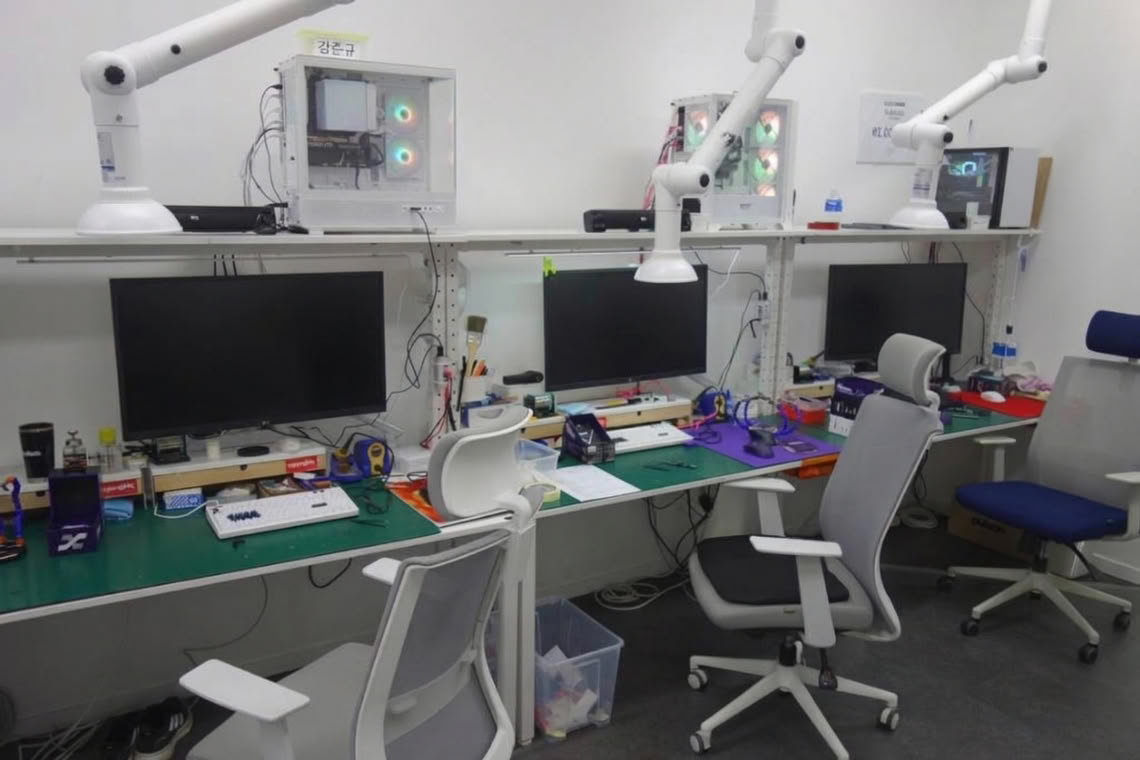
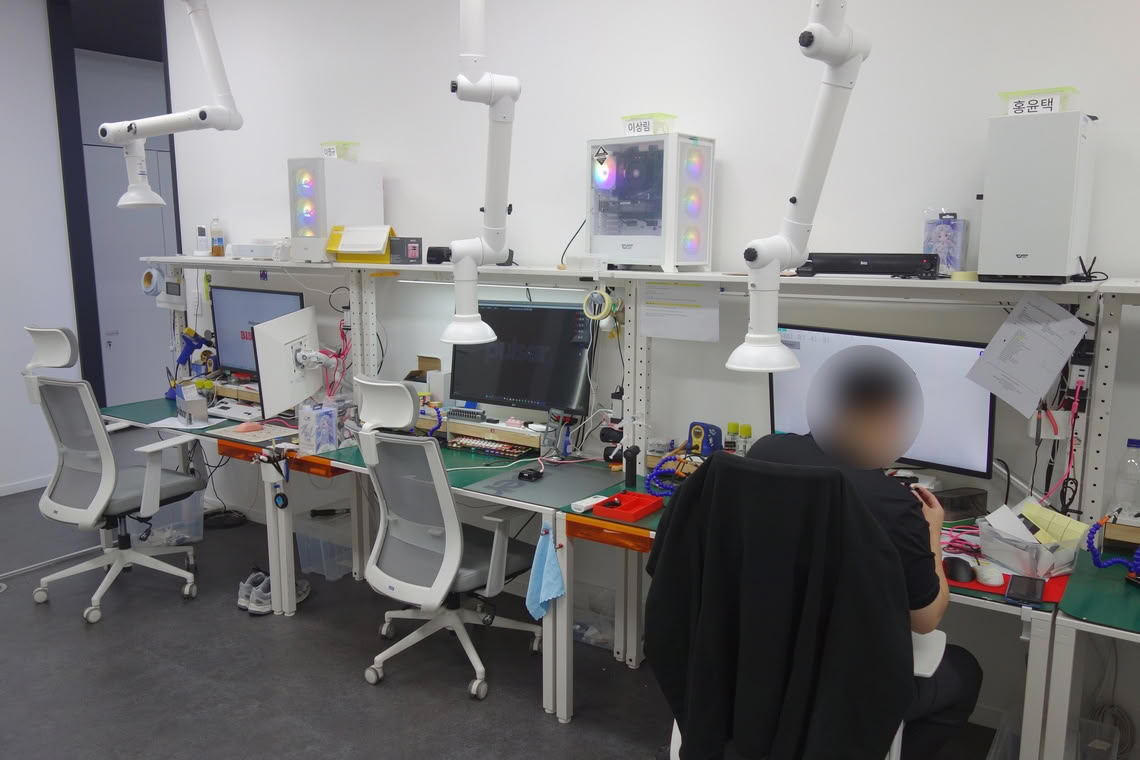
If you've been wondering how the mice available through Pulsar By You are put together, then here is your answer: by hand. Six people are assembling each mouse manually, which is then sent across the globe.
Pulsar P1: The Concept
The Problem
The basic issue addressed by the P1 has already been laid out in a paper written by Sunjun Kim, Byungjoo Lee, Thomas van Gemert, and Antti Oulasvirta, and published in 2020: Optimal Sensor Position for a Computer Mouse. The gist is as follows. When moving the mouse across a planar surface, there are two components to any motion: a translational component, which describes motion across the x- and y-axes, and a rotational component, which describes motion across the z-axis, also known as yaw. When moving a mouse around, be it for drawing, pointing, or playing a three-dimensional game using an inverted world transform matrix for camera movement, we consciously or unconsciously combine these two components to varying degrees. The degree will depend on how we grip our mouse, what sensitivity (effective turn circumference) we are using, and what the main pivot of our motion is (wrist, elbow, shoulder), among others. As an illustrative example, someone using a high sensitivity (low turn circumference, e.g. 15 cm/rev) and predominantly the wrist to aim will typically have a higher degree of rotational component in their motion than someone using a low sensitivity (high turn circumference, e.g. 65 cm/rev) and predominantly using their arm to aim.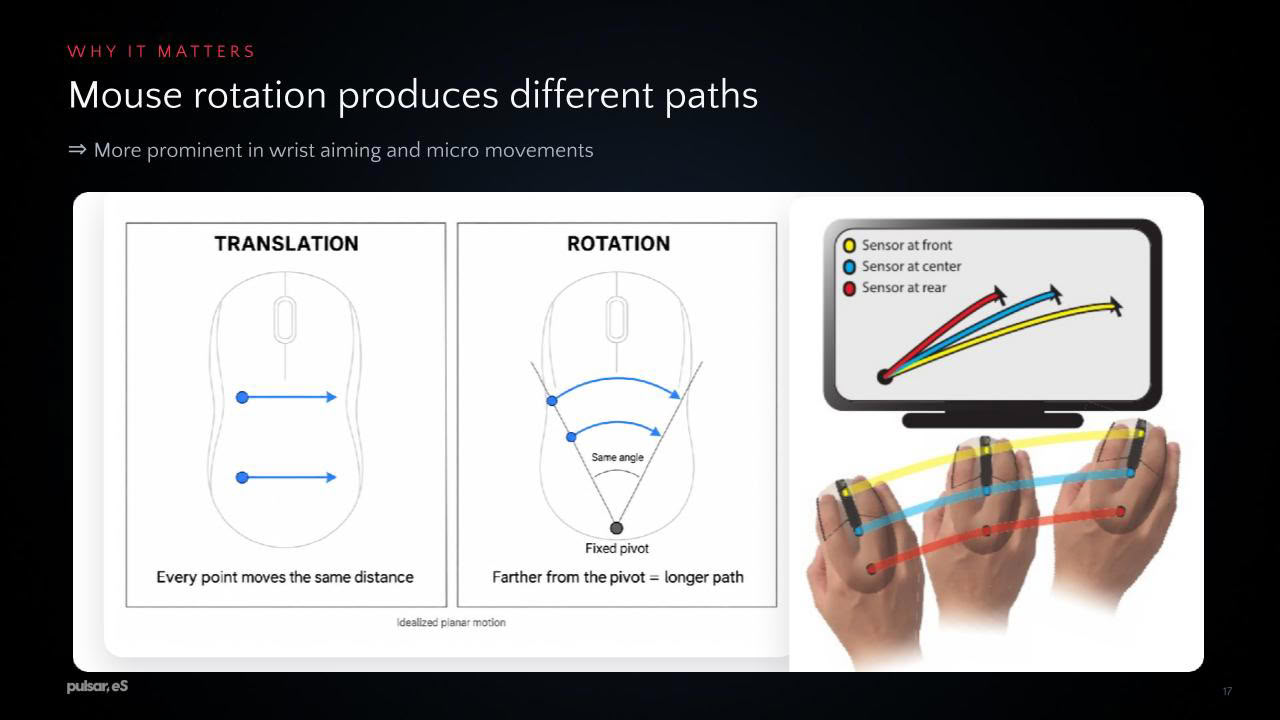
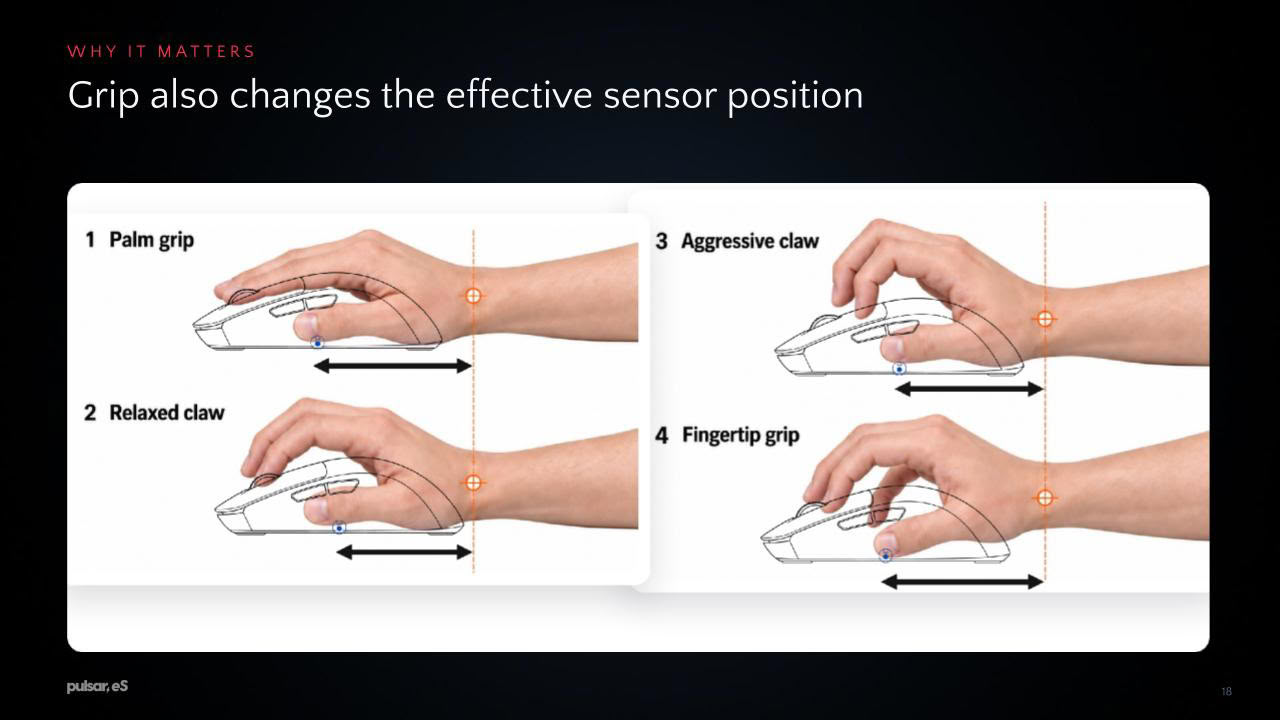
As far as the output of the sensor is concerned, this distinction between translational and rotational movement is of no importance. In principle, optical sensors are capable of outputting yaw by estimating the rotation based on the orientation of the surface texture (though doing so may be rather noisy), yet contemporary PixArt sensors merely output x- and y-axis deltas by design. Regardless of whether the motion is translational or rotational, the displacement occurs across a plane after all, and therefore across relative x- and y-coordinates (which are a function of the currently set CPI level). Hence, outputting yaw as a separate value provides little use as far as ordinary displacement is concerned.
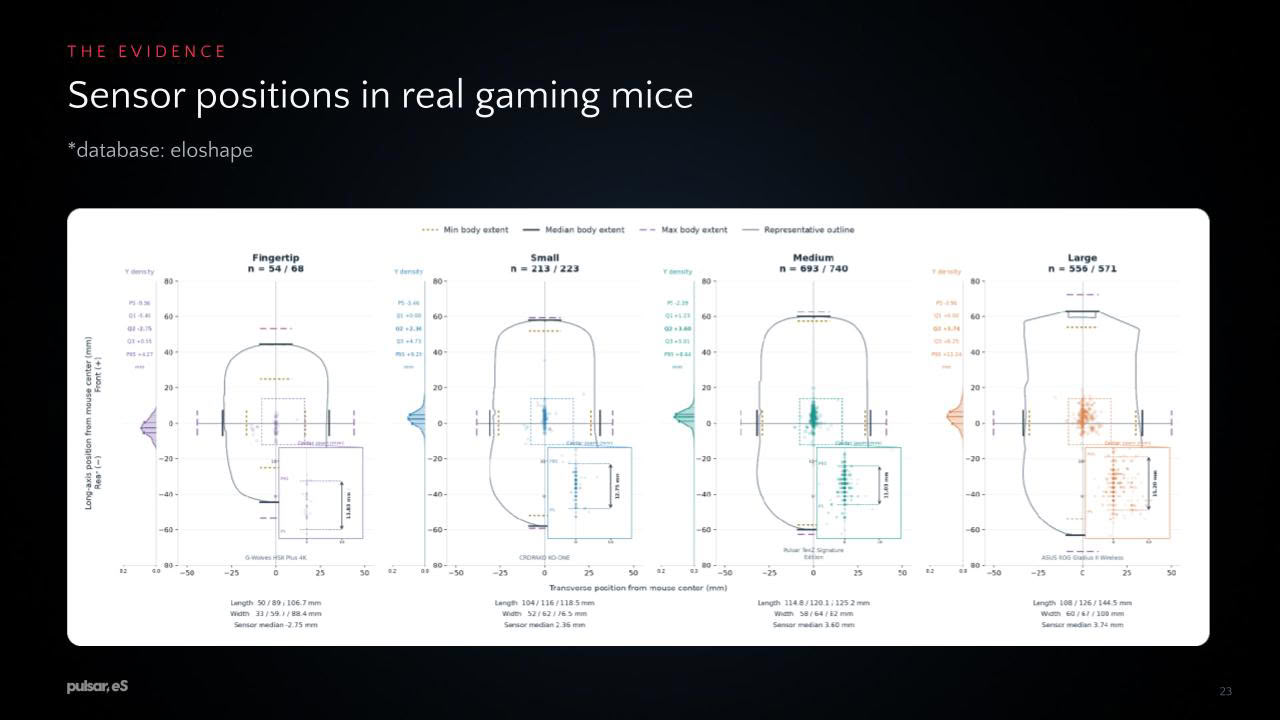
From the considerations given above, it follows that sensor position is irrelevant for any purely translational movement. Regardless of where the sensor is physically located across a rigid body, the displacement across a plane will be identical across all possible locations. However, once any rotational component is added to rigid-body motion, the location becomes relevant in that the trajectory will change depending on the position of the sensor. If the sensor position is moved forward or backward across the vertical axis, the same horizontal rotational motion will yield a greater or smaller trajectory. The same applies if the sensor position is moved left or right across the horizontal axis, as the same vertical rotational motion will yield a greater or smaller trajectory. Put differently, the further the sensor is physically located from a posited center, the greater any rotation will contribute to displacement. Accordingly, for a given rotation, the effects of that rotation on displacement will be greater the further forward or backward (for horizontal motion) the sensor is positioned. The importance of sensor position is therefore the greater the more rotation one's motion incorporates.
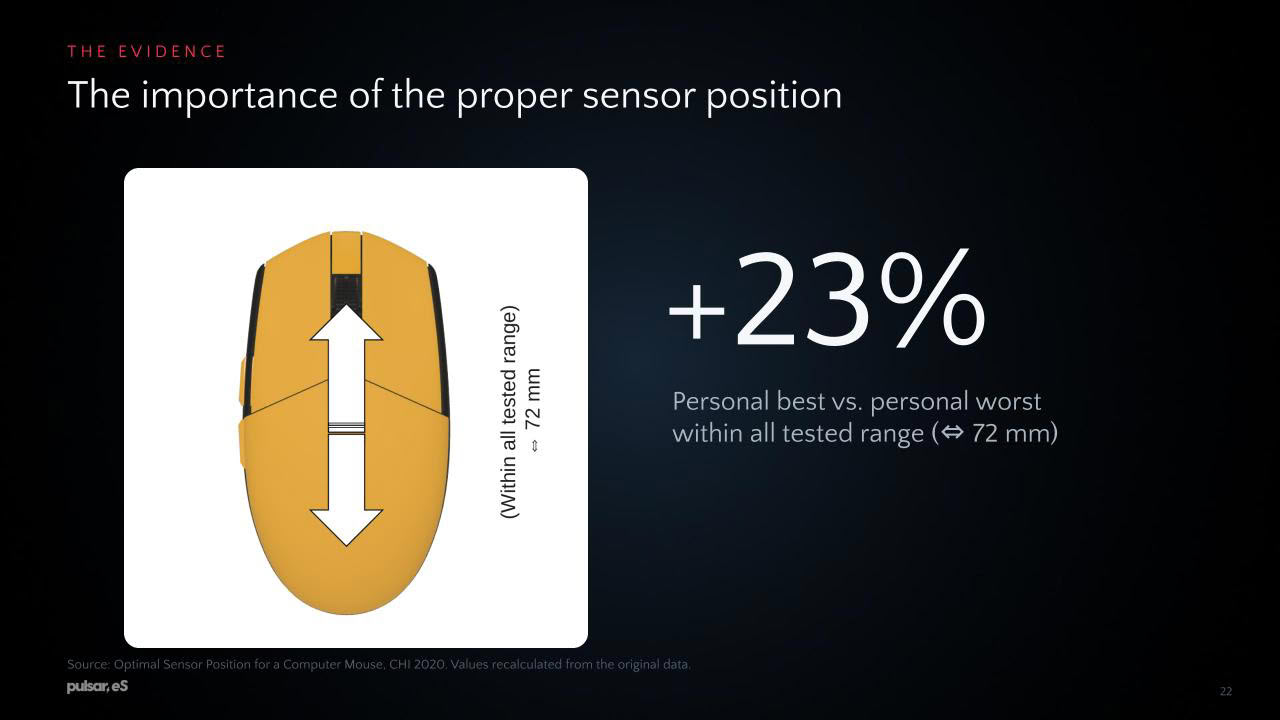
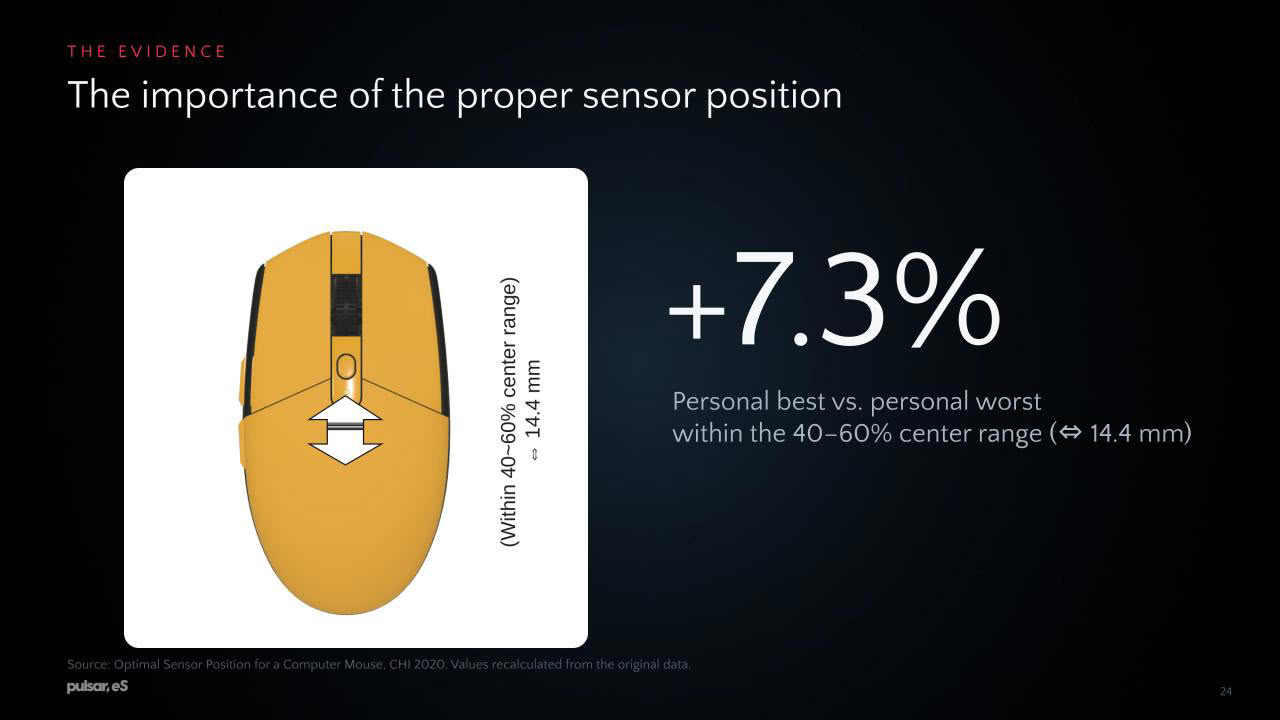
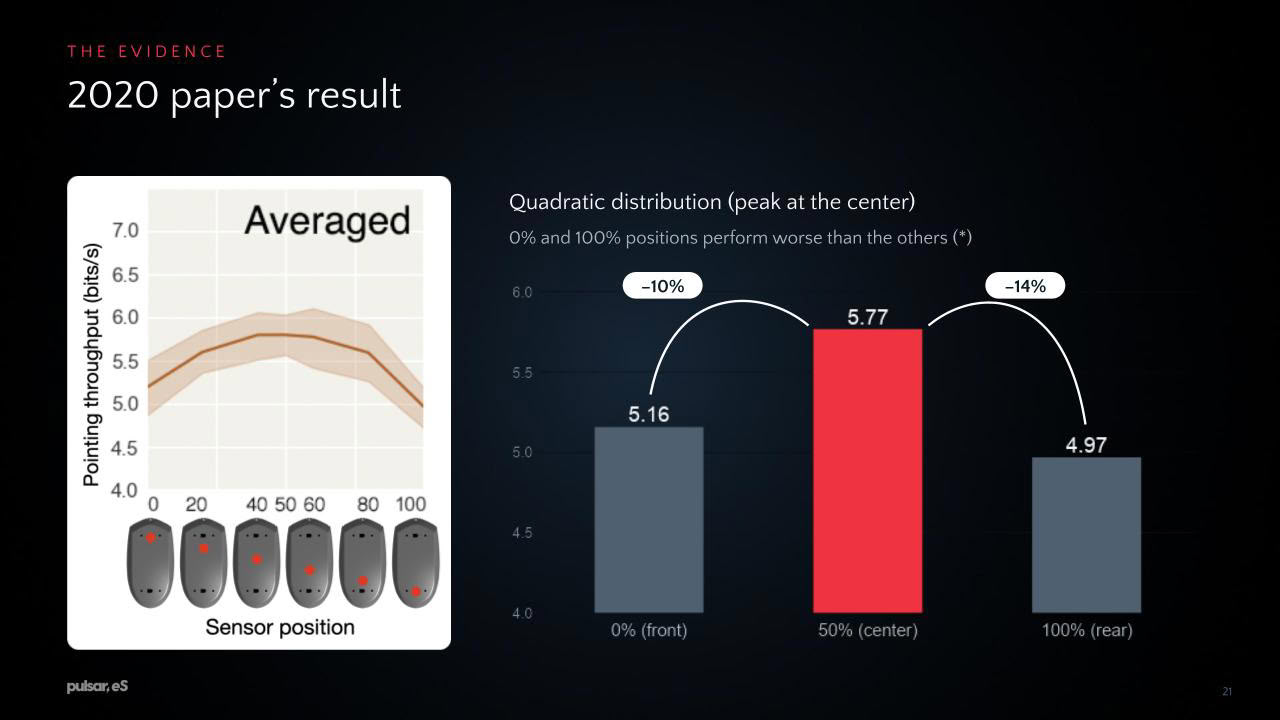
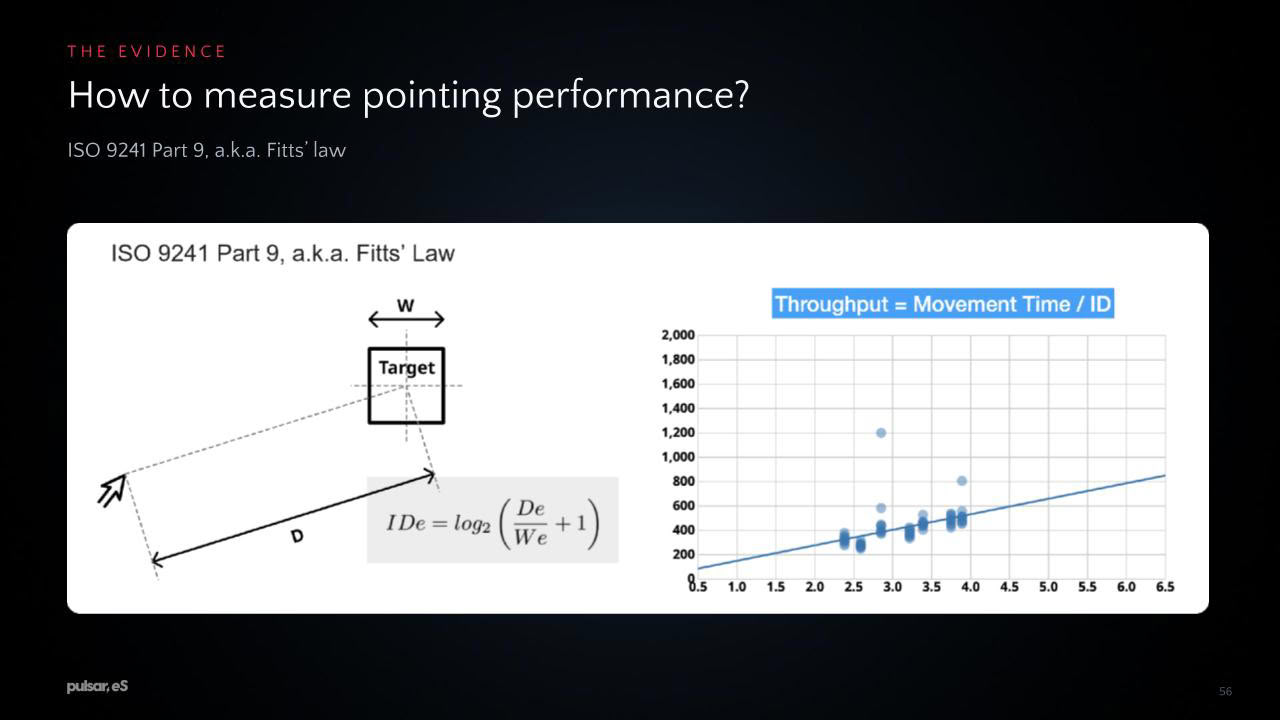
In the paper cited above, the question of which sensor position could be considered optimal was answered in favor of a more centered position, conceivably due to the effects of rotation being minimized in that case. More specifically, the study found improvements among participants for the centered position over the front and rear ones in the 11–14% range for throughput and in the 20–23% range for path deviation. Now, a manifest question is what "centered" is supposed to mean within this context. For the study, "centered" simply denotes the middle position between two posited forward and rearmost positions, which coincided with the geometric center. Since the Logitech G305 used for the study is a symmetrical design, determining the geometric center was trivial, but on non-symmetrical designs this becomes less straightforward. Rather than the geometric center, we could also look for the center of mass of the mouse, or we could look for the center relative to the effective pivot of the user's hand. Arguably, the most useful definition of "centered" in this regard therefore may be a functional one, i.e. a position which minimizes the contribution of the rotational component of a given motion to the displacement.
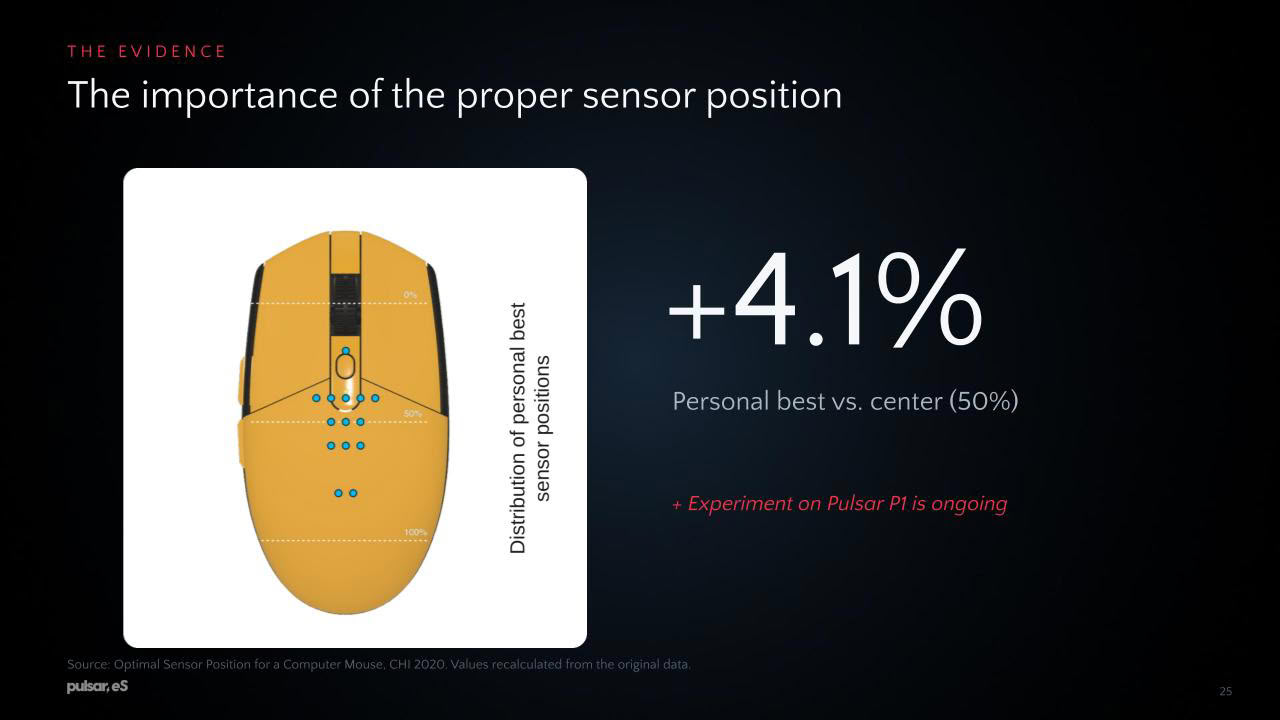
Hence, for practical purposes, we can surmise that there is an optimal position, namely one that minimizes the rotational component, yet where this position lies is subject to an individual determination. That is, as established earlier, the effective pivot of a user's motion will determine which sensor position results in the minimum of rotation being incorporated. Note that this theoretical optimum does not necessarily equate to an existing individual preference—given the human ability to adapt and compensate, it is reasonable to assume that our preferred sensor position may simply be one that works for us, even if it is not the optimal one. Even when using an objectively flawed technique, we may be able to yield subjectively good results, by virtue of practice and adaptation.
Our Patreon Silver Supporters can read articles in single-page format.
Nov 18th, 2026 12:43 CST
change timezone
Latest GPU Drivers
New Forum Posts
- Wireless Internet sharing between PC and router both-ways, is it possible? (18)
- WarpCoreBench scores! (64)
- ProArt X870E-CREATOR WIFI - Bifurcation~Complication (15)
- Very unusual two gaming-pc scenarios. (4)
- Honestly, do you care about GTA VI? (141)
- My Final Barrier to Exclusively Using Linux has Fallen (Azure Virtual Desktops) (9)
- Ghetto Mods (4883)
- [Intel AX1xx/AX2xx/AX4xx/AX16xx/BE2xx/BE17xx] Intel Modded Wi-Fi Driver with Intel® Killer™ Features (633)
- RX 580 2048SP 8GB Samsung – Black Screens in Games, Looking for a Compatible BIOS (2)
- DTS DCH Driver for Realtek HDA [DTS:X APO4 + DTS Interactive] (2812)
Popular Reviews
- Acemagic Retro X3 Review
- Upcoming Hardware Launches 2027 (Updated Nov 2026)
- AMD Zen 6 Technical Deep Dive
- ASUS ROG Strix B850-I Gaming Wi-Fi7 W Review
- Corsair HX1000i Shift Crystal Review
- Biwin Black Opal NV7400 2 TB Review
- Chieftec Iceberg PRO 360 DARK Review
- AMD Ryzen 7 9800X3D Review - The Best Gaming Processor
- Phantom Blade Zero Performance Benchmark Review - 35 GPUs Tested
- Montech King 95 3D PRO Review
TPU on YouTube
Controversial News Posts
- NVIDIA Co-Founder and CEO Jensen Huang Officially Resigns (477)
- Report: Jensen Huang Eyes NVIDIA Comeback (184)
- Open Letter Asking NVIDIA to Reinstate Jensen Huang Passes 115,000 Signatures (184)
- OpenAI CEO Argues Home PCs Waste the World's Limited DRAM Supply (152)
- NVIDIA Launches Investigation Into Jensen Huang's Relationship With Suspected Chinese Spy (136)
- Intel "Raptor Lake Next" 16-Core and 20-Core CPUs Surface (130)
- Legendary Game Studio BioWare Shuts Down Following EA Layoffs (104)
- Dell CEO Says the Memory Shortage Will Get Worse in 2027 (95)