 3
QNAP HS-251 Fanless NAS Review
Interactivity with Smart Phones »XBMC Interface
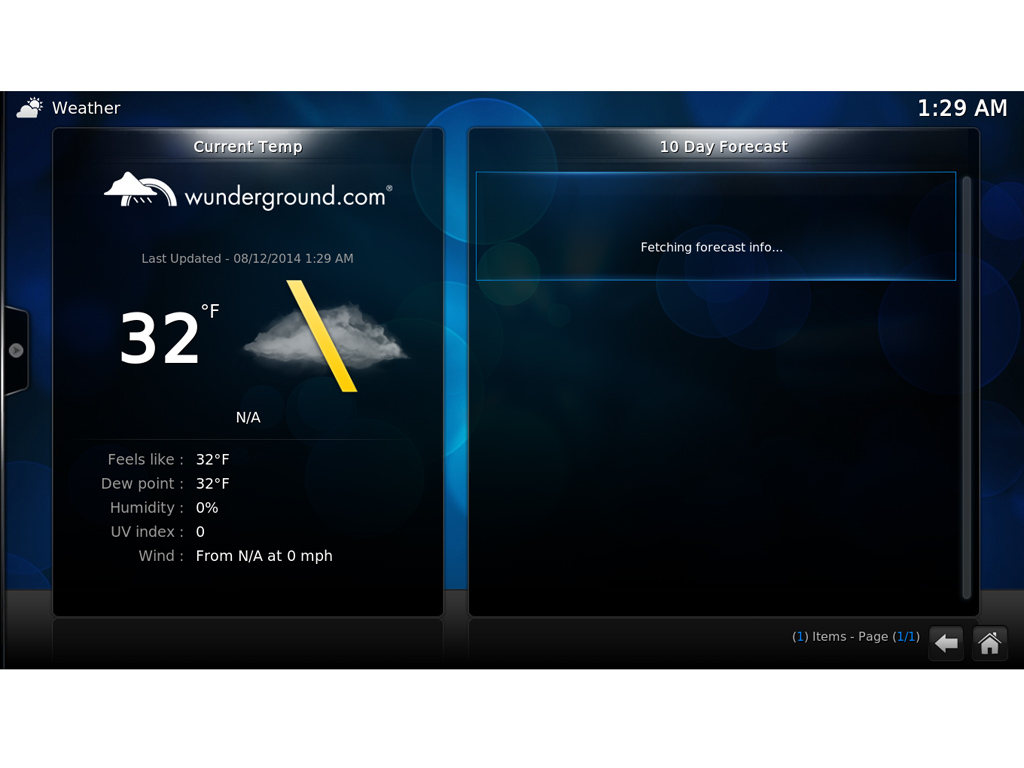
The built-in weather forecast function can be accessed through the home screen. Your internet IP address will by default be used to auto-select your location.

XBMC playing an ultra-high bitrate (90 Mbps) M2TS file, a scene from Alfred Hitchcock's The Birds.
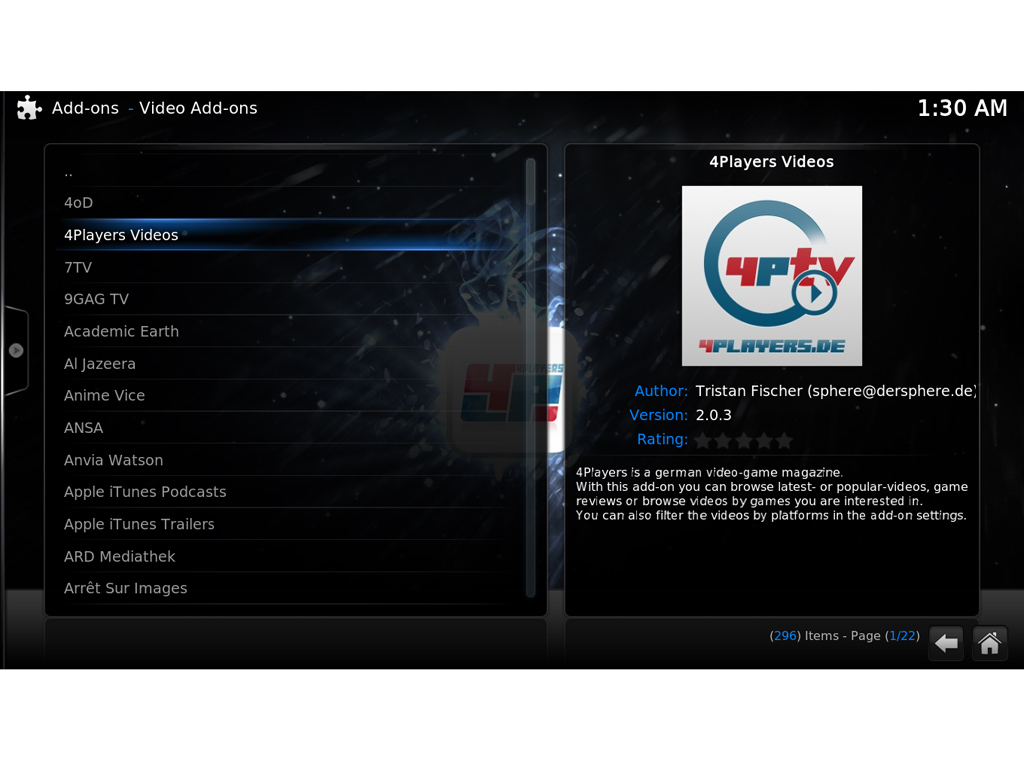
You can also install various add-ons.
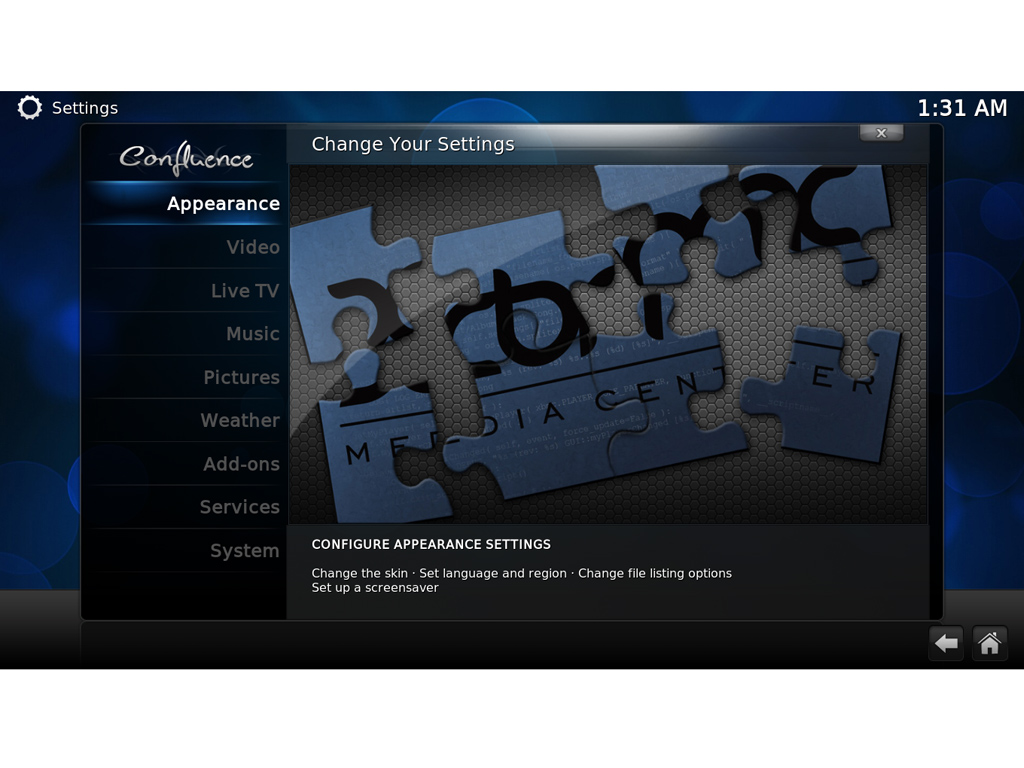
Probably the most important settings of all, system-specific ones can be changed here.
Multimedia Performance
In the following tests we will, at first, play several high bitrate video clips off an external USB 3.0 compatible disk before playing them off the HS-251's internal storage volume (two WD Red 2 TB HDDs configured in a linear JBOD disk volume). All tests include playbacks of videos with a bitrate of 20-90 Mbps, including M2TS files. The obtained results can be found in the table below.| Bitrate Test 1080p | ||
|---|---|---|
| Bitrate(mbps) | USB | Internal Hdd |
| 20 MKV |  | |
| 24 MKV | | |
| 28 MKV | | |
| 34 MKV | | |
| 38 MKV | | |
| 38 M2TS | | |
| 42 MKV | | |
| 42 M2TS | | |
| 48 MKV | | |
| 48 M2TS | | |
| 50 MKV | | |
| 50 M2TS | | |
| 55 MKV | | |
| 55 M2TS | | |
| 60 MKV | | |
| 60 M2TS | | |
| 70 MKV | | |
| 70 M2TS | | |
| 80 MKV | | |
| 80 M2TS | | |
| 90 MKV | | |
| 90 M2TS | | |
Transcoding Performance
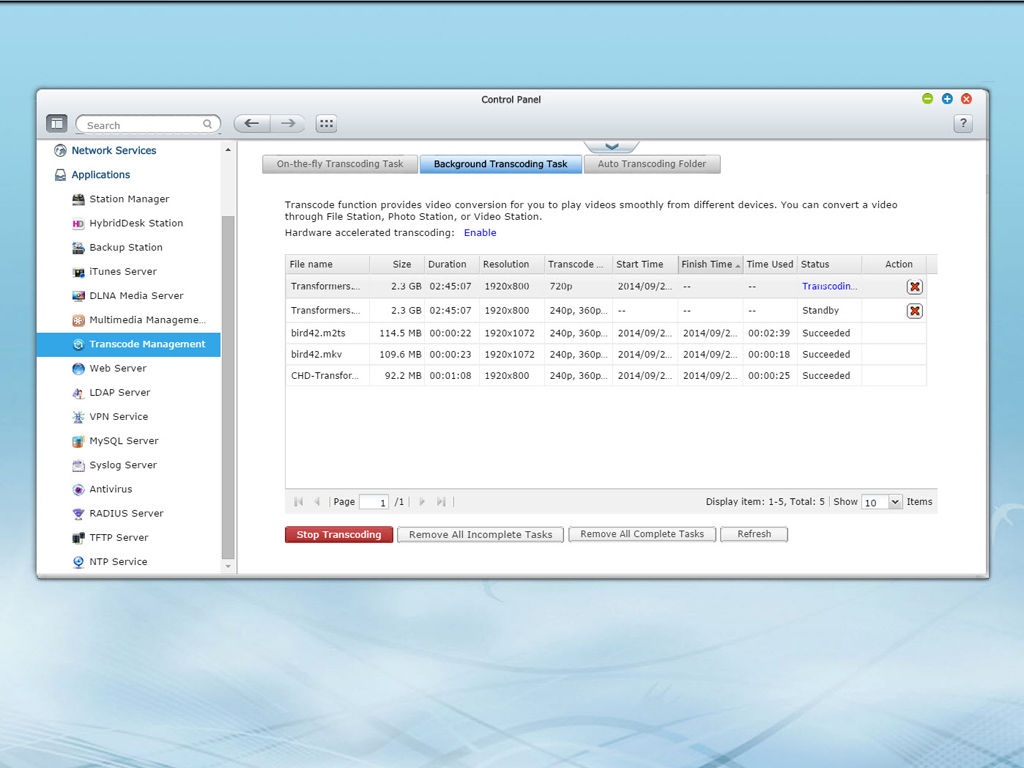
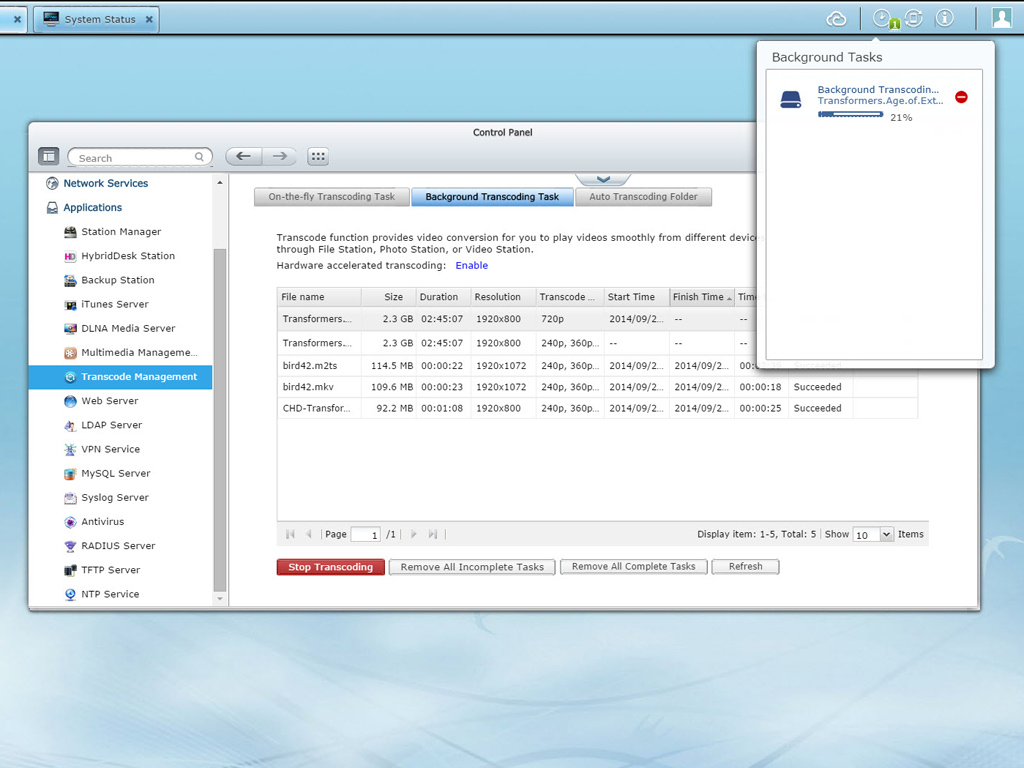
We tested the Bay Trail CPU's transcoding performance by transcoding two large and three small video files at 1080p, 720p, 480p, 360p, and 240p. As you will see in the following screenshots, doing so did tax the CPU, but not by as much as we expected.
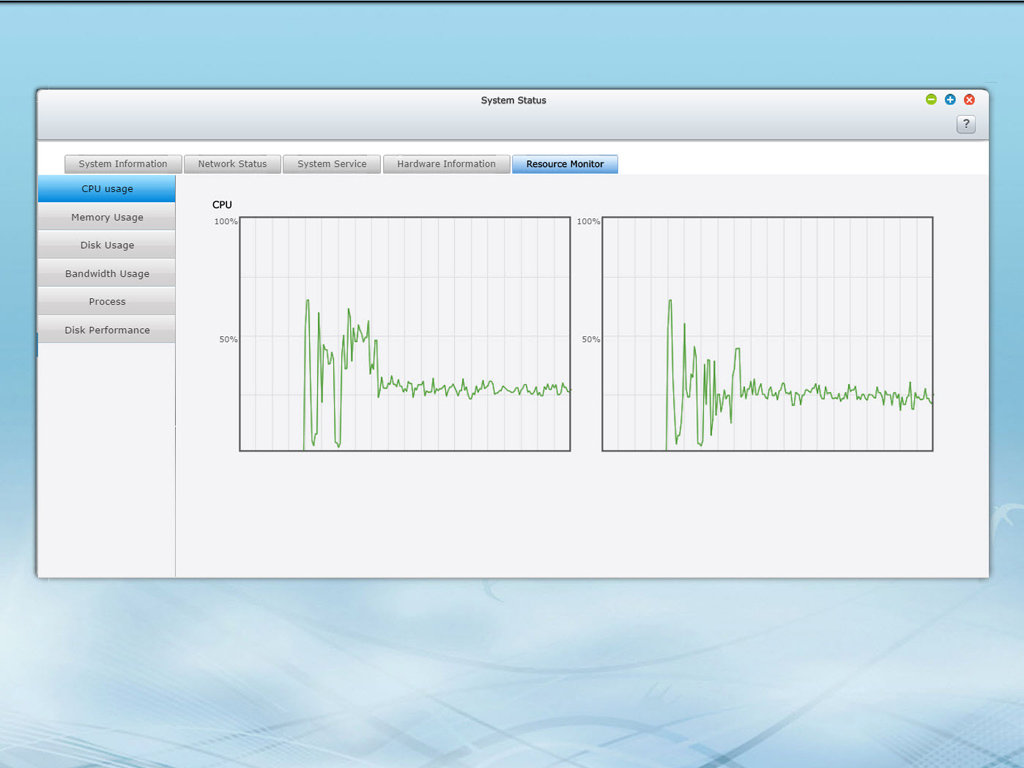
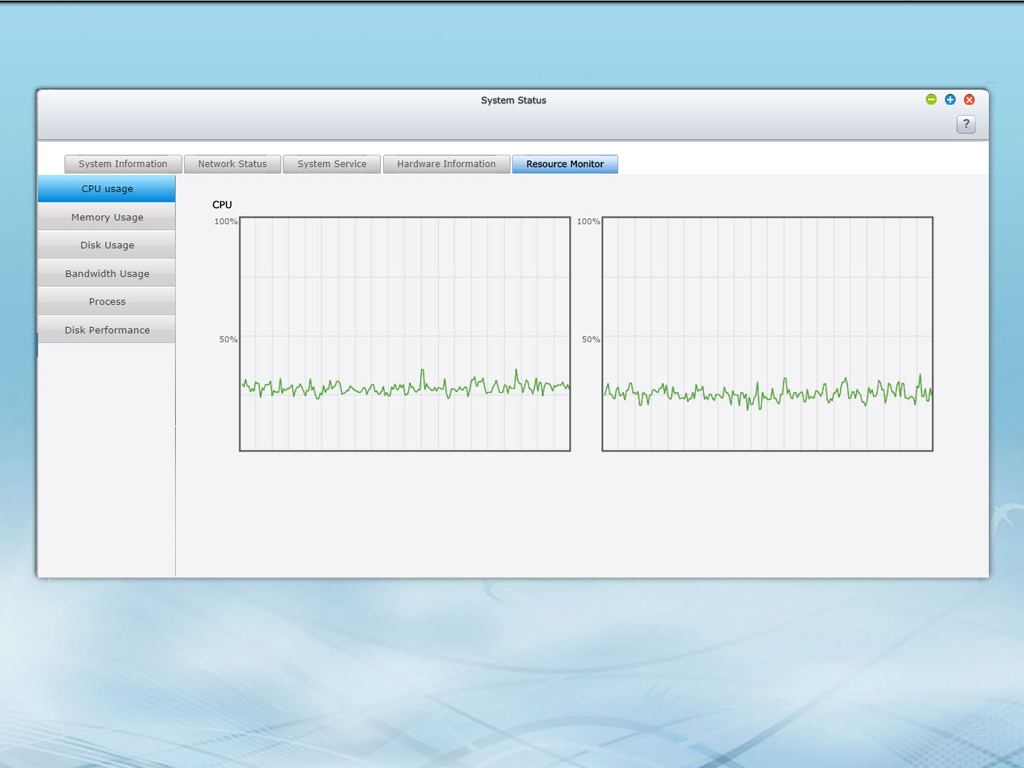
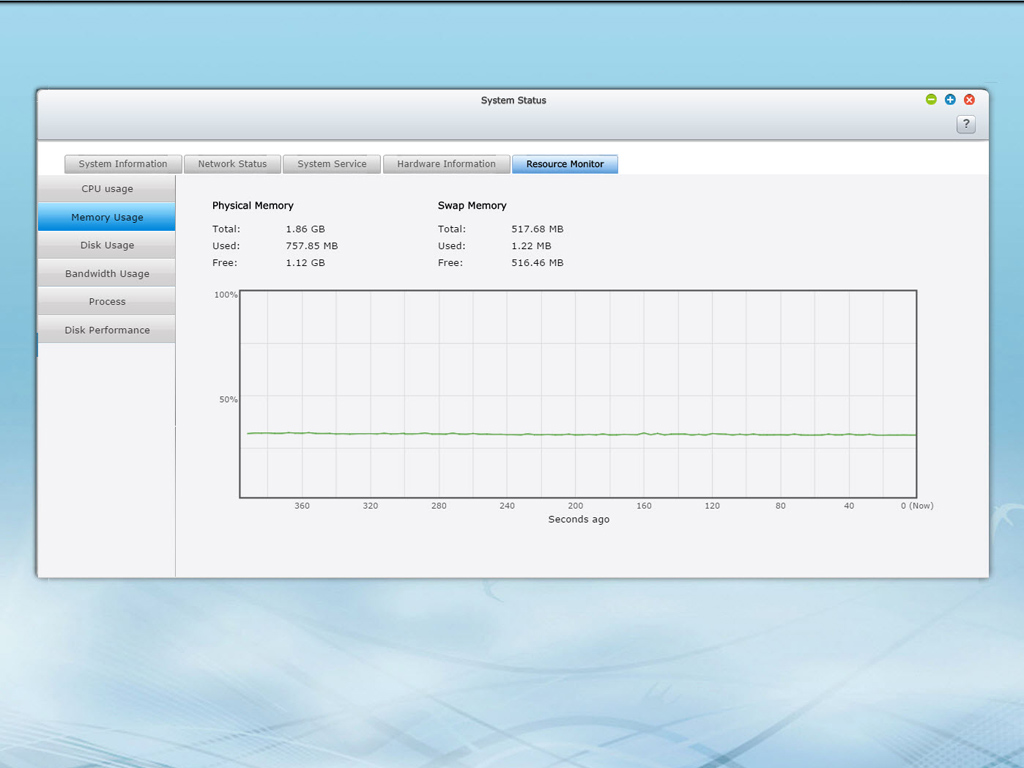
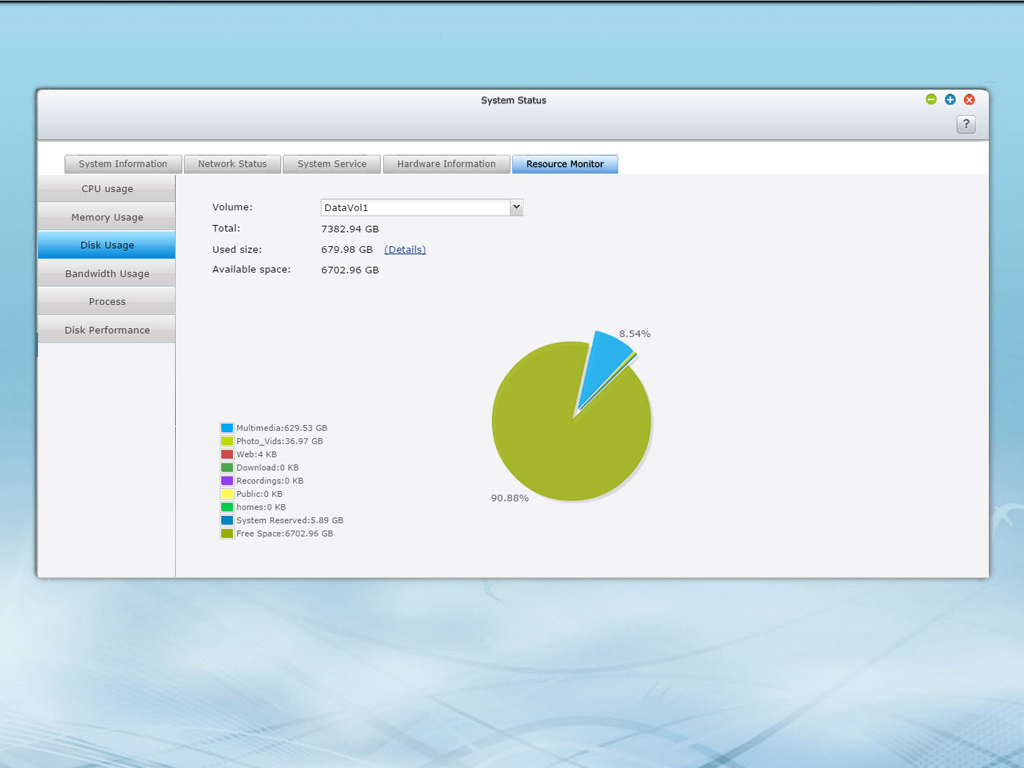
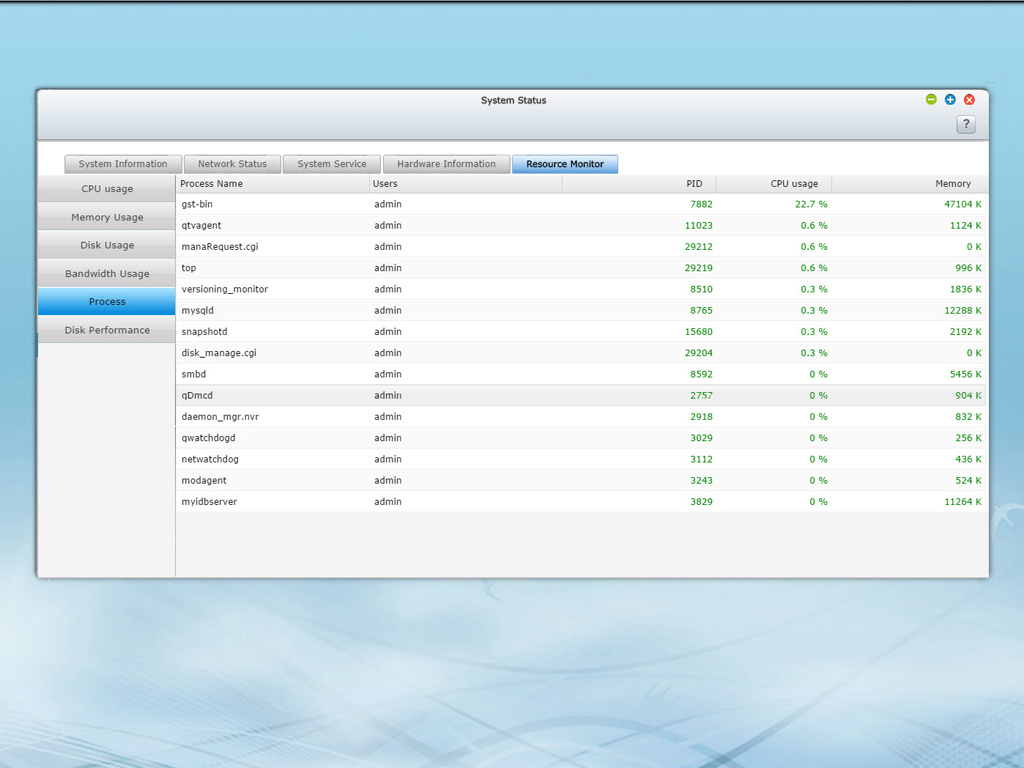
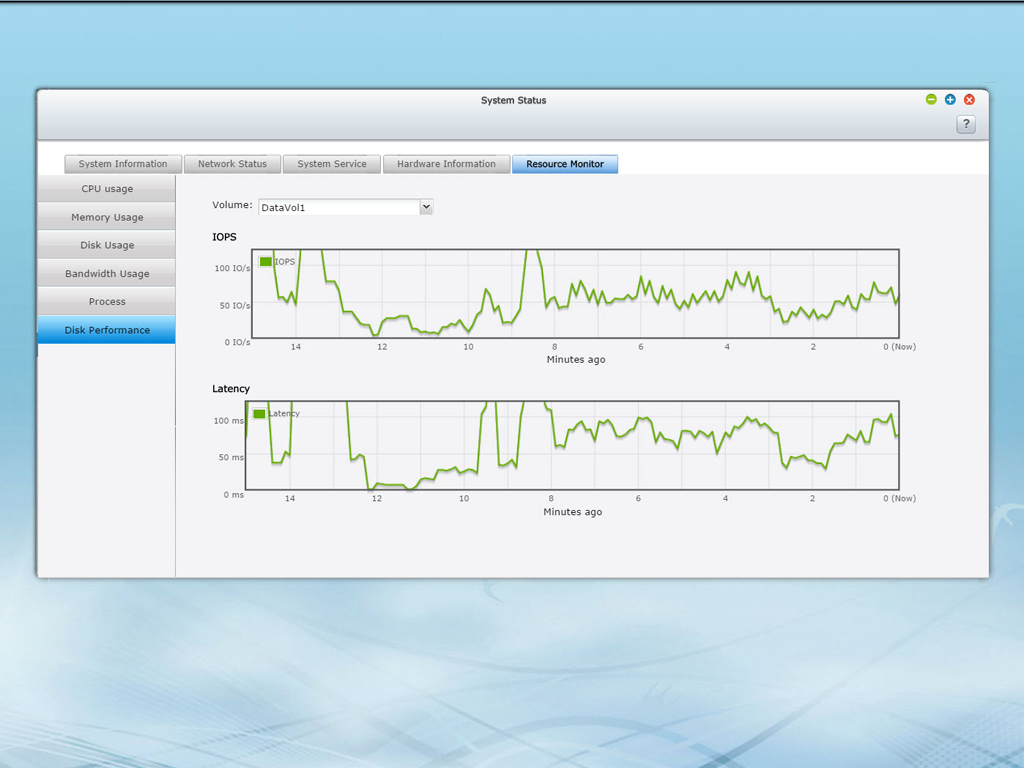
We saw up to 100% CPU utilization with the TS-451, but our specific model only had 1 GB of RAM installed. The HS-251 with its 2 GB only reached 50% CPU utilization at most, which left the CPU with enough headroom for other applications to be executed properly as videos were being transcoded.
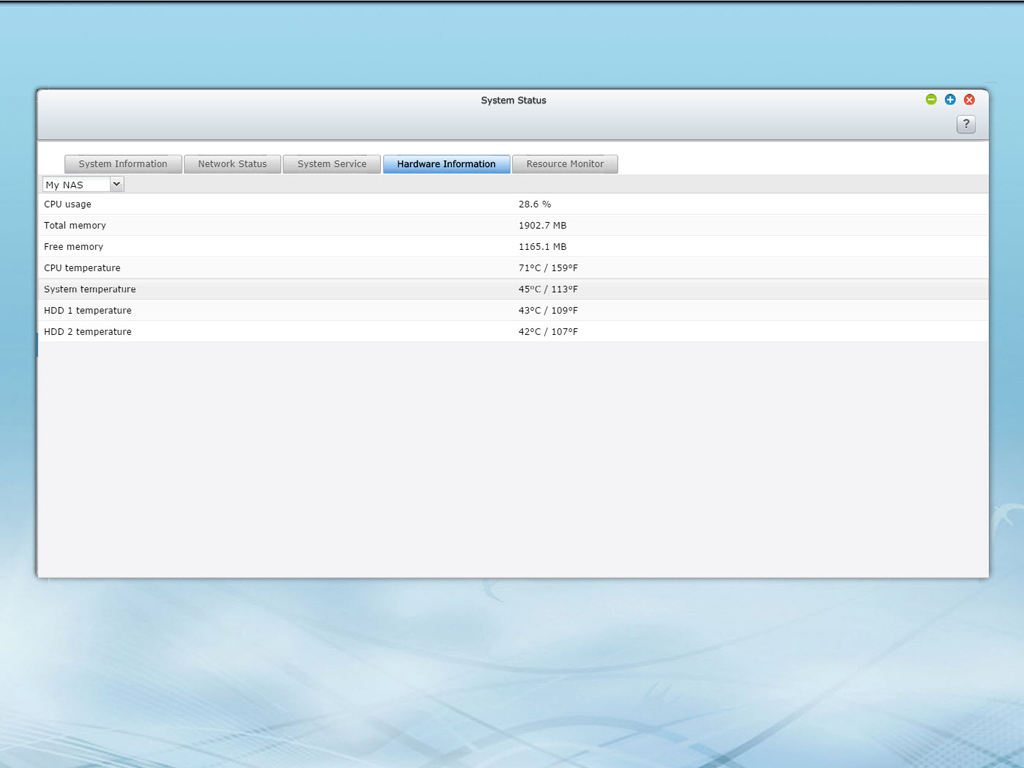
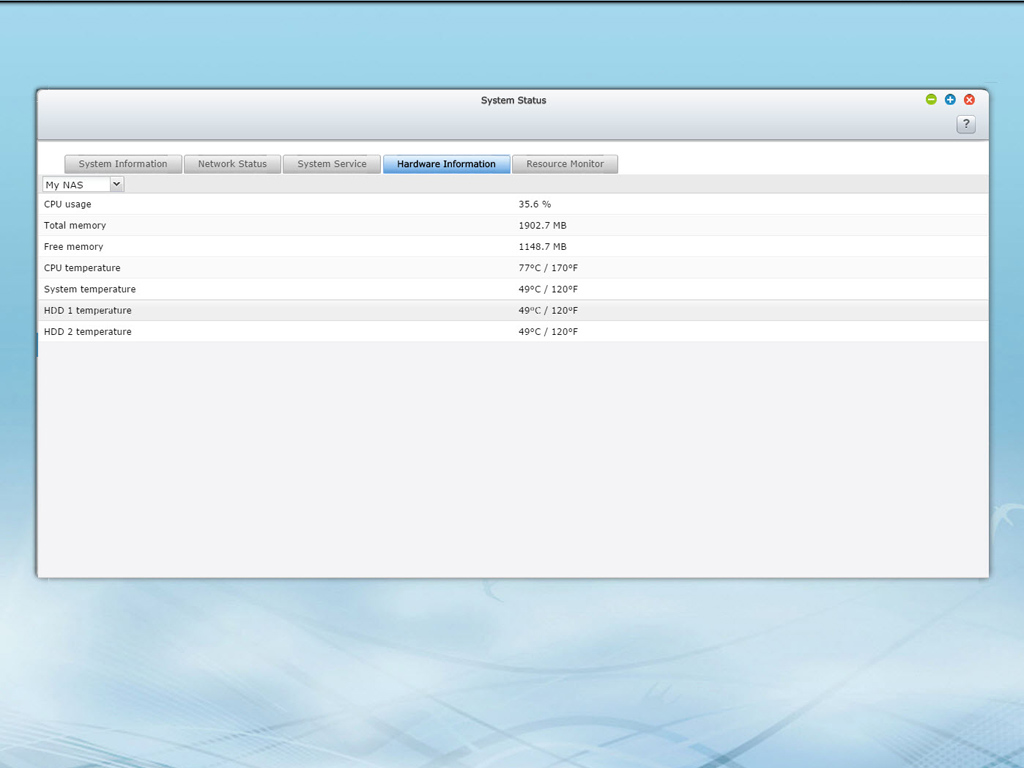
The passive design might be good for users who can't stand noise, but it curtails the lifetime of any installed HDD exposed to such heavy tasks as transcoding a video since the latter also produced high temperatures. The CPU's temperature climbed to upward of 80°C after an hour or so of transcoding, with the NAS in a room with an ambient of around 26°C. With that said, you had better avoid using the HS-251 to transcode videos over prolonged periods of time if HDD and system health are important to you. Yet the Intel Celeron J1800 CPU this NAS utilizes is compatible with Intel's Quick Sync Video, so it can perform transcoding tasks pretty quickly.
Nov 27th, 2026 20:09 CST
change timezone
Latest GPU Drivers
New Forum Posts
- -18C on GPU by moving it to the front of the case. (18)
- TPU's WCG/BOINC Team (34815)
- Anthrophics IPO (51)
- AAF Optimus Modded Driver For Windows 10 & 11 - Only for HDAUDIO Chips [WINDOWS 11 RECOMMENDED] (1156)
- What's your main Black Friday / Cyber Monday purchase? (41)
- Exit Adobe - PDF reader, and PDF editor recommendations (10)
- The TPU UK Clubhouse (27308)
- Wireless Internet sharing between PC and router both-ways, is it possible? (34)
- Gigabyte RX 6800 XT Gaming OC and I would like to test the BIOS version 020.001.000.071.000000. (18)
- Mouse Pad advice - Shidenkai out of production? (21)
Popular Reviews
- Upcoming Hardware Launches 2027 (Updated Nov 2026)
- AMD Ryzen 7 9800X3D Review - The Best Gaming Processor
- VZMORE AX9 Max Review
- Montech CyberFlow ARGB 360 Review
- ASRock X870E Challenger Wi-Fi White Review
- Moaiplay Ora Pro G1 850 Review
- AMD Zen 6 Technical Deep Dive
- ORICO Obook15 AI Review
- Microsoft Surface Laptop Ultra Review - The Next-gen Arm Laptop
- Phantom Blade Zero Performance Benchmark Review - 35 GPUs Tested
TPU on YouTube
Controversial News Posts
- Jensen Huang Reinstated as CEO of NVIDIA (623)
- NVIDIA Co-Founder and CEO Jensen Huang Officially Resigns (492)
- Report: Jensen Huang Eyes NVIDIA Comeback (281)
- Open Letter Asking NVIDIA to Reinstate Jensen Huang Passes 115,000 Signatures (184)
- OpenAI CEO Argues Home PCs Waste the World's Limited DRAM Supply (152)
- NVIDIA Launches Investigation Into Jensen Huang's Relationship With Suspected Chinese Spy (136)
- Intel Razor Lake Gets a 12 P-Core bLLC Chip With No E-Cores, Per Leak (94)
- NVIDIA GeForce RTX 50-Series Scheduled for up to $500 Price Hike This Week (89)