 0
QNAP TS-109 Pro Turbo Station Review
(0 Comments) »Introduction
First things first, I'd like to thank QNAP for supplying us with the QNAP TS-109 Pro Turbostation.The QNAP TS-109 Pro Turbostation is a NAS device aimed at home use. It comes packed with many features to replace the average home server while being small and using little power. While aimed to be a storage server (datastorage, web, database) the TS-109 also has features like a DHCP server and printer sharing. The TS-109 doesn't come with a harddisk though, you have to add one yourself. Main storage comes from normal 3.5" SATA disks though you can add an eSATA disk and up to three USB drives (without using hubs). These expansion options make the TS-109 a long term investment.

Features
- Create your own File Server in the easiest way
- FTP Server simplifies the data sharing
- Backup Server with the most professional auto-backup software
- Enhanced data protection by optional RAID-1 mirroring
- Remote Replication
- Establish your interactive Web Server
- MySQL Server
- Share your printer resource by Printer Server
- UPnP Media Server (with built-in TwonkyMedia Server)
- Multimedia Station for photo sharing
- Enjoy continuous download independent of PC
- Share your music by iTunes Server
| Application | 1x3.5" SATA HD, 1x3.5" eSATA HD, up to 3 USB devices |
|---|---|
| Weight | 1.2 kg (without disk) |
| Dimensions | 210 x 60 x 182 mm |
| Material | Aluminum |
| Interface | Gigabit LAN |
| Power supply | Standard 12V/3A adapter |
| Power usage | 6.6W in sleep mode 14.4W in operation |
| Supported file systems | FAT, FAT32, EXT3, NTFS (read only) |
Packaging
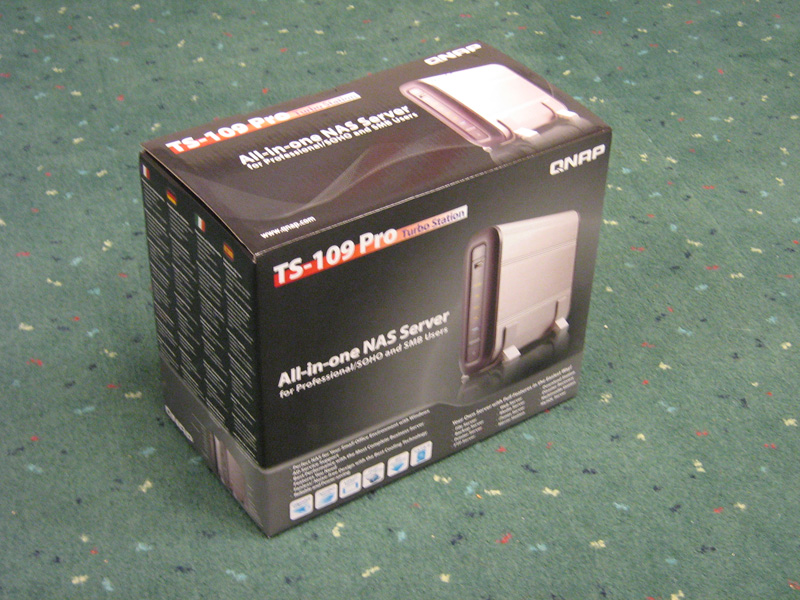
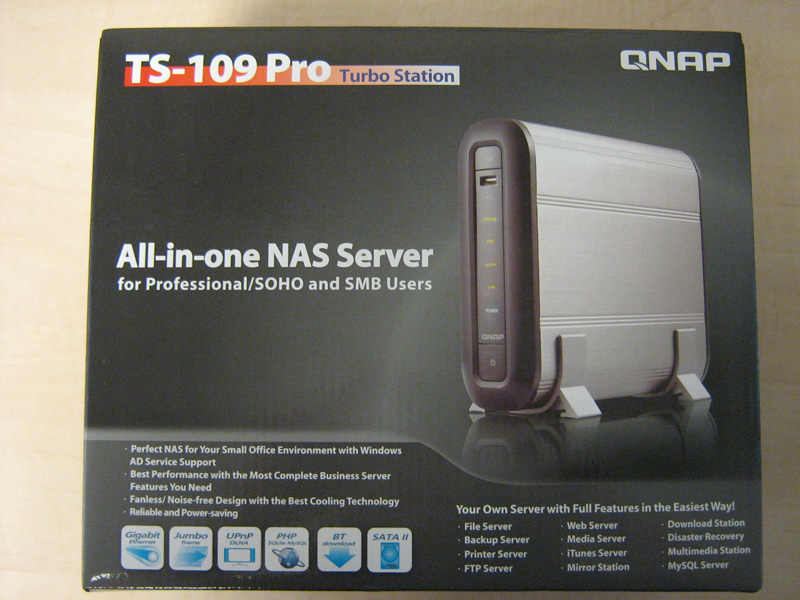
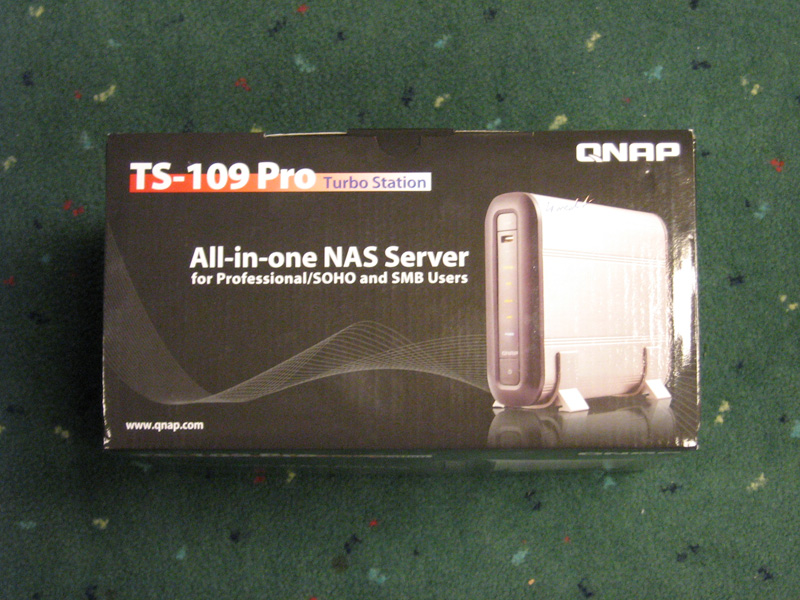
The QNAP Ts-109 Pro Turbostation comes in a small colorful box. On it you find pictures of the unit and a list of features.
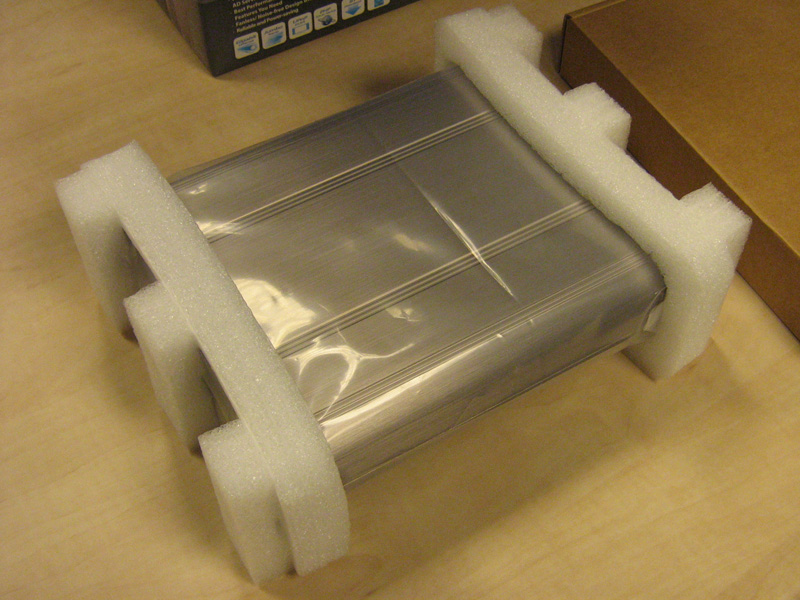
The unit comes packed in a plastic bag protected by foam. Next to it is a box with all the goodies.
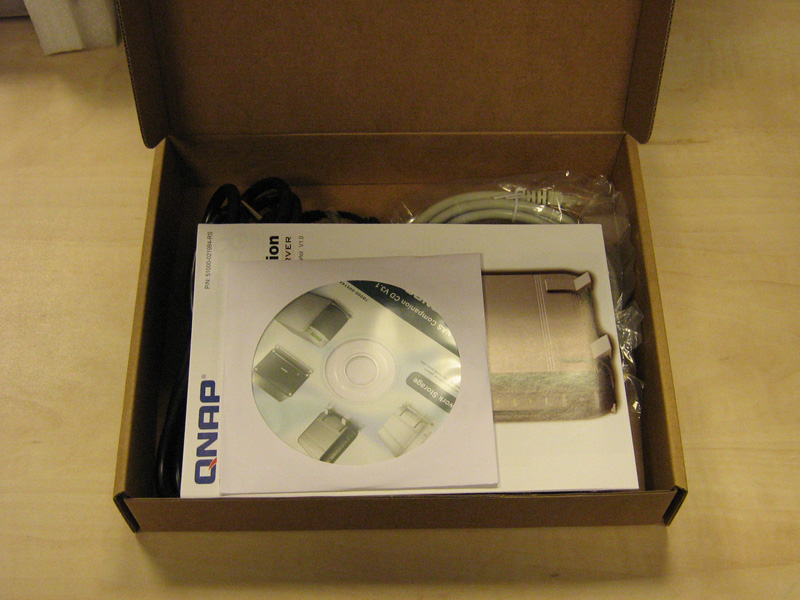
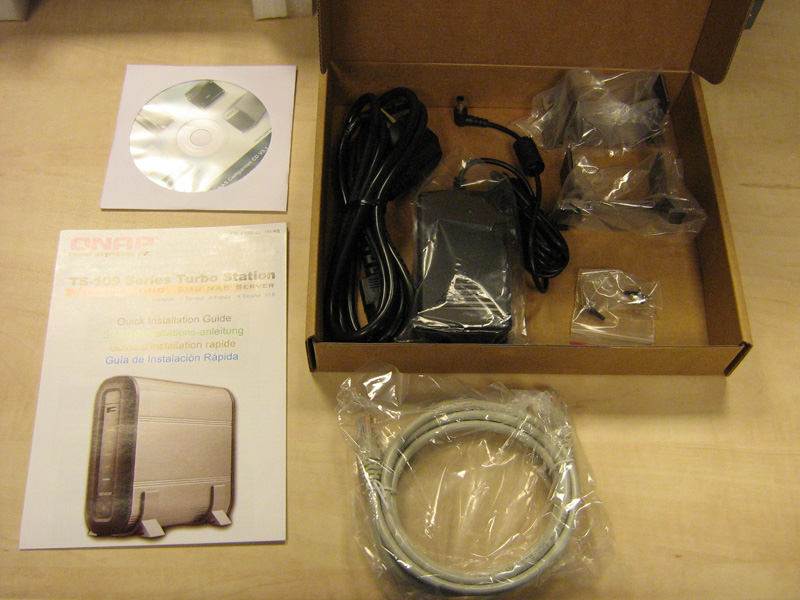
In the box we find an adapter, manual, a short CAT5 cable, two screws, software CD and two brackets to keep the unit standing upright.
Our Patreon Silver Supporters can read articles in single-page format.
Nov 24th, 2026 21:07 CST
change timezone
Latest GPU Drivers
New Forum Posts
- TPU's F@H Team (20570)
- Can you guess Which game it is? (352)
- The time has come to upgrade...my desktop (13)
- Ryzen Owners Zen Garden (8562)
- WarpCoreBench scores! (99)
- Asus Rog Maximus Z890 Extreme. (Various questions). (34)
- What are you playing? (26253)
- Which ryzen am5 cpu ? (210)
- Your PC ATM (36503)
- X79 and/or rampage IV OC'ing thread for those of us still left.... (2453)
Popular Reviews
- ASRock X870E Challenger Wi-Fi White Review
- Microsoft Surface Laptop Ultra Review - The Next-gen Arm Laptop
- Upcoming Hardware Launches 2027 (Updated Nov 2026)
- VZMORE AX9 Max Review
- AMD Ryzen 7 9800X3D Review - The Best Gaming Processor
- Corsair RM1200e (Second Generation) Review
- AMD Zen 6 Technical Deep Dive
- Phantom Blade Zero Performance Benchmark Review - 35 GPUs Tested
- Pulsar Office Tour & First Look at P1 Dual-Sensor Mouse
- Ocypus lota P1000 Review
TPU on YouTube
Controversial News Posts
- Jensen Huang Reinstated as CEO of NVIDIA (534)
- NVIDIA Co-Founder and CEO Jensen Huang Officially Resigns (492)
- Report: Jensen Huang Eyes NVIDIA Comeback (281)
- Open Letter Asking NVIDIA to Reinstate Jensen Huang Passes 115,000 Signatures (184)
- OpenAI CEO Argues Home PCs Waste the World's Limited DRAM Supply (152)
- NVIDIA Launches Investigation Into Jensen Huang's Relationship With Suspected Chinese Spy (136)
- Intel "Raptor Lake Next" 16-Core and 20-Core CPUs Surface (130)
- Intel Razor Lake Gets a 12 P-Core bLLC Chip With No E-Cores, Per Leak (94)