 37
QNAP TS-470 Review
Administration Interface: System Settings Part#2 »Quick Start Guide

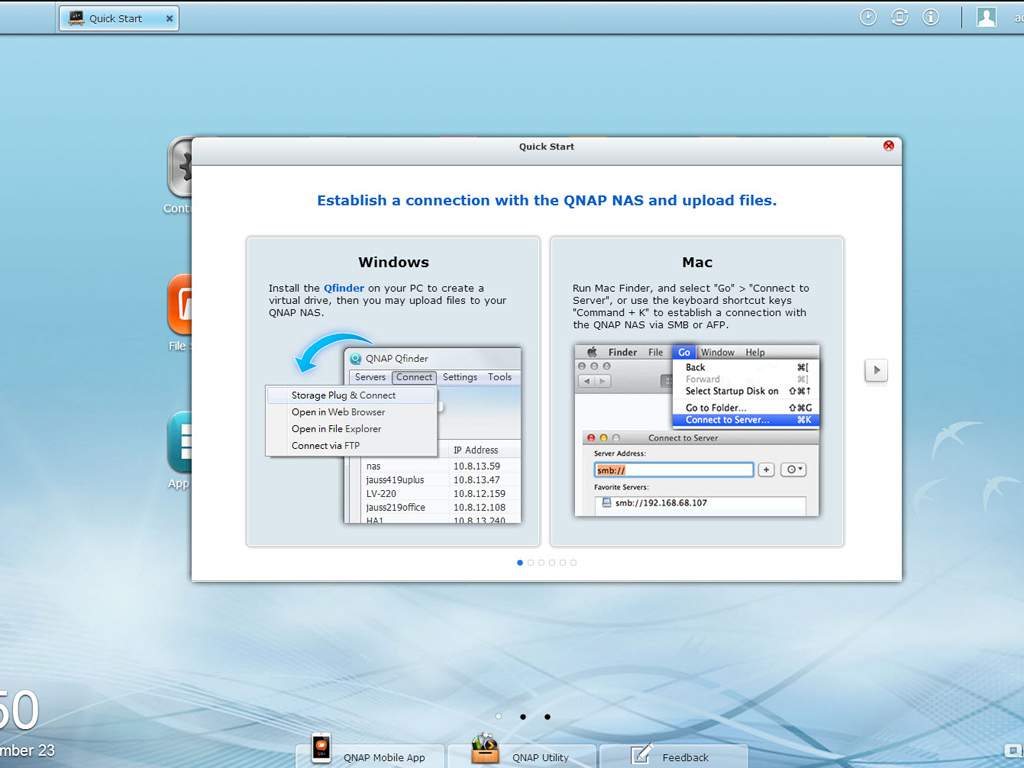
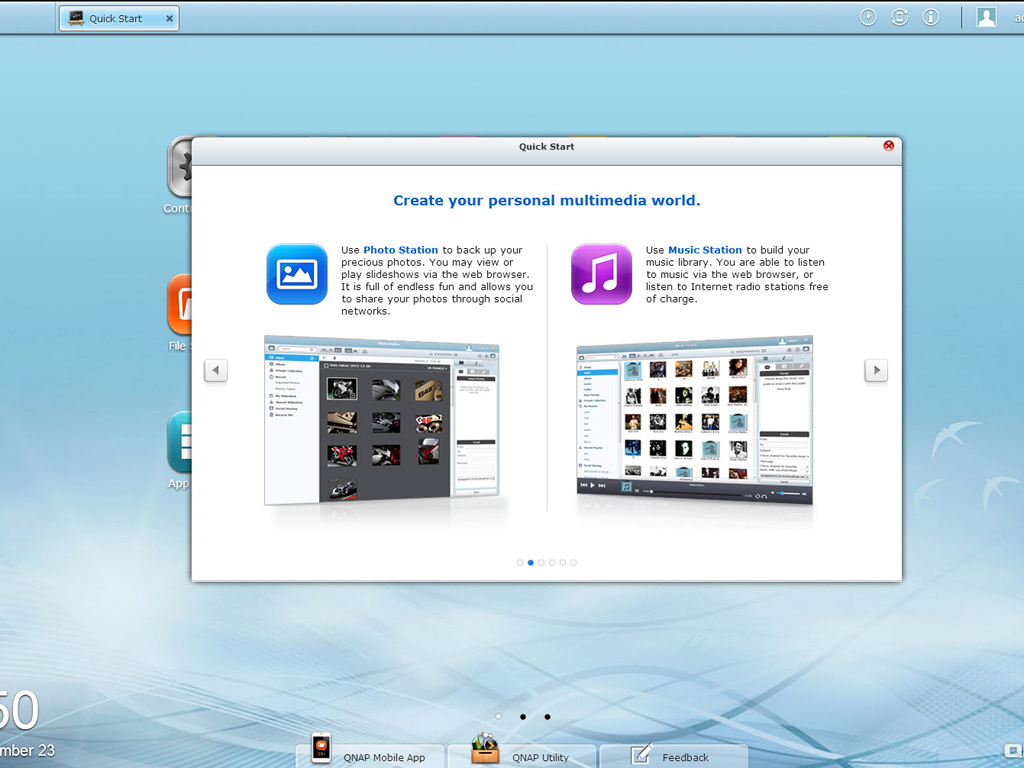


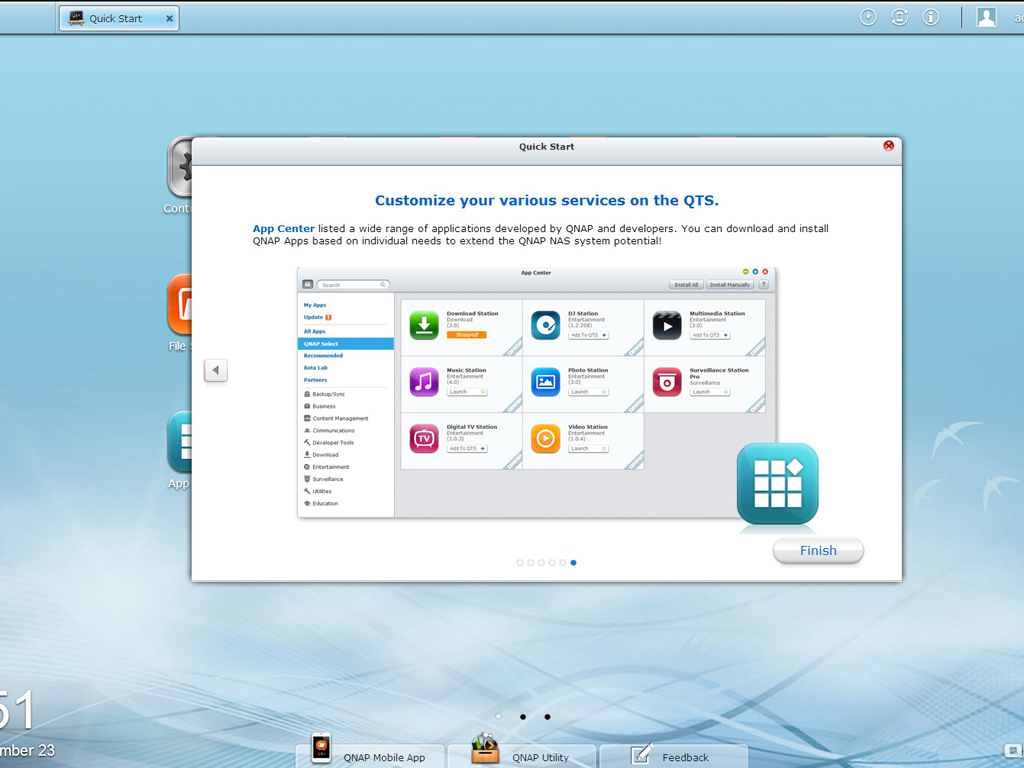
The quick start guide will greet you after you log into the administration interface for the first time, welcoming you to QTS 4.0.5. It will help you understand and get familiar with the NAS's major functions. This is a good guided tour to take if you have never used a QNAP product before.
System Settings Part#1
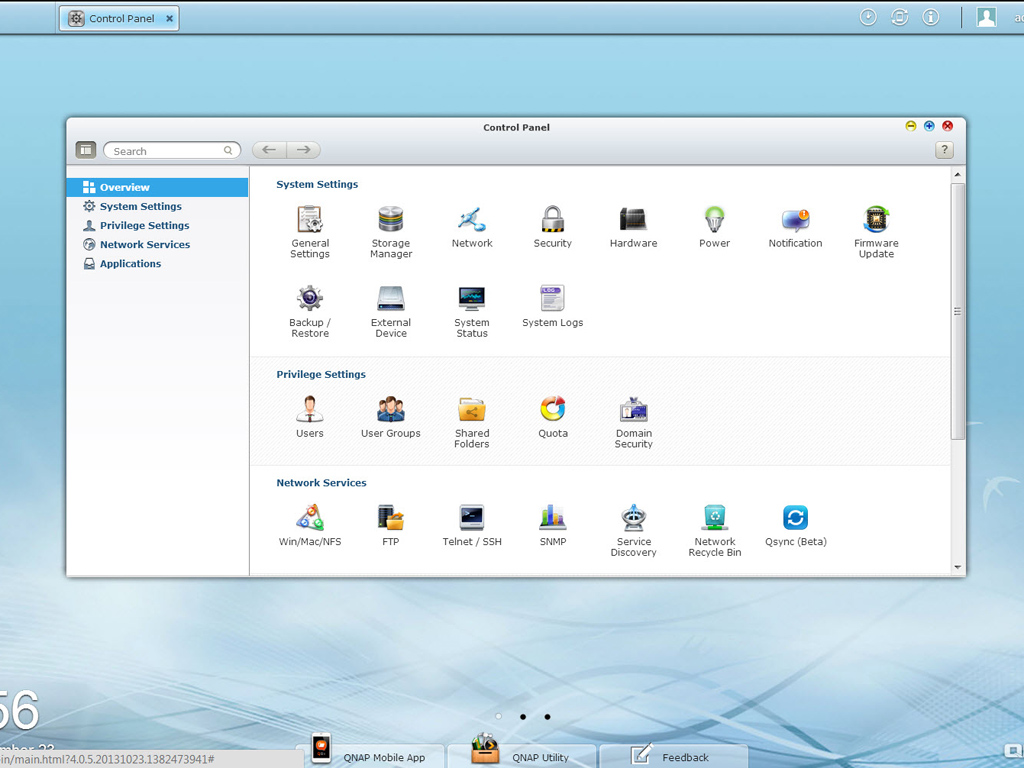
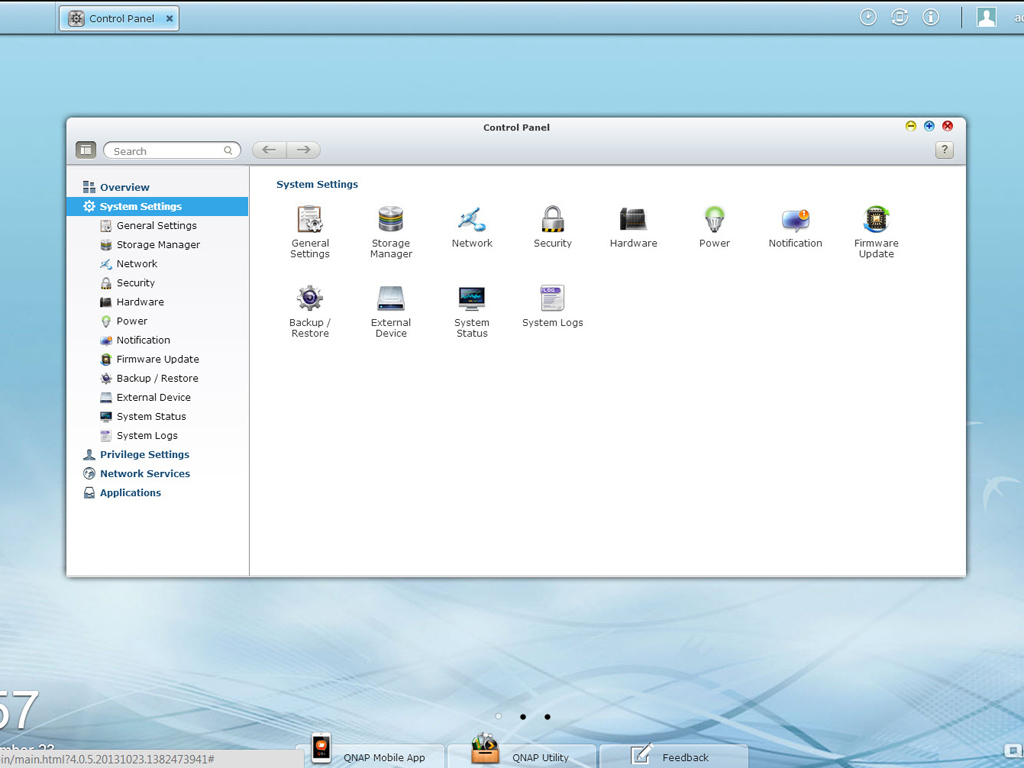
You will most likely click on the Control Panel icon first. This icon will give you access to System Settings, Privilege Settings, Network Services, and Applications. We will begin our tour at System Settings.
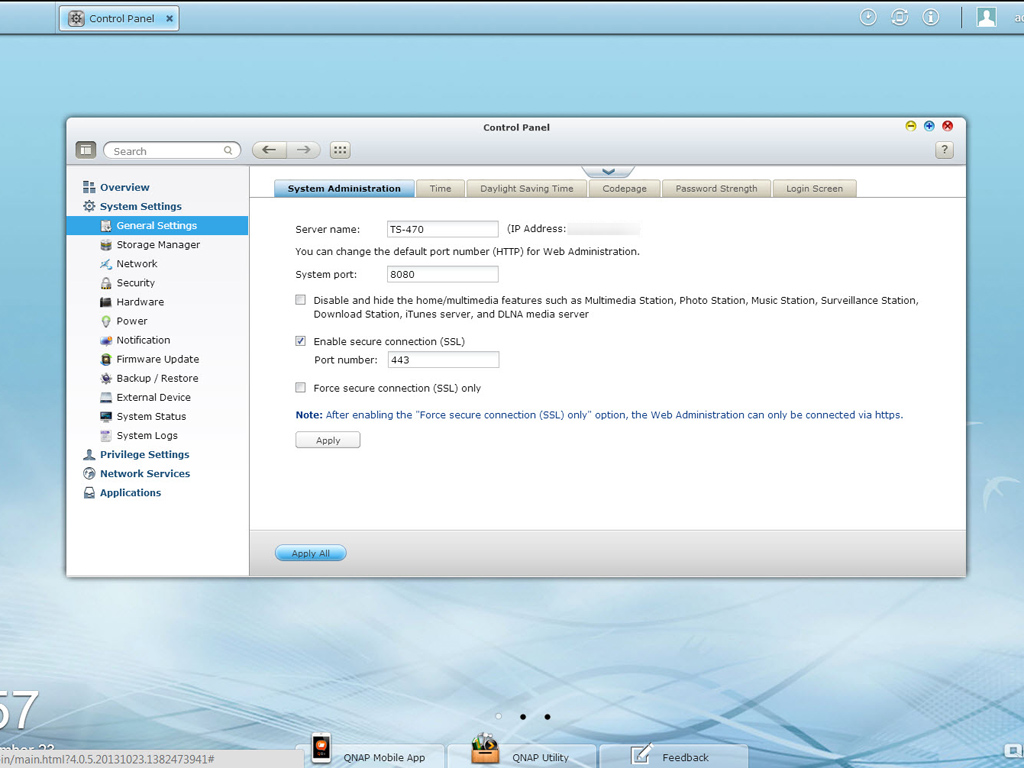
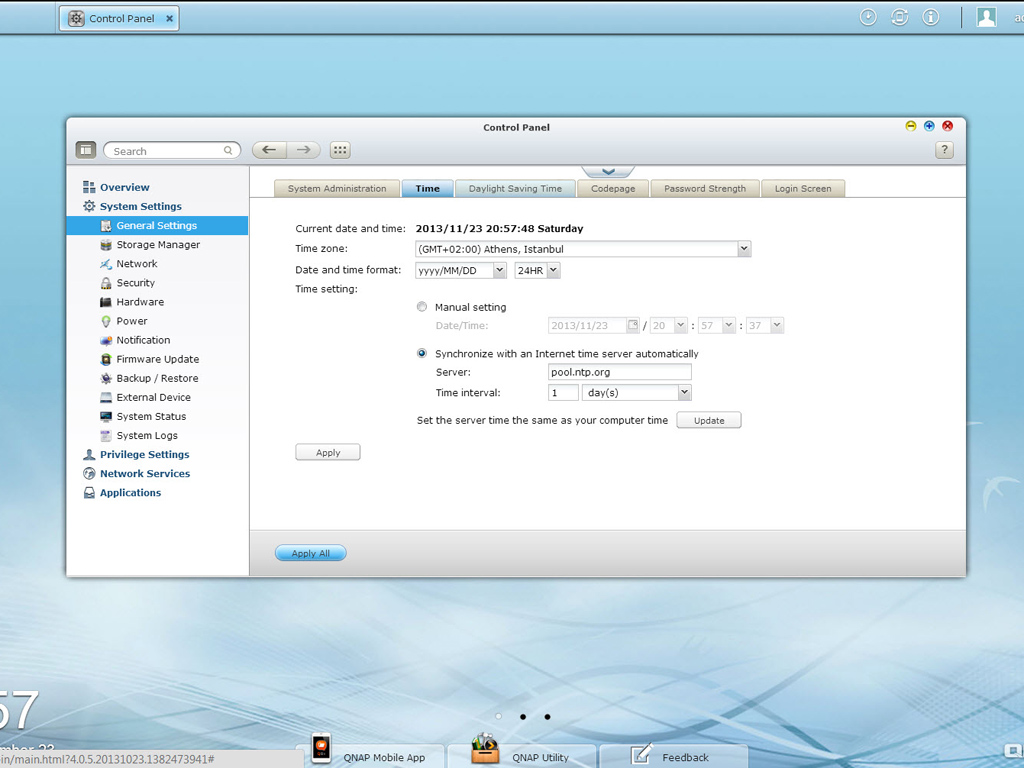
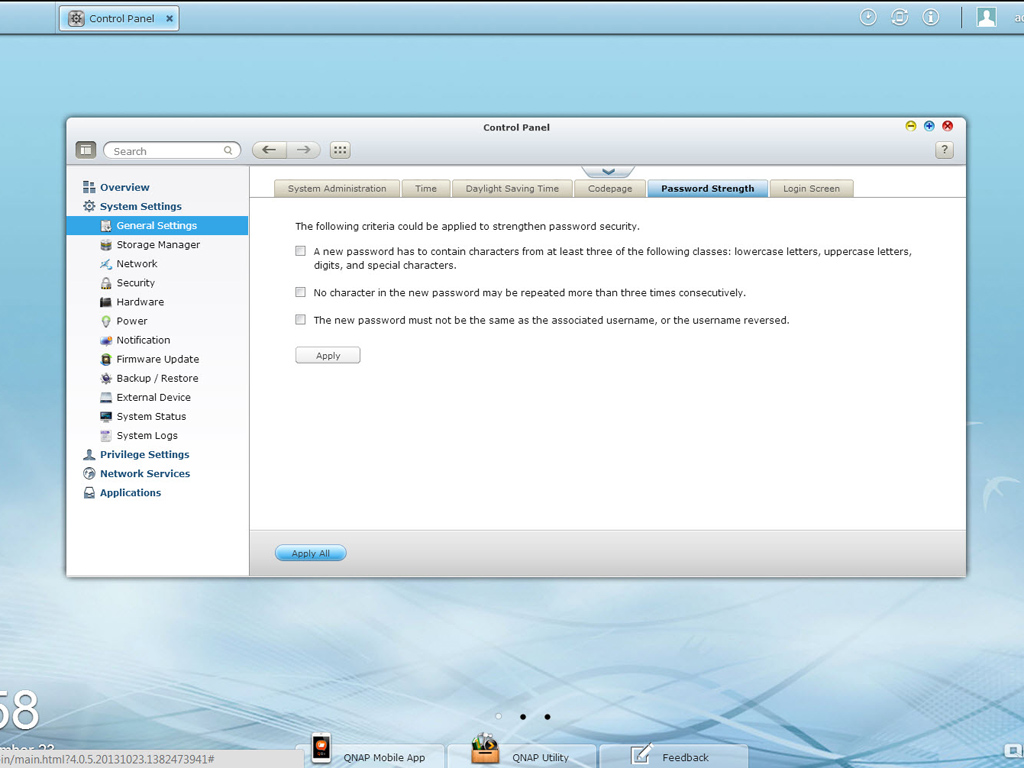
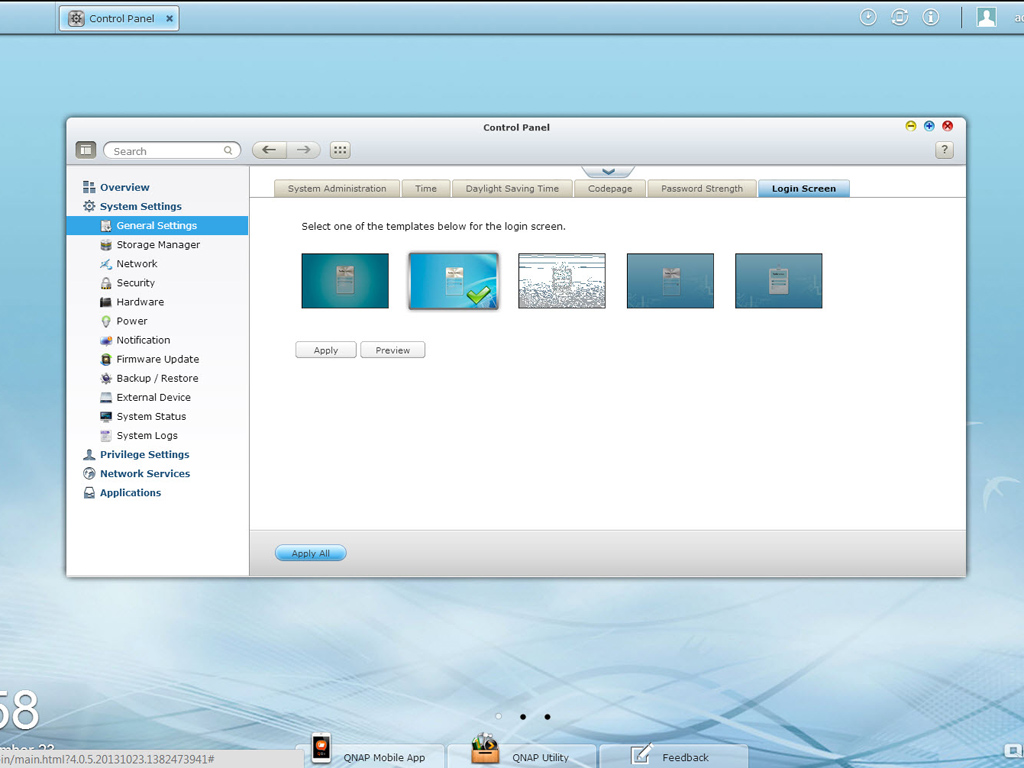
The General Settings group provides options related to system administration. You can change the server's name and the system port here, alter time settings, check codepage options, and specify password rules. These options also allow you to set the login screen's style.
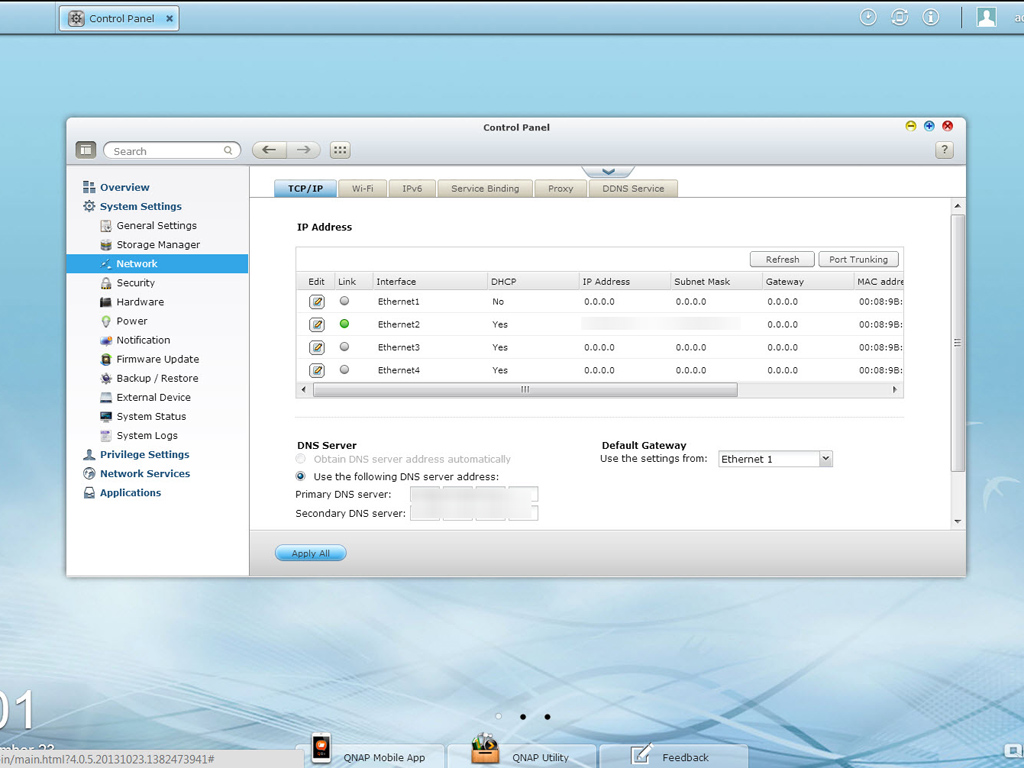
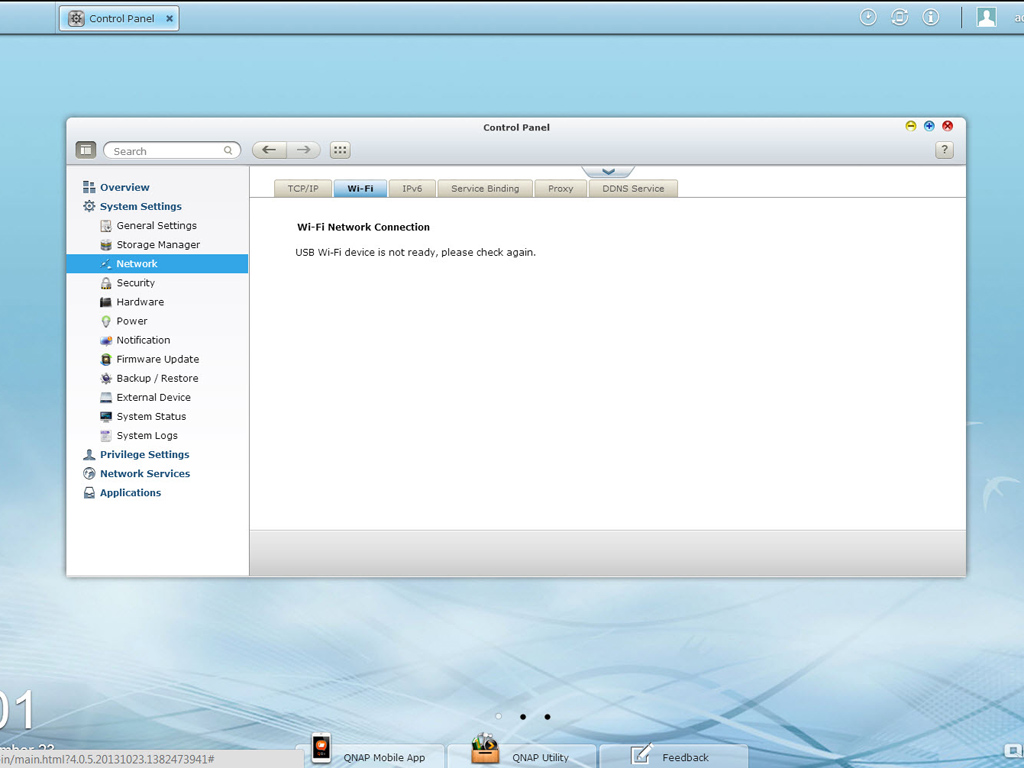
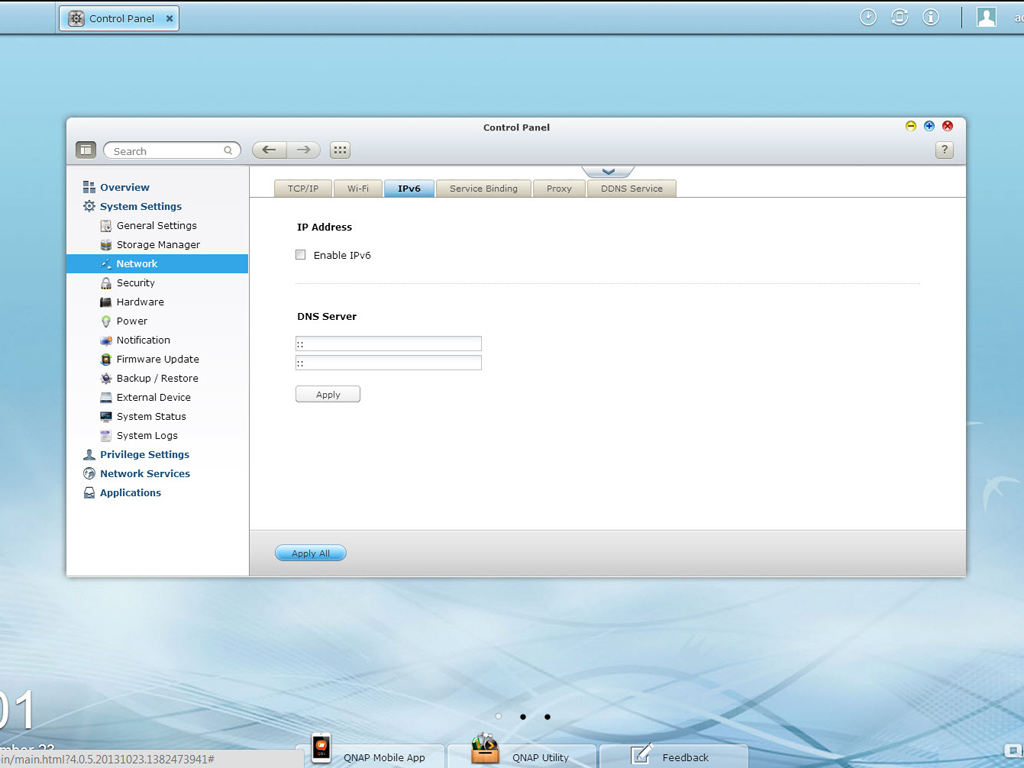
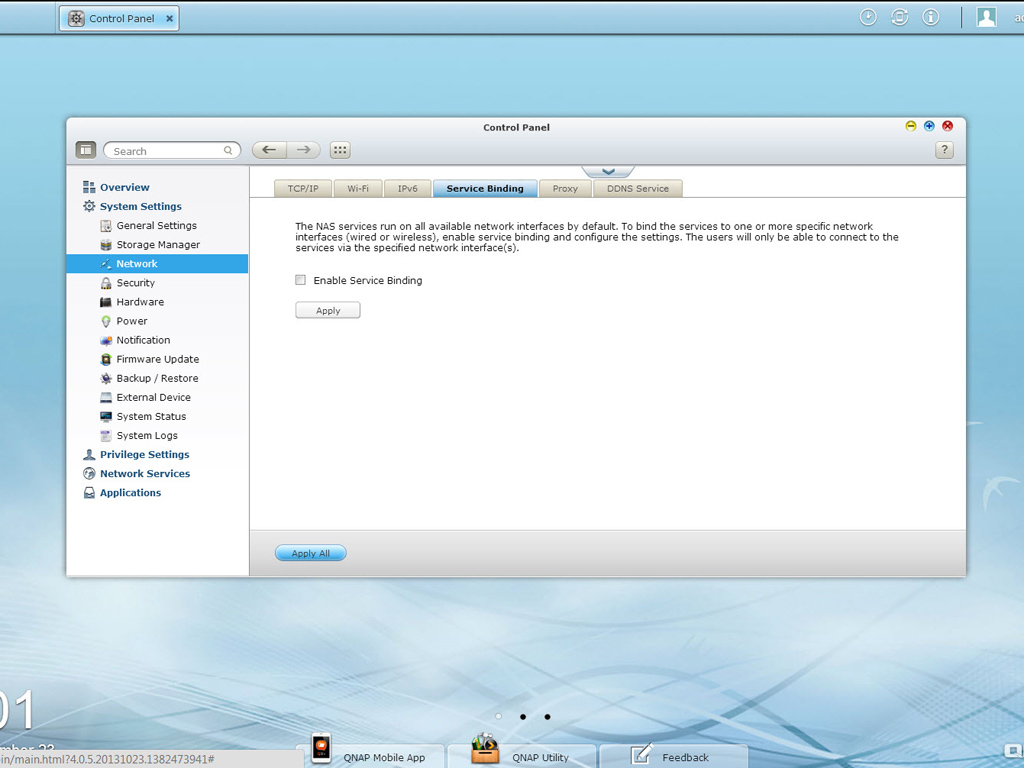
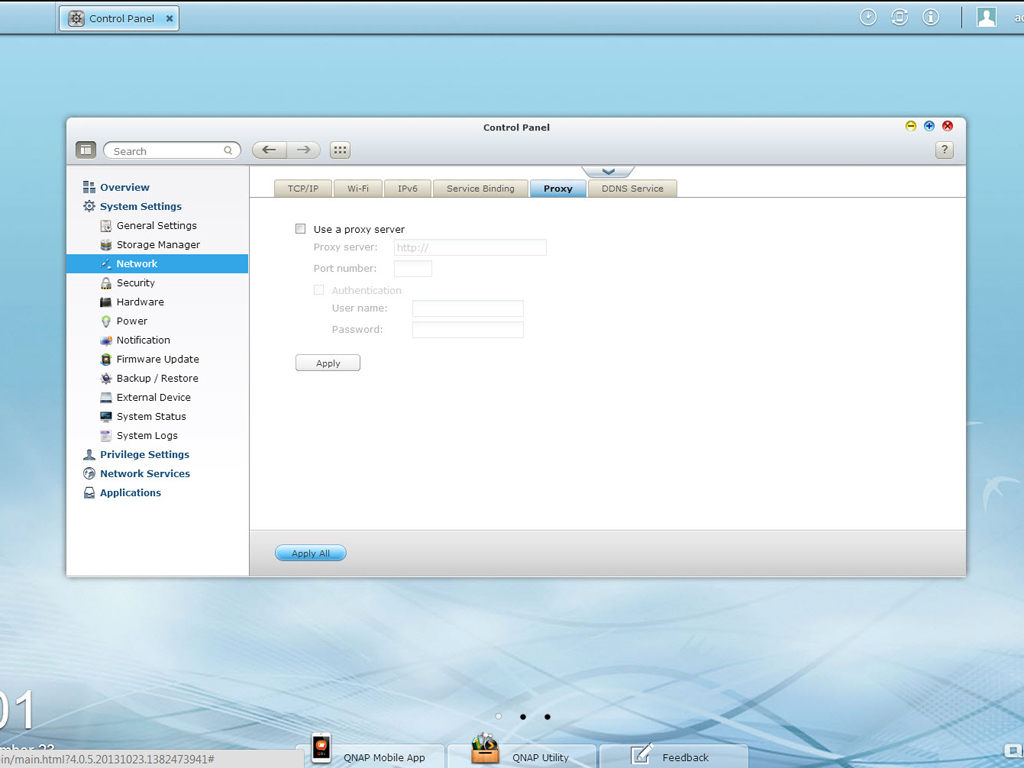
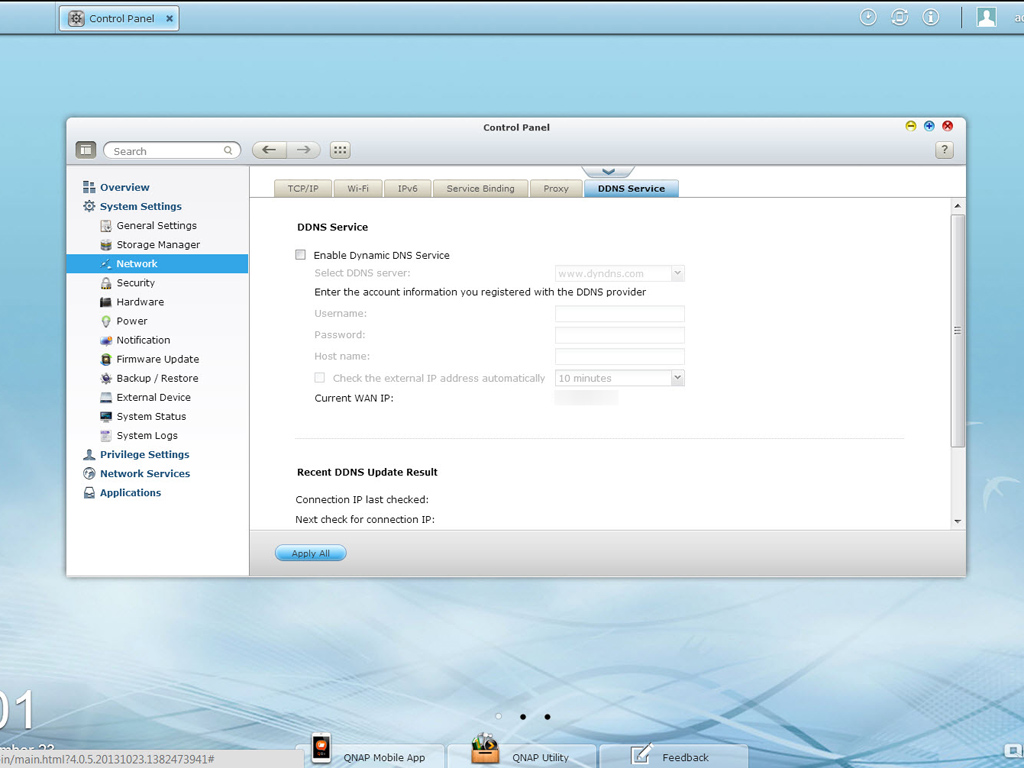
The Network group gives you access to TCP/IP settings, where you can enable either two- or four-NIC mode. You should enable the respective option to provide a higher bandwidth between the NAS and Ethernet switch; that is, if the latter supports Link Aggregation. LACP does, of course, require multiple Ethernet cables for connectivity to all ports of the NAS. Another important setting here is Jumbo Frames, referring to Ethernet frames that are larger than 1500 bytes. The jumbo frames are designed to boost networking throughput and reduce CPU utilization on large file transfers by allowing larger payloads per packet. But there is a catch: The Jumbo Frame setting only applies to Gigabit network environments and all connected clients must enable the option with exactly the same MTU value for a performance boost.
This subgroup of settings also allows you to set a DDNS Service that will give you the WAN IP, which would allow you to discover the NAS on the web if you don't have an internet connection with a static IP address.
Nov 19th, 2026 12:11 CST
change timezone
Latest GPU Drivers
New Forum Posts
- FINAL FANTASY XIV: Dawntrail Official Benchmark (226)
- How to prevent OLED burn damage due to PC freezes or power outtages? (12)
- GTA VI (4)
- Anthrophics IPO (3)
- Help with fixing Overclock (11)
- Why my RX 6800 XT read that it operate at x8 not x16 ? (47)
- Got the EOL 32GB TridentZ 6000 CL26 1.4V (10)
- Honestly, do you care about GTA VI? (162)
- Dual B70 or Dual R9700 Pro on Linux (9)
- Anime Nation (13187)
Popular Reviews
- Acemagic Retro X3 Review
- Ugreen NASync DXP4800 GT Review
- Upcoming Hardware Launches 2027 (Updated Nov 2026)
- Pulsar Office Tour & First Look at P1 Dual-Sensor Mouse
- AMD Zen 6 Technical Deep Dive
- Biwin Black Opal NV7400 2 TB Review
- Sapphire Radeon RX 7700 XT Pure Review
- Sapphire Radeon RX 7700 XT Pulse Review
- AMD Ryzen 7 9800X3D Review - The Best Gaming Processor
- Chieftec Iceberg PRO 360 DARK Review
TPU on YouTube
Controversial News Posts
- NVIDIA Co-Founder and CEO Jensen Huang Officially Resigns (484)
- Report: Jensen Huang Eyes NVIDIA Comeback (221)
- Open Letter Asking NVIDIA to Reinstate Jensen Huang Passes 115,000 Signatures (184)
- OpenAI CEO Argues Home PCs Waste the World's Limited DRAM Supply (152)
- NVIDIA Launches Investigation Into Jensen Huang's Relationship With Suspected Chinese Spy (136)
- Intel "Raptor Lake Next" 16-Core and 20-Core CPUs Surface (130)
- Legendary Game Studio BioWare Shuts Down Following EA Layoffs (104)
- Dell CEO Says the Memory Shortage Will Get Worse in 2027 (95)