 37
QNAP TS-470 Review
Test Setup & Methodology »Android and iOS Applications

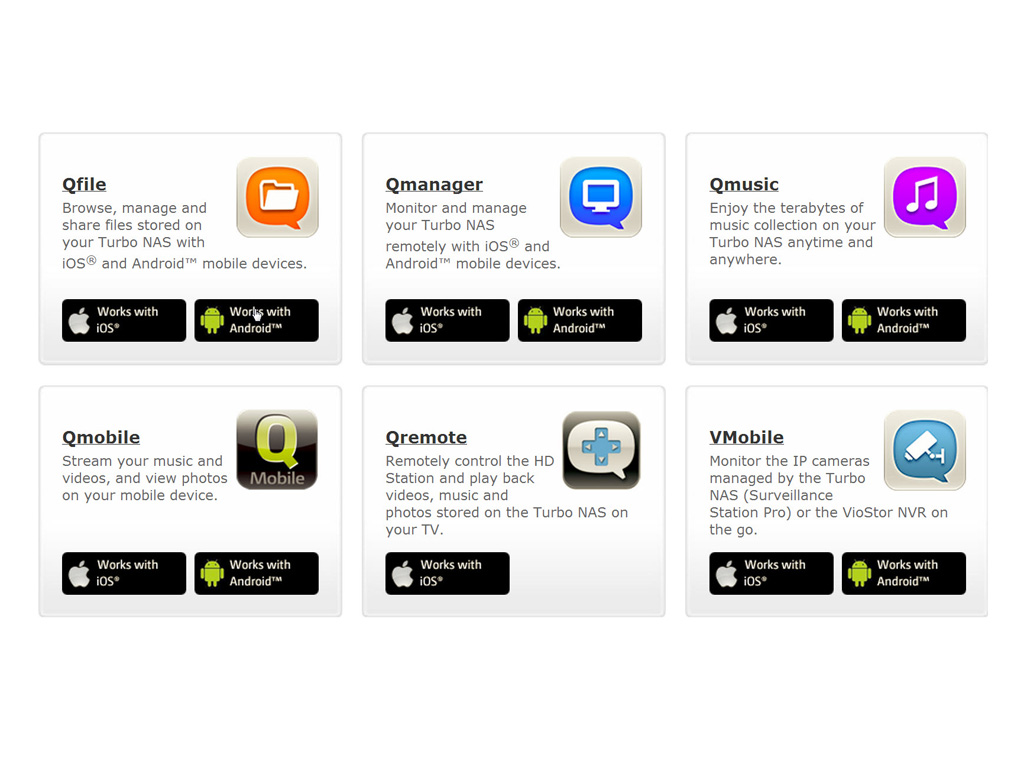
You can also use some of the features of a QNAP NAS through your smart phone. With several third-party developers, QNAP built some rather interesting applications for both popular operating systems (for mobile phones), Android and iOS.
QMobile
Price: Free
Platforms: iOS, Android
Developer: QNAP
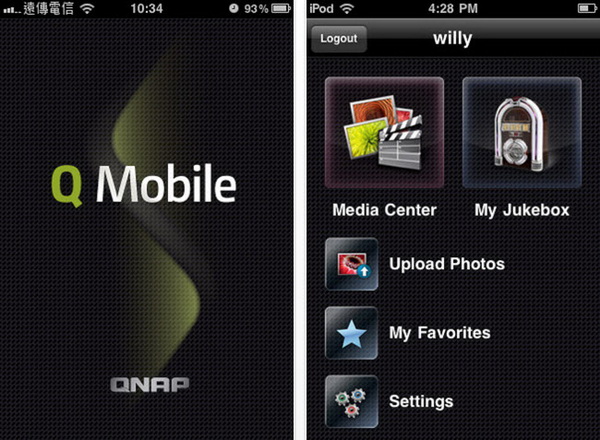
This application gives you remote access to multimedia content on the NAS, and it allows you to share such content with your family and friends via an iPad, iPhone, or iPod touch. It is also available for Android phones, and it is free.
VΜobile
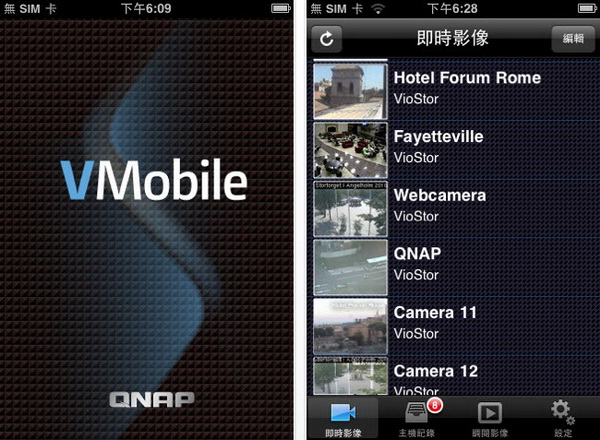
Price: Free
Platforms: iOS, Android
Developer: QNAP
VMobile is, according to QNAP—the maker of this application—a, by connecting it to VioStor NVR, mobile video surveillance application for remote and wireless monitoring of IP cameras and video playback through your Android/Apple phone or iPad. As long as you have network access, you can connect to and manage your video surveillance system anytime, anywhere. More details about this application can be found here.
Qget
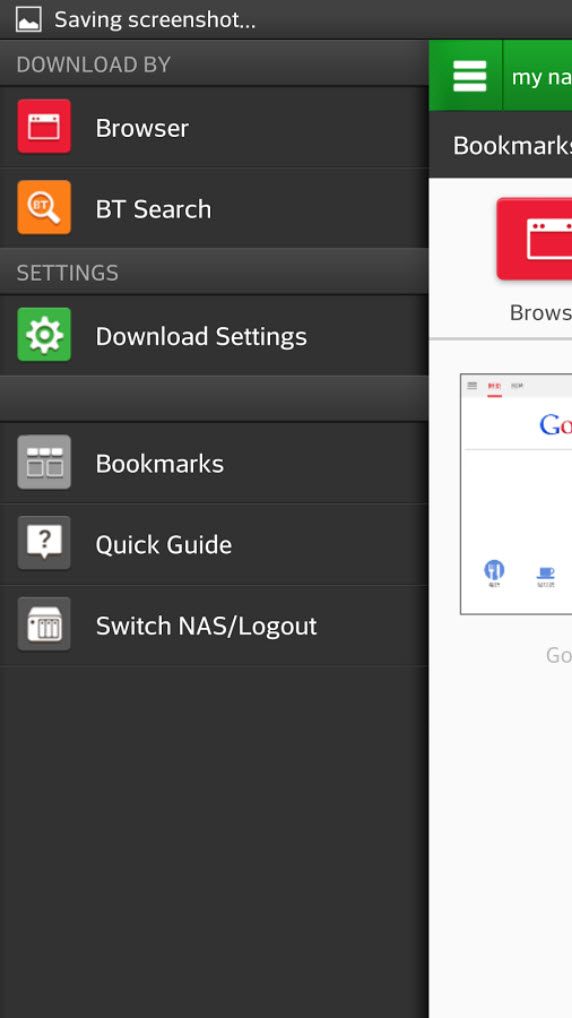

Price: Free
Platforms: Android
Developer: QNAP
Qget allows you to add download tasks to the Download Station and back up your personal videos using HappyGet.
Requirements & Limitations:
• A QNAP Turbo NAS
• QTS 4.0 and above
• Download Station and HappyGet II (installed on QTS 4.0)
• For NAS administrator only.
Key Features:
Using the built-in Internet browser, you can:
(1) Back up personal videos through HappyGet.
(2) Download files from HTTP/FTP/Magnet links using the Download Station.
Using the BT search function, you can:
(1) Search for torrent files and add them to the Download Station.
QGetMobile
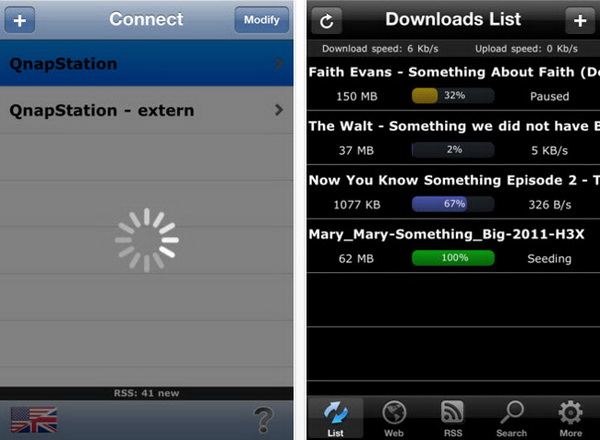
Price: $3.99 ($5.99 for QGetMobile HD)
Platforms: iOS, Android
Developer: Jerome Patey
According to its developer, QGetMobile allows you to connect to your download station to manage your downloads. You can add or remove files, check download speed, and pause downloads.
QGet Remote
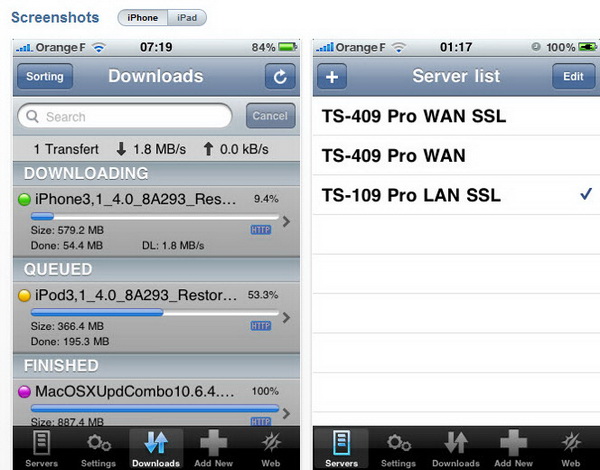
Price: $3.99
Platforms: iOS
Developer: Sylver Bruneau
The relevant App Store page states that QGet Remote is an iPhone-, iPod Touch-, and iPad-native QGet client. This app allows you to add download tasks to your QNAP server while you're away, making sure those files are available to you on your sever after you get back home.
Qmanager
Price: Free
Platforms: iOS, Android
Developer: QNAP
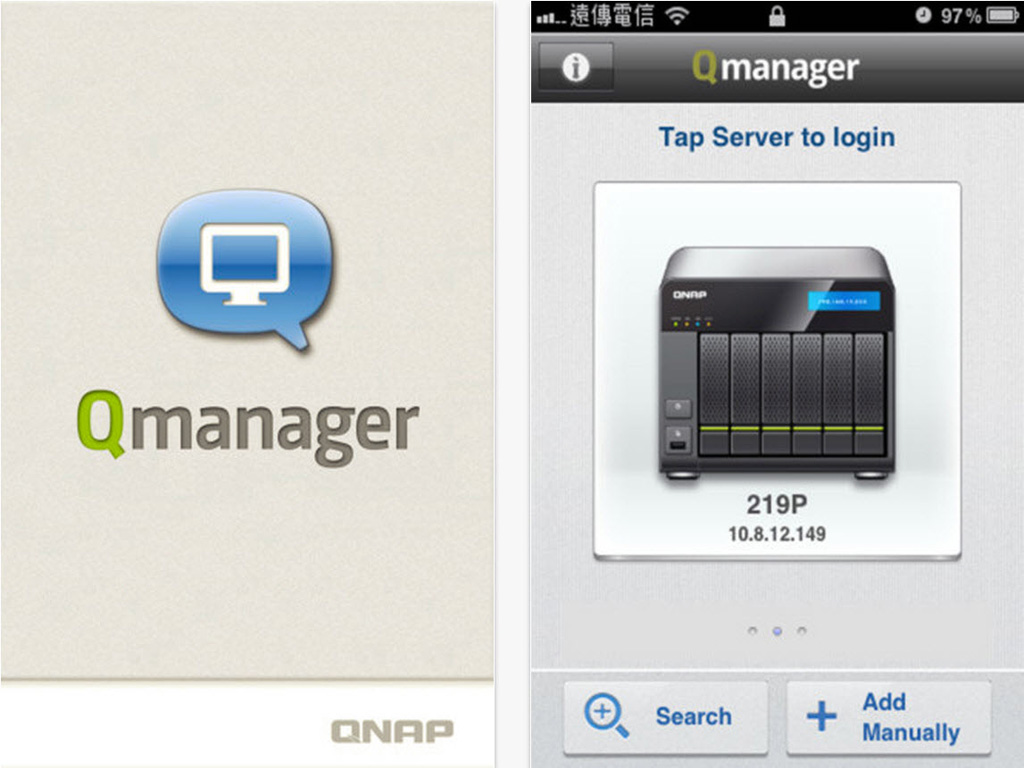
This application allows you to monitor and manage your QNAP NAS. It is provided for free and is available on both iOS and Android devices.
Qfile
Price: Free
Platforms: iOS, Android
Developer: QNAP
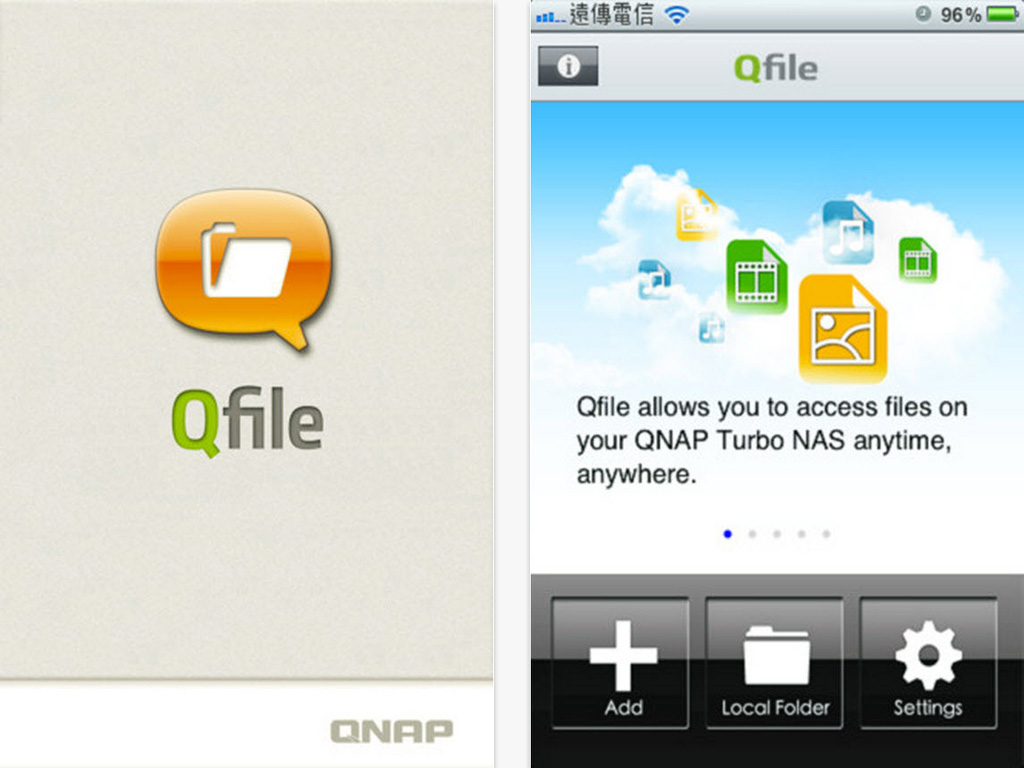
You can browse and manage files stored on your QNAP NAS with Qfile.
My WebDAV
Price: Free
Platforms: iOS, Android
Developer: QNAP
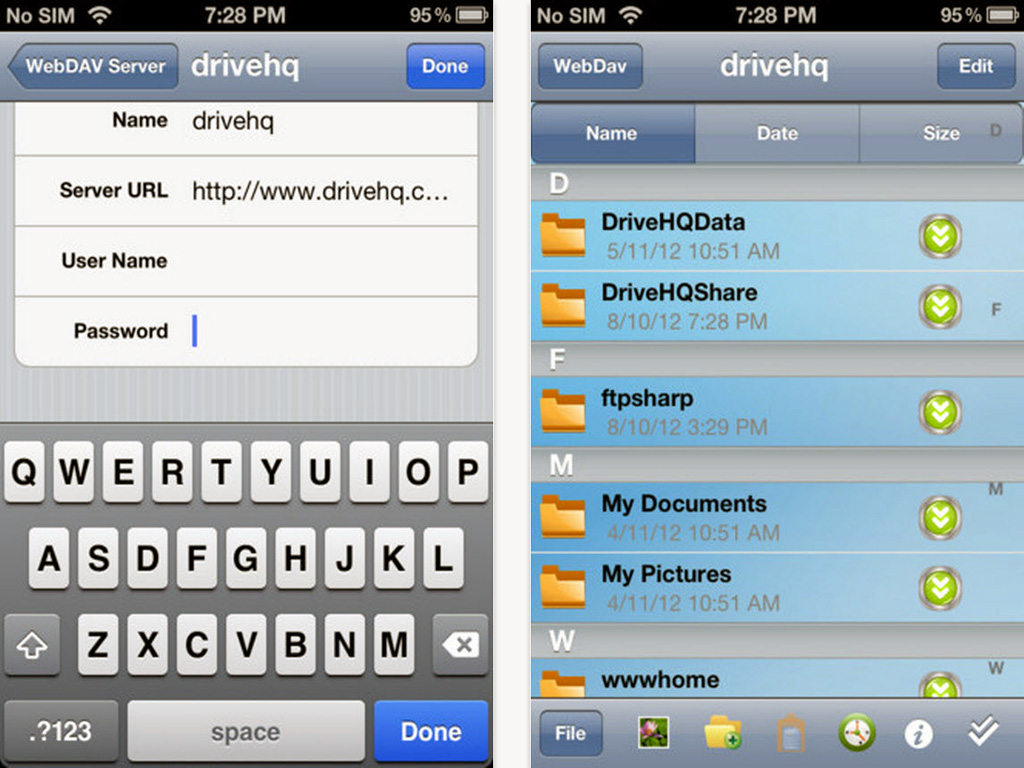
This application turns your phone or tablet into a WebDav client, which allows you to download files from a WebDav server and upload files into a WebDav server. You can also Sync up with a WebDAV server.
Qremote
Price: Free
Platforms: iOS, Android
Developer: QNAP
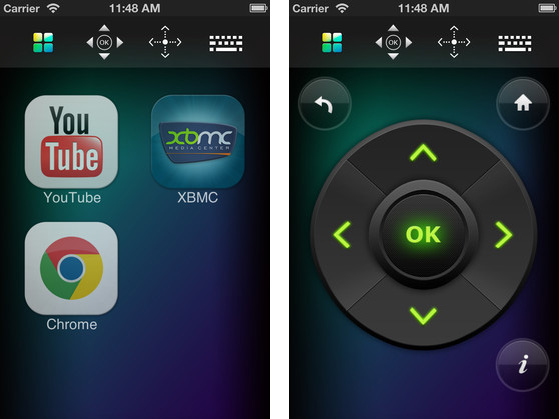
QNAP’s exclusive remote controller for the HD Station, HD STATION is designed with an intuitive graphical user interface. Your mobile app devices can be used to remotely make the Turbo NAS play music and videos or open pictures—one mobile app to replace the remote control, keyboard, and mouse.
Qmusic
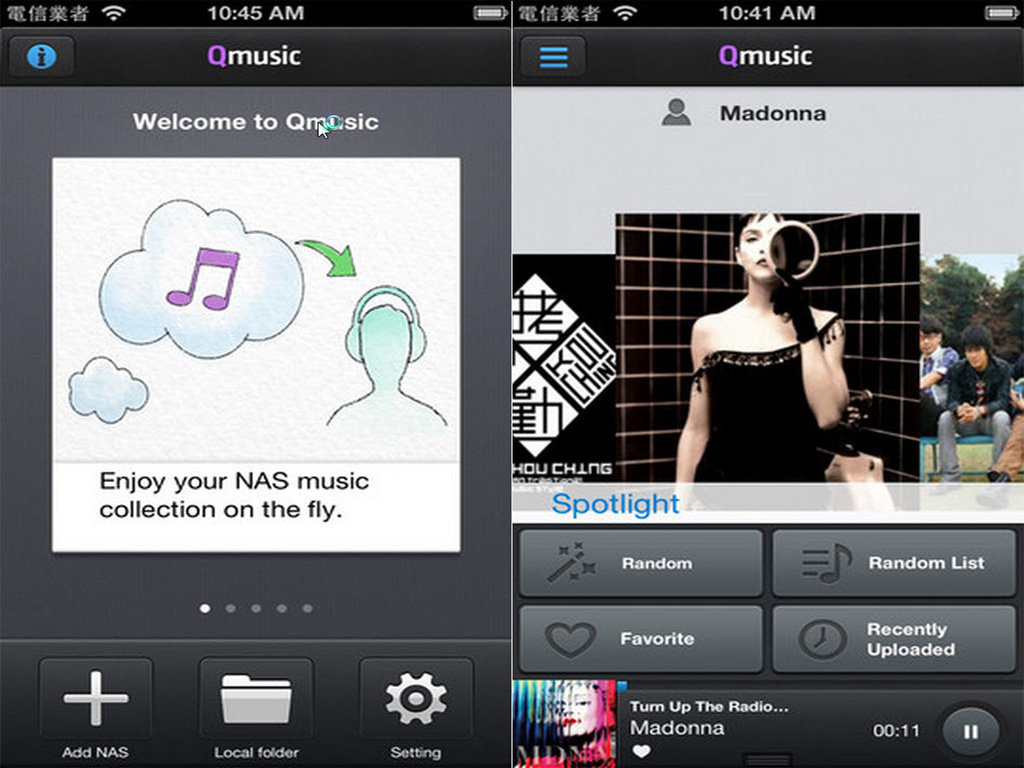
Price: Free
Platforms: iOS, Android
Developer: QNAP
Enjoy your music collection on your Turbo NAS anytime and anywhere.
Qphoto Lite


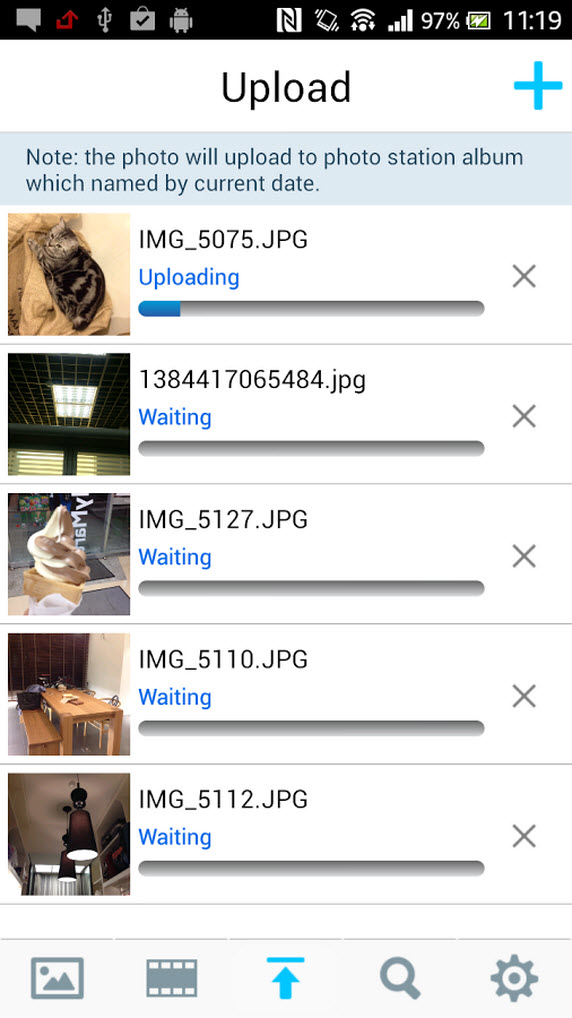
Price: Free
Platforms: Android
Developer: QNAP
Qphoto Lite (Beta) allows you to browse through photos stored on the QNAP Turbo NAS Photo Station anytime, anywhere, and share those with your friends right away via your mobile phone.
Key Features:
Using Qphoto Lite, you can:
(1) Browse your photo collection on the Photo Station using your mobile phone.
(2) Quickly search for photos on Photo Station.
(3) Upload photos to Photo Station.
(4) Enjoy a photo slideshow.
(5) Share your photos via Facebook and Twitter.
Nov 19th, 2026 13:25 CST
change timezone
Latest GPU Drivers
New Forum Posts
- How to prevent OLED burn damage due to PC freezes or power outtages? (19)
- My Final Barrier to Exclusively Using Linux has Fallen (Azure Virtual Desktops) (10)
- Anthrophics IPO (5)
- Windows HDR on = Tinted colors (8)
- Dual B70 or Dual R9700 Pro on Linux (10)
- GTA VI (5)
- FINAL FANTASY XIV: Dawntrail Official Benchmark (226)
- Help with fixing Overclock (11)
- Why my RX 6800 XT read that it operate at x8 not x16 ? (47)
- Got the EOL 32GB TridentZ 6000 CL26 1.4V (10)
Popular Reviews
- Acemagic Retro X3 Review
- Ugreen NASync DXP4800 GT Review
- Upcoming Hardware Launches 2027 (Updated Nov 2026)
- Pulsar Office Tour & First Look at P1 Dual-Sensor Mouse
- AMD Zen 6 Technical Deep Dive
- Biwin Black Opal NV7400 2 TB Review
- Sapphire Radeon RX 7700 XT Pure Review
- Sapphire Radeon RX 7700 XT Pulse Review
- AMD Ryzen 7 9800X3D Review - The Best Gaming Processor
- Chieftec Iceberg PRO 360 DARK Review
TPU on YouTube
Controversial News Posts
- NVIDIA Co-Founder and CEO Jensen Huang Officially Resigns (485)
- Report: Jensen Huang Eyes NVIDIA Comeback (221)
- Open Letter Asking NVIDIA to Reinstate Jensen Huang Passes 115,000 Signatures (184)
- OpenAI CEO Argues Home PCs Waste the World's Limited DRAM Supply (152)
- NVIDIA Launches Investigation Into Jensen Huang's Relationship With Suspected Chinese Spy (136)
- Intel "Raptor Lake Next" 16-Core and 20-Core CPUs Surface (130)
- Legendary Game Studio BioWare Shuts Down Following EA Layoffs (104)
- Dell CEO Says the Memory Shortage Will Get Worse in 2027 (95)