 7
QNAP TS-569 Pro Review
(7 Comments) »Introduction

We would like to thank QNAP for supplying the review sample.
The inclusion of so many features a home user will hardly take full advantage of make the TS-x69 Pro QNAP servers suit SMB (Small to Medium-sized Business) enviorments best, but many enthusiast users could still make it their next purchase. Setting up QNAP’s custom-tailored operating system to exploit the capabilities of even this NAS is, after all, a relatively easy task, and QNAP recently even decided to take full advantage of the HDMI port all their Pro models have with the release of the HD Station. The application can easily be installed through the administration interface and transforms this business-oriented NAS into a fully featured media player through XBMC. A free and open source media player application developed by the XBMC Foundation, it is currently also one of the best software packages in its category. However, there is a catch. The NAS doesn't have any audio output ports and QNAP states that there is, for now, no HDMI audio pass-through support, so you can't pass HD sound to your home cinema amplifier for further processing/reproduction, but QNAP will hopefully provide a fix to this problem in the near future.
Now, many of you will start to wonder what the ability to act as a standalone media player could mean to an SMB NAS. Well, there is possibly no gain at all for hardcore system administrators, but many enthusiast users will find this feature very interesting because it allows them to get rid of their HTPC/media player by exploiting both the NAS server’s networking- and multimedia features.
Besides the HD Station software package, QNAP also provides an optional IR remote control; it is currently being sold at a pretty stiff price. You can, however, also control the NAS through your Android or iOS device if you download and install the corresponding application, so you don't have to buy QNAP's IR remote control, although it is definitely more convenient. As many of you probably have figured by now, this won’t be a strict NAS review, but a hybrid NAS/media player one. We want to show you the full capabilities of QNAP’s new HD Station application.


Specifications
| QNAP TS-569 Pro Specifications | |
|---|---|
| Processor | Intel Atom 2.13 GHz Dual-core Processor |
| Operating System | Embedded Linux |
| Memory | 1 GB RAM (Expandable RAM, up to 3 GB) |
| Storage | 5x 3.5"/2.5" SATA III |
| RAID Levels: | Single Disk, JBOD, RAID 0, 1, 5, 5 + Hot Spare, 6, 6 + Hot Spare, 10, 10 + Hot Spare |
| Capacity | up to 20 TB (disks not included) *Official HDD compatibility list |
| iSCSI | Target & Initiator |
| Hot-Swap | 5x |
| Networking | 2x 10/100/1000 Mbit Ethernet |
| Additional Connectors | 2x USB 3.0, 5x USB 2.0, 2x eSATA |
| Dimensions | 185(H) x 210.6(W) x 235.4(D) mm 7.28(H) x 8.29(W) x 9.27(D) inch |
| Weight (Net) | 5.1 kg |
| Sound Level (dB) | HDD sleep: 14.7 dB** In operation: 21.43 dB** (with 5x 500GB HDD installed) |
| Power Consumption | Sleep: 29.1 W In operation: 48.5 W (with 5x 500GB HDD installed) |
| Power Supply | Input: 100-240V AC, 50/60Hz, Output: 250W |
| Fan | 1x 120 mm Double Ball-Bearing Fan (FD121225LB) |
| Warranty | 2 years |
| Price excluding VAT (at time of review) | $959.99 |
The NAS, like all the other QNAP TS-x69 Pro models, is powered by a dual core Intel Atom processor which is powerful enough to support all the features while consuming very little power, something essential to a NAS server that will most likely operate 24/7. The operating system is a custom-tailored Linux distribution developed by QNAP and fits the hardware of this device like a glove. QNAP also provides frequent updates as a means to fix any problems that may arise, or to offer new features.
The TS-569 Pro can take up to five HDDs, which gives it a maximum storage capacity of 20TB if 4TB HDDs are used. It is compatible with the SATA III protocol and supports all popular RAID levels. We should note that you should take a good look at QNAP's officialHDD compatibility list before you proceed to purchase HDDs for the NAS.
Two gigabit Ethernet ports equip the NAS and support LACP (Link Aggregation Control Protocol). They can, as such, work in parallel, which offers significantly higher data transfer speeds, but your Ethernet switch must be compatible with the aforementioned protocol in order to take full advantage of it.
The NAS has seven USB ports. Two of them are compatible with the USB 3.0 protocol. Unfortunately, both of the fast USB ports are installed on the rear side of the NAS, and the single front port is USB 2.0. There are also two eSATA connectors; they offer much higher speeds than the USB 2.0 ports.
The NAS is pretty compact for a unit that can accommodate up to five 3.5" HDDs, and its weight barely exceeds five kilos. Its small footprint surely is a great asset, allowing you to install it into even a small rack.
According to QNAP, the TS-569 Pro is dead silent, only putting out 21.43 dBA with five HDDs installed. They unfortunately do not provide any information on the conditions of these measurements. Its power consumption is very low—QNAP speaks of 48.5 W during operation and of 29.1 W in sleep mode. This specific NAS is also ErP Lot 6 compliant, and our tests will reveal whether it is compliant with the newest 2013 directive that is currently in effect.
The warranty of this unit is quite short considering its huge price tag, and we think that QNAP should increase it to at least three years. Nonetheless, as we already mentioned in previous reviews, a NAS of this category (and others) will most likely operate around the clock, which makes two years of its operational time the equivalent of four to five years if compared to various PC components (e.g. PSU or mainboard).
Packaging

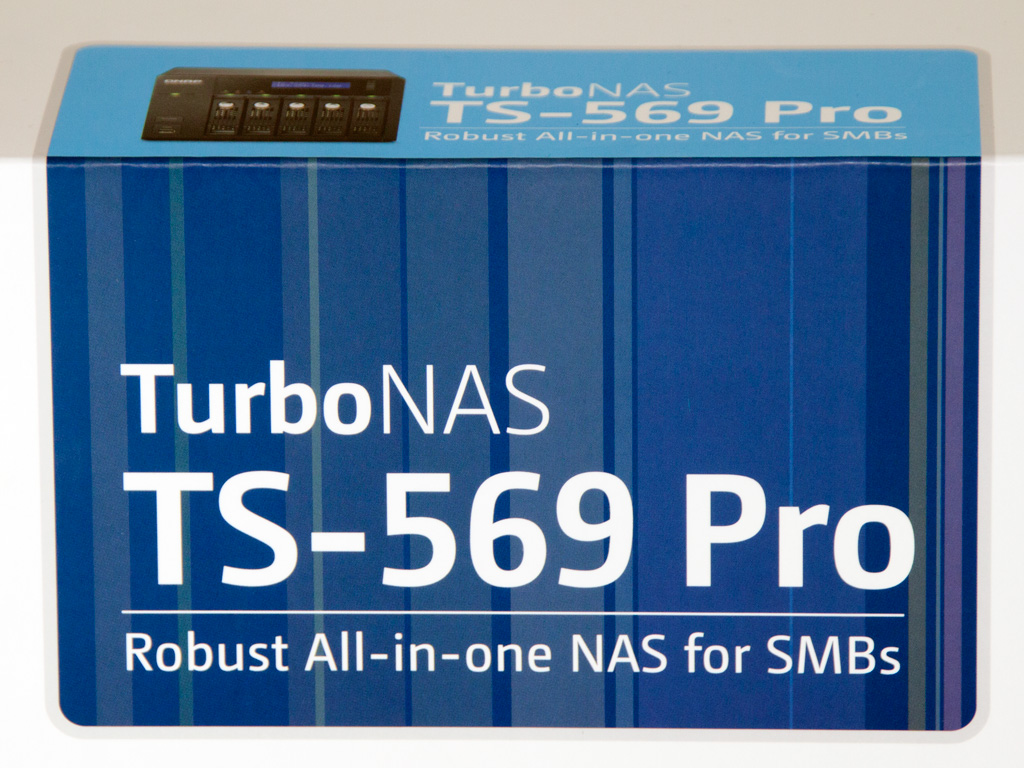

The NAS comes in a big, quite heavy package that is sturdy enough to provide sufficient protection. The middle of the front has a photograph of the NAS in action, with the LCD display lit. Above it are the model description, highlighted against a blue background, and a list of its most significant features is in the top-right corner.
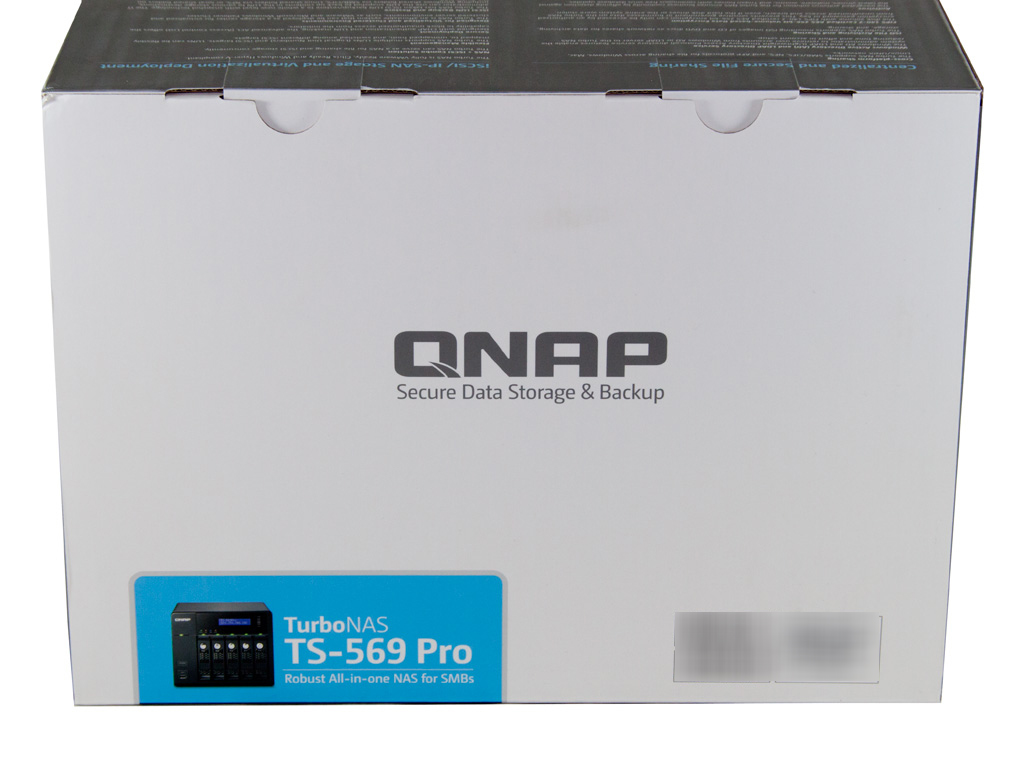


The top of the box holds QNAP's oversized logo, and the bottom-left corner has the model description along with a small photo of the NAS server's front side.
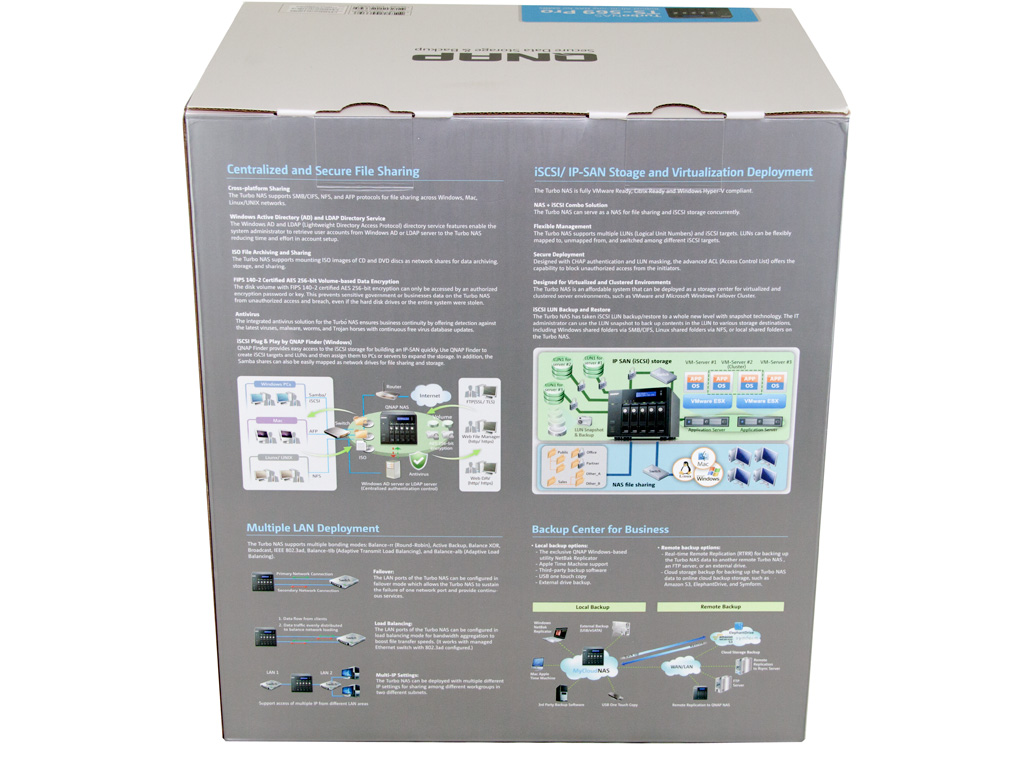
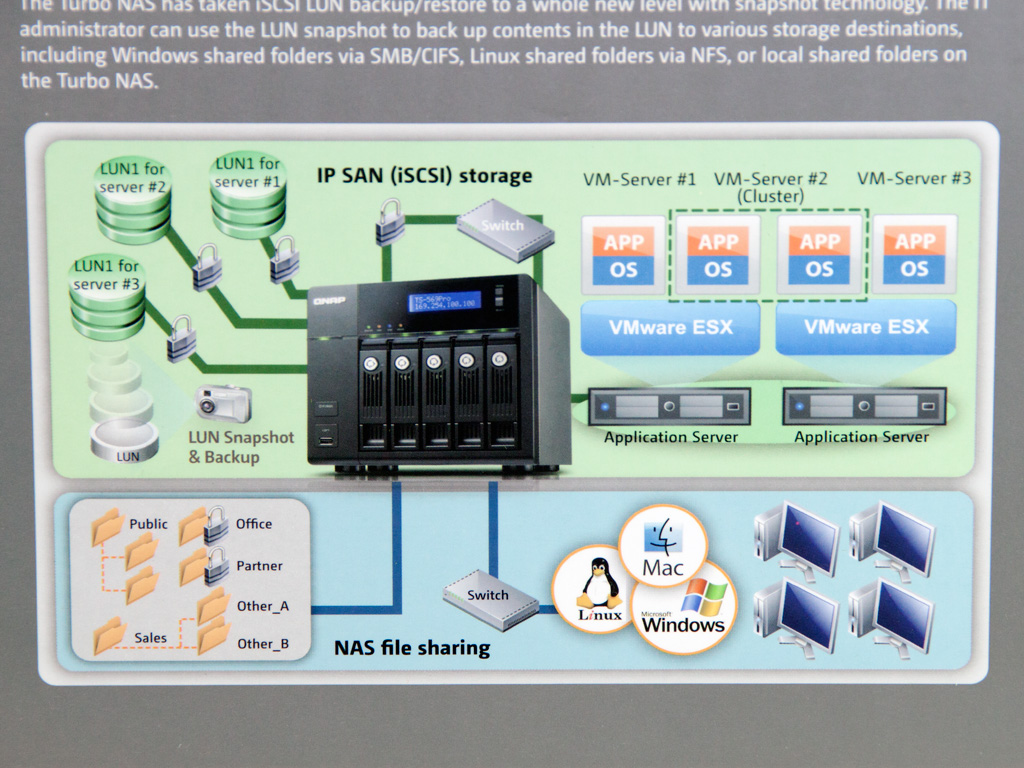

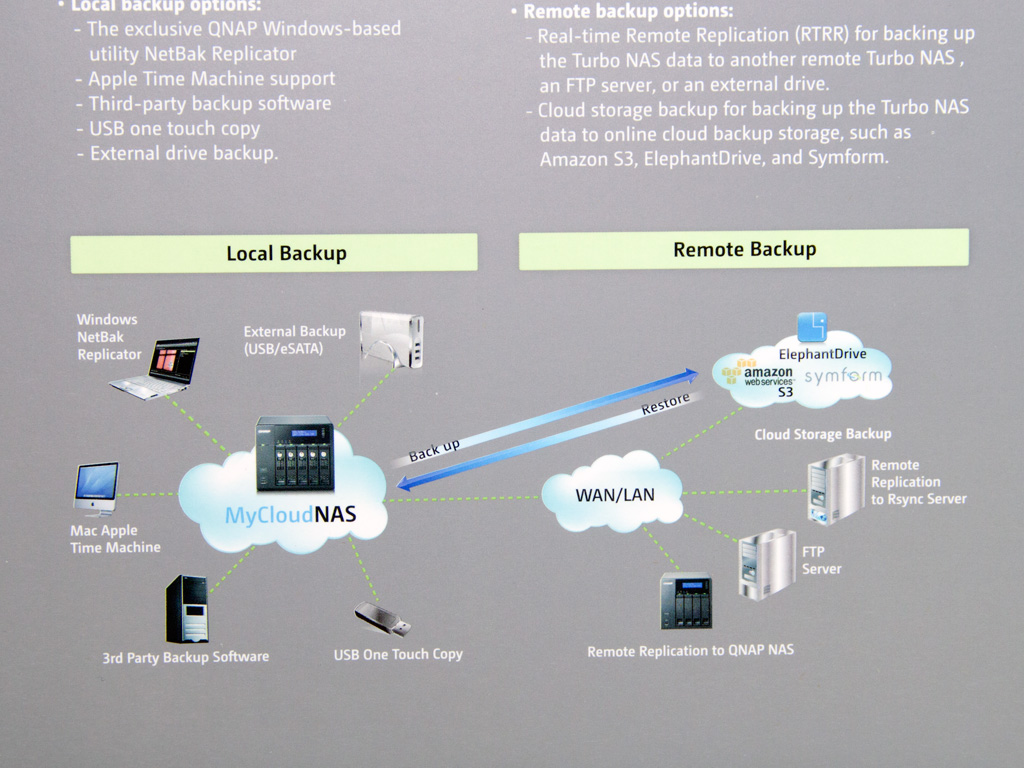
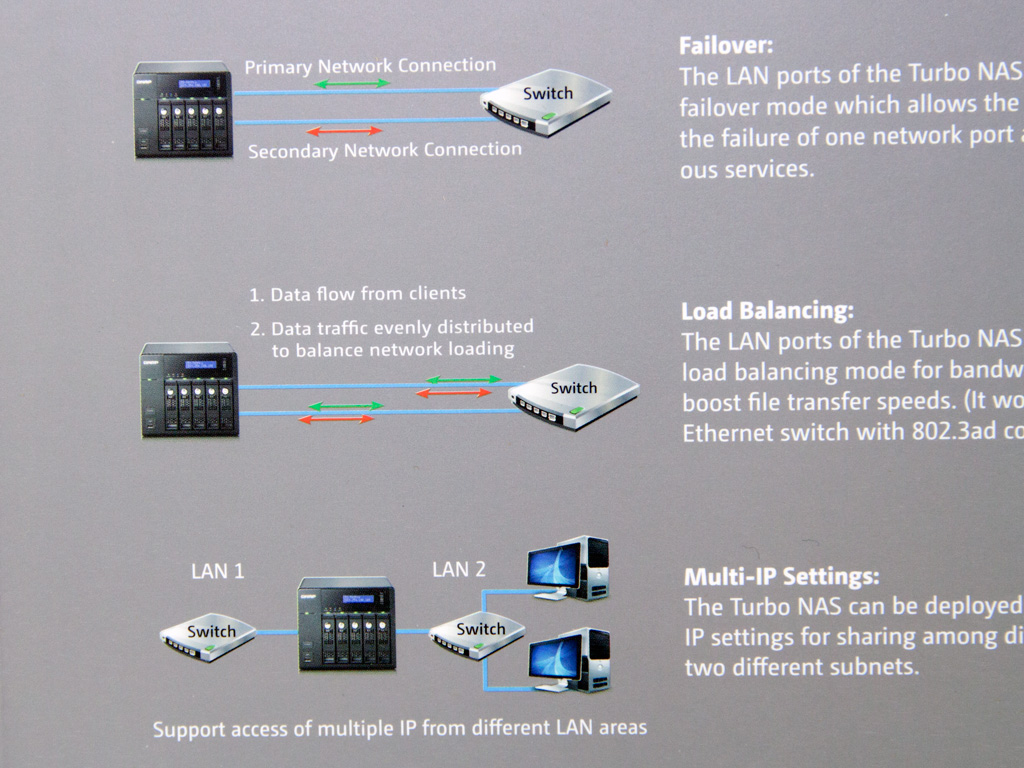
The rear side has a huge amount of information about the NAS and its features. There are also some nice illustrations that intuitively depict the server's capabilities and its roles in a business environment/network.
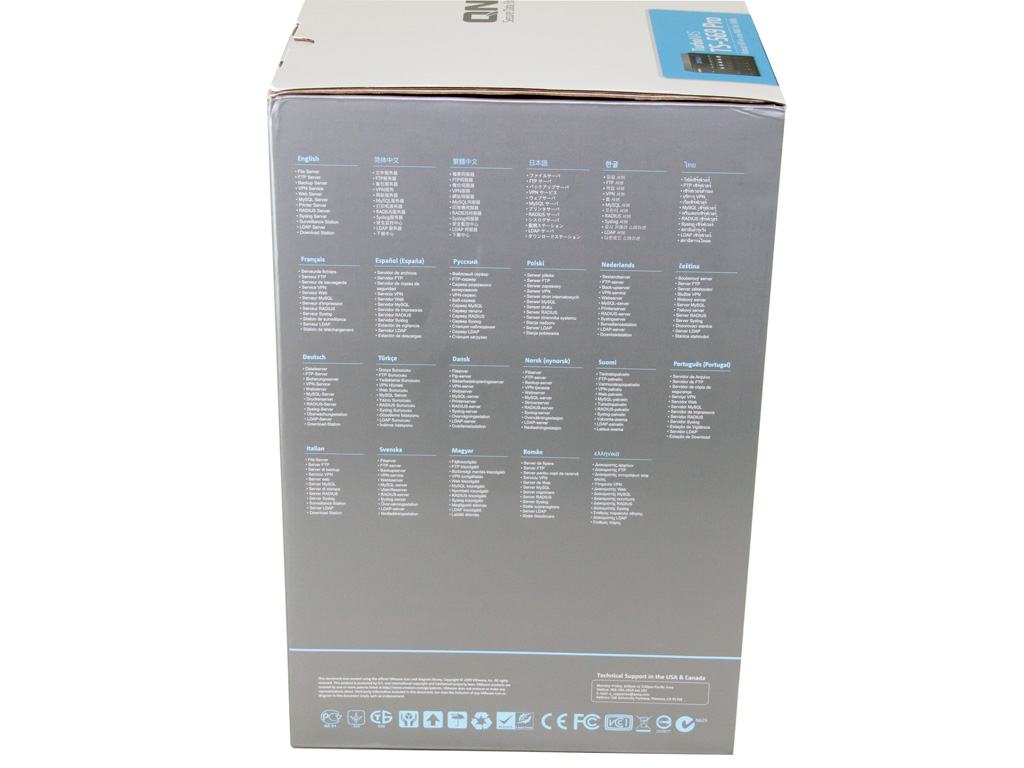
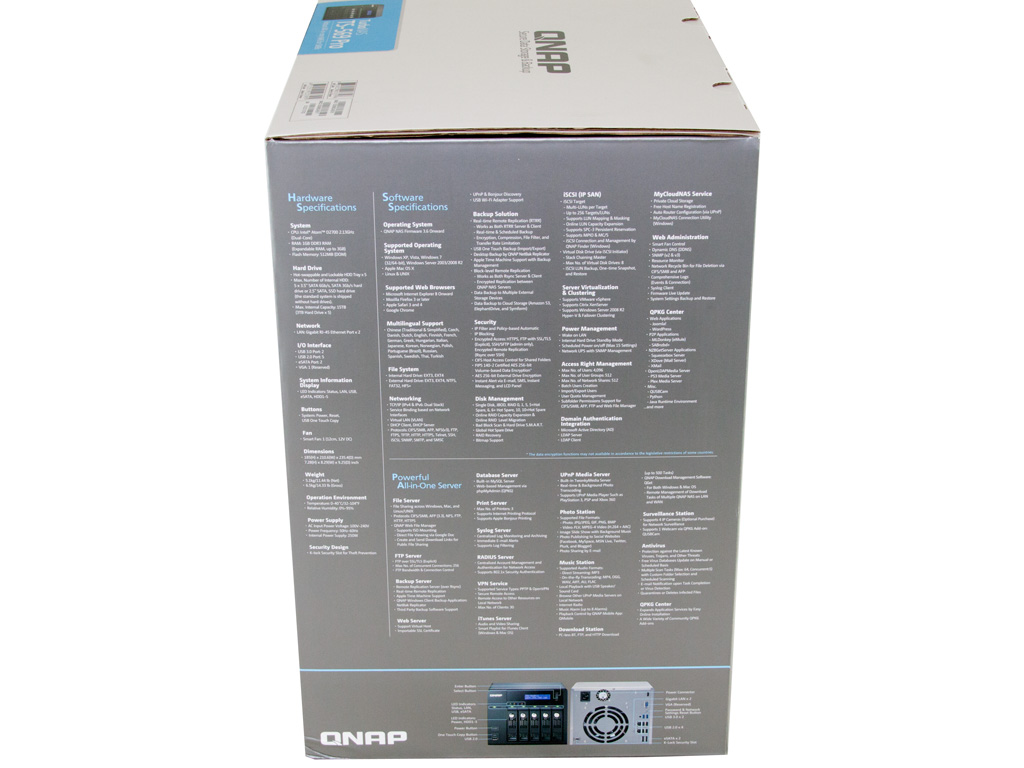
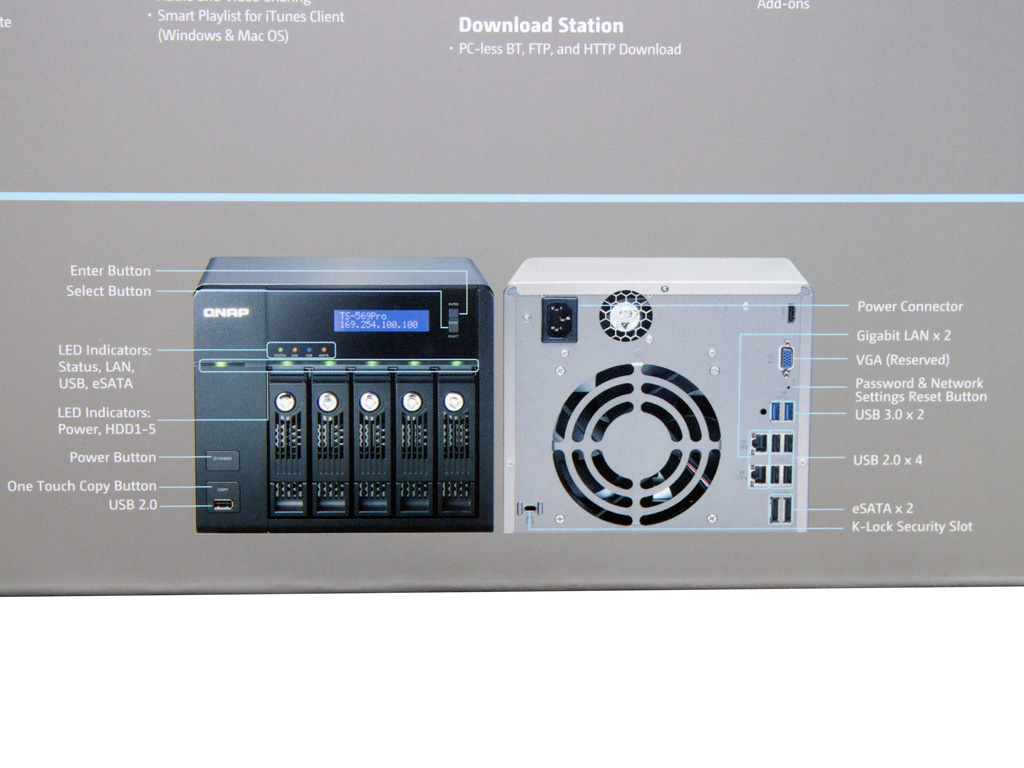
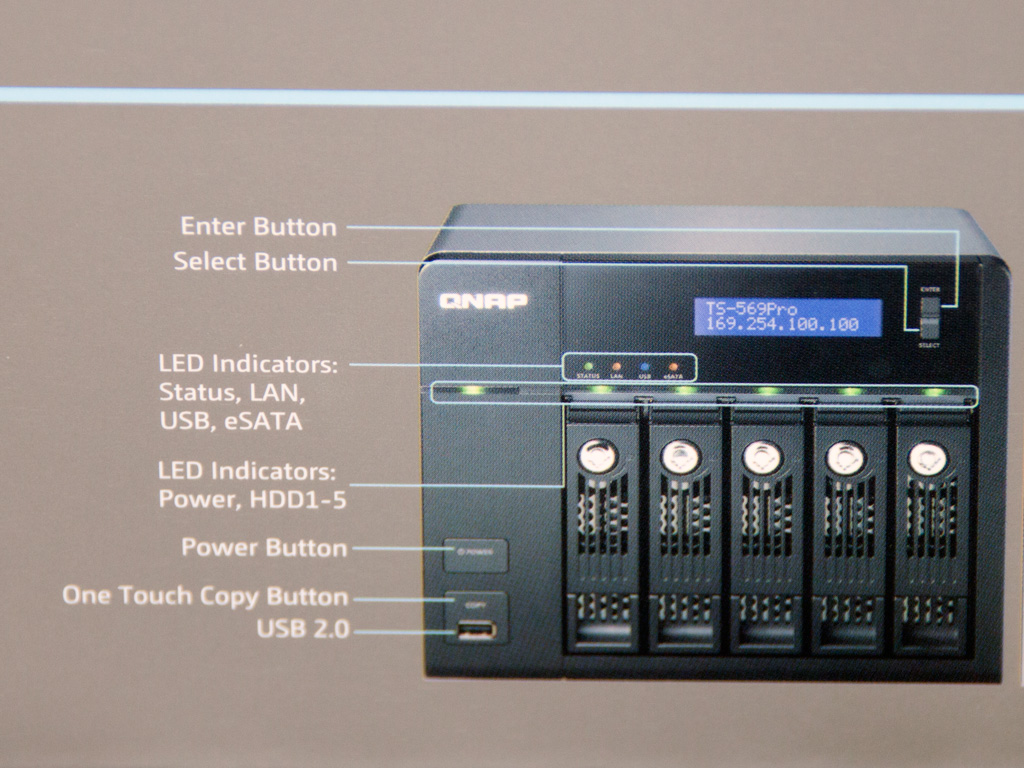
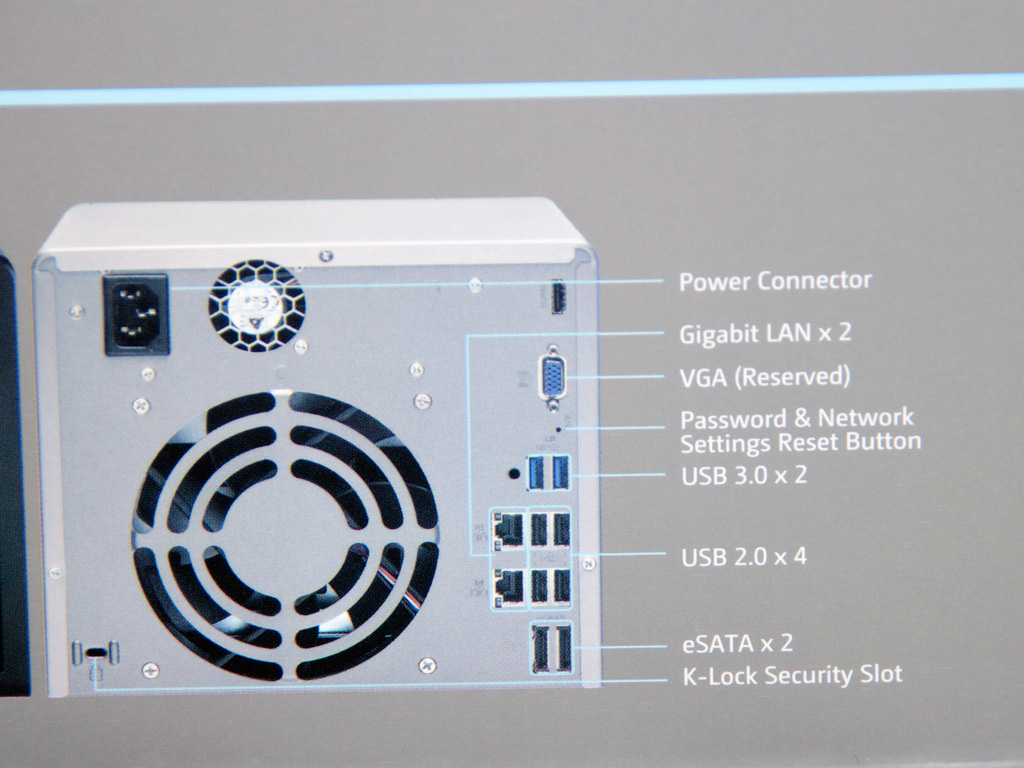
This side holds a brief multilingual features description, and a highly useful description of the NAS server's front- and rear sides.
Contents & Bundle
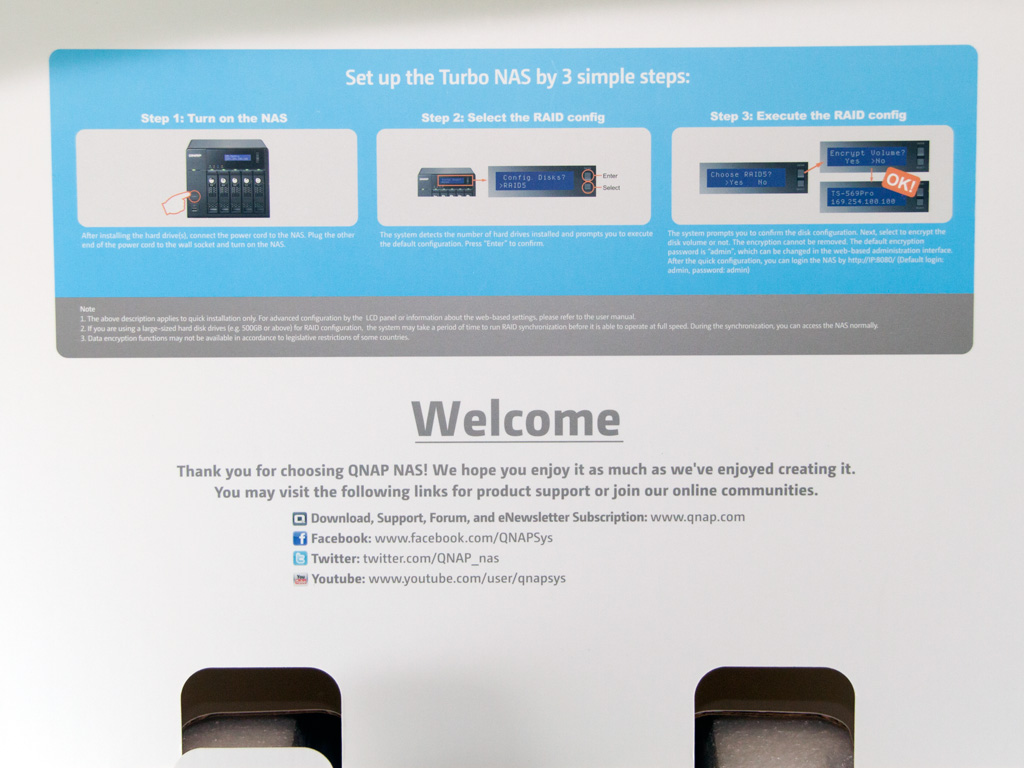
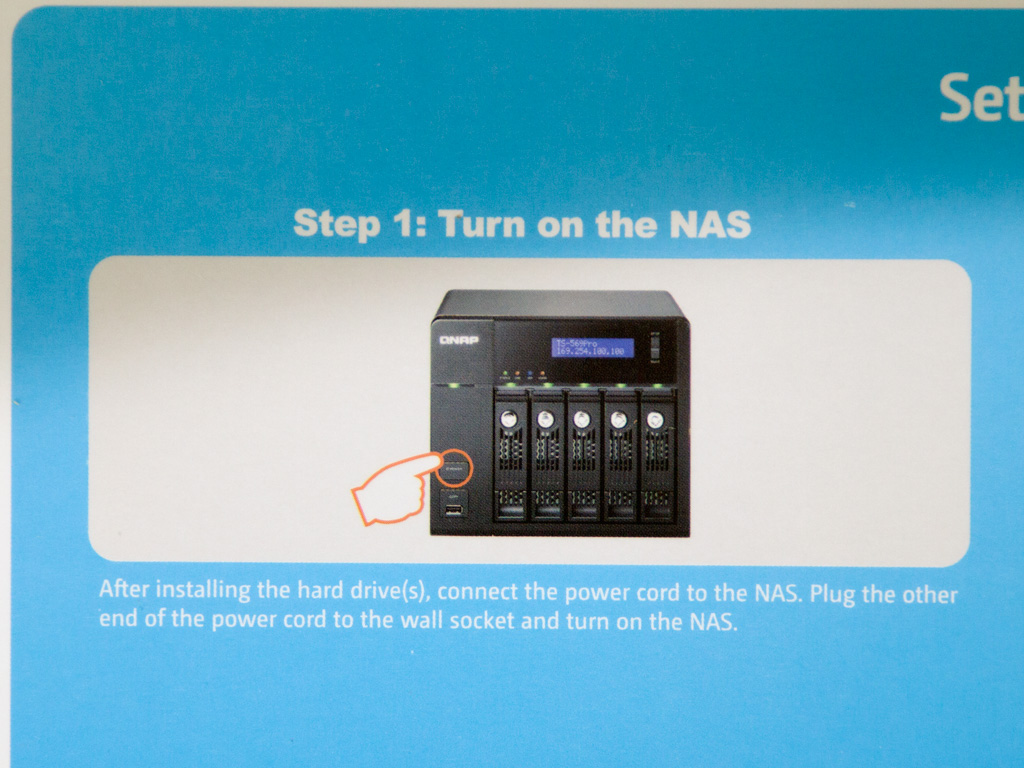
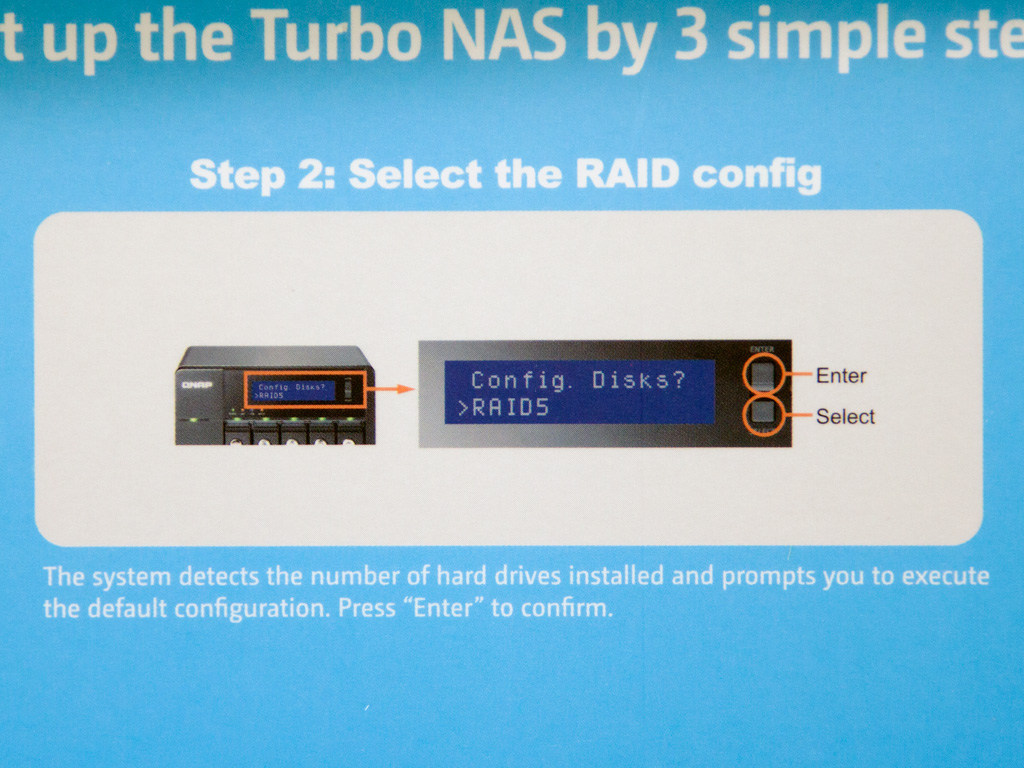
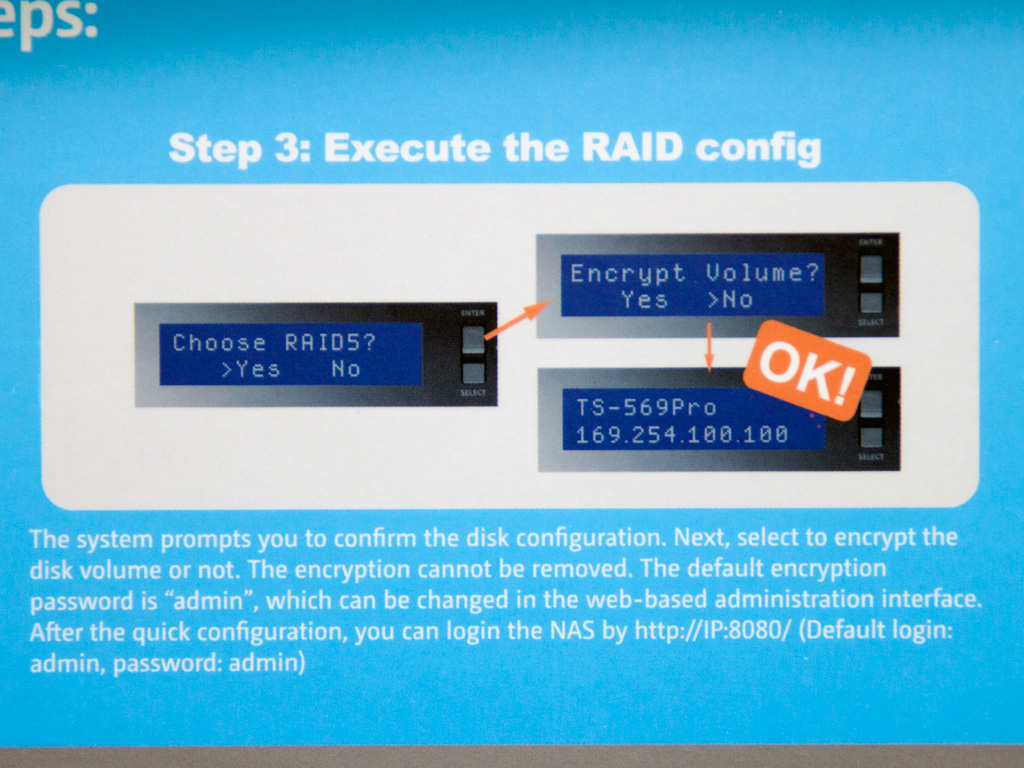
A quick set-up guide and welcome message greet you once you open the top flap. The LCD screen is not, as you will find out, a cosmetic item; it actually allows you to select and execute the RAID configuration of your choice, check the IP address, on volumes or disks of the NAS, and perform a reboot or shut down.

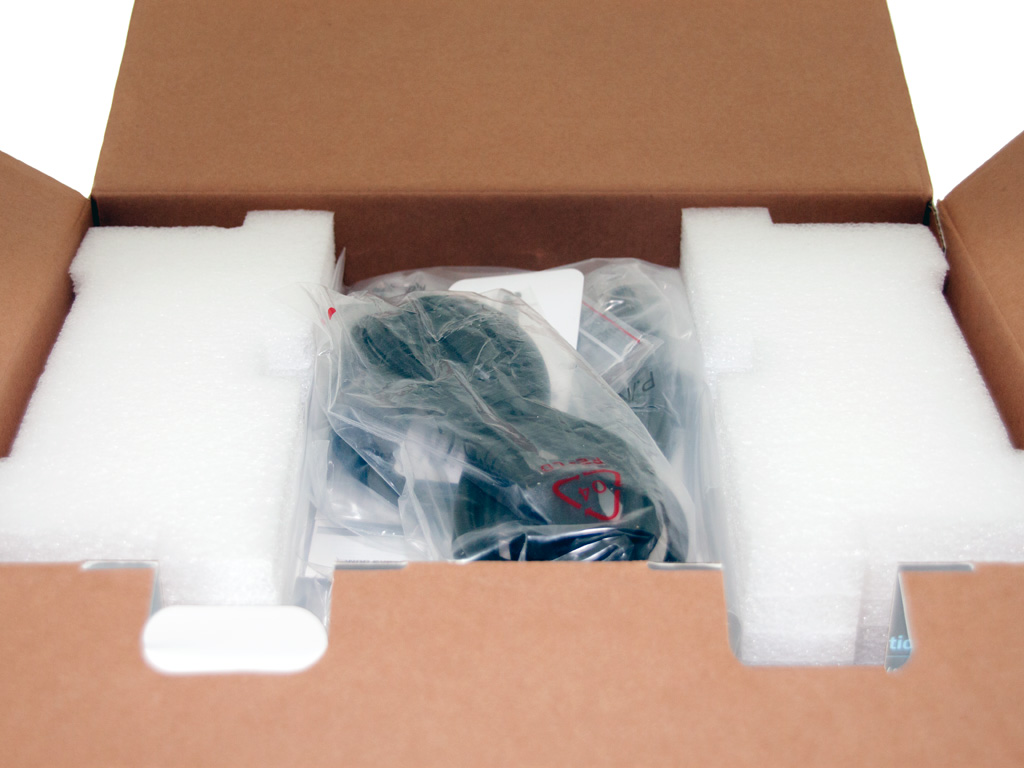

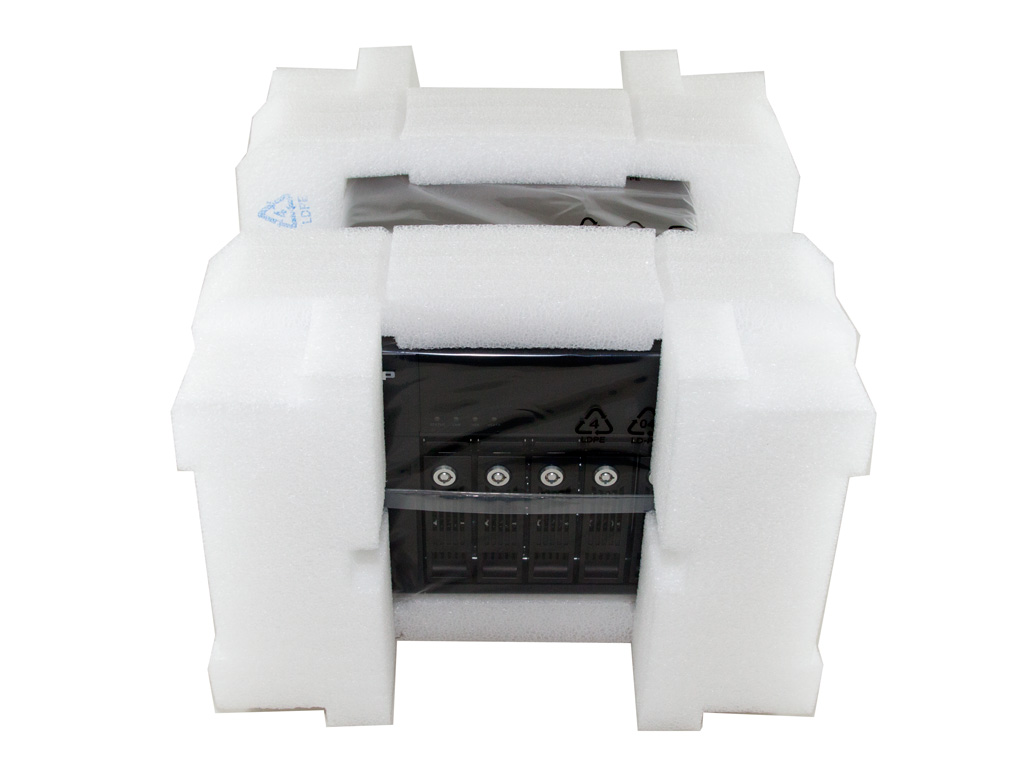
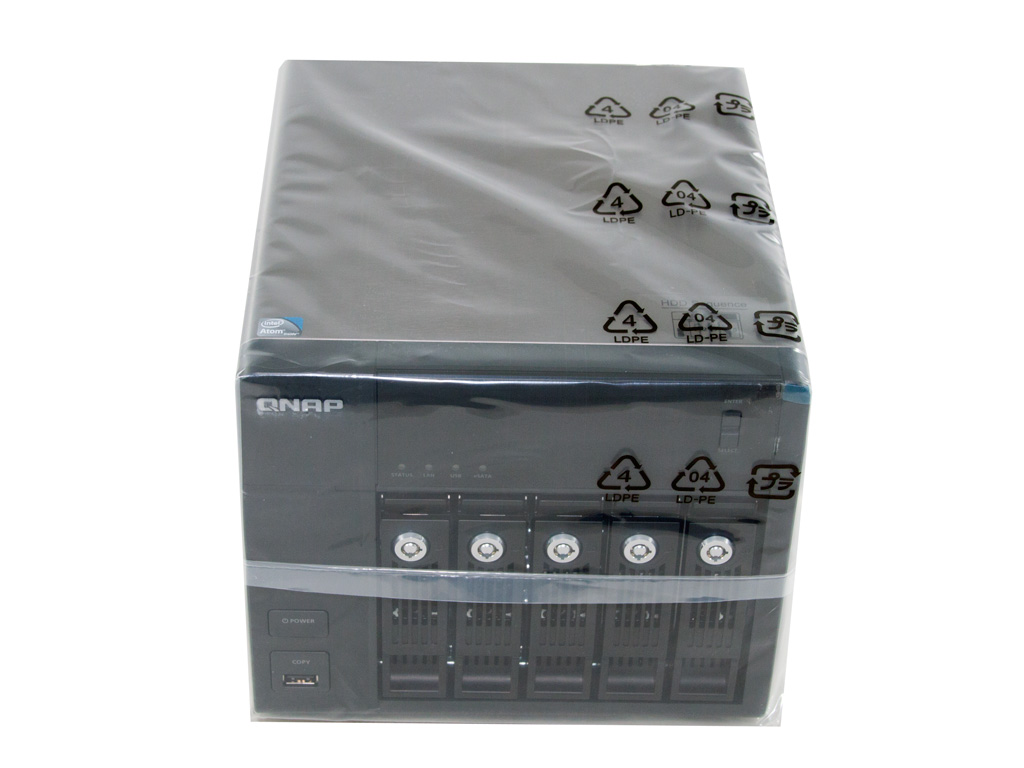
Two thick pieces of packing foam hold the NAS in place while also protecting it well. A plastic bag does, on top of the packing foam, provide extra protection against scratches. These protective measures are, all in all, worthy of the TS-569 Pro's high price tag.


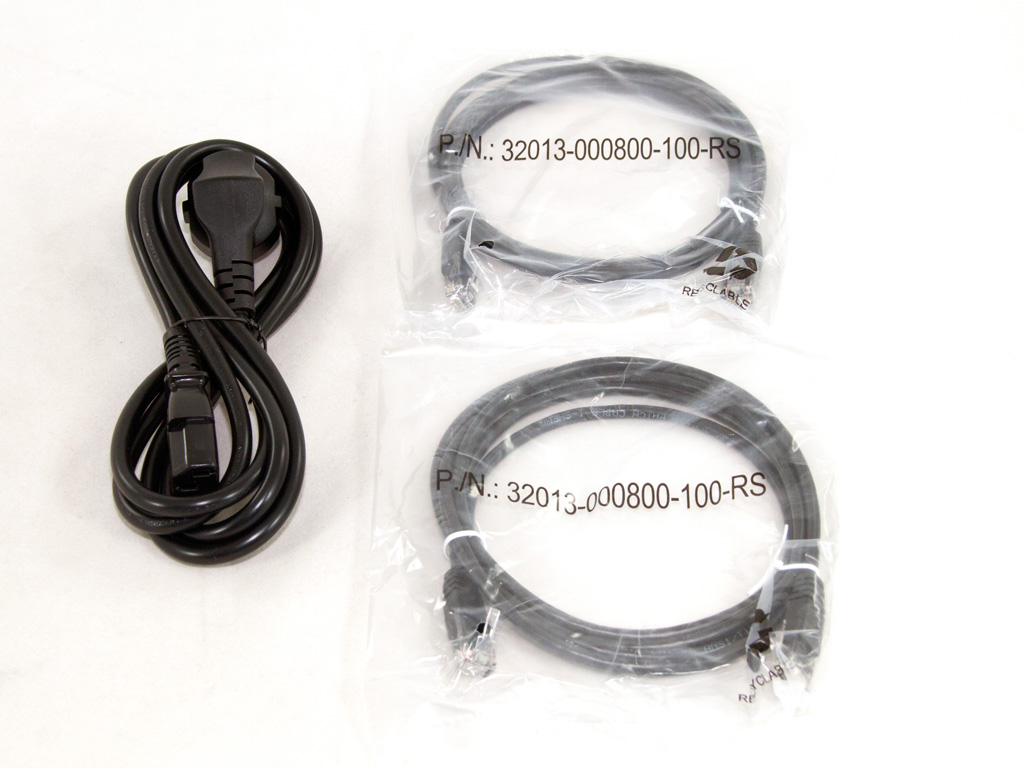
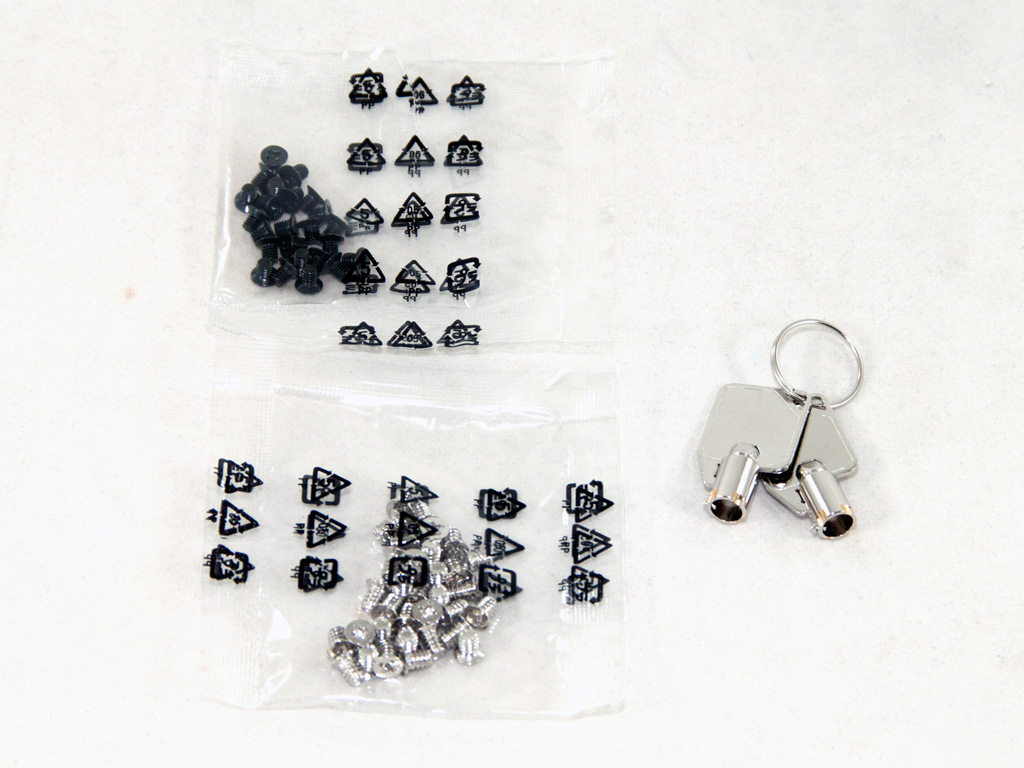
The bundle includes an AC power cord, two bags with screws for the mounting of the HDDs into the trays/caddies, two network cables (CAT 5e), a software CD including QNAP's applications, a user's manual, and, finally, a card that informs the user about the free firmware updates that QNAP provides for this product—one of the most crucial advantages of these products. You may pay a high price to get them but you enjoy really good support, and frequent firmware upgrades solve all (or at least most) reported problems.
Exterior
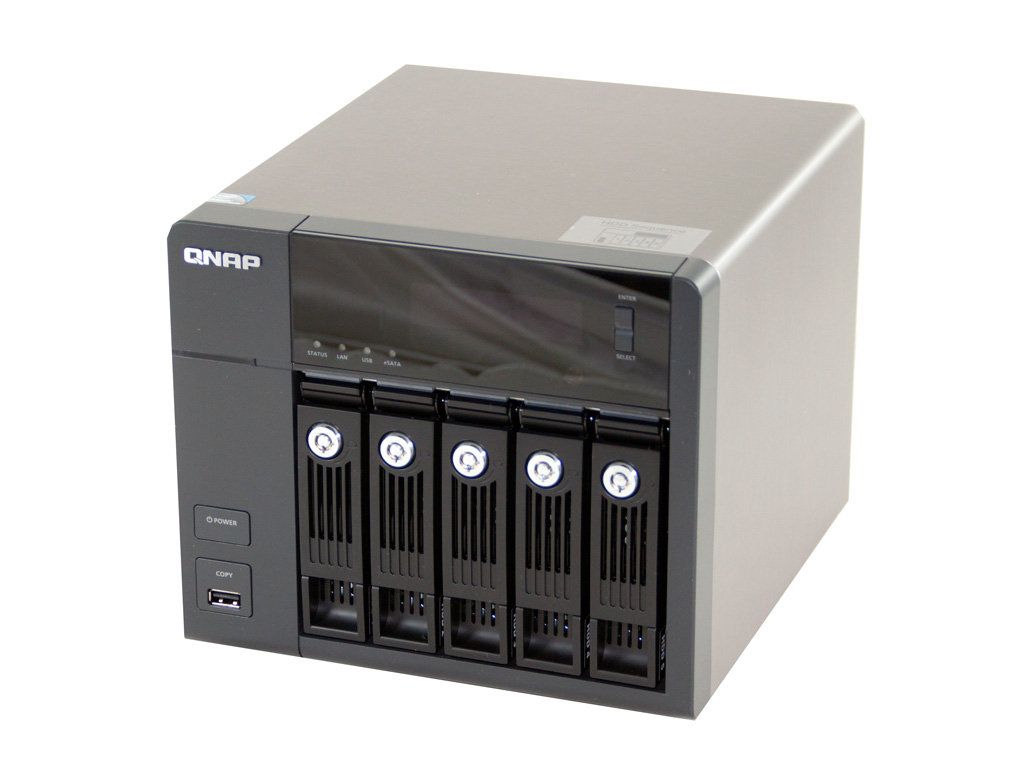


This NAS screams quality, and the use of plastic is, thankfully, limited to the front, where it is unavoidable. The brushed metallic chassis looks very slick with its rounded edges—an advantage over the direct competition in the NAS's price range since others use plastic cases. A quality-made plastic case is, in our opinion, inferior to even a metallic chassis of lower quality, and paying such a premium entitles you to the highest possible quality, internally and externally.

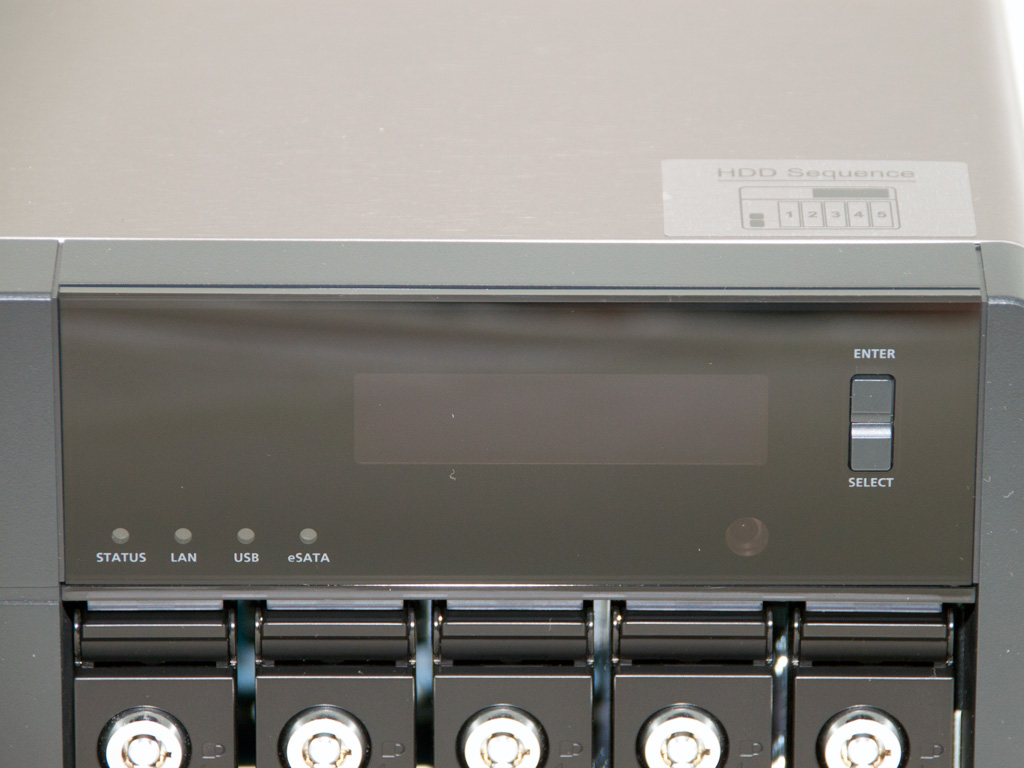

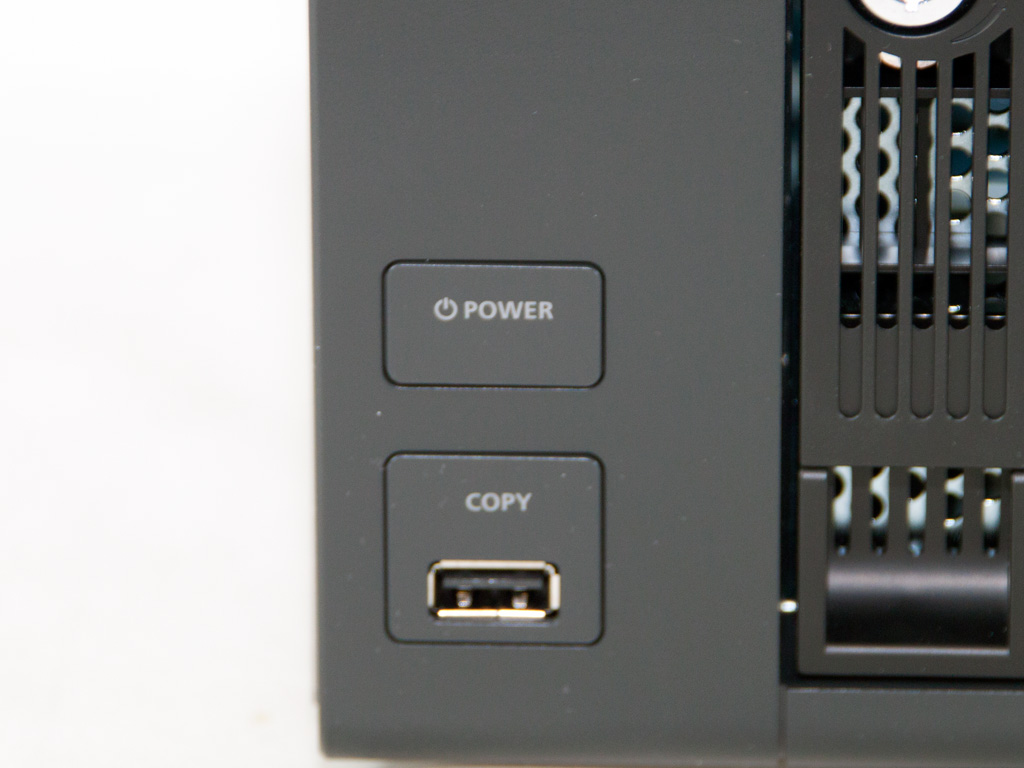
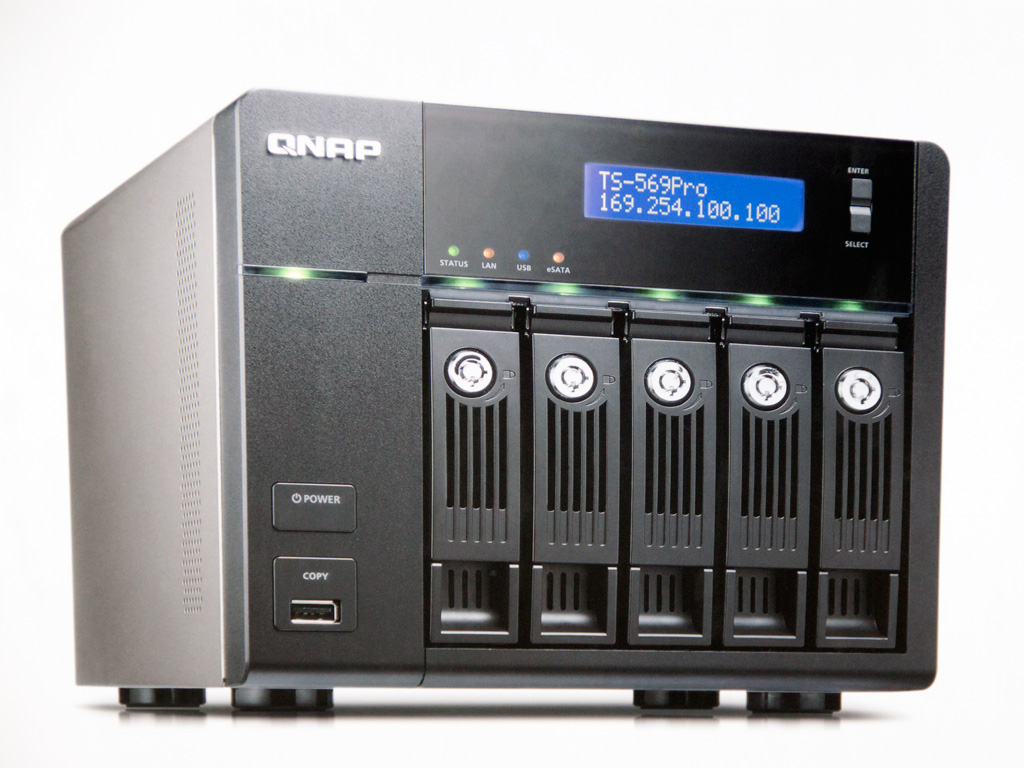
Since this is a business-oriented product, the HDD caddies feature locks to physically secure the data. This may be unnecessary for home use, but SMB environments make these locks an essential feature, especially if the NAS is not installed inside a protected/lockable rack. The two-line LCD screen is located above the five caddies. It displays useful information to the avid user. For energy saving purposes, it de-activates automatically once the startup- or reboot phase finishes. It does of course light up again once you press one of the two small buttons on its right side. The on/off button and copy buttons, along with the front USB 2.0 port, are, as you can see, located in the bottom-left corner. You can set the function of the copy button, which literally surrounds the USB port, through the administrative interface (e.g. copy the contents of the USB external disk to NAS storage).
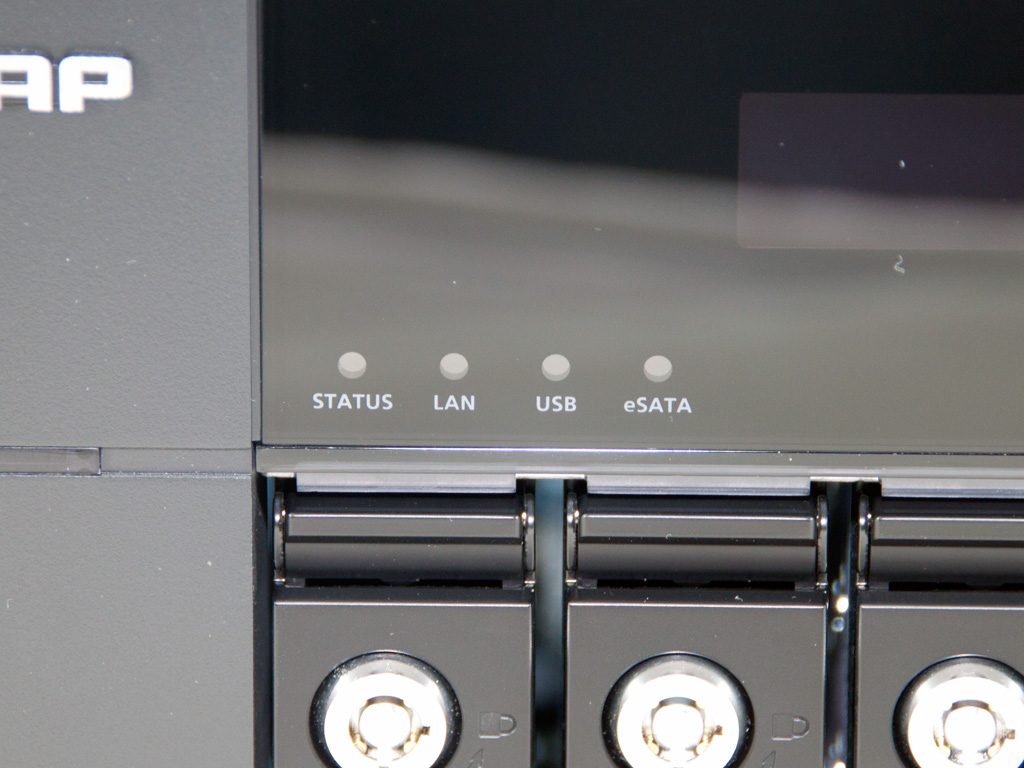
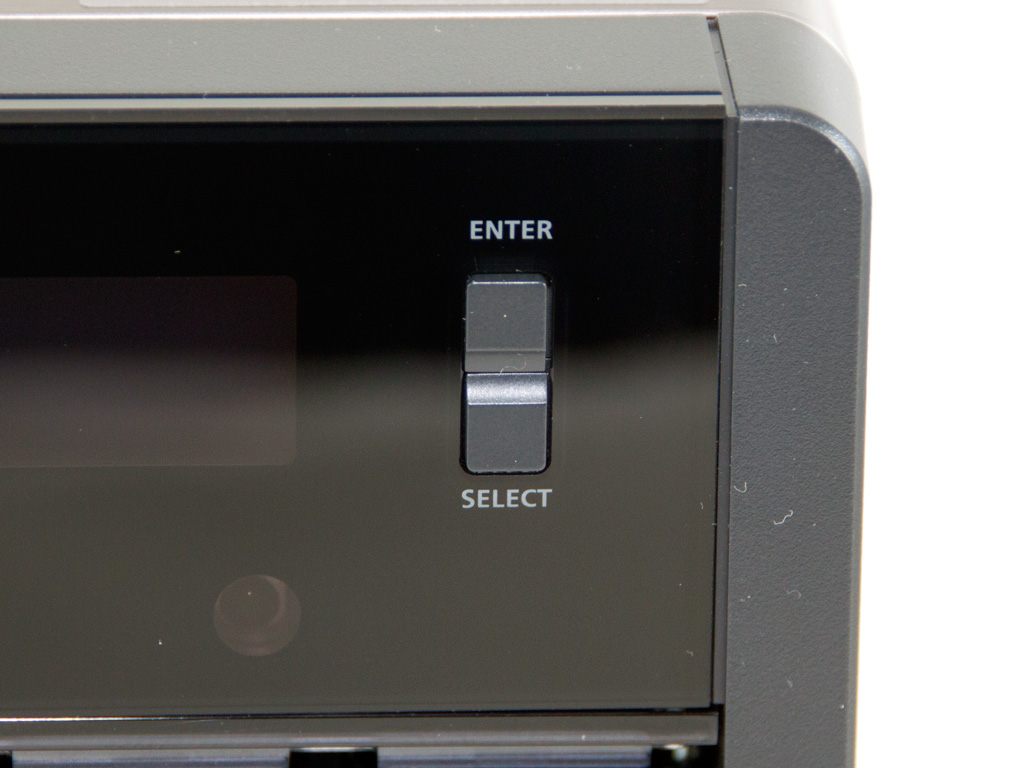
Below the LCD screen are four LED indicators. Five more are located right above each drive tray; they provide information about the drives' operation. The buttons shown on the second photo allow you to perform several basic administrative tasks, or get information about the IP address of the NAS on the network, the system temperature etc.
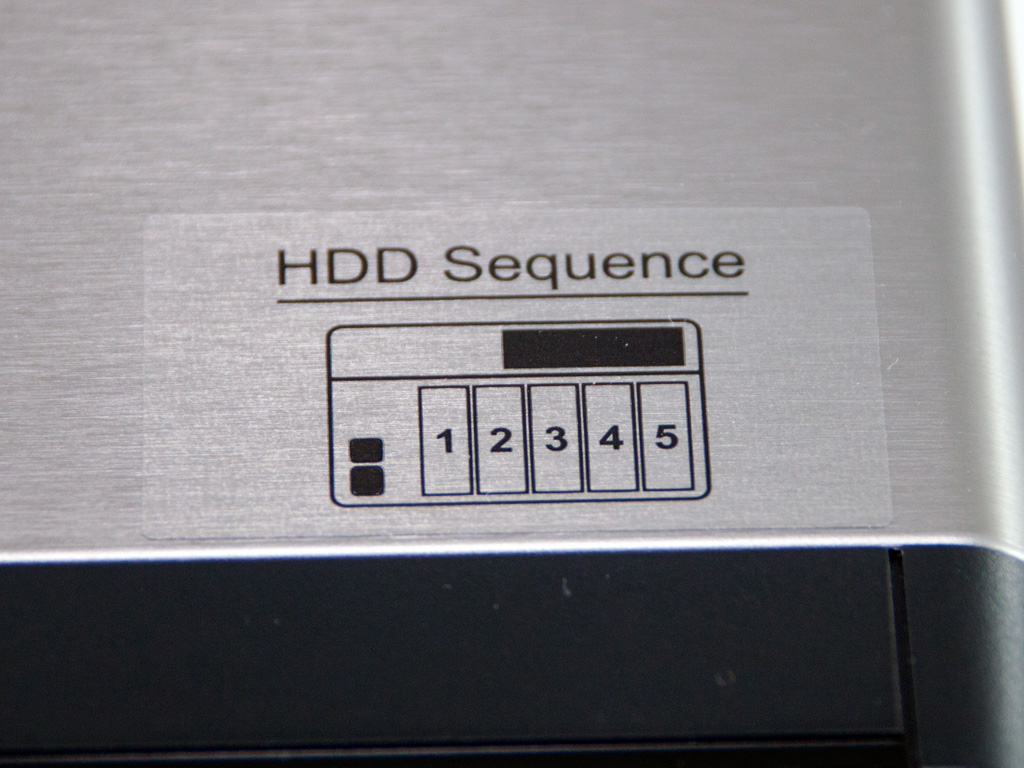

A small decal provides information about the sequence of HDDs. The rails the caddies attach to are also numbered. HDD numbering is a very important feature since it allows you to determine which HDD tray goes where in case you have to remove some or all of them. As you will see later, the caddies are also numbered.
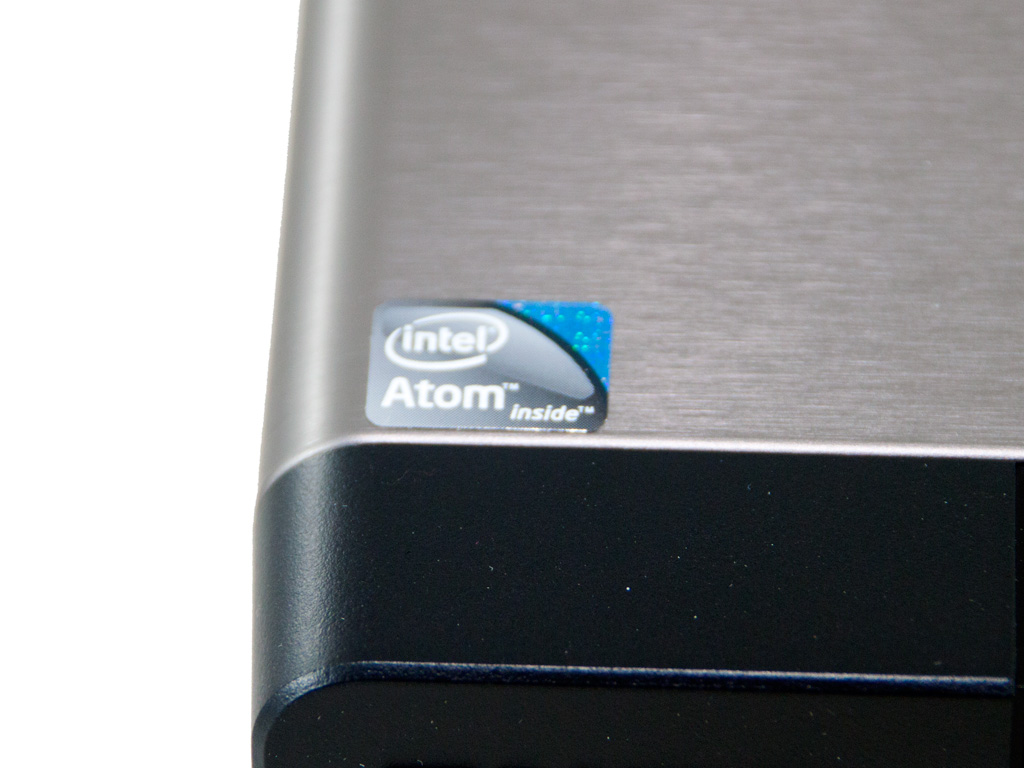
The TS-569 Pro, as we already mentioned under specifications, is powered by an Intel dual-core Atom CPU.
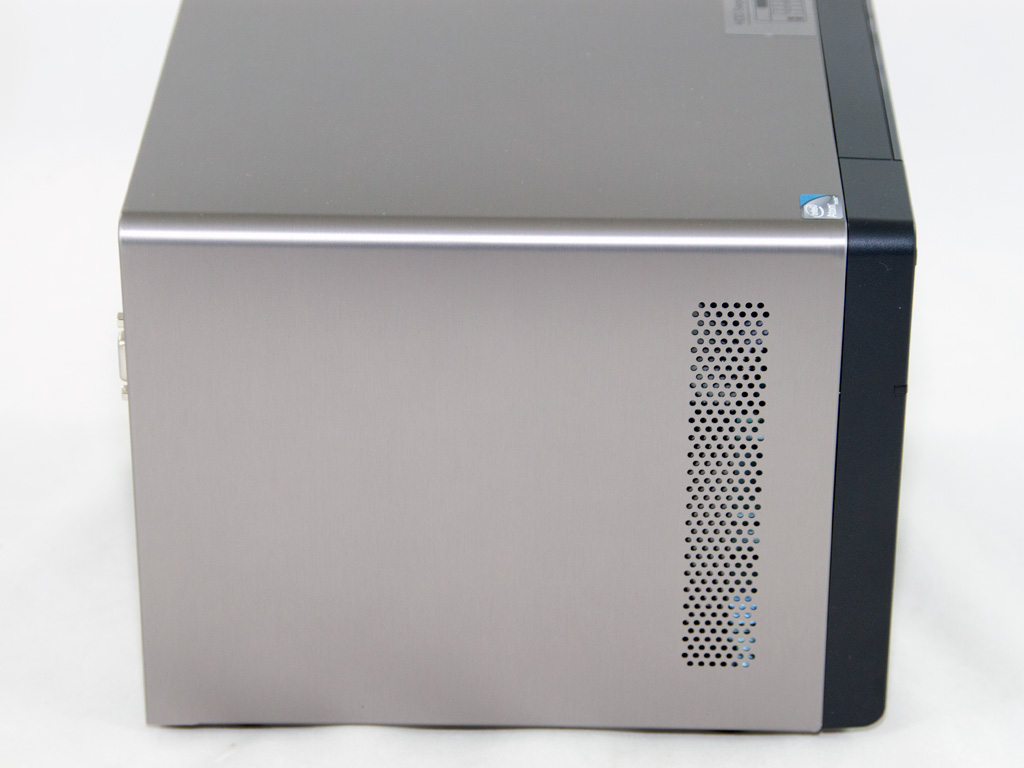
Only one of the two sides features a small vent. QNAP apparently decided that there is no need for a second vent, because of the Atom CPU's low thermal footprint.
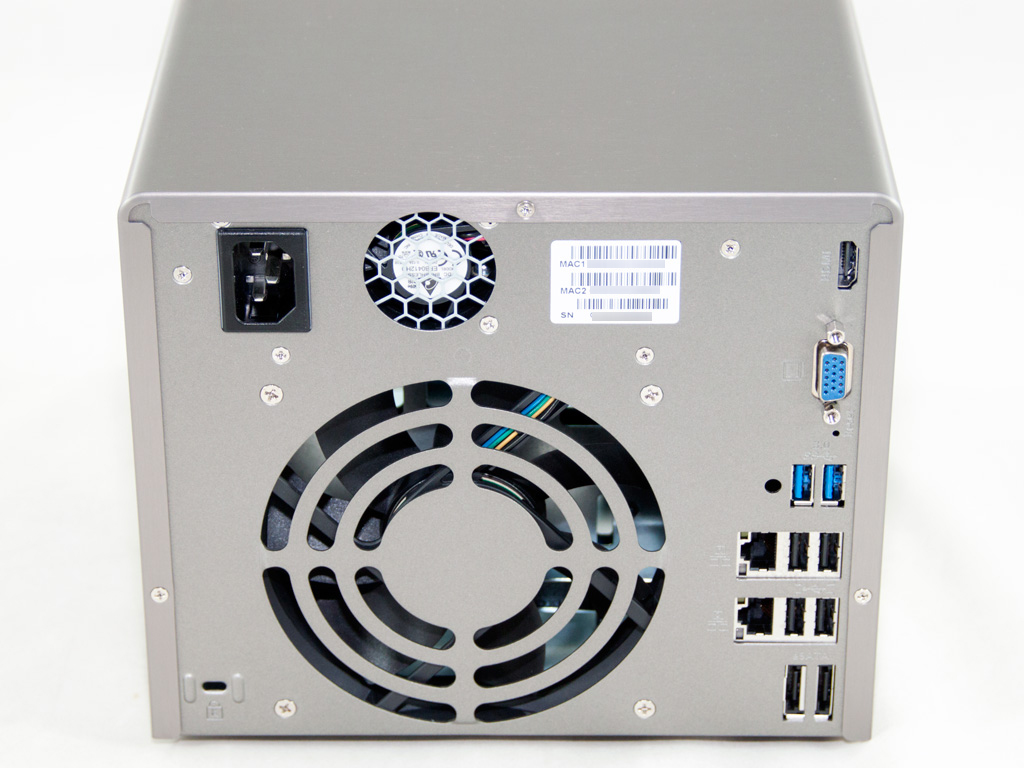
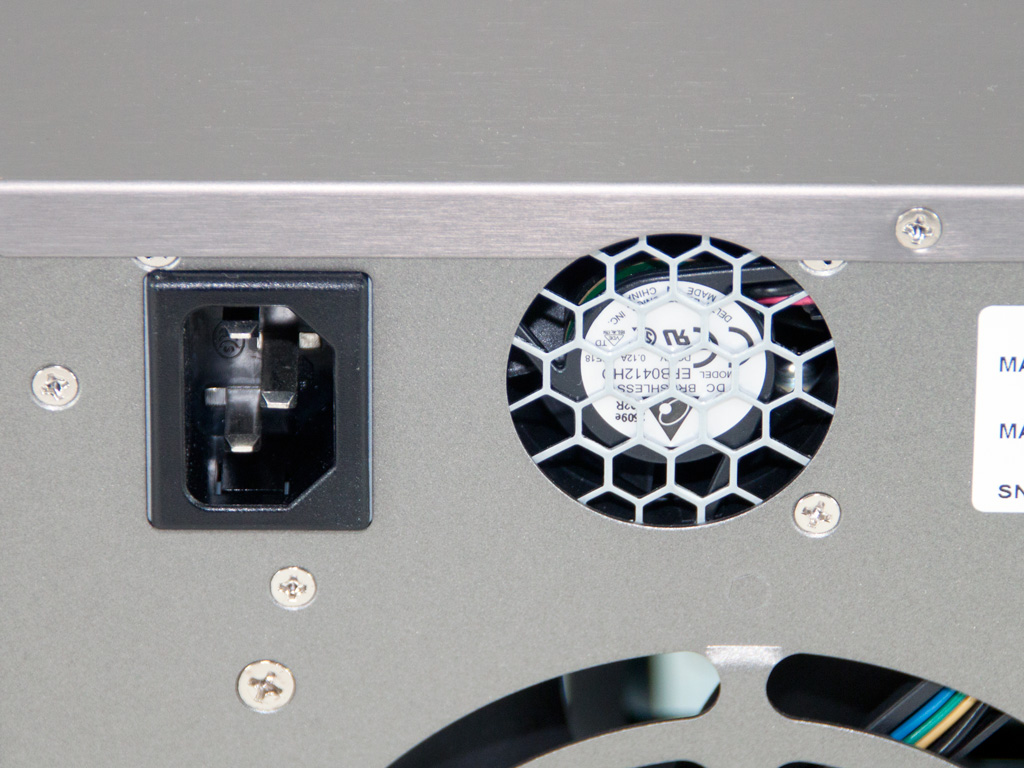
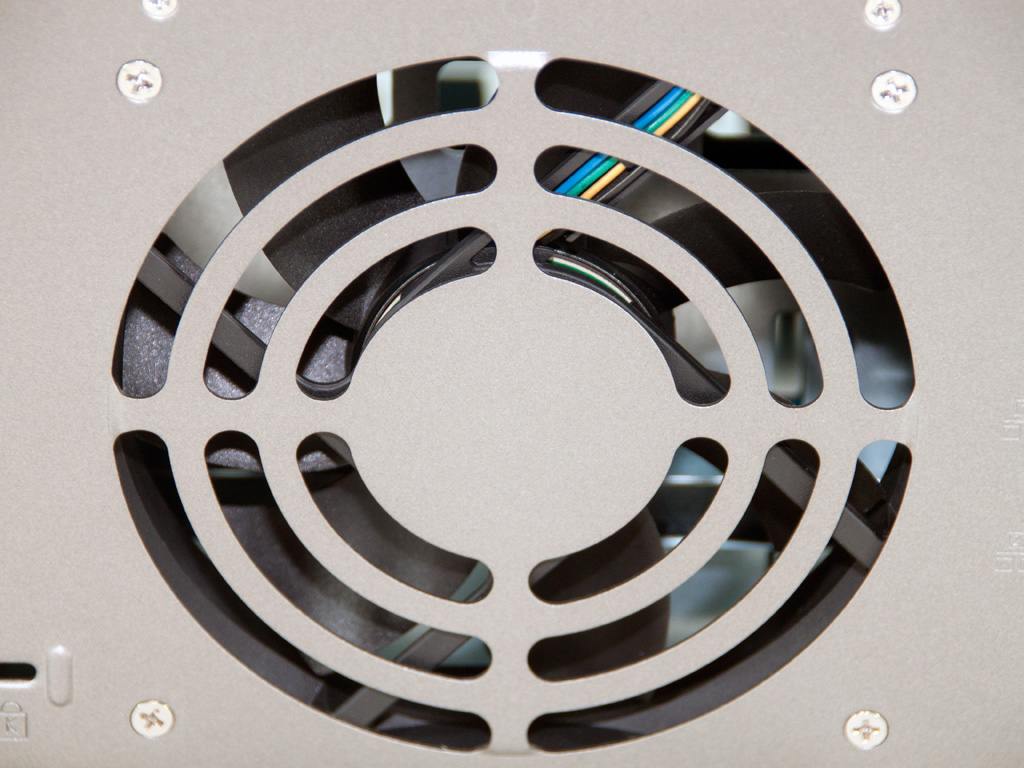
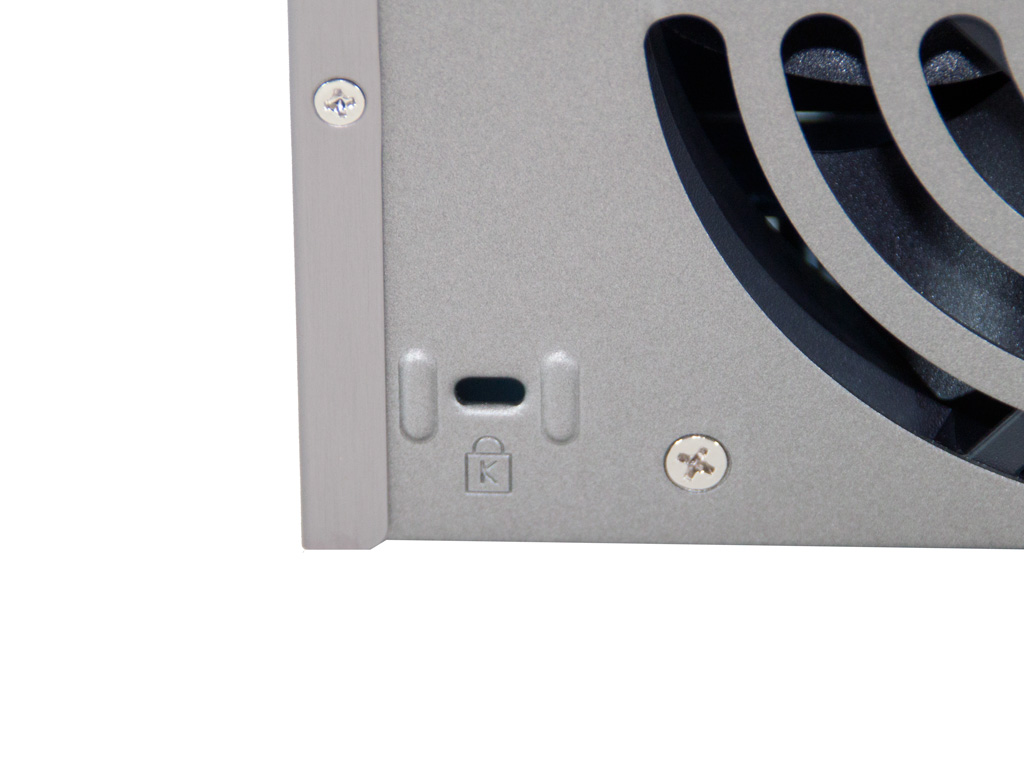

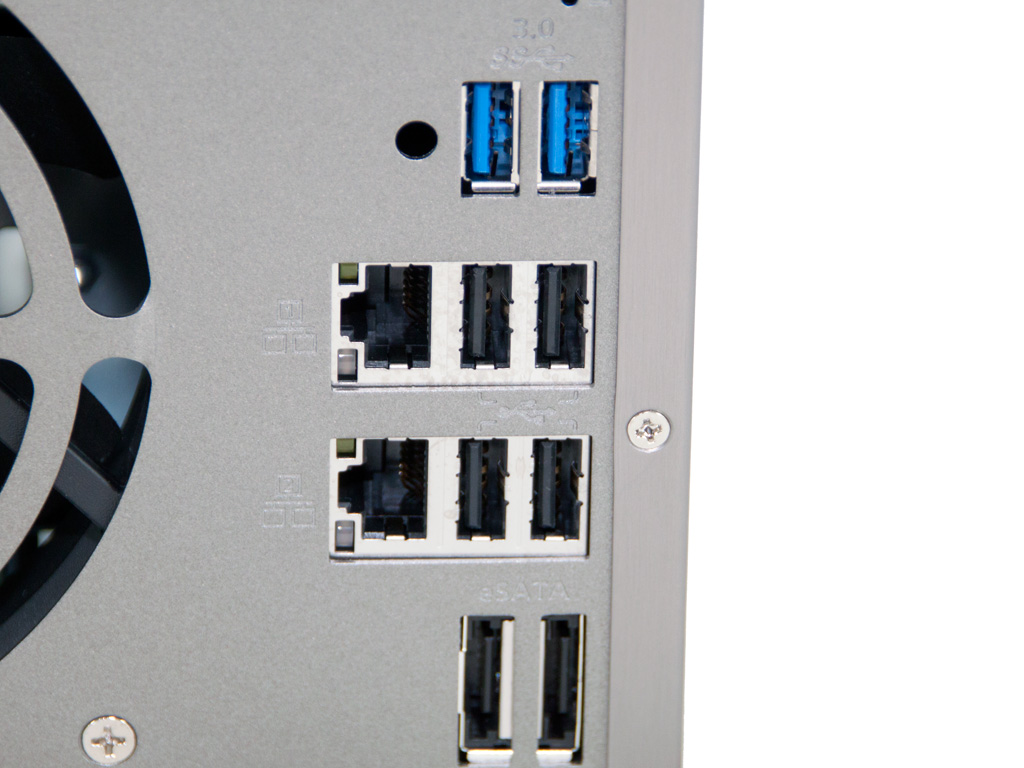
The grill of the 120 mm fan on the rear side takes up most of the real estate. We find the much smaller fan that cools down the PSU above it. The AC receptacle is in the top-left corner. The K-Lock security slot resides in the bottom-left corner, while all I/O ports are installed on the right side. The latter include two USB 3.0-, four USB 2.0-, and two eSATA ports; two gigabit Ethernet ports and VGA- and HDMI outputs. The latter is utilized by the HD Station package we will examine thoroughly.
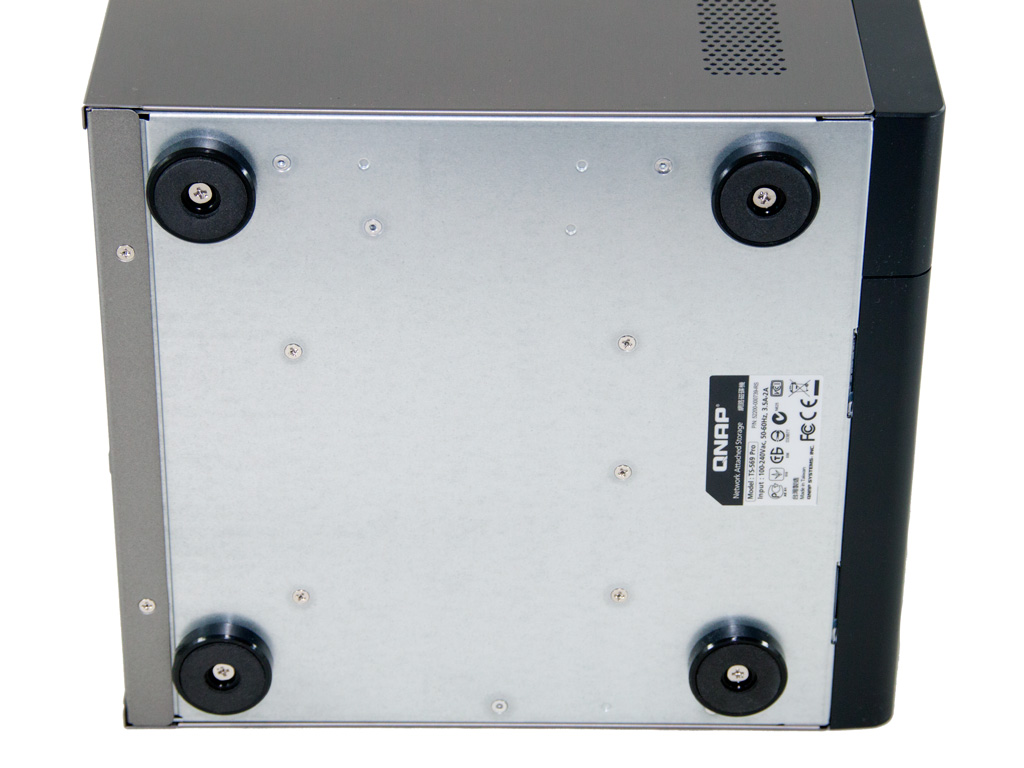
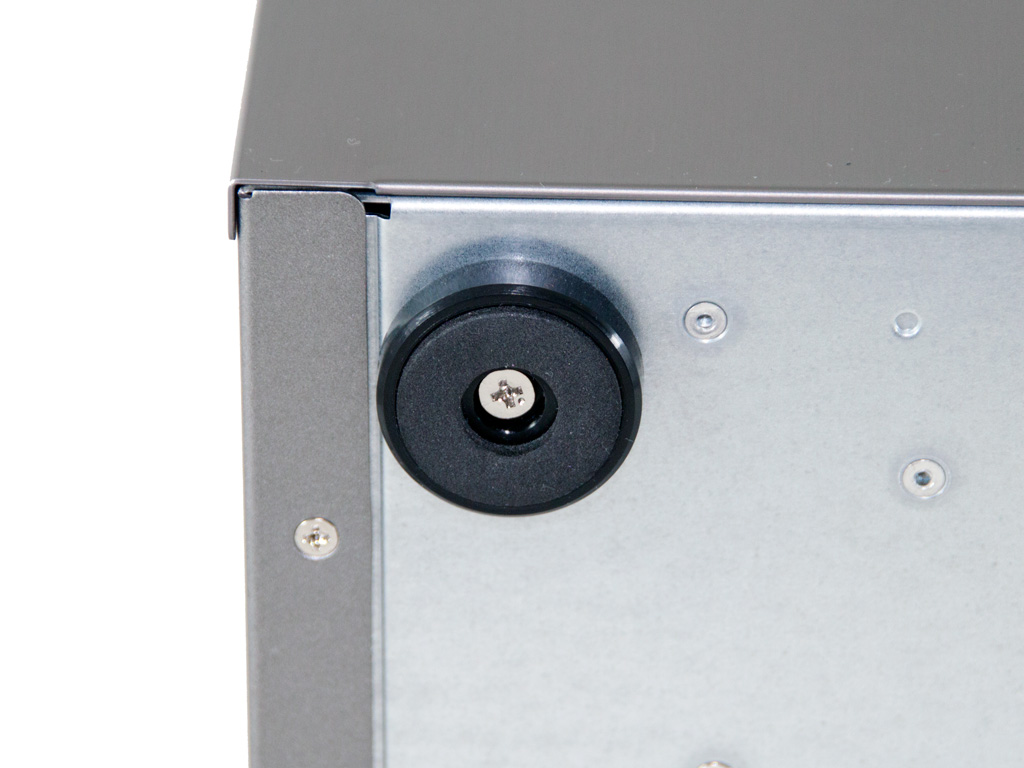
The bottom of the NAS has four plastic stands that can be removed easily if needed.

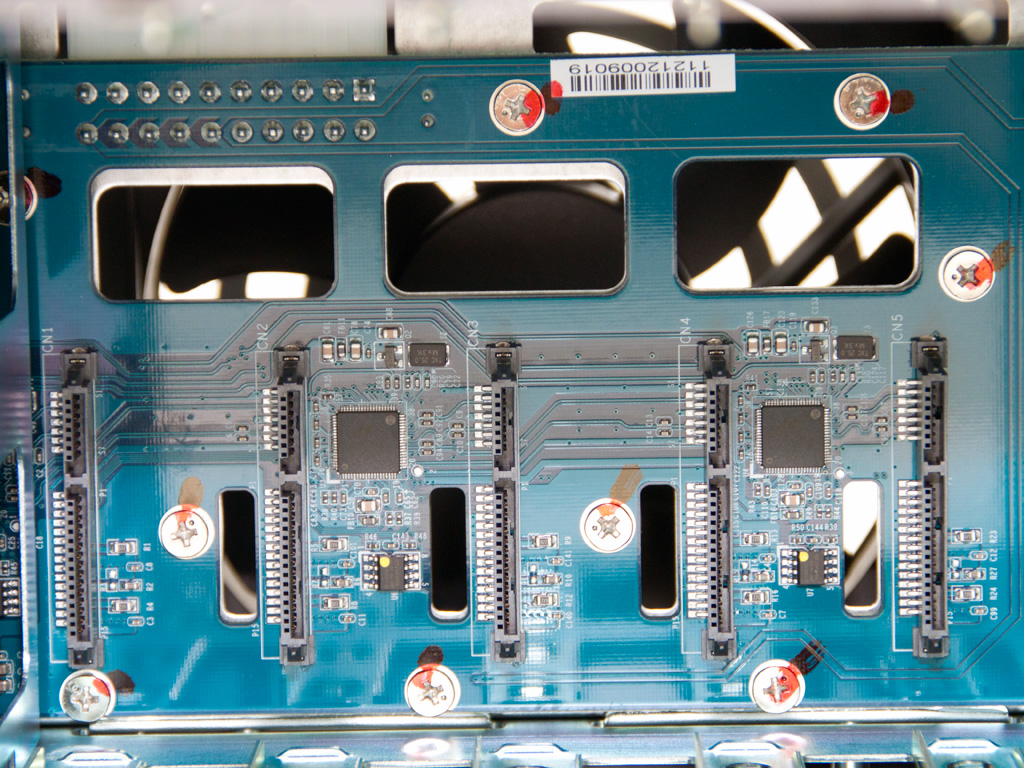
Removing all caddies gave us a better view of the PCIe SATA expansion card that holds all SATA ports.


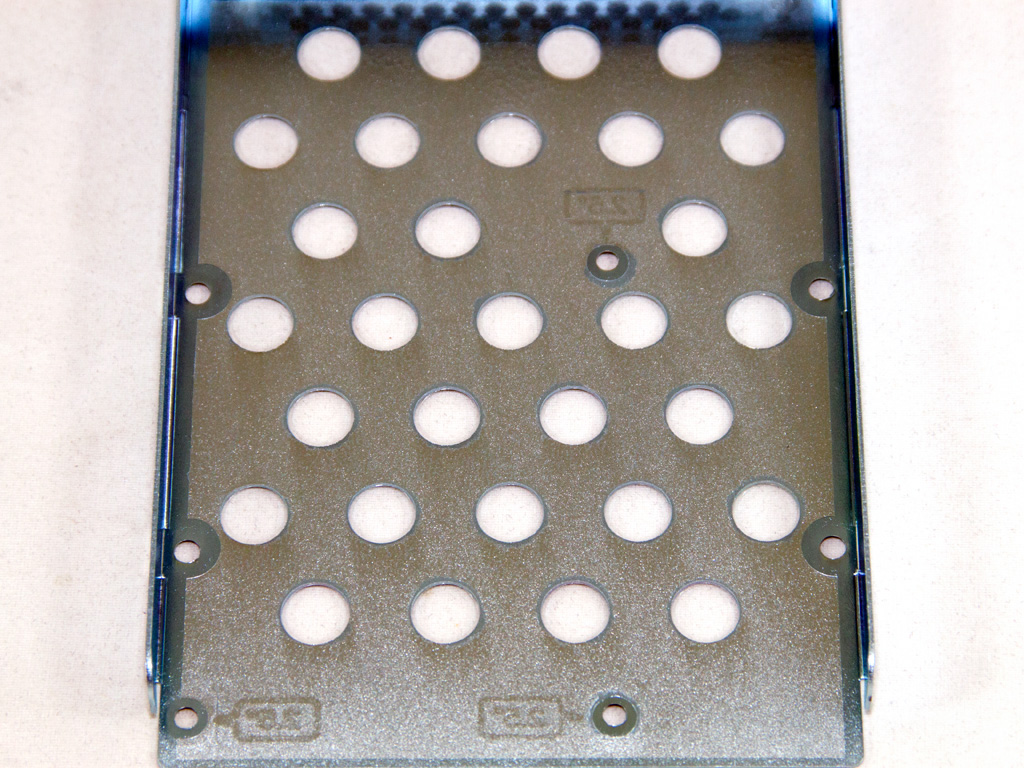
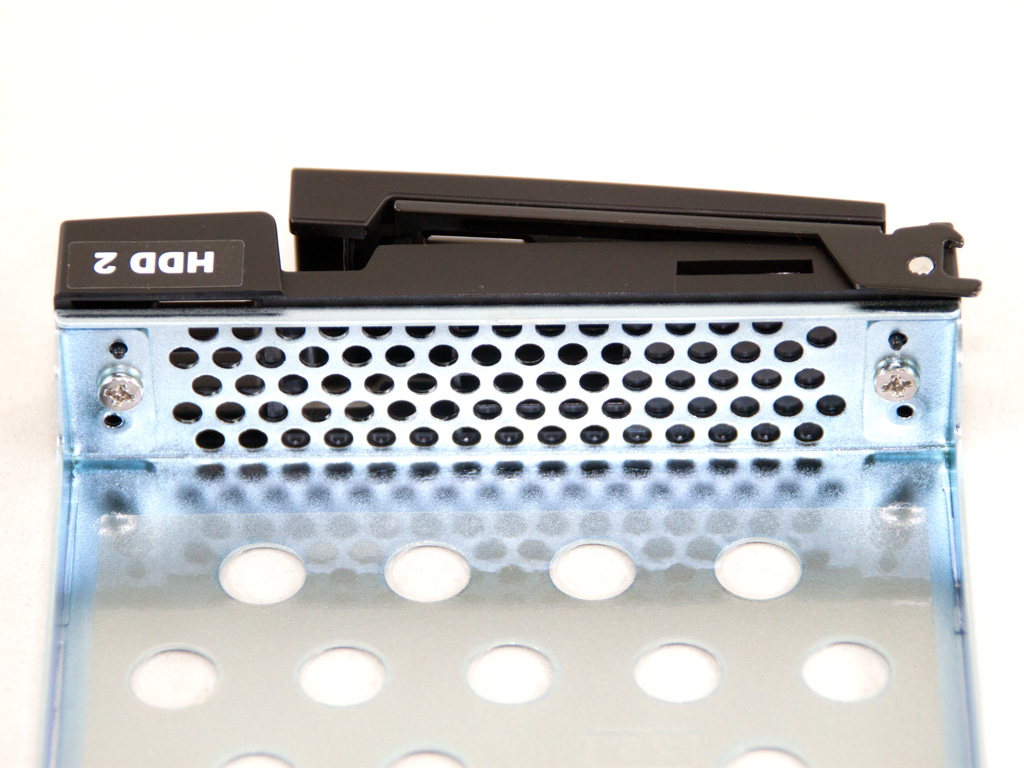
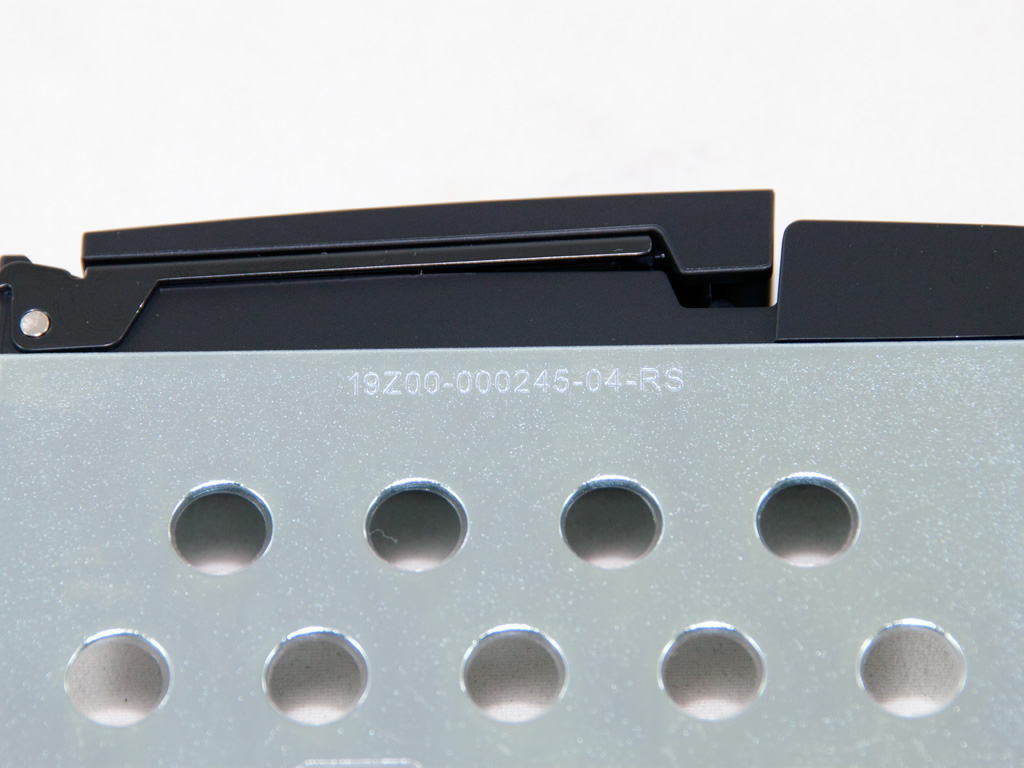
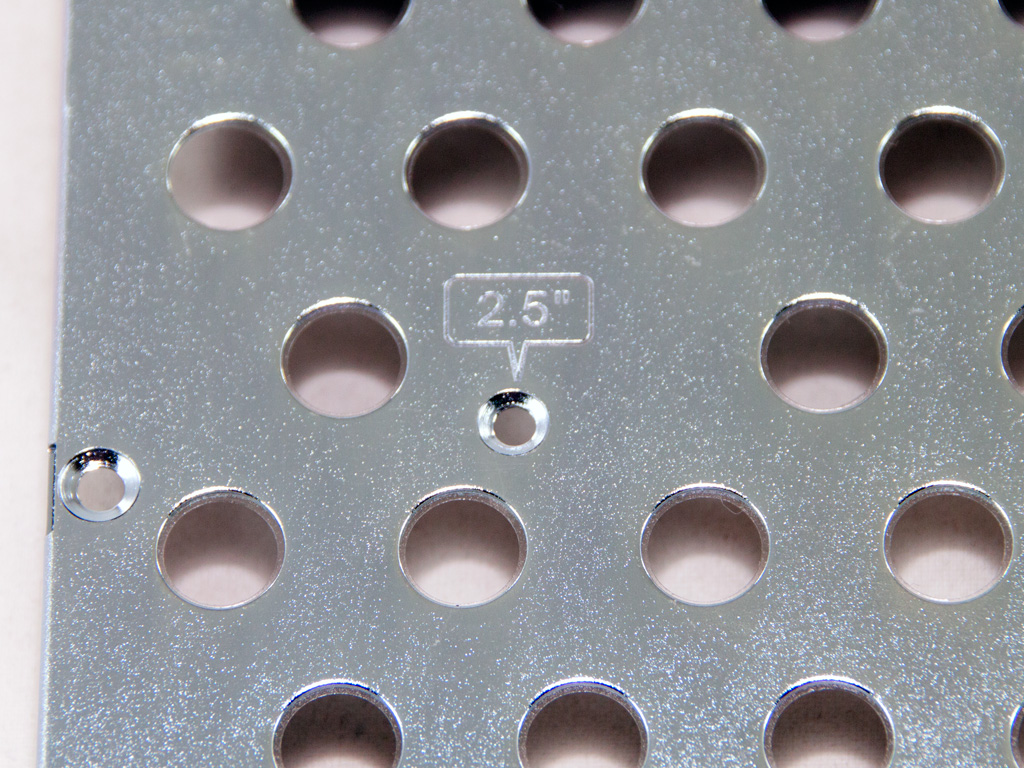

The lockable metallic caddies are numbered and can house both 2.5" and 3.5" HDDs. All required screws are included in the bundle.
A Look Inside
It's now time to strip the NAS down to discover what components it hides inside its casing.

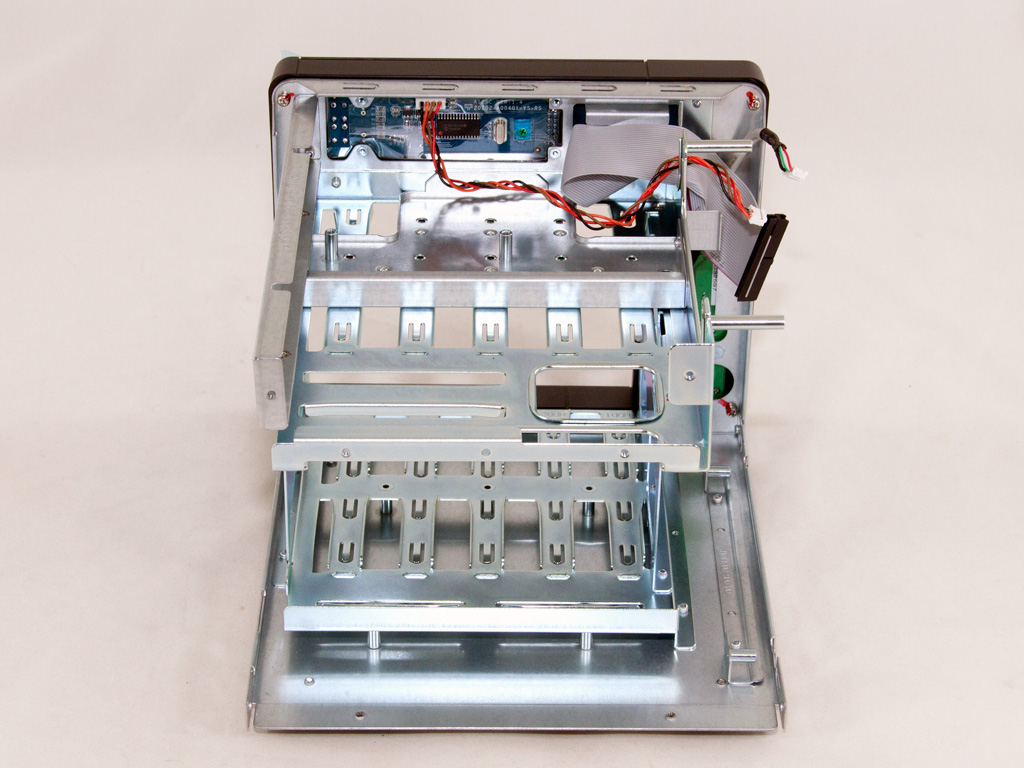
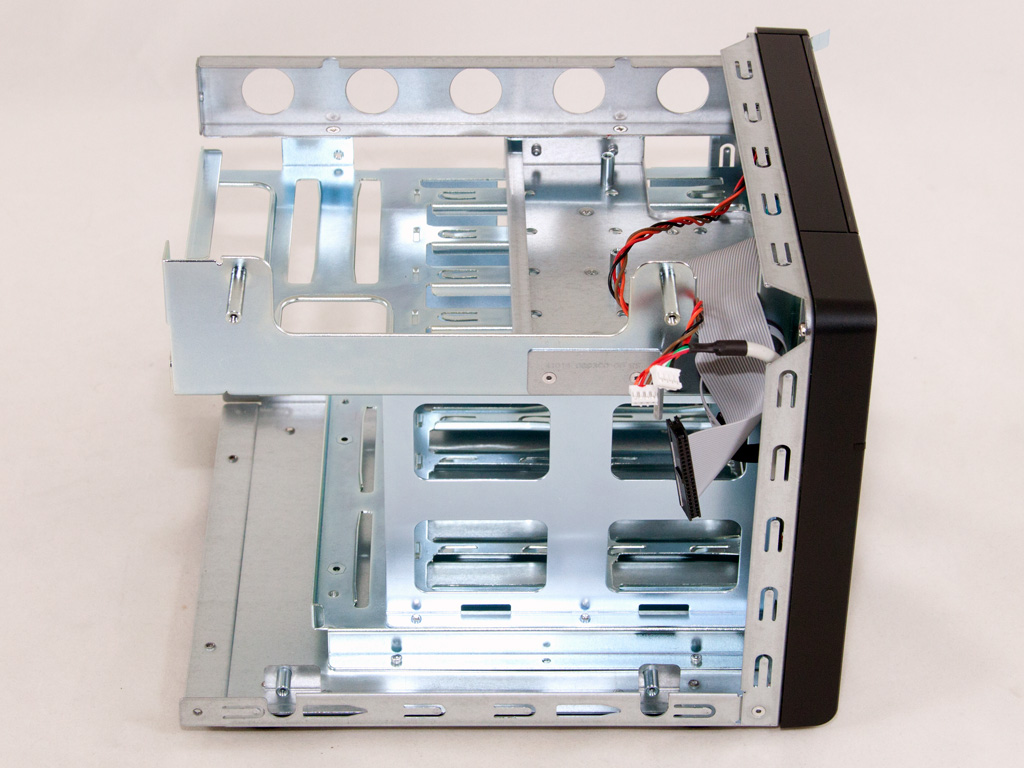
Upgrading the RAM of the TS-569 Pro is a fairly easy process, since you only have to remove the top held in place by three screws. A full disassembly of the NAS is a wholly different story. You must, besides removing an additional two dozen screws, be very careful, following a specific procedure, to remove the mainboard. We are, thankfully, pretty familiar with QNAP NAS servers, which made the whole process a pretty straightforward one.
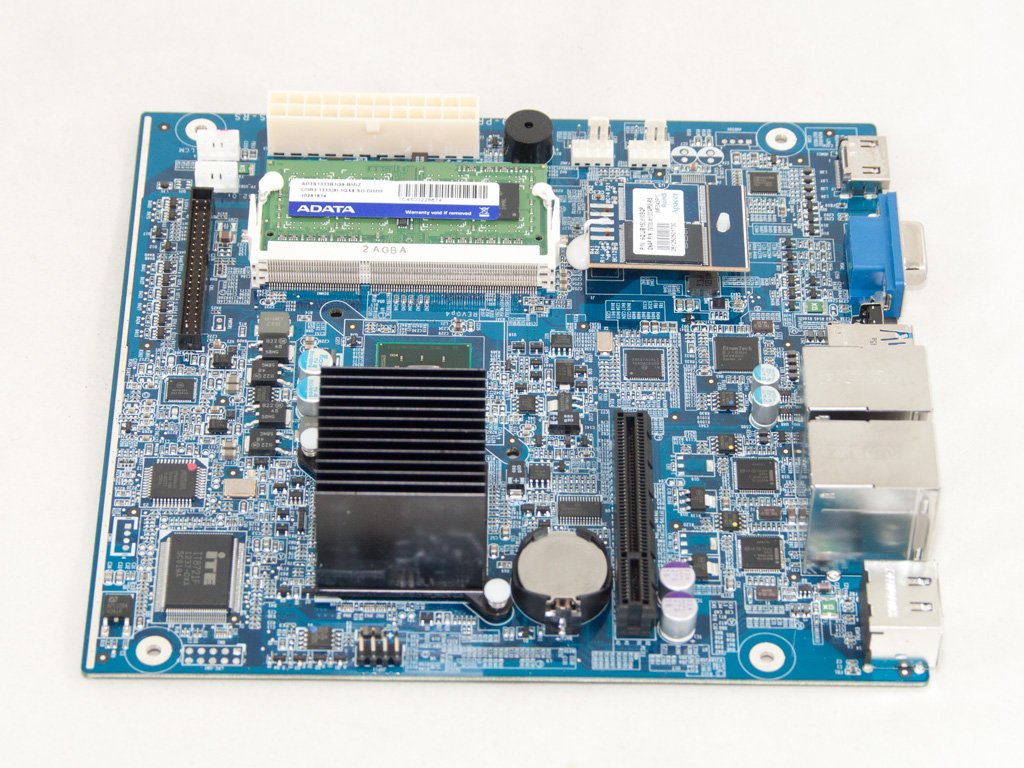
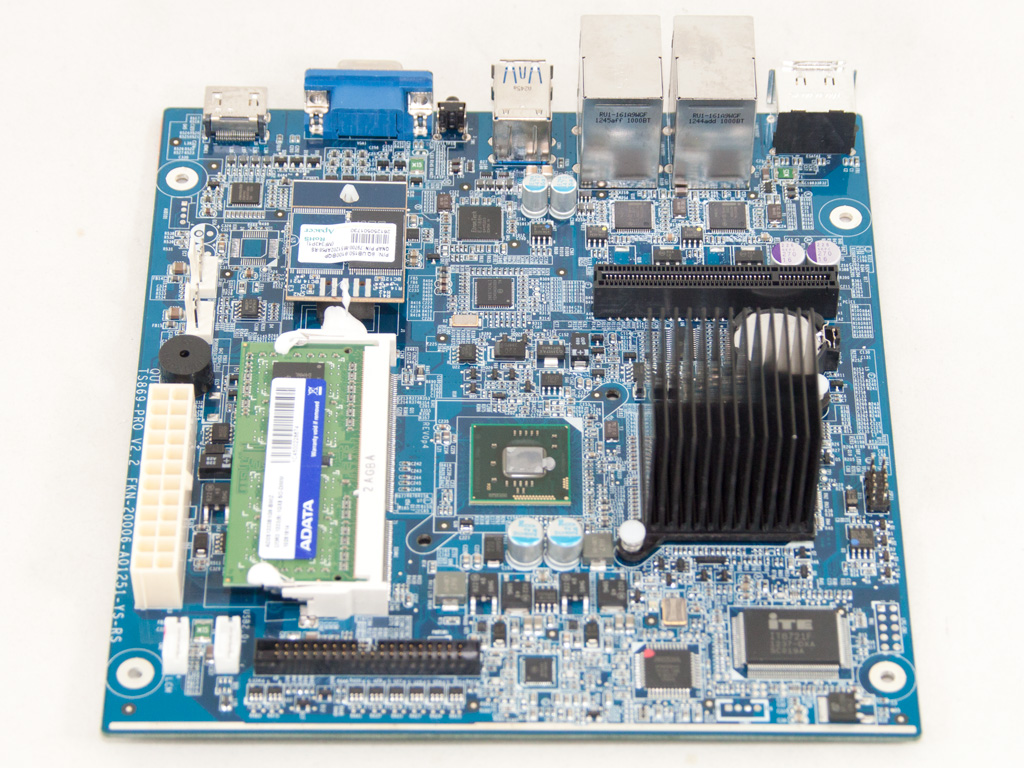
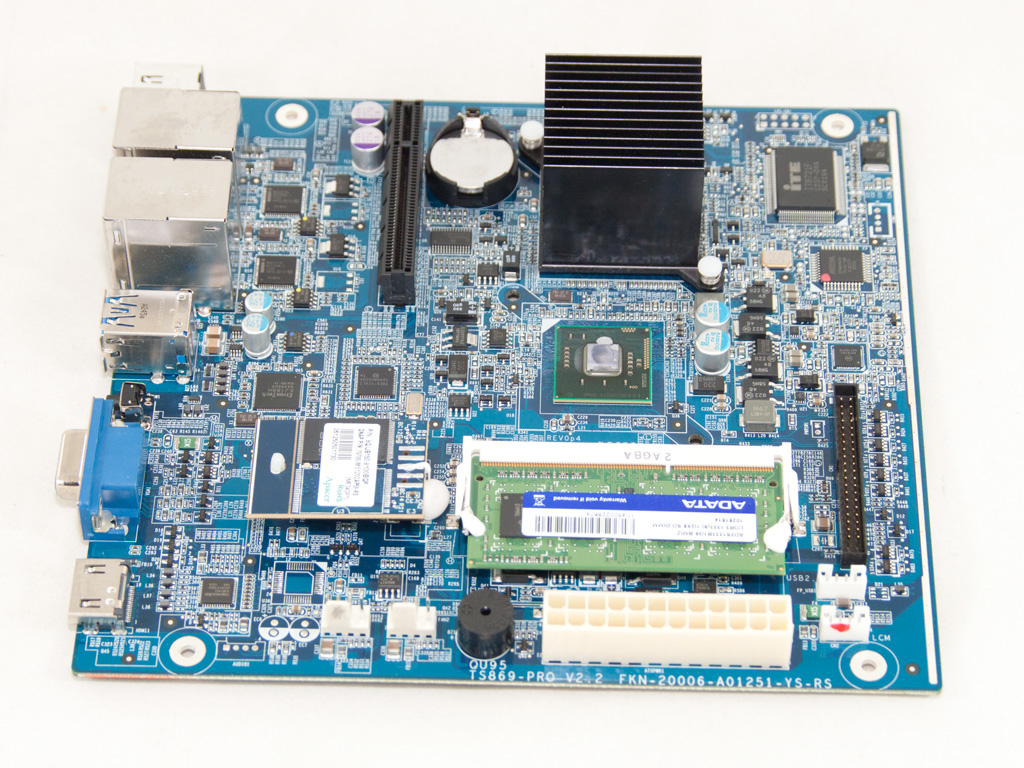

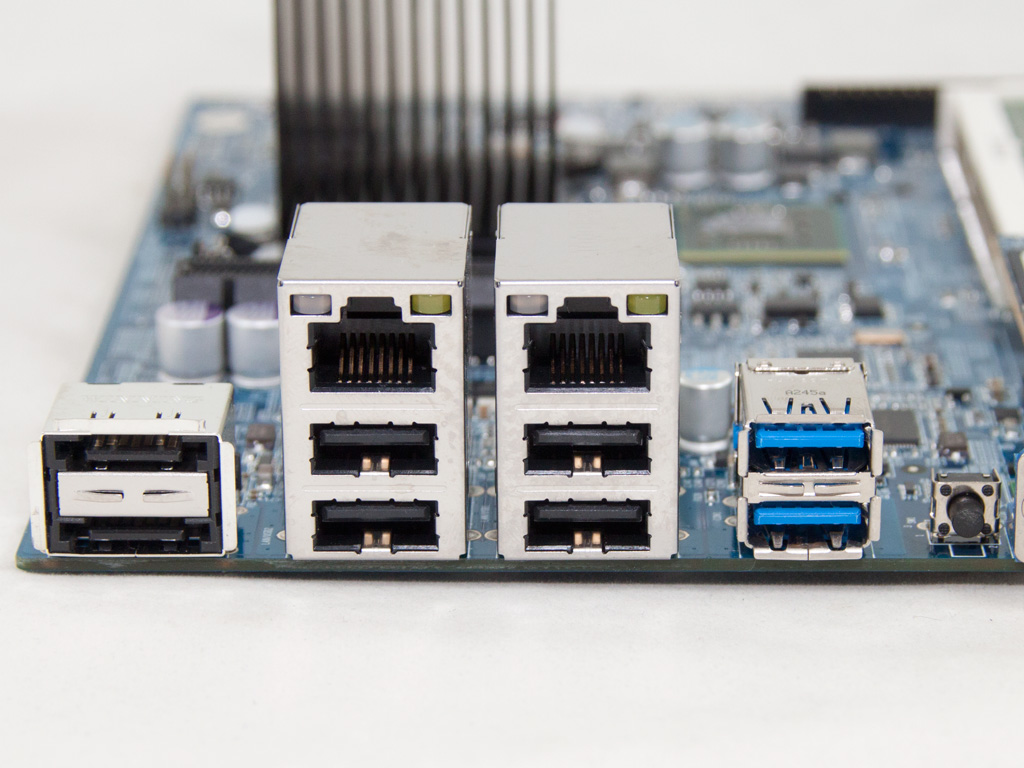
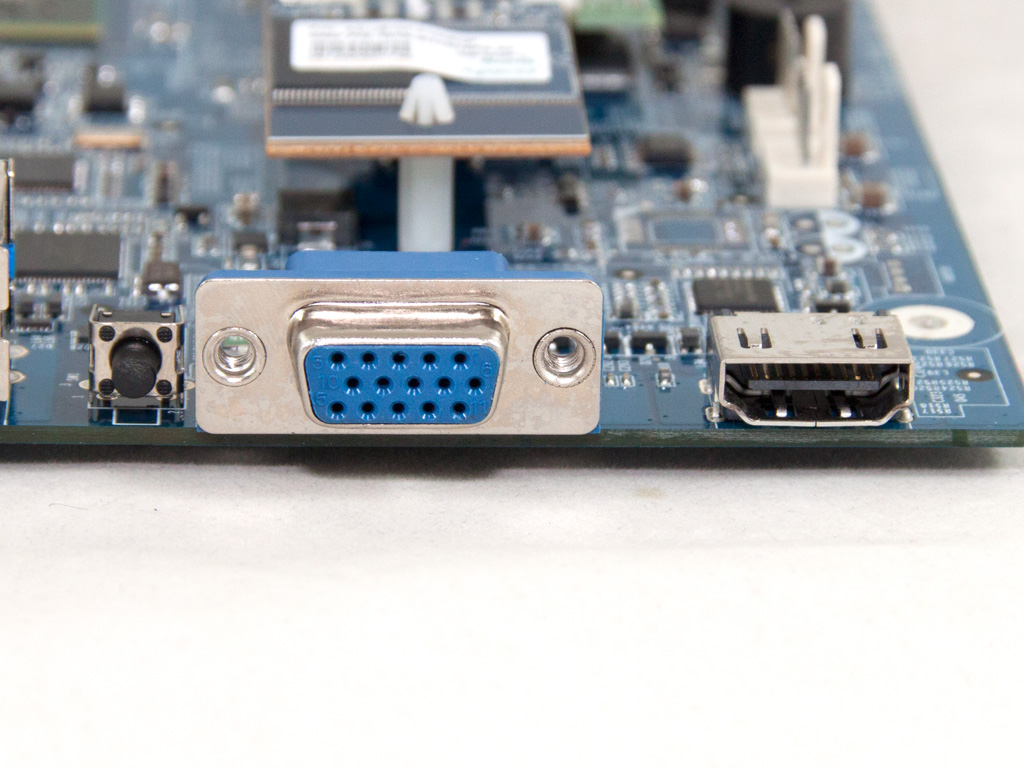
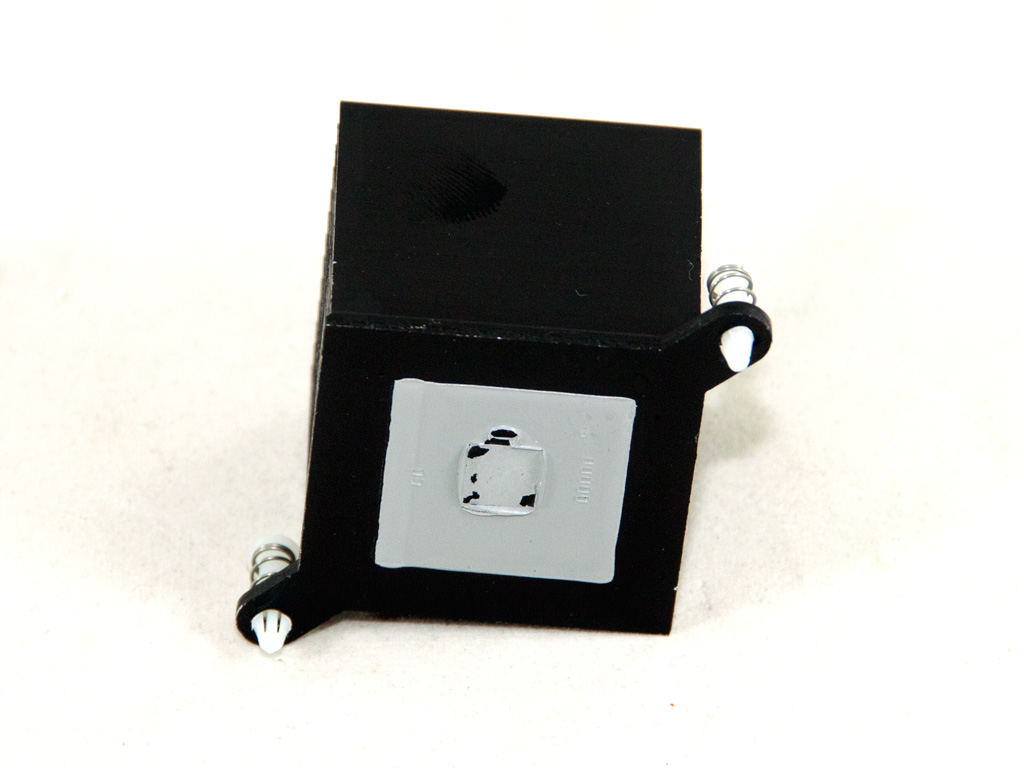
The mainboard of the NAS is really small, housing all the necessary components to support its functions. Two heatsinks cool down the Atom CPU and chipset. We removed the CPU heatsink to take a good look at it.
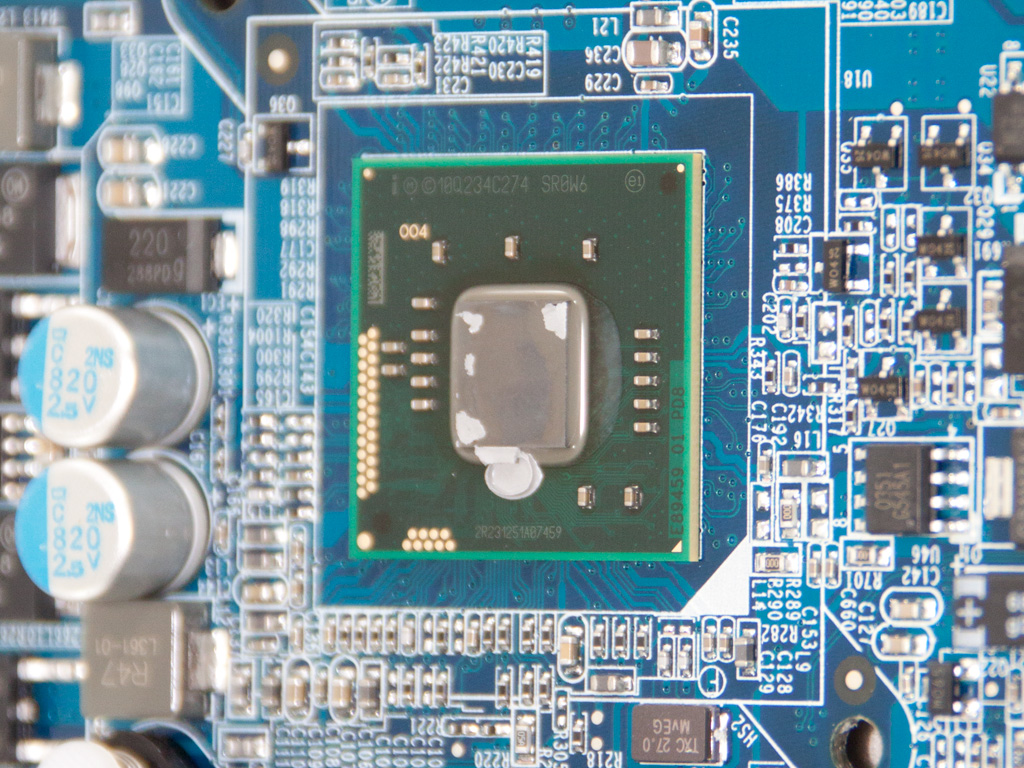

A closer look at the dual-core Atom CPU (D2700) and the heatsink that cools down the chipset—probably an Intel NM10 Express. The low TDP is low makes active cooling redundant, which keeps noise levels down.
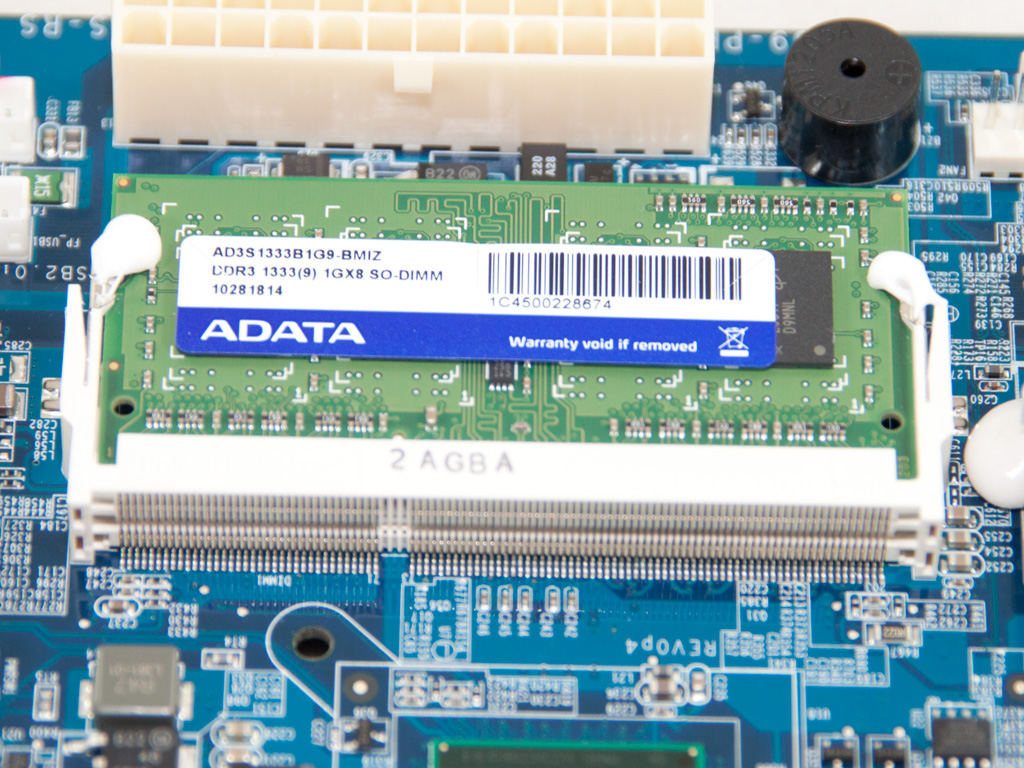
There is a preinstalled ADATA DDR3 1333 memory module (1 GB) on the mainboard.
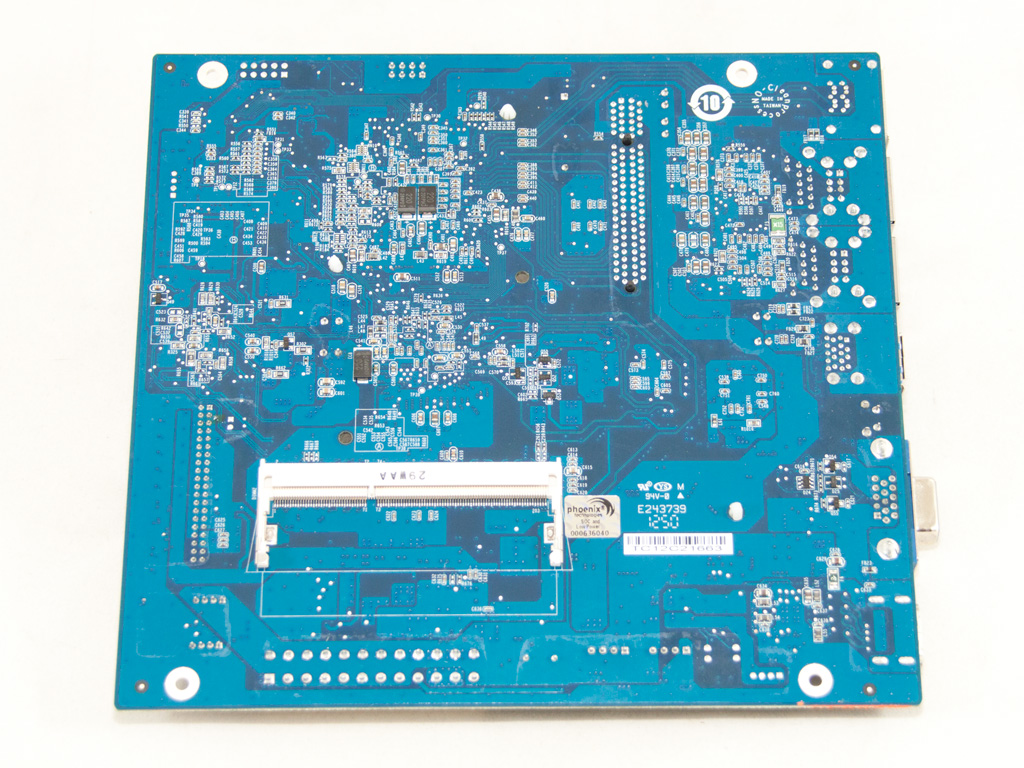
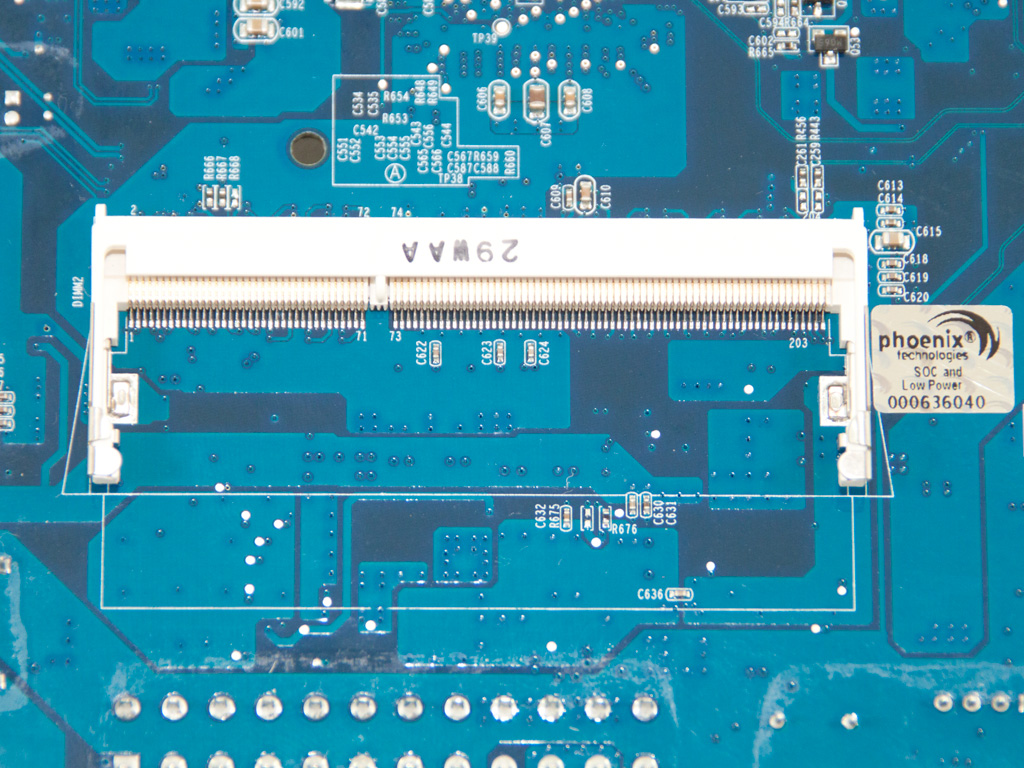
The empty RAM slot is located on the solder side of the mainboard for ease of access.
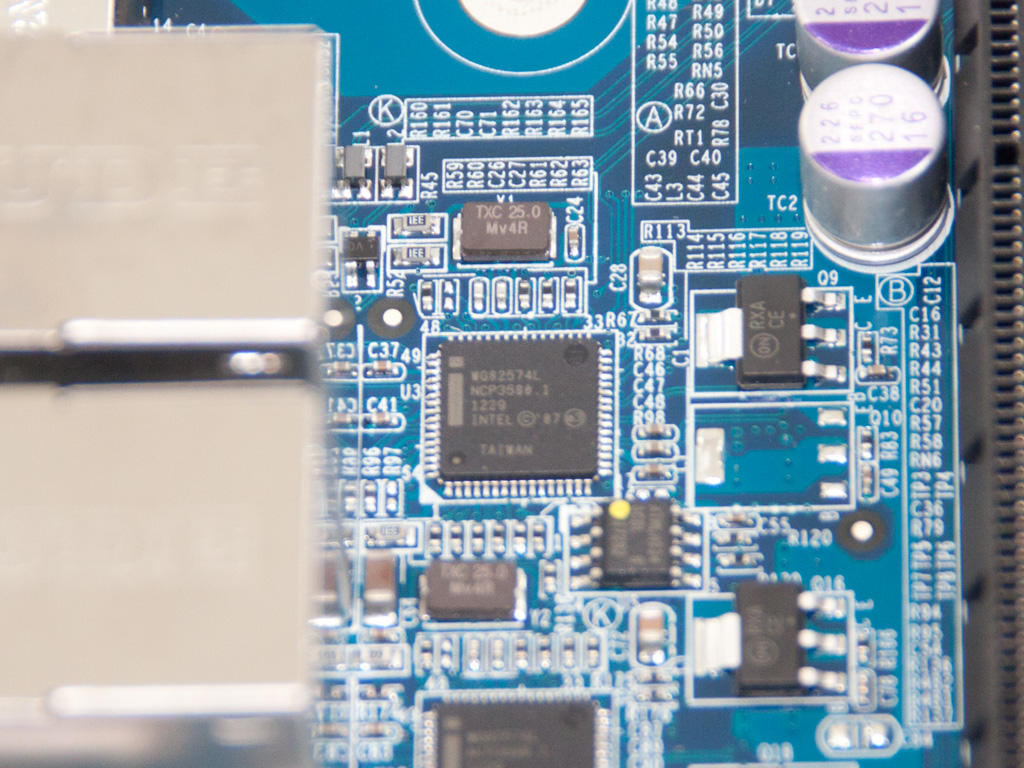
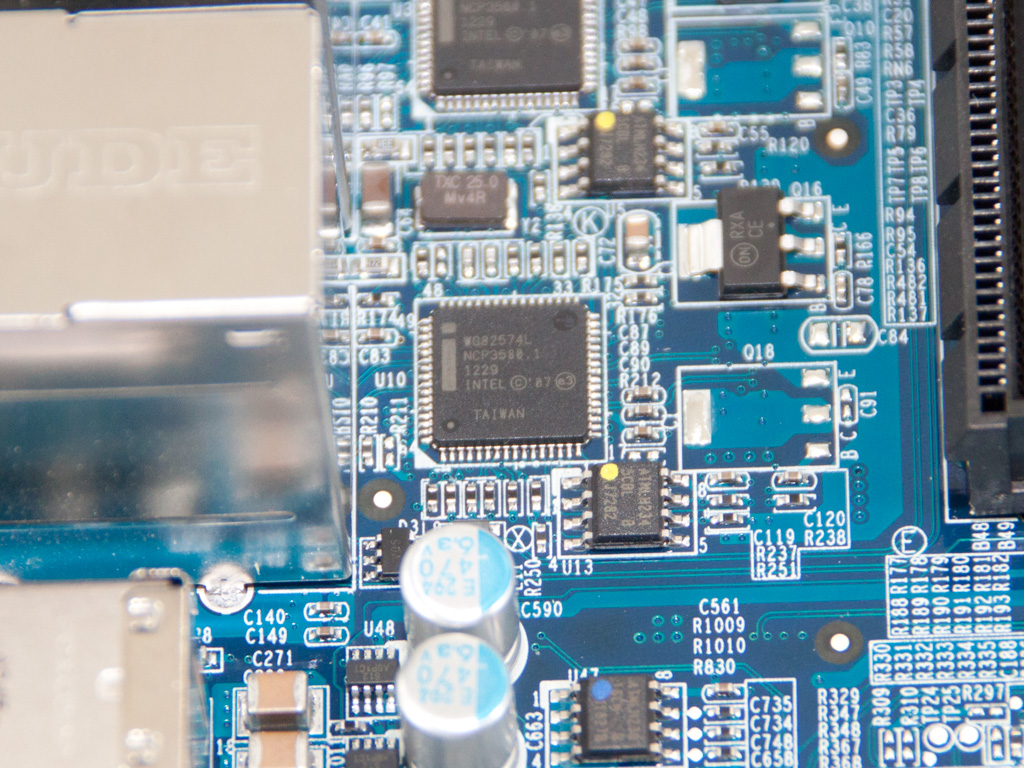
The two NICs are controlled by two Intel WG82574L Gigabit Ethernet controllers.
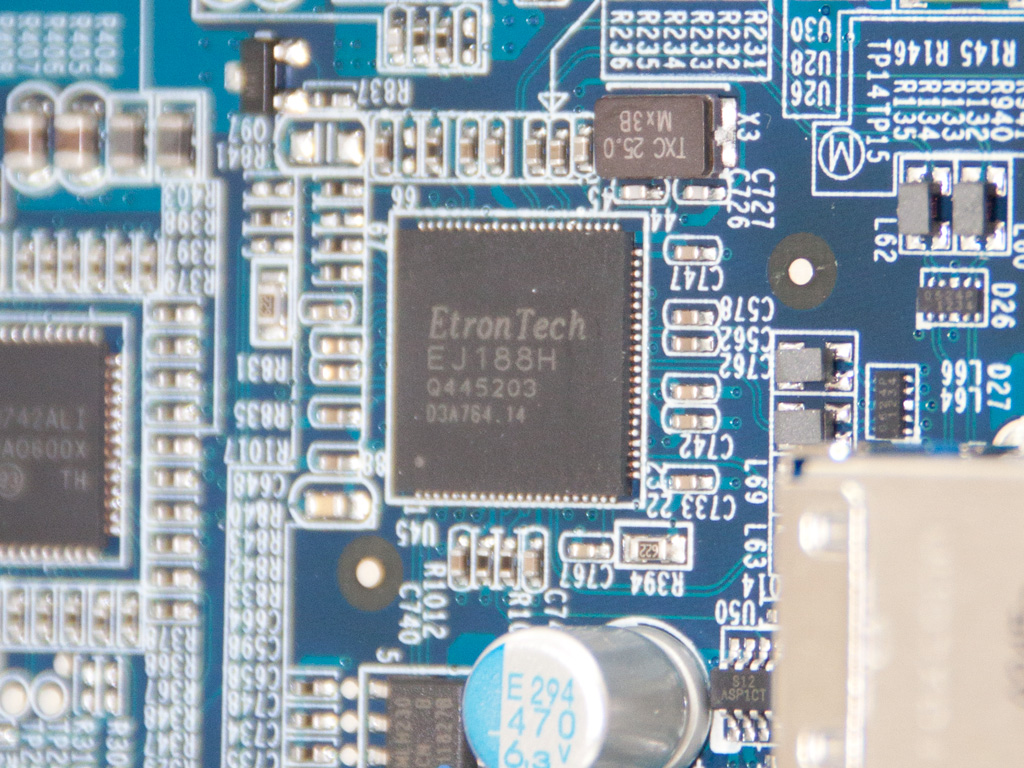
The USB 3.0 Host Controller is an Etron EJ188.
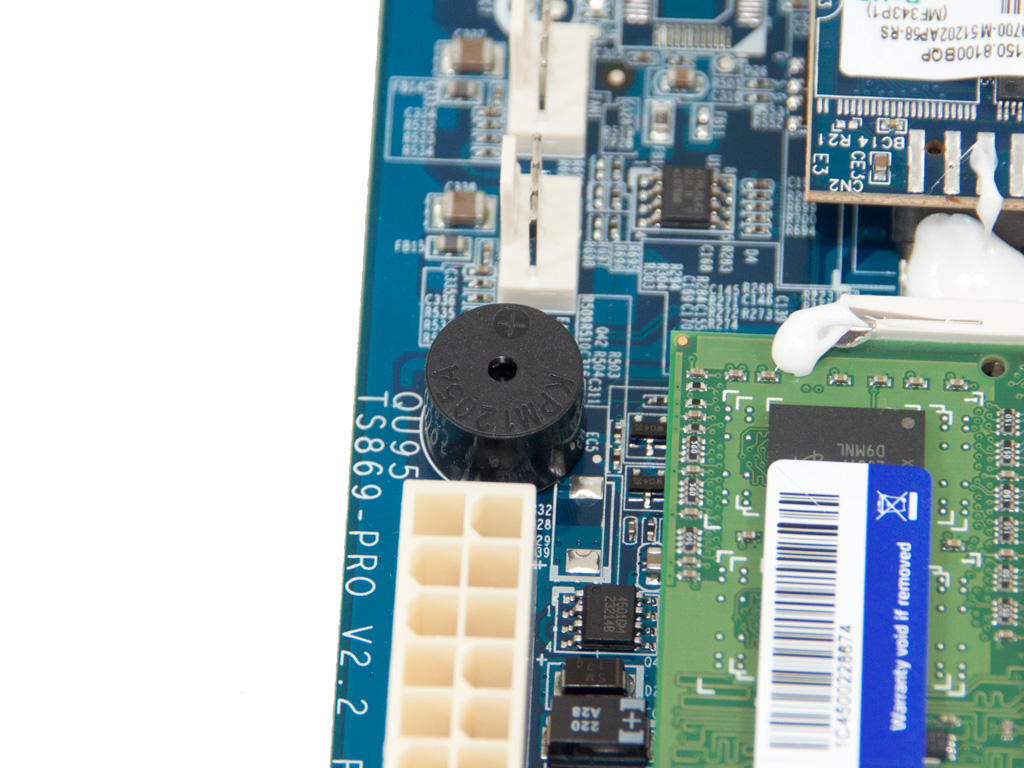
The buzzer of the mainboard.
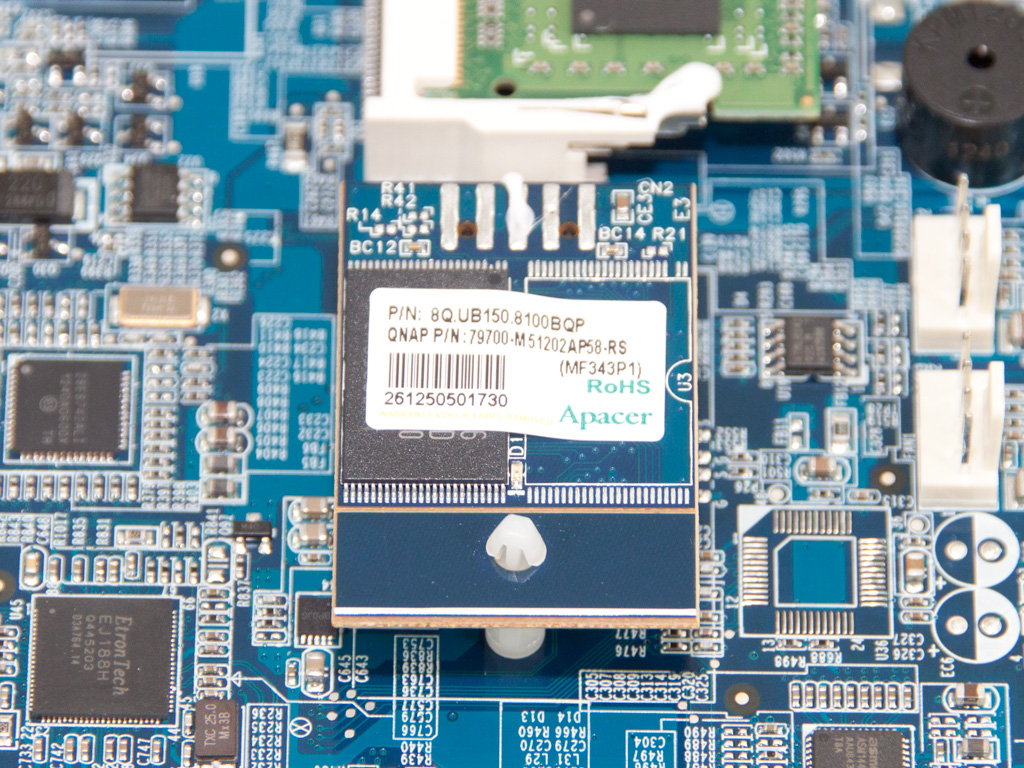
The 512MB flash memory on the NAS is provided by Apacer.
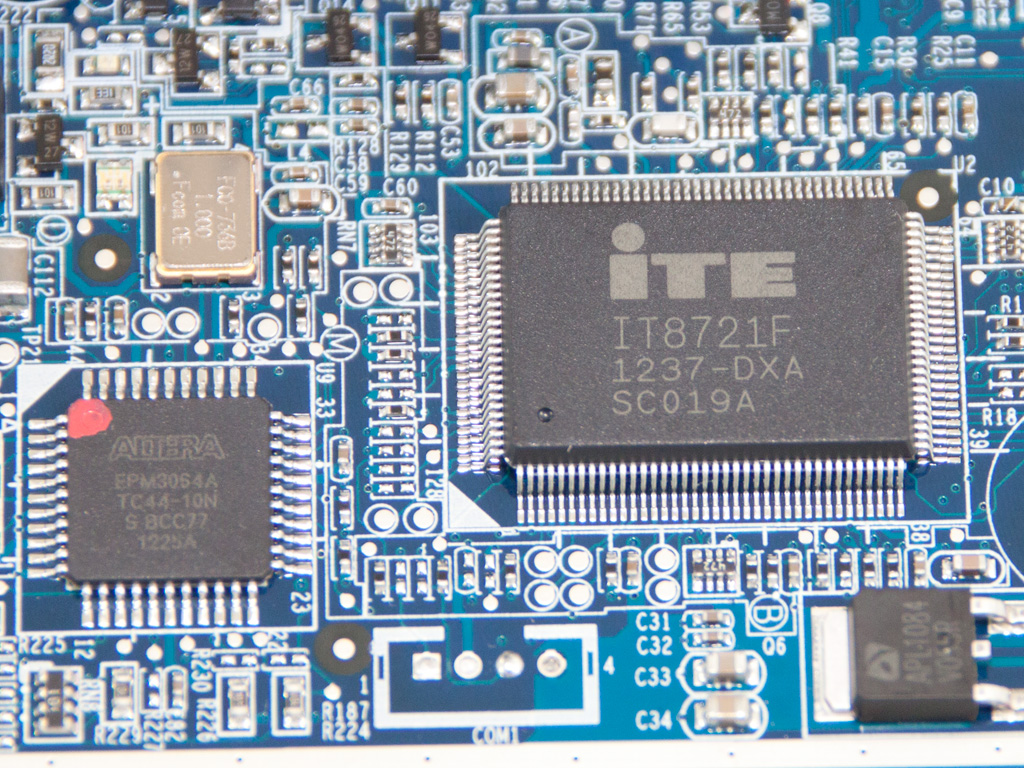
The monitoring IC is an ITE ΙΤ8721F (on the right). Next to it resides the EEPROM IC; it is an Altera EPM3054A.
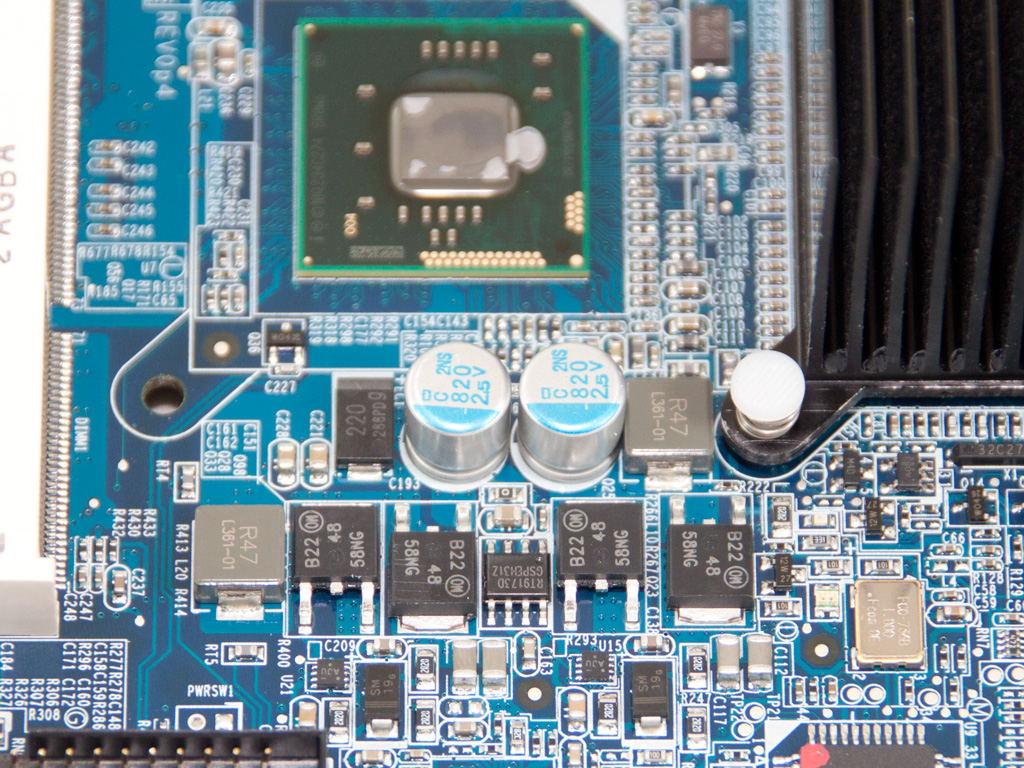
The CPU is powered by a two-phase VRM (Voltage Regulation Module)—easy to figure out given there are two SMD chokes.
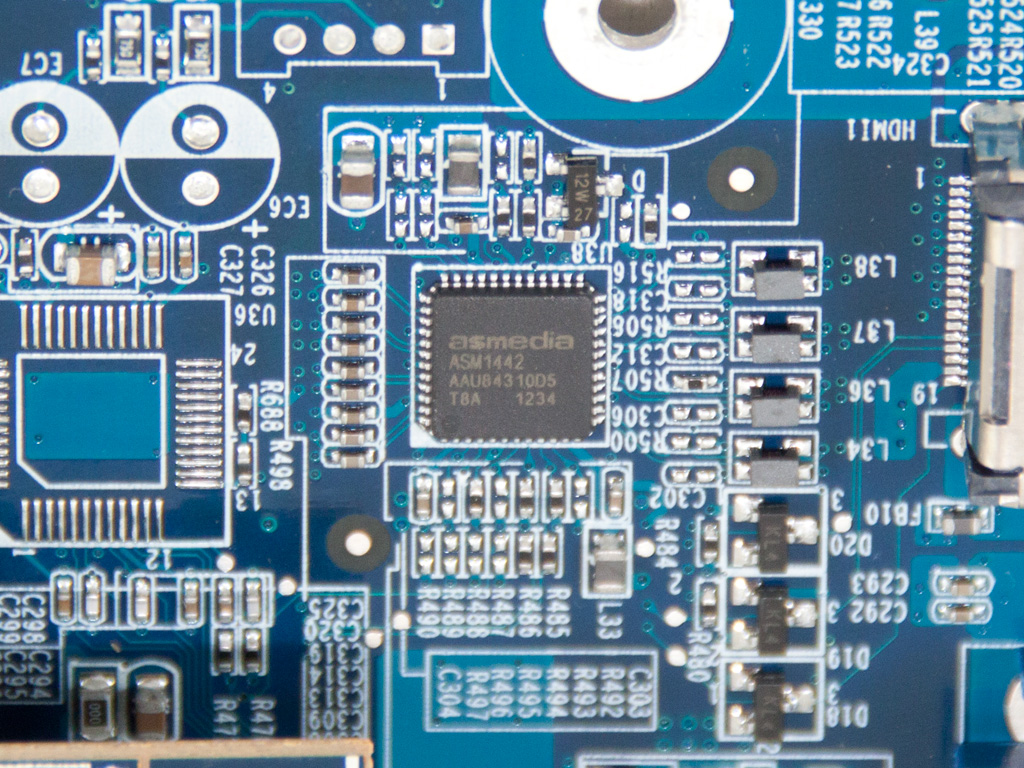
An Asmedia ASM1442 controls the HDMI port that is fully exploited by HD Station.
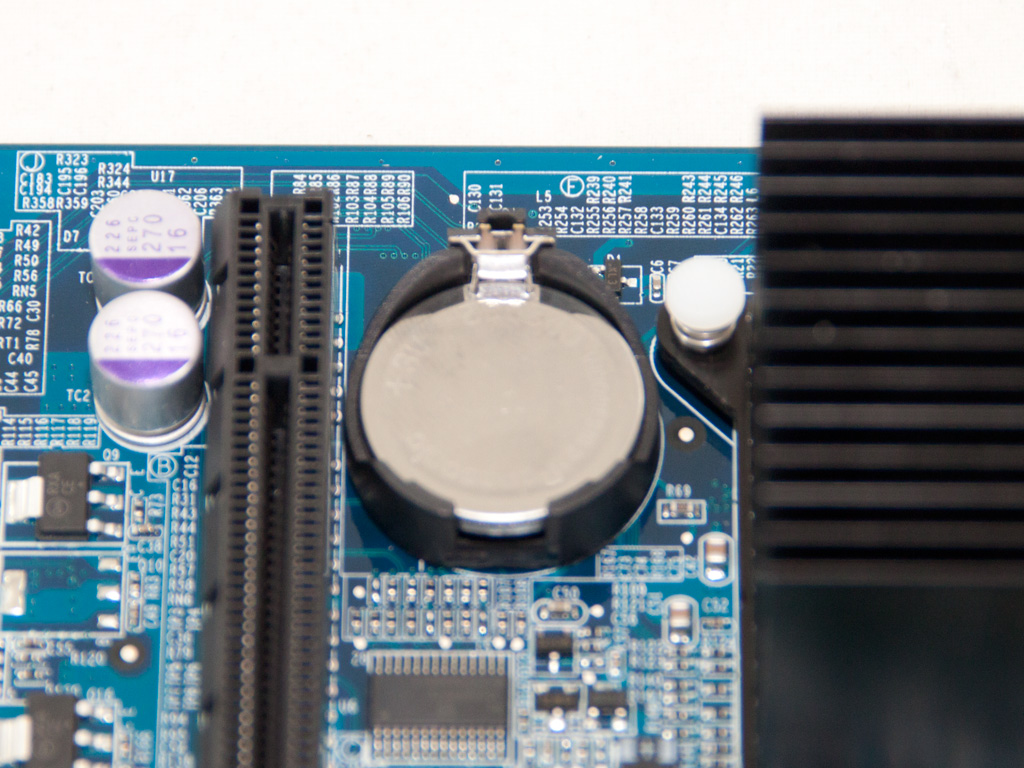
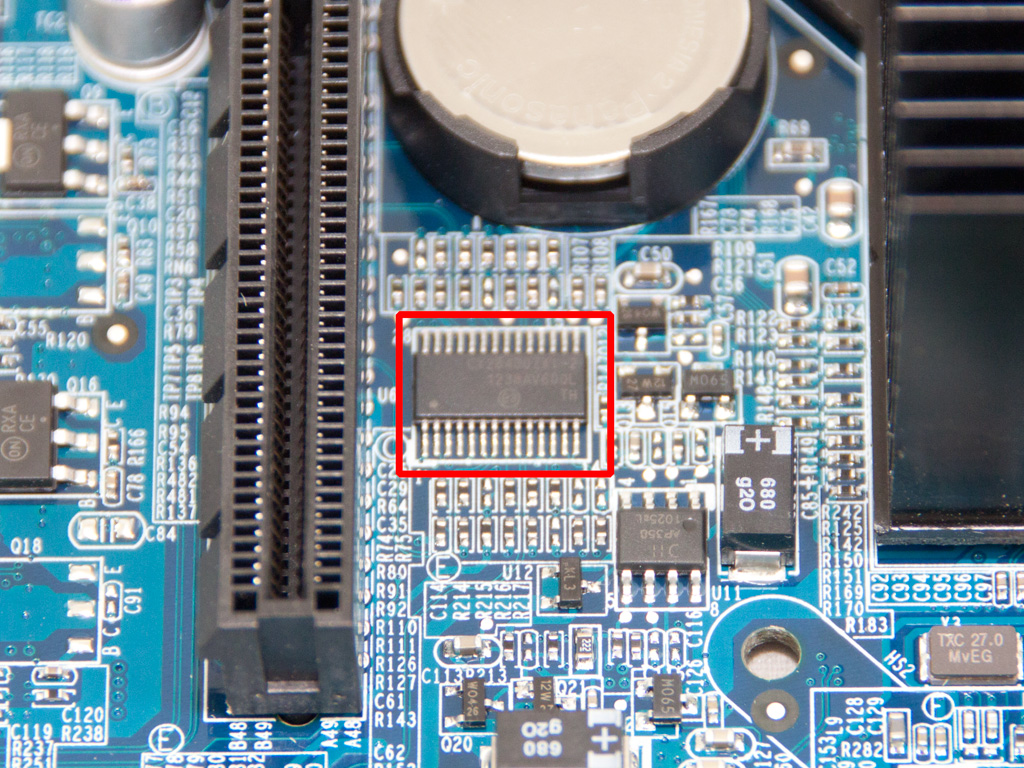
The single PCIe slot and the battery of the mainboard. We also found a CY28400ZXI-2 IC here; it is the differential buffer for PCIe and SATA ports next to the battery.
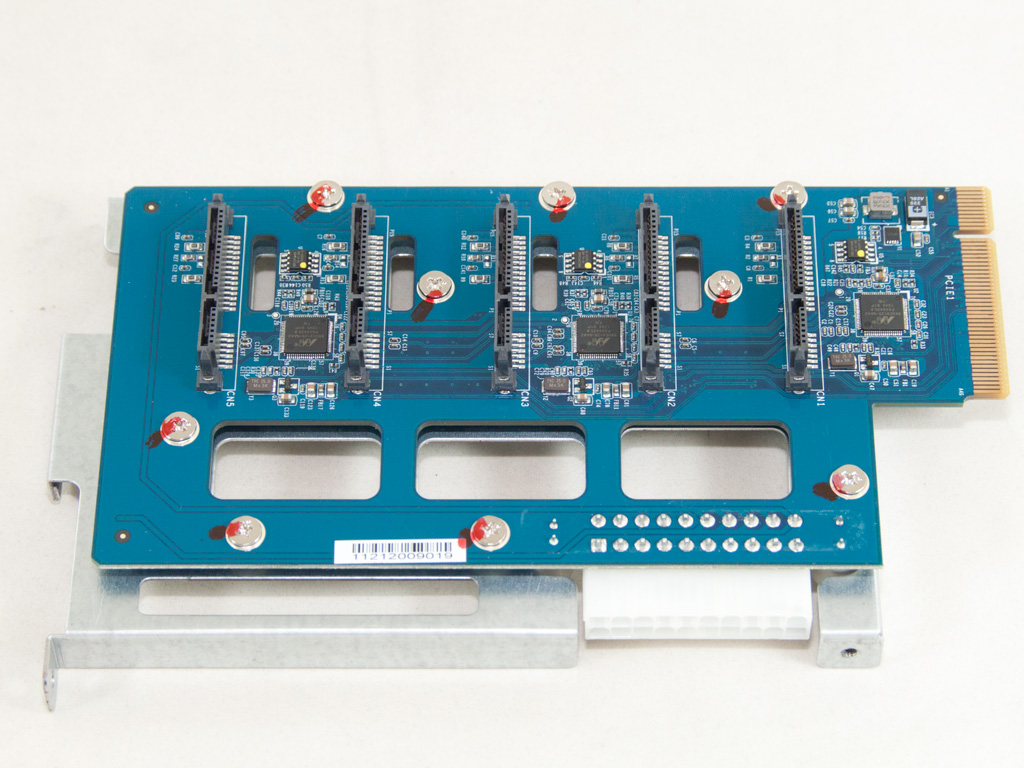

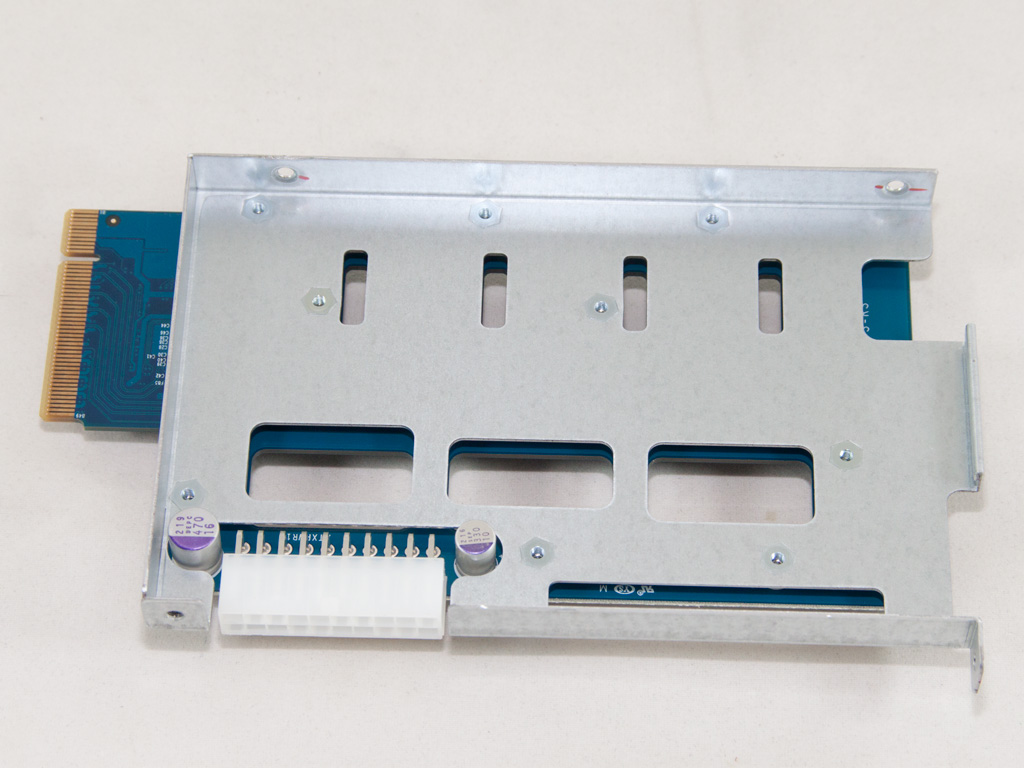
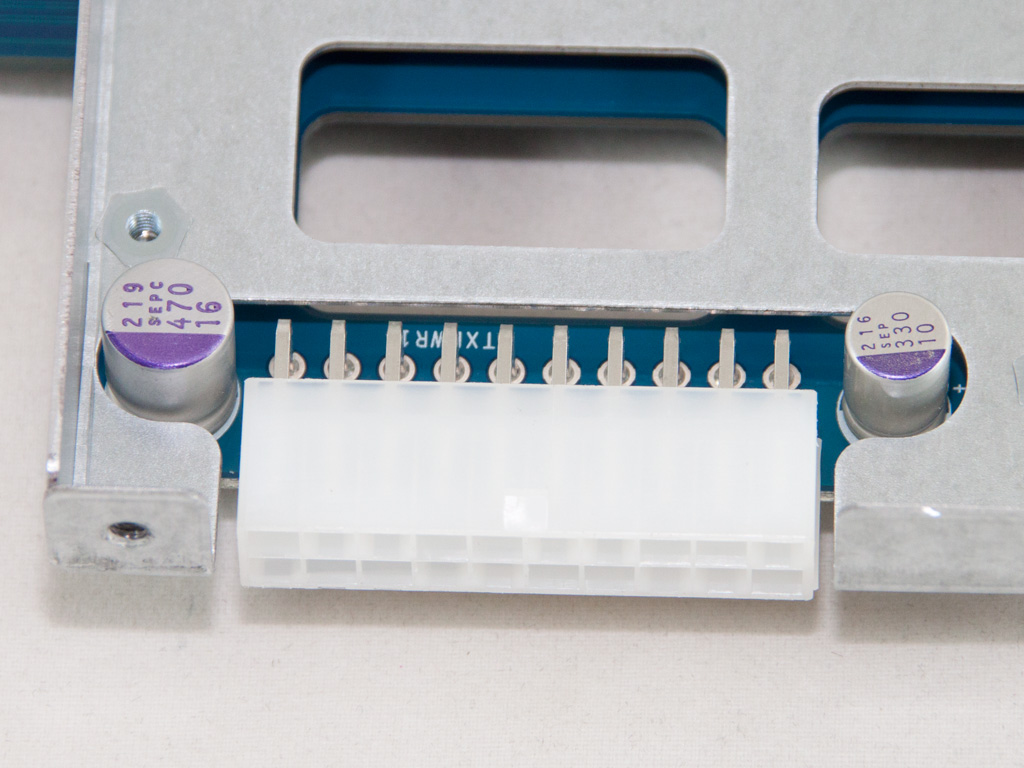
The PCIe expansion card that holds all SATA ports is directly powered by the PSU through a 20-pin connector. Three Marvell 88SE9125 controllers are also installed on this card. The aforementioned are compatible with the SATA 6 GB/s protocol. We spotted two SANYO (OS-CON) polymer caps on the rear side of this card.
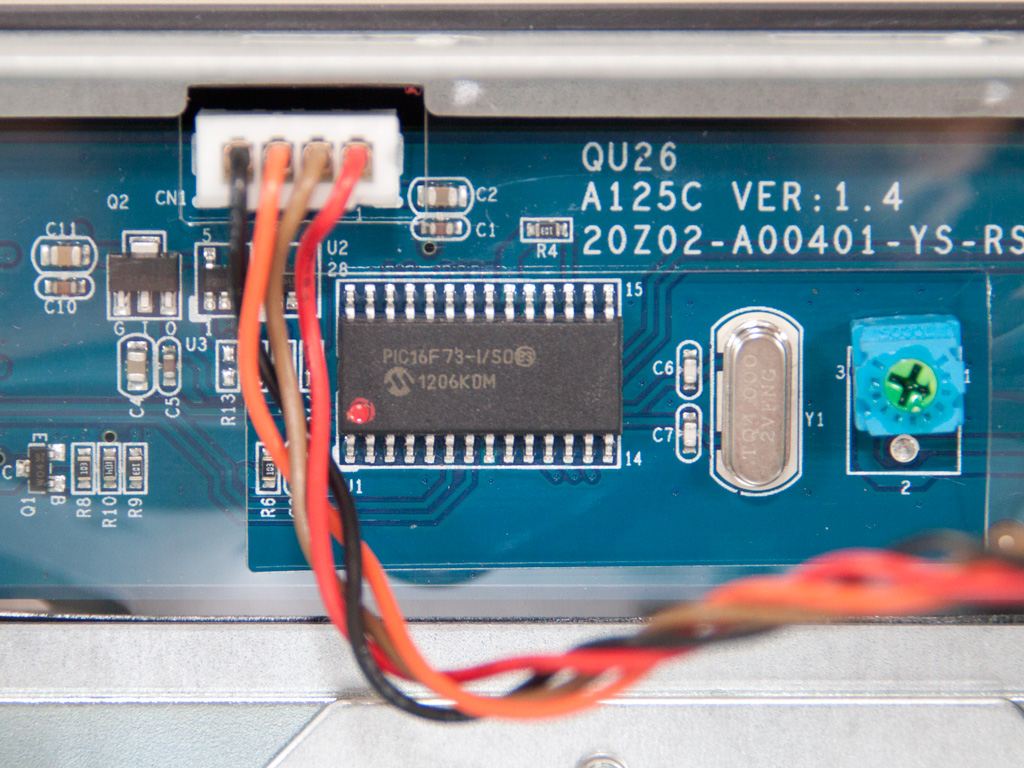
The functions of the LCD screen are handled by a Microchip PIC16F73 8-bit microcontroller.
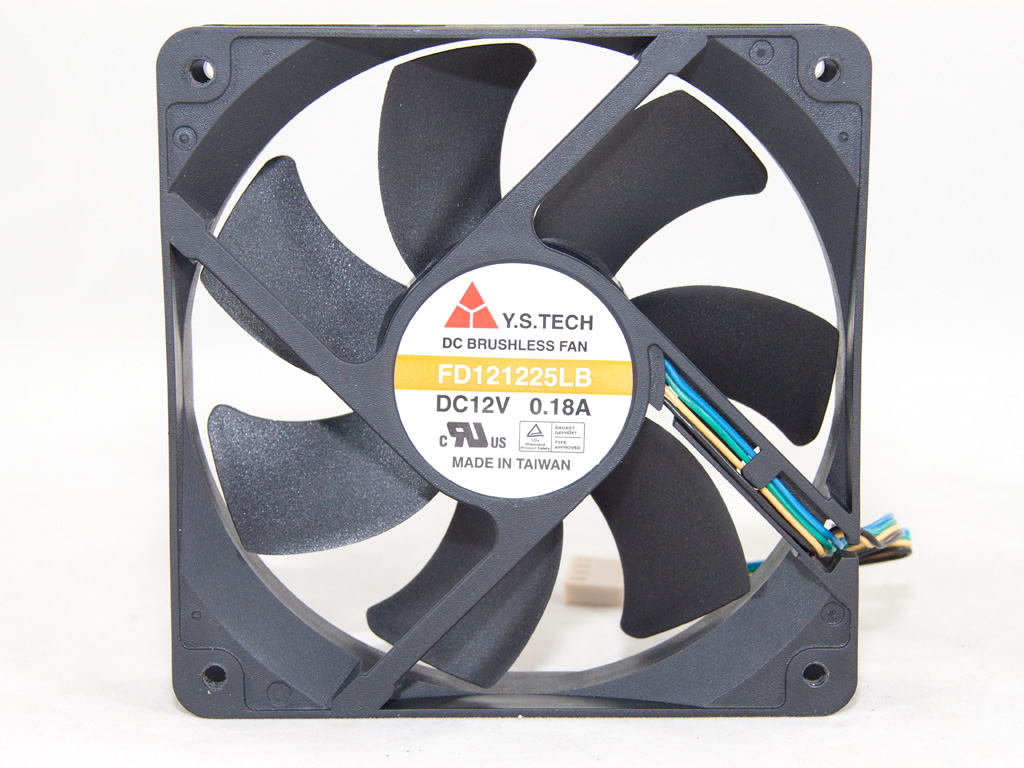
The 120 mm cooling fan is provided by Y.S. Tech. Its model number is FD121225LB (120 mm, 12 V, 0.18 A, 1800 RPM, 73 CFM, 34 dBA, and 80000 MTBF). It uses ball-bearings and will, as such, last fairly long; definitely much longer than one with sleeve bearings.
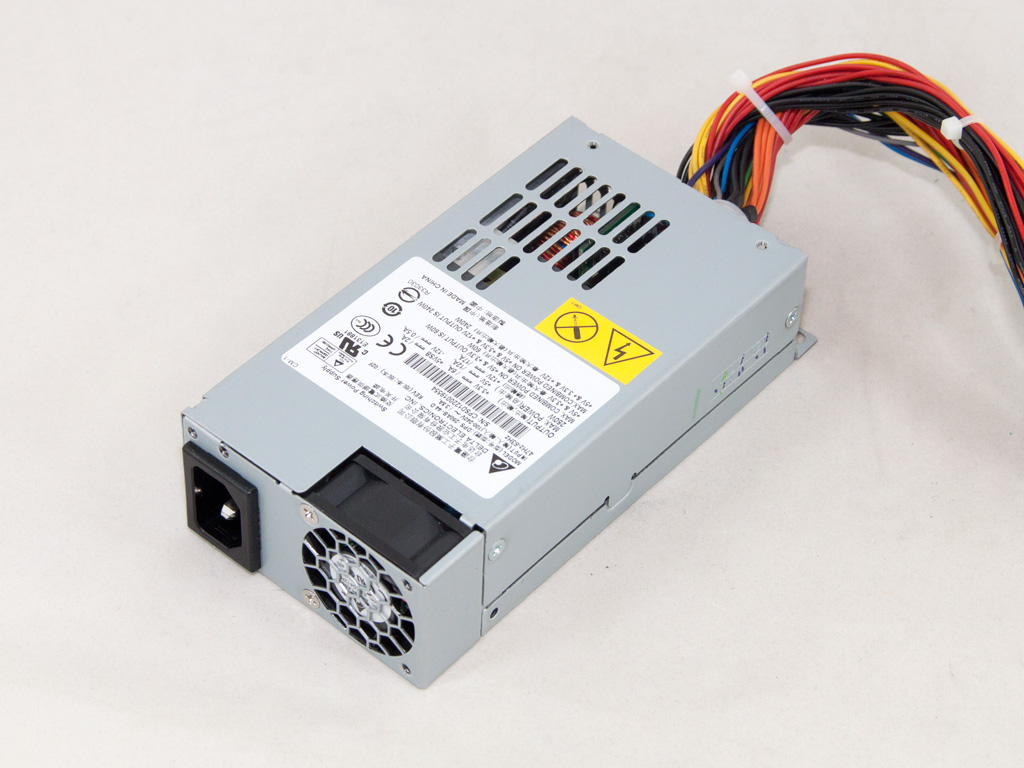

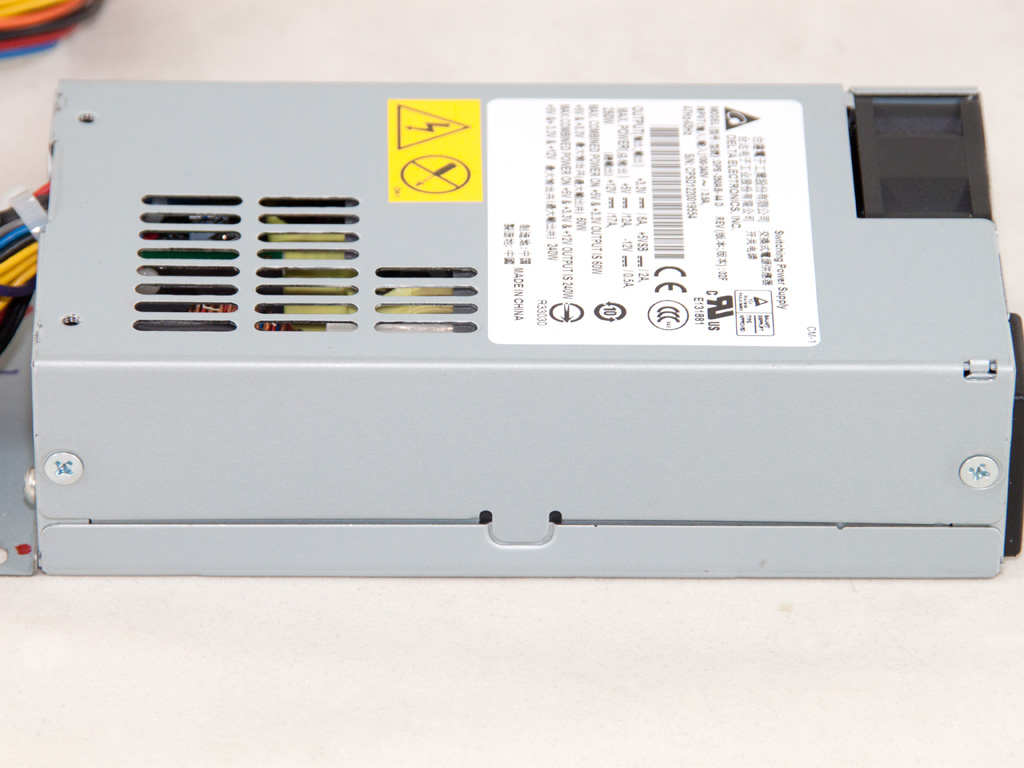
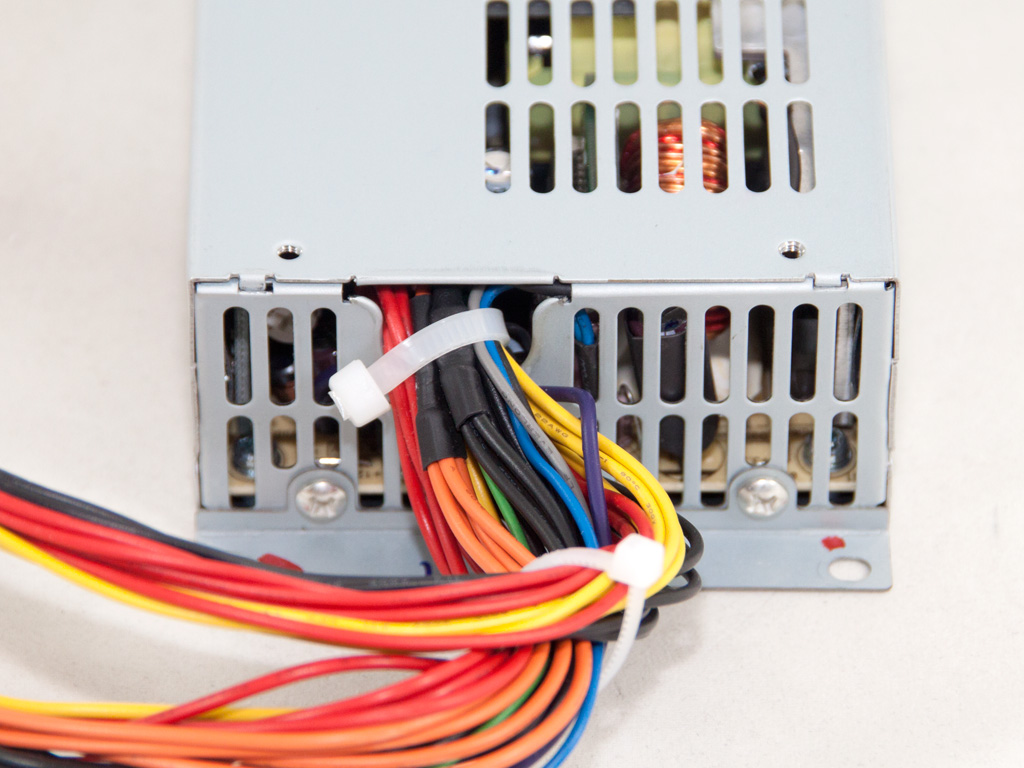
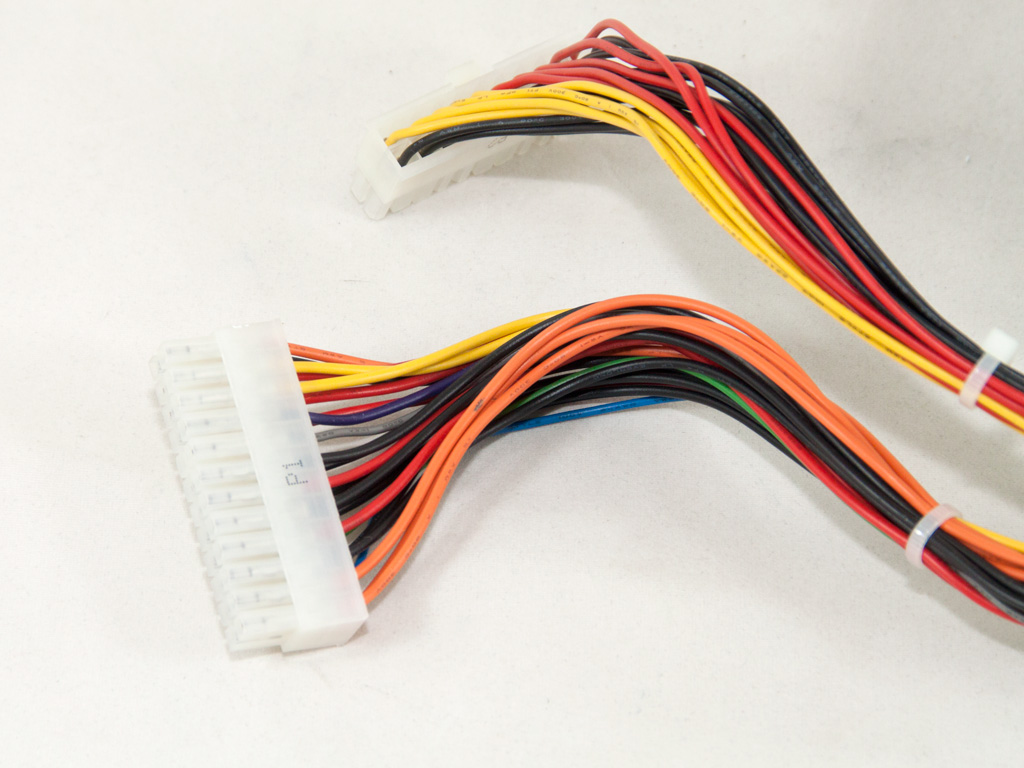
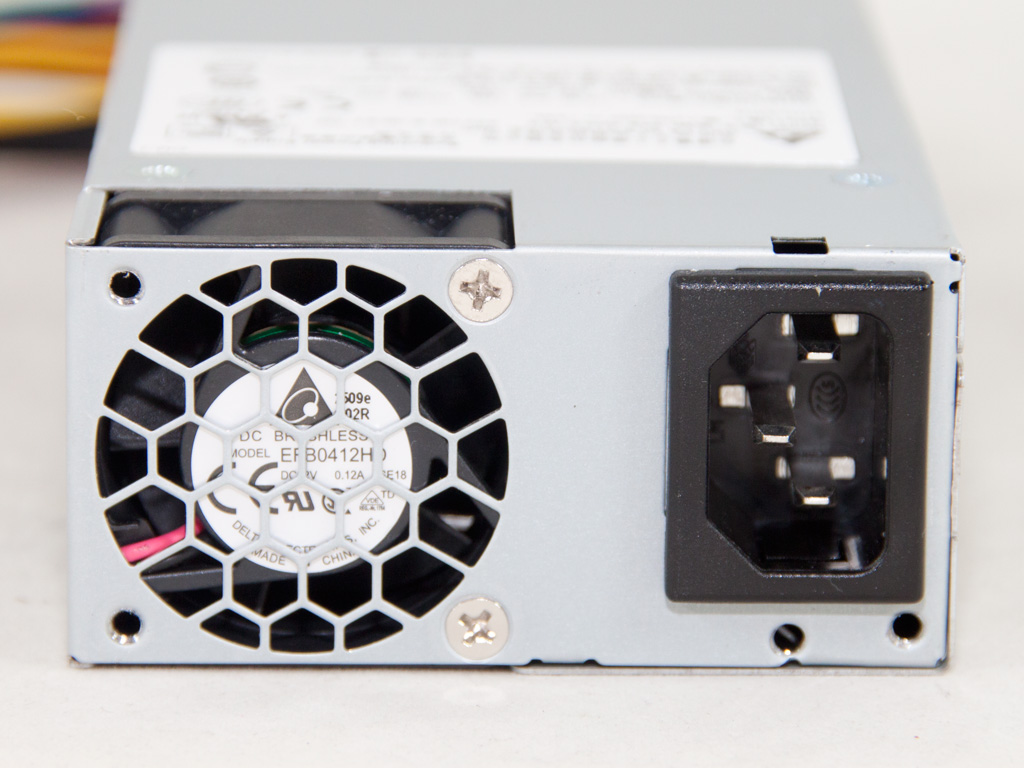
The SFF PSU that powers the NAS is manufactured by the famous PSU OEM Delta Electronics, one of the best in this area, with highly reliable and extremely well-performing products. Its model number is DPS-250AB, and it can deliver up to 250W of power (17 A max at +12V), which is more than enough for the needs of this NAS. According to the 80 PLUS organization, this PSU meets the 80 PLUS requirements. Finally, the small 40 mm fan it uses is very quiet; its output noise is totally overpowered by the noise of the 120 mm fan that cools down the NAS.
Our Patreon Silver Supporters can read articles in single-page format.
Nov 21st, 2026 05:45 PST
change timezone
Latest GPU Drivers
New Forum Posts
- UPS what one to get? (2)
- Honestly, do you care about GTA VI? (220)
- Anthrophics IPO (31)
- Without Jensen, PC gaming will be (53)
- WarpCoreBench scores! (88)
- What's your latest tech Freebie? (86)
- TPU's Nostalgic Hardware Club (22179)
- [Poll] 12V-2x6 Connector Protection: What Are You Using? (WireView / Ampinel / Equalizer / Other / Nothing) (50)
- RX 9000 series GPU Owners Club (2252)
- Windows 11 General Discussion (7743)
Popular Reviews
- Microsoft Surface Laptop Ultra Review - The Next-gen Arm Laptop
- Ugreen NASync DXP4800 GT Review
- Corsair RM1200e (Second Generation) Review
- Pulsar Office Tour & First Look at P1 Dual-Sensor Mouse
- Upcoming Hardware Launches 2027 (Updated Nov 2026)
- Acemagic Retro X3 Review
- Biwin Black Opal NV7400 2 TB Review
- AMD Ryzen 7 9800X3D Review - The Best Gaming Processor
- AMD Zen 6 Technical Deep Dive
- Chieftec Iceberg PRO 360 DARK Review
TPU on YouTube
Controversial News Posts
- NVIDIA Co-Founder and CEO Jensen Huang Officially Resigns (491)
- Report: Jensen Huang Eyes NVIDIA Comeback (258)
- Open Letter Asking NVIDIA to Reinstate Jensen Huang Passes 115,000 Signatures (184)
- OpenAI CEO Argues Home PCs Waste the World's Limited DRAM Supply (152)
- NVIDIA Launches Investigation Into Jensen Huang's Relationship With Suspected Chinese Spy (136)
- Intel "Raptor Lake Next" 16-Core and 20-Core CPUs Surface (130)
- Legendary Game Studio BioWare Shuts Down Following EA Layoffs (104)
- NVIDIA GeForce RTX 50-Series Scheduled for up to $500 Price Hike This Week (89)