 1
Quick Look: CHOETECH HUB-M20 11-in-1 Docking Station
(1 Comment) »Introduction

I would like to thank Choetech for supplying the sample.

Over the last few years, the market for USB-C-based docking stations has exploded because of Apple's decision to offer notebooks exclusively with two or four Thunderbolt ports, and thus USB-C compatible ones. You can find plenty of niche and even some major brands with these products. These range from simple dongles with a few ports to stand-alone units which take up their own space on your desktop. The Choetech HUB-M20 tries to walk the golden middle by offering lots of ports in a form factor that is both useful and space-saving.
Packaging and Contents


Unlike many brands focusing on Amazon as a primary means to sell their product, Choetech ships the HUB-M20 in a full-color cardboard box with an image of the device on front and a well-designed rear listing all the ports you will get, along with specifications. There is also a QR code that can be revealed to figure out if this is a genuine Choetech product.
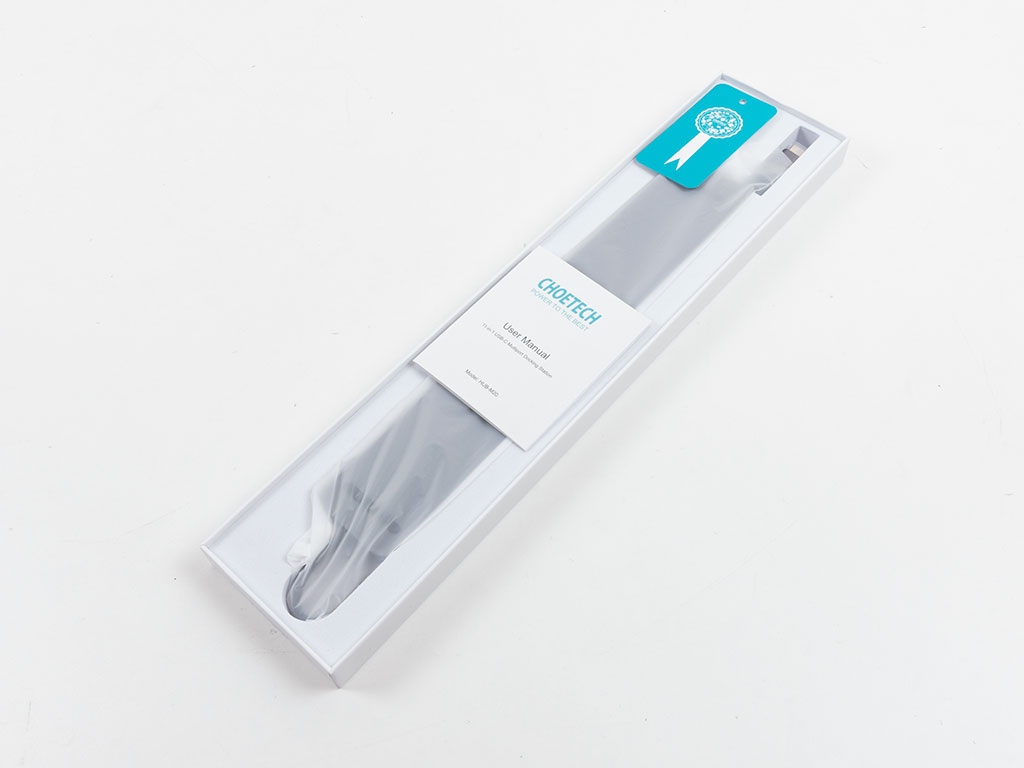

The unit comes neatly packaged in a foam cutout and a plastic bag to protect it further. A tiny manual and little marketing pamphlet to join their Facebook Group VIP member completes what is included. On an interesting note, the HUB-M20 comes with a 18-month warranty, which is more than the usual 12 months most brands in the space offer, even if it is a bit of an odd number.
A Closer Look and Use


The housing of the Choetech HUB-M20 is made out of dark gray aluminium and comes with rubber pads on both sides. (Editor's Note: Choetech markets the pads on their product page as "The front and back anti-skid belt computers are as stable as Thailand mountain," which I enjoyed reading). The housing tapers down towards the front so that your notebook may sit on it comfortably as well, with both ends capped off with sturdy plastic covers.

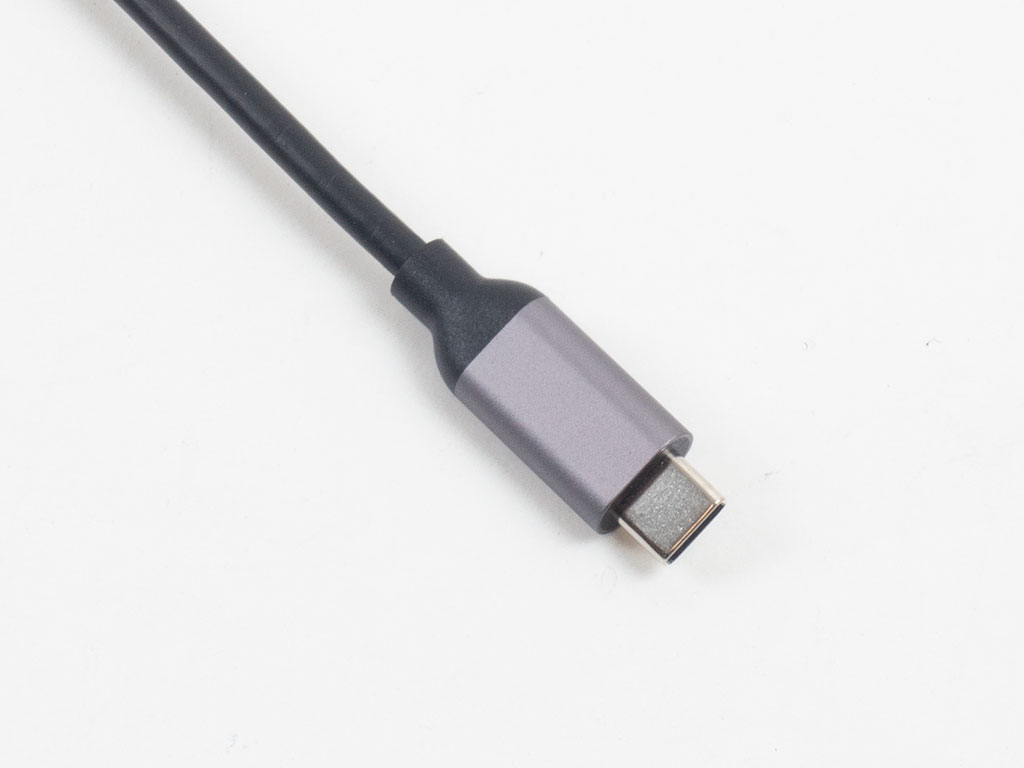
On top of that, the USB-C cable can be secured into a channel on the thinner side, which should make it quite handy for traveling. A classic silver USB-C connector can be found at the end of that lead, with a bit of protective plastic around the joint.

The HUB-M20 comes with a very nice mix of 11 connectors and ports. From left to right these are an audio-out, Gigabit Ethernet, SD and Micro SD slots, USB 3.0 Type-C, three Type-A USB 3.0 ports, a 4K capable HDMI out, a legacy VGA output, and the 100 W PD capable charging port at the very end. The USB ports are unfortunately 5 Gbps 3.0 variants, including the USB-C one; other offerings give you at least USB 3.1, 10 Gbps for that newer port type. The HDMI output fortunately can manage 4K, but only at up to 30 Hz.

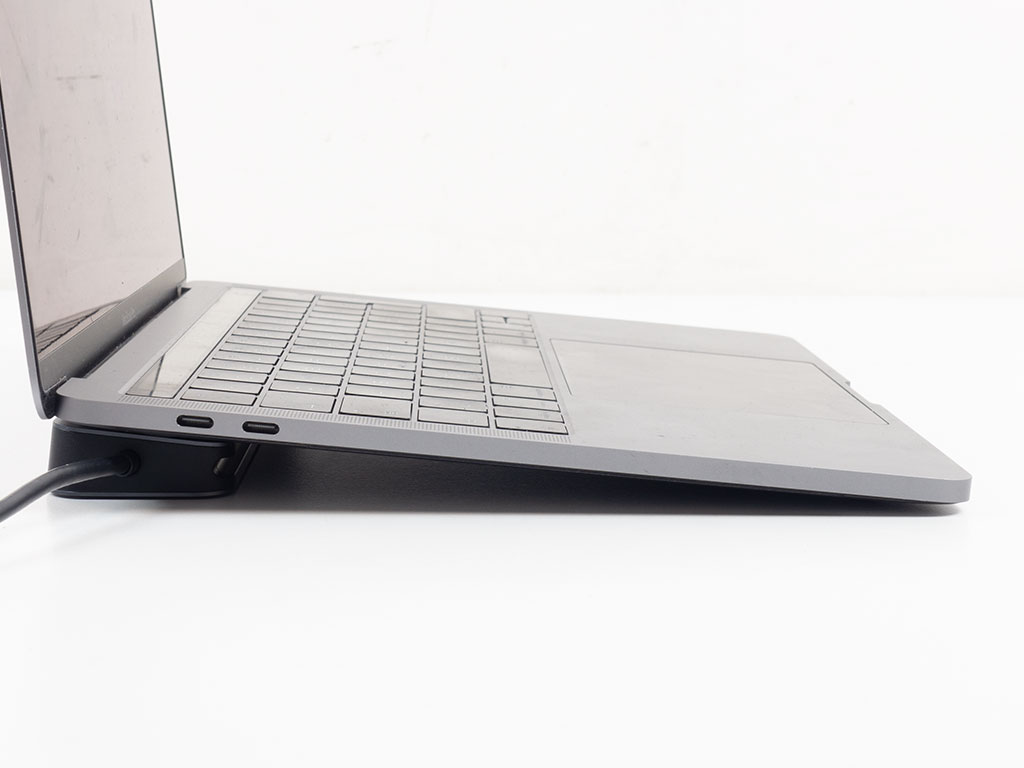
Setting the 2017 era, a 13" MacBook Pro on the Choetech HUB-M20 is actually quite nice, as the dock is noticeably smaller than the notebook itself. The color of the aluminium housing does not match that of the dark gray MacBook Pro exactly, but that is quite the common issue with USB-C dongles and docks out there. The laptop is raised nicely, which should make typing on it a lot easier as well.
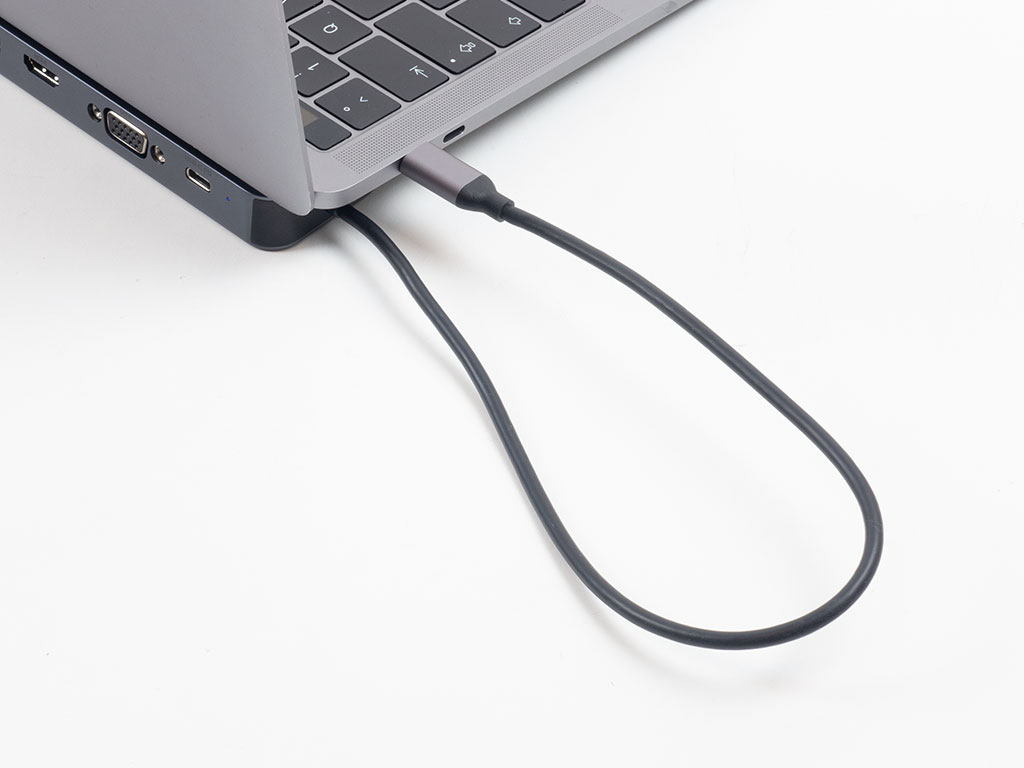

Cable length is a bit counter-productive in this setup, as it is too long for the port on the left, yet too short to run along its trench to plug in on the right of the 13" notebook. That said, those who want to place the dock somewhere more accessible will welcome the longer cable. A white power LED lights up as soon as the Choetech HUB-M20 is plugged into the notebook to let you know the data juices are flowing.
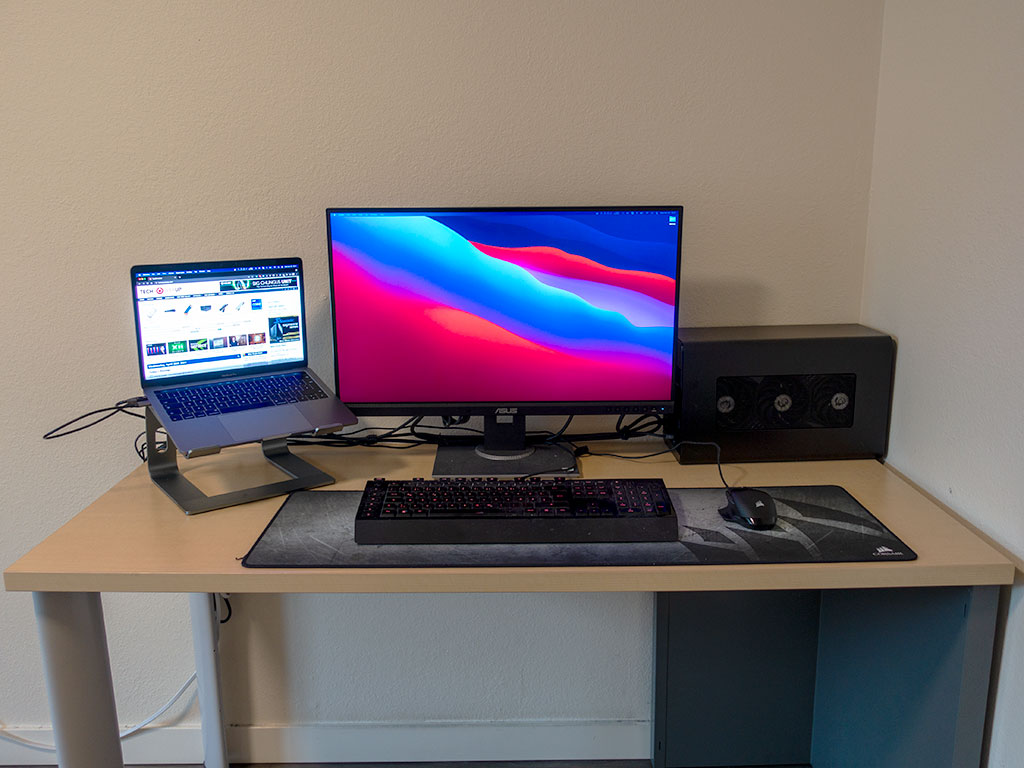
On my desk, I placed the Choetech HUB-M20 underneath the MacBook Pro, sandwiching it between the laptop and stand. This raises the keyboard nicely to where I am able to type on it much easier if trying to reach some of the Apple-specific buttons, for example. Also, thanks to the format, all my cables are hidden out of sight. As you can see, I have lots of cables running across the back edge of the desk, and an external GPU as part of the setup as well.
Our Patreon Silver Supporters can read articles in single-page format.
Nov 22nd, 2026 18:25 CST
change timezone
Latest GPU Drivers
New Forum Posts
- Increasing Power Limit? (5)
- What are you playing? (26240)
- UPS what one to get? (48)
- Honestly, do you care about GTA VI? (265)
- Your PC ATM (36458)
- Gacha Games - Discussions, Pulls, Updates, etc. (1157)
- Last game you purchased? (1414)
- Making a game in Godot engine (19)
- Intel D270 (5)
- X870E AORUS ELITE WIFI7 thread with setting and OC (69)
Popular Reviews
- Microsoft Surface Laptop Ultra Review - The Next-gen Arm Laptop
- Corsair RM1200e (Second Generation) Review
- Upcoming Hardware Launches 2027 (Updated Nov 2026)
- Pulsar Office Tour & First Look at P1 Dual-Sensor Mouse
- Ugreen NASync DXP4800 GT Review
- AMD Ryzen 7 9800X3D Review - The Best Gaming Processor
- AMD Zen 6 Technical Deep Dive
- AMD Ryzen 7 5800X3D 10th Anniversary Review
- Phantom Blade Zero Performance Benchmark Review - 35 GPUs Tested
- Biwin Black Opal NV7400 2 TB Review
TPU on YouTube
Controversial News Posts
- NVIDIA Co-Founder and CEO Jensen Huang Officially Resigns (492)
- Report: Jensen Huang Eyes NVIDIA Comeback (266)
- Open Letter Asking NVIDIA to Reinstate Jensen Huang Passes 115,000 Signatures (184)
- OpenAI CEO Argues Home PCs Waste the World's Limited DRAM Supply (152)
- NVIDIA Launches Investigation Into Jensen Huang's Relationship With Suspected Chinese Spy (136)
- Intel "Raptor Lake Next" 16-Core and 20-Core CPUs Surface (130)
- NVIDIA GeForce RTX 50-Series Scheduled for up to $500 Price Hike This Week (89)
- Intel Razor Lake Gets a 12 P-Core bLLC Chip With No E-Cores, Per Leak (86)