 3
Quick Look: Desklab 4K Touchscreen Portable Monitor
(3 Comments) »
I would like to thank Desklab for supplying the review sample.

Desklab is a boutique brand with a single product: the 15.6 inch Desklab 4K Touchscreen Portable Monitor. Several accessories for the screen and the environment it would be used in are offered for purchase by the brand as well. There are several niche brands out there that offer portable monitors, but most max out at 1080p as 4K would need more power, which very few host devices can provide on their own. While Desklab advertises the screen at an MSRP of $700, it is essentially permanently discounted to a much more realistic $399. This is certainly a premium over other displays out there, but let's take a quick look at the Desklab 4K Touchscreen Portable Monitor to see how it stacks up.
Packaging and Contents
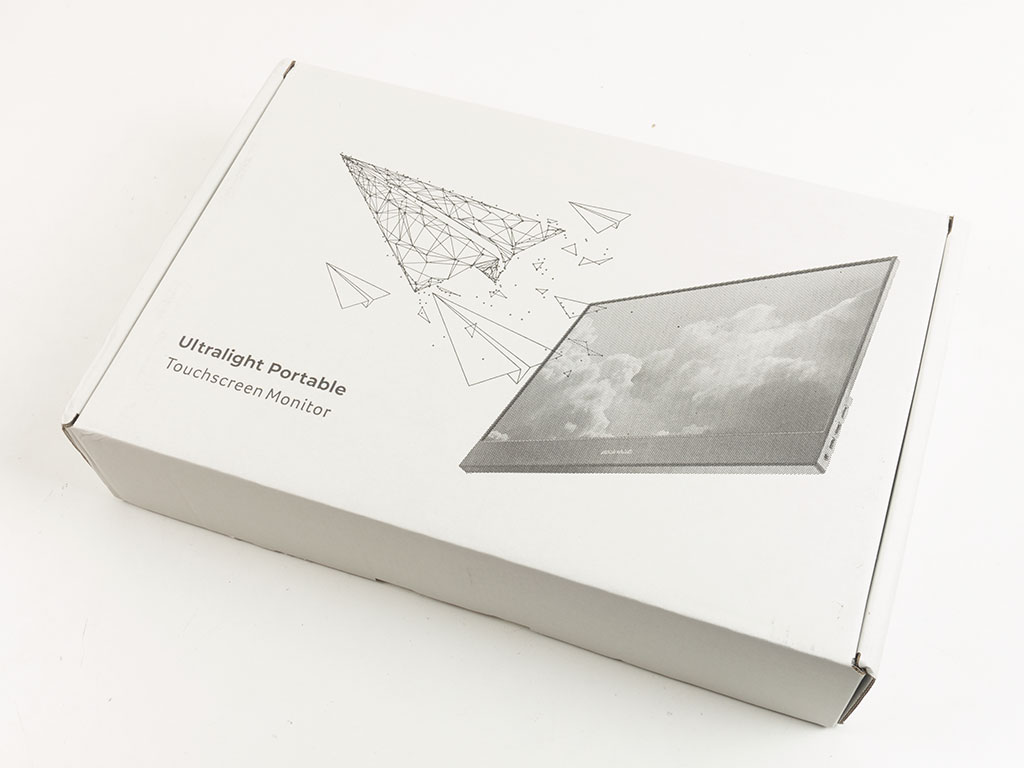
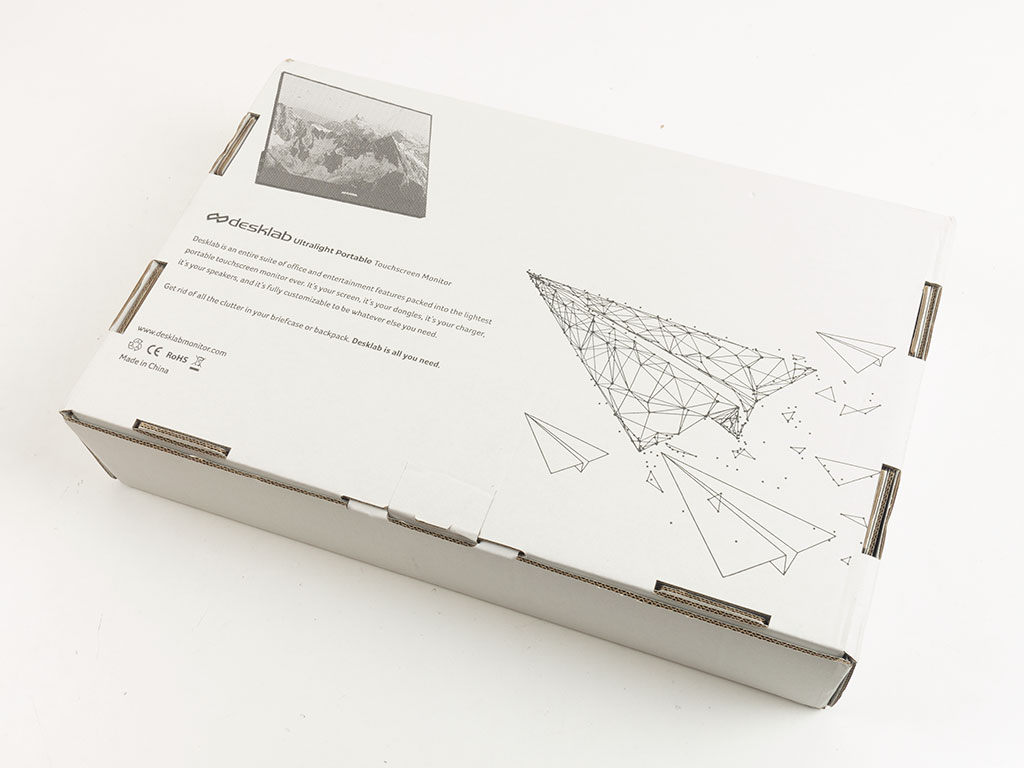
You will receive the unit in its own white cardboard box. Both major panels have a bit of imagery and some marketing text. There is no UPC code or set of specifications. Thus, odds are it will be difficult to find the product in online or retail stores. Instead, the sole source will most likely be the Desklab website itself.


On the inside, the top foam tray holds the screen in place securely. Underneath the screen is another tray with all the accessories.


You will get an HDMI to mini-HDMI cable, USB-C lead, and USB-C equipped power supply. The latter is a nice touch other brands forego, and its inclusion is rather important for this 4K monitor. It will successfully run at 1080p on a 2 A power source, but Desklab advises users that the display requires 4 A at 4K, which is something most host devices cannot offer. Naturally, the compact power supply delivers just that: 4 A at 5 V.


On top of that, you will find a fairly detailed and well written manual in the box. Desklab also sent us the cover/stand for the screen, which is a $50 accessory. This is quite the hefty price to pay for something so important to the core functionality of the portable display. In other words, you really need to budget $449 for the Desklab 4K Touchscreen Portable Monitor as a complete product.
A Closer Look


The display is built very nicely, with a seamless full glass front. It is protected by a clear plastic layer out of the box as an added measure. The housing of the Desklab 4K Touchscreen Portable Monitor is made out of metal and sports a small company logo. This logo will actually be hidden when applying the cover, leaving you with just the one on the front.


Adding the protective layer is easily done, but it does take adhesive to hold in place, while other brands opt for strong magnets instead. The cover feels nice, but the material will most likely not put up with heavy-duty use over extended periods of time. Given the price point, it would have been nice to see a more versatile cover/stand with more folding creases and sturdier materials.
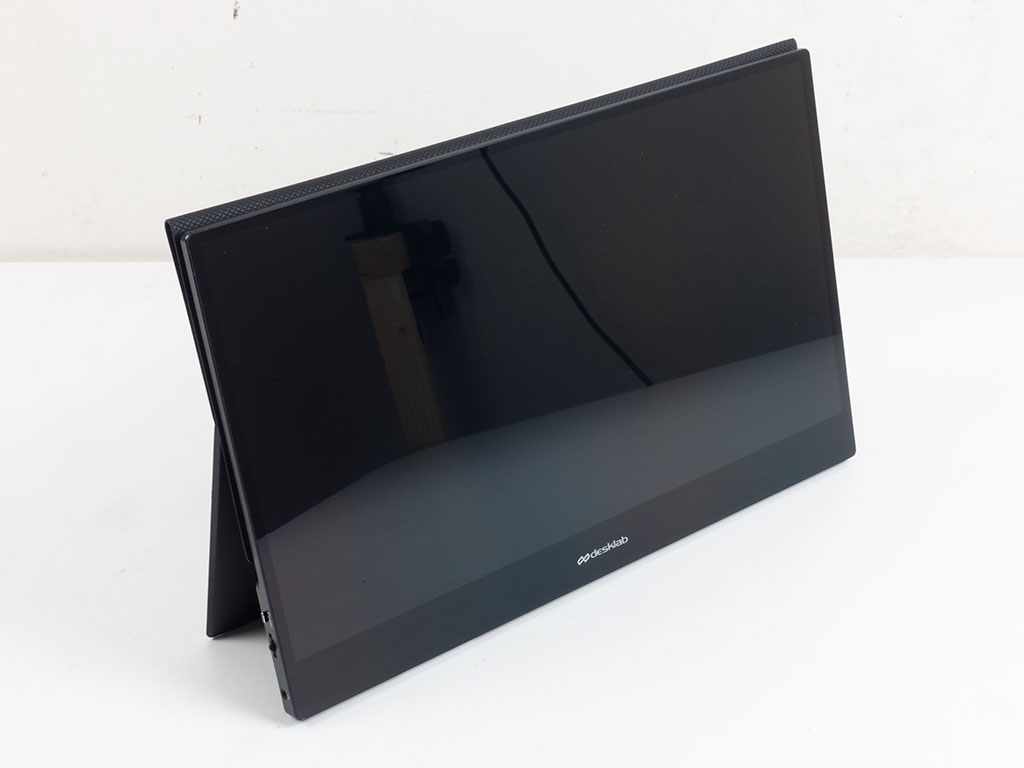

Once installed, the screen can be stood up on the cover because of the horizontal crease. It also has some embedded magnets to keep the top parts of the cover attached to each other for added stability. Overall, this works well, but the crease will eventually buckle under the weight of the monitor if you slide the stand toward the back too much.


In terms of the I/O, similar to most displays out there, the Desklab 4K Touchscreen Portable Monitor splits it between the two sides of the screen. On the left is a tangible power button and click wheel to navigate the onscreen menu. Below that is an audio jack output, so you may connect your headphones directly to the monitor. On the other side, you will find the mini-HDMI port, two USB-C plugs, and a micro-USB 2.0 connector. Both USB-C plugs may be used for either power out or data input. At the bottom edge are two rubber pads, which is a nice touch to keep the screen upright nicely, but another reminder that you really need the cover for the utmost portability. Two small speakers pipe out any audio.
Our Patreon Silver Supporters can read articles in single-page format.
Nov 22nd, 2026 12:31 CST
change timezone
Latest GPU Drivers
New Forum Posts
- UPS what one to get? (39)
- Honestly, do you care about GTA VI? (258)
- Throttlestop overclocking Desktop PCs (1590)
- Intel D270 (3)
- Your PC ATM (36454)
- Zen 3 IF/IMC degradation (246)
- Ryzen or Intel system (21)
- The TPU UK Clubhouse (27291)
- Can you guess Which game it is? (346)
- Making a game in Godot engine (17)
Popular Reviews
- Microsoft Surface Laptop Ultra Review - The Next-gen Arm Laptop
- Corsair RM1200e (Second Generation) Review
- Pulsar Office Tour & First Look at P1 Dual-Sensor Mouse
- Upcoming Hardware Launches 2027 (Updated Nov 2026)
- Ugreen NASync DXP4800 GT Review
- AMD Ryzen 7 9800X3D Review - The Best Gaming Processor
- Biwin Black Opal NV7400 2 TB Review
- AMD Zen 6 Technical Deep Dive
- Phantom Blade Zero Performance Benchmark Review - 35 GPUs Tested
- AMD Ryzen 7 5800X3D 10th Anniversary Review
TPU on YouTube
Controversial News Posts
- NVIDIA Co-Founder and CEO Jensen Huang Officially Resigns (492)
- Report: Jensen Huang Eyes NVIDIA Comeback (266)
- Open Letter Asking NVIDIA to Reinstate Jensen Huang Passes 115,000 Signatures (184)
- OpenAI CEO Argues Home PCs Waste the World's Limited DRAM Supply (152)
- NVIDIA Launches Investigation Into Jensen Huang's Relationship With Suspected Chinese Spy (136)
- Intel "Raptor Lake Next" 16-Core and 20-Core CPUs Surface (130)
- NVIDIA GeForce RTX 50-Series Scheduled for up to $500 Price Hike This Week (89)
- Intel Razor Lake Gets a 12 P-Core bLLC Chip With No E-Cores, Per Leak (86)