 0
Quick Look: Huion Kamvas 16 (Gen 3) Graphics Tablet
(0 Comments) »Introduction

Huion is a brand we have become more familiar with over the past year, especially since TechPowerUp has covered multiple of its pen display tablets that have all been commercially successful. In fact, since its launch in 2011, Huion has managed to carve out a sizable chunk of the digital ink devices market to itself, thanks to its wider assortment of products spread across pen tablets (no integrated display), display tablets, and even touch computers that come with a PC inside to run independently. These also come in various sizes and standard/pro versions too in some cases—although things have been blurry here as newer non-pro launches have offered features which compete strongly against the pro versions and other competing solutions in the market for a lower price. The Kamvas 13 (Gen 3) is a good example of this, and Huion says this has been one of its most popular products ever to where the Kamvas Pro 13 (2.5K) might be threatened.

Today we take a closer look at the brand new Huion Kamvas 16 (Gen 3), which ups the ante with an individually calibrated 15.8" 1440p panel with a new glass screen that promises a drawing experience closer to paper than before. It gets the same new features we first saw on the smaller Kamvas 12 (Gen 3) too, including a revised slimmer and more accurate pen, customizable dial controllers and side buttons, and even the nice tablet stand for those who prefer it. The Kamvas 16 (Gen 3) launches at CES, and I happened to have received a retail unit before launch to help bring you this quick look article. Thanks to Huion for providing a sample to TechPowerUp, and let's begin with a look at the product specifications in the table below. Please note that the product page is not out yet as of the date I write this review, so some of these specifications may be prone to changes before it is officially launched.
| Huion Kamvas 16 (Gen 3) Graphics Tablet | |
|---|---|
| Dimension: | 421 (L) x 237 (W) x 12.6 (H) mm |
| Weight: | 1.2 kg/2.65 lbs |
| Display Type: | IPS LCD, viewing angle 178° 89°/89°(H)/89°/89°(V), 2nd-gen anti-glare etched glass |
| Display Parameters: | 2560x1440 resolution, 60 Hz refresh rate, 220 nits max brightness, 1000:1 contrast ratio, 99% sRGB/90% Adobe RGB, 16.7 M colors. 25 ms response time |
| Inputs: | Fully-featured USB Type-C port, 3-in-1 USB Type-C port |
| Pen Parameters: | Battery free, 5080 LPI resolution |
| Pen Pressure: | 16,384 levels |
| Reading Height: | 10 mm |
| Extra keys: | 5 programmable press keys + 2 dials + 2 function-switch buttons |
| OS Support: | Windows 7 or later; Mac 10.12 or later; Linux, Android (USB3.1/DP1.2 or later) |
| Warranty: | One year (two years in EU) |
Packaging and Accessories


Having recently examined the Huion Kamvas 13 (gen 3), this product box for the newer Kamvas 16 (Gen 3) is quite familiar owing to a similar design. We get a thick two-piece cardboard box with the company logo and product name on the front along with a render of the tablet itself. There's not much else going on here, with QR codes eventually leading you to the downloads page and the brand's social media channels. Take off the lid and you will see a display calibration report for your specific unit, which is nice to see in a non-Pro model, and the tablet itself which comes inside a wax paper wrap to keep it pristine and dust-free. Underneath we find the various accessories included in two separate layers.


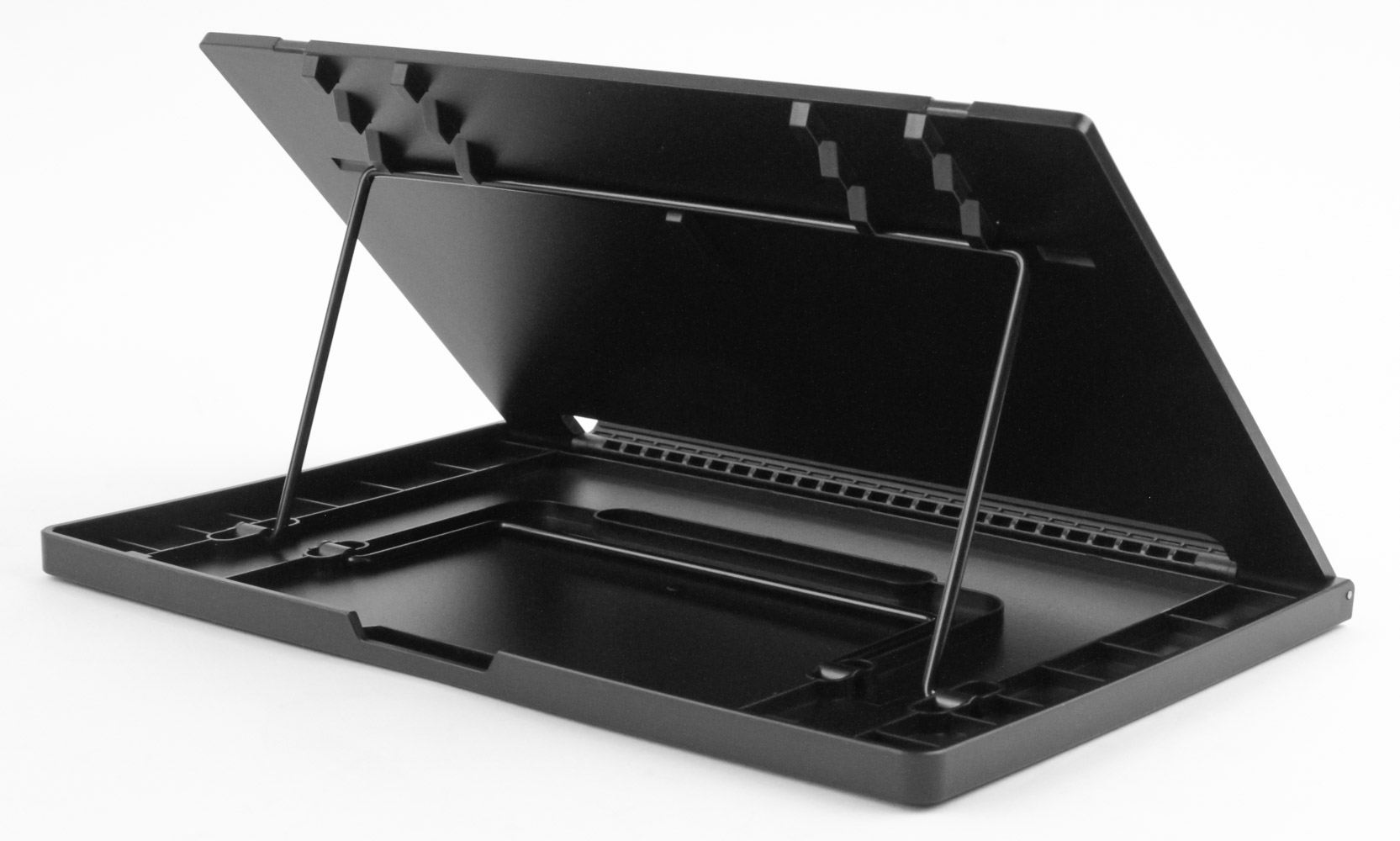
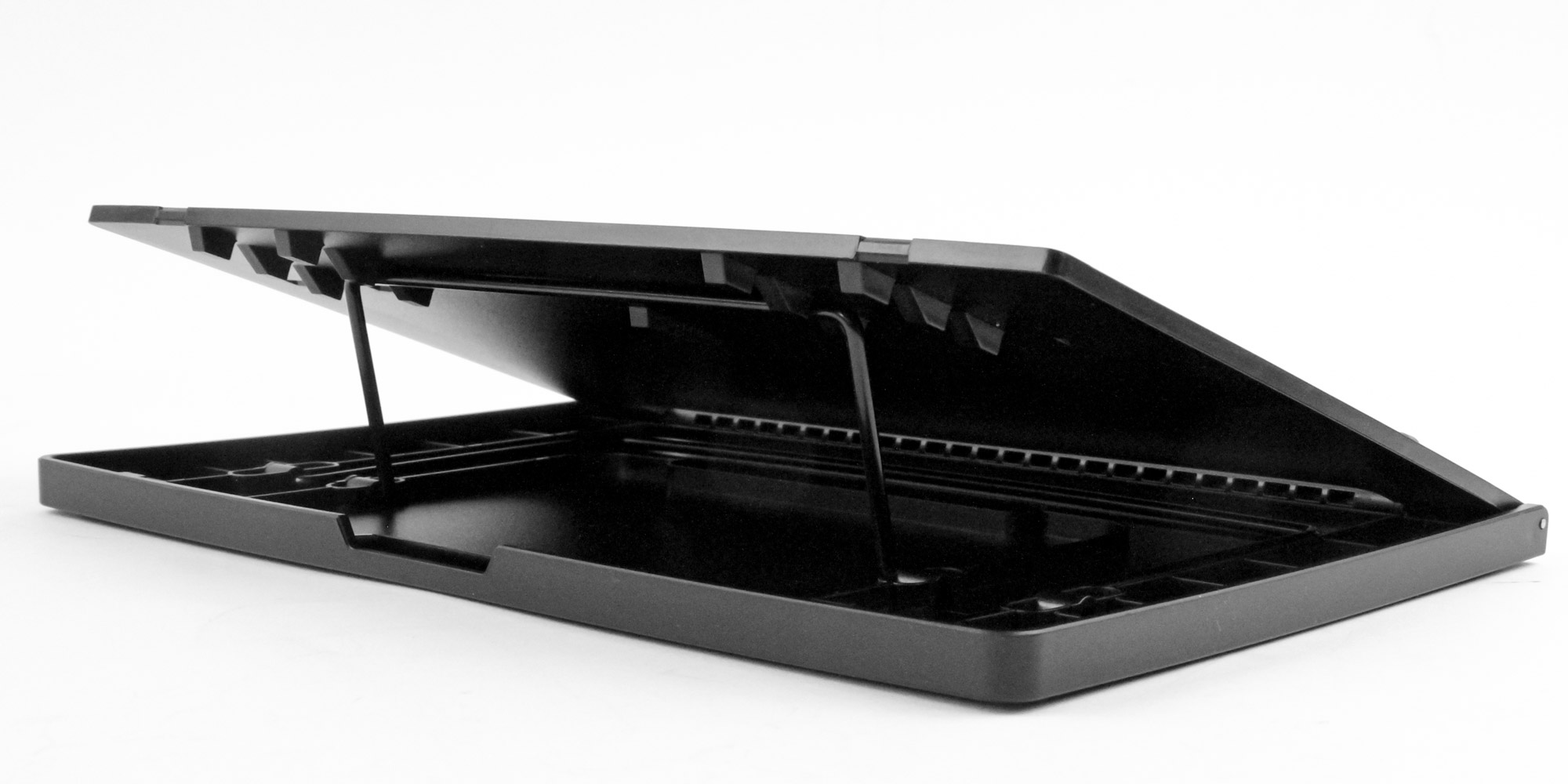
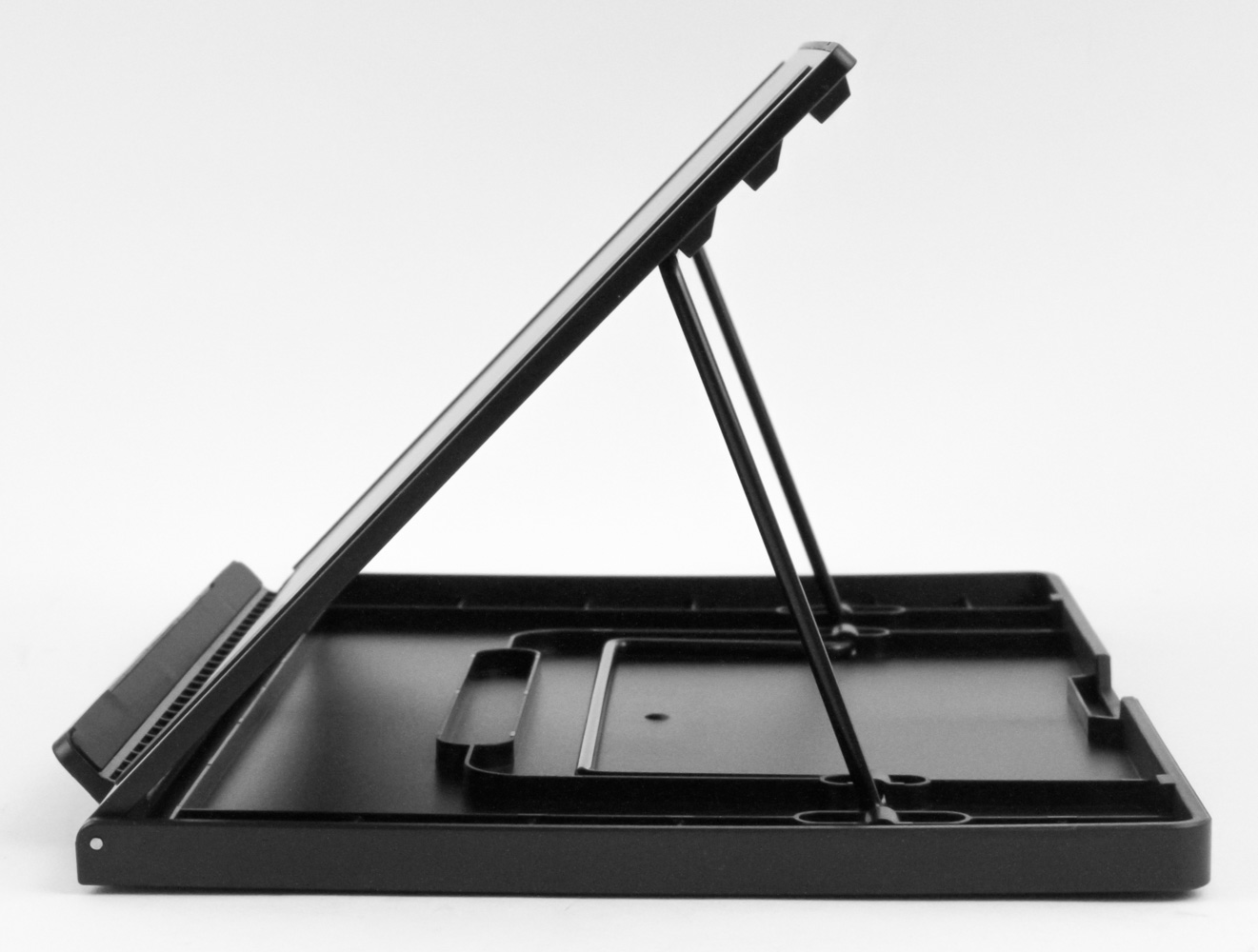
The foldable stand ST300 was included in this review unit and sells for $50 separately, and I am not sure at this time whether Huion will have two SKUs of this product—one with the stand included for a discounted price, and the other without the stand—as with the smaller Kamvas 13 (Gen 3). We will know together at launch, I suppose! The stand weighs over 550 g by itself, feels quite sturdy in the hands, and really feels like a must-have for the tablet as we will soon see. It measures in at 282 x 184 x 8 mm and can still easily fit inside a typical 13" tablet/laptop carry case. The contact surface has silicone pads for added grip as well as to prevent scratches to the tablet itself, we see more on the bottom for a similar purpose when used on your desk. There is a smaller section underneath which can be pulled out to hold the tablet, and then a larger one you fit into various notches on the underside to get different support angles ranging from 14.5° to 45°. This allows you to position the tablet at a more ergonomic angle to better suit your hands and shoulders while also helping get the best viewing angle when working.


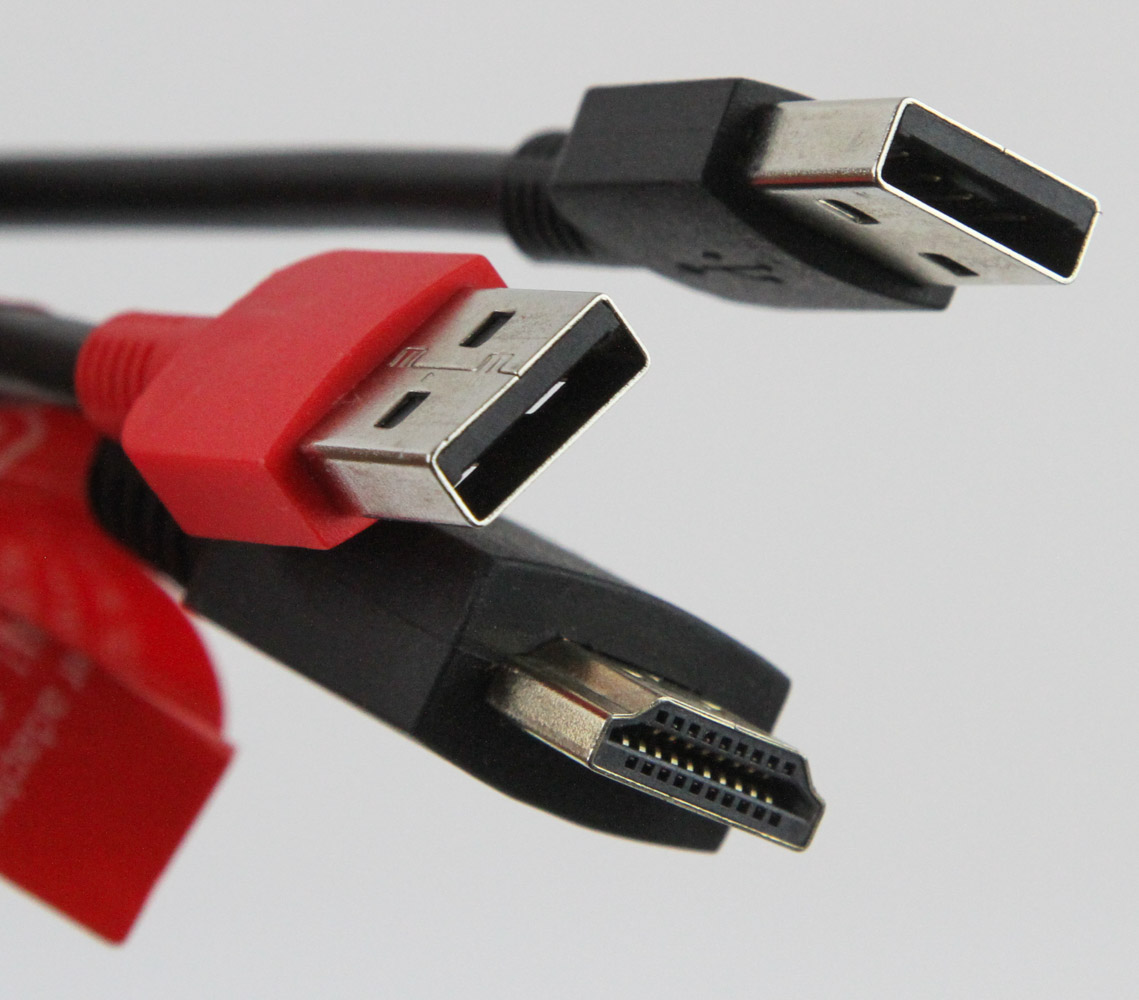
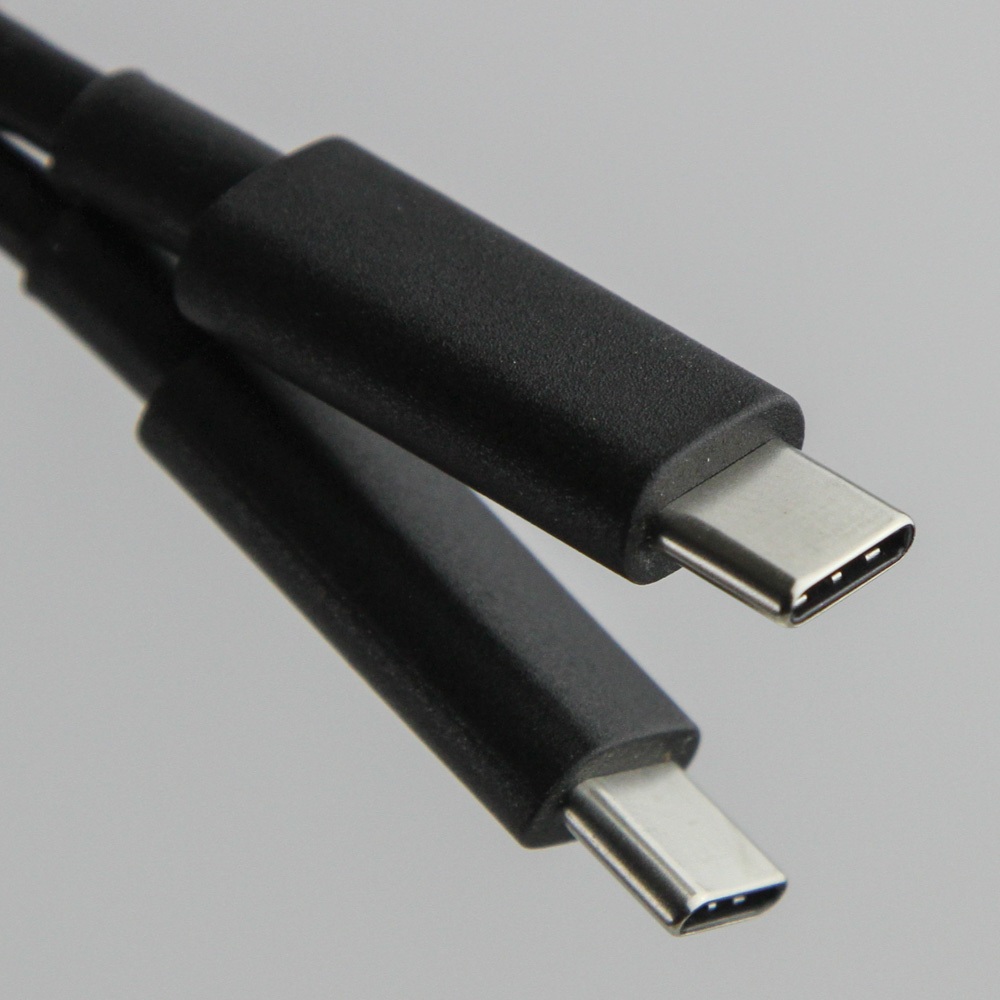
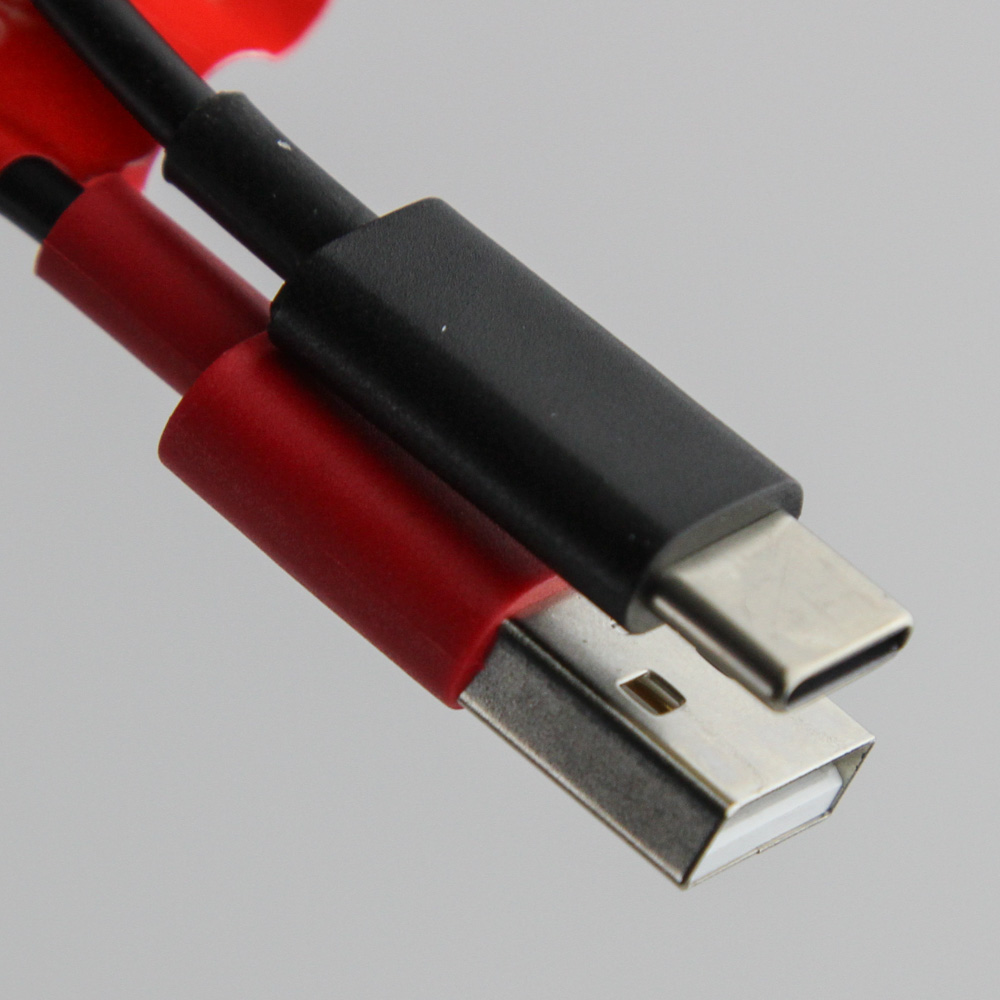
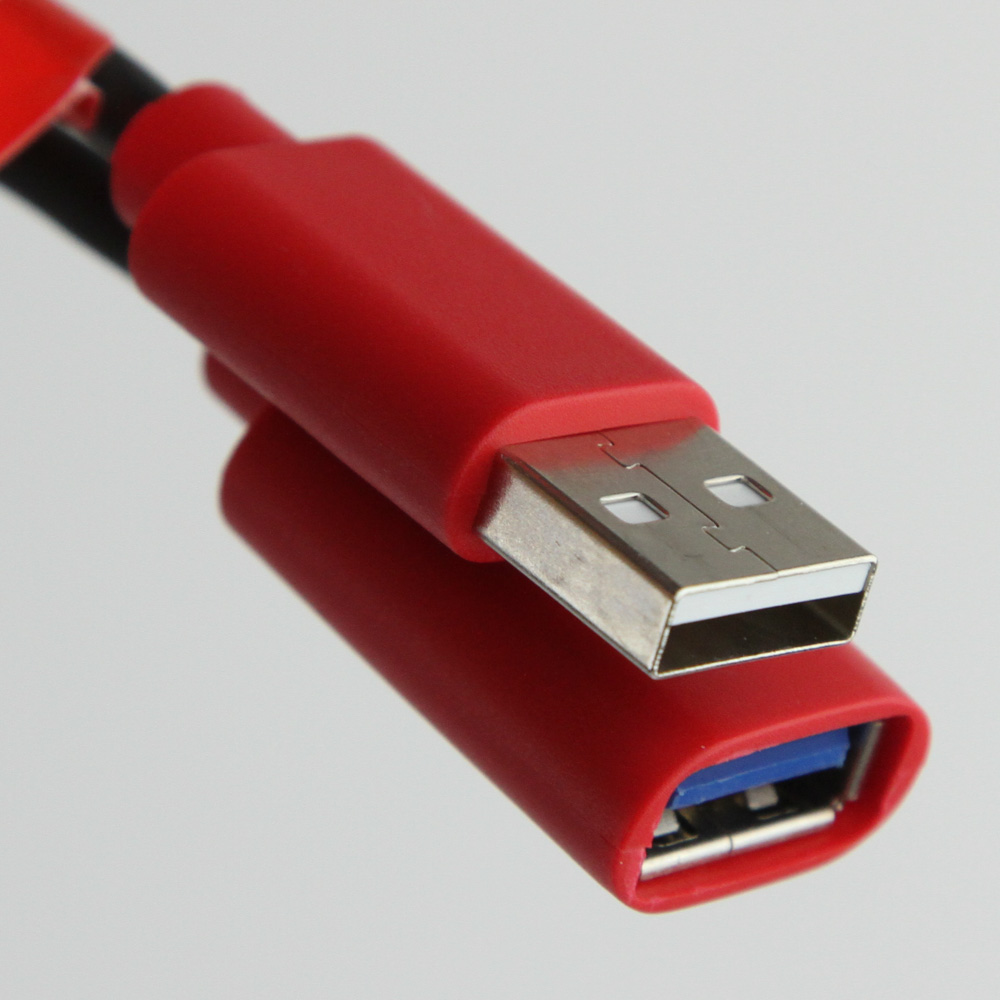
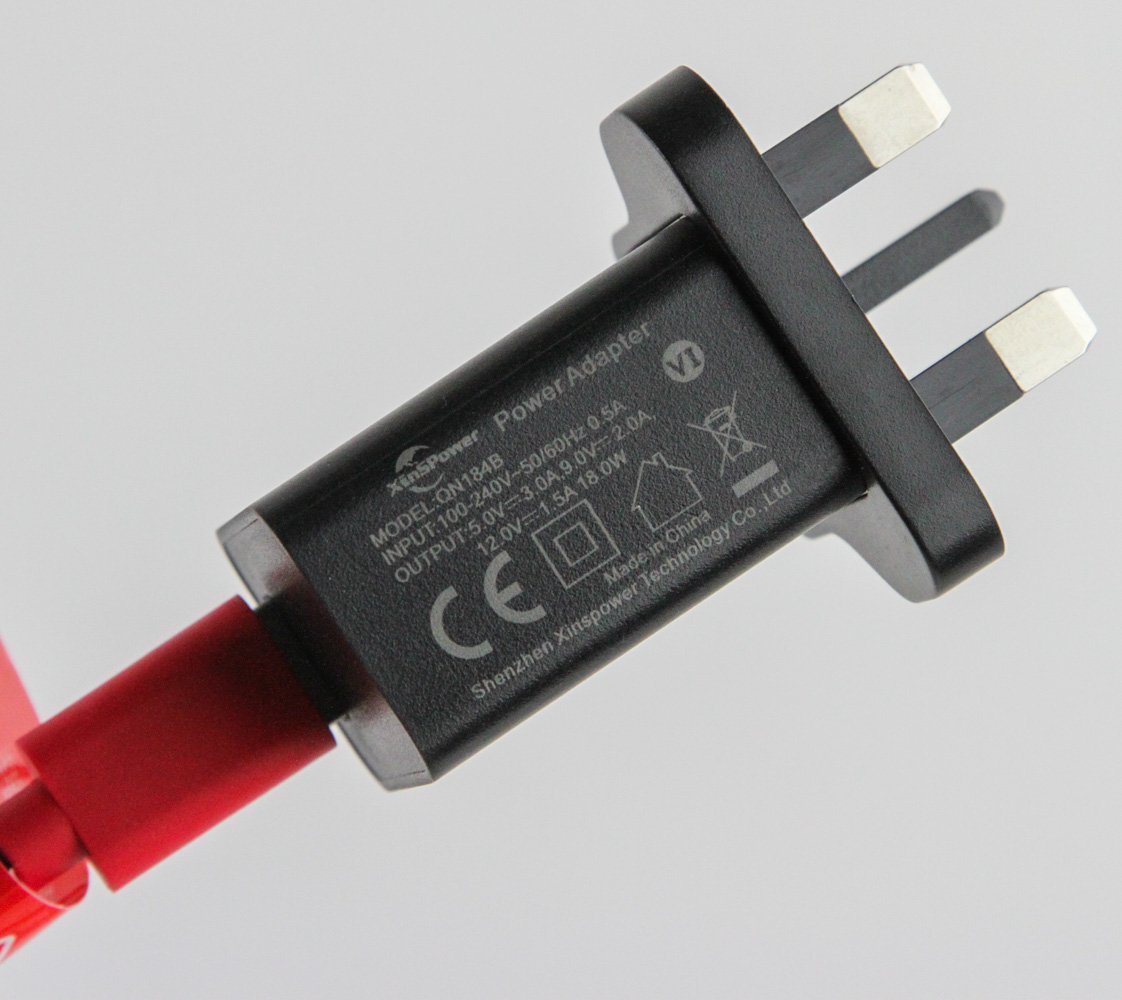
Huion simplifies the connectivity here compared to previous generation tablets thanks to the use of two Type-C ports on the device, one of which is fully-featured and can be used with a variety of different connection options. We get a 3-in-1 cable that goes from a right-angled Type-C connector from the tablet to three separate connectors on the source side in the form of USB Type-A for power (if the other USB connection isn't strong enough), USB Type-A for data, and a full-size HDMI cable for video out from your graphics card to effectively use the tablet as a secondary display. Additionally, Huion also provides a USB Type-C to Type-C cable that can provide power, display, and data signals in a single cable if your connected device is compatible with power and display over Type-C. A USB Type-C to Type-A cable, as well as a USB Type-A extension cable helps if you need separate cables in this case, and we also see a USB wall adapter included in the box. This makes the Kamvas 16 (Gen 3) far more complete out of the box, and with more configurable connectivity solutions compared to the smaller, less expensive Kamvas 13 (Gen 3).

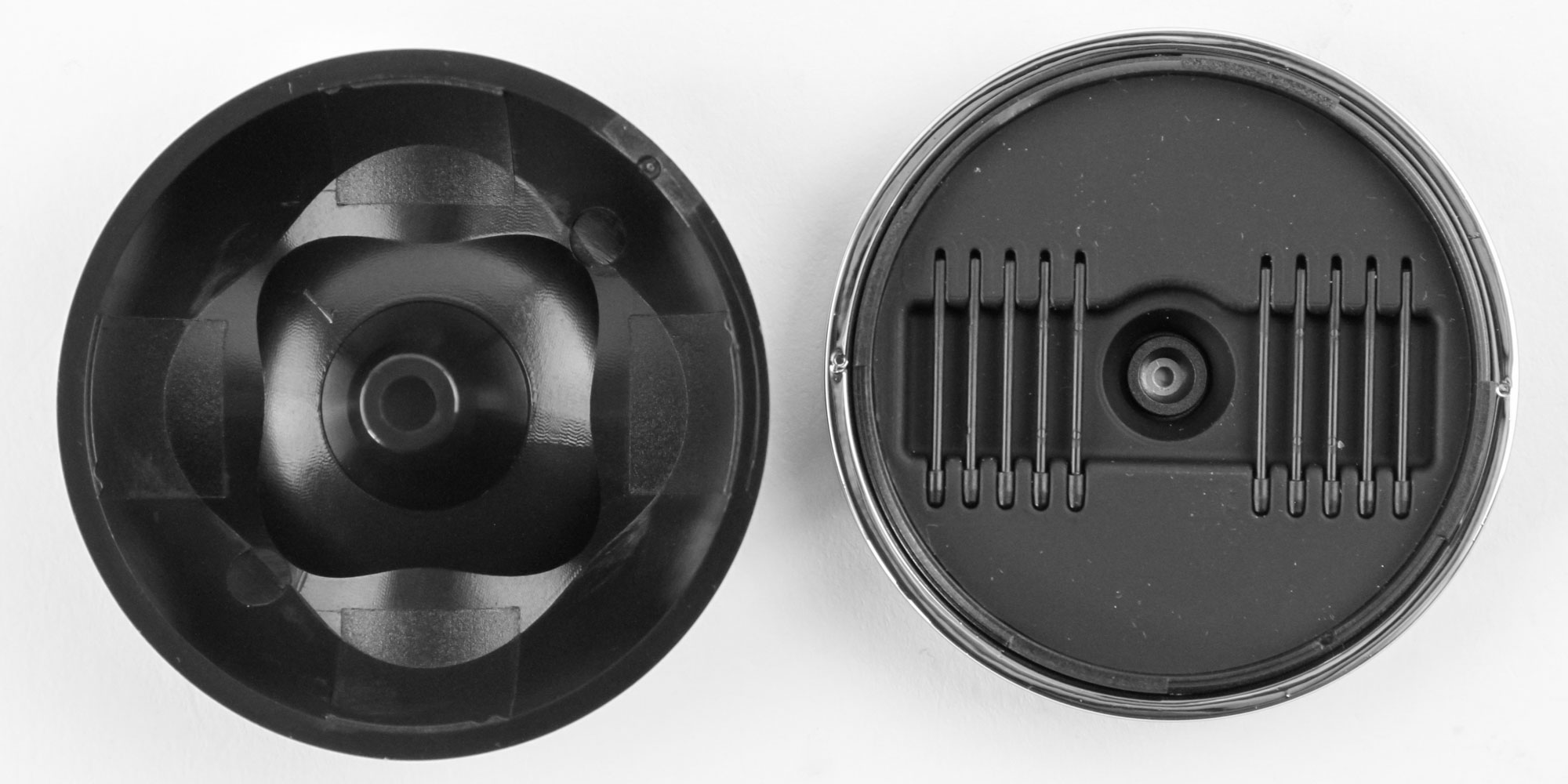
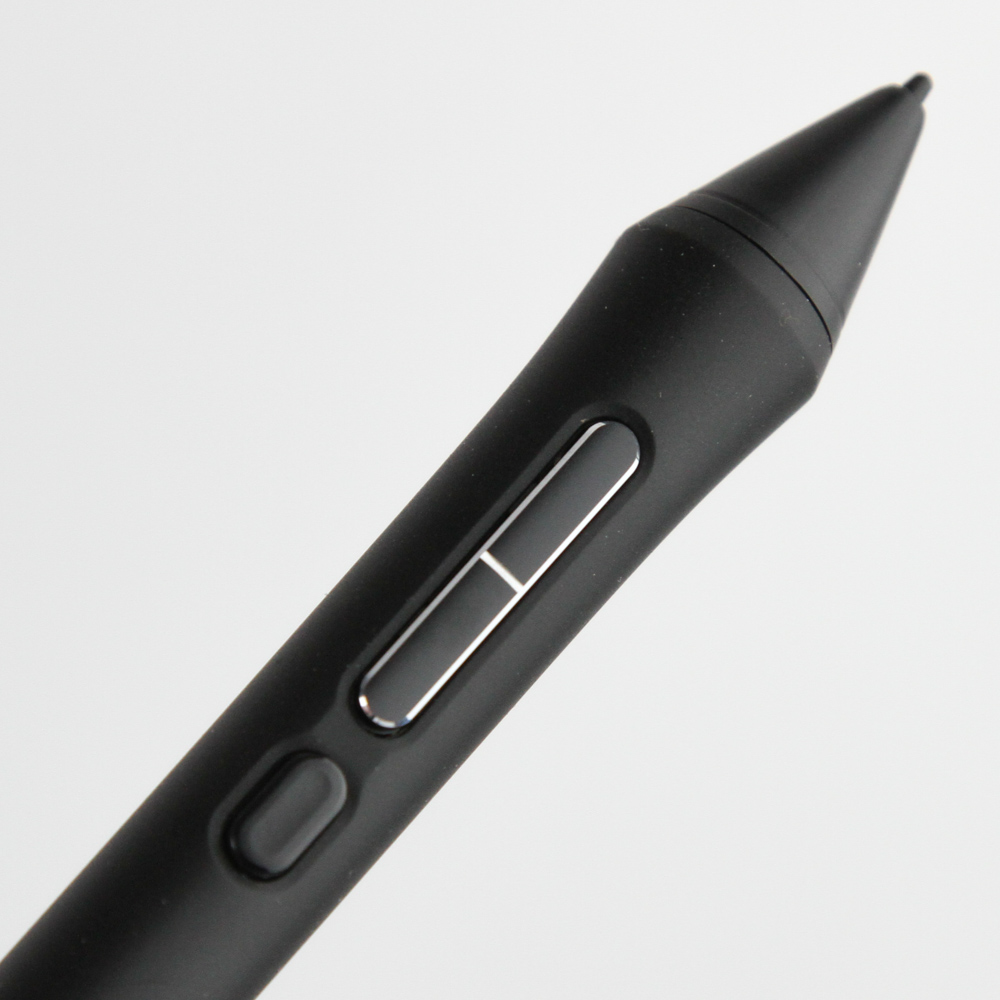
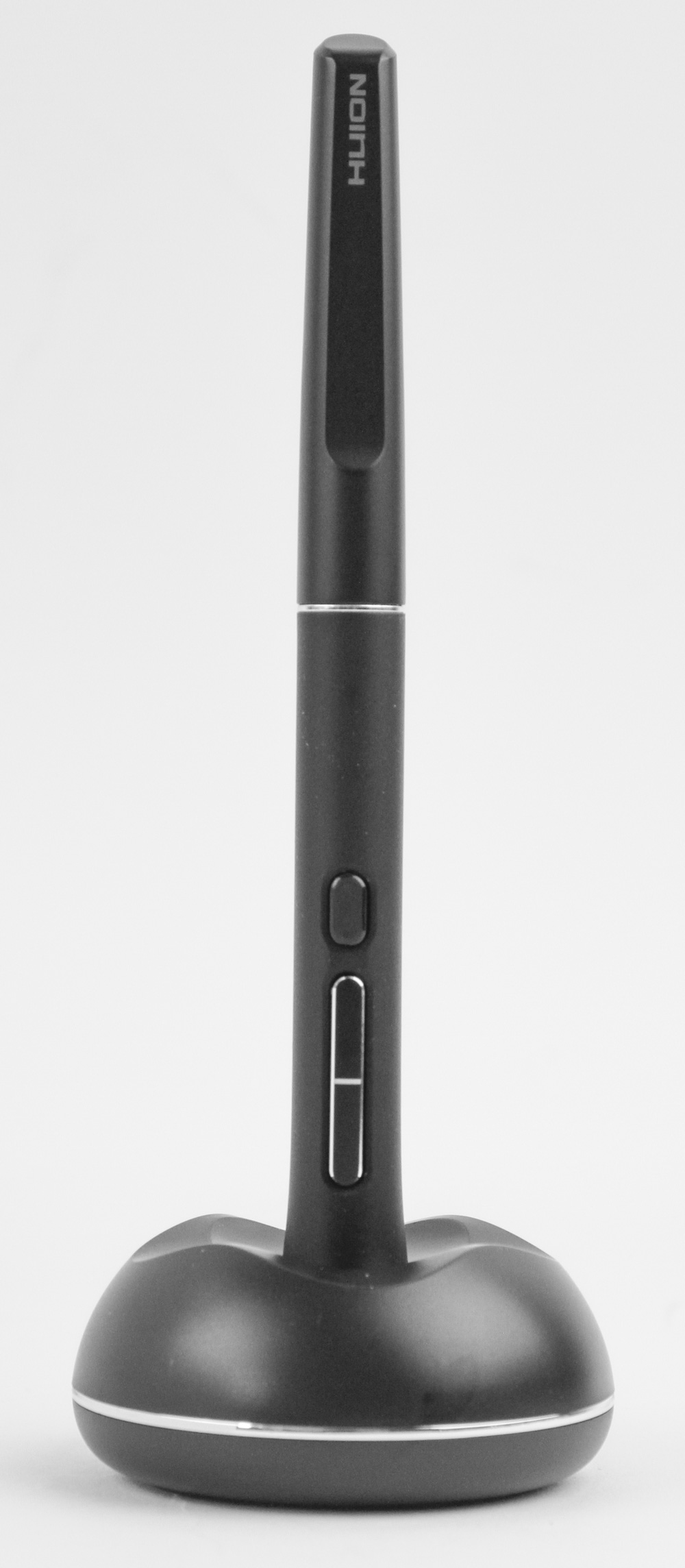
We get a multi-language quick start guide with useful illustrations, although there will no double be a more detailed user manual available online when this product is launched, if only because Huion has done this for its other recent releases too. There is also a microfiber cloth to keep the display clean over time, in addition to one of those drawing gloves which you only put two fingers into. Huion also includes a pen holder which unscrews to reveal storage for up to 10 pen nibs, with these slots already occupied by 10 spare nibs thrown in the box to ensure product longevity. Rounding off the unboxing experience is the digital pen itself with a soft touch texture, making it very comfortable to hold and use. It has three buttons closer to the active end and can be easily placed into the holder for when you are taking a break, as seen above.
Closer Look


The Huion Kamvas 13 (Gen 3) came in two color options—Sakura Pink and Cosmo Black—the larger Kamvas 16 (Gen 3) is only available in black at this point. As the name suggests, this tablet uses a 16" screen that's actually 15.8" in size, making it effectively larger than most of the contemporary tablets in this range that use a 14-15" display. The overall dimensions are 415 (L) x 235 (W) x 11.5 (H) mm as measured here, which is on the smaller side of average for tablets in this size class as a result of three of the sides having minimal case bezels—this also helps make this tablet be usable whether you are right-handed or left-handed as the screen can also be rotated to facilitate this feature. The fourth side has the power button, two dials with associated function switch buttons, and six other buttons in the middle that use low profile tactile switches and have different patterns on the top to help identify them easily by touch. The active area is smaller of course at ~350x197 mm, uses a 2560x1440 LCD IPS 60 Hz panel for 186 PPI, and you will notice the panel itself has bezels to allow you to hold the tablet normally too. This being a non-Pro model, the max brightness of 220 nits, 14 ms response time, 1000:1 contrast ratio and 99% sRGB gamut with 178° viewing angles seem easier to accommodate. There's not a lot to see on the back outside the four rubber pads on the corners, and I will also mention the tablet feels thinner than its 12 mm thickness, owing to gentle curves all around the sides which also make it easier to hold the device in one hand. Do note that this color picks up and displays smudges and fingerprints fairly easily, so use the provided microfiber cleaning cloth regularly.


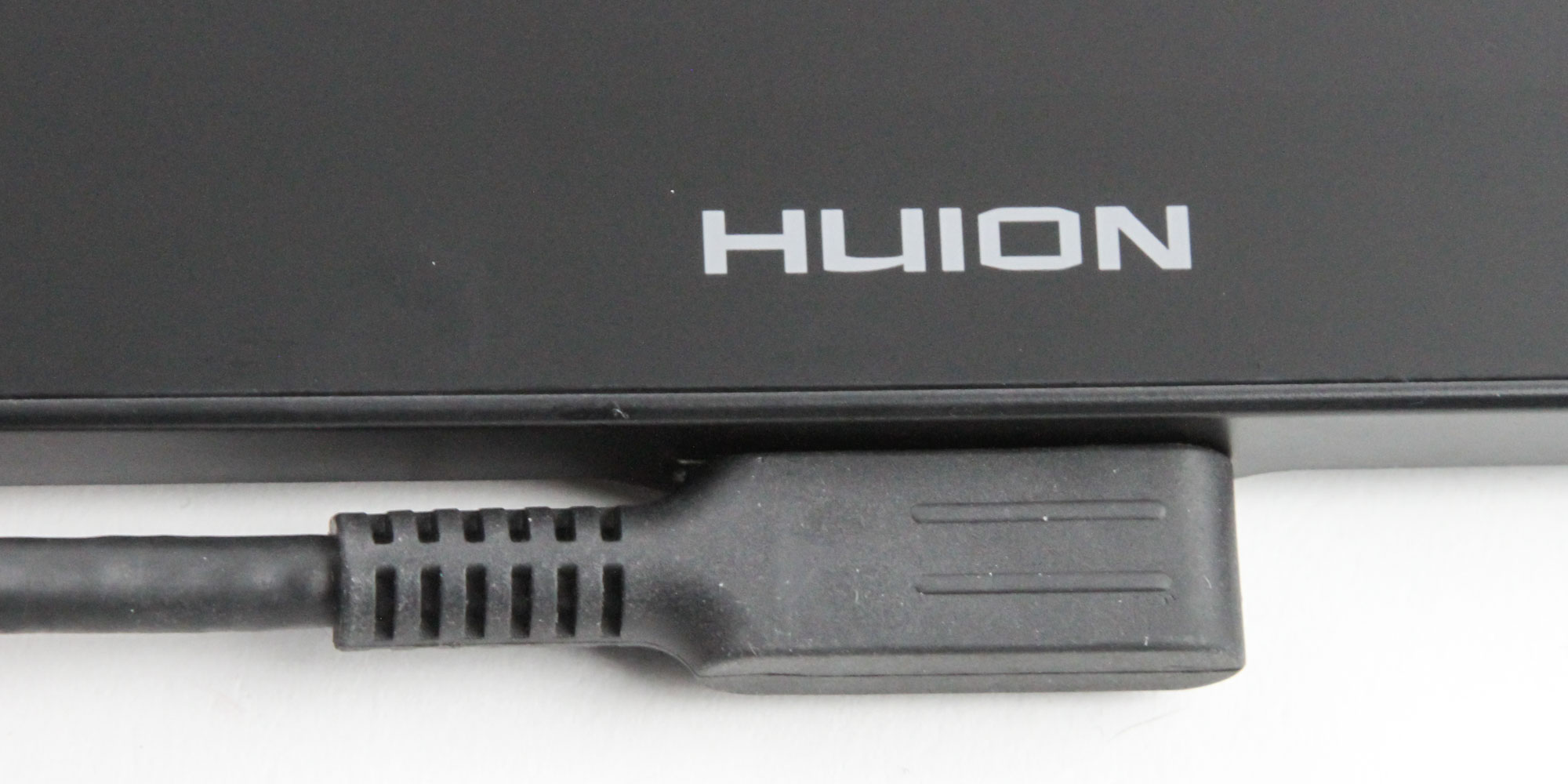
Don't expect to see an all aluminium chassis here, and yet I didn't think the build quality on the Kamvas 16 (Gen 3) will be an issue for anyone outside the smudges aforementioned. The buttons feel solid, as do the dials themselves with the knurled finish on the side making them satisfying to rotate and press. The side with these buttons and dials also has two USB Type-C ports to help keep the product future-proof. The one closest to the power button is a fully-featured USB 3.1 (Gen 1) Type-C port with DisplayPort 1.2 capability, allowing you to use a compatible table to provide power, data, and display signals alike. If you don't have a source which is compatible with video + power out over Type-C, then you will likely use the 3-in-1 cable that comes with the tablet, which also makes for a clean connection as seen above. The other end of the cable goes to two available USB Type-A ports and a full-size HDMI port, and note that you can move the cable minders to allow for more room for the cables to individually reach where they need to be.

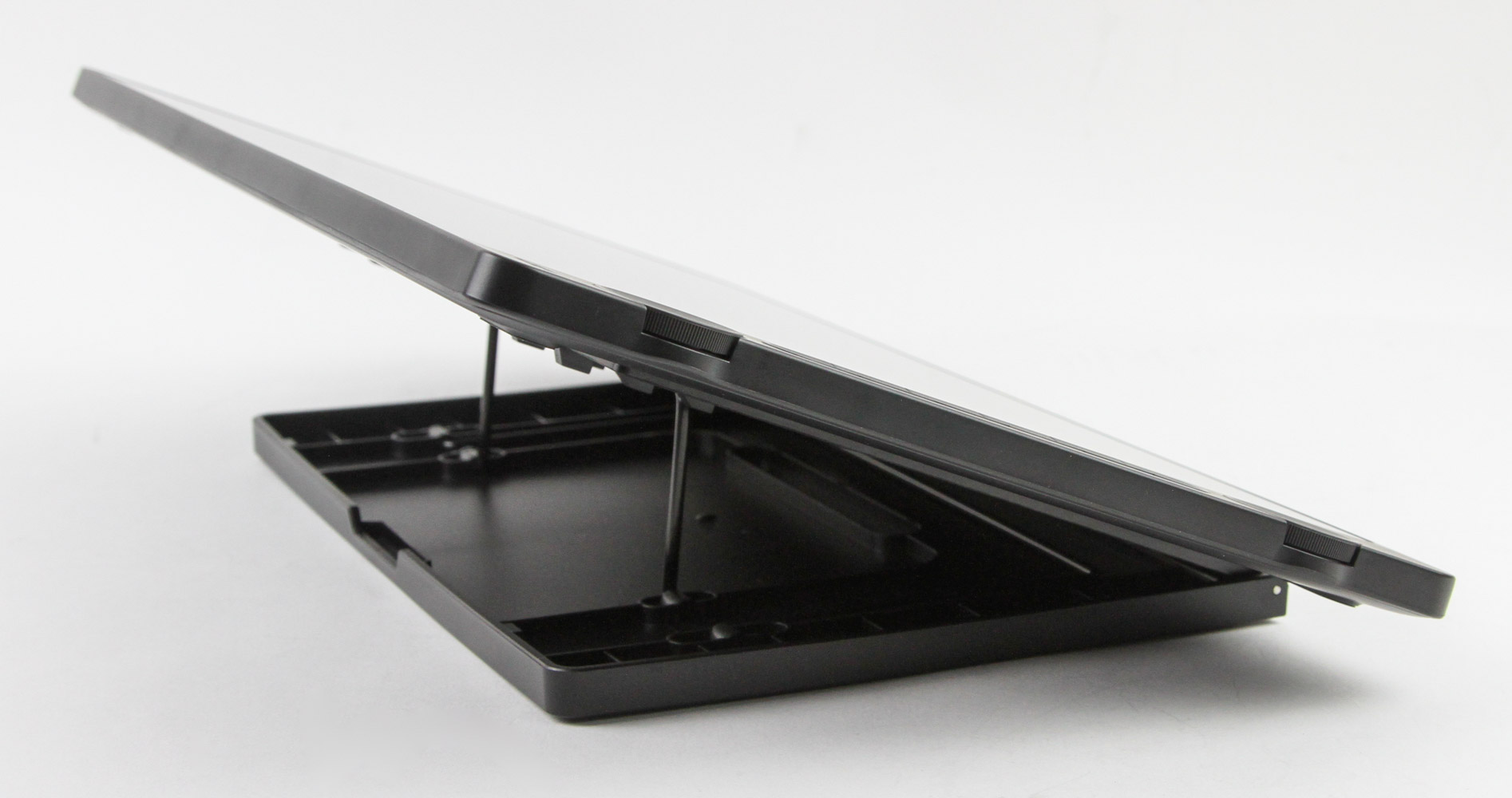
Here's a look at the tablet positioned on the provided tablet stand. The tablet does weigh ~1.2 kg, so it's not exactly the easiest to hold in one hand even beyond the larger form factor compared to the far more portable 12-13" class tablets. As such, I highly recommend getting the stand in case Huion ends up making it an optional extra as with the Kamvas 13 (Gen 3). I found myself mostly using the stand on the smaller pop-out at a 15-20° angle when having the entire ensemble on a desk alongside my PC or laptop. There are also dual device stands available allowing you to have your tablet and laptop on the same stand for easier multitasking.
Our Patreon Silver Supporters can read articles in single-page format.
Nov 25th, 2026 16:08 CST
change timezone
Latest GPU Drivers
New Forum Posts
- Which ryzen am5 cpu ? (217)
- UPS what one to get? (74)
- More Nova Lake specs (5)
- TPU's Nostalgic Hardware Club (22206)
- Share your CPUZ Benchmarks! (2680)
- X79 and/or rampage IV OC'ing thread for those of us still left.... (2457)
- Asus Rog Maximus Z890 Extreme. (Various questions). (38)
- Can you guess Which game it is? (362)
- Claude credits purchased on or after Dec. 7 now have an expiry date (13)
- Adventure: Running 8/9th gen Coffee Lake CPUs on Z170 motherboard (ASUS Maximus VIII Ranger) (393)
Popular Reviews
- ASRock X870E Challenger Wi-Fi White Review
- Microsoft Surface Laptop Ultra Review - The Next-gen Arm Laptop
- VZMORE AX9 Max Review
- Upcoming Hardware Launches 2027 (Updated Nov 2026)
- AMD Ryzen 7 9800X3D Review - The Best Gaming Processor
- AMD Zen 6 Technical Deep Dive
- Corsair RM1200e (Second Generation) Review
- Phantom Blade Zero Performance Benchmark Review - 35 GPUs Tested
- Pulsar Office Tour & First Look at P1 Dual-Sensor Mouse
- Ocypus lota P1000 Review
TPU on YouTube
Controversial News Posts
- Jensen Huang Reinstated as CEO of NVIDIA (570)
- NVIDIA Co-Founder and CEO Jensen Huang Officially Resigns (492)
- Report: Jensen Huang Eyes NVIDIA Comeback (281)
- Open Letter Asking NVIDIA to Reinstate Jensen Huang Passes 115,000 Signatures (184)
- OpenAI CEO Argues Home PCs Waste the World's Limited DRAM Supply (152)
- NVIDIA Launches Investigation Into Jensen Huang's Relationship With Suspected Chinese Spy (136)
- Intel "Raptor Lake Next" 16-Core and 20-Core CPUs Surface (130)
- Intel Razor Lake Gets a 12 P-Core bLLC Chip With No E-Cores, Per Leak (94)