 3
Quick Look: TourBox Elite Creative Controller
(3 Comments) »Introduction

TourBox was formed in 2016 and has gone through a couple of branding iterations along the way, including TourTech, before settling into the company it is today. It became better known in 2018 with the launch of the TourBox Neo, a programmable controller with several dials, knobs, buttons, and wheels meant to positively add to the workflow of content creators. I had heard of the product before as well, but was still using the Palette (now Monogram) Expert kit. Products of this kind are not very common given the niche market they serve, but with the burgeoning streaming business where everyone wants to be a full-time Twitch streamer or YouTuber, there's certainly room for a single, one-size-fits-all device that does not rely on expansion modules or costs 4+ figures.

I never got a chance to check out the TourBox Neo, but then came along the TourBox Elite—currently still up on Kickstarter as this is written. A representative from the company clearly had just looked up top tech websites or similar, assumed we do YouTube videos, and got in touch with me. I even received a "very useful" article review guideline to where it was obvious that there were a few other reviews of the thing that clearly were a copy-paste advertorial at best. But that did not seem necessary at all, especially given the feature set boasted by the TourBox Elite. Imagine an Xbox controller with haptic feedback and wireless connectivity, but with far more features and the ability to get your job done more efficiently. This remains a product for a select few, yet the Kickstarter campaign has surpassed its goal ten times over already. Out of interest and curiosity, I agreed to a quick look article, so thanks to TourBox for providing a sample for review!
Packaging and Accessories
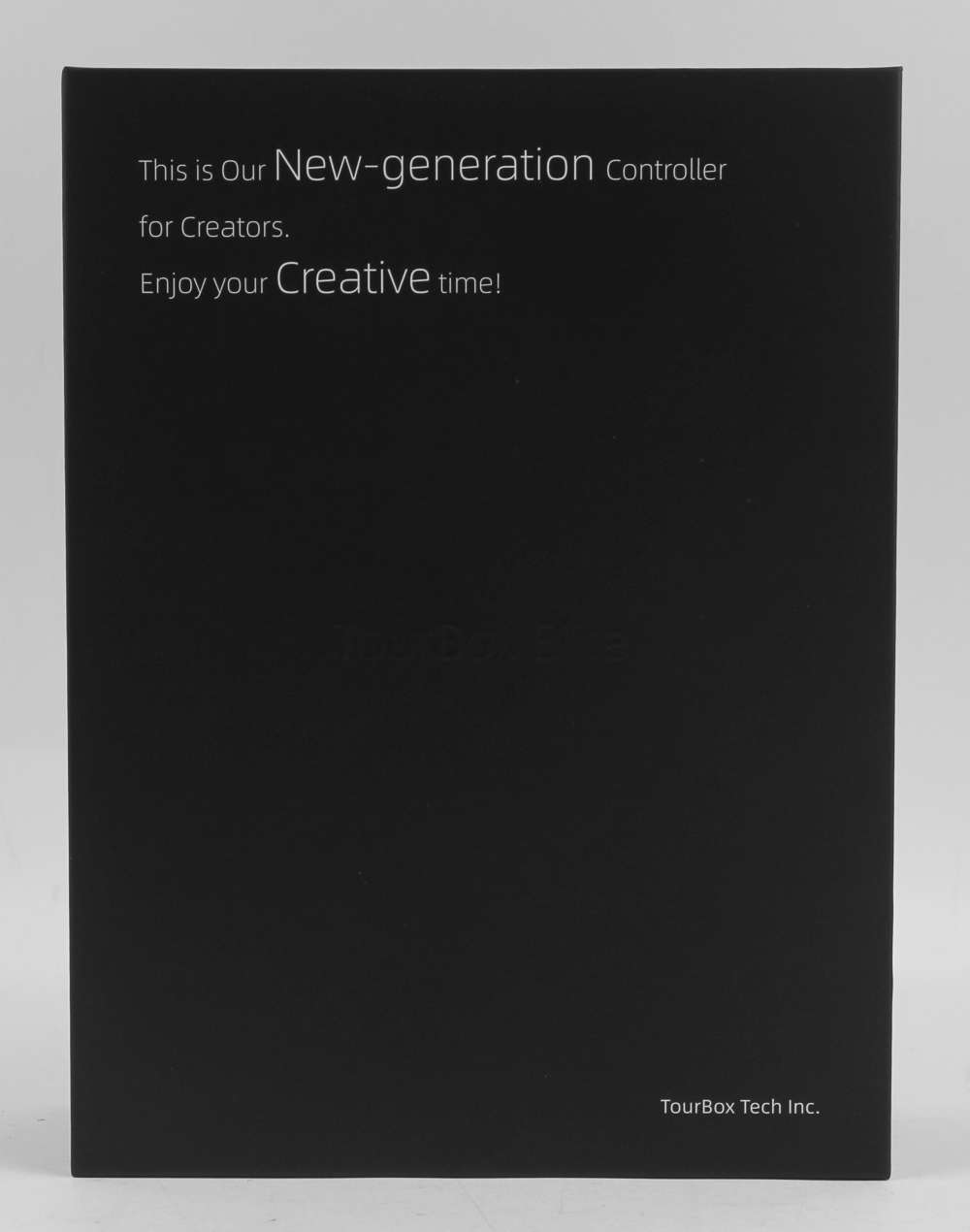


There is a fine line between Kickstarter products actually needing the funds to get going and companies using the platform as a marketing/pre-order system. TourBox seems to be treading somewhere in between, with the experiences gained from the TourBox Neo put to good use in having a few samples ready for marketing, but there remaining some tasks for the retail launch itself. Packaging does not appear to be one, with this sample shipping in a full retail box inside a bubble wrap envelope for further protection. The TourBox Elite box is clean and black, with marketing lingo and the company name on the front. A sticker on the back is all that confirms the product name, and minimalism seems to be the name of the game on the sides, too. The lid of the box lifts up to reveal multi-layer packaging, which starts with a detailed multi-language user manual I highly recommend going through if this is your first time working with a creative controller, and by this I don't necessarily mean the controller is creative, which it might well be too, but that it is a controller used for creativity tasks.


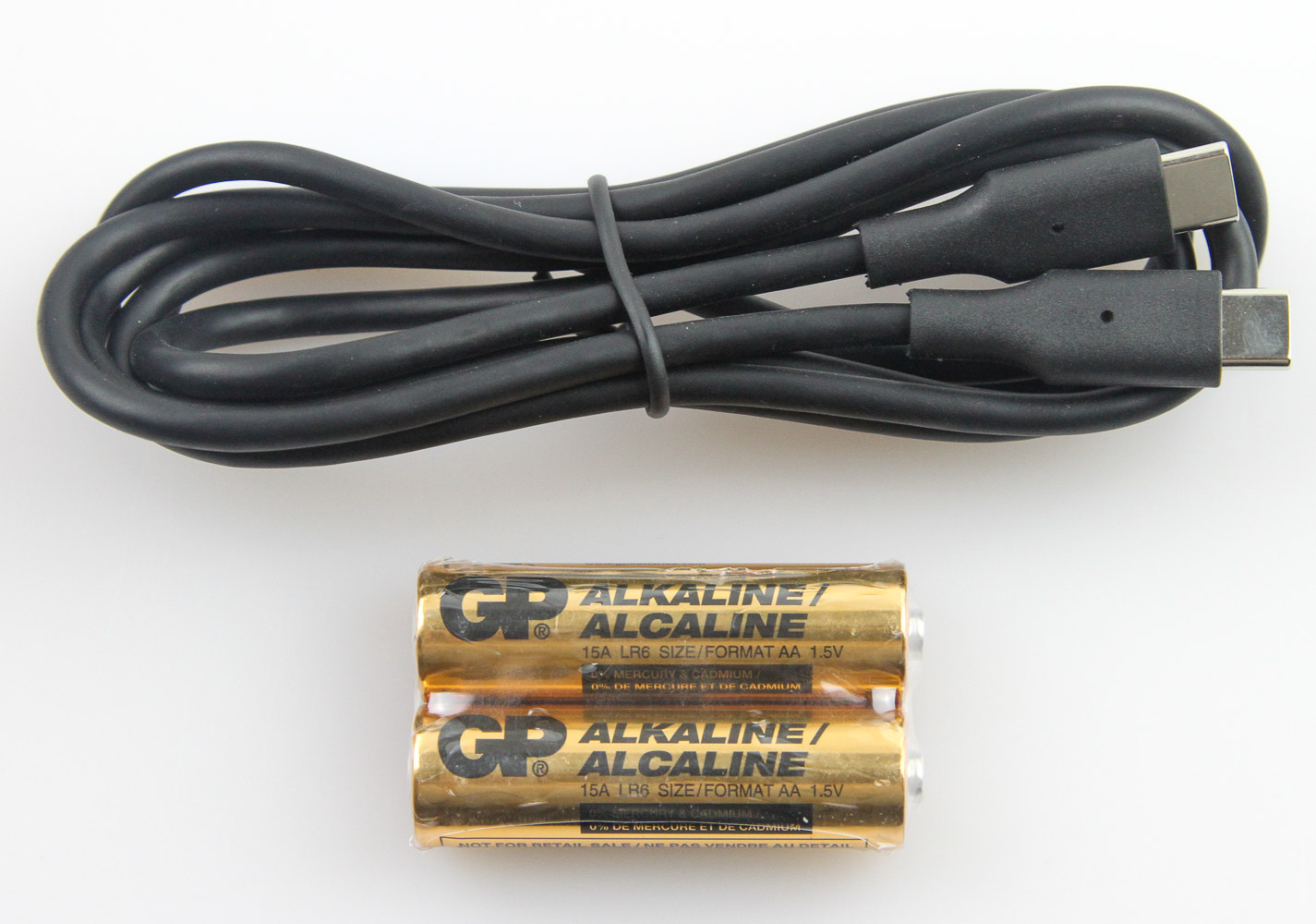
A molded plastic inlay hosts the other contents, which come in two black drawstring bags in two separate compartments. These bags are thick enough to act as carry bags should you fancy bringing the controller along from one place to another, and somewhat negates the absence of a carry case. The larger of the two clearly contains the TourBox Elite itself, and the narrower, longer one houses a set of two non-rechargeable AA batteries along with a Type-C to Type-C cable. The TourBox Elite clearly features wireless connectivity over Bluetooth, and I appreciate the use of user-replaceable batteries rather than relying on an internal Li-ion battery that will eventually wear out, making for a controller that is always going to be in wired mode. The cable is 6' long and black, and I would have liked to see TourBox include a Type-C to Type-A adapter for those running short of available Type-C ports on their PC or laptop.
Closer Look


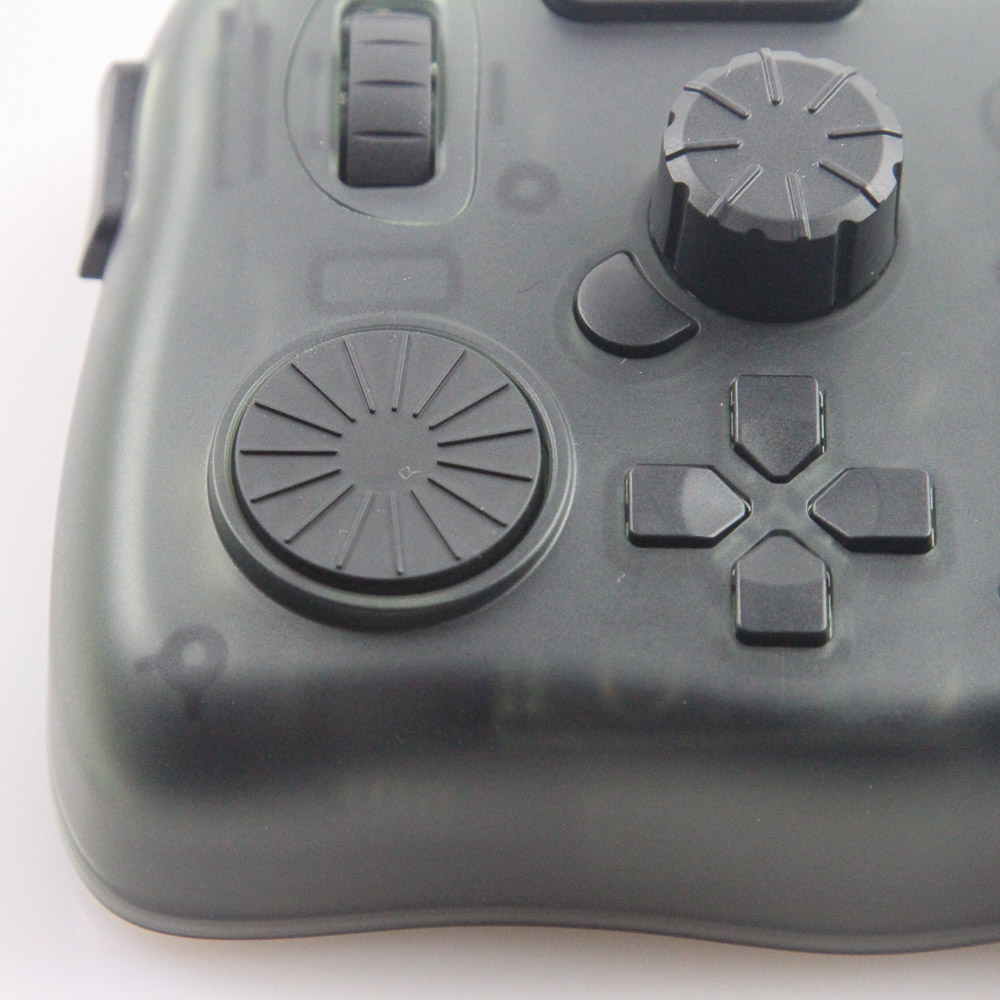
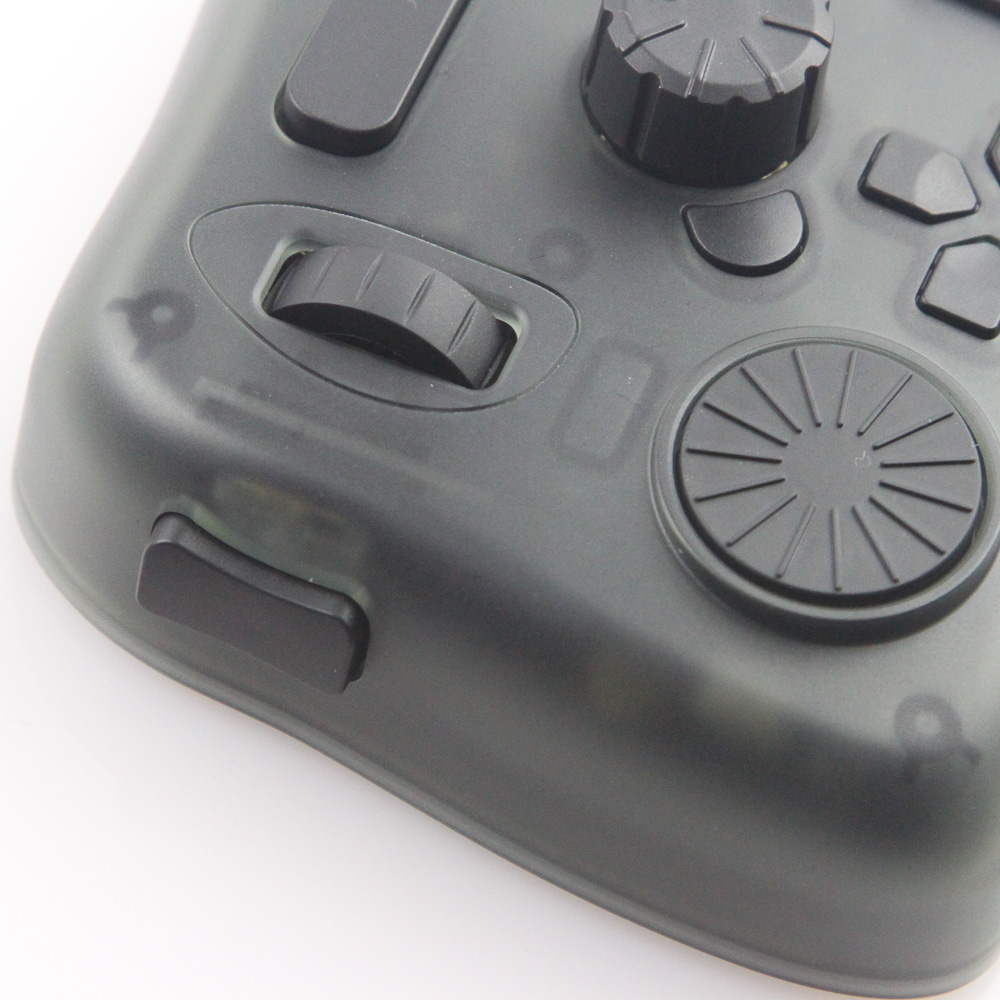

11 Keys, 3 Rotary Buttons, 4 Default Presets—that's how TourBox marketed the TourBox Neo, and it applies to the newer, better TourBox Elite too. The form factor is not different from the previous offering, which makes it all the easier to again relate to the world of game controllers with standard and elite versions, because why not. The TourBox Elite is about the size of an average human palm and has soft corners and curves to accommodate the left hand especially to keep the right hand free for other activities the creative controller is changing on the fly, though I can certainly see right-handed use having benefits, too. There are plenty of different I/O options on board, most of which are on the top, and all of them feel well executed. I do not see or feel anything cheap here, but was surprised by the use of an actual clicky mechanical switch on the left side. Dials, wheels, knobs, D-pad, buttons—there are many ways to describe all that is going on here. But I have to give credit to TourBox for not making it feel too crowded, with the different zones of activity leading you to segue fairly naturally from one position to another, and no adjacent set is even remotely similarly shaped, which is good for touch usage by memory.
As with other controllers, the goal with the TourBox Elite is to replace the mouse and keyboard combination, but in the realm of content creation. It comes in three color options: classic black, ivory white, and the modern smoke-black translucent edition I have here. It's no surprise then that the smoke-black ends up a limited edition, costs more than the other two opaque models, and also happens to be the one sent out to the media. I can certainly see the appeal, but you may want to check out the price hike between the other colors to this first. The TourBox logo is etched into the top-right corner on the front. The translucent acrylic panels also allow for a teaser of the internals, and as with everything else, it is tastefully done.


On the bottom is more of the smoke-black translucency, with the four raised feet at the corners each getting a rubber pad on the bottom to prevent scratches to the case, as well as add friction against the resting surface as you go about applying pressure to the TourBox Elite from various directions. A sticker on the back confirms this is indeed a testing prototype, with TourBox already aware of a few growing pains that are being fixed as we speak for the final version shipping to backers before a general retail launch. I appreciate the dedicated on/off switch on the back for when you wish to use the TourBox Elite in wireless mode, and the battery compartment cover that comes off to access the two AA batteries inside. I recommend going with NiMH rechargeable batteries once the provided alkaline batteries run out. Wired connectivity comes in the form of an expected Type-C port on the backside facing away from the user, and the accompanying Type-C cable fits in just fine. Note that the batteries do not charge with the wired connection in place, and you will have to find an available Type-C port or Type-C to Type-A adapter on your own as well.

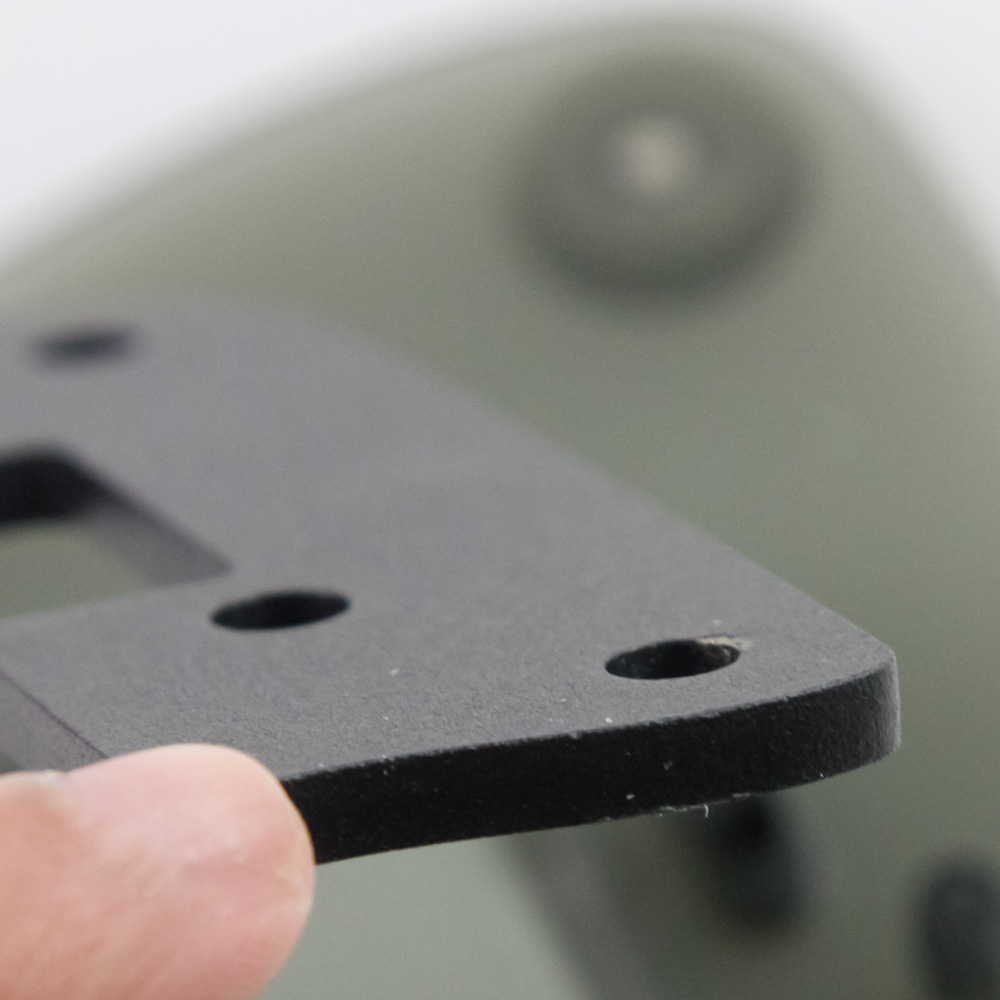

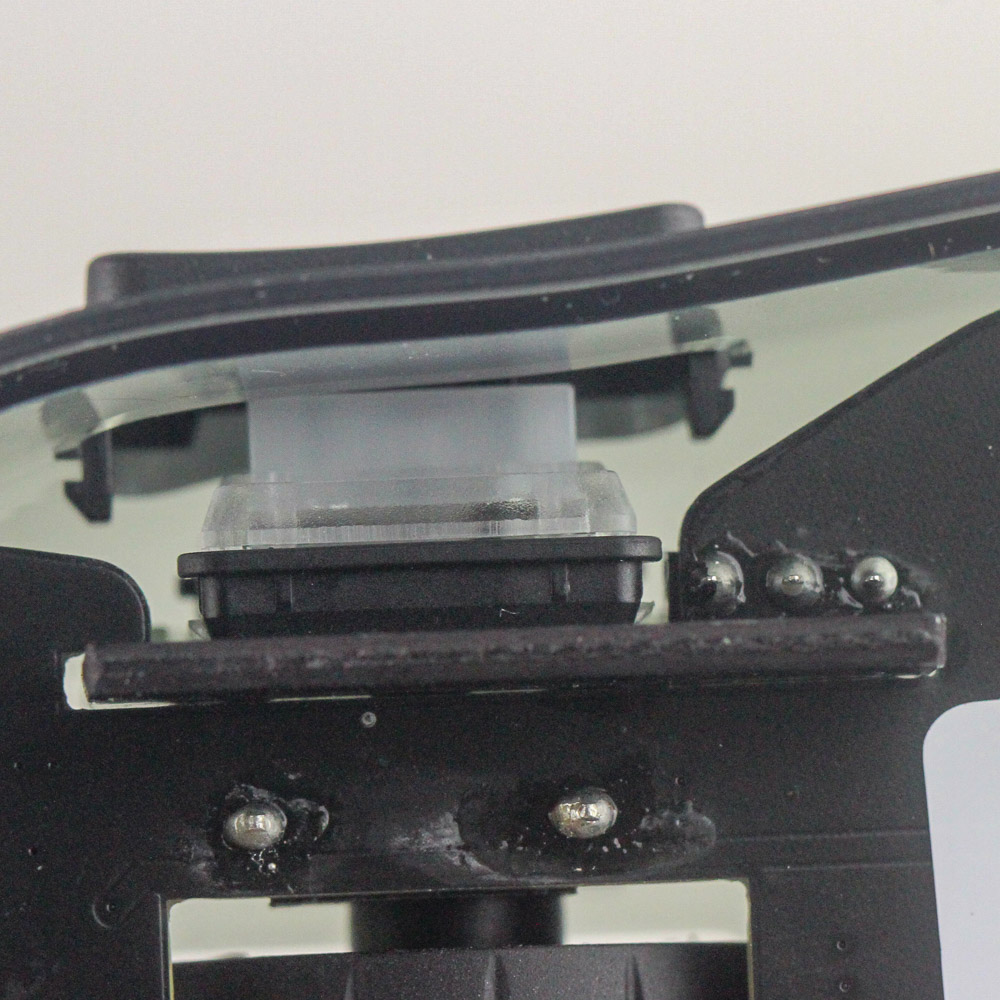
After all testing was completed, I decided to see what is actually inside so you don't have to. There are Phillips-head screws under the rubber pads on the bottom, following which you need to pry the bottom case panel from the rest of the product. This is also when the enclosure for the on/off switch on the back can come loose, as will four spacers at the corners that go around the screws themselves. Putting everything back together is not trivial, so I do not encourage disassembly even outside of the obvious reason of voiding the warranty. The only reason I can think of doing so would be to lube the various moving compartments, but even that is not typically done by the user base for creative controllers, and some of these keys are best left unlubed. I did find it interesting that TourBox has a fairly substantial steel plate inside to add mass on the bottom, which also keeps the controller from easily sliding around on your desk. Solder quality is average, at least on this prototype sample, and all controller chips come with the identifier labels deliberately removed to make it harder for the competition and people like me to find out what is being used. All I can tell you is that there's clearly a USB microcontroller, and there should be a Bluetooth 5.1 transceiver, too. As a bonus, the final photo above is a side profile of the used mechanical switch.
Our Patreon Silver Supporters can read articles in single-page format.
Nov 20th, 2026 06:25 PST
change timezone
Latest GPU Drivers
New Forum Posts
- Intel Core Ultra 5 processor 250K Plus (9)
- Very unusual two gaming-pc scenarios. (24)
- RX 7600 + Ryzen 5 5600GT getting the same FPS as my old RX 6500 XT – What am I missing? (17)
- What is in your fleet, size and contents? (29)
- Windows 11 General Discussion (7741)
- TPU's Nostalgic Hardware Club (22173)
- Making a game in Godot engine (11)
- GTA VI (16)
- What are you playing? (26237)
- Honestly, do you care about GTA VI? (183)
Popular Reviews
- AMD Zen 6 Technical Deep Dive
- Ugreen NASync DXP4800 GT Review
- Acemagic Retro X3 Review
- Corsair RM1200e (Second Generation) Review
- Upcoming Hardware Launches 2027 (Updated Nov 2026)
- Pulsar Office Tour & First Look at P1 Dual-Sensor Mouse
- Biwin Black Opal NV7400 2 TB Review
- AMD Ryzen 7 9800X3D Memory Performance Scaling
- Chieftec Iceberg PRO 360 DARK Review
- AMD Ryzen 7 9800X3D Review - The Best Gaming Processor
TPU on YouTube
Controversial News Posts
- NVIDIA Co-Founder and CEO Jensen Huang Officially Resigns (490)
- Report: Jensen Huang Eyes NVIDIA Comeback (233)
- Open Letter Asking NVIDIA to Reinstate Jensen Huang Passes 115,000 Signatures (184)
- OpenAI CEO Argues Home PCs Waste the World's Limited DRAM Supply (152)
- NVIDIA Launches Investigation Into Jensen Huang's Relationship With Suspected Chinese Spy (136)
- Intel "Raptor Lake Next" 16-Core and 20-Core CPUs Surface (130)
- Legendary Game Studio BioWare Shuts Down Following EA Layoffs (104)
- Dell CEO Says the Memory Shortage Will Get Worse in 2027 (95)