 0
Quick Look: Ugreen HiTune T3 TWS ANC Earphones
(0 Comments) »Introduction

Ugreen was founded in 2012 and has made its mark in the tech community by offering consumer electronic devices and accessories at reasonable prices. Indeed, I am using several Ugreen cables at home and few more at work too! The company has since added chargers and power strips to its portfolio, which makes sense, but I wasn't aware of peripherals under the Ugreen name until we published some press releases including this one of a Ugreen-branded TWS Bluetooth set of earphones. The very first comment called for a review, and I was intrigued enough to contact Ugreen, requesting a sample of their HiTune T3!

The product name in itself doesn't reveal much, but the TWS and ANC additions sure do! The HiTune T3 is a true wireless set of Bluetooth earphones featuring active noise cancellation. These are features that used to cost $100-200 just a year ago, but then China did what it does best, and brought out a plethora of mass-market SoCs and audio drivers, cutting down costs significantly. At this point you may have guessed that the Ugreen HiTune T3 is relatively inexpensive, and so the only question remaining is: how it does it actually perform? Let's find out today in this Quick Look article that begins with the product specs below, many thanks to Ugreen for providing a review sample to TechPowerUp.
| Ugreen HiTune T3 TWS ANC Earphones | |
|---|---|
| Connectivity: | Bluetooth 5.2 |
| Supported Codecs: | AAC, SBC |
| Supported Bluetooth Protocols: | HSP, HFP,AVRCP, A2DP |
| Driver: | 10 mm dynamic driver with PU wool composite diaphragm |
| Frequency Response: | 20 Hz–40 kHz |
| Battery Life: | 7 hours music playback + 17 hours from case |
| Charging Time: | 1.5 hours for earphones, 2 hours for case |
| Dimensions: | 61 × 26 × 49 mm (earphones inside case) |
| Weight: | 45 g (earphones inside case) |
| Warranty: | Two years |
Packaging and Accessories
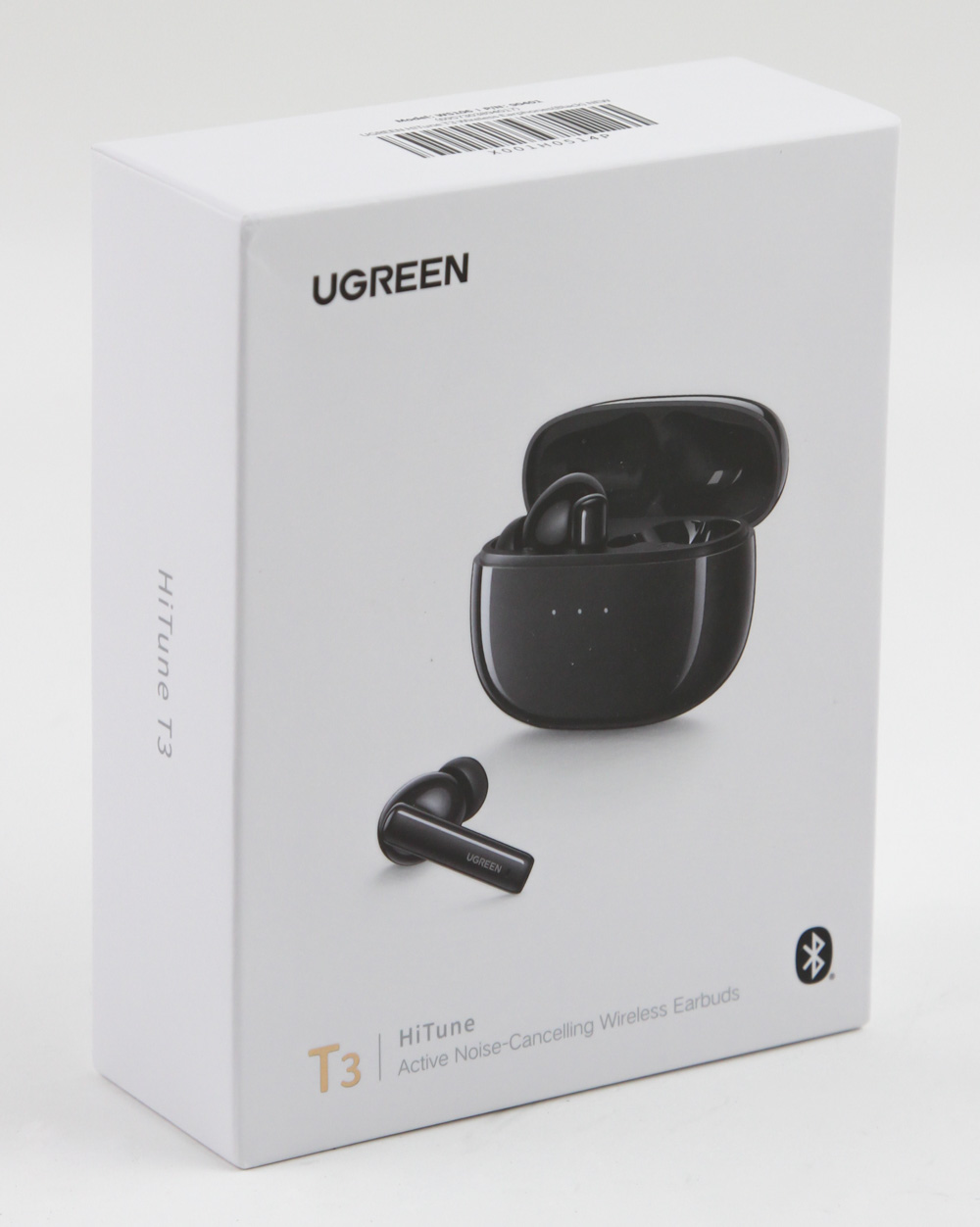


Don't start expecting luxurious packaging here, as Ugreen goes simple, with the tried and true approach of a small, white cardboard box. On the front is the Ugreen logo and product name, along with a render of the earphones with their case. I do appreciate the back of the box being dedicated to not only product specs, but also detailing the touch controls themselves. This is especially handy for those who don't read user manuals. All this is on an external sleeve, now it's time to slide out the inner box as seen above. A plastic compartment greets us right away with the case at the top and ear tips individually packed at the bottom. Remove this layer to access a printed user manual (online copy here) which goes over those touch controls in more detail, among other things.


That smaller cardboard box alongside the manual contains a short USB Type-C cable to charge the case itself. There is also a safety guide included, which I expect will be mostly ignored by end users. What you should not ignore, however, are the ear tips, which are all silicone and come in sizes XS/S/L with size M presumably pre-installed on the ear phones. Ugreen accommodating those with smaller ear canals is quite nice when you realize more expensive TWS sets don't always take that consideration.
Closer Look


At ~60x50x25 mm, the charging/storage case for the Ugreen HiTune T3 is easily pocketable. Helping this further is the use of a glossy plastic construction with rounded corners that won't snag on anything easily, but will end up a dust and fingerprint magnet as seen above. The Ugreen logo is on the back in a flush hinge, and three indicator LEDs on the front show the case battery level with one LED per 30% charge and a combination of static and flashing LEDs to indicate charging + battery level as indicated in the manual. The Type-C charging port is on the bottom so you rest the case on its longer side when not in use. The earphones arrive inside the case as expected with L/R markings indicating internal alignment. Unfortunately Ugreen does not provide any battery capacity metrics, although the battery life numbers indicate the case can provide ~2.5 charge cycles. It also takes ~2 hours to charge the case, 1.5 hours for the case to charge the earphones, and ~3 hours when both are fully depleted, based on my experience.


The Ugreen HiTune T3 are in-ear monitors after all, with the bud-shaped section inserted into the ear concha and the ear tips themselves going into the ear canal. This is also why you get four different sizes of the silicone ear tips, for you to try and get the best possible fit and seal. These adopt a stem + bud form factor allowing for microphones and the electronics to be placed lower down and closer to your mouth for better voice pickup, while also having the benefit of more room up top for the audio drivers. The set is available in black or white color options, which are functionally identical otherwise. Branding comes in the form of the Ugreen logo placed sideways on the stem, next to it is a vent for the microphone aforementioned. More vents are found elsewhere and these help not only with airflow to the acoustic chamber, but also for microphones dedicated to the active noise cancellation and transparency modes on offer. L/R markings are present on the bottom to indicate the left and right channels and there are also two gold-plated charging pins with magnetic connectors to help secure them inside the case. Removing the pre-installed size-M tips reveals a stubby and oval-shaped nozzle with a retaining notch to secure the ear tips in place. There is a mesh placed at the end to prevent contaminants from entering the acoustic chamber.
Our Patreon Silver Supporters can read articles in single-page format.
Nov 22nd, 2026 11:09 CST
change timezone
Latest GPU Drivers
New Forum Posts
- Ryzen or Intel system (21)
- Honestly, do you care about GTA VI? (252)
- Your PC ATM (36452)
- The TPU UK Clubhouse (27291)
- Can you guess Which game it is? (346)
- Making a game in Godot engine (17)
- TPU's Nostalgic Hardware Club (22197)
- Intel D270 (1)
- Gigabyte AORUS RTX 5080 MASTER – Up to 30°C GPU Hotspot Delta! Is This Normal, a Cooling Defect, or Should I RMA? (14)
- How to prevent OLED burn damage due to PC freezes or power outtages? (55)
Popular Reviews
- Microsoft Surface Laptop Ultra Review - The Next-gen Arm Laptop
- Corsair RM1200e (Second Generation) Review
- Pulsar Office Tour & First Look at P1 Dual-Sensor Mouse
- Upcoming Hardware Launches 2027 (Updated Nov 2026)
- Ugreen NASync DXP4800 GT Review
- AMD Ryzen 7 9800X3D Review - The Best Gaming Processor
- Biwin Black Opal NV7400 2 TB Review
- AMD Zen 6 Technical Deep Dive
- Phantom Blade Zero Performance Benchmark Review - 35 GPUs Tested
- AMD Ryzen 7 5800X3D 10th Anniversary Review
TPU on YouTube
Controversial News Posts
- NVIDIA Co-Founder and CEO Jensen Huang Officially Resigns (492)
- Report: Jensen Huang Eyes NVIDIA Comeback (263)
- Open Letter Asking NVIDIA to Reinstate Jensen Huang Passes 115,000 Signatures (184)
- OpenAI CEO Argues Home PCs Waste the World's Limited DRAM Supply (152)
- NVIDIA Launches Investigation Into Jensen Huang's Relationship With Suspected Chinese Spy (136)
- Intel "Raptor Lake Next" 16-Core and 20-Core CPUs Surface (130)
- NVIDIA GeForce RTX 50-Series Scheduled for up to $500 Price Hike This Week (89)
- Intel Razor Lake Gets a 12 P-Core bLLC Chip With No E-Cores, Per Leak (86)