 13
Razer Huntsman V2 Tenkeyless Optical Gaming Keyboard Review
(13 Comments) »Introduction

Finally another Razer keyboard review on TechPowerUp! I was about to write that this is going to be our first Razer keyboard review, but a basic search then led me to this 2008 review of the Razer Lycosa, which goes a long way to show how the keyboard market has advanced in the 13 years since. Take that logo, for example, with Razer still retaining the unmistakable three-headed snake the company's branding is all about. The more aggressive font associated with Razer has changed to a more subtle one, one I was in two minds about adding the current version of here. Regardless, this is my very first Razer product, and I am excited to begin with the recently launched Huntsman V2 Tenkeyless. Thanks to Razer for arranging a review sample for TechPowerUp!

Now, I may be new to having Razer keyboards on my desk, but that does not mean I have not kept up with the company's products online. For instance, I know the Razer Huntsman V1 was quite a successful keyboard lineup using the company's branded optical switches while trimming down the fat to provide a svelte user experience at a lower cost relative to other competing flagship keyboards. With the updated V2 series, we have a full-size and tenkeyless (TKL) option. I have one of each here, and today's review begins with the TKL version that promises a few quality-of-life improvements, including the use of a sound-dampening foam sheet in a mainstream keyboard. Let's see how the overall package fares as we begin this review with a look at the product specifications in the table below.
Specifications
| Razer Huntsman V2 Tenkeyless Optical Keyboard | |
|---|---|
| Layout: | 87-key TKL form factor in a US ANSI layout, other languages supported based on region |
| Material: | Aluminium frame, ABS plastic case, and PBT plastic keycaps |
| Macro Support: | Yes |
| Weight (including wrist rest): | 0.93 kg/2.1 lbs. |
| Wrist Rest: | Yes, separate |
| Anti-Ghosting: | Full N-key rollover USB |
| Media Keys: | Available as a secondary function |
| Dimensions (including wrist rest): | 230 (L) x 362 (W) x 34.5 (H) mm |
| Cable Length: | 6 ft. / 1.8 m |
| Software: | Yes |
| Switch Type: | Choice of Razer Linear Red Gen-2 or Clicky Purple Optical RGB switches |
| Backlighting: | Yes, per-key 16.8 M RGB backlighting |
| Interface: | USB |
| Warranty: | Two years |
Packaging and Accessories


Razer's green might as well be its own color now, and we see it as accent strips on the front and back of the packaging for the new Huntsman V2 TKL before it takes over the sides completely. Get used to seeing more of this black and green combination as we proceed with the review, especially with Razer Synapse. The product box is thicker than I expected, although aptly sized in the other two dimensions. On the front is a large render of the keyboard all lit up, with the company logo and product name along with salient marketing features for customers who chance upon the keyboard in a brick-and-mortar store. This continues on the back and sides to where there is a lot to learn simply by reading through what is on the box. Two seals in the middle and side flaps keep the contents in place during transit.

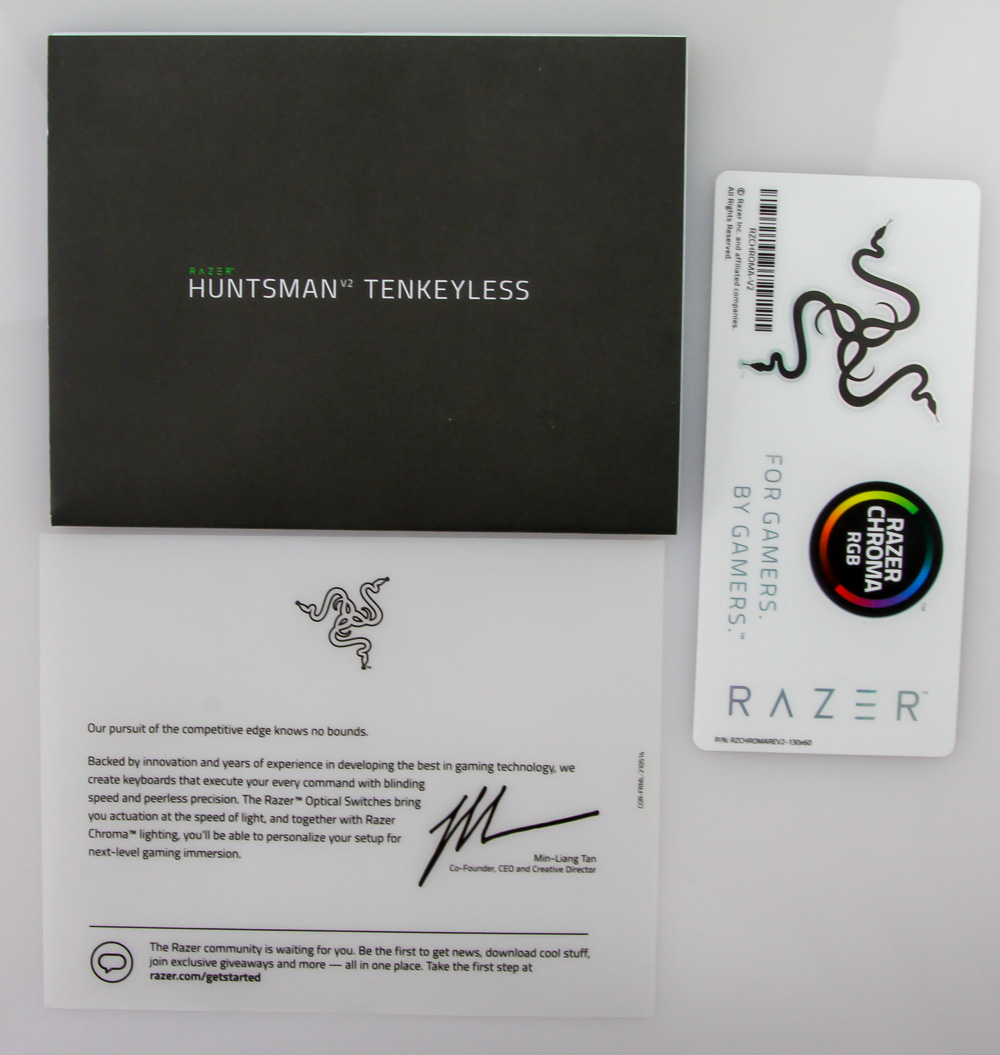
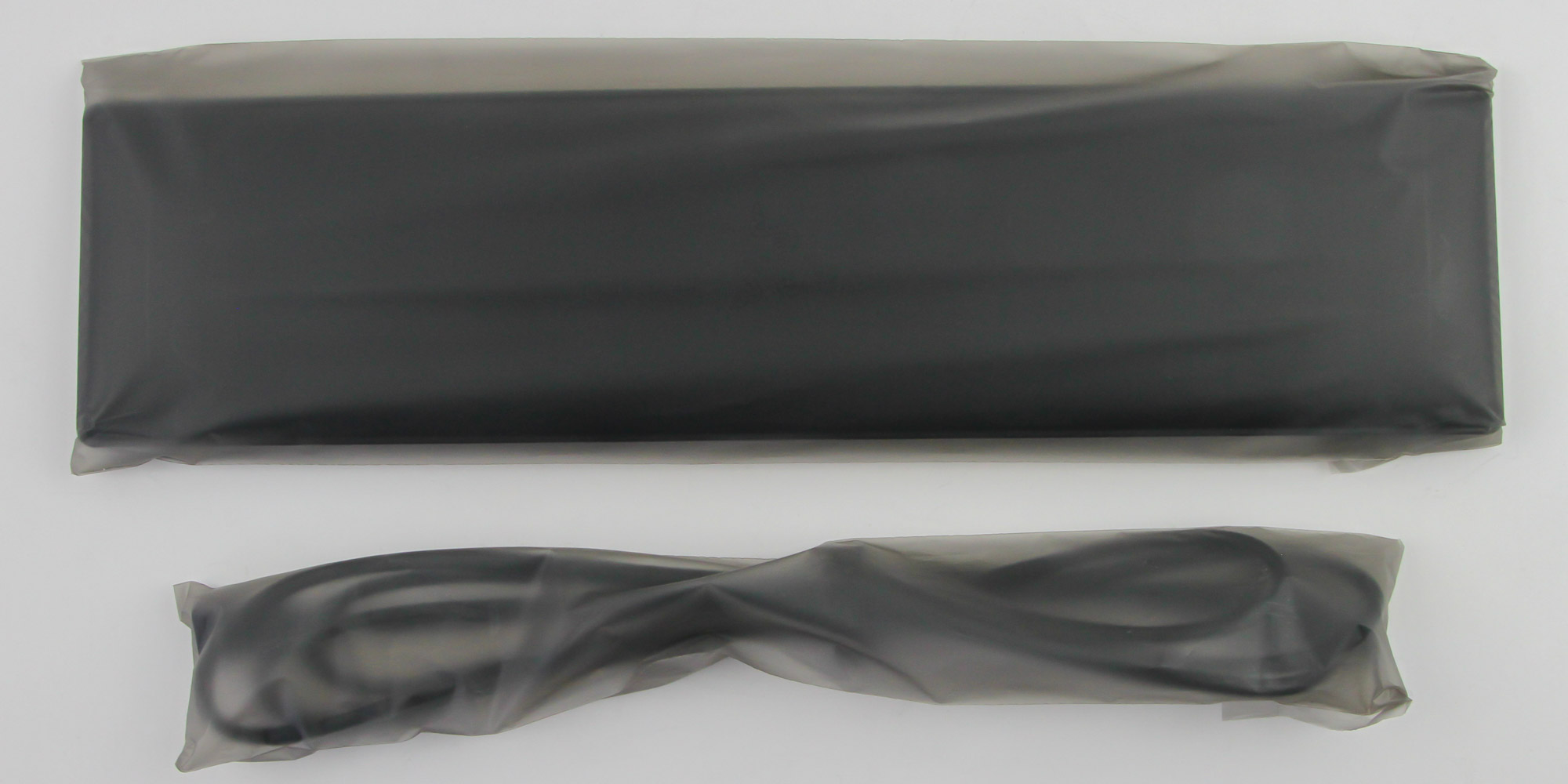
Opening the box, we see the keyboard inside a plastic wrap to keep it clean and pristine. It is held in place between two thick foam pieces, and the accessories underneath also come packaged in plastic, but with a black wax finish. These are not easily removed given the multiple layers of folded cardboard holding the foam pieces in place, which makes for good protection, but a less convenient unboxing experience. A set of stickers, welcome letter, and quick start guide have been included in a separate pouch on the underside of the box. More detailed manuals are available on the support page, including this English version that goes over the set up, usage, and customization of the keyboard in detail.


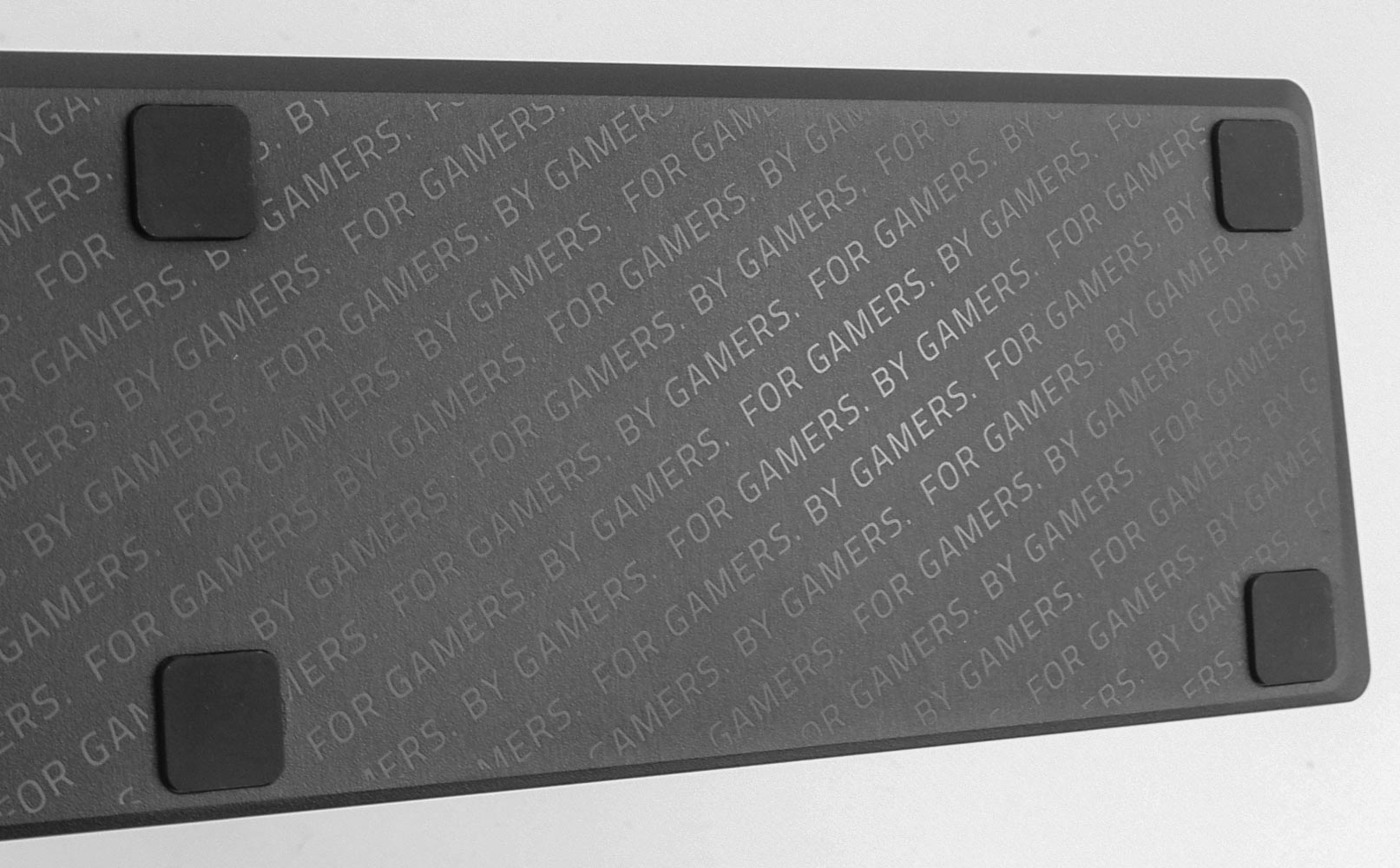
Two accessories come with the Razer Huntsman V2 TKL, and the first is a detachable USB Type-A to Type-C cable. There are Razer markings on the plug housings, which in turn use the Razer green for the plastic inserts. The Type-C housing is also larger than usual and has a groove cutout on either side, which we will get to on the next page. Razer also includes a wrist rest, which the company describes as ergonomic. I would argue that not using one is more ergonomic, but most users will find it useful with high-profile cases and mechanical switches. This wrist rest has a plush top with a leatherette finish that has the logo embossed in the middle, and many "For Gamers. By Gamers." markings have been etched into the plastic bottom, where we also see six long rubber pads for friction against the resting surface.
Our Patreon Silver Supporters can read articles in single-page format.
Nov 27th, 2026 07:16 CST
change timezone
Latest GPU Drivers
New Forum Posts
- -18C on GPU by moving it to the front of the case. (1)
- Mouse Pad advice - Shidenkai out of production? (13)
- What's your main Black Friday / Cyber Monday purchase? (29)
- TPU's WCG/BOINC Team (34812)
- 26.11.2 Adrenalin Edition is out (2)
- Wireless Internet sharing between PC and router both-ways, is it possible? (31)
- Using sodimm+adapter instead of full size dimm DDR5? (103)
- SABRENT AIC's (no bifurcation) Black Friday deals (0)
- Found Out Why My FygoOS Transfers Were Stuck at 11 MB/s (0)
- X79 and/or rampage IV OC'ing thread for those of us still left.... (2461)
Popular Reviews
- VZMORE AX9 Max Review
- Upcoming Hardware Launches 2027 (Updated Nov 2026)
- ASRock X870E Challenger Wi-Fi White Review
- AMD Ryzen 7 9800X3D Review - The Best Gaming Processor
- Microsoft Surface Laptop Ultra Review - The Next-gen Arm Laptop
- Montech CyberFlow ARGB 360 Review
- AMD Zen 6 Technical Deep Dive
- Phantom Blade Zero Performance Benchmark Review - 35 GPUs Tested
- Corsair RM1200e (Second Generation) Review
- ORICO Obook15 AI Review
TPU on YouTube
Controversial News Posts
- Jensen Huang Reinstated as CEO of NVIDIA (619)
- NVIDIA Co-Founder and CEO Jensen Huang Officially Resigns (492)
- Report: Jensen Huang Eyes NVIDIA Comeback (281)
- Open Letter Asking NVIDIA to Reinstate Jensen Huang Passes 115,000 Signatures (184)
- OpenAI CEO Argues Home PCs Waste the World's Limited DRAM Supply (152)
- NVIDIA Launches Investigation Into Jensen Huang's Relationship With Suspected Chinese Spy (136)
- Intel Razor Lake Gets a 12 P-Core bLLC Chip With No E-Cores, Per Leak (94)
- NVIDIA GeForce RTX 50-Series Scheduled for up to $500 Price Hike This Week (89)