 19
Sandisk Optimus GX Pro 8100 2 TB Review
(19 Comments) »Introduction

Sandisk is a famous storage brand that has been a leader in flash storage products for many years, selling SSDs and media cards. In 2016, the company was bought by Western Digital, and in 2025 the two split up again. After the separation, Sandisk took over the whole flash and SSD business, while WD focused on mechanical hard drives.
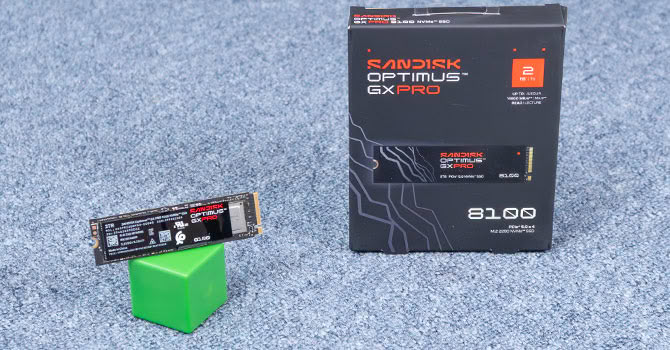
You probably remember our WD Black SN8100 review, which released as a product by Sandisk, yet we saw "WD" everywhere, which was a bit confusing. The Sandisk Optimus SSD series—announced at CES in January—ends that. It is the first consumer SSD family to carry Sandisk's own branding, and it is split into three tiers: Optimus for everyday use, Optimus GX for gaming, and Optimus GX Pro at the top.
The Sandisk Optimus GX Pro 8100 in today's review is the flagship of that new lineup, and it takes over from the WD Black SN8100. I definitely like that Sandisk kept the "8100" numbering scheme and didn't try to invent their own, just for the sake of being different. Technically, both drives are identical—the same Silicon Motion SM2508 controller, carrying the same Sandisk part number, the same Kioxia BiCS8 218-layer TLC NAND, the same 2 GB of DDR4 cache. The only difference we spotted is that the DRAM cache is from Samsung now, same DDR4-3200 though, and of course the firmware is slightly newer, as expected for a review that's conducted one year later.
The Silicon Motion SM2508 controller focuses on efficiency to help keep thermal output in check. This is the same controller we've seen in several other recent Gen 5 drives such as the Kioxia Exceria Pro G2, Acer Predator GM9000, Kingston Fury Renegade, Lexar NM1090, and of course the WD Black SN8100.
The NAND flash is Kioxia BiCS8 218-layer 3D TLC, rebranded to Sandisk, configured in a single-sided design with two NAND packages. As mentioned before, a 2 GB DDR4 DRAM cache is on board as well, which handles the drive's internal mapping tables—the classic ratio of 1 GB of DRAM per 1 TB of flash.
The Optimus GX Pro 8100 is available in capacities of 1 TB ($300), 2 TB ($550), 4 TB ($1080), and 8 TB ($2150), a model with heatsink is available, too, for an additional $20 to $50, depending on the capacity (exact same heatsink though). The endurance is set to 600 TBW, 1200 TBW, 2400 TBW and 4800 TBW respectively. Sandisk includes a five-year warranty with the Optimus GX Pro 8100 SSD.
| Specifications: Sandisk Optimus GX Pro 8100 2 TB SSD | |
|---|---|
| Brand: | Sandisk |
| Model: | SDSP82200TAN-000E0 |
| Capacity: | 2000 GB (1862 GB usable) 48 GB additional overprovisioning |
| Controller: | Silicon Motion SM2508 Rebranded as Sandisk A101-250800-AC |
| Flash: | TLC, Kioxia 218-layer, BiCS8 Sandisk 025006 1T00 |
| DRAM: | 2 GB, Samsung DDR4-3200 K4AAG165WC-BCWE |
| Endurance: | 1200 TBW |
| Form Factor: | M.2 2280 |
| Interface: | PCIe Gen 5 x4, NVMe 2.0 |
| Device ID: | Sandisk Optimus GX Pro 8100 2TB |
| Firmware: | 830ZRR0A |
| Warranty: | Five Years |
| Price at Time of Review: | $550 / $275 per TB |
Packaging
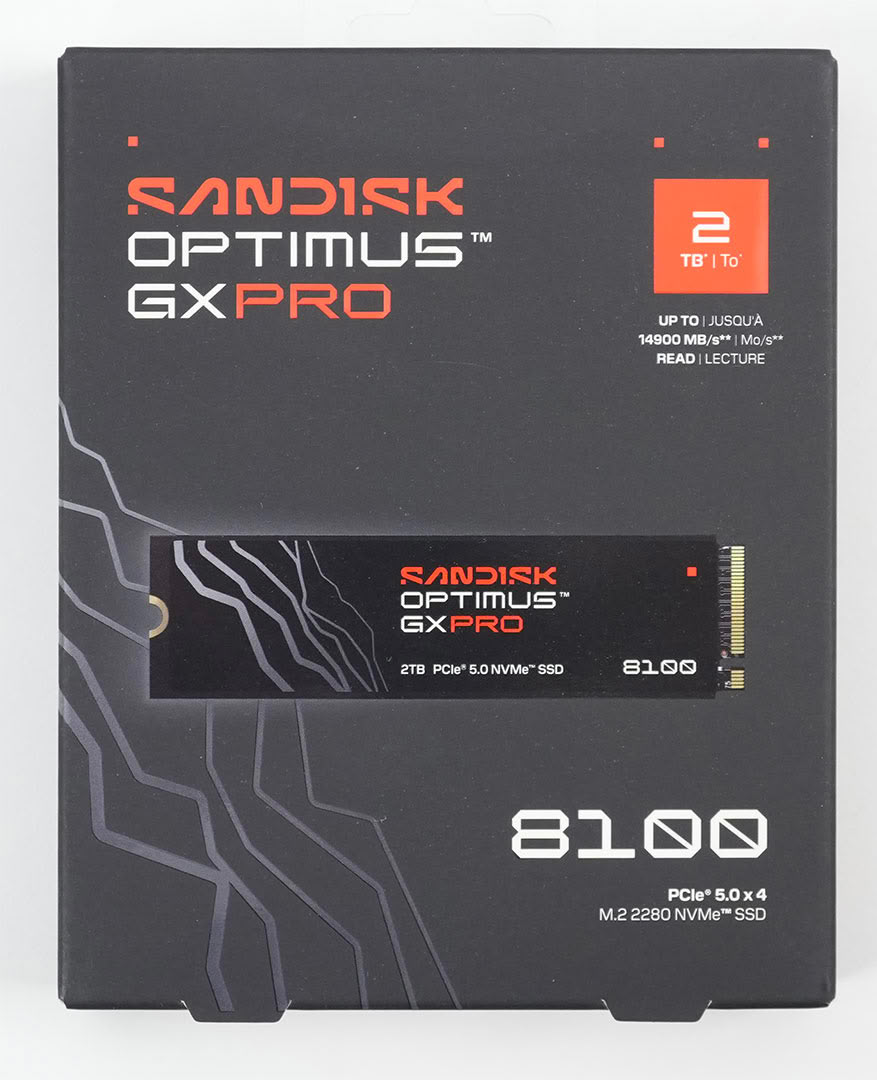
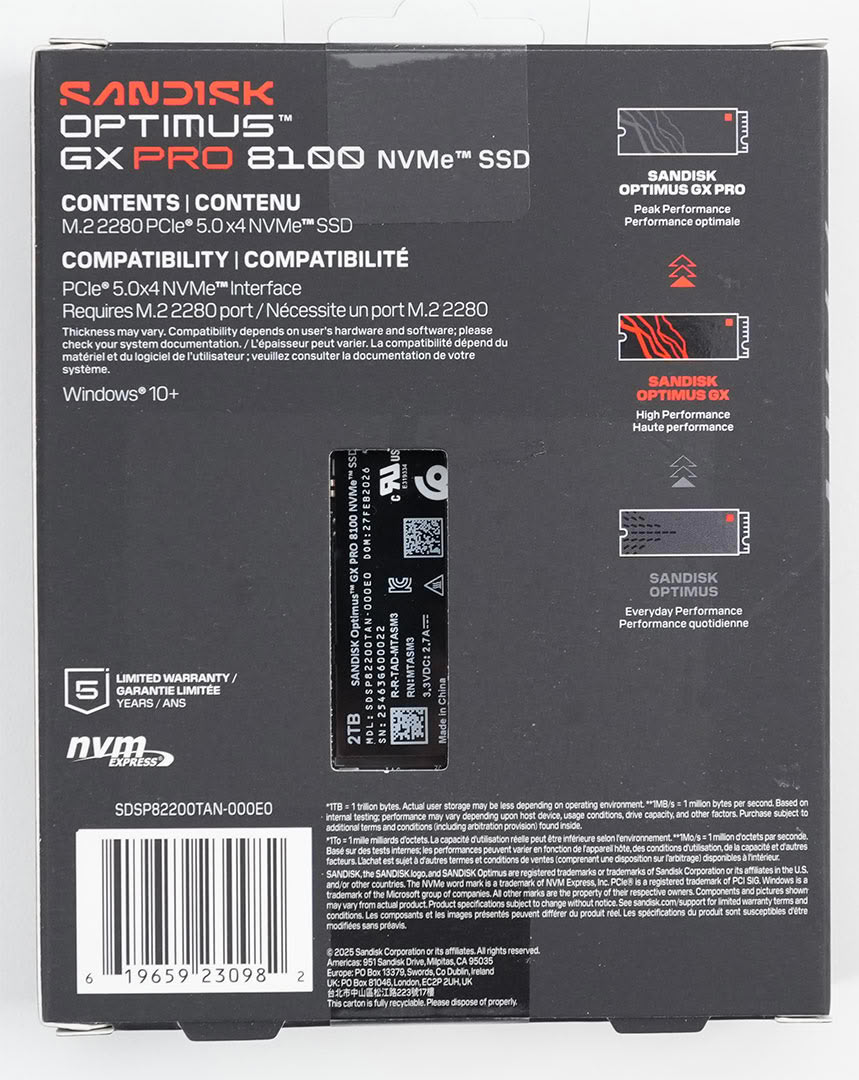
The Drive
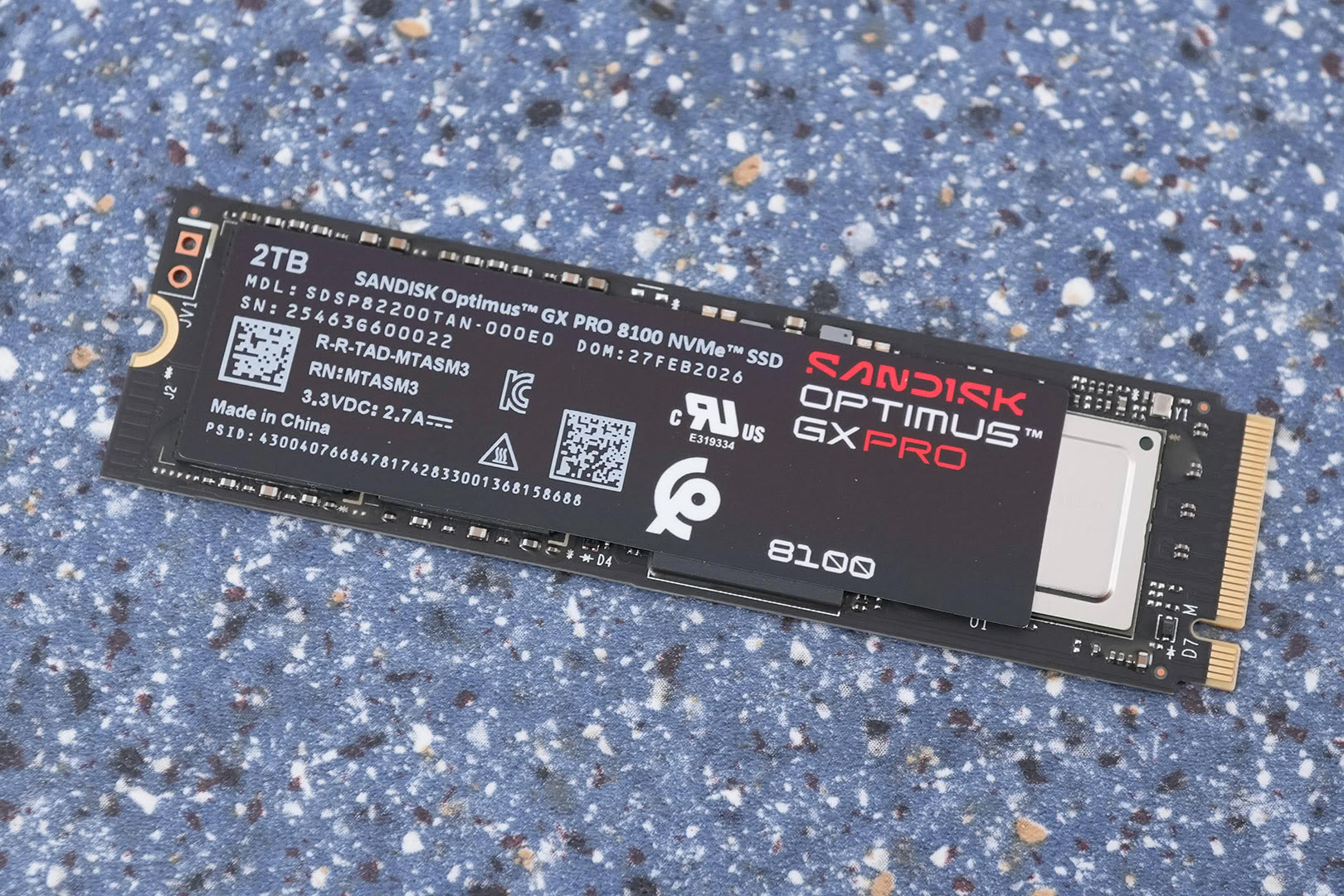
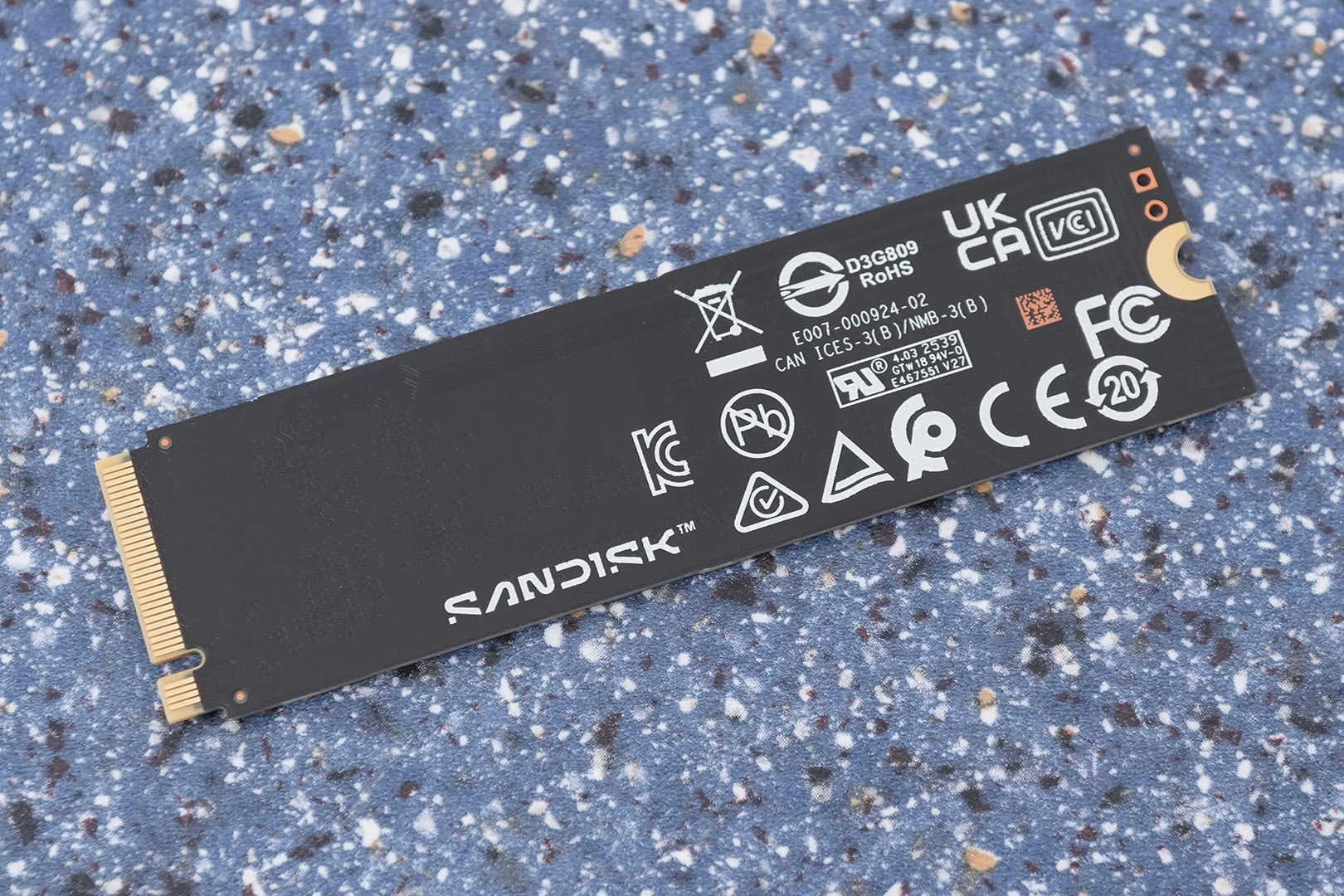
The drive is designed for the M.2 2280 form factor, which makes it 22 mm wide and 80 mm long.
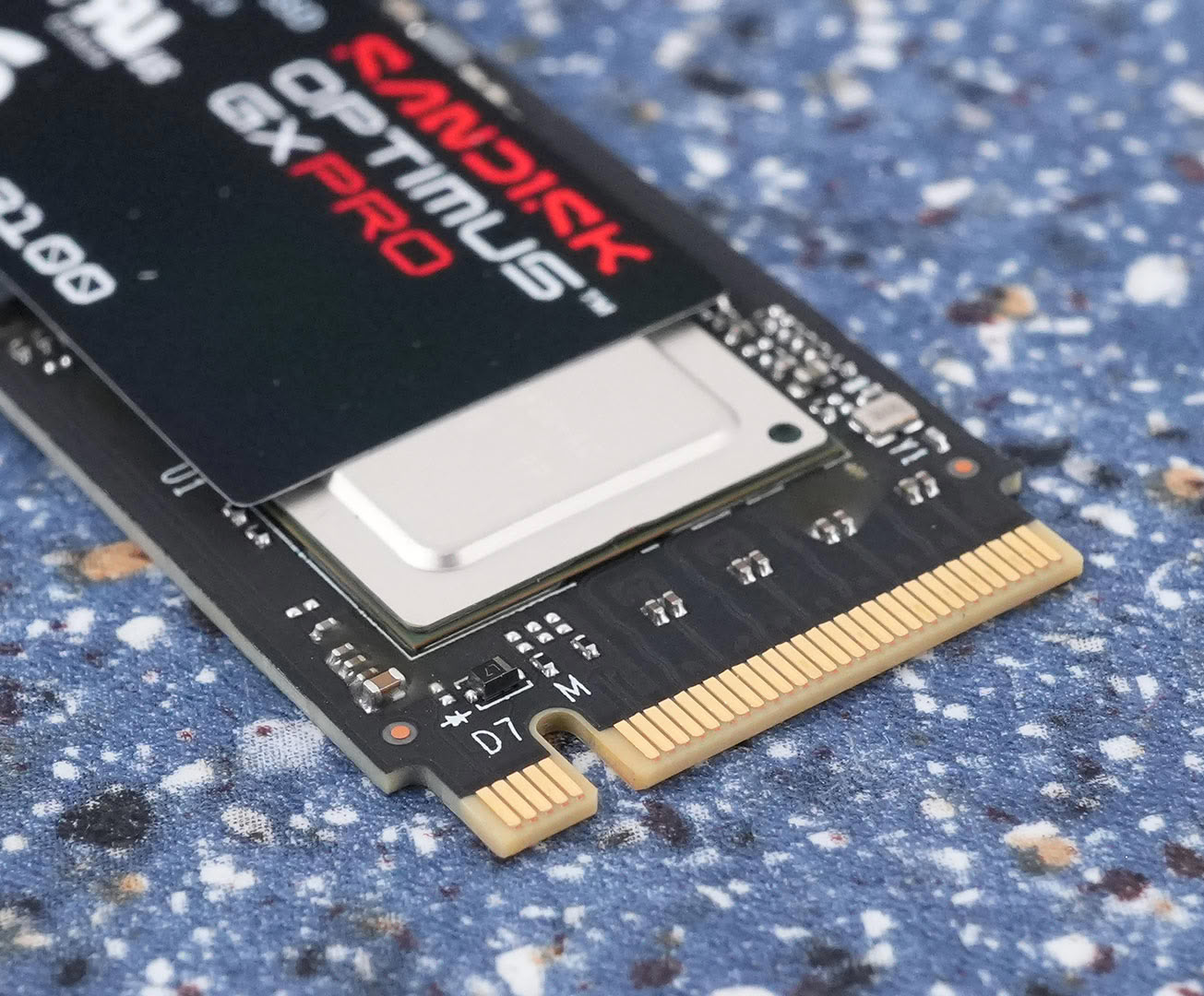
PCI-Express 5.0 x4 is used as the host interface to the rest of the system, which doubles the theoretical bandwidth compared to PCIe 4.0 x4.
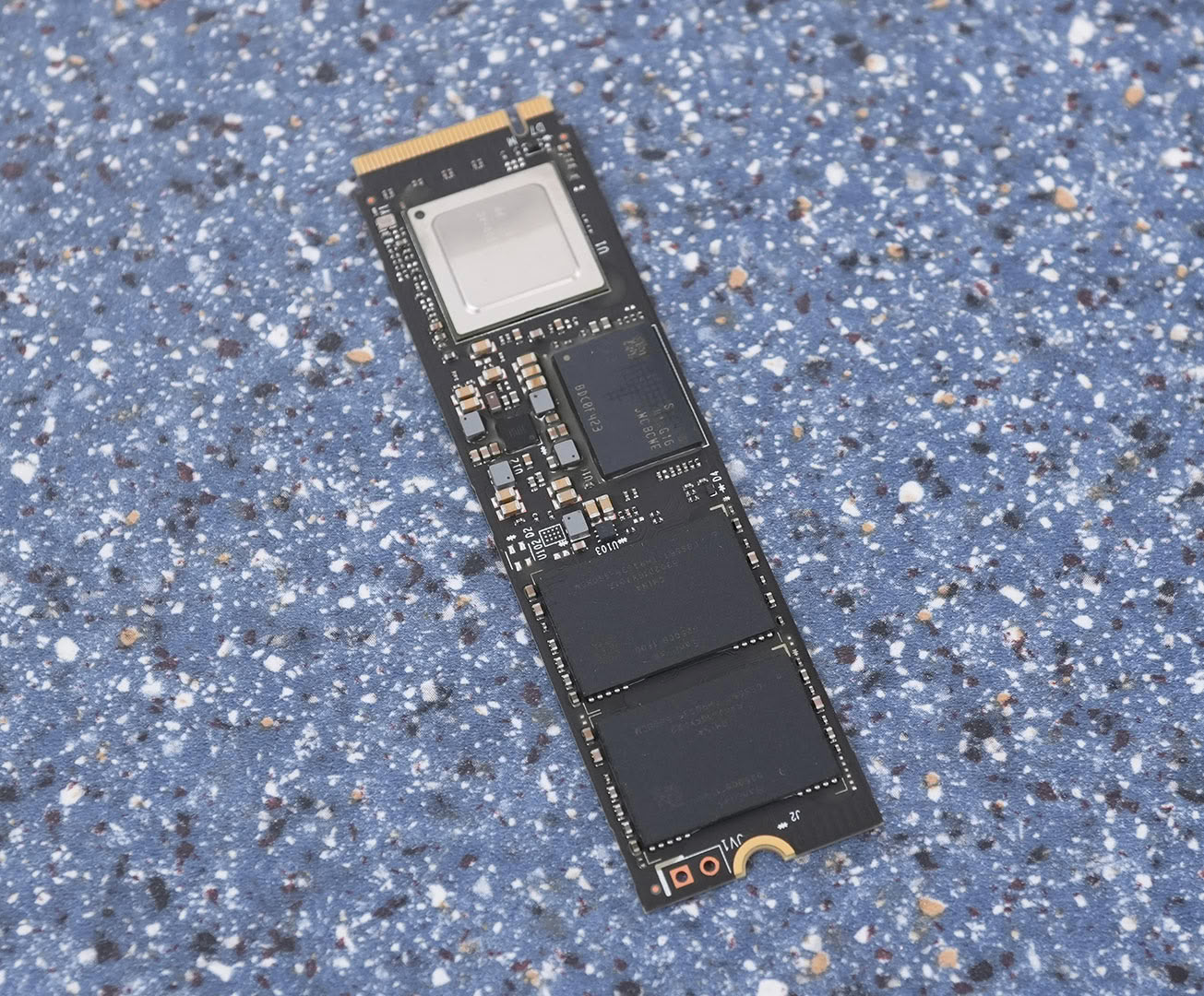
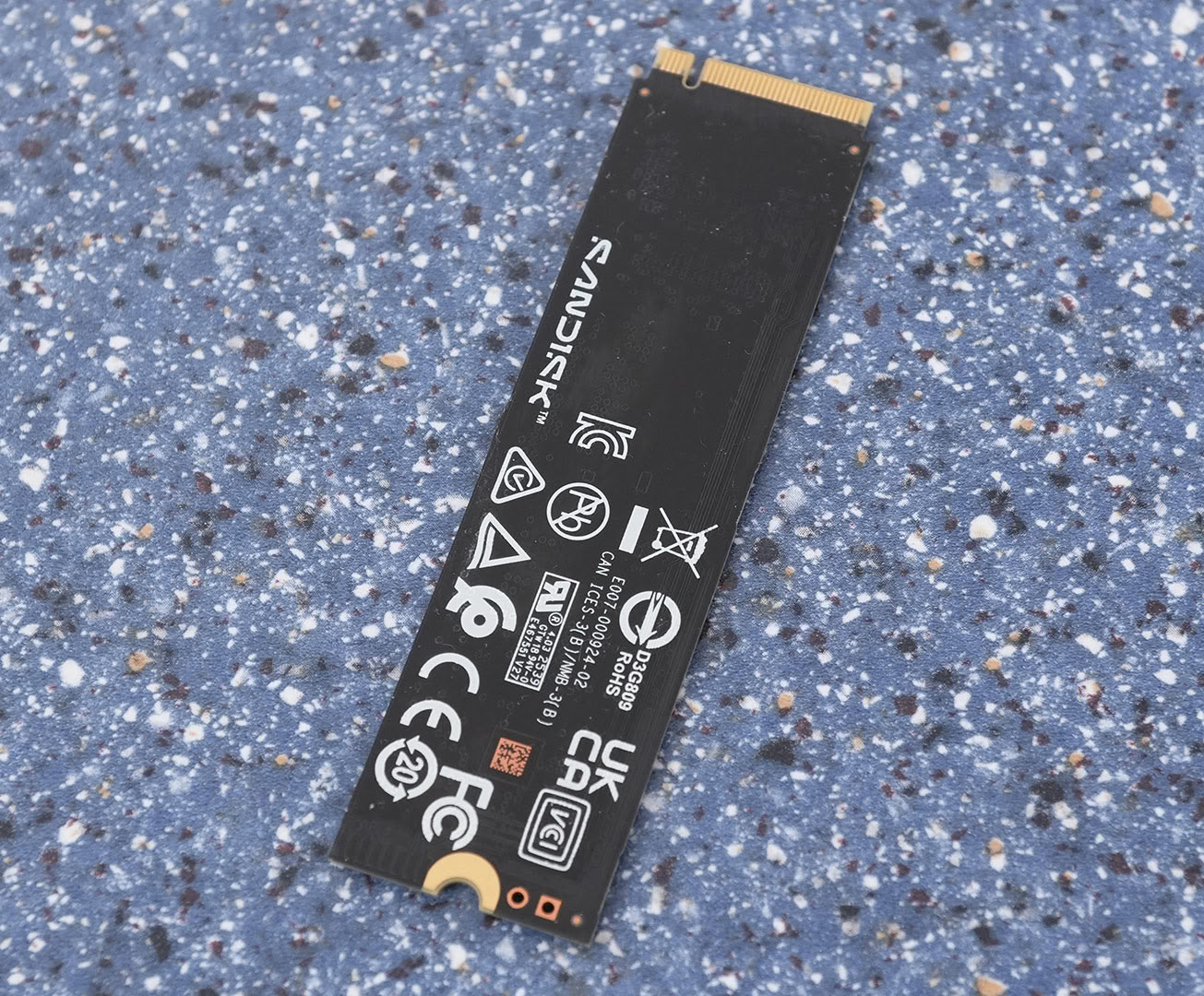
On the PCB you'll find the controller, one DRAM chip and two flash chips. Everything sits on the front side—the back of the card is completely clean, which makes this a single-sided drive, with maximum compatibility. Sandisk builds all capacities up to 4 TB this way; only the 8 TB model is double-sided.
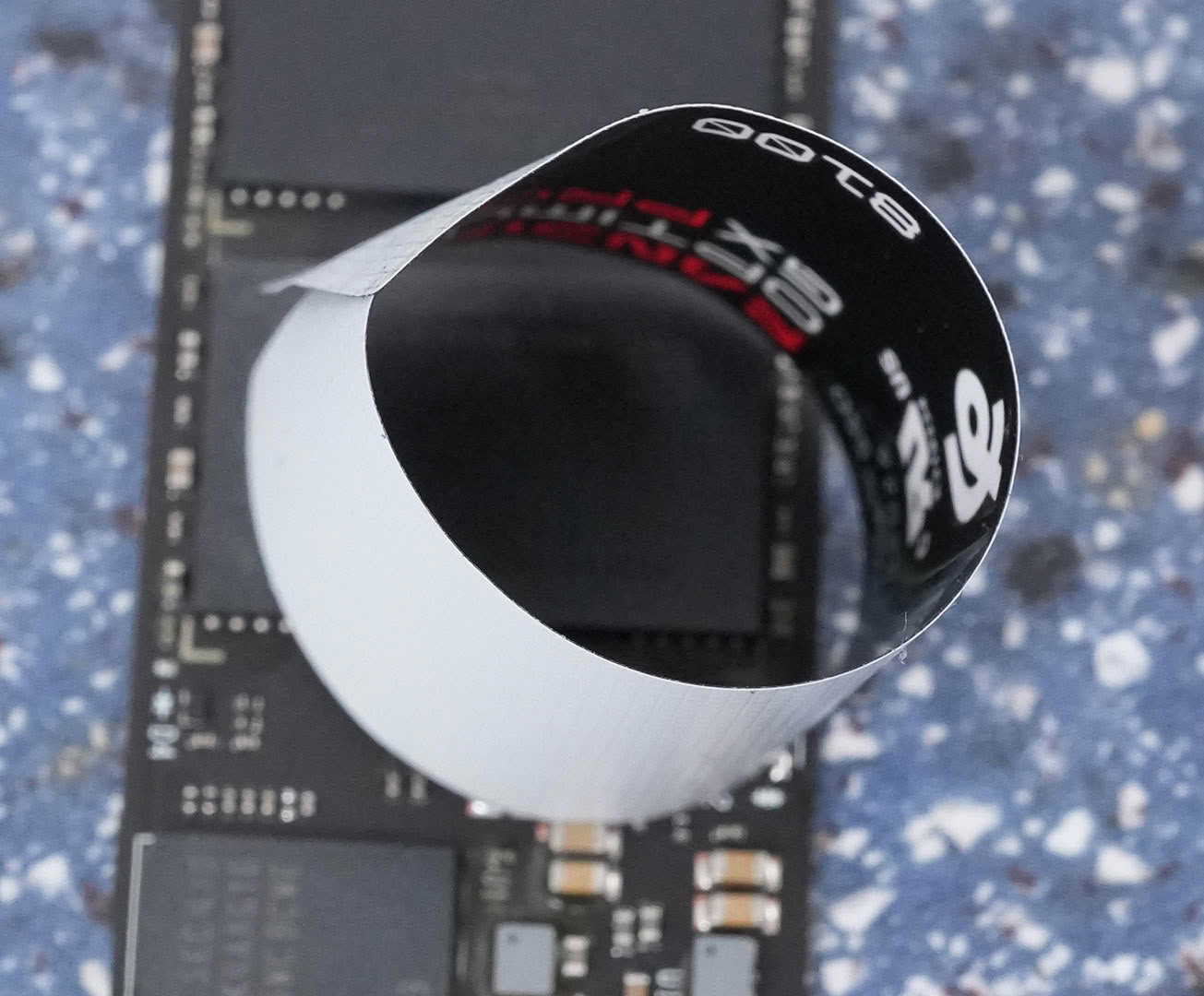
Peeling the label off reveals a plain plastic sticker with no metal core, exactly like on the SN8100.
Chip Component Analysis
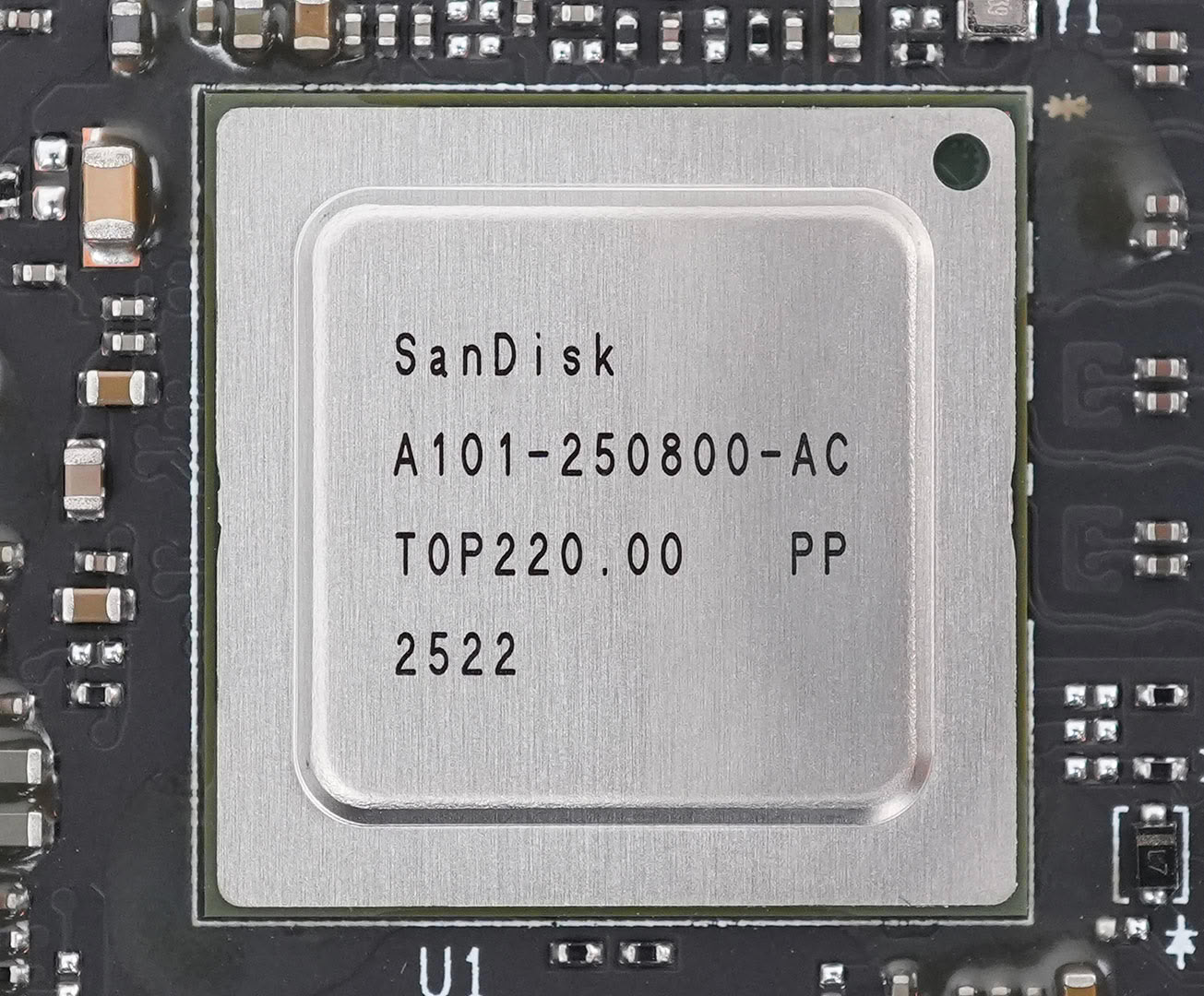
The Silicon Motion Technology SM2508 controller is the company's first PCI-Express 5.0 controller for consumer applications. It supports PCIe 5.0 x4 and runs with eight flash channels at 3600 MT/s. SMI fabricates the controller using a 6 nanometer process at TSMC Taiwan. Sandisk has rebranded the chip to Sandisk A101-250800-AC—the exact same marking we found on the WD Black SN8100. Our unit was manufactured in week 22 of 2025.
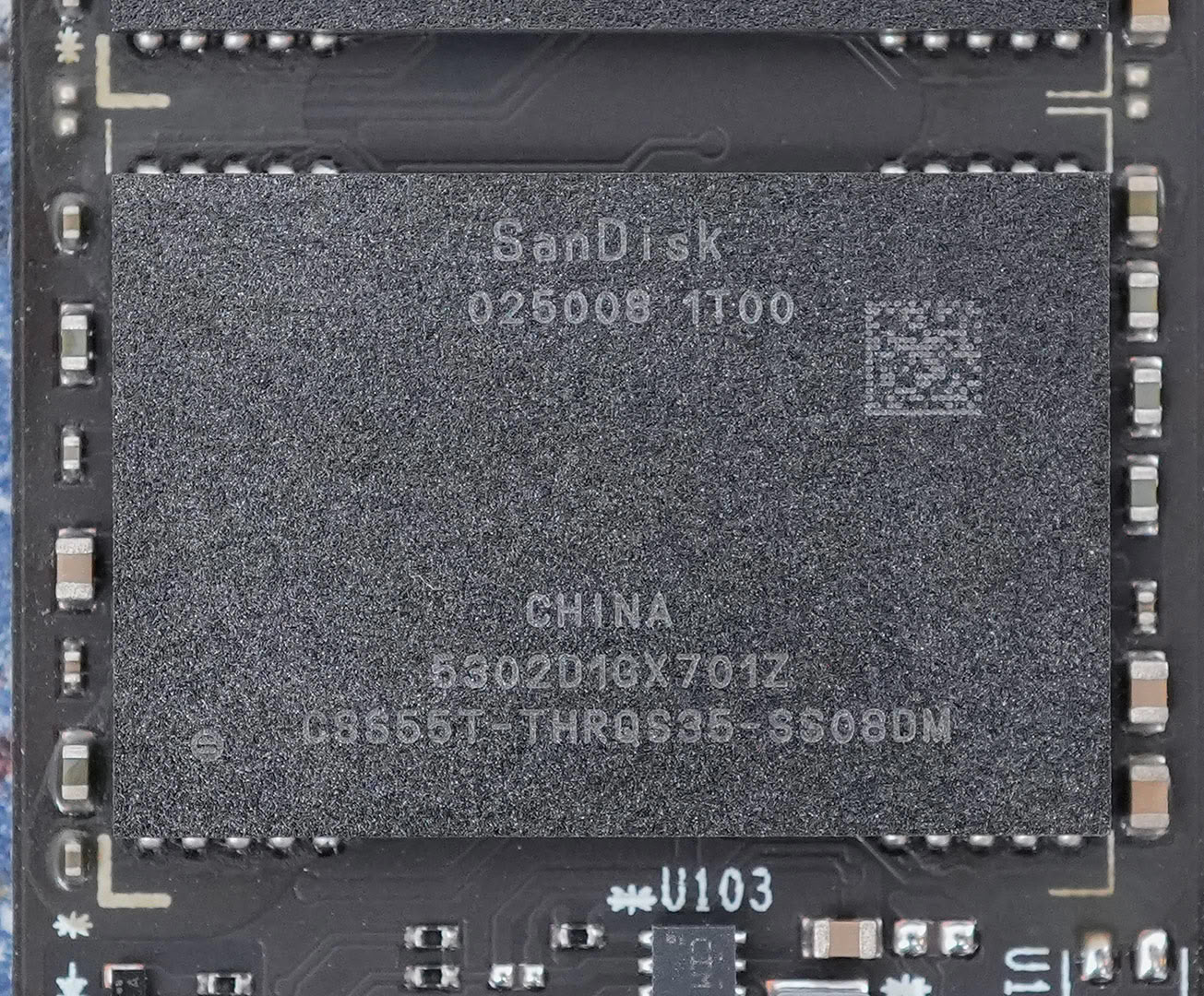
The two flash chips are Kioxia BiCS8 3D TLC NAND with 218 layers, rebranded to Sandisk 025006 1T00. Each chip has a capacity of 1 TB.
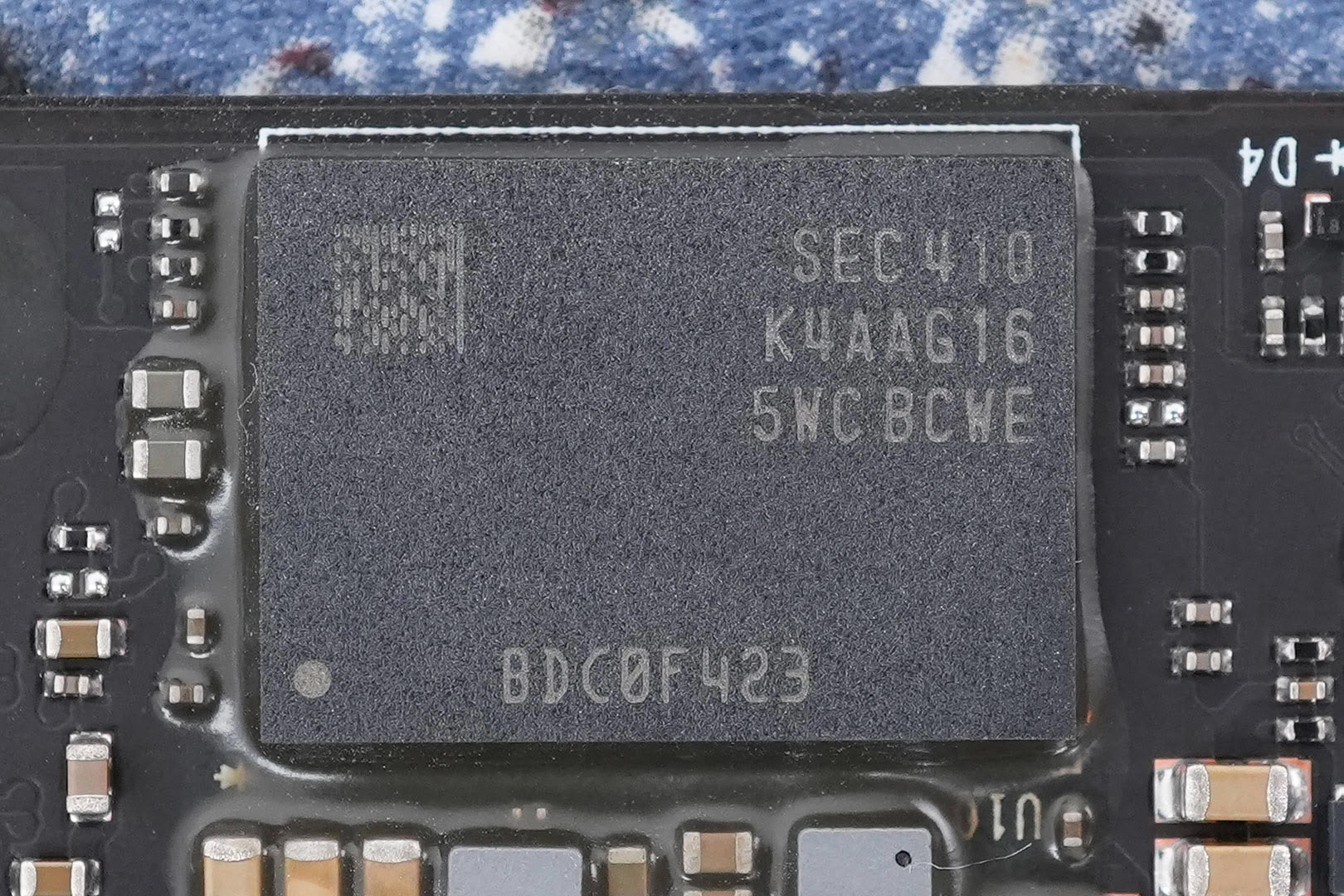
The DRAM chip is a 2 GB Samsung DDR4-3200 module, marked K4AAG165WC-BCWE. That's the classic 1 GB of DRAM per 1 TB of flash ratio, which gives the controller plenty of room to hold the mapping tables in memory.
Test Setup
| Test System SSD 2026 | |
|---|---|
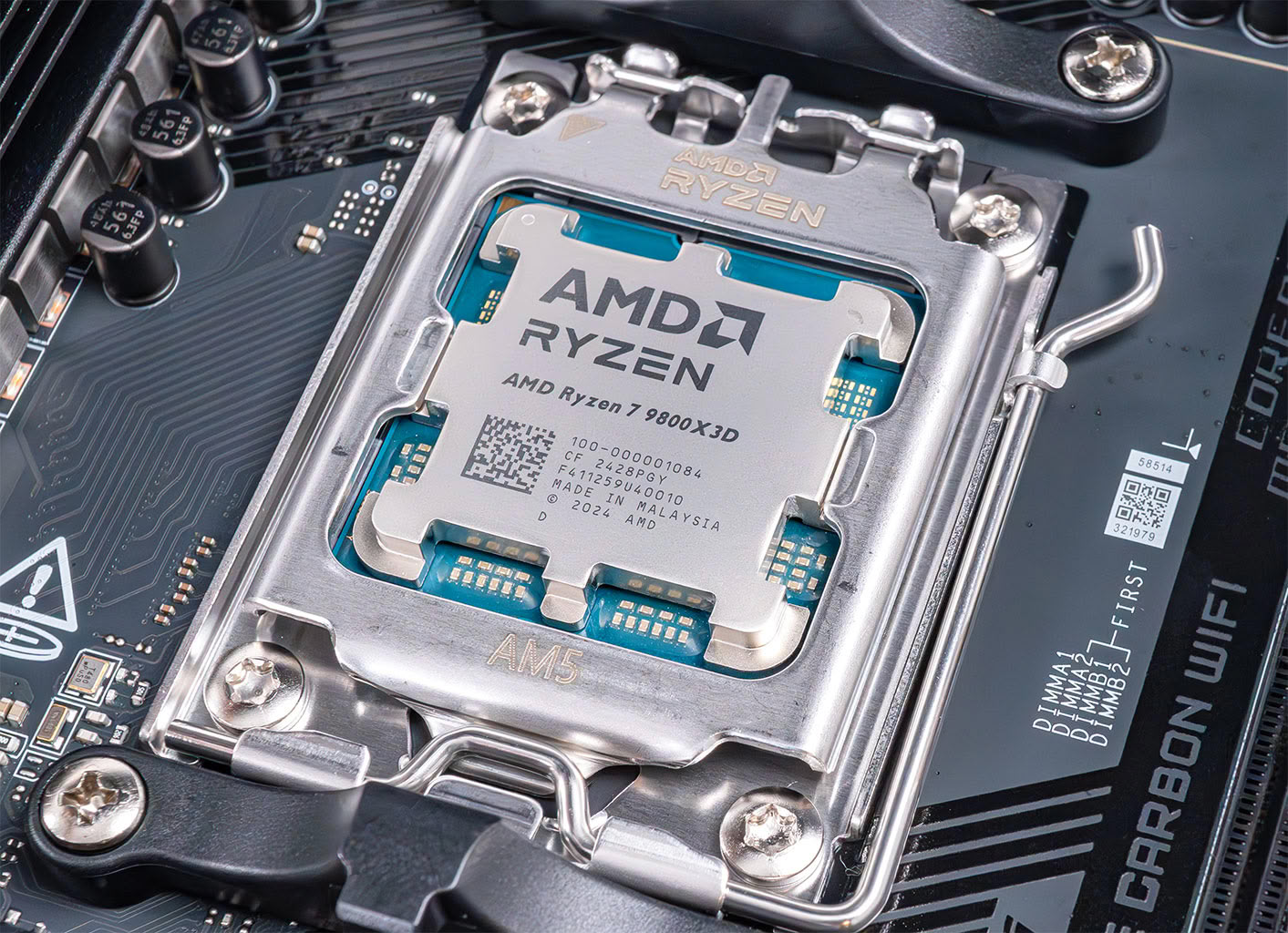
| Processor: | AMD Ryzen 7 9800X3D Zen 5, 5.2 GHz, 8 cores/16 threads |
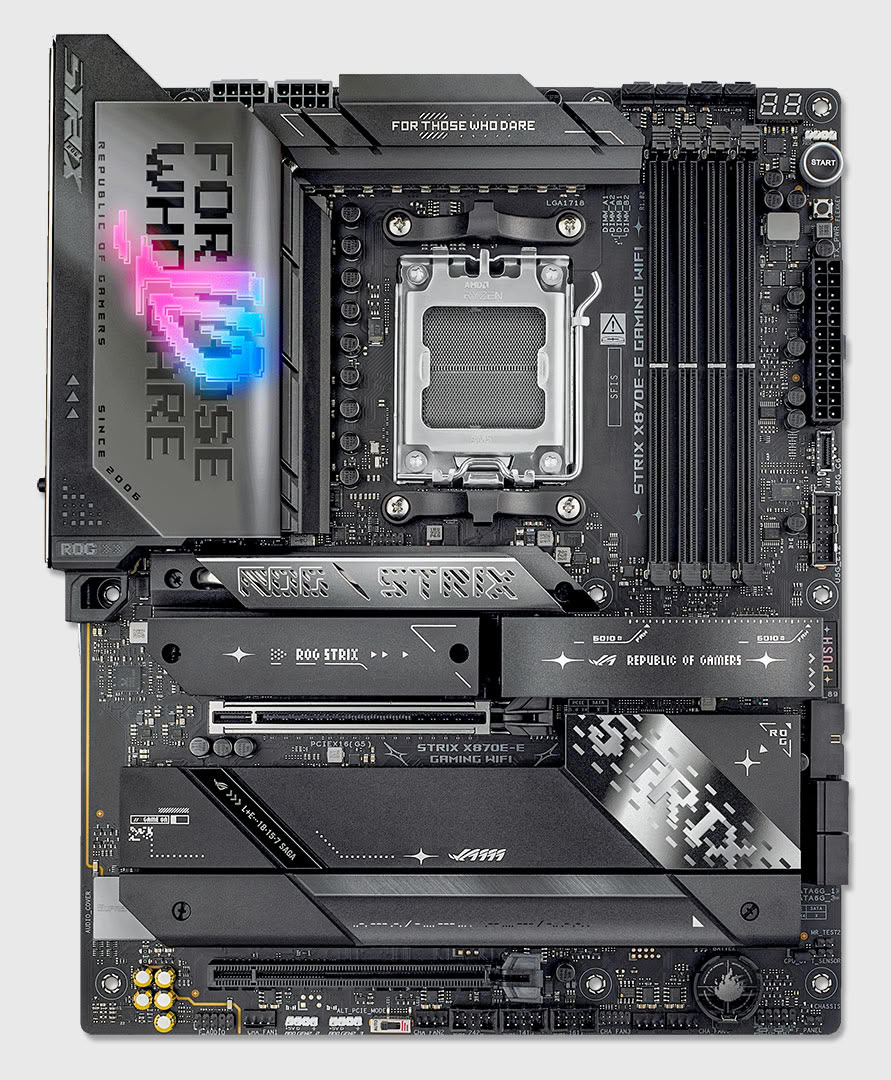
| Motherboard: | ASUS ROG STRIX X870E-E BIOS 2202 |
| Memory: | 2× 16 GB DDR5-6000 |
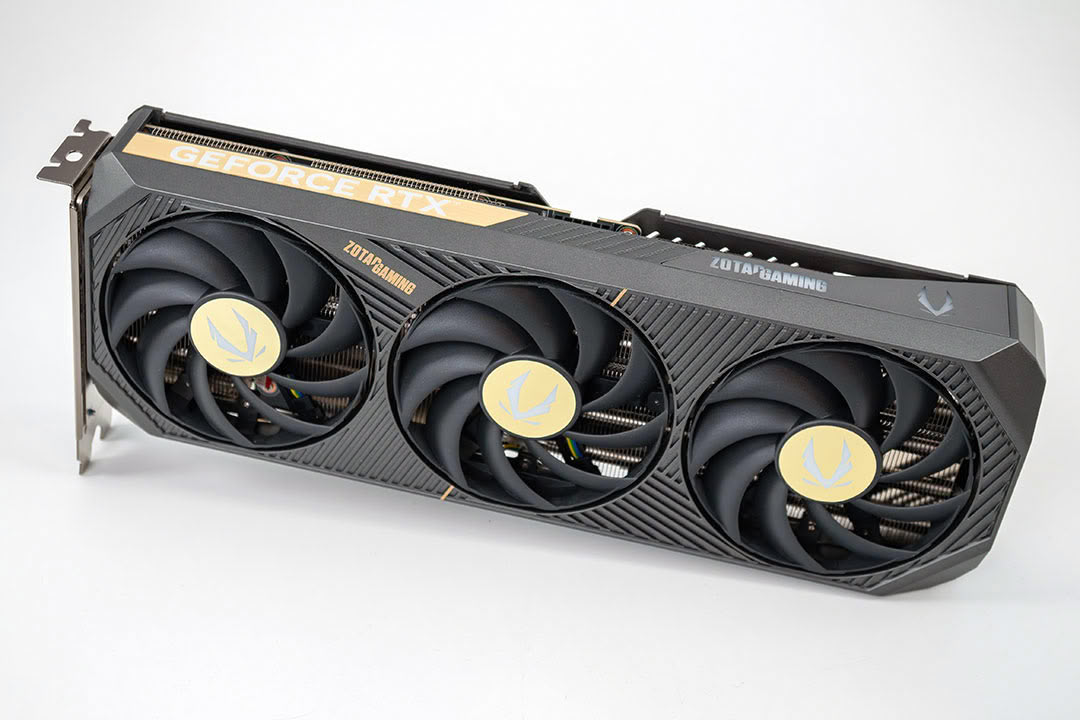
| Graphics: | Zotac GeForce RTX 5070 Solid |
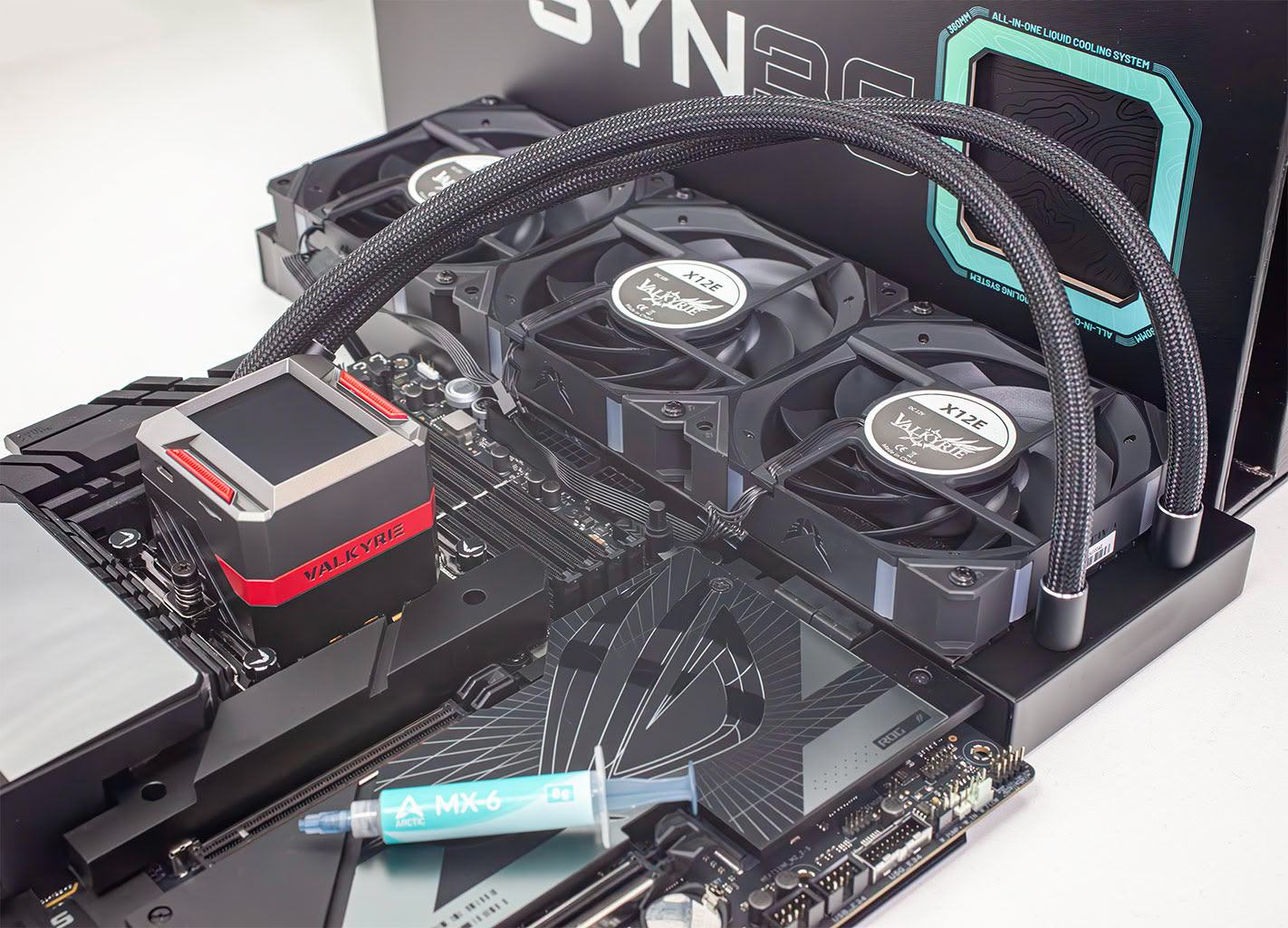
| Cooling: | Valkyrie Syn 360 mm AIO |
| Thermal Paste: | Arctic MX-6 |
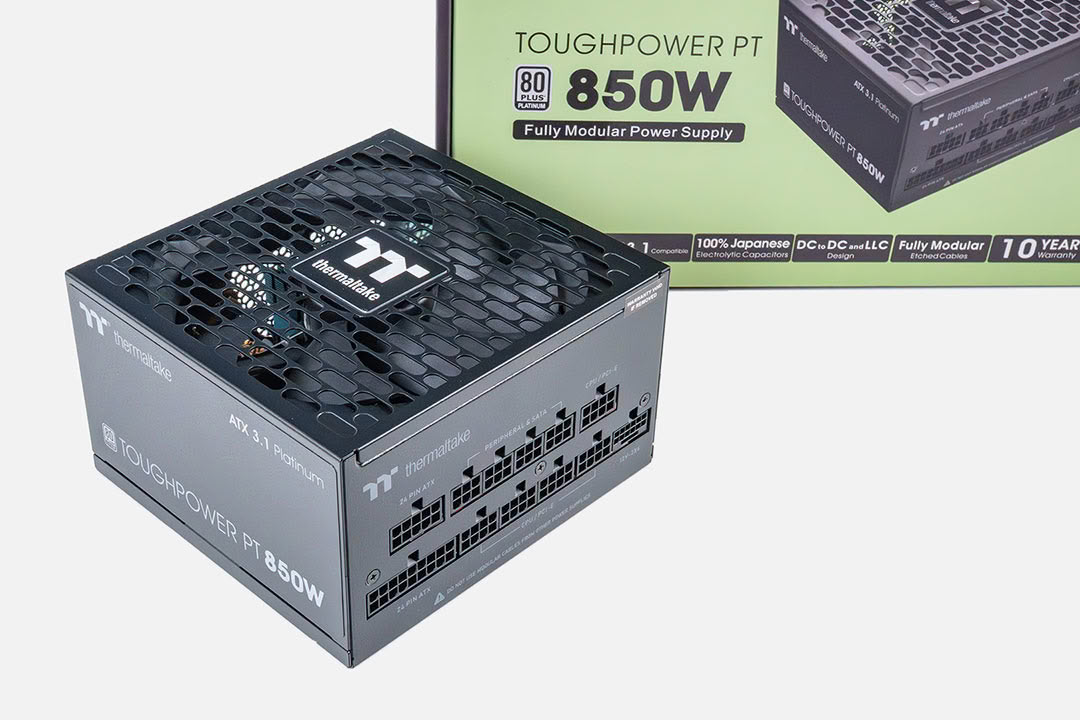
| Power Supply: | Thermaltake Toughpower PT 850 W ATX 3.1 / 16-pin 12VHPWR |
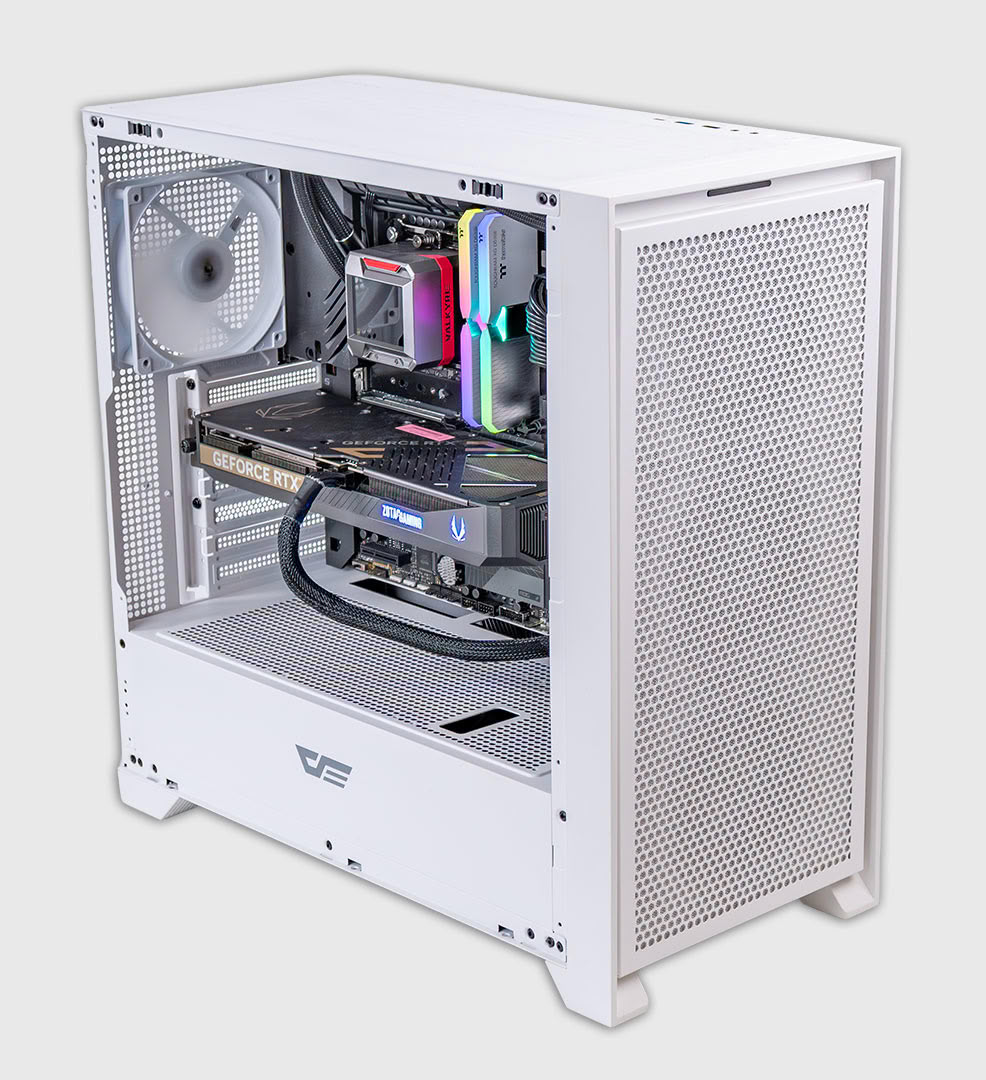
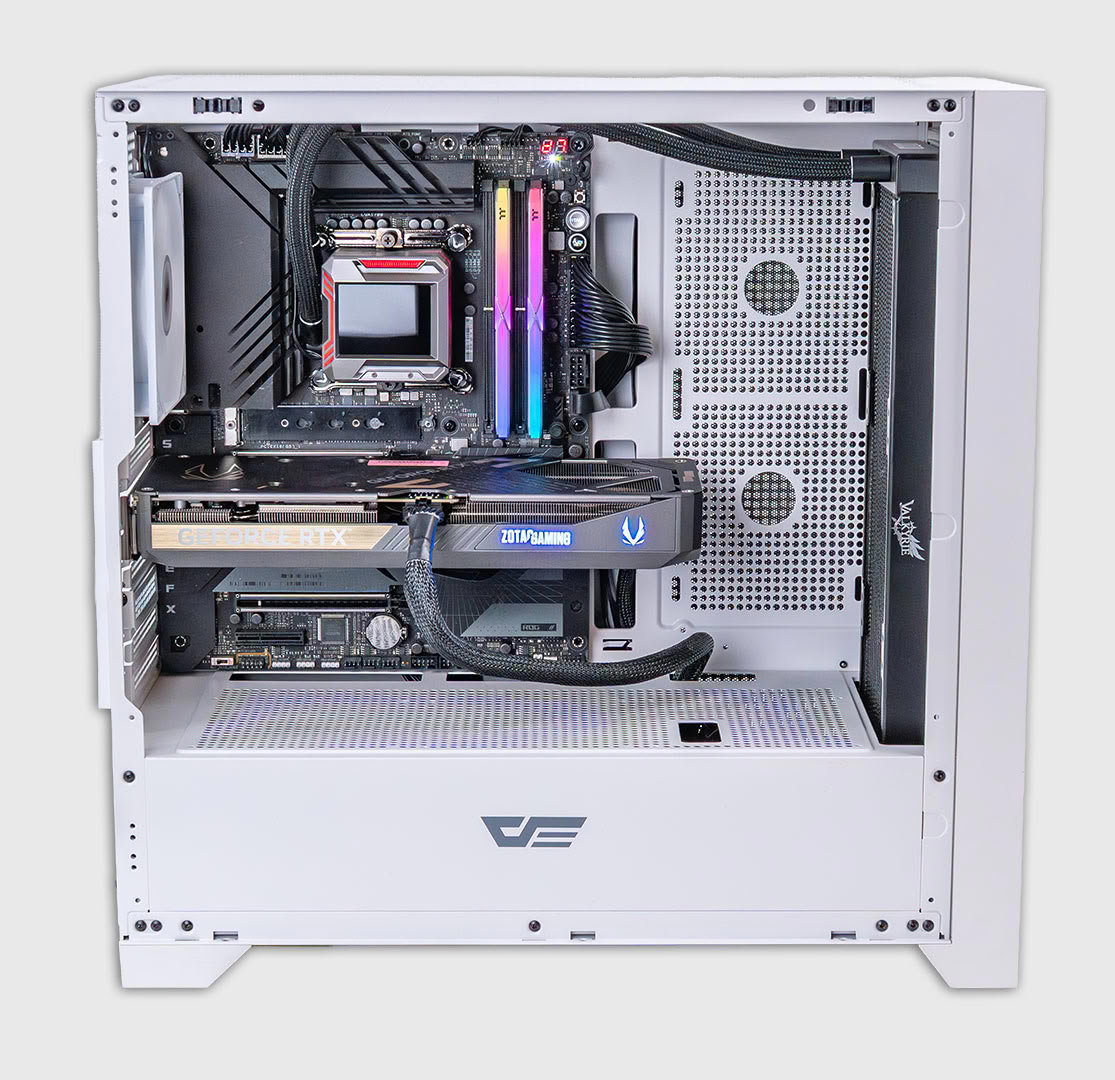
| Case: | darkFlash DRX70 White |
| Operating System: | Windows 11 Professional 64-bit 25H2 VBS enabled (Windows 11 default) |
| Drivers: | NVIDIA: 610.47 WHQL |
Synthetic Testing
- Tests are run with a 20-second-long warm-up time (result recording starts at second 21).
- Between each test, the drive is left idle for 60 seconds, to allow it to flush and reorganize its internal data.
- All write requests contain random, incompressible data.
- Disk cache is flushed between all tests.
- During these tests, M.2 drives are tested with additional active fan-cooling, to ensure thermal throttling can't happen.
Real-life Testing
- After initial configuration and installation, a disk image is created; it is used to test every drive.
- Automated updates are disabled for the OS and all programs. This ensures that—for every review—each drive uses the same settings, without interference from previous testing.
- Our disk image consumes around 1.5 TB—partitions are resized to fill all available space on the drive.
- All drives are filled with random data to 80% of their capacity. This is intentional, to run the drive in realistic operating conditions—nobody uses a nearly-empty SSD in their system. It also puts additional stress on the pseudo-SLC cache subsystem, because there is less free NAND space to work with.
- 1 TB drives are tested in three independent runs, applications first, then 2x games, each filled to 80% capacity, with secure erase between.
- Partitions are aligned properly.
- Disk cache is flushed between all tests.
- In order to minimize random variation, each real-life performance test is run several times, with reboots between tests to minimize the impact of disk cache.
- All application benchmarks run the actual application and do not replay any disk traces.
- During these tests, M.2 drives are running with additional active fan cooling, to entirely prevent thermal throttling.
Our Patreon Silver Supporters can read articles in single-page format.
Nov 15th, 2026 21:43 CST
change timezone
Latest GPU Drivers
New Forum Posts
- Asus Rog Maximus Z890 Extreme. (Various questions). (26)
- GPU Temperatures Rise Very Quickly in FurMark – Is This Normal? (7)
- Will zen 6 mobos have anything extra vs current ones? (46)
- Your PC ATM (36435)
- It’s been fascinating times in Retro agian r36s isn’t even worth 50-65 dollars no more and newly listed Rm36 64gb 4in IPS models for only 34 dollars. (6)
- Power supply noise stops when I move the mouse (10)
- Can you guess Which game it is? (320)
- What is the latest game you finished or 100% (203)
- HP Office Jet 7740 Pro - Supply system problem with replacement cartridge (4)
- What are you playing? (26224)
Popular Reviews
- ASUS ROG Strix B850-I Gaming Wi-Fi7 W Review
- Corsair HX1000i Shift Crystal Review
- AMD Zen 6 Technical Deep Dive
- Upcoming Hardware Launches 2027 (Updated Nov 2026)
- Montech King 95 3D PRO Review
- NZXT C1200 Platinum Review
- Phantom Blade Zero Performance Benchmark Review - 35 GPUs Tested
- AMD Ryzen 7 9800X3D Review - The Best Gaming Processor
- NZXT H5 Review
- NZXT H7 RGB+ Review
TPU on YouTube
Controversial News Posts
- NVIDIA Co-Founder and CEO Jensen Huang Officially Resigns (430)
- Open Letter Asking NVIDIA to Reinstate Jensen Huang Passes 115,000 Signatures (184)
- OpenAI CEO Argues Home PCs Waste the World's Limited DRAM Supply (152)
- NVIDIA Launches Investigation Into Jensen Huang's Relationship With Suspected Chinese Spy (136)
- Intel "Raptor Lake Next" 16-Core and 20-Core CPUs Surface (130)
- Legendary Game Studio BioWare Shuts Down Following EA Layoffs (104)
- Dell CEO Says the Memory Shortage Will Get Worse in 2027 (95)
- NVIDIA GeForce RTX 50-Series Scheduled for up to $500 Price Hike This Week (89)