 3
Sharkoon SKILLER SGK50 S4 Mechanical Keyboard Review
(3 Comments) »Introduction

Sharkoon has become a mainstay at TechPowerUp by not only offering good products for the money in various different categories including cases, mice, keyboards, and audio devices, but also doing so in Europe and providing a local brand for end users to get custom offerings for their region. This is most particularly appreciated with keyboards where ~95% of all keyboards only come in the US ANSI layout, leaving Europeans hungry for more. Mainstream brands end up being the solution here but their products tend to also be more expensive than many would like. The full-size Sharkoon SKILLER SGK30 we saw before is a prime example of how you can get a nice keyboard without breaking the bank, and today we examine another Sharkoon keyboard which aims to continue this tradition.

As the photo above suggests, the newer Sharkoon SKILLER SGK50 S4 is a 60% keyboard that also comes in two different color options—all black, or a mix of black and white for the keycaps. The latter set also helps distinguish the SKILLER SGK50 S4 from the vast majority of other 60% keyboards and that is before Sharkoon's other perks come into the picture. This is a plug-and-play device which emphasizes build quality and on-the-fly customization, as opposed to needing any software drivers, and is part of Sharkoon's burgeoning keyboard ecosystem including switches, keycap sets, and even desk pads to where the company wants its customers to be able to have a keyboard that not only works for their specific language and layout but also looks the part too. Thanks to Sharkoon for providing a review sample to TechPowerUp as we put it to the test against these claims today, beginning with a look at the product specifications in the table below.
Specifications
| Sharkoon SKILLER SGK50 S4 Mechanical Keyboard | |
|---|---|
| Layout: | 61-key, 60% form factor in a US ANSI layout, other languages supported depending on region |
| Material: | ABS plastic case and keycaps, steel plate, foam sheets |
| Macro Support: | Yes, on-the-fly recording |
| Dimensions: | 293 (L) x 102.5 (W) x 38 (H) mm |
| Weight (inc. cable): | 648 g / 1.43 lbs. |
| Wrist/Palm Rest: | No |
| Anti-ghosting: | Full N-Key rollover USB |
| Media Keys: | Available as layered functions |
| Cable Length: | 6 ft / 1.8 m |
| Software: | No |
| Switch Type: | Kailh Red, Brown, or Blue RGB mechanical switch |
| Backlighting: | Yes, per-key 16.8 M RGB |
| Interface: | USB |
| Warranty: | Two years |
Packaging and Accessories


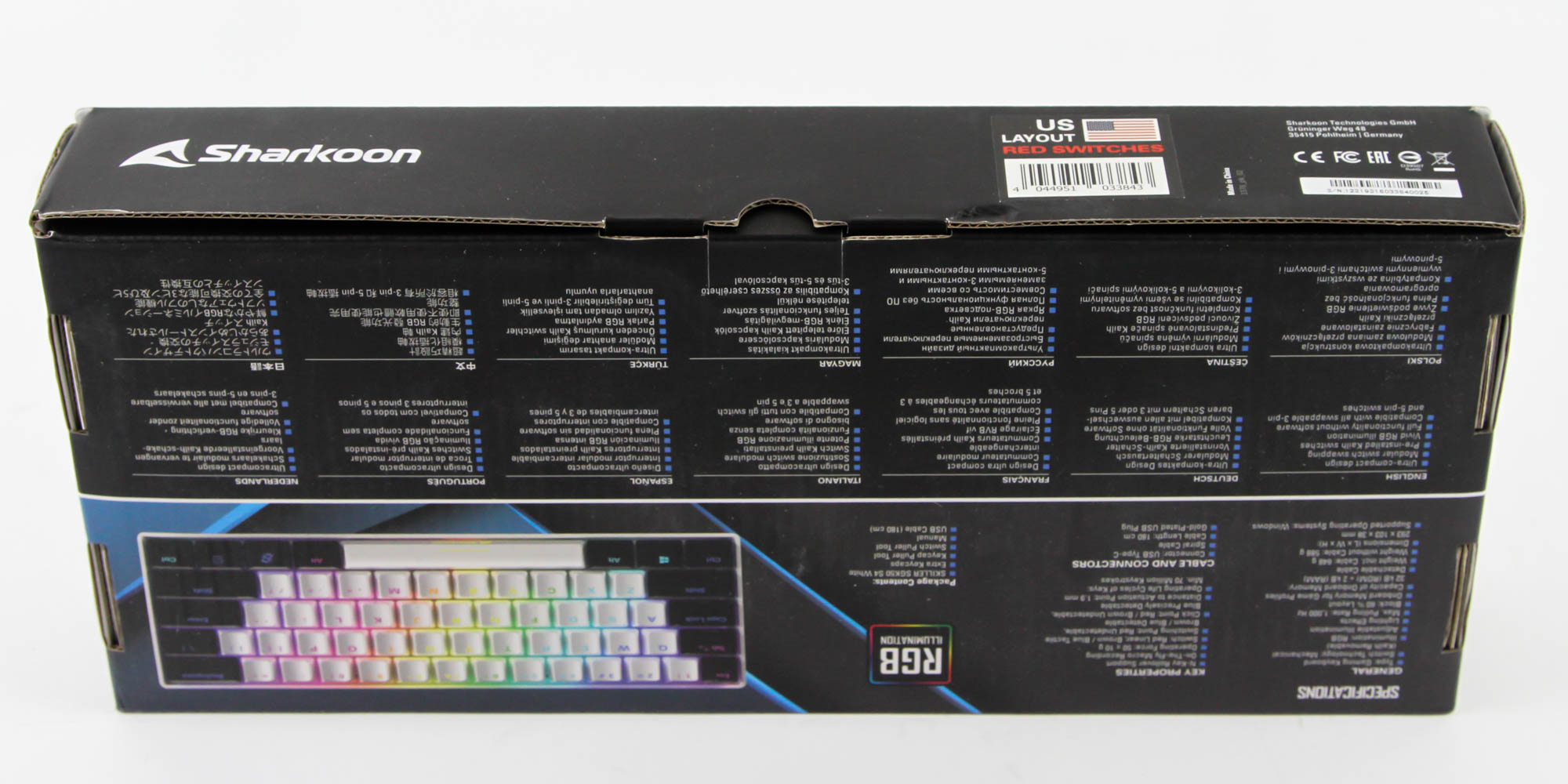
Packaging for the Sharkoon SKILLER SGK30 is on the flashy side, with a black base and plenty of other splashes of color and designs to catch your eye. On the front is the company logo and product name, along with a render of the keyboard lit up in addition to salient marketing features including the switch type. This continues on the back and sides, so much so that the back is quite crowded with more renders, specifications, and features in multiple languages. There is a double flap on the side to help keep the contents in place during transit.
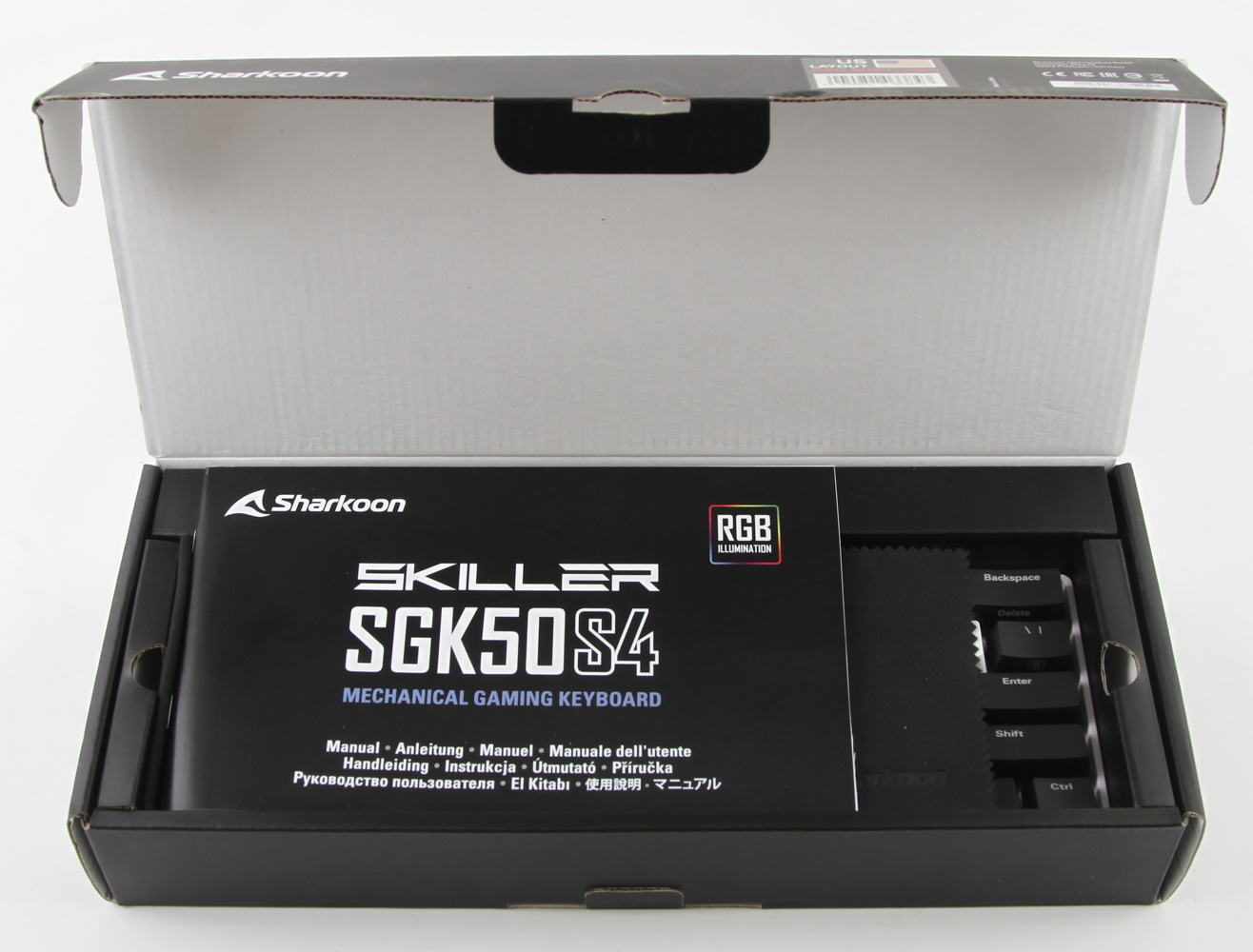
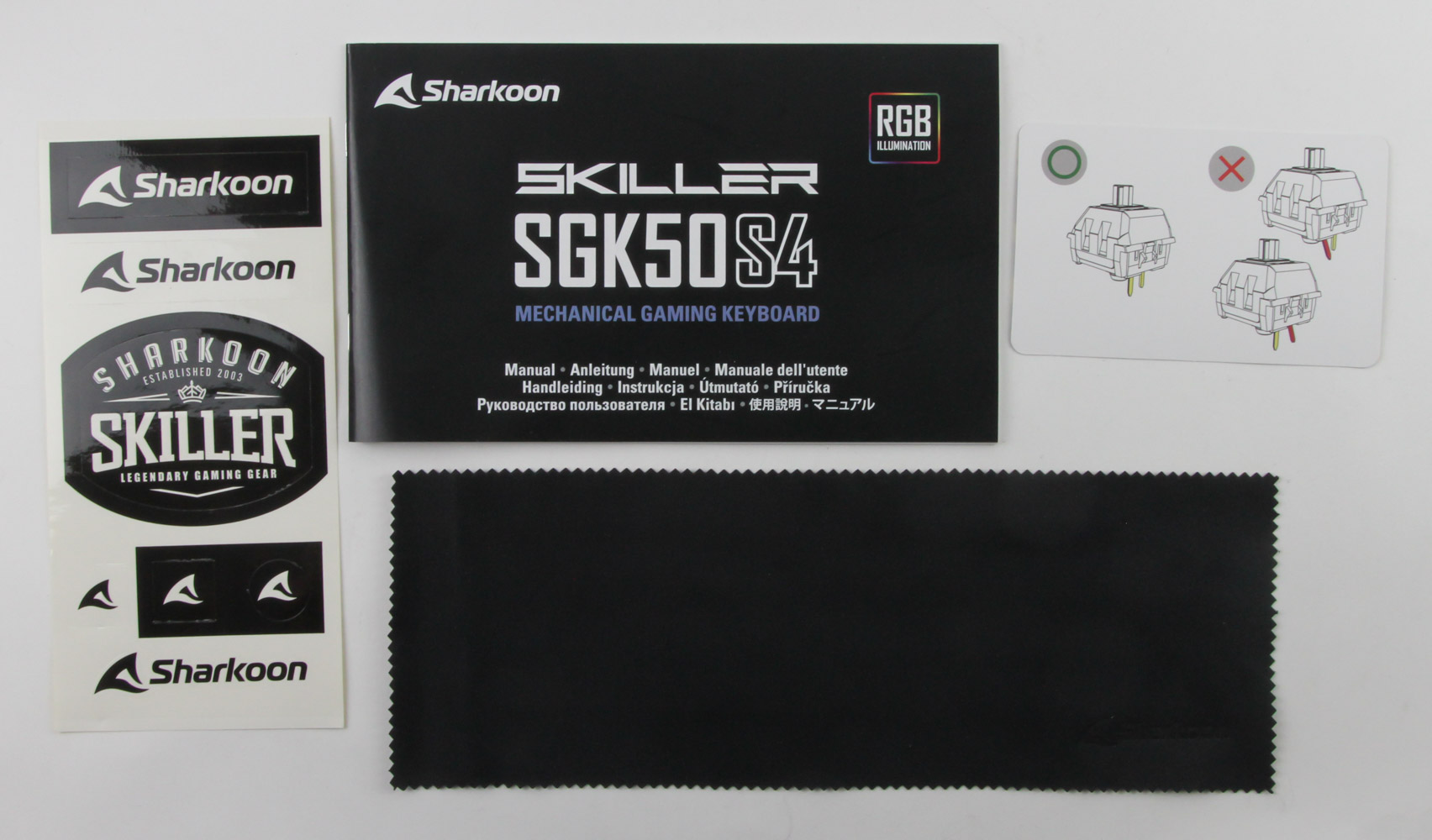
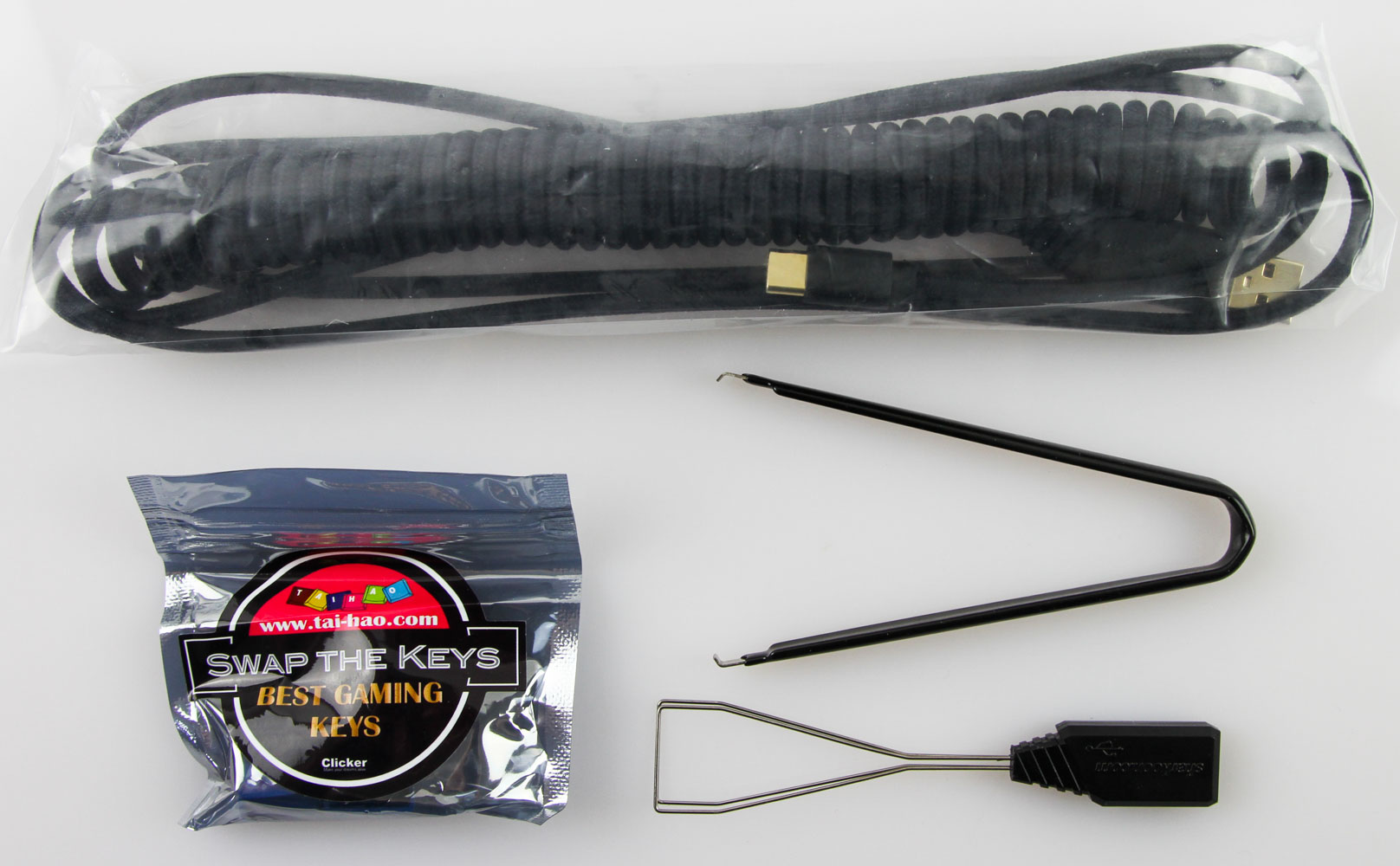
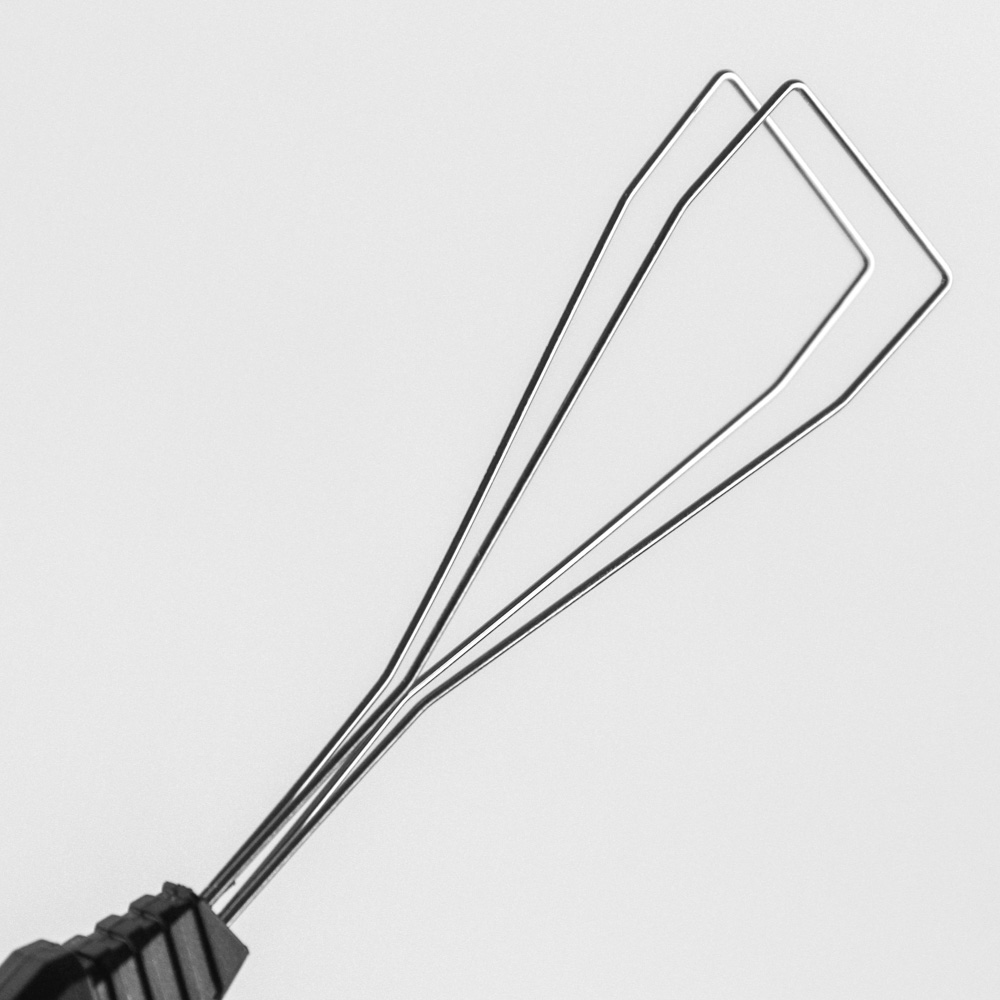
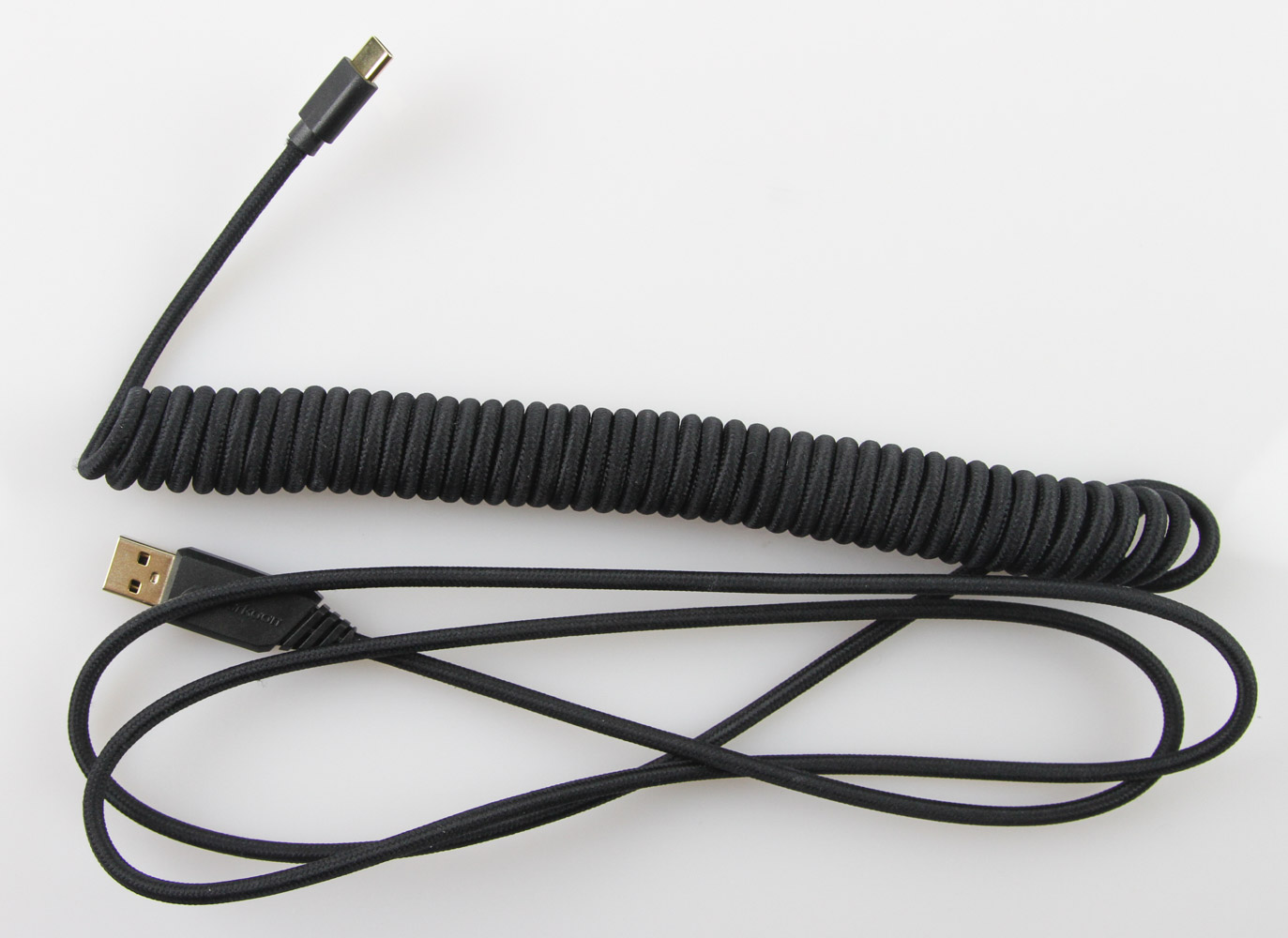
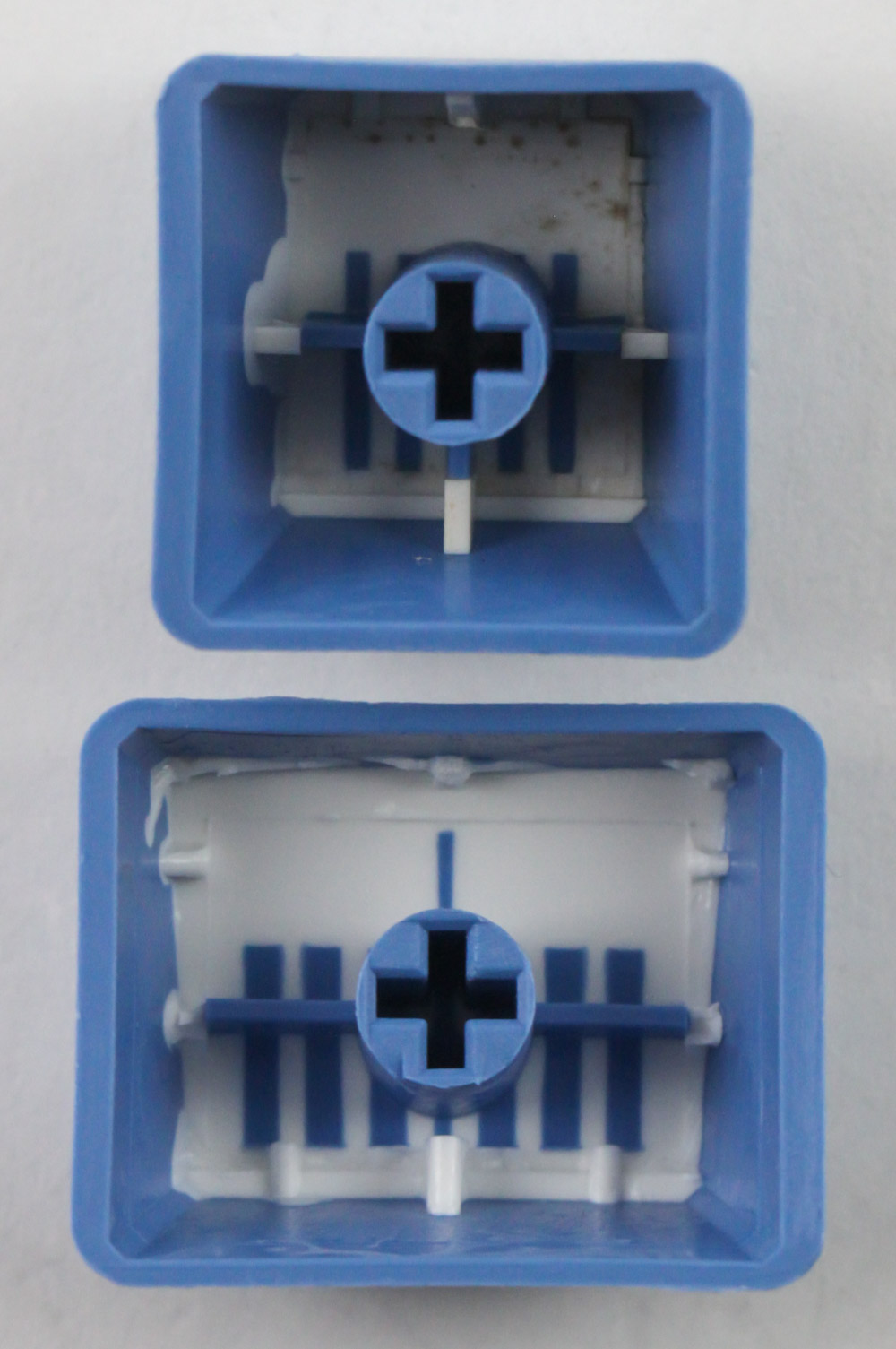
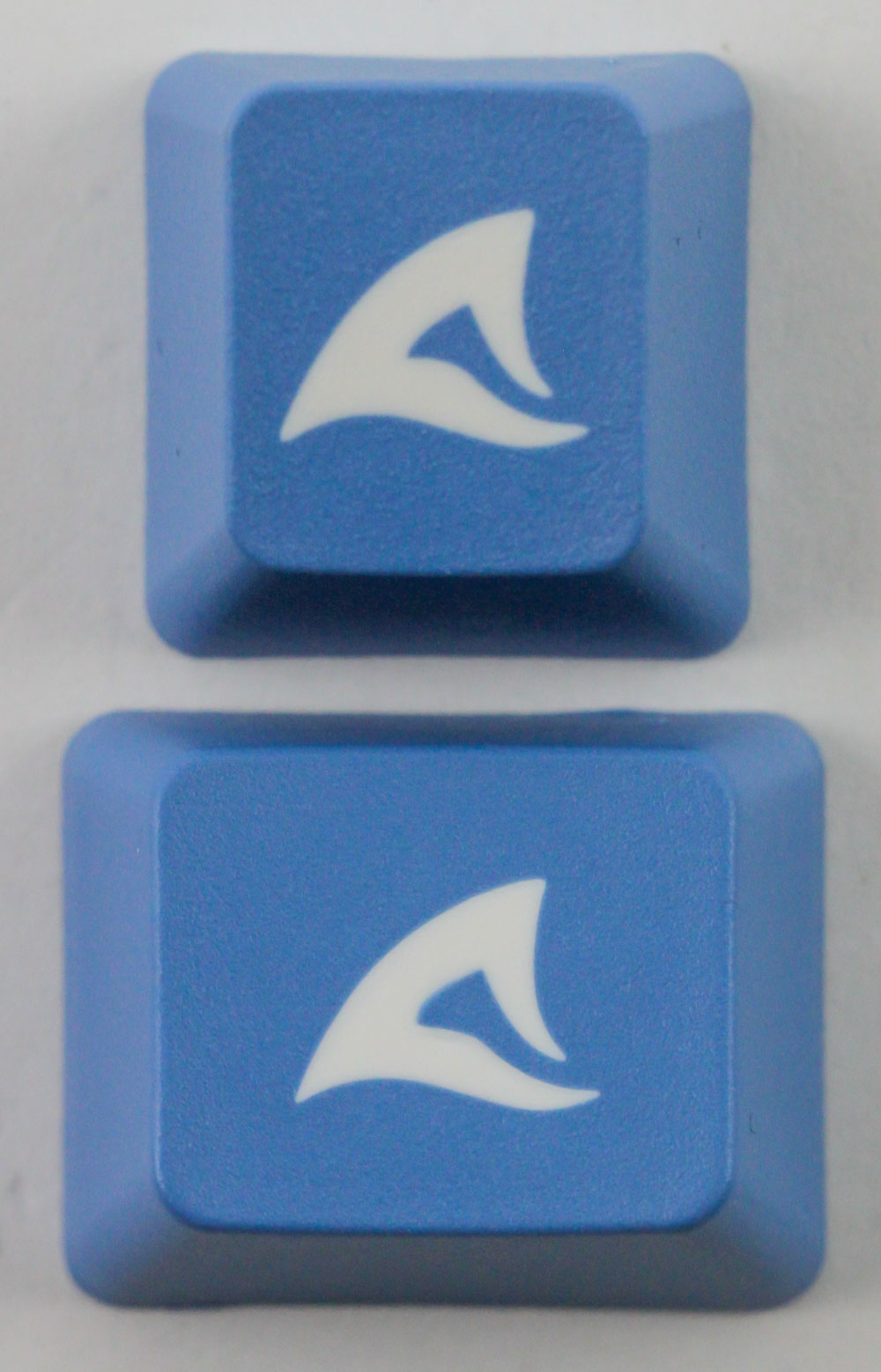
Open the box and you will see a multi-language user manual (online copy here) right away, which I urge you go through, given it's the best way to know all the pre-programmed functions on the keyboard. Underneath is a handy microfiber cloth to help keep the keyboard clean and it comes branded to remind you this is a Sharkoon product. As if that was not enough there are also multiple Sharkoon stickers in the box should you be interested. More relevant is the quick caution note about how to install switches properly on this hot-swap keyboard and then we get to the second set of accessories placed in a separate cardboard compartment including a metal wire-style keycap puller, a very nice and long switch remover tool, a fancy coiled cable going from USB Type-C to Type-A, and then two replacement Tai-Hao doubleshot PBT keycaps to commemorate the recent collaboration between the two brands.

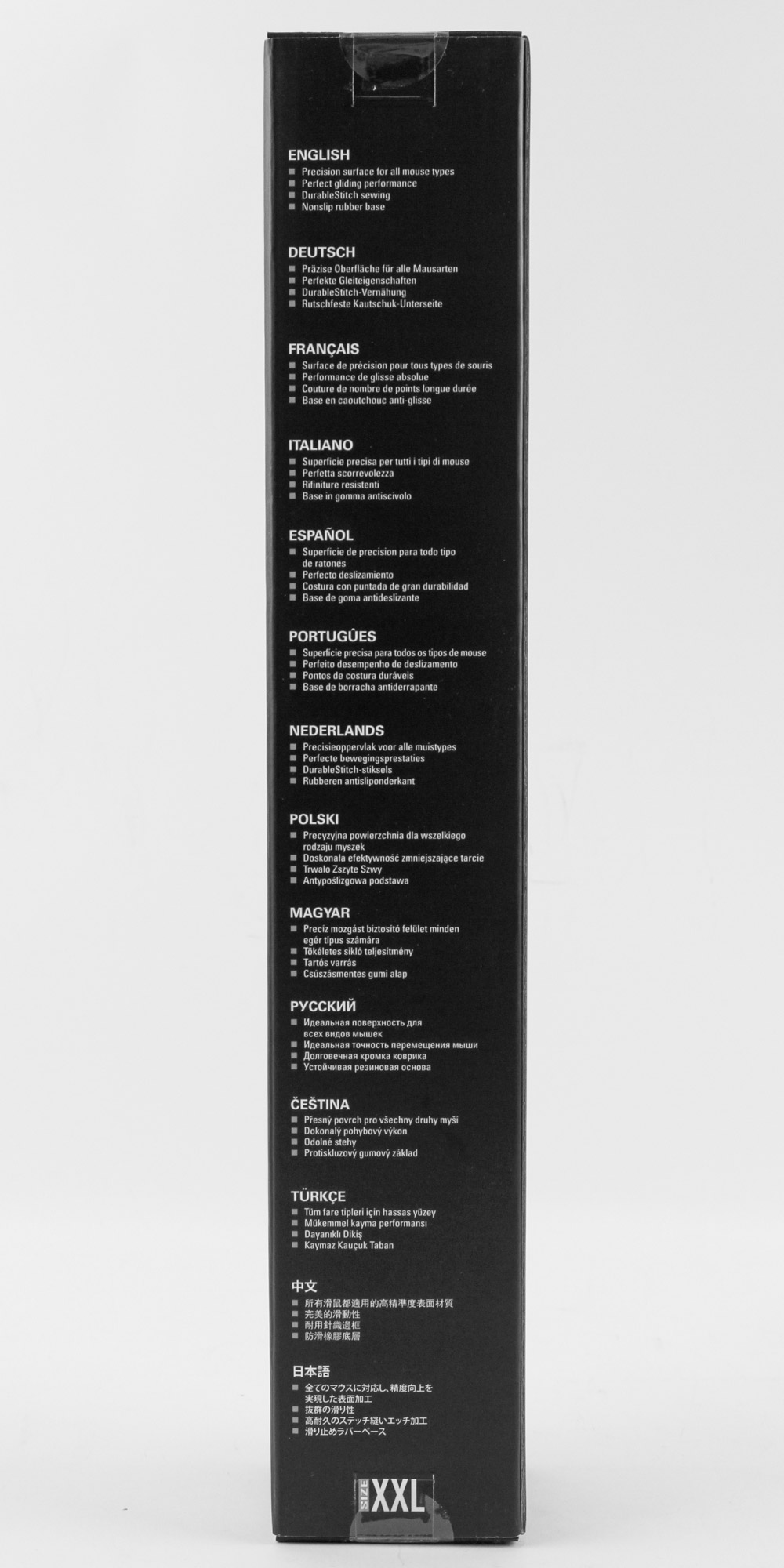

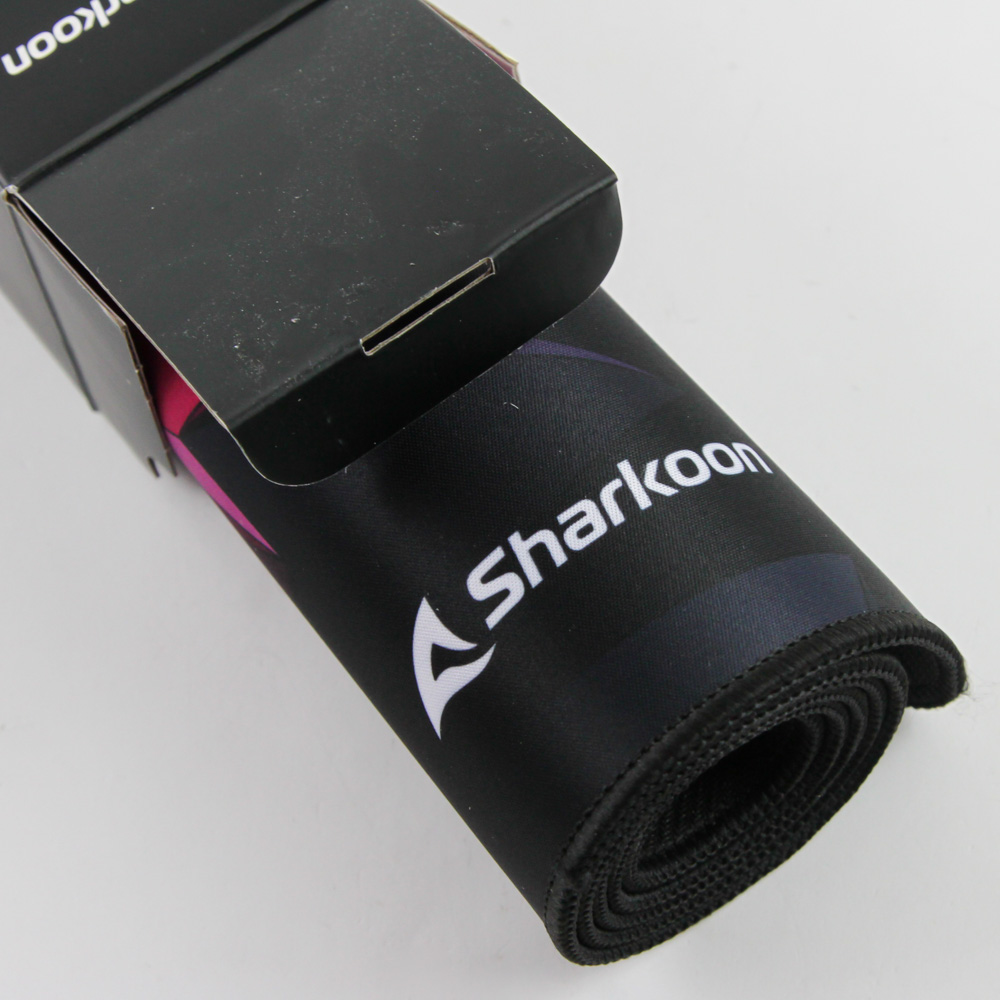
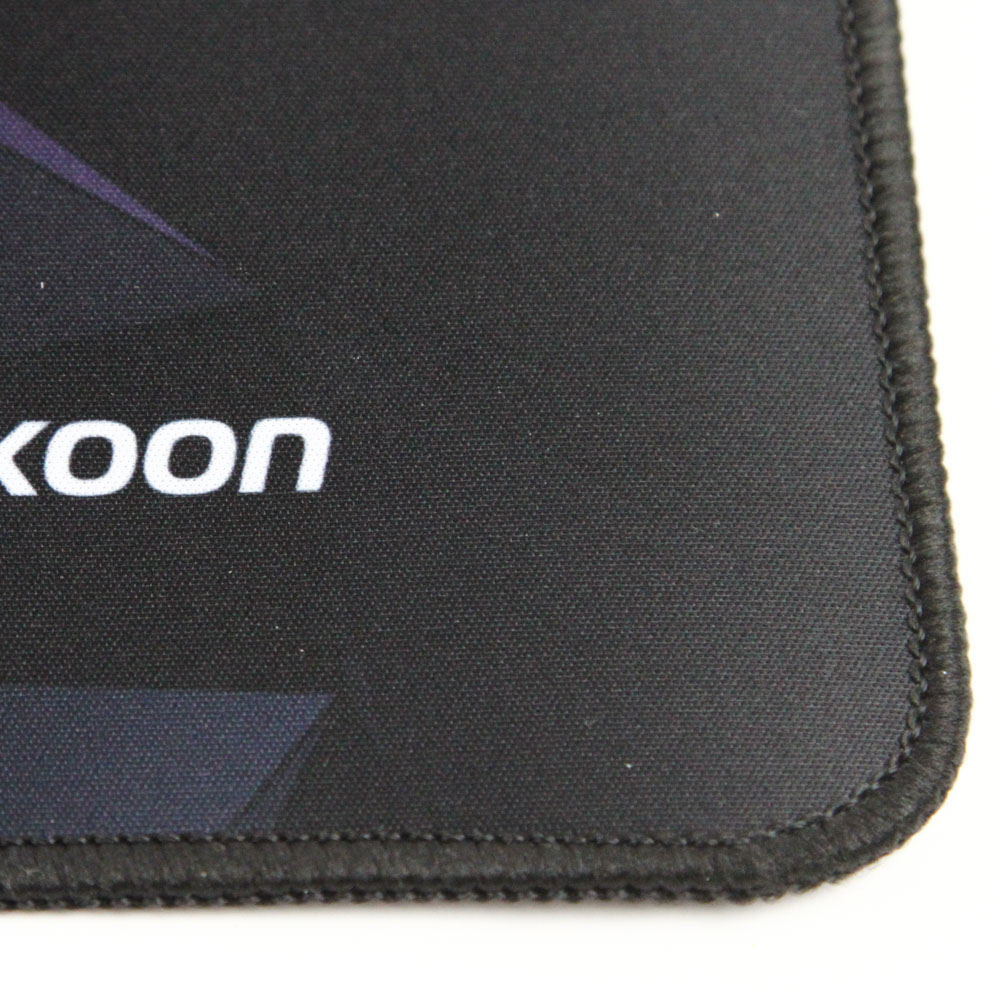
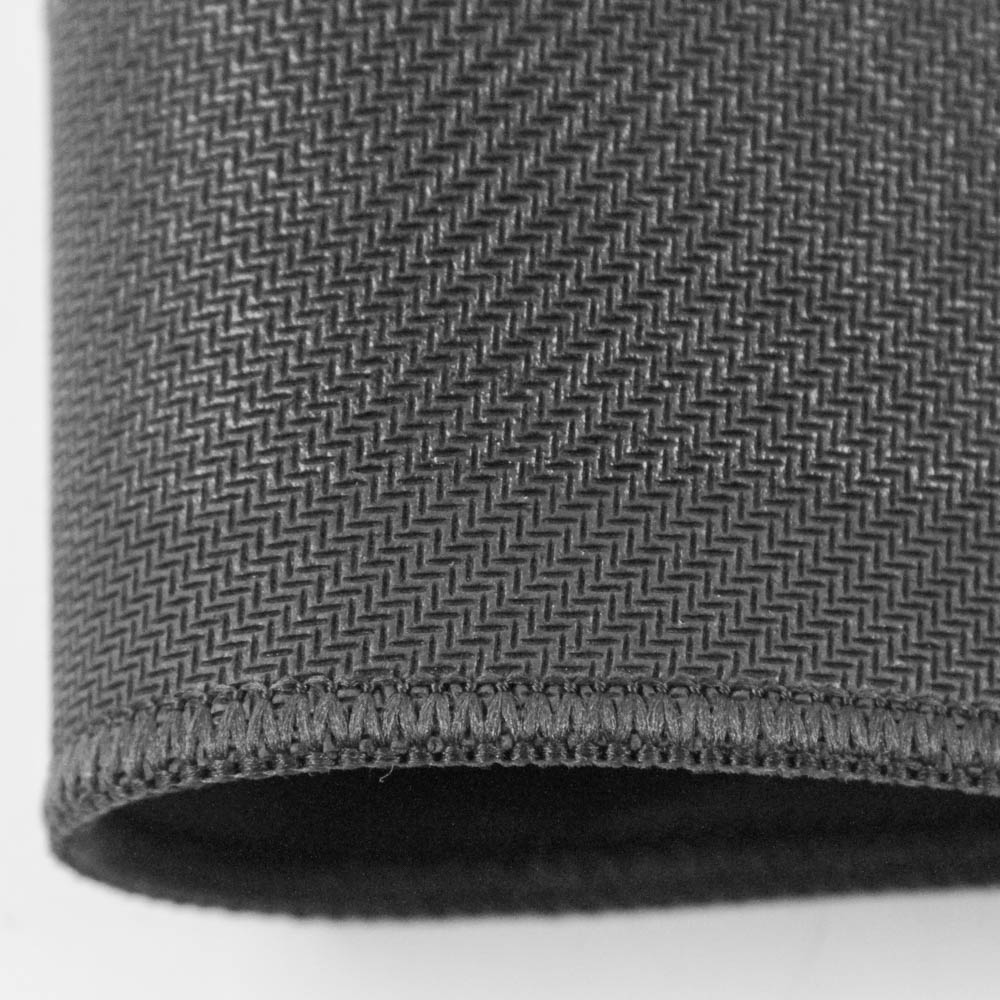
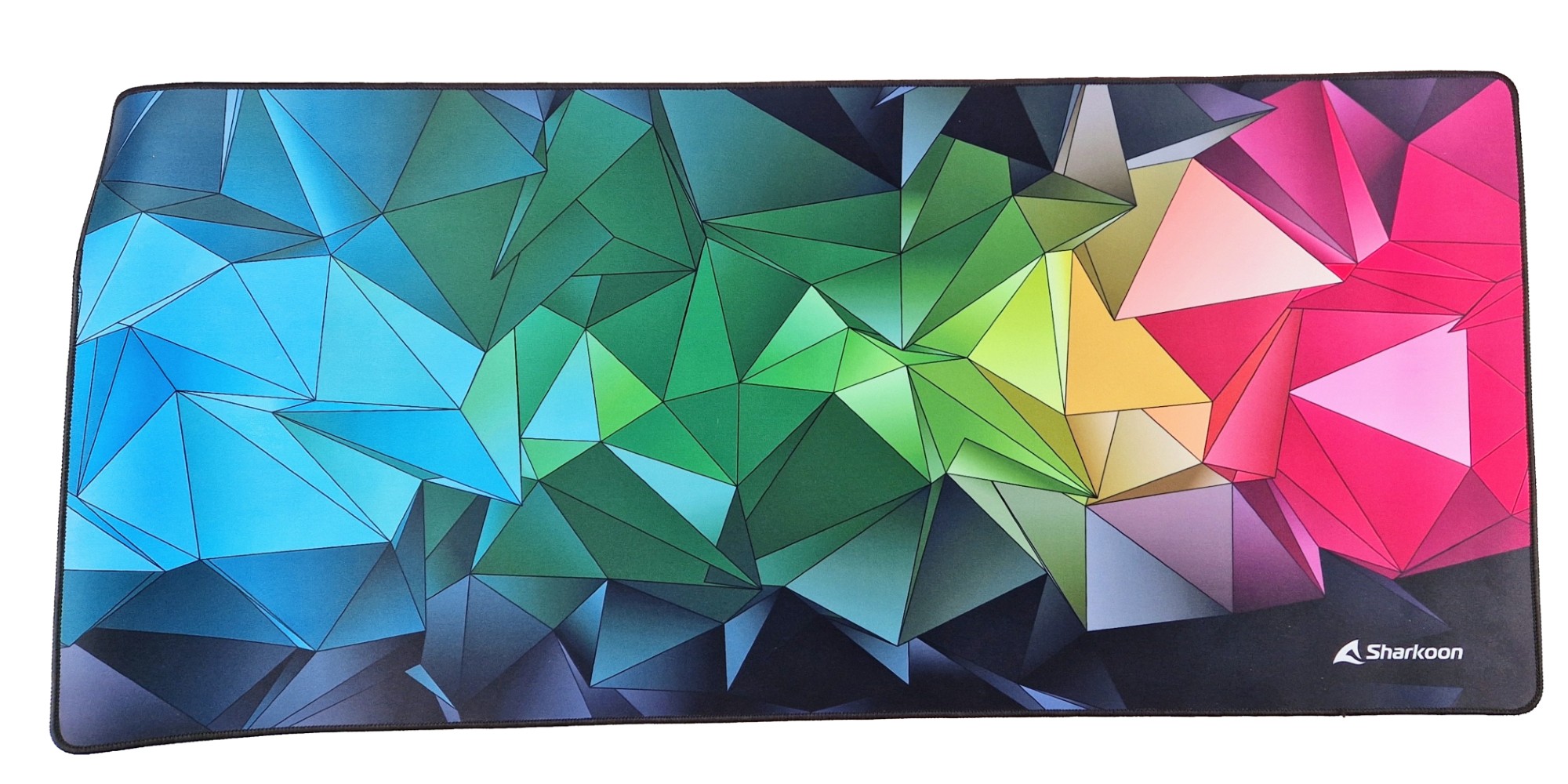
I mentioned before how Sharkoon wants to be a one-stop shop for all your keyboard needs and this includes accessories such as desk pads too. The company sent along two such desk pads as a surprise to me so I decided to show off one of them here since both are from its SKILLER SGP30 product line of XXL (900 x 400 x 2.5 mm) with a textile and rubber composition that makes for a grippy base and smooth surface for your keyboard and mouse alike.
Our Patreon Silver Supporters can read articles in single-page format.
Nov 26th, 2026 07:36 CST
change timezone
Latest GPU Drivers
New Forum Posts
- Strange PC issues with Z690 setup (6)
- Without Jensen, PC gaming will be (62)
- Wireless Internet sharing between PC and router both-ways, is it possible? (21)
- GTA VI (51)
- Current Sales, Bundles, Giveaways (10451)
- WarpCoreBench scores! (105)
- Which ryzen am5 cpu ? (220)
- Exploring Local LLMs: Models, Hardware and Setup Experiences (2)
- Radeon driver death (2)
- Claude credits purchased on or after Dec. 7 now have an expiry date (19)
Popular Reviews
- ASRock X870E Challenger Wi-Fi White Review
- VZMORE AX9 Max Review
- Upcoming Hardware Launches 2027 (Updated Nov 2026)
- Microsoft Surface Laptop Ultra Review - The Next-gen Arm Laptop
- AMD Ryzen 7 9800X3D Review - The Best Gaming Processor
- AMD Zen 6 Technical Deep Dive
- Corsair RM1200e (Second Generation) Review
- Phantom Blade Zero Performance Benchmark Review - 35 GPUs Tested
- Pulsar Office Tour & First Look at P1 Dual-Sensor Mouse
- Montech CyberFlow ARGB 360 Review
TPU on YouTube
Controversial News Posts
- Jensen Huang Reinstated as CEO of NVIDIA (583)
- NVIDIA Co-Founder and CEO Jensen Huang Officially Resigns (492)
- Report: Jensen Huang Eyes NVIDIA Comeback (281)
- Open Letter Asking NVIDIA to Reinstate Jensen Huang Passes 115,000 Signatures (184)
- OpenAI CEO Argues Home PCs Waste the World's Limited DRAM Supply (152)
- NVIDIA Launches Investigation Into Jensen Huang's Relationship With Suspected Chinese Spy (136)
- Intel "Raptor Lake Next" 16-Core and 20-Core CPUs Surface (130)
- Intel Razor Lake Gets a 12 P-Core bLLC Chip With No E-Cores, Per Leak (94)