 45
Silent Hill f Performance Benchmark Review - 30+ GPUs Tested
(45 Comments) »Introduction
Silent Hill f is a psychological survival horror game developed by NeoBards Entertainment under the supervision of Konami. Set in rural Japan during the 1960s, it reimagines the series with a haunting blend of beauty and decay, where colorful parasitic growths and shifting realities evoke both dread and fascination. Players explore the narrative-driven world linearly. The environment is rich with atmosphere, tension, and personal horrors. Players must balance exploration with both scripted and emergent encounters.
Released more than a decade after Silent Hill: Downpour (2012), Silent Hill f marks the first new mainline entry in the franchise, arriving not long after last year's Silent Hill 2 remake. Just like Silent Hill 2 Remake, Silent Hill f runs on Unreal Engine 5, using its advanced features like Lumen, Nanite and Virtual Shadow Maps. There is no separate support for hardware ray tracing, but you get basic support for upscalers: NVIDIA DLSS and AMD FSR are available, but no support for Intel XeSS, and also no support for frame generation.
This review will evaluate the performance of Silent Hill f across a wide range of contemporary graphics cards, compare image quality settings, and analyze the game's VRAM usage to provide insight into the hardware requirements needed for an optimal experience.
Screenshots
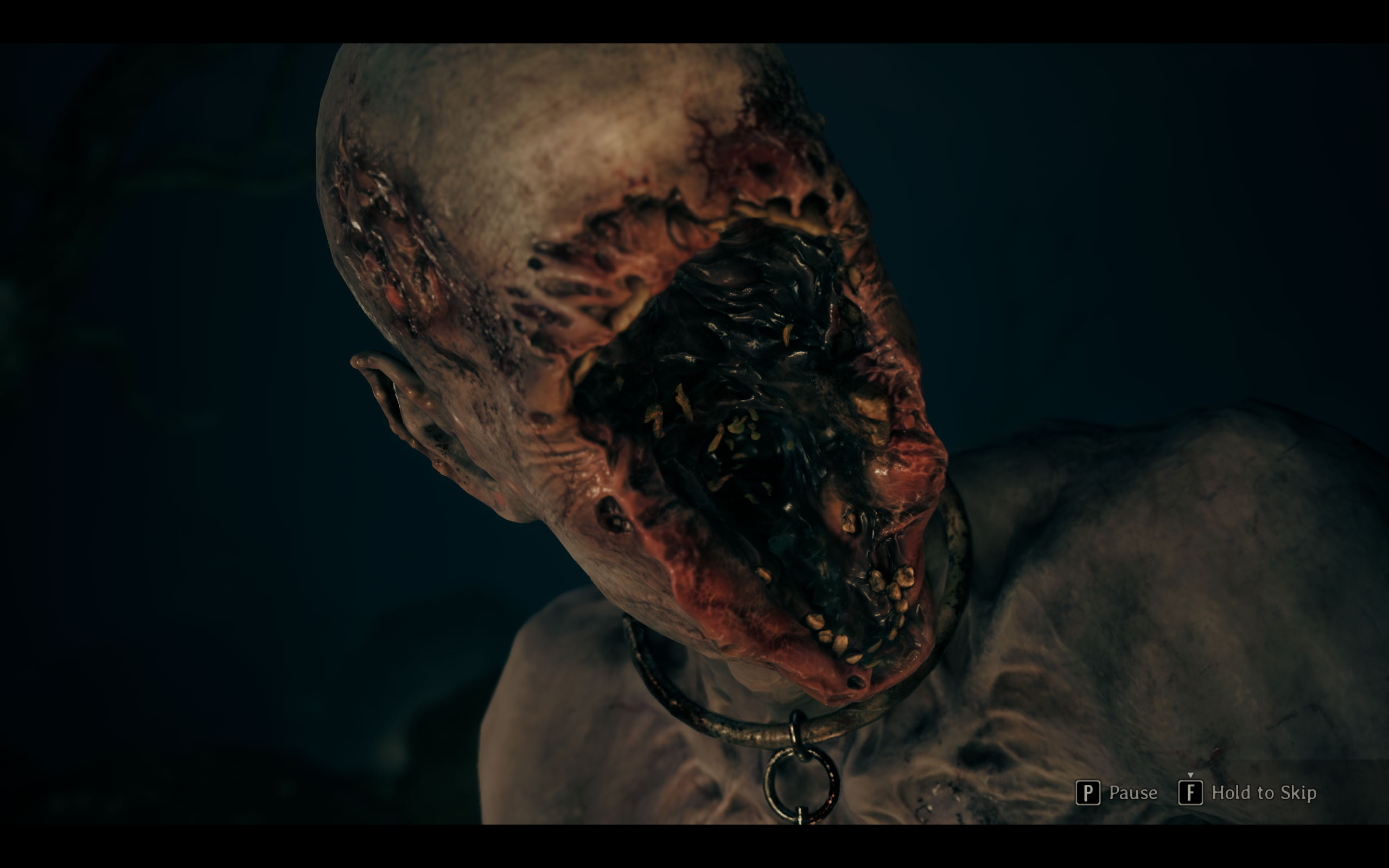
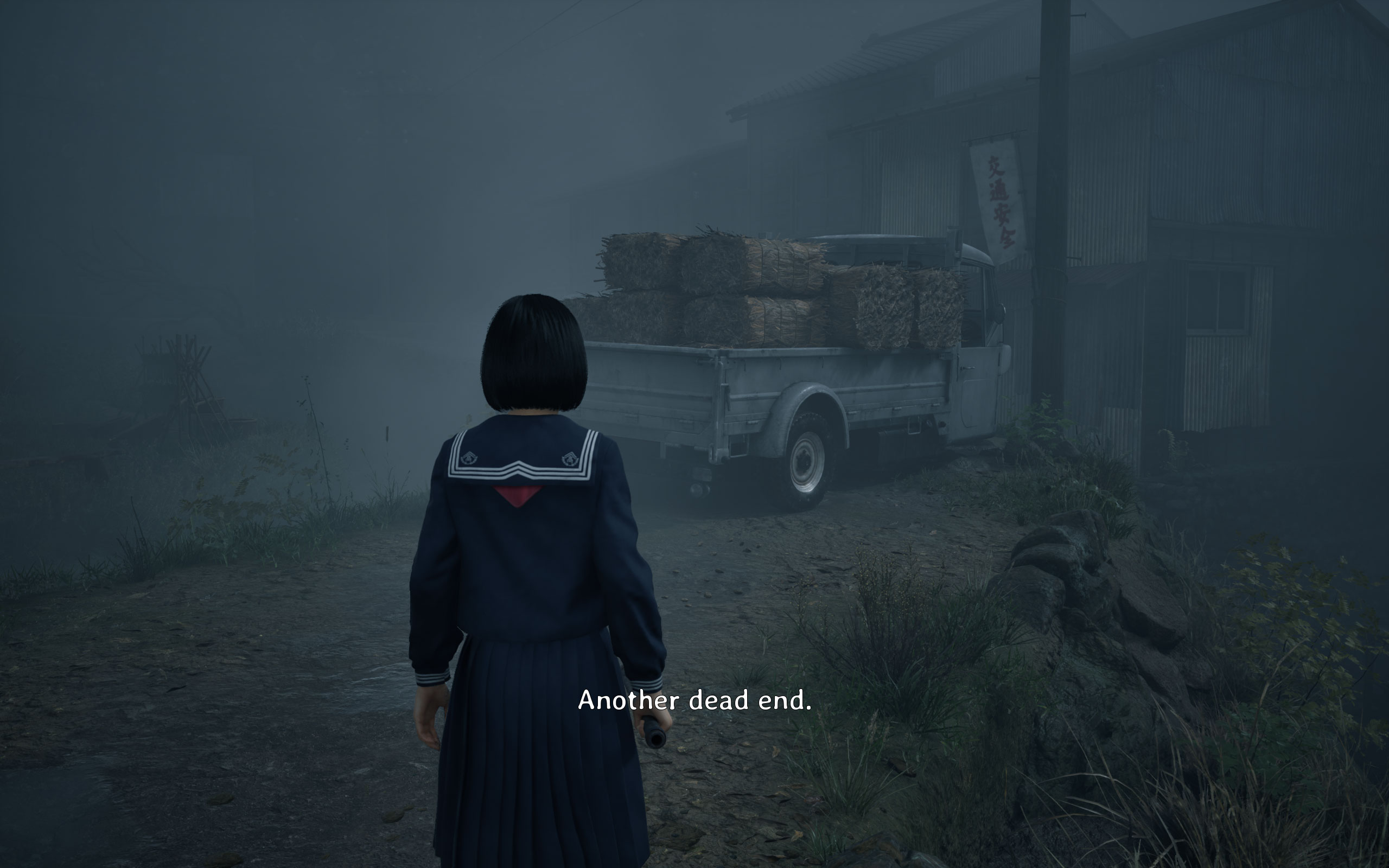
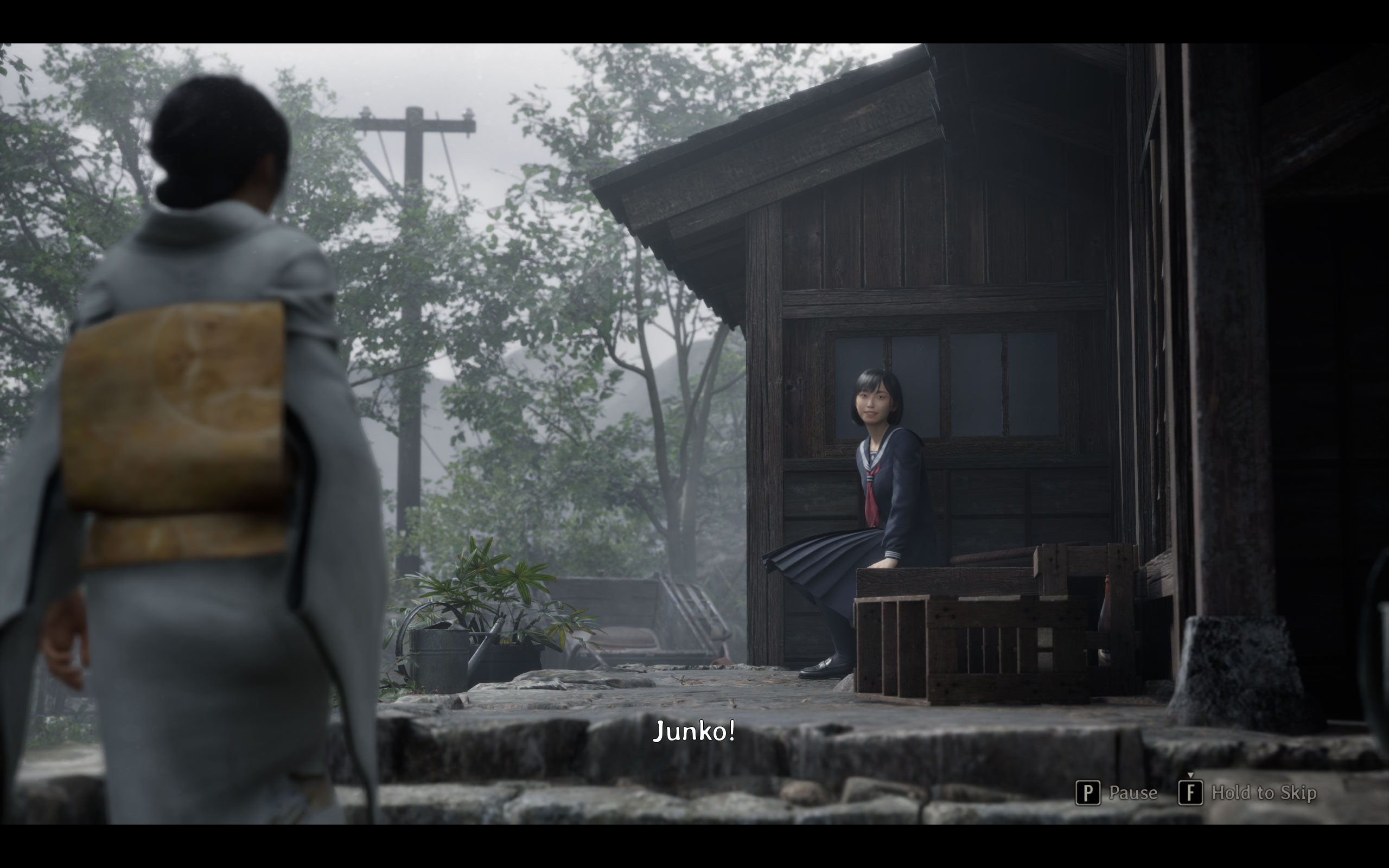
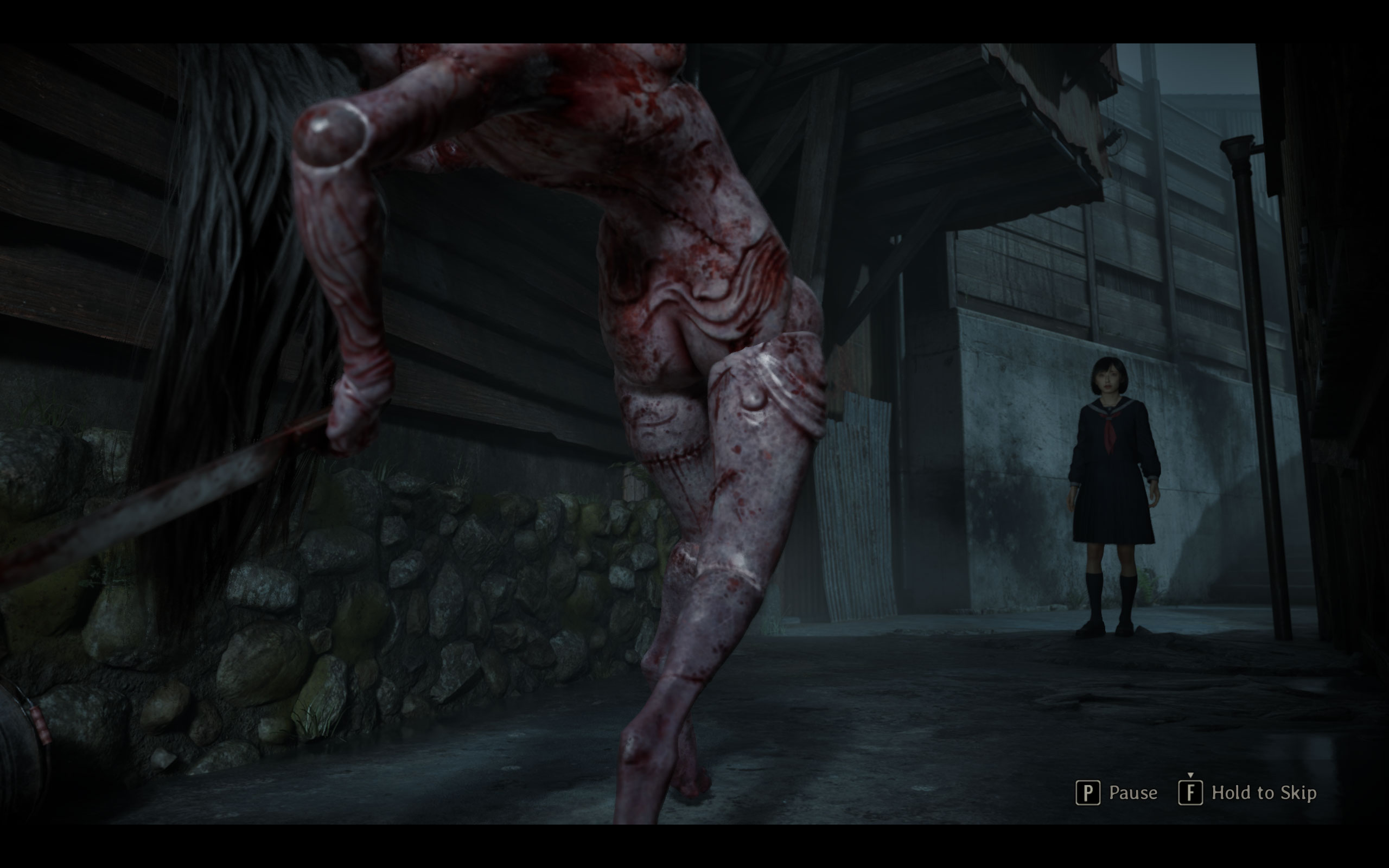
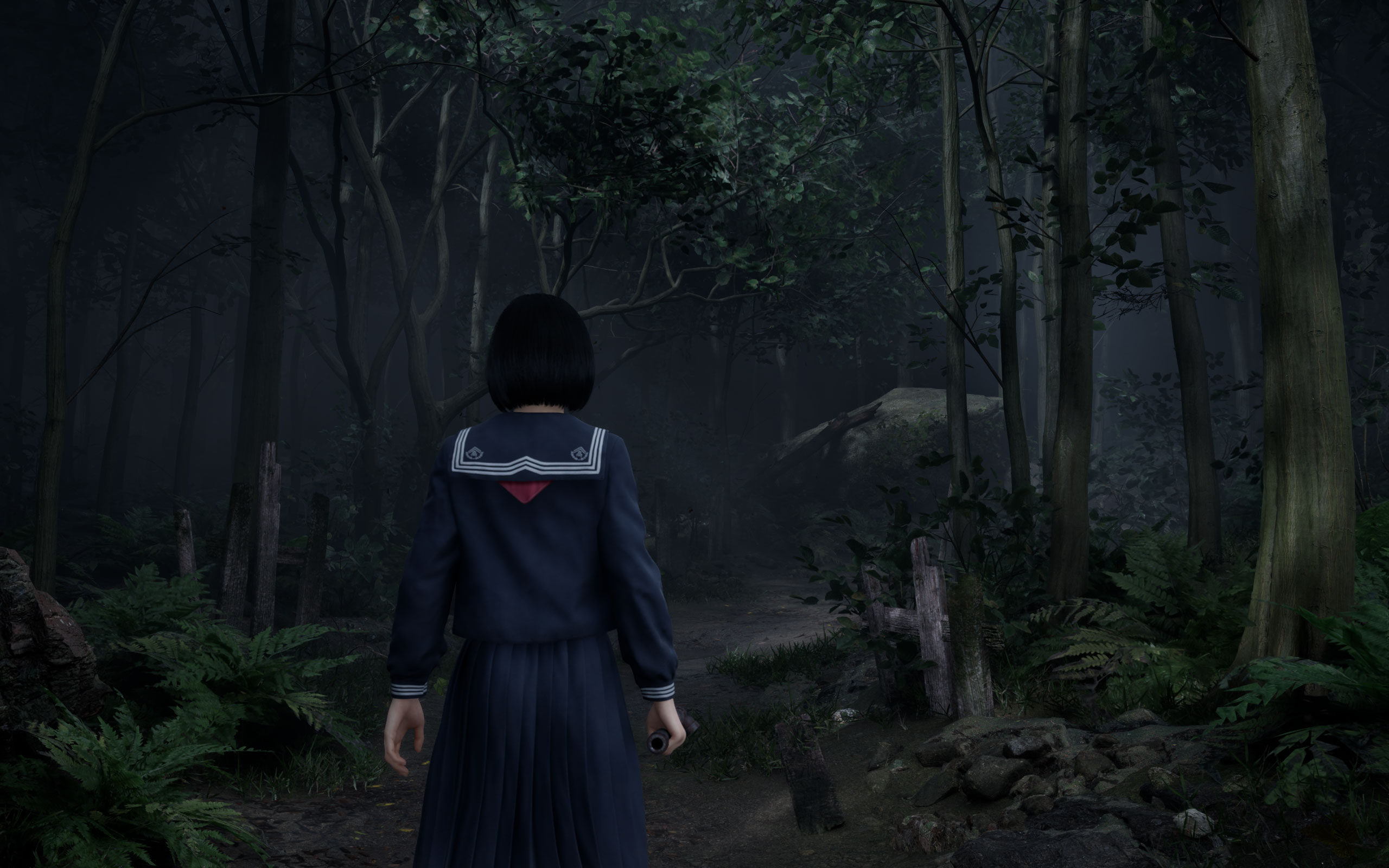
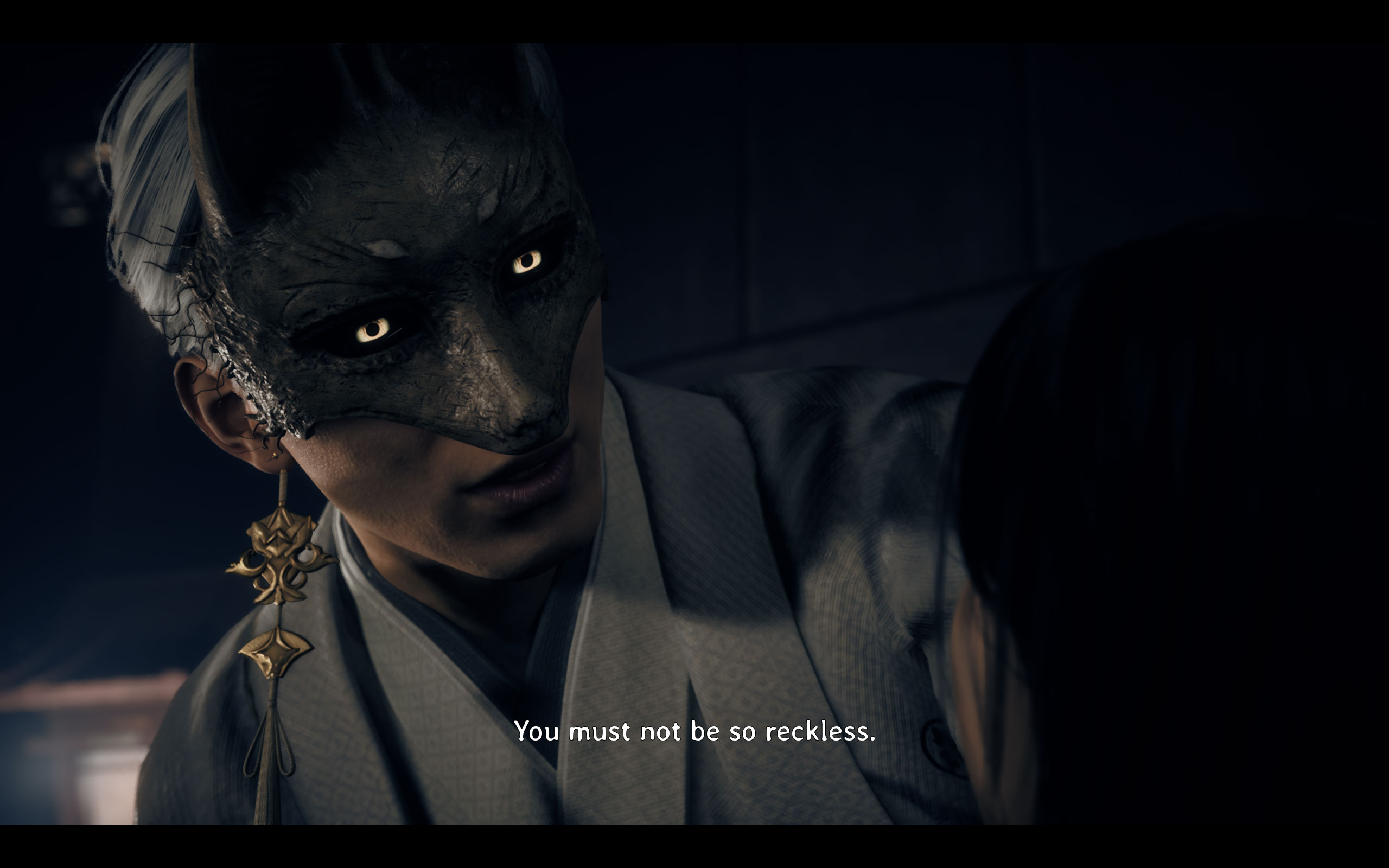
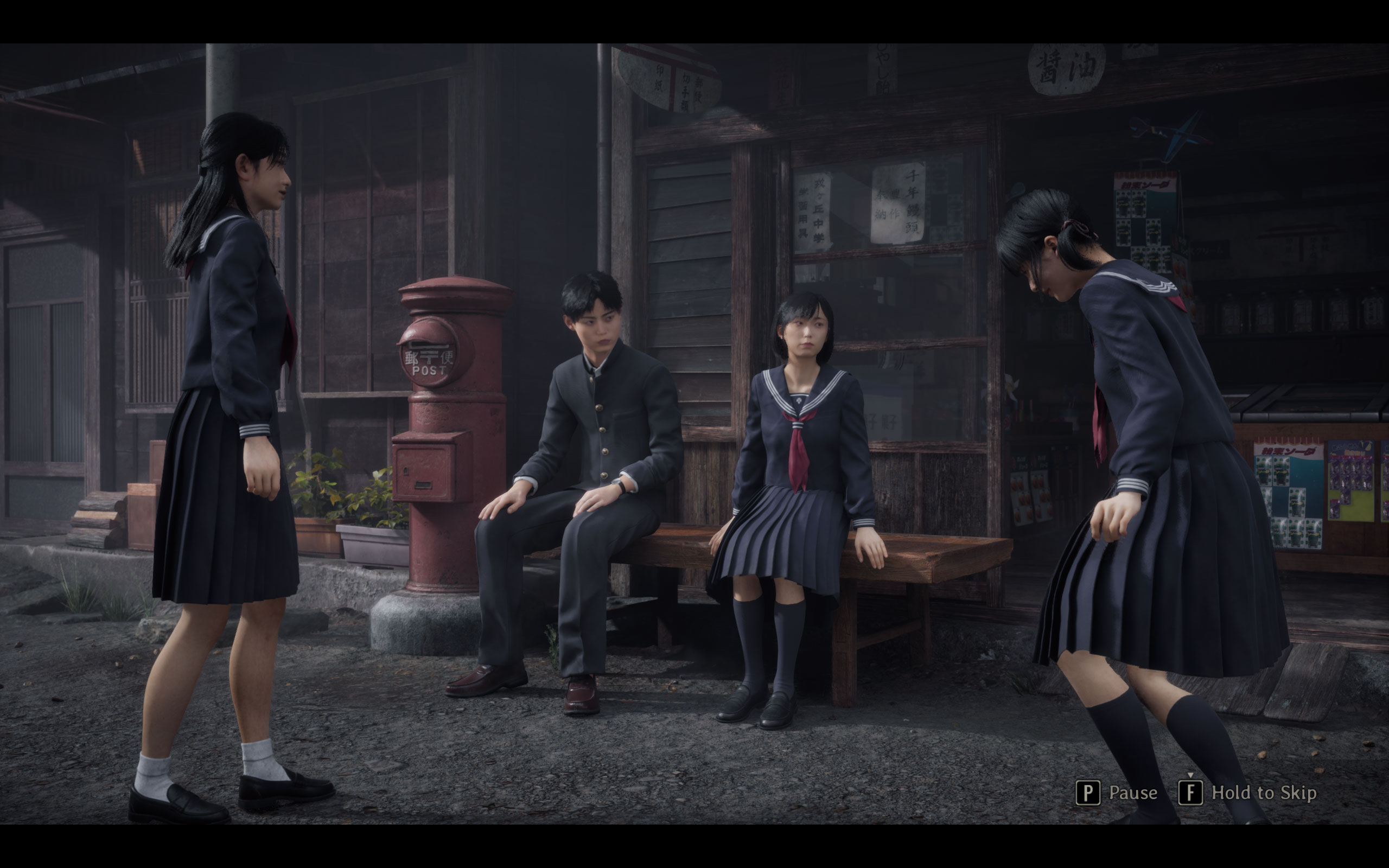
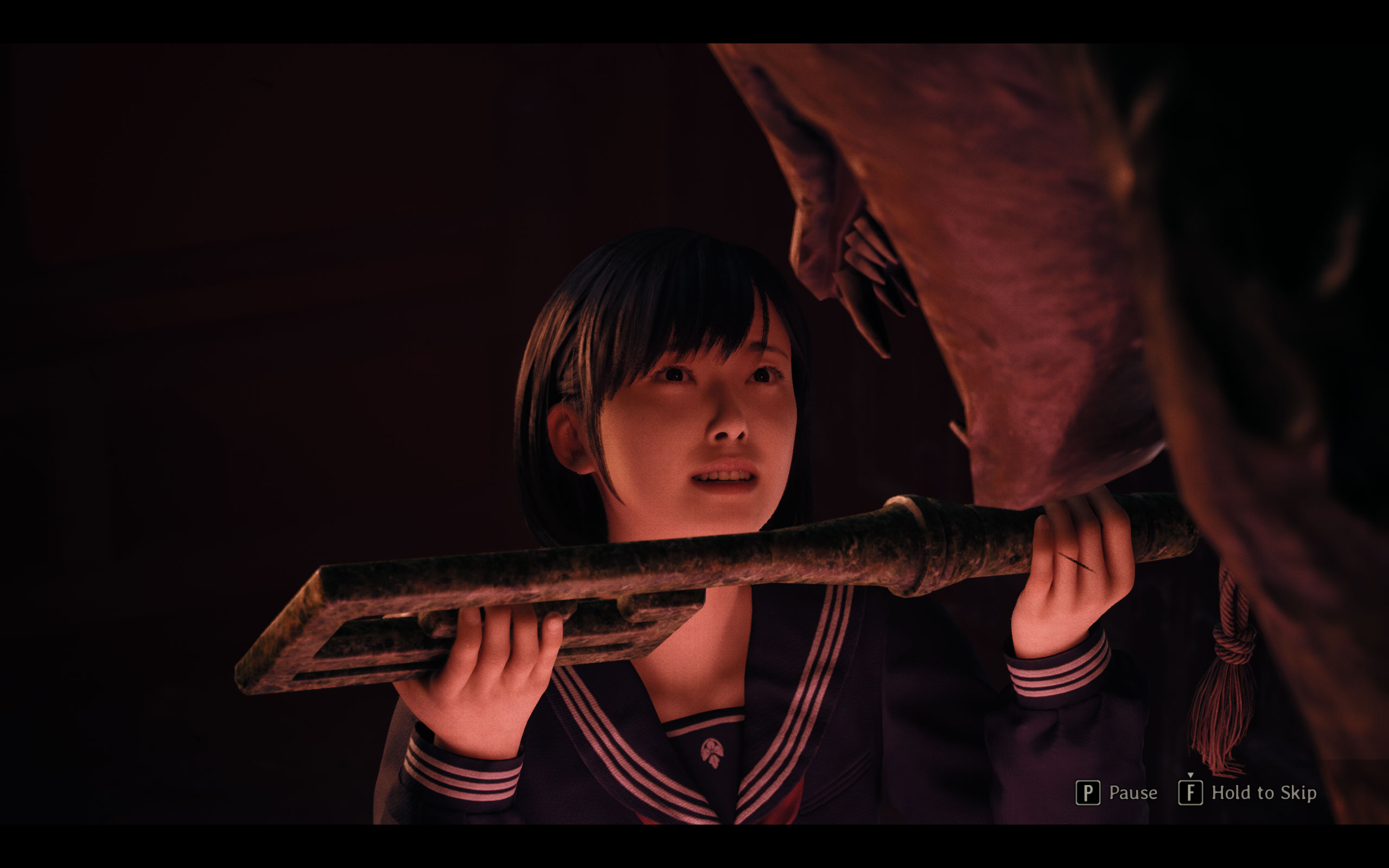
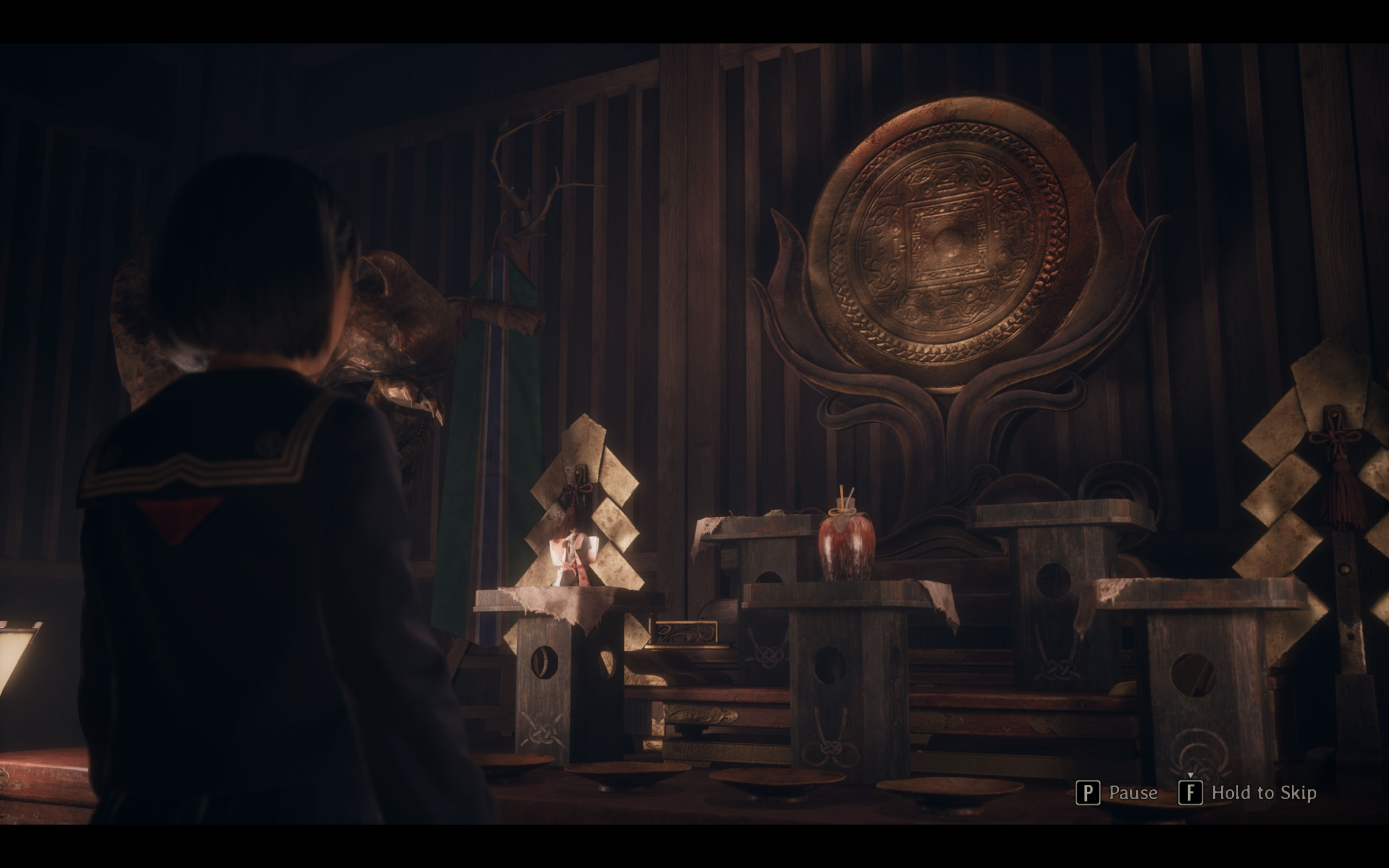
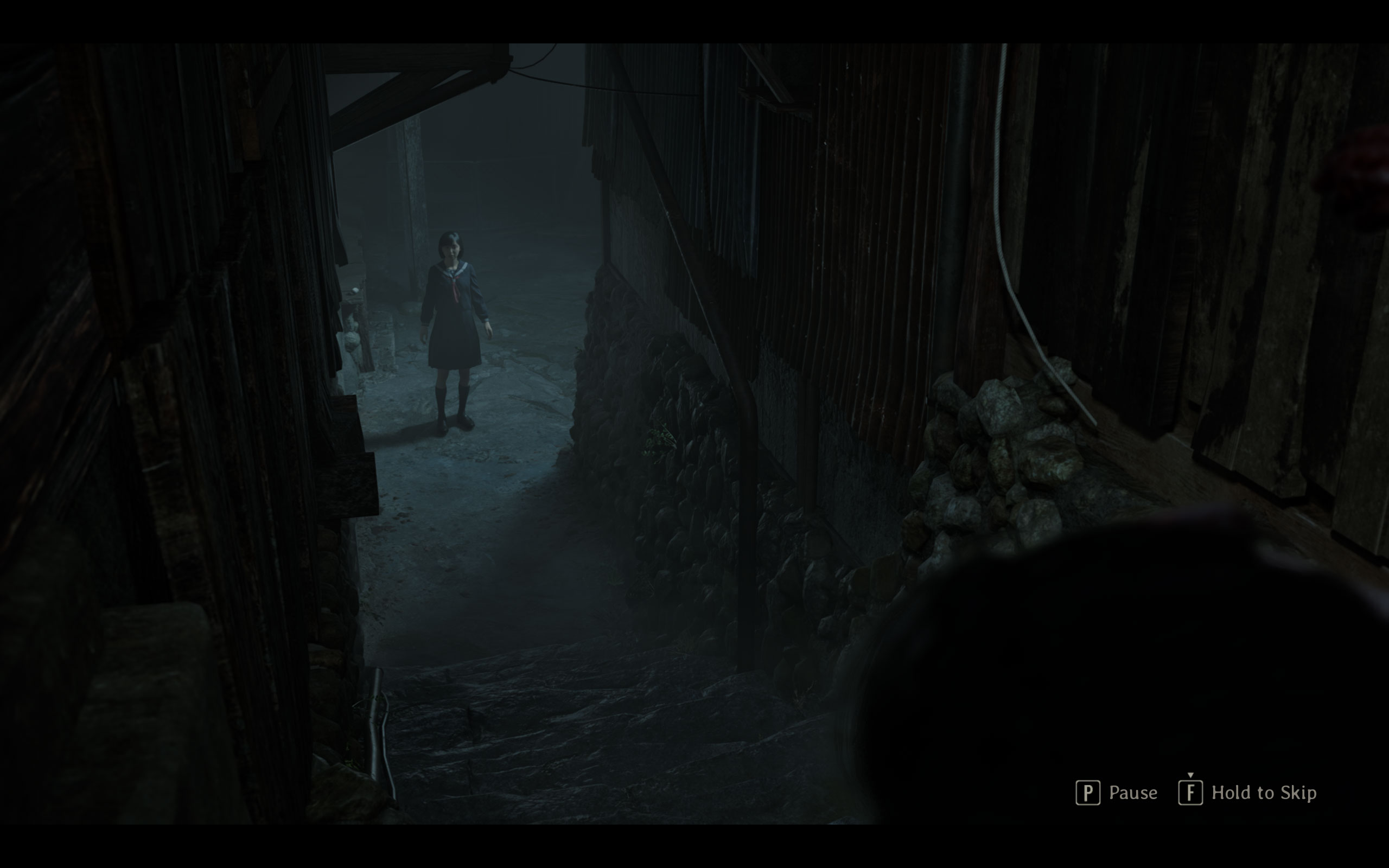
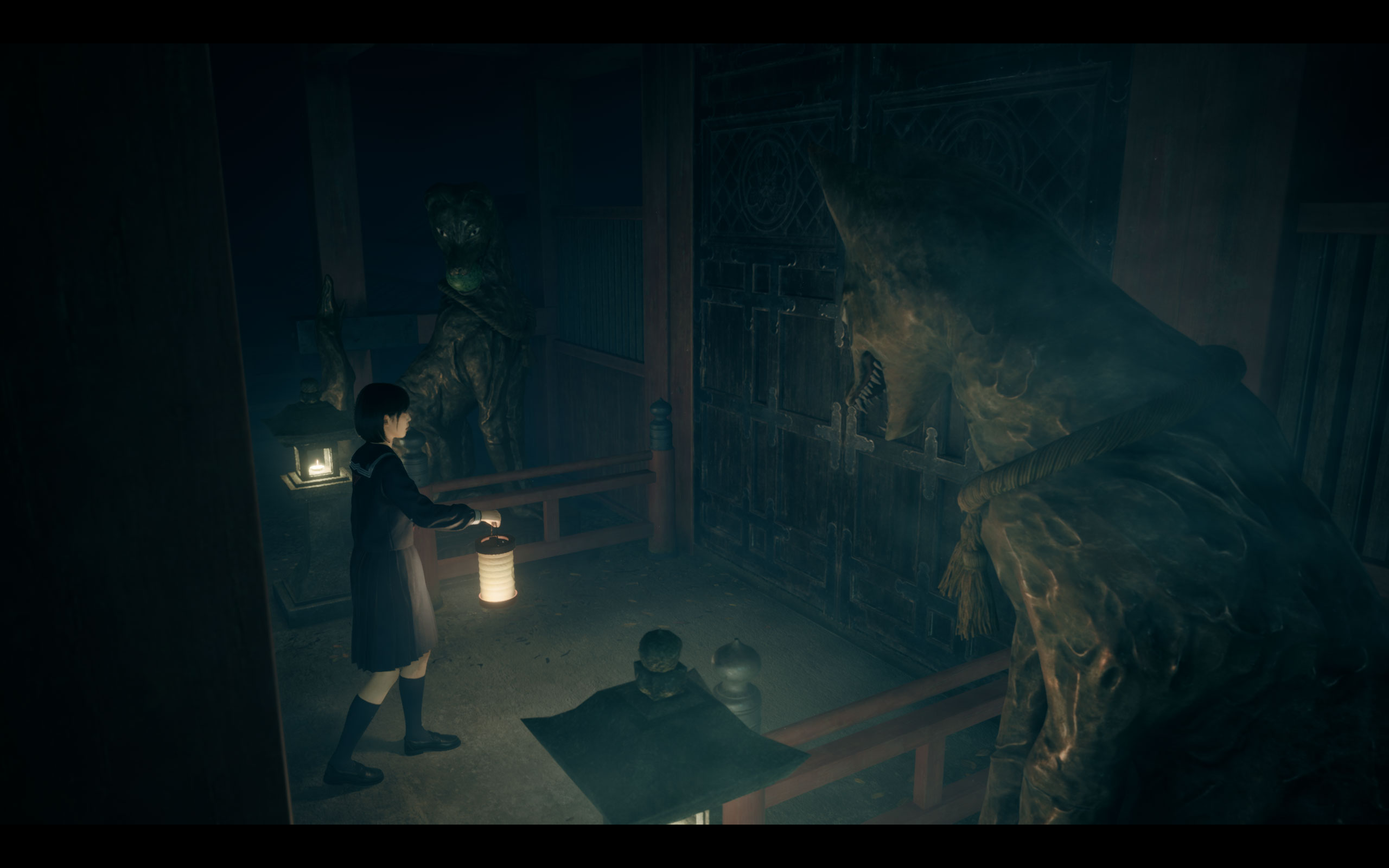
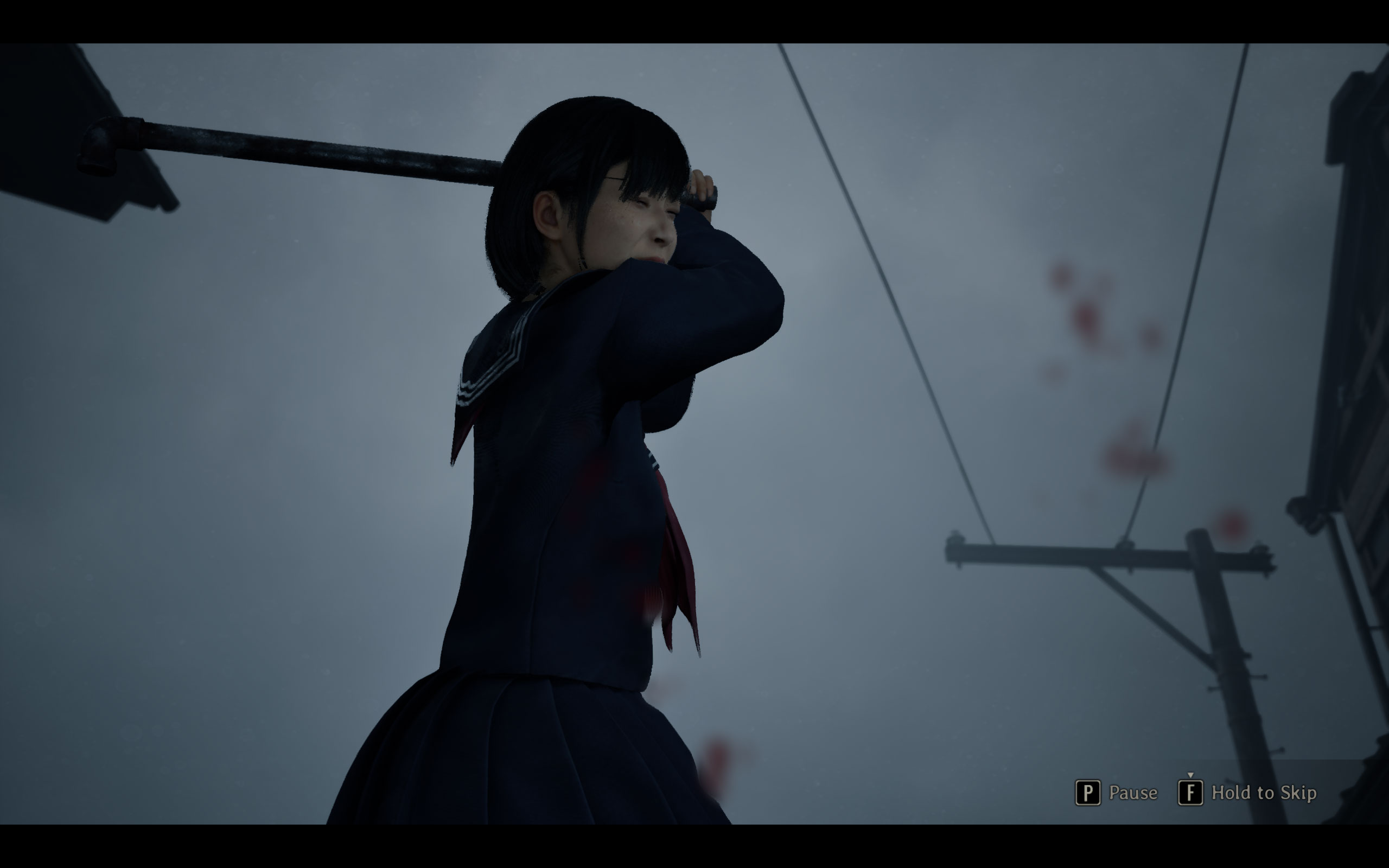
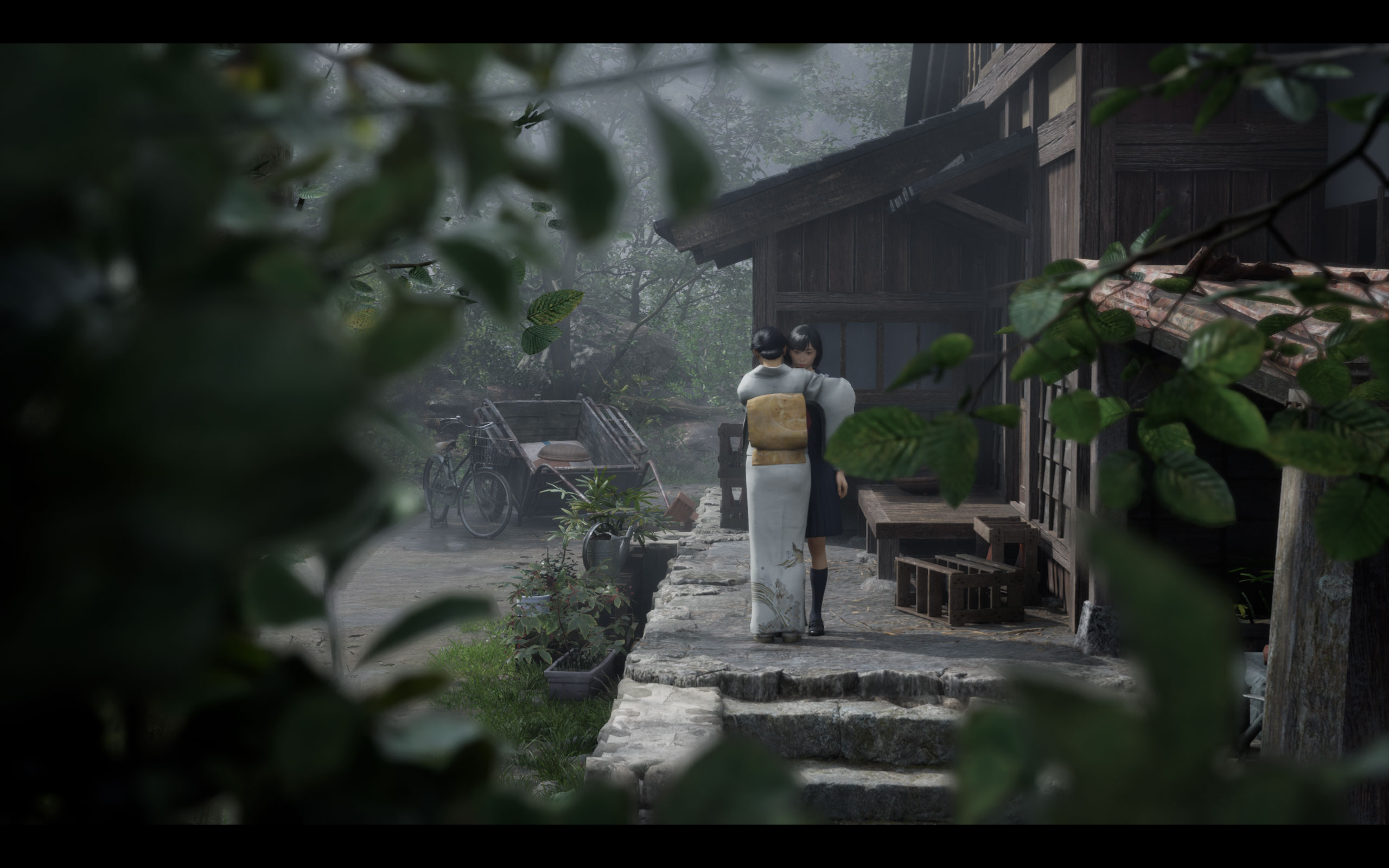
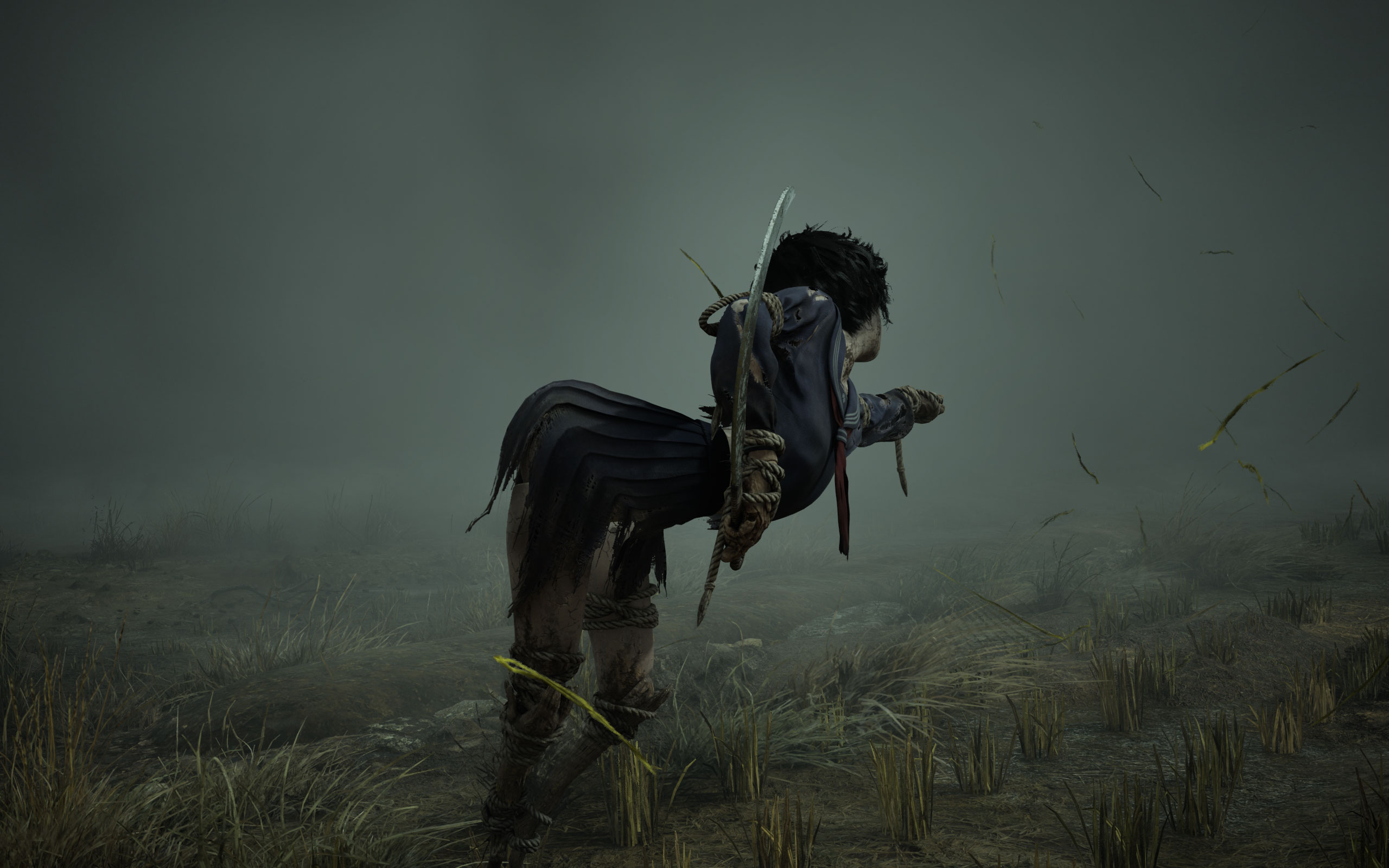
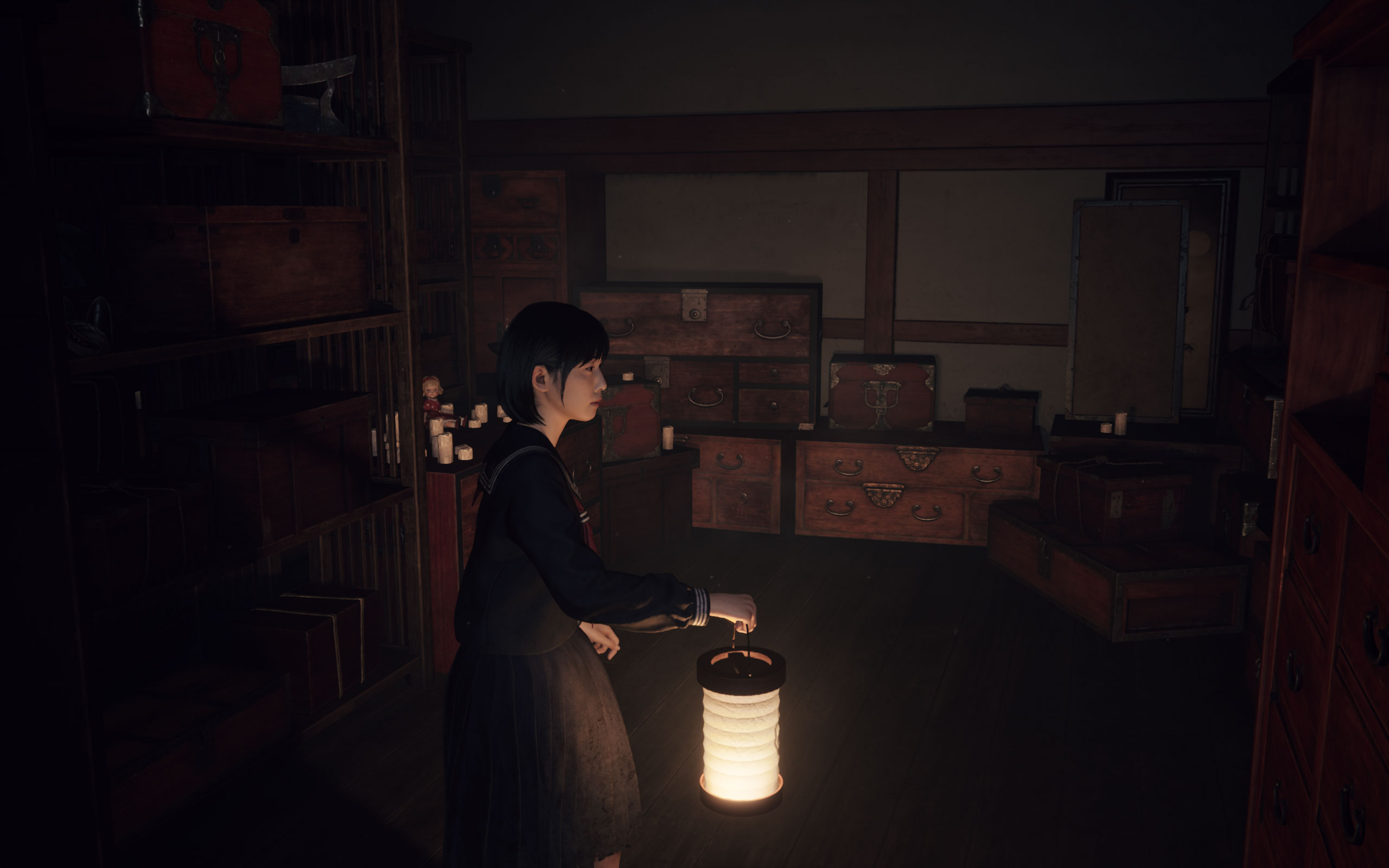
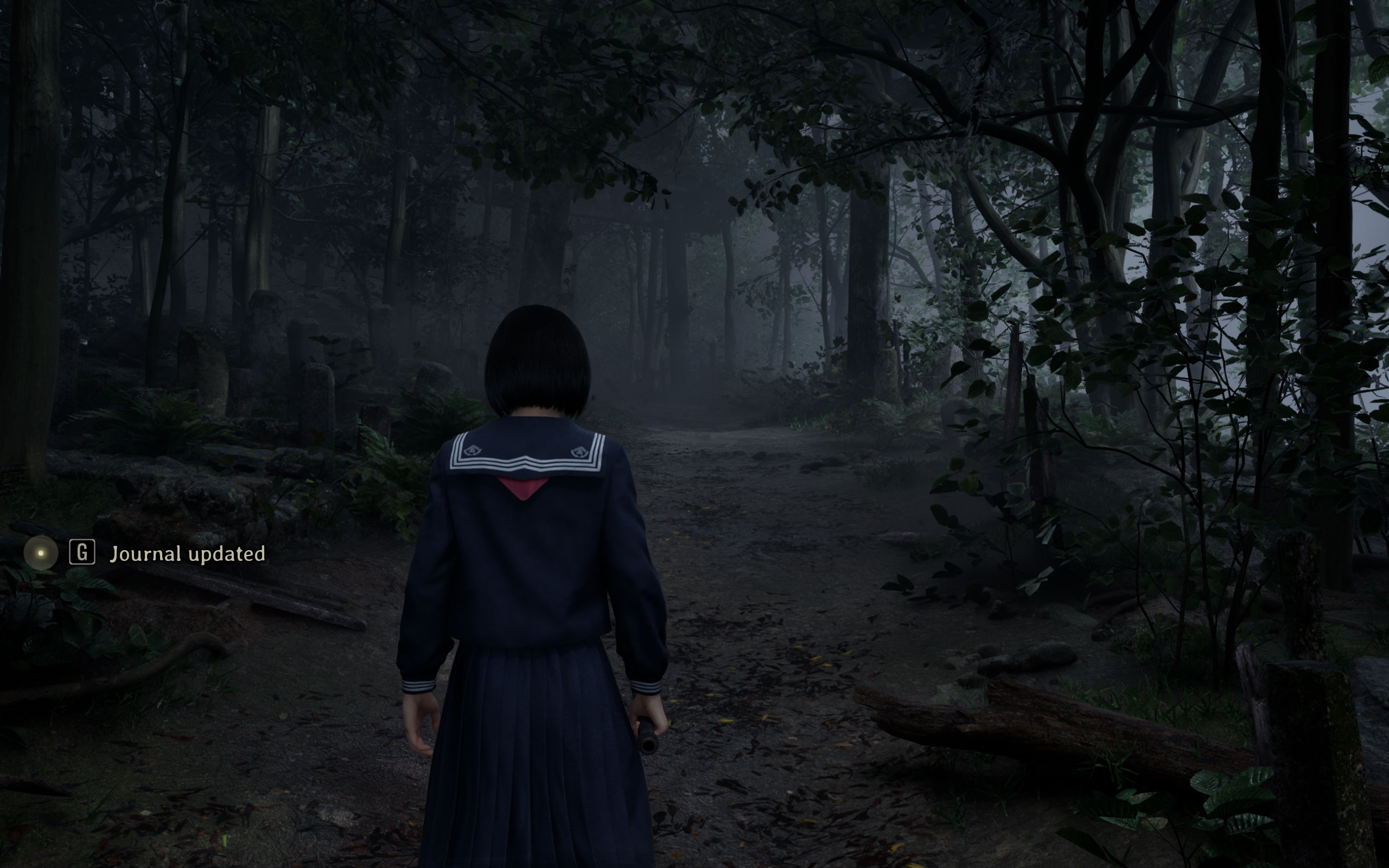
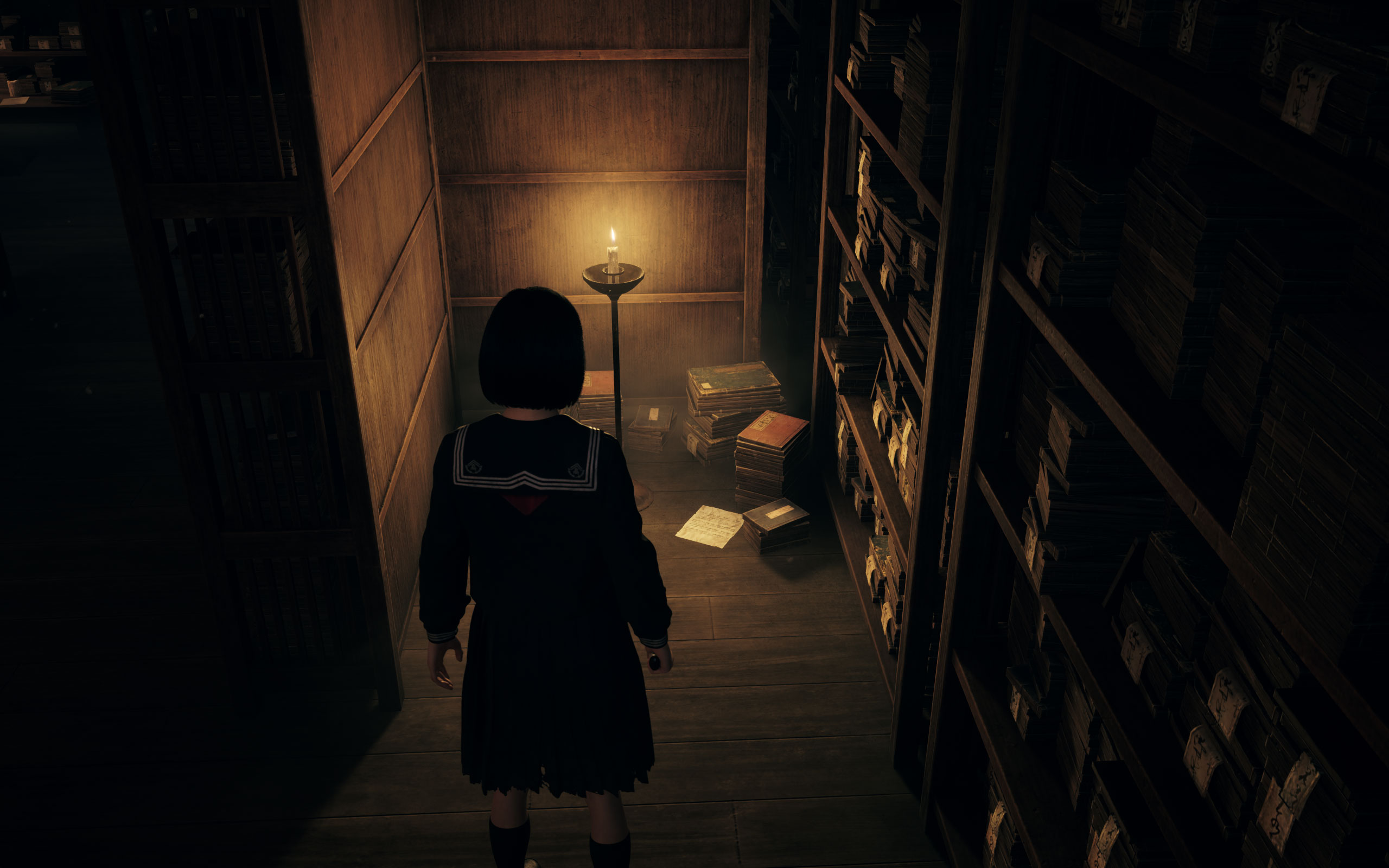
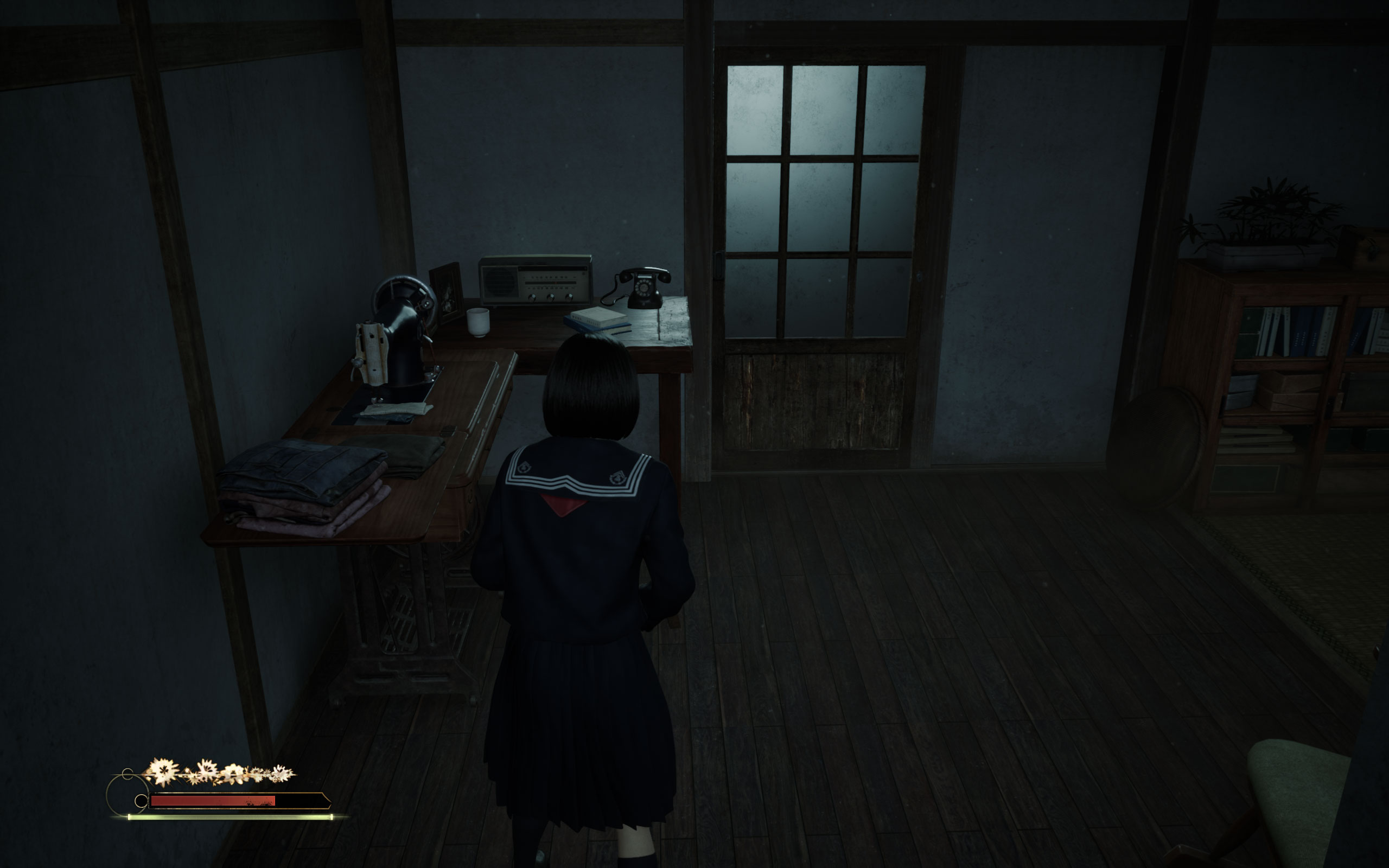
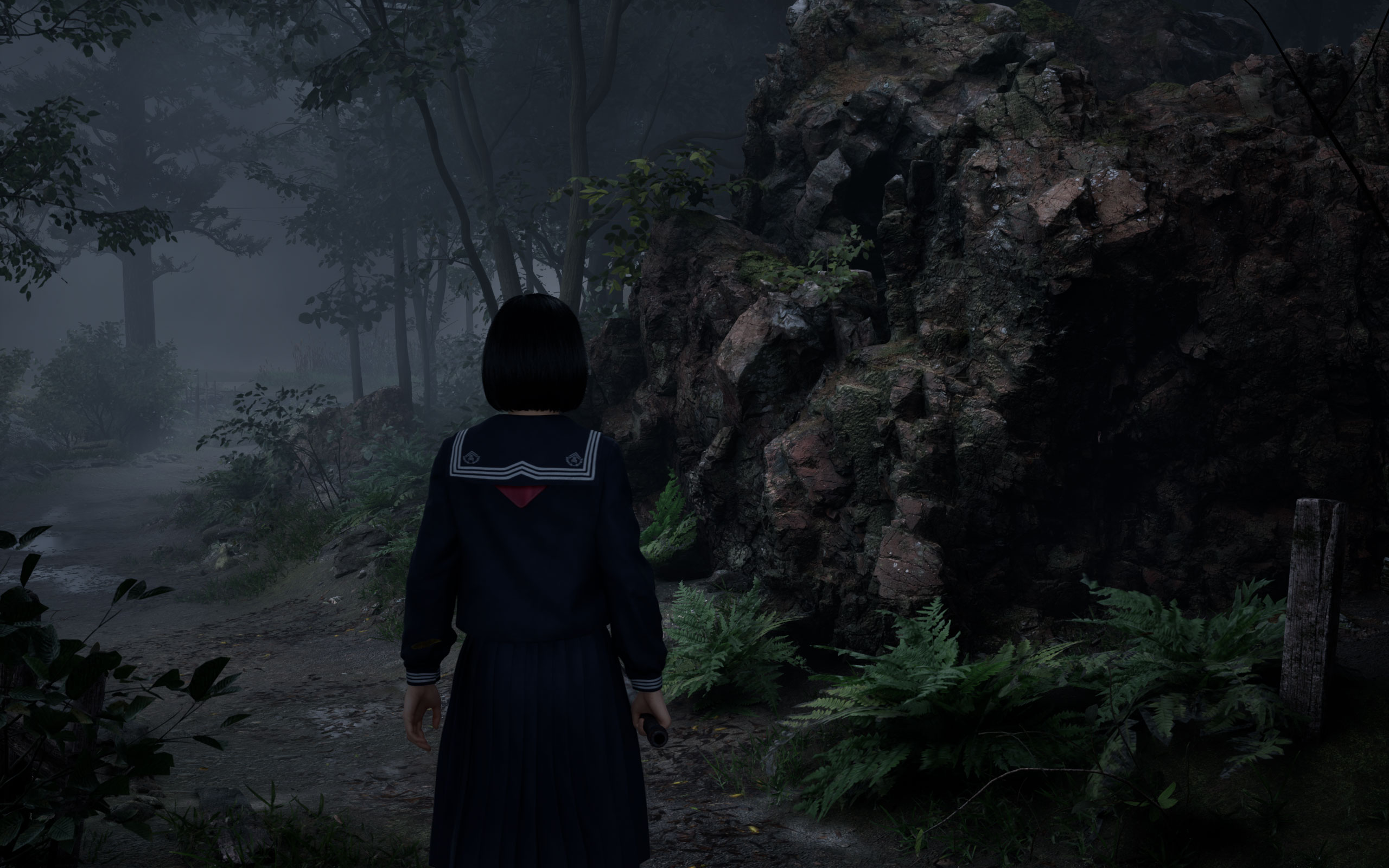
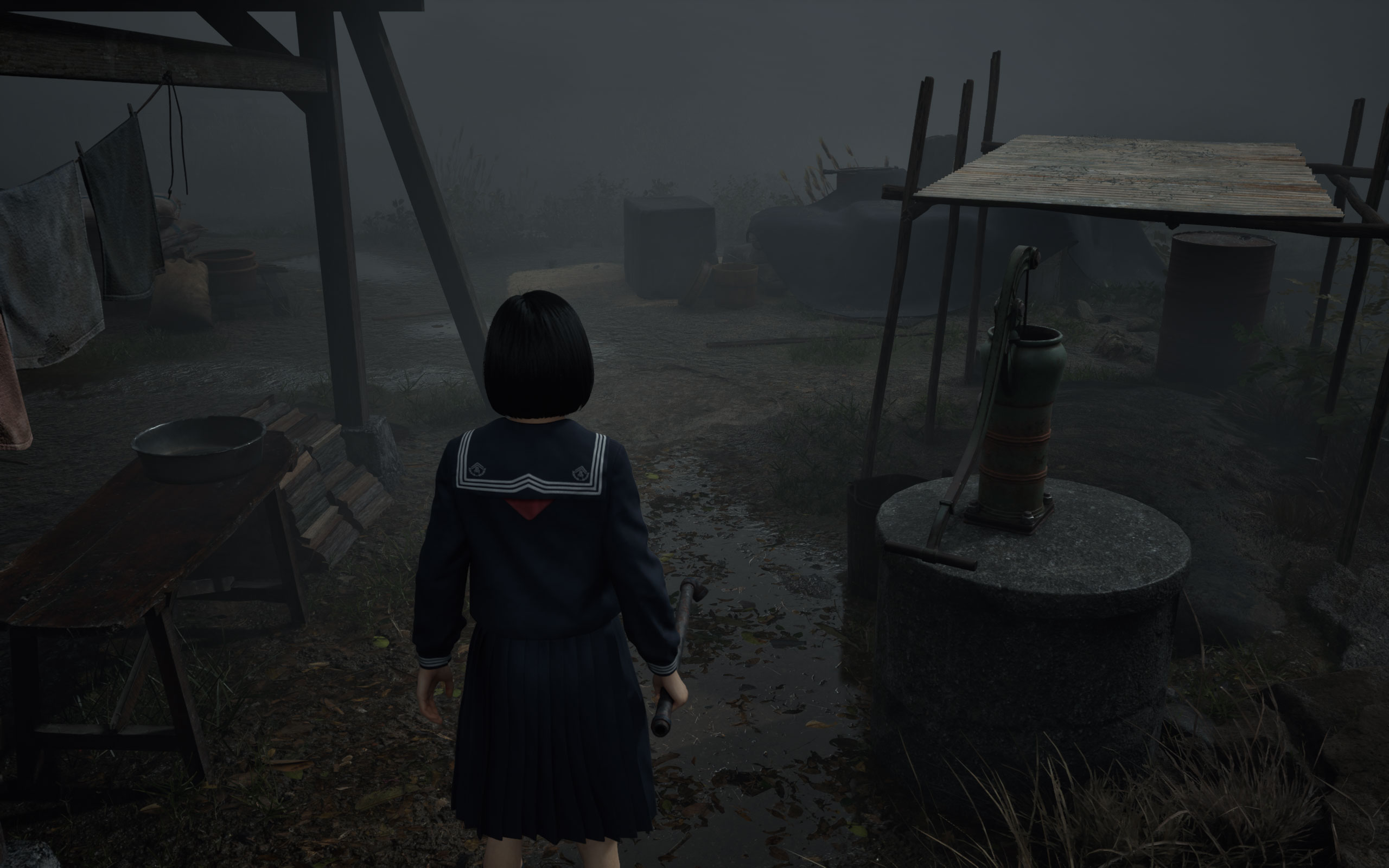
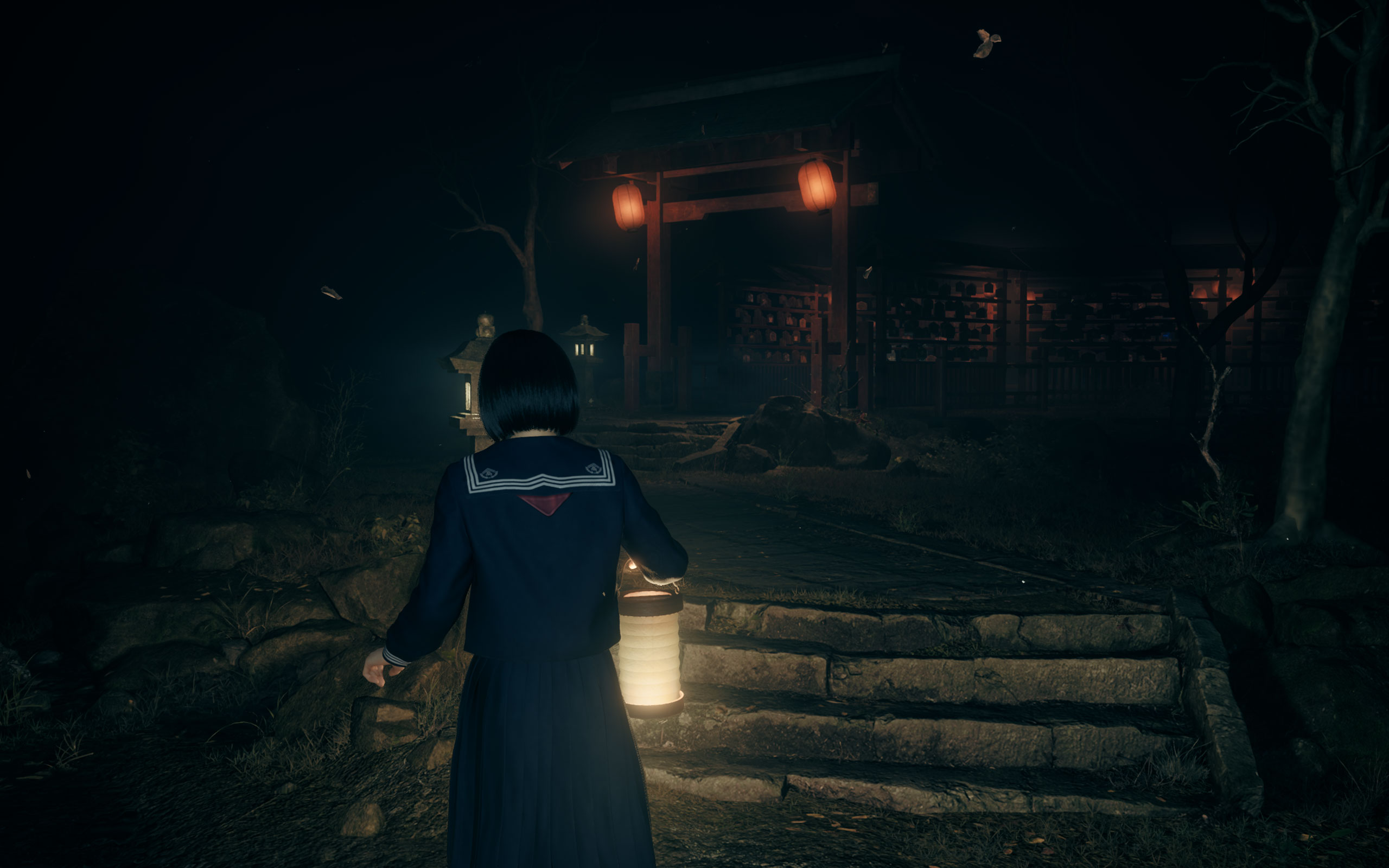
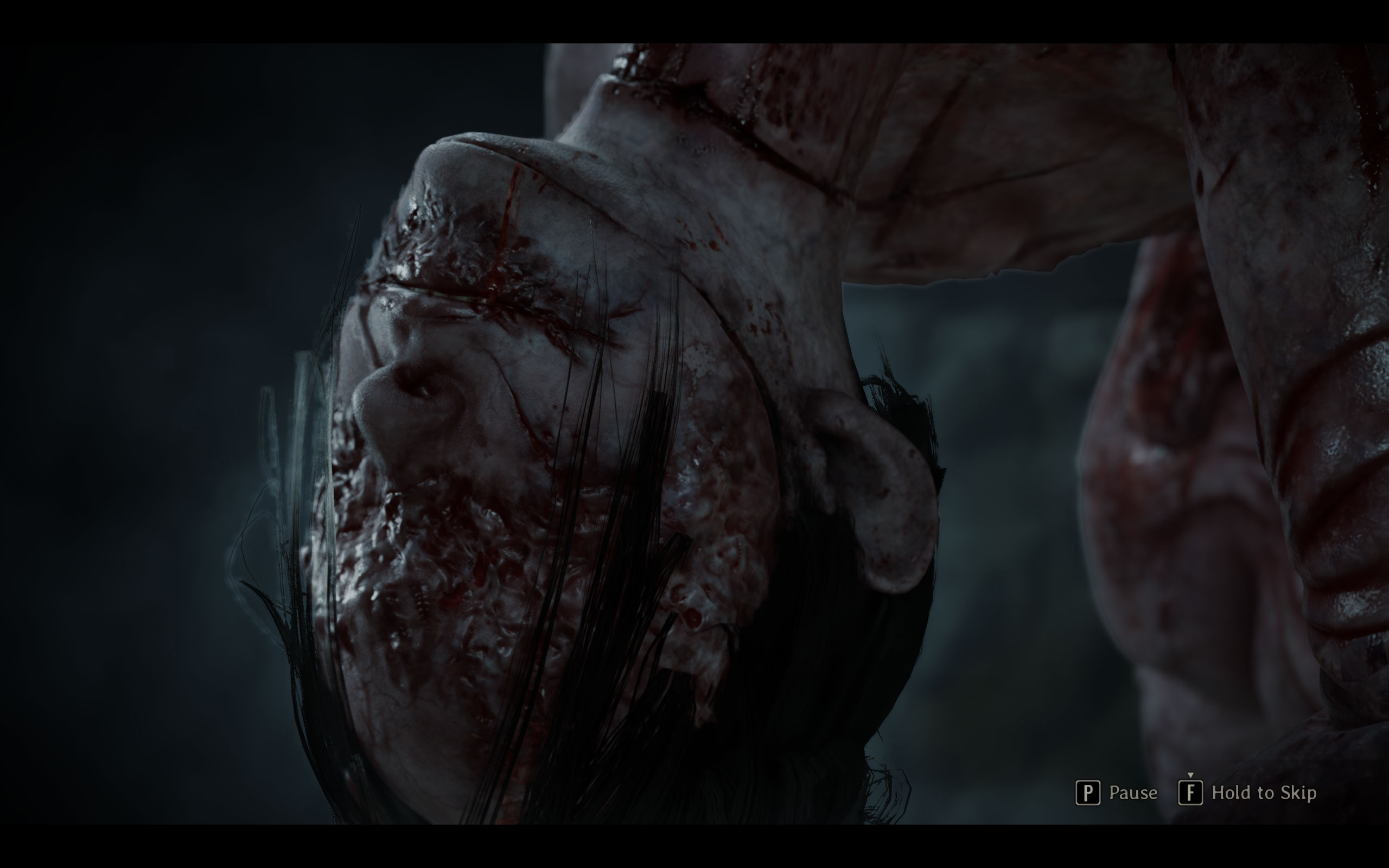
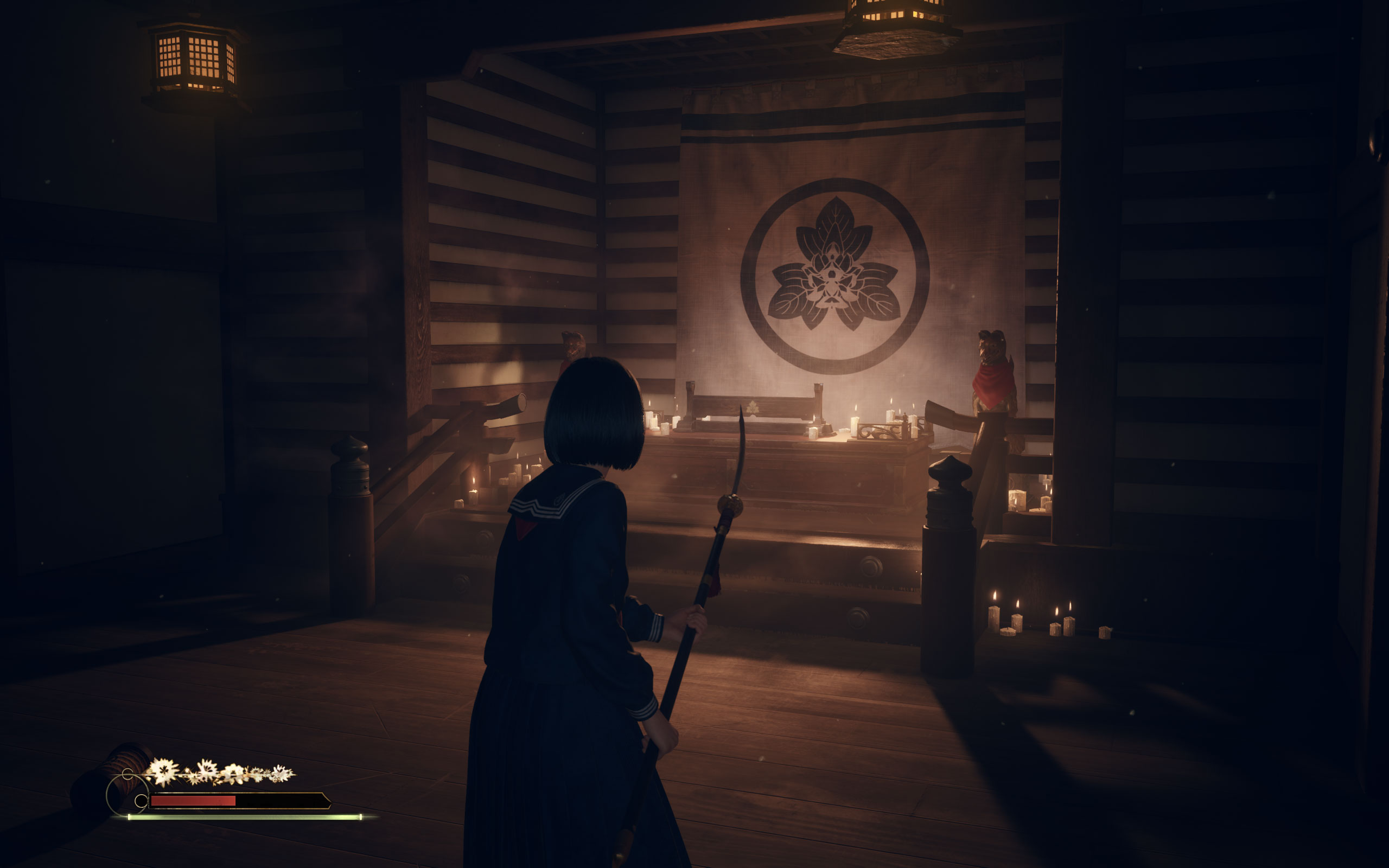
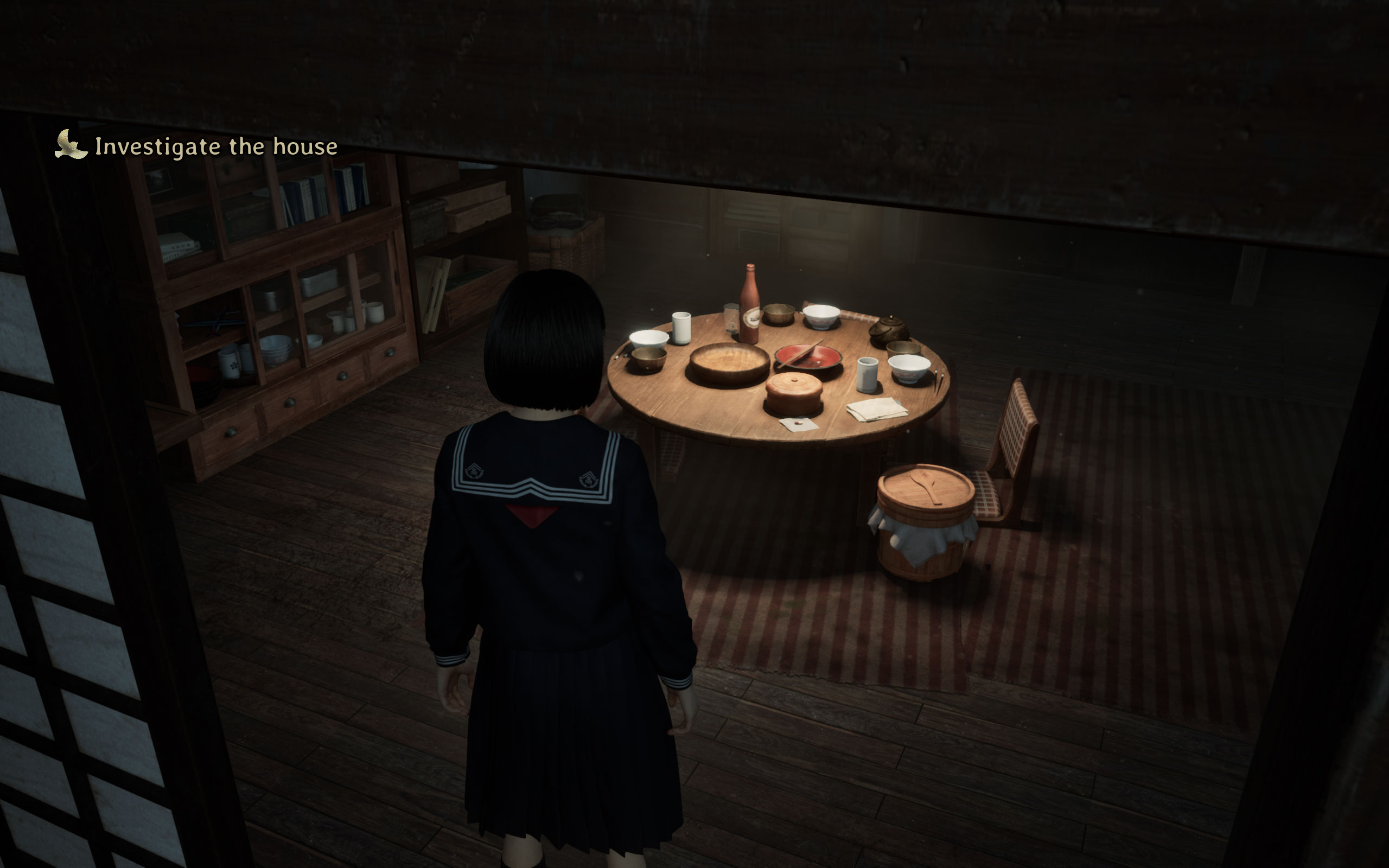
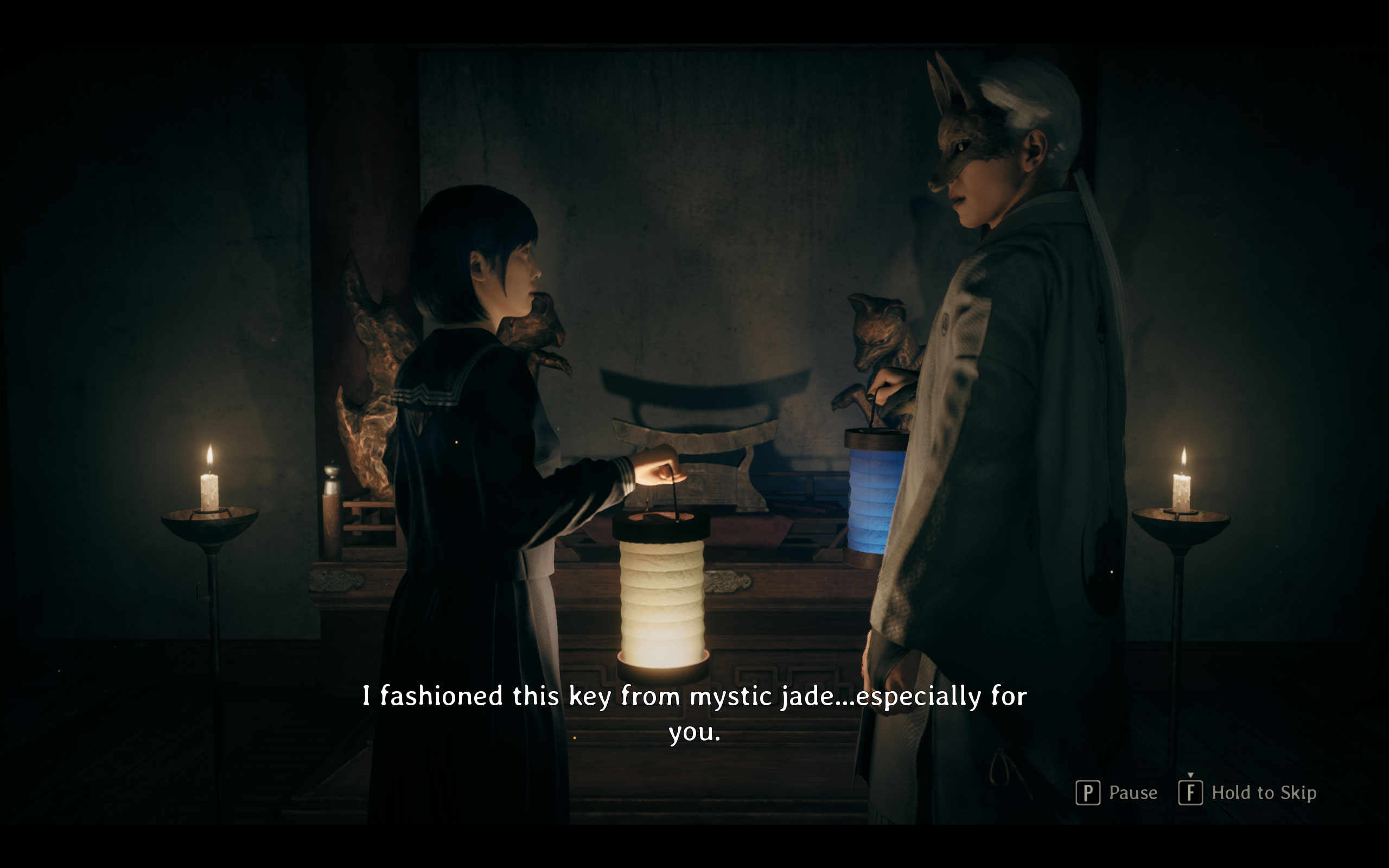
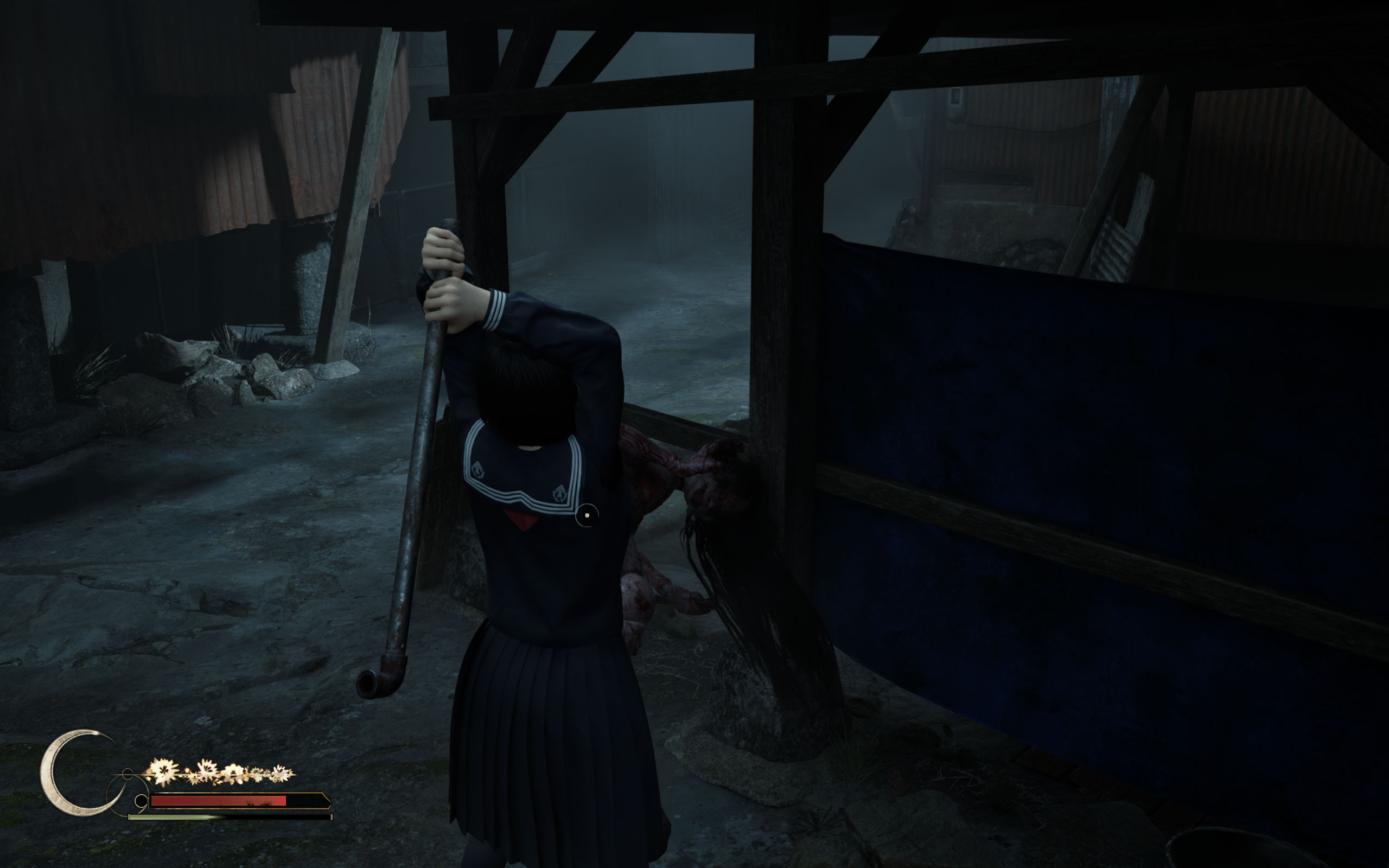
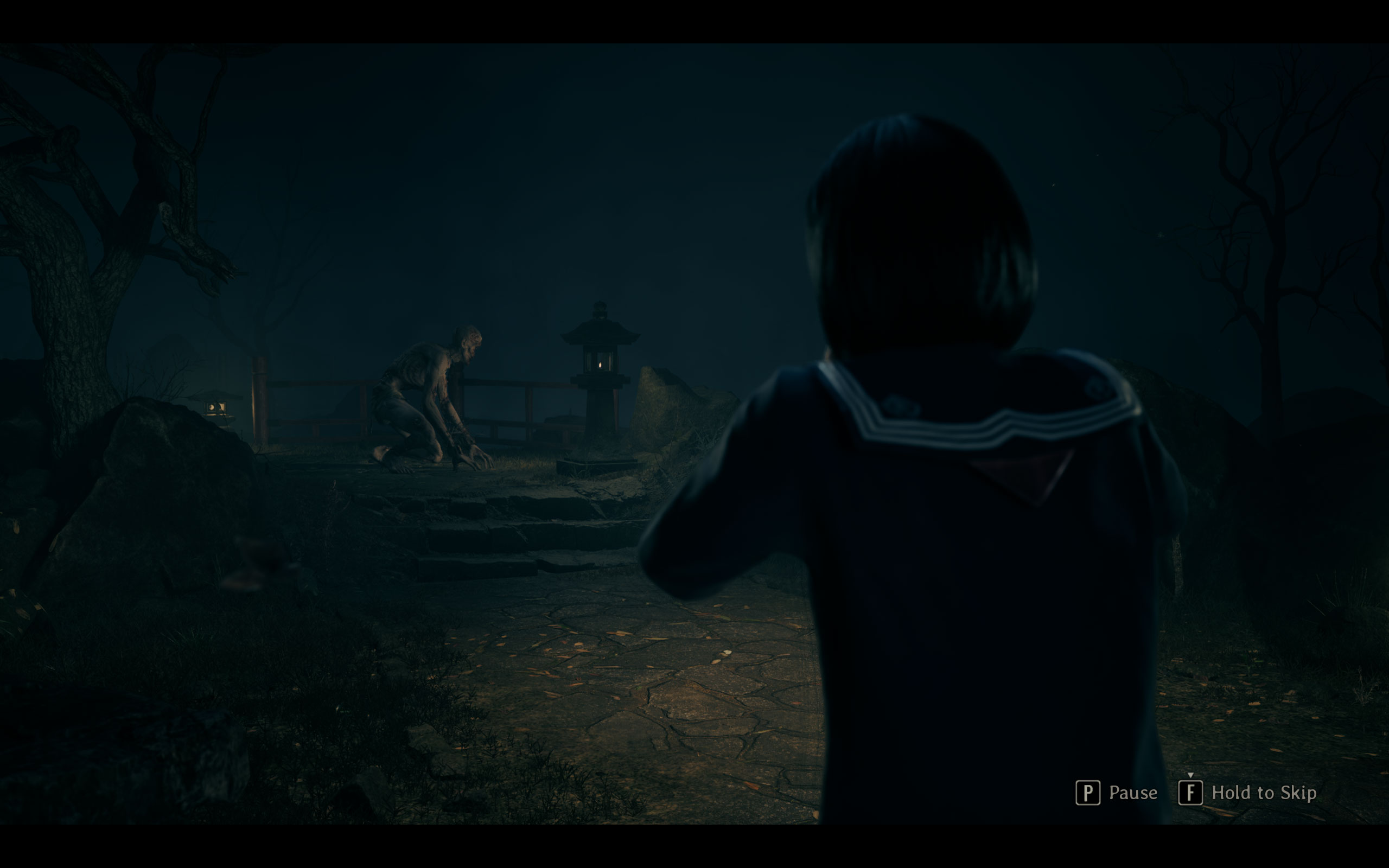
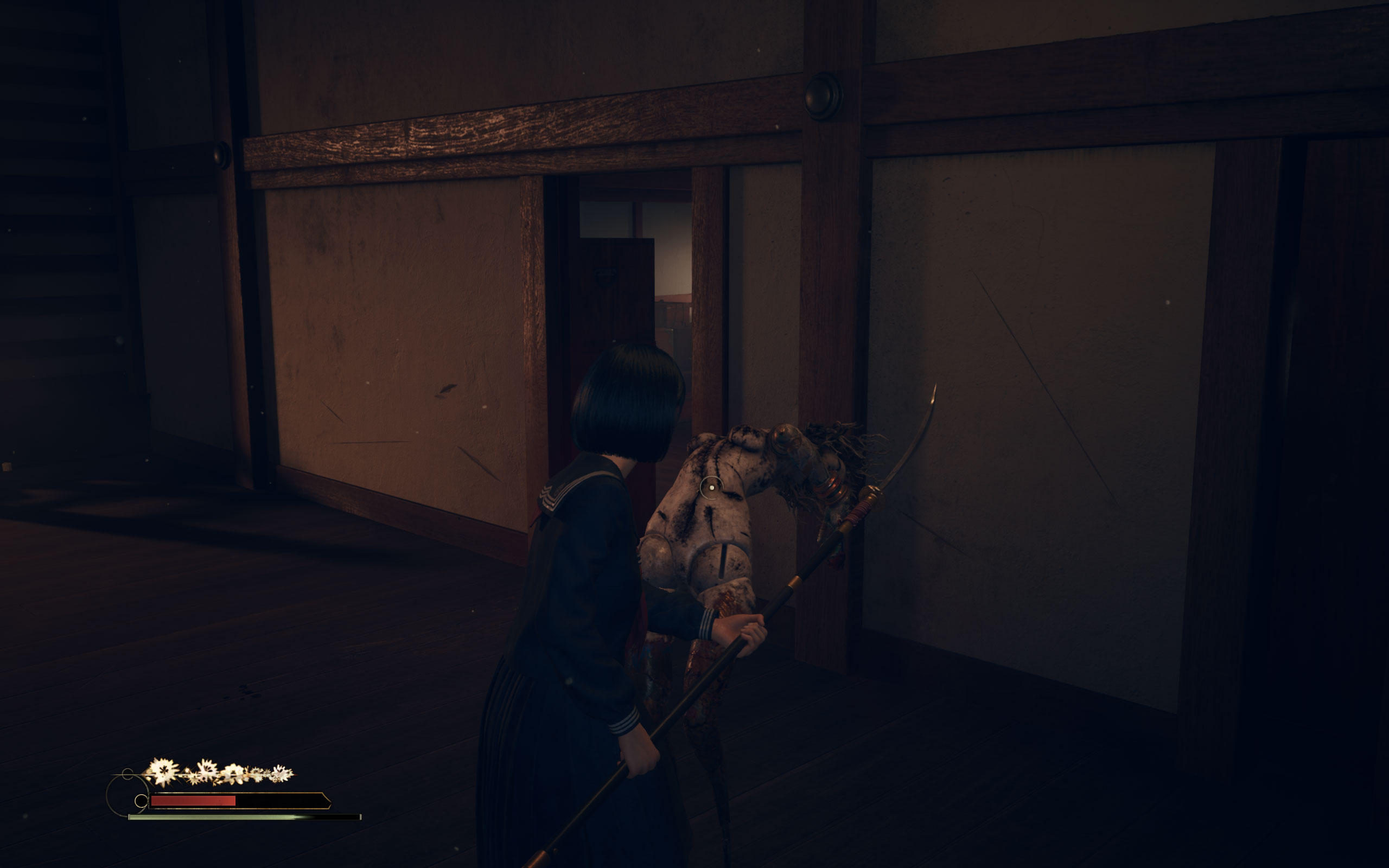
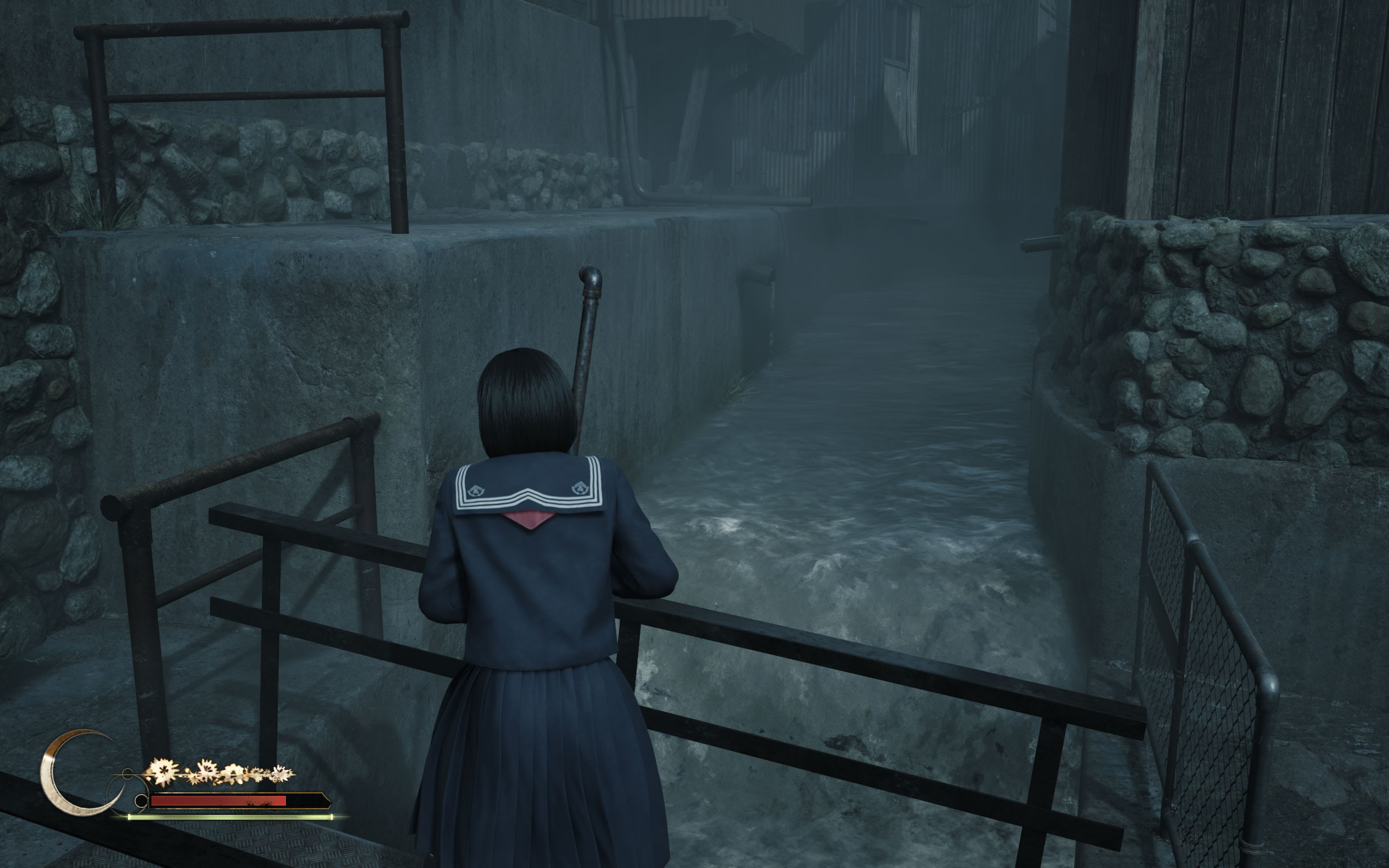
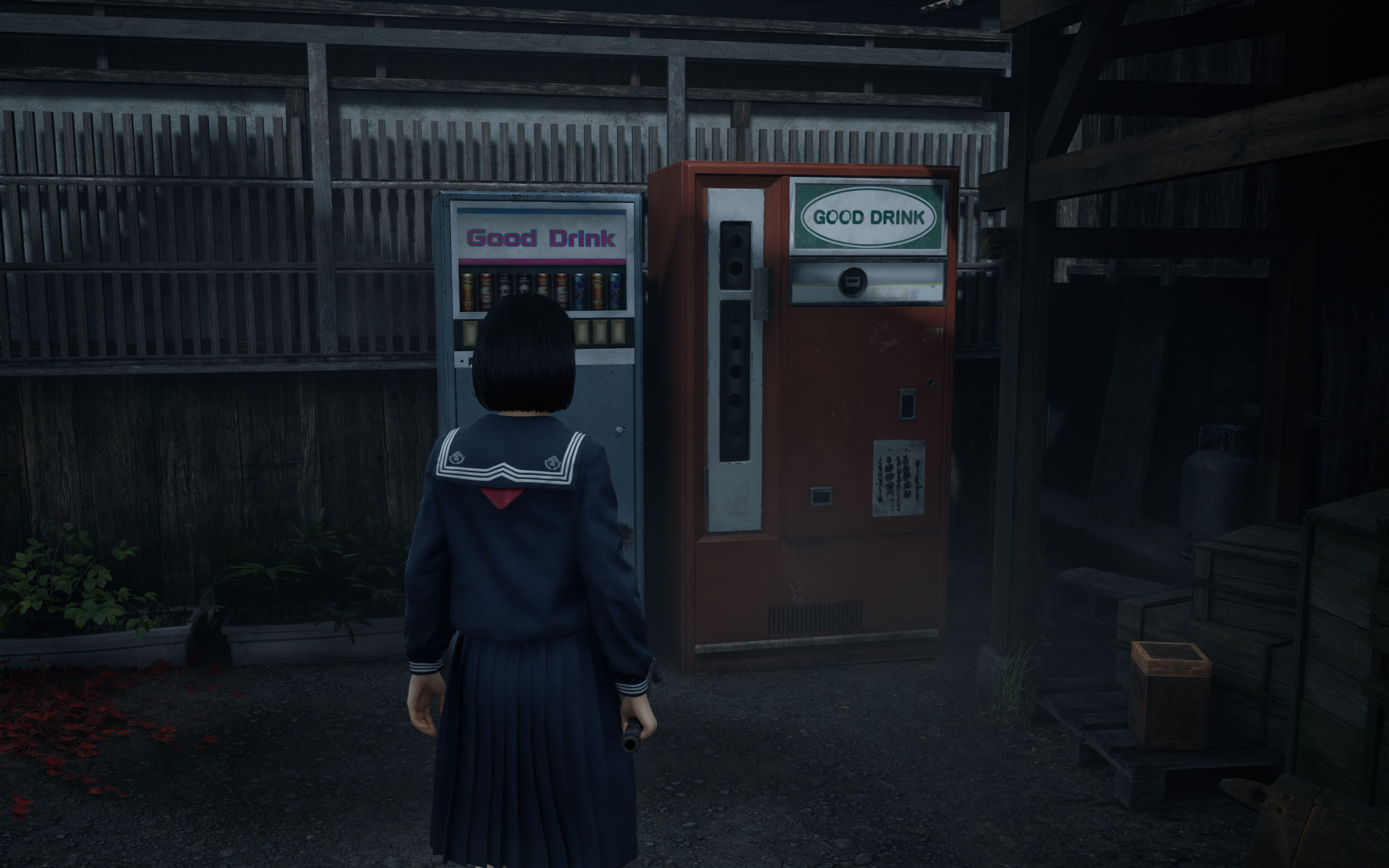
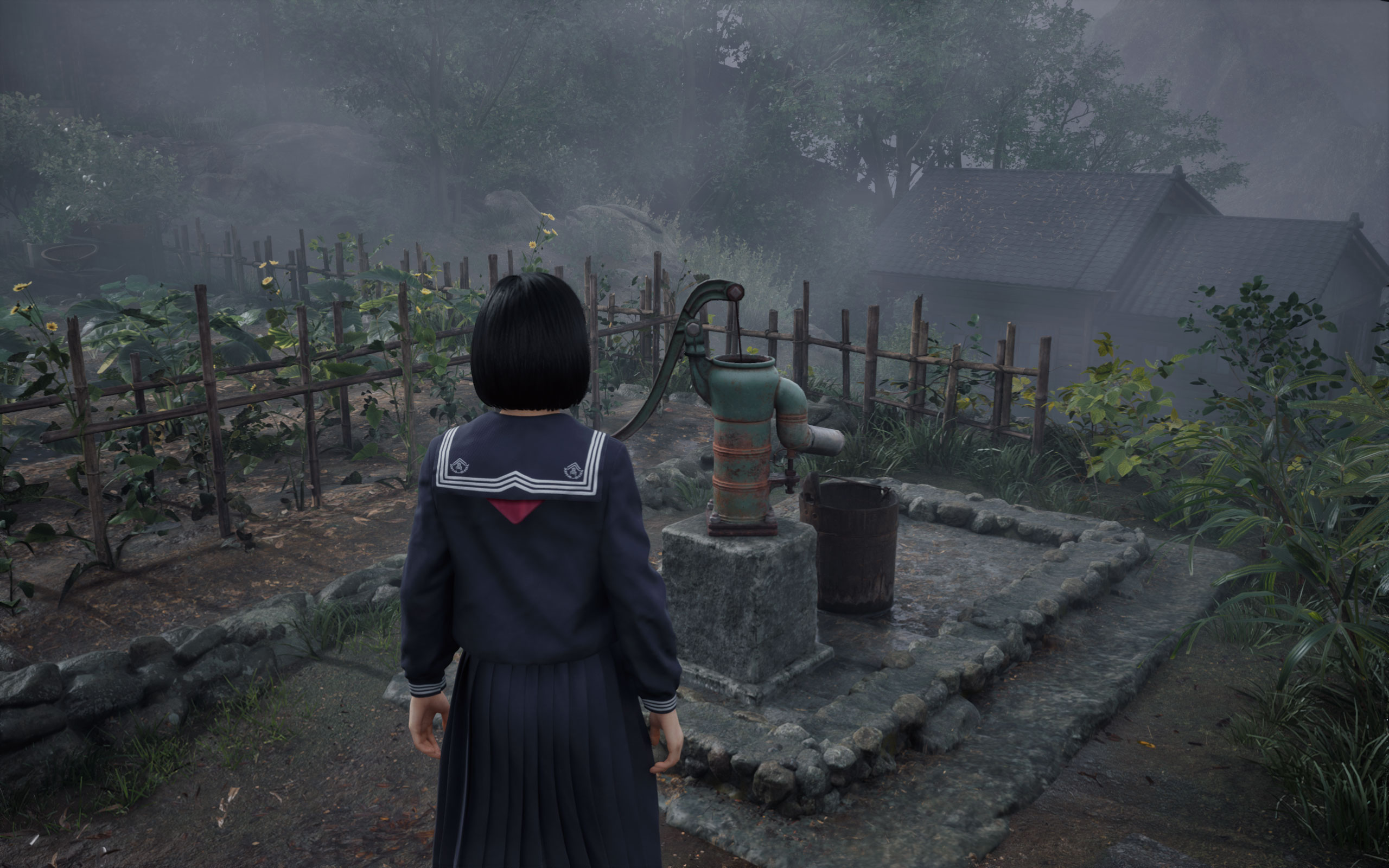
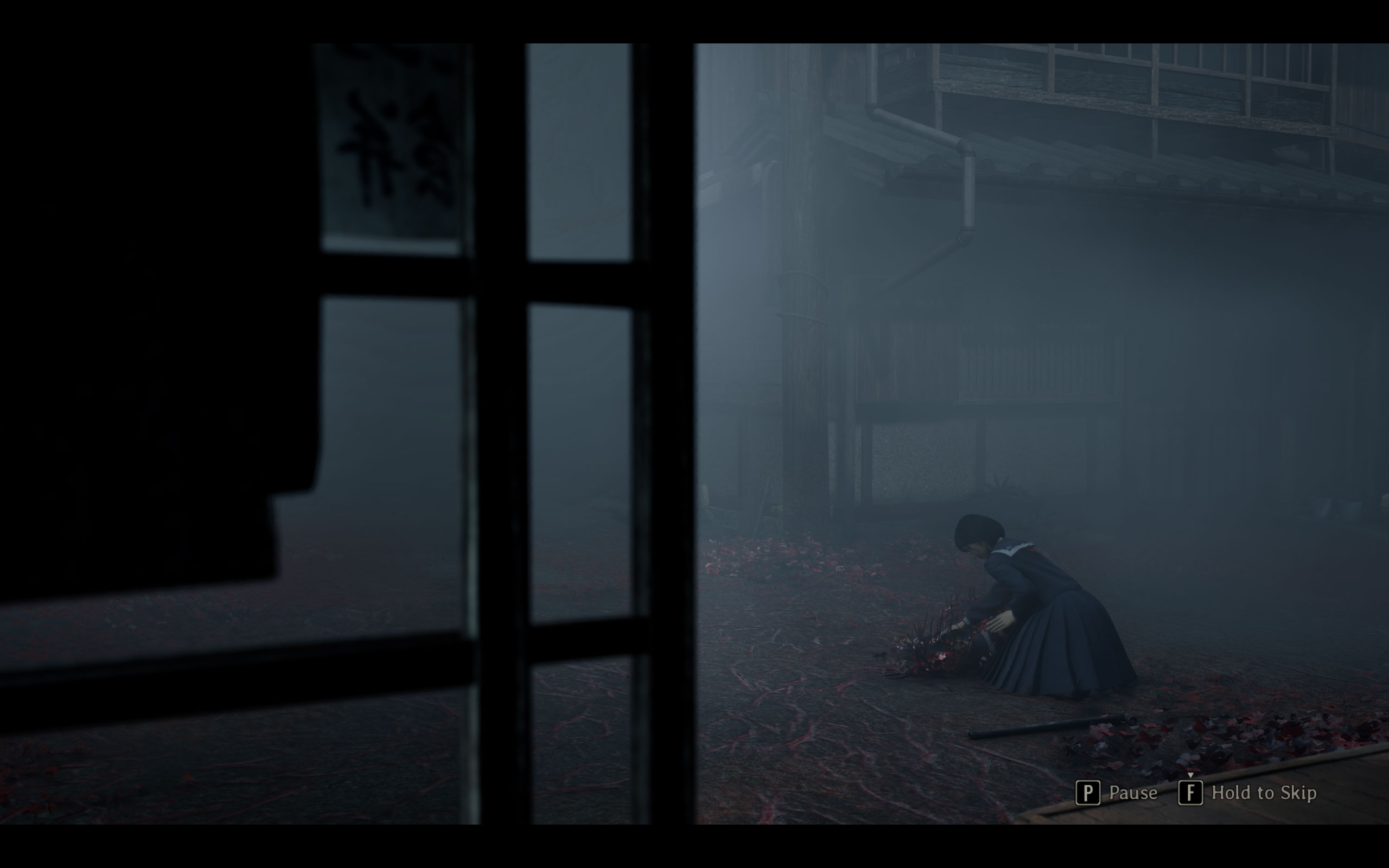
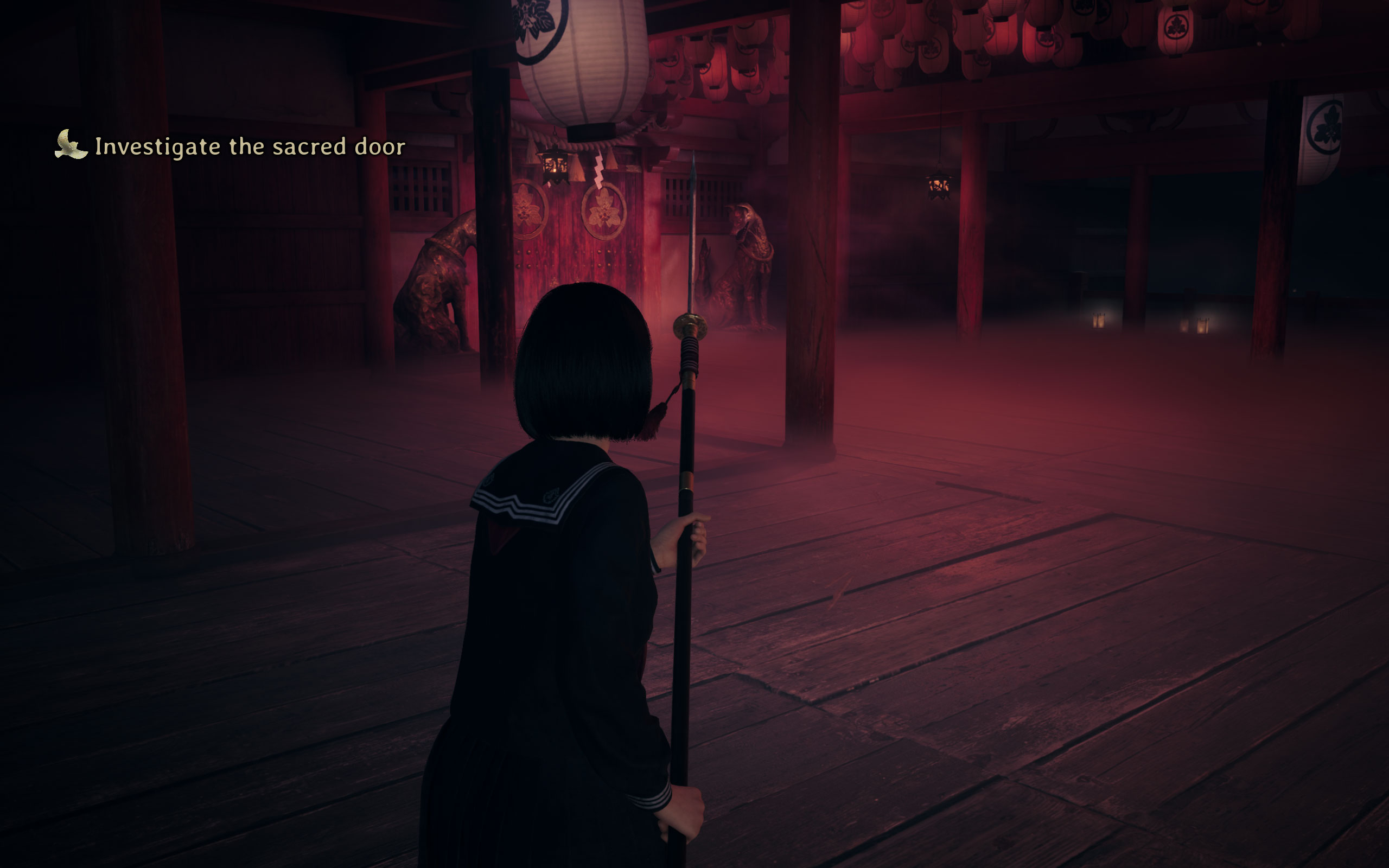
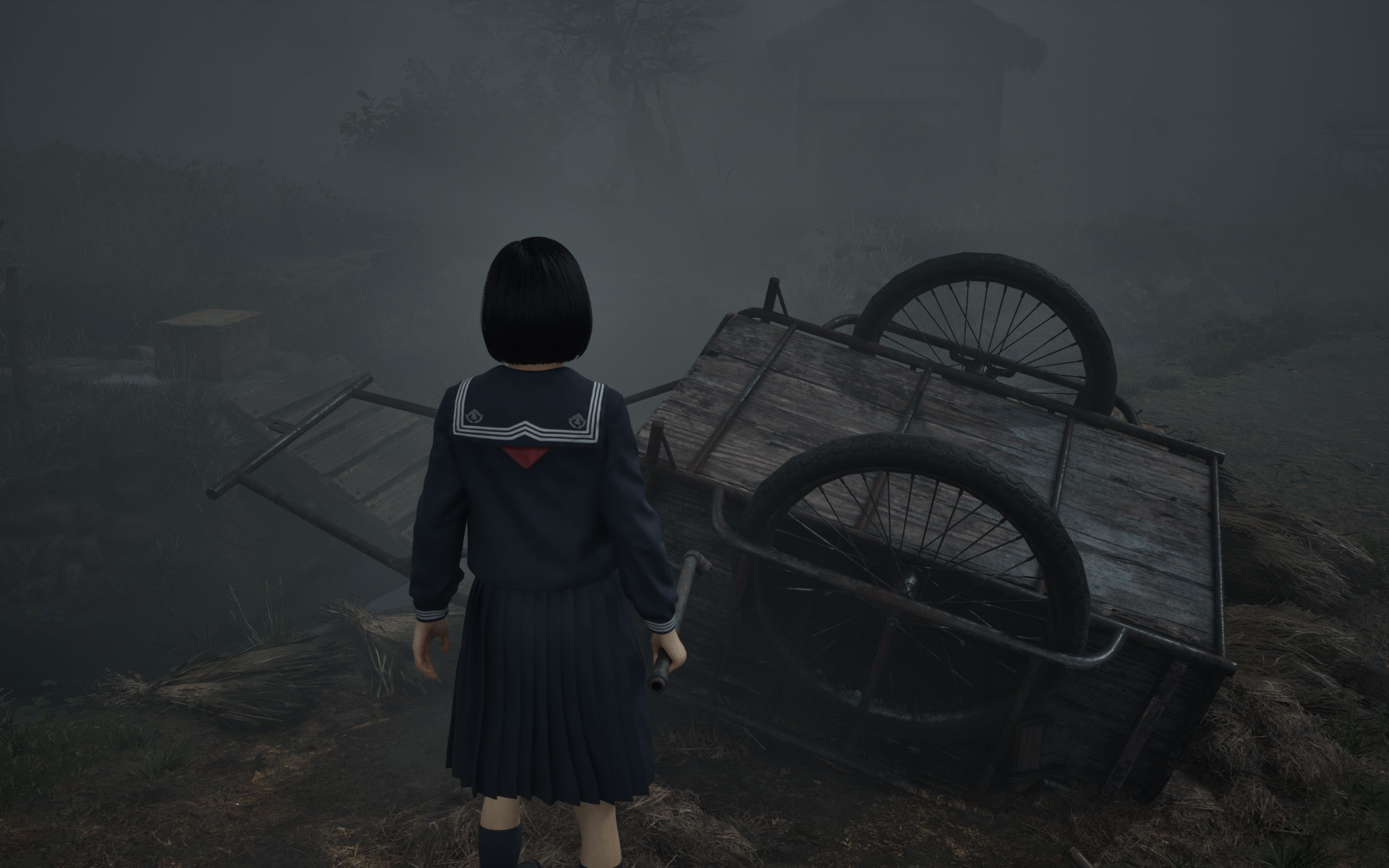
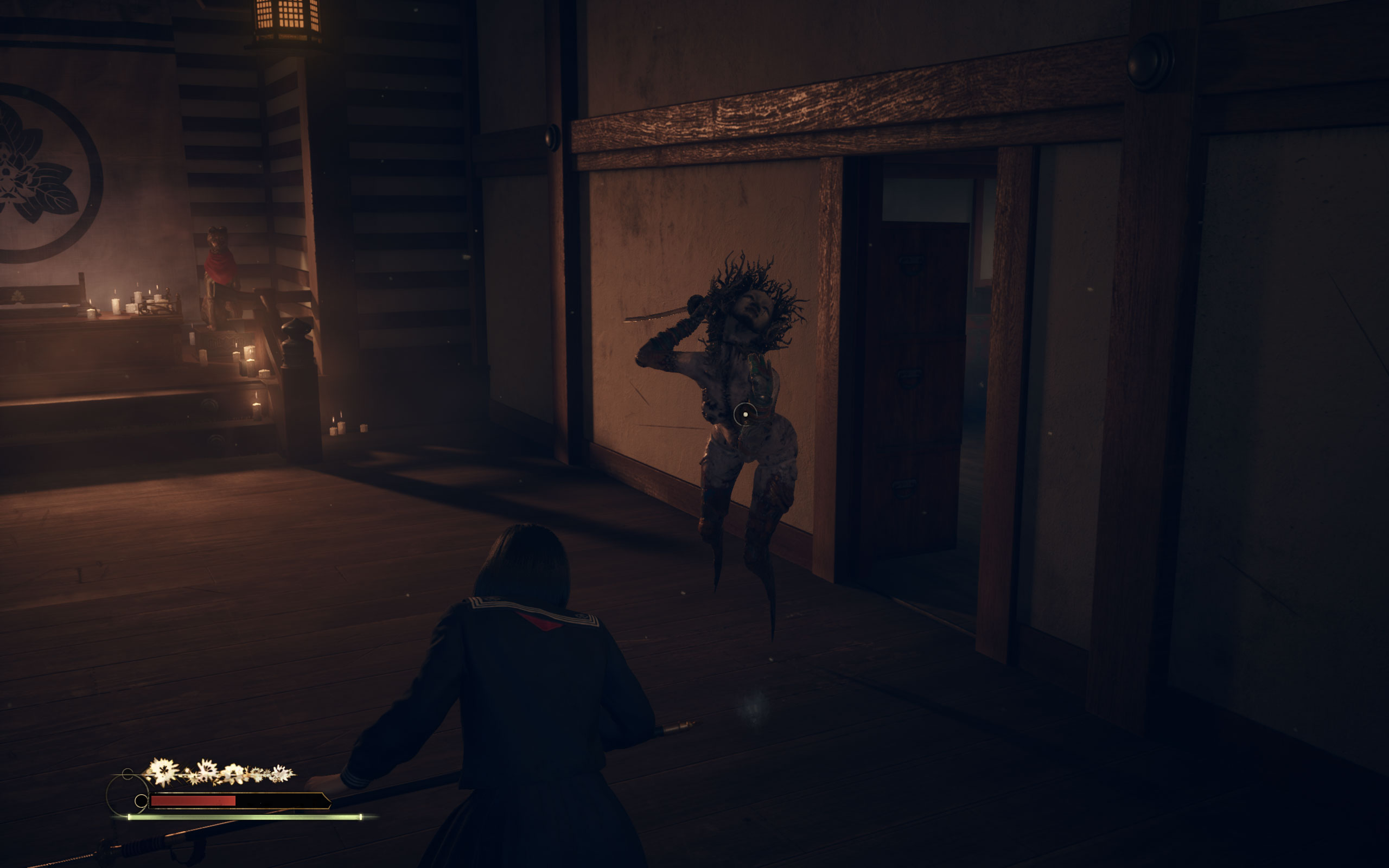
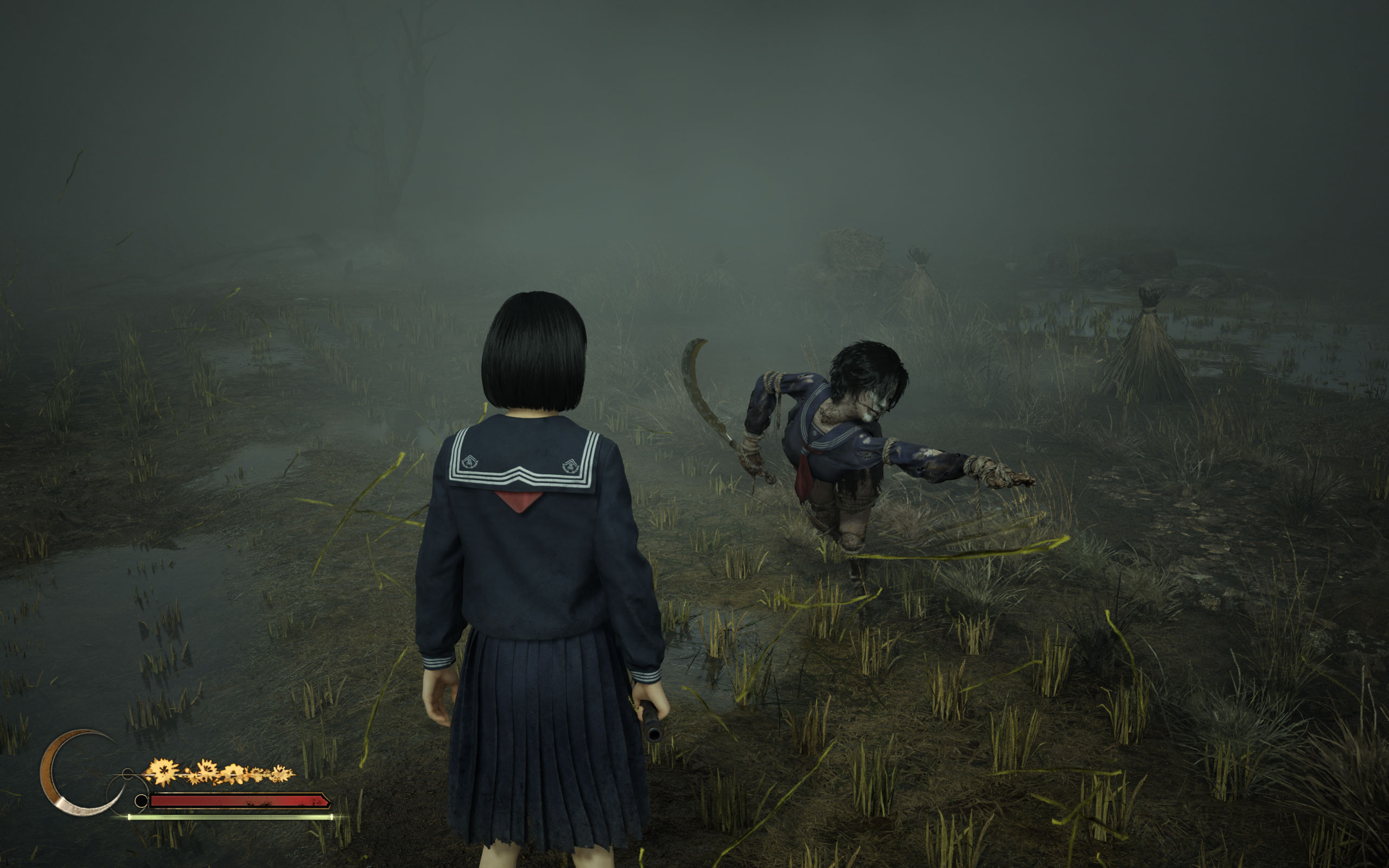
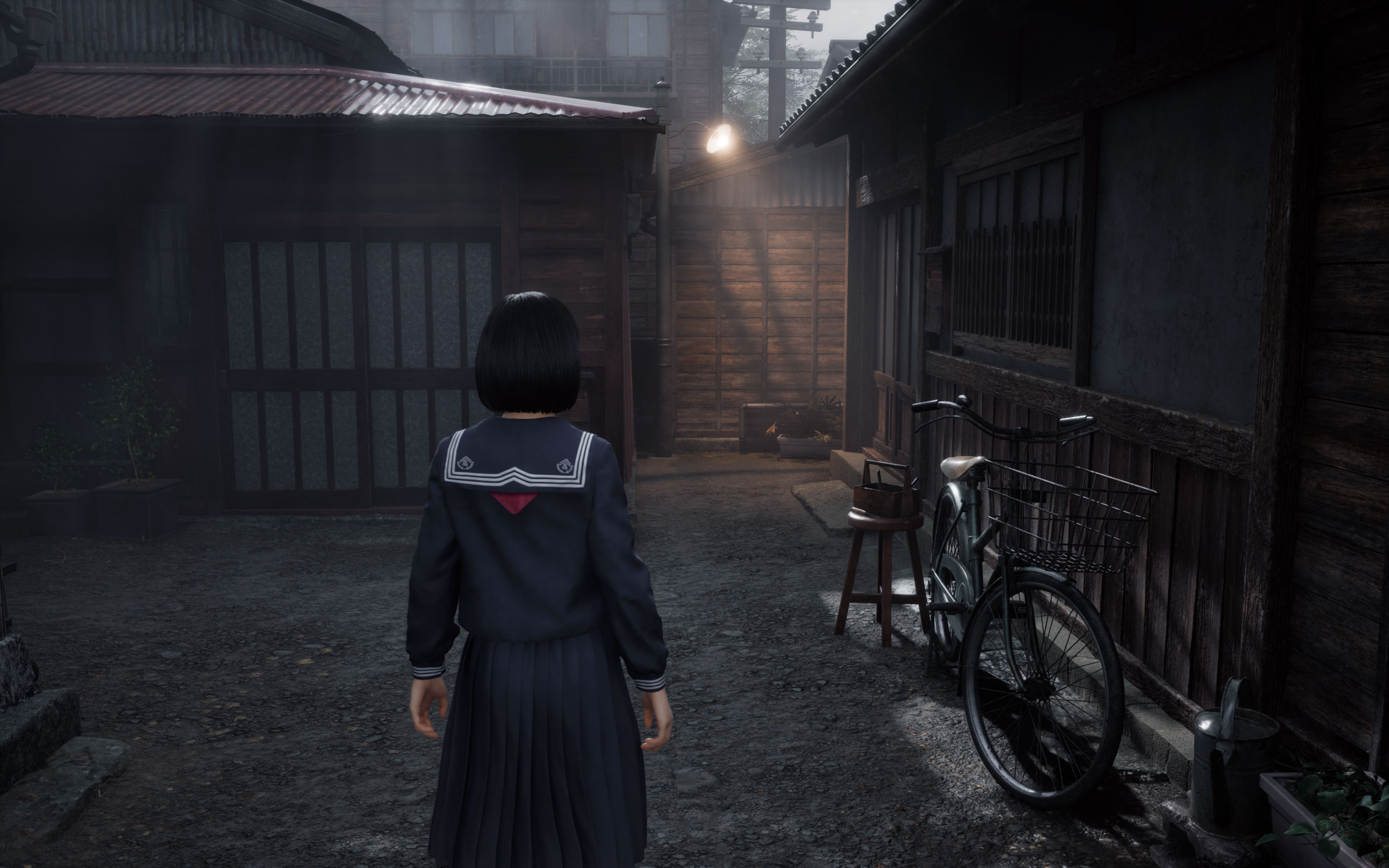
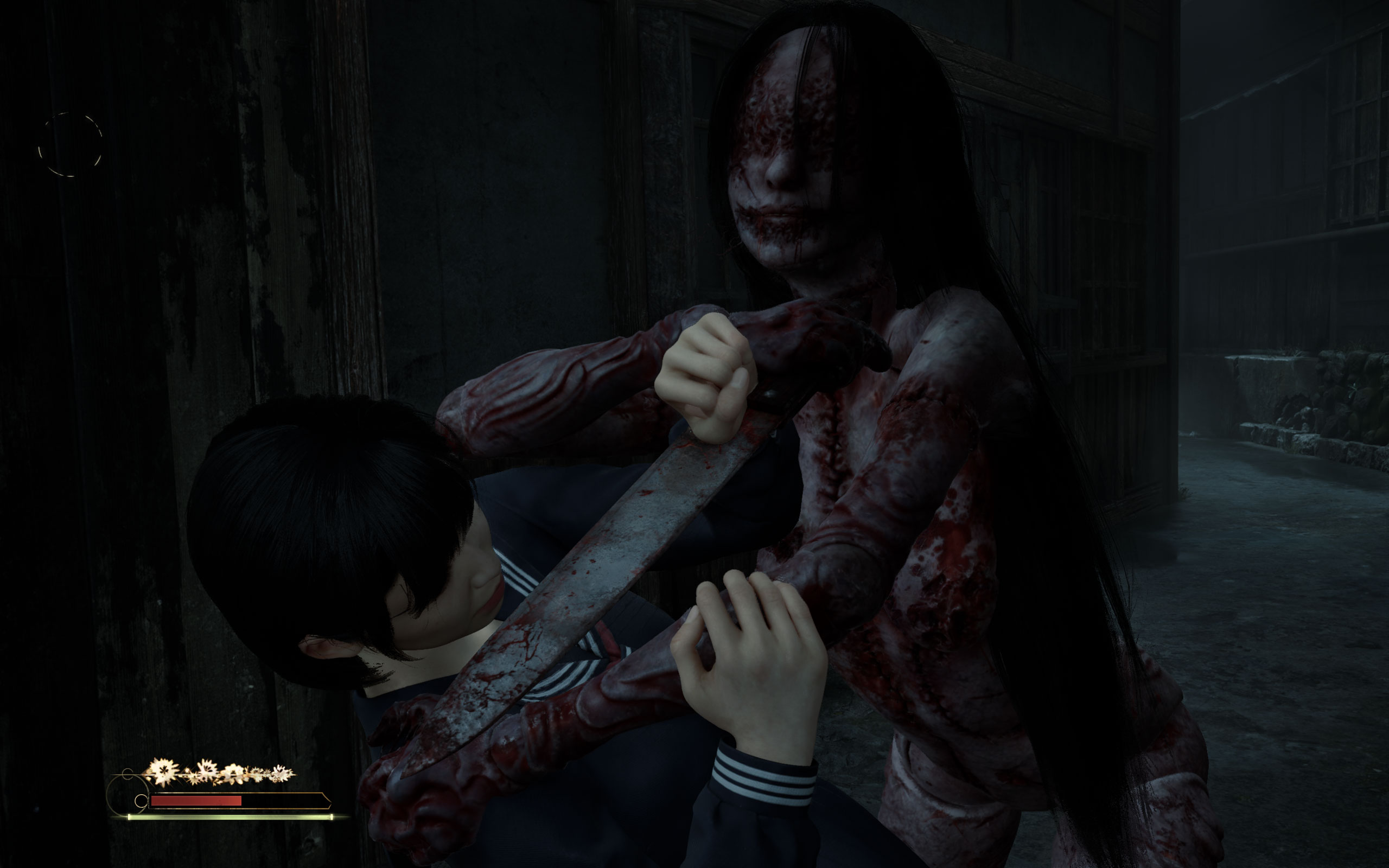
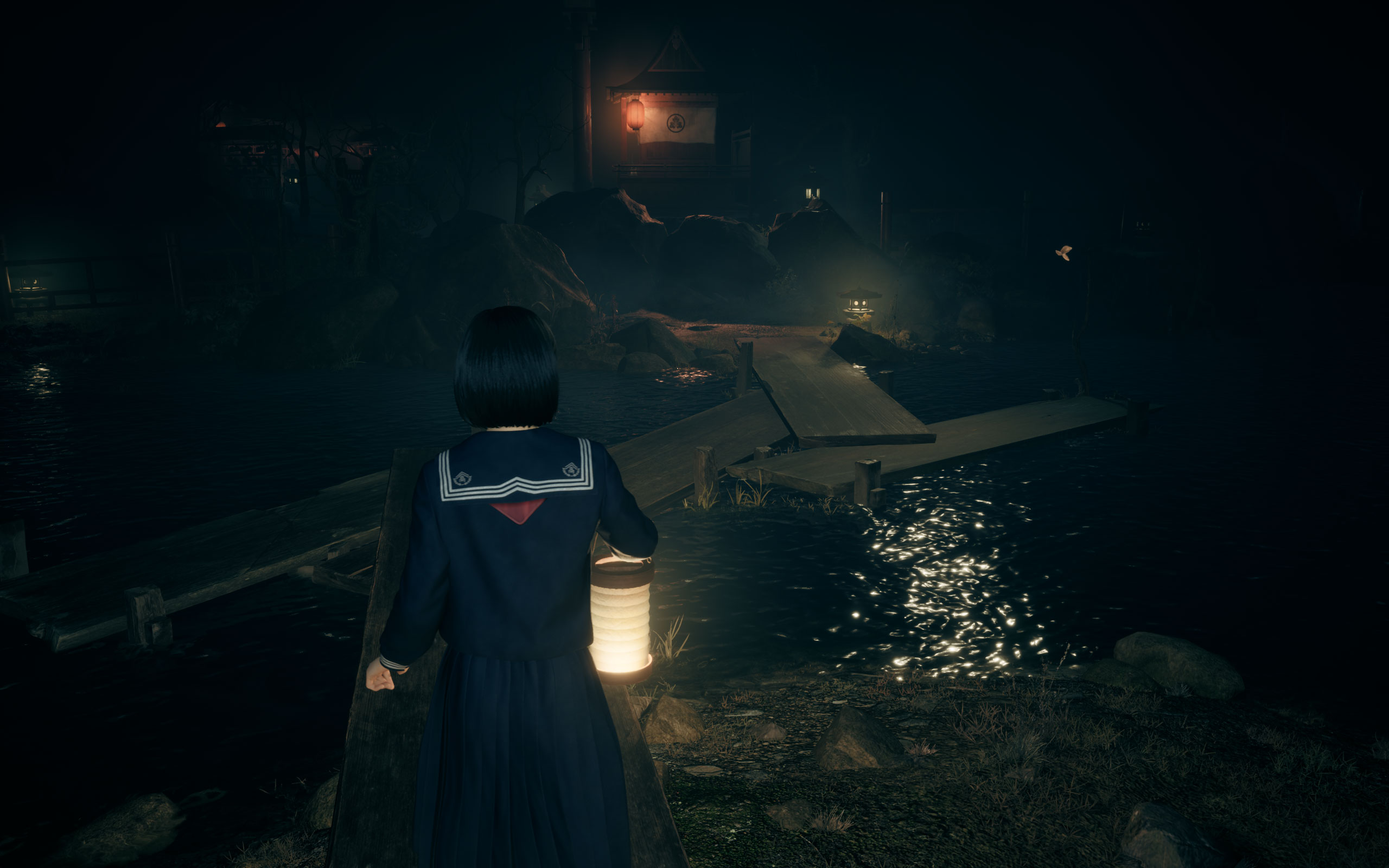
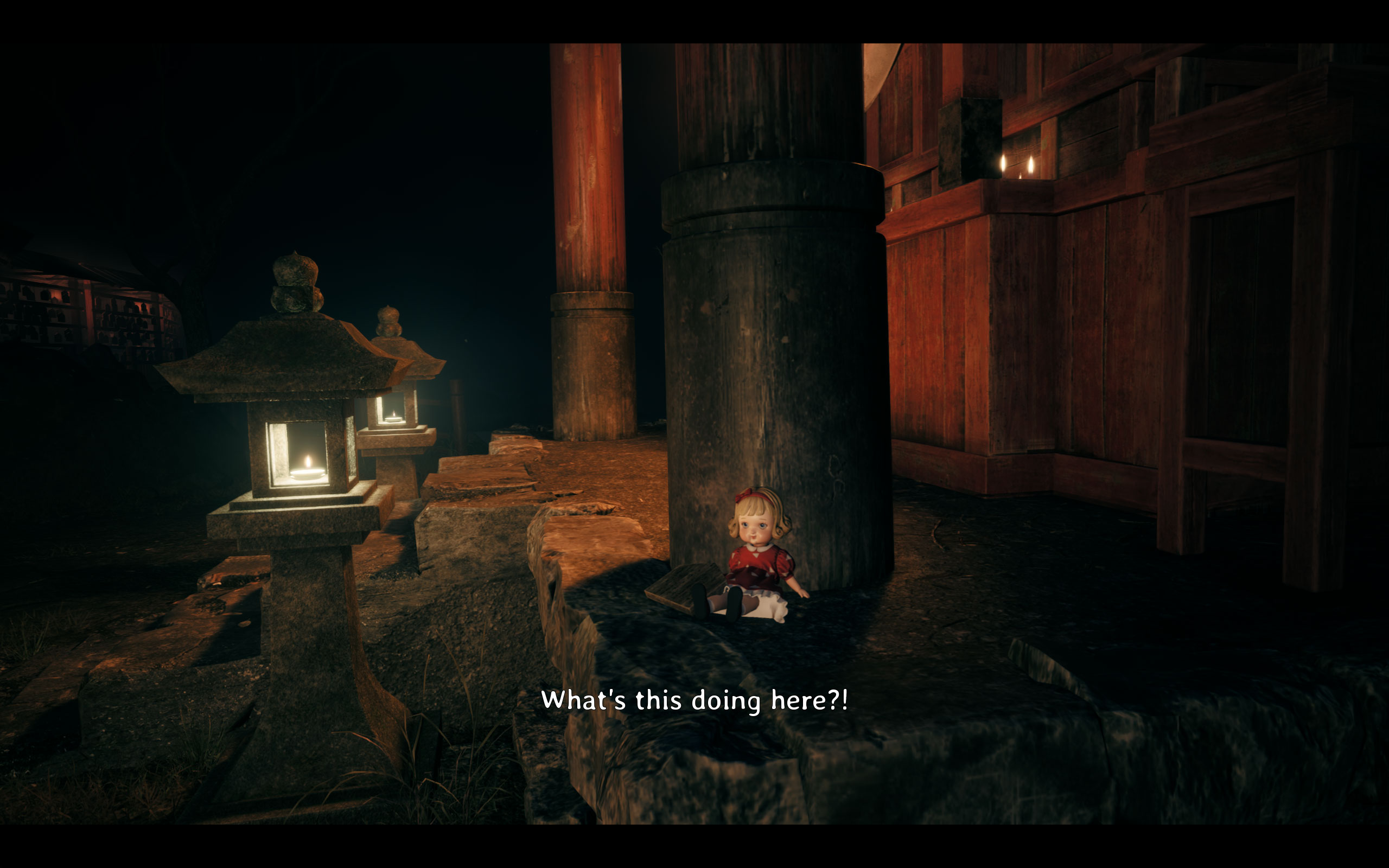
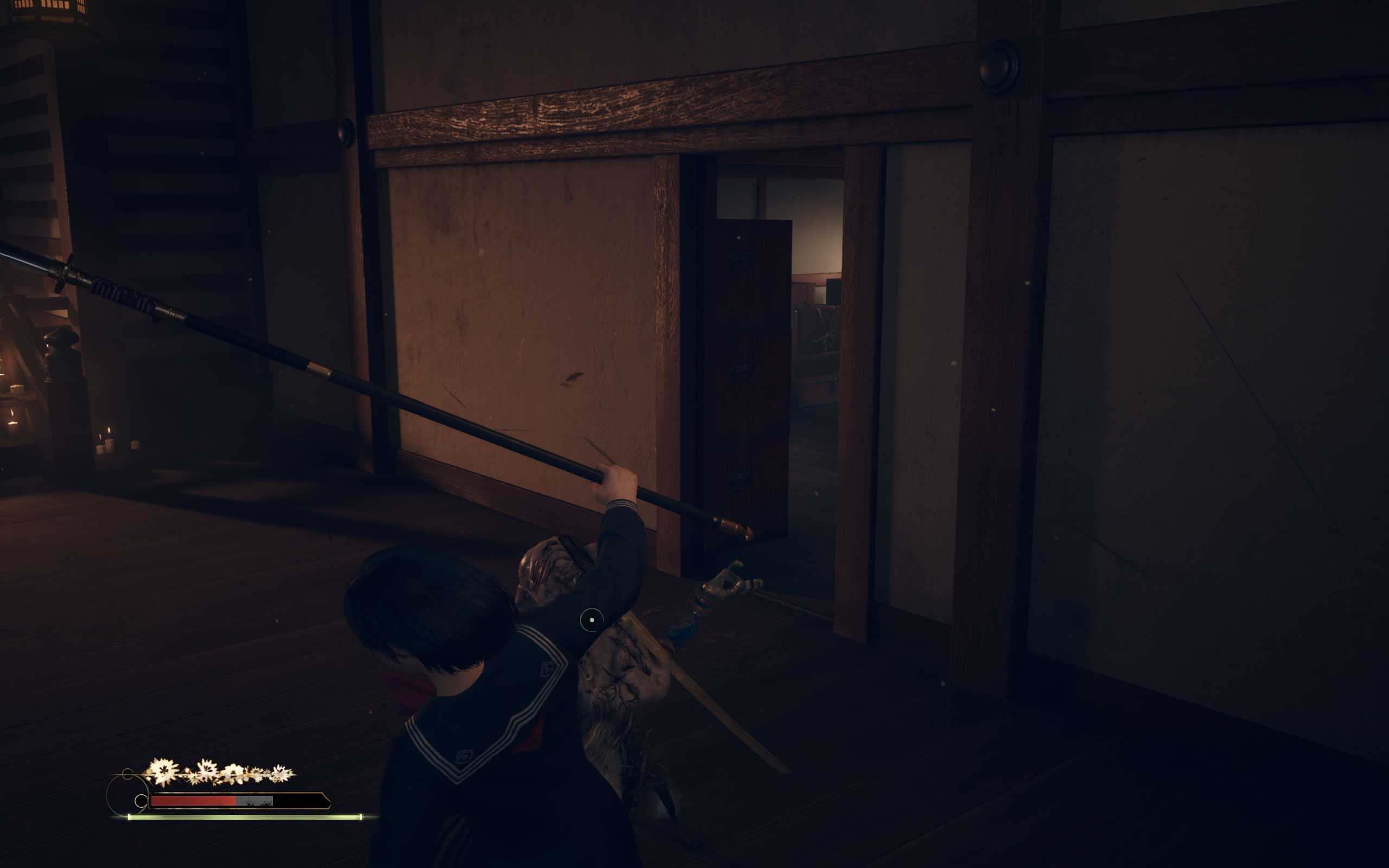
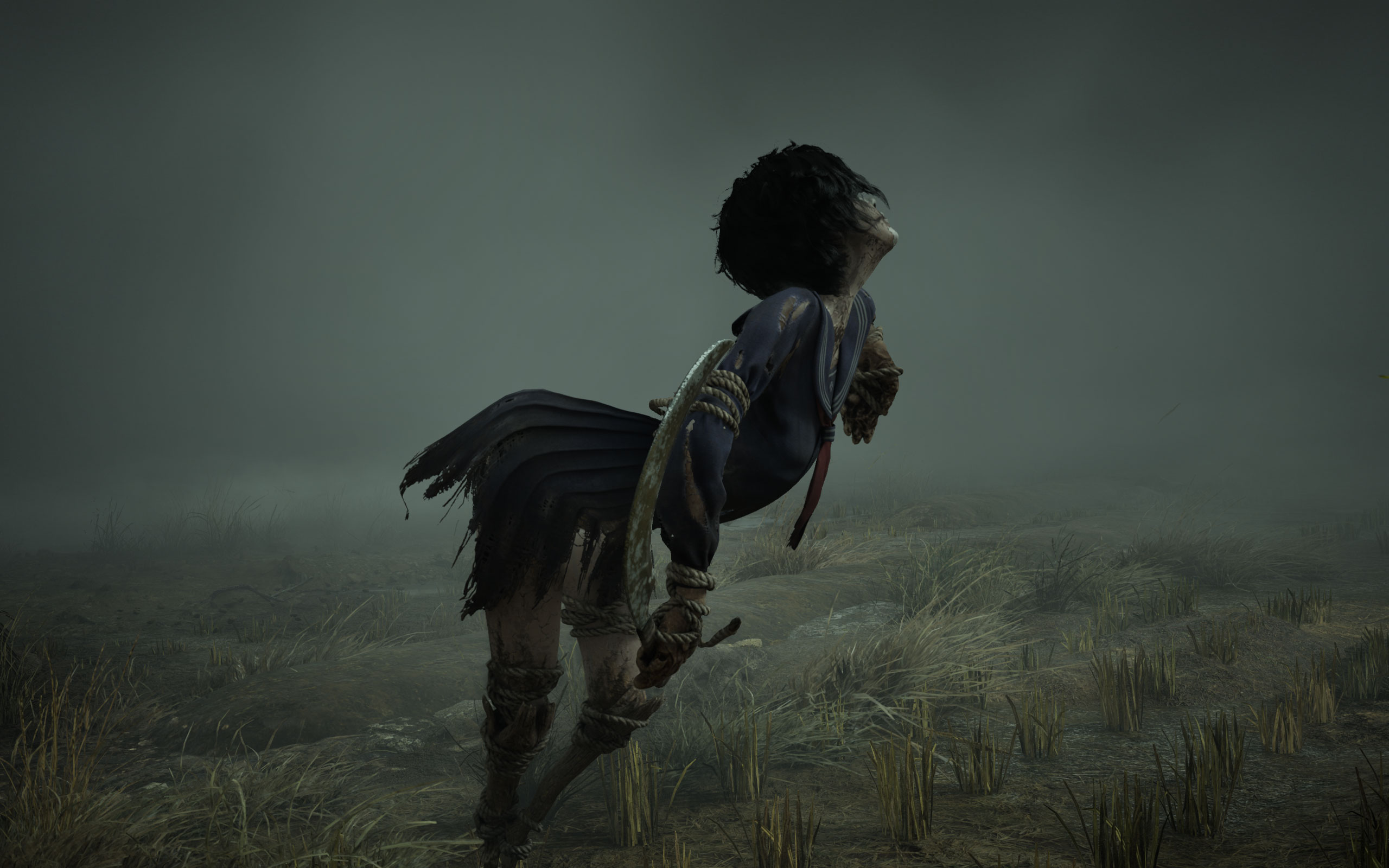
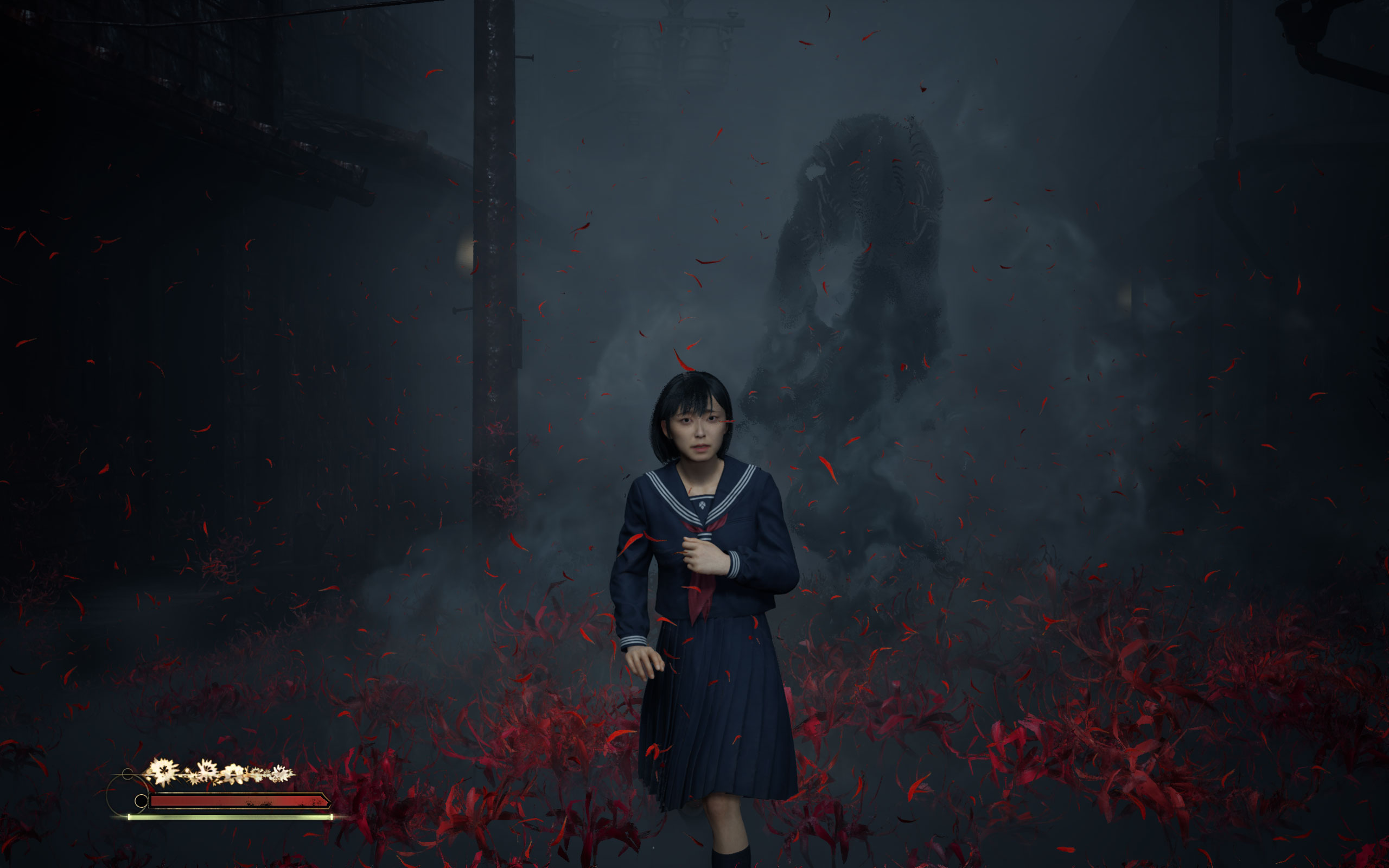
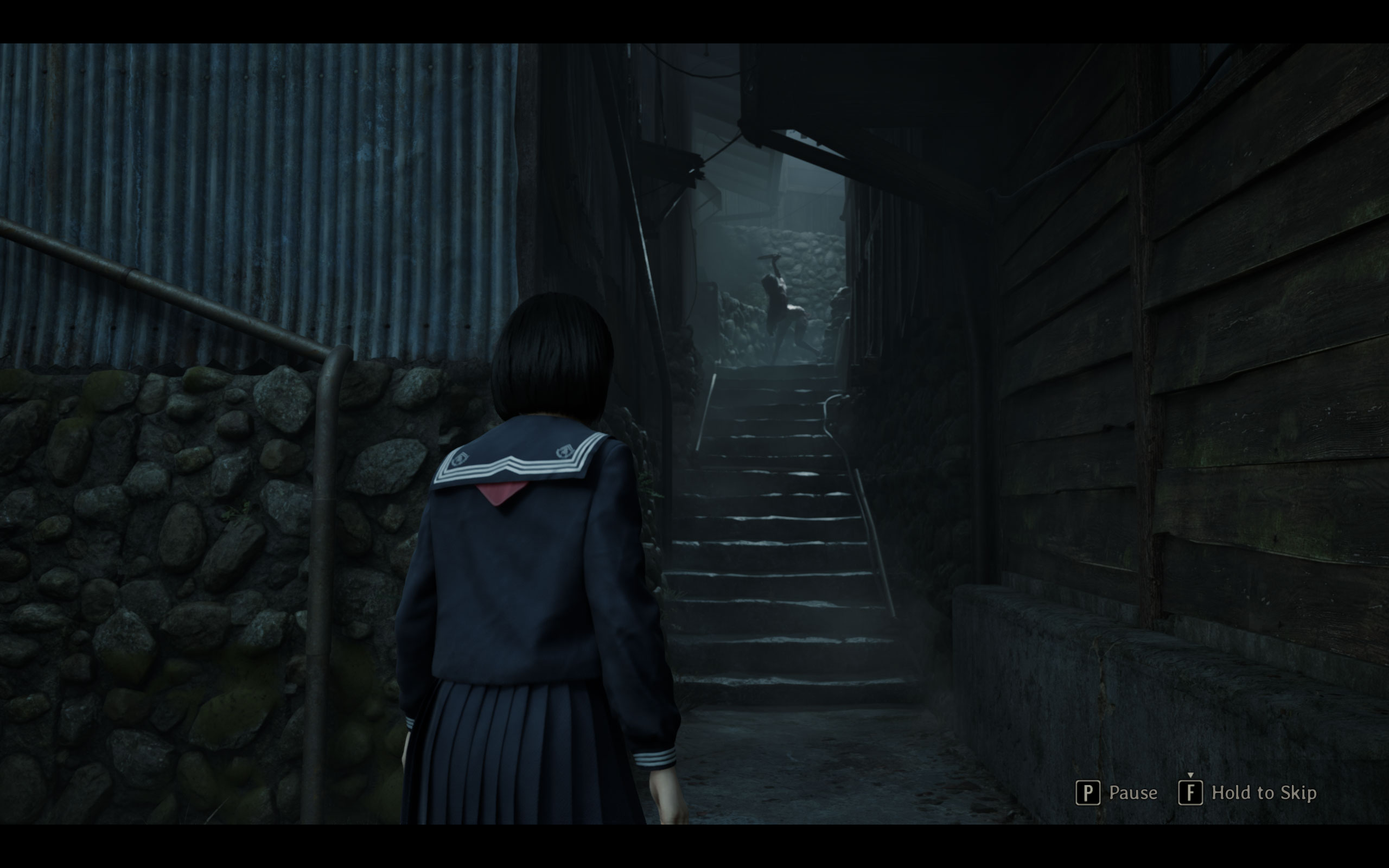
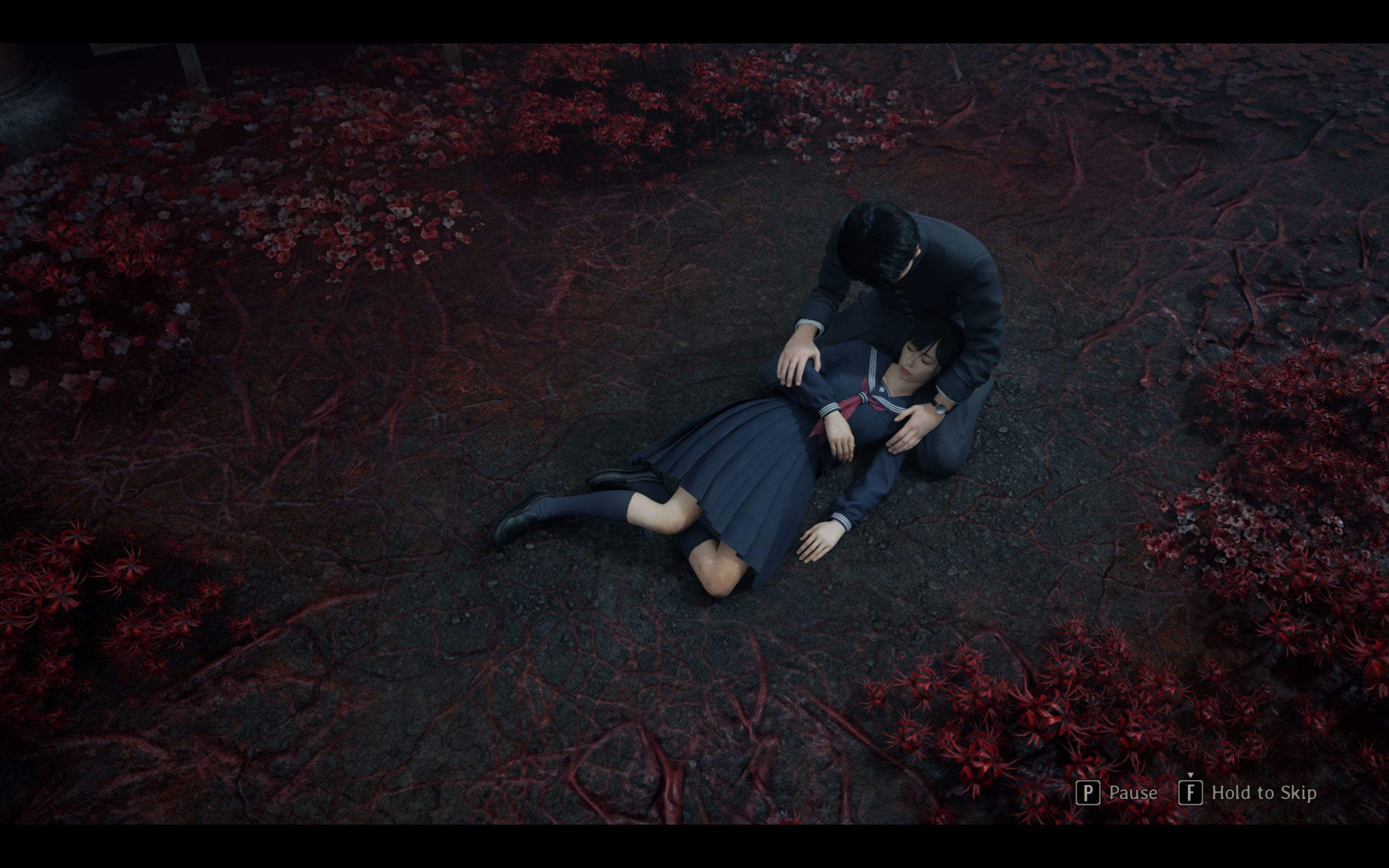
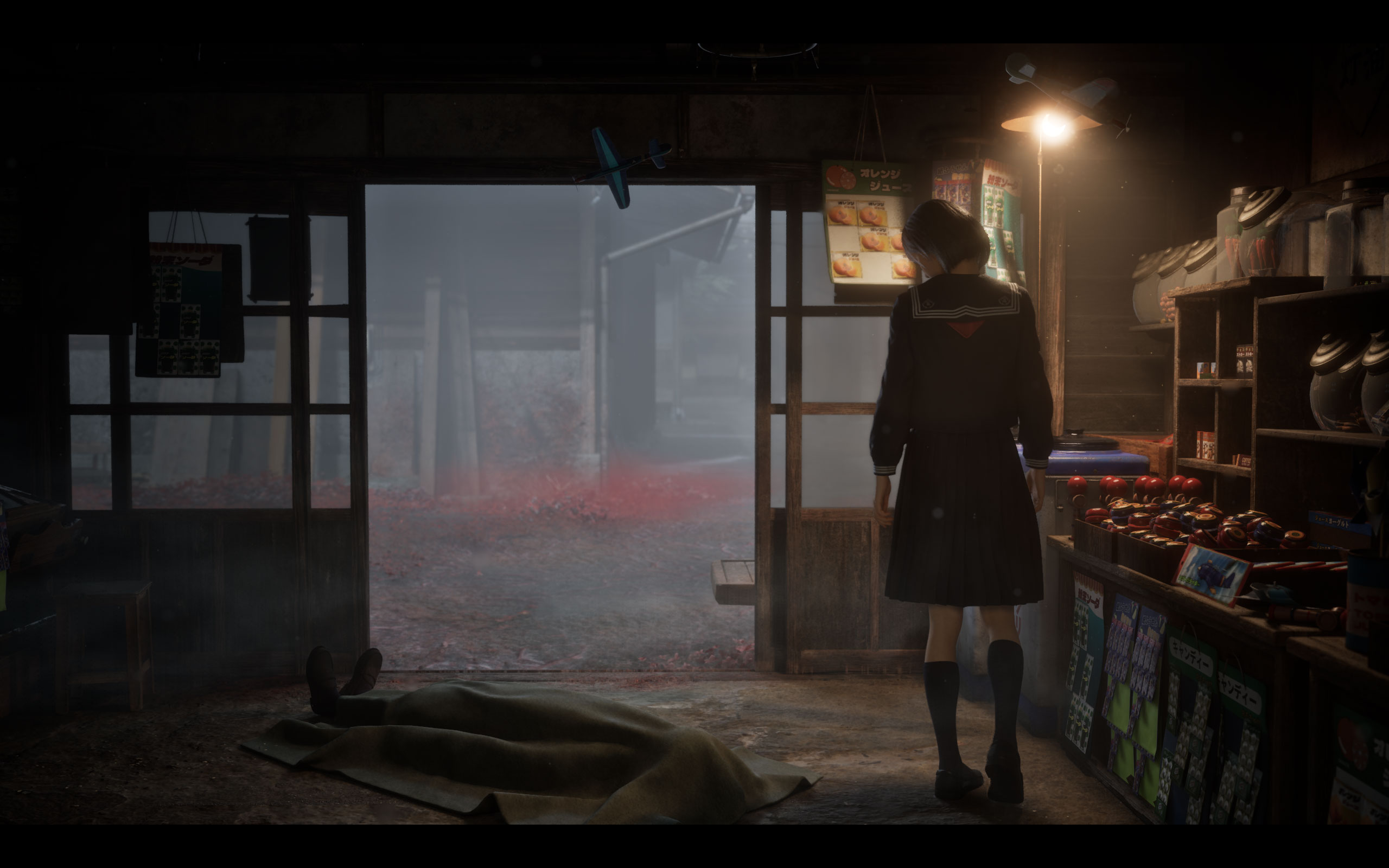
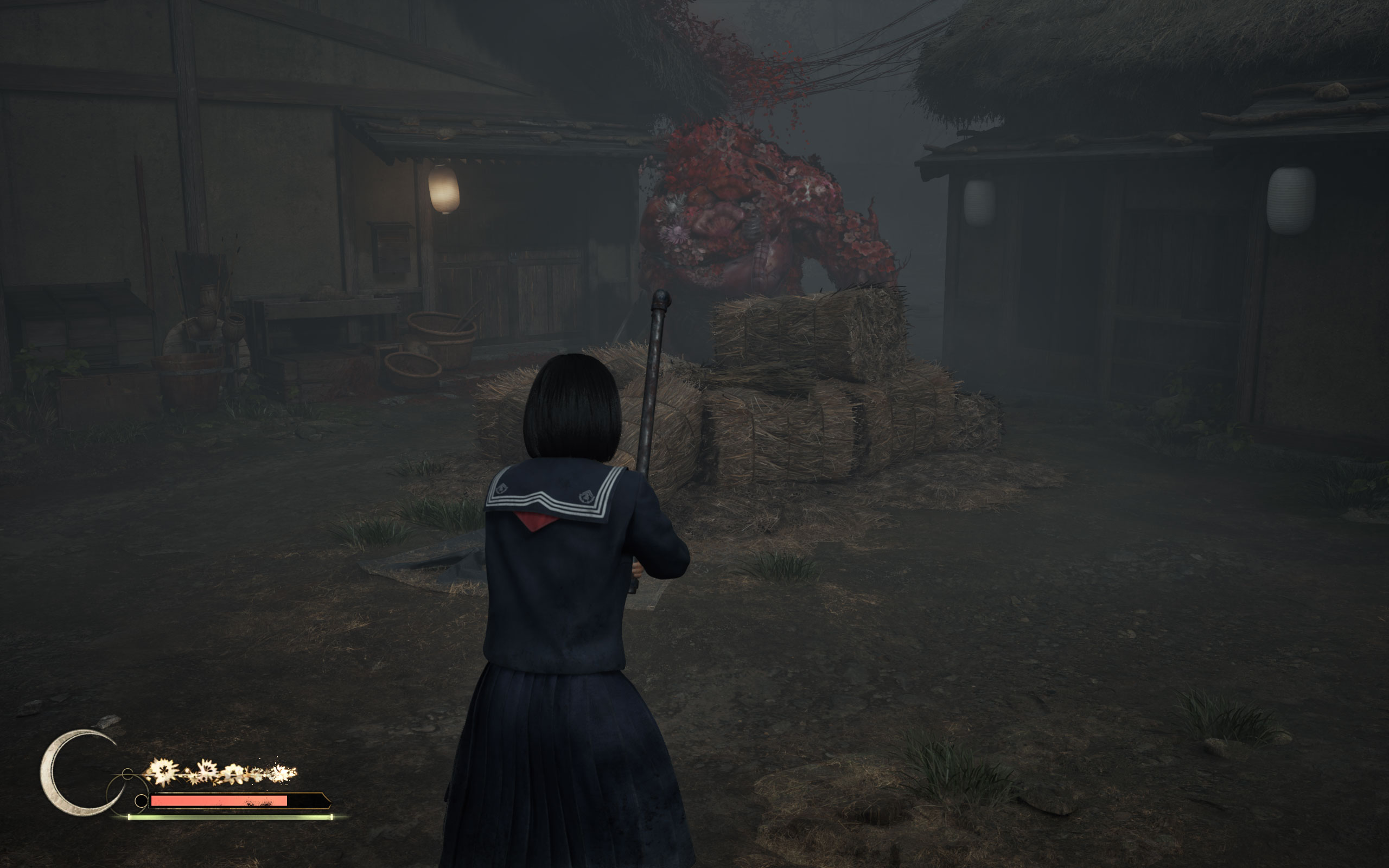
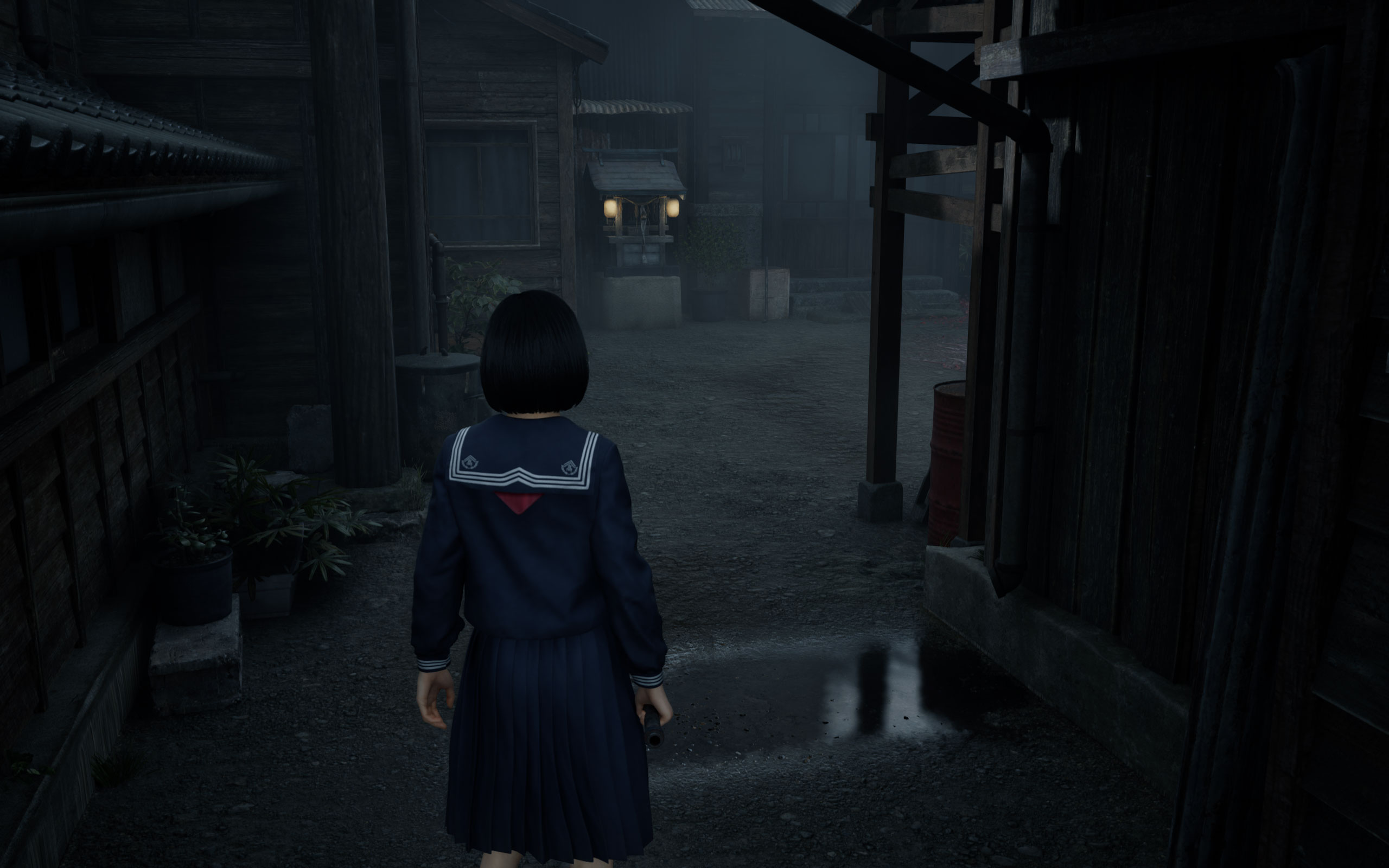
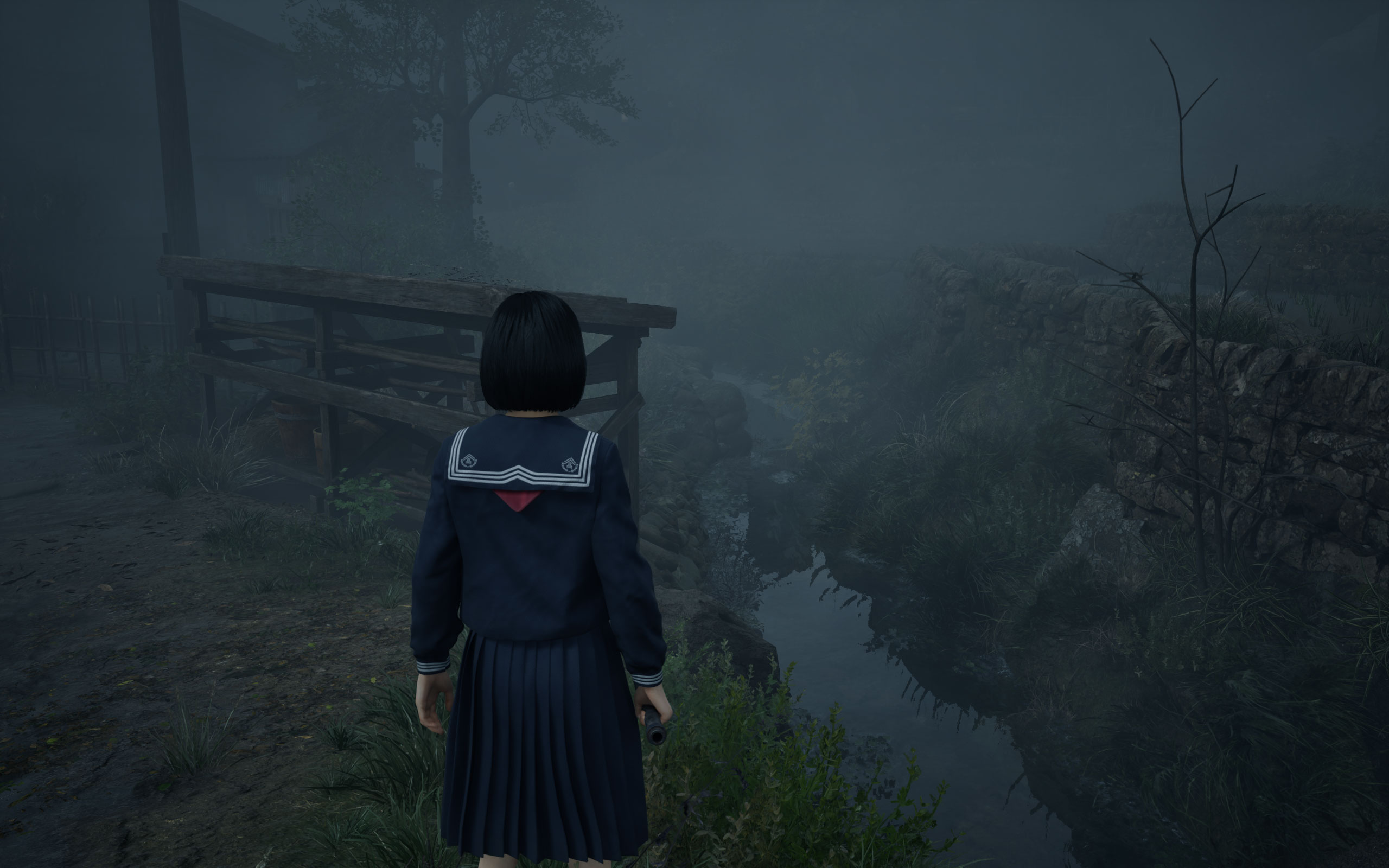
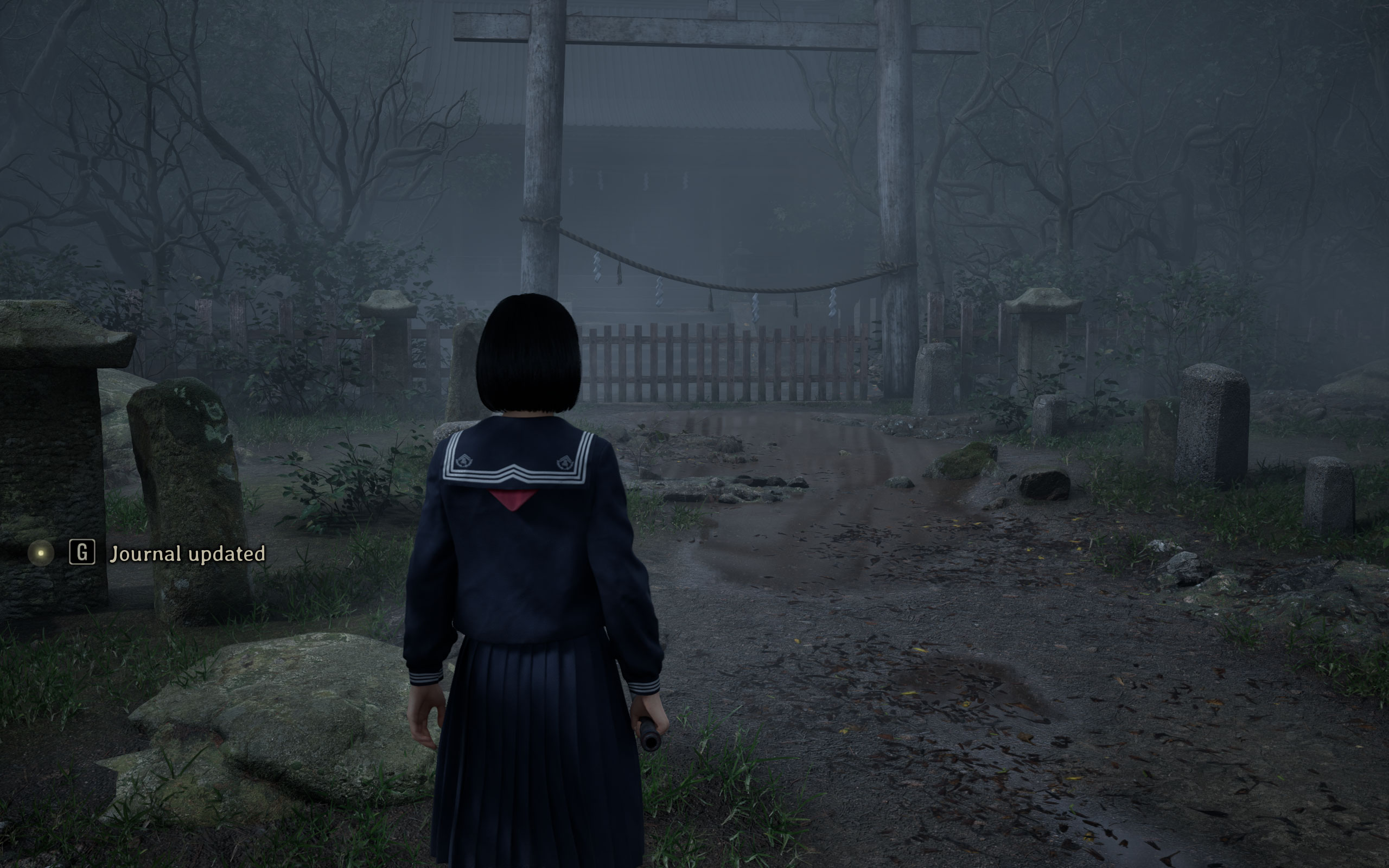
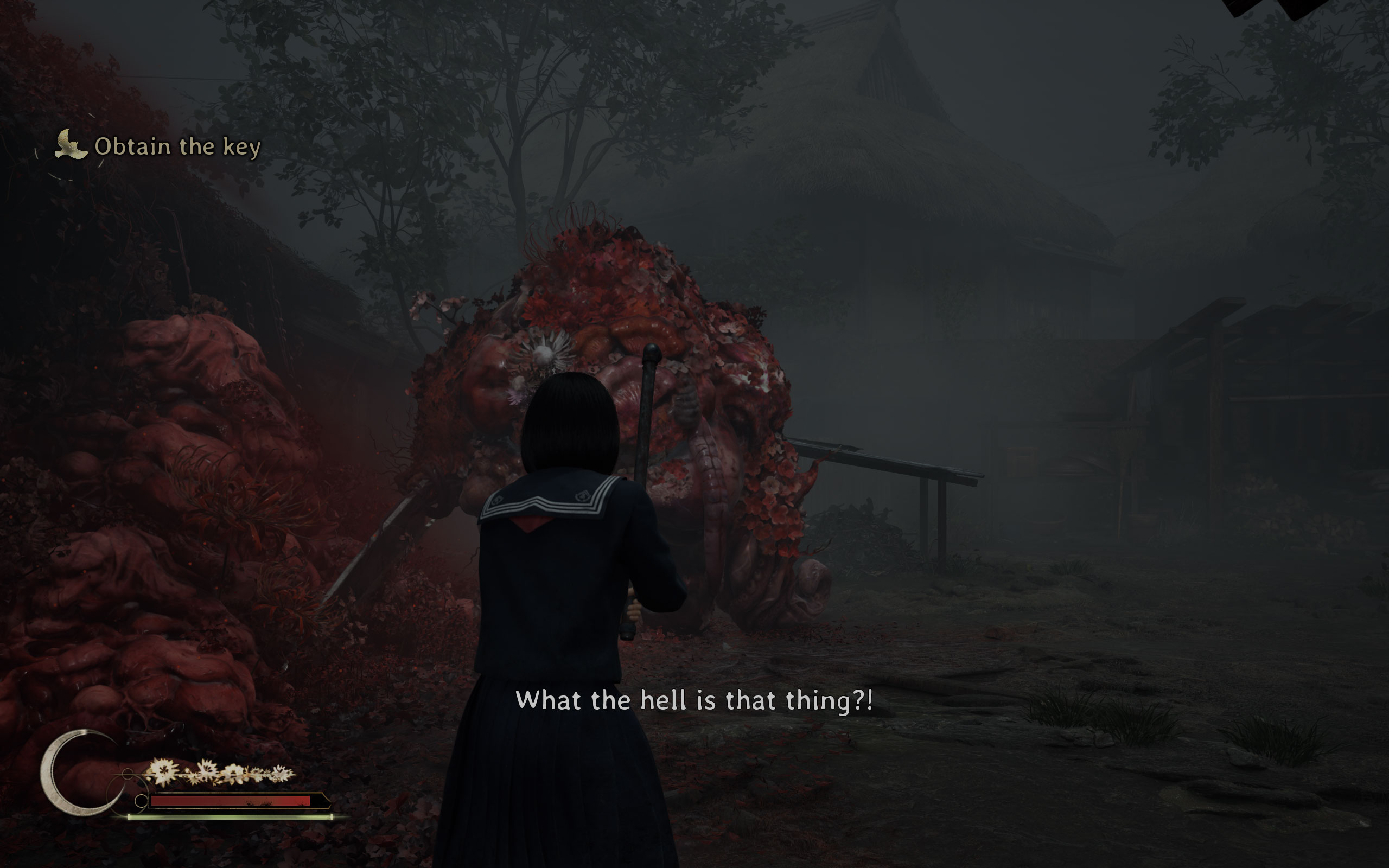
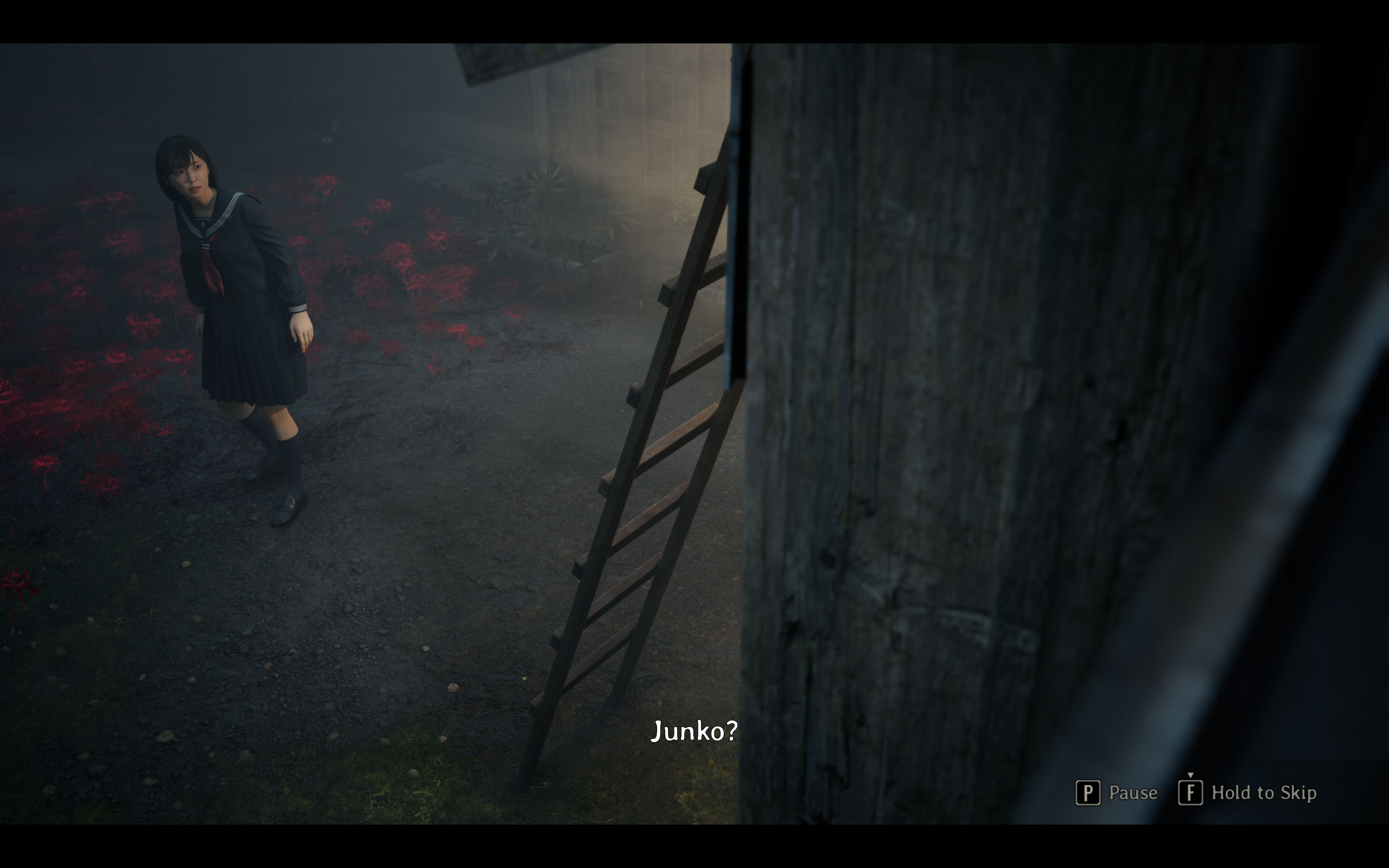
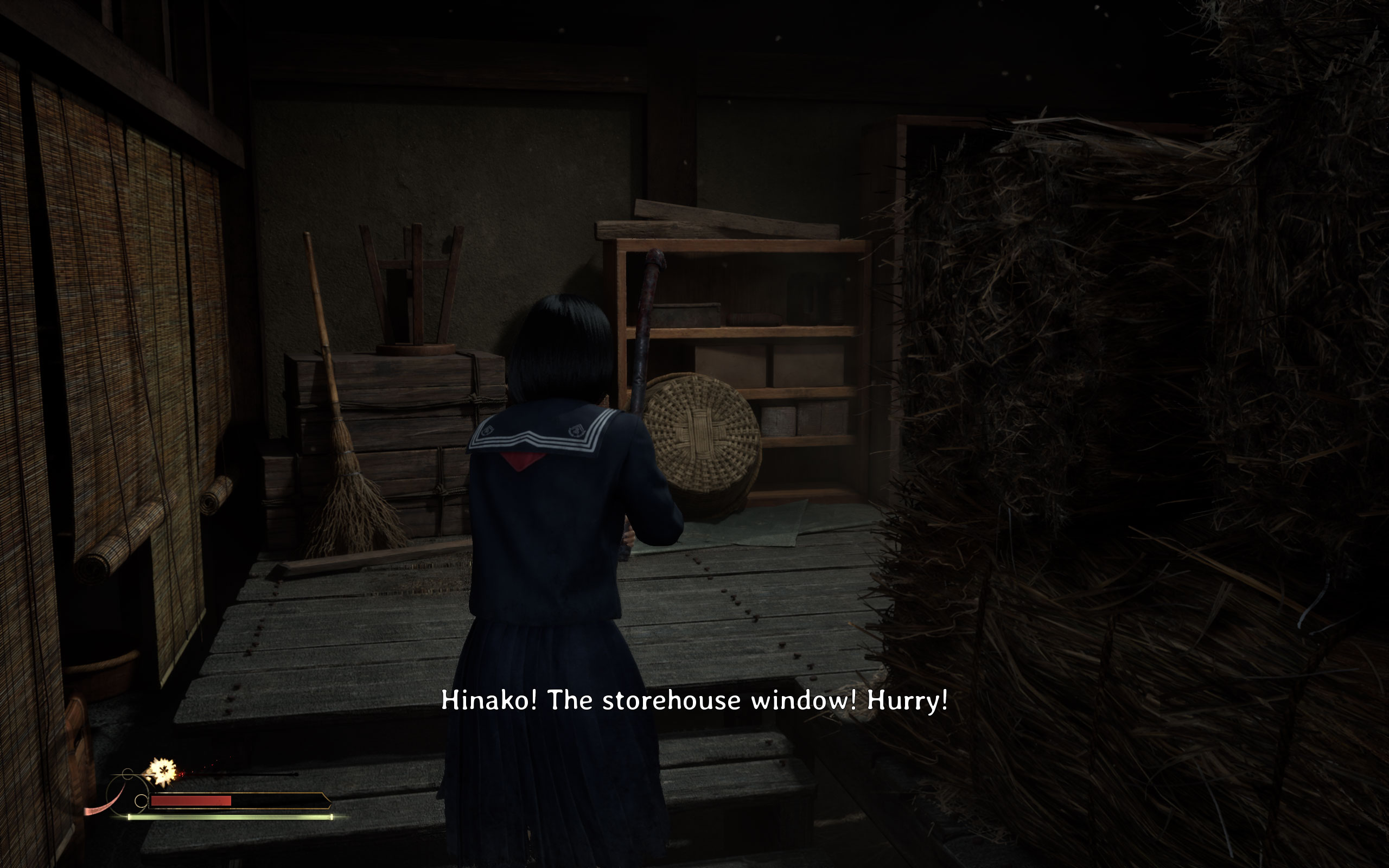
All screenshots were taken at the highest "Quality" settings profile, the upscaling was set to TAA at native resolution. The gallery can be navigated with the cursor keys.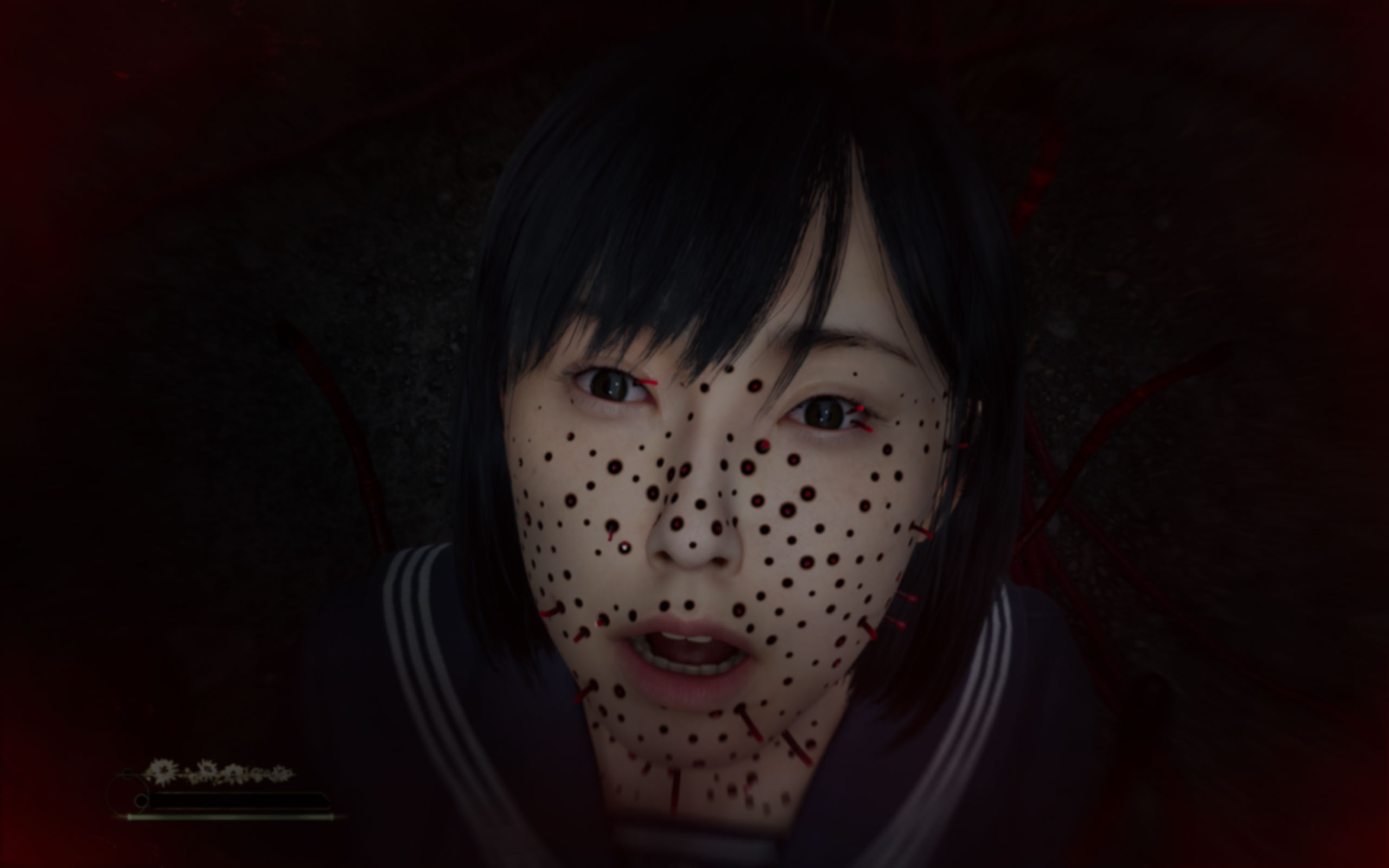

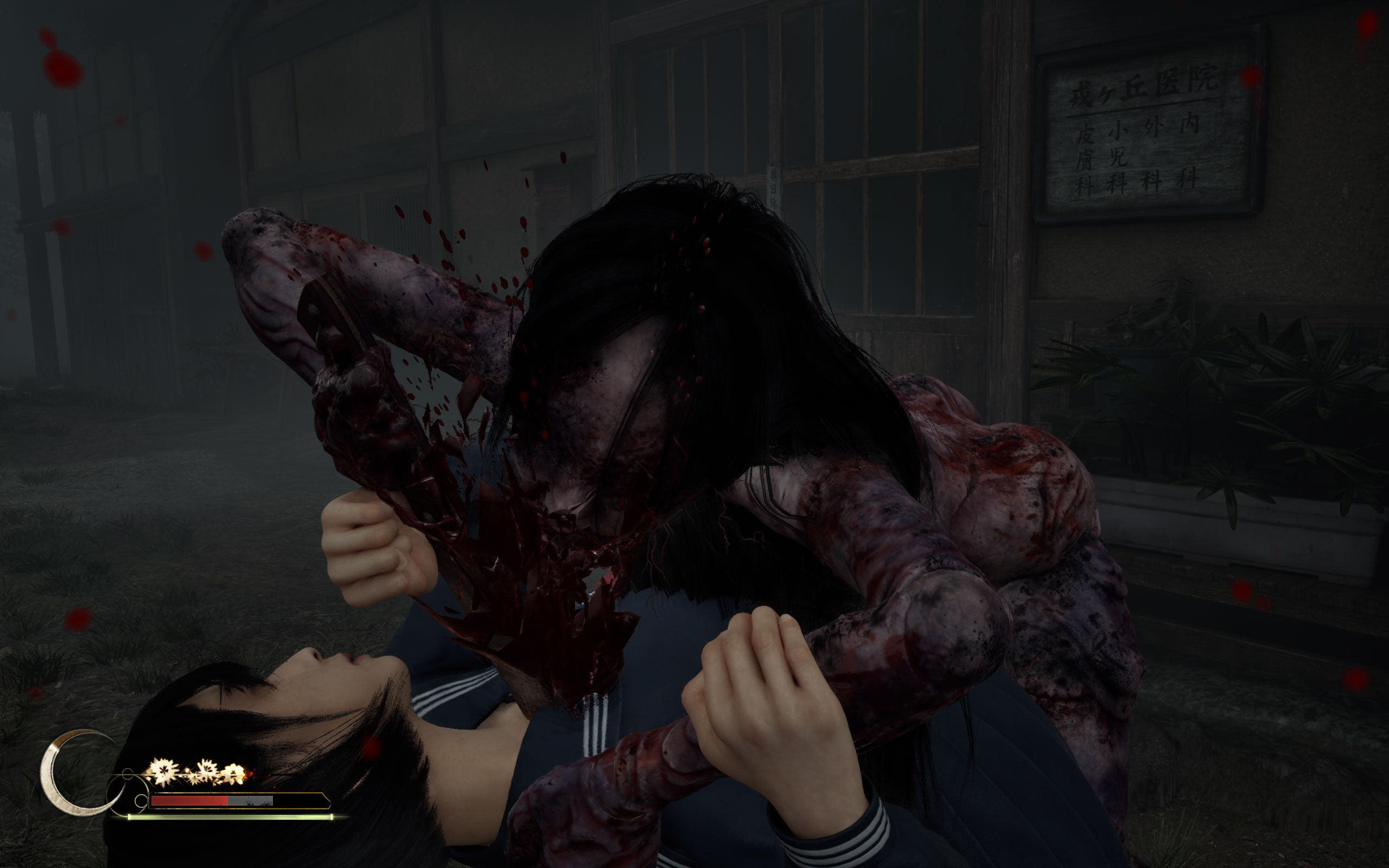
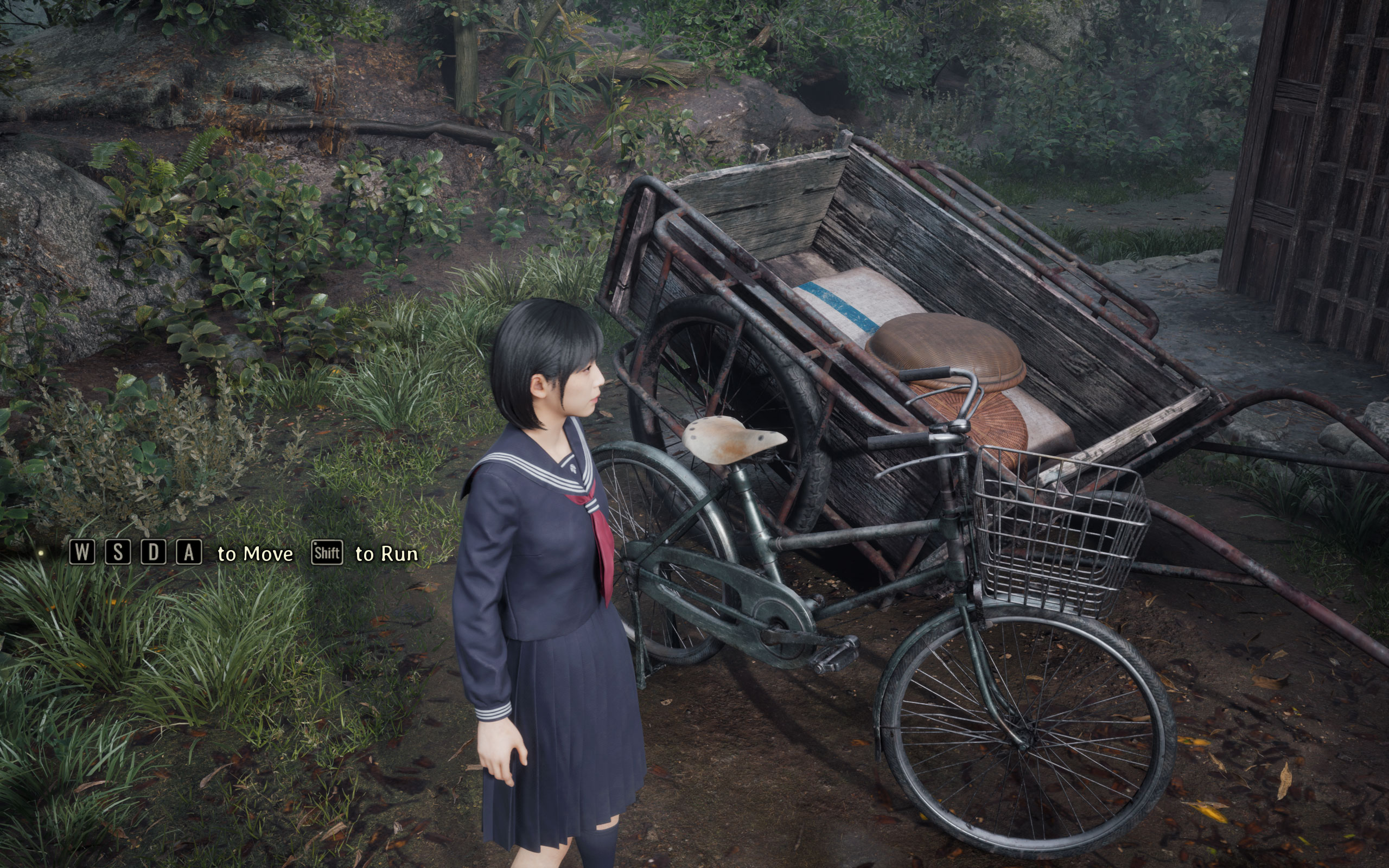

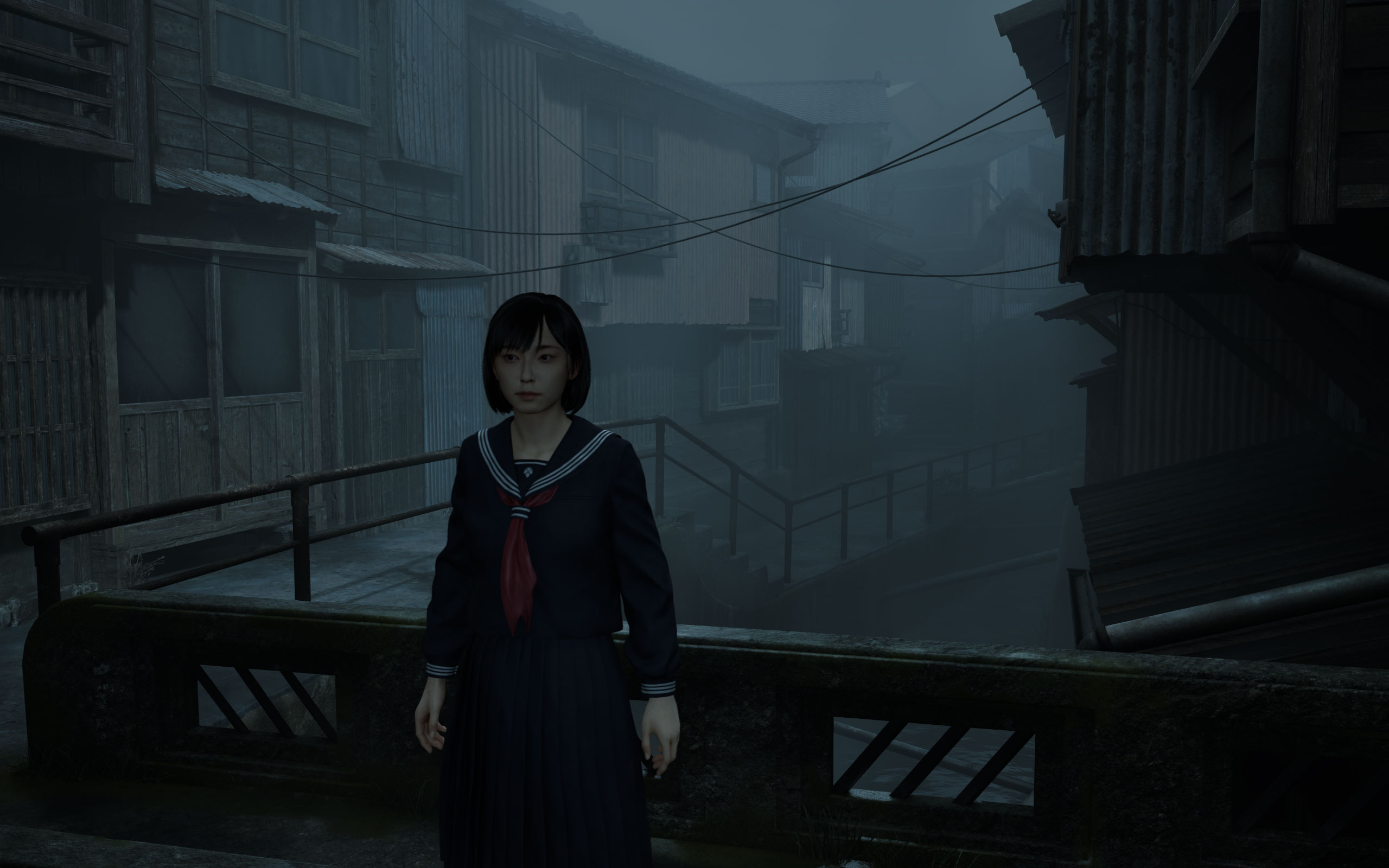


Graphics Settings

- The graphics menu is fairly limited
- Instead of the classic set of presets, you get "Quality," "Balanced" and "Performance." In some of our tests I also set the settings to lowest manually—the "Performance" profile is by far not the lowest settings available
- Screen mode options are "windowed," "fullscreen" and "borderless"
- The FPS limiter can be set to 30, 60 FPS or disabled
- Panini Projection lets you add ultrawide support using a projection technique. Cutscenes are always 16:9
- V-Sync can be disabled completely, there is no hidden FPS cap
- Screen percentage is a separate upscaling factor, independent of DLSS/FSR
- "Indirect Lighting" lets you adjust the quality of Lumen, and what's interesting here—you can disable Lumen completely
- Reflections can be set to Lumen, Screen Space or Off
- Anti-Aliasing offers "TAA," "TSR," "FSR," and "DLSS"
- There is no support for DLAA
- Motion Blur can be disabled
Our Patreon Silver Supporters can read articles in single-page format.
Nov 17th, 2026 21:30 CST
change timezone
Latest GPU Drivers
New Forum Posts
- Without Jensen, PC gaming will be (36)
- Will zen 6 mobos have anything extra vs current ones? (52)
- Hi, just to say thanks and who I am (3)
- 9070 GRE 3.9ghz validation reached. (19)
- [testers wanted] Qsurfer My own QNAP Nas explorer/Search tool (8)
- Lenovo Legion Pro 5 Audio Nightmare: Fan Noise, Harsh Voice & Massive DPC Latency (Help!) (2)
- Help with fixing Overclock (8)
- WarpCoreBench scores! (56)
- Slow SSD read speeds - help! (15)
- Ryzen 7 8700G OC (9)
Popular Reviews
- Acemagic Retro X3 Review
- Upcoming Hardware Launches 2027 (Updated Nov 2026)
- AMD Zen 6 Technical Deep Dive
- ASUS ROG Strix B850-I Gaming Wi-Fi7 W Review
- Corsair HX1000i Shift Crystal Review
- Chieftec Iceberg PRO 360 DARK Review
- AMD Ryzen 7 9800X3D Review - The Best Gaming Processor
- Phantom Blade Zero Performance Benchmark Review - 35 GPUs Tested
- Montech King 95 3D PRO Review
- Biwin Black Opal NV7400 2 TB Review
TPU on YouTube
Controversial News Posts
- NVIDIA Co-Founder and CEO Jensen Huang Officially Resigns (464)
- Open Letter Asking NVIDIA to Reinstate Jensen Huang Passes 115,000 Signatures (184)
- OpenAI CEO Argues Home PCs Waste the World's Limited DRAM Supply (152)
- Report: Jensen Huang Eyes NVIDIA Comeback (137)
- NVIDIA Launches Investigation Into Jensen Huang's Relationship With Suspected Chinese Spy (136)
- Intel "Raptor Lake Next" 16-Core and 20-Core CPUs Surface (130)
- Legendary Game Studio BioWare Shuts Down Following EA Layoffs (104)
- Dell CEO Says the Memory Shortage Will Get Worse in 2027 (95)