 62
Silent Hill: Townfall Performance Benchmark Review - 35 GPUs Tested
Settings Performance & Image Quality »Graphics Settings
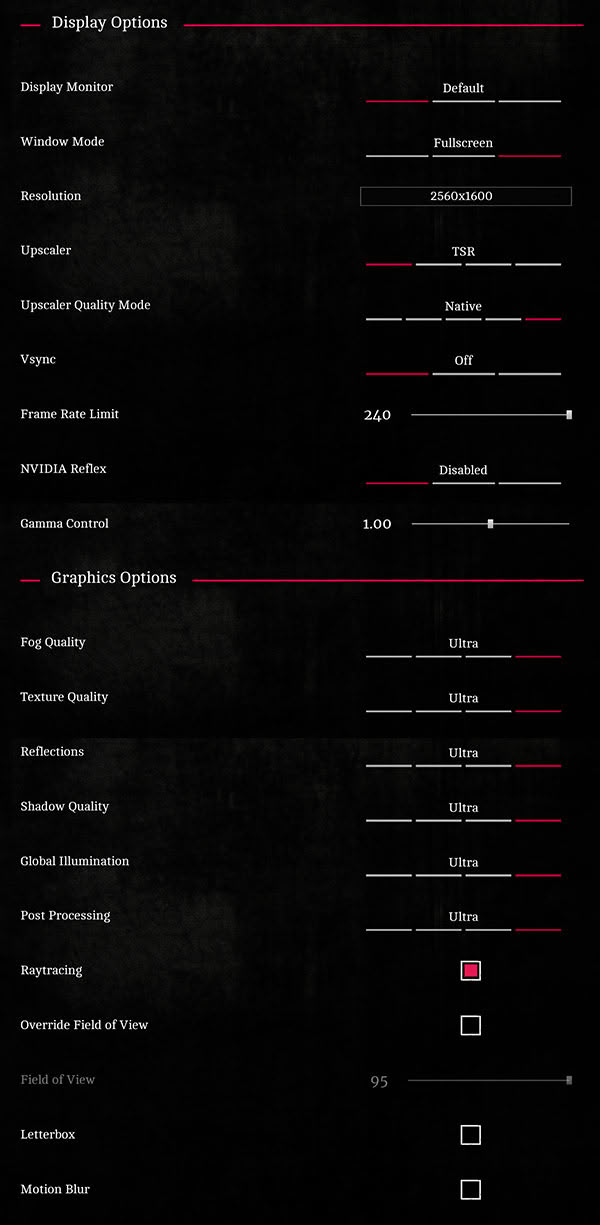
- You may choose between "borderless," "windowed" and "fullscreen."
- The upscaler choice is TSR, DLSS or FSR. Intel XeSS is not supported at all—there's no XeSS entry in the menu and no XeSS library in the game files, so Arc is limited to TSR or FSR.
- "Upscaler Quality Mode" includes a "Native" entry, which renders at full resolution and leaves the upscaler working as antialiasing only.
- There is no frame generation at all, for any vendor. The game ships AMD's frame generation library in its files, but nothing in the menus or the settings file ever refers to it, and NVIDIA's equivalent library isn't present at all. In 2026 that is terrible.
- The frame rate limiter runs from 30 to 240 FPS and has no "unlimited" entry, so 240 FPS is as high as this game gets. We tried to unlock it from outside the menu by editing the settings file, both with 0 and with 999, and neither worked. The game clamps whatever it is given back into its own range, turning 0 into 30 and 999 into 240.
- NVIDIA Reflex offers Disabled, Enabled and Enabled + Boost.
- There are six graphics settings, each with four steps from "Low" to "Ultra." There is no predefined preset that sets all of those at once.
- Ray tracing is a single "Raytracing" checkbox, with no quality tiers and no path tracing mode. What it actually does is switch Lumen from software tracing to hardware ray tracing, so "off" is not "no ray tracing"—the game is still tracing, just against Unreal's distance fields instead of the BVH.
- Field of view defaults to 80 and can be raised as far as 95, but only after ticking the separate "Override Field of View" checkbox.
- Letterbox and motion blur each get their own checkbox.
- There is no .ini or .txt configuration file anywhere. Unlike almost every other Unreal Engine game, Townfall keeps its settings in a binary blob, so there is nothing to hand-edit and no tweaking your way past what the menu offers.
Test System
| Test System - GPU 2025.2 | |
|---|---|
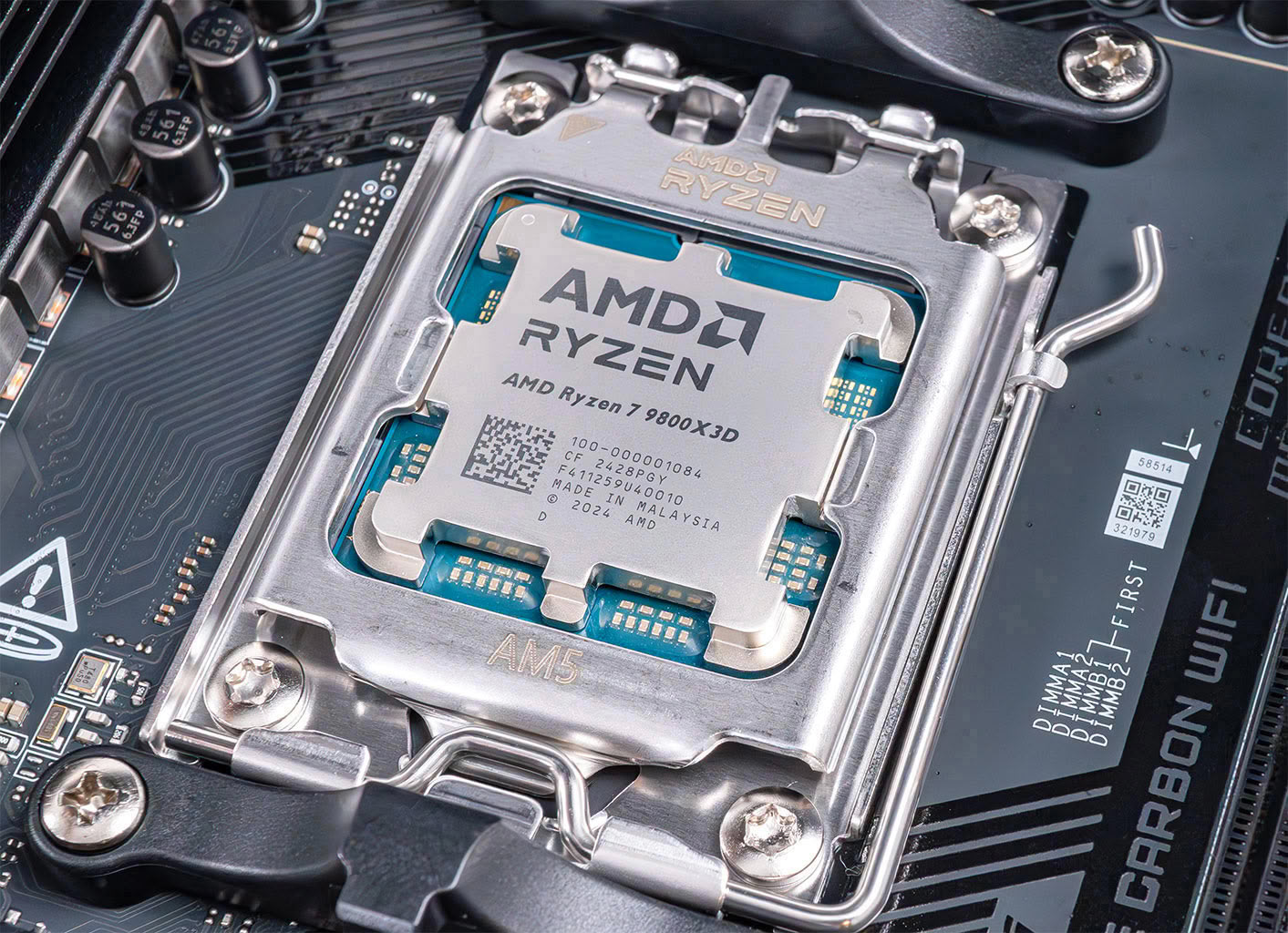
| Processor: | AMD Ryzen 7 9800X3D Zen 5, 5.2 GHz, 8 cores/16 threads |
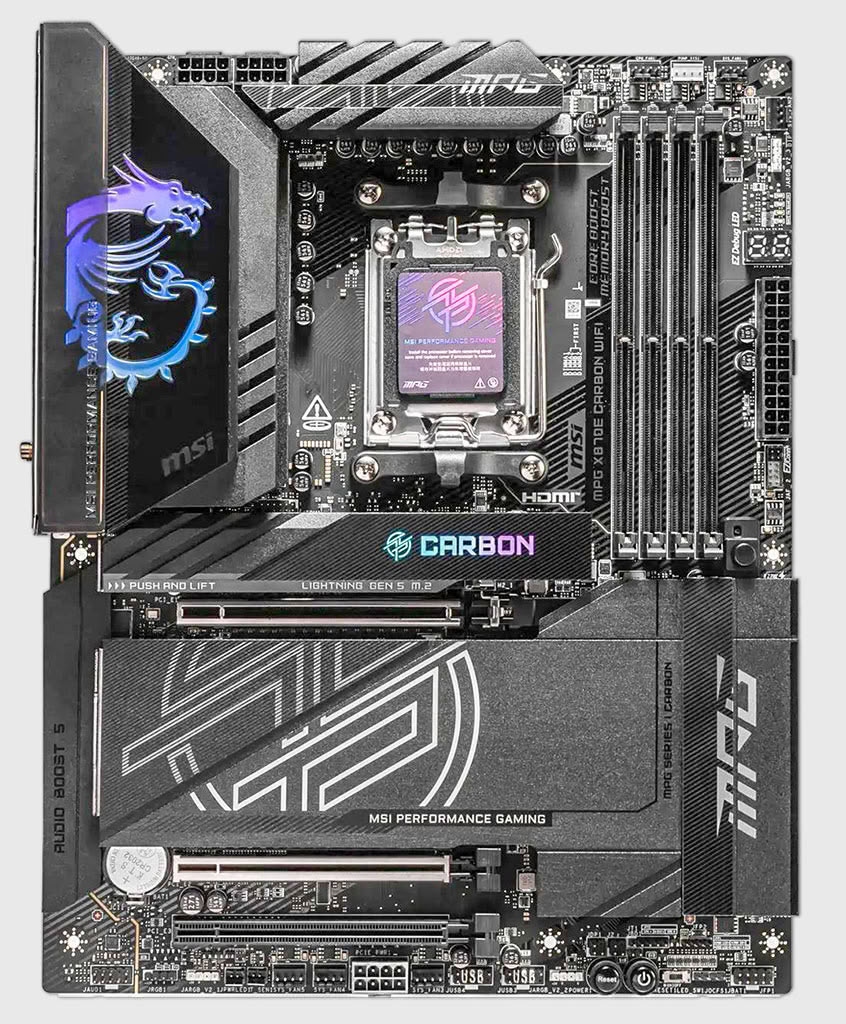
| Motherboard: | MSI X870E Carbon Wi-Fi BIOS 7E49v1A3 |
| Resizable BAR: | Enabled on all supported cards (NVIDIA, AMD & Intel) |
| Memory: | Thermaltake TOUGHRAM XG 2x 16 GB DDR5 6200 MT 28-36-36-76 UCLK 1:1 |
| Cooling: | Arctic Liquid Freezer III 280 mm AIO |
| Thermal Paste: | Arctic MX-6 |
| Storage: | 4 TB M.2 NVMe SSD |
| Power Supply: | Seasonic Focus GX 1000 W ATX 3.0 / 16-pin 12VHPWR |
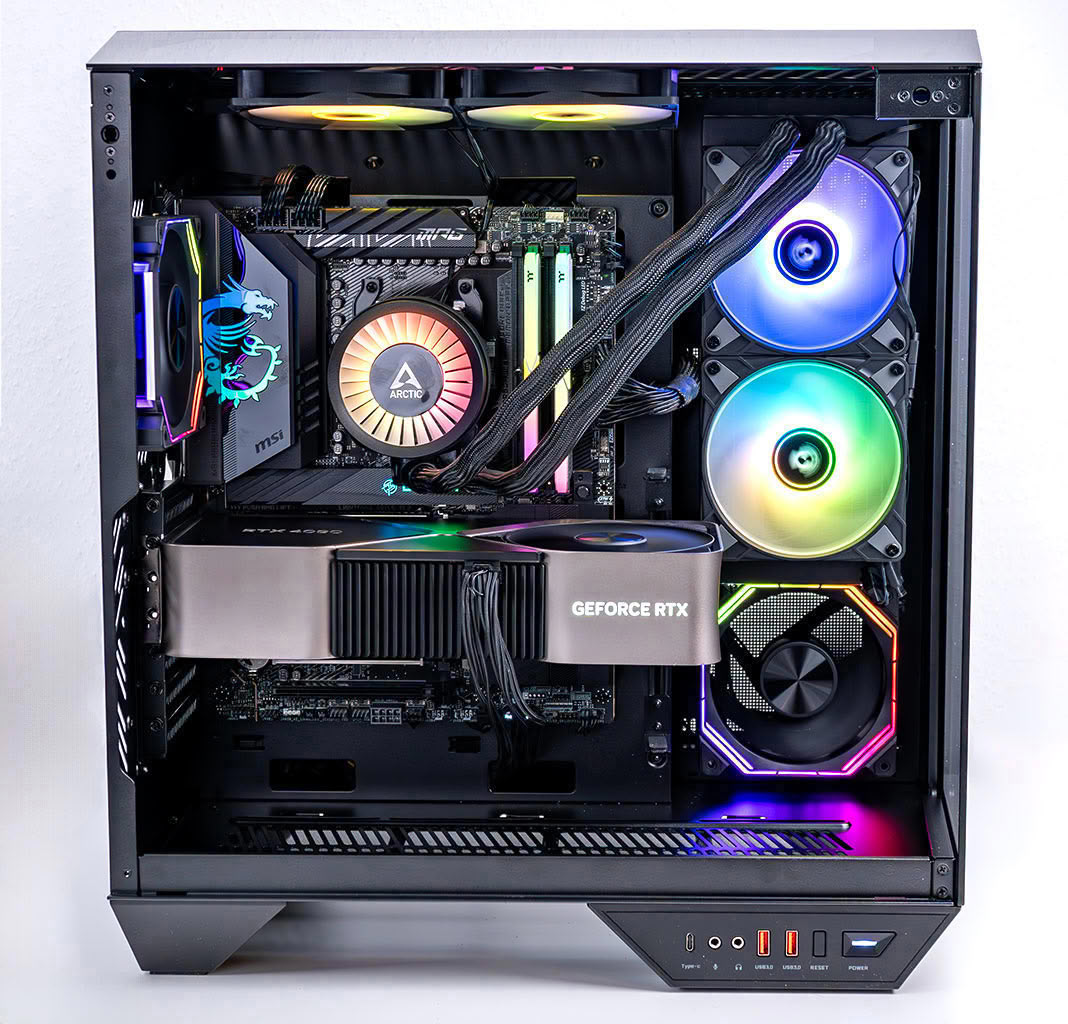
| Case: | darkFlash DY470 |
| Operating System: | Windows 11 Professional 64-bit 25H2 VBS enabled (Windows 11 default) |
| Drivers: | NVIDIA: 617.14 WHQL AMD: 26.9.1 WHQL Intel: 101.9030 Beta |
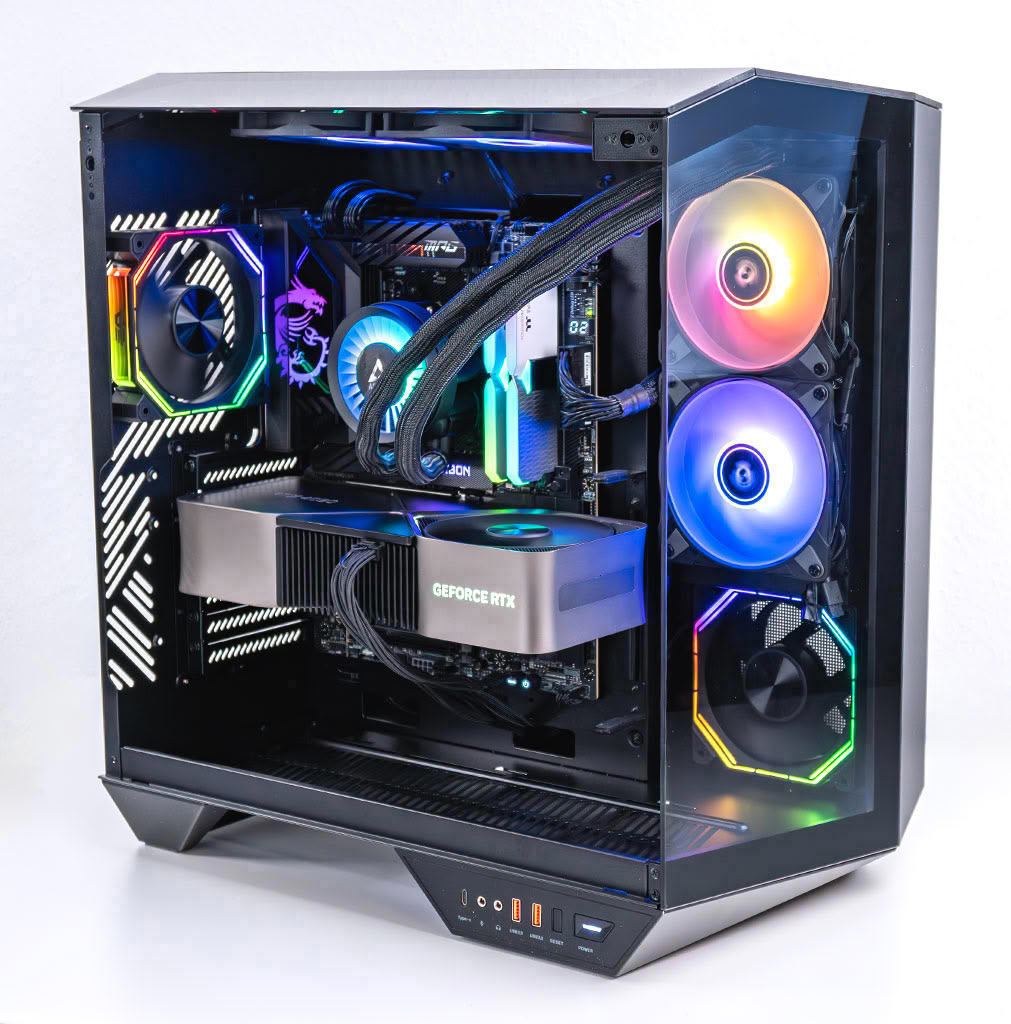
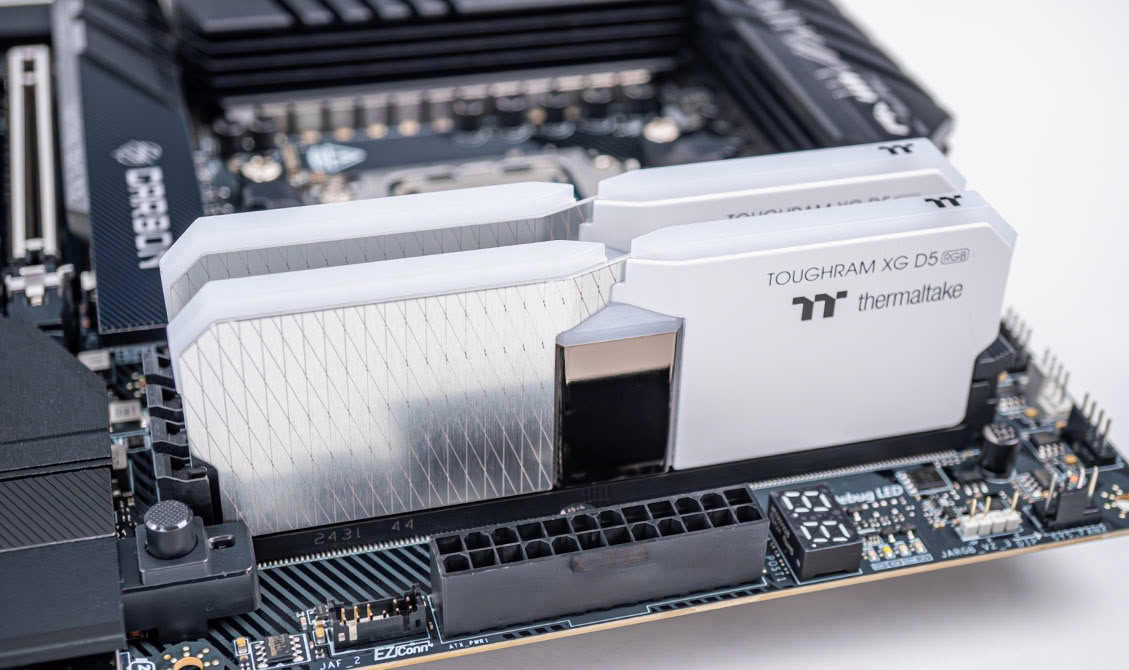
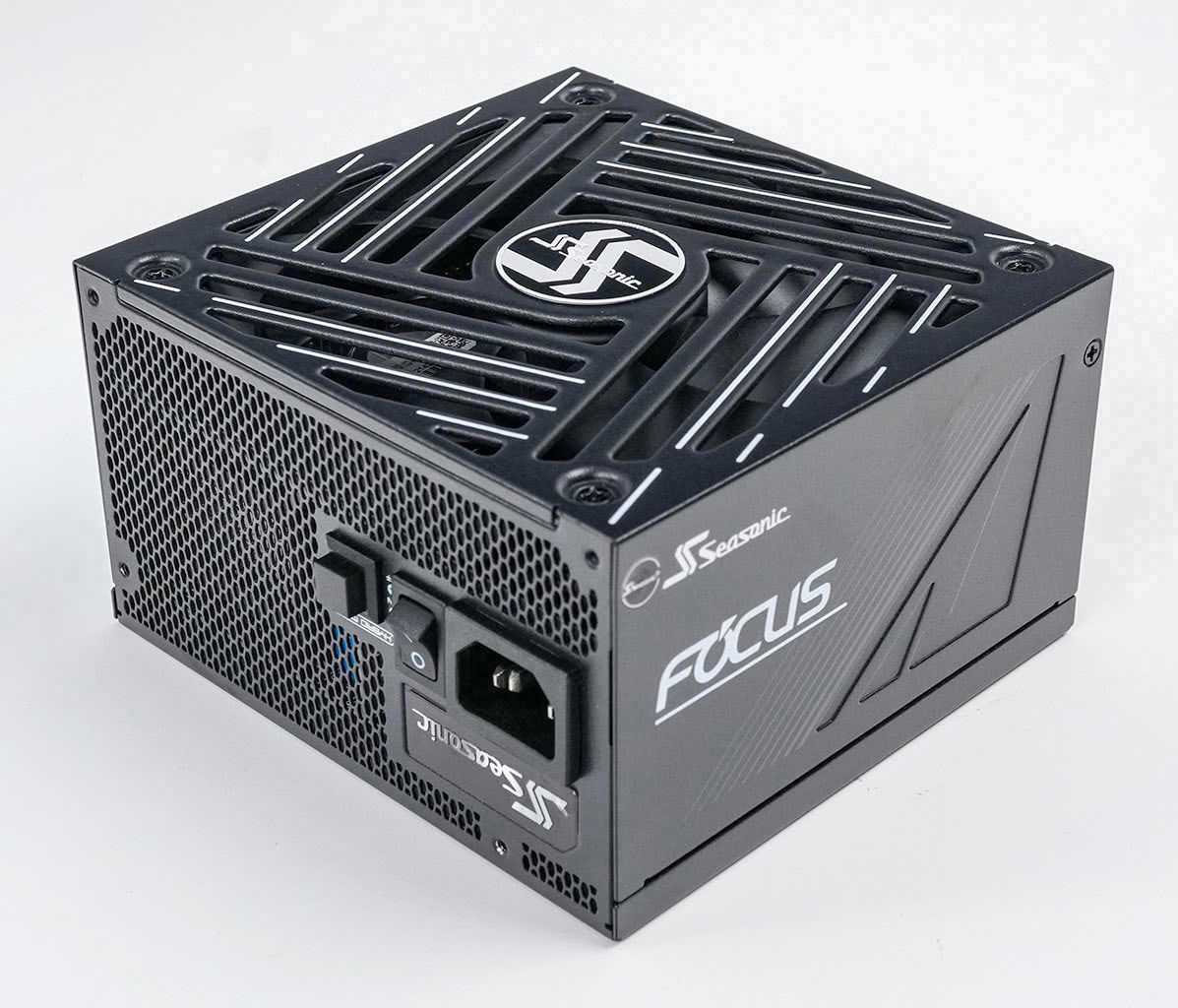
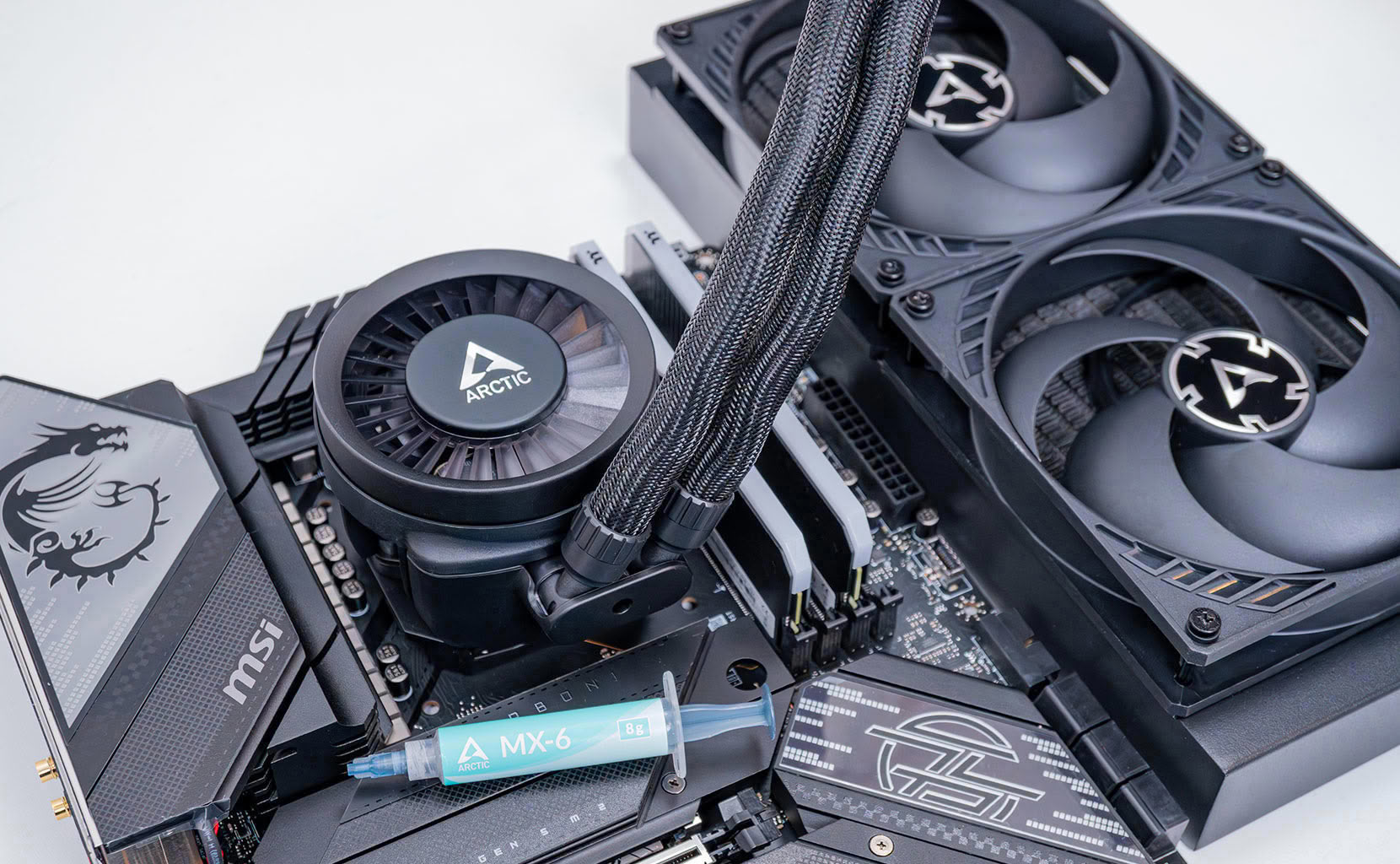
- All cards used for comparison are Founders Edition/reference design. If a reference card does not exist, we use the closest model to ensure default clocks and power limit.
- We tested the public early access Steam release, not a press build.
- Our test scene is located in a semi-open part of the game, not indoors.
Nov 25th, 2026 16:20 CST
change timezone
Latest GPU Drivers
New Forum Posts
- TPU's Nostalgic Hardware Club (22207)
- Which ryzen am5 cpu ? (217)
- UPS what one to get? (74)
- More Nova Lake specs (5)
- Share your CPUZ Benchmarks! (2680)
- X79 and/or rampage IV OC'ing thread for those of us still left.... (2457)
- Asus Rog Maximus Z890 Extreme. (Various questions). (38)
- Can you guess Which game it is? (362)
- Claude credits purchased on or after Dec. 7 now have an expiry date (13)
- Adventure: Running 8/9th gen Coffee Lake CPUs on Z170 motherboard (ASUS Maximus VIII Ranger) (393)
Popular Reviews
- ASRock X870E Challenger Wi-Fi White Review
- Microsoft Surface Laptop Ultra Review - The Next-gen Arm Laptop
- VZMORE AX9 Max Review
- Upcoming Hardware Launches 2027 (Updated Nov 2026)
- AMD Ryzen 7 9800X3D Review - The Best Gaming Processor
- AMD Zen 6 Technical Deep Dive
- Corsair RM1200e (Second Generation) Review
- Phantom Blade Zero Performance Benchmark Review - 35 GPUs Tested
- Pulsar Office Tour & First Look at P1 Dual-Sensor Mouse
- Ocypus lota P1000 Review
TPU on YouTube
Controversial News Posts
- Jensen Huang Reinstated as CEO of NVIDIA (570)
- NVIDIA Co-Founder and CEO Jensen Huang Officially Resigns (492)
- Report: Jensen Huang Eyes NVIDIA Comeback (281)
- Open Letter Asking NVIDIA to Reinstate Jensen Huang Passes 115,000 Signatures (184)
- OpenAI CEO Argues Home PCs Waste the World's Limited DRAM Supply (152)
- NVIDIA Launches Investigation Into Jensen Huang's Relationship With Suspected Chinese Spy (136)
- Intel "Raptor Lake Next" 16-Core and 20-Core CPUs Surface (130)
- Intel Razor Lake Gets a 12 P-Core bLLC Chip With No E-Cores, Per Leak (94)