 7
SilverStone Lucid 04 Review
Review System Setup »A Closer Look - Inside

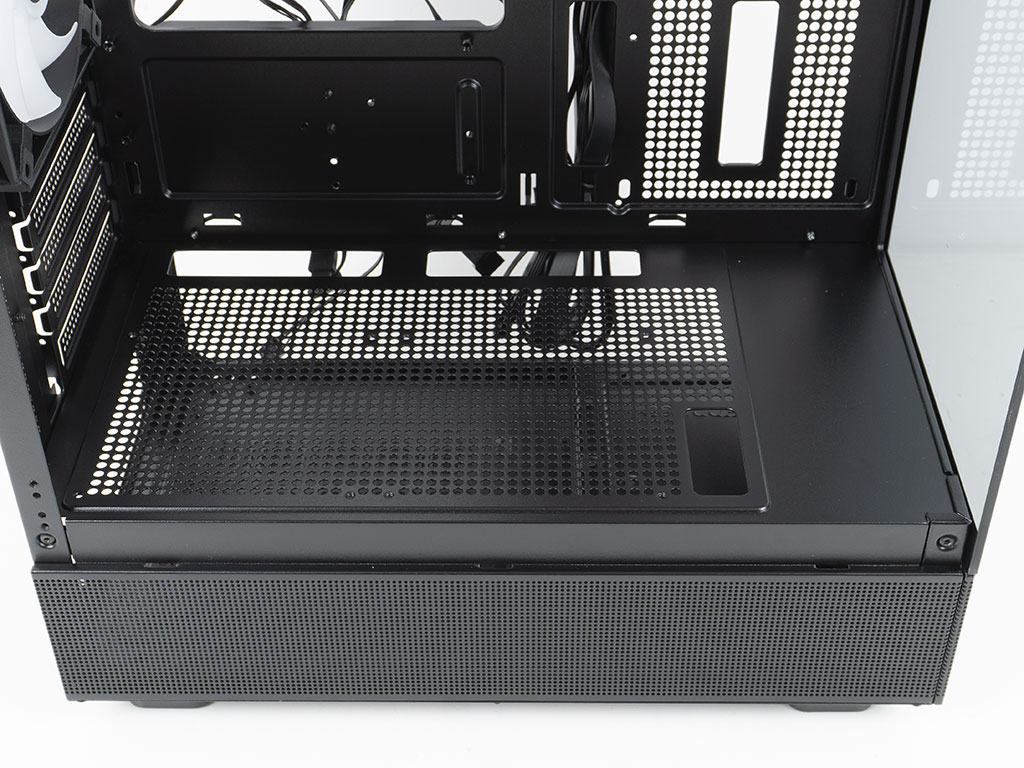
To gain access to the interior you may simply pull the glass cover off, while the steel side is taken off just as easily by unscrewing the thumbscrews. The interior of the Lucid 04 is quite straightforward. The case uses a no frills body which lacks grommets. The shroud allows for two 120 mm fans to fit with an opening to route the GPU power cable through as well.


On the opposite side, you will find quite the cable mess, but also a good set of hooks for zip ties. Interestingly enough the SilverStone Lucid 04 includes a small, two-port ARGB controller and fan hub. While this would have certainly been a value-add a year or two ago, nowadays, even budget microATX boards sport sufficient PWM headers as well as ARGB connectors. SilverStone could have omitted the controller and included the GPU support bracket instead, which feels more valuable as a feature these days.
Besides that, we also had a unique issue with our thermal testing motherboard where the fans would always run at full speed during testing. This was only reproducible on the old board and worked fine on any other motherboards we had access to. Interestingly enough, as soon as the fans were connected directly to that header of the ITX board we used for testing or a different PWM fan hub was used, it all worked as it should. As such, we did our thermal tests without the fan hub, as it ordinarily just passes on the control through to the motherboard anyway. In 20 years or reviewing cases, this has never happened before.
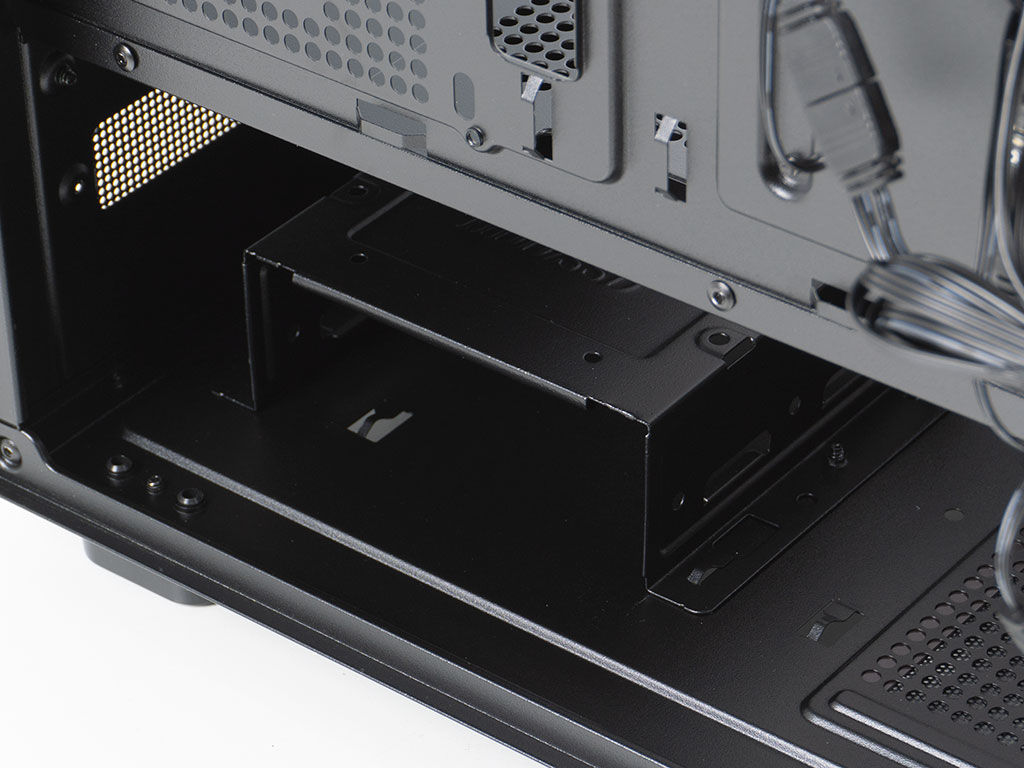

Underneath the shroud you will find an HDD cage that can hold up to two drives - either two 3.5" or a mix of one 2.5" and one 3.5" units. There are two possible positions to place it, which is not useful in this chassis, as you can't place fans or radiators in the front of the chassis. Thus, you should just ignore that tooling remnant and use the position that gives you the most space for your PSU. Above the shroud, you may install two 120 mm fans on the side with just enough room, so it won't interfere with any long GPUs. That said, this placement is only available if you use a compact microATX board, as wide units will get in the way. This is also the reason there are openings at the center, as those would then be needed for cable management.
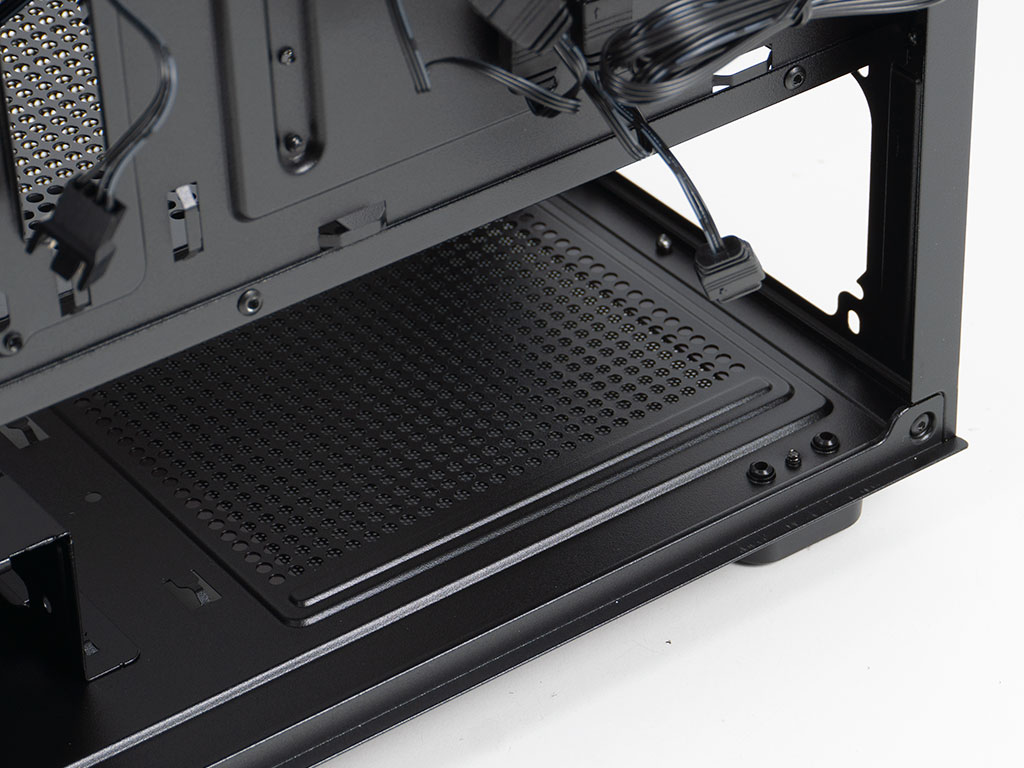
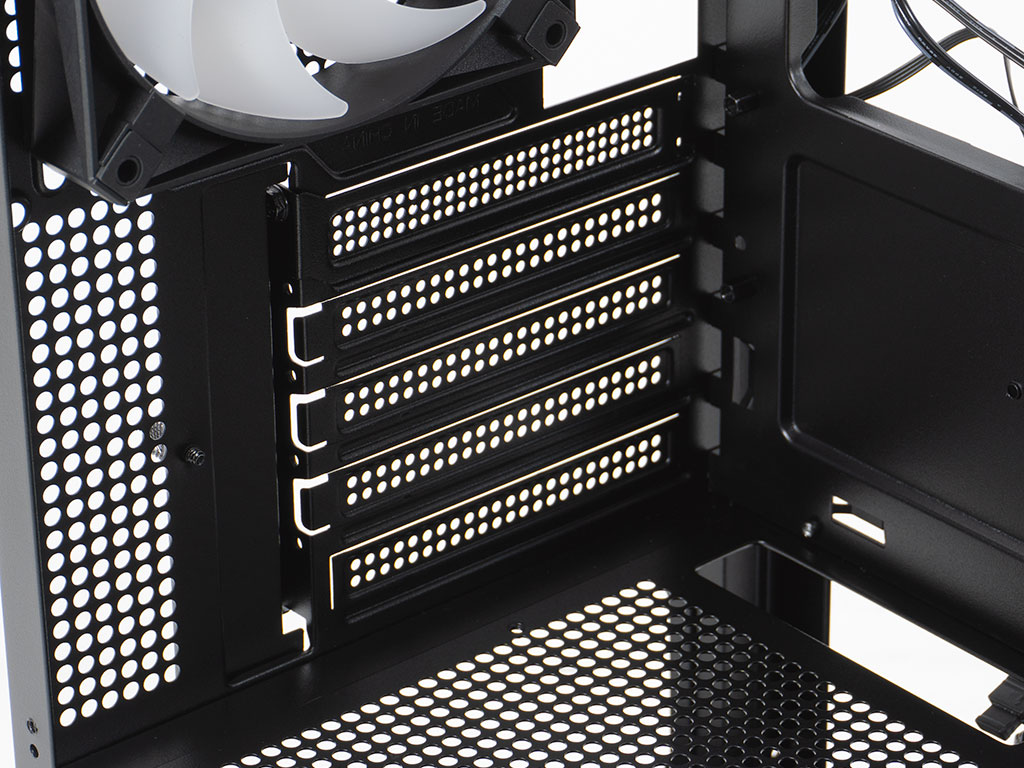

At the bottom, the PSU bay is basic but functional and there is ample room for higher quality units as well. Above that, the five expansion slots, which means under normal circumstances the bottom slot goes unused, leaving you with that room to place two fans on the shroud without interfering with the board itself. At the very top, there is that 120 mm exhaust unit, with the translucent blades and center mounted ARGB.
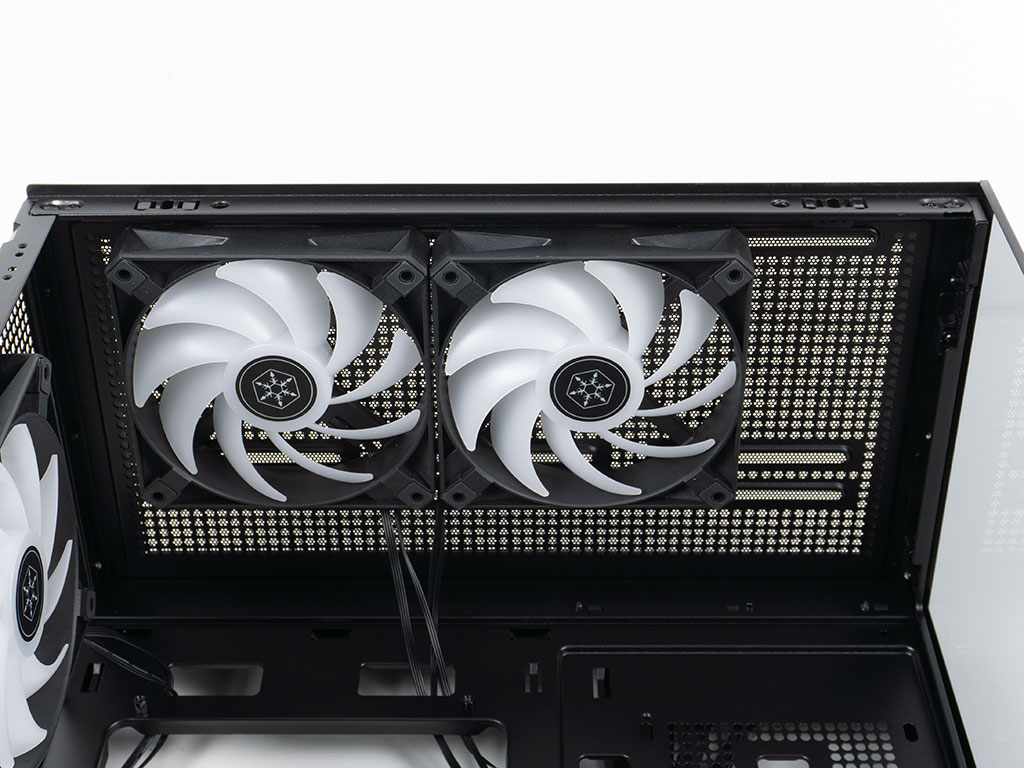
Taking a quick look at the ceiling you will find the two additional fans, set to push air out the top. Cable management is not the strong suit of the Lucid 04, as you can see the two wires for the fans clearly running across to the opening. We will be moving these to the floor during our review build, as the AIO will be placed in their stead.
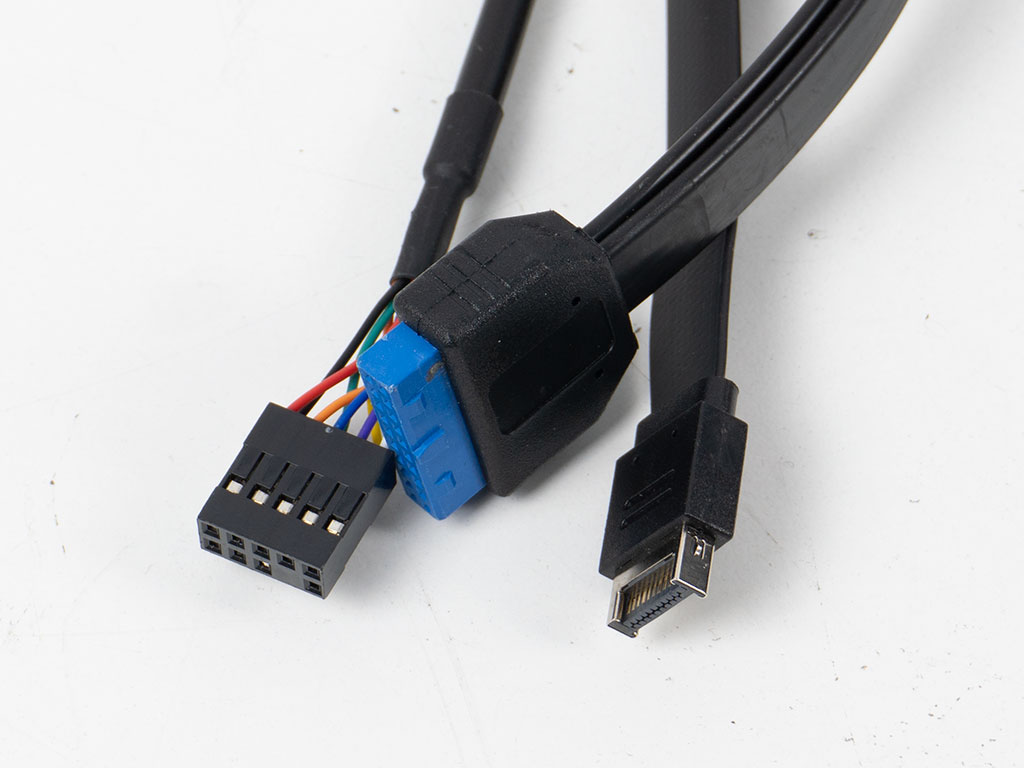
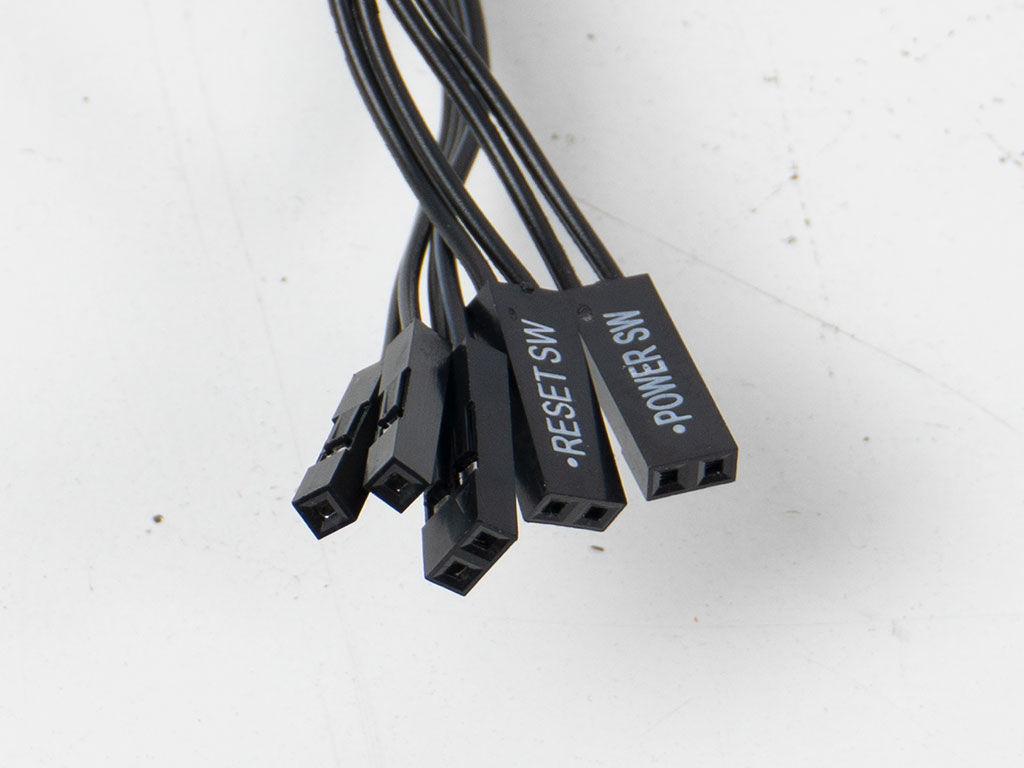
All the cables within the SilverStone Lucid 04 are sleeved black. On the upside, both USB leads use flat-band cables, but on the downside the chassis does not offer a unified front panel connector, which could be beneficial - especially to first time builders that this chassis caters to.
Nov 24th, 2026 05:18 CST
change timezone
Latest GPU Drivers
New Forum Posts
- Increasing Power Limit? (21)
- Which ryzen am5 cpu ? (201)
- Your PC ATM (36486)
- AI generated images... (234)
- Without Jensen, PC gaming will be (58)
- Strange case of Mini itx build with normal gpu, and atx psu (Build Log) (21)
- AMD ULL settings tinkering thread - post settings and Zen pics (87)
- Gacha Games - Discussions, Pulls, Updates, etc. (1163)
- The time has come to upgrade...my desktop (2)
- GTA VI (28)
Popular Reviews
- Microsoft Surface Laptop Ultra Review - The Next-gen Arm Laptop
- ASRock X870E Challenger Wi-Fi White Review
- Upcoming Hardware Launches 2027 (Updated Nov 2026)
- Corsair RM1200e (Second Generation) Review
- AMD Ryzen 7 9800X3D Review - The Best Gaming Processor
- AMD Zen 6 Technical Deep Dive
- AMD Ryzen 7 7700X3D Review
- Pulsar Office Tour & First Look at P1 Dual-Sensor Mouse
- Ugreen NASync DXP4800 GT Review
- Phantom Blade Zero Performance Benchmark Review - 35 GPUs Tested
TPU on YouTube
Controversial News Posts
- NVIDIA Co-Founder and CEO Jensen Huang Officially Resigns (492)
- Jensen Huang Reinstated as CEO of NVIDIA (424)
- Report: Jensen Huang Eyes NVIDIA Comeback (281)
- Open Letter Asking NVIDIA to Reinstate Jensen Huang Passes 115,000 Signatures (184)
- OpenAI CEO Argues Home PCs Waste the World's Limited DRAM Supply (152)
- NVIDIA Launches Investigation Into Jensen Huang's Relationship With Suspected Chinese Spy (136)
- Intel "Raptor Lake Next" 16-Core and 20-Core CPUs Surface (130)
- NVIDIA GeForce RTX 50-Series Scheduled for up to $500 Price Hike This Week (89)