 32
Star Wars: Zero Company Performance Benchmark Review - 35 GPUs Tested
(32 Comments) »Introduction
Star Wars: Zero Company is a single-player turn-based tactics game set around the time of the Clone Wars in the Star Wars saga. It is developed by Bit Reactor—a studio founded by veterans from the XCOM series, and published by Electronic Arts under the Lucasfilm Games banner. You play as Hawks, a former Republic officer who leads "Zero Company," a small outfit of operatives for hire, into isometric perspective tactical battles during the war between the Republic and the Separatists. The squad can be filled with customizable characters from several classes—including Jedi, clone trooper, droid, and even an astromech. Between missions, you'll manage your base of operations, upgrade the crew and improve relationships between squadmates. Unlike similar games of the genre, there's more of a progressing story, but that also lowers replay value.
Under the hood, Star Wars: Zero Company is built on Unreal Engine 5, with Bit Reactor layering their own tactics framework on top of Epic's technology. The only rendering API supported is DirectX 12. Nanite virtualized geometry is used, and unusually, there's a toggle for it in the settings, labeled "Environment Geometry Detail." Global illumination is handled by Lumen—it's not mentioned anywhere in the settings menu and there's no hardware ray tracing toggle, but the Lumen shaders, including their hardware ray tracing variants, are cooked into the game files. The upscaling support covers all three vendors with their latest technology: NVIDIA DLSS 4 Super Resolution, AMD FSR 4, and Intel XeSS are all present, and each vendor also gets frame generation. Low-latency modes are covered for everyone too—NVIDIA Reflex, AMD Anti-Lag and Intel Xe Low Latency. Ultra-wide is supported, and the game even lets you constrain the UI to 16:9 on wider screens.
This review will evaluate the performance of Star Wars: Zero Company across a wide range of contemporary graphics cards, compare image quality settings, and analyze the game's VRAM usage to provide insight into the hardware requirements needed for an optimal experience.
Screenshots
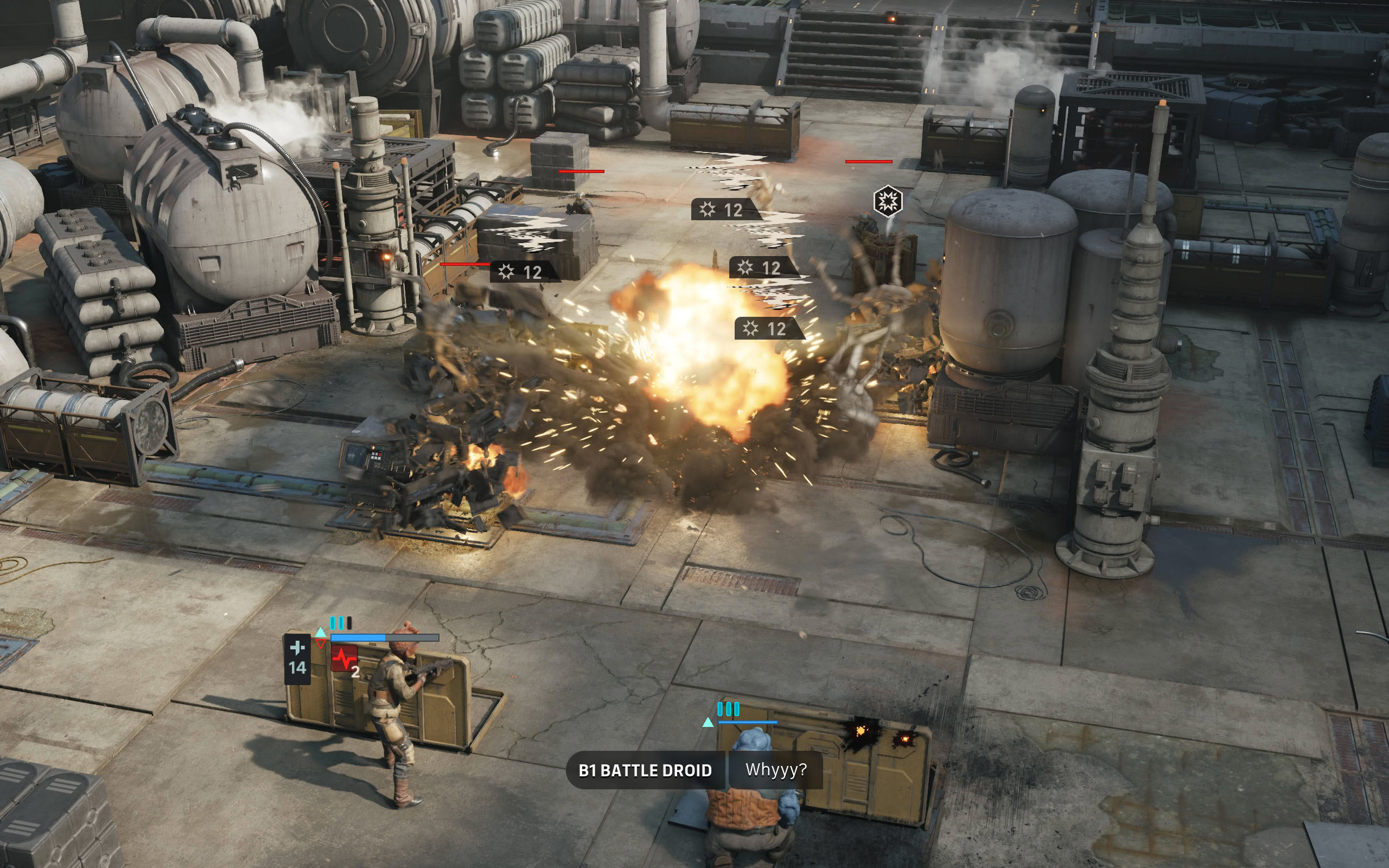
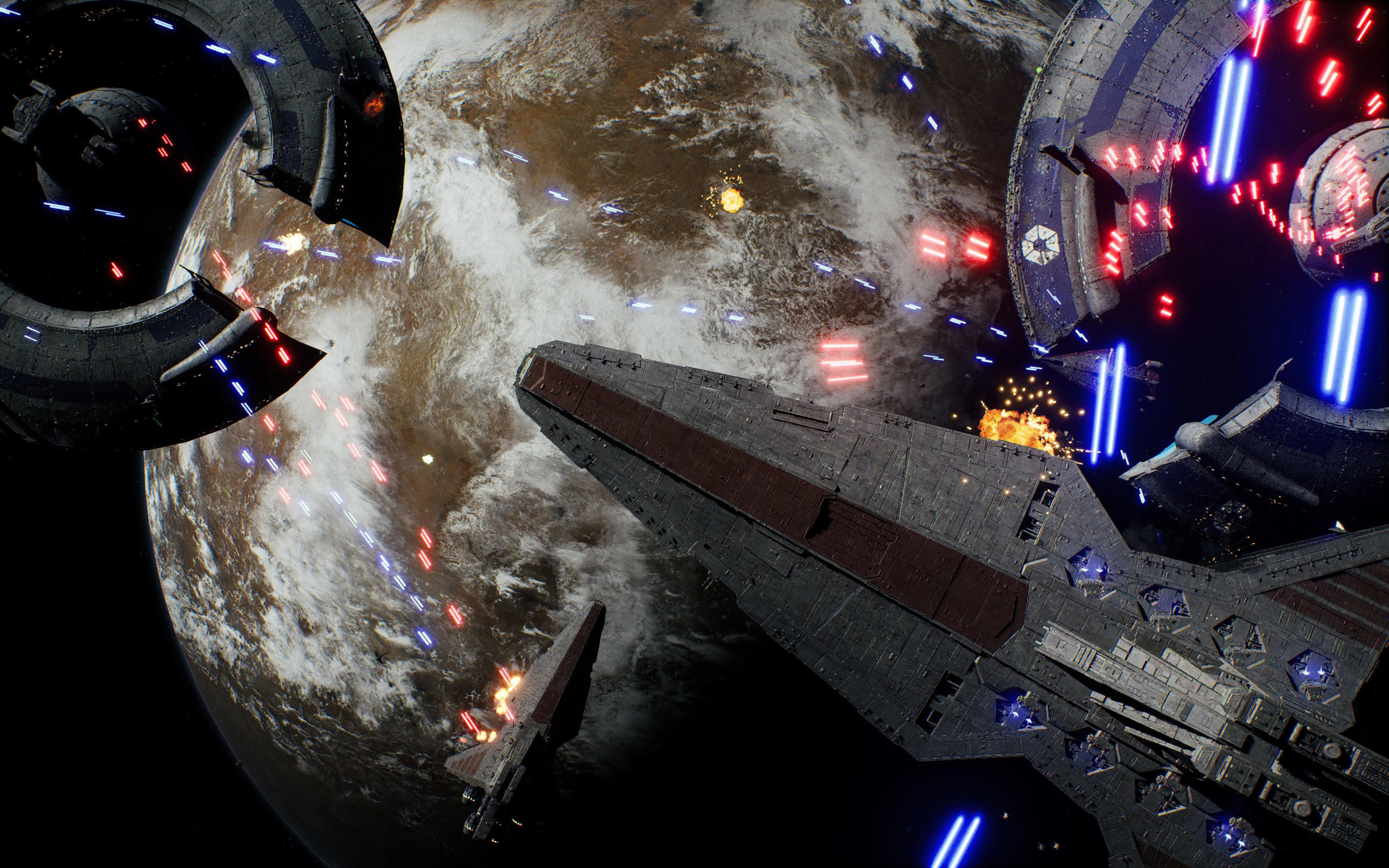
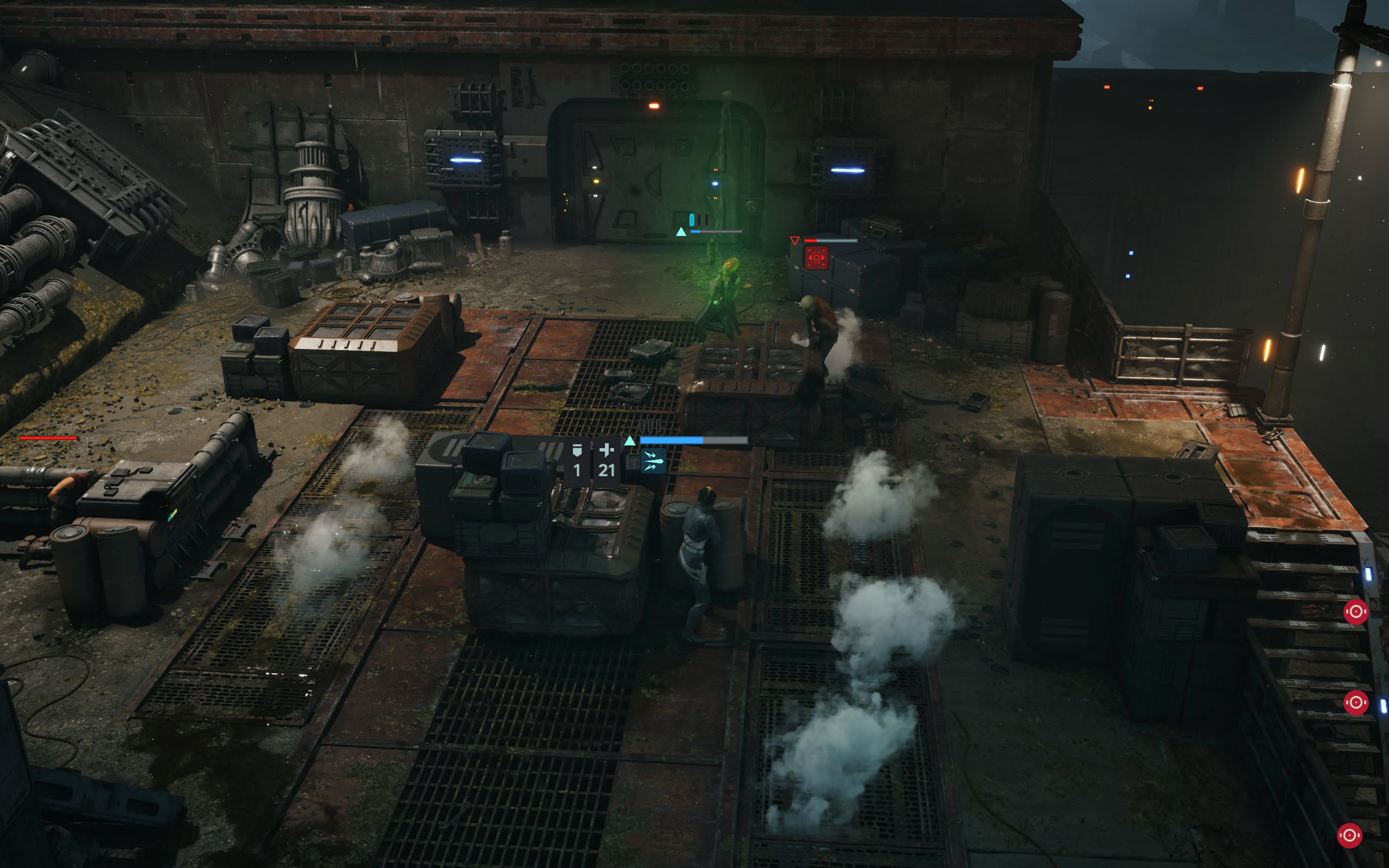
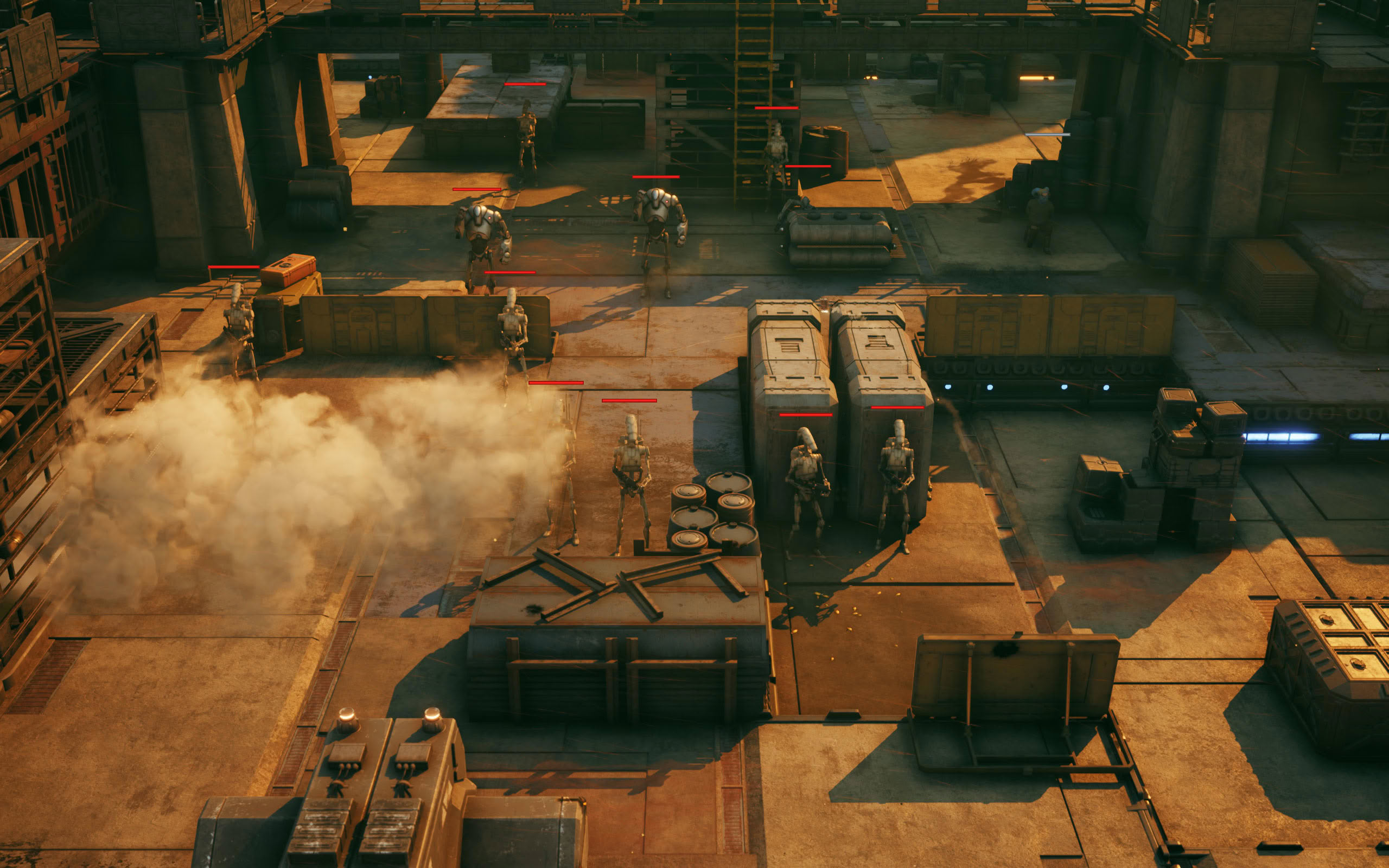
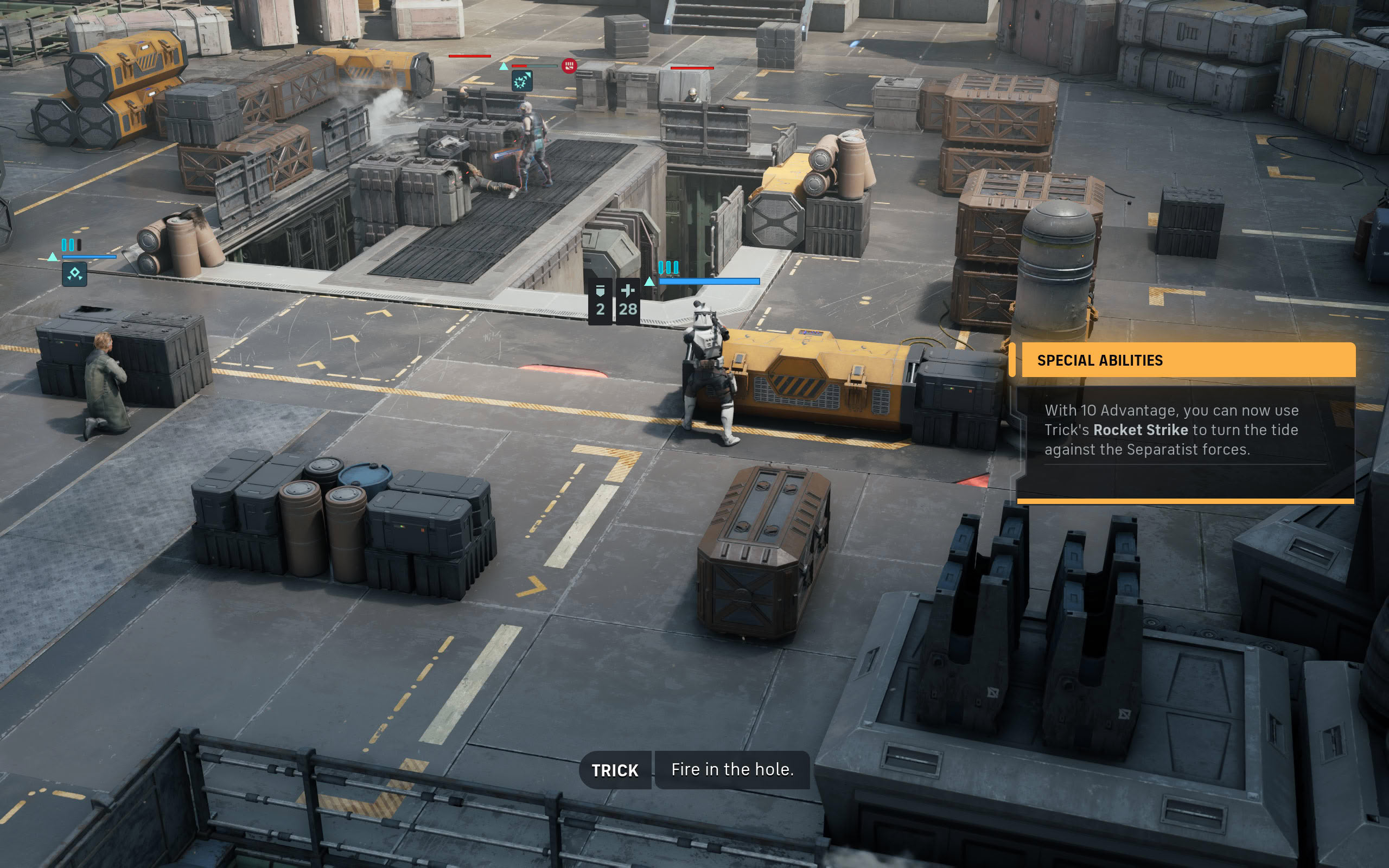
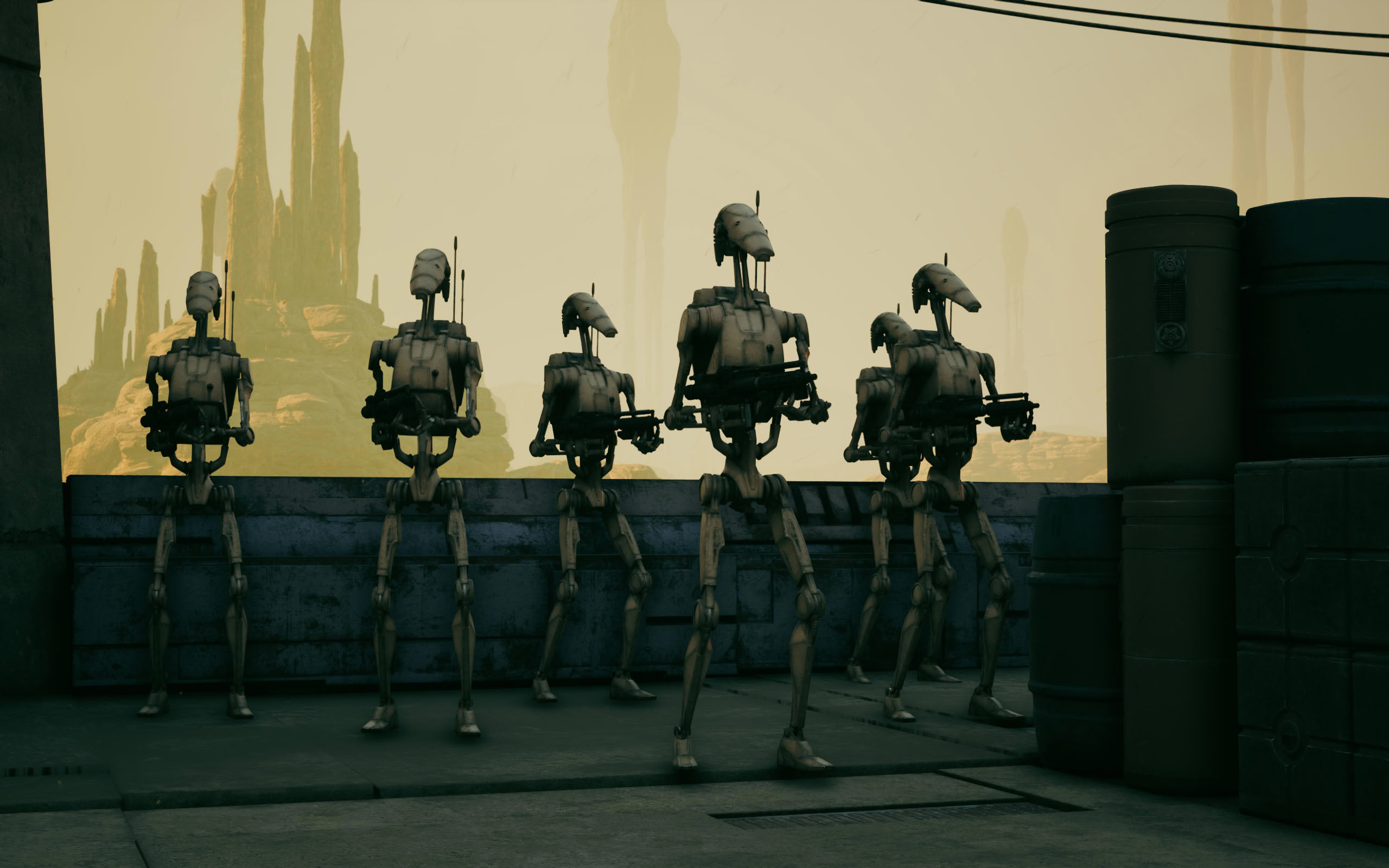
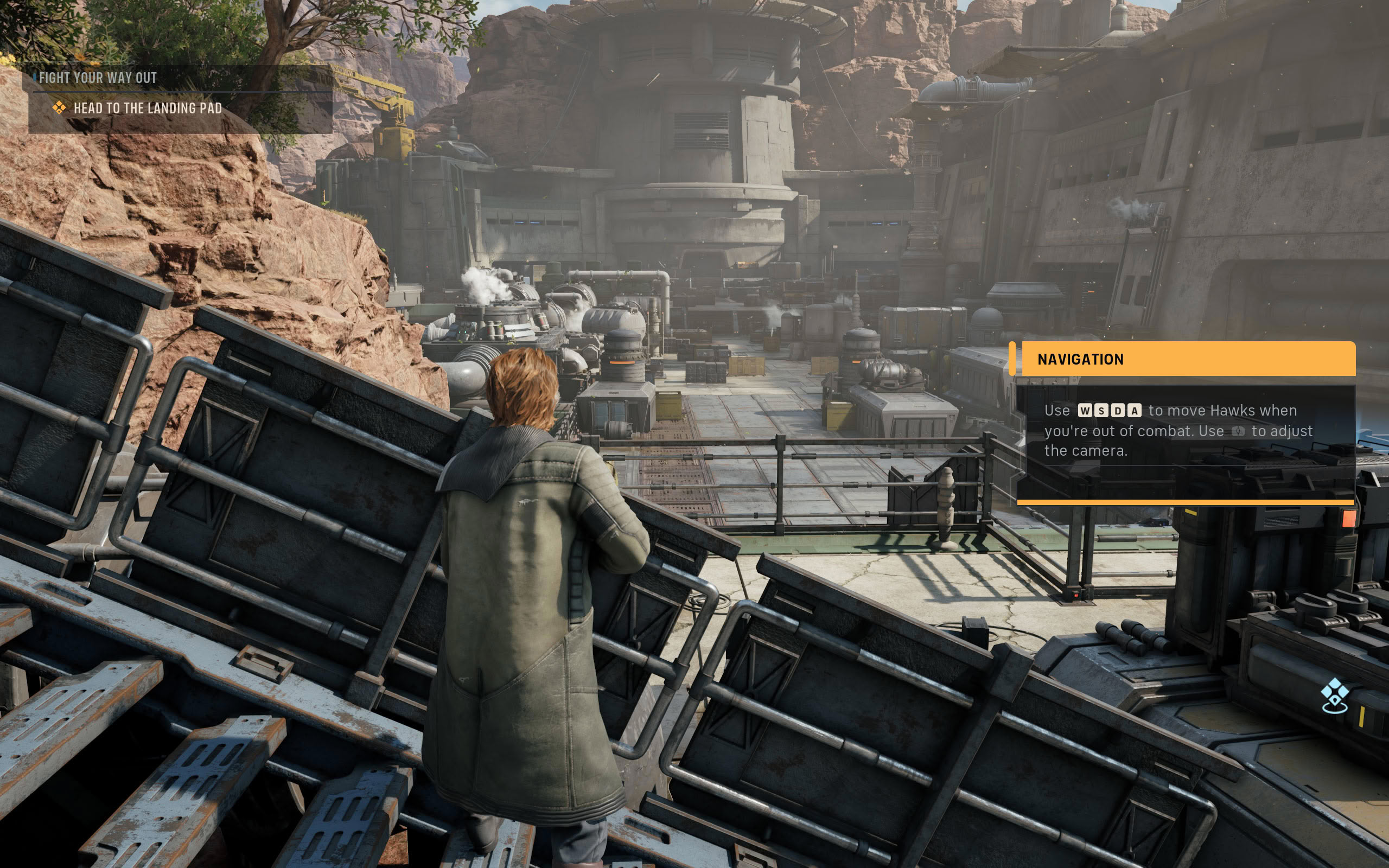
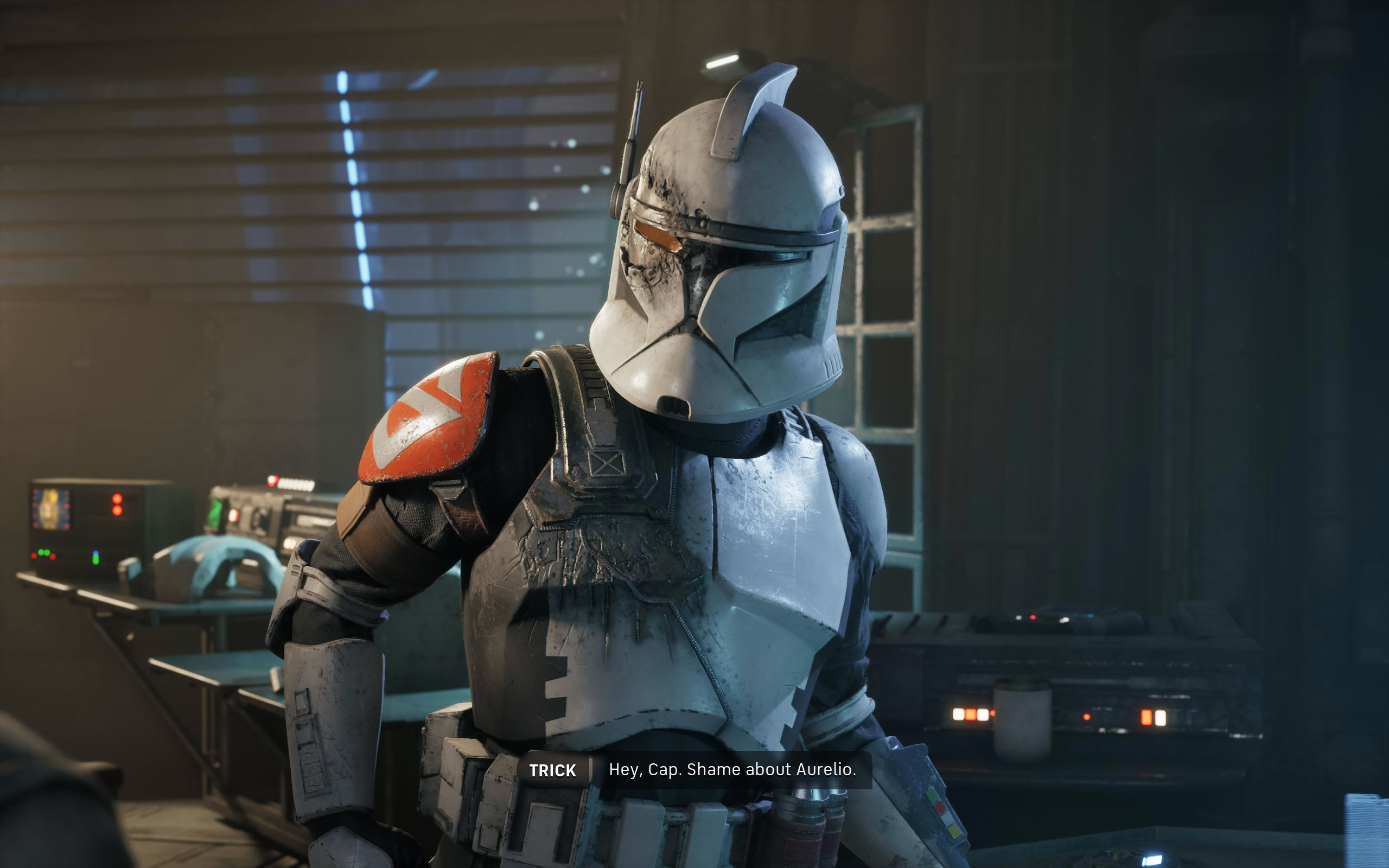
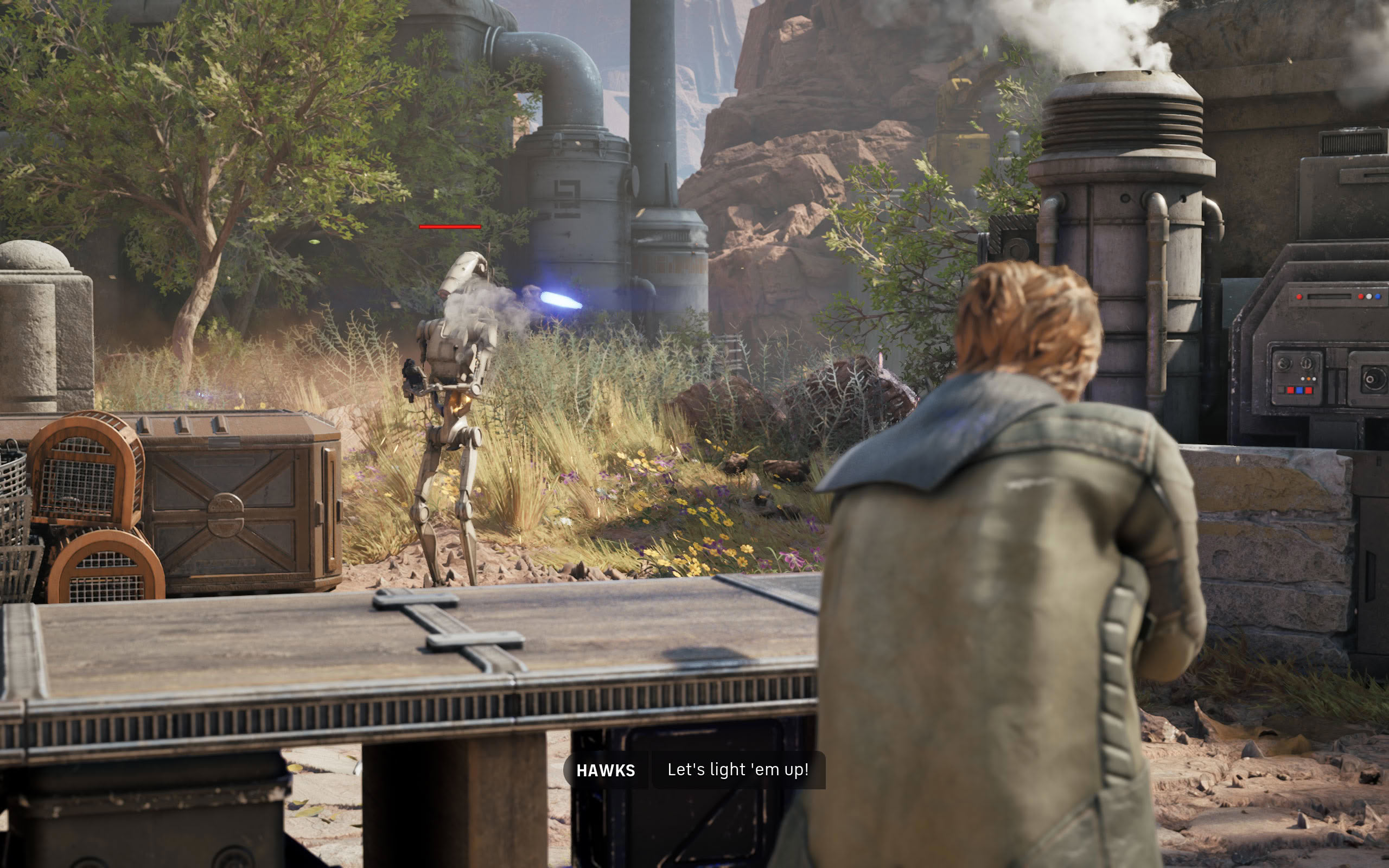
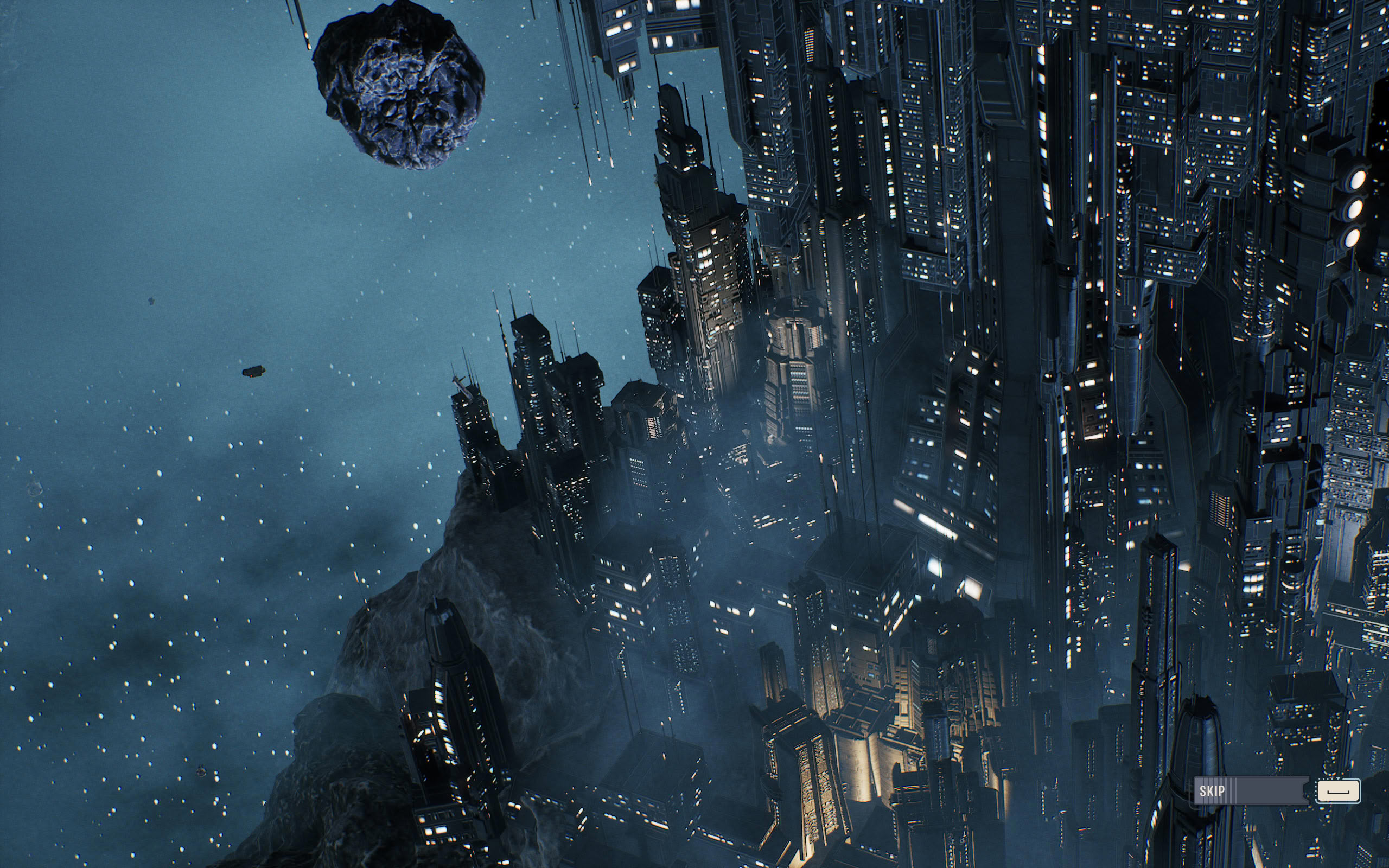
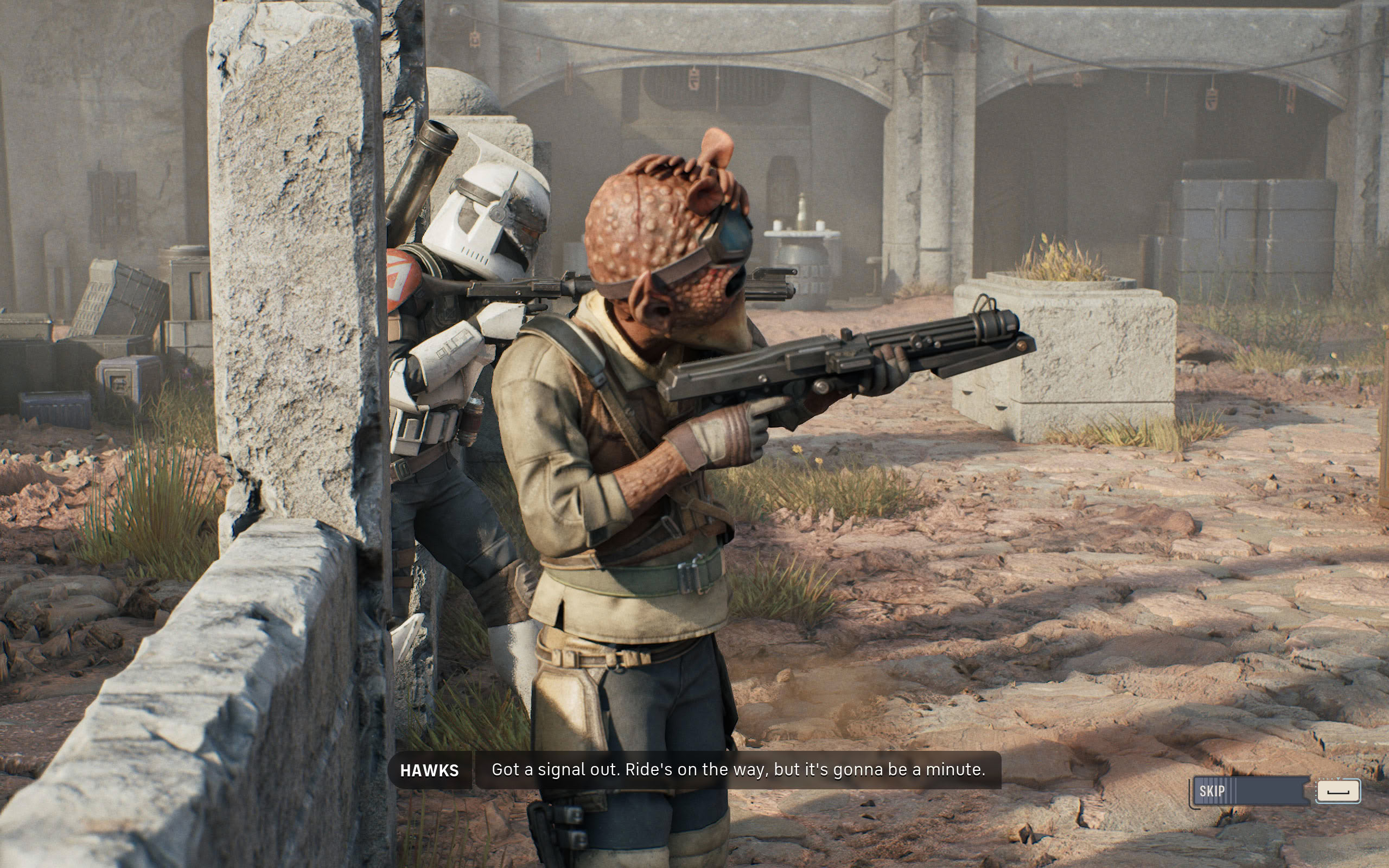
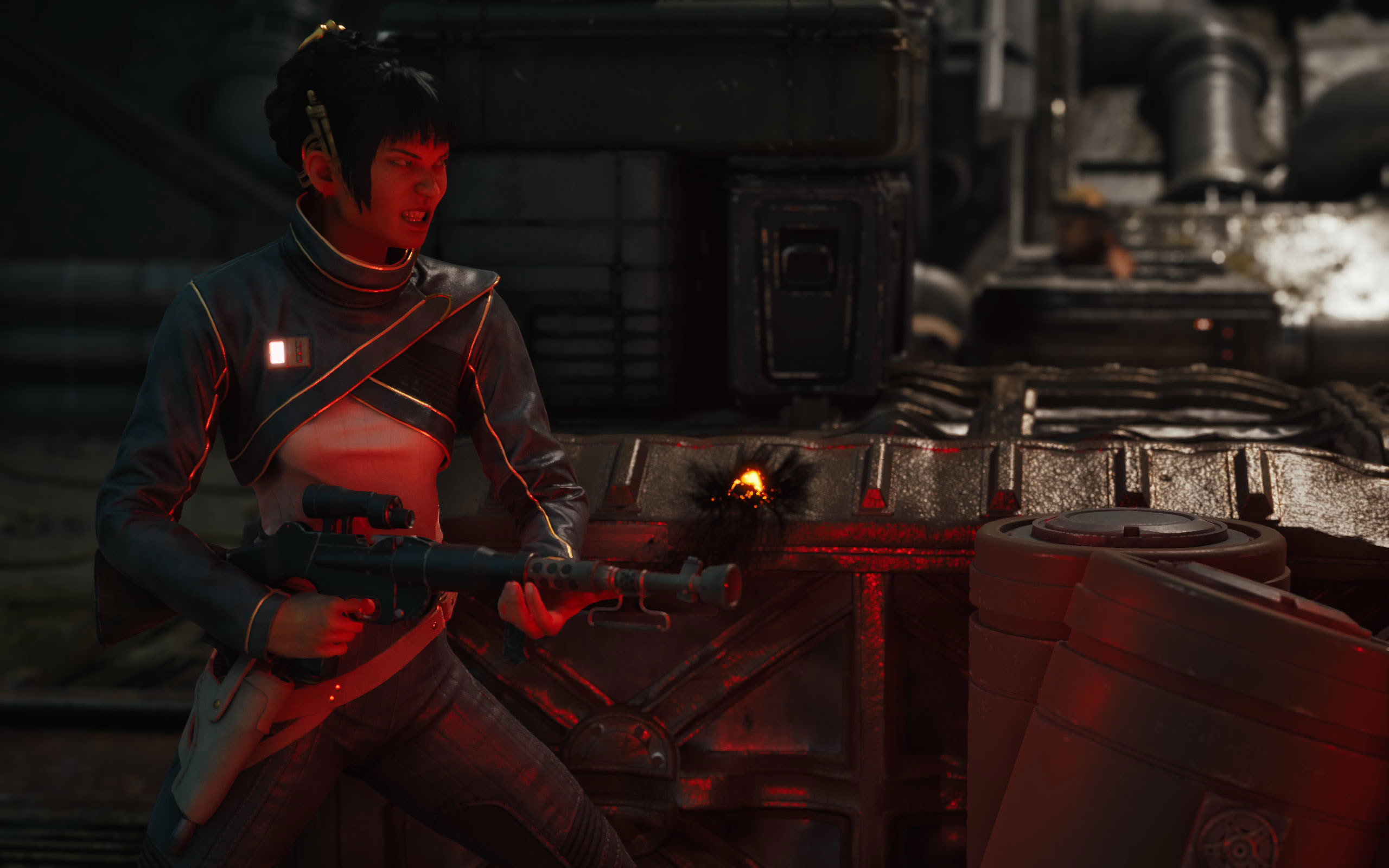
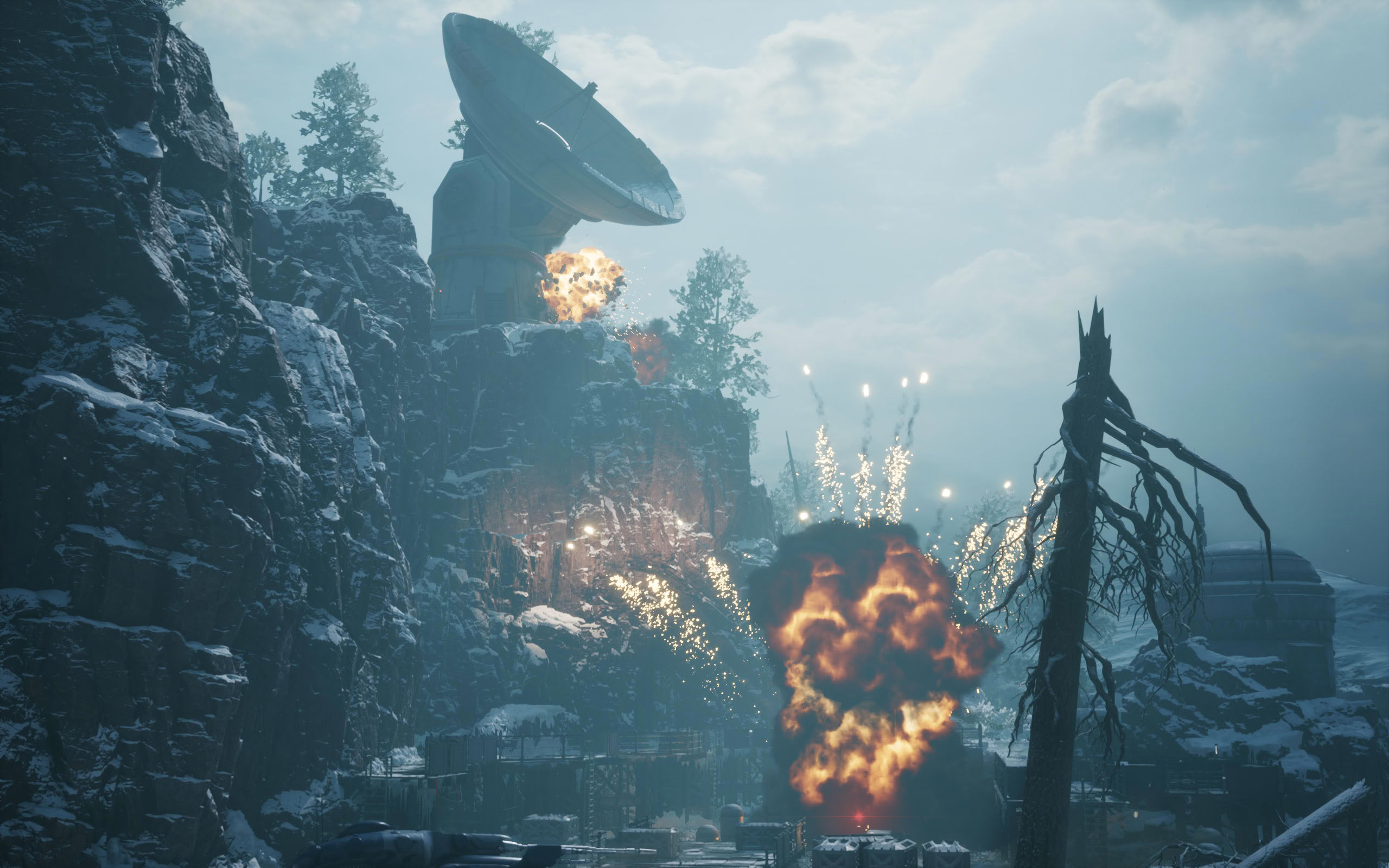
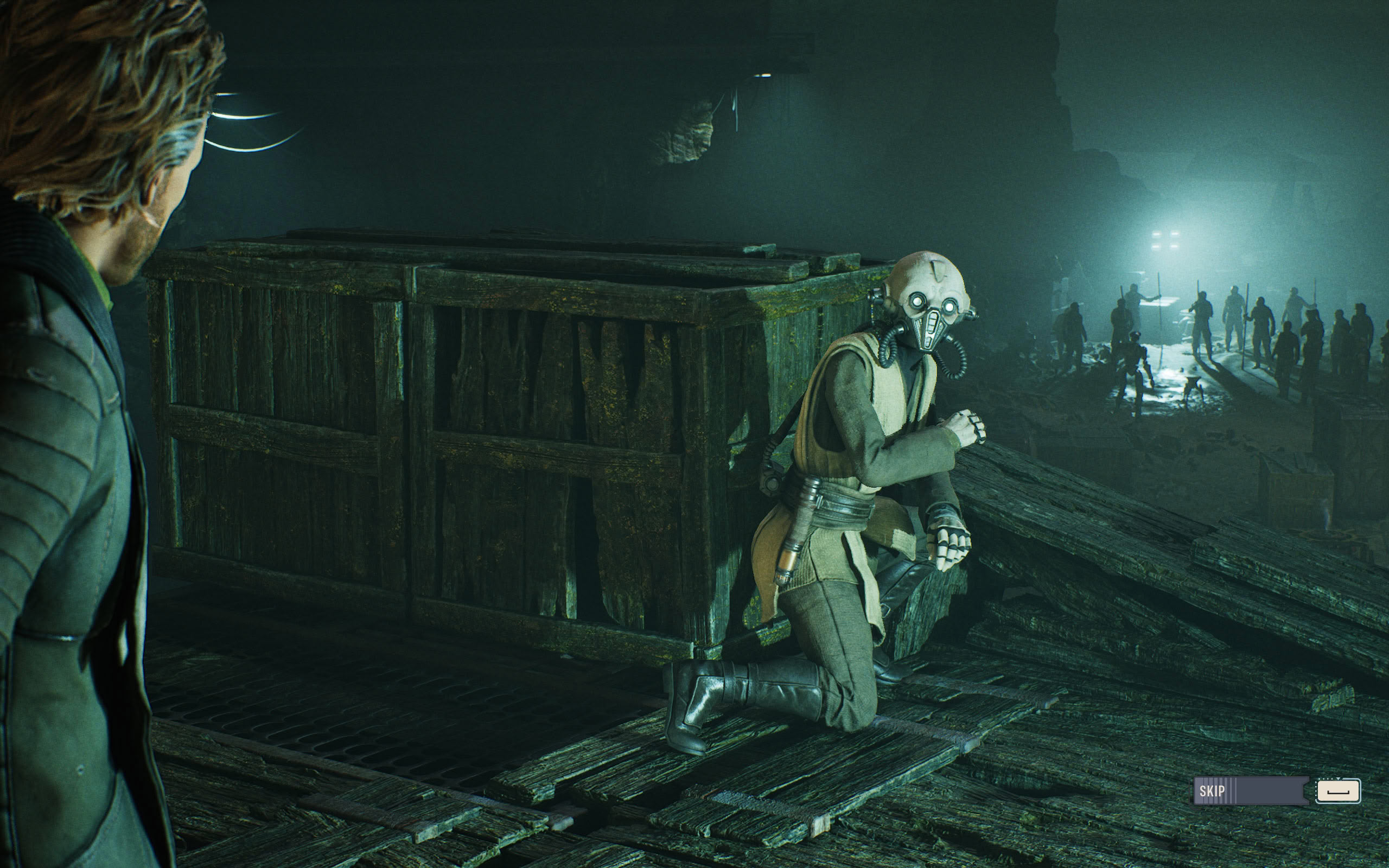
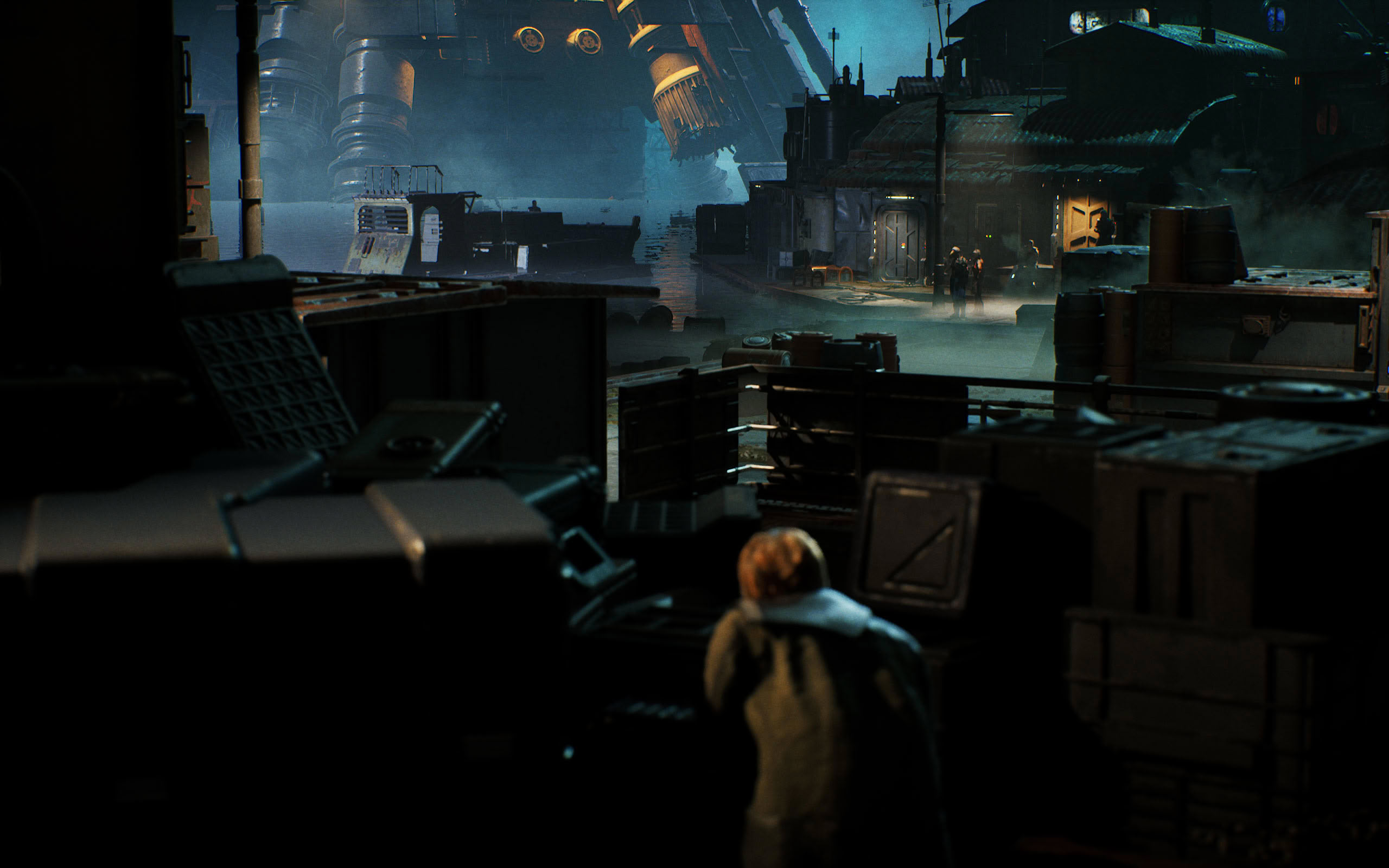
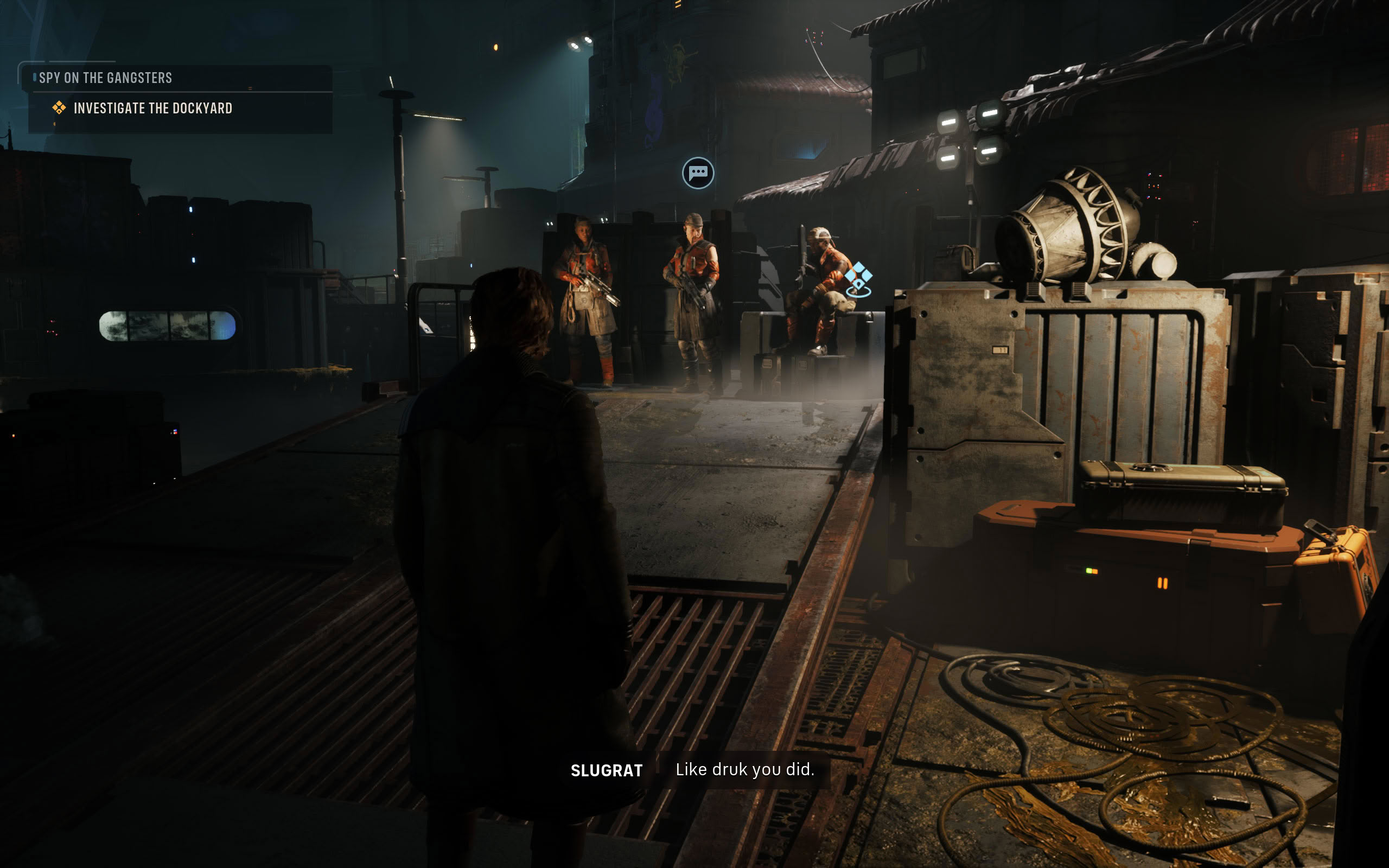
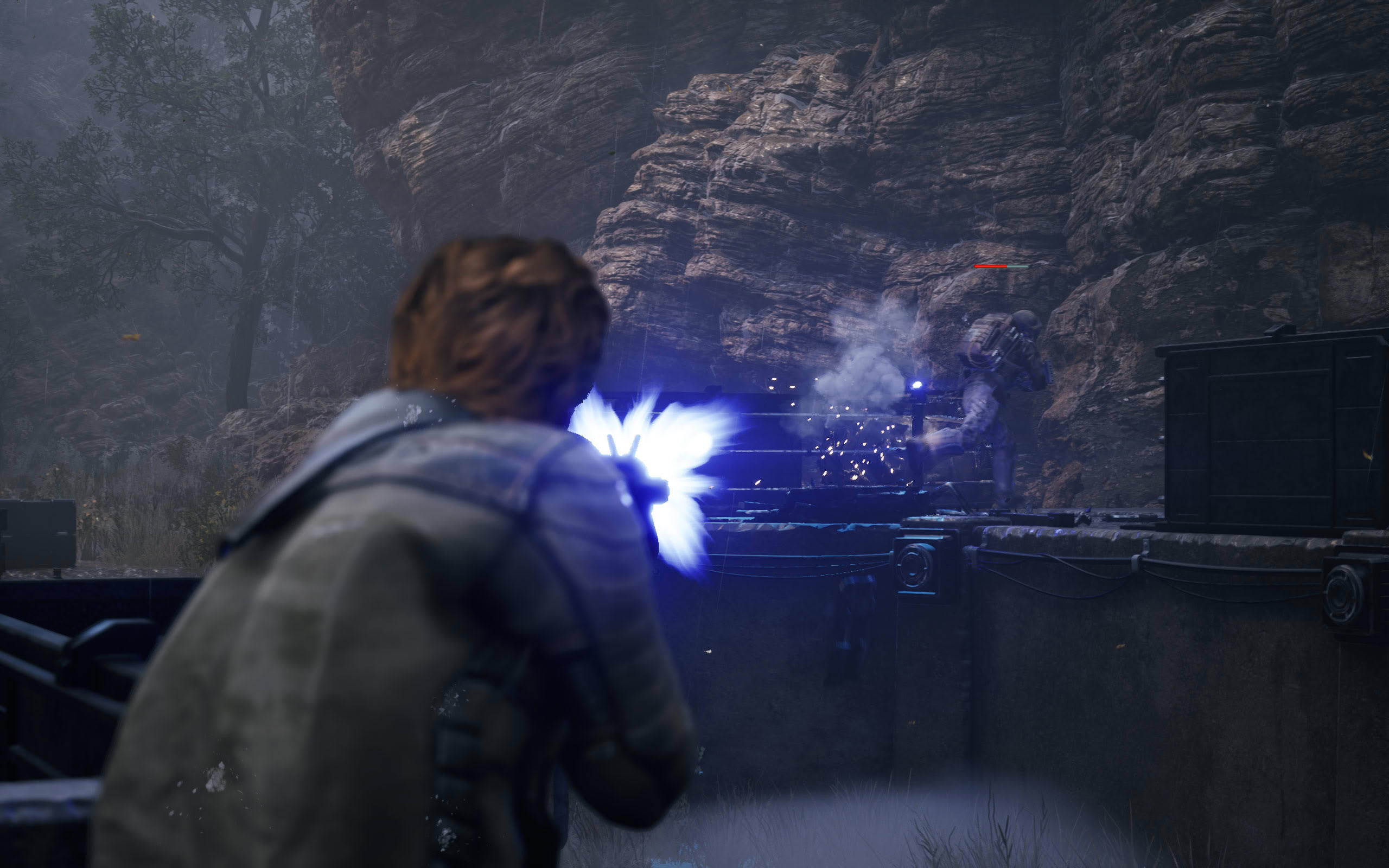
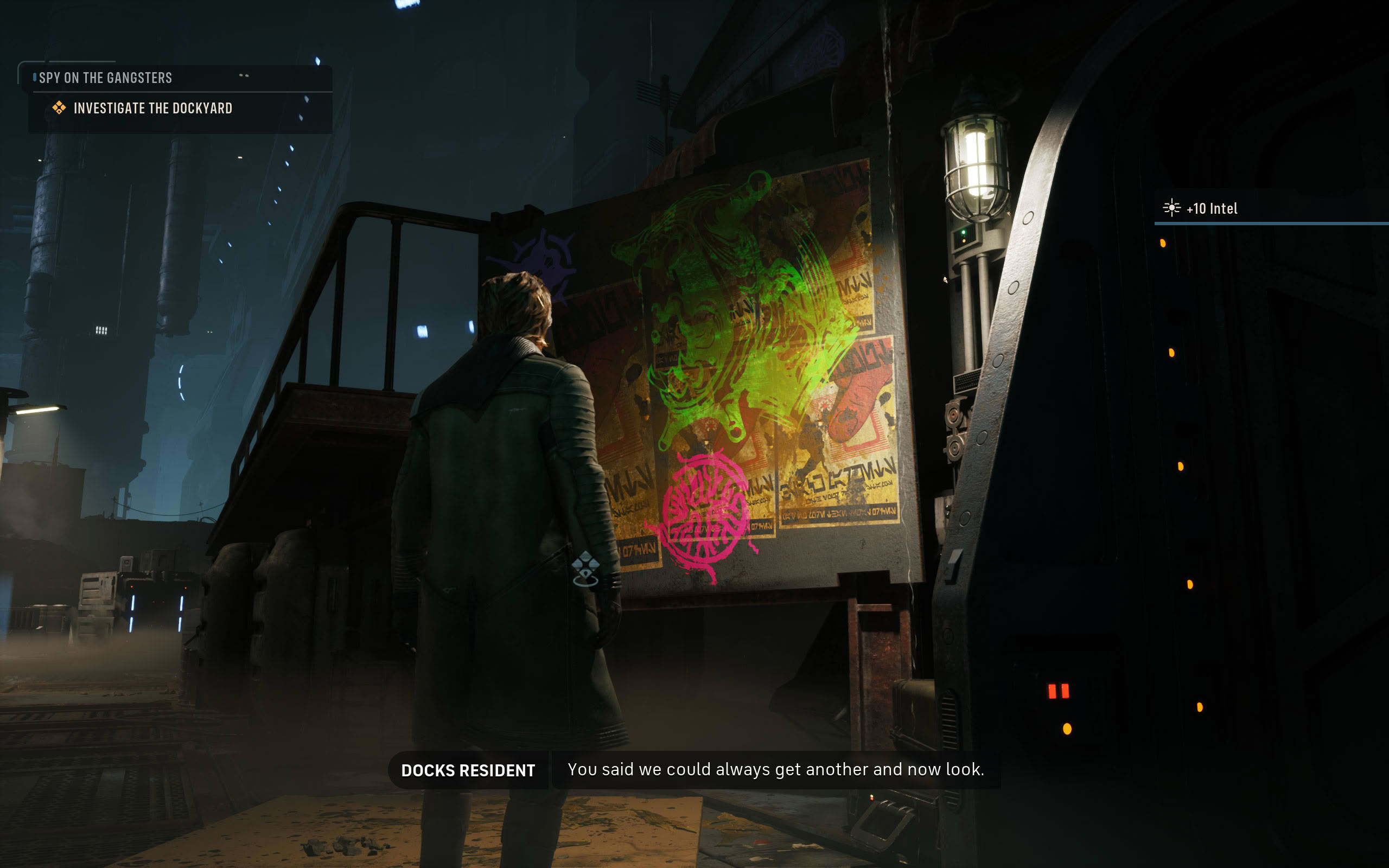
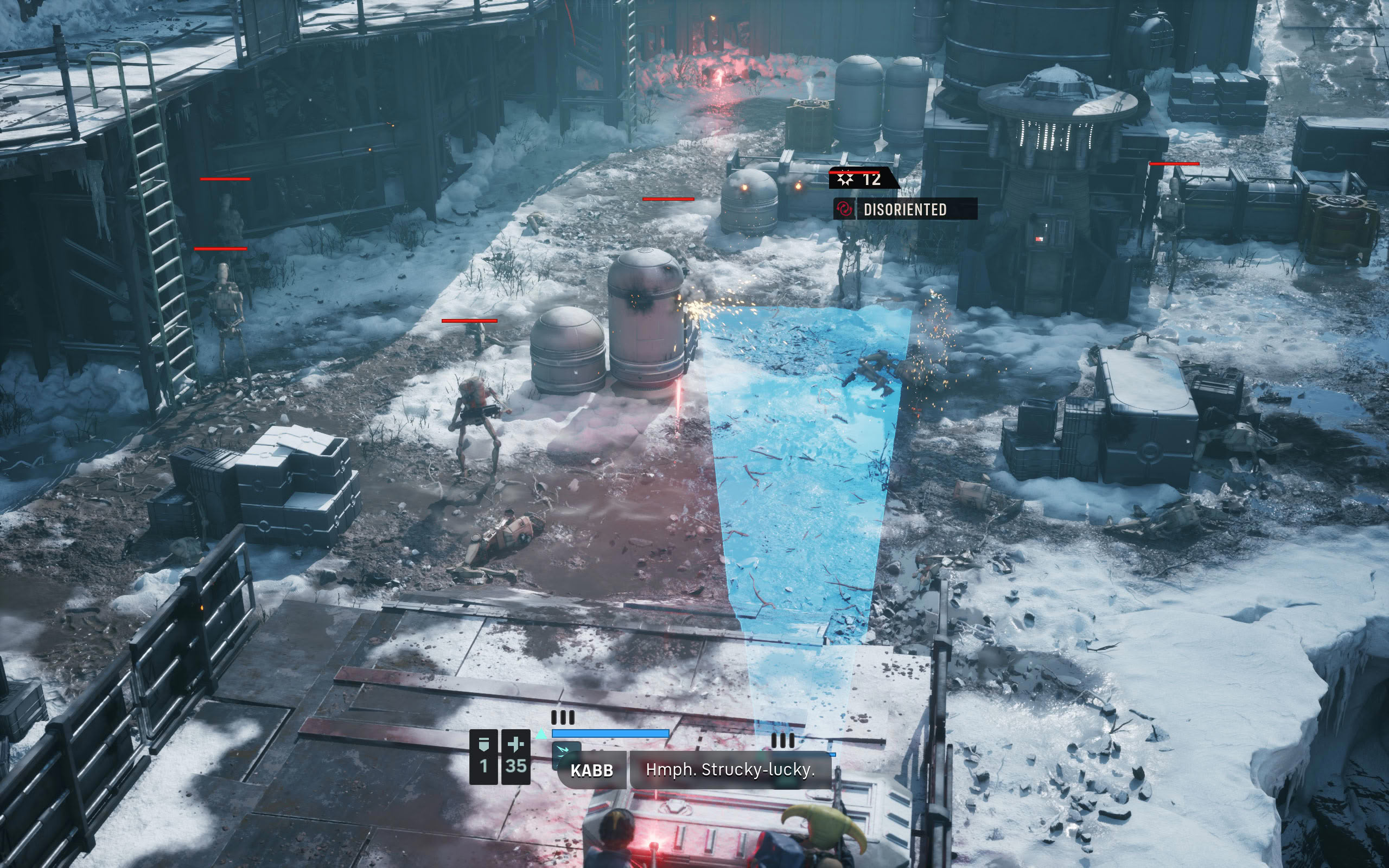
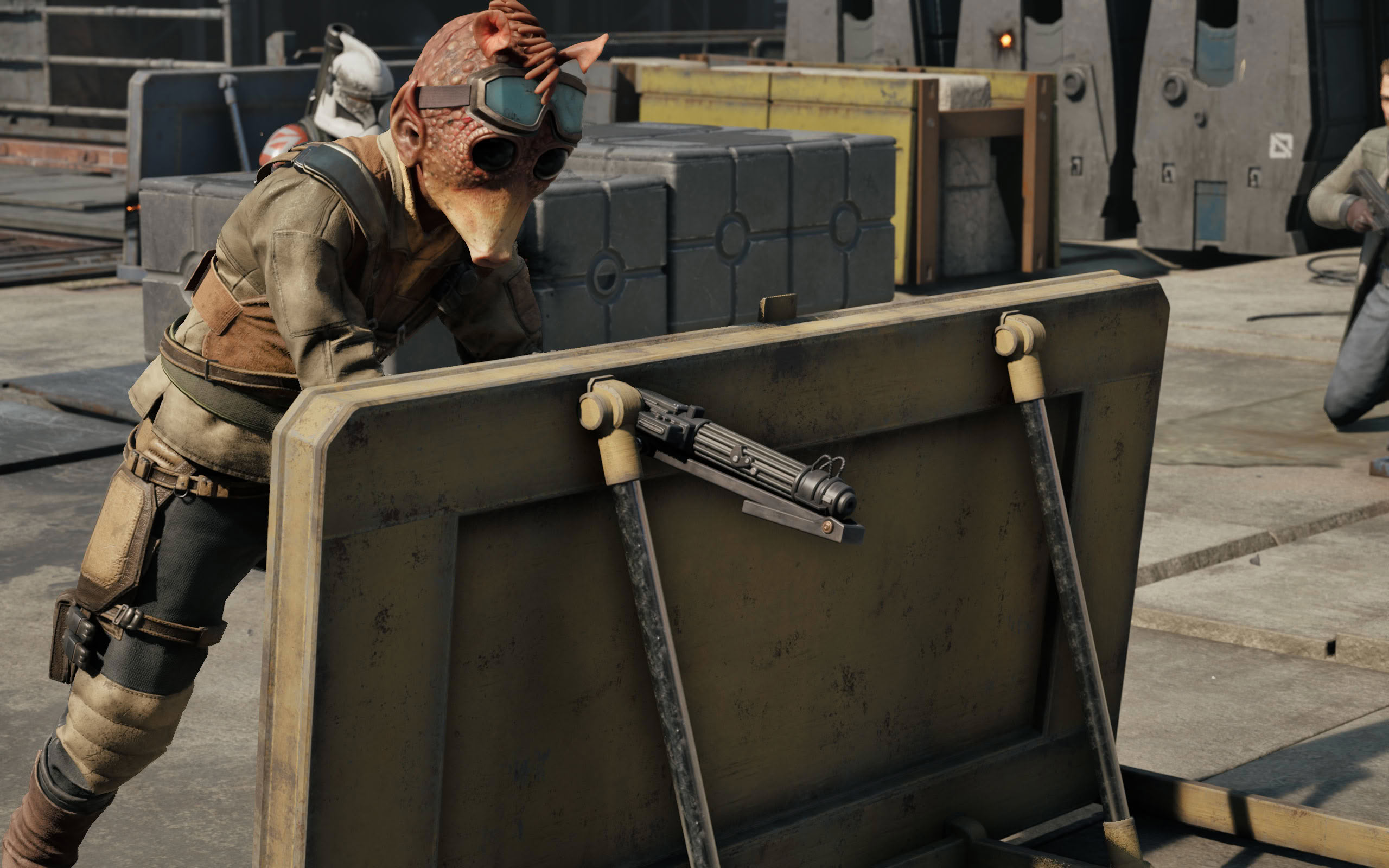
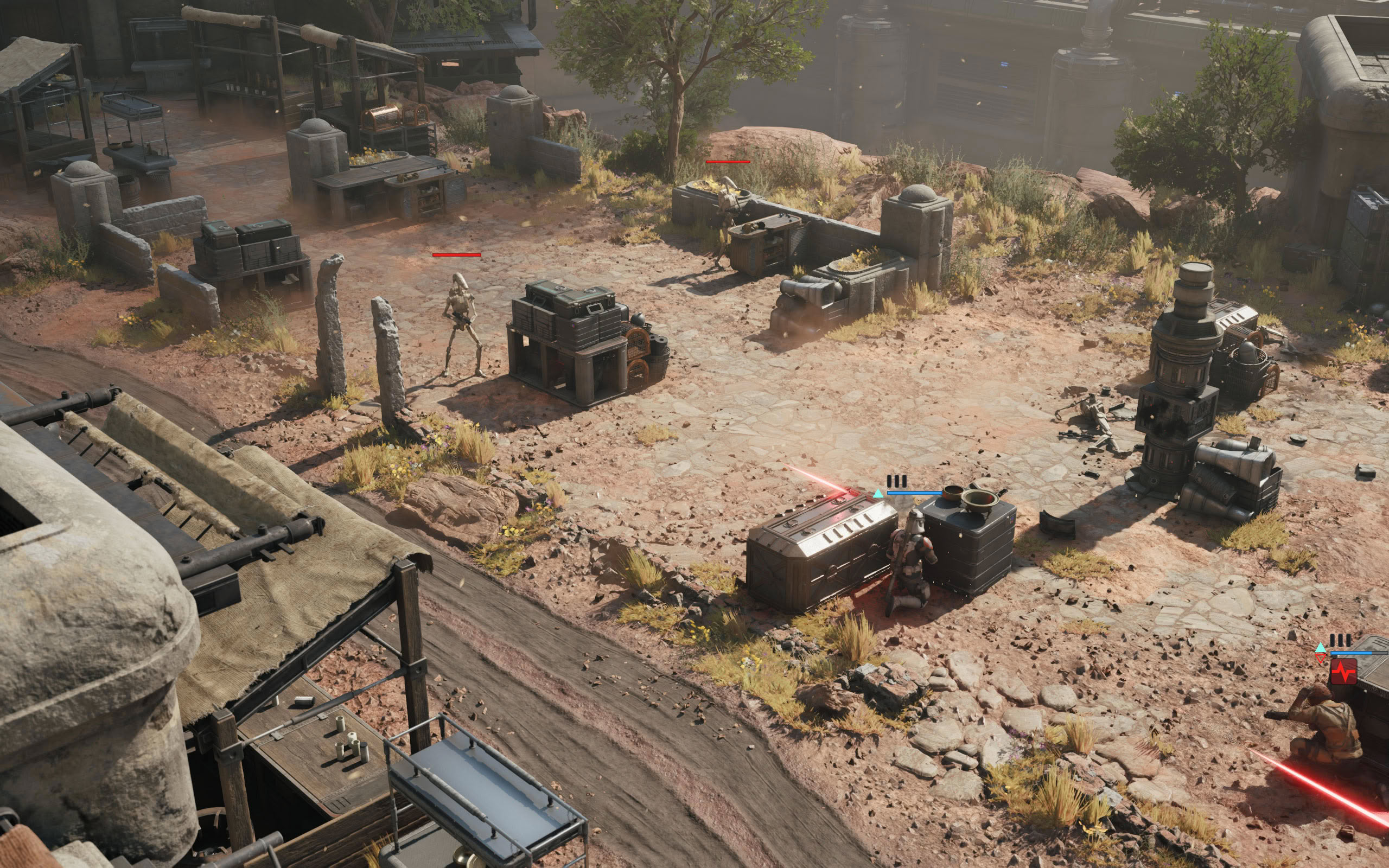
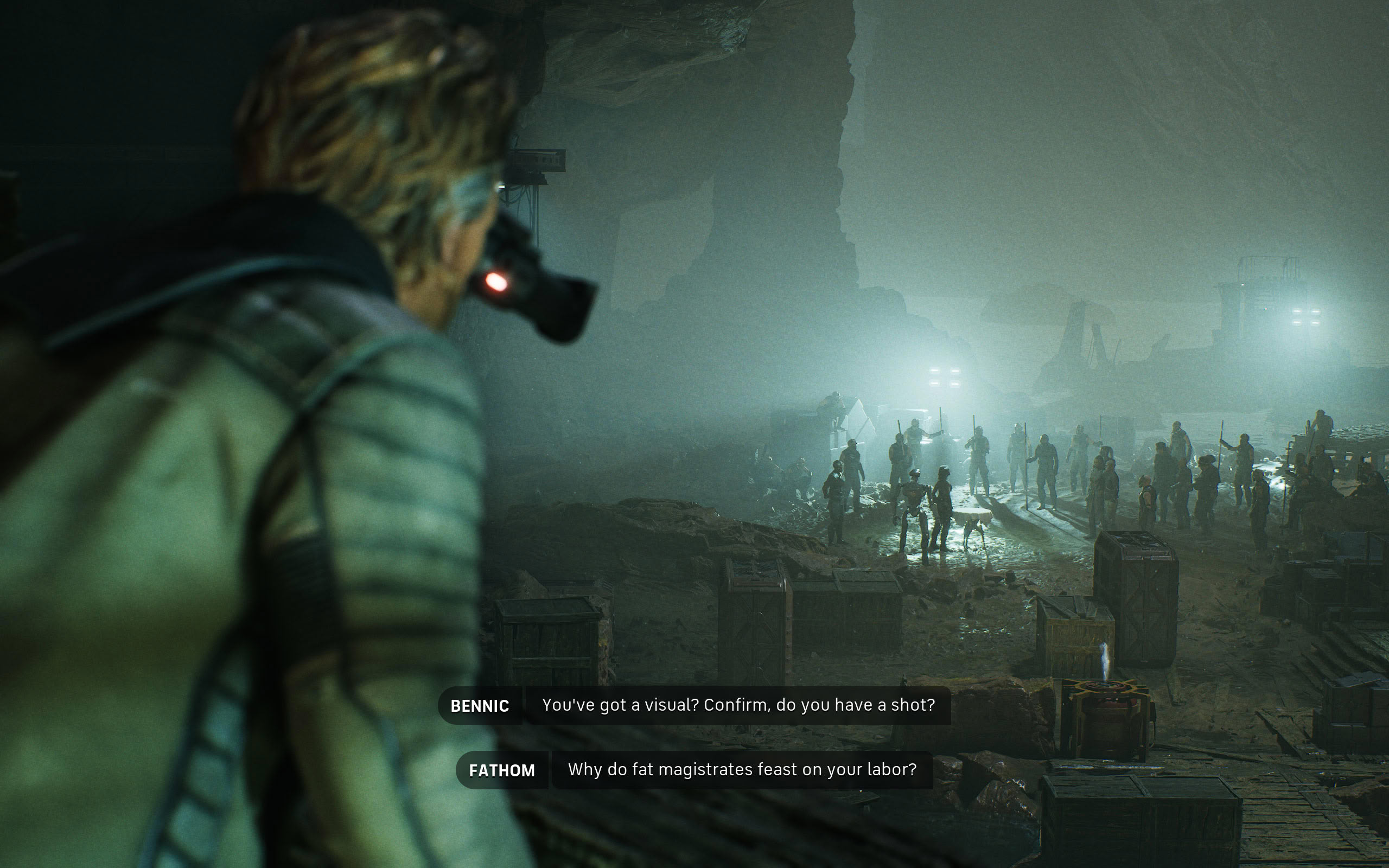
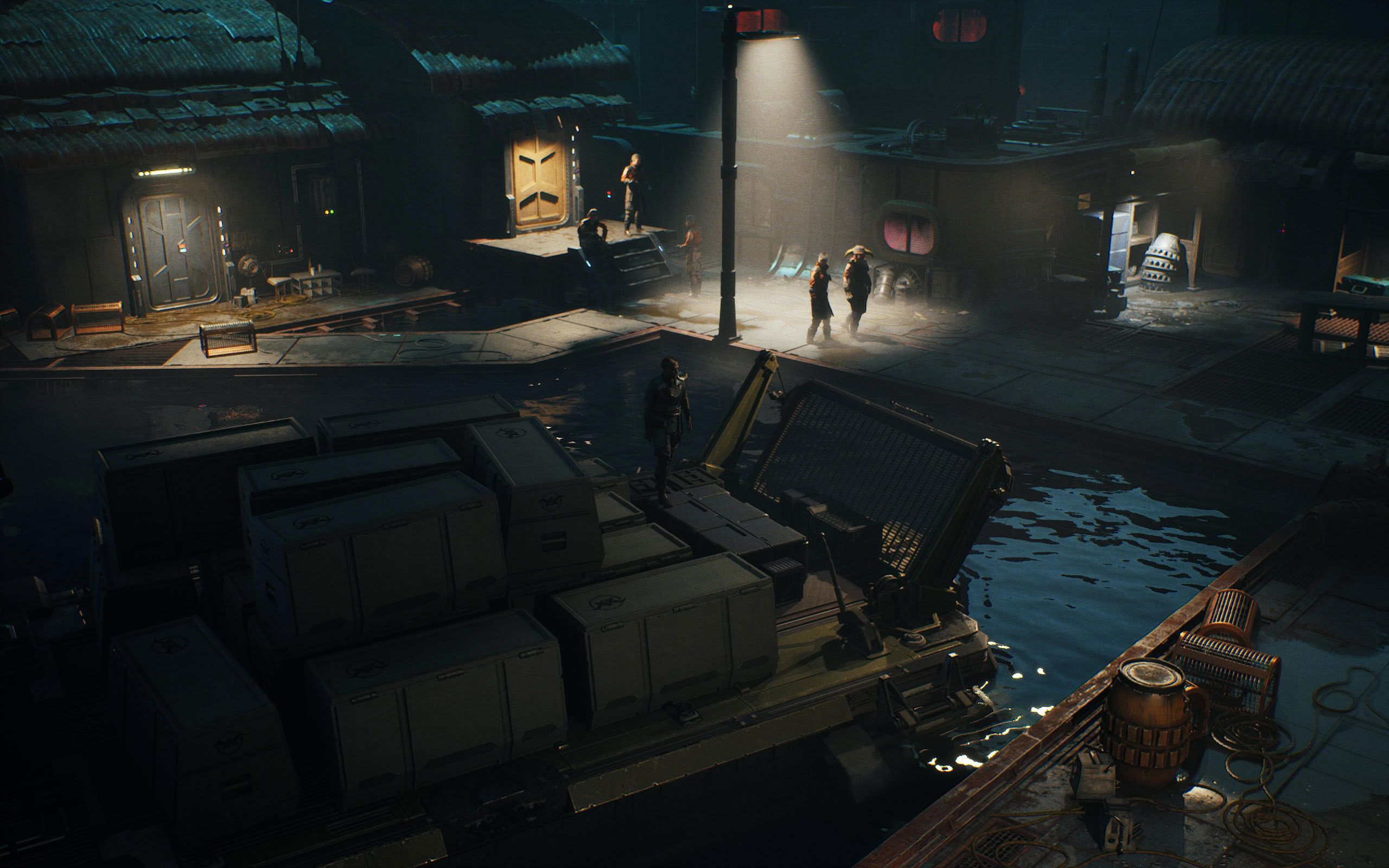
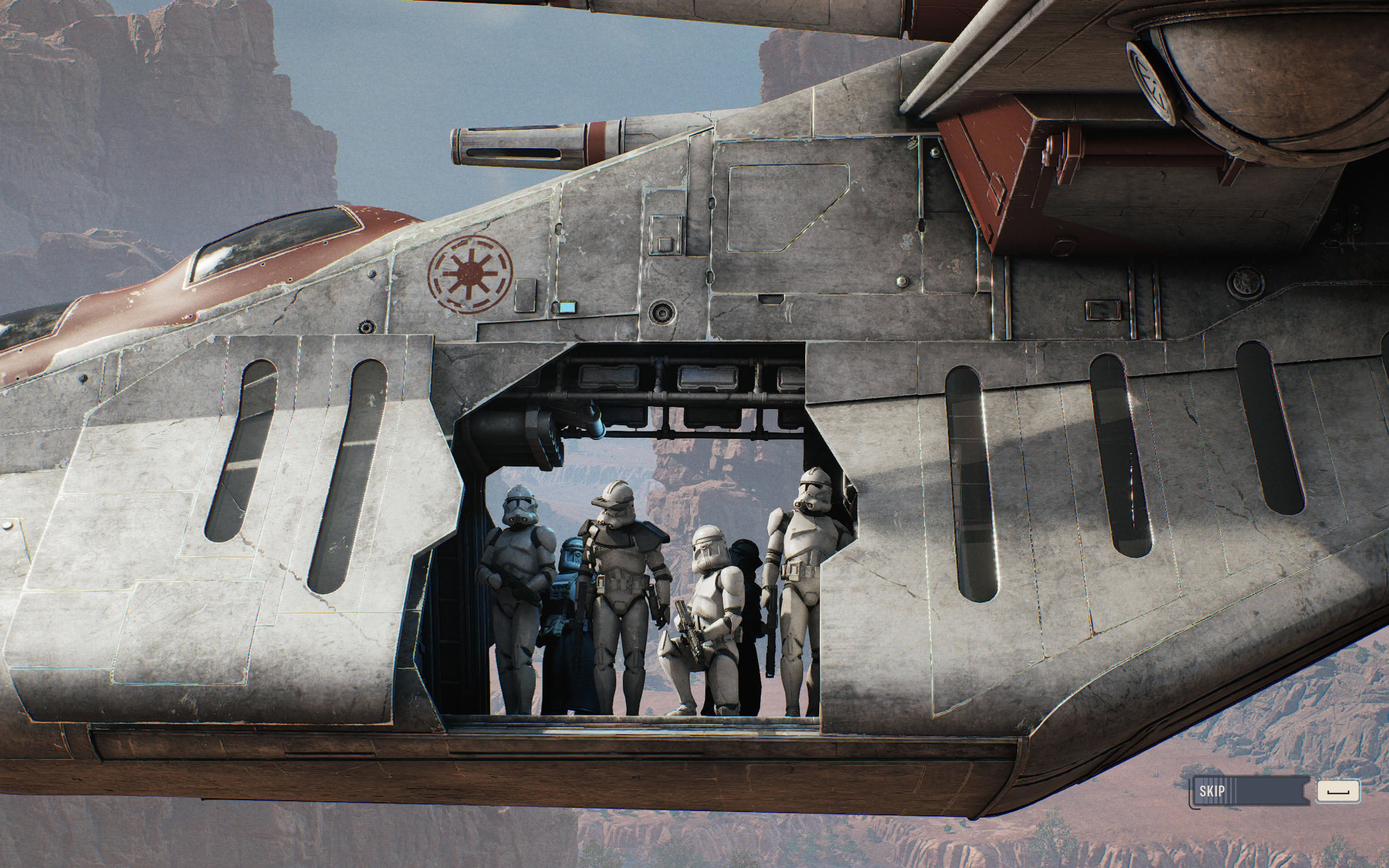
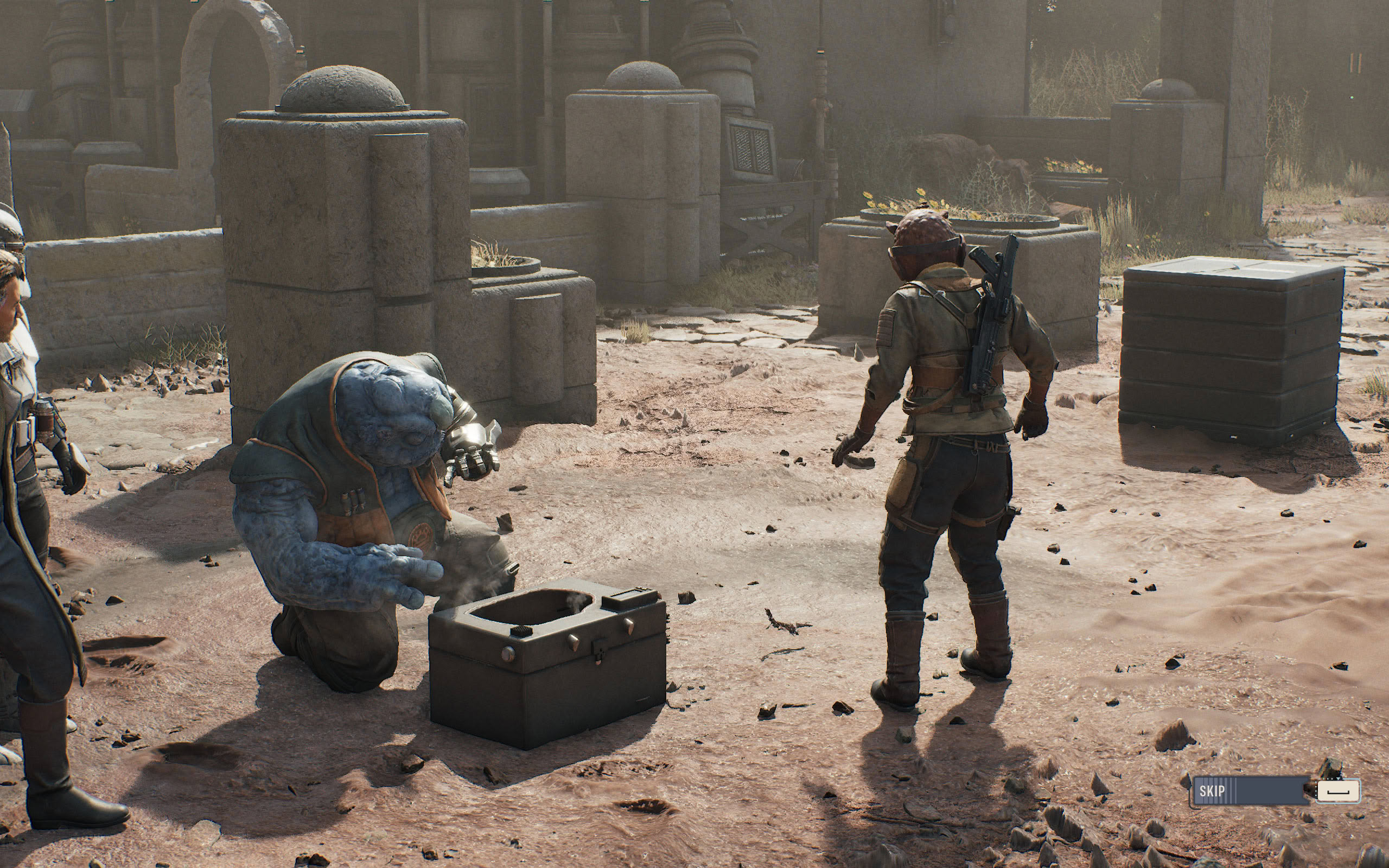
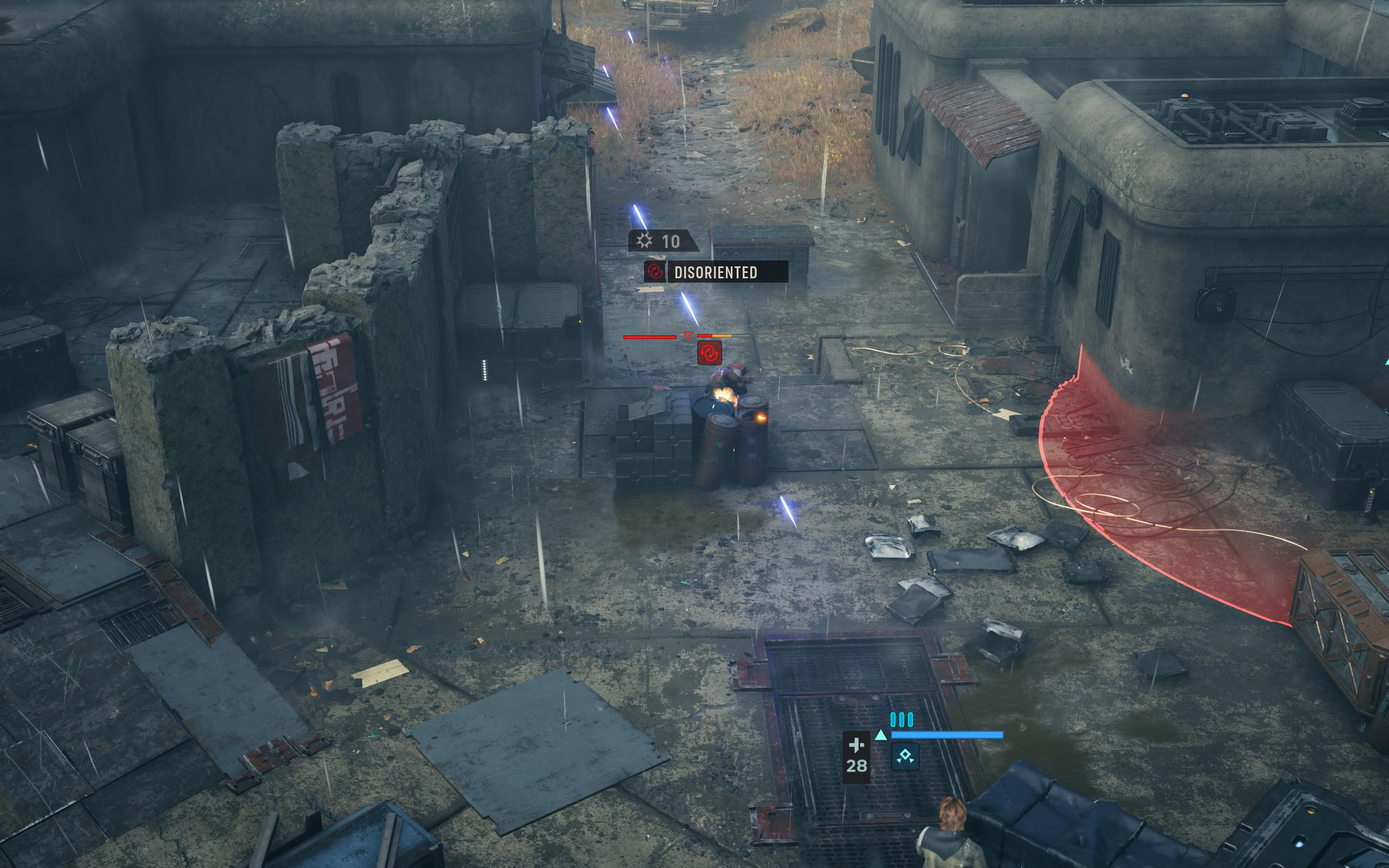
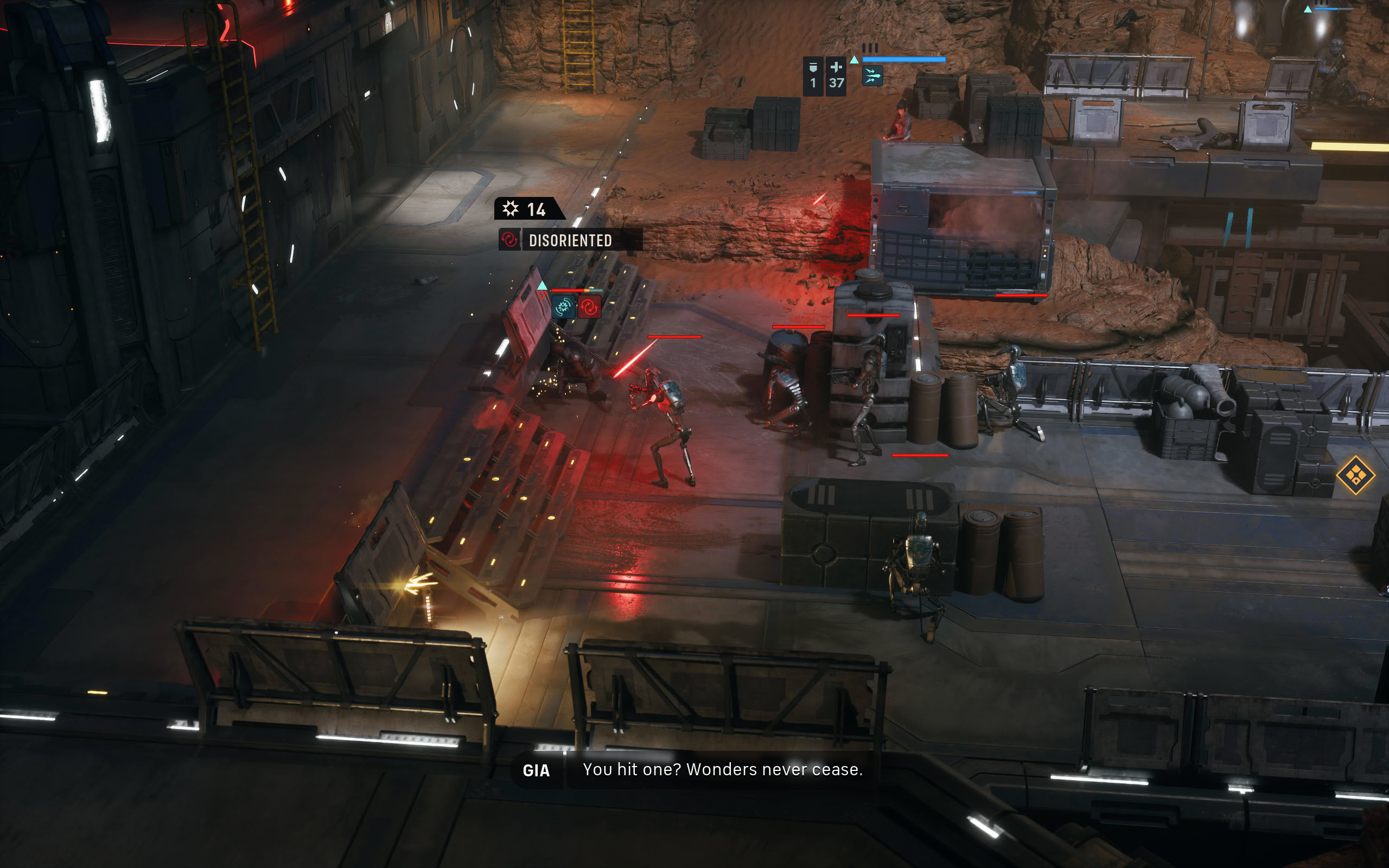
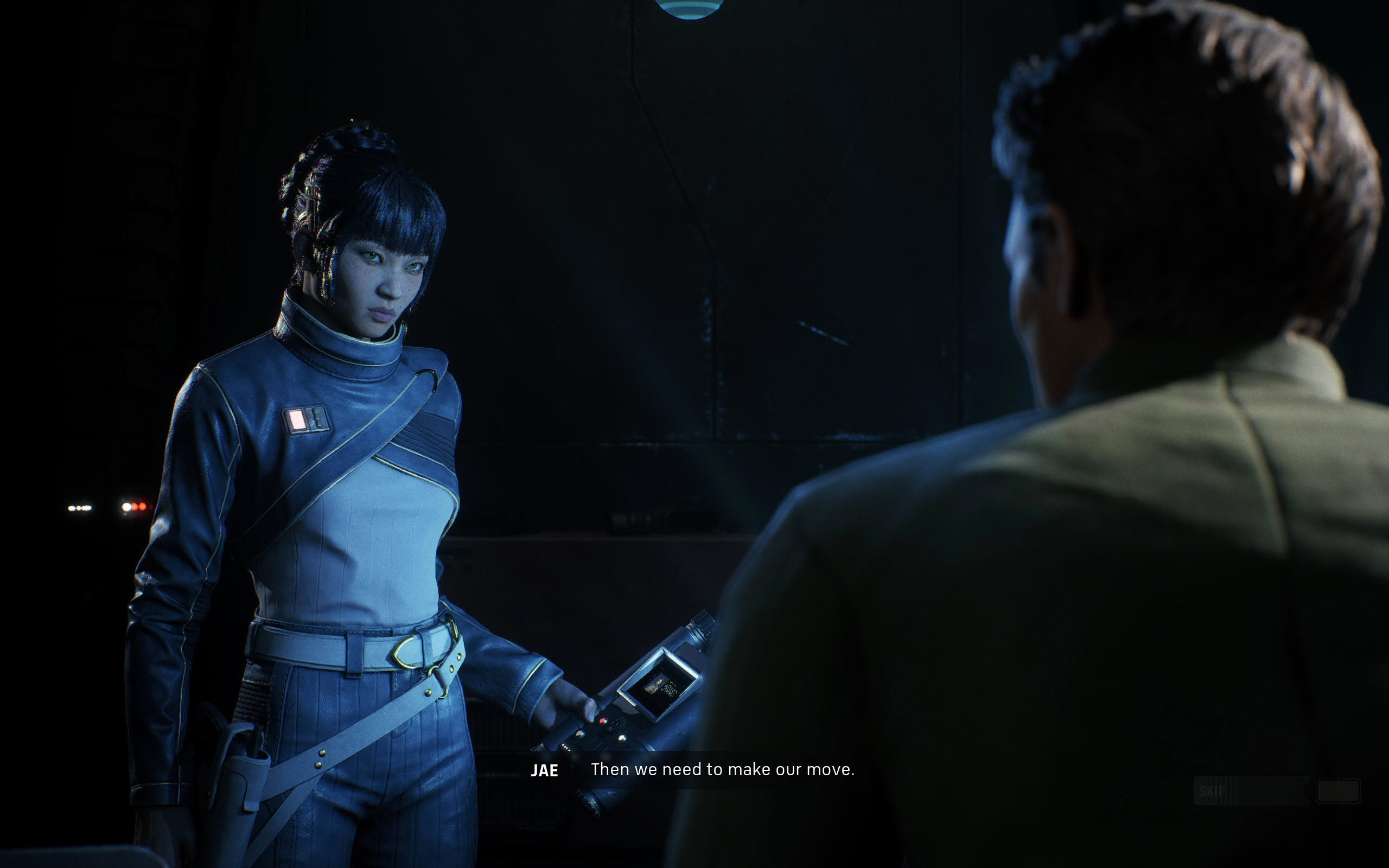
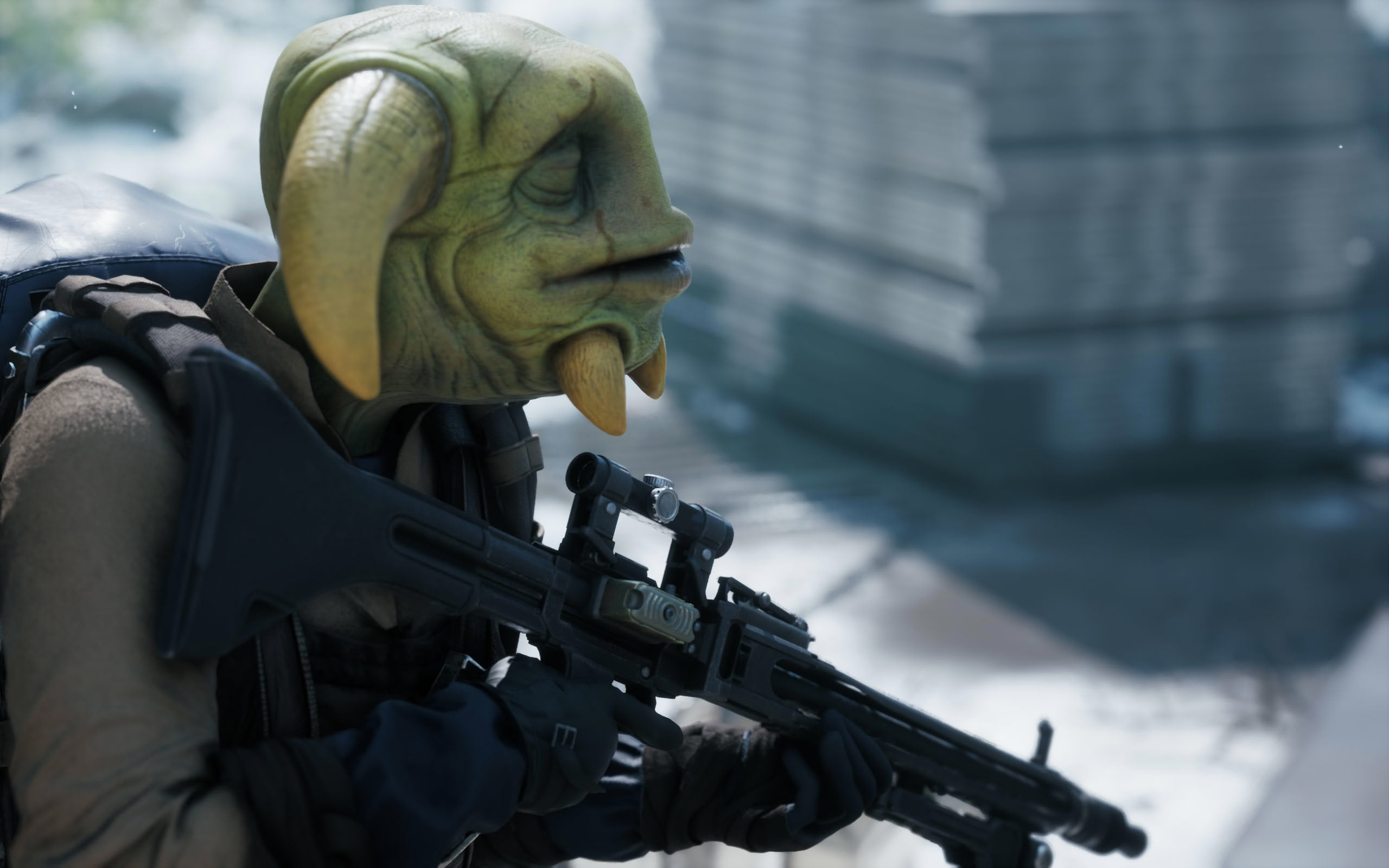
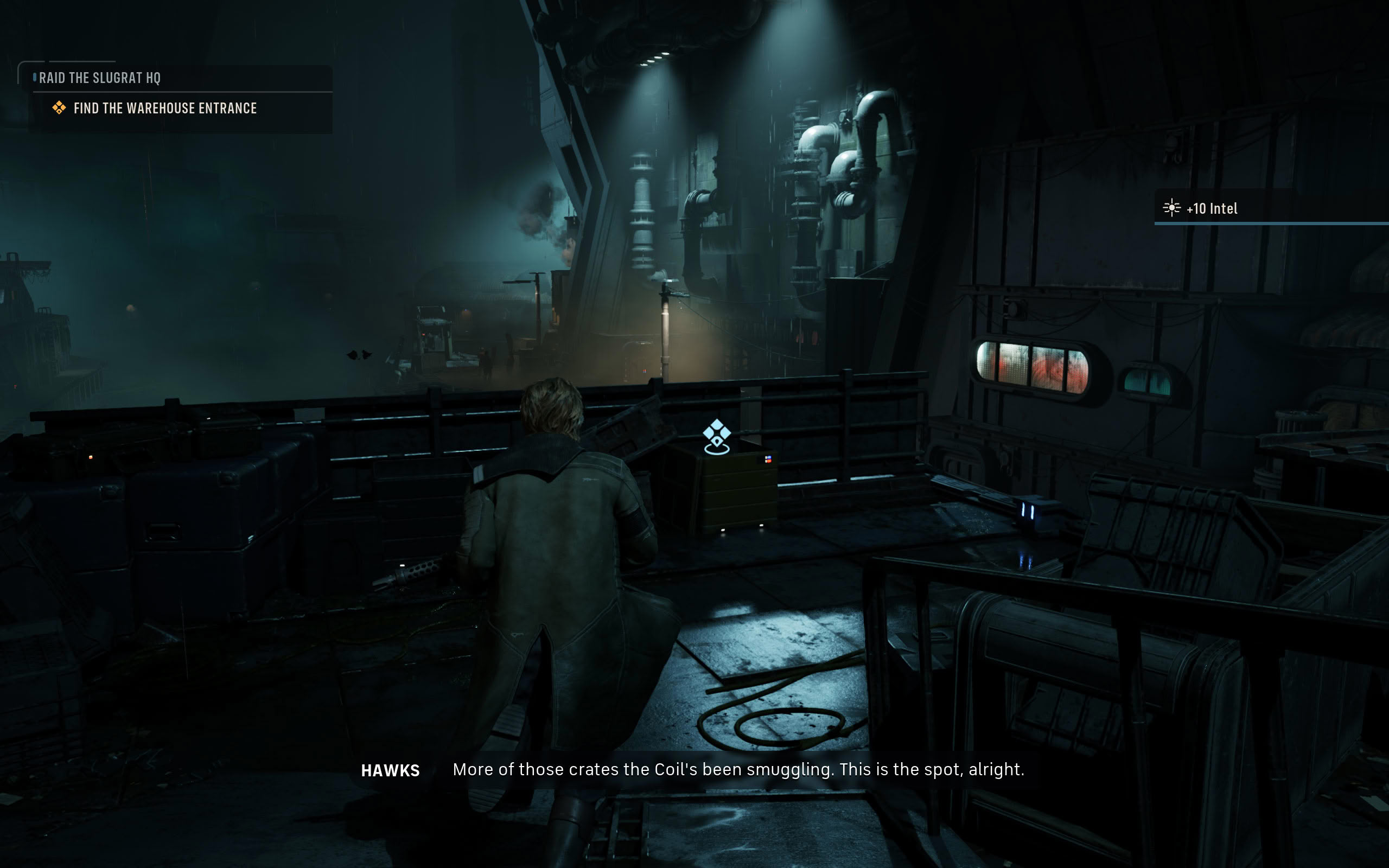
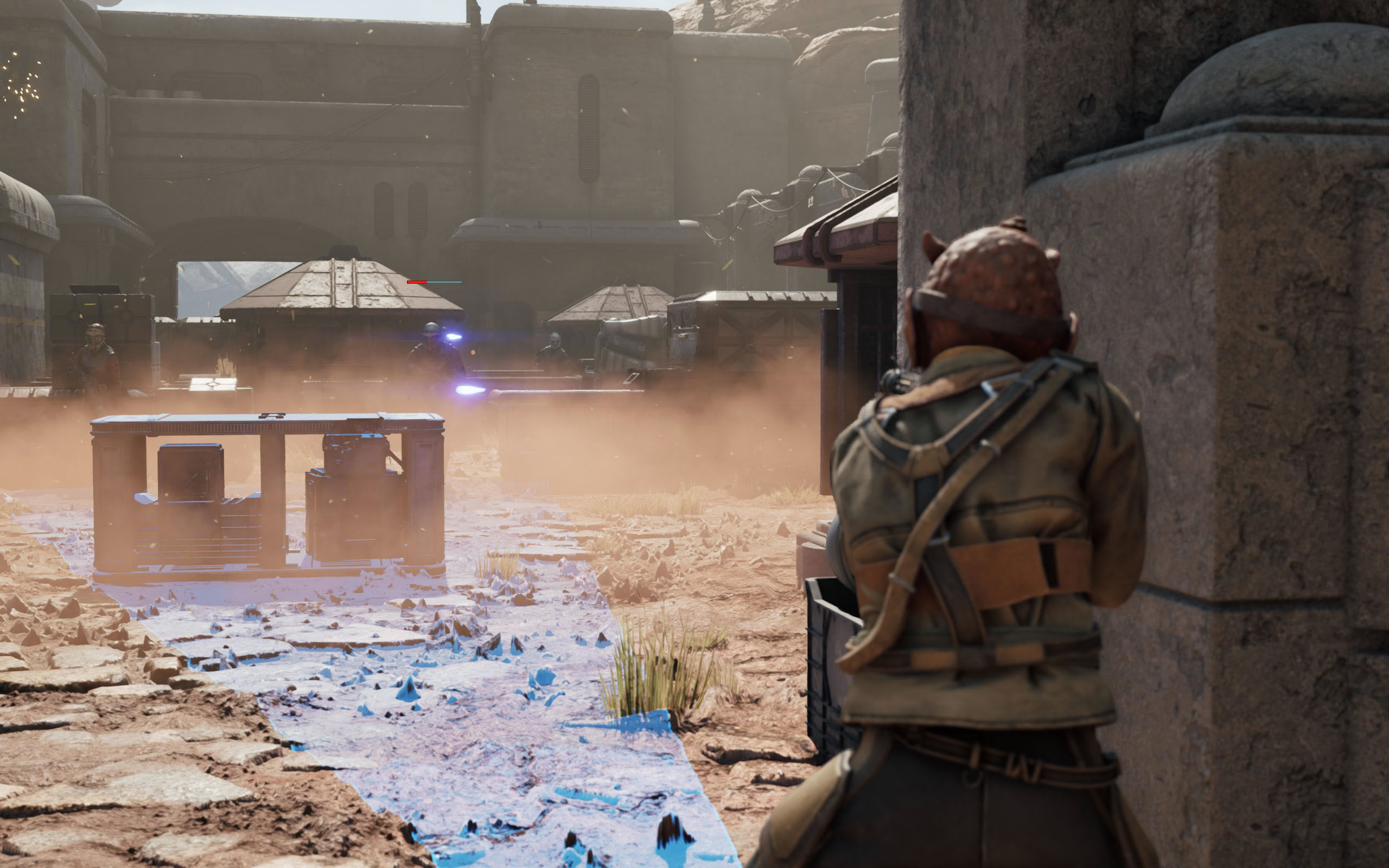
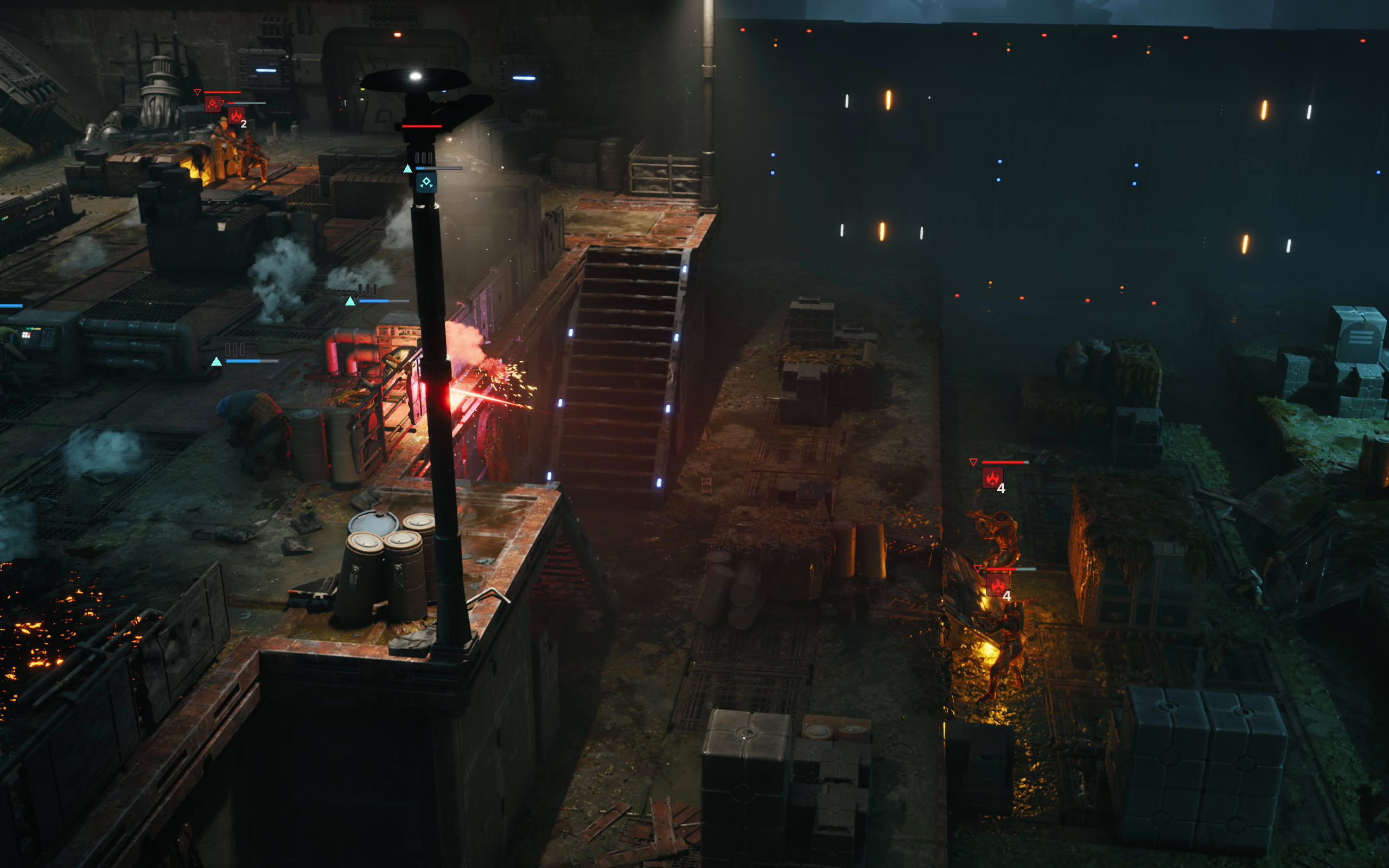
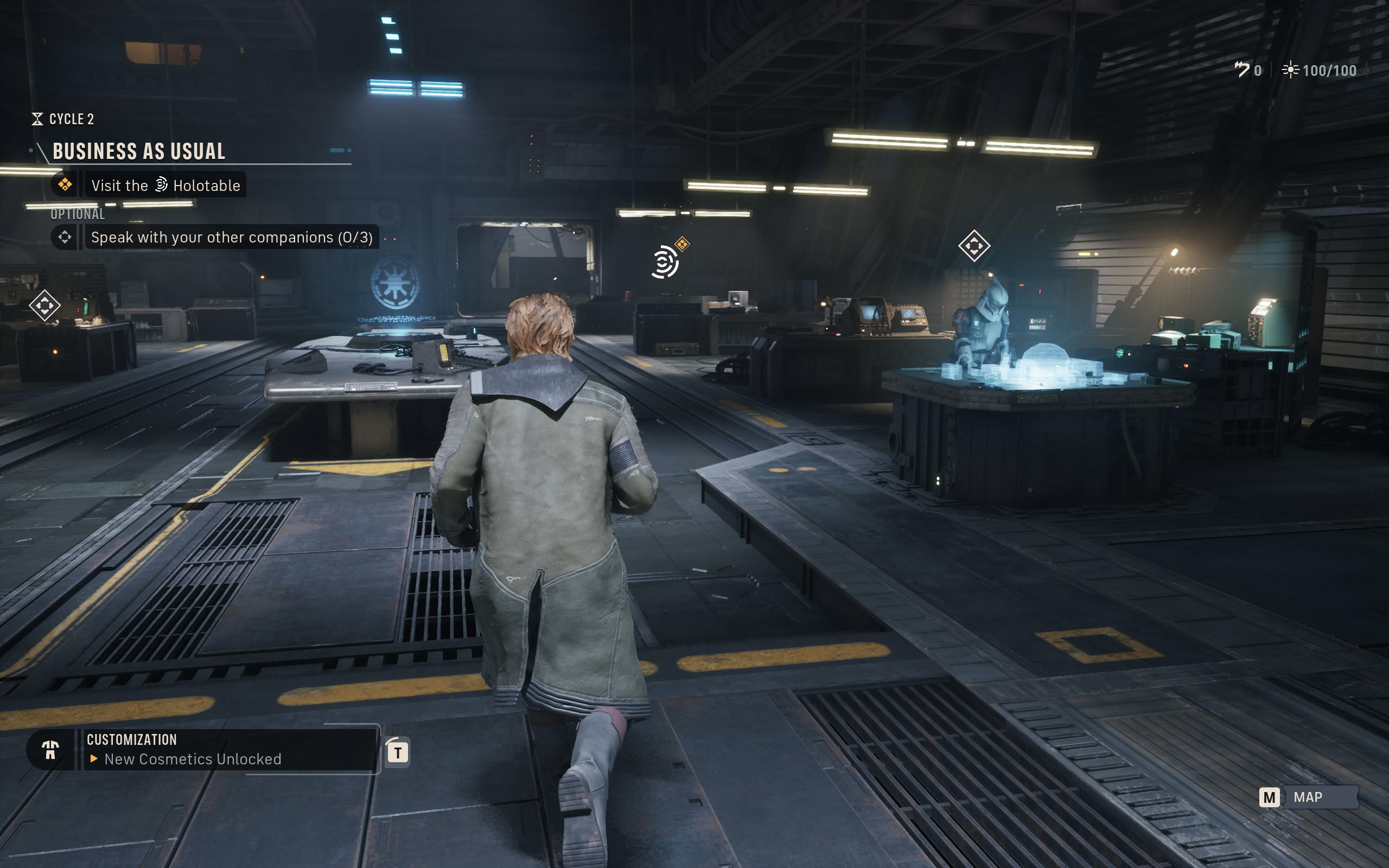
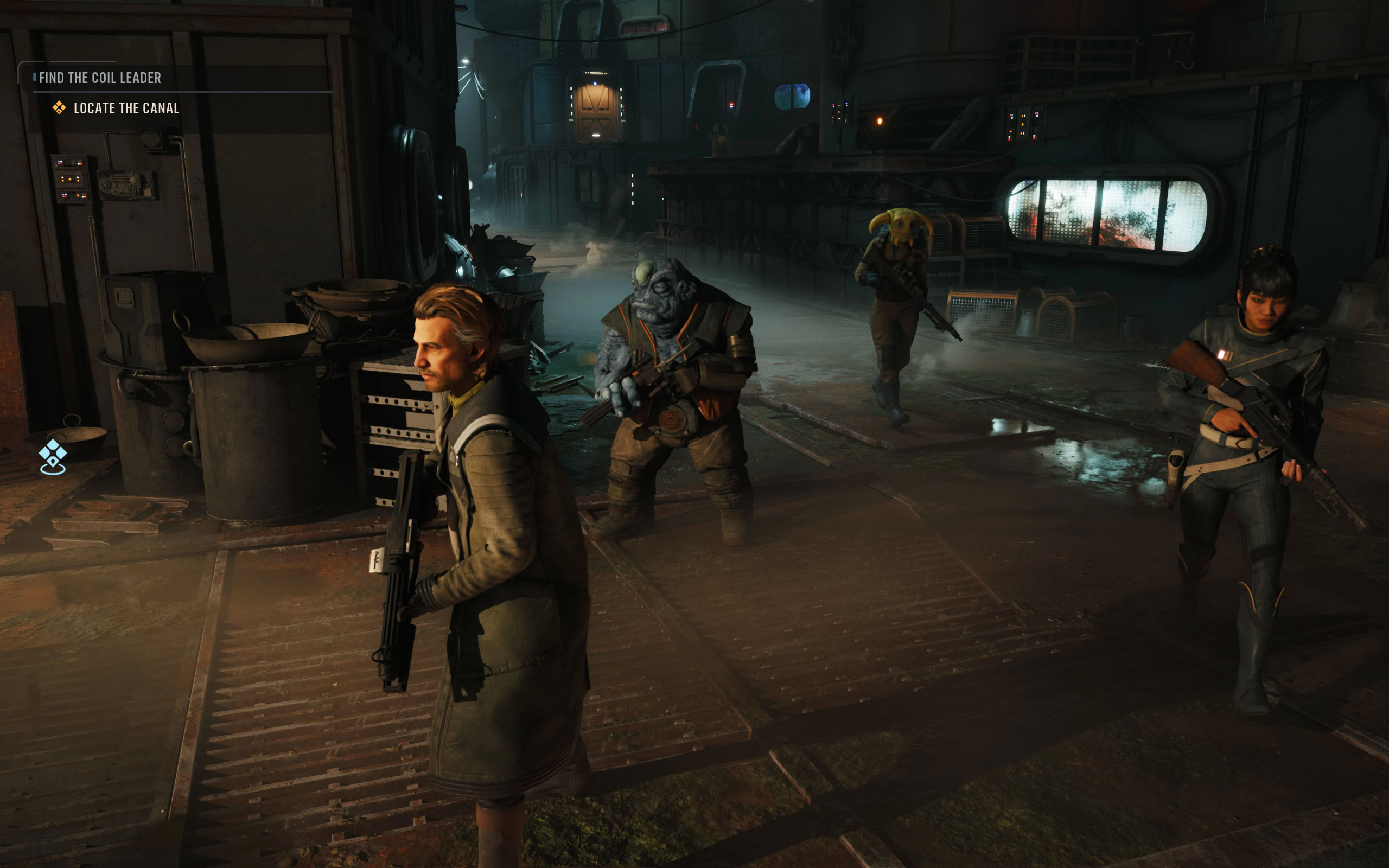
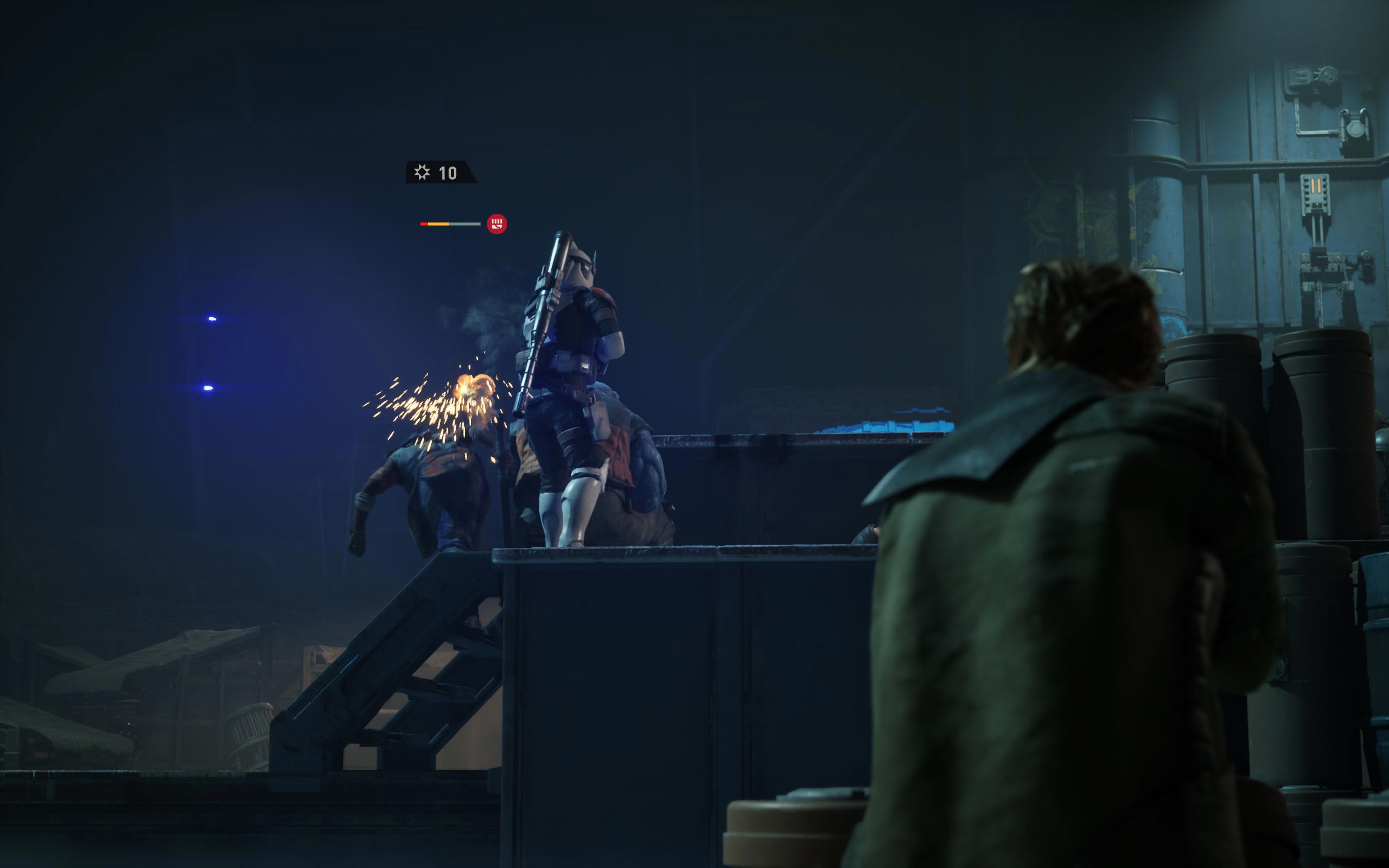
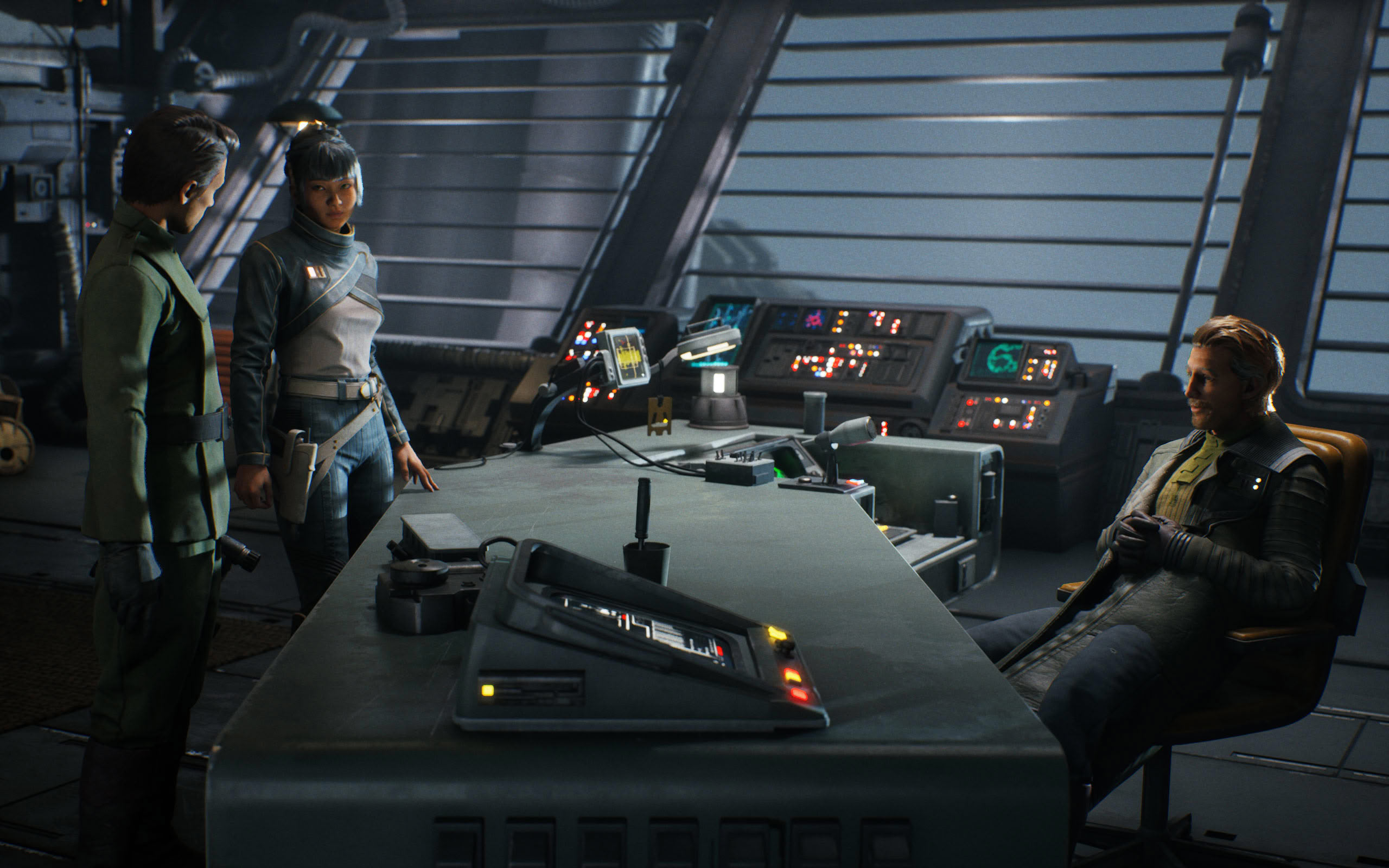
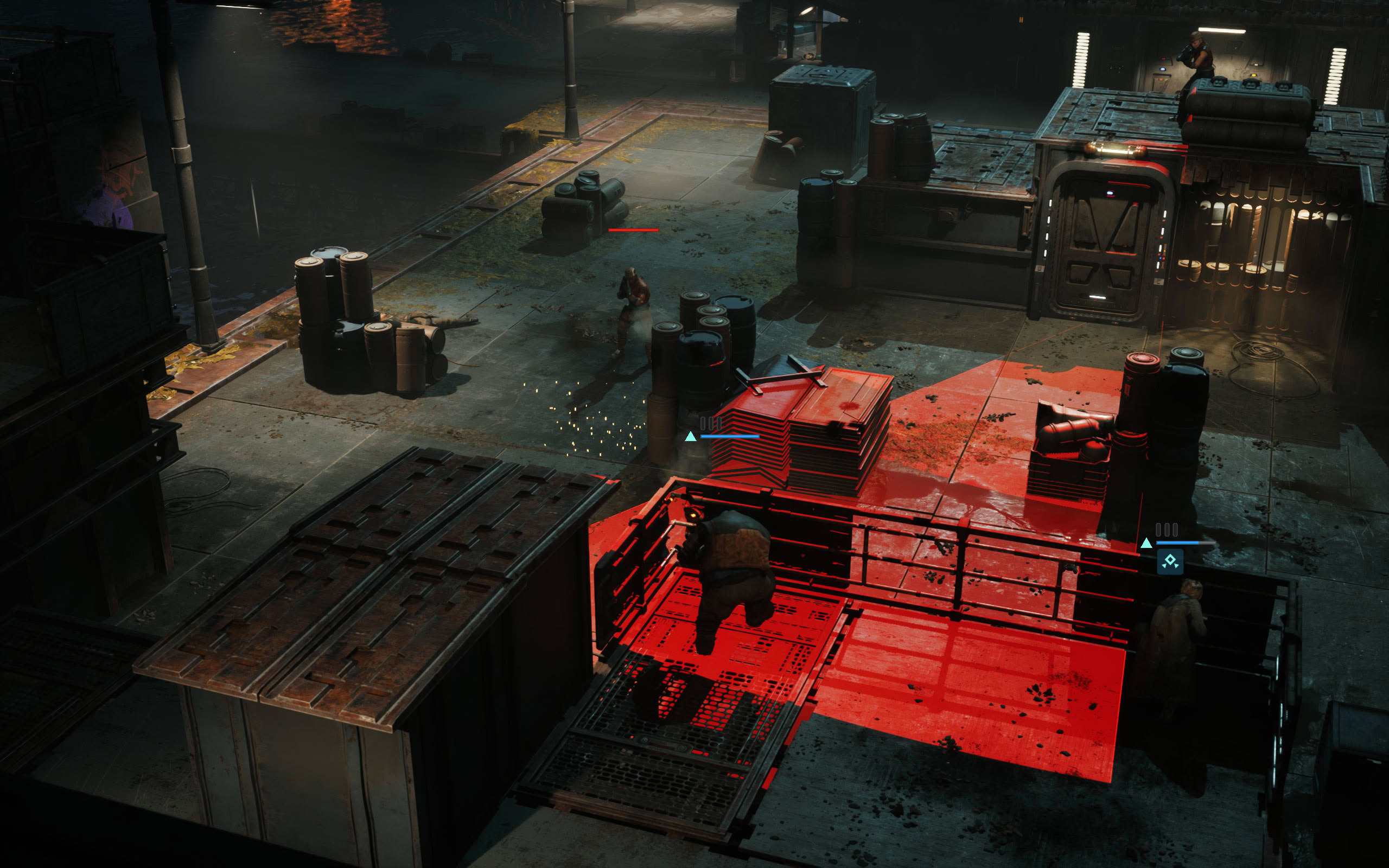
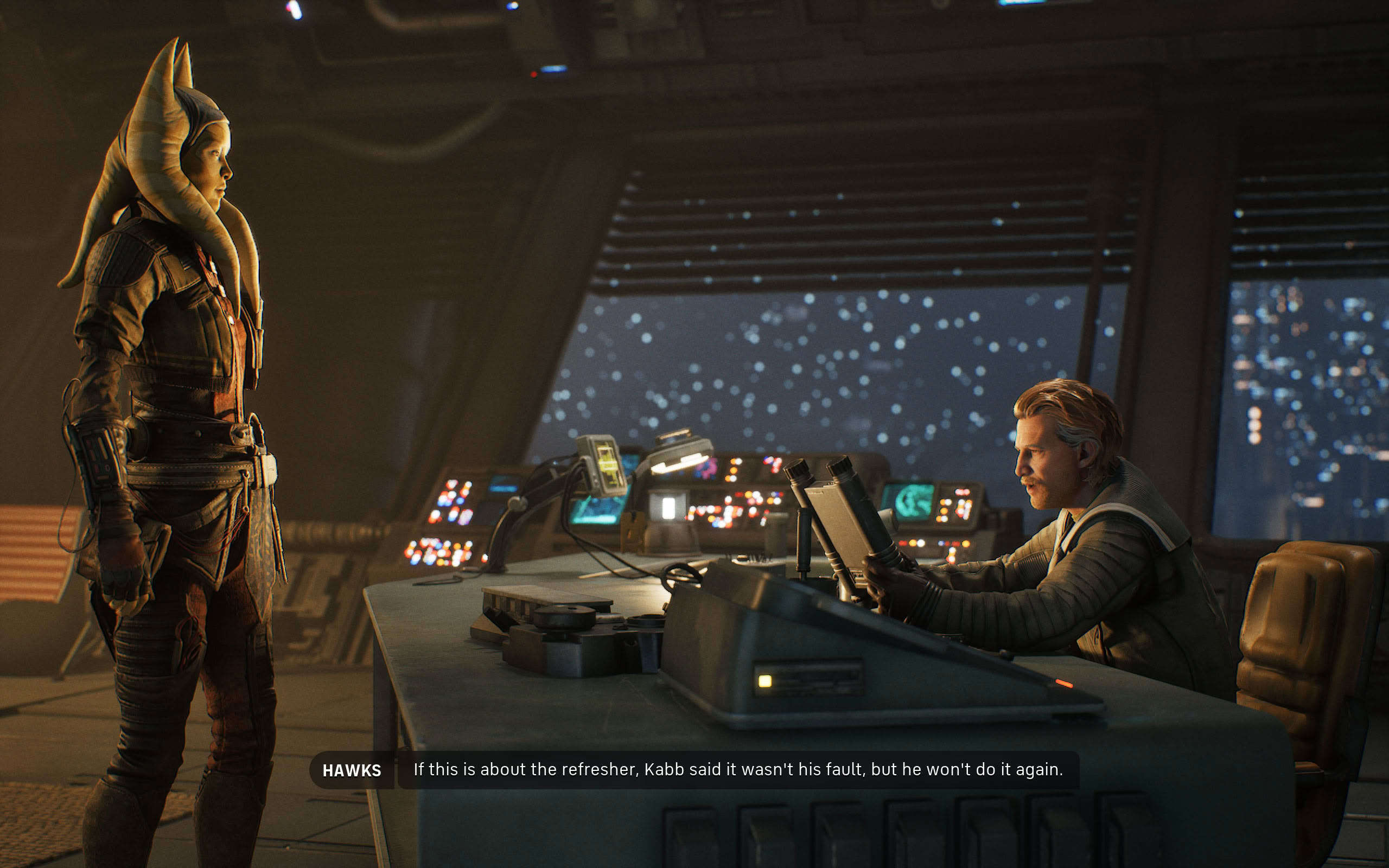
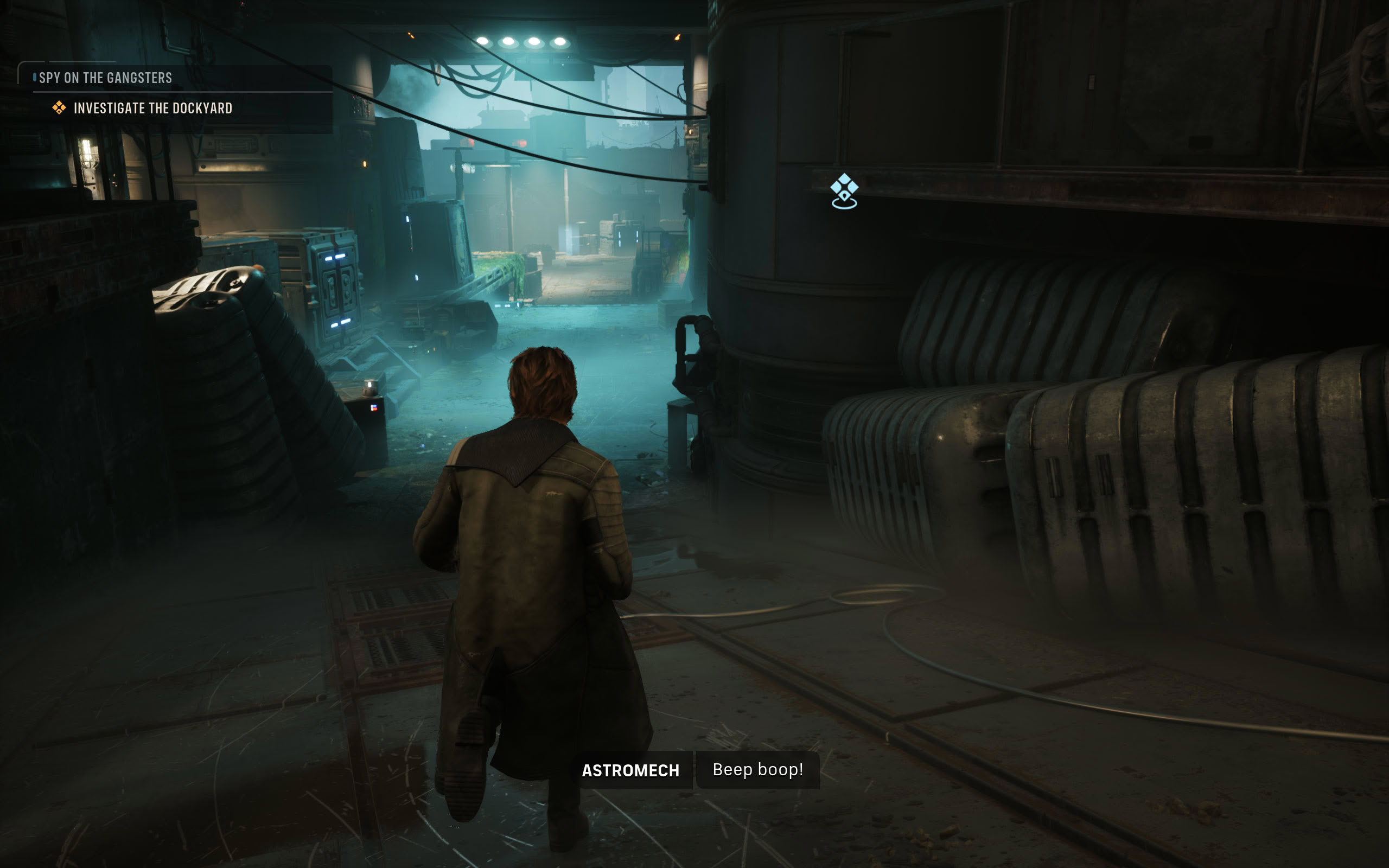
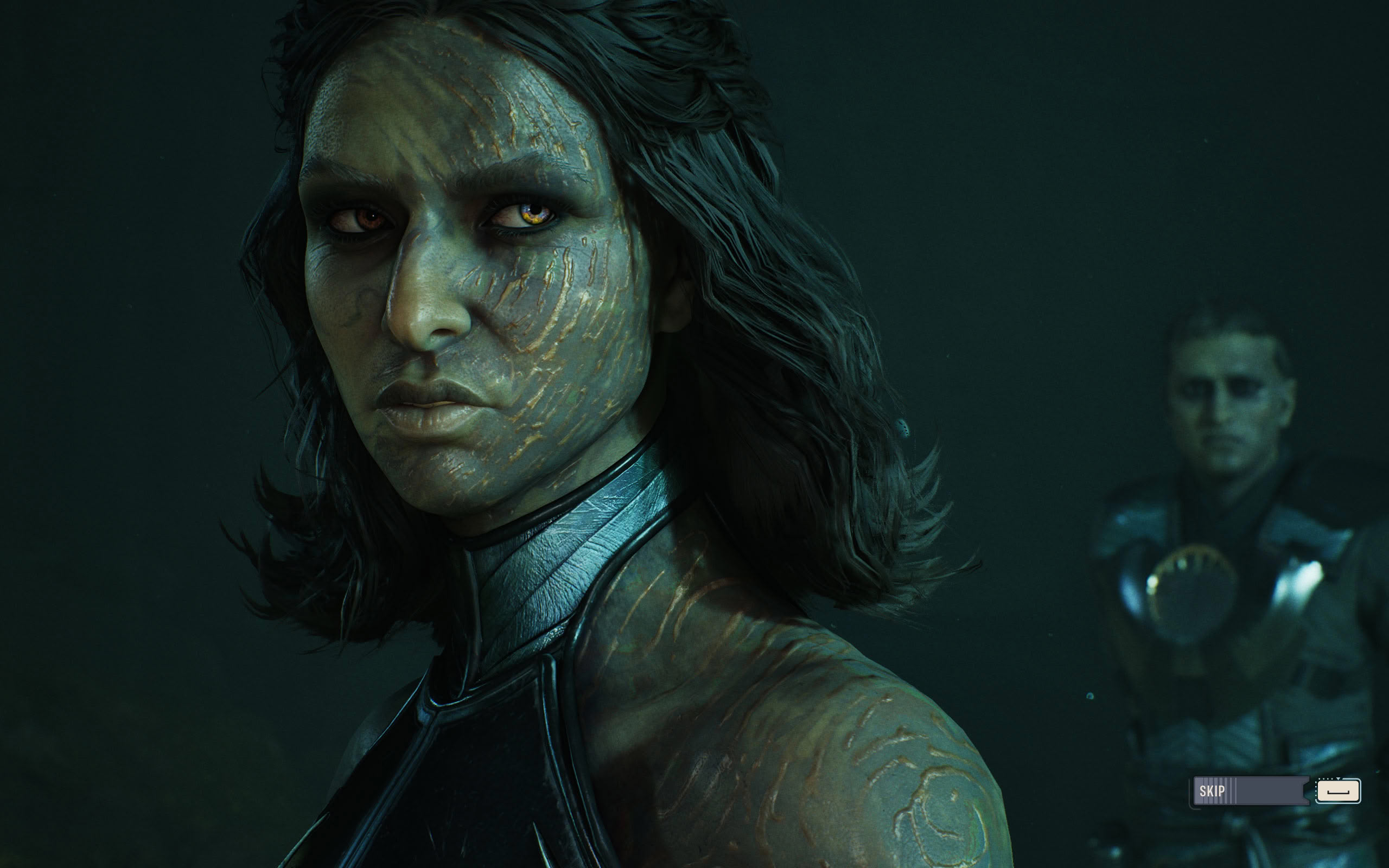
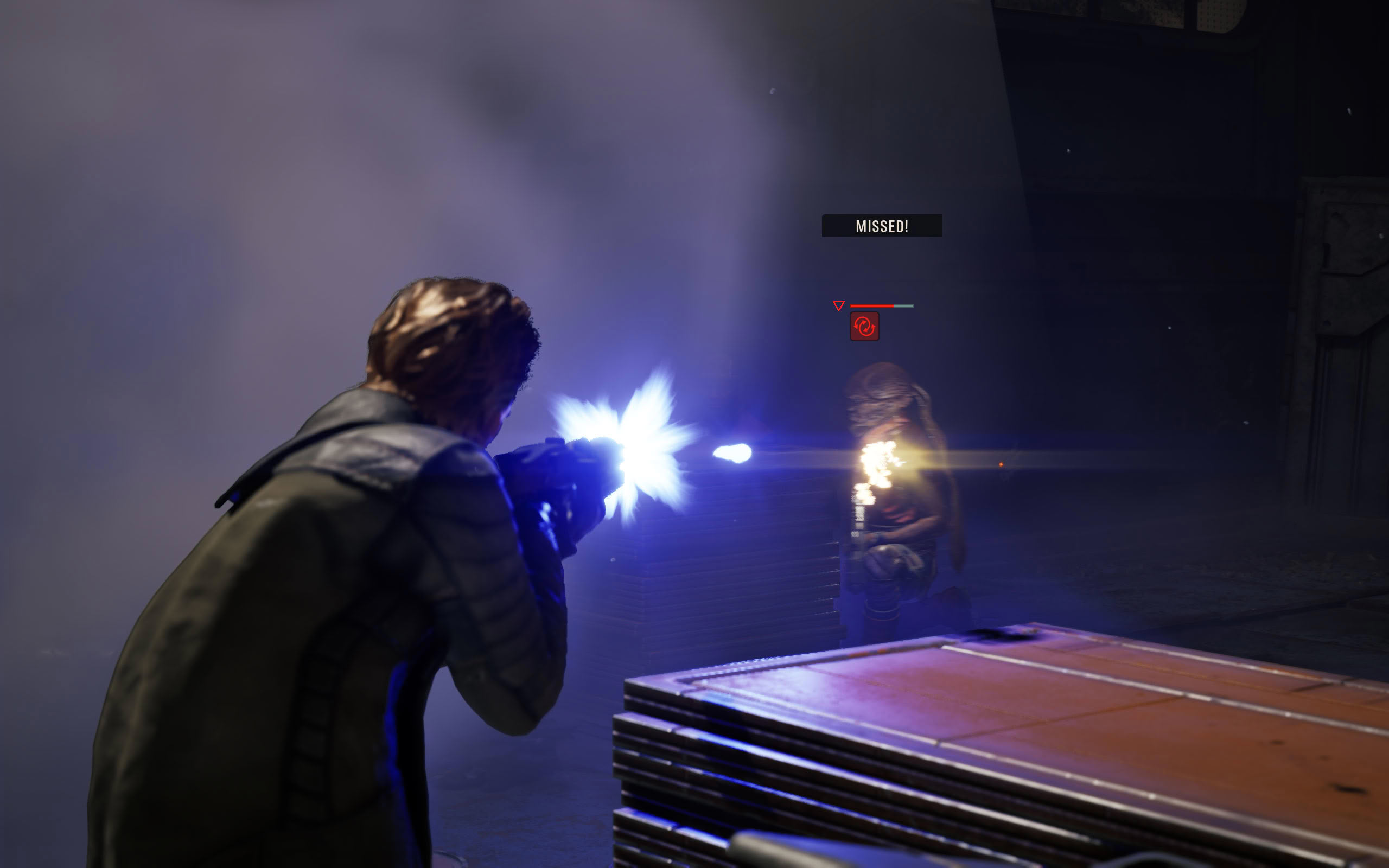
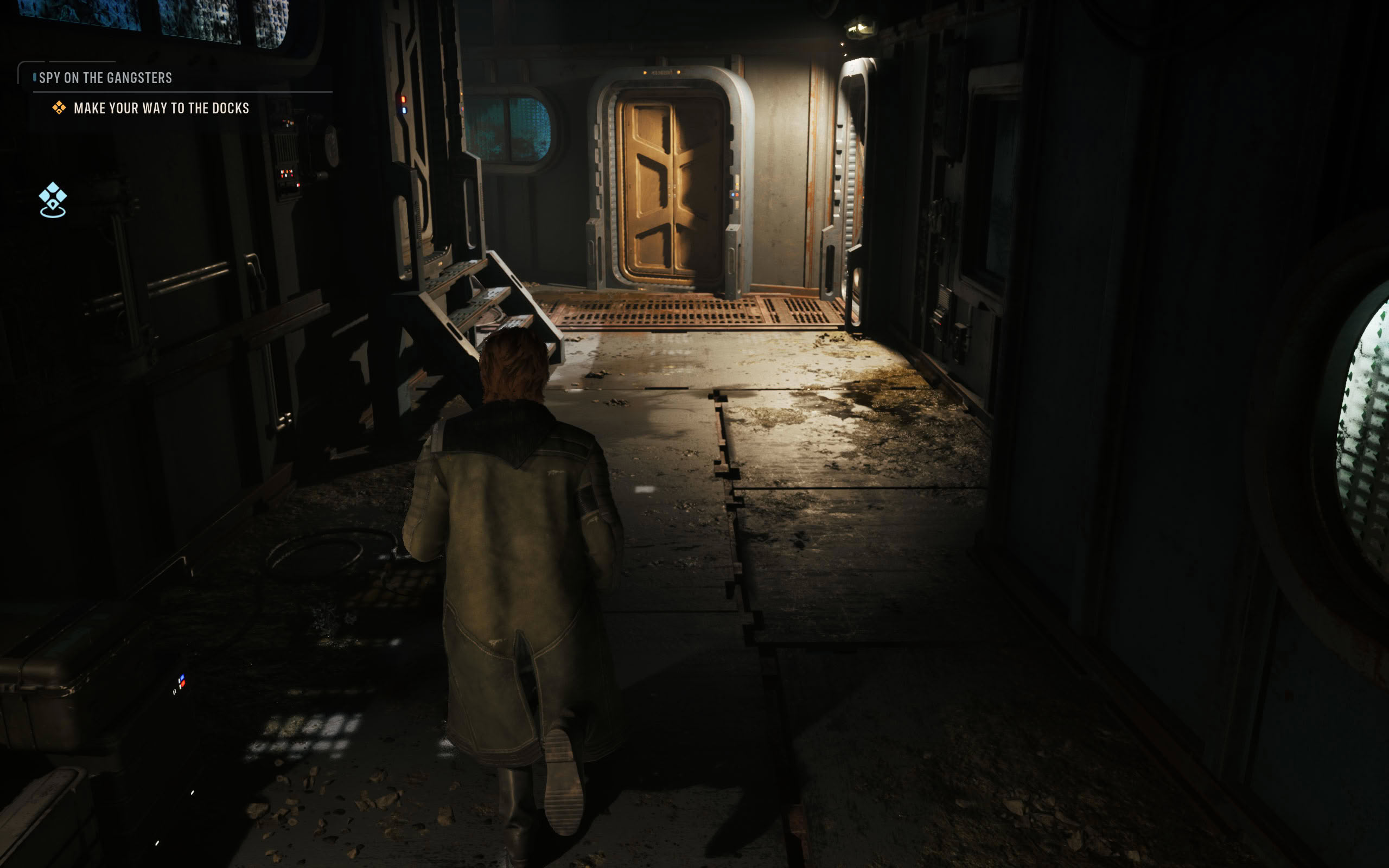
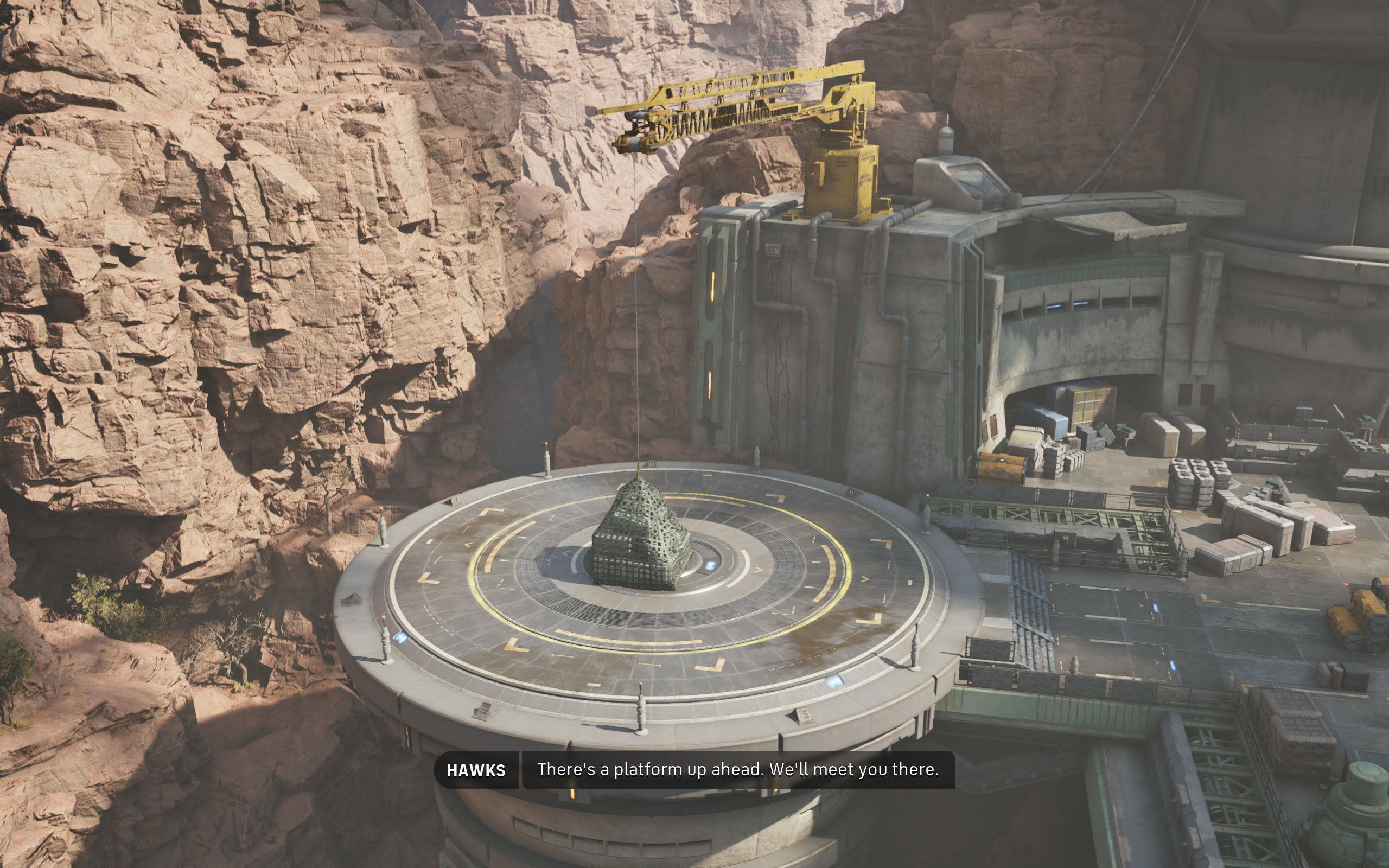
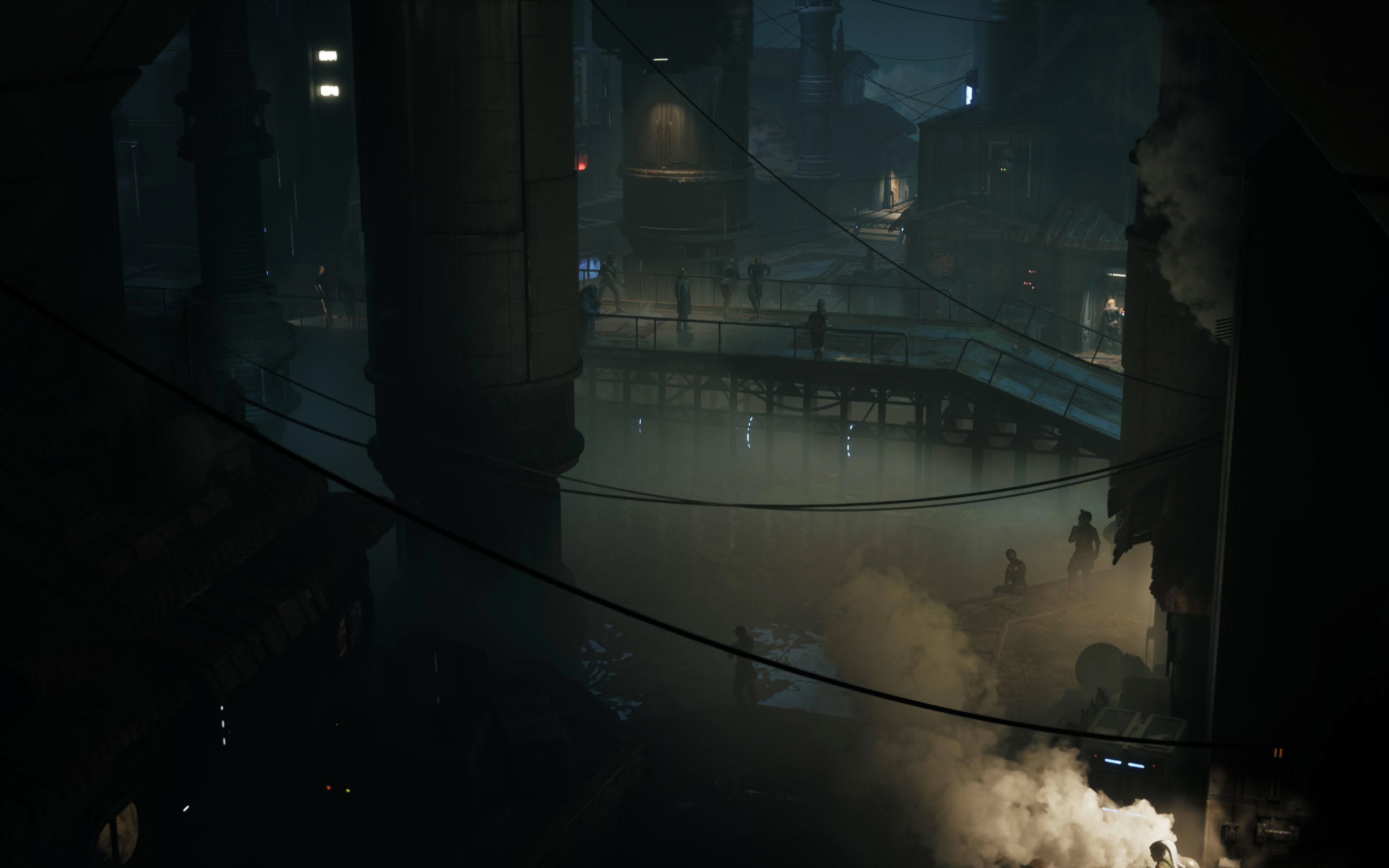
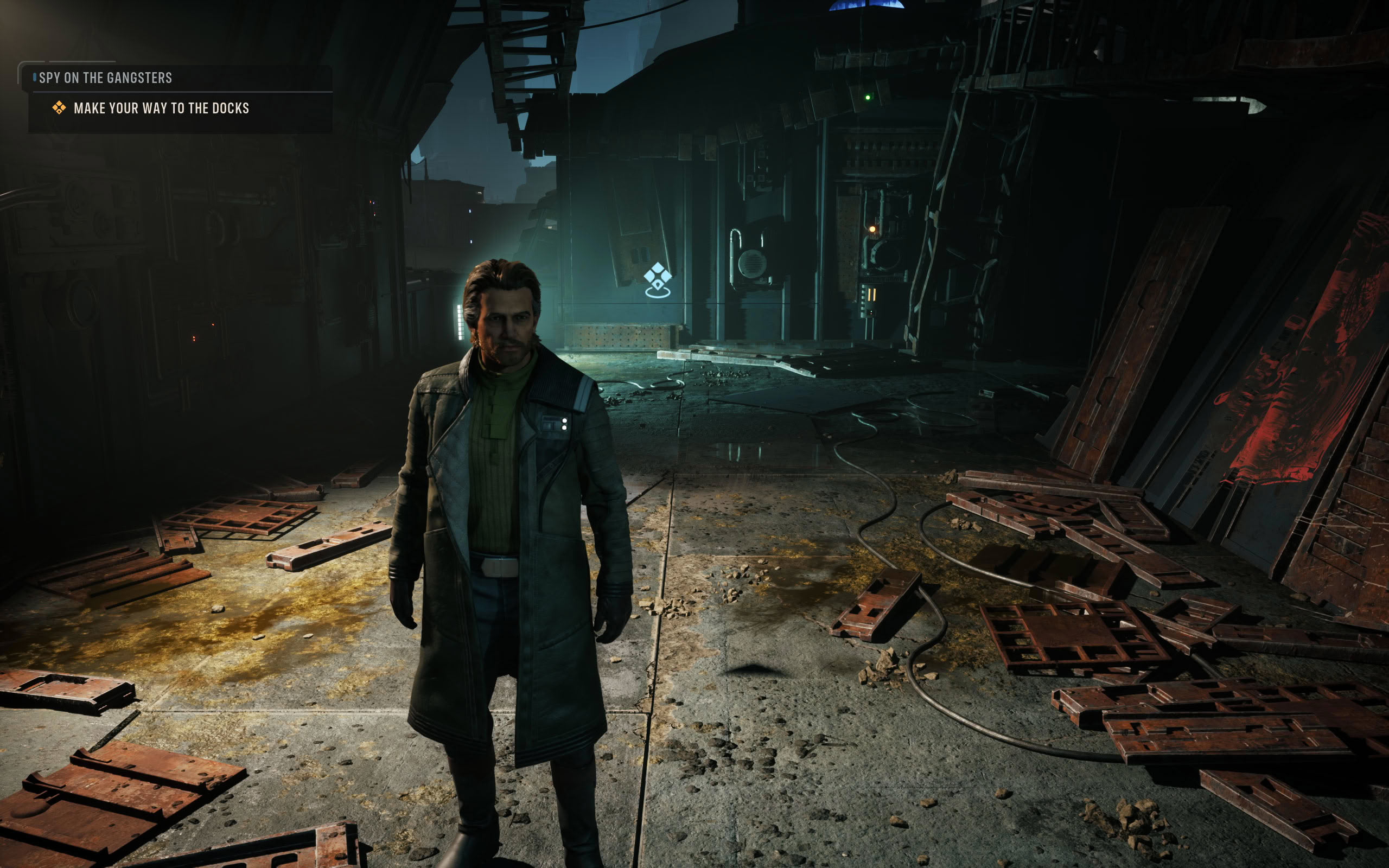
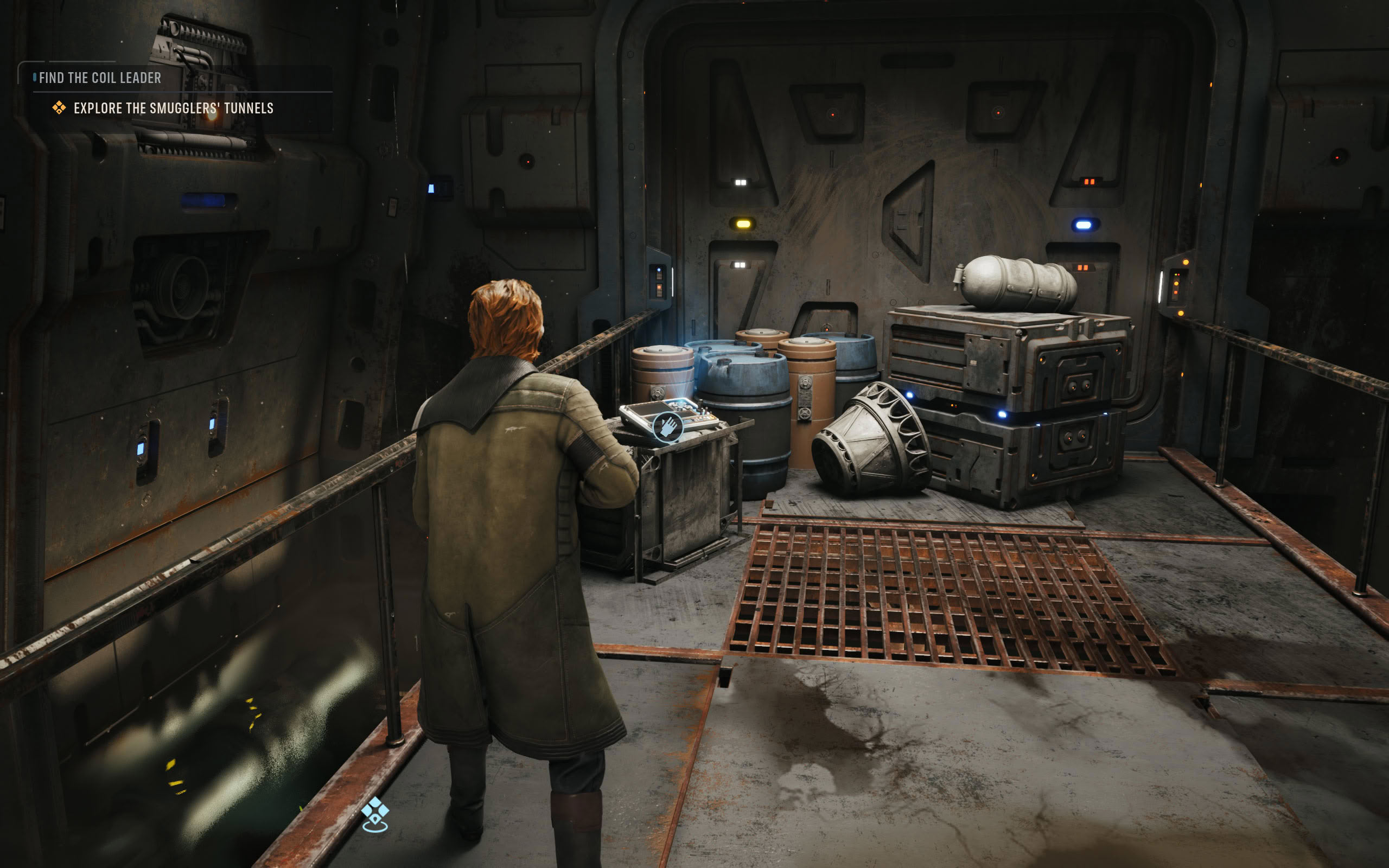
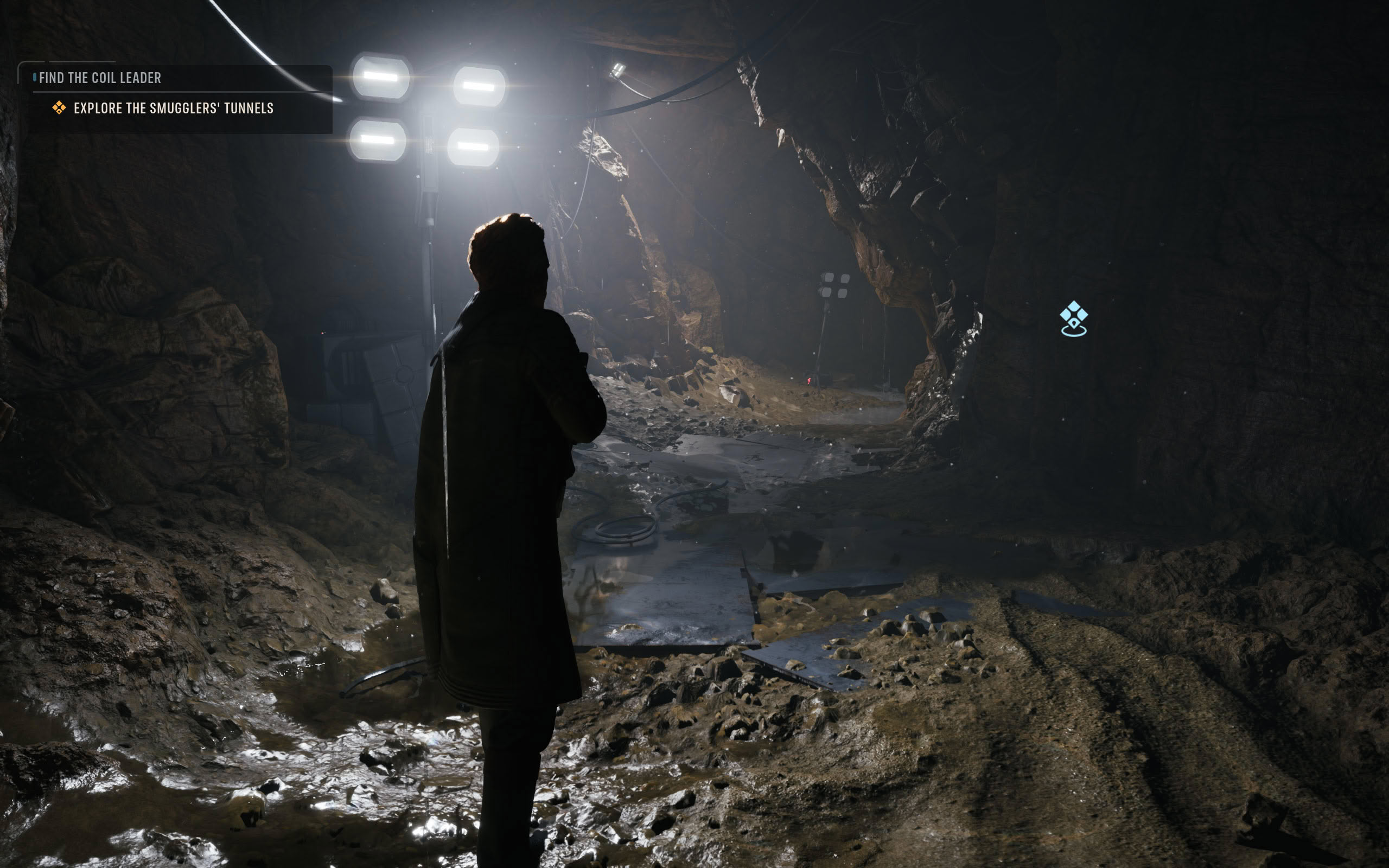
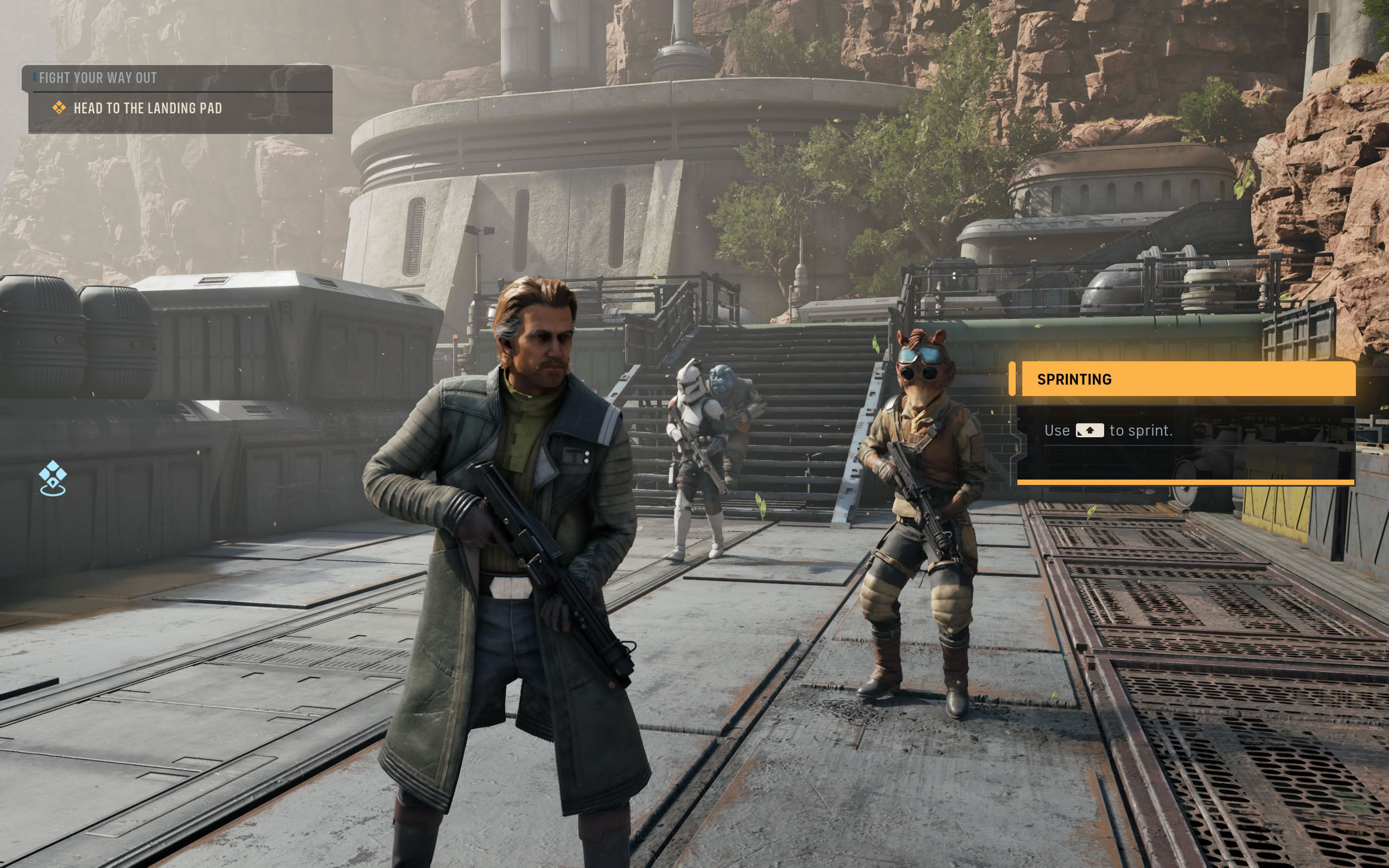
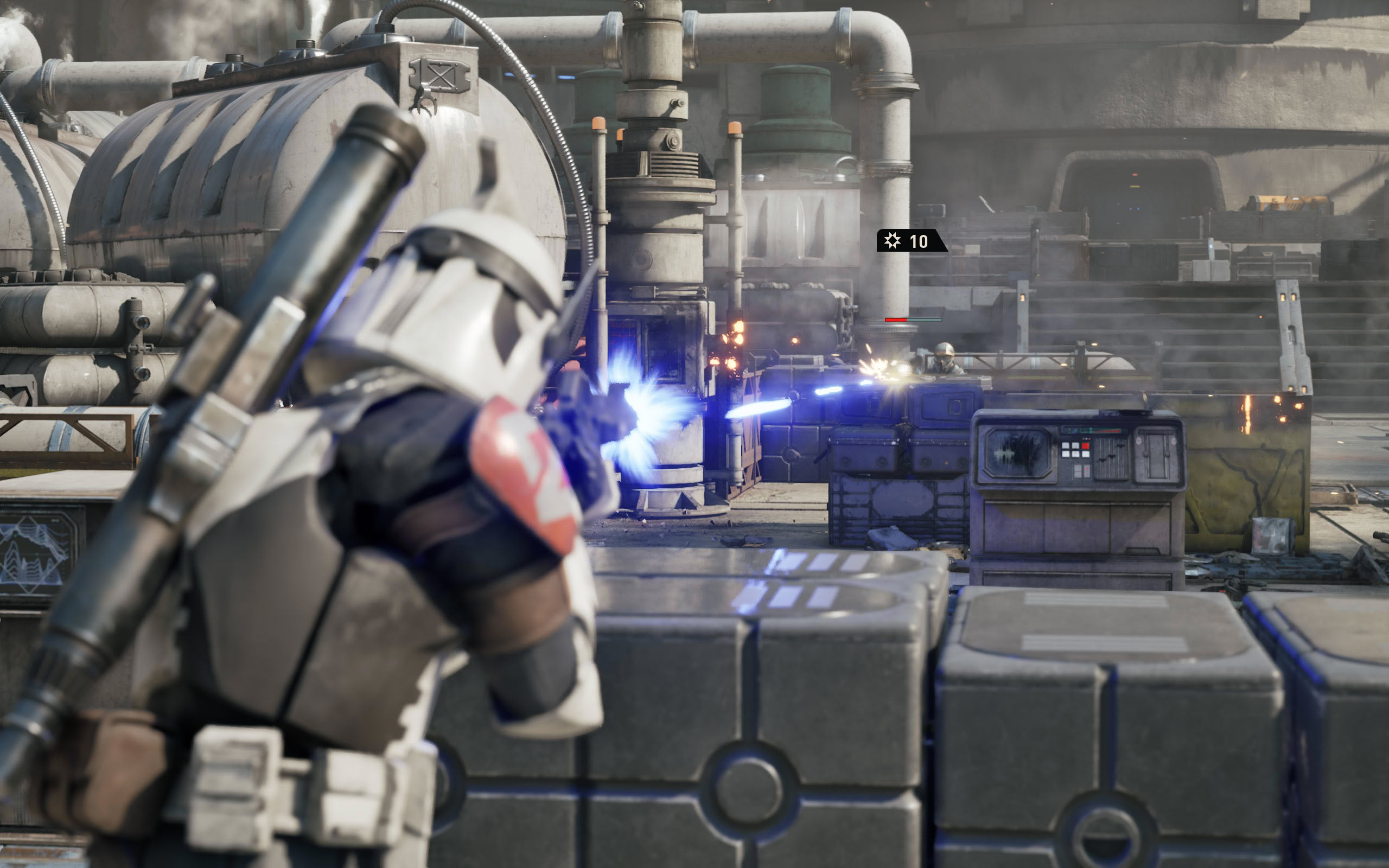
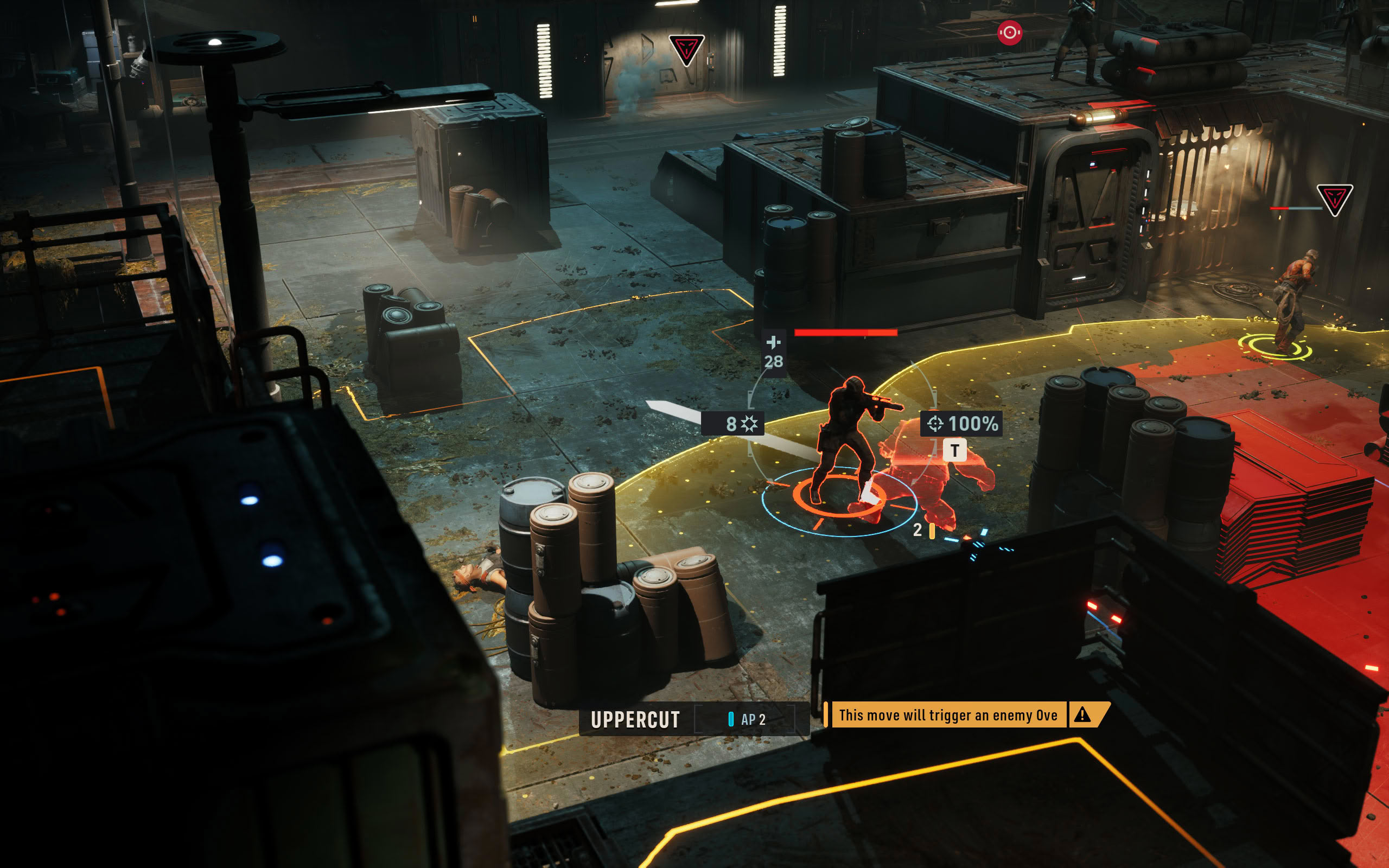
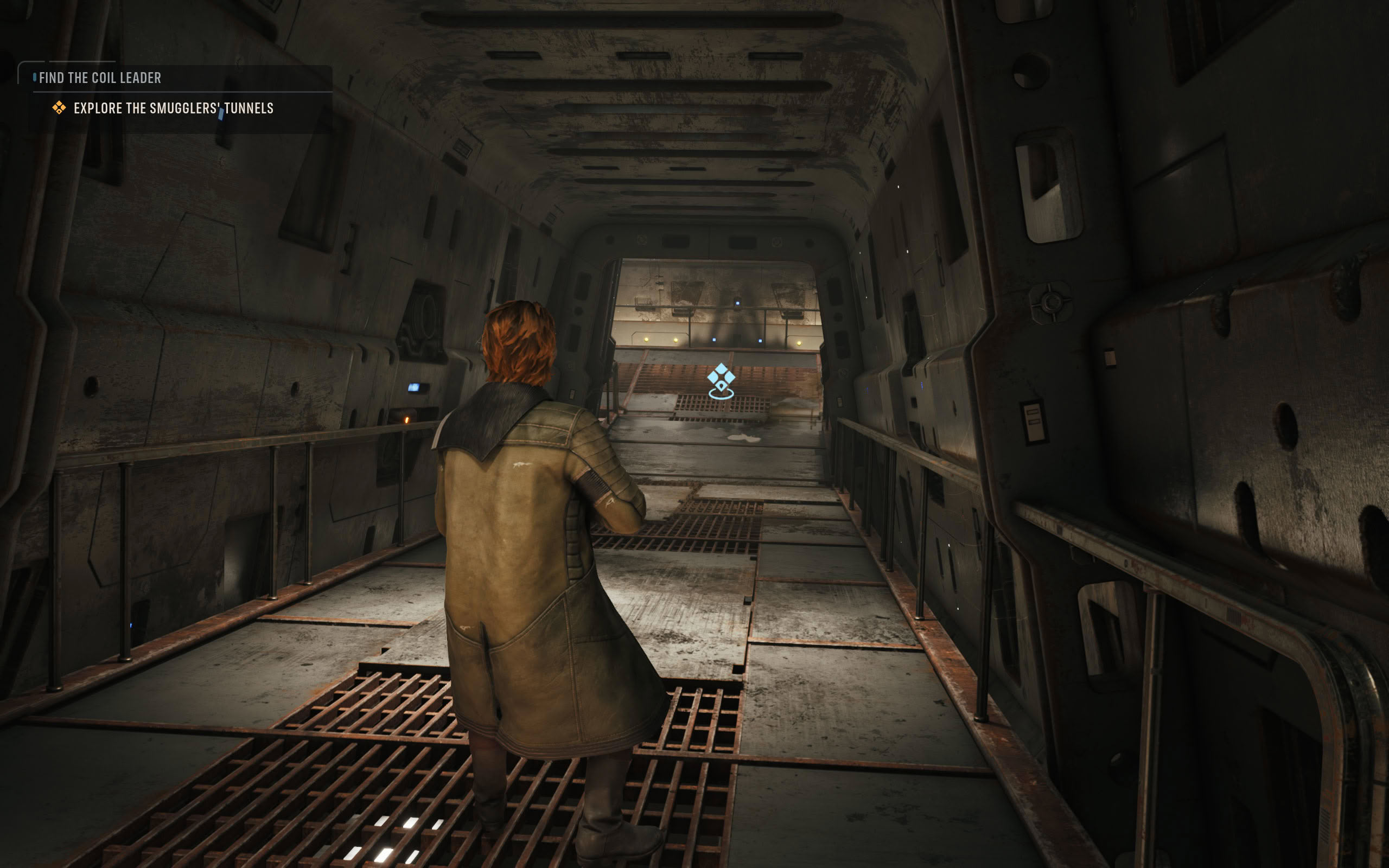
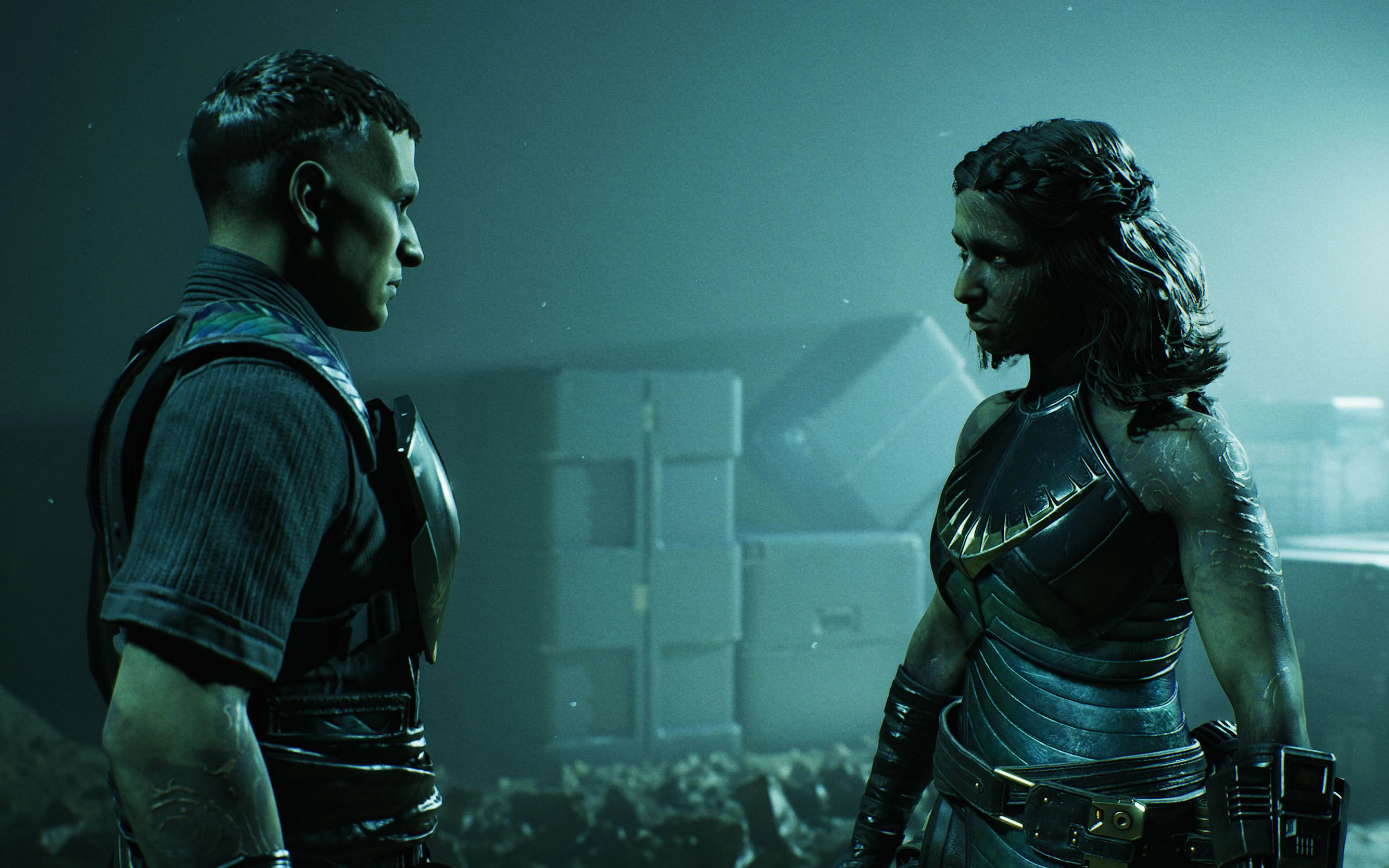
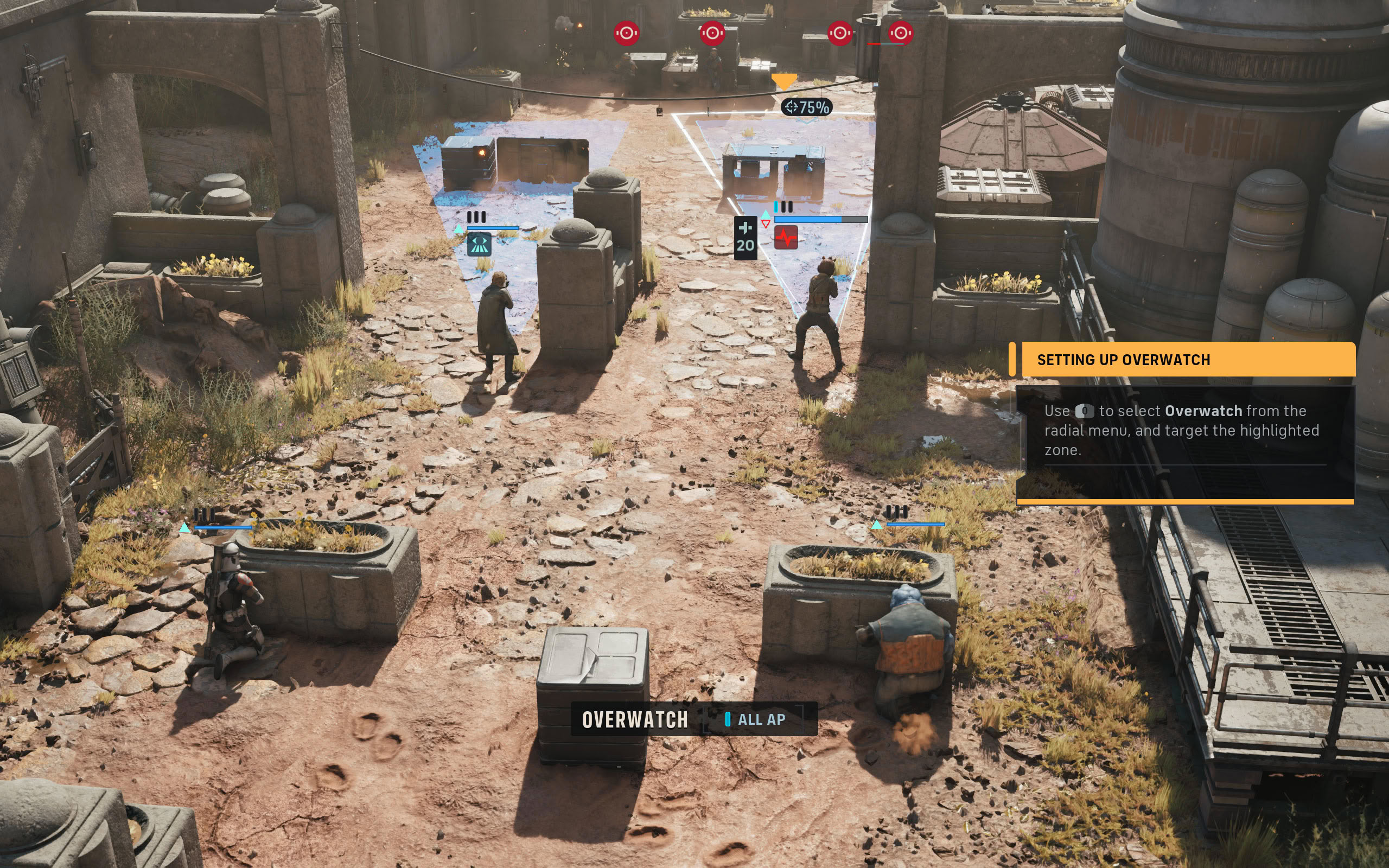
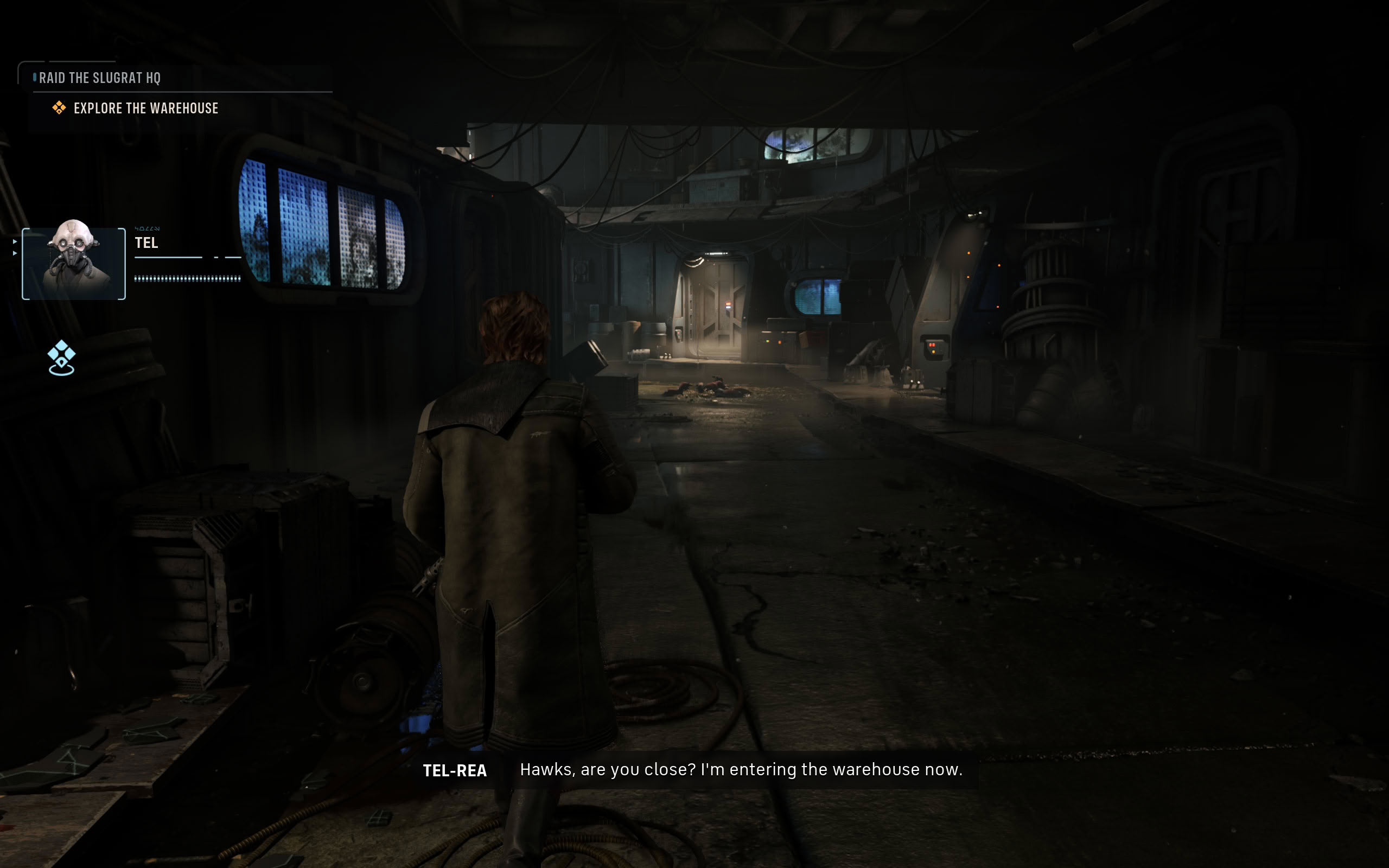
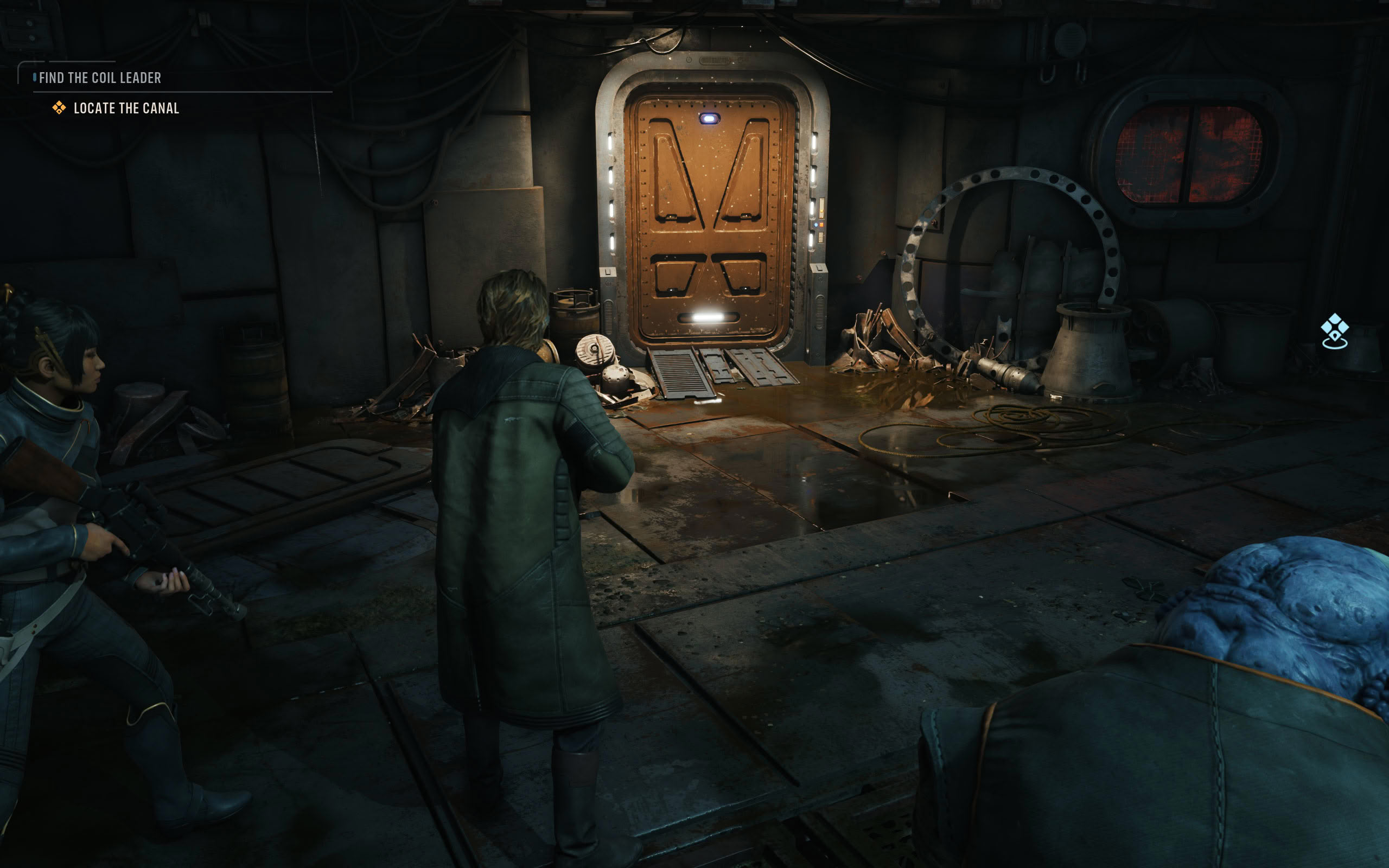
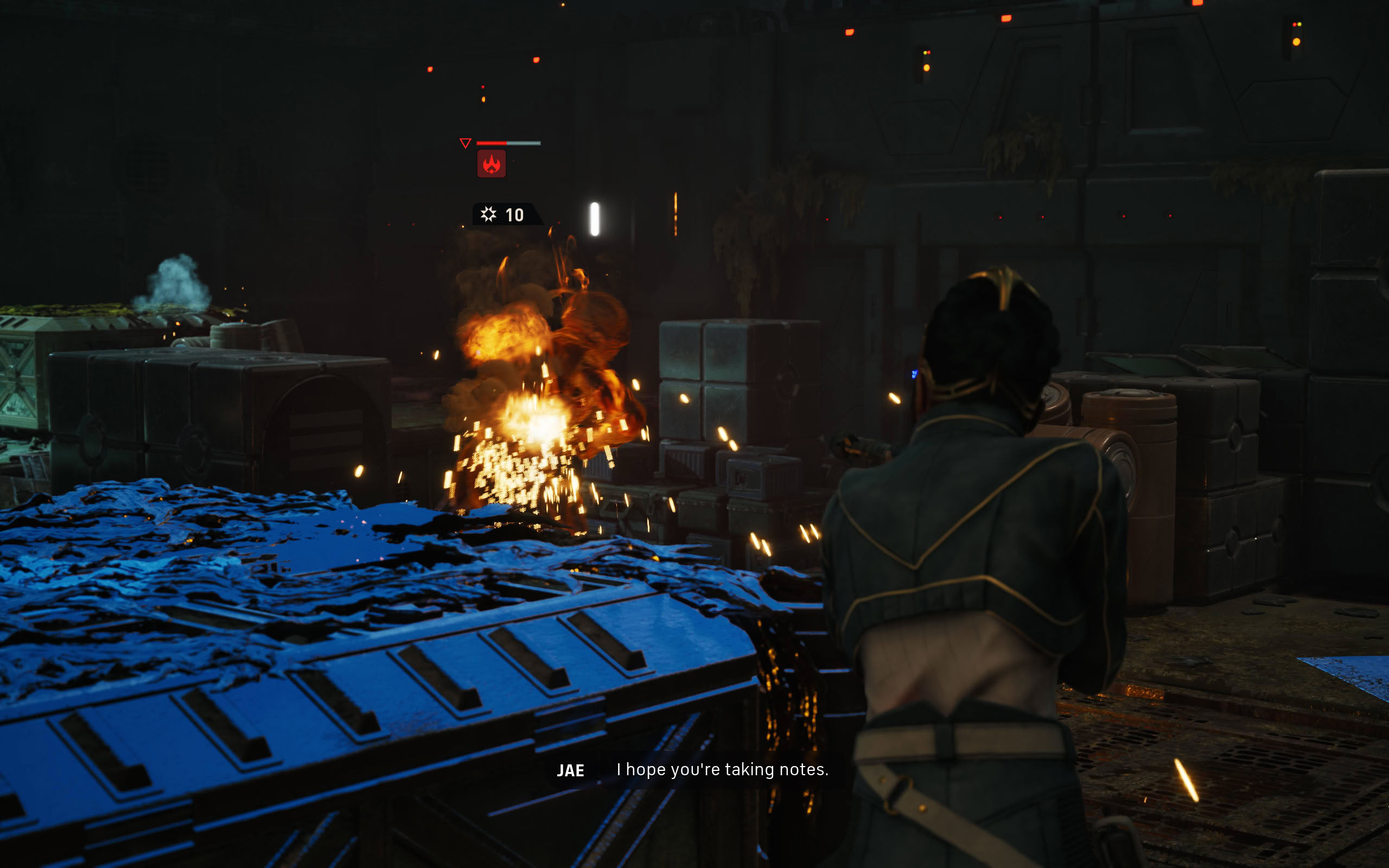
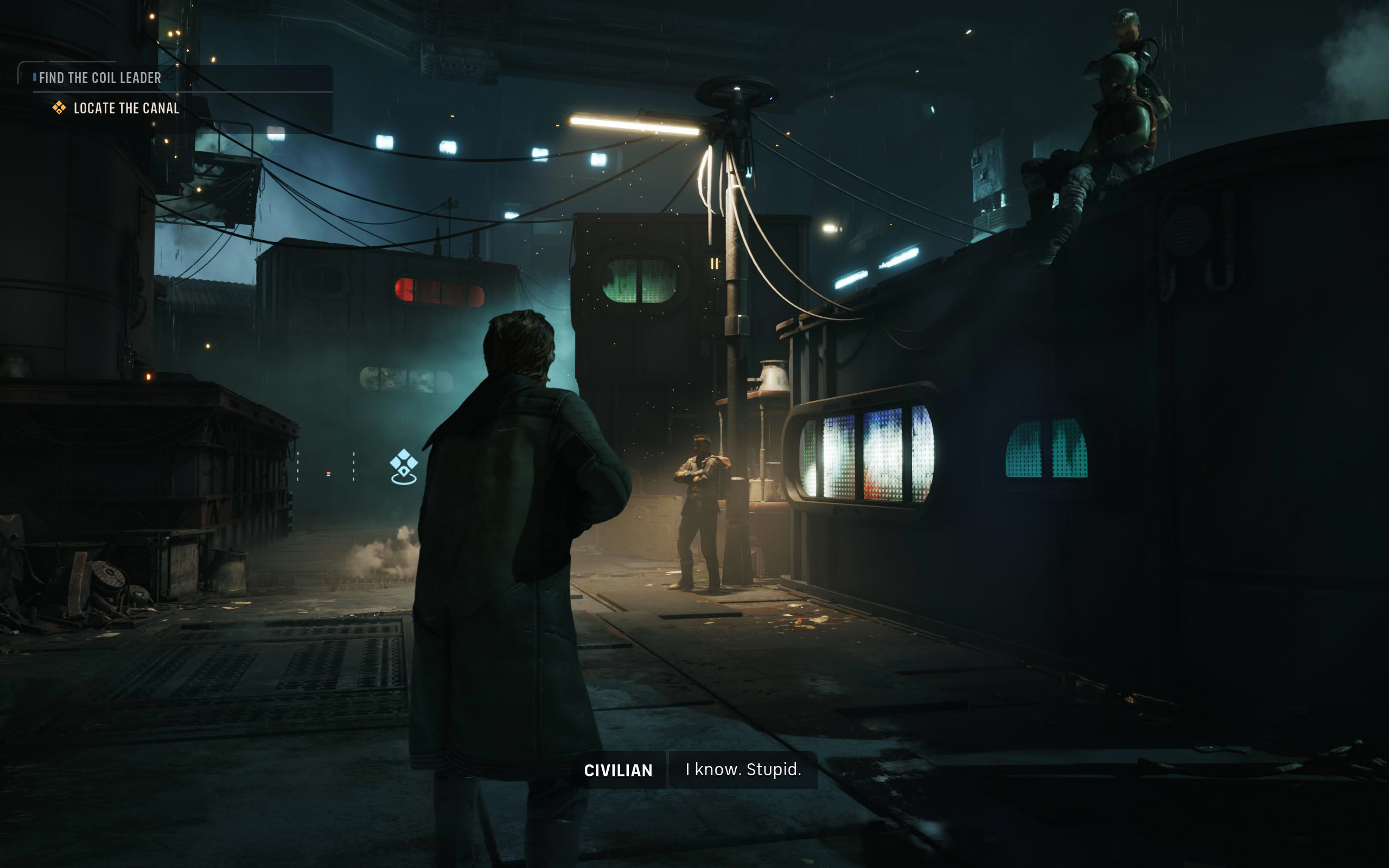
All screenshots were taken at the "Ultra" preset with upscaling disabled. The gallery can be navigated with the cursor keys.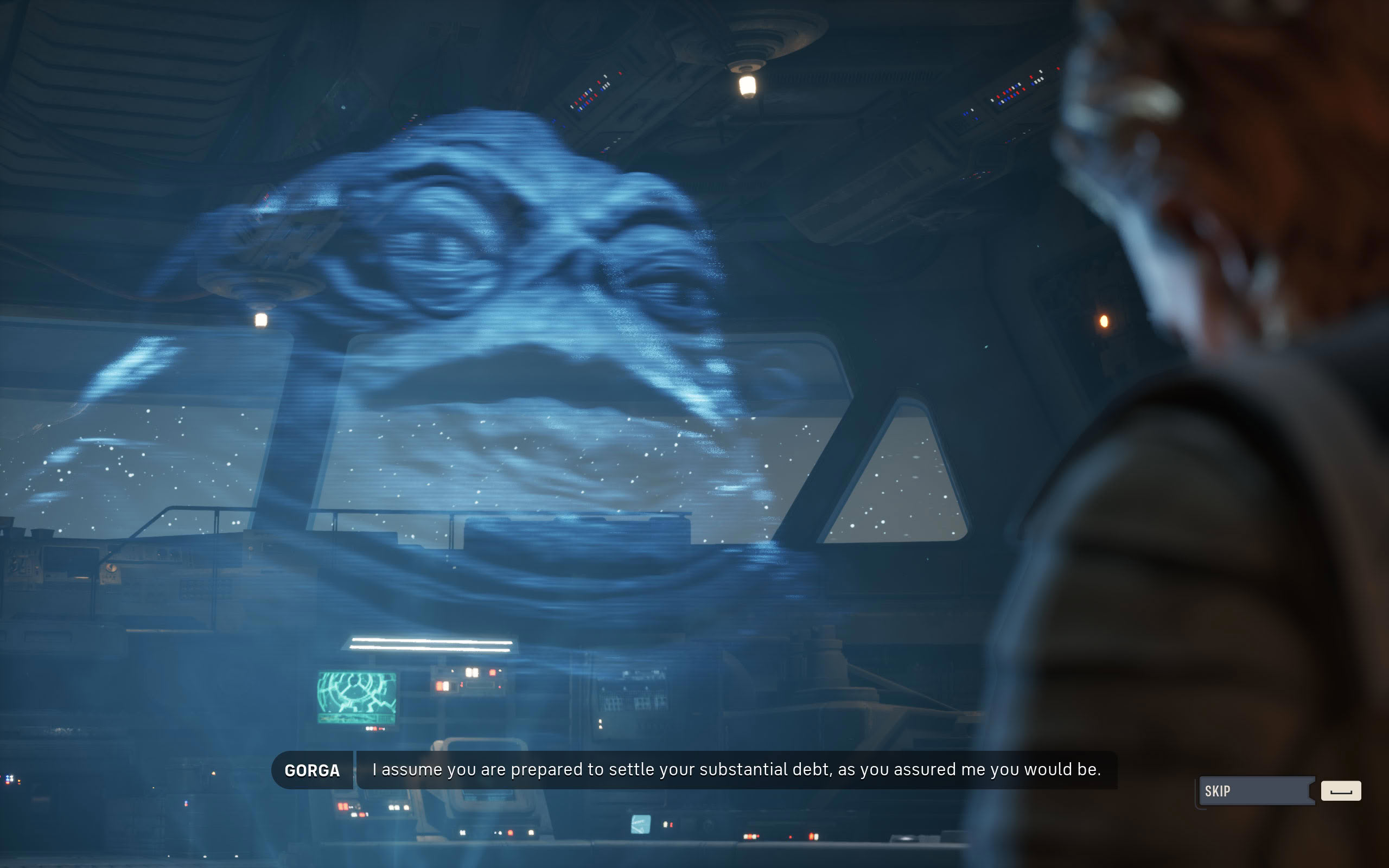


















Graphics Settings
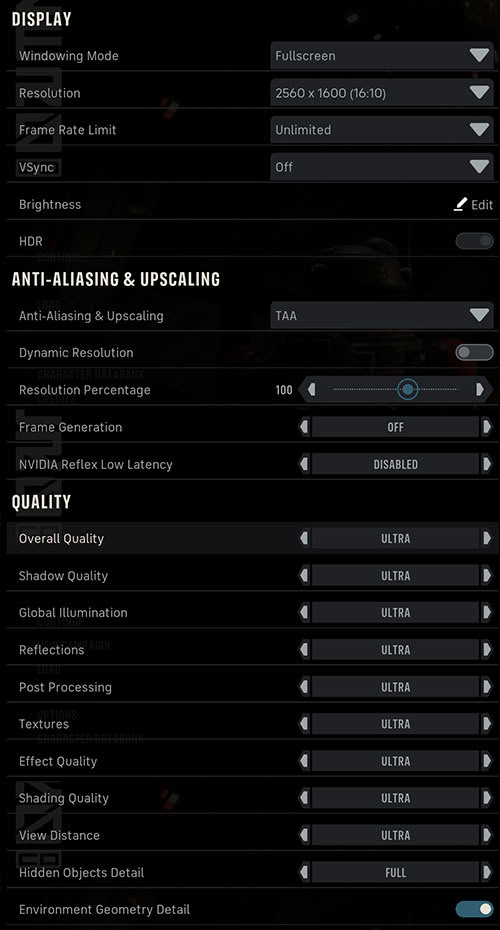
- You may run in dedicated fullscreen, borderless and windowed.
- V-Sync can be disabled completely, there is no hidden FPS lock. Cutscenes aren't capped either, they run at whatever frame rate your hardware can deliver. The game is quite susceptible to being CPU-limited, which might limit your FPS in its own way.
- The framerate limit can be set to a range of options between 30 and 240 FPS, or "unlimited."
- Anti-aliasing and Upscaling options are: FXAA, TAA, TSR, DLSS, FSR and XeSS—so everything is supported.
- Dynamic resolution can be switched on, with a Frame Rate Target for it to aim for, between 30 and 240 FPS.
- There's also a resolution percentage slider that lets you manually adjust the upscaling, it's also synced with the upscaler. So, if you pick DLSS Quality, this will go to 66%. At that point the slider can't be changed manually anymore, so you can't invent your own DLSS resolutions.
- Frame generation is supported for NVIDIA, AMD and Intel. On Intel we didn't see any FPS gain after enabling it, see the results on the Upscaling tests page.
- You may choose between four presets: "Low," "Medium," "High" and "Ultra." Ultra is really maxing out everything.
- Nanite virtualized geometry is used, and there's even a toggle for it, labeled "Environment Geometry Detail."
Our Patreon Silver Supporters can read articles in single-page format.
Nov 11th, 2026 23:35 CST
change timezone
New Forum Posts
- Steam Deck Owners Clubhouse (621)
- Request - revert LFC behaviour to old patch. (1)
- My dell g15 5510 is stuck at 210 mhz while pulling impossible wattage (27)
- Unallocated space in ssd , is it normal? (6)
- GPU database: Incorrect Pixel Rate on all GeForce GTX 780 Ti entries – 50+ cards affected (6)
- Your PC ATM (36403)
- Gacha Games - Discussions, Pulls, Updates, etc. (1150)
- TPU's Nostalgic Hardware Club (22145)
- Classic Blizzard games (WarCraft 1-2, Diablo 1-2, StarCraft 1) (3)
- When you could finally run Crysis maxed out? (45)
Popular Reviews
- AMD Zen 6 Technical Deep Dive
- Upcoming Hardware Launches 2027 (Updated Nov 2026)
- XPG NIMBUS PLUS Review - Mid-range Chair With Strong Competitors
- NZXT H7 RGB+ Review
- NZXT C1200 Platinum Review
- NZXT H5 Review
- Montech King 95 3D PRO Review
- Phantom Blade Zero Performance Benchmark Review - 35 GPUs Tested
- Gigabyte Z890I Aorus Ultra Review
- INNOCN 45C1R Review - Two QHD Screens, Zero Bezels
TPU on YouTube
Controversial News Posts
- OpenAI CEO Argues Home PCs Waste the World's Limited DRAM Supply (152)
- NVIDIA Launches Investigation Into Jensen Huang's Relationship With Suspected Chinese Spy (136)
- Intel "Raptor Lake Next" 16-Core and 20-Core CPUs Surface (130)
- Legendary Game Studio BioWare Shuts Down Following EA Layoffs (104)
- Dell CEO Says the Memory Shortage Will Get Worse in 2027 (95)
- NVIDIA GeForce RTX 50-Series Scheduled for up to $500 Price Hike This Week (89)
- AMD Radeon Owners Can Now Run Nearly Every DLSS Feature Through Fan-Made Mod (80)
- Modder Fits RTX 5090 With Four 8-Pin Connectors, Halving Current per Wire (80)