 36
Styx Blades of Greed Performance Benchmark Review - 30+ GPUs Tested
(36 Comments) »Introduction
Styx: Blades of Greed is a single-player, third-person stealth-action game from Cyanide Studio set on the Iserian Continent—a dark-fantasy world on the brink of war between elves, humans, and orcs. Our beloved foul-mouthed goblin hero is back, but in this third game you get a semi-open world design instead of the linear corridors of earlier games. Cyanide clearly wanted to give players more freedom this time: metroidvania-style traversal upgrades gradually open new routes, and a clever Greed System tempts you to grab more loot than you should—at the cost of becoming louder and slower. New Quartz-fueled powers like mind control and time manipulation join returning abilities like invisibility and cloning, giving you plenty of creative ways to tackle each stealth puzzle.
Blades of Greed arrives a full nine years after Shards of Darkness, and the jump to Unreal Engine 5 is noticeable. Lumen and Nanite handle global illumination and geometry streaming respectively, doing away with the frequent loading screens that broke up the flow in earlier entries. On the upscaling front, there is support for NVIDIA DLSS 4 with Multi Frame Generation and Reflex, along with AMD FSR. There is no hardware ray tracing support, however—the game relies entirely on Lumen's software-based lighting solution.
This review will evaluate the performance of Styx: Blades of Greed across a wide range of contemporary graphics cards, compare image quality settings, and analyze the game's VRAM usage to provide insight into the hardware requirements needed for an optimal experience.
Screenshots
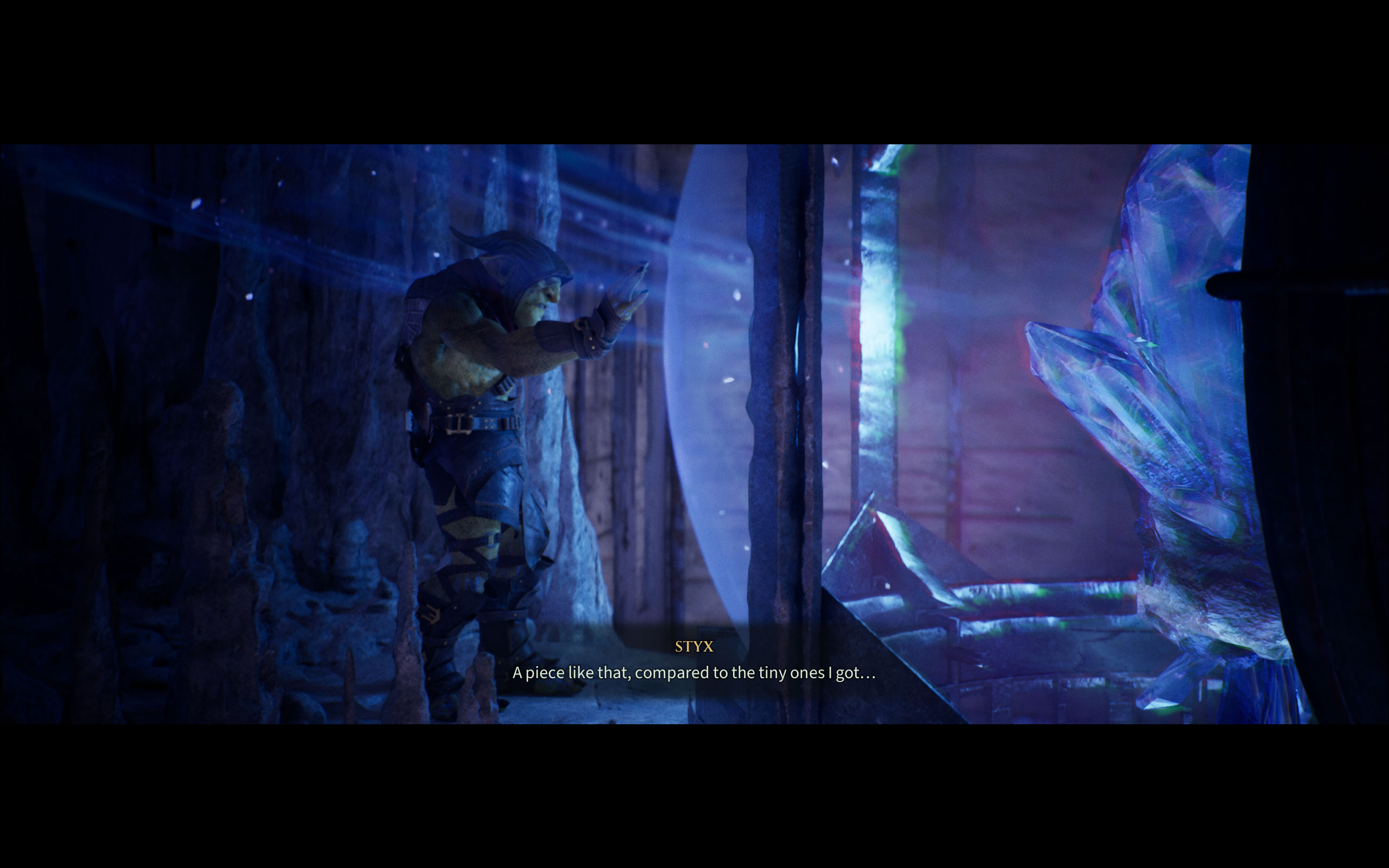
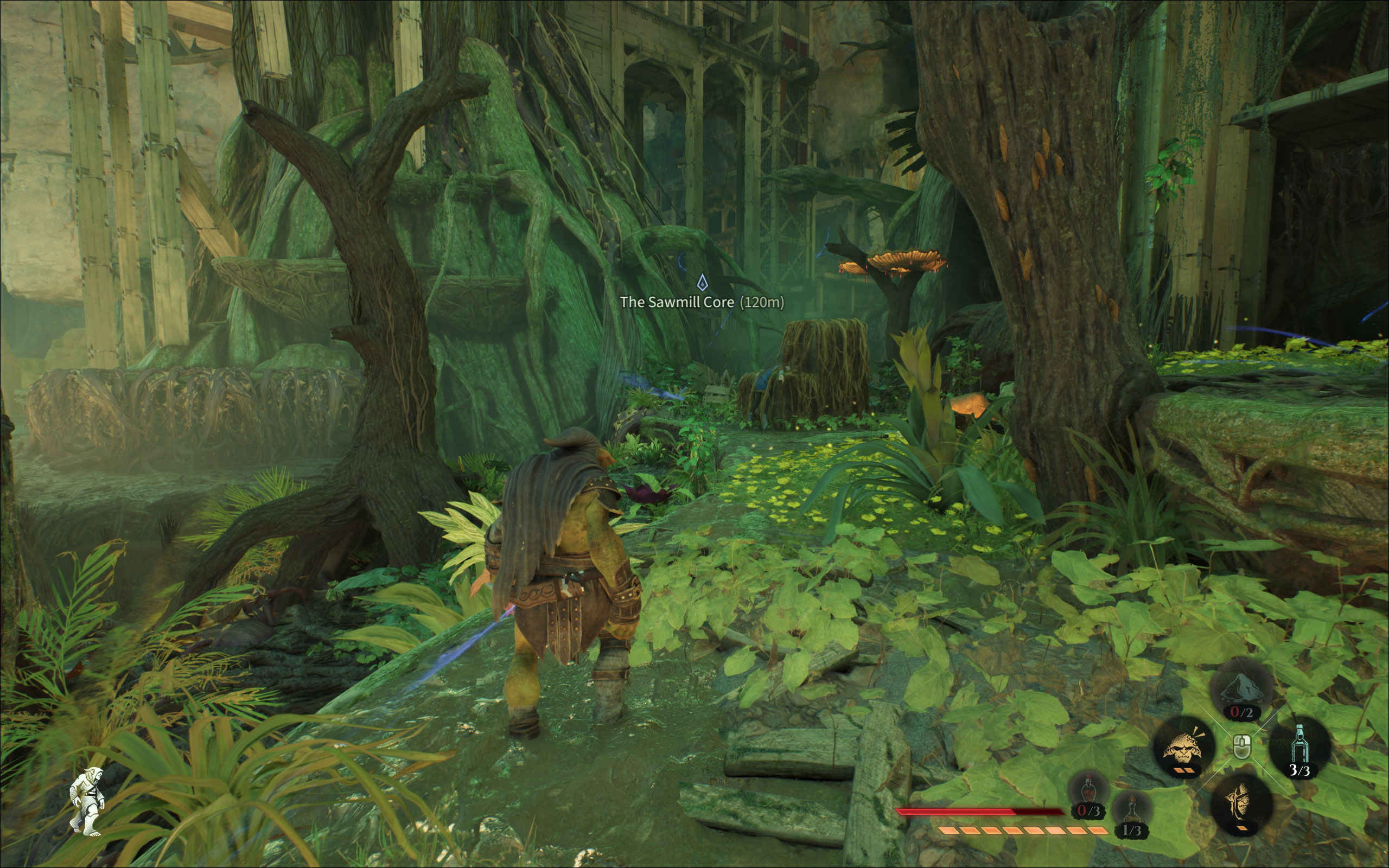
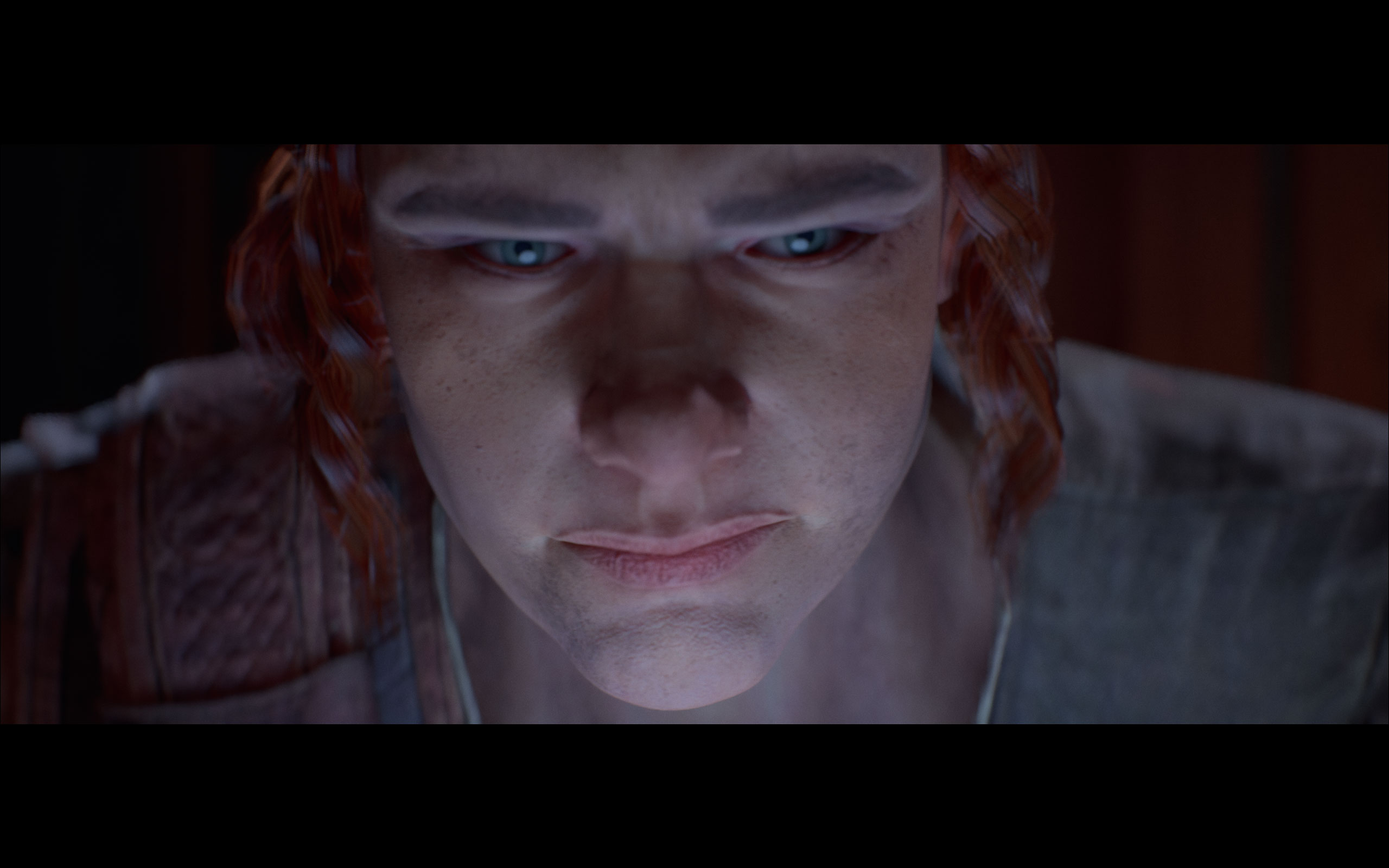
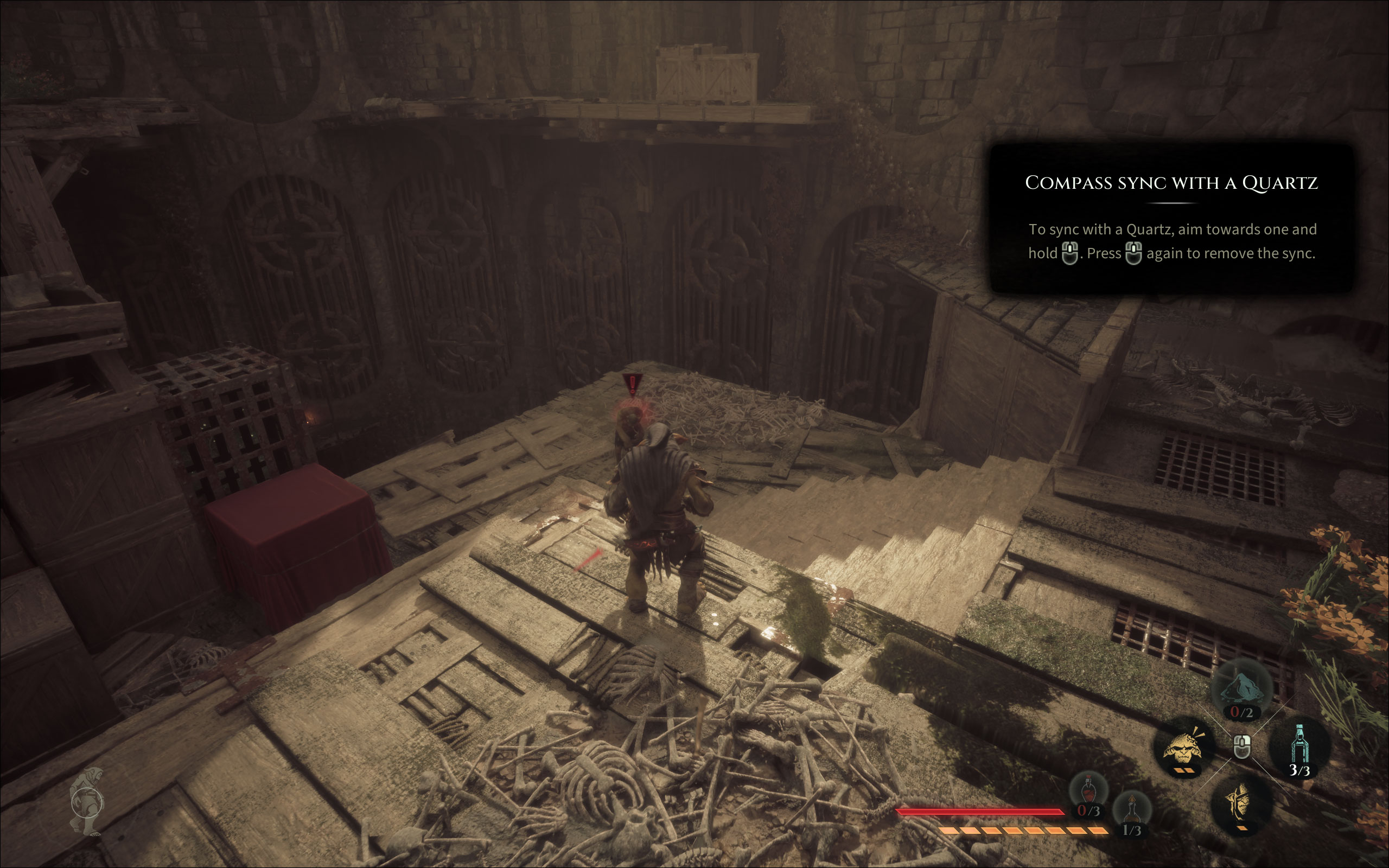
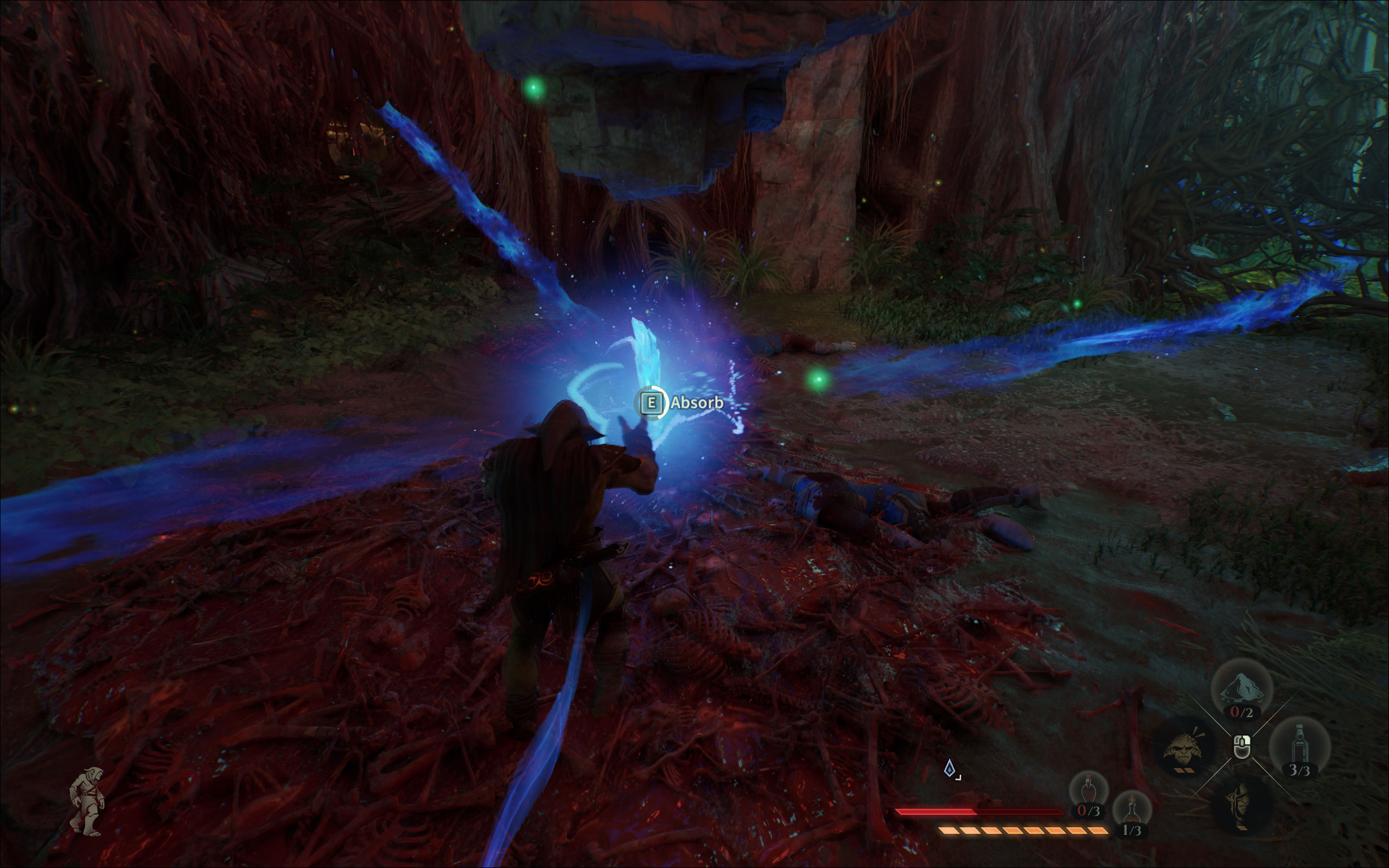
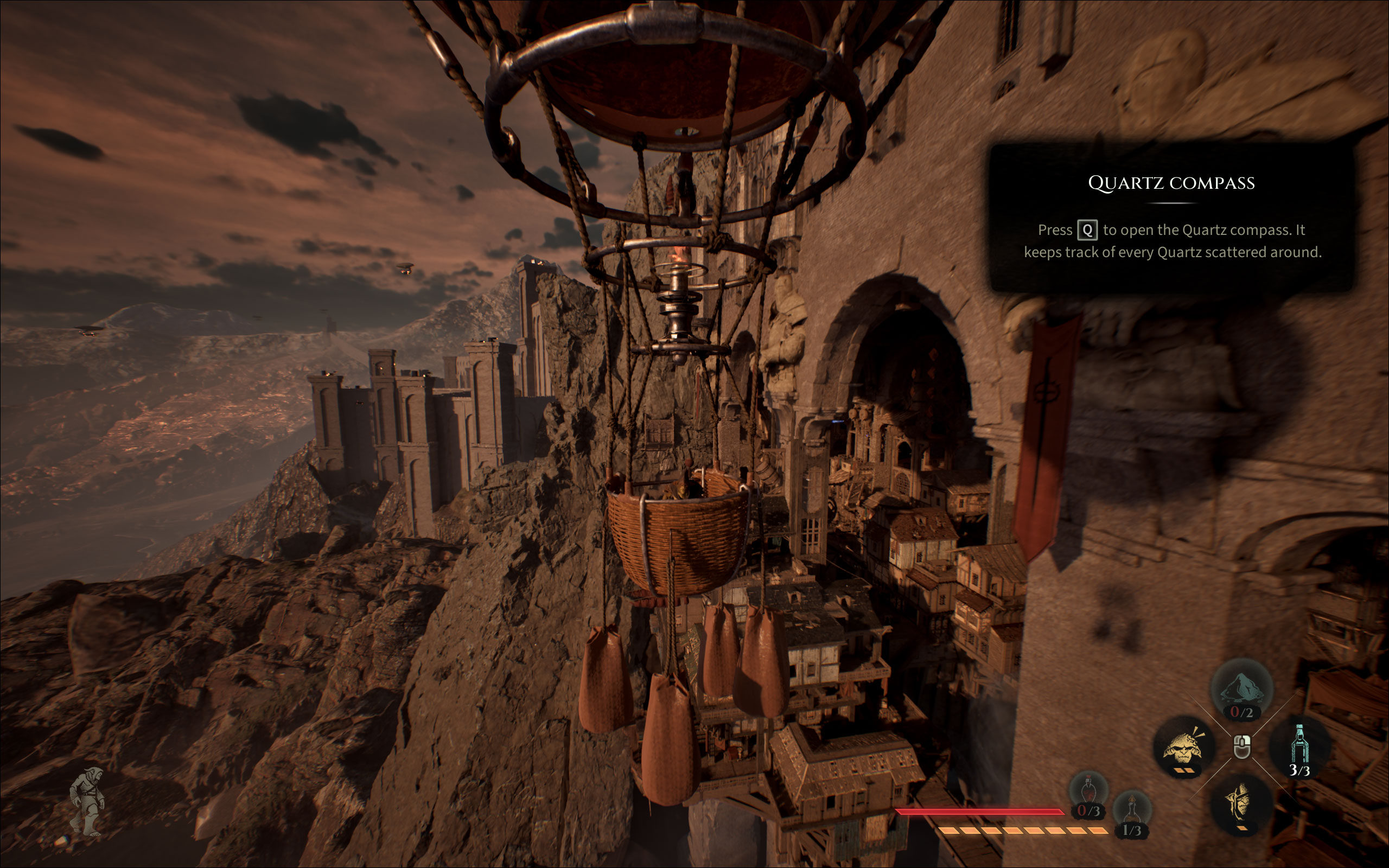
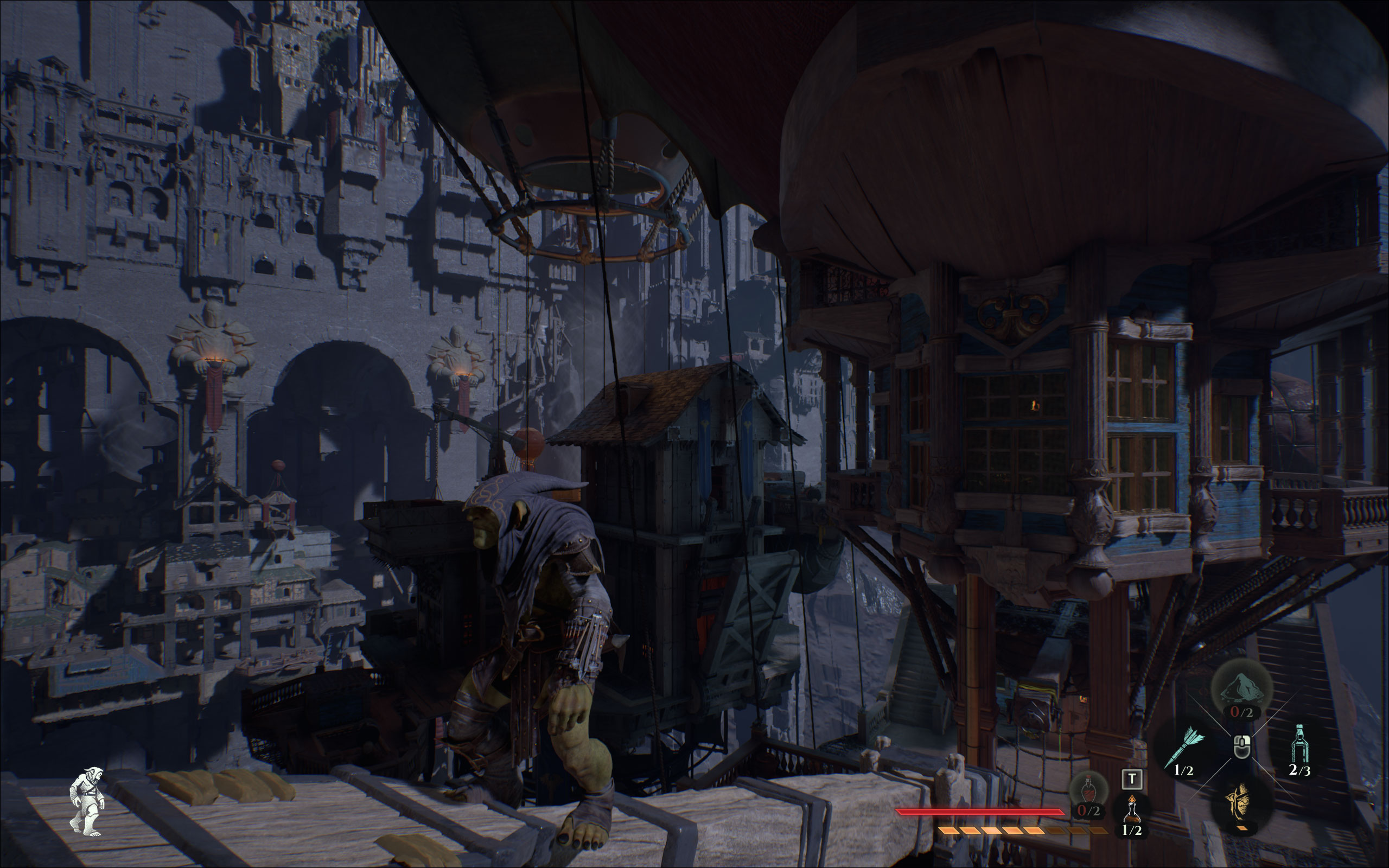
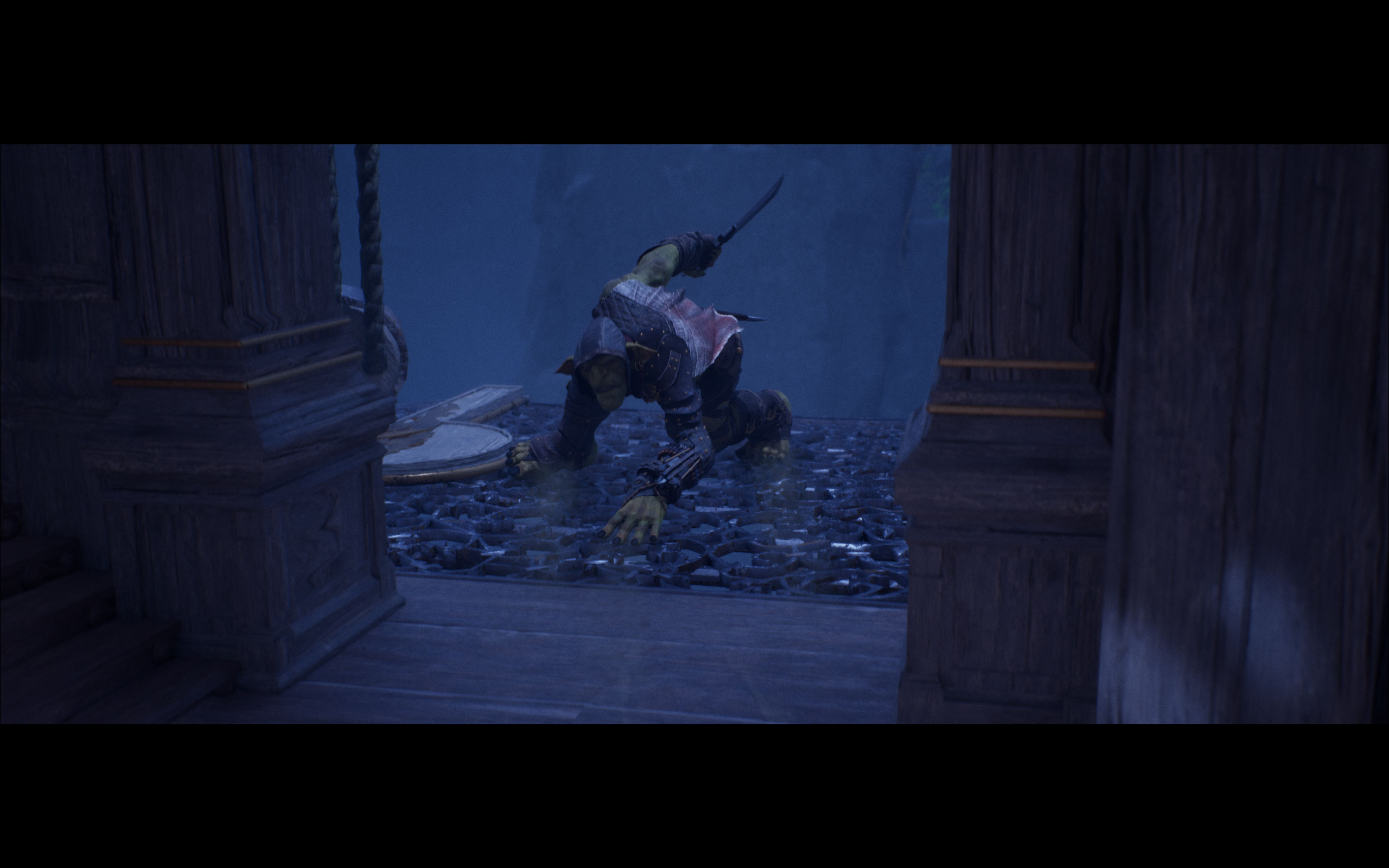
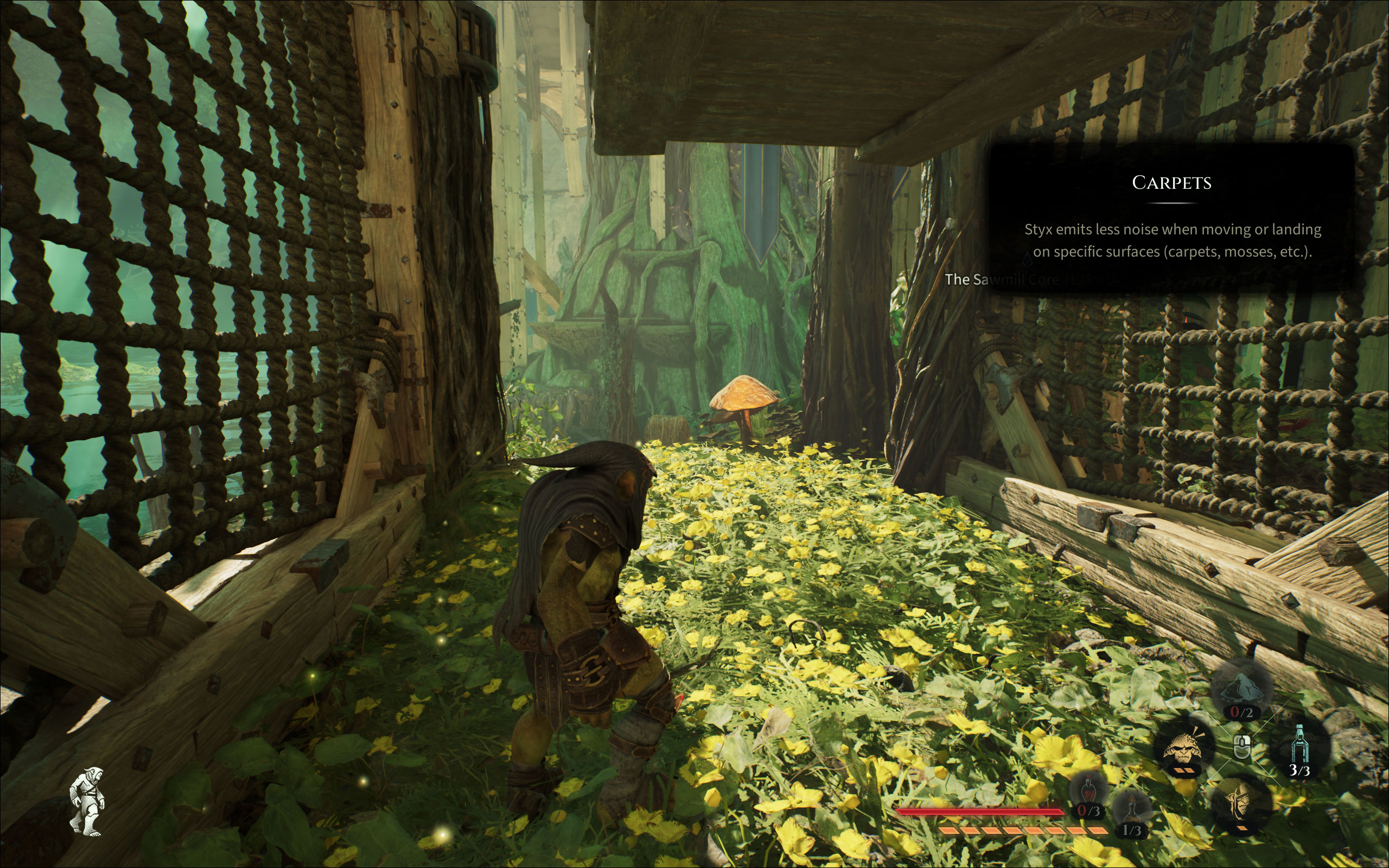
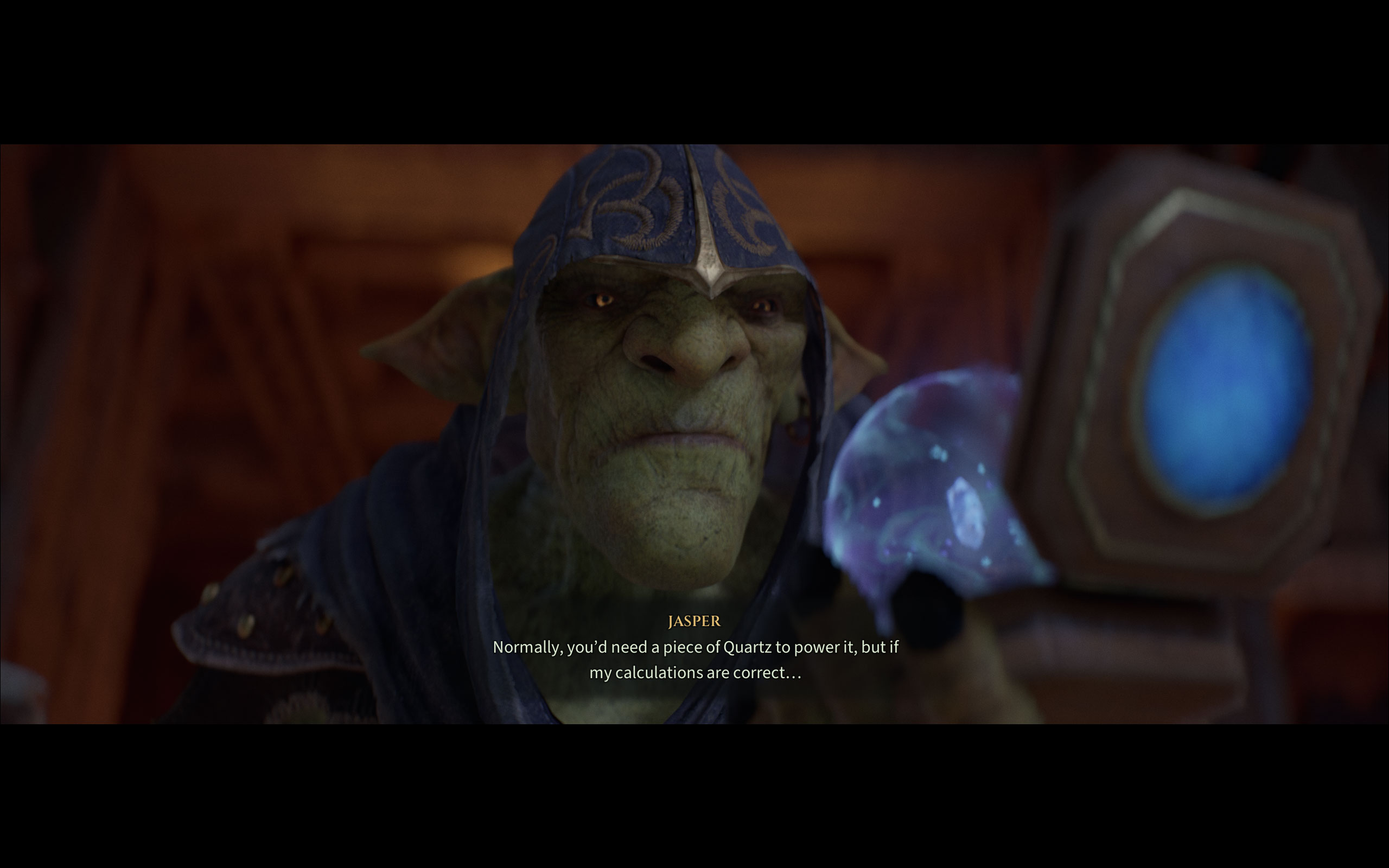
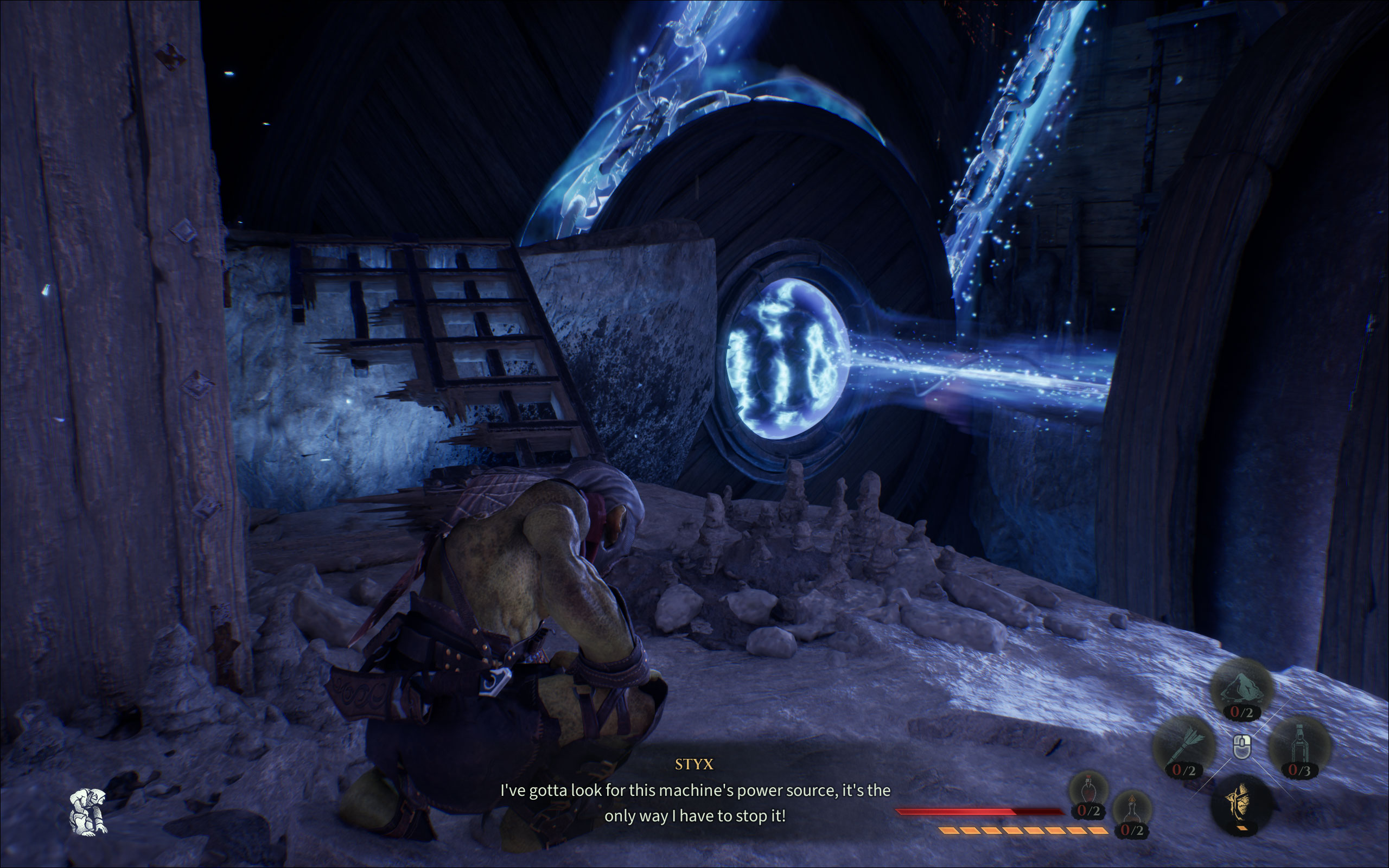
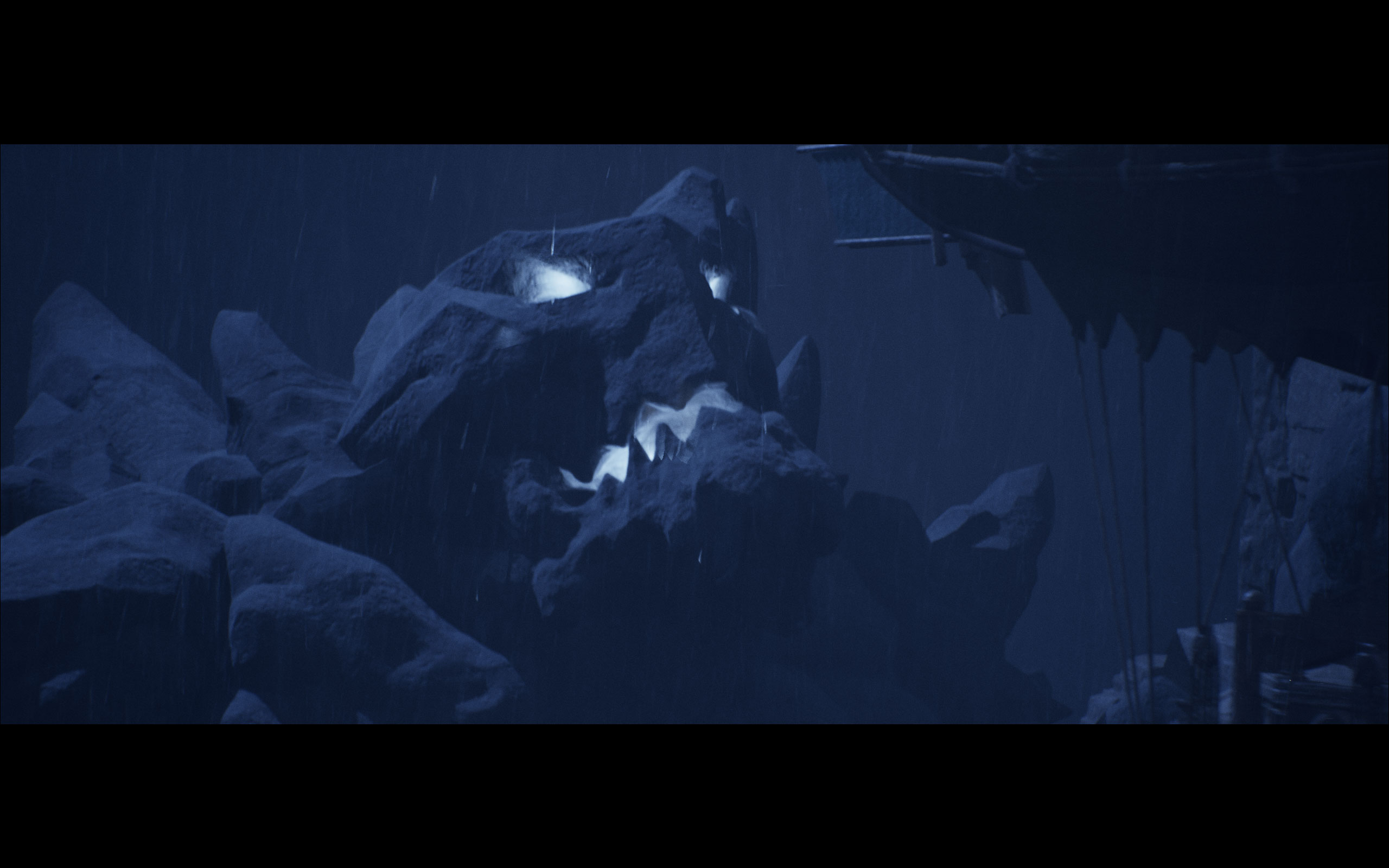
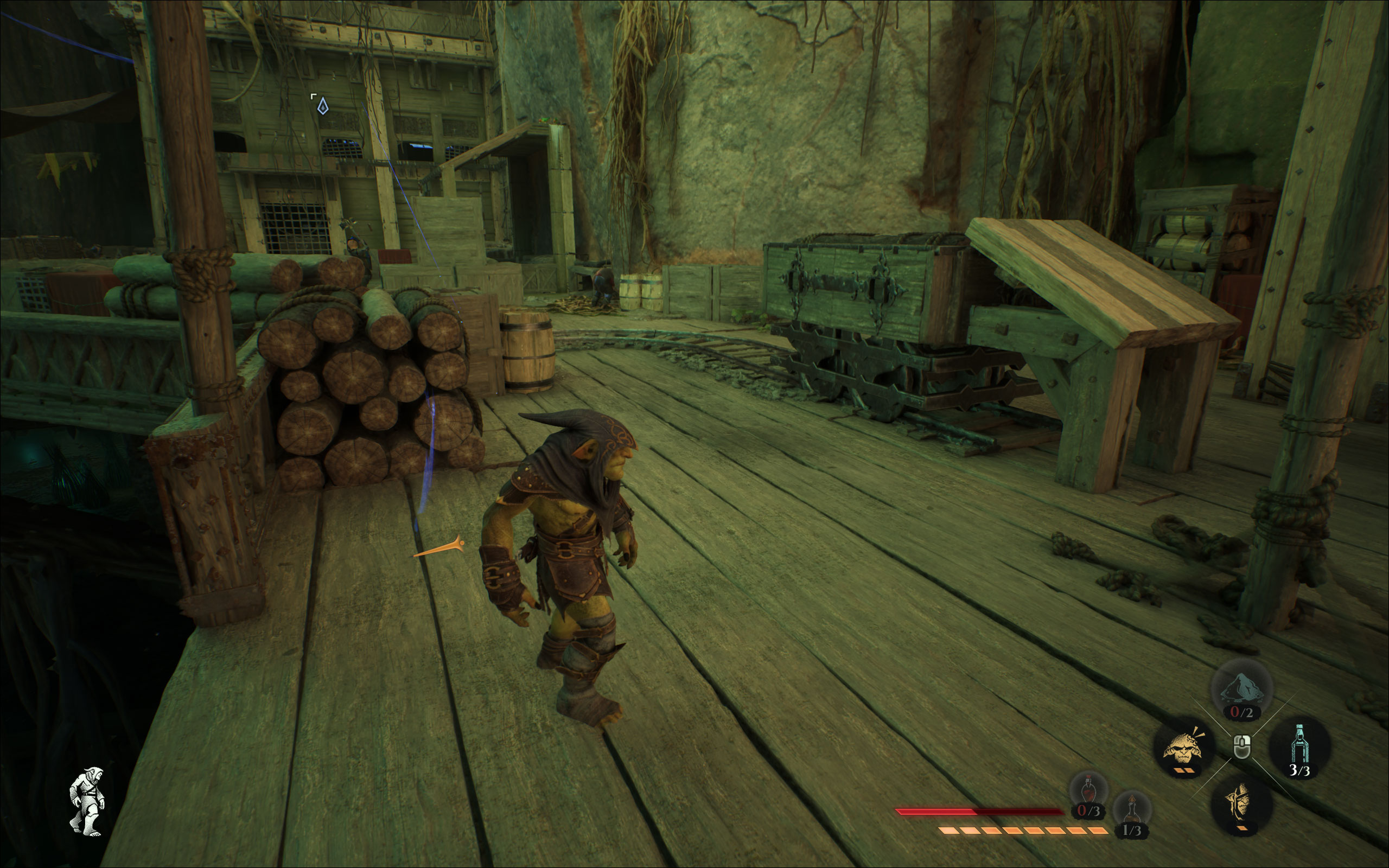
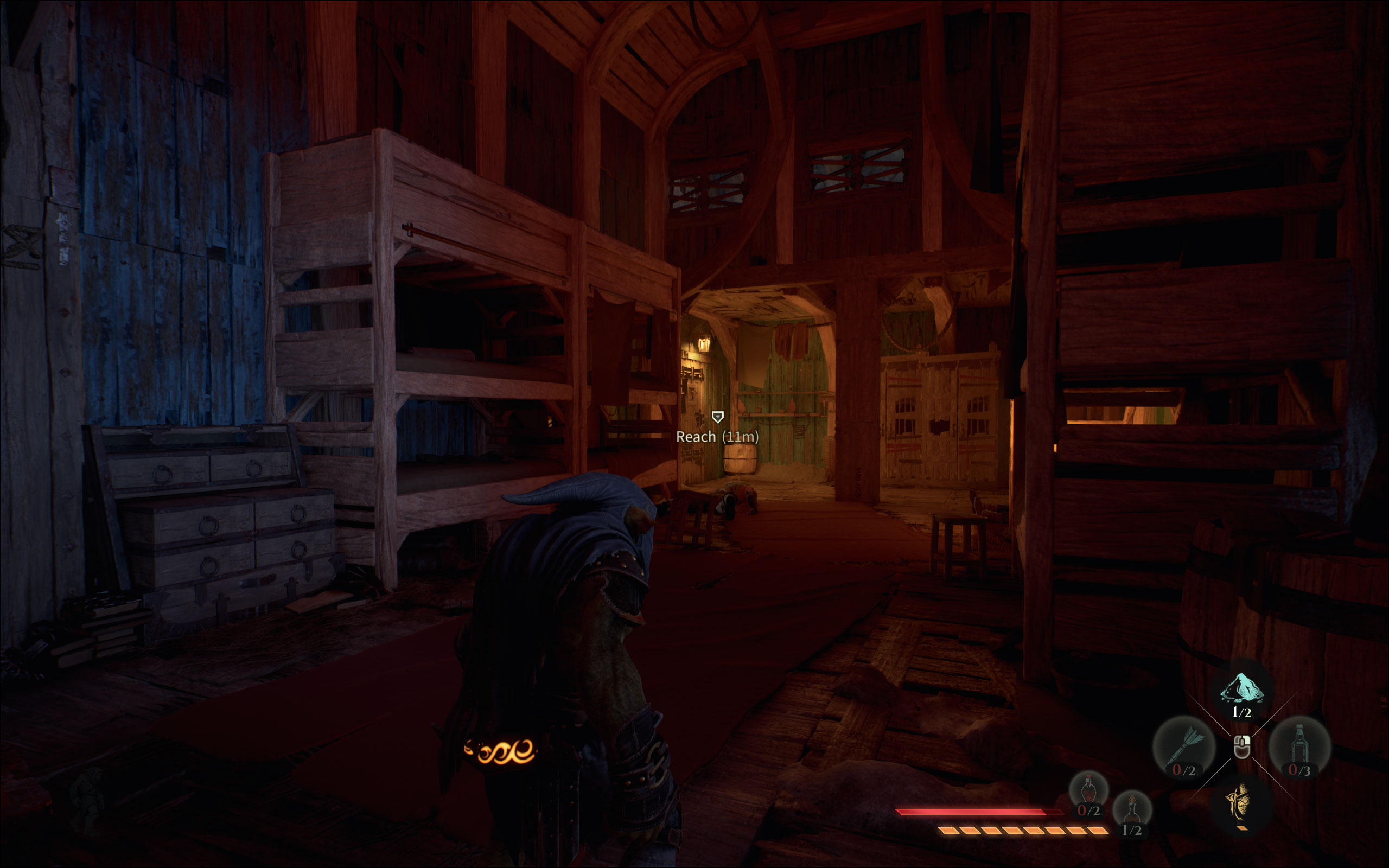
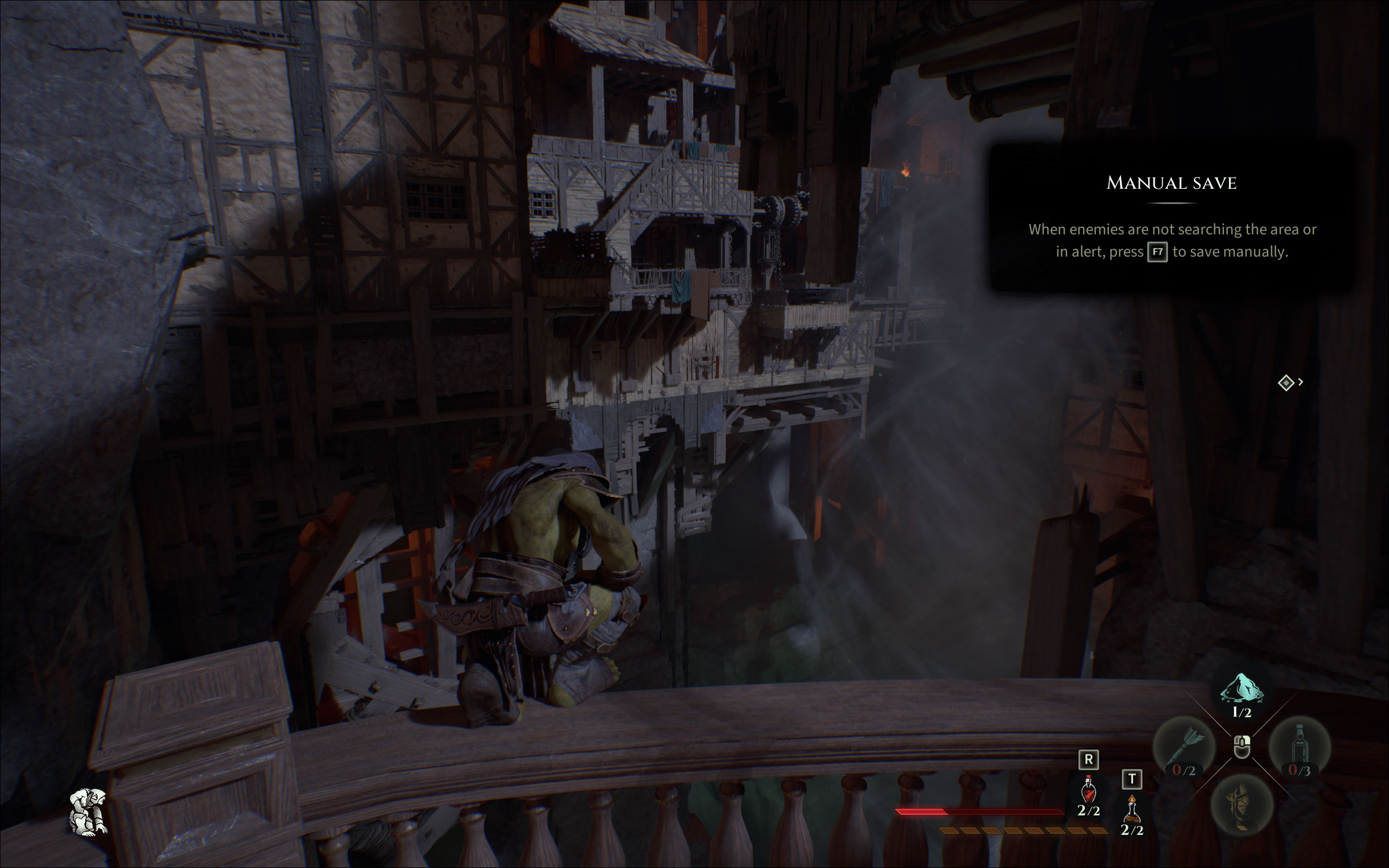
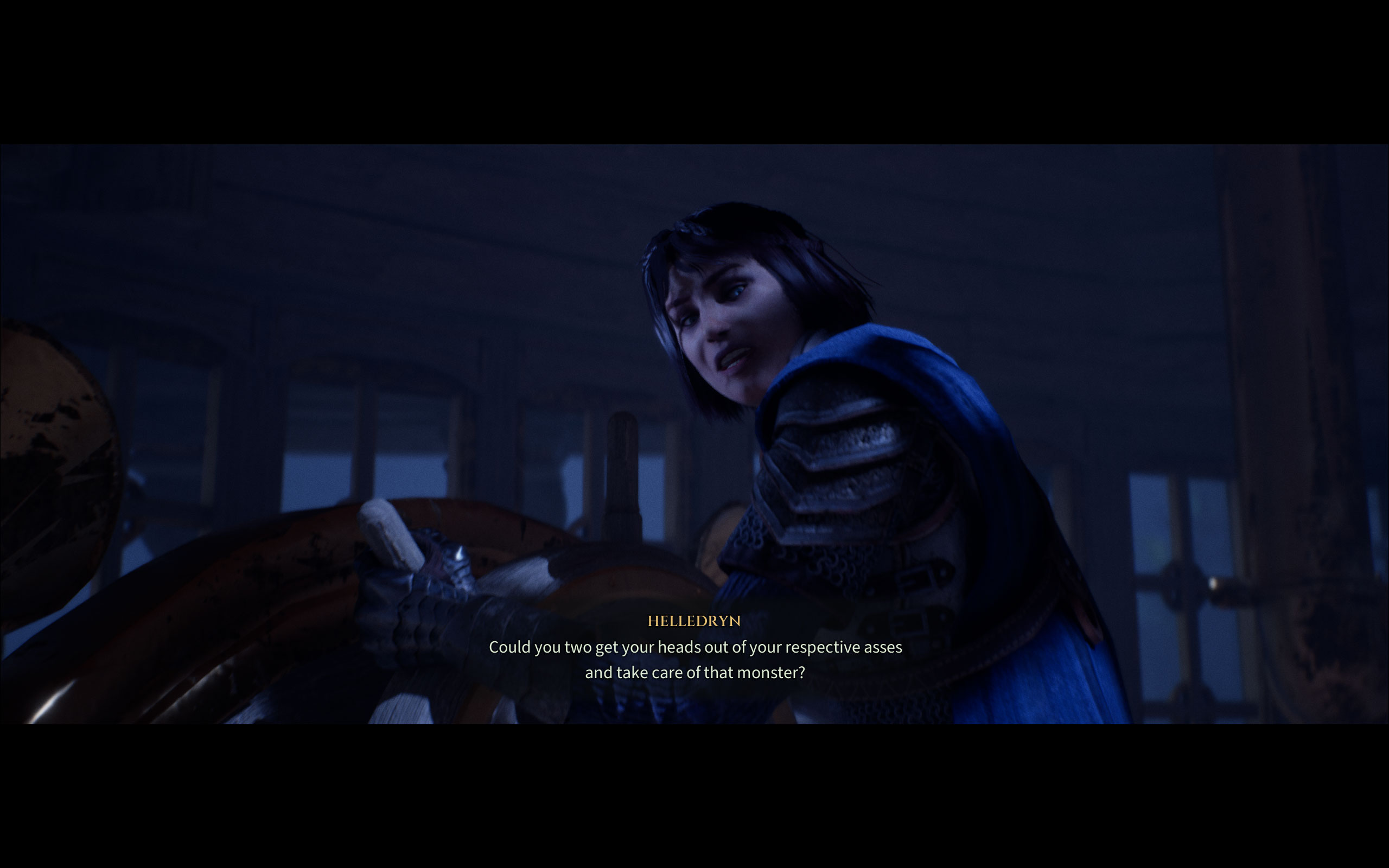
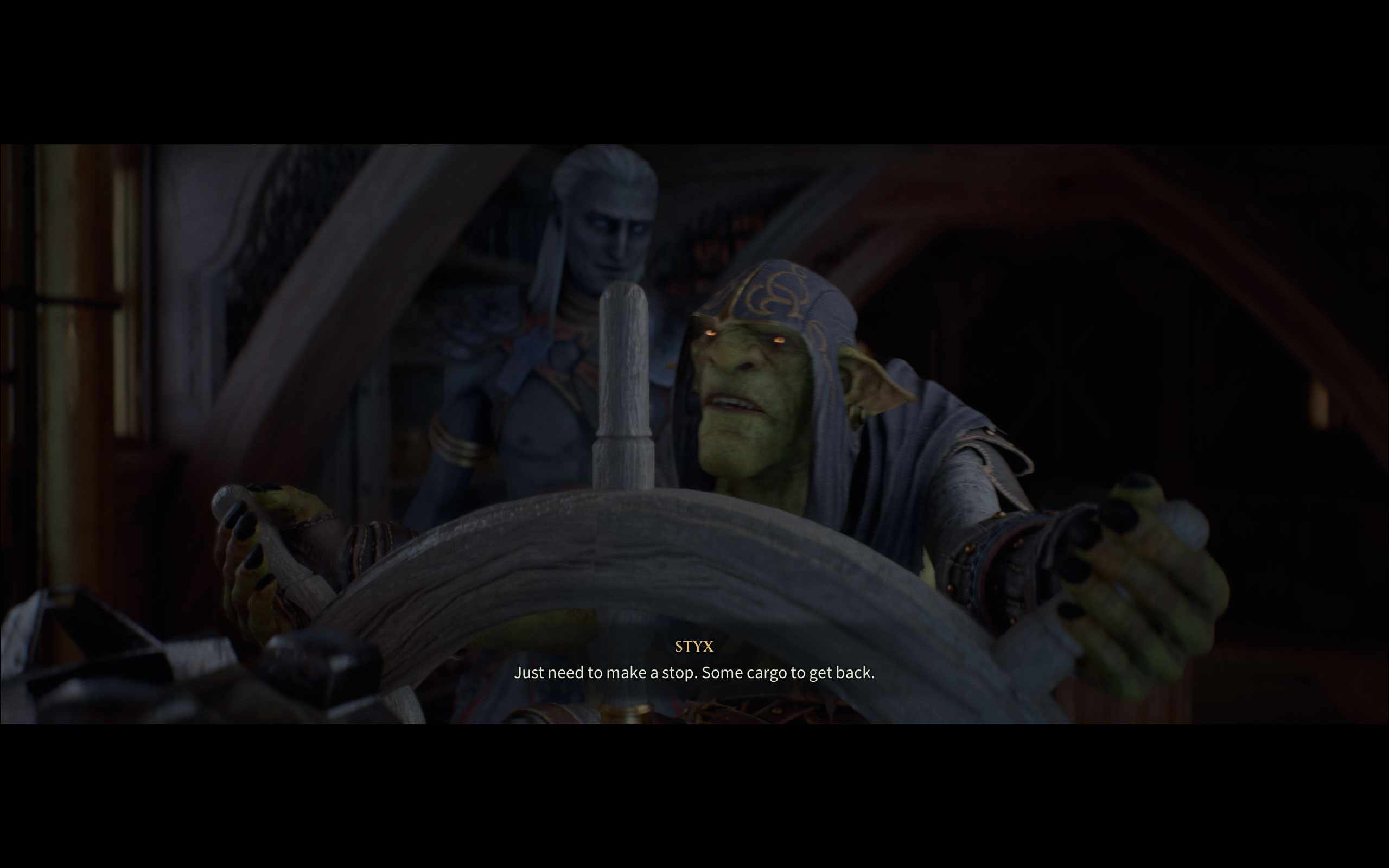
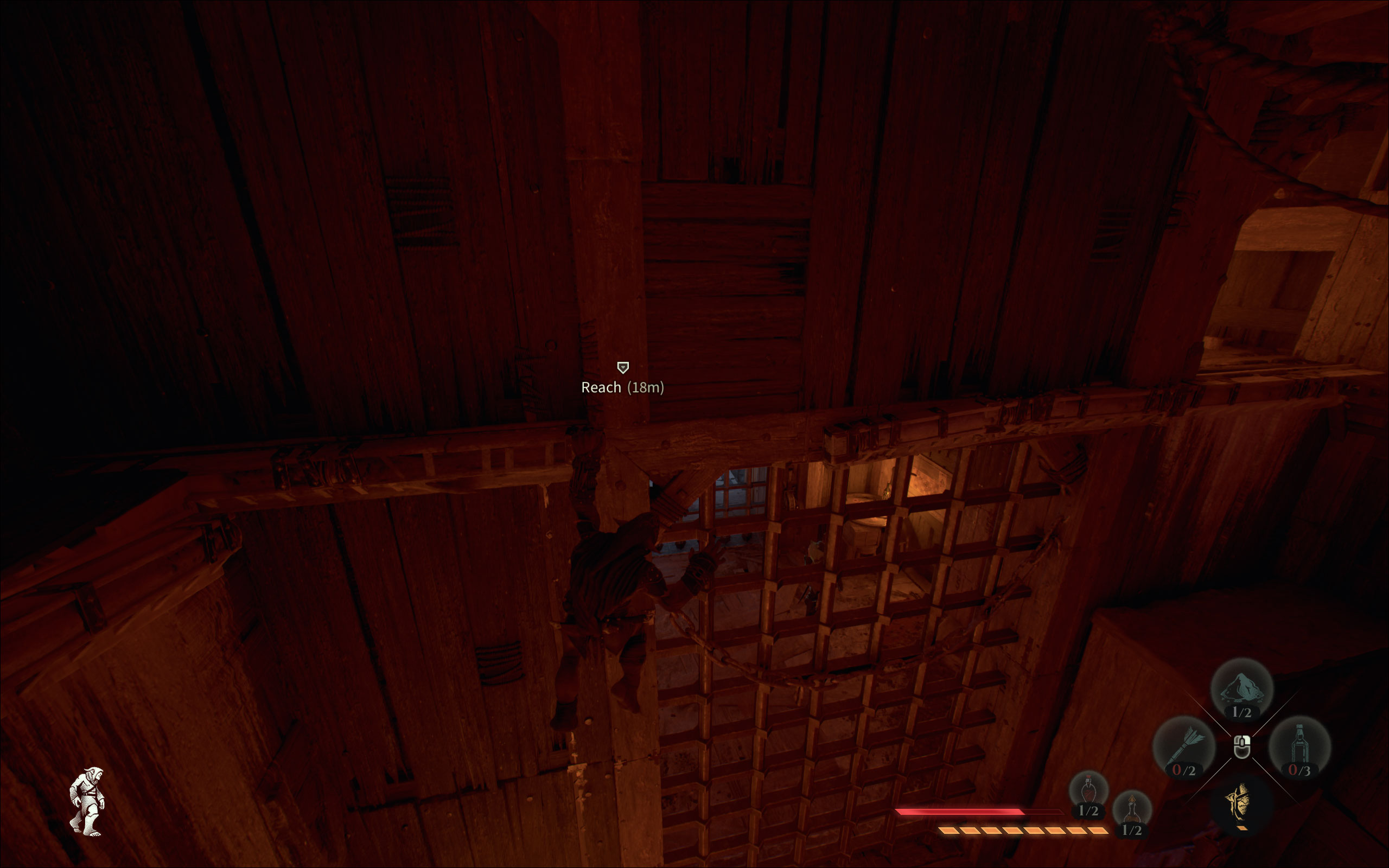
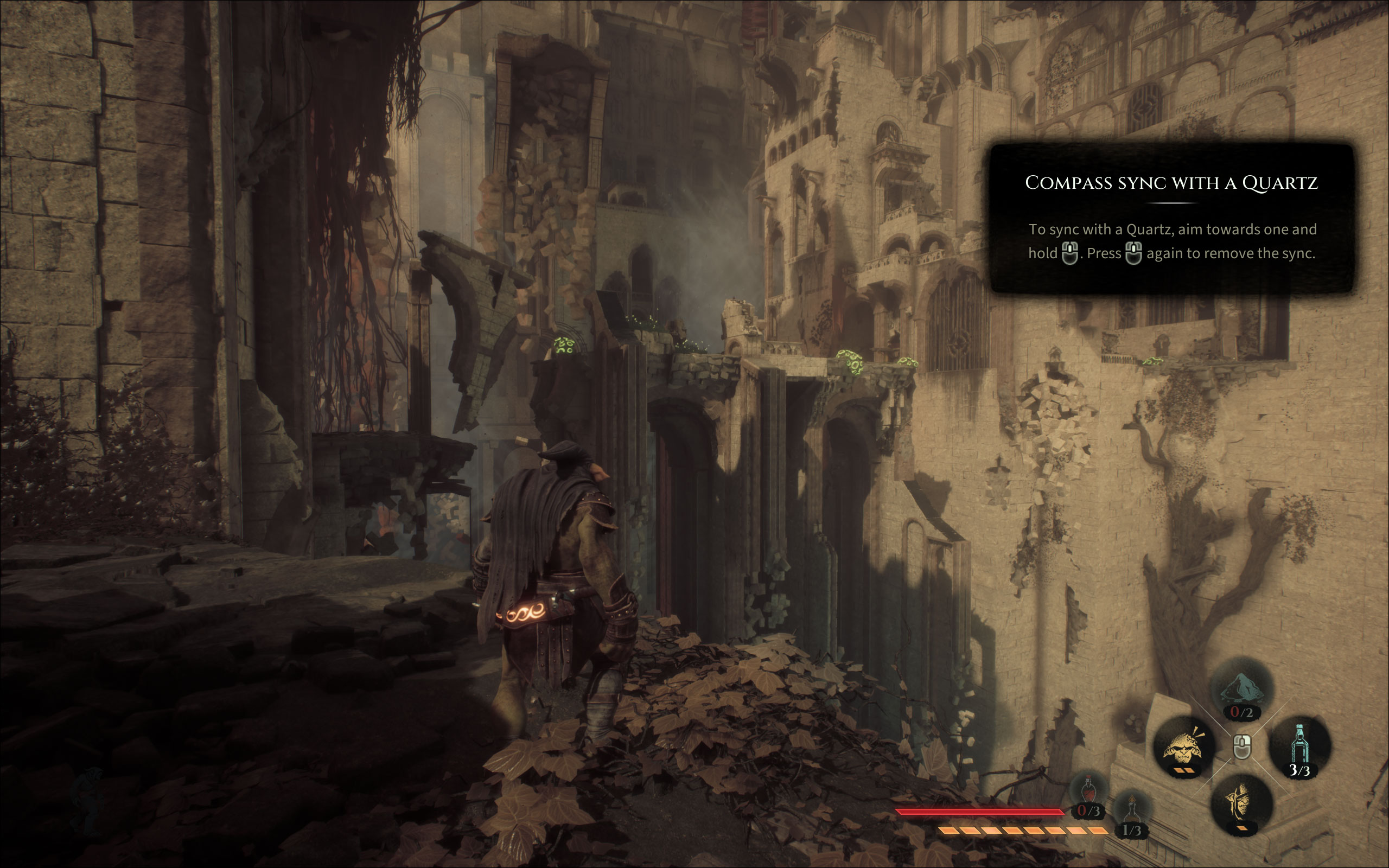
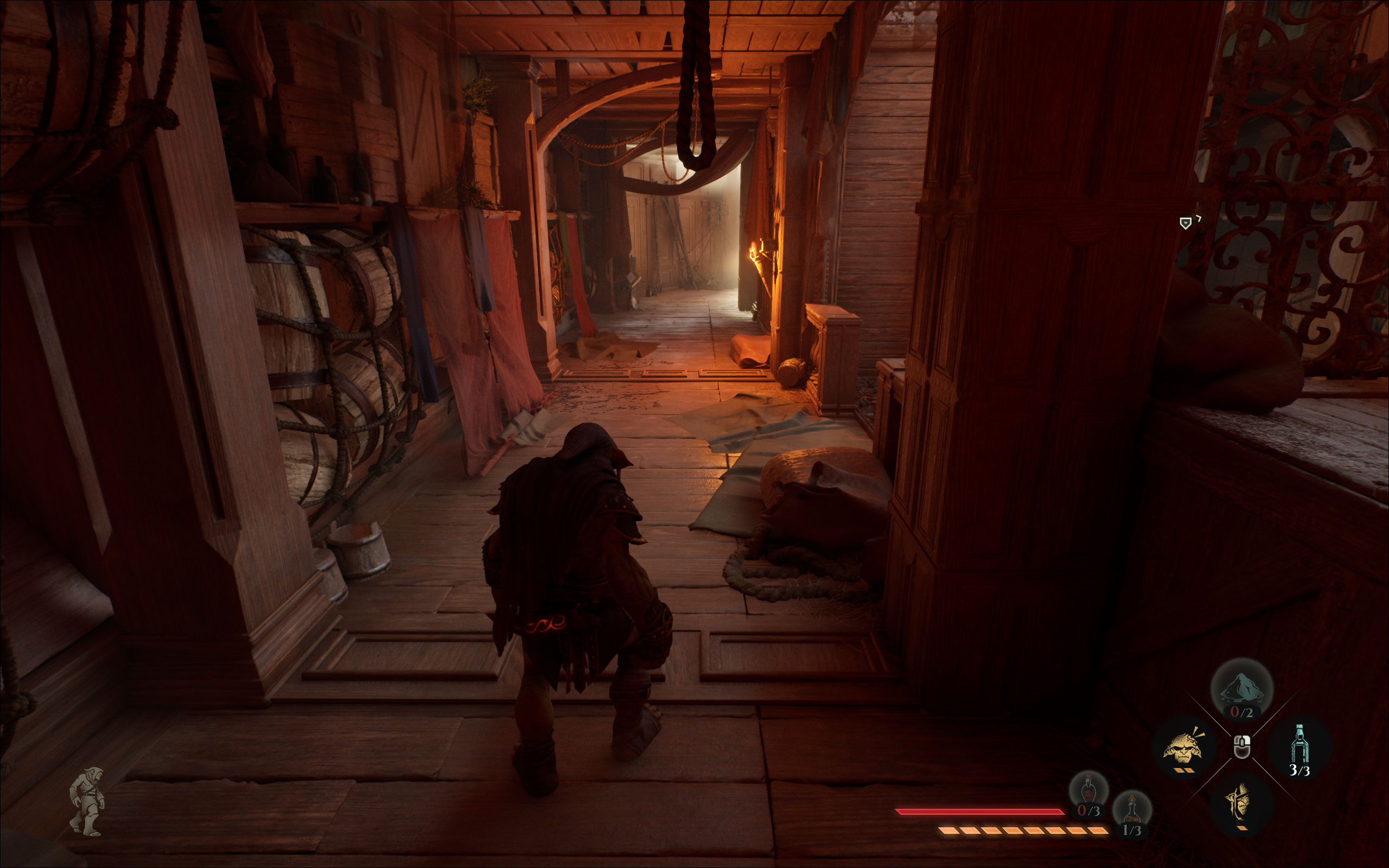
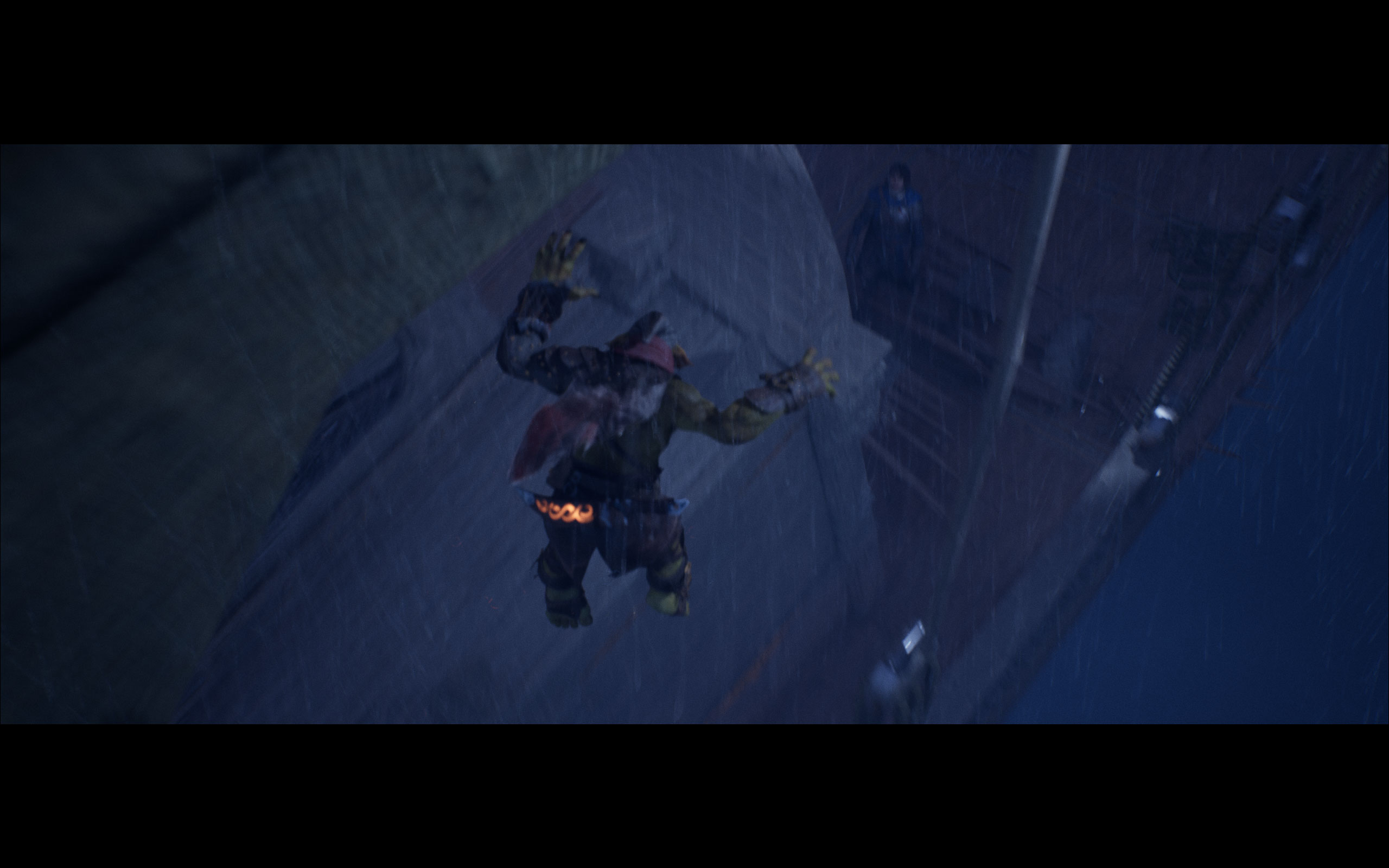
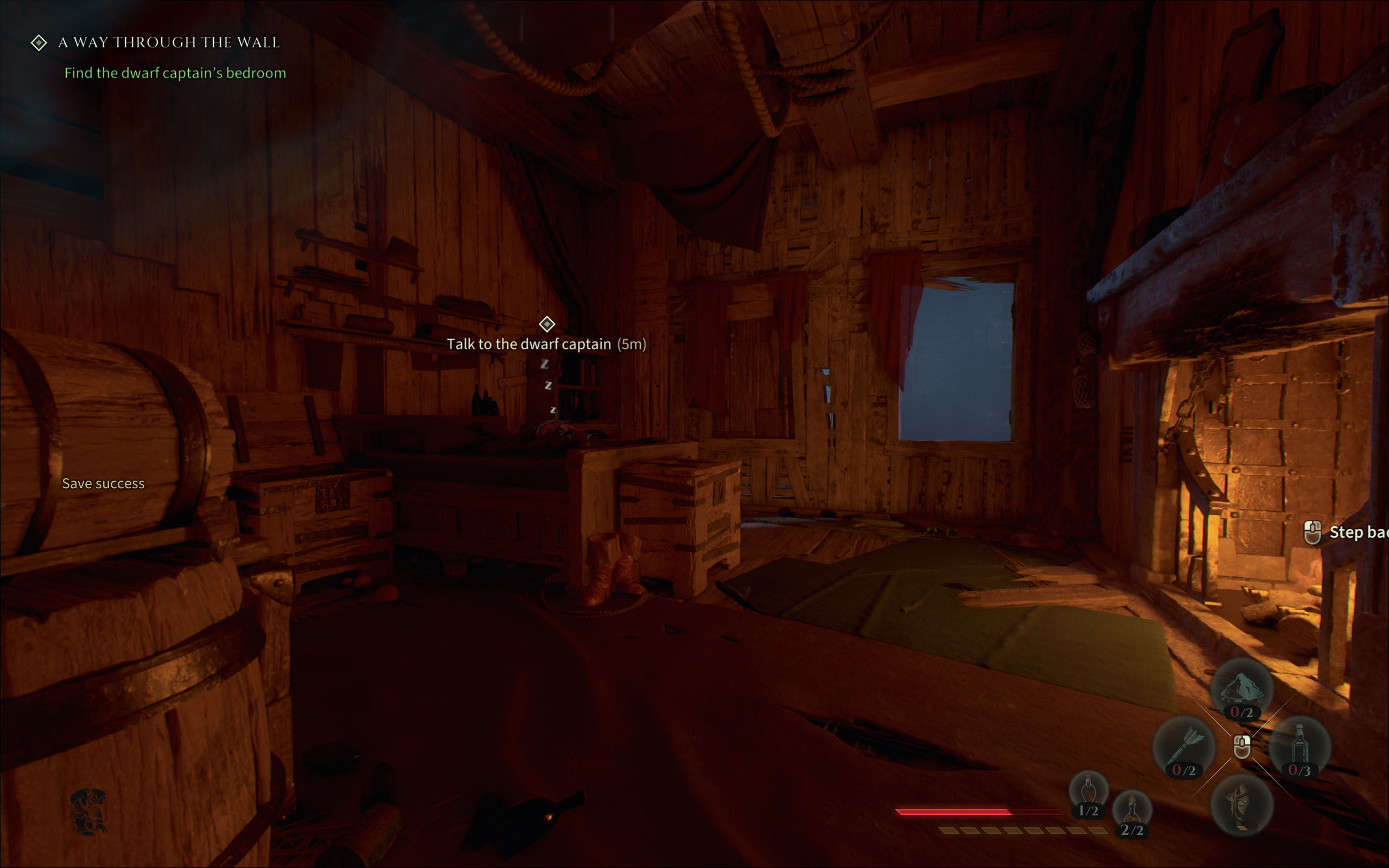
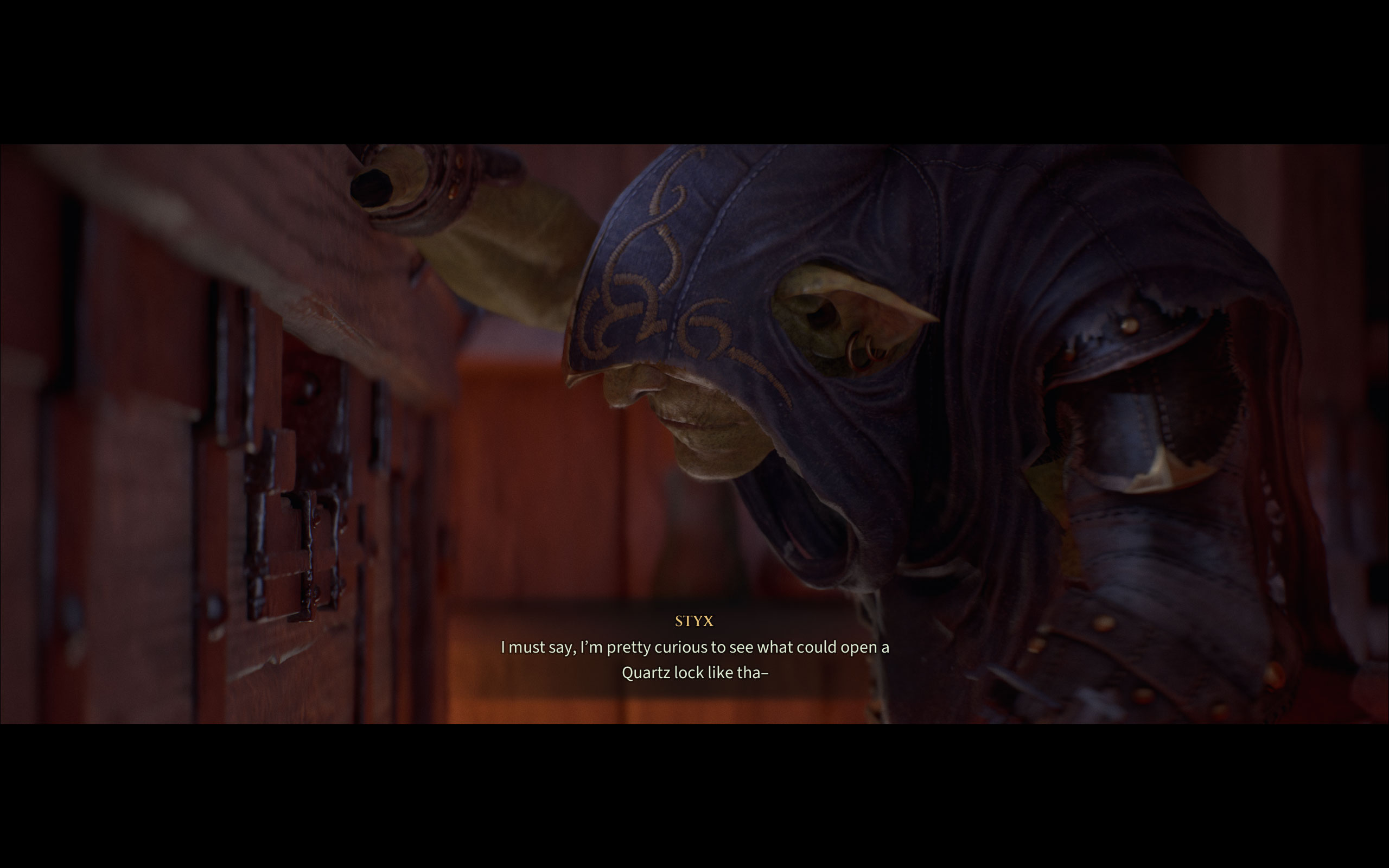
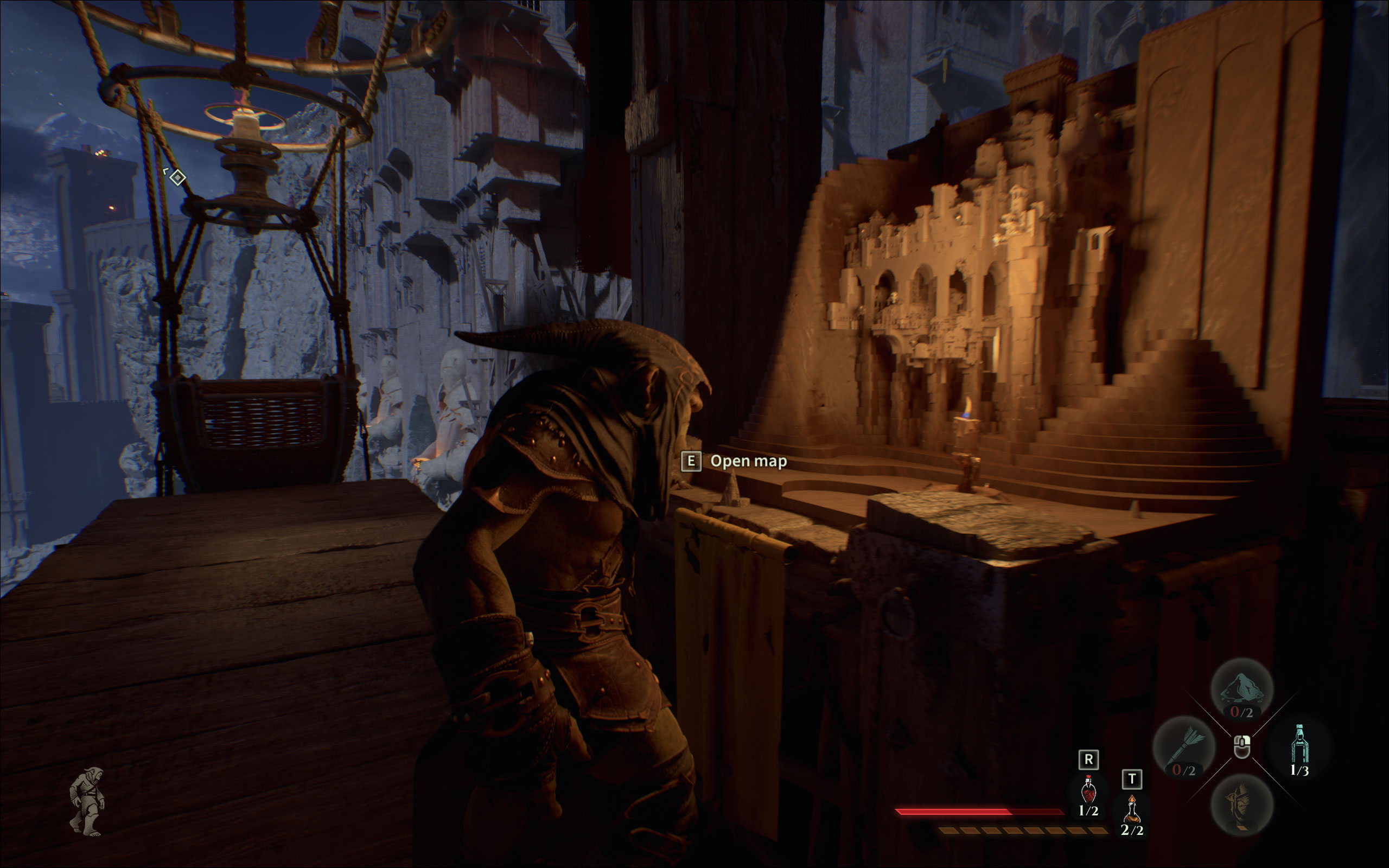
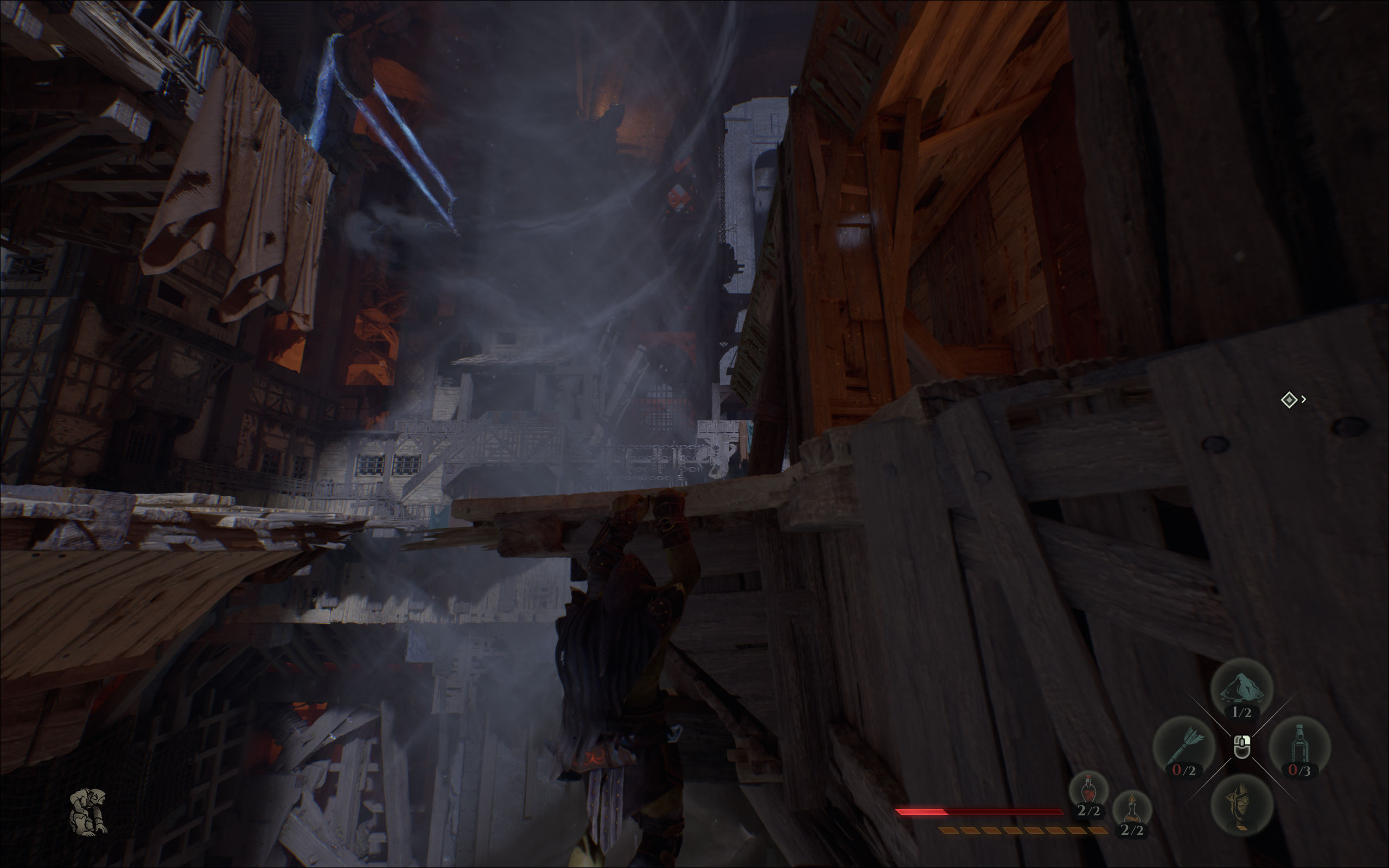
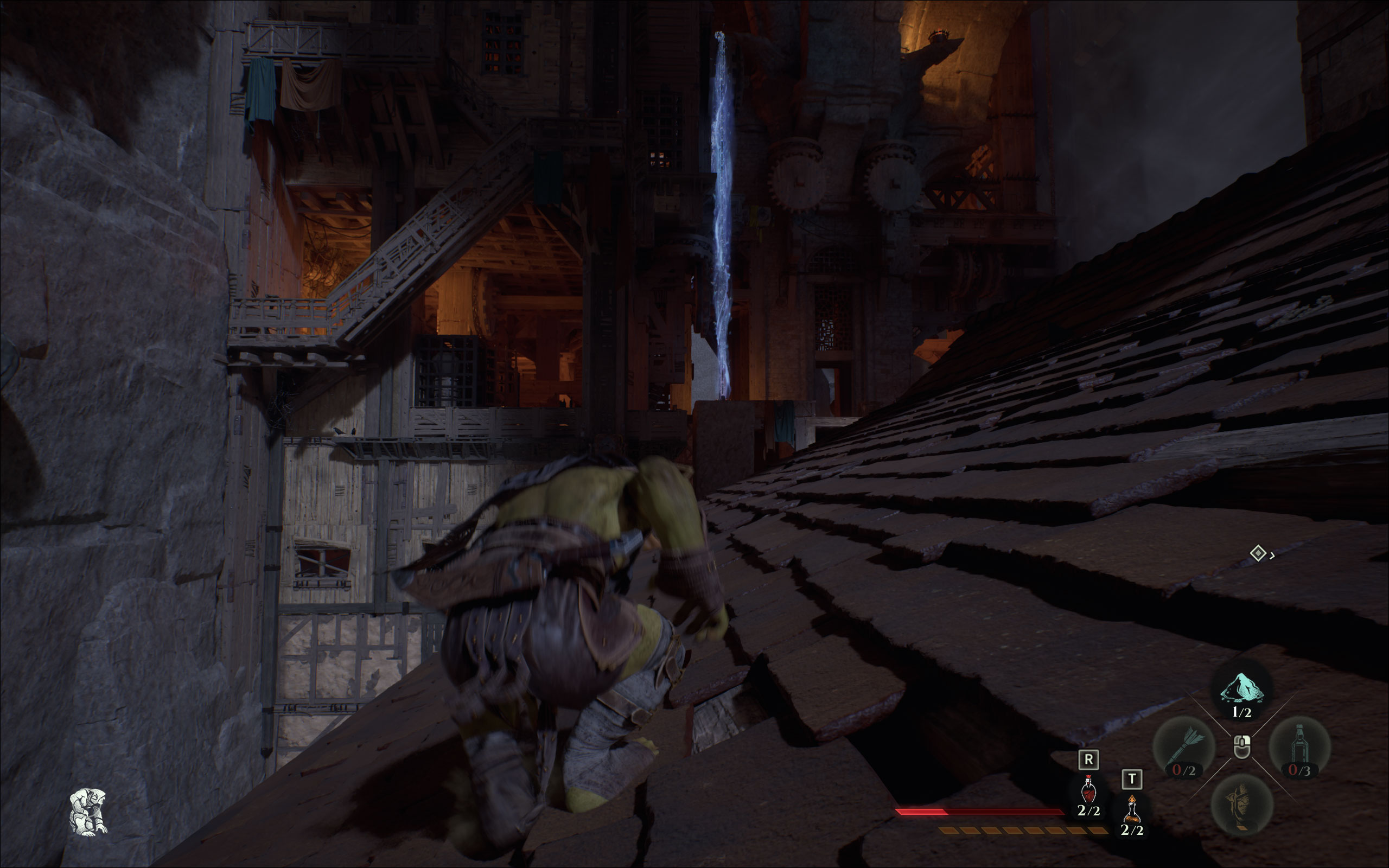
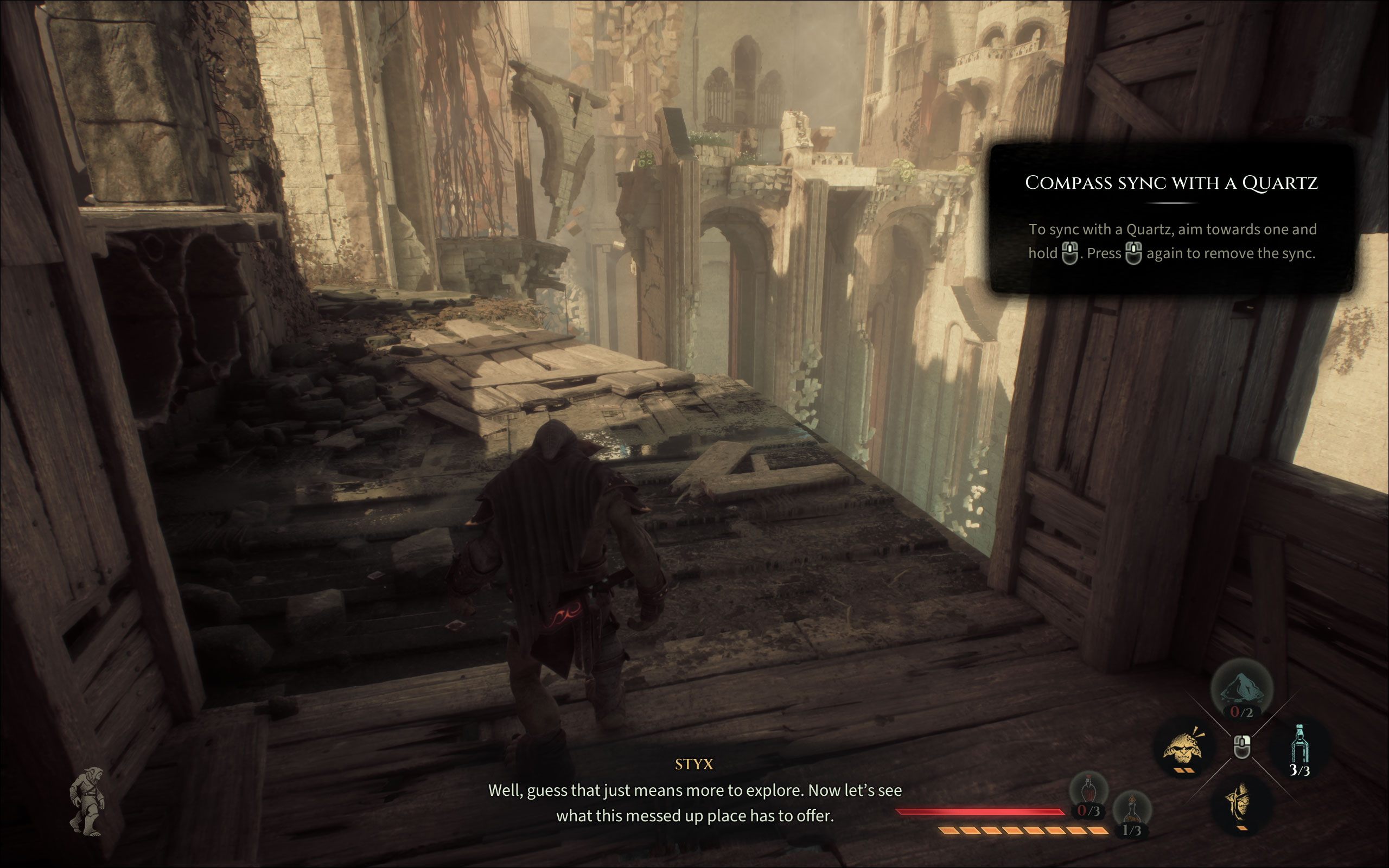
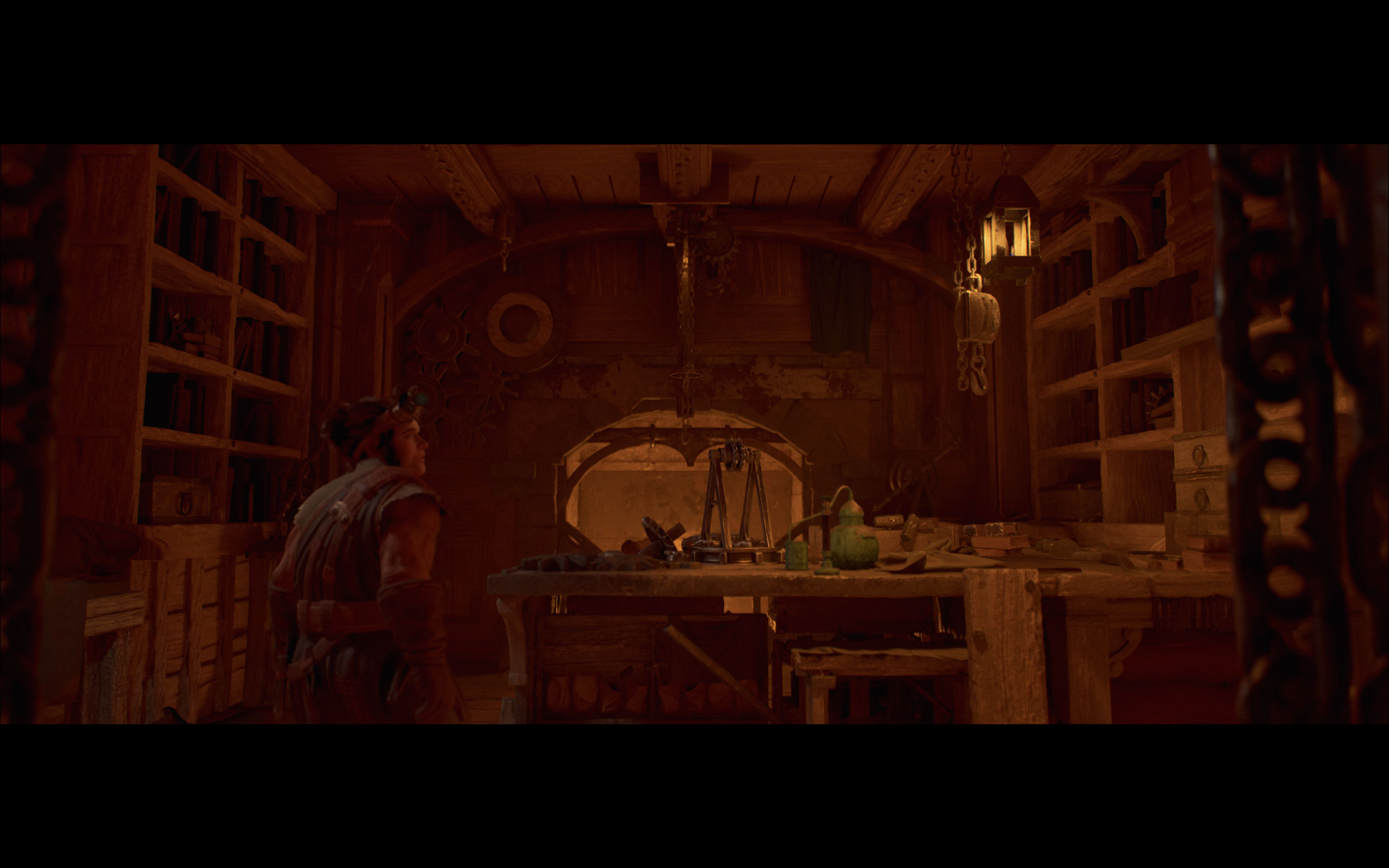
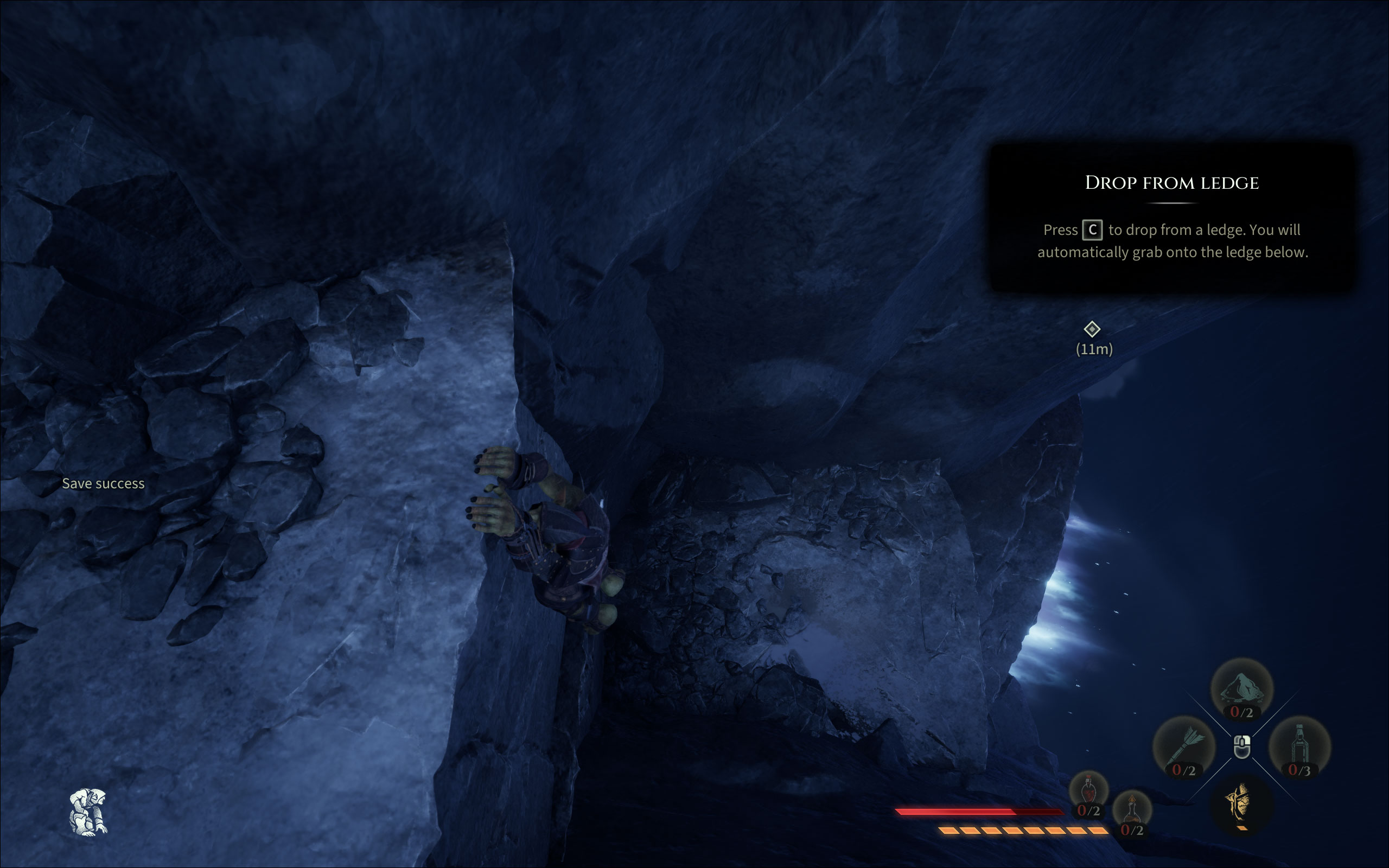
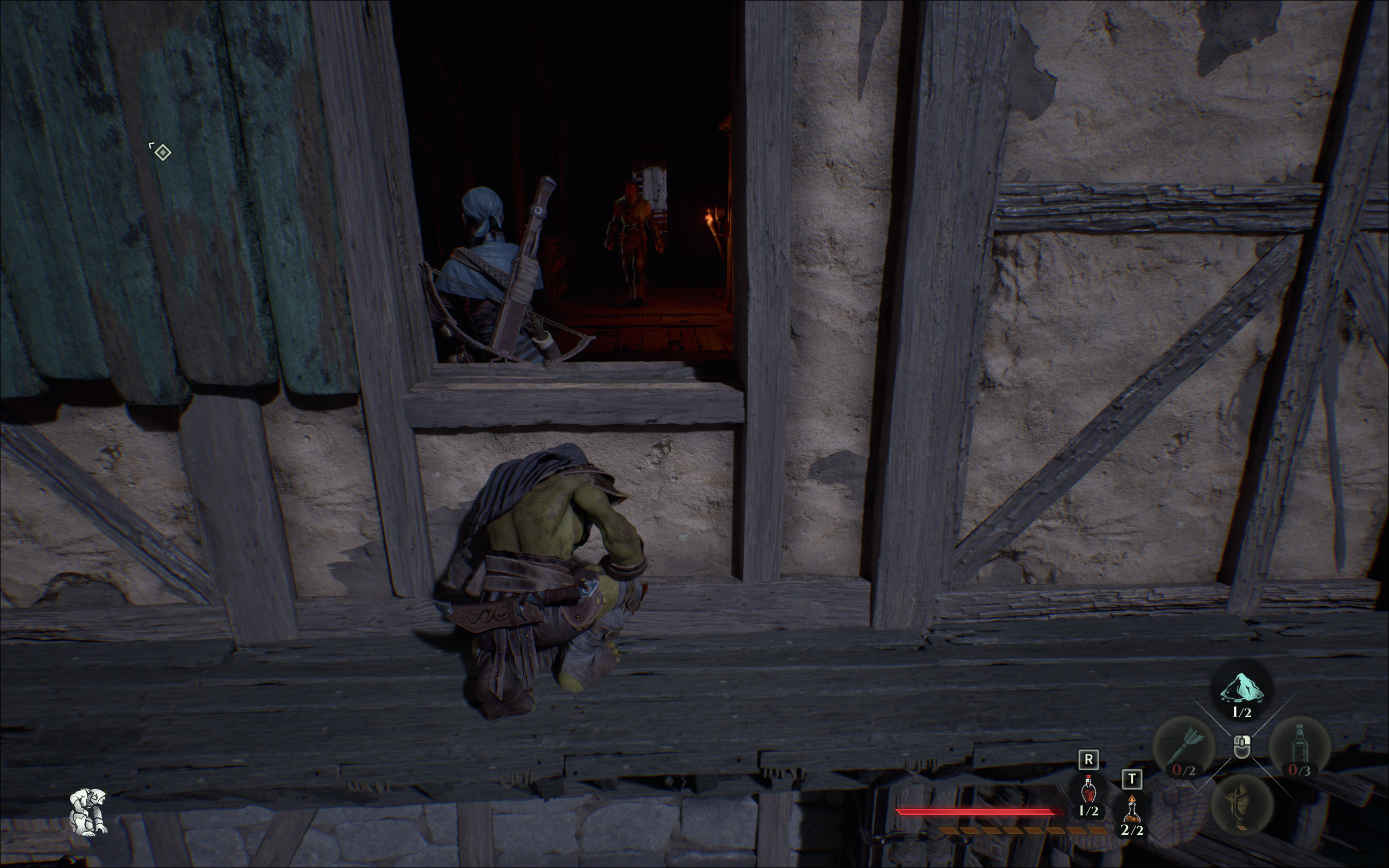
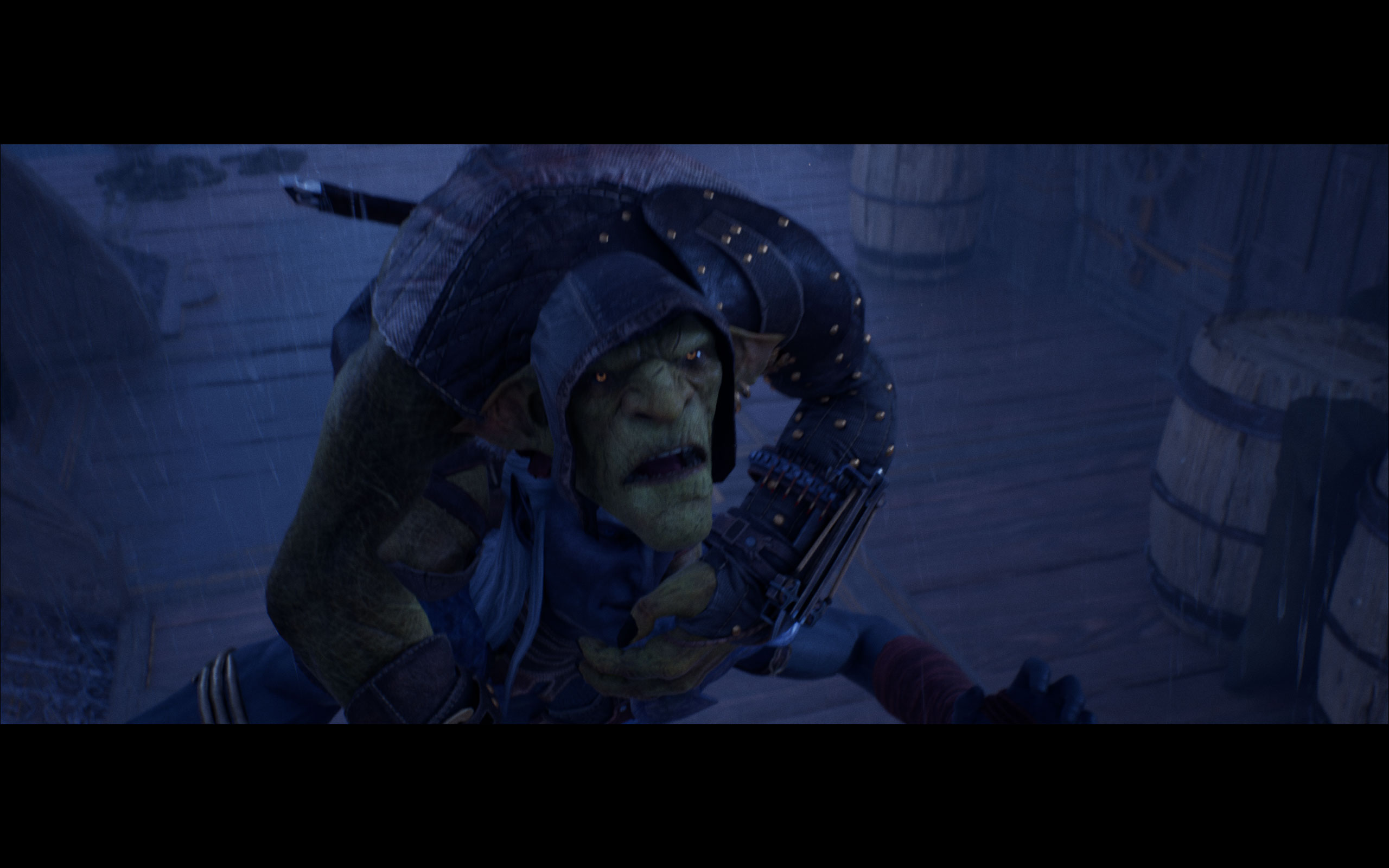
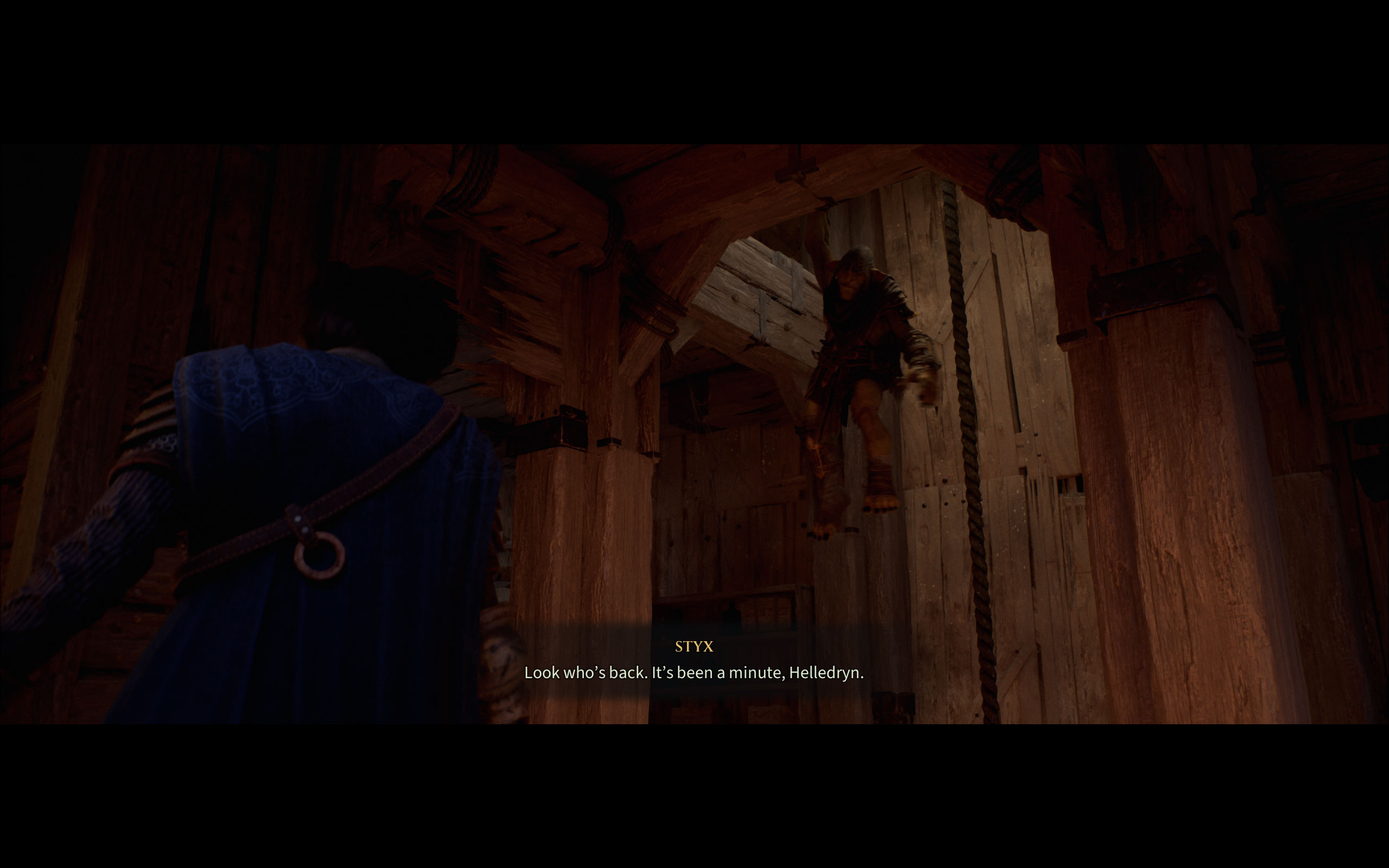
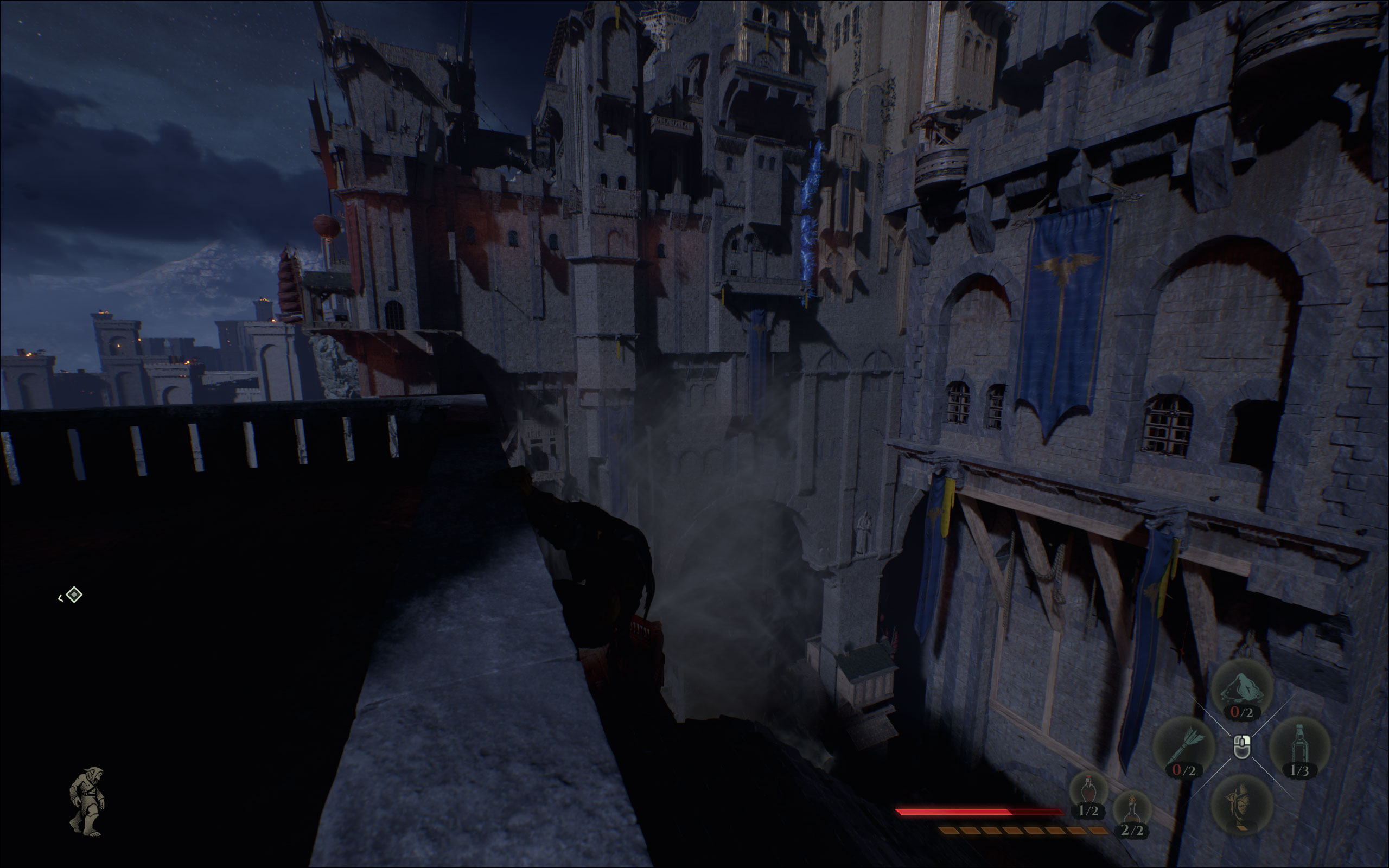
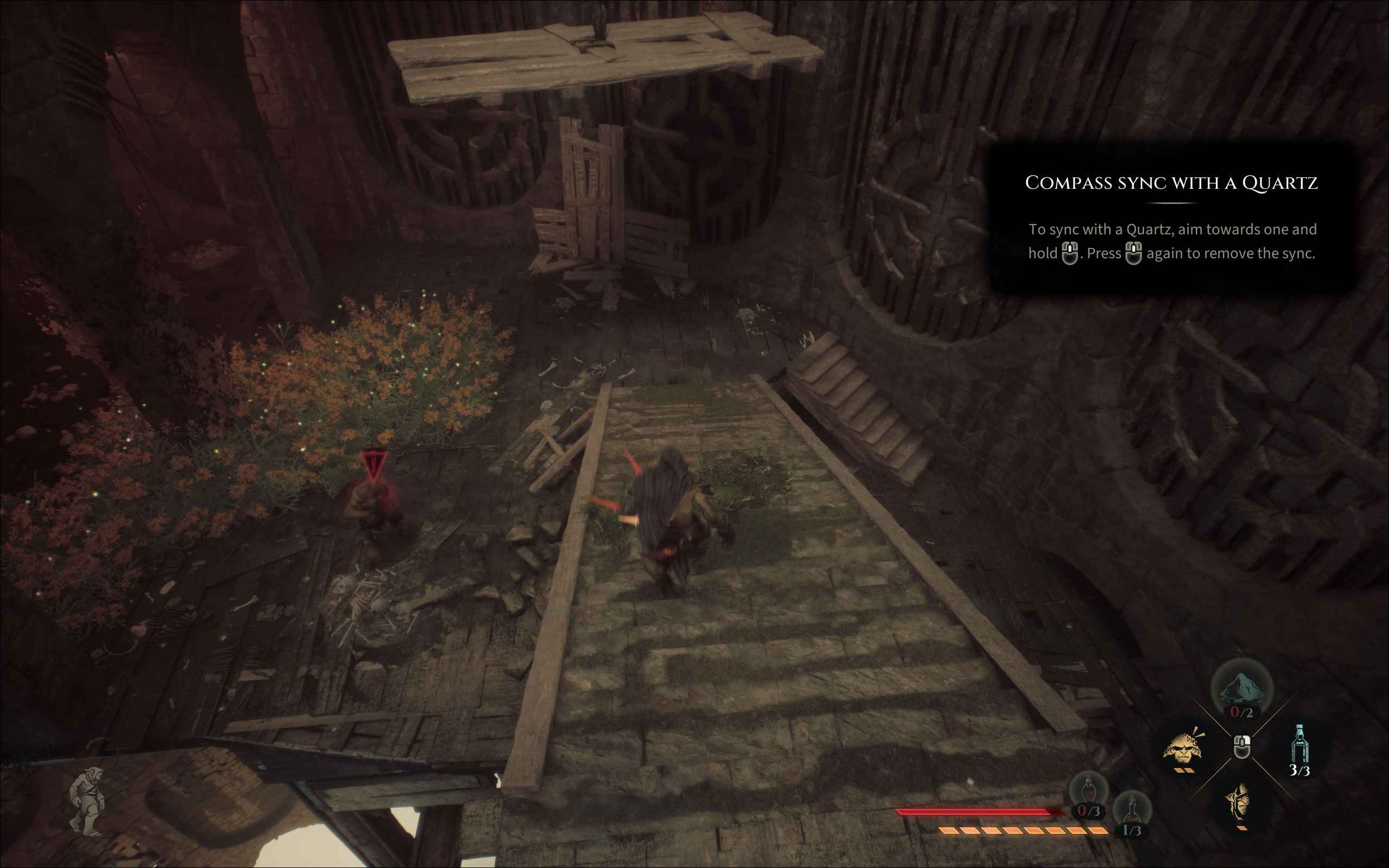
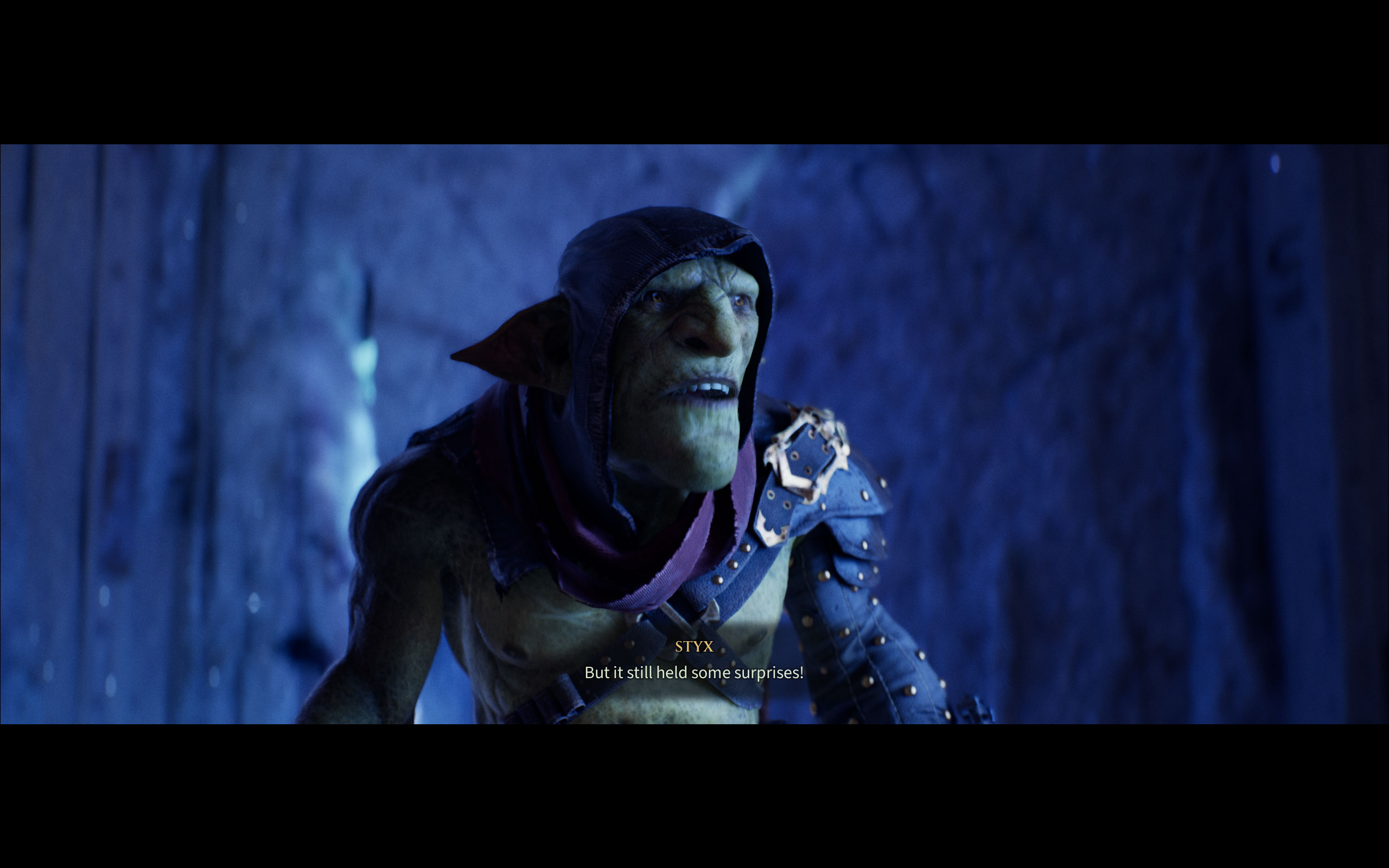
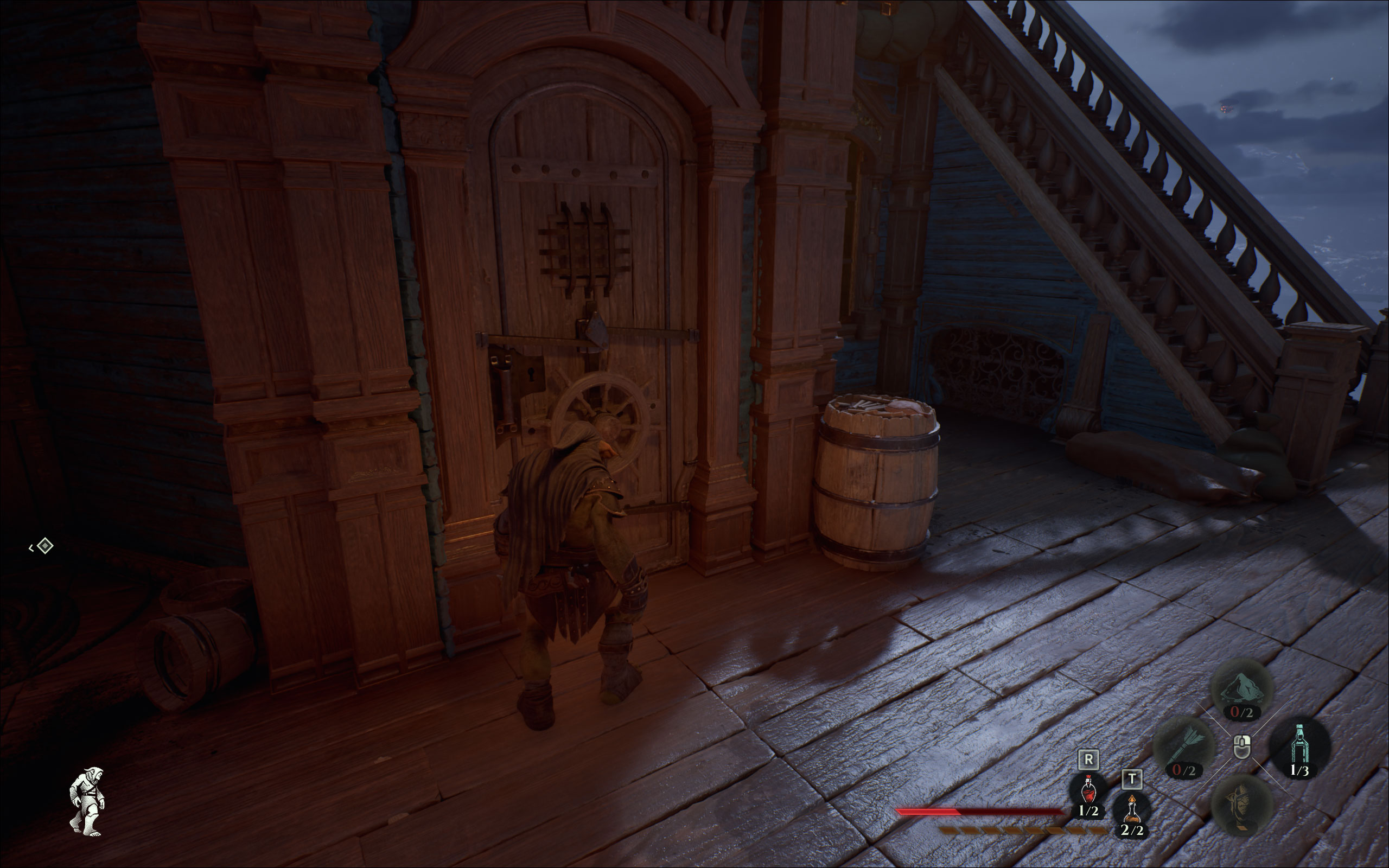
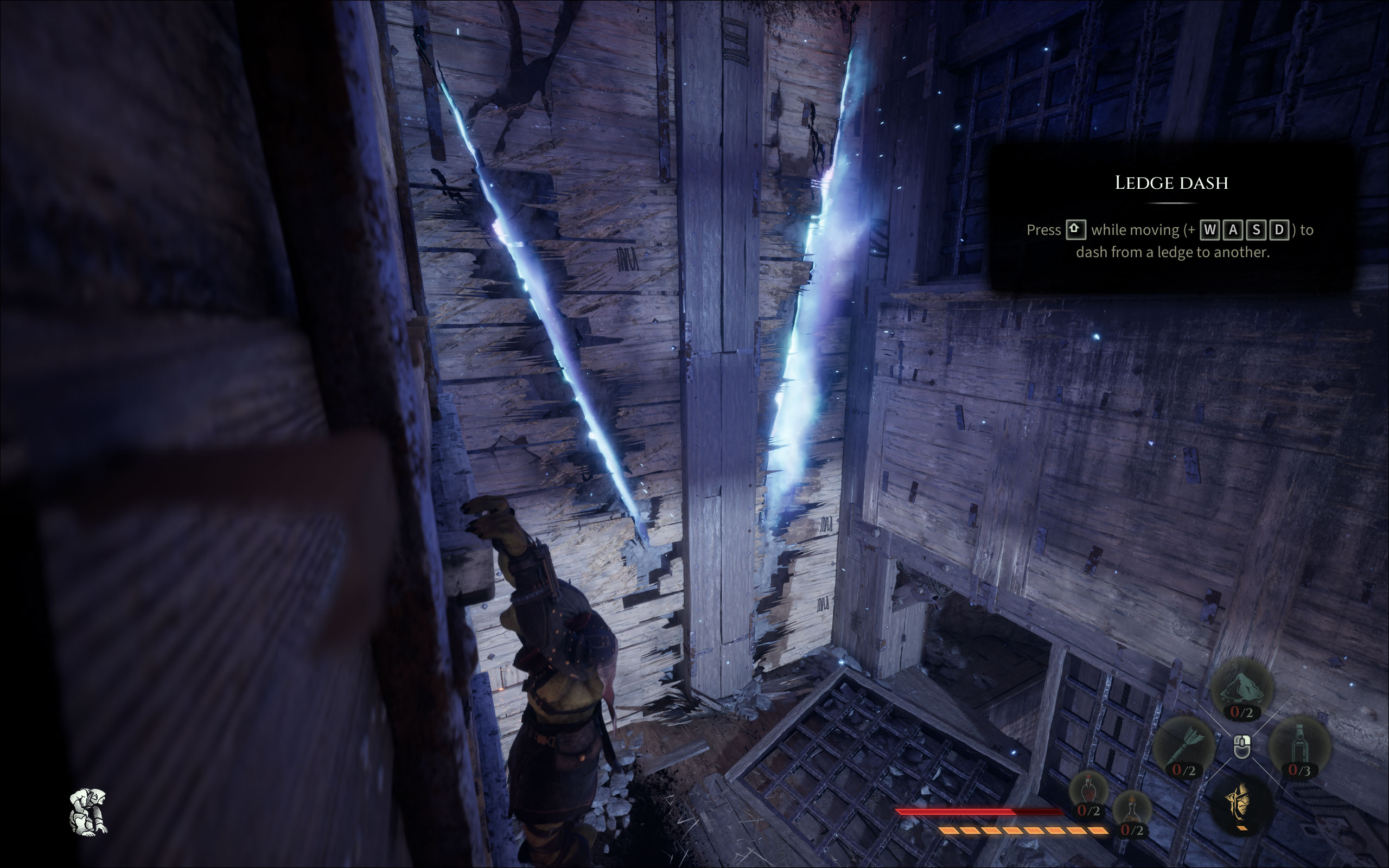
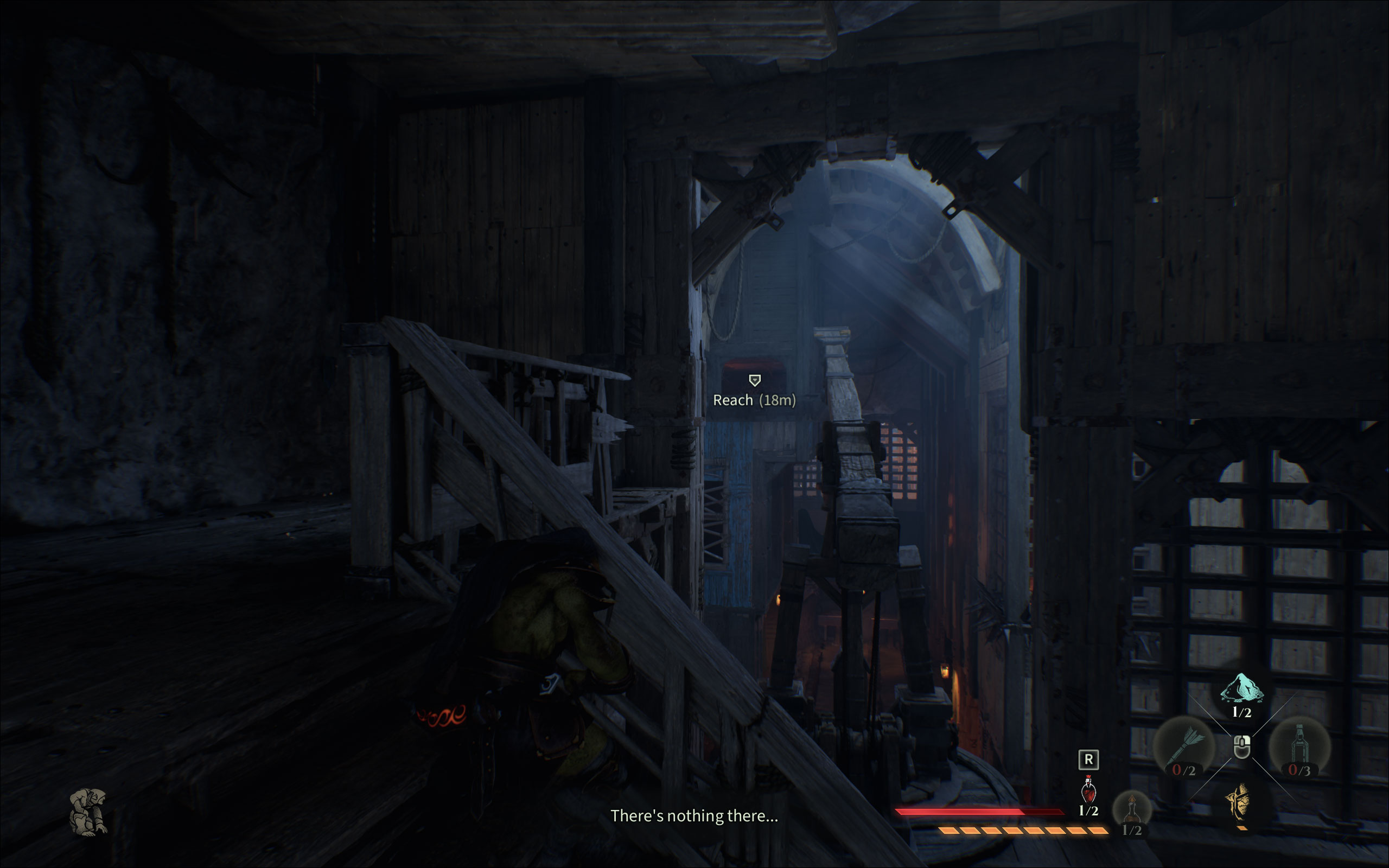
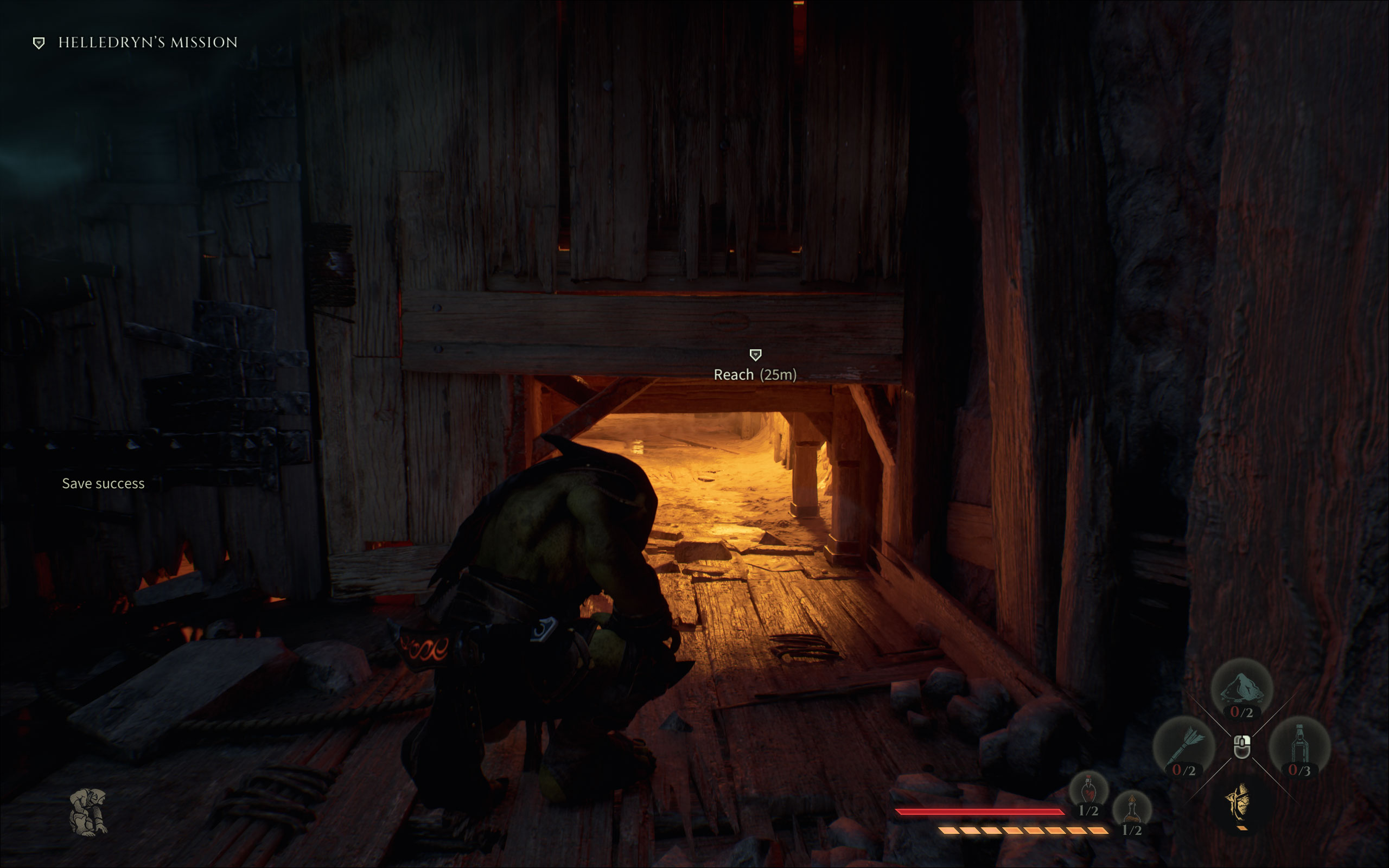
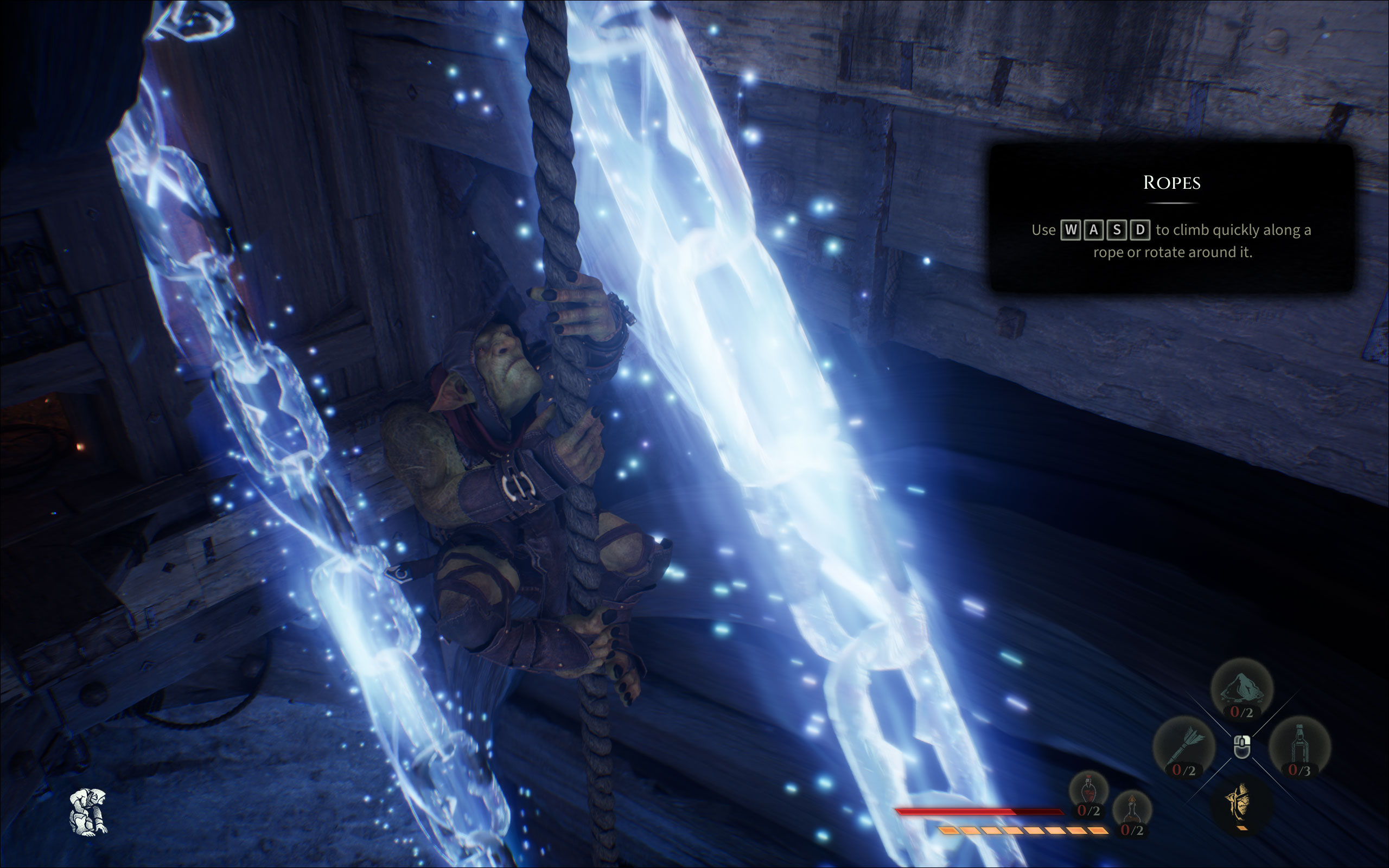
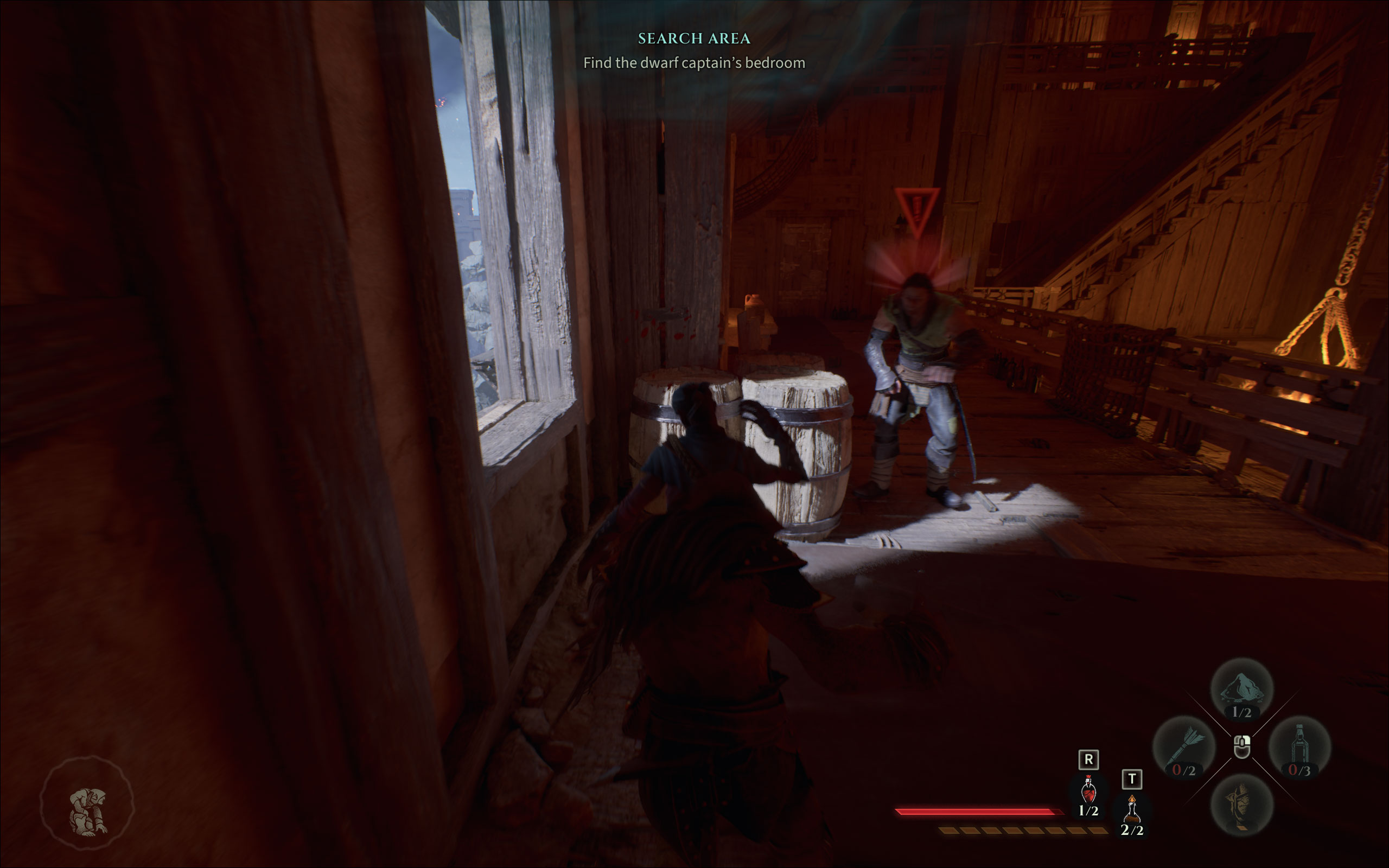
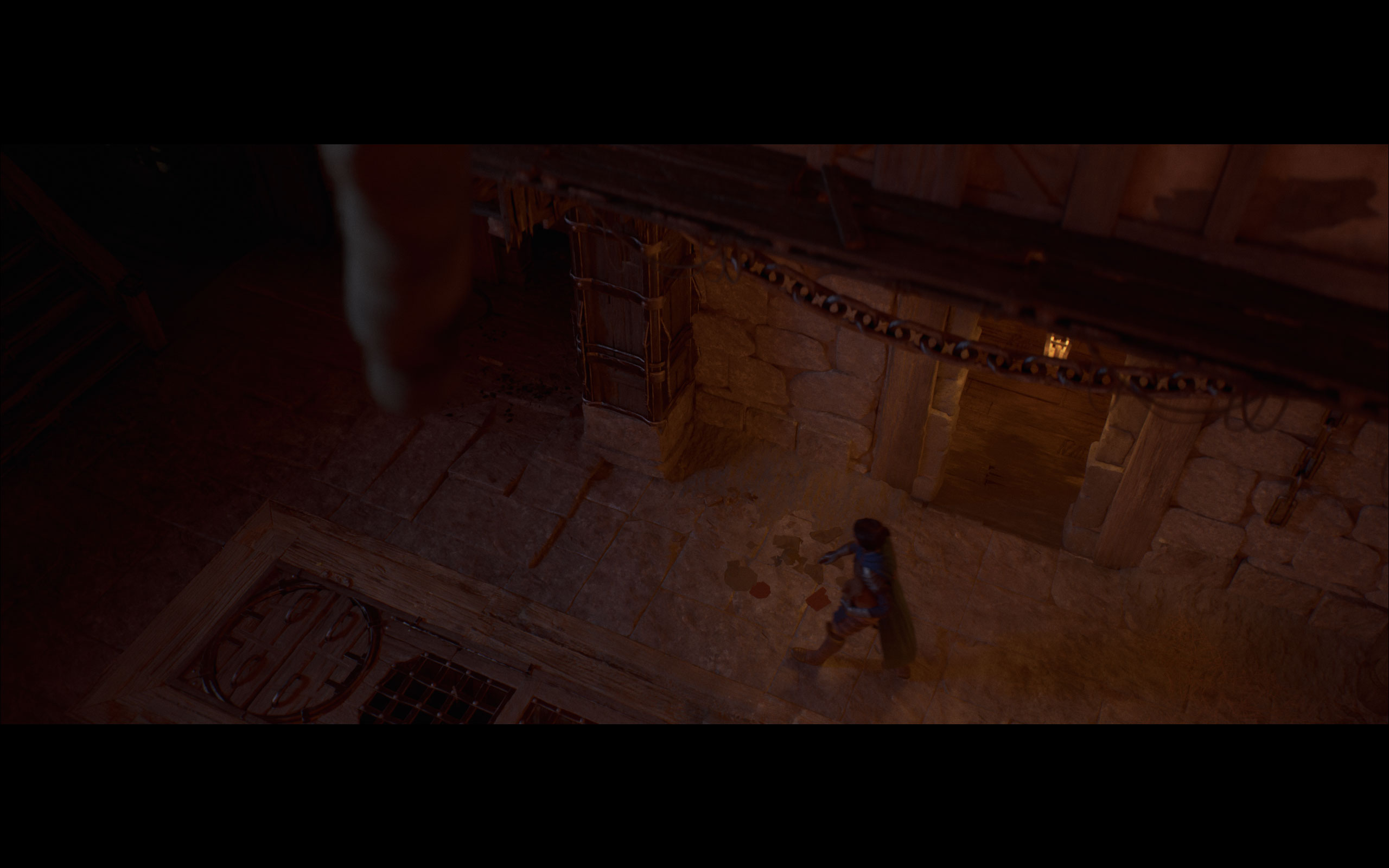
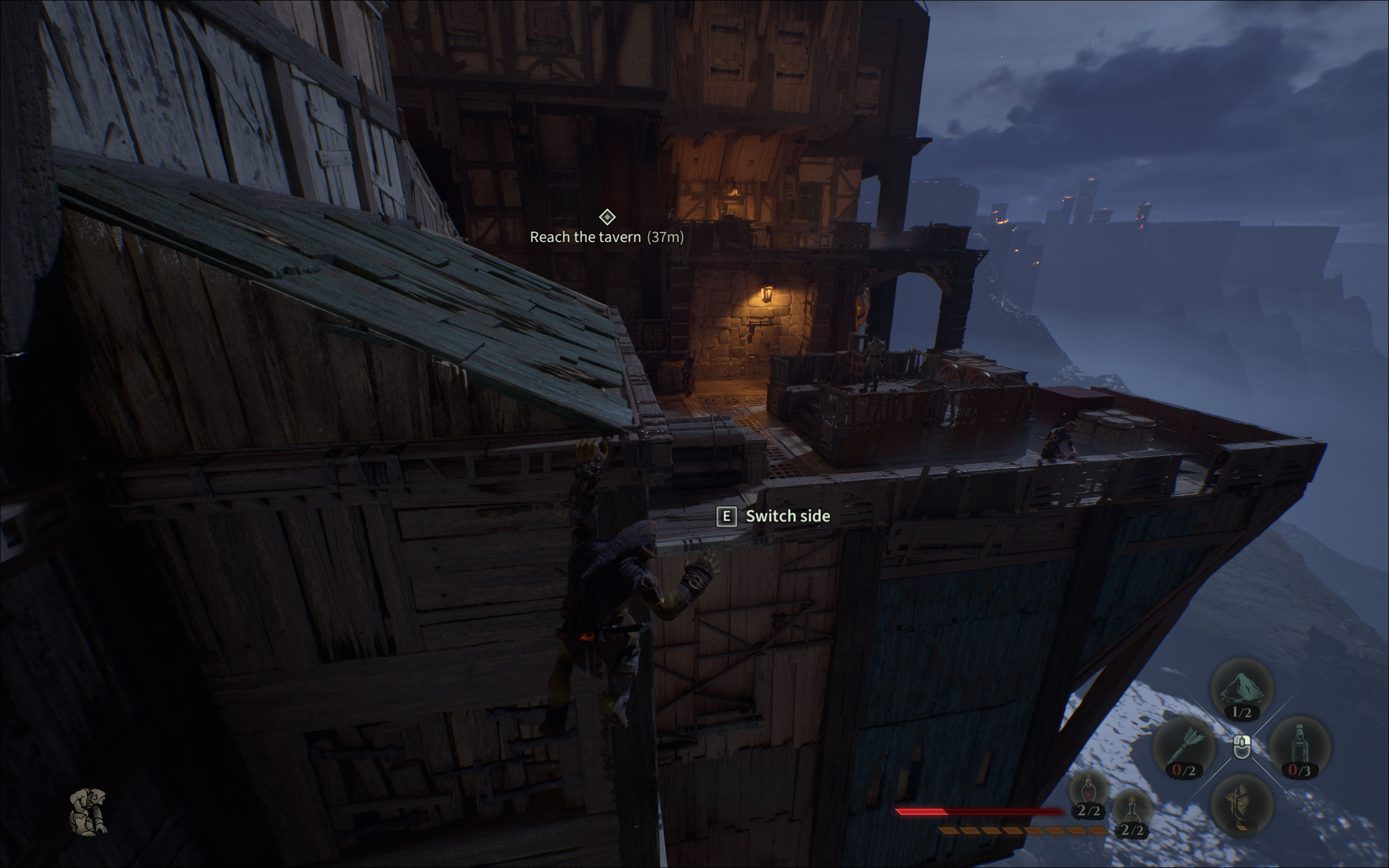
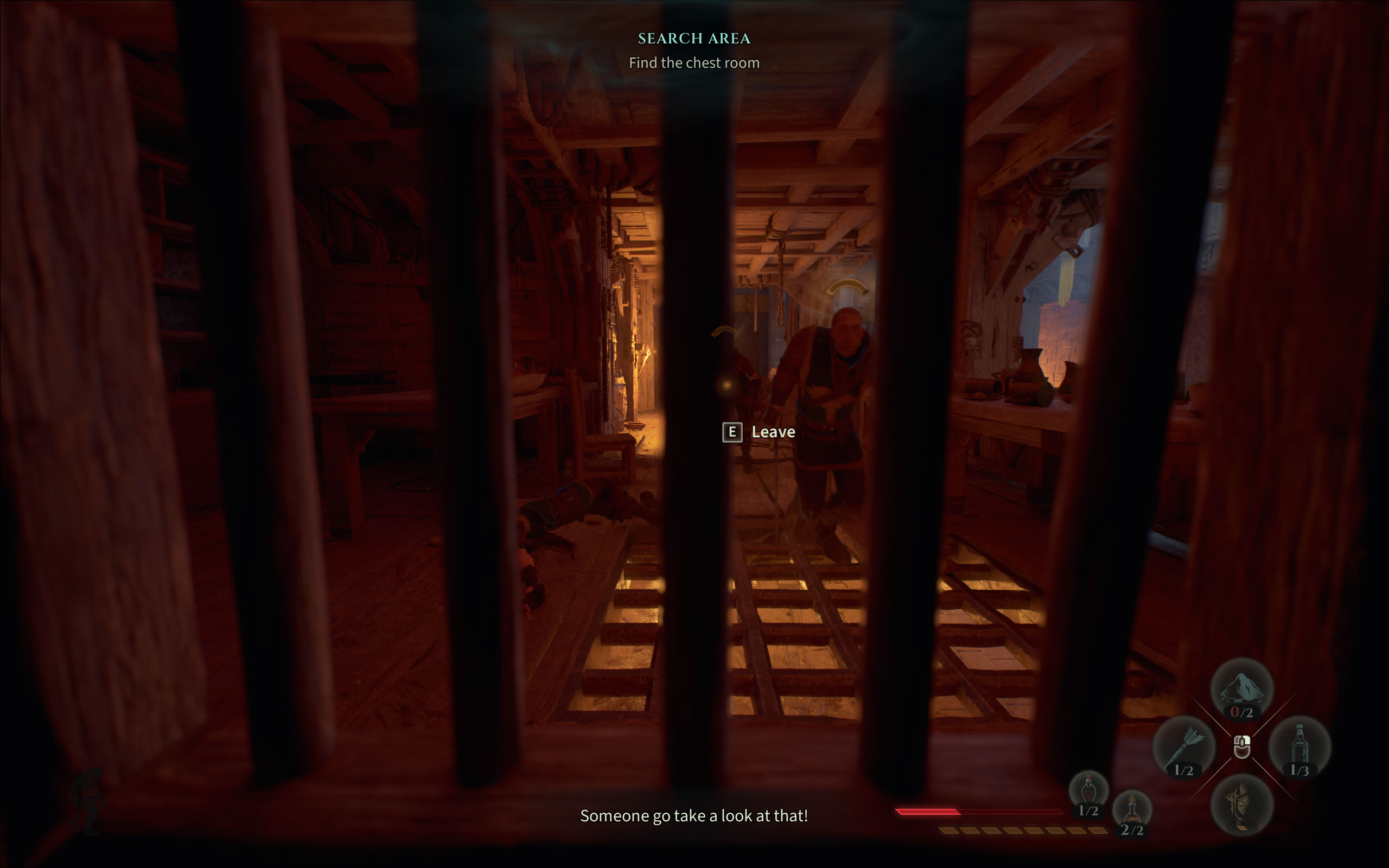
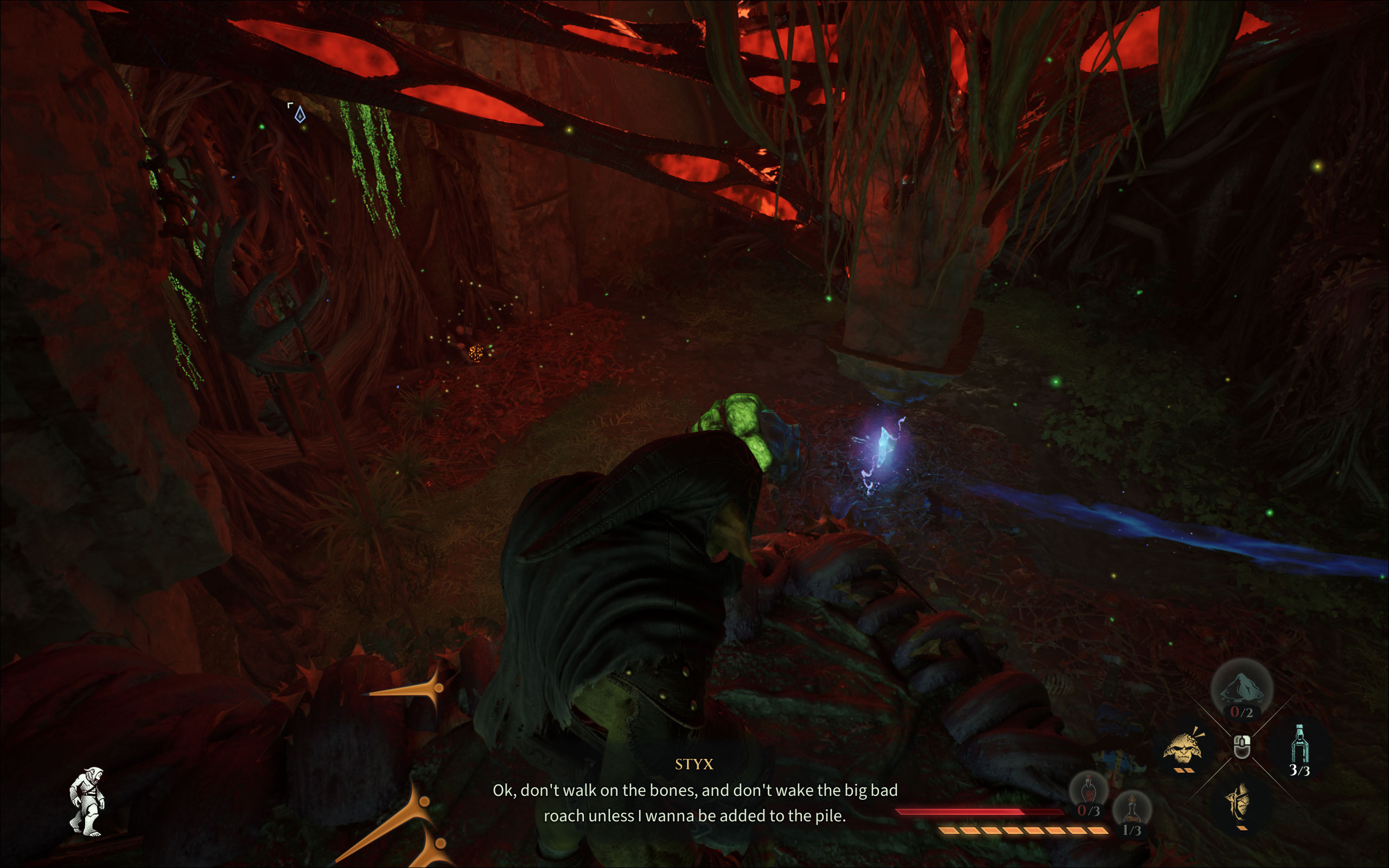
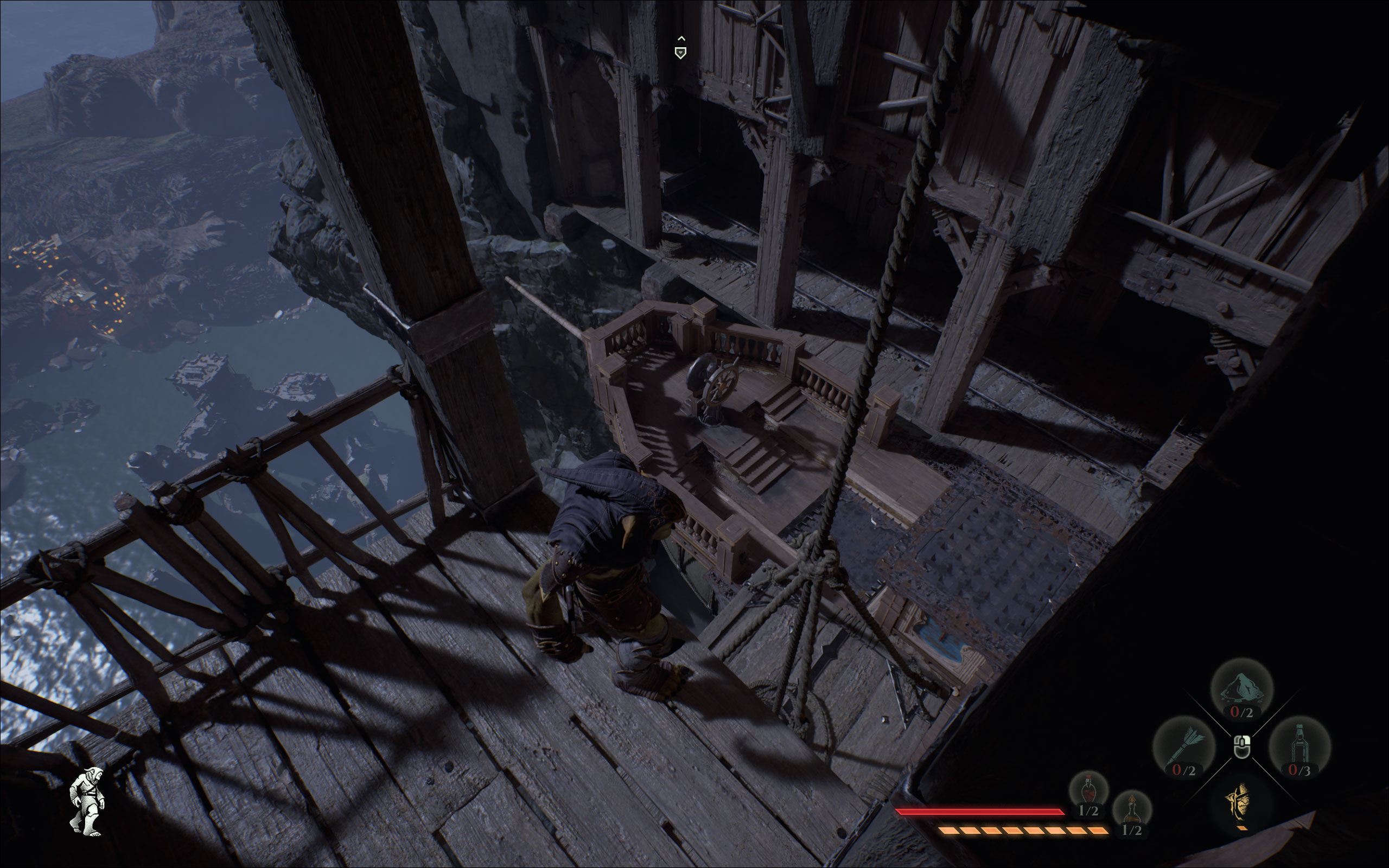
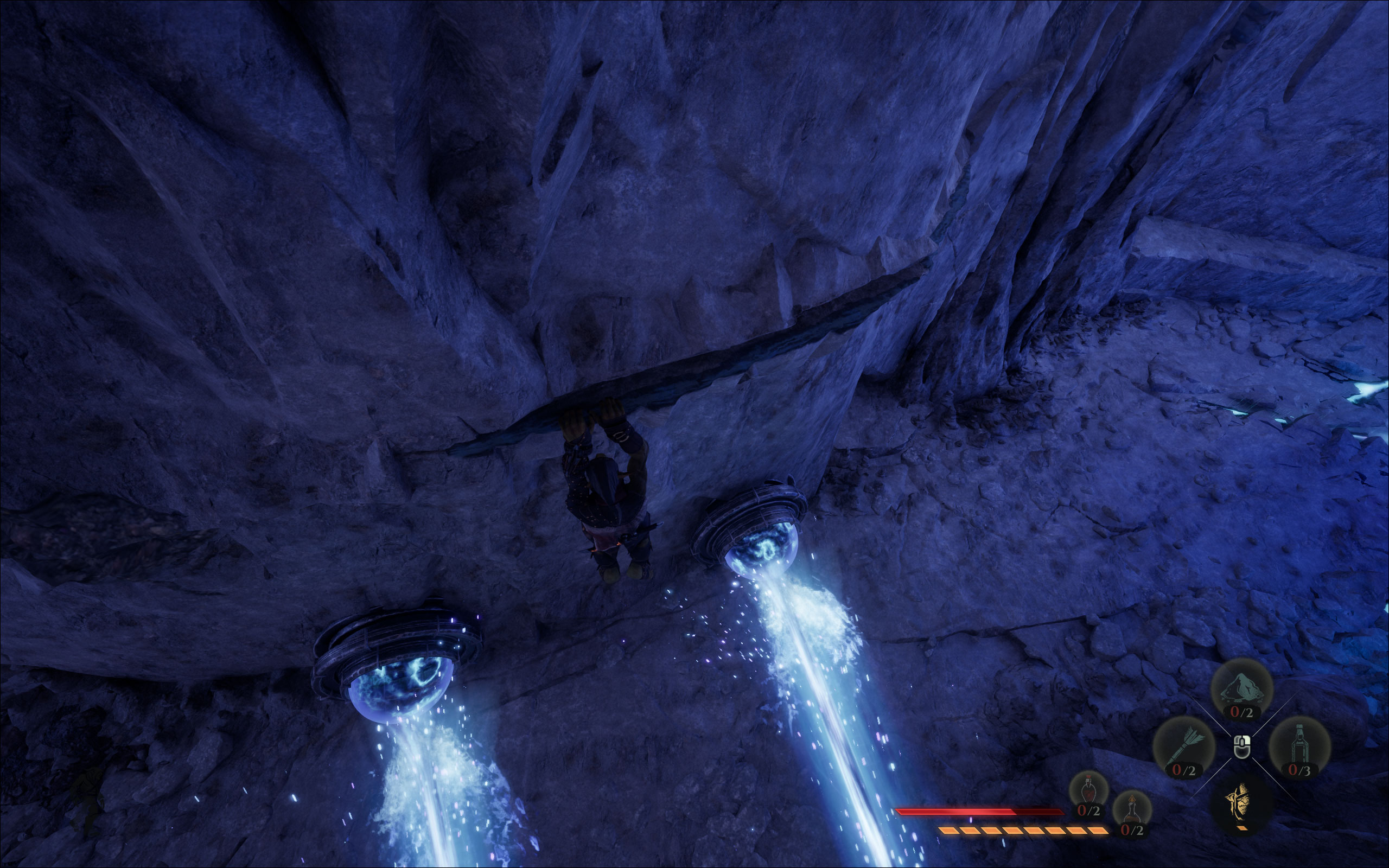
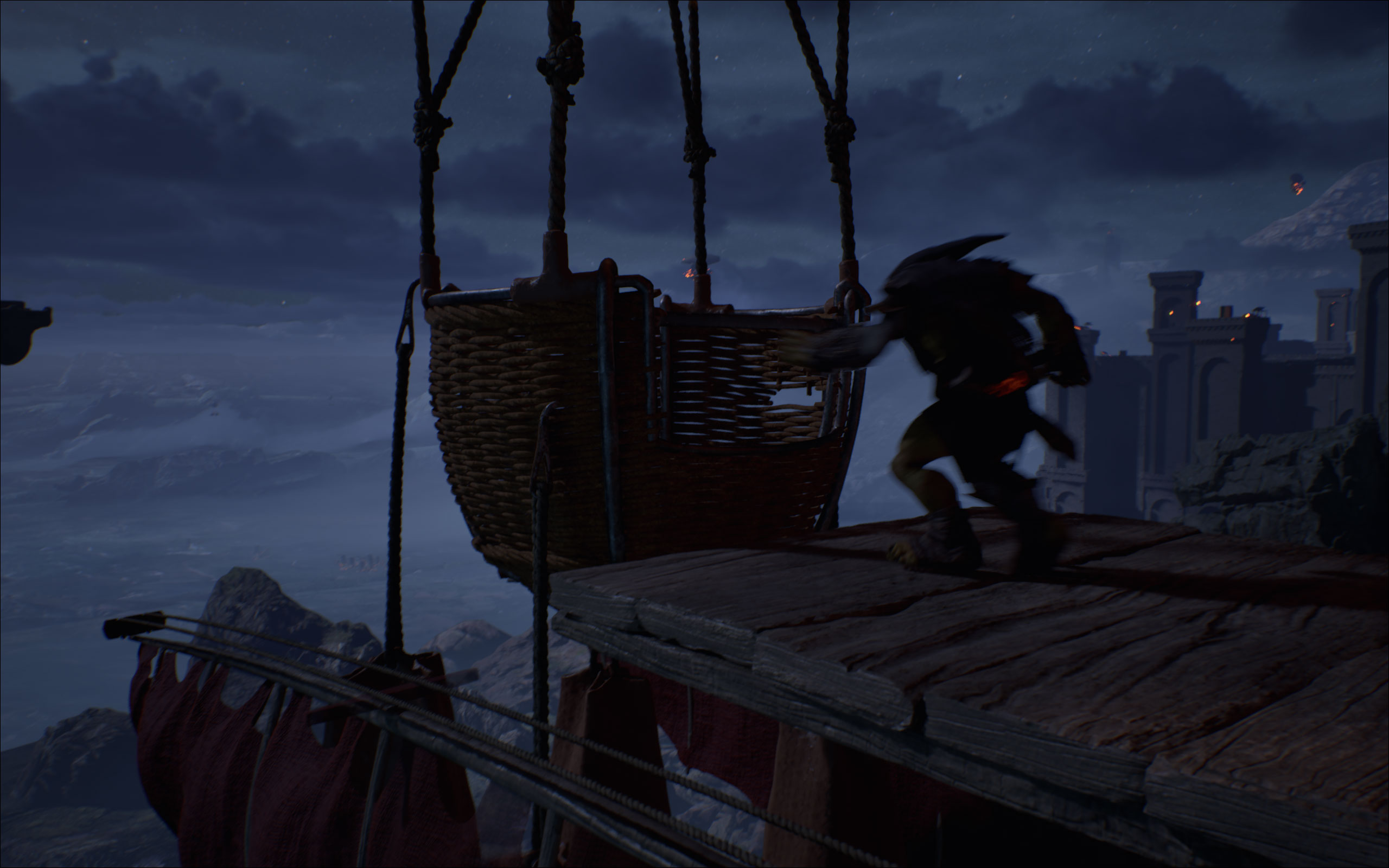
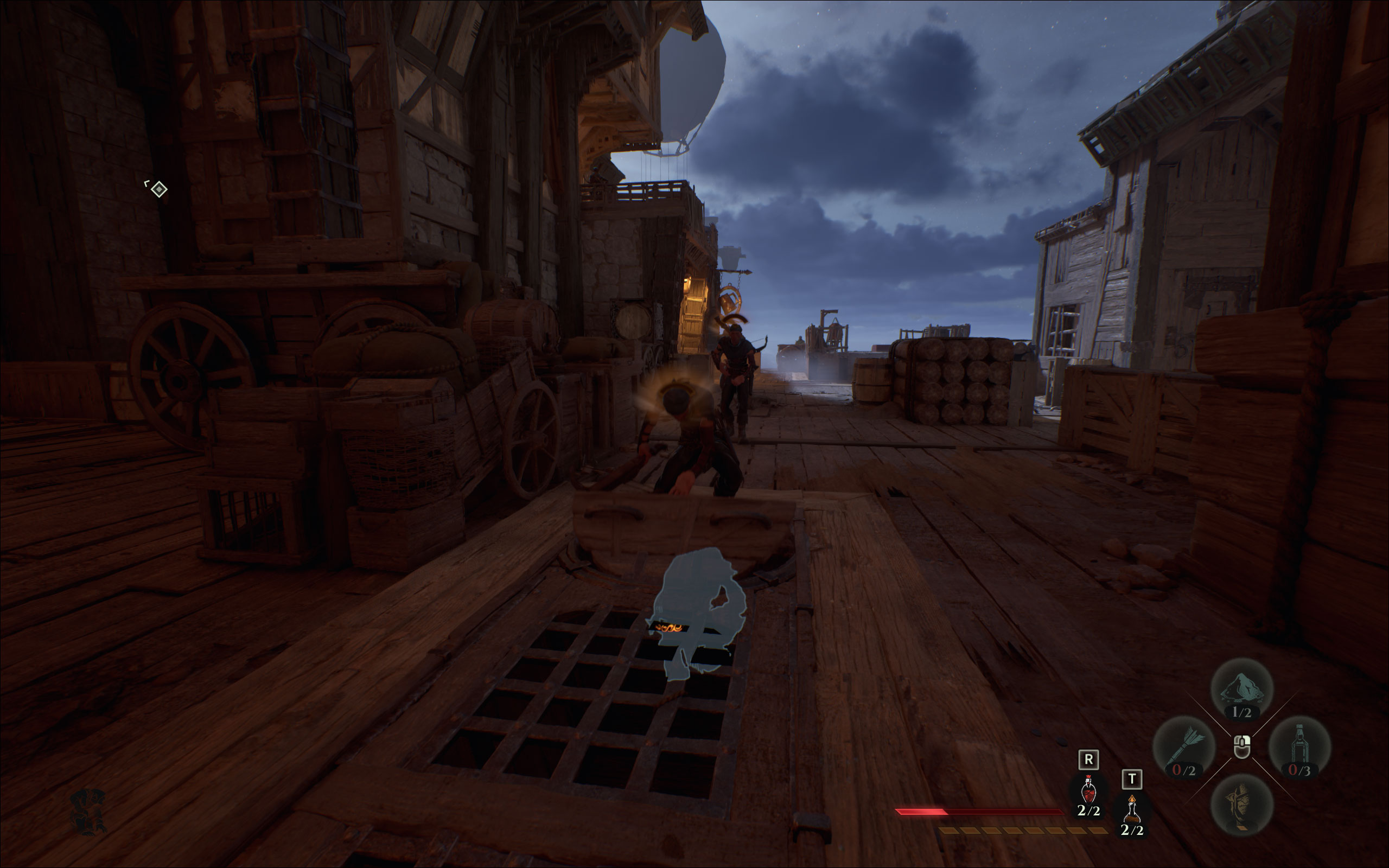
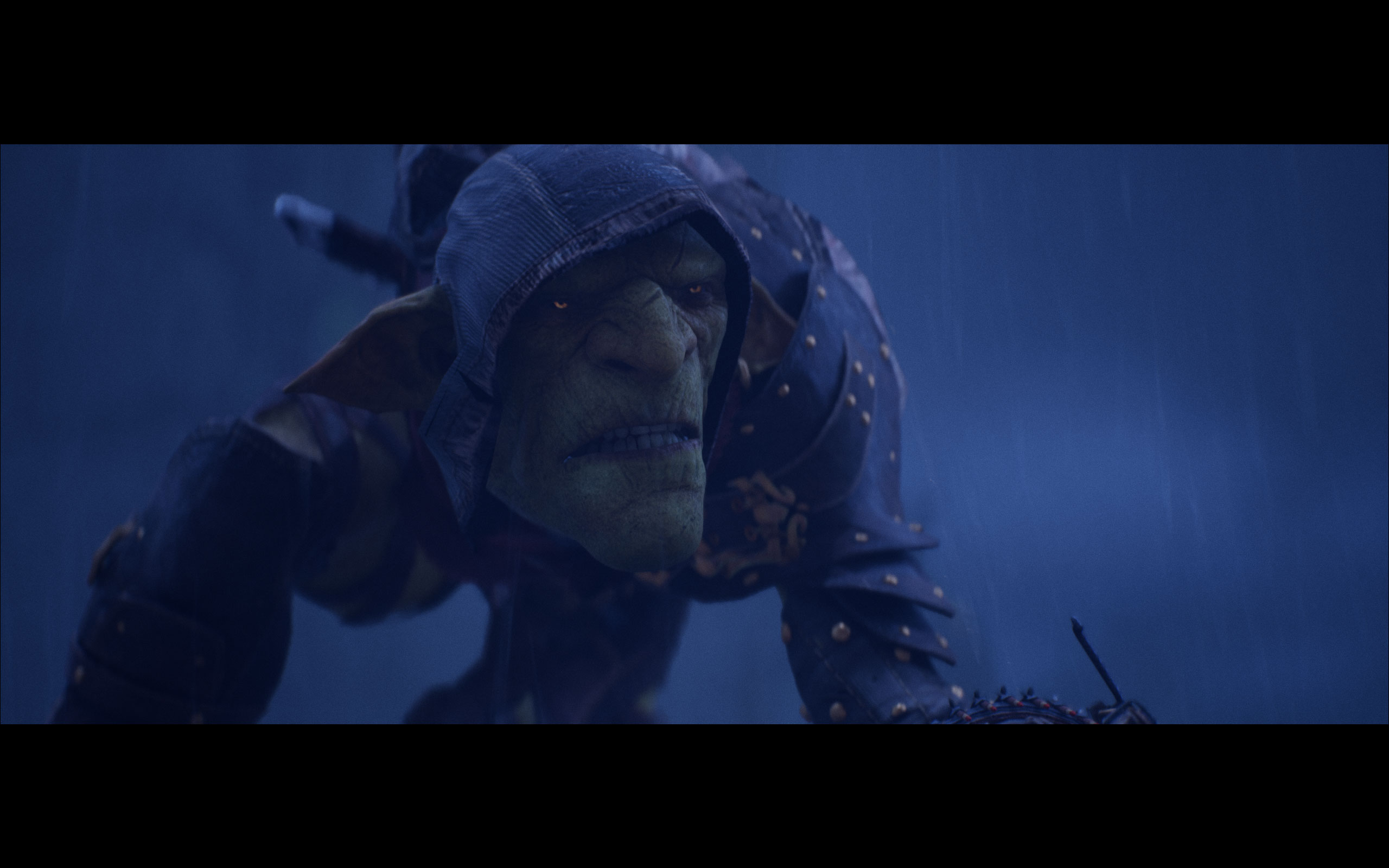
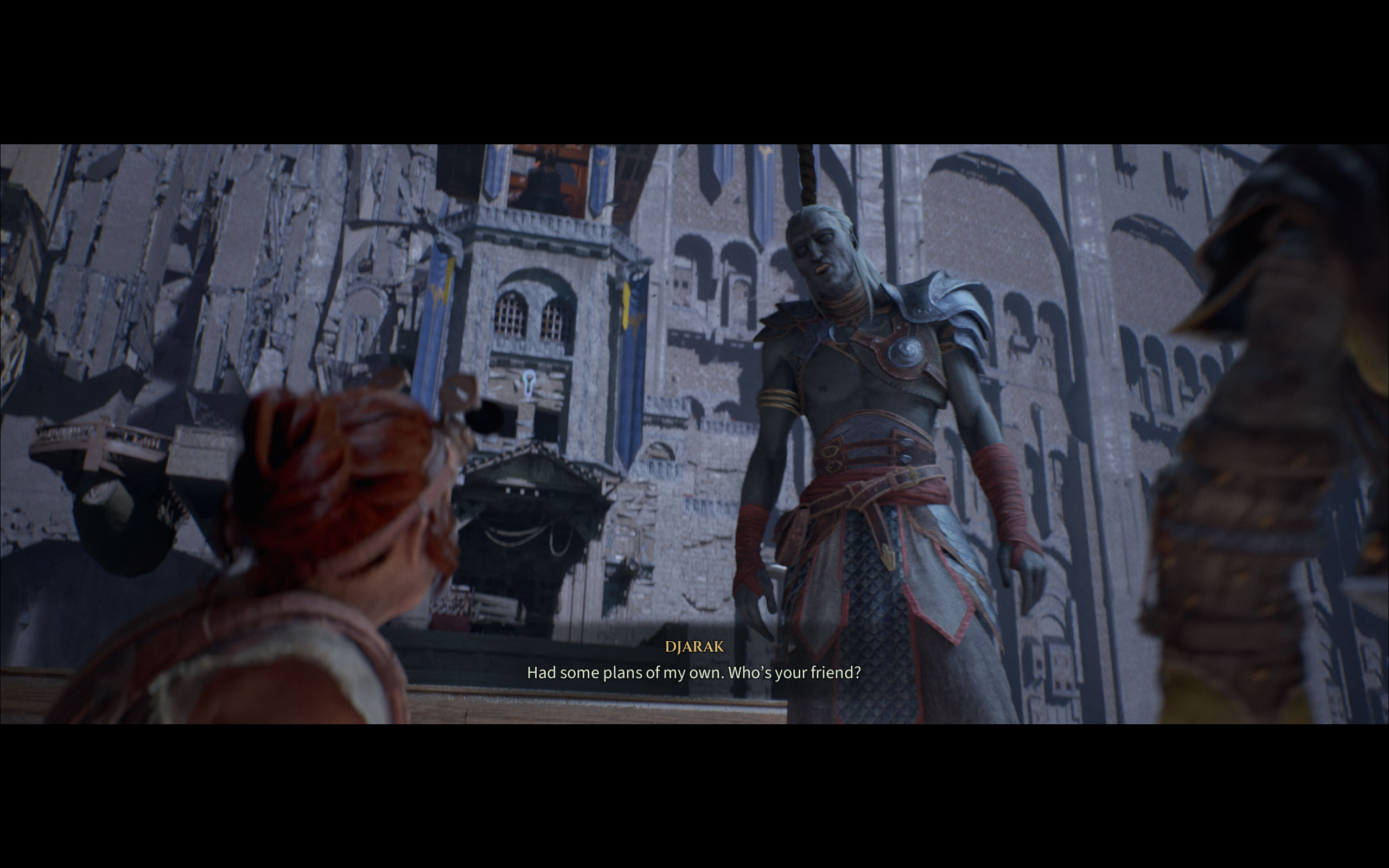
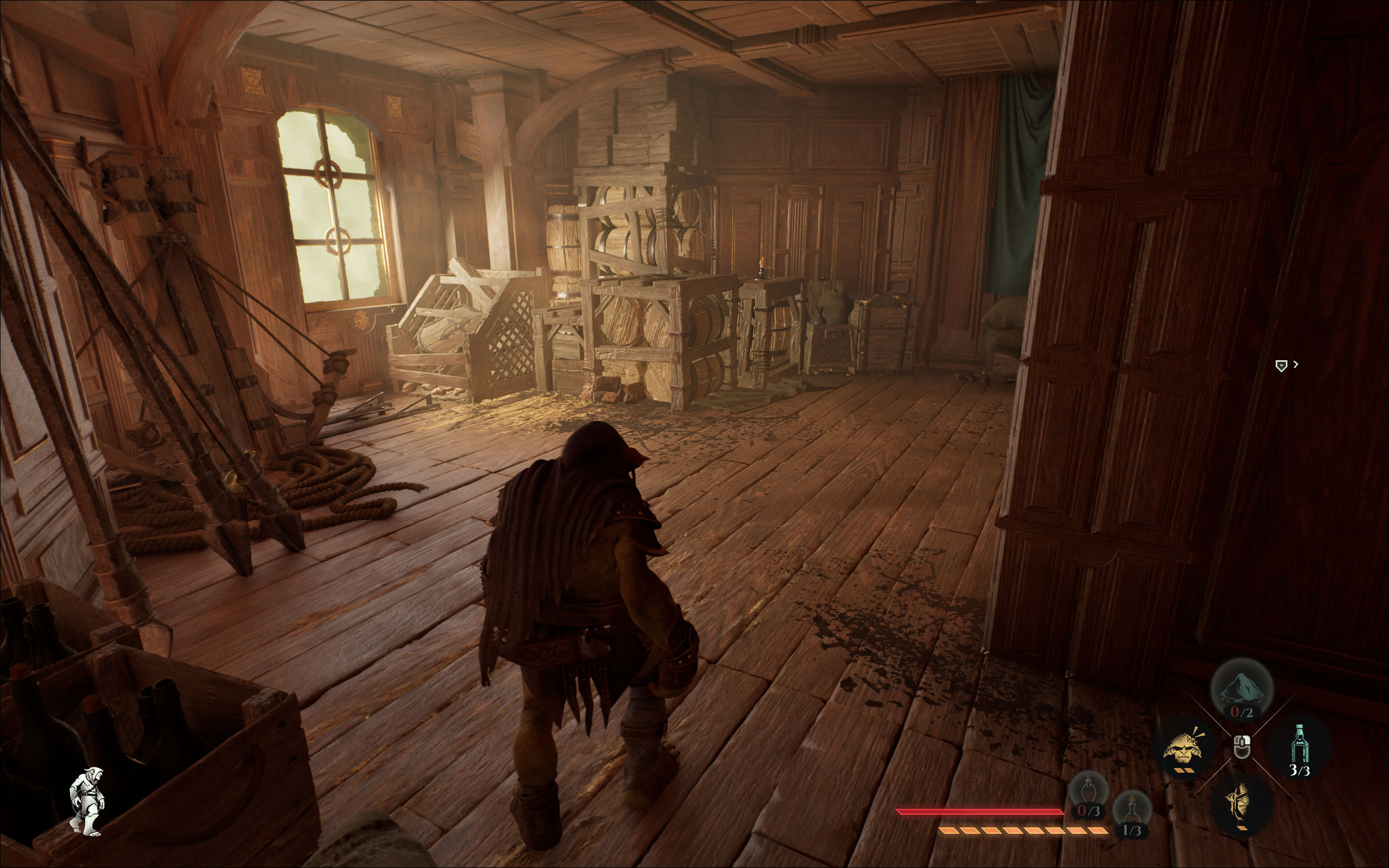
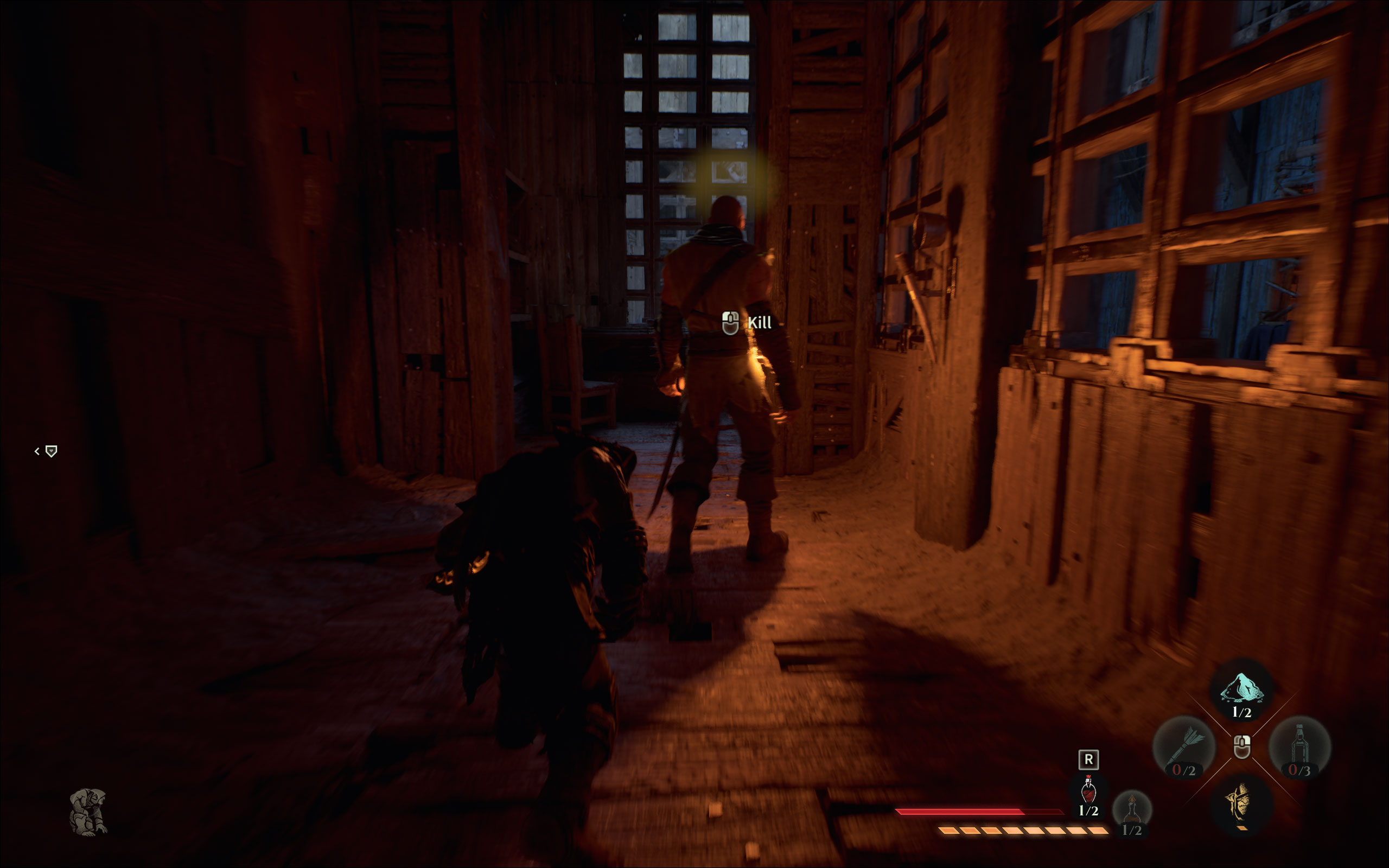
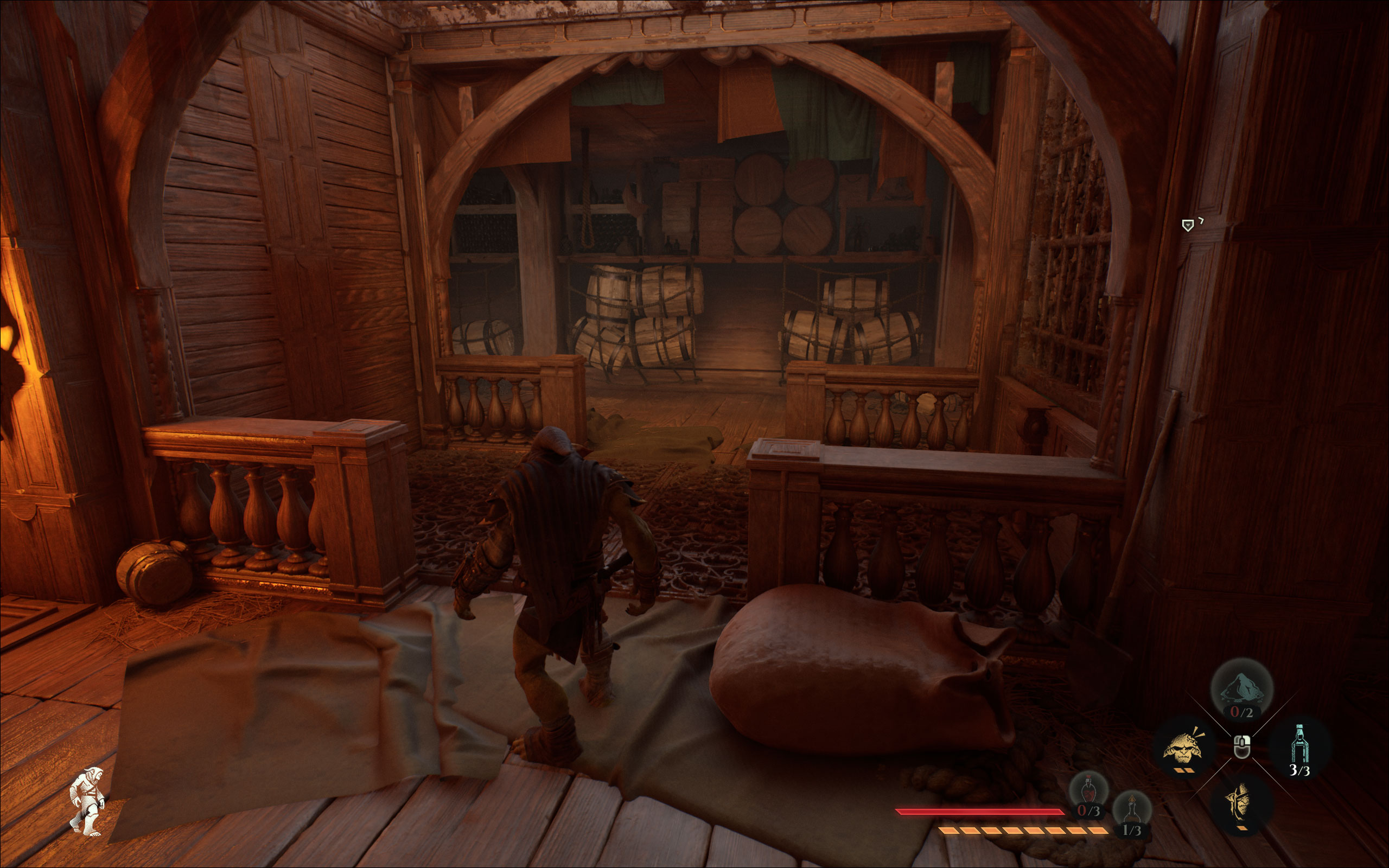
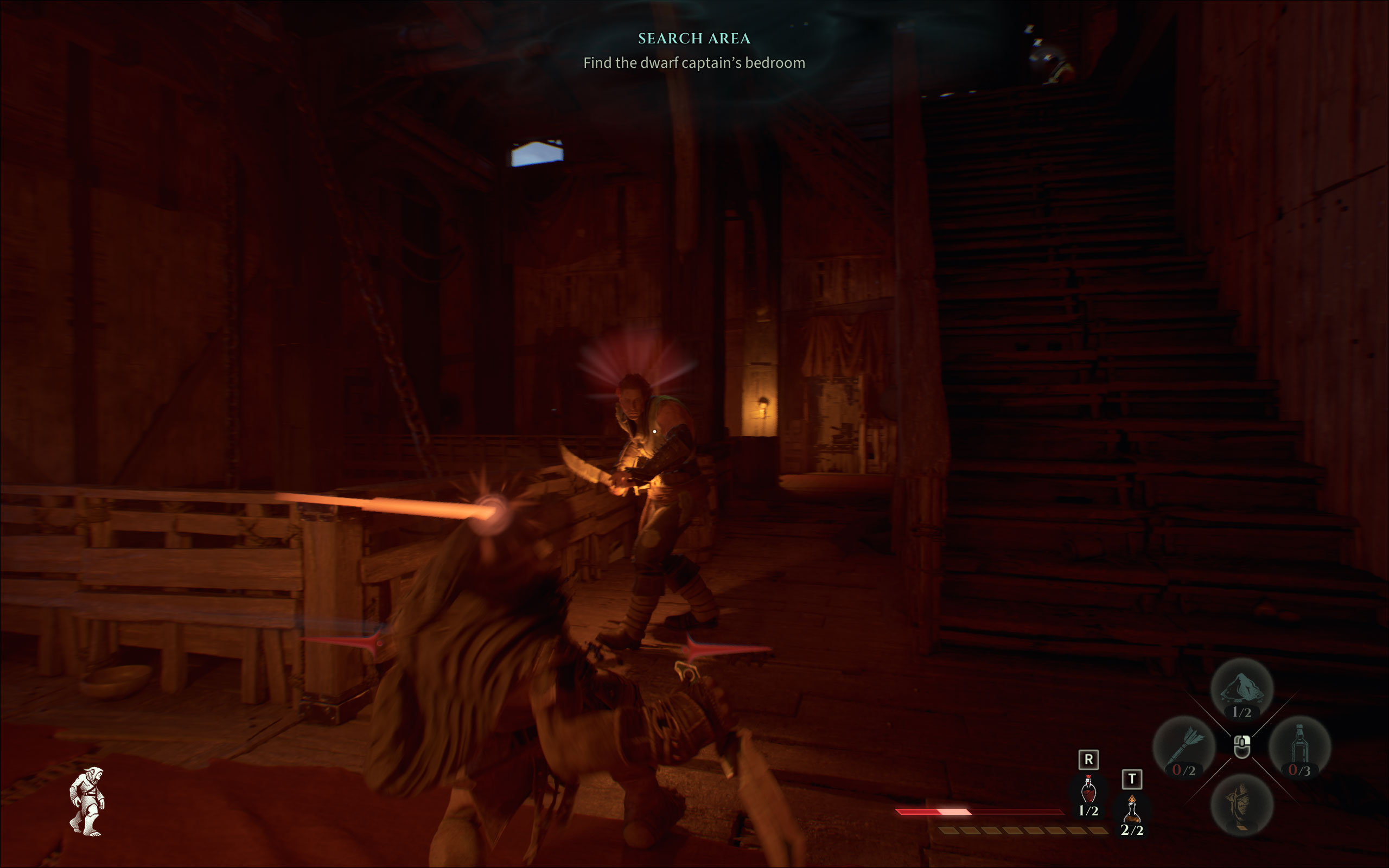
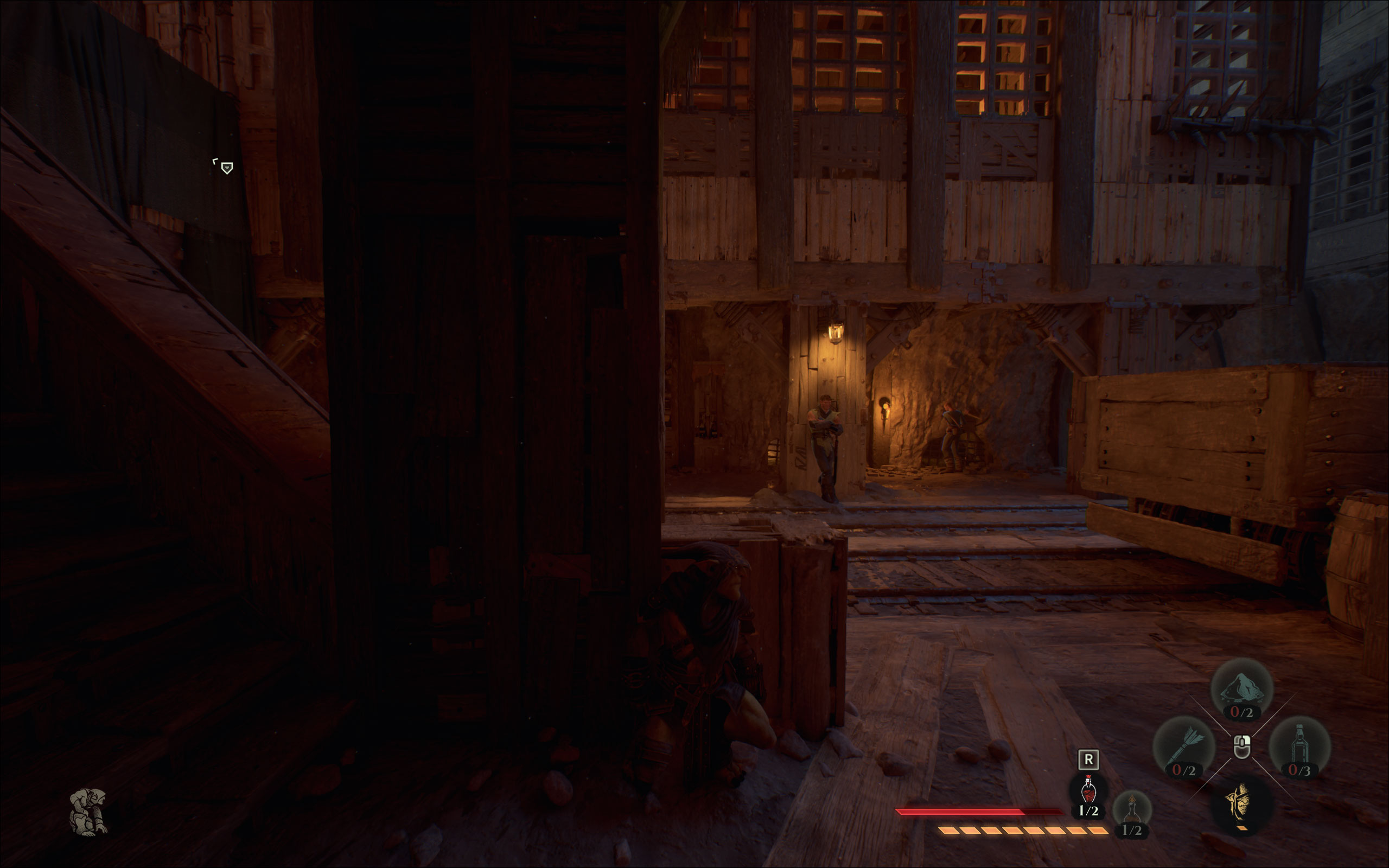
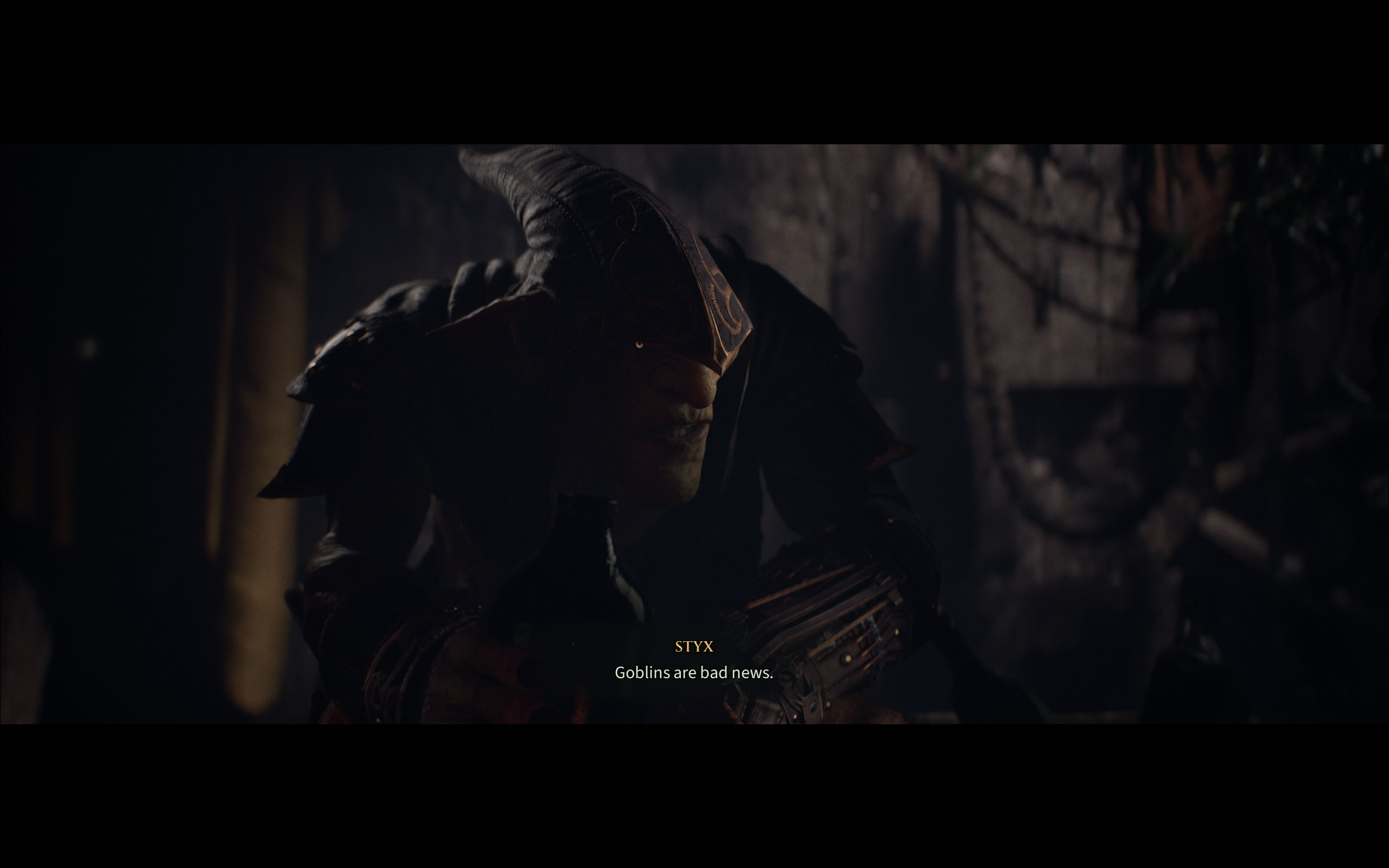
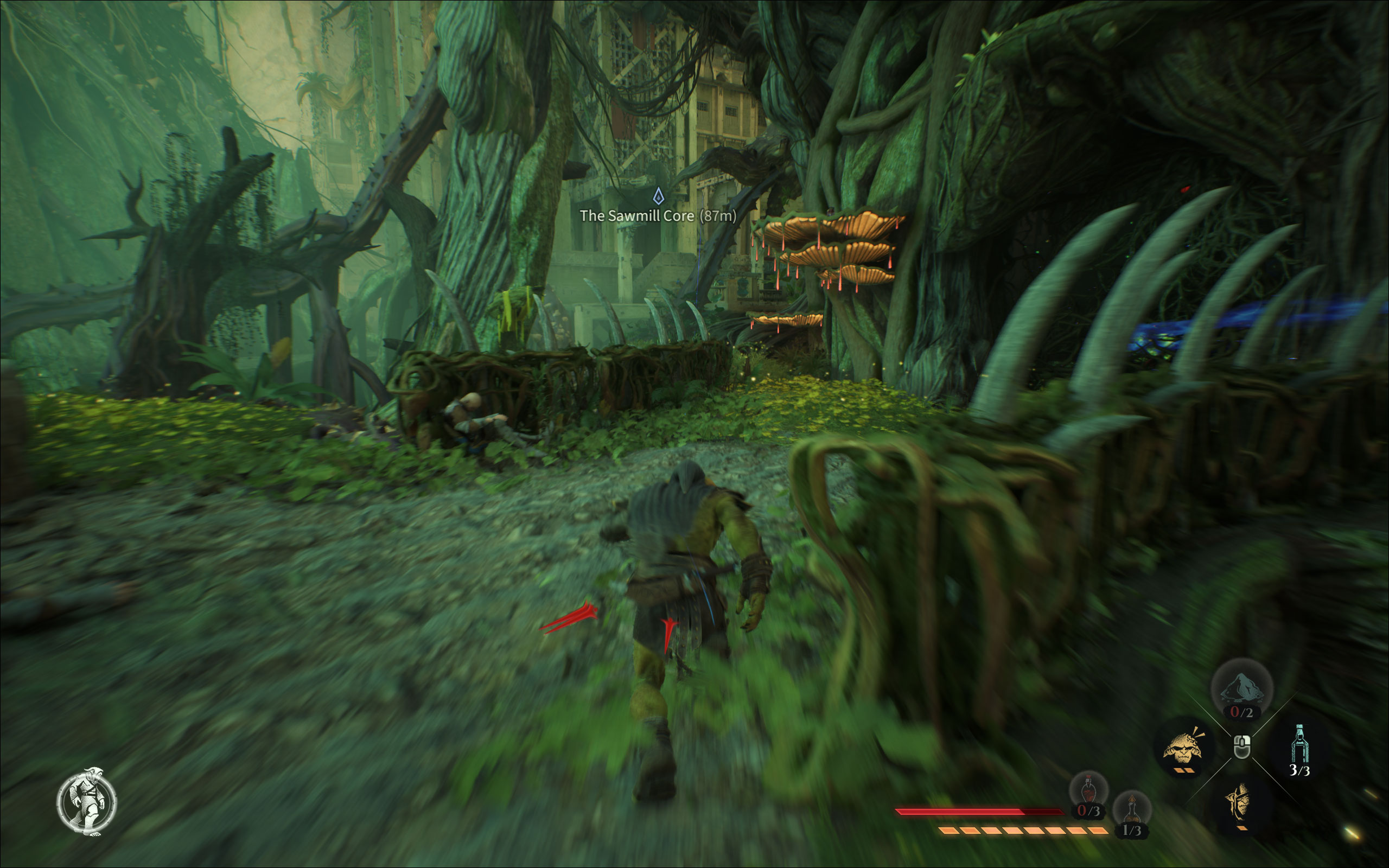
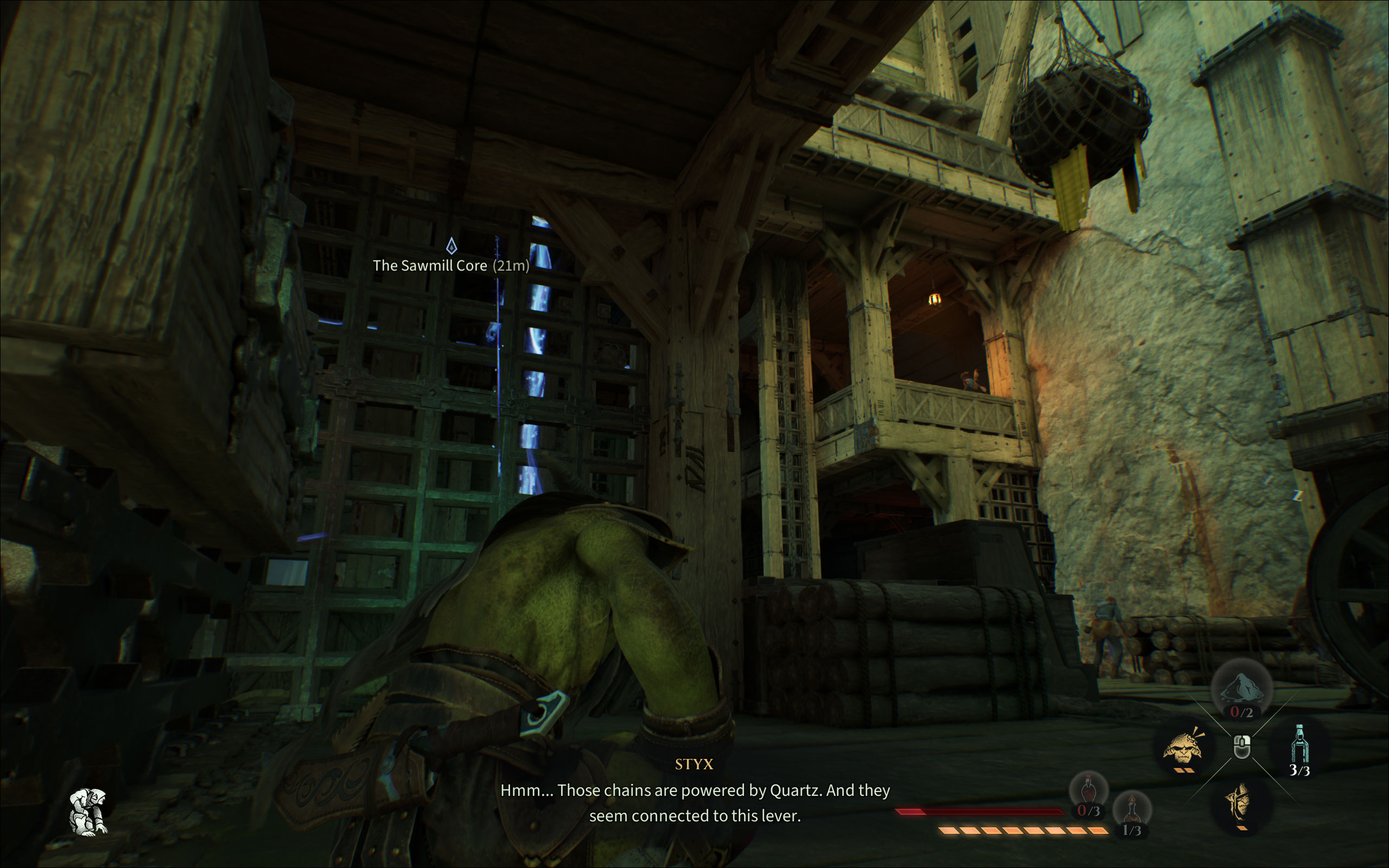
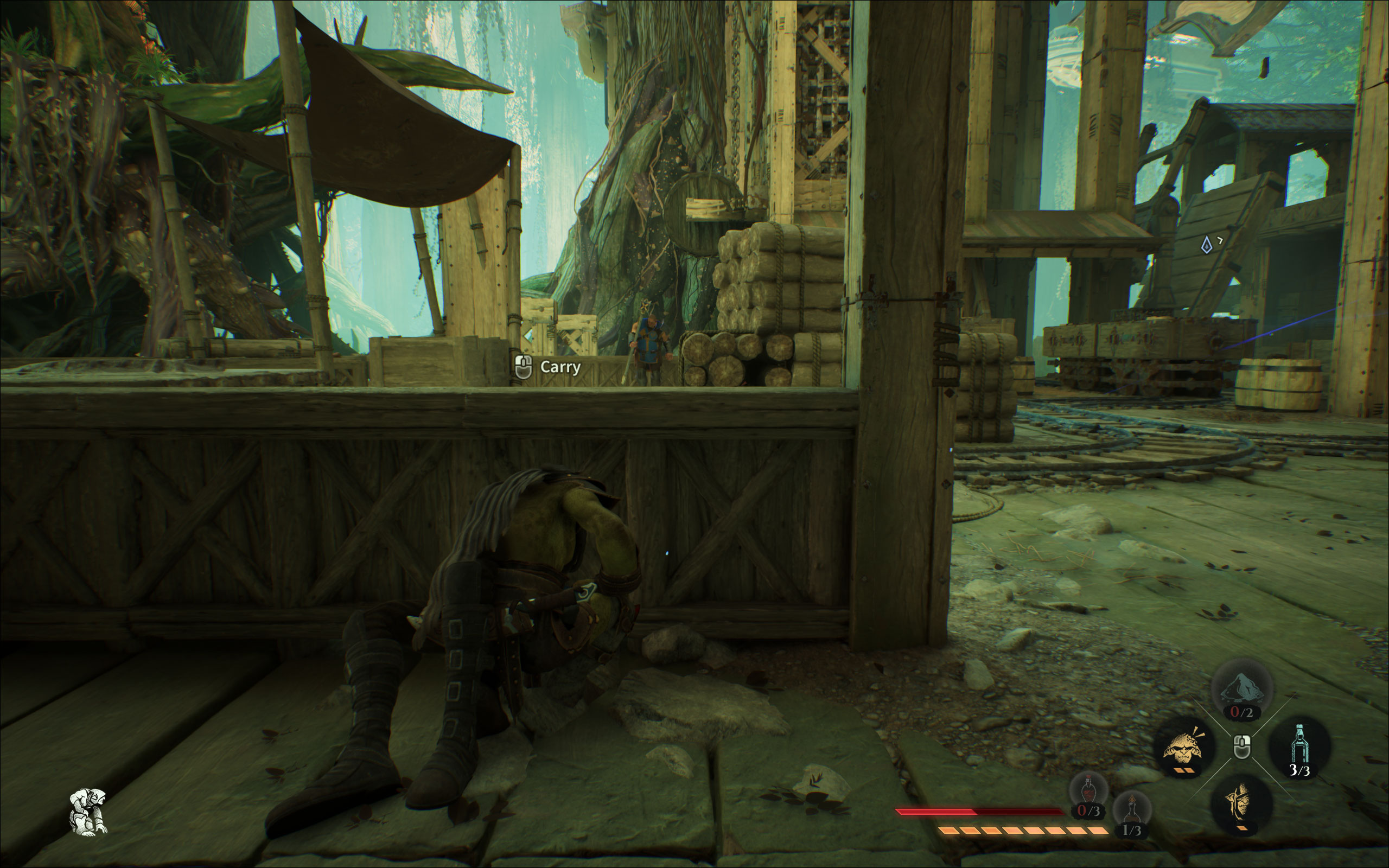
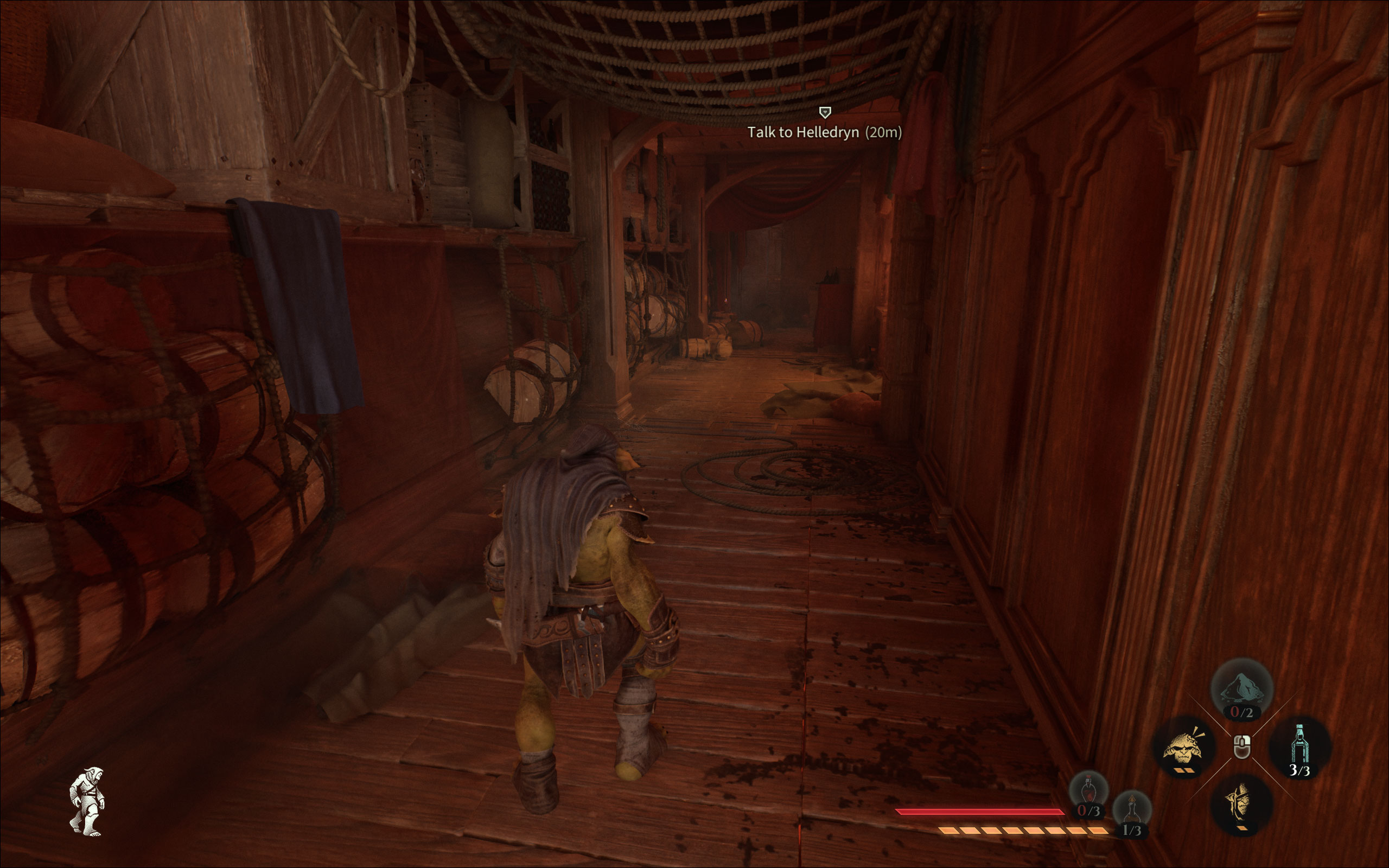
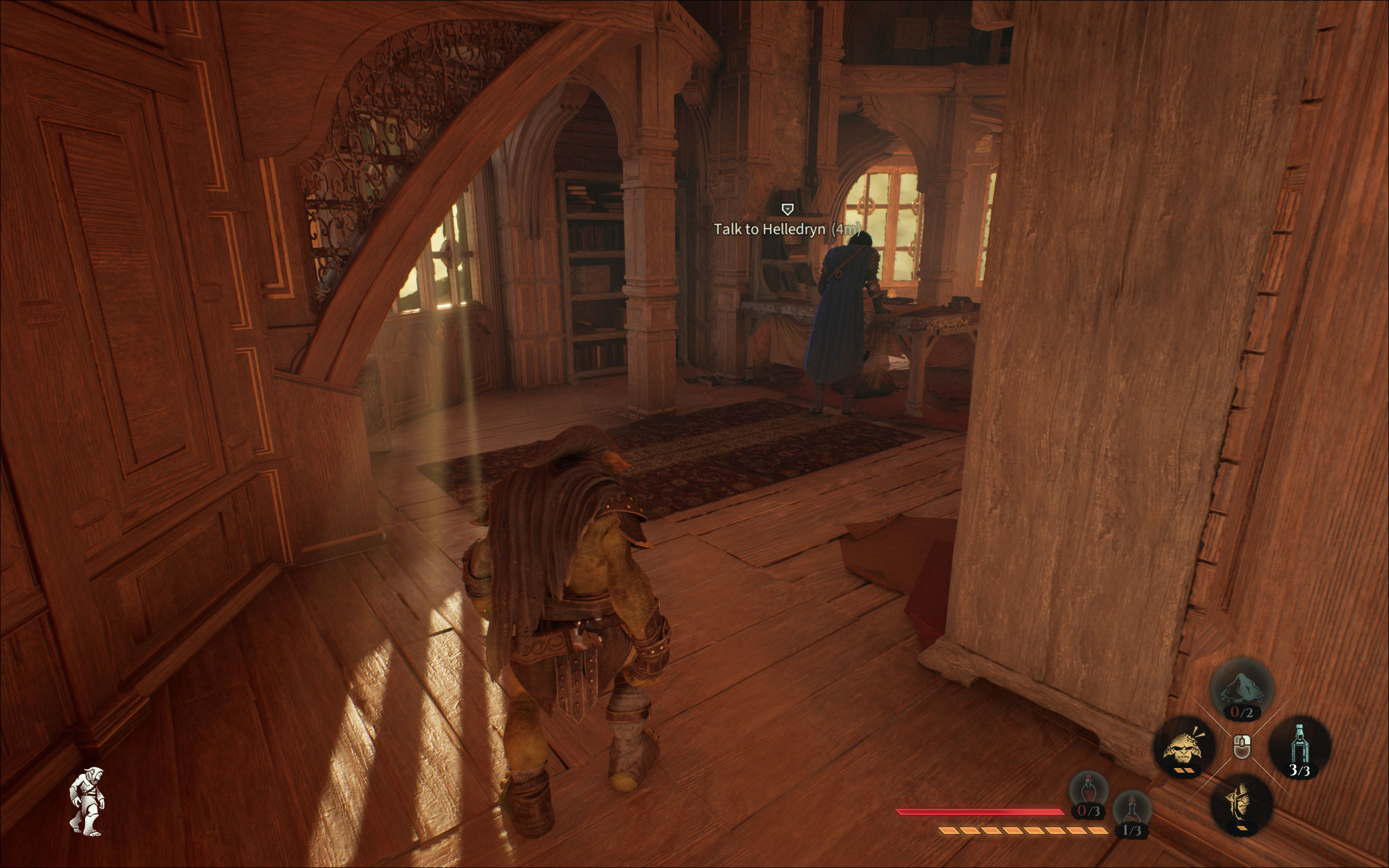
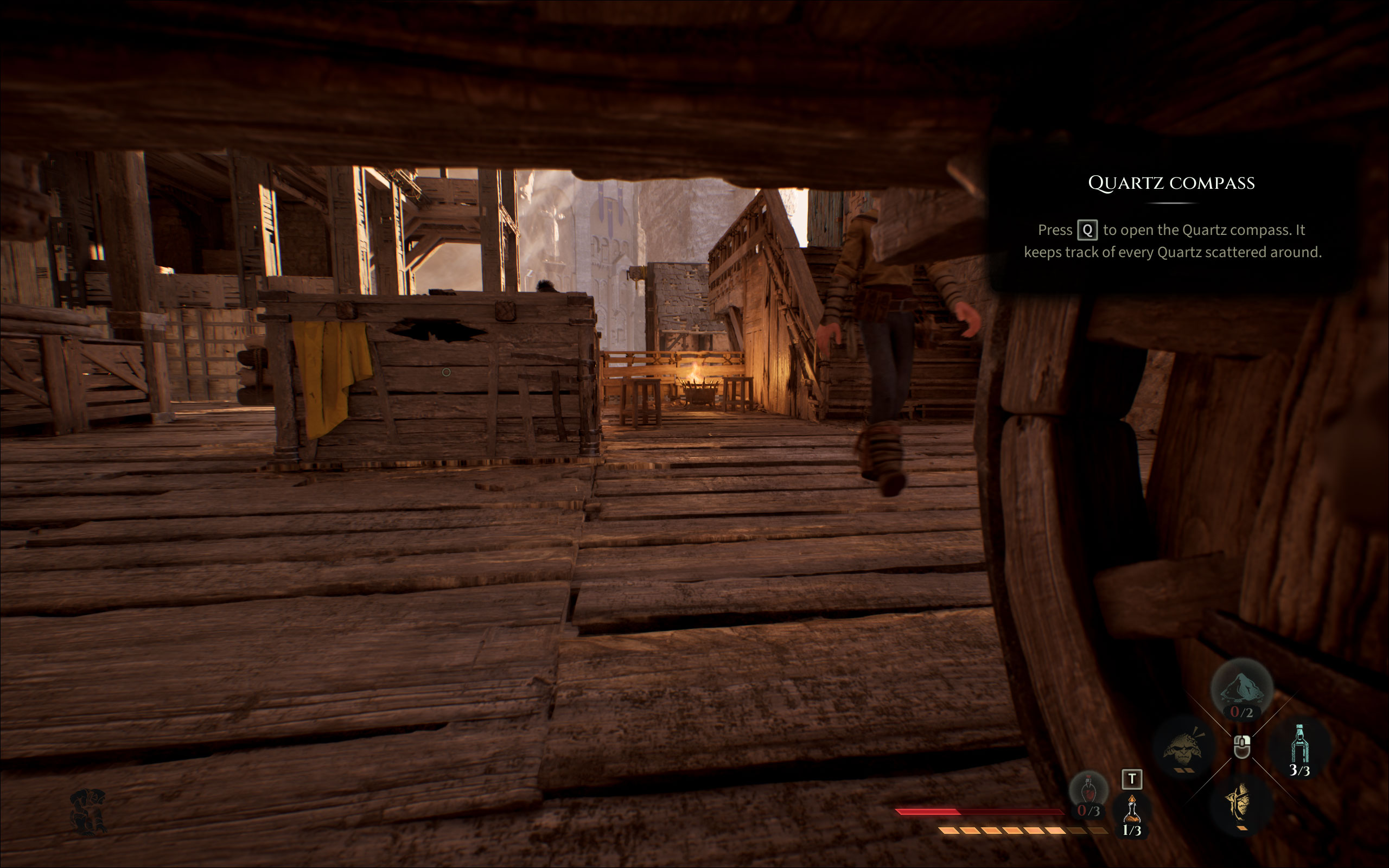
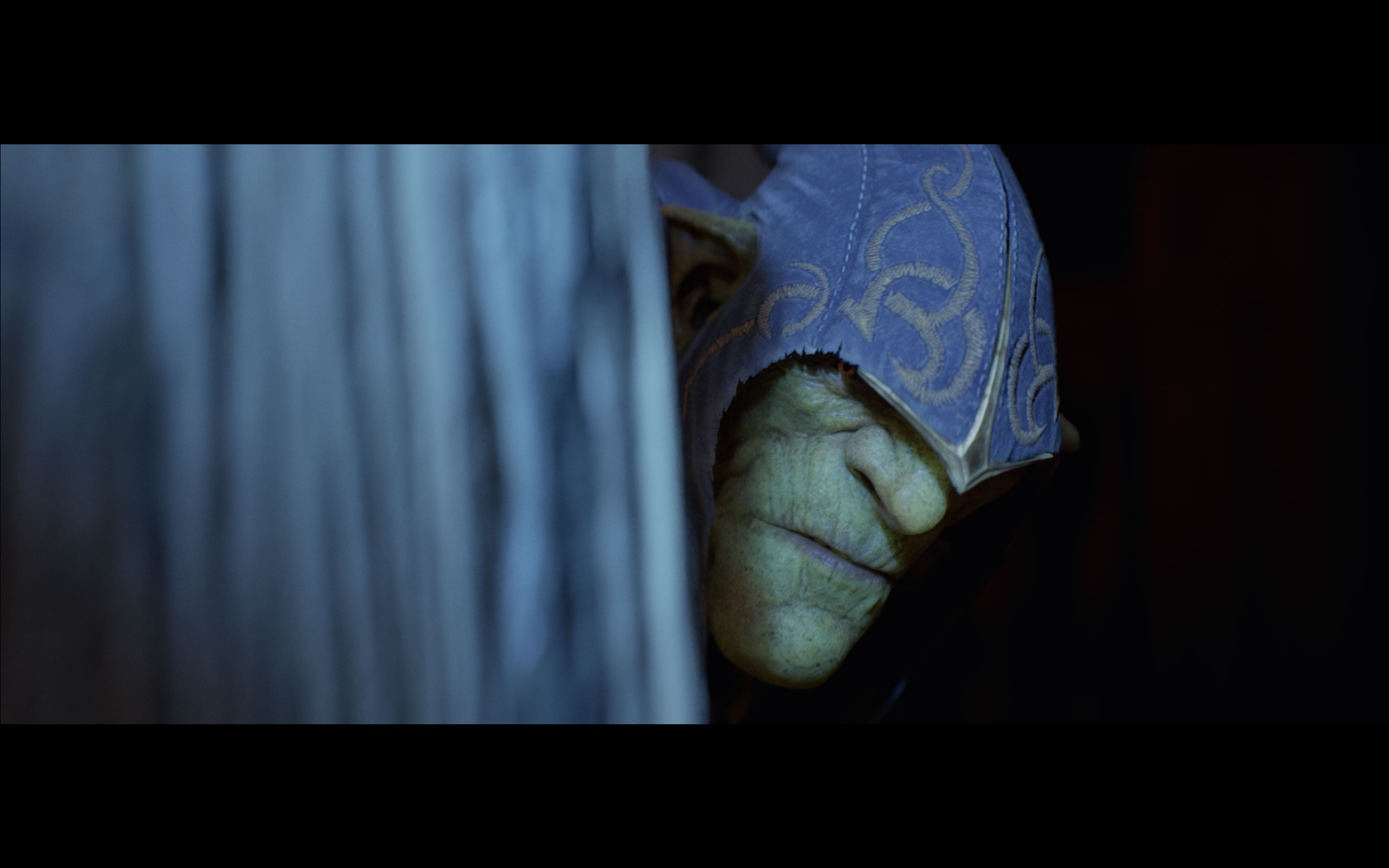
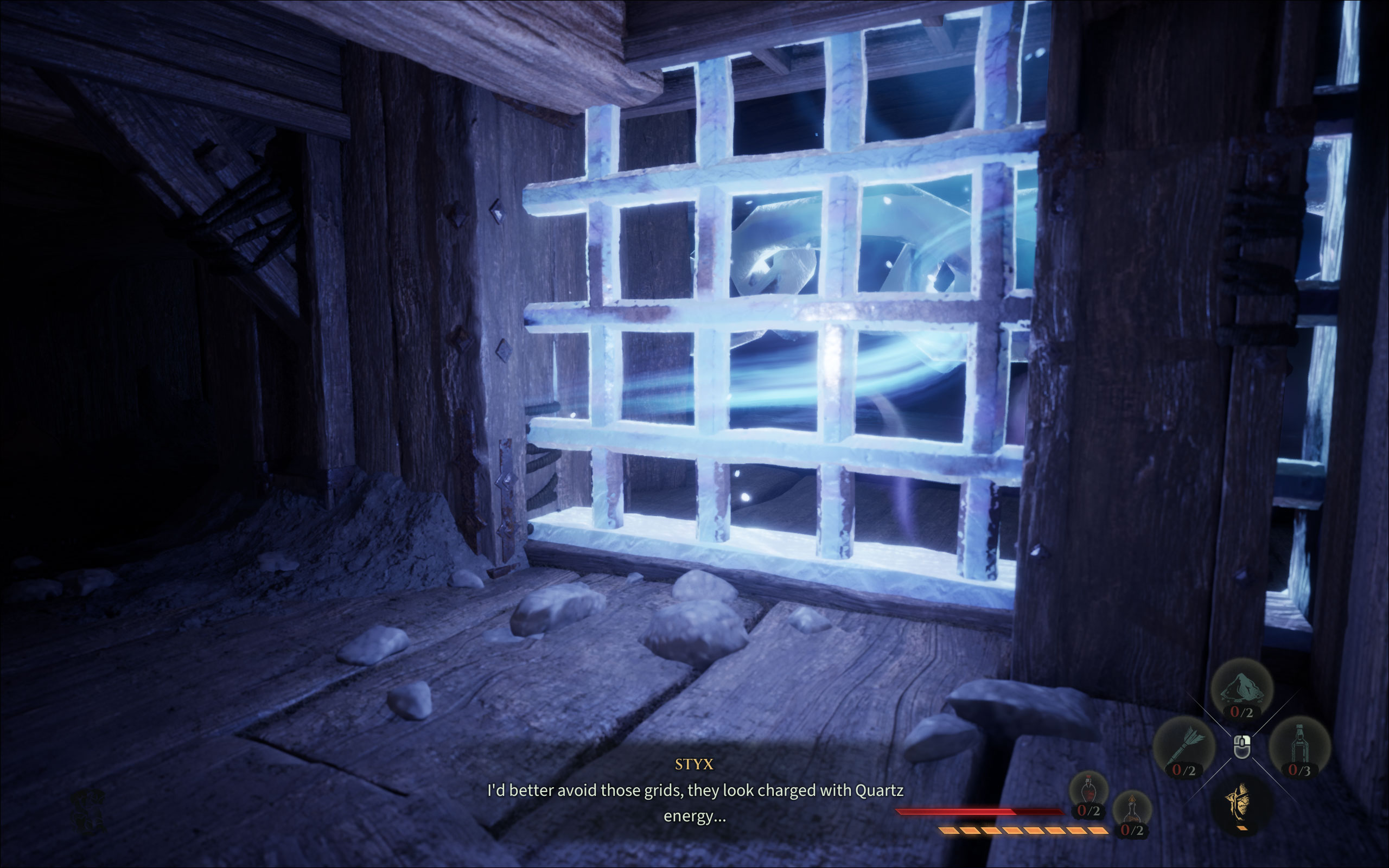
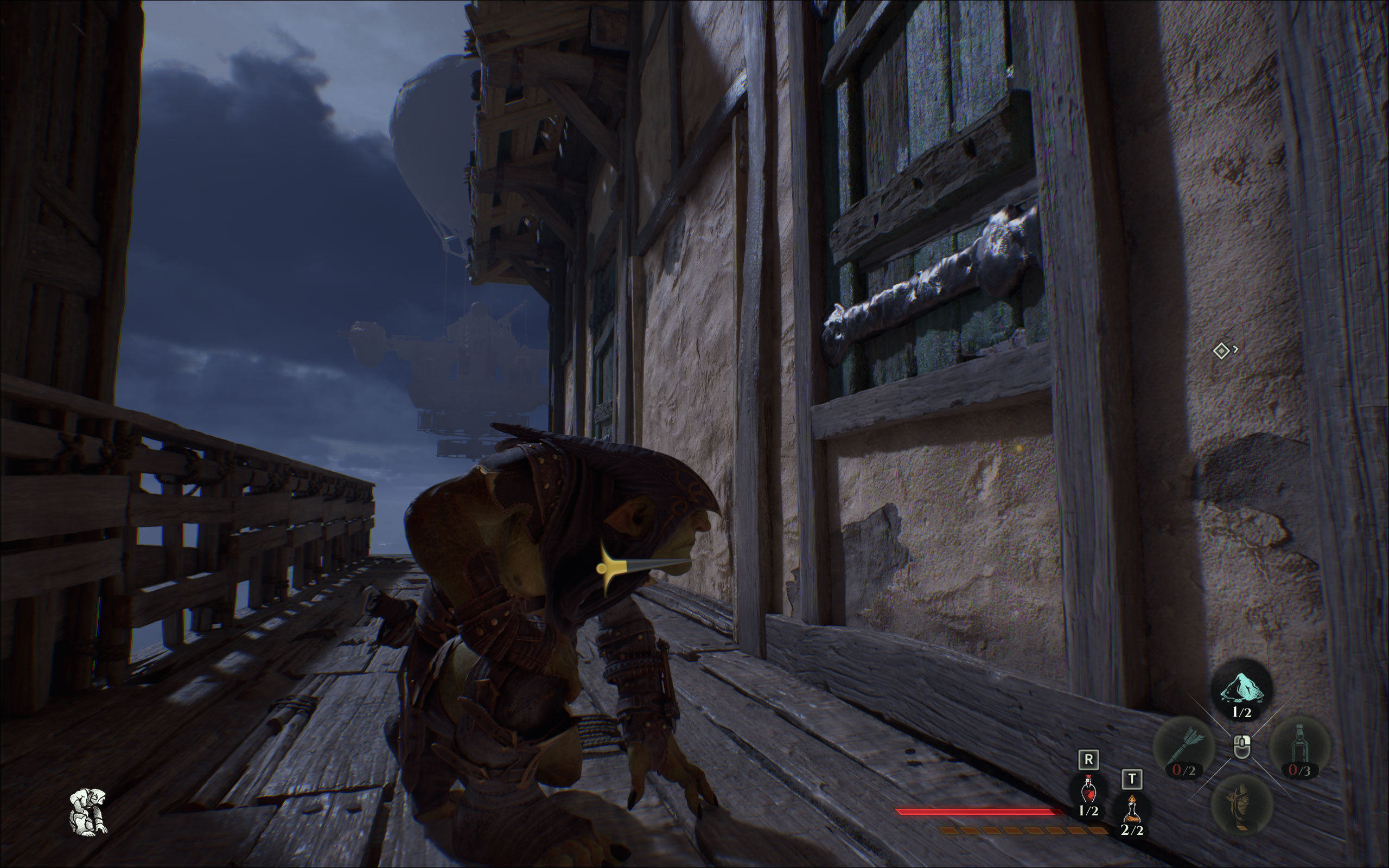
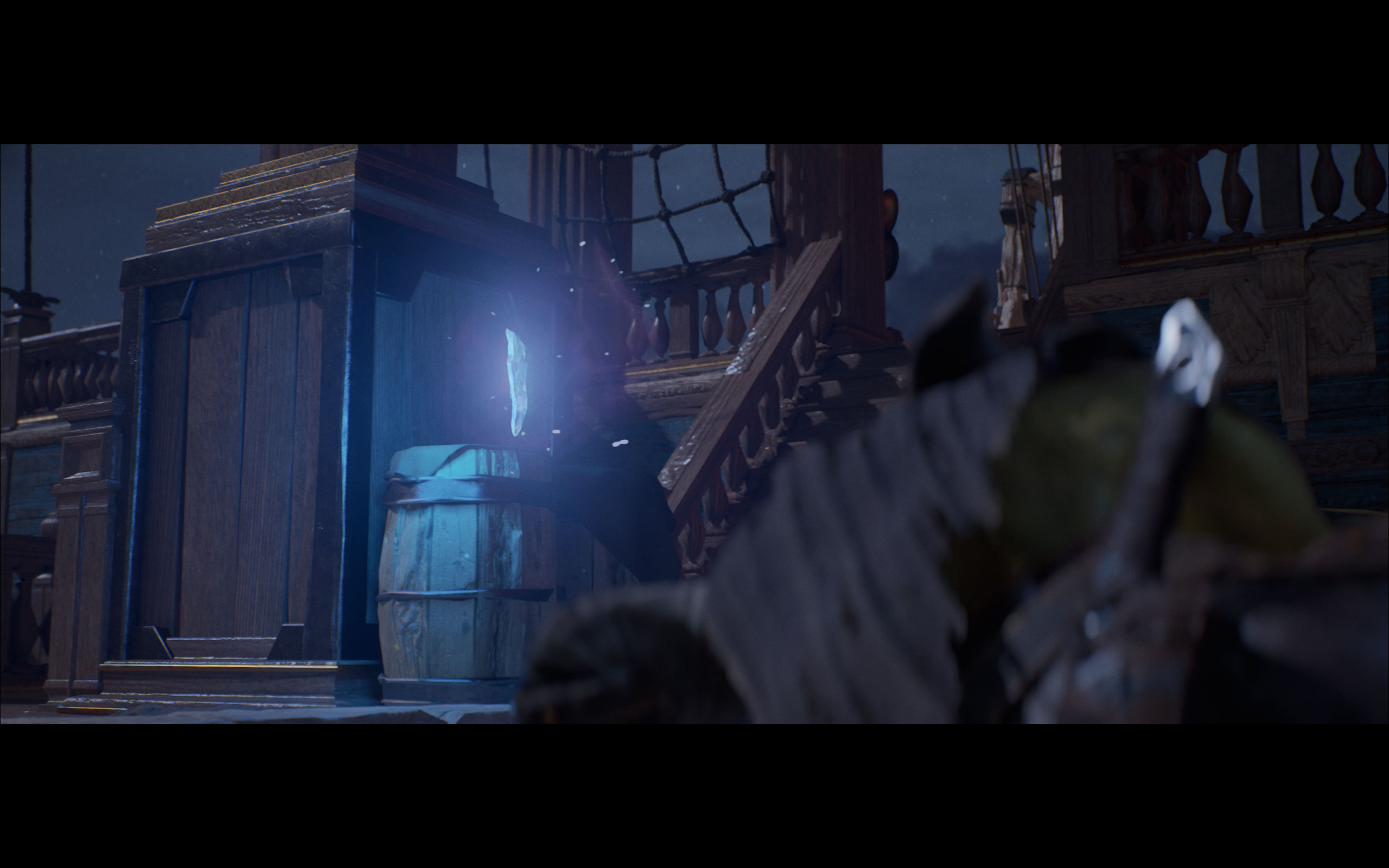
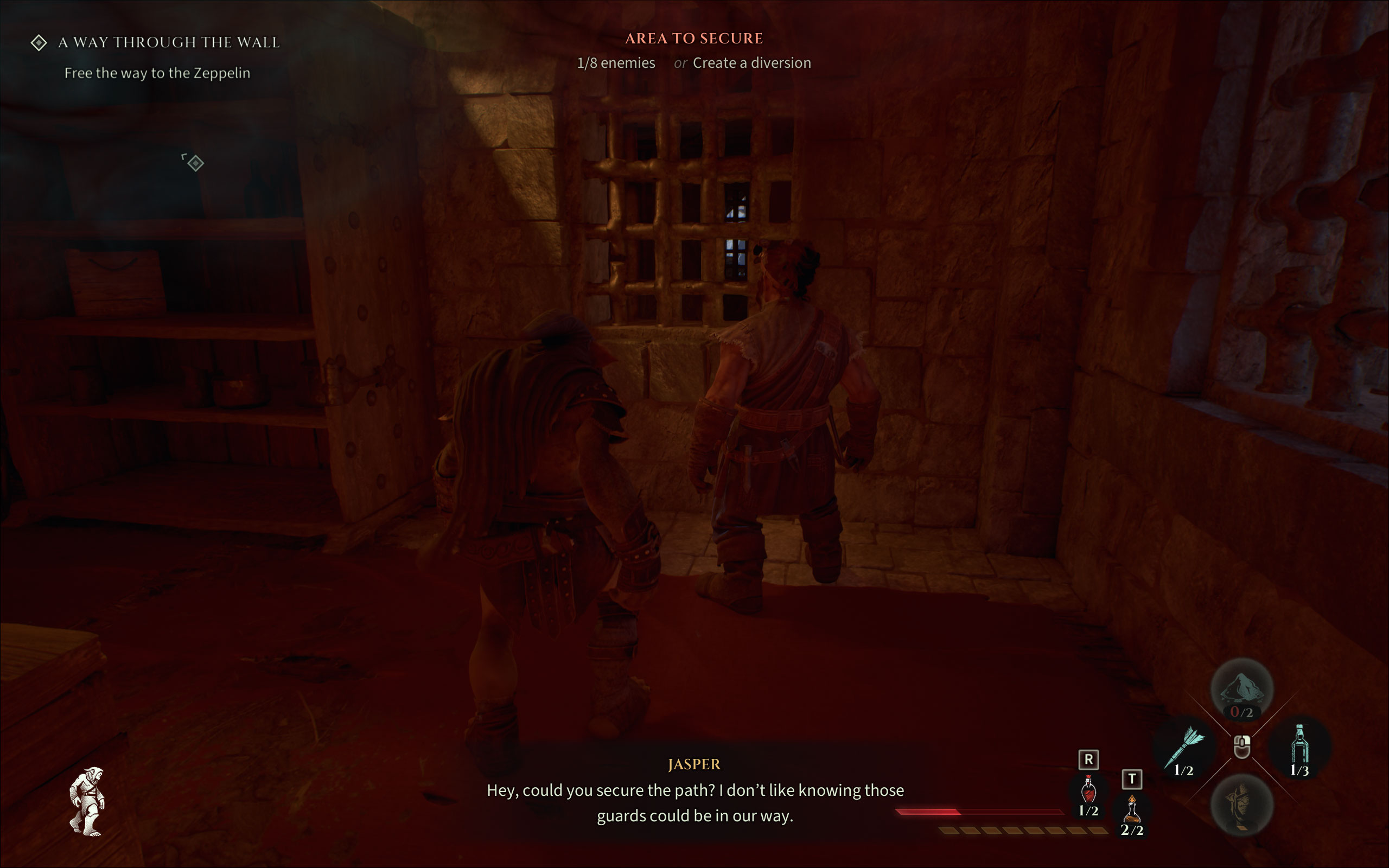
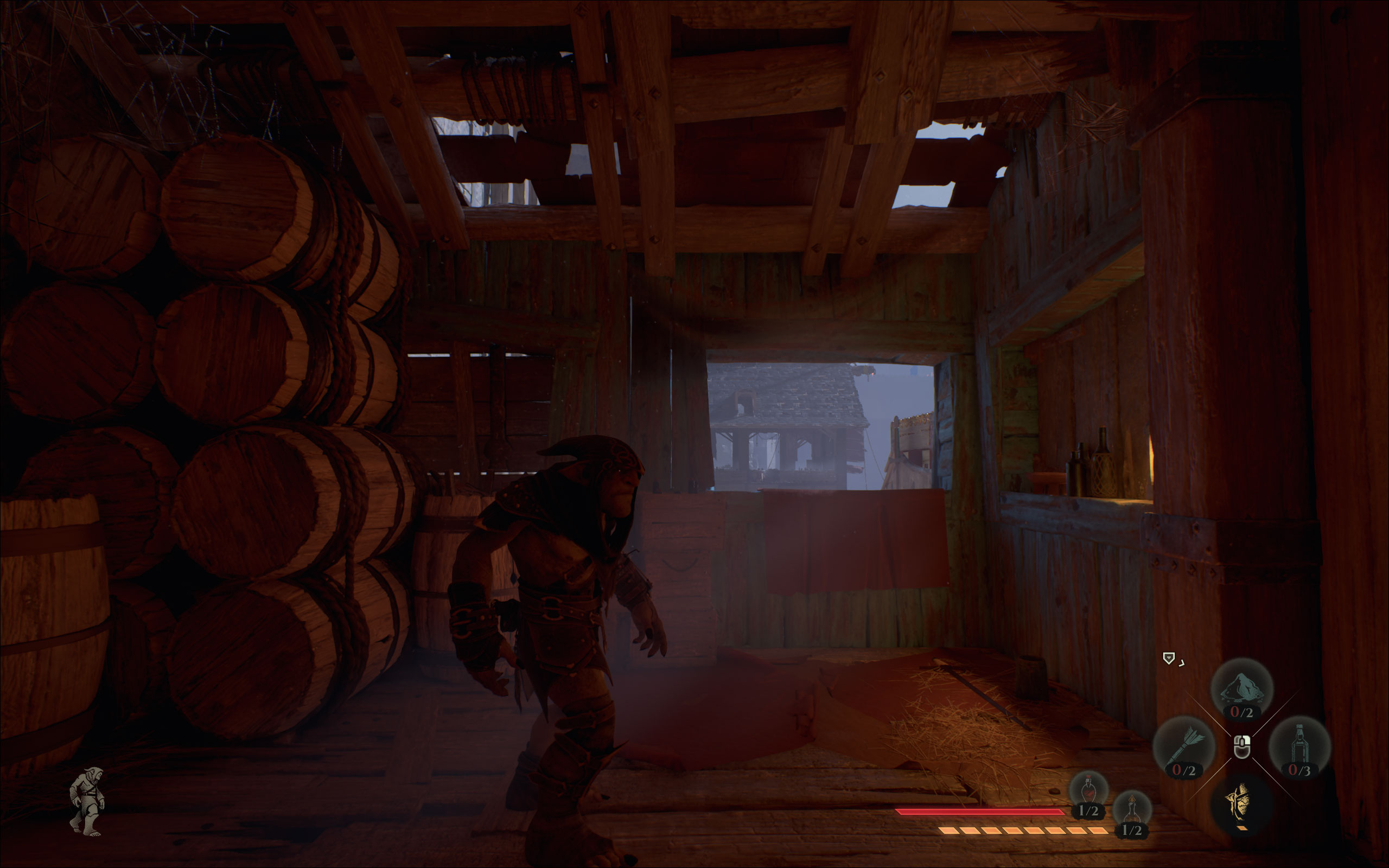
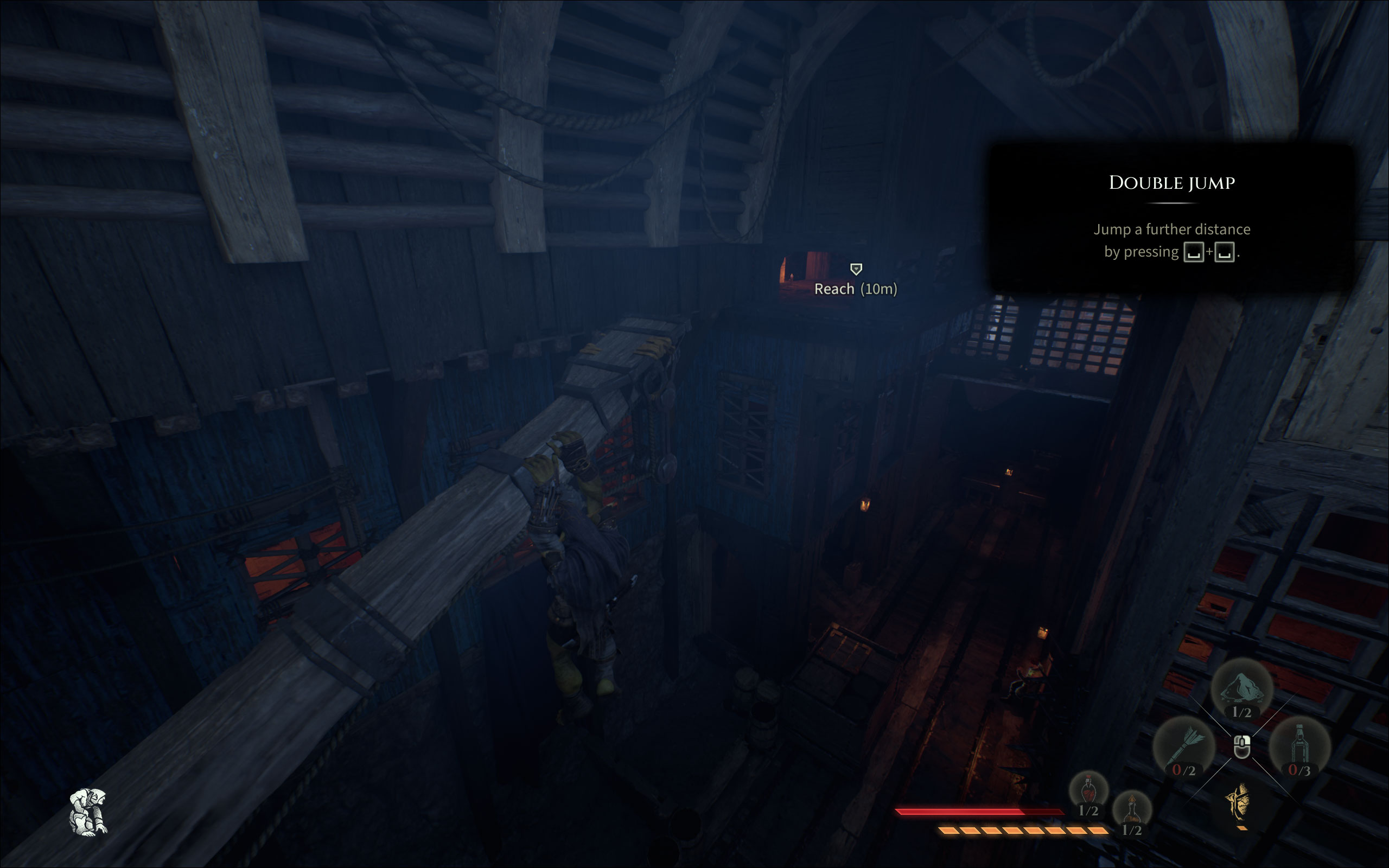
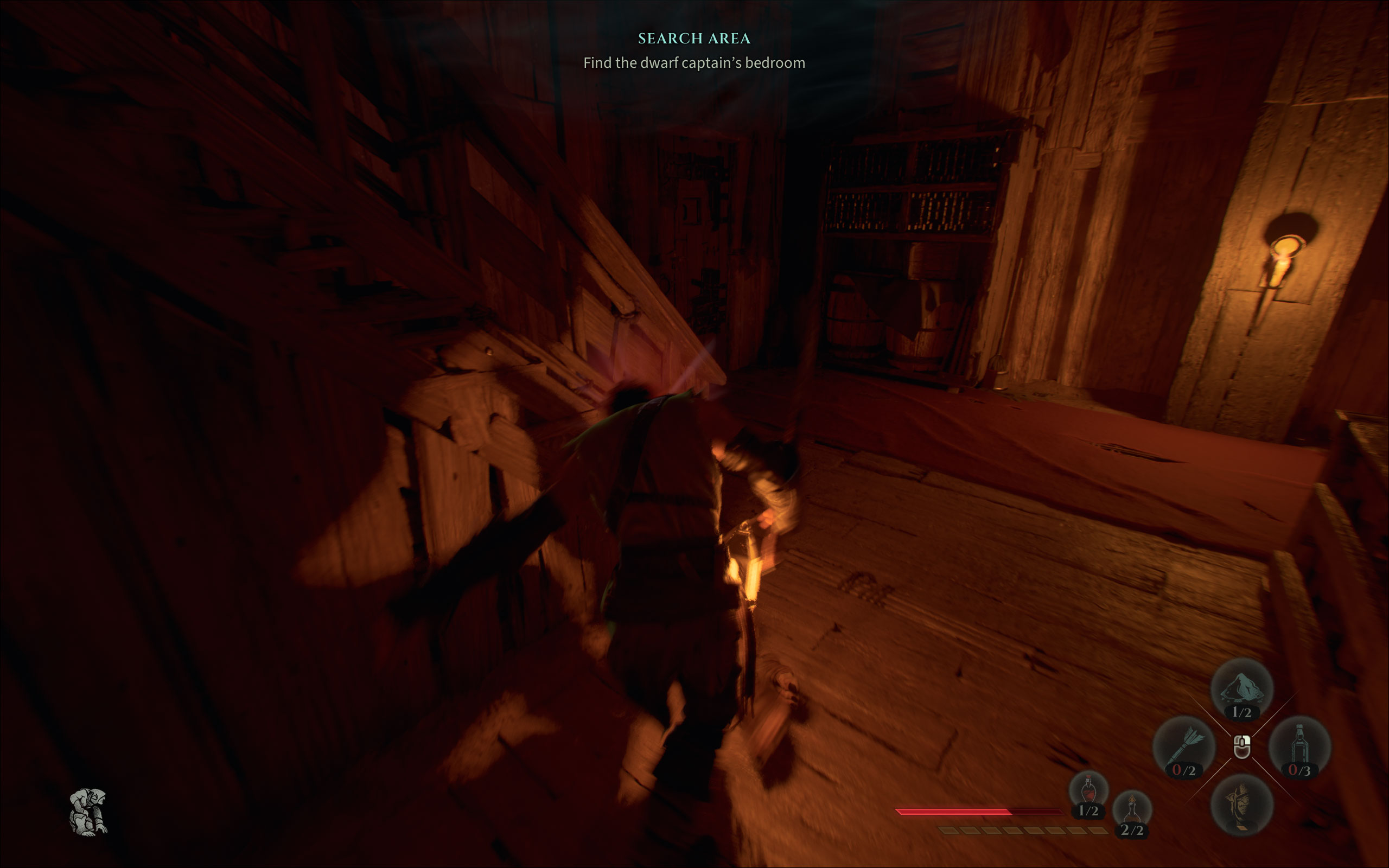
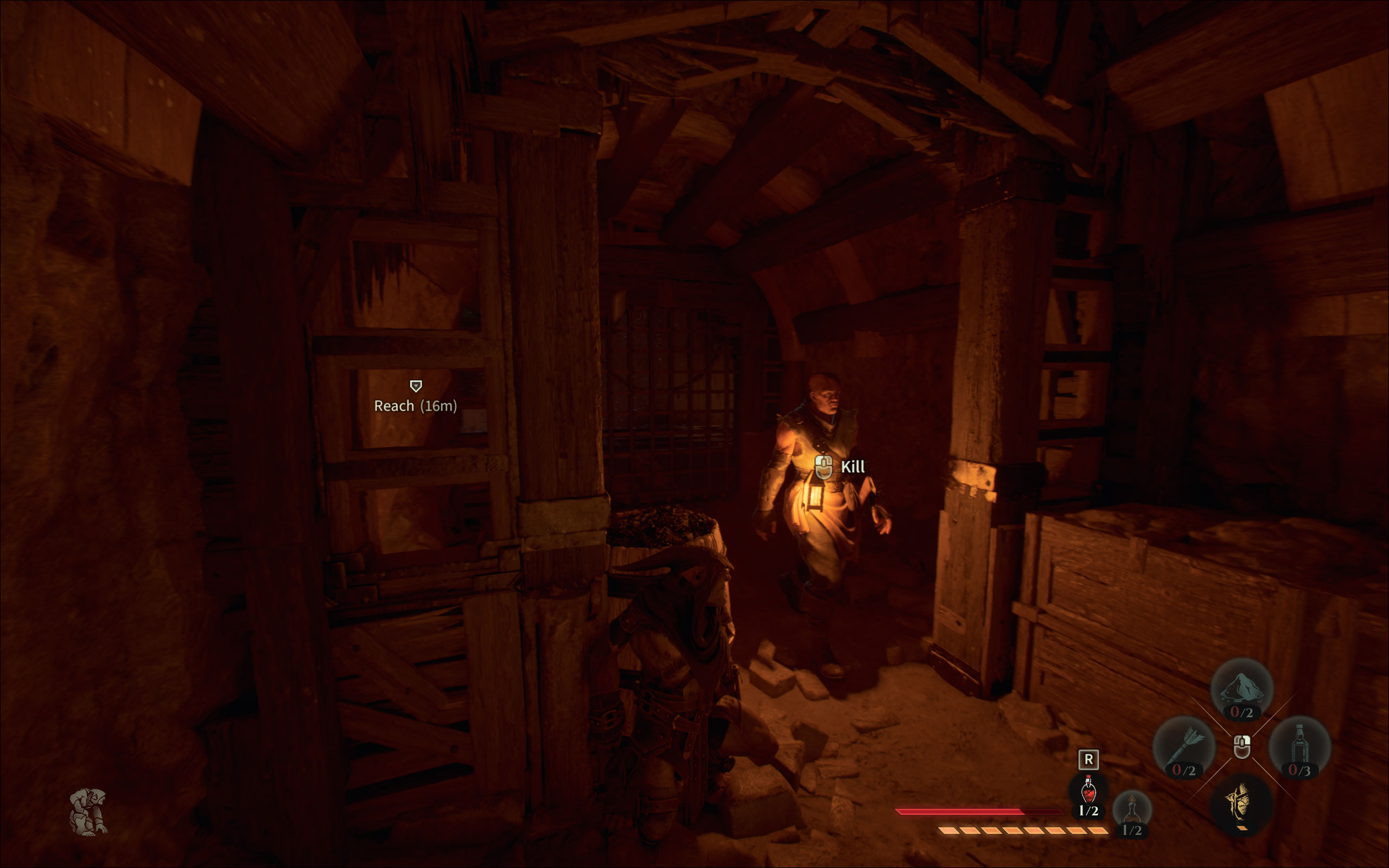
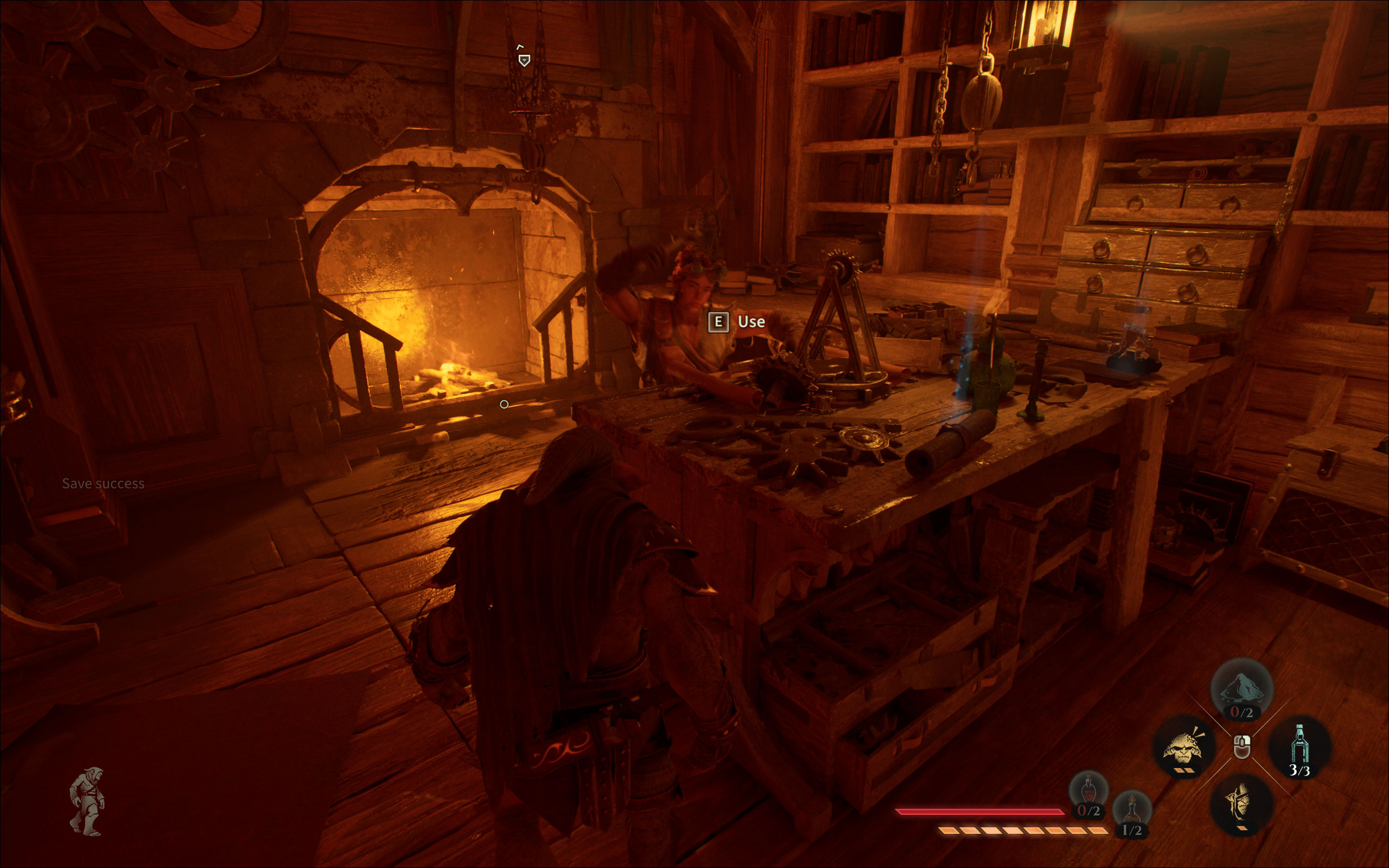
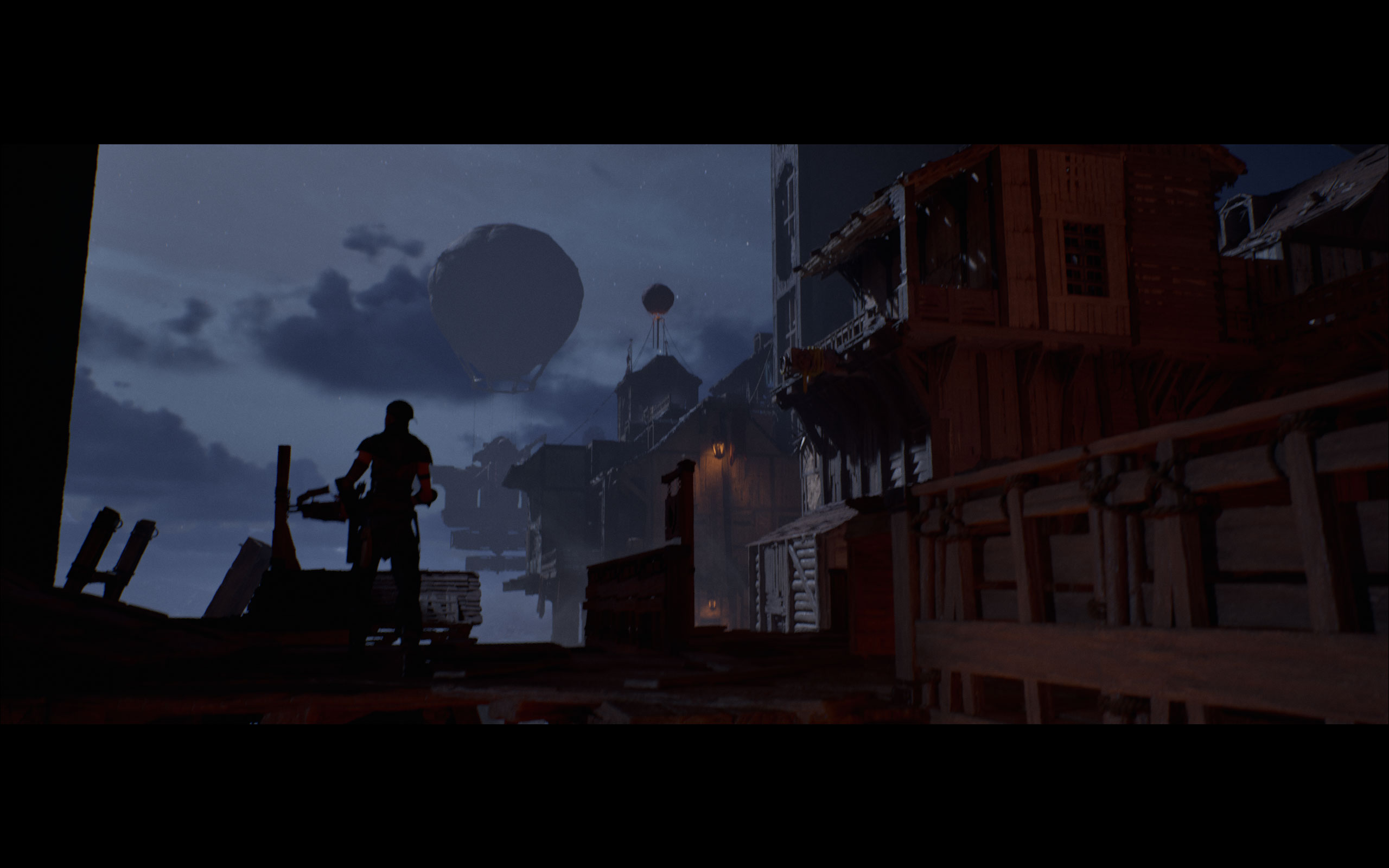
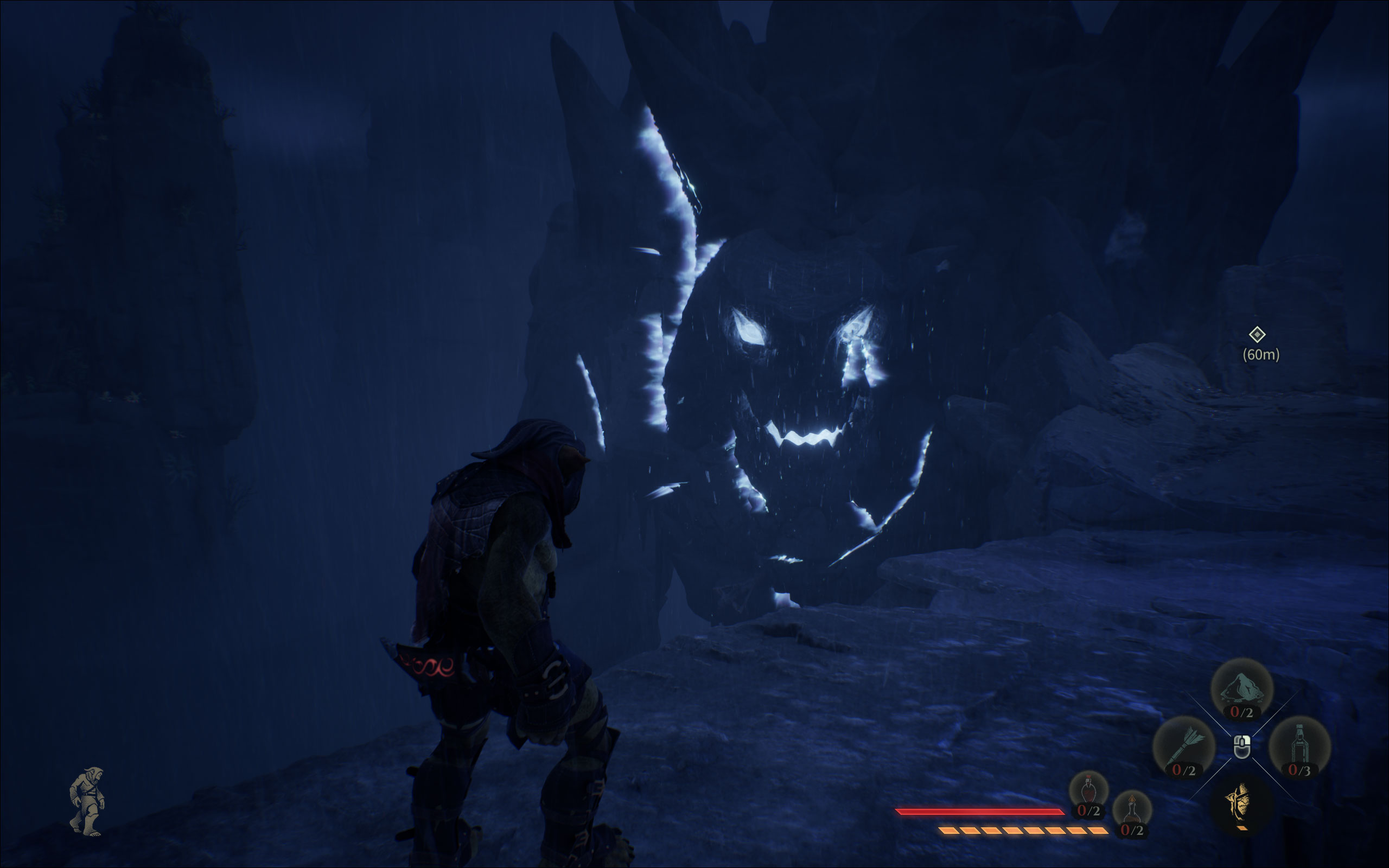
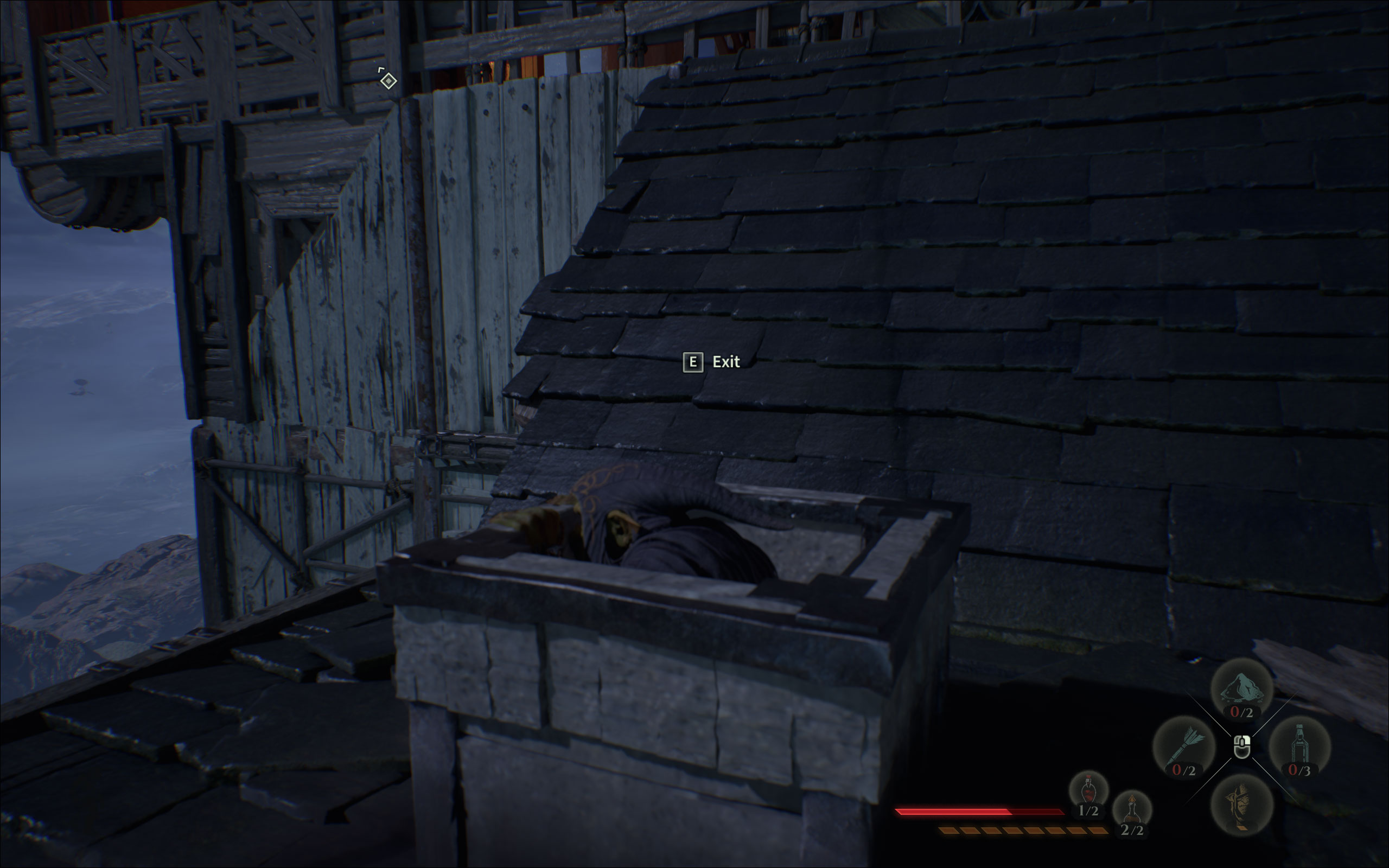
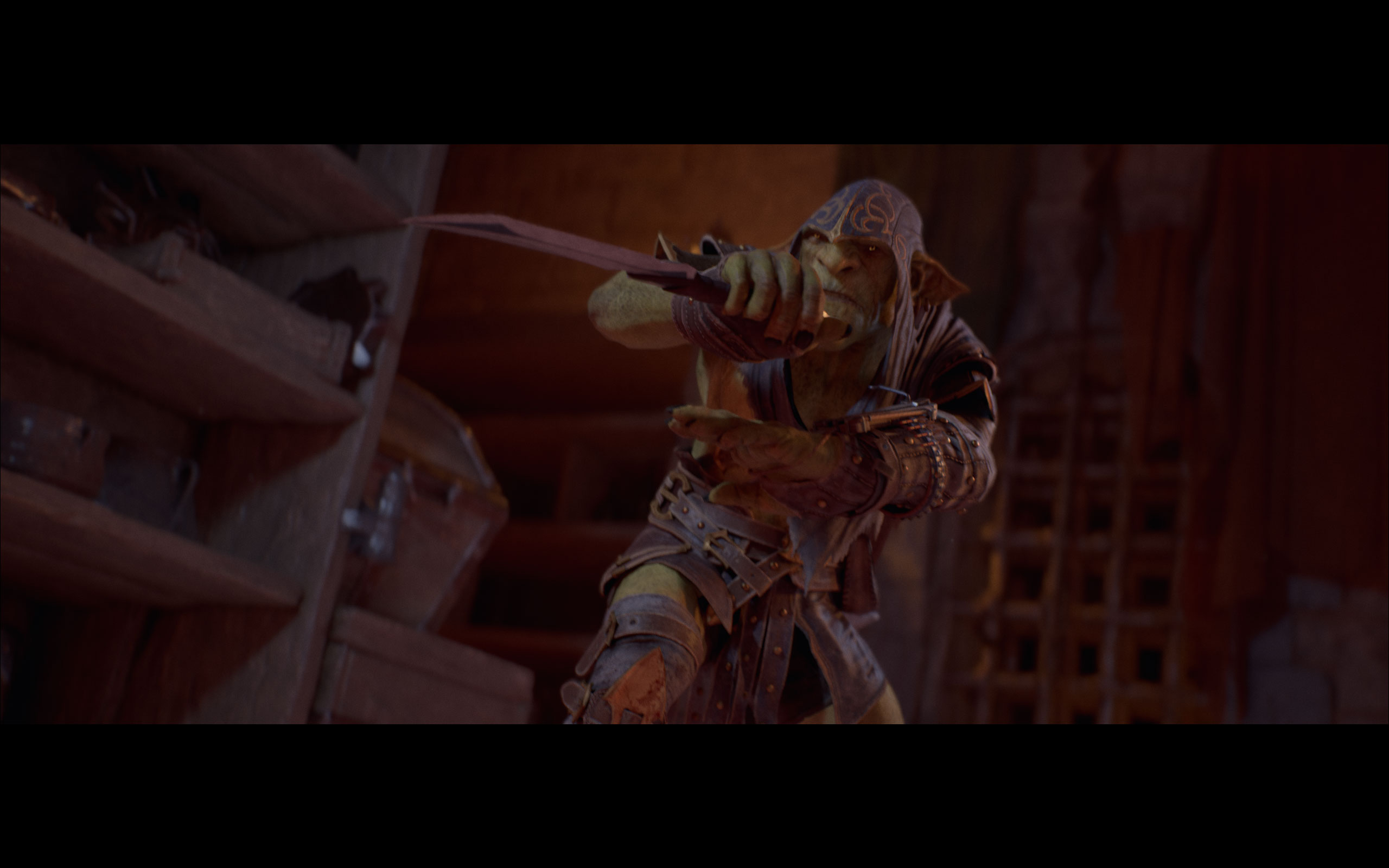
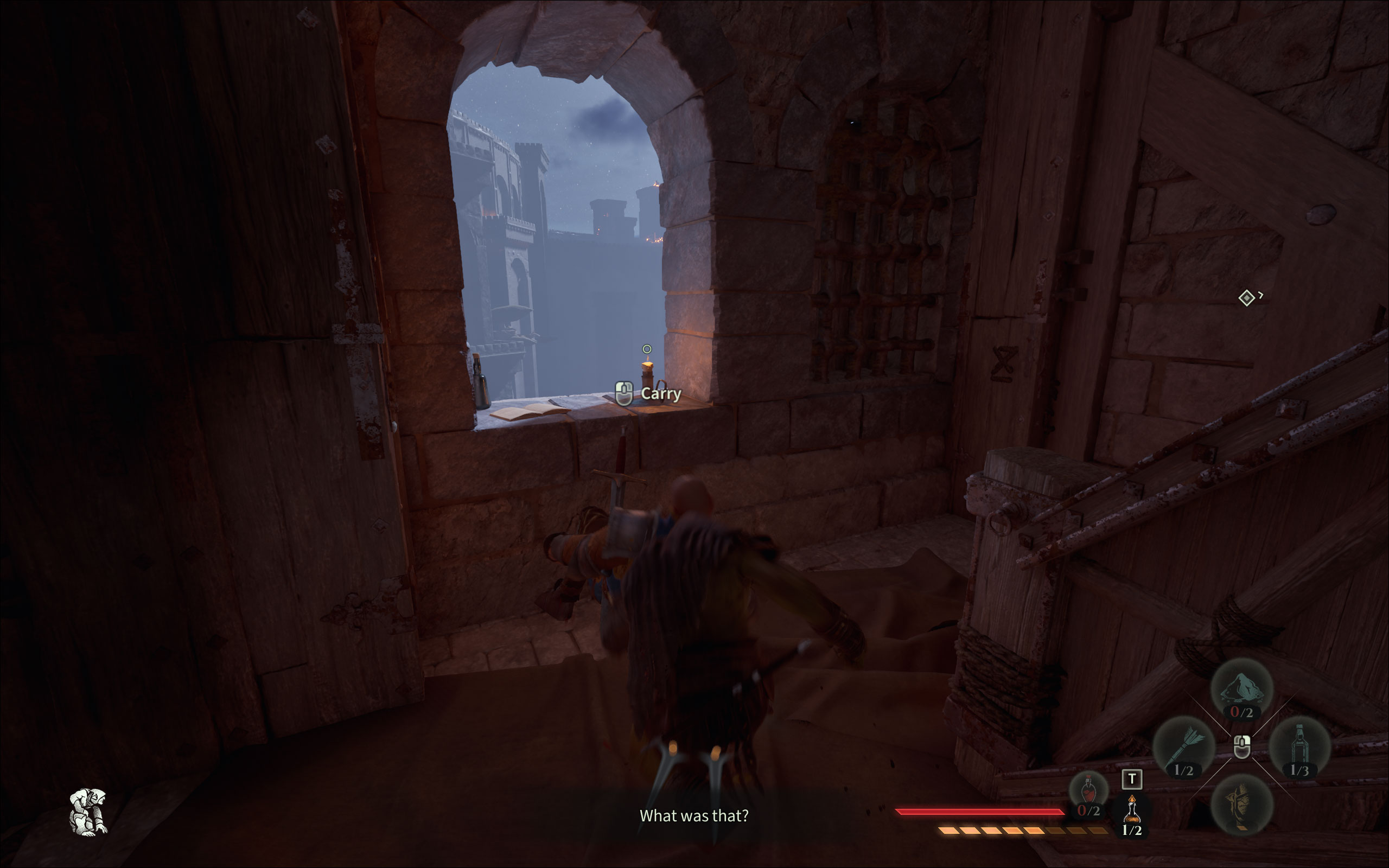
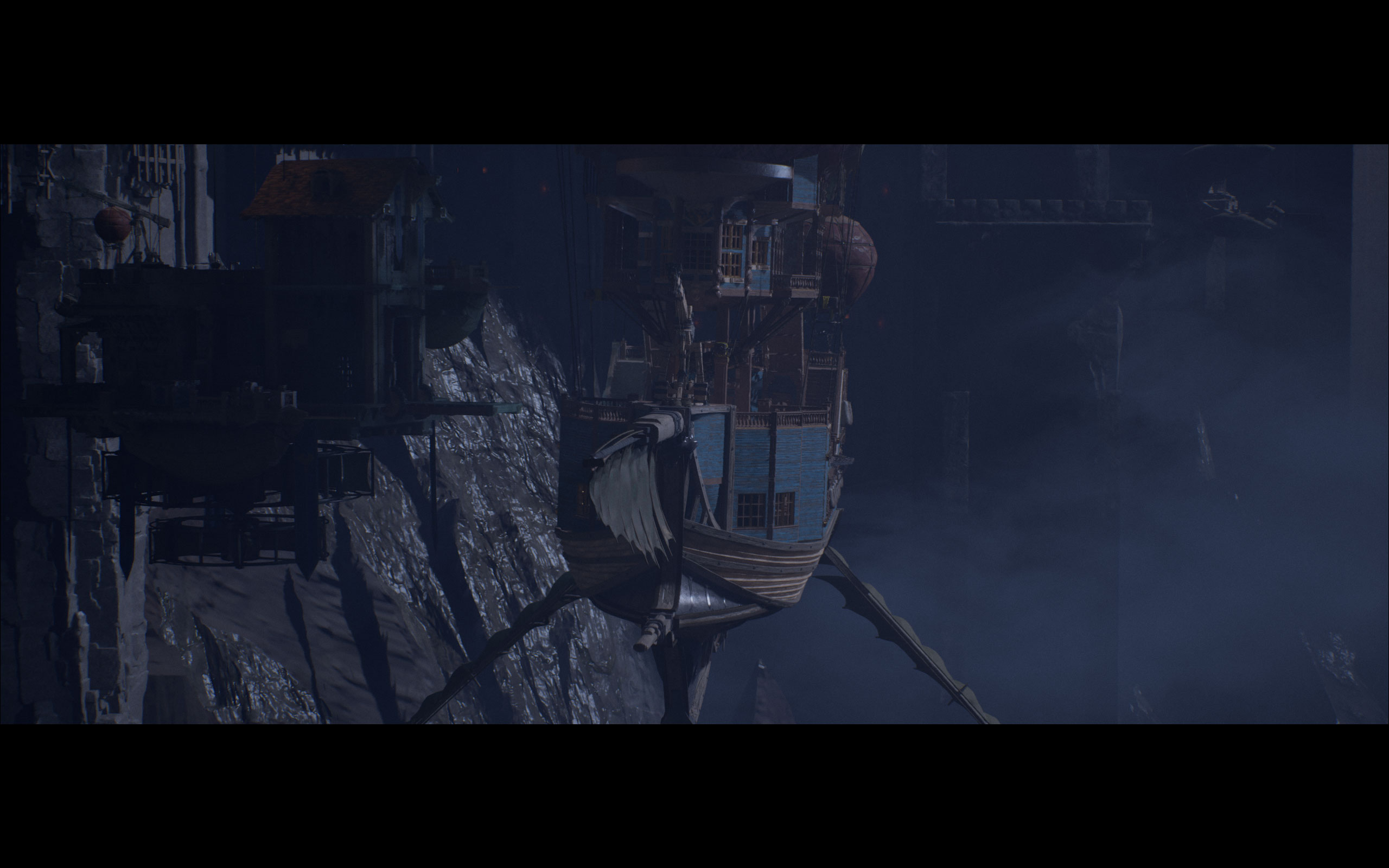
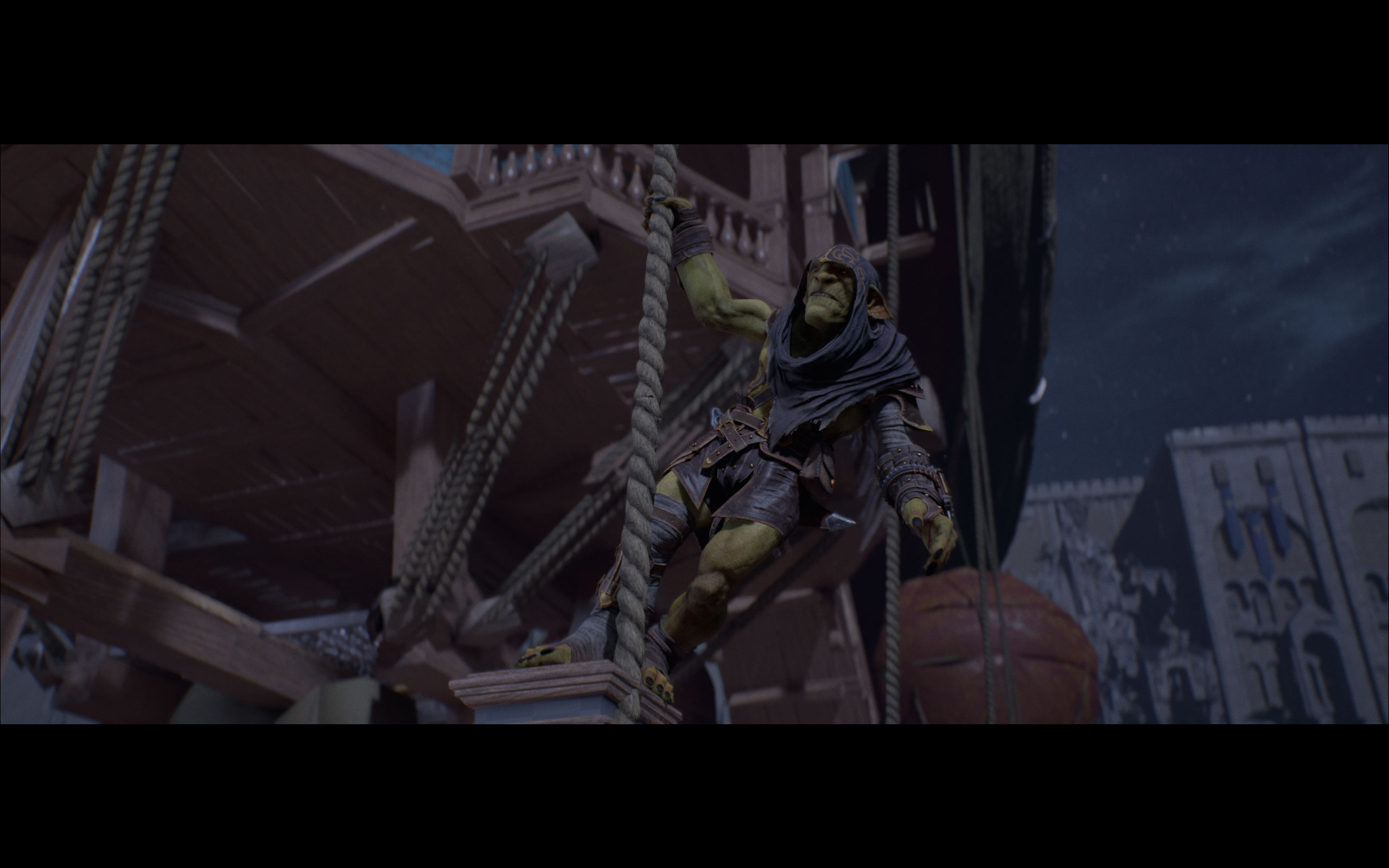
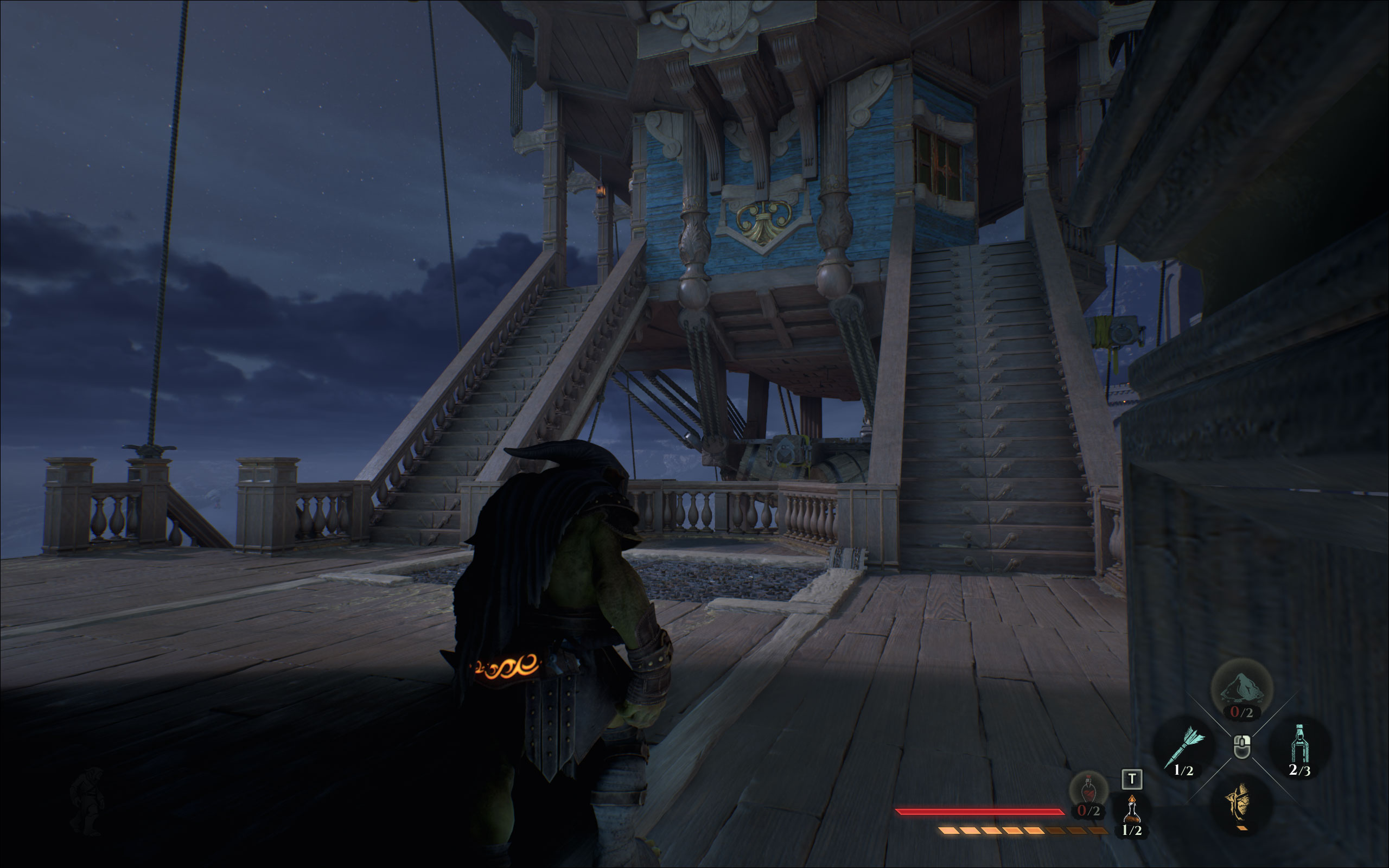
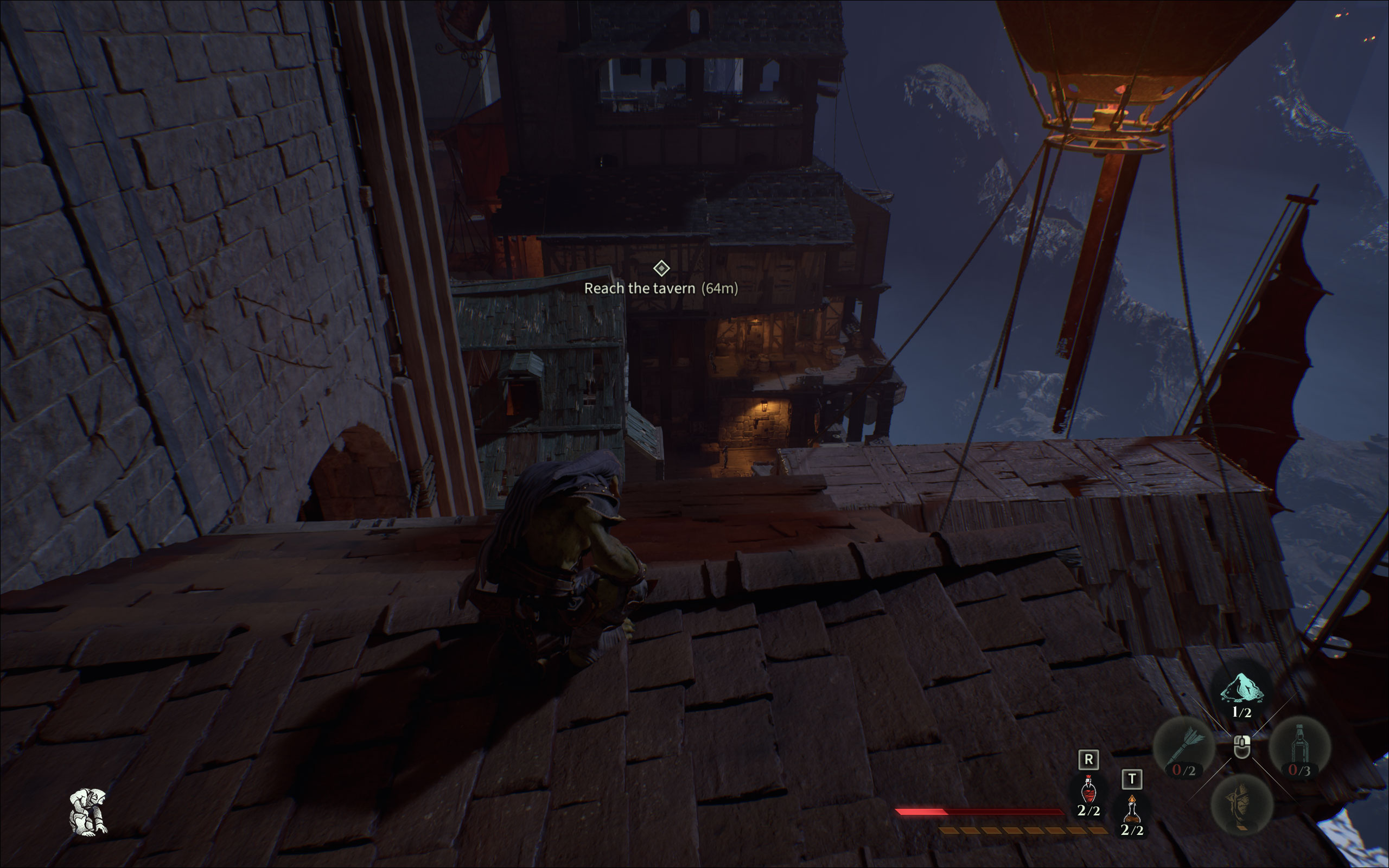
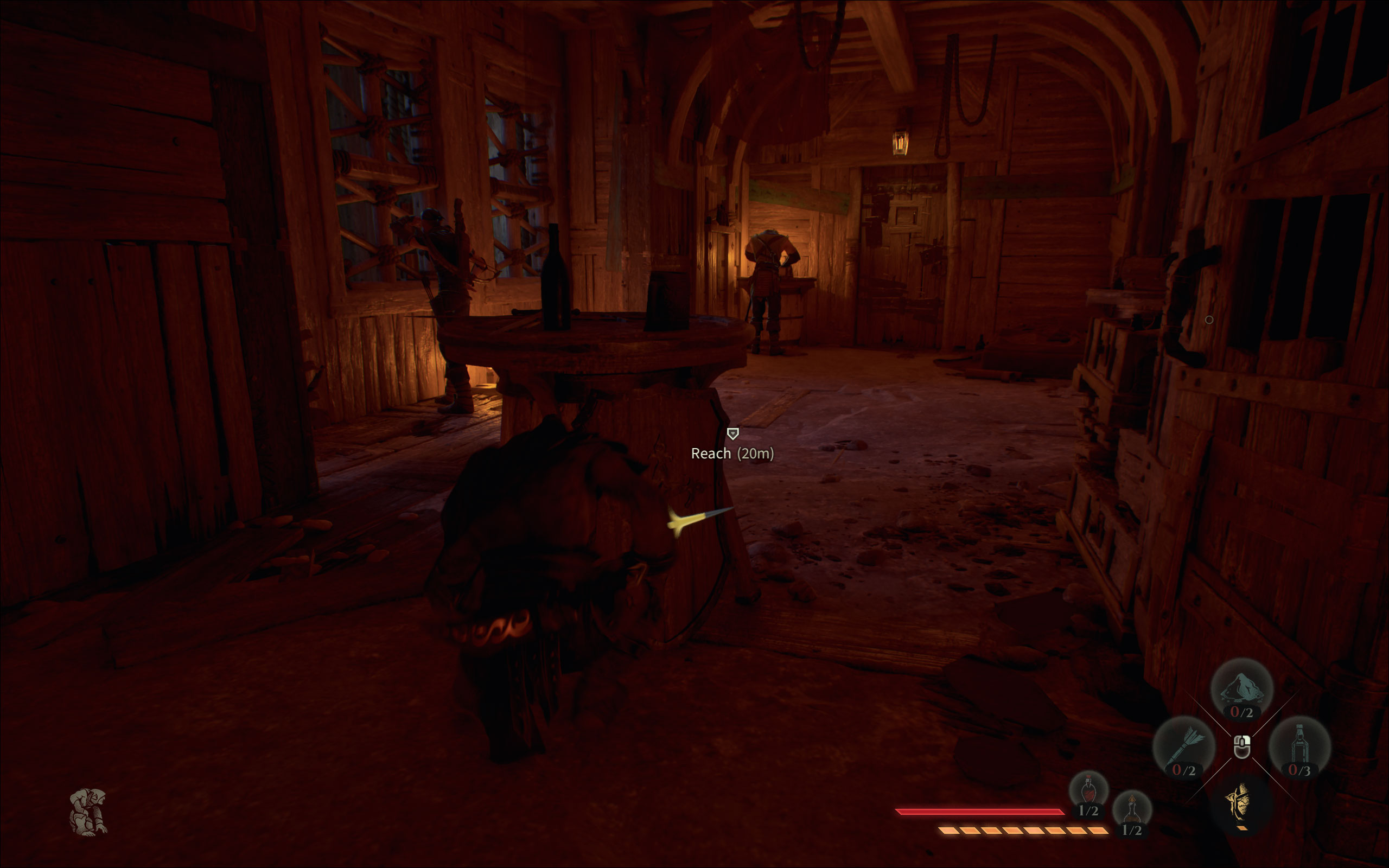
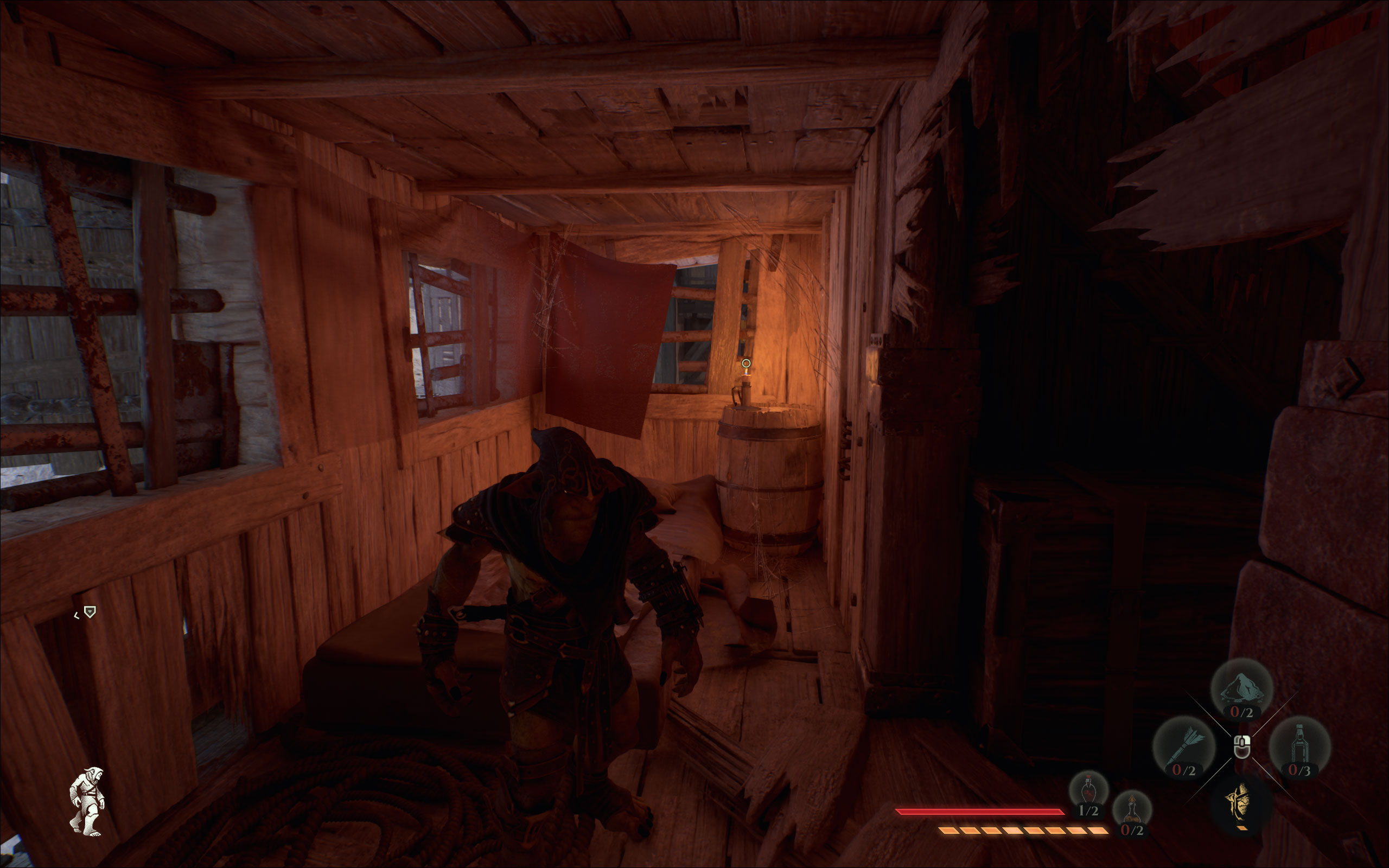
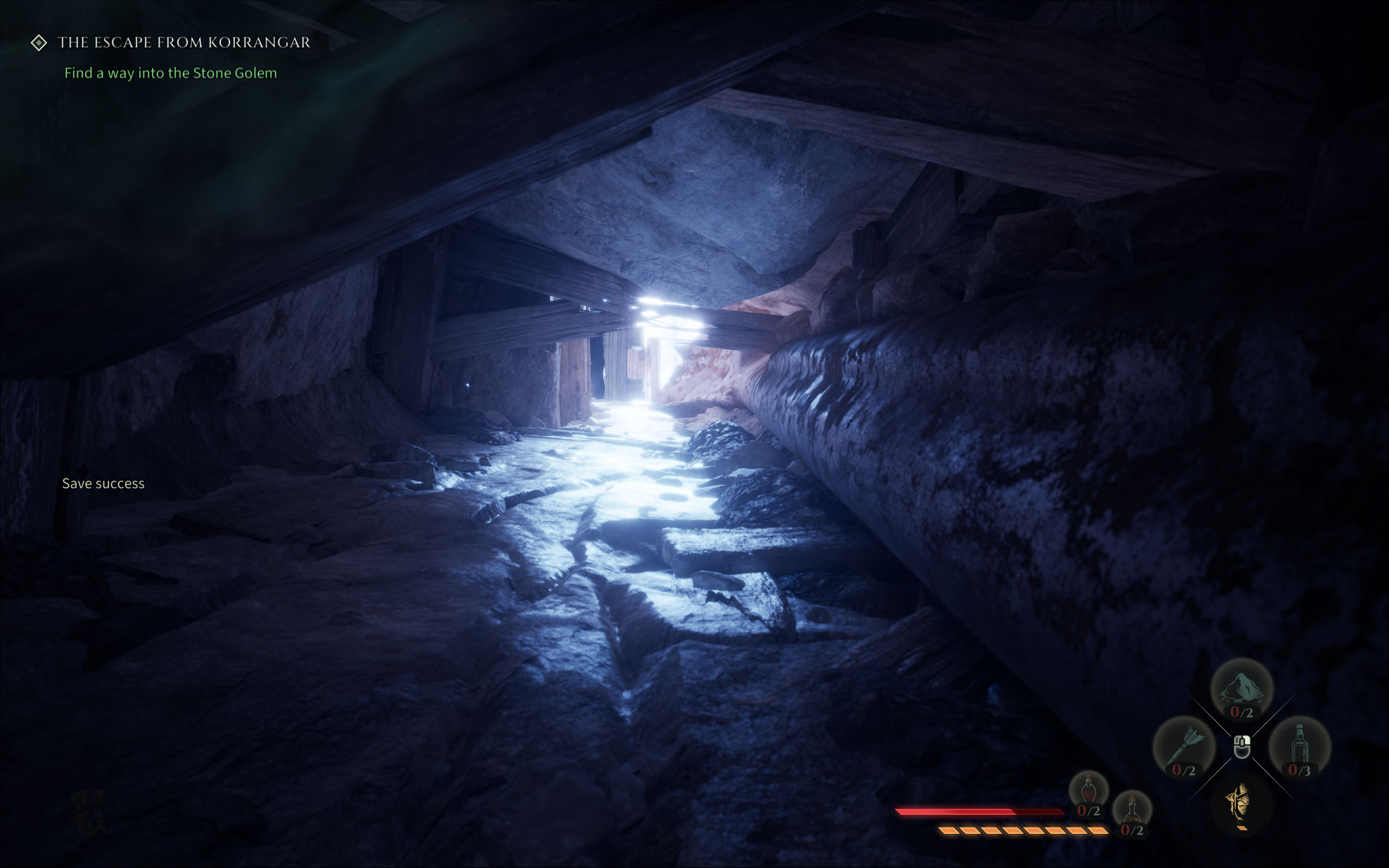
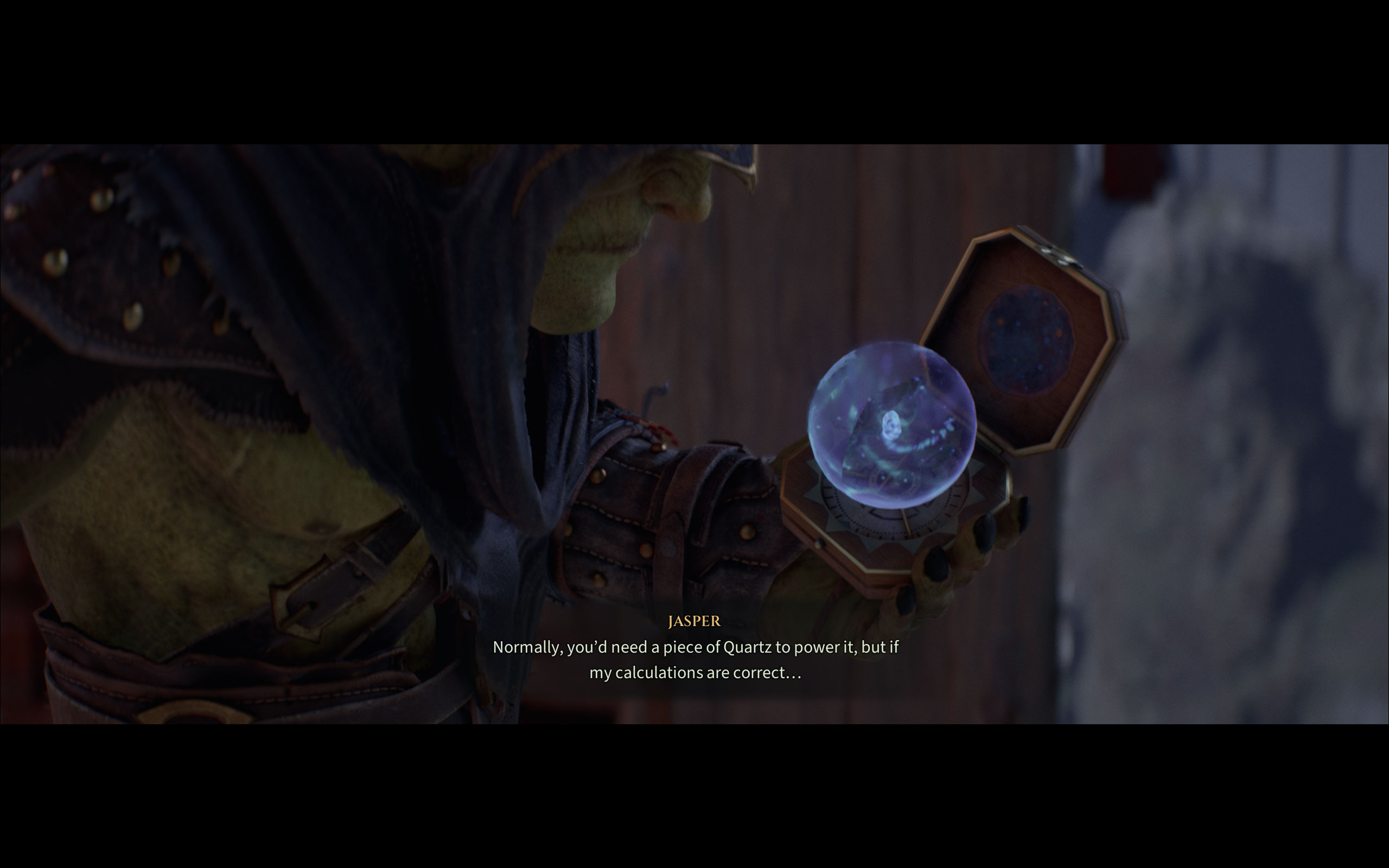
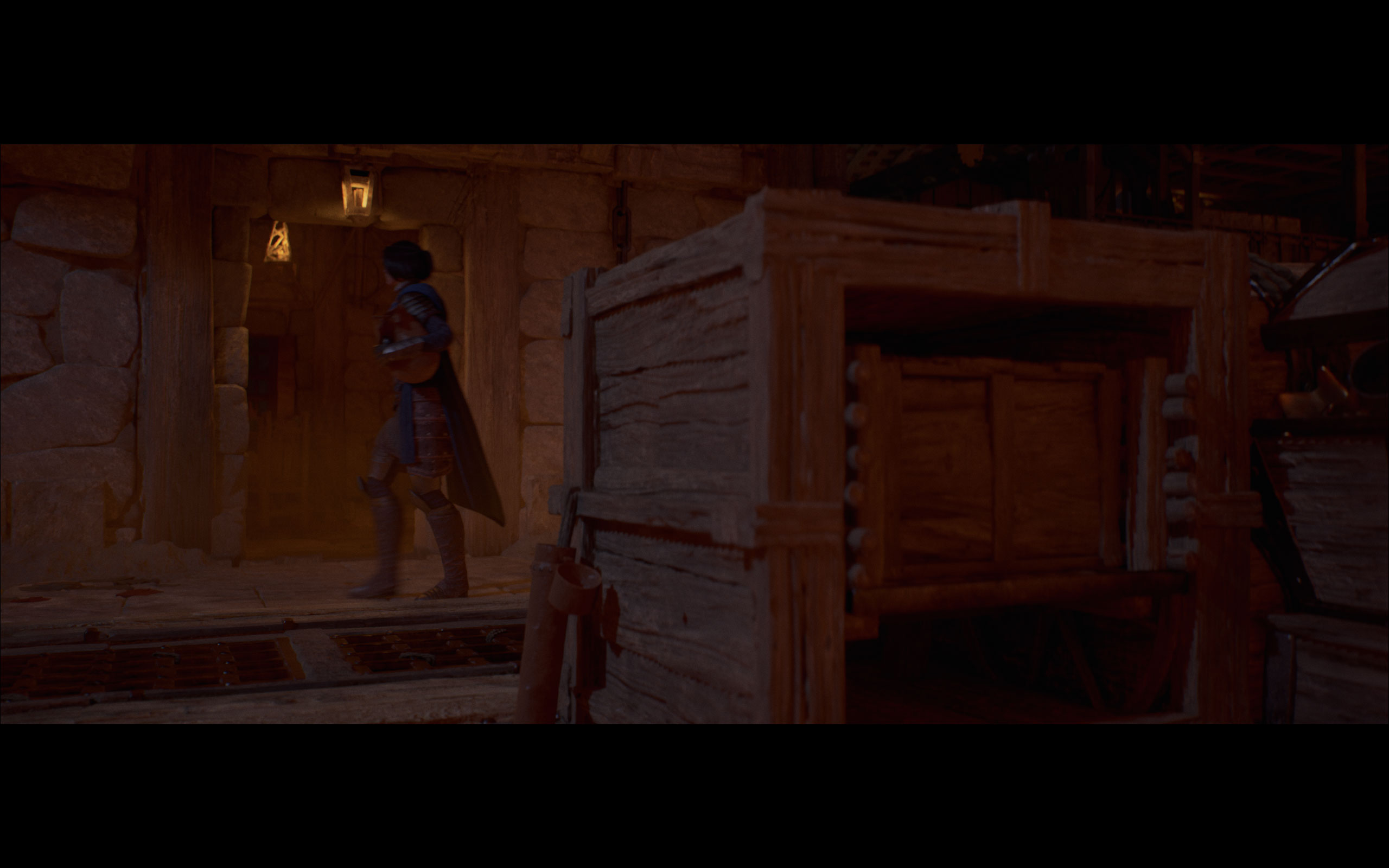
All screenshots were taken at the highest "Max" settings profile, with upscaling disabled. The gallery can be navigated with the cursor keys.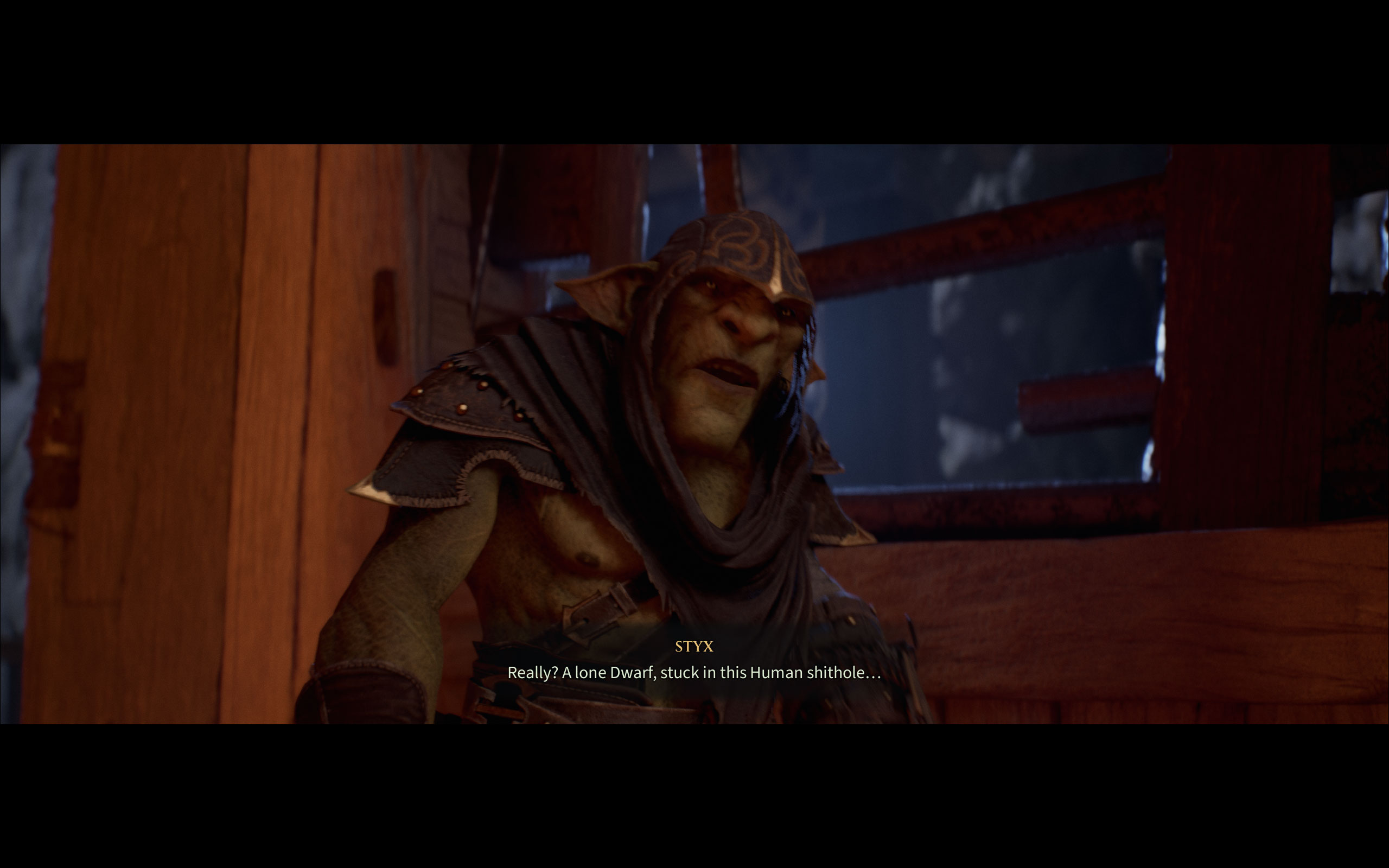

Graphics Settings
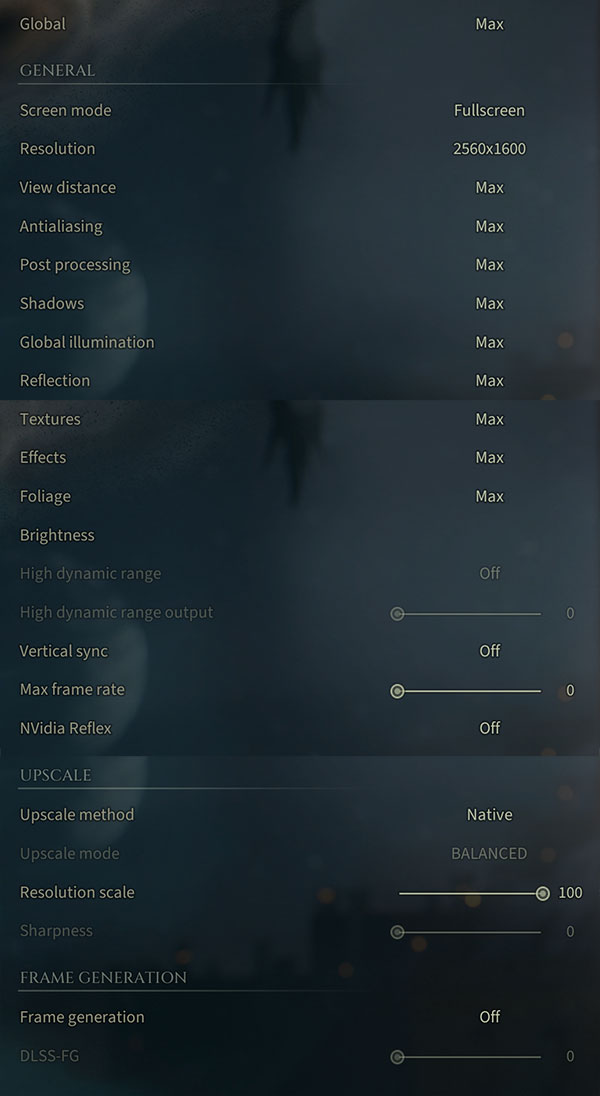
- There is just a single big graphics settings screen.
- Here you can find the usual monitor settings, "fullscreen," "borderless" and "windowed" are all supported.
- V-Sync can be toggled on or off, there is also an NVIDIA Reflex option.
- Max frame rate can be set to 30, 60, 90, or 120 FPS, or disabled entirely—there are no smooth steps in between.
- HDR is present as a toggle with an adjustable HDR output slider.
- The upscale methods available are: "Native," "FSR," "NVIDIA Image Scaling" (oddly enough), and "NVIDIA DLSS"—notably, there is no XeSS option and no DLAA.
- Sharpness for the upscalers can be controlled with a slider.
- Frame generation has its own dedicated section with a toggle and a separate DLSS-FG slider. The slider lets you select multi frame generation factors from 0 to 3, where 0 is off, 1 is 2x frame generation, and 2 and 3 correspond to MFG factors of 3x and 4x respectively. The labels are missing though—likely a bug—so you're just looking at raw numbers with no indication of what they actually do.
- There is no hardware ray tracing option—the game relies entirely on Lumen's software-based global illumination and reflections.
- Graphics quality can be set via a "Global" preset at the top of the menu, the options are "Low," "Medium," "High" and "Max."
- Individual quality settings include: View Distance, Antialiasing, Post Processing, Shadows, Global Illumination, Reflection, Textures, Effects, and Foliage—all adjustable via quality levels from Low to Max, with no specific algorithm choices exposed.
- A brightness slider is also available
Our Patreon Silver Supporters can read articles in single-page format.
Nov 18th, 2026 17:53 PST
change timezone
Latest GPU Drivers
New Forum Posts
- Dual B70 or Dual R9700 Pro on Linux (5)
- [Poll] 12V-2x6 Connector Protection: What Are You Using? (WireView / Ampinel / Equalizer / Other / Nothing) (42)
- Without Jensen, PC gaming will be (44)
- Time to upgrade CPU and MOBO (36)
- Got a new laptop! What should I do with it? (6)
- What are you playing? (26235)
- Can i play GTA 6 now? (Joke) (8)
- Honestly, do you care about GTA VI? (147)
- Dell Workstation Owners Club (3514)
- Making a game in Godot engine (2)
Popular Reviews
- Acemagic Retro X3 Review
- Upcoming Hardware Launches 2027 (Updated Nov 2026)
- AMD Zen 6 Technical Deep Dive
- Ugreen NASync DXP4800 GT Review
- Pulsar Office Tour & First Look at P1 Dual-Sensor Mouse
- Biwin Black Opal NV7400 2 TB Review
- Sapphire Radeon RX 7700 XT Pure Review
- Chieftec Iceberg PRO 360 DARK Review
- Sapphire Radeon RX 7700 XT Pulse Review
- ASUS ROG Strix B850-I Gaming Wi-Fi7 W Review
TPU on YouTube
Controversial News Posts
- NVIDIA Co-Founder and CEO Jensen Huang Officially Resigns (482)
- Report: Jensen Huang Eyes NVIDIA Comeback (196)
- Open Letter Asking NVIDIA to Reinstate Jensen Huang Passes 115,000 Signatures (184)
- OpenAI CEO Argues Home PCs Waste the World's Limited DRAM Supply (152)
- NVIDIA Launches Investigation Into Jensen Huang's Relationship With Suspected Chinese Spy (136)
- Intel "Raptor Lake Next" 16-Core and 20-Core CPUs Surface (130)
- Legendary Game Studio BioWare Shuts Down Following EA Layoffs (104)
- Dell CEO Says the Memory Shortage Will Get Worse in 2027 (95)