 0
Synology DS1515+ & DX513 Expansion Unit Review
(0 Comments) »Introduction

We would like to thank Synology for supplying the review sample.

We already reviewed and tested the DS1815+, the big brother to the DS1515+ we are going to evaluate today. Both of these NAS servers are mostly for SMB environments since they can be paired with two DX513 expansion units for up to 18 and 15 HDDs respectively, which doesn't mean that enthusiast users with deep pockets are prohibited from buying these NAS servers; however, such enthusiasts should have all the corresponding networking equipment since such high-end NAS boxes require those to unfold their full networking transfer speeds.
The DS1515+ is based on a high-peformance Rangeley platform, all while consuming very little energy, which is crucial for a NAS that is going to operate around the clock. This unit's only notable disadvantage after taking a quick look at its technical specifications appears to be the low memory total out of the box. It should at least come with 4 GB or, better yet, 8 GB of memory since it is meant for business environments where many will access it simultaneously while it executes other applications and services. Highly optimized, Synology's DSM operating system thankfully utilizes very little memory in most scenarios. In this review, we will also check on DSM 5.2 as it was released while we were evaluating the DS1515+. Synology was even kind enough to provide us with a DX513 expansion unit, so we will use this opportunity to figure out what advantages it offers NAS servers that support it. Although we have reviewed many Synology products in the past, this is the first time we get to evaluate one of Synology's expansion unit, and we are very excited about the opportunity to do so.

Specifications
| Synology DS1515+ Specifications | |
|---|---|
| Processor | INTEL Atom C2538 (Rangeley), quad-core, 2.4 GHz |
| Operating System | Embedded Linux |
| Memory | 2 GB SO-DIMM DDR3 (Expandable up to 6 GB) |
| Storage | 5x 3.5"/2.5" SATA II/III |
| RAID Levels: | Single Disk, JBOD, RAID 0, 1, 5, 5 + Hot Spare, 6, 6 + Hot Spare, 10, 10 + Hot Spare |
| Capacity | up to 30 TB (disks not included) |
| iSCSI | Target & Initiator |
| Hot-Swap | 5x |
| Networking | 4x 10/100/1000 Mbit Ethernet |
| I/O Ports | USB 3.0 x 4, eSATA x 2 |
| Dimensions | 157 (H) x 248 (W) x 233 (D) mm 6.18 (H) x 9.76 (W) x 9.17 (D) inch |
| Weight | 4.17 kg |
| Power Consumption | 38.39W (Access) 21.63W (HDD Hibernation) tested with 5x Western Digital 1TB WD10EFRX HDDs |
| Power Supply | DPS-250AB, 250W, 100-240 V |
| Fan | 2x 80 mm |
| Maximum IP Cam (Licenses required) | 40x (including 2x Free Licenses) |
| Warranty | 2 years |
| Price excluding VAT (at the time of the review) | $770 |
Synology equipped the NAS with 2 GB of RAM, which might be enough for most applications because DSM isn't RAM intensive; however, we would feel much more comfortable with at least 4 GB or even 8 GB of RAM. The server's memory total would have also been easily upgradable to 8 GB had Synology only used a 4 GB DIMM instead of a 2 GB one. This particular NAS can take up to five HDDs on its own or fifteen with two DX513 expansion units.
The server's CPU supports four 2.5 GbE interfaces, and while other hardware components limit the bandwidth to 1 GbE, the DS1515+ actually utilities four Ethernet ports. However, those aren't provided for by the SoC but a third-party controller (Marvel Alaska 88E1543), which has the NAS support the Link Aggregation Control Protocol (LACP) for a 2 GbE line for every two Ethernet ports. The other I/O ports are comprised of four USB 3.0 and the two eSATA ports to which you can attach compatible Synology expansion units.
Two 80 mm fans keep the NAS cool, and while neither are very quiet with the unit at low utilization, DSM allows you to set their speed to either "quiet" or "cool". The NAS only comes with a two year warranty. We would like to see such an expensive business model come with at least three year. Unfortunately, most NAS manufacturers only offer two years, which needs to change.
| Synology DX513 Expansion Unit Specifications | |
|---|---|
| Supported Models | compatibility list |
| Storage | 5x 3.5"/2.5" SATA II/III |
| Capacity | up to 30 TB (disks not included) |
| Hot-Swap | 5x |
| RAID Management through Synology DSM | Yes |
| Capacity | up to 30 TB (disks not included) |
| I/O Ports | 1x eSATA |
| Dimensions | 157 (H) x 248 (W) x 233 (D) mm 6.18 (H) x 9.76 (W) x 9.17 (D) inch |
| Weight | 3.91 kg |
| Power Consumption | 45.1W (Access) 16.5W (HDD Hibernation) tested with 5x Western Digital 1TB WD10EFRX HDDs |
| Power Supply | Seasonic SS-200SU, 200W, 100-240 V |
| Operating Temperature | 5°C to 35°C (40°F to 95°F) |
| Fan | 2x 80 mm |
| Warranty | 3 years |
| Price excluding VAT (at the time of the review) | $500 |
Packaging


The DS1515+ comes in a plain cardboard box with its only colored element a sticker with the product's specifications. The box is tough enough to handle some abuse during shipping.
Contents & Bundle


Two thick foam space protect this expensive NAS, ensuring its safety under all conditions.


The bundle includes a set of screws, the keys for the lockable trays, two Ethernet cables, an AC power cord, and a quick installation guide.
Packaging
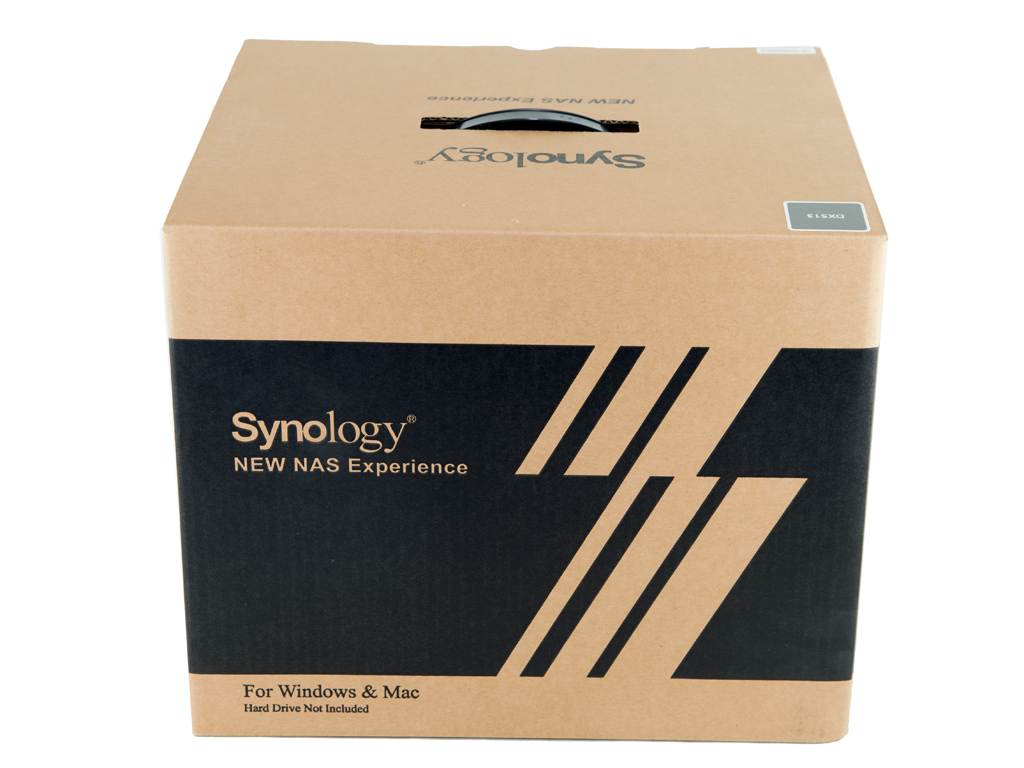
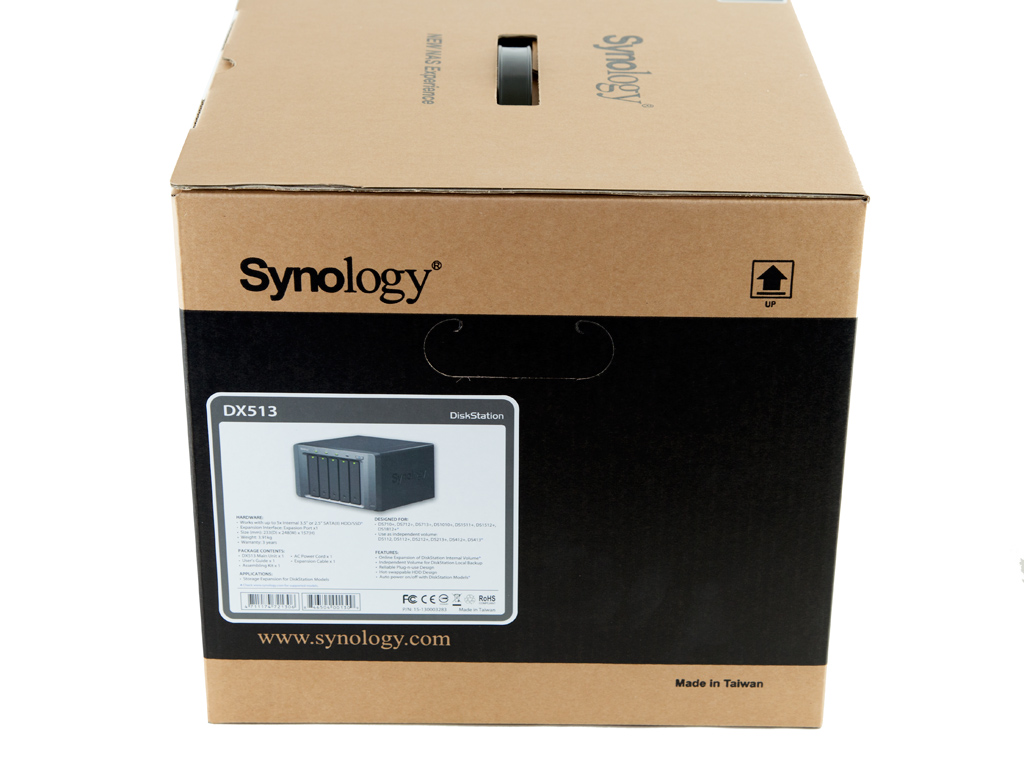
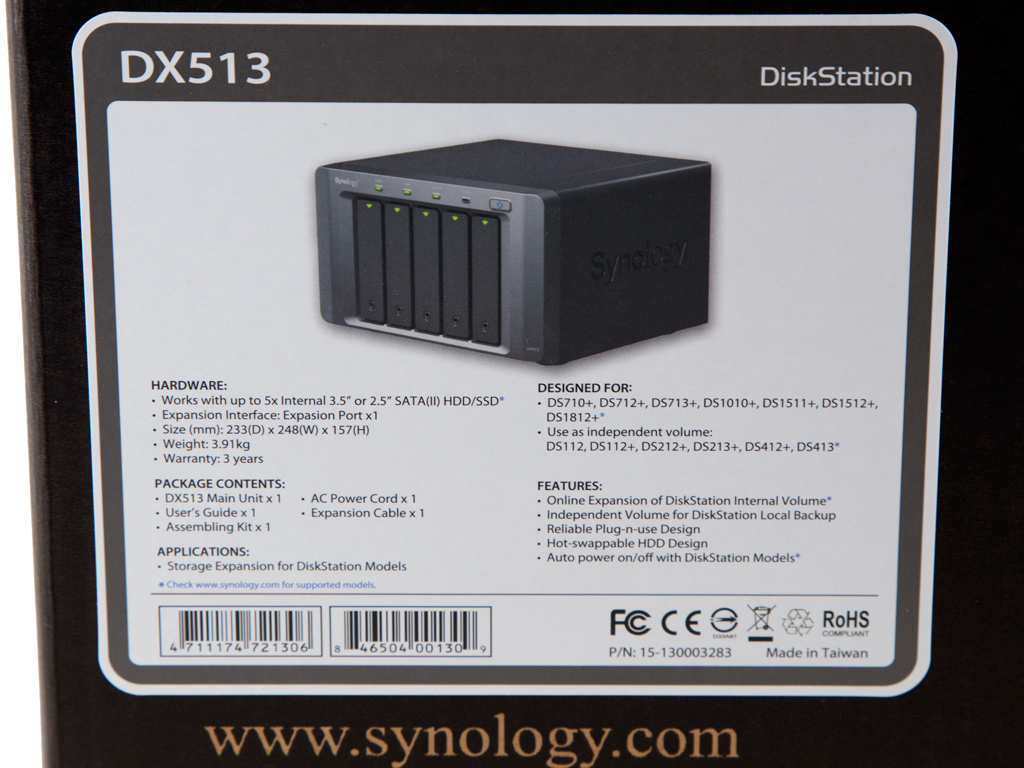
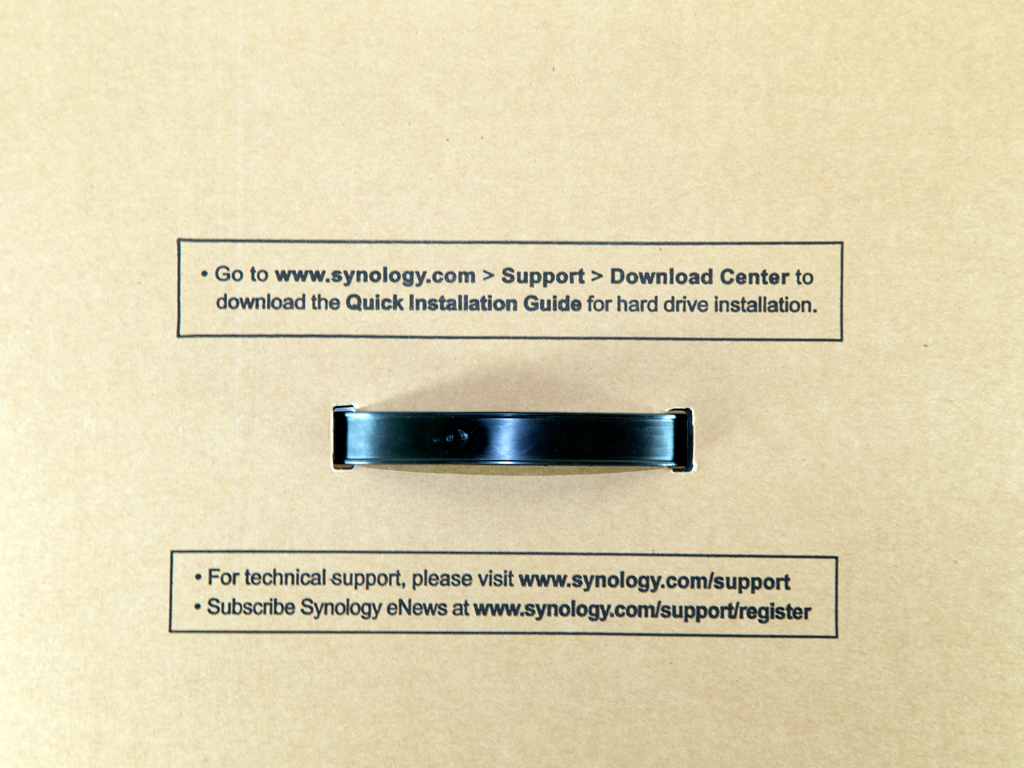
Like with the DS1515+'s, the DX513's packaging is simple, devoid of any fancy graphics.
Contents & Bundle
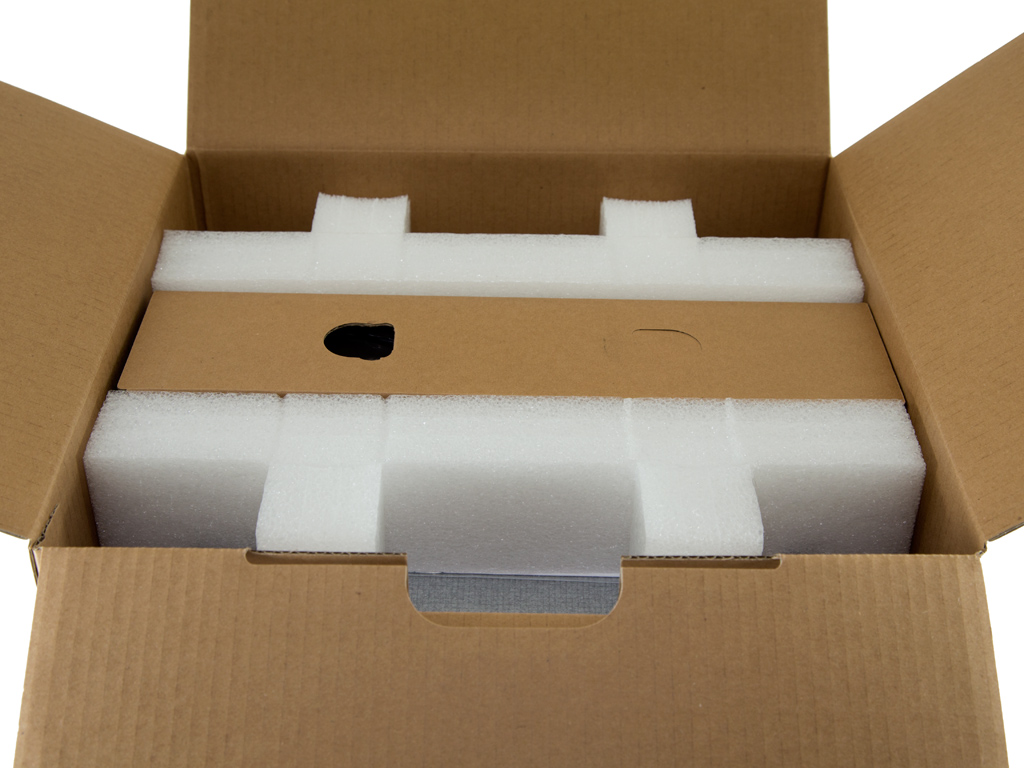
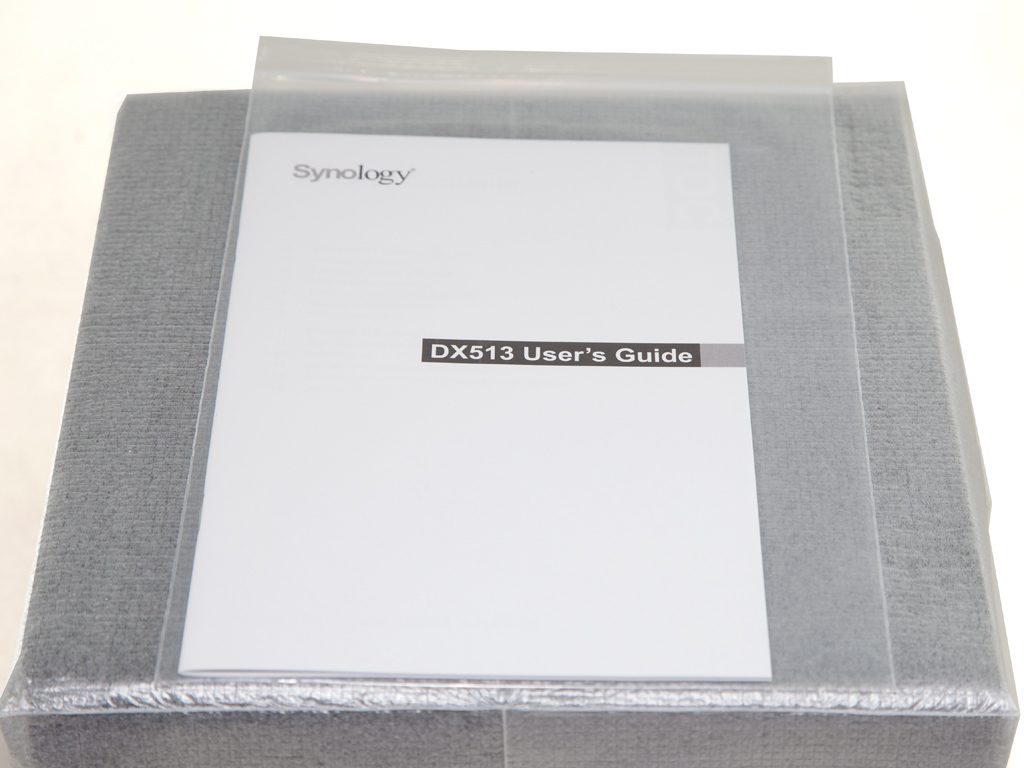
The DX513 inside the box comes well protected and in a white bag.


The bundle includes a short eSATA cable you will use to connect the expansion unit to the Synology NAS.
Exterior
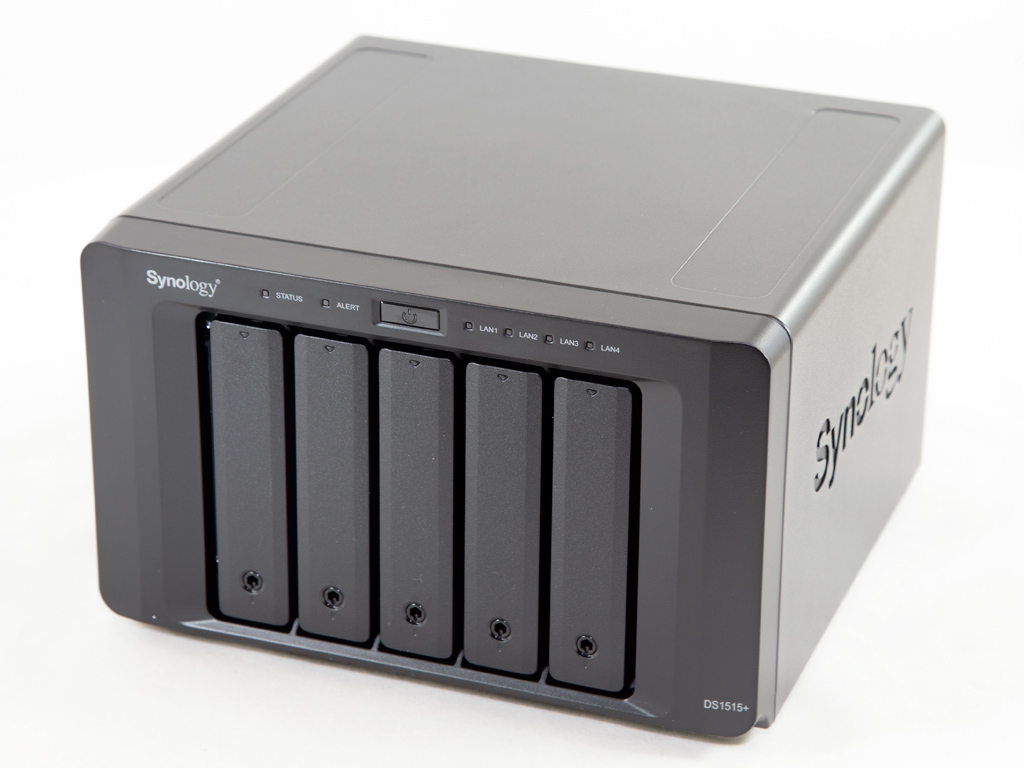

The design is simple: This NAS resembles a plain black box, and unlike the competition, there is no LCD screen at the front. It is compact enough, and all trays feature locks, which is useful in a business environments where physical protection is essential. At the top of the front are several LED indicators, and there are no USB ports here, which is a major disadvantage.
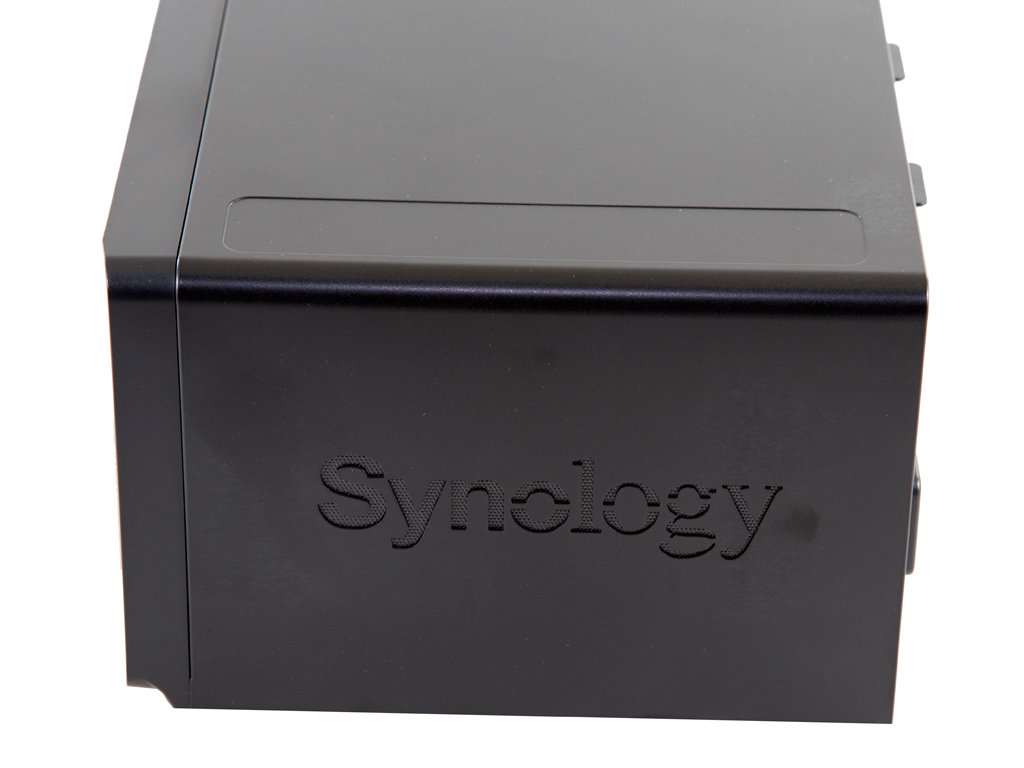
Synology's logo has been punched into one of two sides; it also acts an exhaust grill.
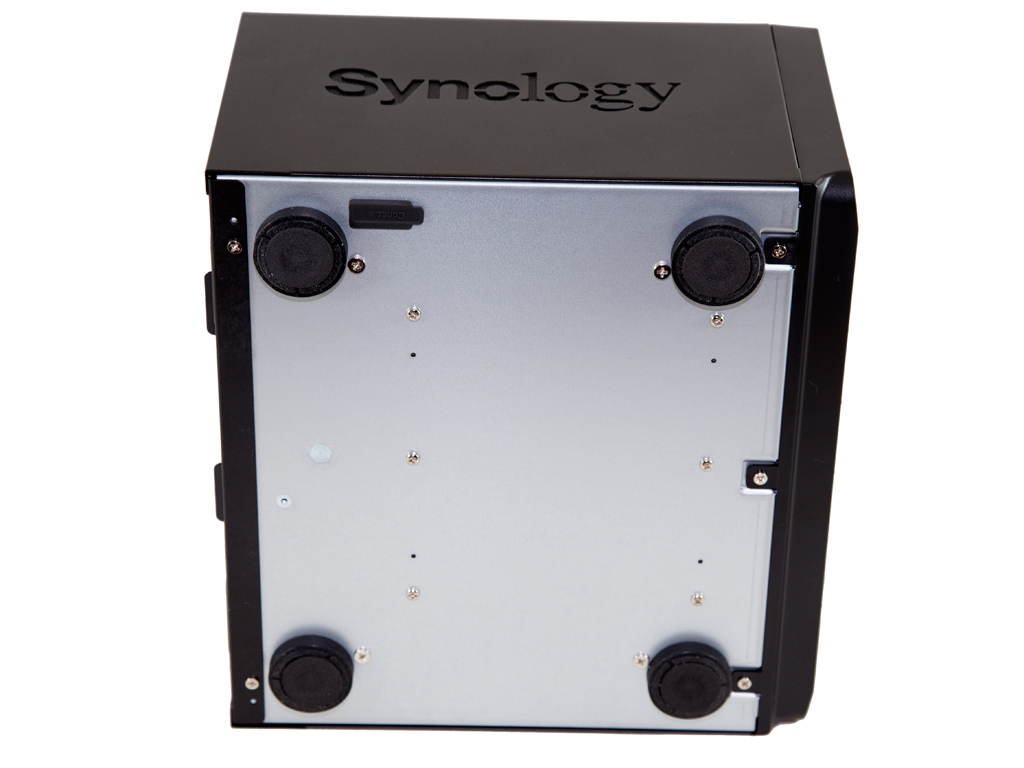
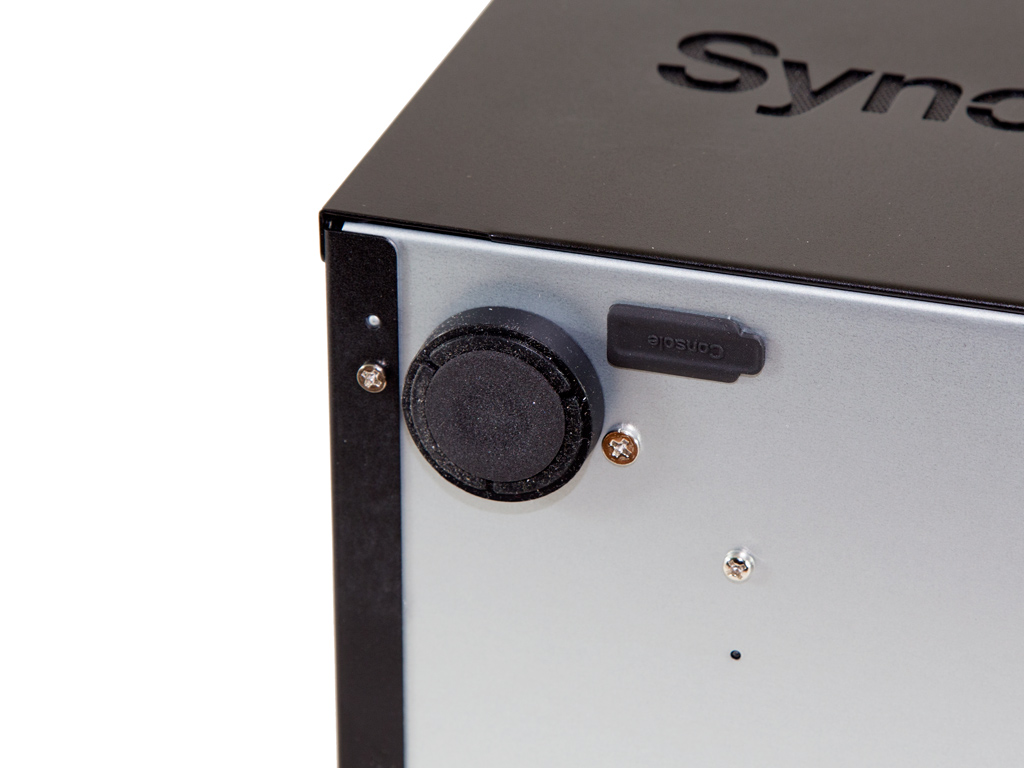
The bottom comes with four stands and a small label with the model number and the unit's power specifications.


The I/O ports are comprised of four Ethernet, two eSATA and four USB 3.0 ports. There is also a Kensington lock, and a reset button for which you will need a sharp, thin object.

Synology also priovides a useful description of all the LED indicators and I/O ports.
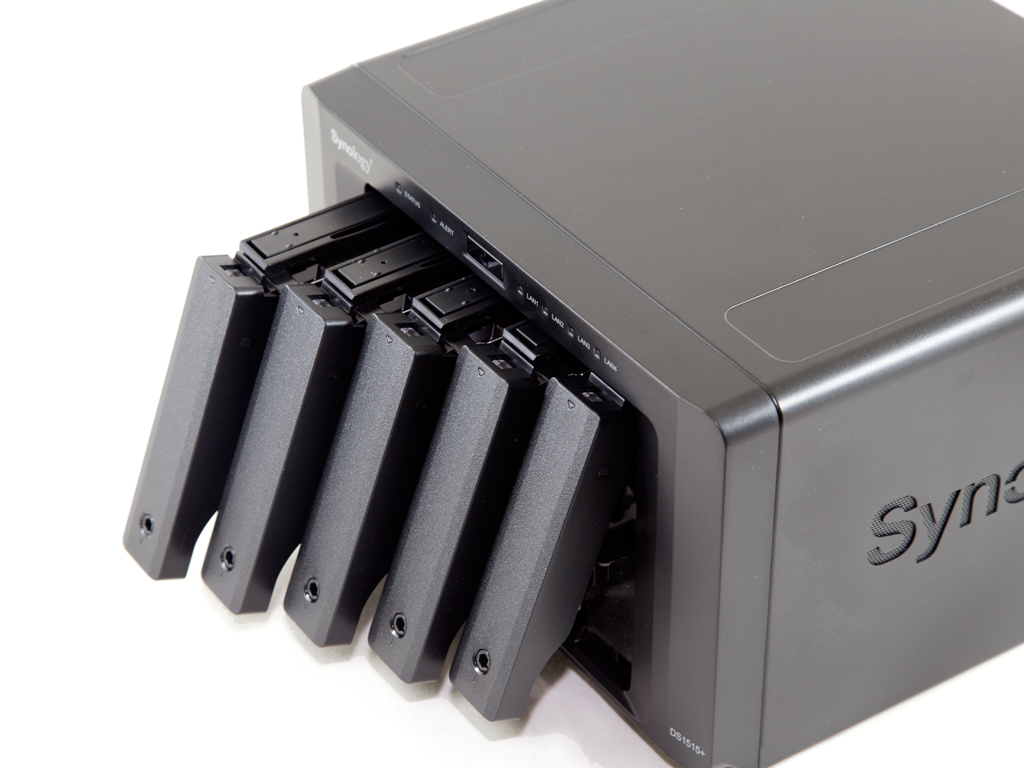

We removed all the candies to install the HDDs with which we conduct our performance tests and power consumption measurements.
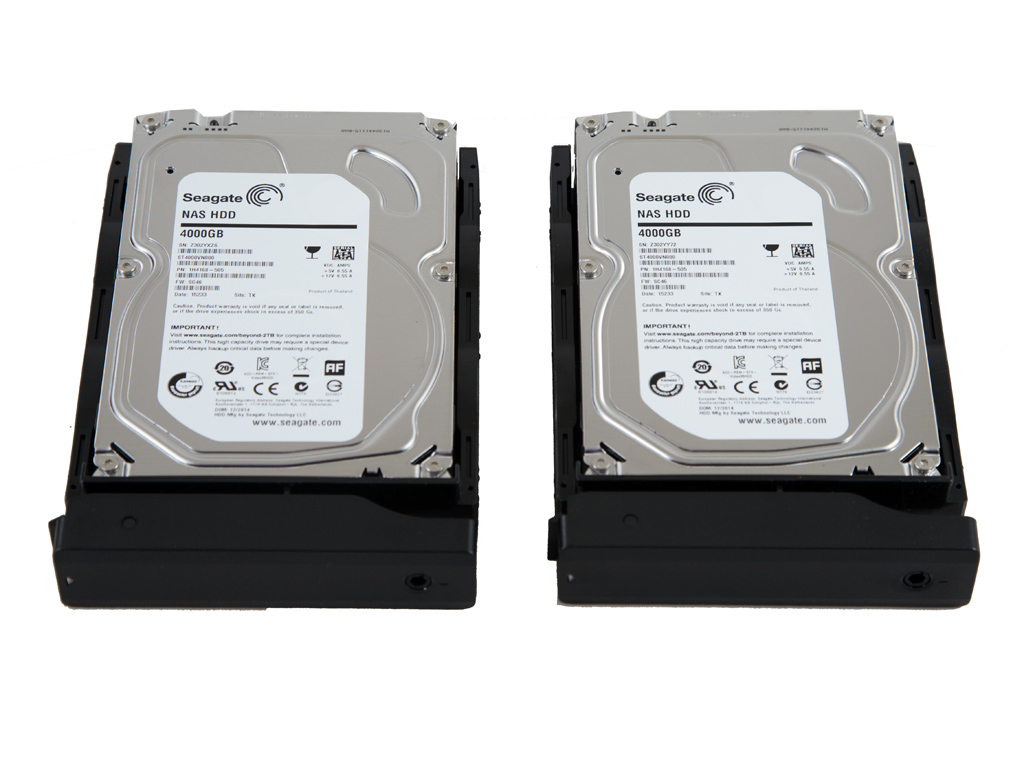
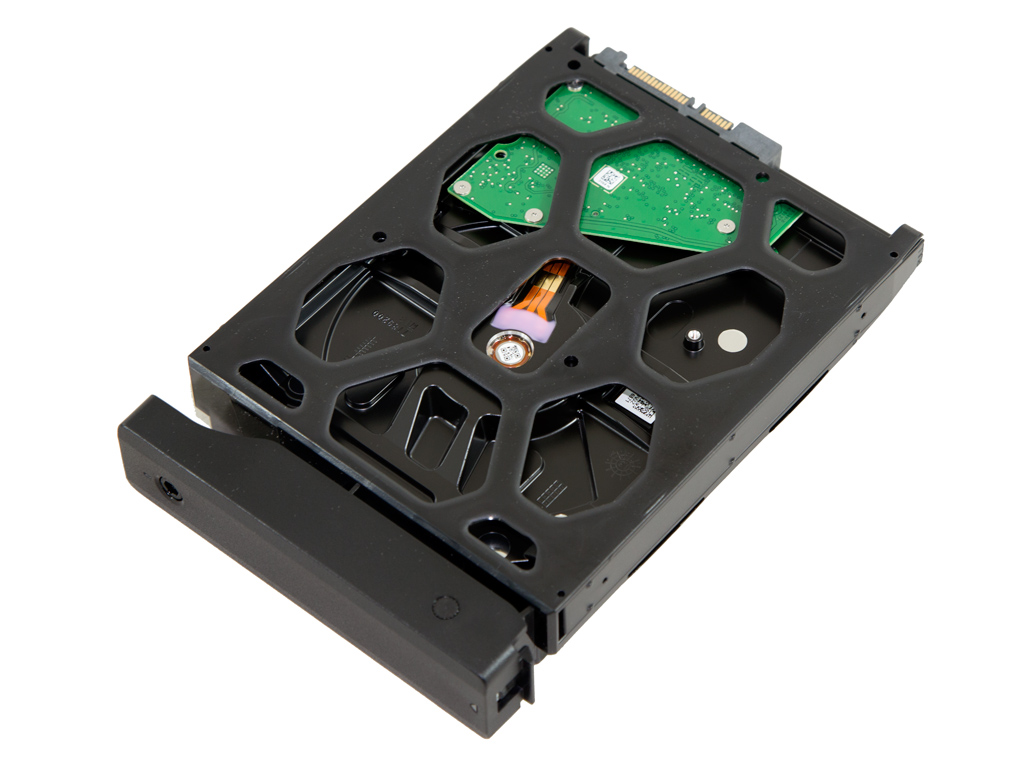
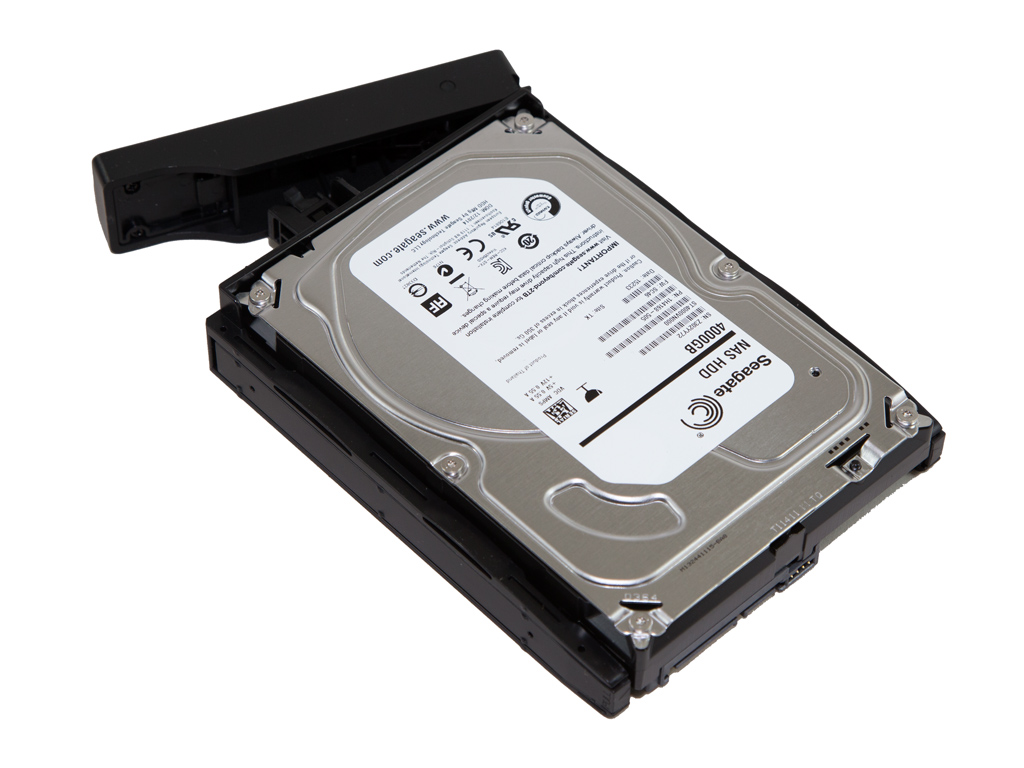
The trays are unfortunately out of plastic. An SMB NAS should in our opinion come with metallic trays instead, but Synology obviously doesn't agree. The trays also don't feature any anti-vibration materials, which might lead to some rather annoying noise issues. The DS1815+ has the same trays and suffers from some rather loud and annoying noise issues because of it, but it actually wasn't as severe with the DS1515+. The installation of HDDs is tool-less since no screws are required—you will only need screws if you install 2.5" HDDs or SSDs.
Our Patreon Silver Supporters can read articles in single-page format.
Nov 21st, 2026 11:16 PST
change timezone
Latest GPU Drivers
New Forum Posts
- Can you guess Which game it is? (343)
- UPS what one to get? (20)
- RX 580 2048SP 8GB - SK Hynix - Brand Unknown - BIOS Needed (0)
- Zen 3 IF/IMC degradation (243)
- State of the HPC-AI Market 2026: Processing Elements (0)
- 1 - 5 person file storage server equivalent accasible from anywhere + general VM server. (3)
- Honestly, do you care about GTA VI? (225)
- RX 9000 series GPU Owners Club (2251)
- Windows 11 General Discussion (7746)
- How to prevent OLED burn damage due to PC freezes or power outtages? (51)
Popular Reviews
- Microsoft Surface Laptop Ultra Review - The Next-gen Arm Laptop
- Ugreen NASync DXP4800 GT Review
- Corsair RM1200e (Second Generation) Review
- Pulsar Office Tour & First Look at P1 Dual-Sensor Mouse
- Upcoming Hardware Launches 2027 (Updated Nov 2026)
- Acemagic Retro X3 Review
- Biwin Black Opal NV7400 2 TB Review
- AMD Ryzen 7 9800X3D Review - The Best Gaming Processor
- AMD Zen 6 Technical Deep Dive
- Chieftec Iceberg PRO 360 DARK Review
TPU on YouTube
Controversial News Posts
- NVIDIA Co-Founder and CEO Jensen Huang Officially Resigns (492)
- Report: Jensen Huang Eyes NVIDIA Comeback (260)
- Open Letter Asking NVIDIA to Reinstate Jensen Huang Passes 115,000 Signatures (184)
- OpenAI CEO Argues Home PCs Waste the World's Limited DRAM Supply (152)
- NVIDIA Launches Investigation Into Jensen Huang's Relationship With Suspected Chinese Spy (136)
- Intel "Raptor Lake Next" 16-Core and 20-Core CPUs Surface (130)
- NVIDIA GeForce RTX 50-Series Scheduled for up to $500 Price Hike This Week (89)
- Intel Razor Lake Gets a 12 P-Core bLLC Chip With No E-Cores, Per Leak (86)