 7
Synology DS918+ 4-Bay NAS Review
A Look Inside »Exterior
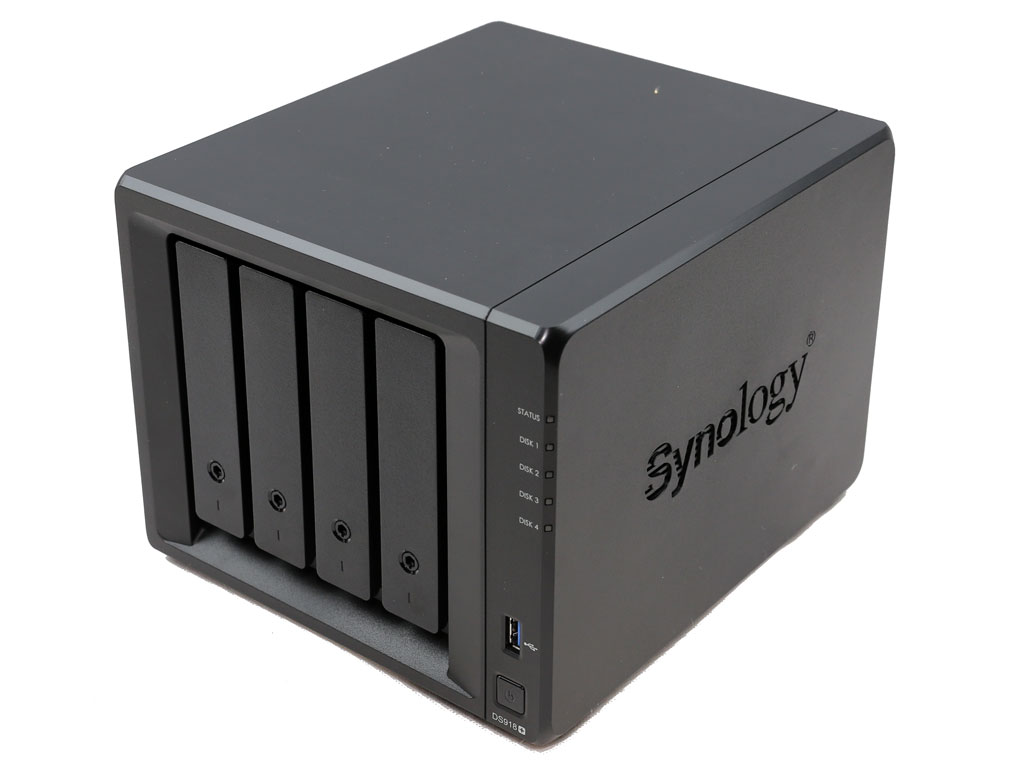


The DS918+ uses the same plastic enclosure as the DS916+, but without the shiny plastic bay cover since it uses different trays which feature locks.

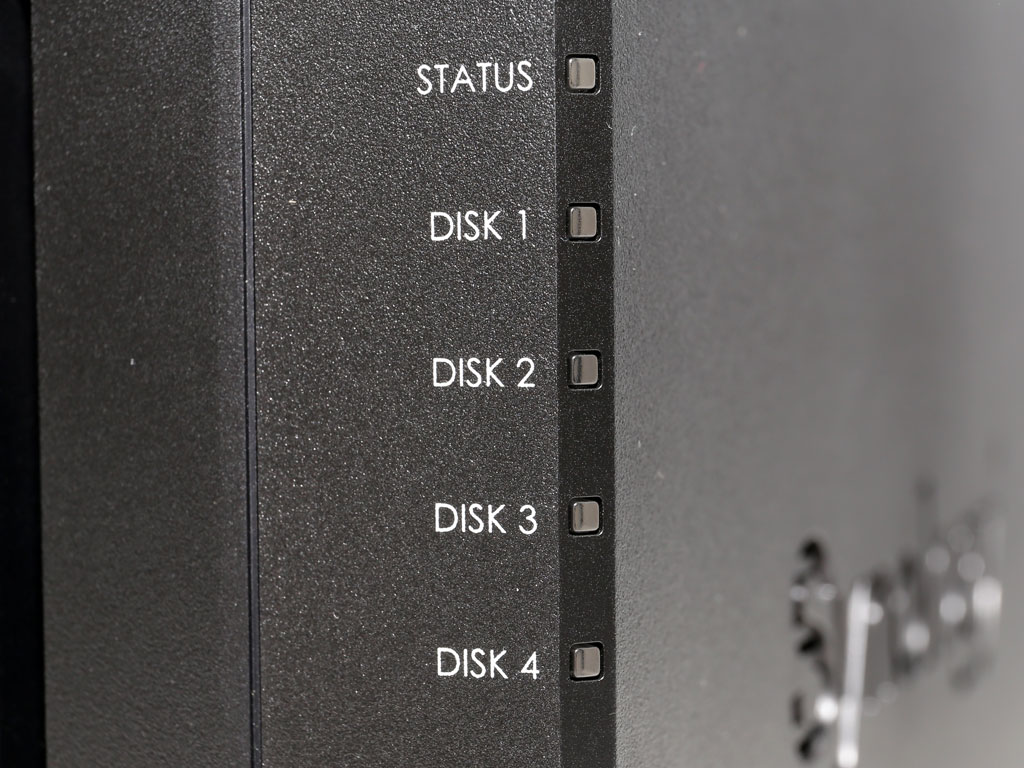

Up front are several LED indicators, a USB 3.0 port, and the power on/off button.

Synology's logo on both sides also acts as a ventilation grill.
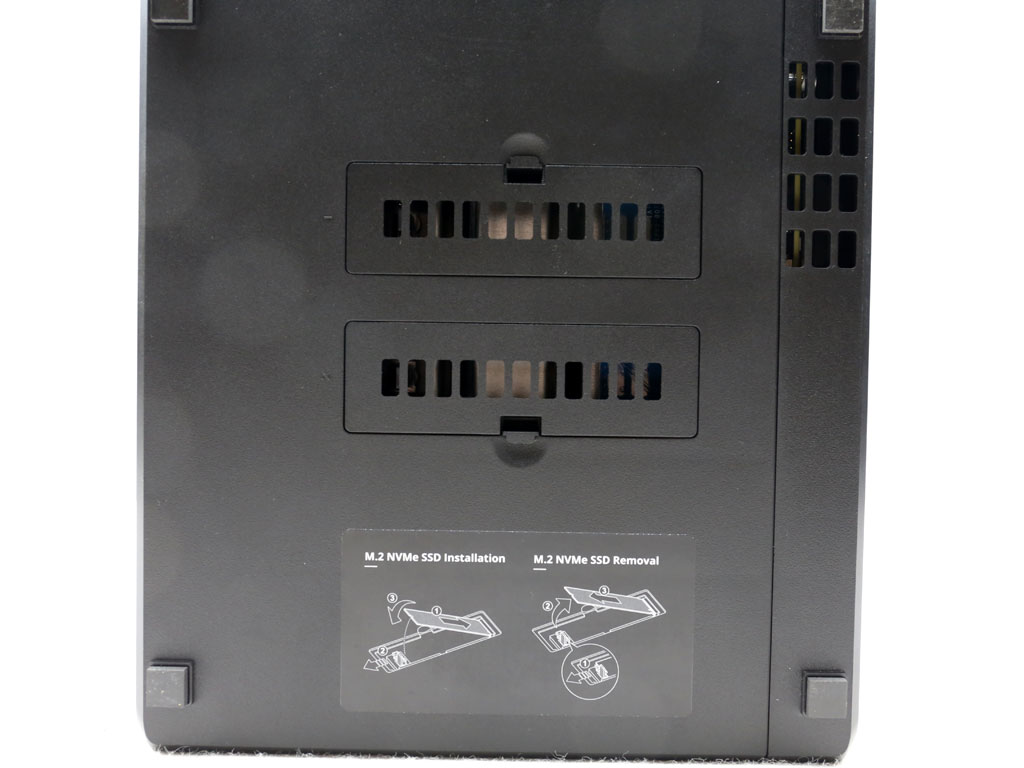

The M.2 slots are accessible through the bottom of the NAS.


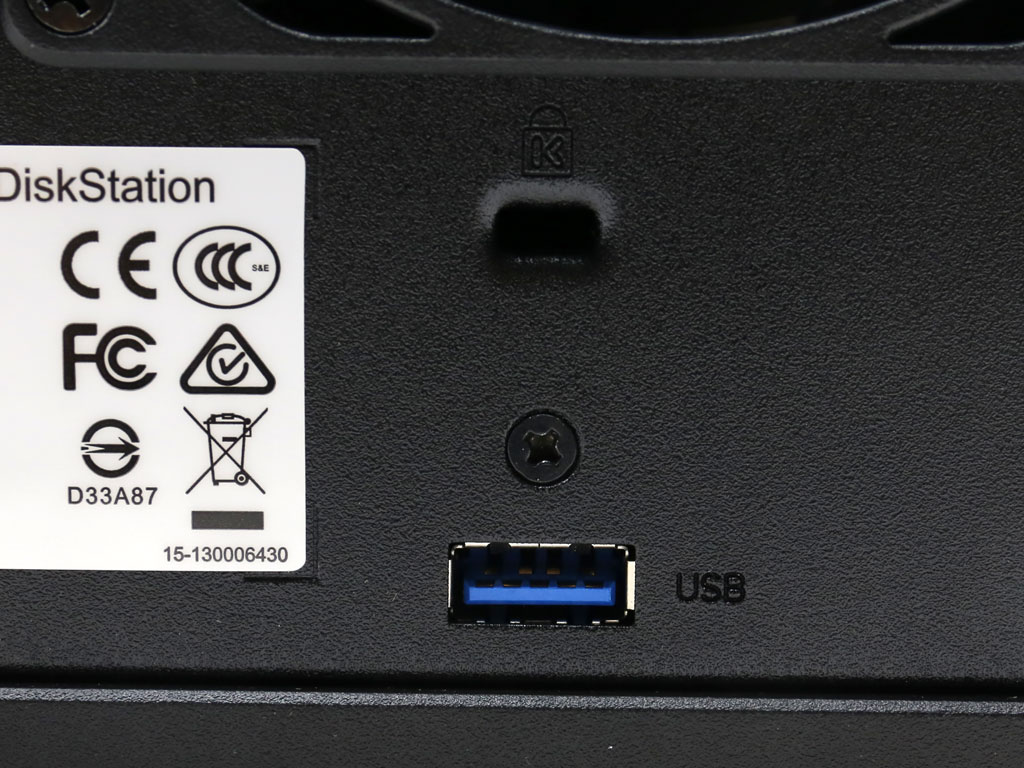
Most I/O ports are around the back. You will find a detailed description of them (courtesy of Synology) below.

All front and rear I/O ports are shown in the scheme above.

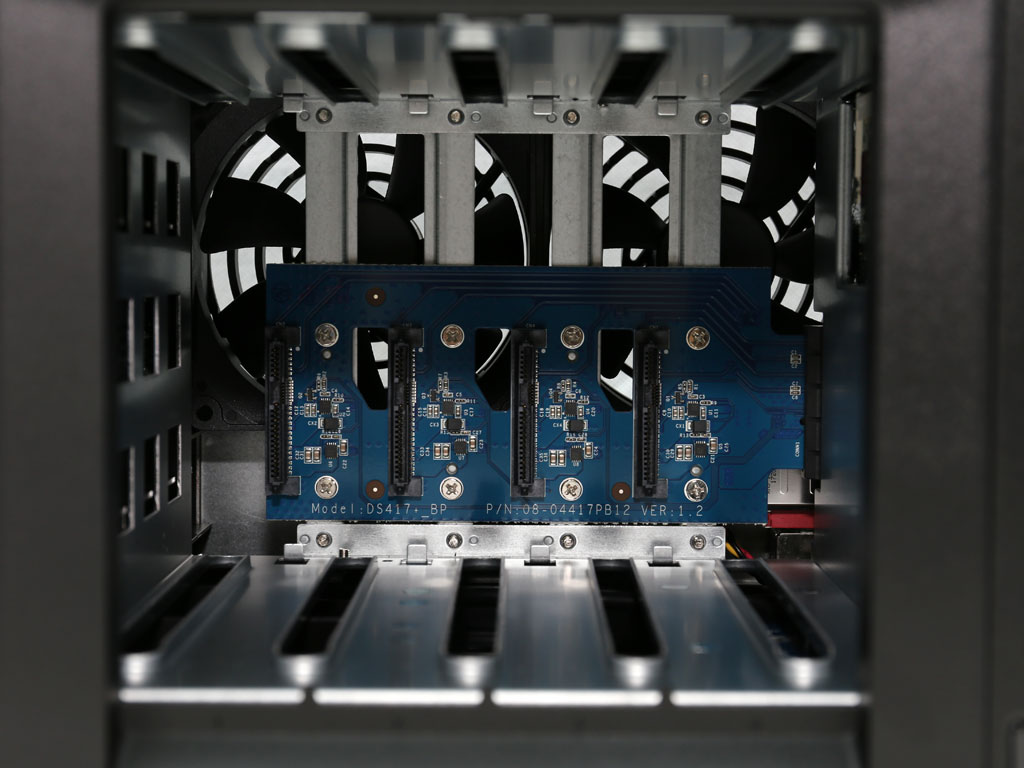
We removed the trays to take a photo of the HDD area. As you can see, the fans are installed right behind these trays, which allows them to efficiently rid the HDDs of any heat they produce.

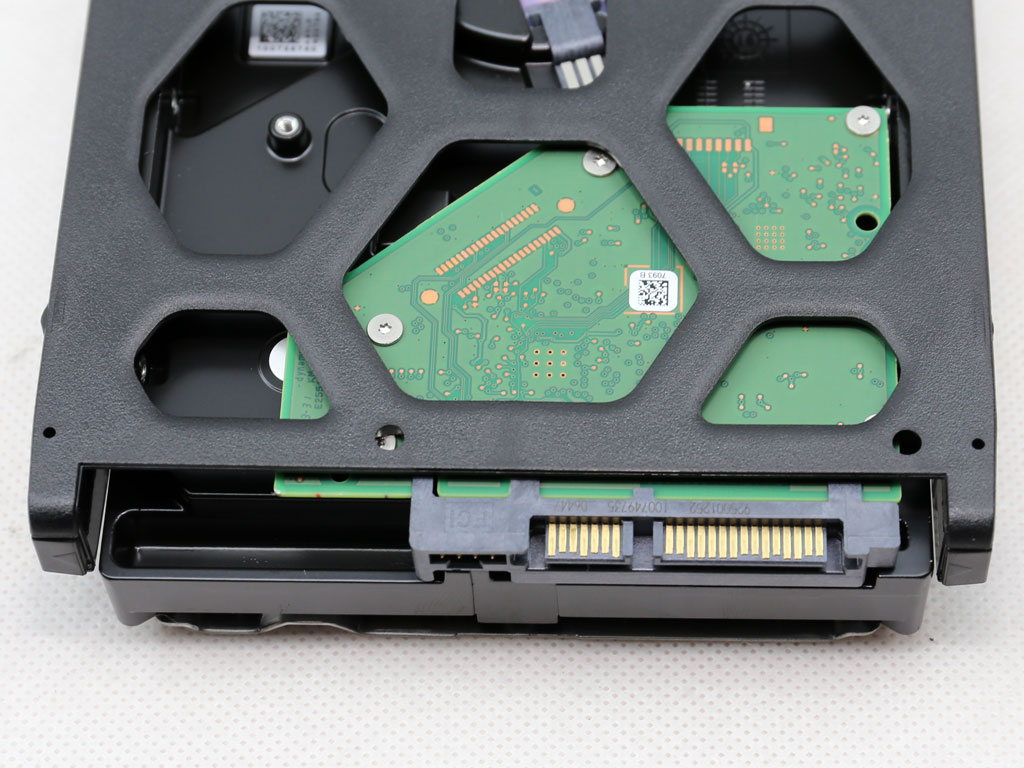
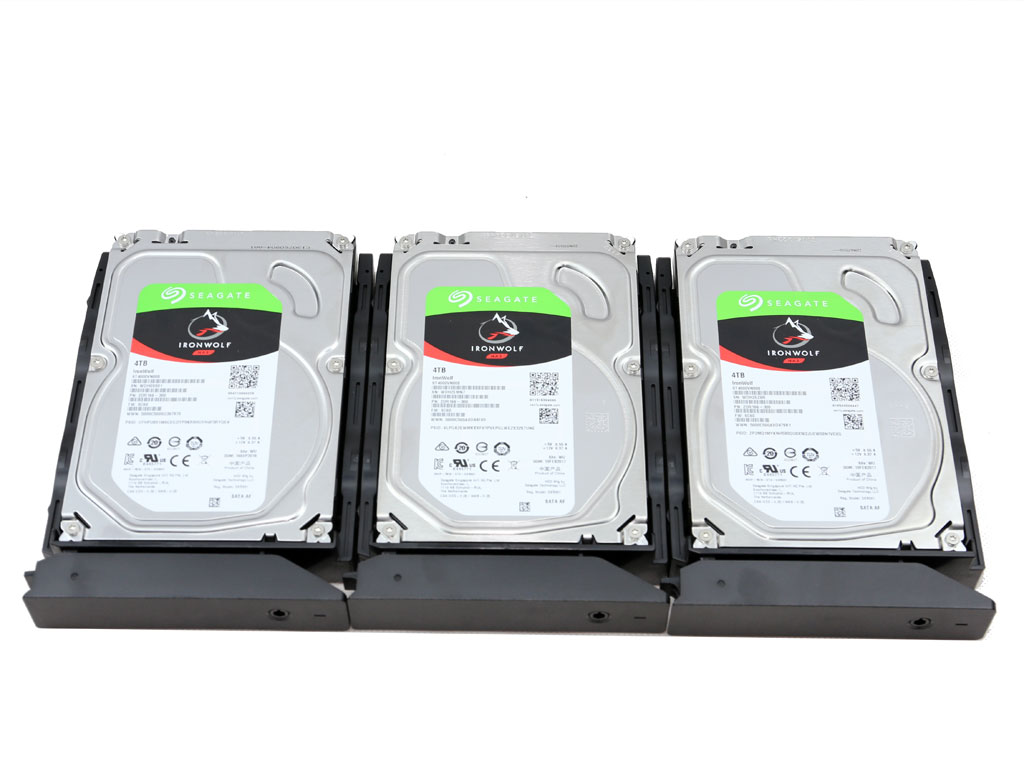
Synology was kind enough to ship the NAS along with some Seagate IronWolf HDDs.
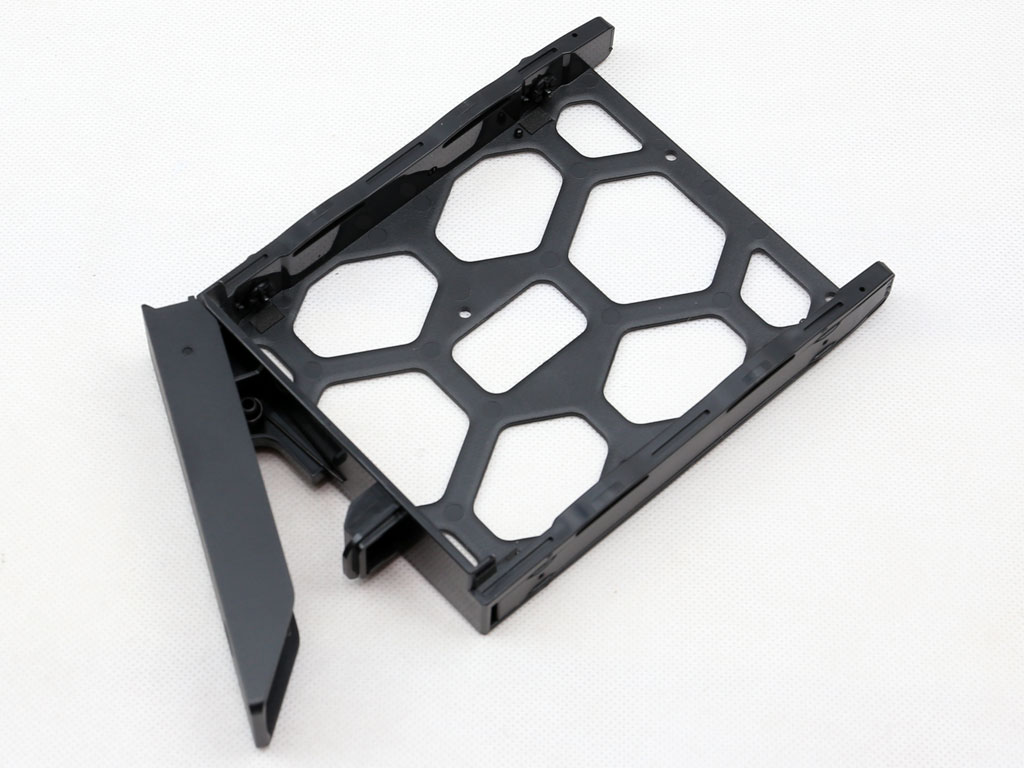
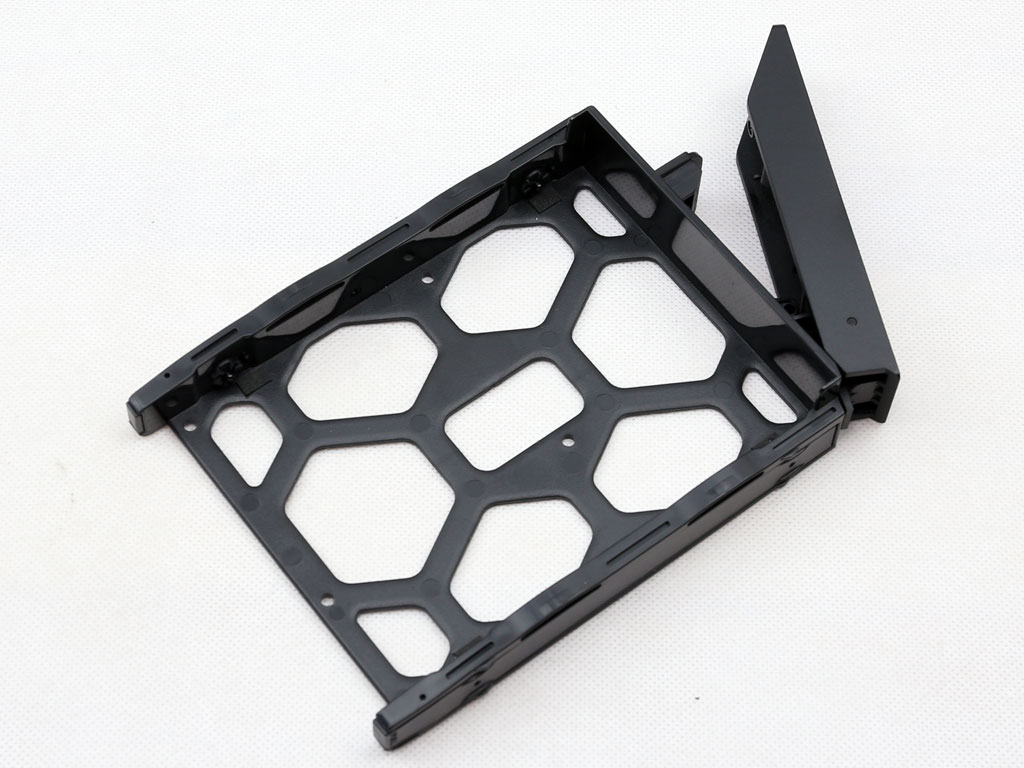
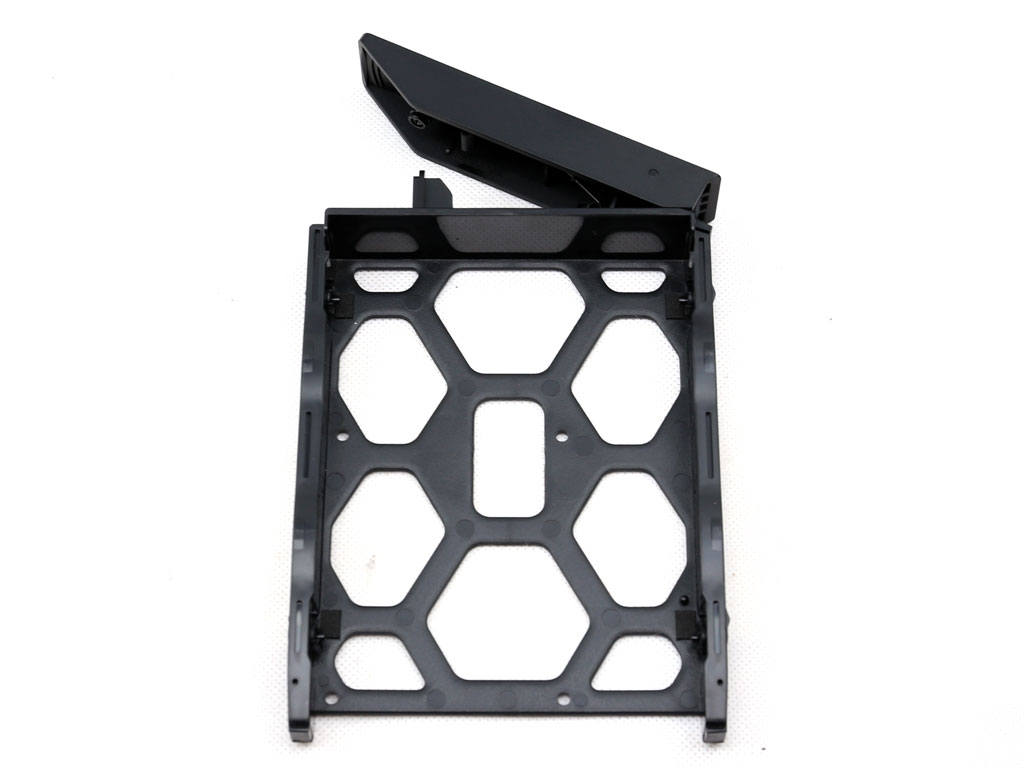
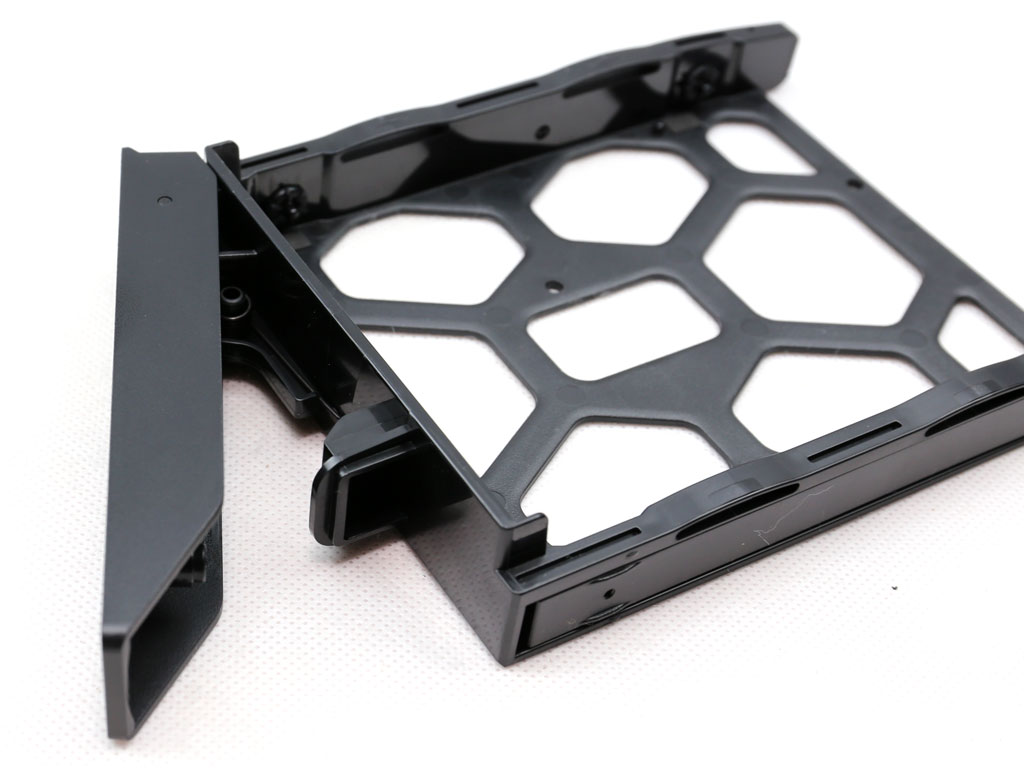
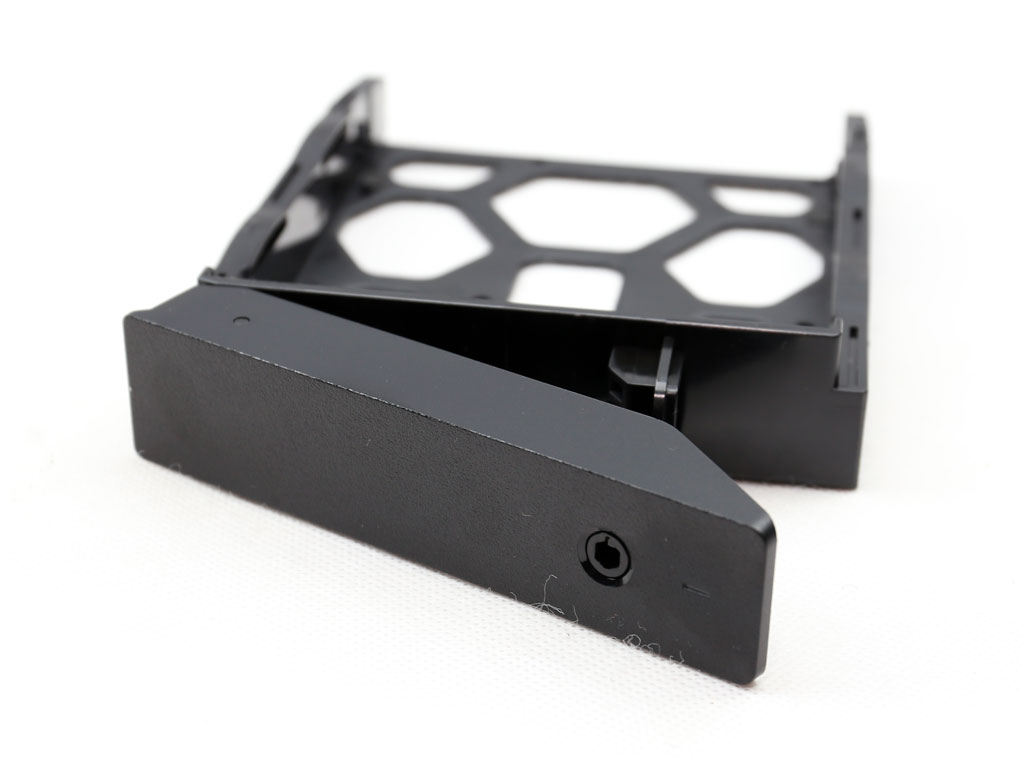
Although the trays feature locks, which aren't of high quality, the plastic material and lack of any sound-absorbing materials are major cons. Metal trays featuring normal locks with proper keys instead of plastic ones would have been much better.
Nov 17th, 2026 22:32 CST
change timezone
Latest GPU Drivers
New Forum Posts
- [Poll] 12V-2x6 Connector Protection: What Are You Using? (WireView / Ampinel / Equalizer / Other / Nothing) (28)
- Help with fixing Overclock (9)
- Slow SSD read speeds - help! (16)
- Without Jensen, PC gaming will be (37)
- Will zen 6 mobos have anything extra vs current ones? (52)
- Hi, just to say thanks and who I am (3)
- 9070 GRE 3.9ghz validation reached. (19)
- [testers wanted] Qsurfer My own QNAP Nas explorer/Search tool (8)
- Lenovo Legion Pro 5 Audio Nightmare: Fan Noise, Harsh Voice & Massive DPC Latency (Help!) (2)
- WarpCoreBench scores! (56)
Popular Reviews
- Acemagic Retro X3 Review
- Upcoming Hardware Launches 2027 (Updated Nov 2026)
- AMD Zen 6 Technical Deep Dive
- ASUS ROG Strix B850-I Gaming Wi-Fi7 W Review
- Corsair HX1000i Shift Crystal Review
- Chieftec Iceberg PRO 360 DARK Review
- AMD Ryzen 7 9800X3D Review - The Best Gaming Processor
- Phantom Blade Zero Performance Benchmark Review - 35 GPUs Tested
- Montech King 95 3D PRO Review
- Biwin Black Opal NV7400 2 TB Review
TPU on YouTube
Controversial News Posts
- NVIDIA Co-Founder and CEO Jensen Huang Officially Resigns (464)
- Open Letter Asking NVIDIA to Reinstate Jensen Huang Passes 115,000 Signatures (184)
- OpenAI CEO Argues Home PCs Waste the World's Limited DRAM Supply (152)
- Report: Jensen Huang Eyes NVIDIA Comeback (137)
- NVIDIA Launches Investigation Into Jensen Huang's Relationship With Suspected Chinese Spy (136)
- Intel "Raptor Lake Next" 16-Core and 20-Core CPUs Surface (130)
- Legendary Game Studio BioWare Shuts Down Following EA Layoffs (104)
- Dell CEO Says the Memory Shortage Will Get Worse in 2027 (95)