 17
Synology DS923+ 4-Bay NAS Review
(17 Comments) »Introduction

I would like to thank Synology for supplying the review sample.

The successor of the highly popular Synology DS920+ is here and named DS923+. The big difference is the change from Intel to AMD for the processor. The previous model used a quad-core Intel Celeron J4125 CPU with 10 W TDP, while the new one uses a dual-core AMD Ryzen R1600. Although the latter has fewer two cores, but it provides the same threads as the Intel CPU, thanks to hyper-threading support. Still, cores are more effective than threads. The R1600's base frequency is notably higher; the same goes for the turbo frequency. The main issue is that there is no iGPU in the R1600, while the J4125 comes with an Intel UHD Graphics 600. The lack of an embedded GPU is bad news for multimedia purposes, especially when heavy transcoding is required. This is a big step backwards, and you should not expect the DS923+ to be a speed demon when acting as a server and when the client asks for heavy transcoding of the multimedia that it receives. It is a shame that Synology didn't use the R1606G instead, which besides higher CPU max frequency (3.5 GHz vs. 3.1 GHz), also has Vega 3 graphics.

Another problem is the increased TDP of the AMD processor compared to the Intel Celeron. The first has a max TDP of 25 W while the latter tops at 10 W. Only a 15 W difference might not look much to you, but we have NAS servers here, which are meant to operate all around the clock, so the energy cost will be significant after some months and years. Moreover, cooling needs to be more effective, and this can affect reliability and noise output. So far, the AMD R1600 seems to lose big time to the previous generation J4125, not to mention its successor, the Celeron N5005. Let's take a look at where the AMD CPU wins big time. For starters, it supports ECC memory, which is a huge deal in a NAS server since it ensures that your data won't be affected over time, as it can happen in NAS servers using plain memory modules. Moreover, the max amount of RAM for the DS923+ is 32 GB, covering every possible usage scenario, while the DS920+ was confined to 8 GB (the fresh N5105 supports up to 16 GB of RAM).
The R1600 also supports up to two 10 GbE interfaces and up to four USB 3.1 Gen 2, and it also comes with PCIe Gen 3 Support through eight PCIe lanes, while the J4125 is restricted to PCIe Gen 2 with six lanes only. The newer N5005 also supports PCIe Gen 3 and has eight corresponding lanes. In general, for strict storage use, the R1600 offers more thanks to the ECC memory support and the higher quantity of RAM it supports, but for mixed multimedia and storage use, I would prefer Synology to go with an Intel N5005 CPU. We should not forget also that the latter is newer, released in Q1/2021, while the R1600 was released in Q2/2019. Synology might have exploited a good bargain on the R1600 CPUs.
Specifications
| Synology DS923+ Specifications | |
|---|---|
| Processor | AMD Ryzen R1600 Dual Core - 2.6 GHz (burst up 3.1 GHz) |
| Operating System | Embedded Linux |
| Memory | 4 GB DDR4 ECC (Expandable up to 32 GB, 16 GB x 2) |
| Storage | 4x 3.5"/2.5" SATA II/III |
| RAID Levels: | Single Disk, JBOD, RAID 0, 1, 5, 6, 10 |
| Drive Bays | 4x |
| Drive Bays with Expansion Units | 9x (DX517 x 1) |
| M.2 Drive Slots | 2x (M.2 2280 NVMe SSD) |
| File System (Internal Drives) | EXT4, btrfs |
| File System (External Drives) |
|
| iSCSI | Target & Initiator |
| Networking | 2x 1 Gigabit Ethernet |
| I/O Ports | 2x USB 3.2 Gen 1 Type A, 1x eSATA |
| PCIe Expansion | 1x Gen 3 x2 network upgrade slot |
| IP Cameras | Up to 40x (2x included) |
| 4K Video Transcoding Support | Limited |
| Dimensions | 166 (H) x 199 (W) x 223 (D) mm |
| Weight | 2.24 kg |
| Power Consumption | 35.51 W (Access) 11.52 W (HDD Hibernation) (with 4x HAT5300-12T installed) |
| Power Supply | External, 100 W, 100–240 V, EDAC (EA11011D-1200) |
| Fans | 2x 92 mm (FD129225LL-N)) |
| Warranty | 3-year hardware warranty, extendable to 5 years with Extended Warranty Plus |
| Price Excluding VAT at Time of Review | $600 |
Contents and Bundle

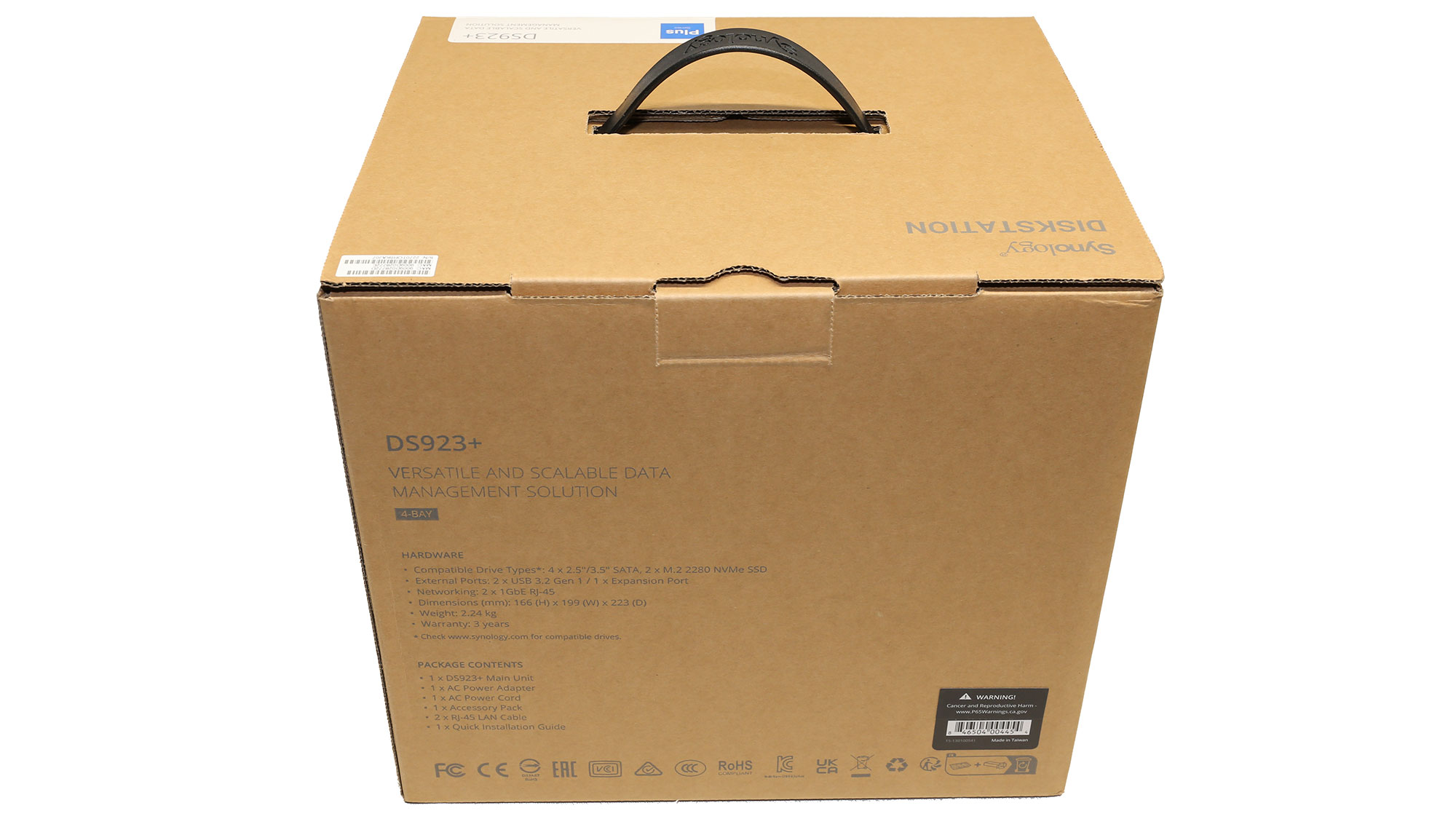
A photo of the product has been put on the face of the box, with several icons showing its significant features.


The protection inside the box is good.
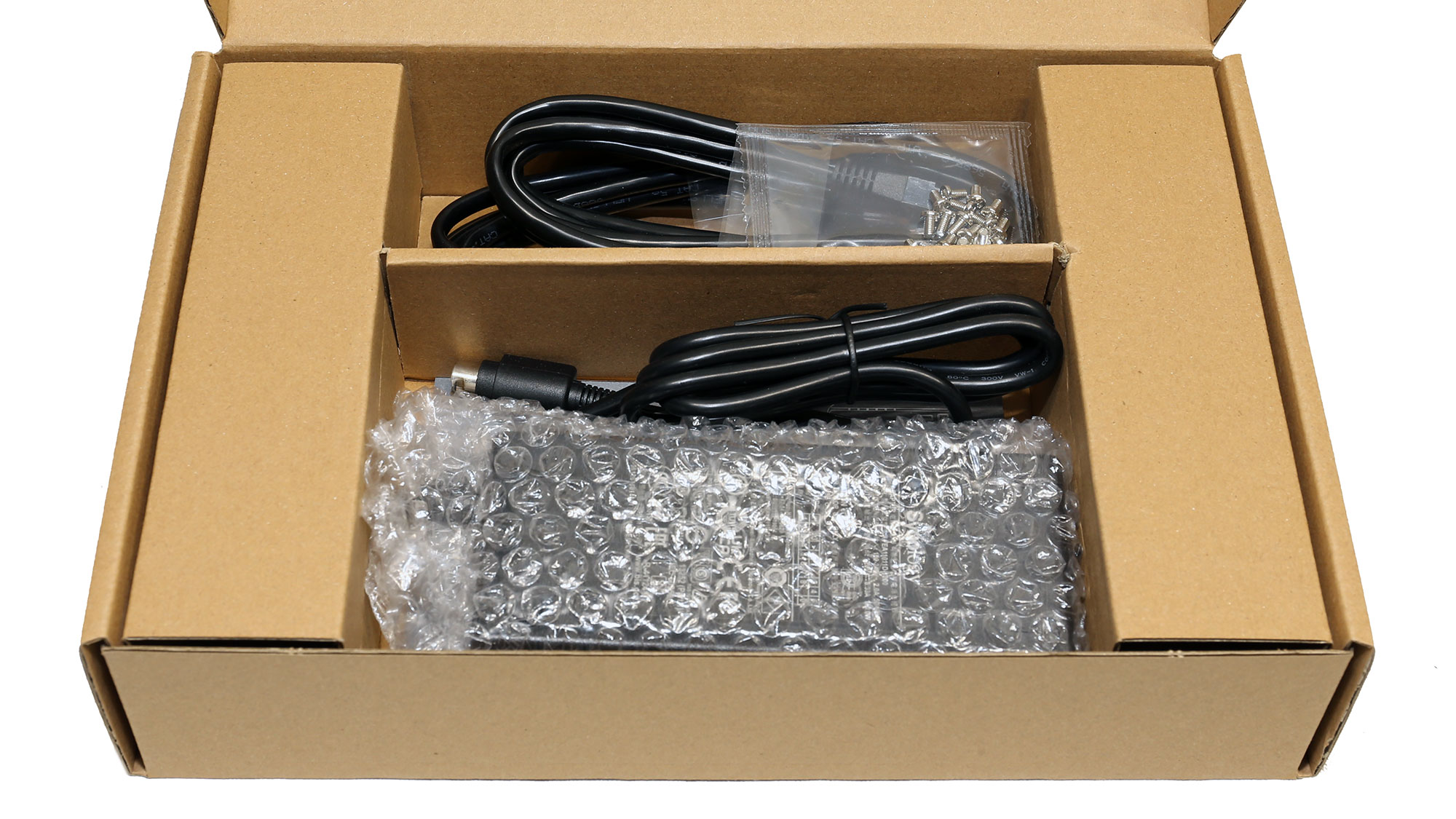

The bundle includes two Ethernet cables, two sets of screws, a quick installation guide, and a power adapter.




The rear side of the NAS.


A single USB 3.2 Gen 1 port, two 1 GbE ports, and a DC input socket are at the back.

Synology's logo is on the side.


The power specifications label is at the bottom of the NAS. You will also find the two NVMe slots here, which for the first time can be used as storage pools, if you use Synology's NVMe drives.

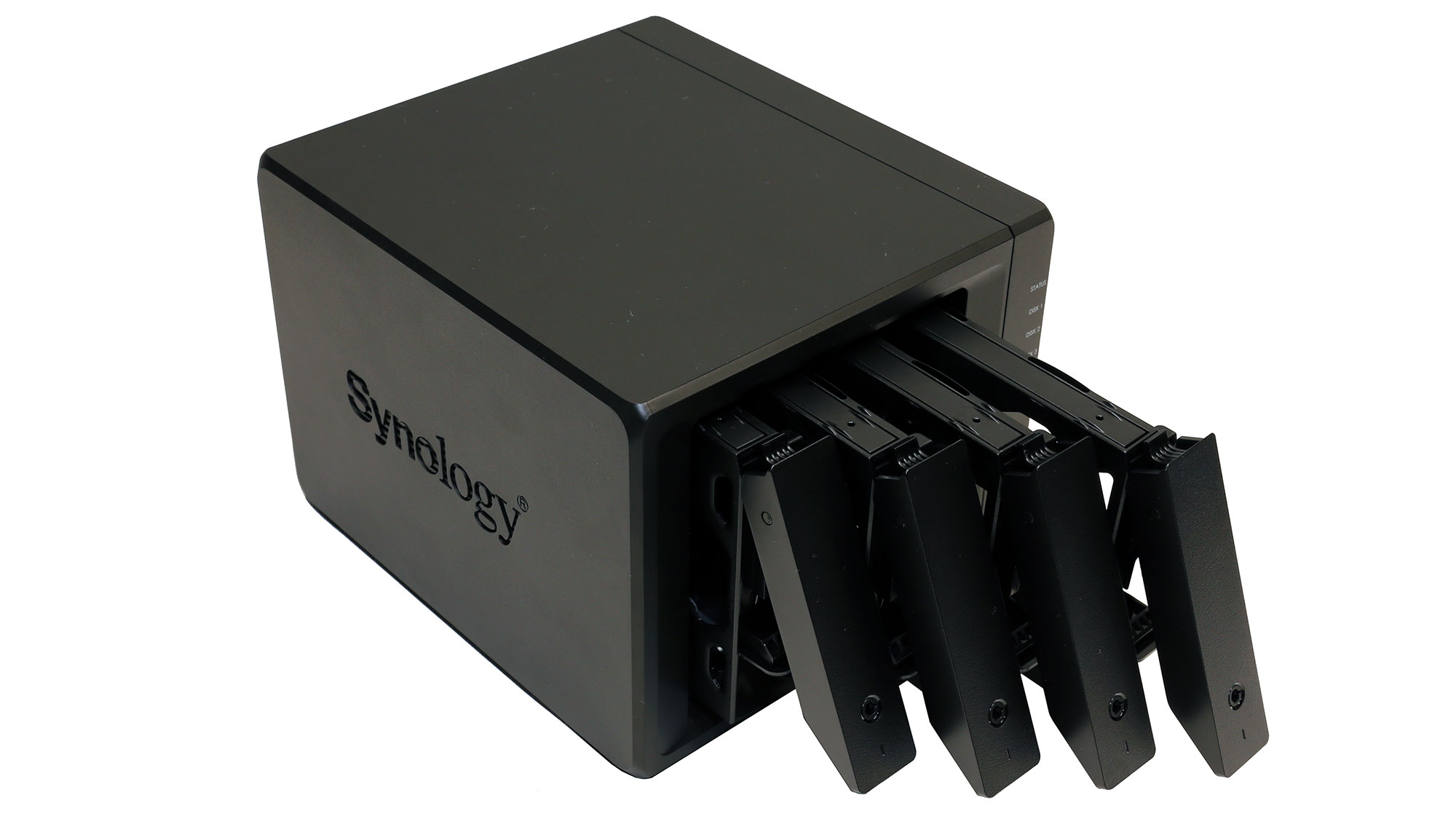


Removing the trays.

The trays have good build quality and also feature plain locks. It would be great if they were metallic, instead of plastic, though.

The power adapter is by EDAC (model number: EA11011D-1200) and it can deliver up to 100 W.
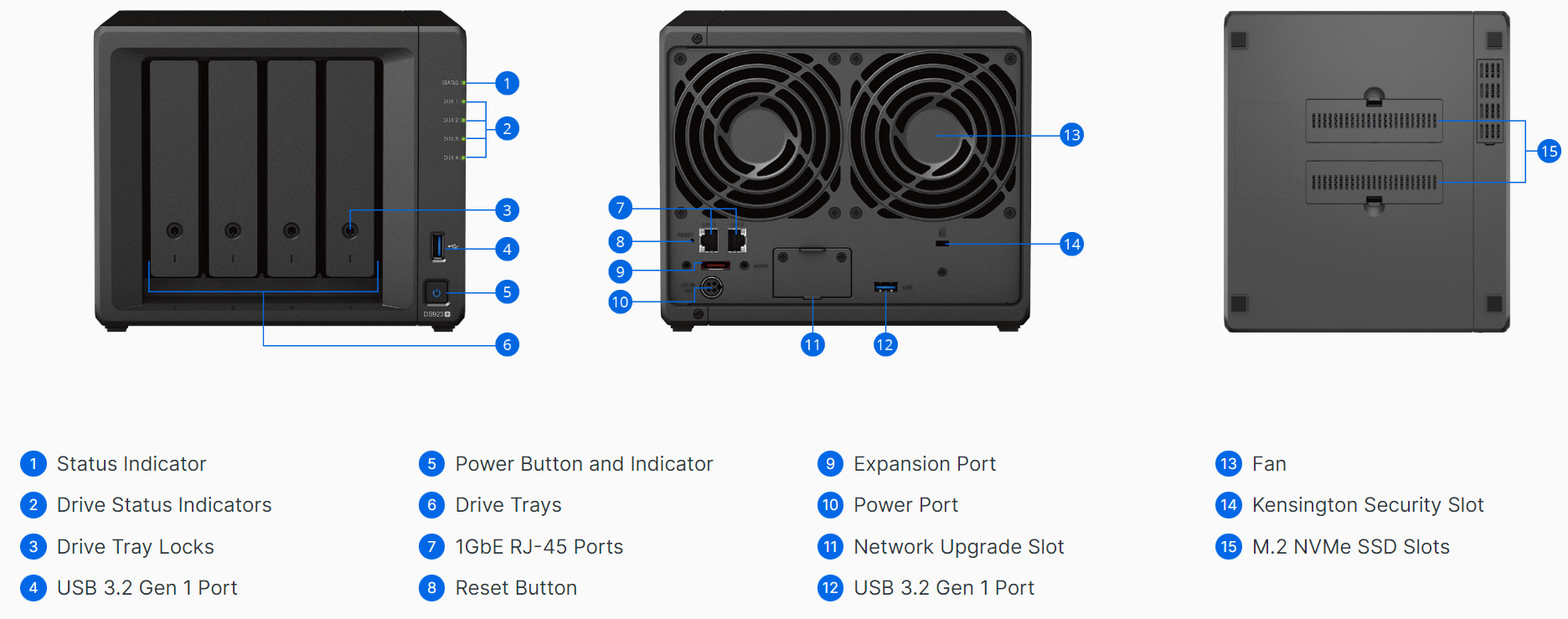
An overview of the NAS.
A Look Inside
You have to deal with several screws to fully tear down the NAS, but the procedure is straightforward. To access the M.2 slots is much easier.
The barebone chassis.


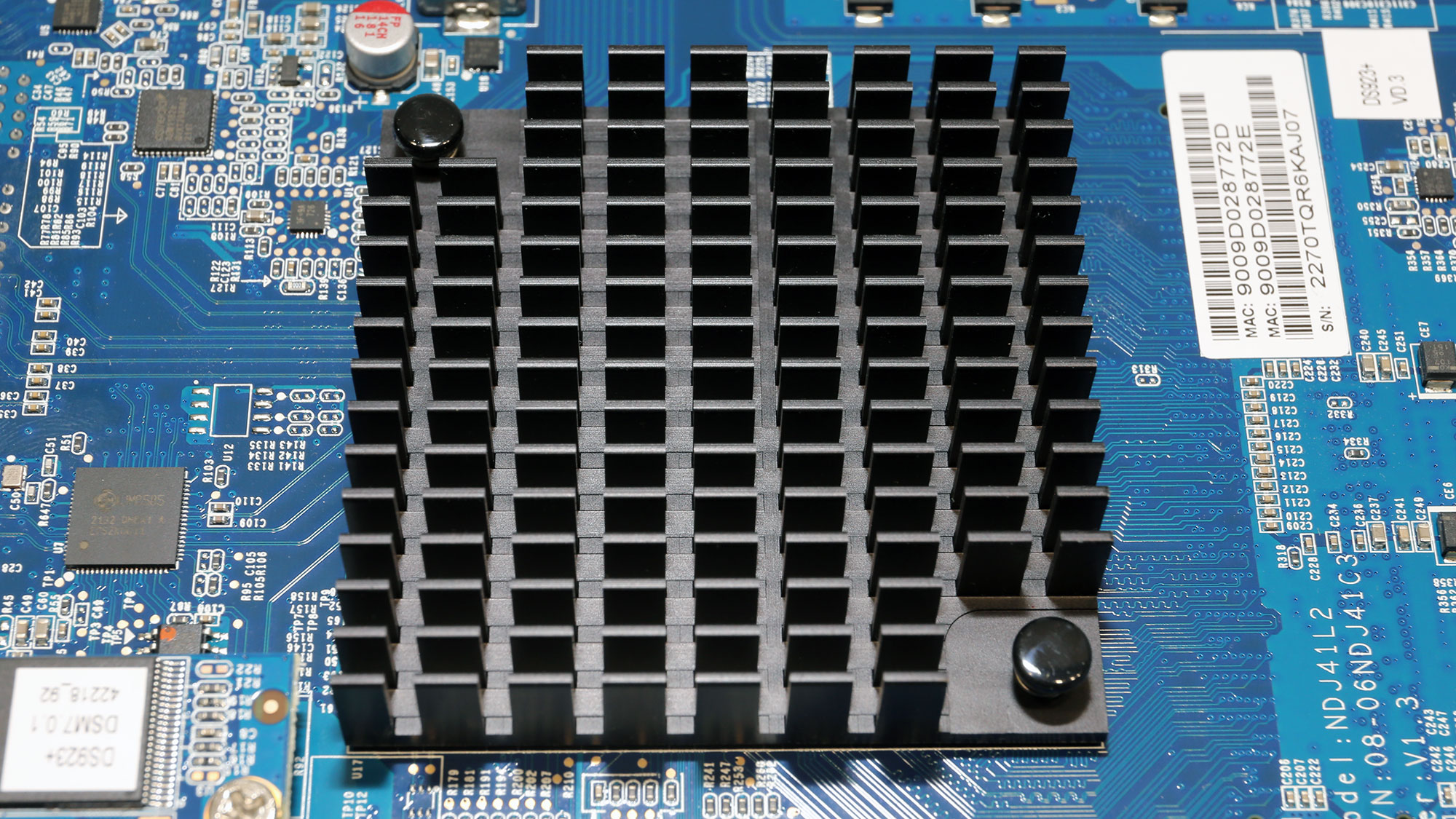
The mainboard is small, so the CPU's heatsink looks massive. The lack of active cooling for the heatsink is an advantage since it means fewer moving parts, which can break in the long run. The RAM slots are on the back side to be easier accessible without having to tear down the NAS fully.
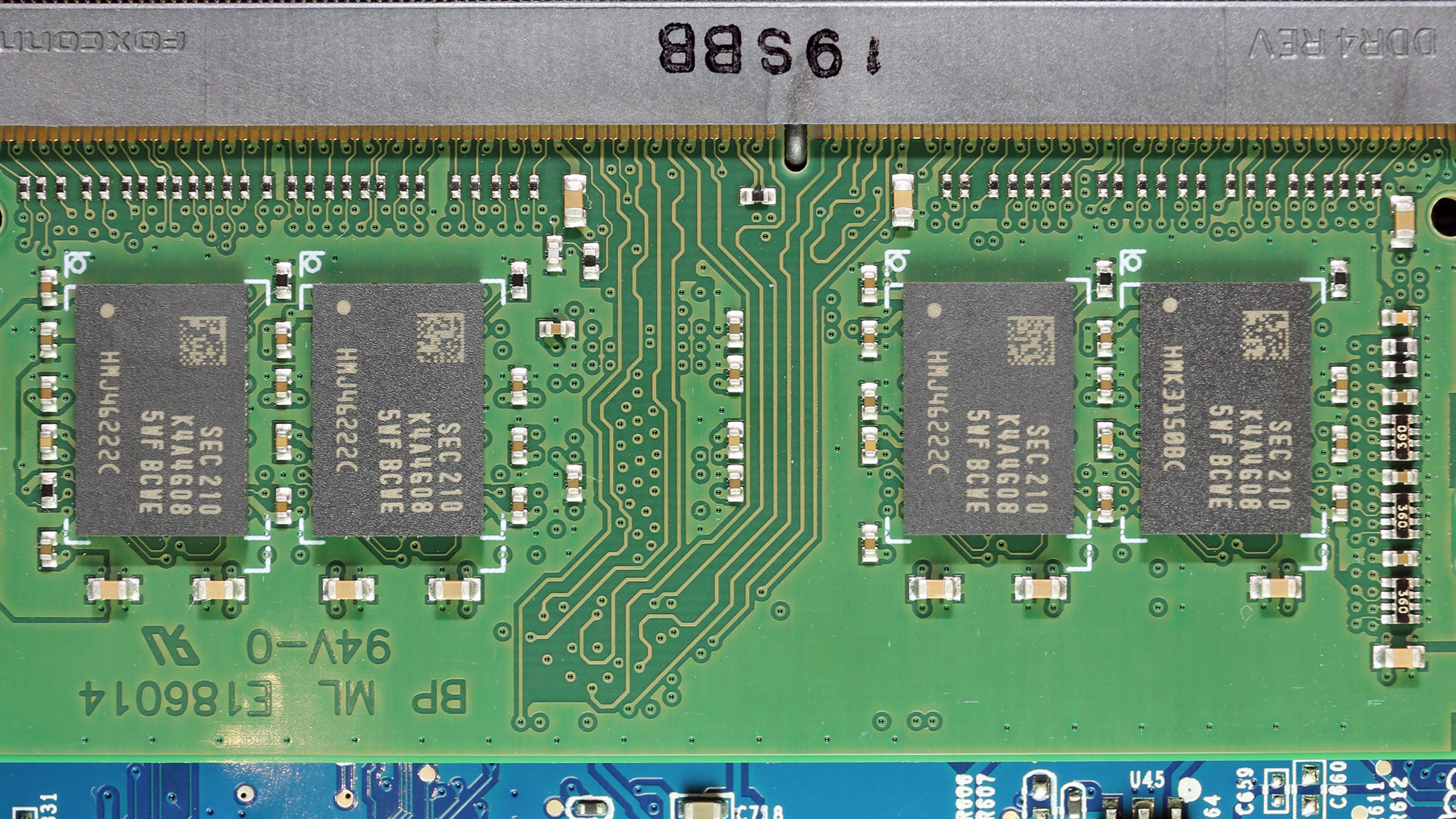
One RAM slot is free for future upgrades. The installed DIMM uses Samsung K4A4G08 chips and has 4 GB capacity.

The mainboard uses a Macronix MX25U6432F flash memory IC.

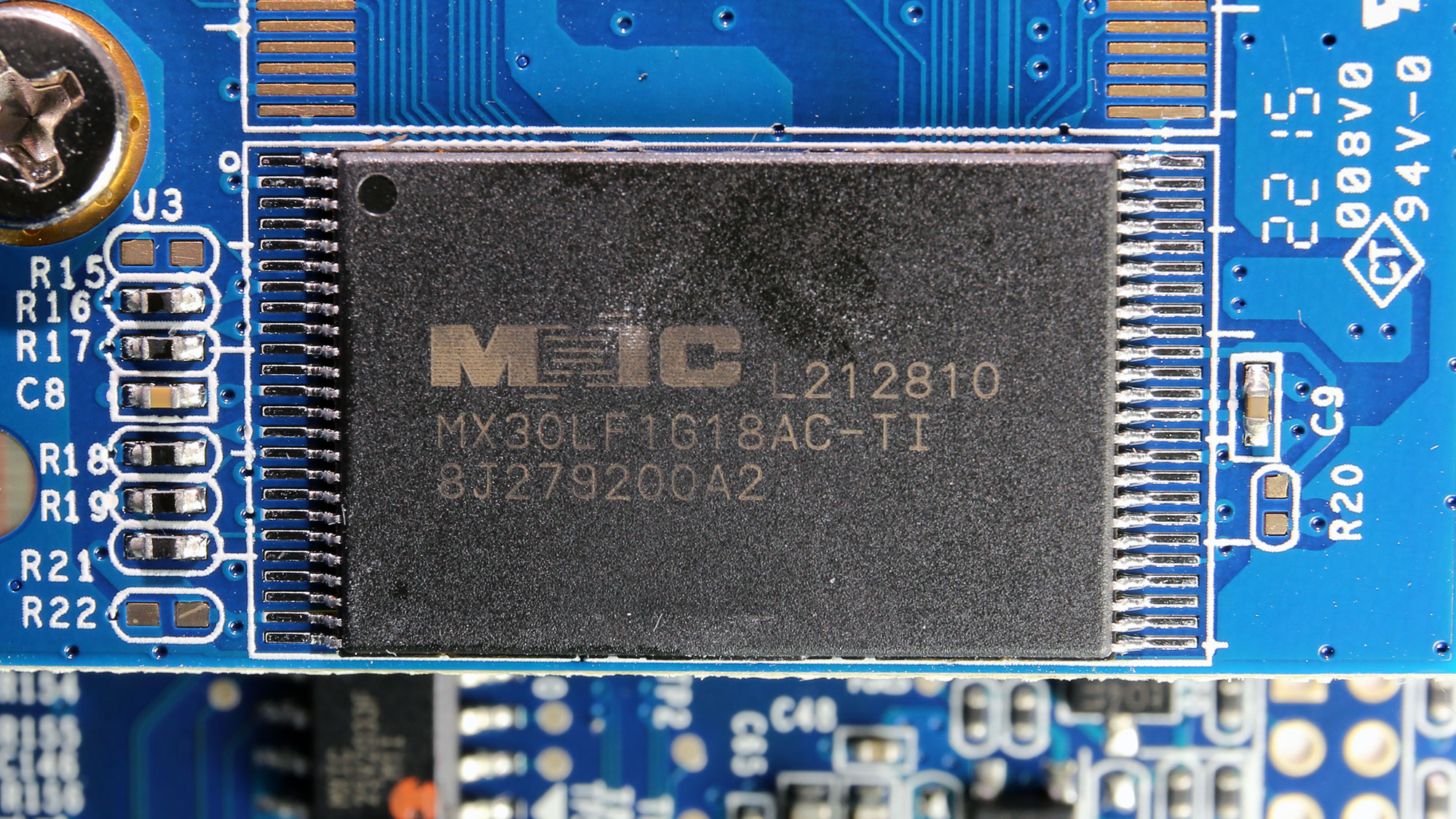
The DSM OS is installed in a Macronic MX30LF1G18AC-TI 1 Gbit NAND flash memory chip.

The pair of fans is driven by two Nuvoton 3941S-A linear regulators.

A Realtek RTL8111H Gigabit Ethernet controller handles communications.

Two AP4435GM FETs are installed next to an SK34C Schottky barrier diode (SBR).
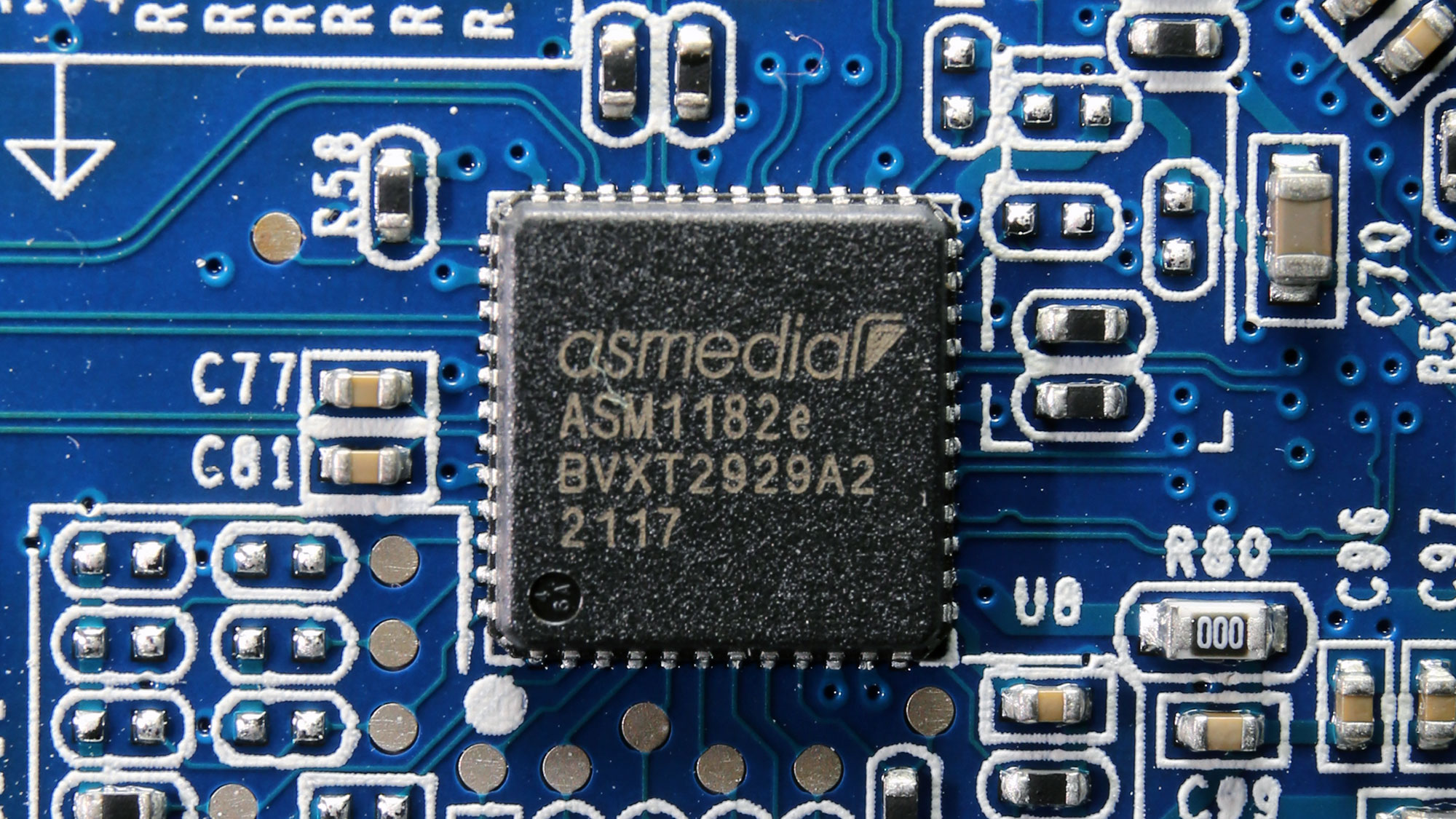
A PCIe express packet switch by ASMedia.

An FPGA by Gowin with model number GW1N-LV2. An FPGA (Field-Programmable Gate Array) is a programmable logic device that can be used to implement various digital and mixed-signal systems, such as digital logic circuits, processors, and custom hardware. They can be reprogrammed to change their functionality and are useful for many applications.

A Renesas Electronics 9DB433AGLF clock buffer. In short, a clock buffer is a device that is used to distribute a clock signal to multiple destinations. It receives a single input clock signal and generates multiple copies of the same signal, which are then sent to different parts of a circuit or system.
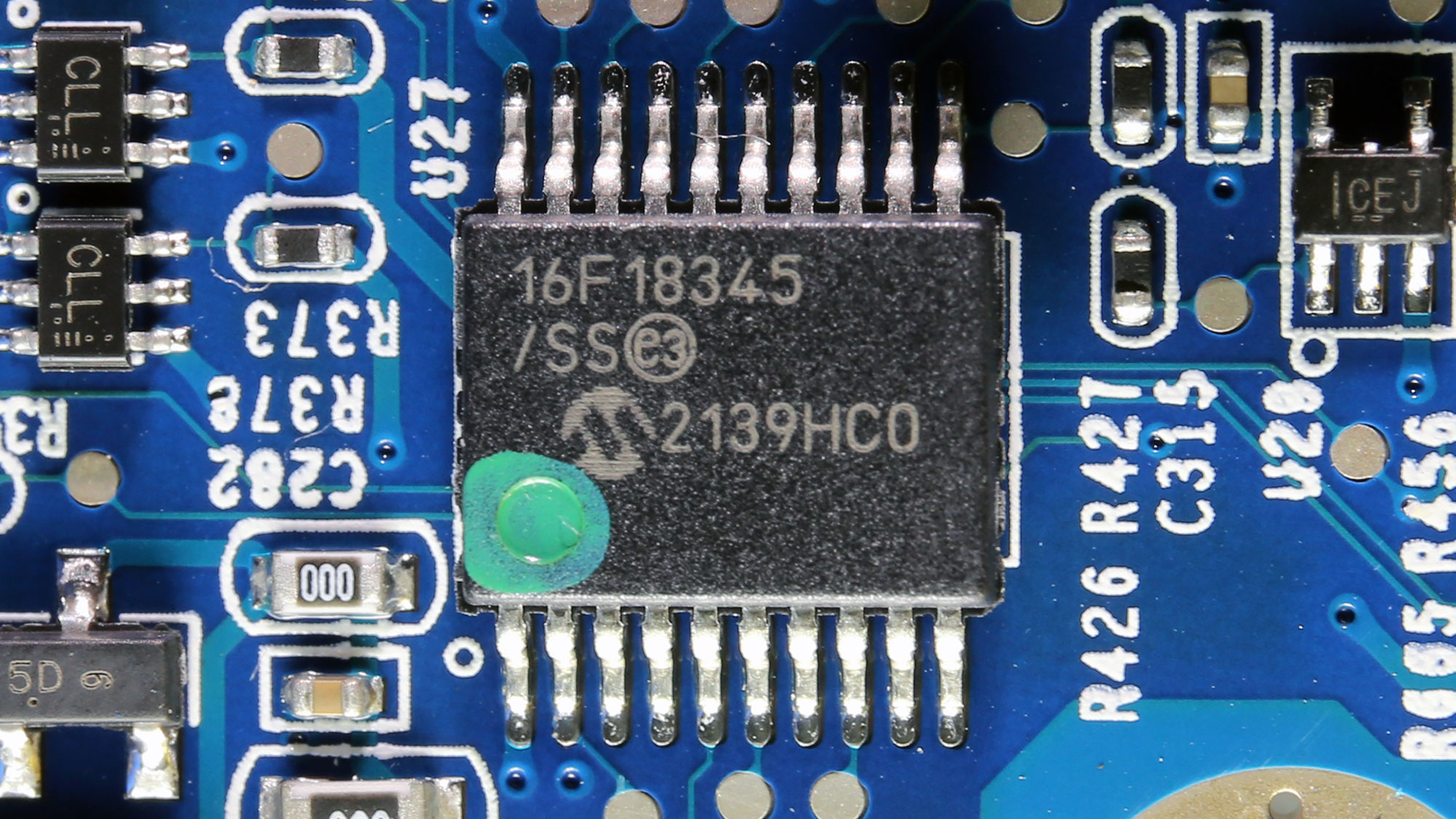
An 8-bit microcontroller by PIC—its model number is PIC16F18345. It most likely handles the server's LED indicators.

An Atmel microcontroller.

This looks to be a CH4T245 4-bit translating transceiver. It is typically used for parallel-to-serial or serial-to-parallel conversion of data.
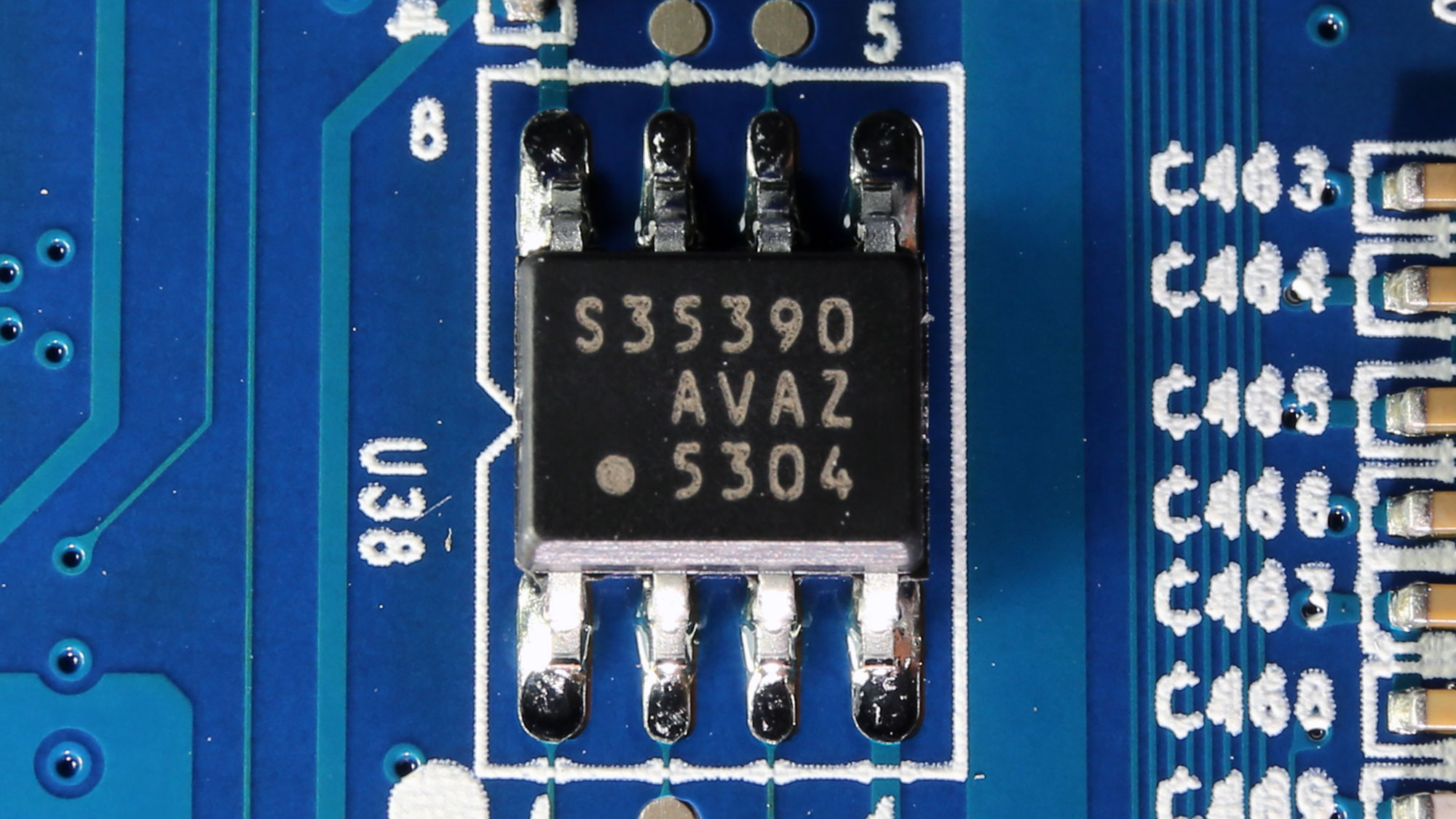
This is the mainboard's real-time clock. An RTC tracks time even when power is turned off, and it is useful for scheduling events, setting alarms, or for time-stamping applications.

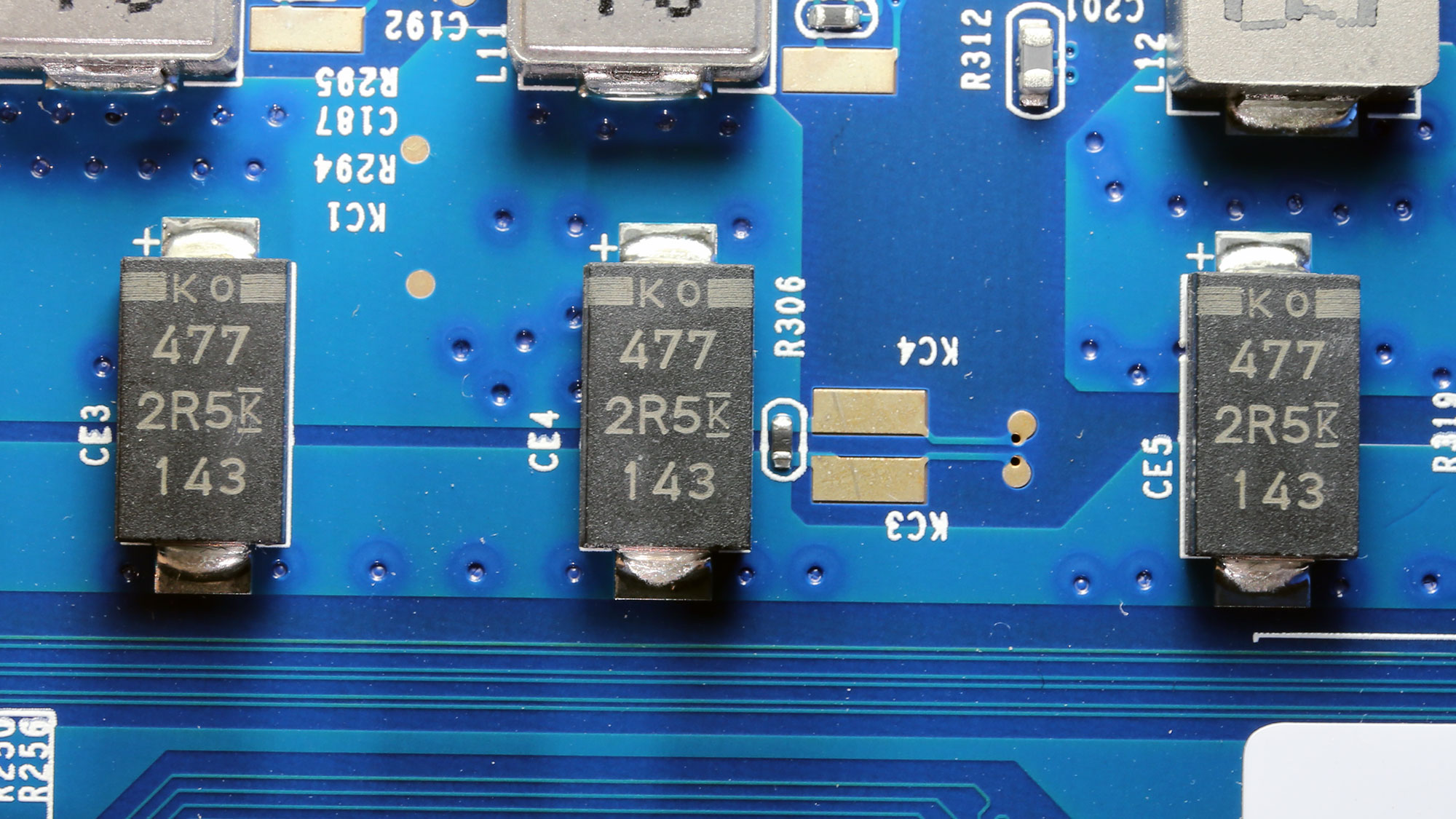


Power phases for the CPU, RAM, and the other system parts.

An RT3663BM dual-output PWM controller is used to control the VRMs taking care of the CPU's circuit.


Some diodes. For those of you with limited knowledge of electronics, a diode is a device that allows current to flow in only one direction. Think it as a one-way valve for current. Diodes are omnipresent in electronic applications.

This PCIe card offers a USB 3.2 Gen 1 port.

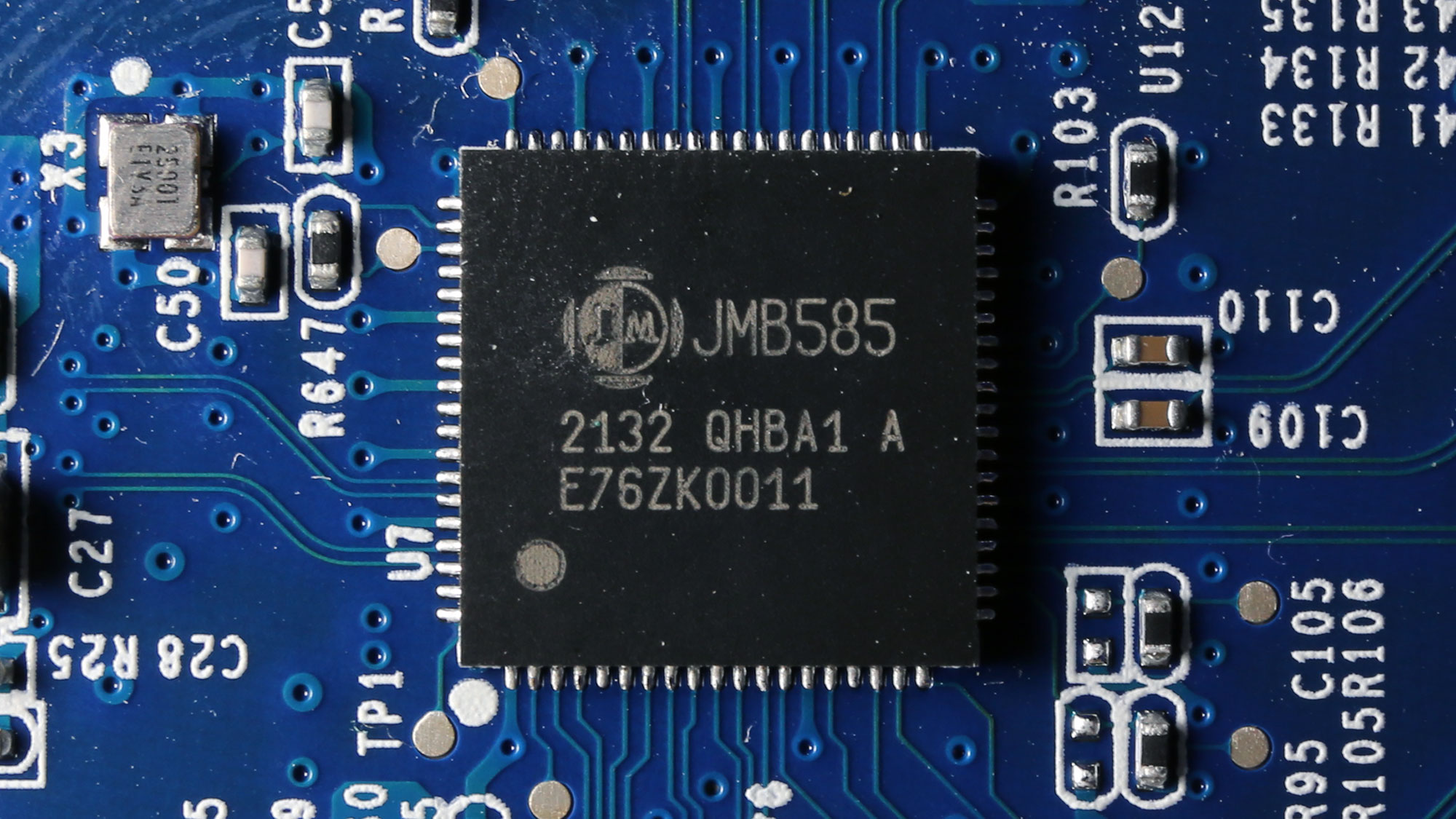
The SATA expansion card. The SATA-PCIe bridge is a JMB585 IC.

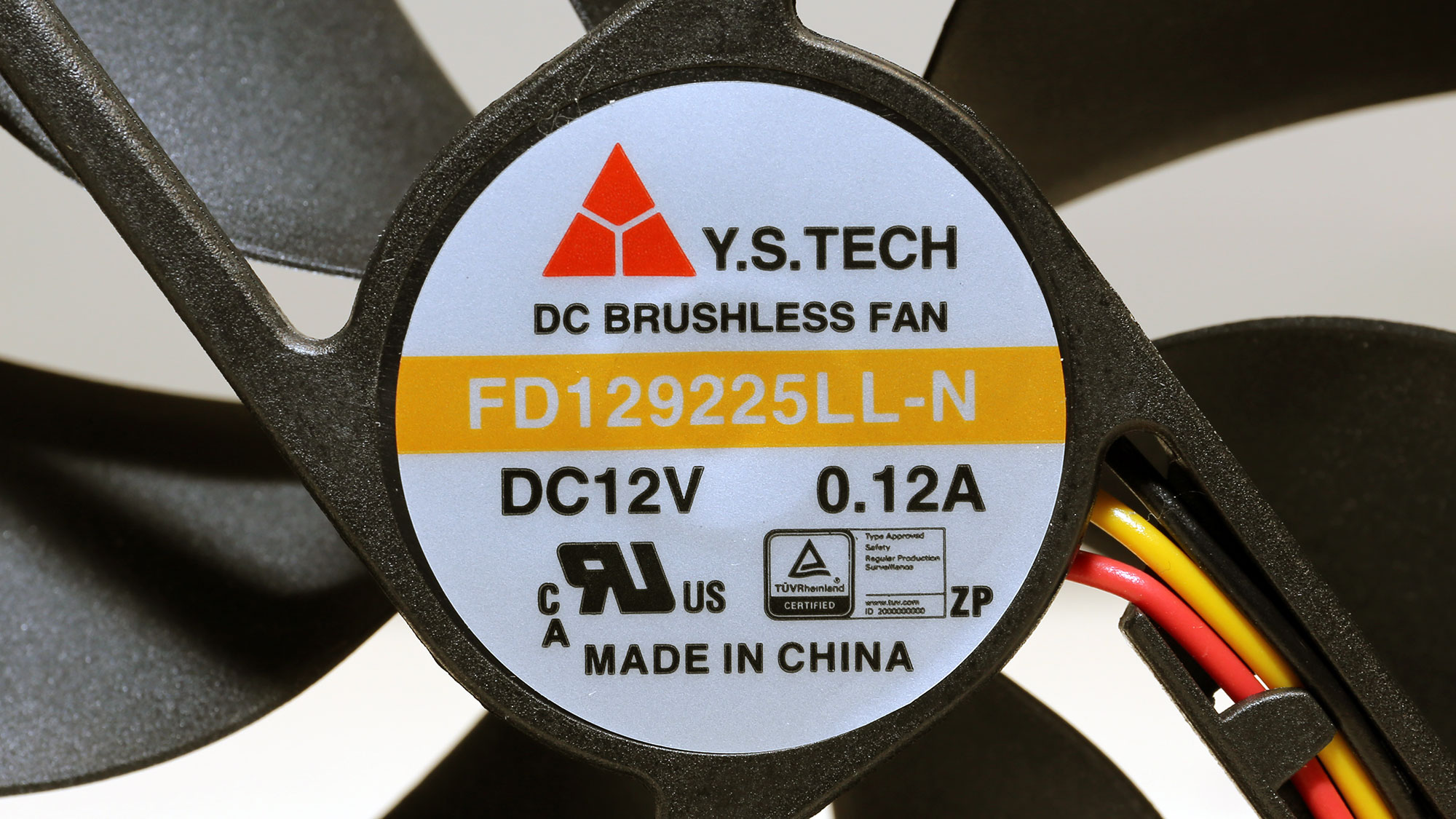
Y.S. Tech provides the two 92 mm diameter fans. Their model number is FD129225LL-N (12 V, 0.12 A, 1900 RPM, and 36.3 CFM). According to Y.S Tech, these fans use Sintetico bearings, which look high quality and will easily outlive any plain sleeve bearing.
Our Patreon Silver Supporters can read articles in single-page format.
Nov 22nd, 2026 11:19 CST
change timezone
Latest GPU Drivers
New Forum Posts
- Honestly, do you care about GTA VI? (253)
- Zen 3 IF/IMC degradation (245)
- Ryzen or Intel system (21)
- Your PC ATM (36452)
- The TPU UK Clubhouse (27291)
- Can you guess Which game it is? (346)
- Making a game in Godot engine (17)
- TPU's Nostalgic Hardware Club (22197)
- Intel D270 (1)
- Gigabyte AORUS RTX 5080 MASTER – Up to 30°C GPU Hotspot Delta! Is This Normal, a Cooling Defect, or Should I RMA? (14)
Popular Reviews
- Microsoft Surface Laptop Ultra Review - The Next-gen Arm Laptop
- Corsair RM1200e (Second Generation) Review
- Pulsar Office Tour & First Look at P1 Dual-Sensor Mouse
- Upcoming Hardware Launches 2027 (Updated Nov 2026)
- Ugreen NASync DXP4800 GT Review
- AMD Ryzen 7 9800X3D Review - The Best Gaming Processor
- Biwin Black Opal NV7400 2 TB Review
- AMD Zen 6 Technical Deep Dive
- Phantom Blade Zero Performance Benchmark Review - 35 GPUs Tested
- AMD Ryzen 7 5800X3D 10th Anniversary Review
TPU on YouTube
Controversial News Posts
- NVIDIA Co-Founder and CEO Jensen Huang Officially Resigns (492)
- Report: Jensen Huang Eyes NVIDIA Comeback (263)
- Open Letter Asking NVIDIA to Reinstate Jensen Huang Passes 115,000 Signatures (184)
- OpenAI CEO Argues Home PCs Waste the World's Limited DRAM Supply (152)
- NVIDIA Launches Investigation Into Jensen Huang's Relationship With Suspected Chinese Spy (136)
- Intel "Raptor Lake Next" 16-Core and 20-Core CPUs Surface (130)
- NVIDIA GeForce RTX 50-Series Scheduled for up to $500 Price Hike This Week (89)
- Intel Razor Lake Gets a 12 P-Core bLLC Chip With No E-Cores, Per Leak (86)