 6
Team Group T-Create Expert P34F 1 TB Portable SSD with Find My Review - The SSD with an AirTag
Performance »Package
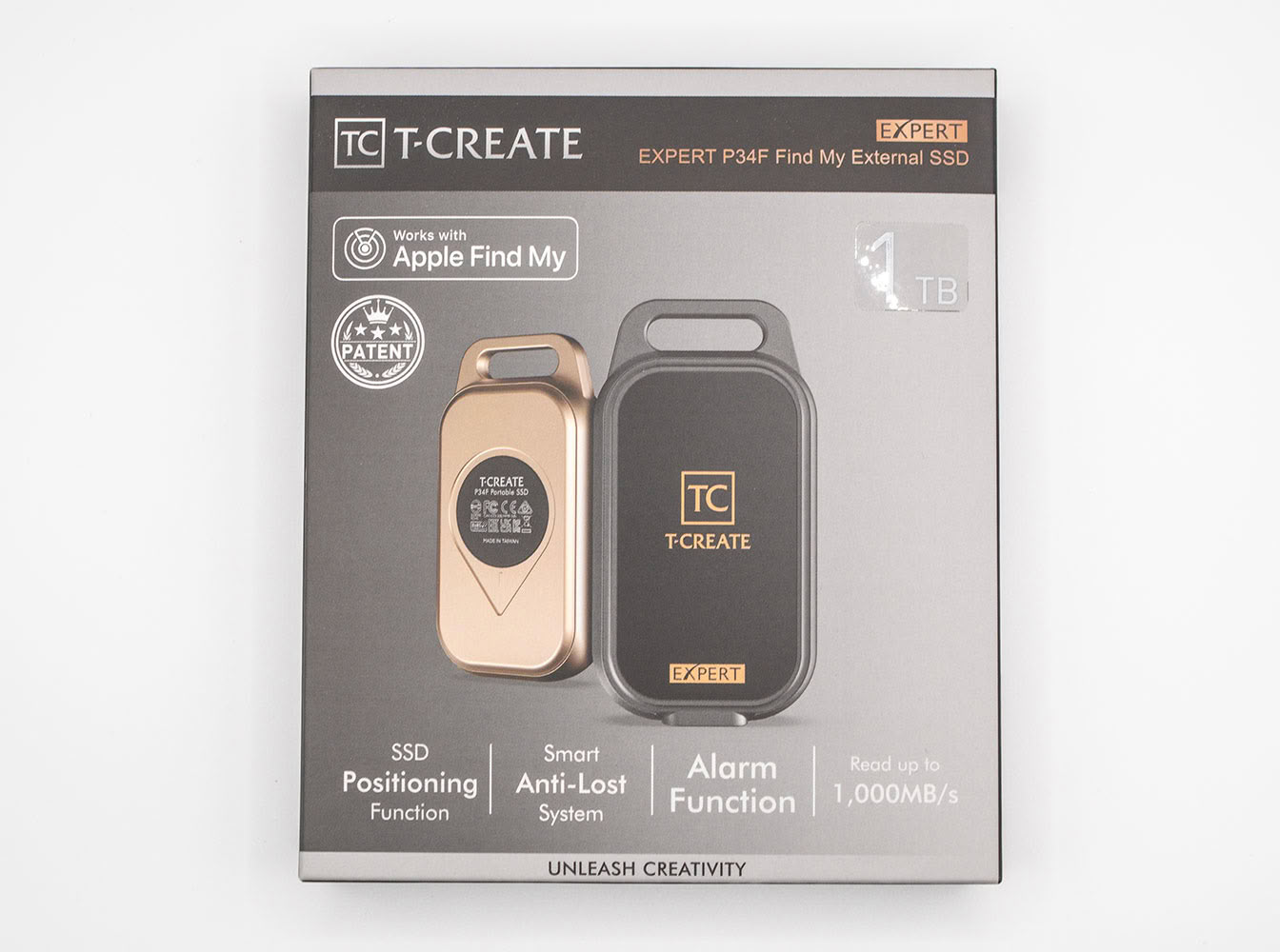
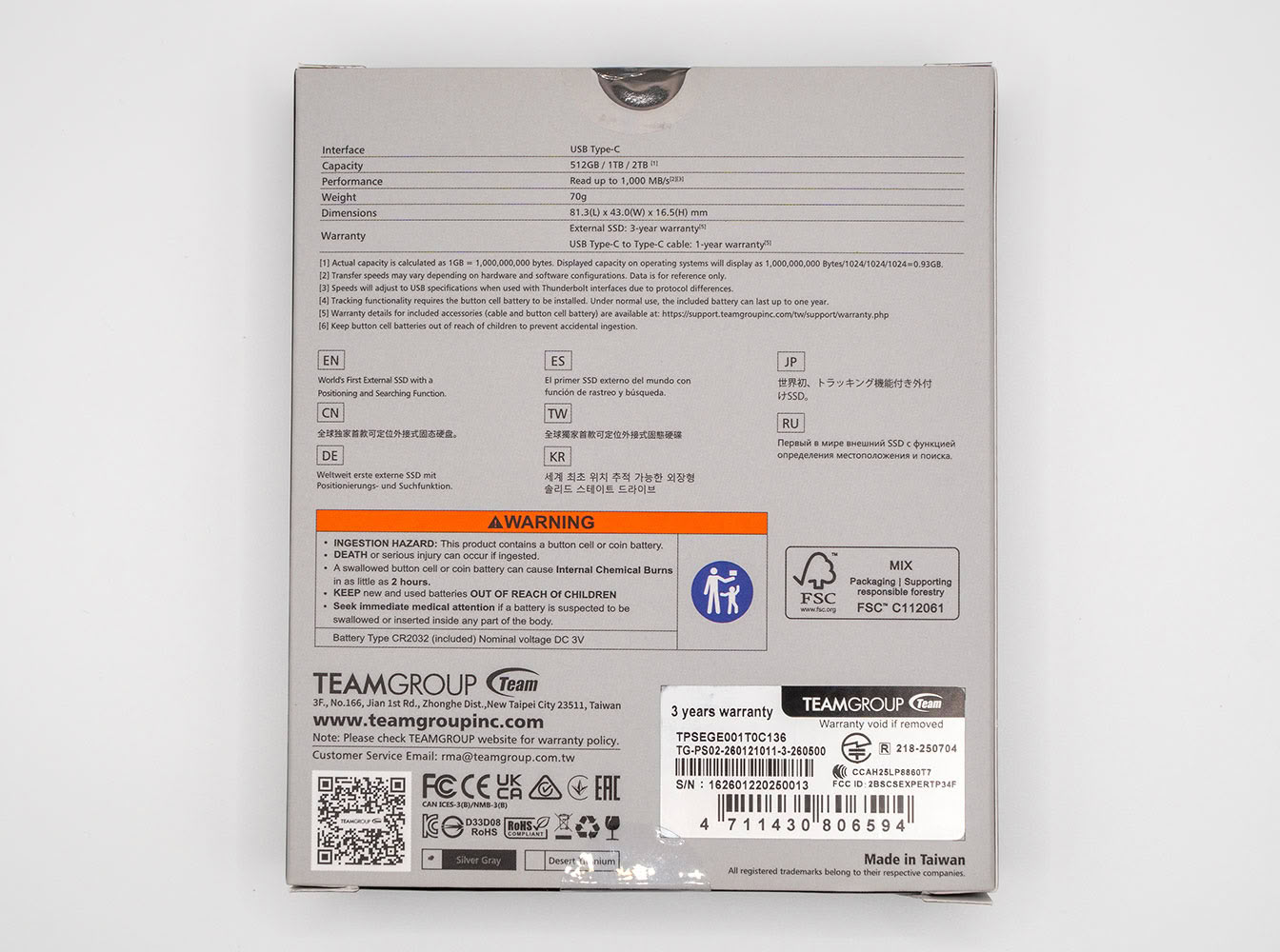
The T-Create Expert P34F comes in a premium-looking cardboard box that looks like it belongs in a photography equipment store.
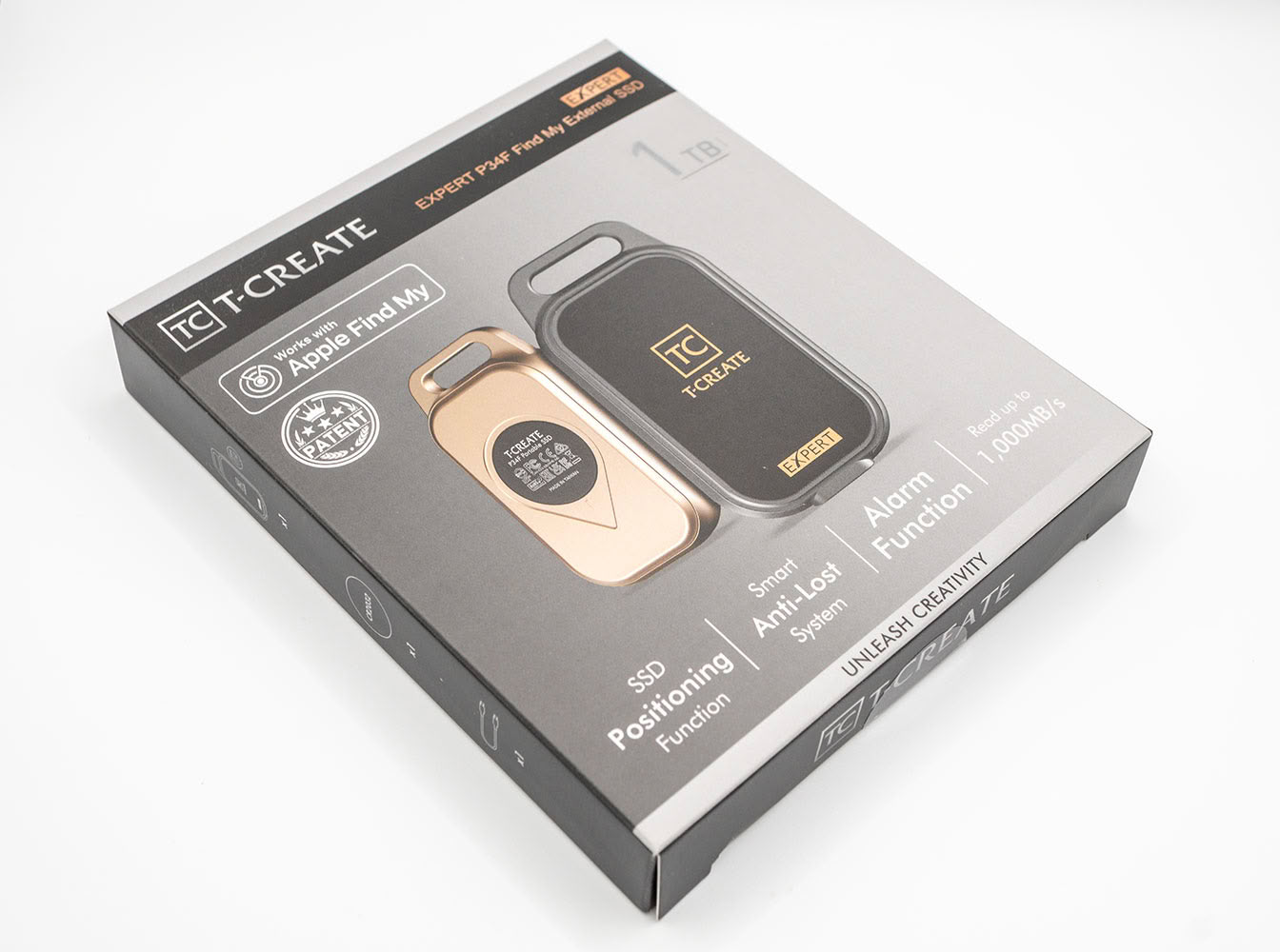
The box does a good job of listing out the drive's biggest feature, its Apple Find My-ready positioning system that lets you locate it in any populated area on Earth.
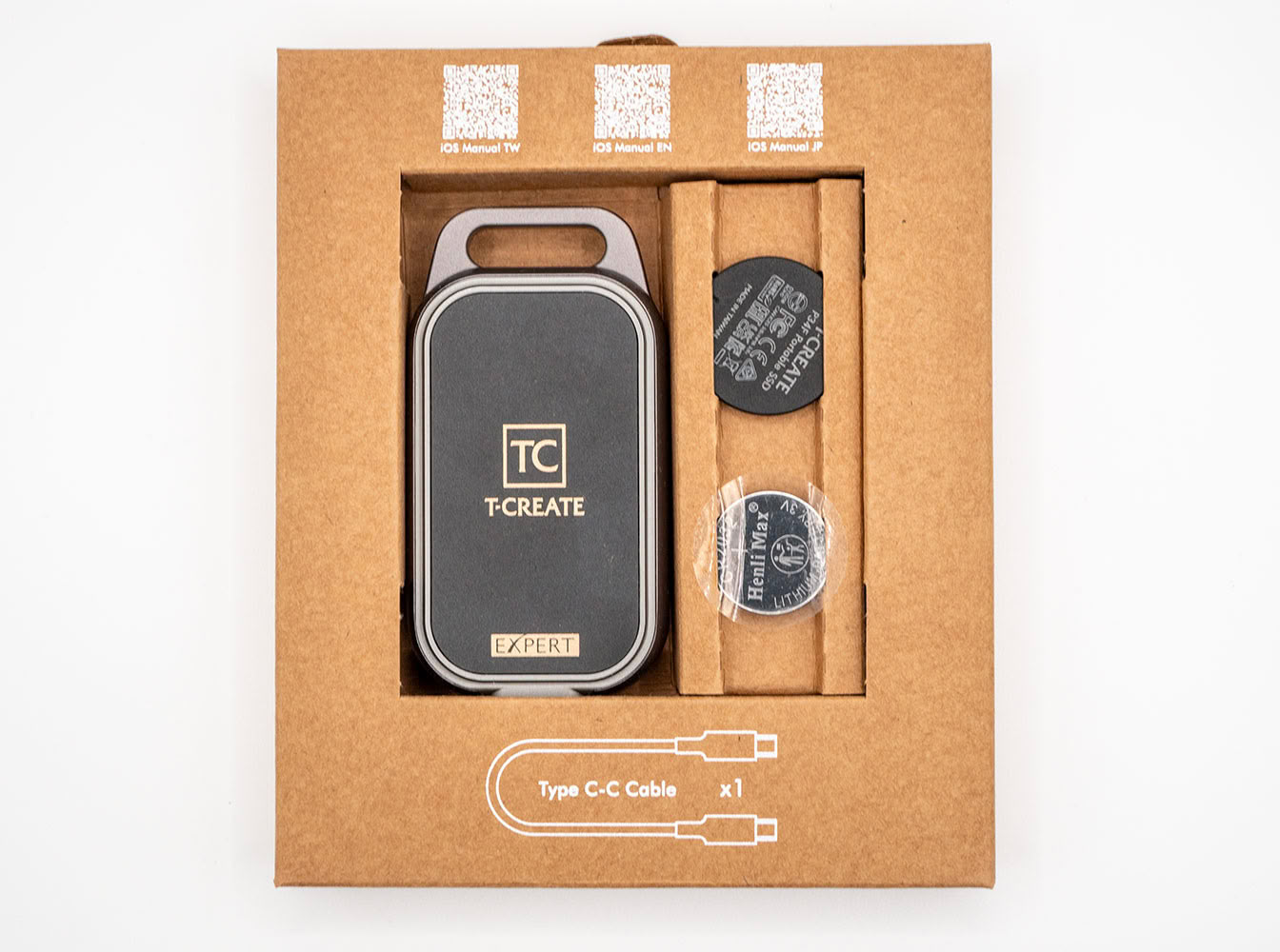
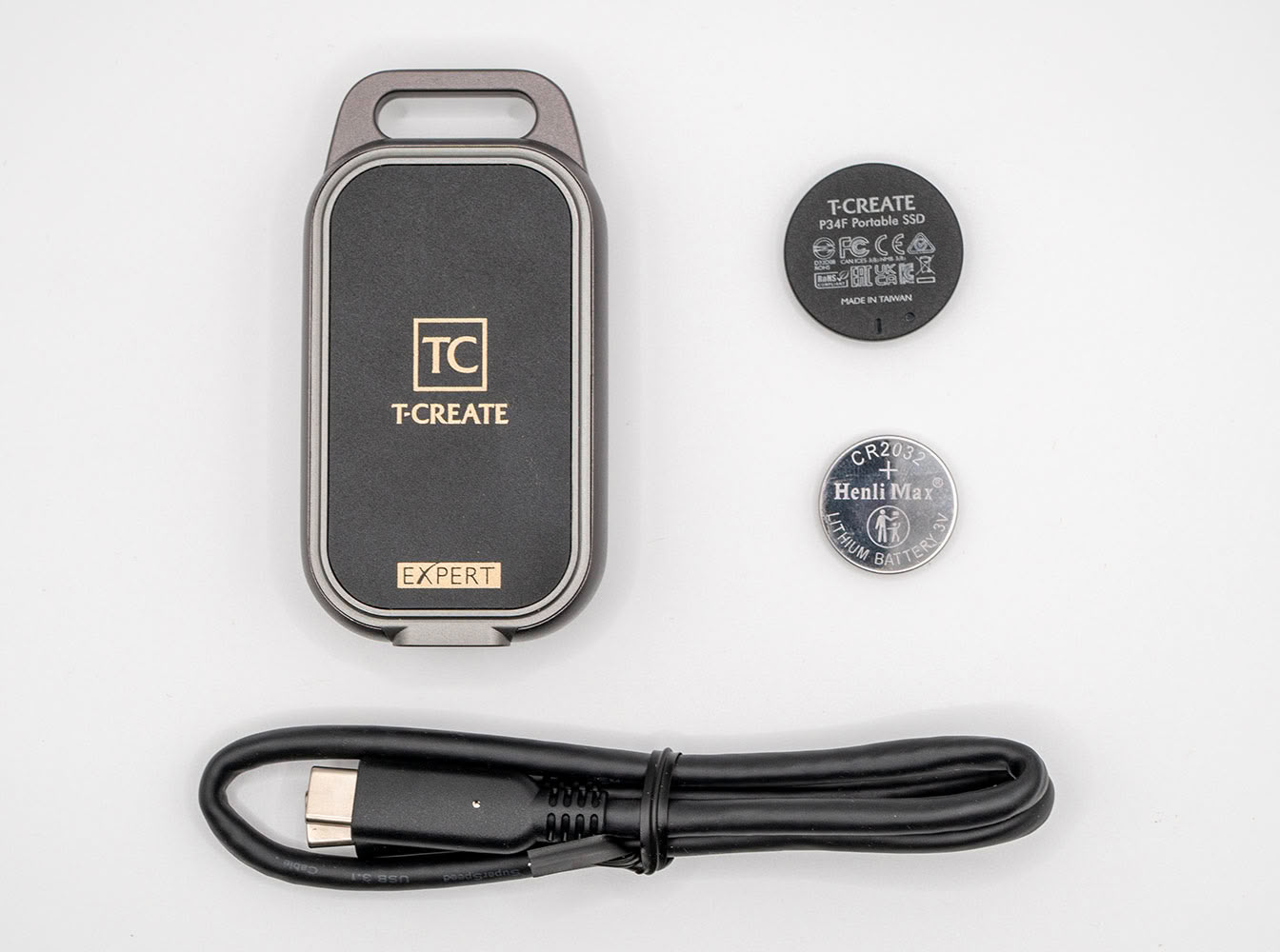
Inside the box is a firmer cardboard tray that holds the drive, its coin battery, and battery cover. A compartment on the side contains its USB 3.2 cable.
The Drive
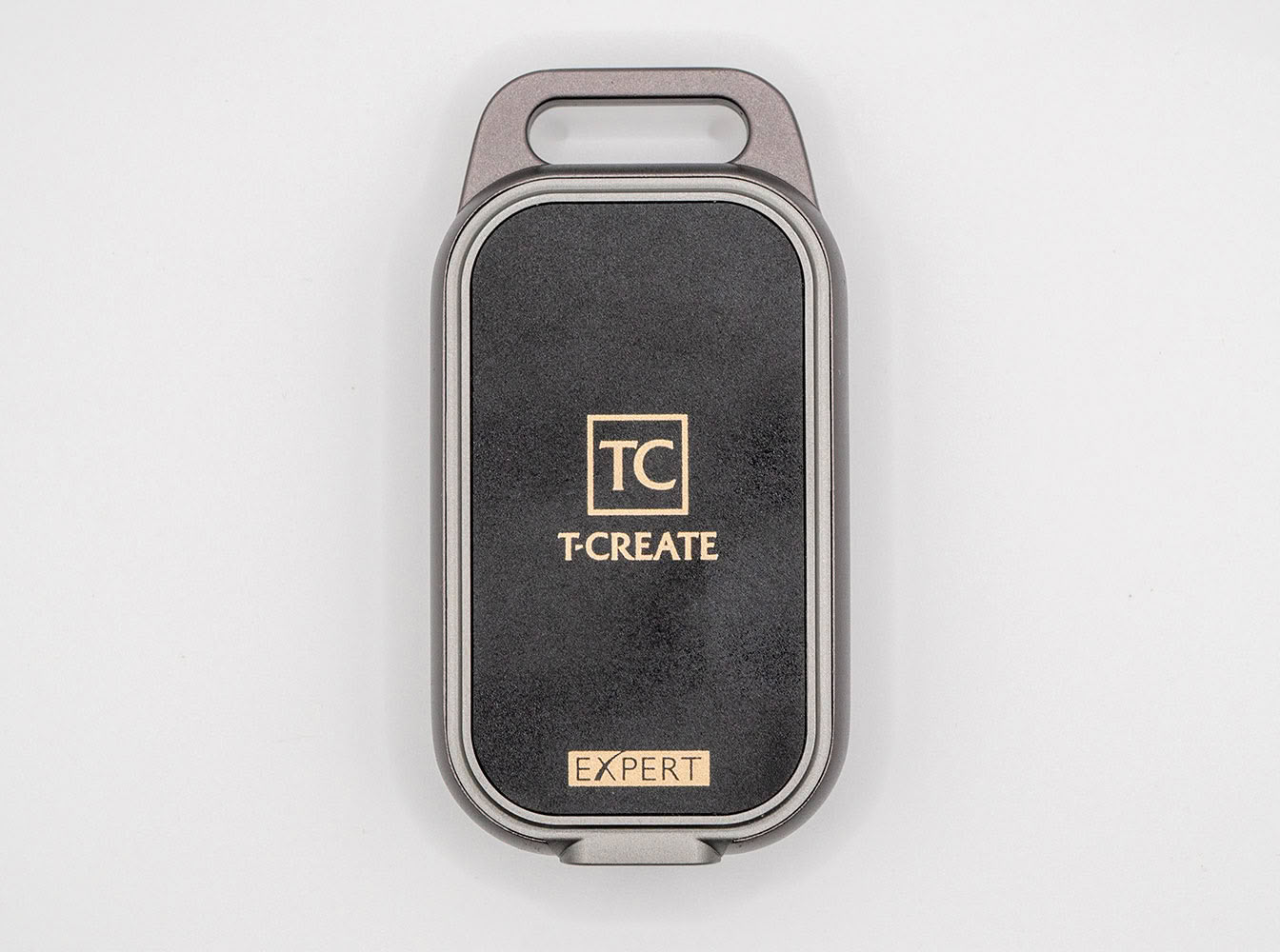
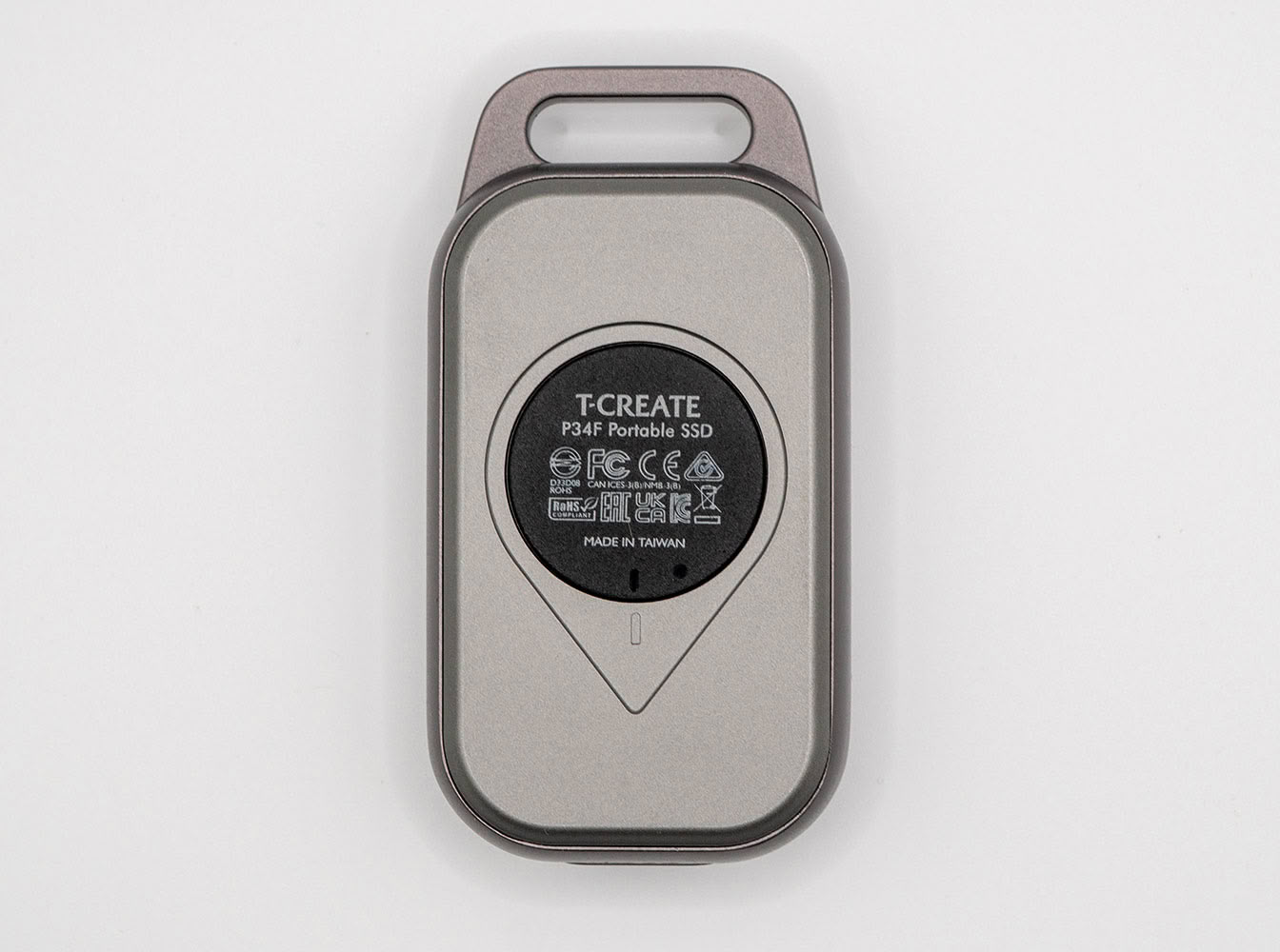
The Team Group T-Create Expert P34F feels very premium to hold in hand, with quality of materials resulting in a drive that doesn't look out of place next to an Apple product. The Silver Gray trim we have in this review somewhat matches MacBooks and iPad Pros that come in the Space Gray scheme. The drive also comes in the Desert Titanium trim that matches Gold trims of certain iPhones. The P34F is shaped like a key fob of some expensive car.
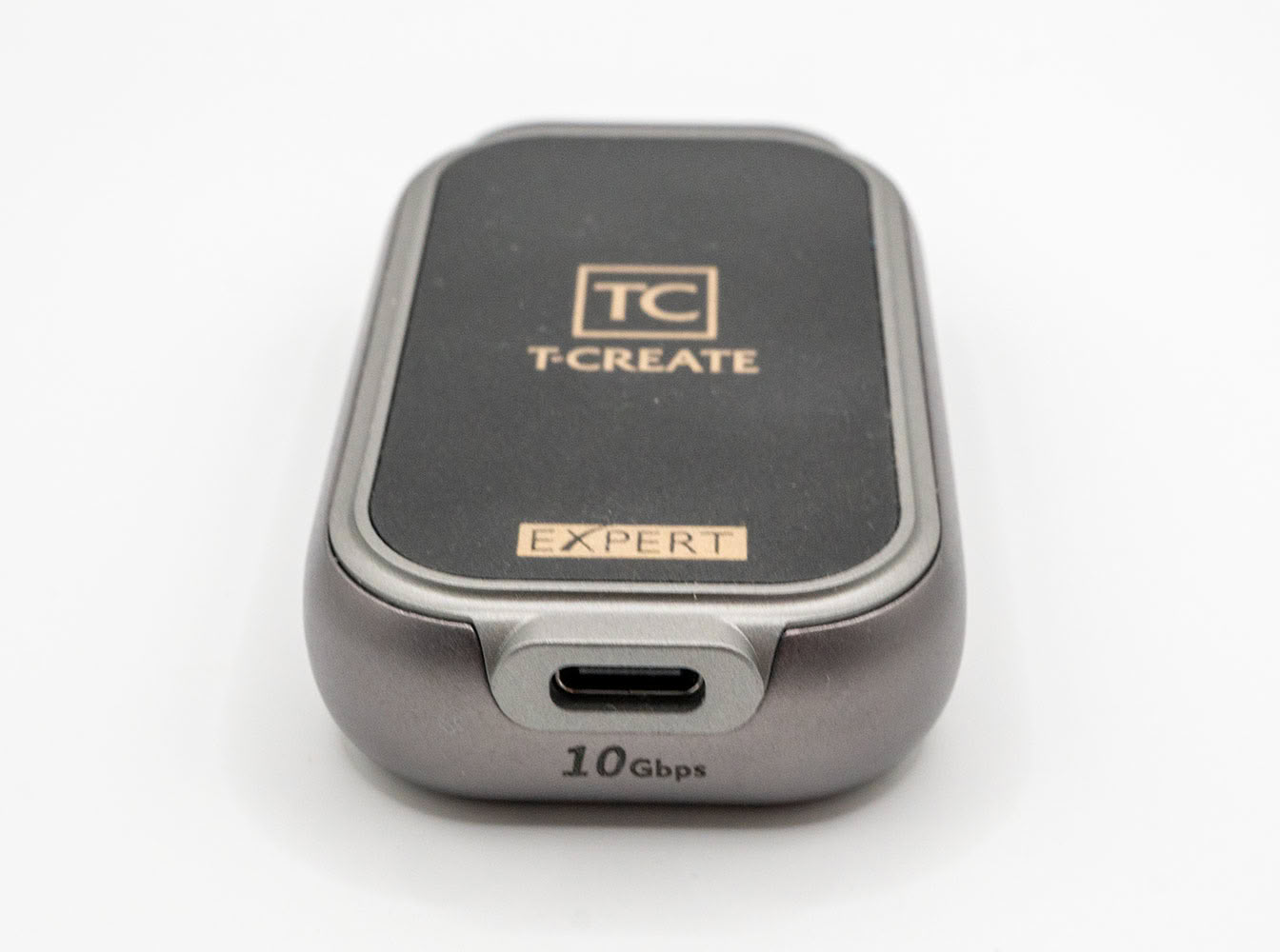
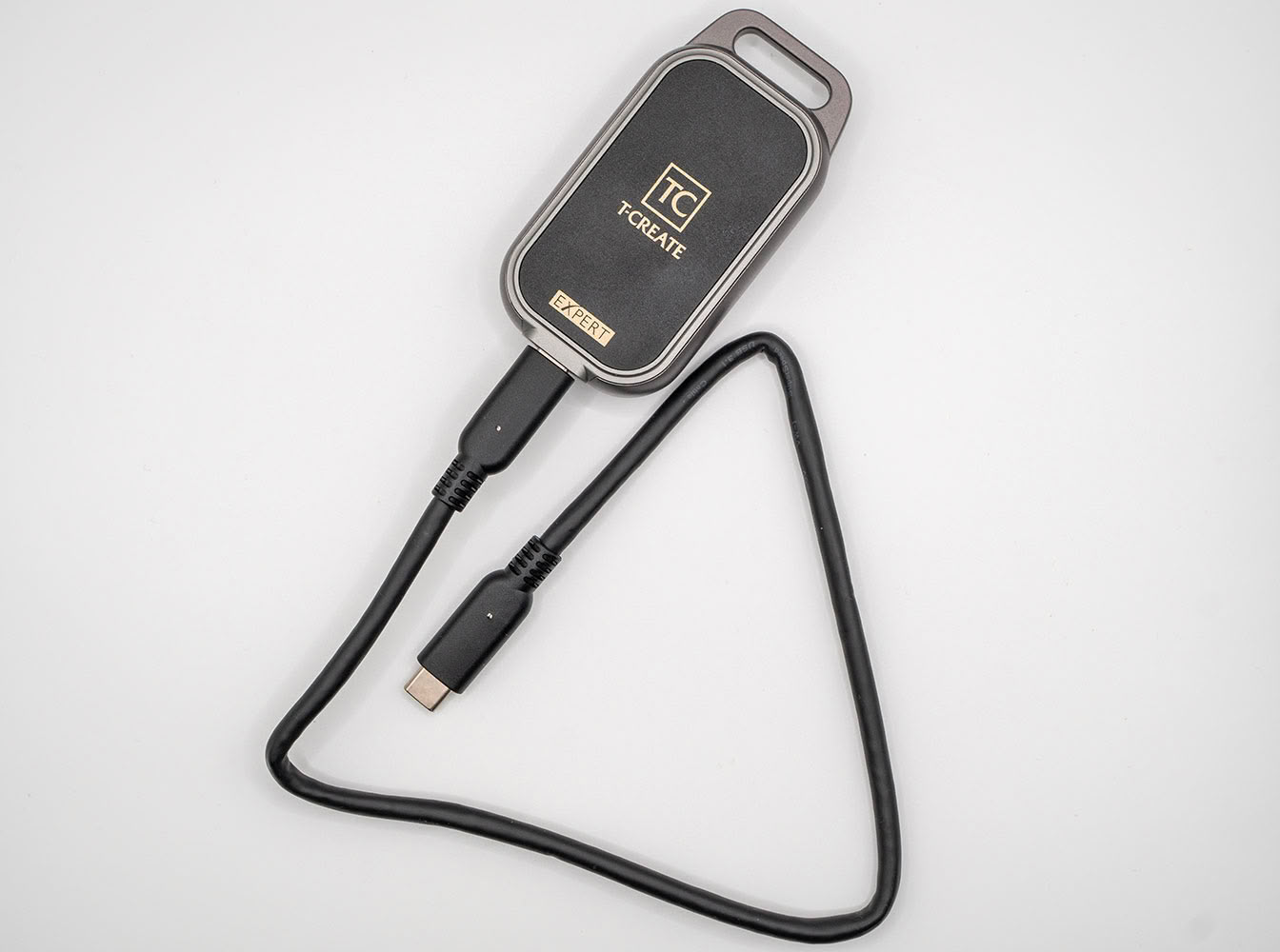
The USB type-C port of the drive is prominently located at its bottom end, and has clear markings of its 10 Gbps maximum interface speed. The drive is heavy enough to not be lifted in the air by its cable.
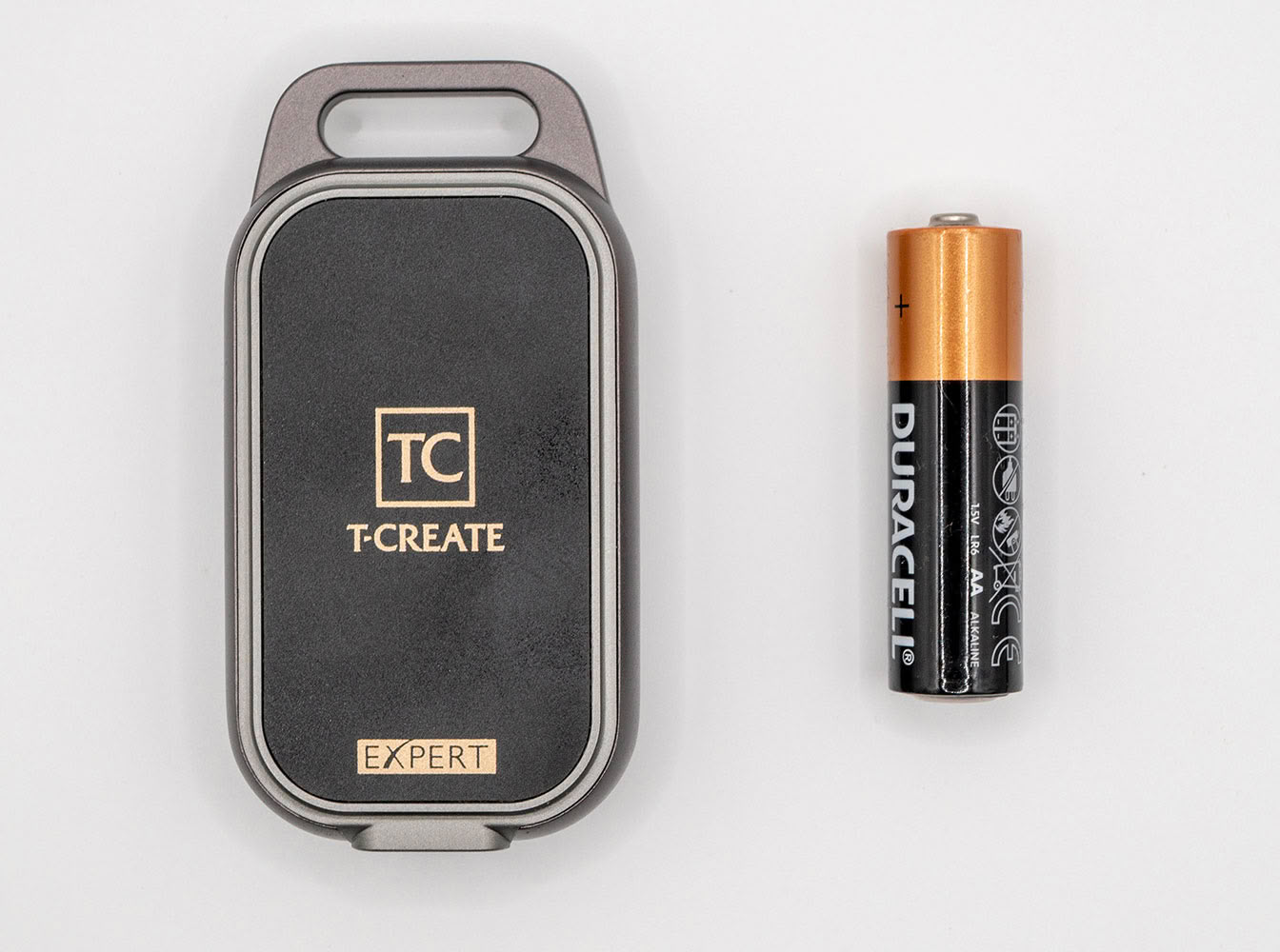
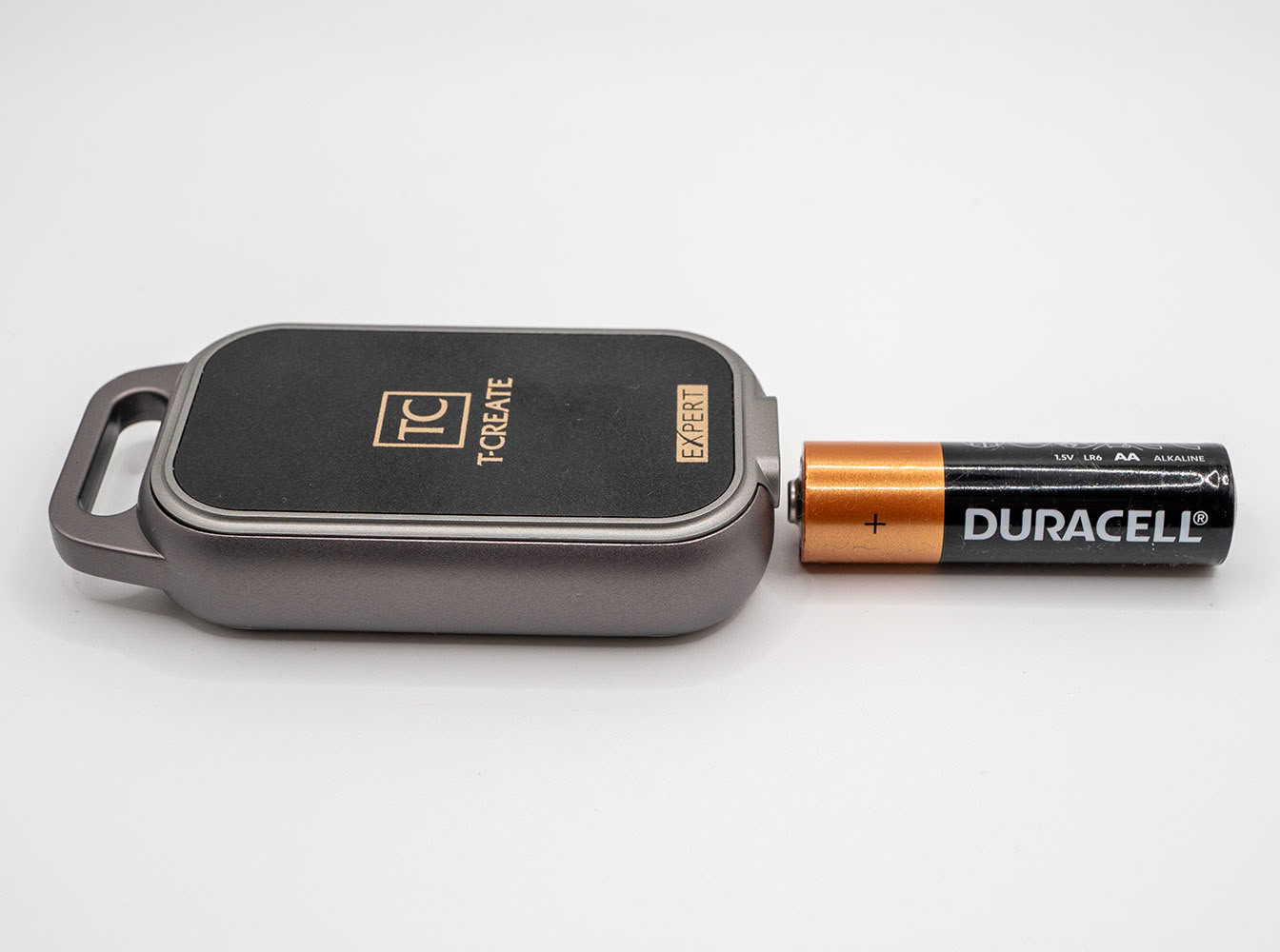
The drive is both taller and thicker than an AA battery as you can see in these images.
Apple Find My-ready SSD Positioning Functions
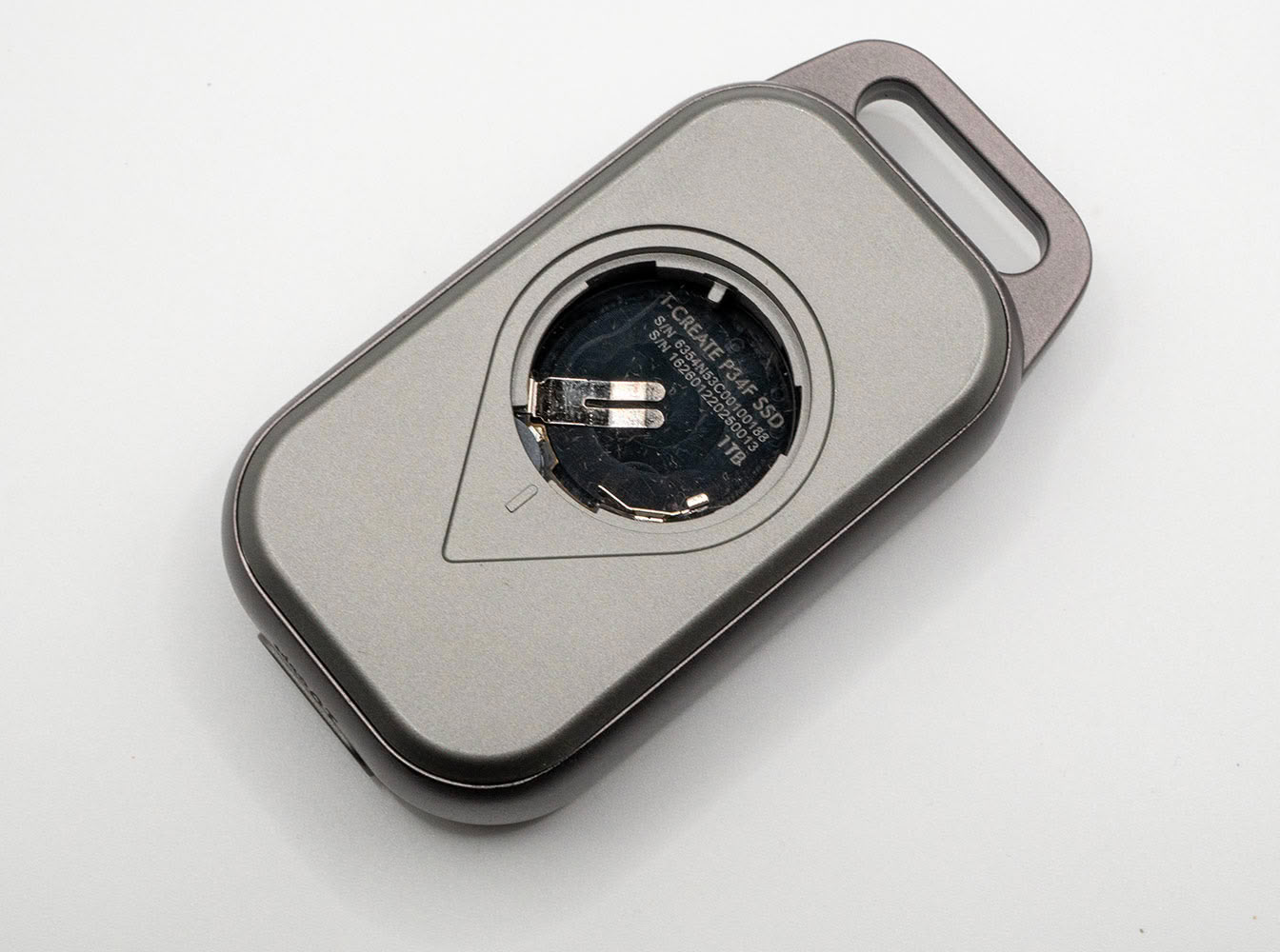
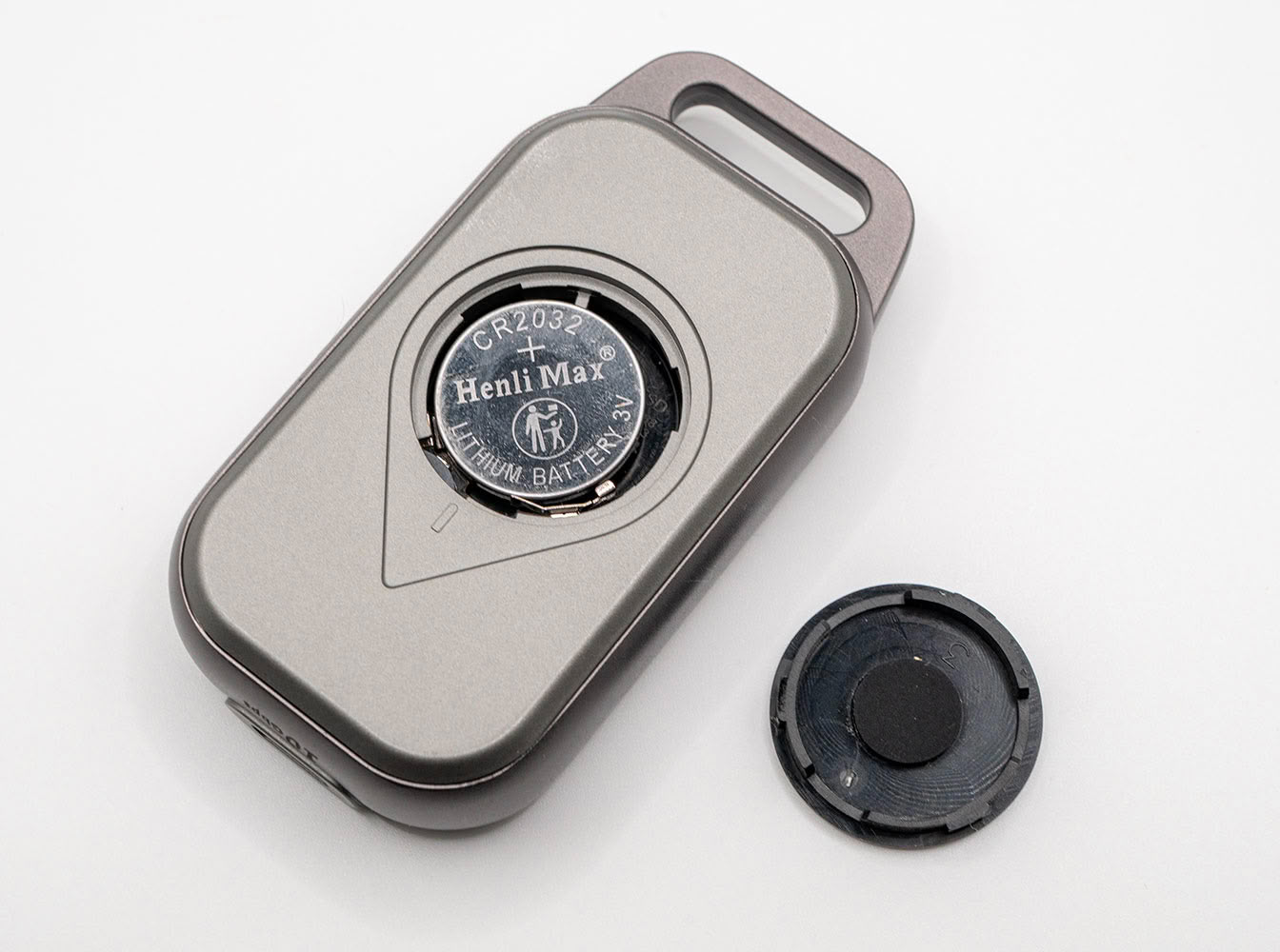
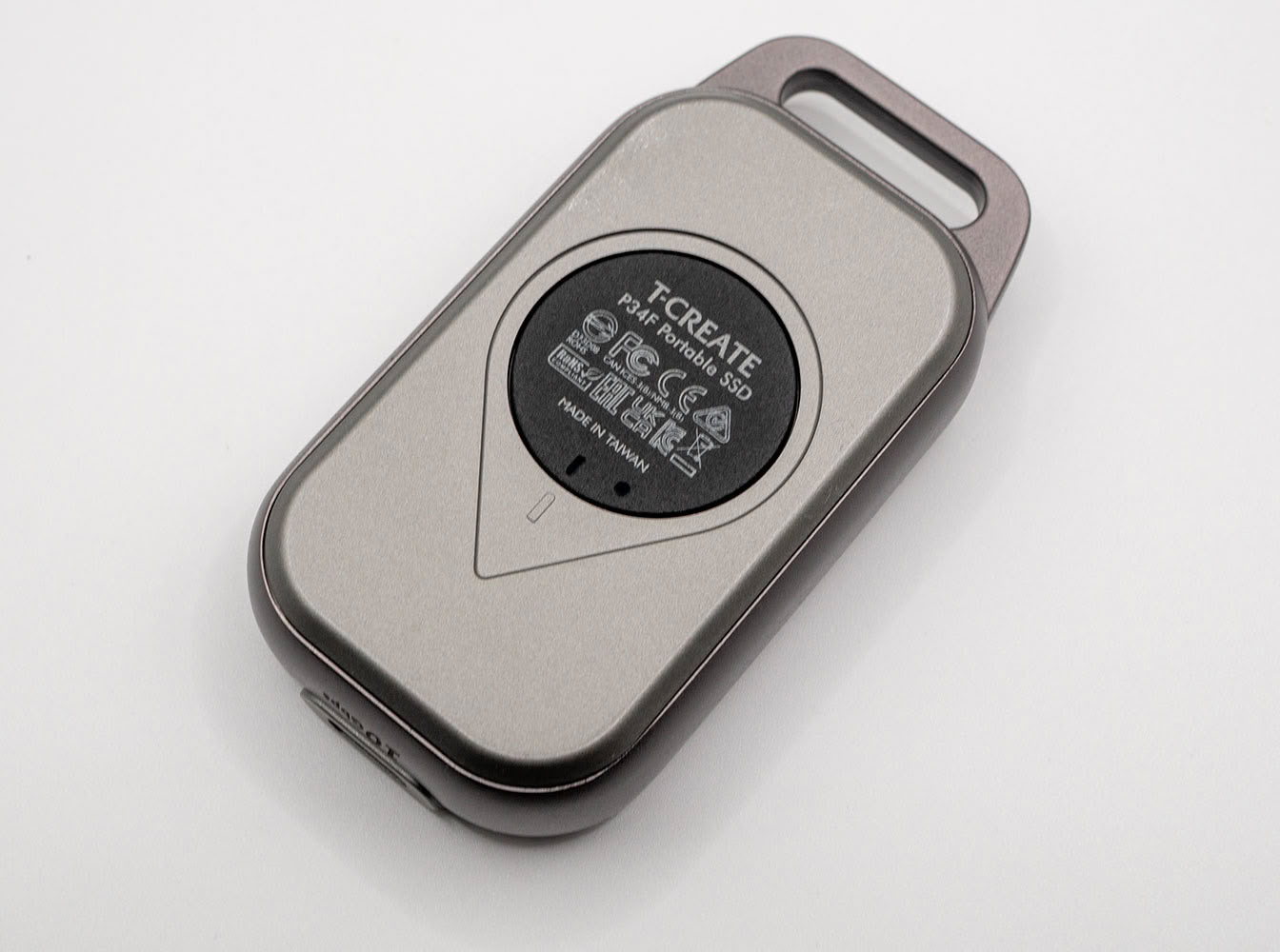
The T-Create Expert P34F comes with an SSD positioning feature. This is essentially an Apple AirTag integrated into the drive. The positioning feature runs independently of the core SSD function—you don't need the battery to be able to use the drive. To get started, install the included CR2032 coin cell in the battery compartment, and fasten the battery cover. The drive puts out a trilling sound for a couple of seconds.
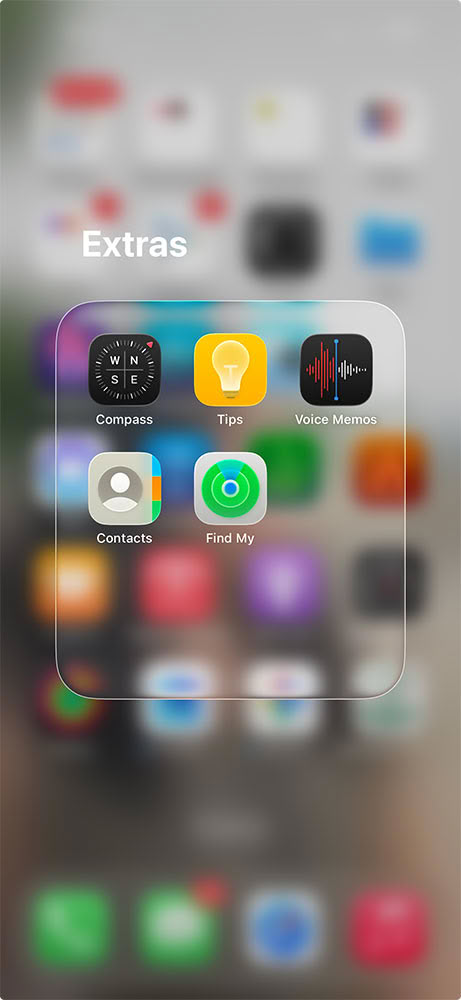
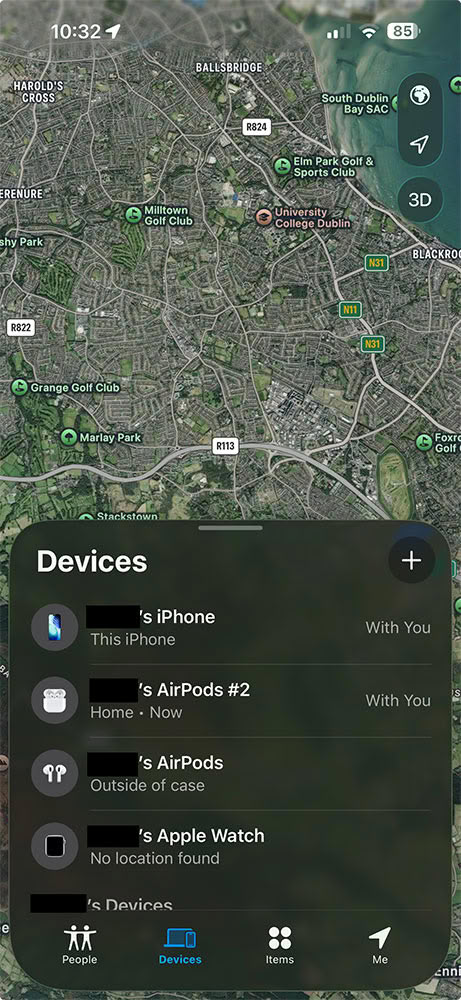
Open the Find My app on your iPhone, and bring up the Devices list. Tap on the plus sign to add a new device.
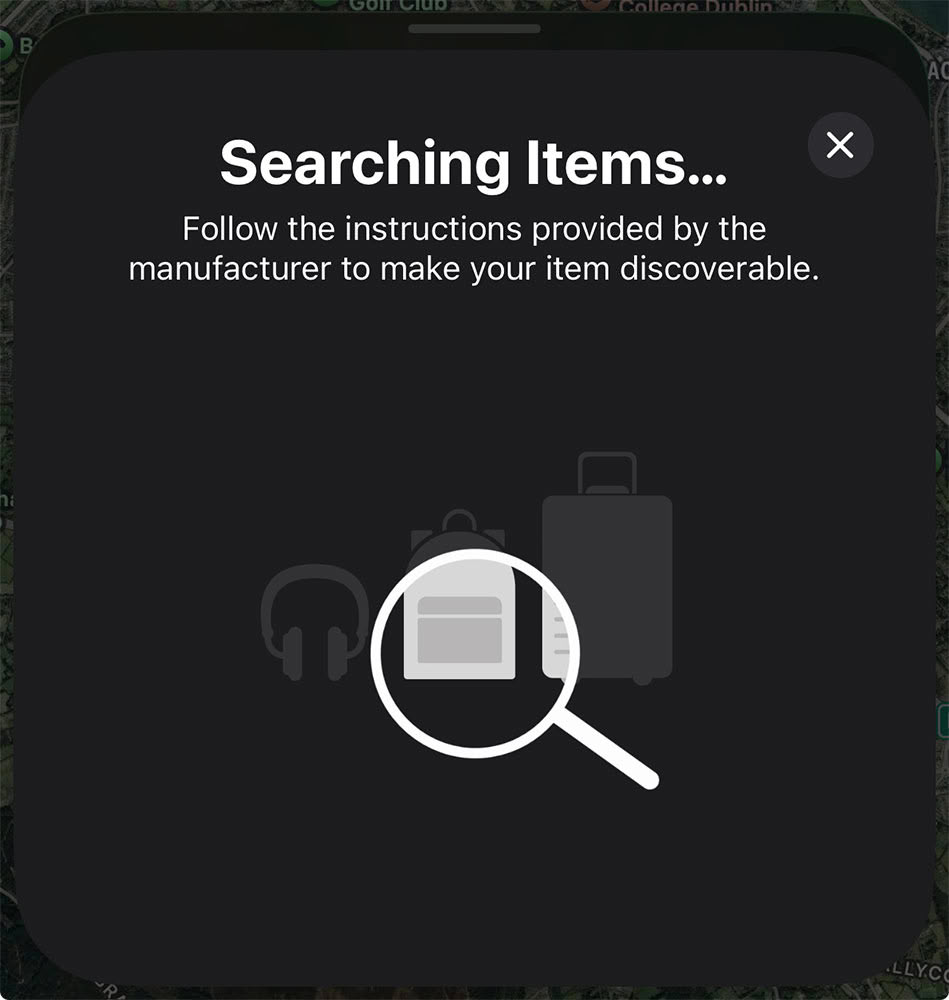
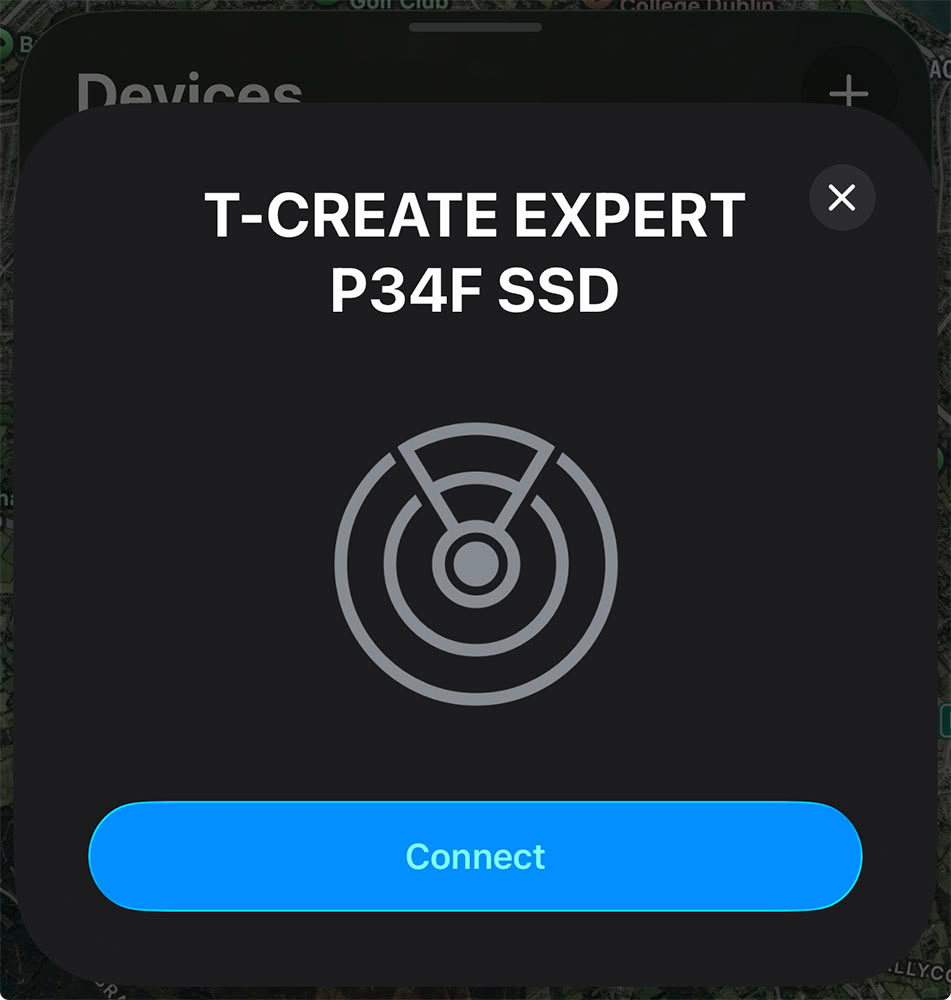
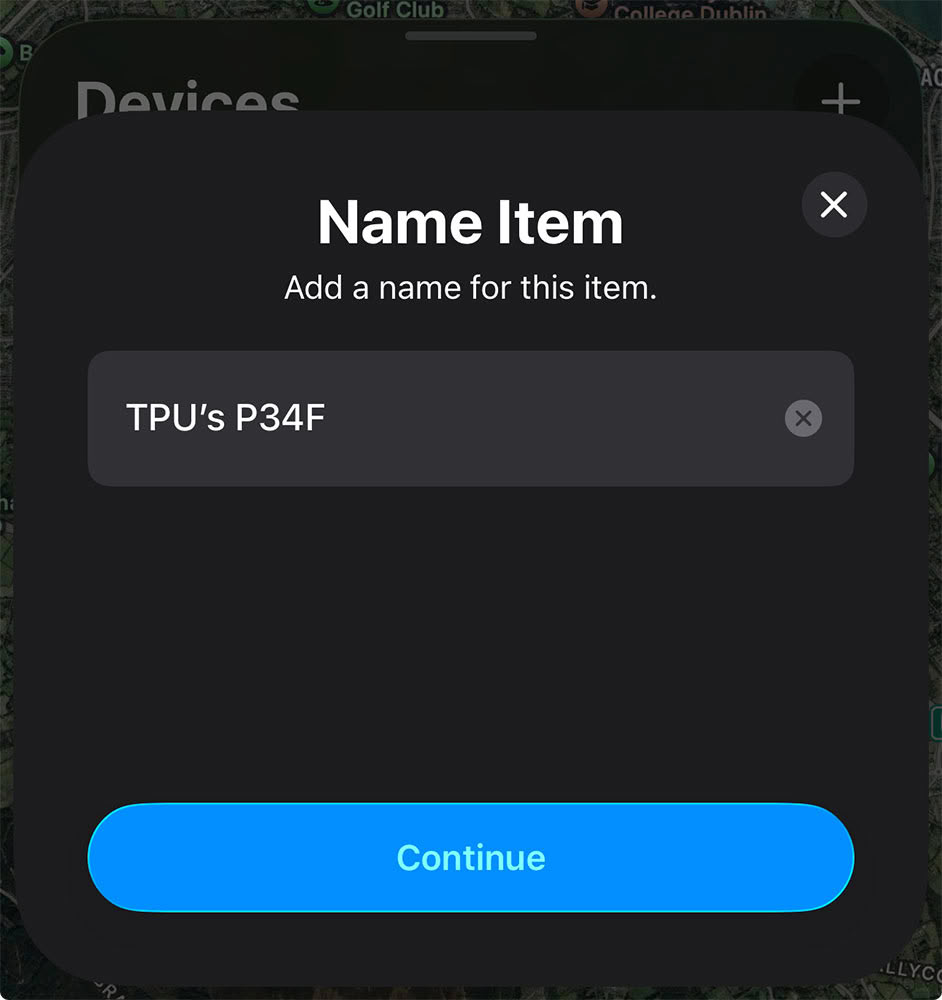
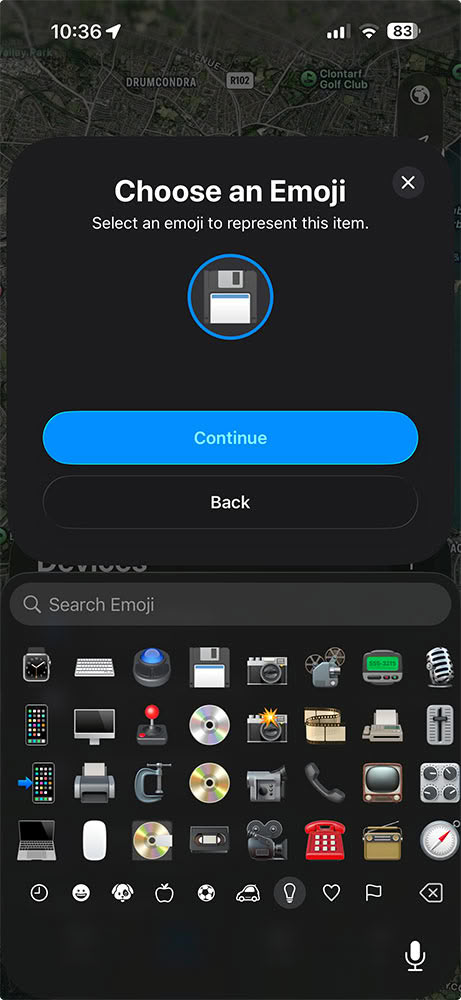
The iPhone then searches for devices in the vicinity and promptly locates our drive. We didn't need to tap the phone onto the drive, it could pick it up from a distance of 50 cm. Click on "Connect" when the OEM name "T-Create Expert P34F SSD" shows up, and give it a nickname, and an icon from your list of emojis.
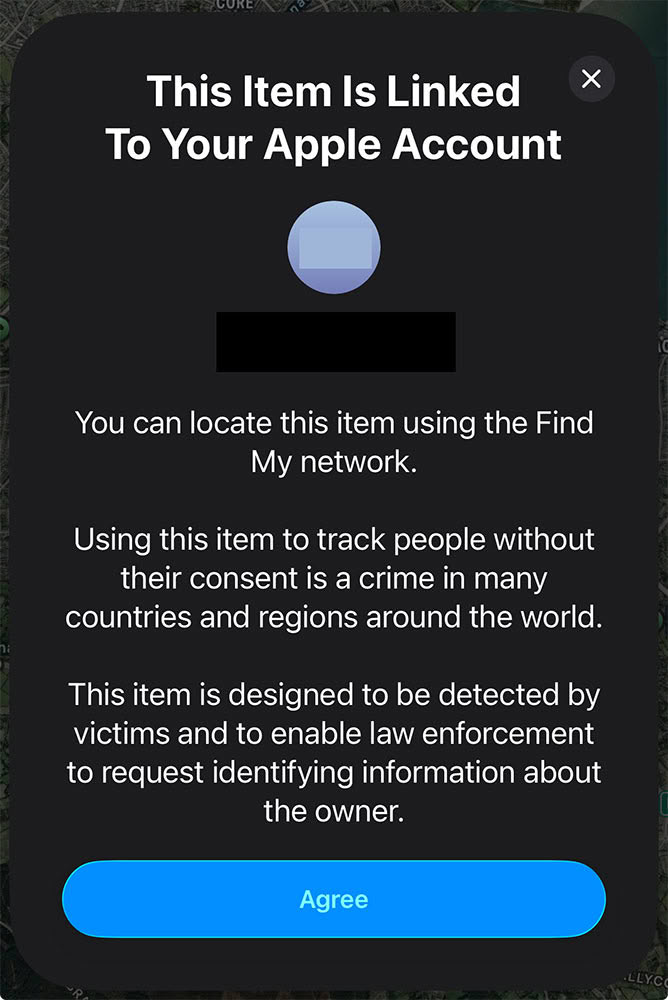
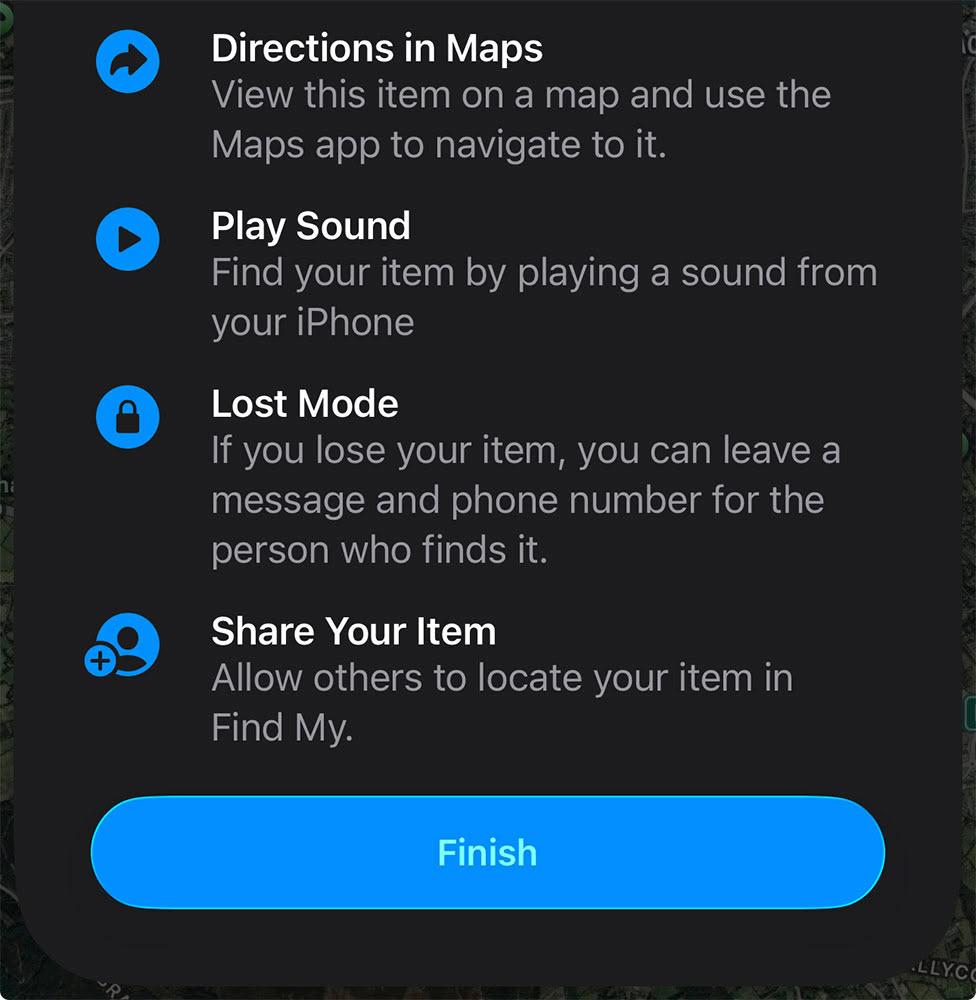
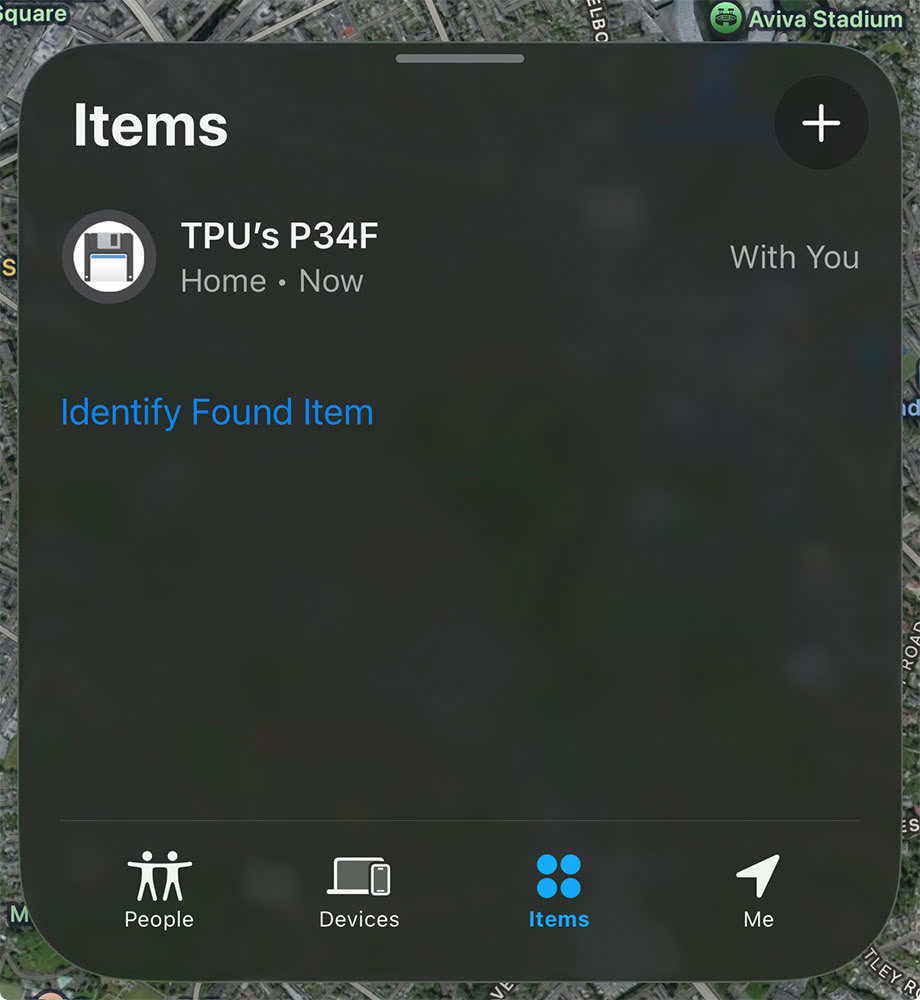
In the next screen, you get a confirmation to add the device to your Apple account. You are reminded here that misusing the device to track people without their consent is a felony in the U.S. and a crime in many countries. Once set up, you're presented with all the capabilities this tracker provides to you, including the ability to locate it on a map, get it to play an alarm, or to mark it as lost. Once marked lost, you can leave a message on the device remotely so anyone adding it to their iPhone gets a text note (such as information on how to contact you, a finder's reward, etc.).
It's very important to note here that the Find My feature of this drive is not a data security feature. This is basically an Apple AirTag strapped to a portable SSD. The tracker and the SSD are independent of each other, and you cannot remotely erase the contents of your SSD using the Find My app the way you can to a lost iPhone or iPad. To secure your data on the SSD, you'll still need your own volume-level encryption such as Bitlocker-to-Go, or third-party file-level encryption.
Teardown
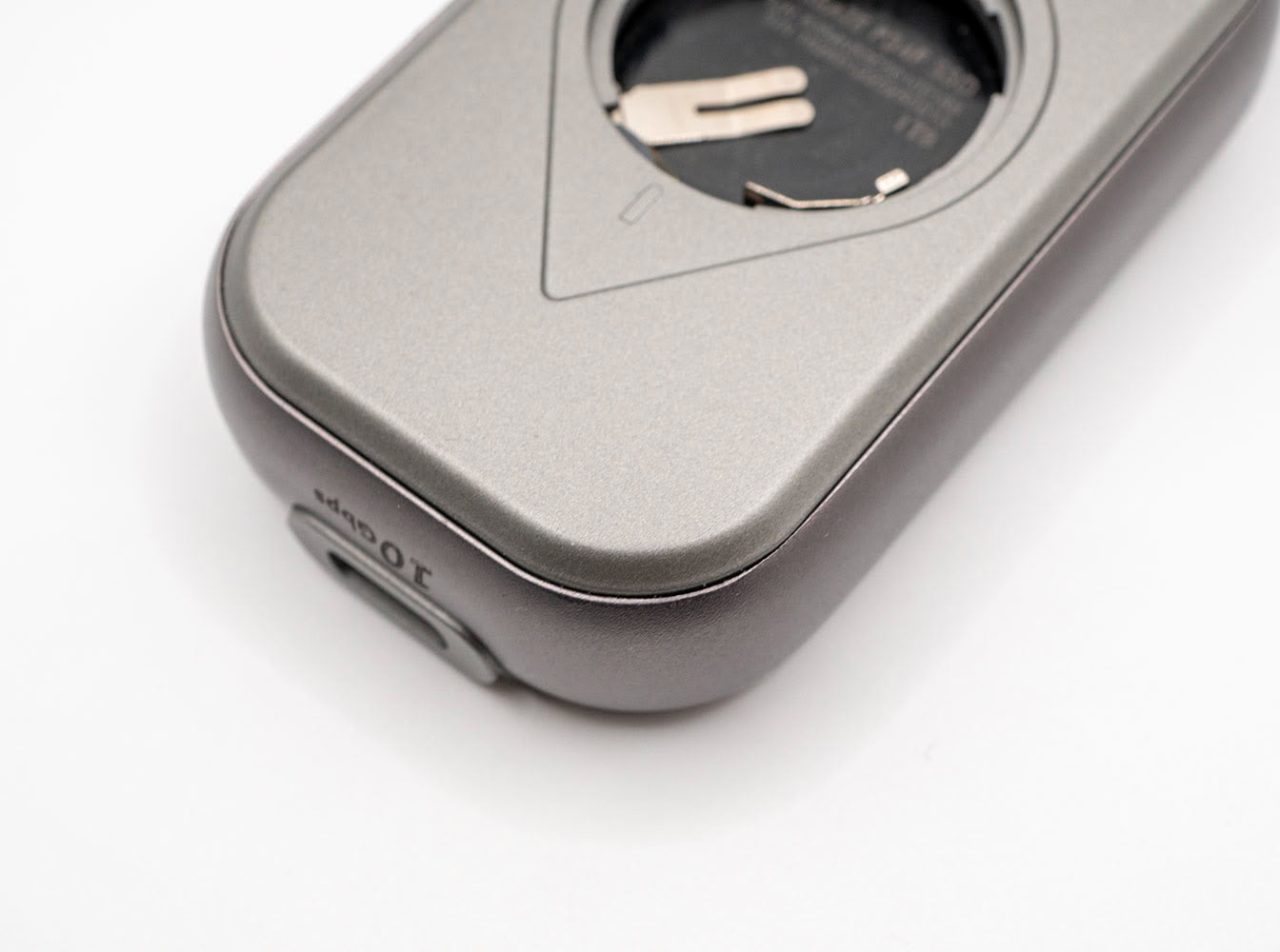
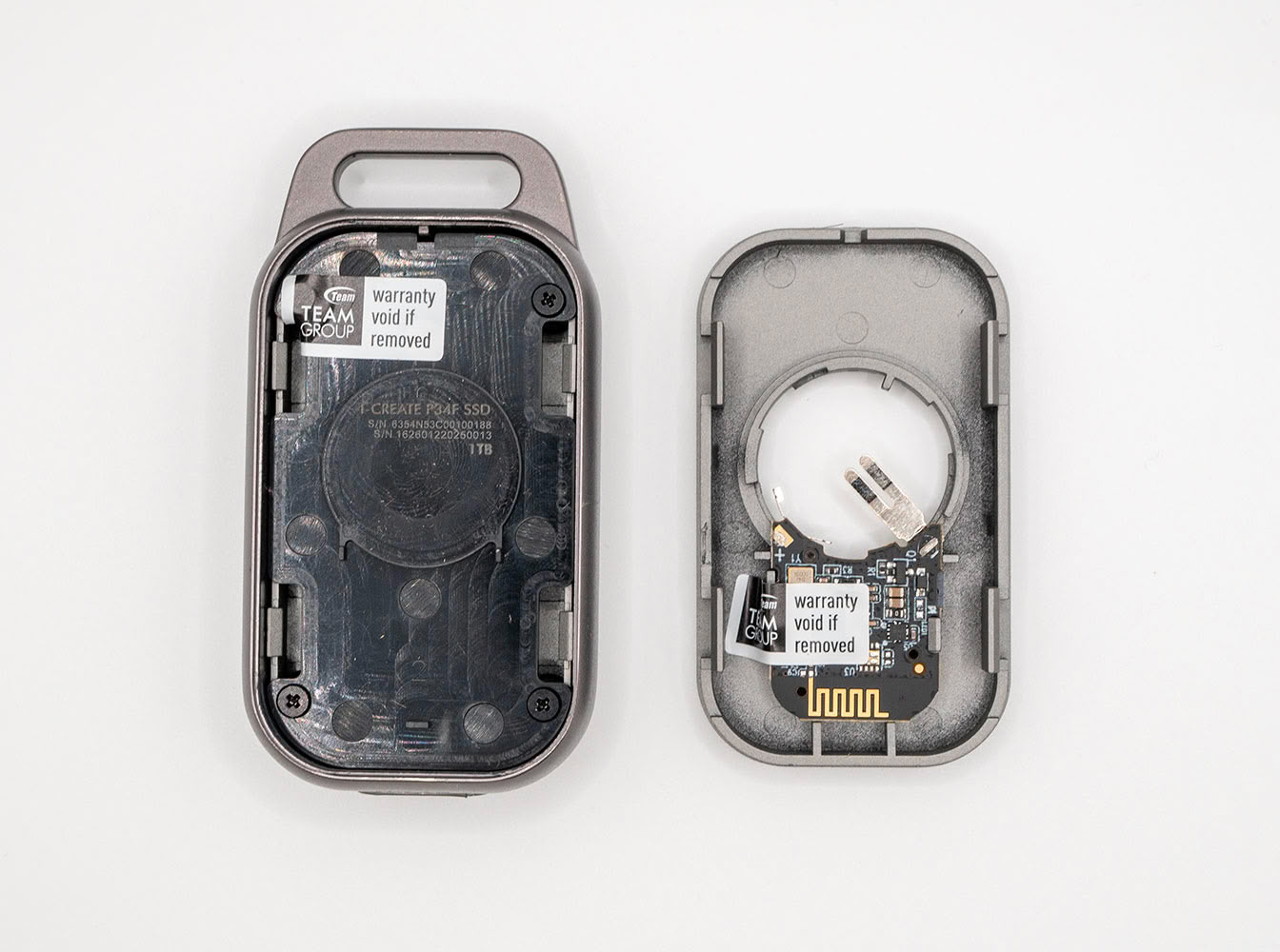
Our teardown begins at the reverse side of the drive. Remove the battery cover and battery. The panel gap gets a bit wider toward the rounded edges; this is where you'd want to start prying. This panel comes off fairly easily, with the Find My locator PCB attached to it. As you can see, the locator and the rest of the drive are two separate devices. You cannot use the Find My app to remotely erase the drive.
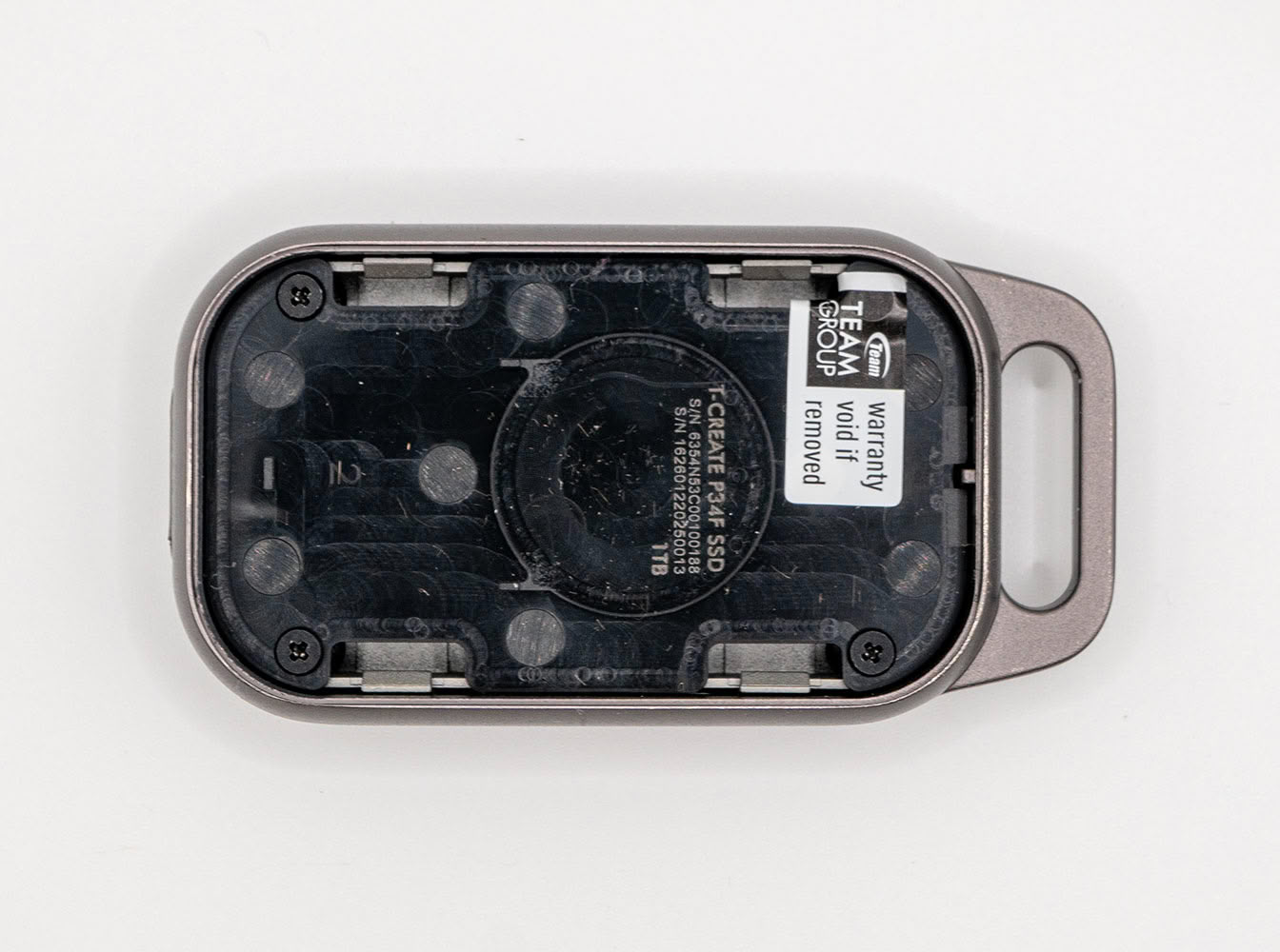
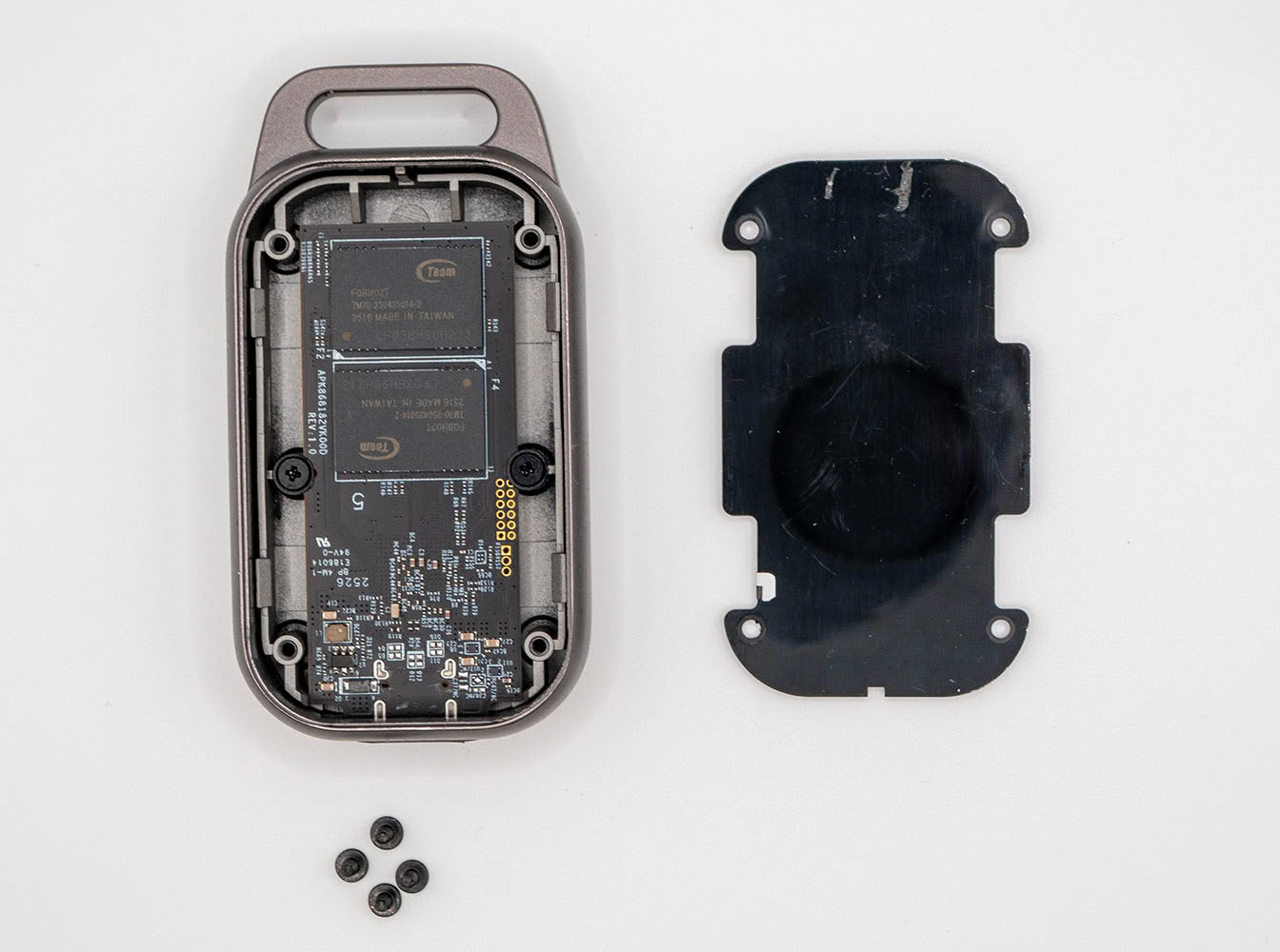
With one half of the drive out of the way, turn your attention to this plastic partition that separates the two halves of the drive. It's held in place by four Phillips screws. The partition is just a lightweight plastic bit. Taking it off reveals the PCB.
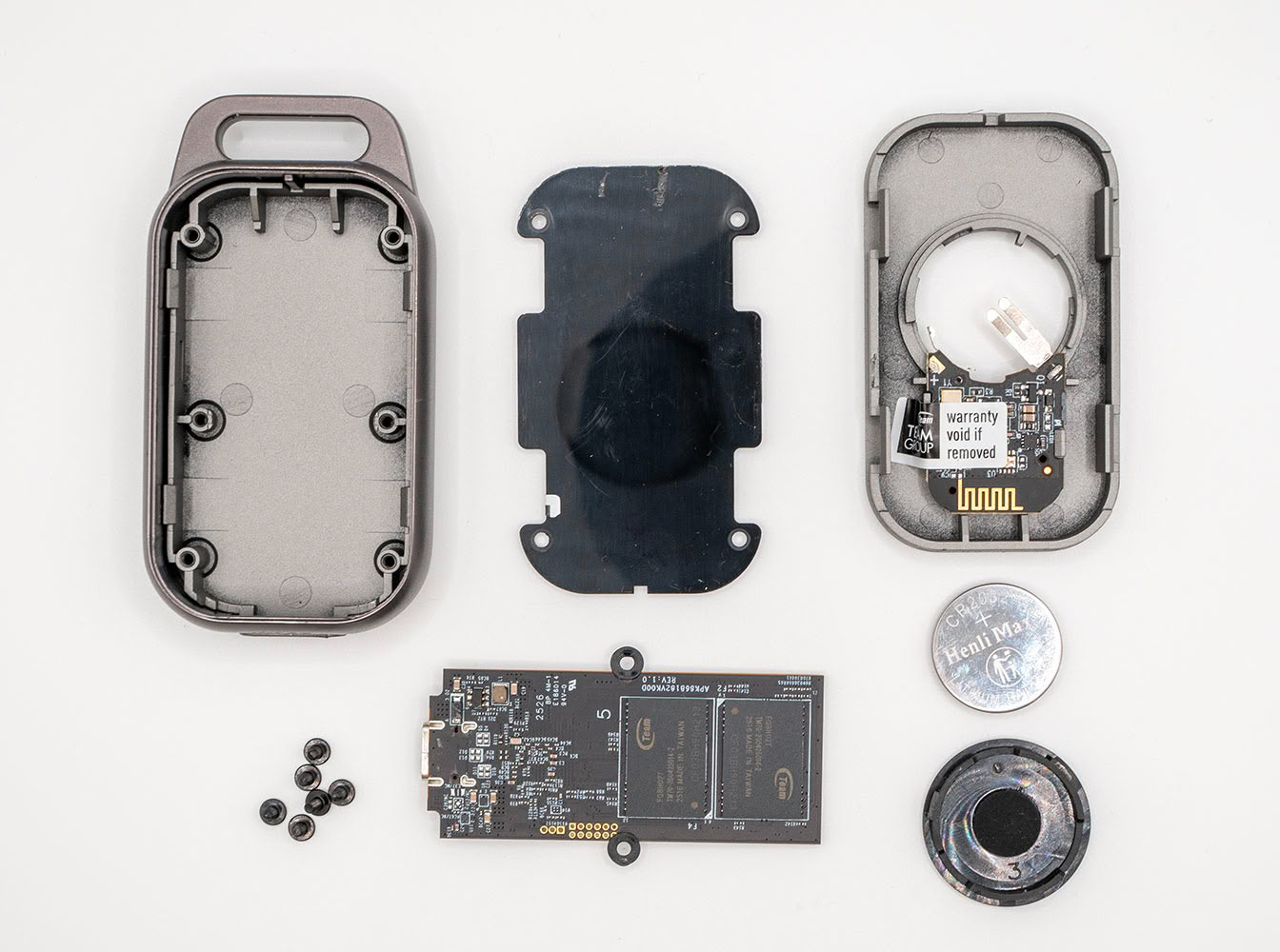
The PCB is held in place by two Phillips screws, and comes out fairly easily. Taking it off reveals the simplicity of the design. The front- and back panels of the drive are made of plastic, which sandwich a very sturdy metal alloy frame, contributing to the drive's weight.
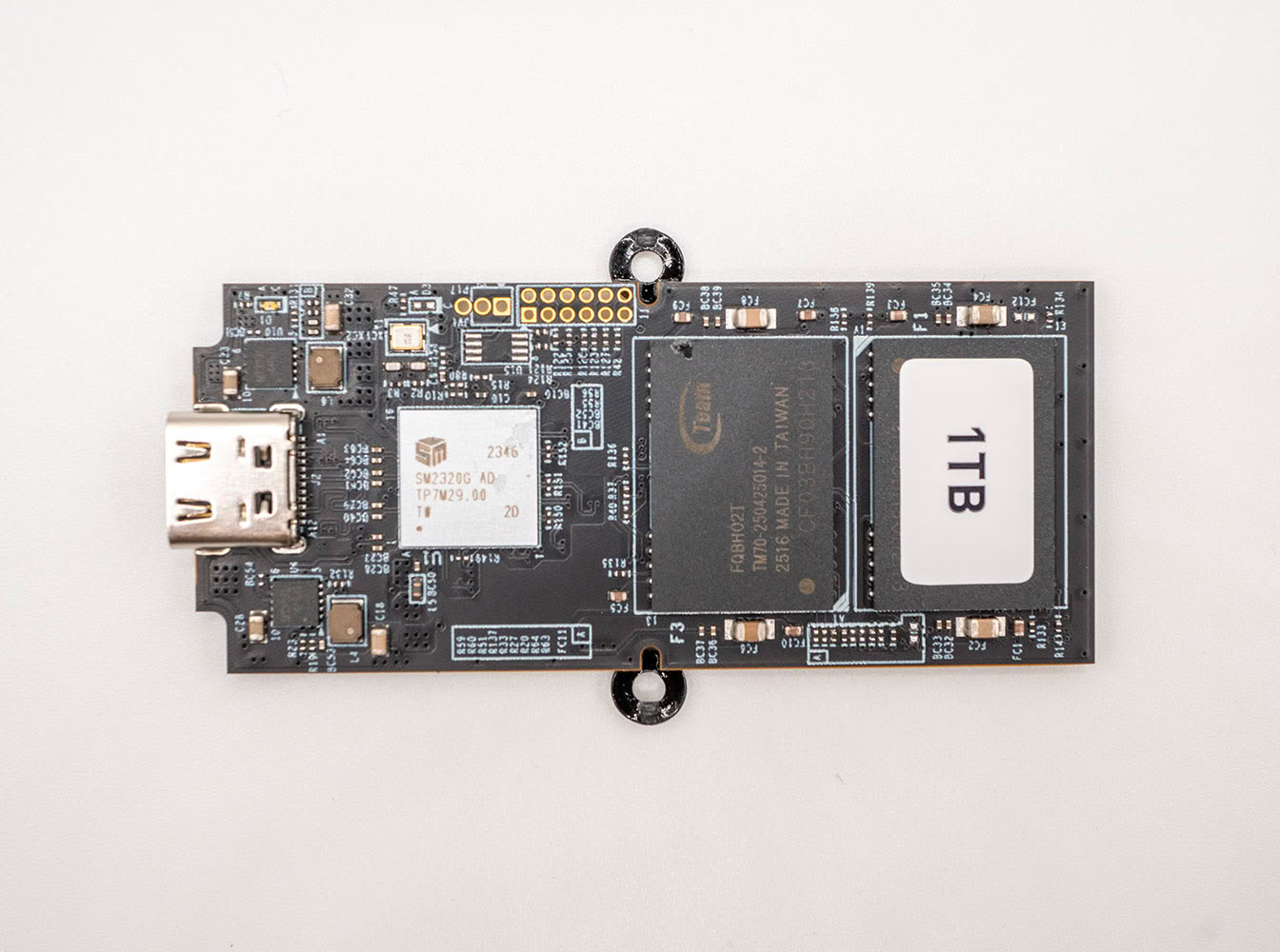
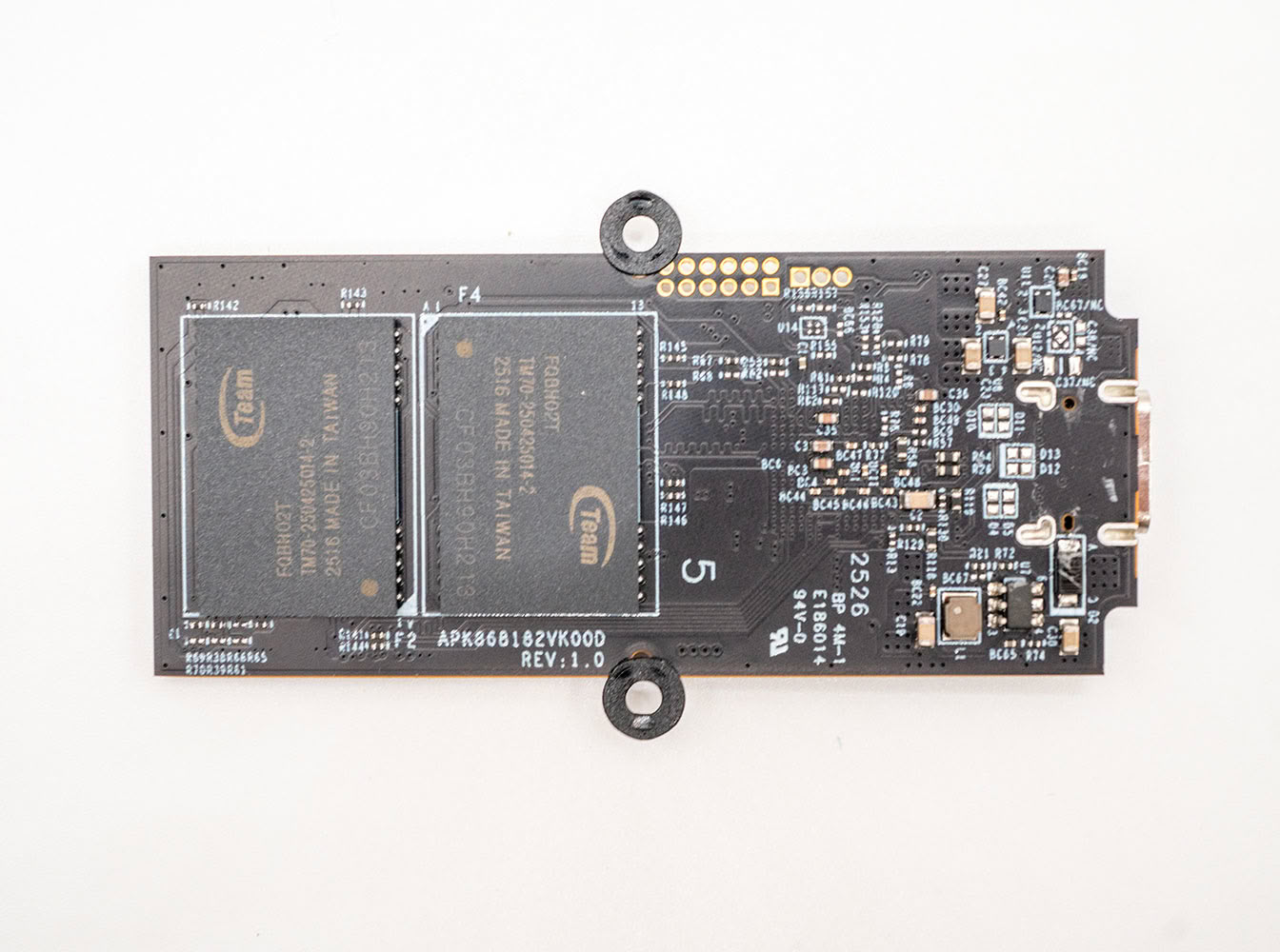
The PCB is a simple affair thanks to the USB-native controller. There are four NAND flash chips and the controller.
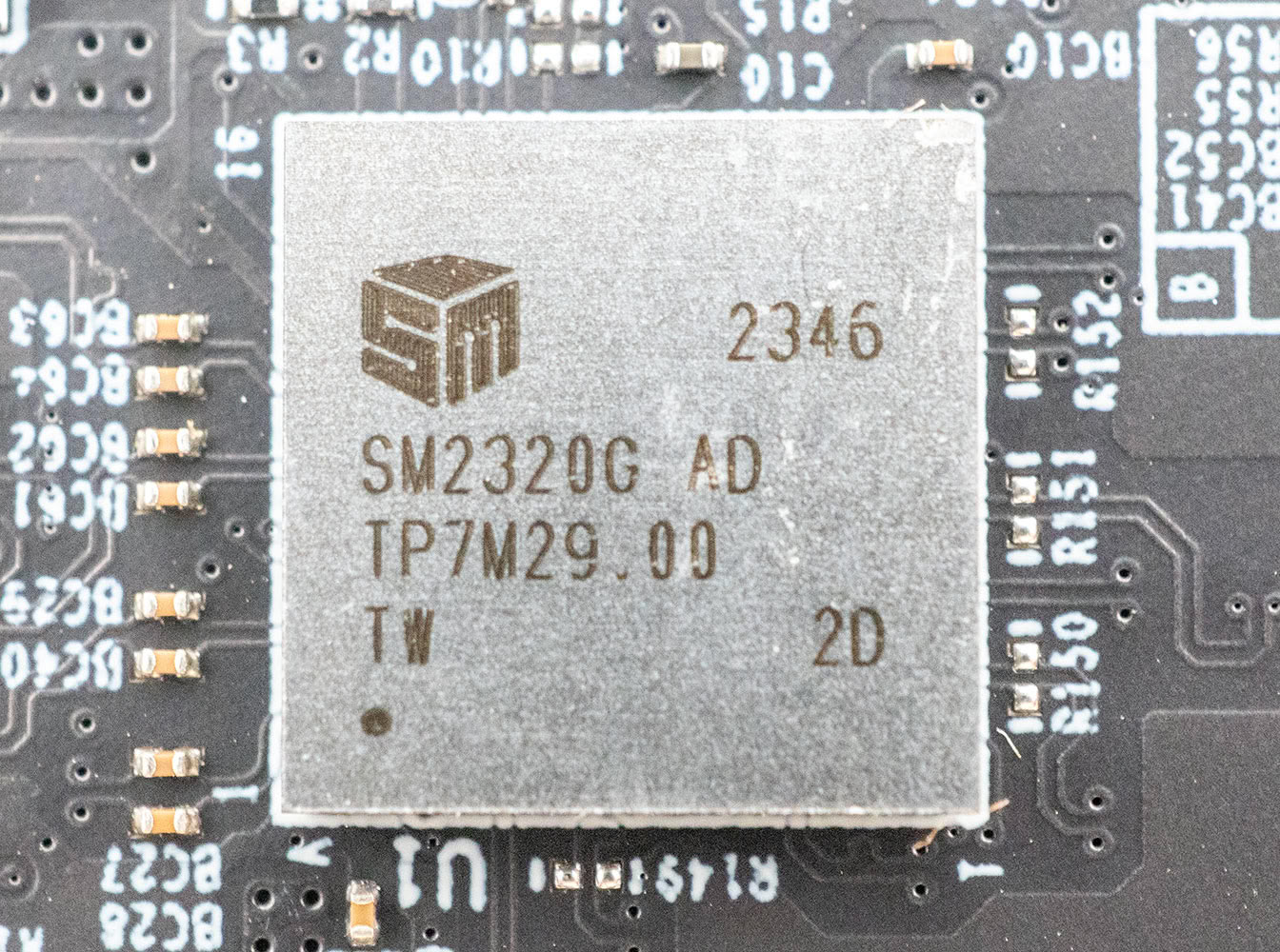
At the heart of the T-Create Expert P34F is the Silicon Motion SM2320G, a USB-native portable SSD controller. The controller features a 20 Gbps USB 3.2 Gen 2x2 host interface, and puts out four NAND flash channels. On this drive, Team Group has artificially limited the controller's host interface to 10 Gbps USB 3.2 Gen 2. The SM2320 is a slightly older version of the SM2322G. The only difference we can tell is that the latter supports capacities of up to 8 TB, while the SM2320 tops out at 4 TB.
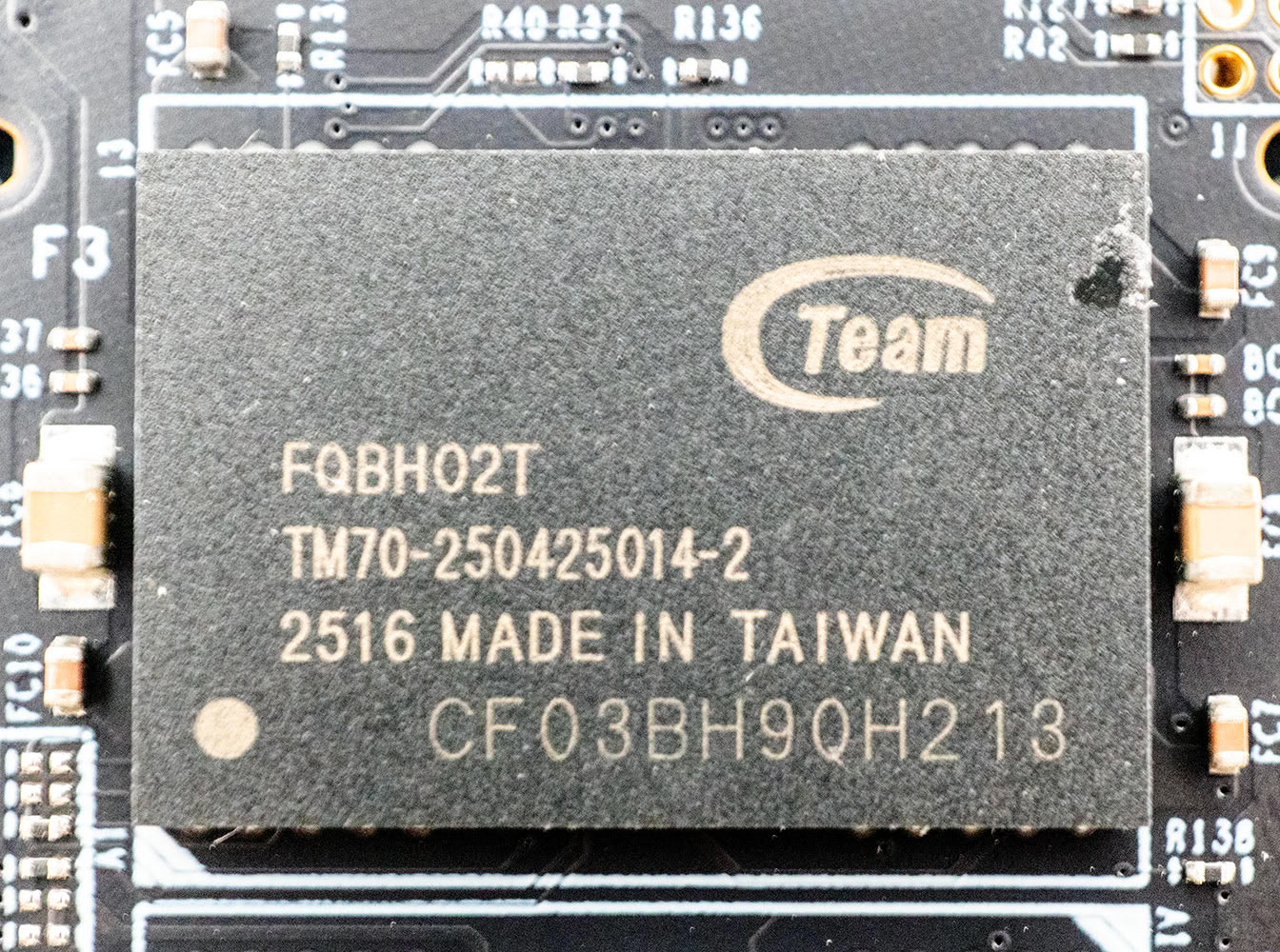
The T-Create Expert P34F features four of these rebadged SK hynix V7 176-layer 3D TLC NAND flash chips, which run at 1600 MT/s. These are rather premium chips, and should offer significantly higher write endurance than other portable SSDs in this category that are based on QLC NAND.
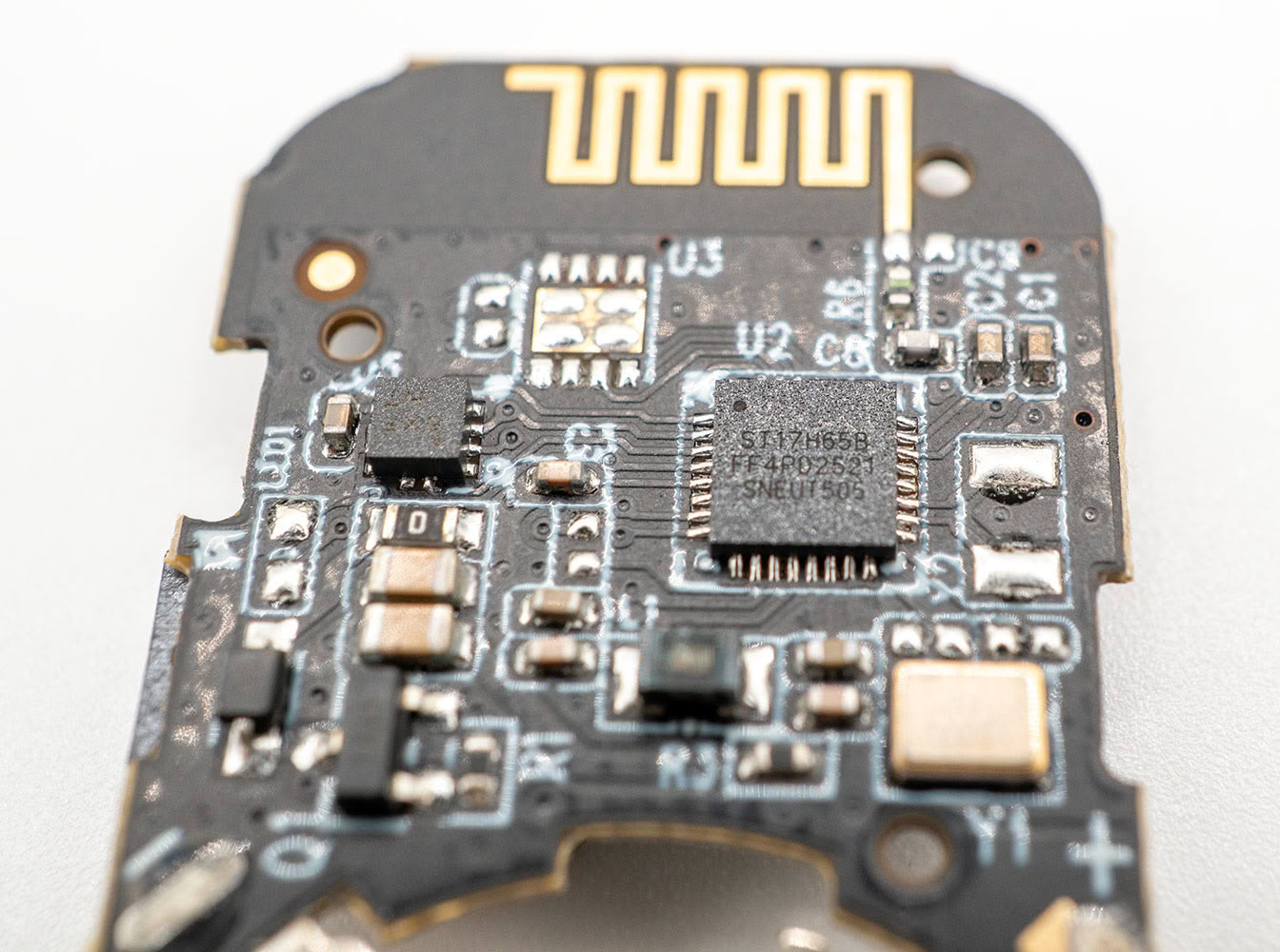
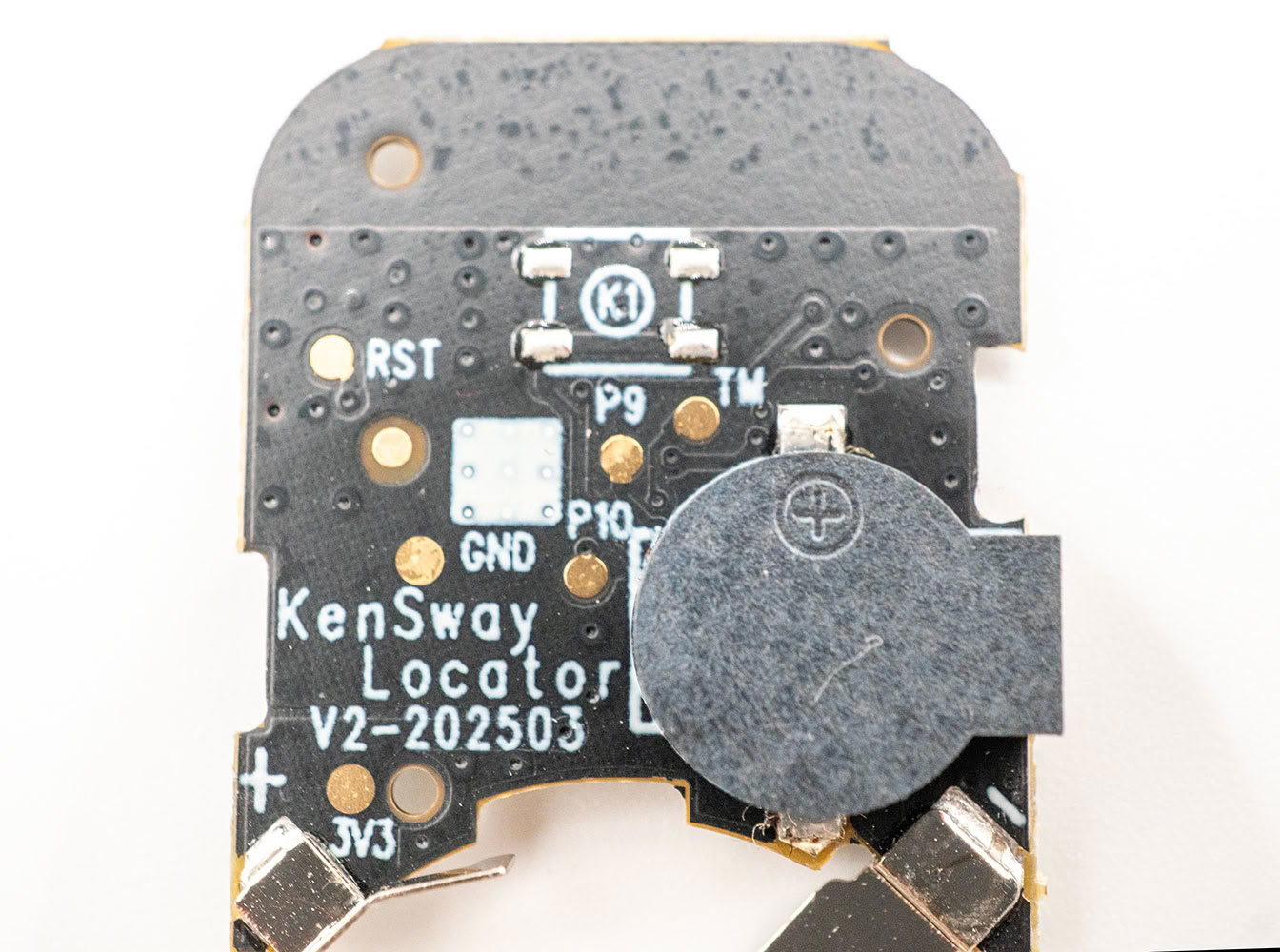
Here are some close-up shots of the Find My locator, which is supplied by KenSway, a company that also sells these under its own brand.
Nov 18th, 2026 02:38 CST
change timezone
Latest GPU Drivers
New Forum Posts
- Without Jensen, PC gaming will be (39)
- Wireless Internet sharing between PC and router both-ways, is it possible? (0)
- [Poll] 12V-2x6 Connector Protection: What Are You Using? (WireView / Ampinel / Equalizer / Other / Nothing) (30)
- WarpCoreBench scores! (58)
- nvidia 4000 ada lovelace on windows 7 ? (8)
- Hi, just to say thanks and who I am (4)
- Help with fixing Overclock (9)
- Slow SSD read speeds - help! (16)
- Will zen 6 mobos have anything extra vs current ones? (52)
- 9070 GRE 3.9ghz validation reached. (19)
Popular Reviews
- Acemagic Retro X3 Review
- Upcoming Hardware Launches 2027 (Updated Nov 2026)
- AMD Zen 6 Technical Deep Dive
- ASUS ROG Strix B850-I Gaming Wi-Fi7 W Review
- Corsair HX1000i Shift Crystal Review
- Chieftec Iceberg PRO 360 DARK Review
- AMD Ryzen 7 9800X3D Review - The Best Gaming Processor
- Phantom Blade Zero Performance Benchmark Review - 35 GPUs Tested
- Biwin Black Opal NV7400 2 TB Review
- Montech King 95 3D PRO Review
TPU on YouTube
Controversial News Posts
- NVIDIA Co-Founder and CEO Jensen Huang Officially Resigns (465)
- Open Letter Asking NVIDIA to Reinstate Jensen Huang Passes 115,000 Signatures (184)
- OpenAI CEO Argues Home PCs Waste the World's Limited DRAM Supply (152)
- Report: Jensen Huang Eyes NVIDIA Comeback (139)
- NVIDIA Launches Investigation Into Jensen Huang's Relationship With Suspected Chinese Spy (136)
- Intel "Raptor Lake Next" 16-Core and 20-Core CPUs Surface (130)
- Legendary Game Studio BioWare Shuts Down Following EA Layoffs (104)
- Dell CEO Says the Memory Shortage Will Get Worse in 2027 (95)