 8
Team Group T-Force G70 Pro 2 TB Review
(8 Comments) »Introduction

Team Group is a well-known Taiwanese hardware manufacturer with a long history of catering to the needs of enthusiasts and gamers from all over the globe. Their lineup includes DRAM memory and solid-state drives, and Team Group also offer various memory cards and USB thumb drives.

Today's review sample is the Team Group T-Force G70 Pro 2 TB, which is the company's newest PCIe Gen 4 solid-state-drive. The G70 Pro is built using InnoGrit's IG5236 controller, which we've seen on several SSDs before, some notable models are Acer Predator GM7000, Lexar NM800 Pro and XPG Gammix S70. While most of these drives use Micron TLC NAND flash, the G70 Pro in today's review is using the more modern YMTC 128-layer TLC NAND. Unlike most other recent releases, a DRAM cache is included on the G70, using chips from Micron.
We are reviewing the "Aluminium Heatsink" version today, there's also a "Graphene" version, which comes with a simple heat spreader for a few dollars less.
The Team Group T-Force G70 Pro is available in capacities of 512 GB (unlisted), 1 TB ($85), 2 TB ($145), and 4 TB ($285). Endurance for these models is set to 370 TBW, 740 TBW, 1480 TBW and 2960 TBW respectively. Team Group includes a five-year warranty with the G70 Pro.
| Specifications: Team Group T-Force G70 Pro 2 TB SSD | |
|---|---|
| Brand: | Team Group |
| Model: | TM8FFH002T0C128 |
| Capacity: | 2000 GB (1862 GB usable) 48 GB additional overprovisioning |
| Controller: | InnoGrit IG5236 |
| Flash: | YMTC 128-Layer 3D TLC YMN09TC1B1JC6C |
| DRAM: | 2x 1 GB Micron DDR4-2400 MT40A512M16JY-083E:B D9TBK |
| Endurance: | 1480 TBW |
| Form Factor: | M.2 2280 |
| Interface: | PCIe Gen 4 x4, NVMe 1.4 |
| Device ID: | T-FORCE TM8FFH002T |
| Firmware: | 3.g.J.LS |
| Warranty: | Five years |
| Price at Time of Review: | $145 / $73 per TB |
Packaging


The Drive


The drive is designed for the M.2 2280 form factor, which makes it 22 mm wide and 80 mm long.
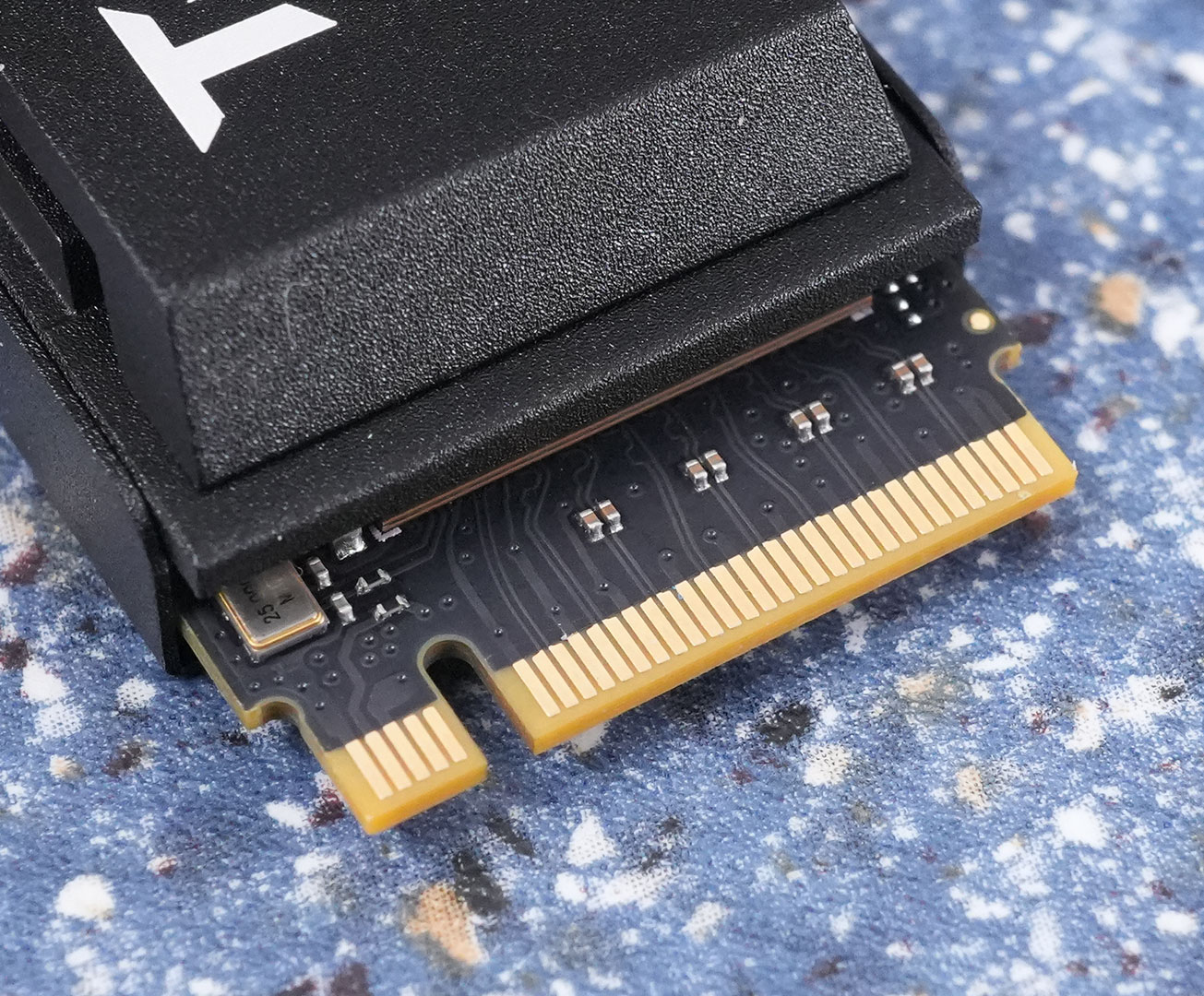
PCI-Express 4.0 x4 is used as the host interface to the rest of the system, which doubles the theoretical bandwidth compared to PCIe 3.0 x4.
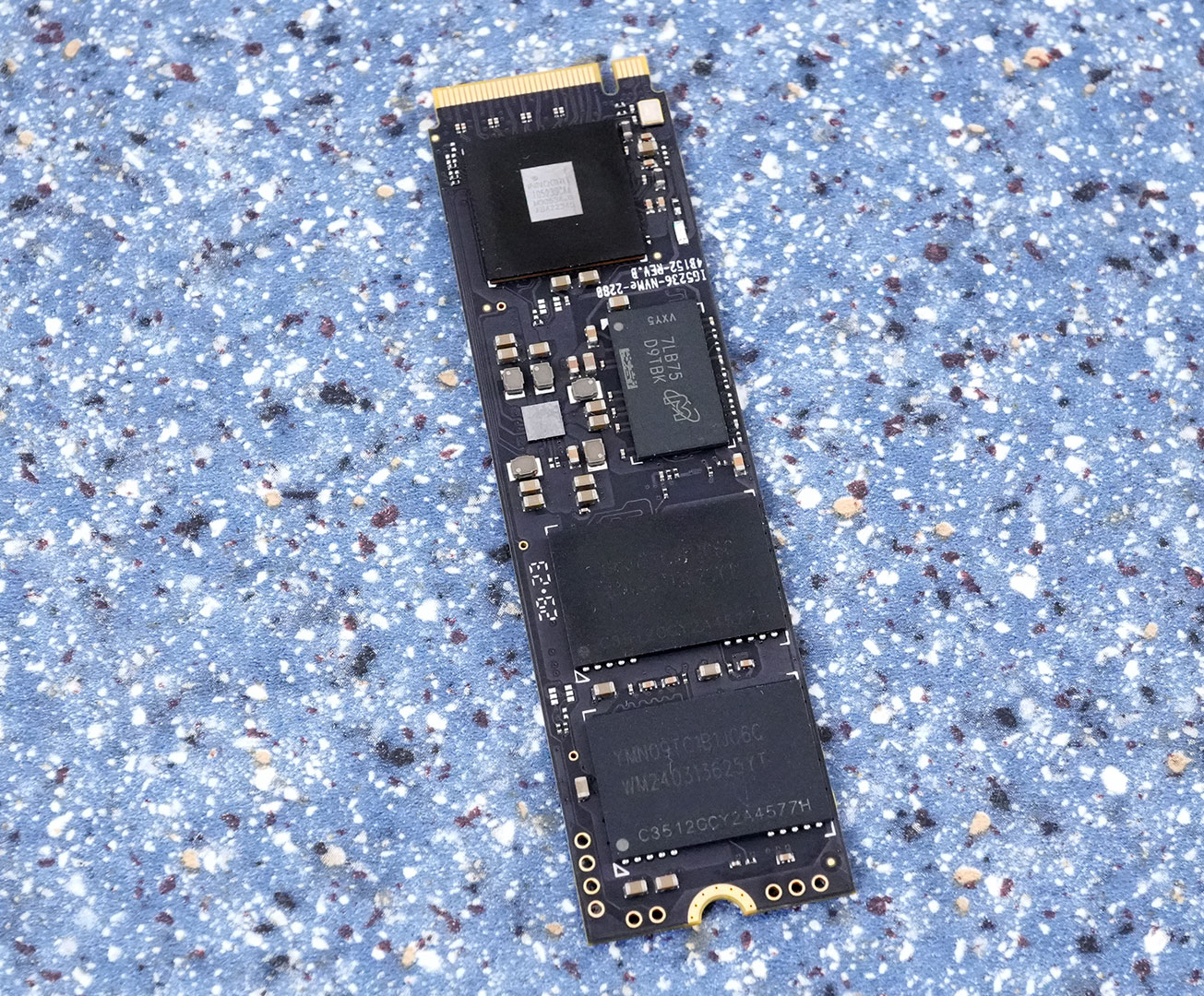
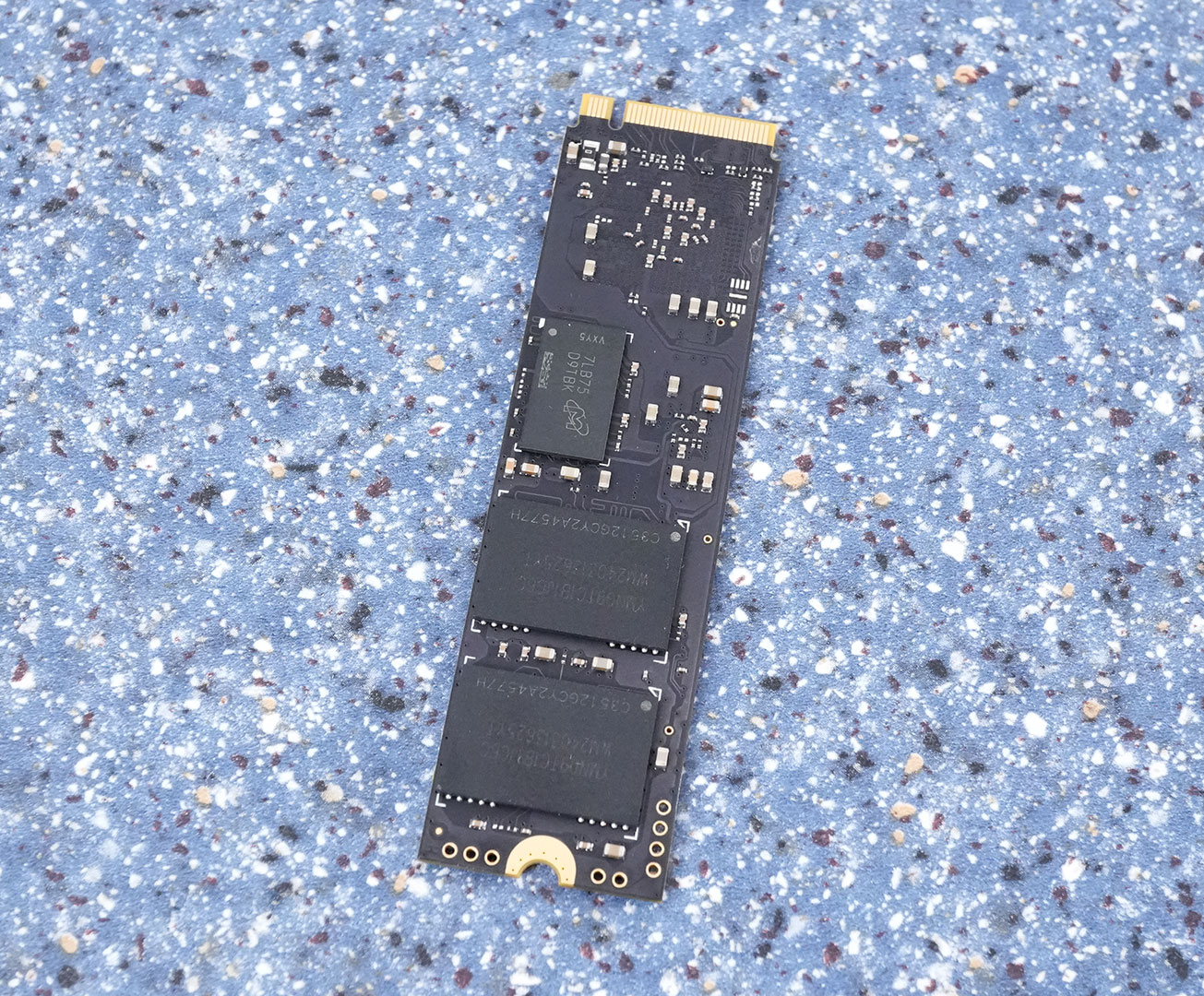
On the PCB you'll find the controller and four flash chips, two DRAM cache chips are included, too.
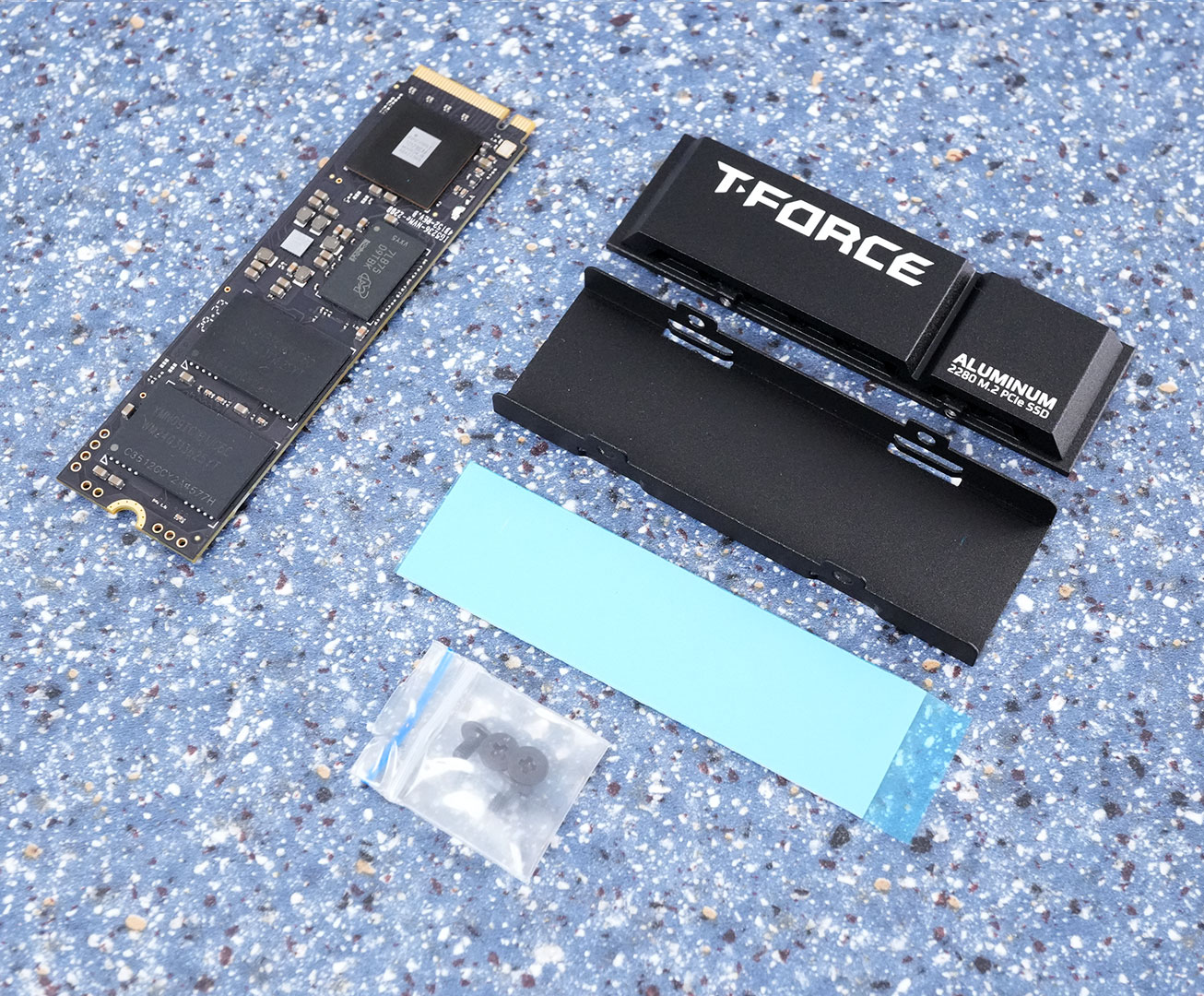
The included heatsink is not preinstalled, which ensures easy installation of the drive in a laptop, where the heatsink won't fit.
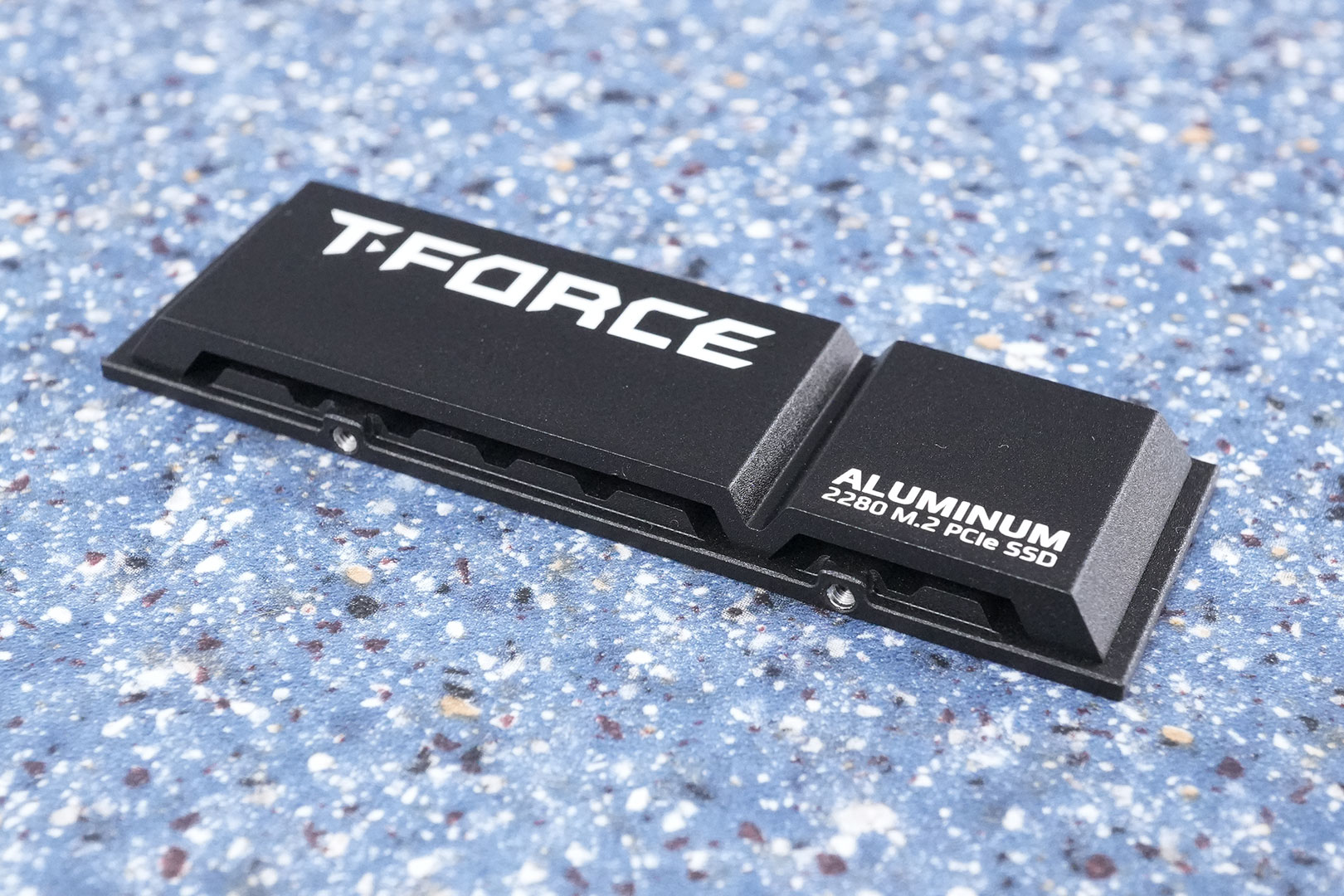
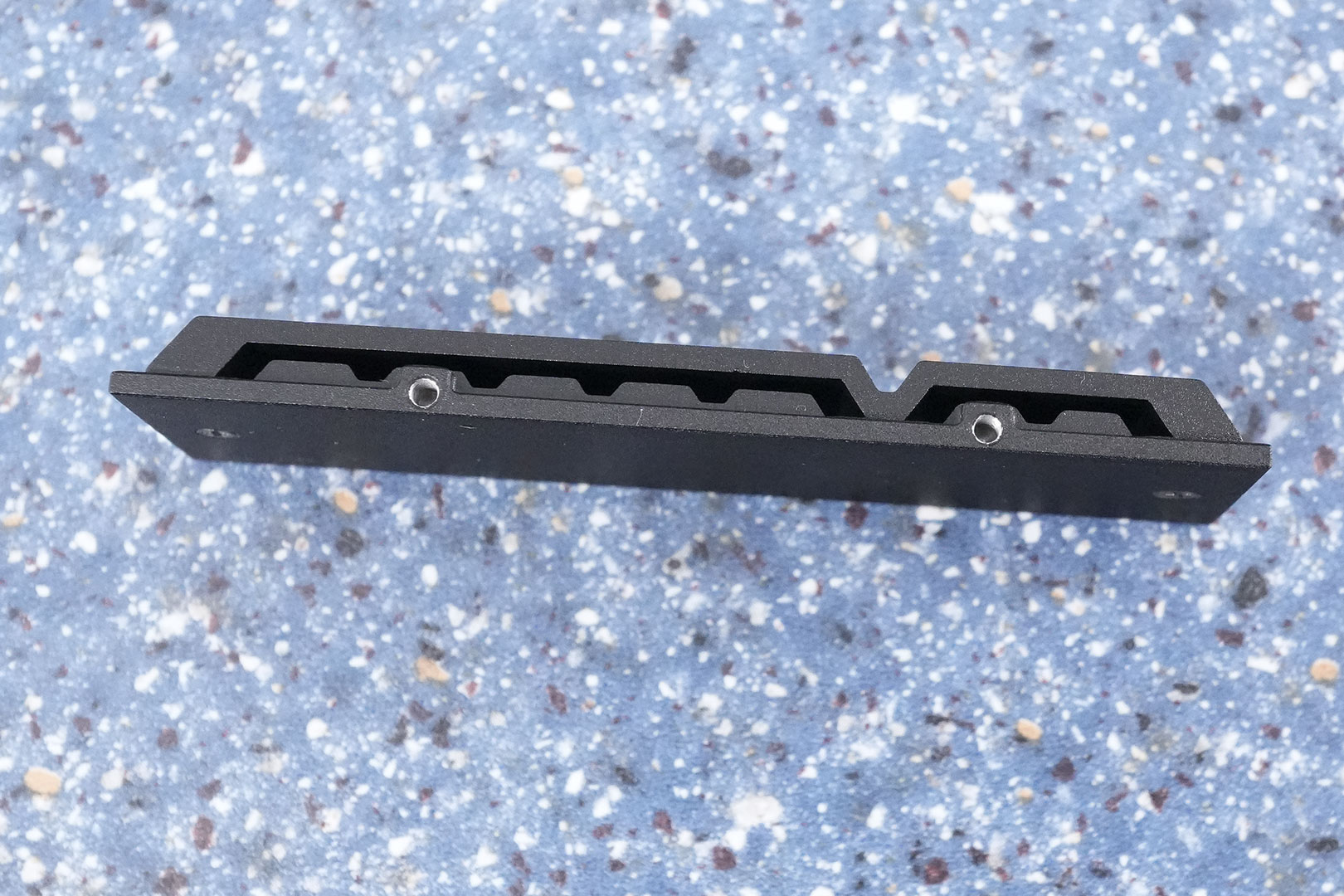
Team Group's heatsink comes with a nice-looking design theme and a matte black paint job.
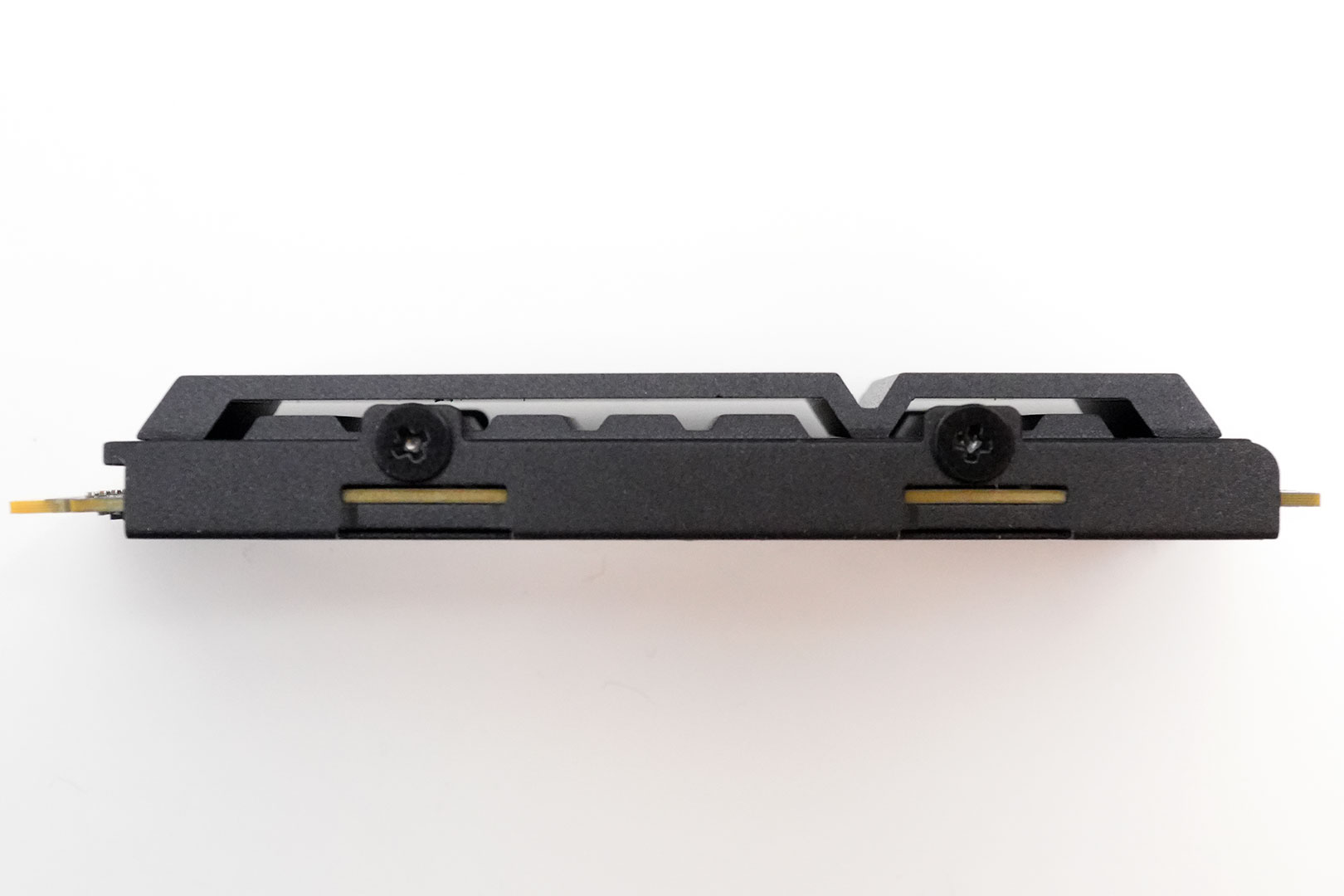
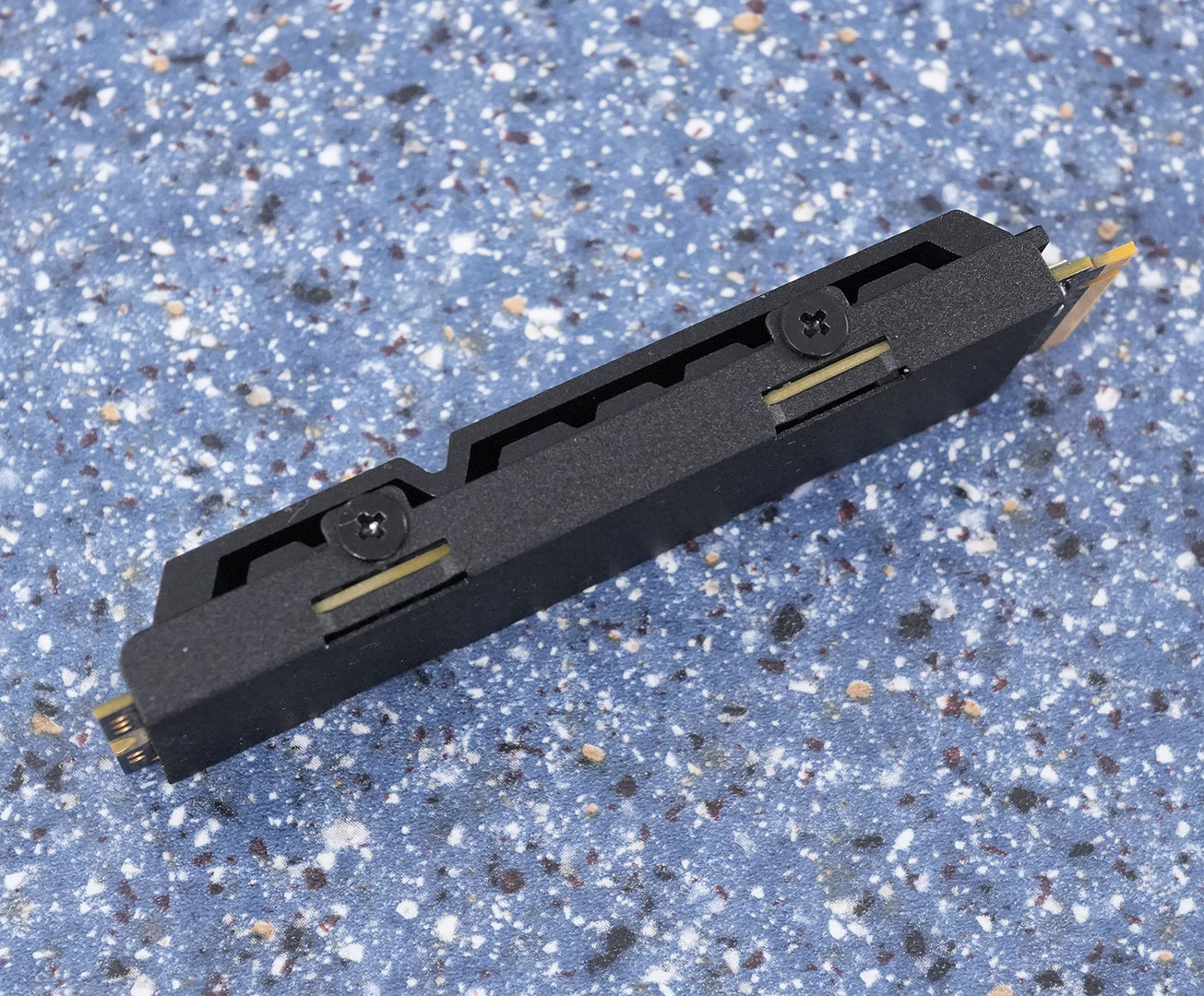
When taking a closer look it becomes apparent that there is a bit less metal than what you'd expect, it'll be interesting to see the results of our thermal testing.
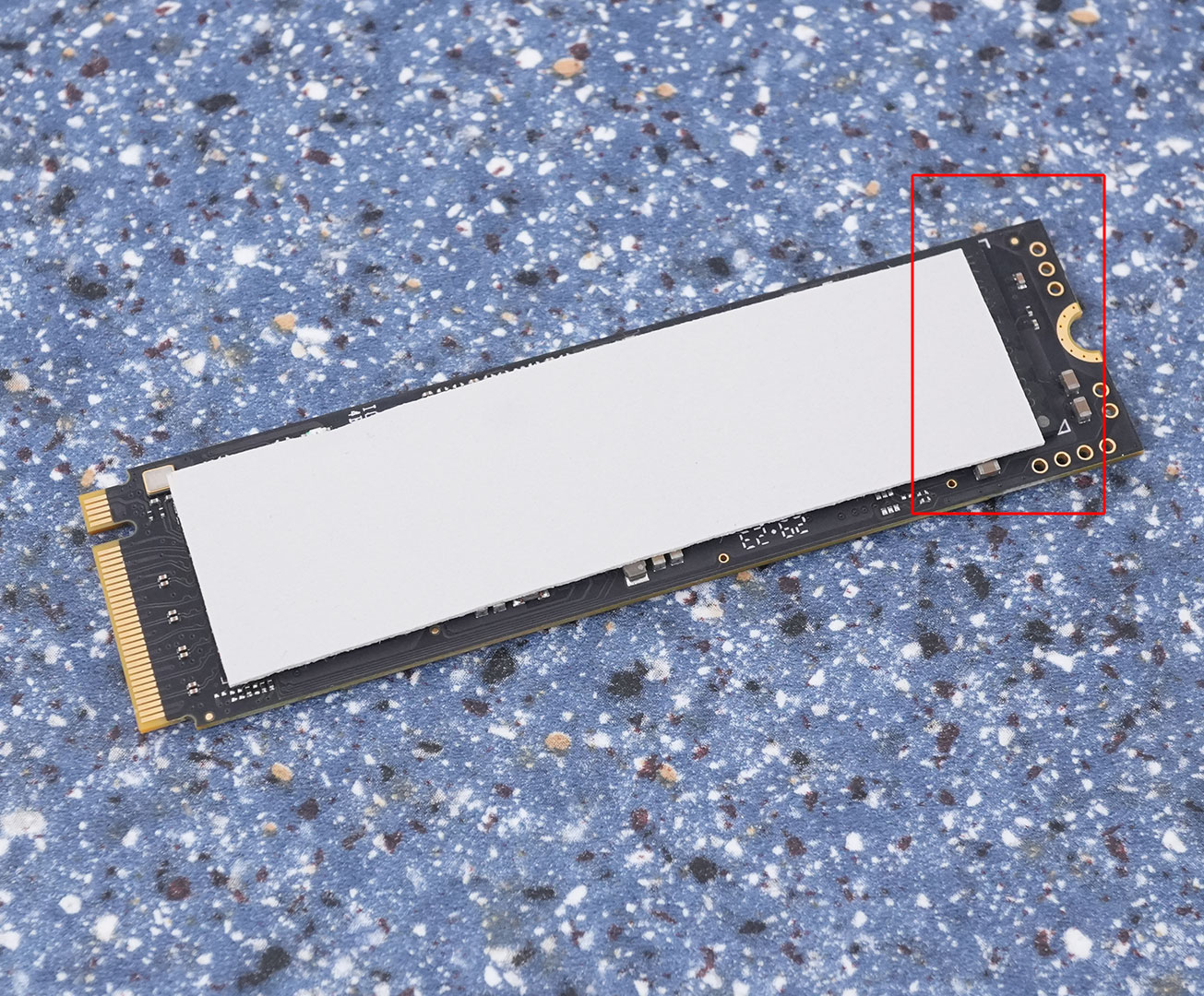
The included thermal pad is a little bit too short. Make sure to cover the controller chip fully (on the left side of the picture), and let the NAND chip on the right slightly uncovered. Most of the heat is generated in the controller, so we want to prioritize cooling for it.
Chip Component Analysis
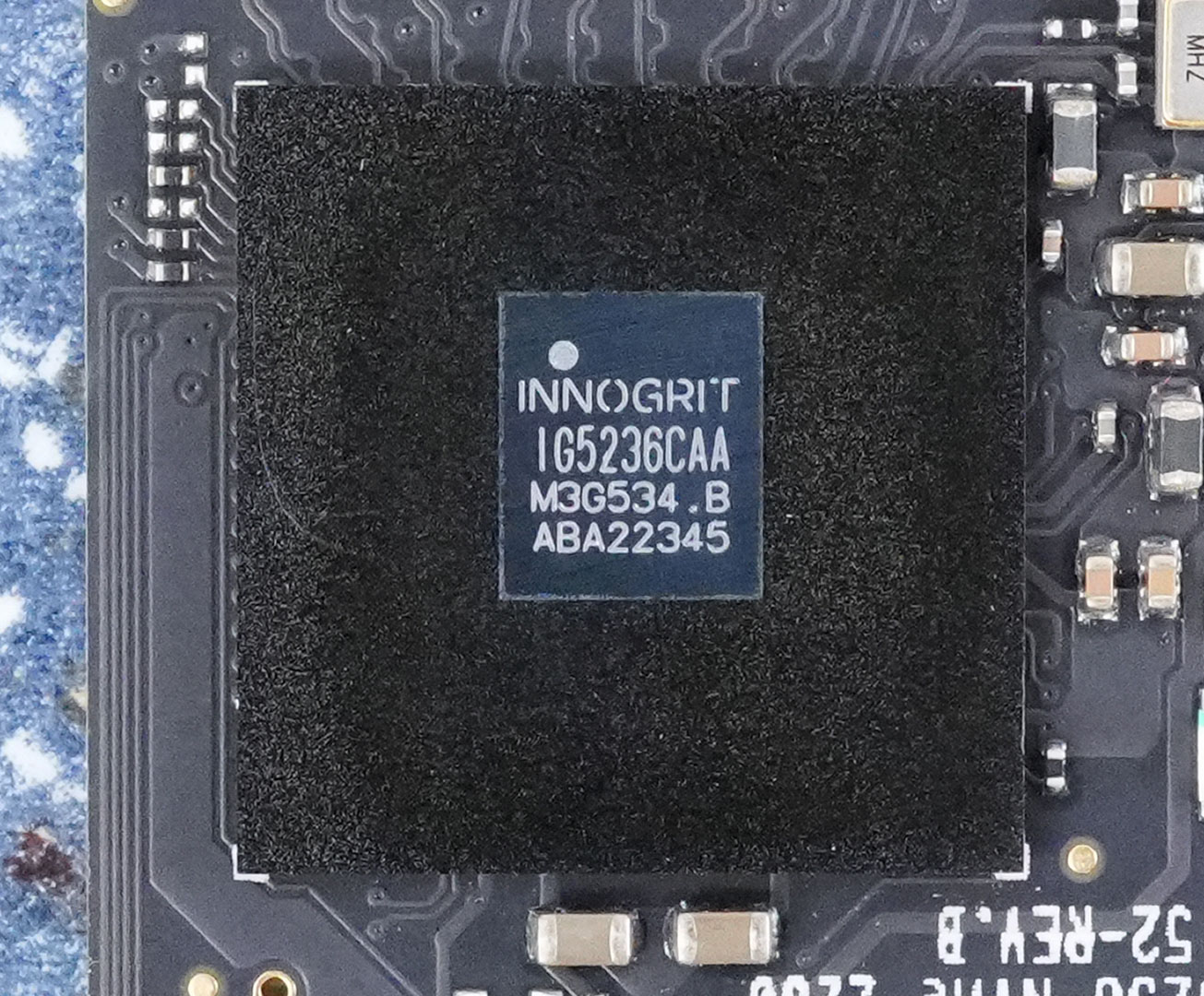
The Innogrit IG5236 was the company's first controller to support PCI-Express 4.0. It uses eight channels to maximize transfer rates and is fabricated on a 12 nm process at TSMC Taiwan.

The four flash chips are YMTC 128-layer 3D TLC NAND. Each chip has a capacity of 512 GB.

Two Micron DDR4 chips provide 2 GB of fast DRAM storage for the controller to store the mapping tables.
Test Setup
| Test System SSD 2024 | |
|---|---|
| Processor: | Intel Core i9-13900KS Raptor Lake 6.0 GHz, 8+16 cores / 32 threads |
| Motherboard: | ASUS ROG Z790 Dark Hero BIOS 1102 |
| Memory: | 2x 16 GB DDR5-6000 |
| Graphics: | PNY GeForce RTX 4080 Super Verto OC |
| Cooling: | Valkyrie Syn 360 mm AIO |
| Thermal Paste: | Arctic MX-6 |
| Power Supply: | Thermaltake Toughpower GF3 850 W ATX 3.0 / 16-pin 12VHPWR |
| Case: | darkFlash DRX70 White |
| Operating System: | Windows 11 Professional 64-bit 23H2 VBS enabled (Windows 11 default) |
| Drivers: | NVIDIA: 552.12 WHQL |


Synthetic Testing
- Tests are run with a 20-second-long warm-up time (result recording starts at second 21).
- Between each test, the drive is left idle for 60 seconds, to allow it to flush and reorganize its internal data.
- All write requests contain random, incompressible data.
- Disk cache is flushed between all tests.
- During these tests, M.2 drives are tested with additional active fan-cooling, to ensure thermal throttling can't happen
Real-life Testing
- After initial configuration and installation, a disk image is created; it is used to test every drive.
- Automated updates are disabled for the OS and all programs. This ensures that—for every review—each drive uses the same settings, without interference from previous testing.
- Our disk image consumes around 700 GB—partitions are resized to fill all available space on the drive.
- All drives are filled with random data to 85% of their capacity. This is intentional, to run the drive in realistic operating conditions—nobody uses a nearly-empty SSD in their system. It also puts additional stress on the pseudo-SLC cache subsystem, because there is less free NAND space to work with.
- Partitions are aligned properly.
- Disk cache is flushed between all tests.
- In order to minimize random variation, each real-life performance test is run several times, with reboots between tests to minimize the impact of disk cache.
- All application benchmarks run the actual application and do not replay any disk traces.
- Our real-life testing data includes performance numbers for a typical high-performance HDD, using results from a Western Digital WD Black 1 TB 7200 RPM 3.5" SATA. HDDs are significantly slower than SSDs, which is why we're not putting the result in the chart, as that would break the scaling, making the SSDs indistinguishable in comparison. Instead, we've added the HDD performance numbers in the title of each test entry.
- During these tests, M.2 drives are tested with additional active fan-cooling, to ensure thermal throttling can't happen
Our Patreon Silver Supporters can read articles in single-page format.
Nov 20th, 2026 13:09 PST
change timezone
Latest GPU Drivers
New Forum Posts
- Honestly, do you care about GTA VI? (204)
- GTA VI (20)
- Anthrophics IPO (25)
- GeekMagic Ultra Smart WiFi Weather Station (8)
- Very unusual two gaming-pc scenarios. (35)
- Can i play GTA 6 now? (Joke) (14)
- How to prevent OLED burn damage due to PC freezes or power outtages? (47)
- Zen 3 IF/IMC degradation (239)
- The Final Upgrade for Legacy AiO's (10)
- Last game you purchased? (1410)
Popular Reviews
- AMD Zen 6 Technical Deep Dive
- Ugreen NASync DXP4800 GT Review
- Microsoft Surface Laptop Ultra Review - The Next-gen Arm Laptop
- Corsair RM1200e (Second Generation) Review
- Acemagic Retro X3 Review
- Upcoming Hardware Launches 2027 (Updated Nov 2026)
- Pulsar Office Tour & First Look at P1 Dual-Sensor Mouse
- Biwin Black Opal NV7400 2 TB Review
- AMD Ryzen 7 9800X3D Memory Performance Scaling
- AMD Ryzen 7 9800X3D Review - The Best Gaming Processor
TPU on YouTube
Controversial News Posts
- NVIDIA Co-Founder and CEO Jensen Huang Officially Resigns (490)
- Report: Jensen Huang Eyes NVIDIA Comeback (254)
- Open Letter Asking NVIDIA to Reinstate Jensen Huang Passes 115,000 Signatures (184)
- OpenAI CEO Argues Home PCs Waste the World's Limited DRAM Supply (152)
- NVIDIA Launches Investigation Into Jensen Huang's Relationship With Suspected Chinese Spy (136)
- Intel "Raptor Lake Next" 16-Core and 20-Core CPUs Surface (130)
- Legendary Game Studio BioWare Shuts Down Following EA Layoffs (104)
- Dell CEO Says the Memory Shortage Will Get Worse in 2027 (95)