 0
Thecus N2310 Review
(0 Comments) »Introduction

We would like to thank Thecus for supplying the review sample.

Thecus decided to offer home users a more affordable NAS solution after releasing the N2560 and N4560. The fresh N2310 is for you if you don't want to spend a fortune on a NAS and don't need crazily high transfer speeds or a ton of exotic features. This NAS also easily scores a high price/performance ratio because of its nice price, and with the money crisis knocking down the door, all comes down to how good and affordable a product is for its price.
The N2310 is equipped with a SoC processor running at 800 MHz and only has 512 MB DDR3 RAM, so it doesn't look all that promising on paper, but the average home user won't push a NAS hard enough to benefit from higher-clocked, dual-core CPUs. The N2310 will handle most situations just fine if you need a NAS for file storage or several other basic tasks, like downloading files off the net.
The N2310 can store up to 8 TB of data if 4 TB disks are installed, and Thecus says the set-up process to only take five minutes. Its energy demands are also very low because of its energy efficient CPU. You can essentially have it run around the clock without a noticeable difference to your electricity bills. The good thing about low-clocked CPUs is their incredibly low energy consumption, which makes them optimal choices for a green system if you don't need a stronger CPU for complex tasks.

Specifications
| Thecus N2310 Specifications | |
|---|---|
| Processor | AMCC APM 86491 800Mhz |
| Operating System | Embedded Linux |
| Memory | 512 MB DDR3 |
| Storage | 2x 3.5"/2.5" SATA II |
| RAID Levels: | Single Disk, JBOD, RAID 0, 1 |
| Capacity | up to 8 TB (disks not included) |
| iSCSI | no support |
| Hot-Swap | 2x |
| Networking | 1x 10/100/1000 Mbit Ethernet |
| Additional Connectors | 1x USB 3.0, 1x USB 2.0 |
| Dimensions | 135(H) x 97(W) x 207(D) mm 5.31(H) x 3.82(W) x 8.15(D) inch |
| Weight | 0.79 kg |
| Power Consumption | In operation (idle): 13.8 W In operation (Load): 18.1 W (with 2 x 500GB HDD installed) |
| Power Supply | External, 40 W, 100-240 V |
| Fan | 1x 60 mm (double ball-bearings) |
| Warranty | 2 years |
| Price excluding VAT (at the time of the review) | $159 |
This NAS can take up to two HDDs, which puts its maximum storage capacity at 8 TB if 4 TB disks are used. 8 TB are surely enough for home usage unless you have a ton of videos to store. You would then have to invest in a 4-bay NAS.
The N2310 doesn't support the iSCSI (Internet Small Computer System Interface) protocol. iSCSI simply allows a user to "see" a remote storage location as a local one through the workstation, which makes expanding the storage capacity of any system a pretty straightforward task.
The NAS only has a single Ethernet Gigabit port for networking, but there is no need for two and port trunking at its price and in its category. There are also two USB ports. One USB port is compatible with the most recent USB 3.0 protocol, and there is unfortunately no eSATA port. We think that there should be one, but Thecus meant to keep cost as low as possible.
This NAS is pretty compact and fairly light. As for its power consumption, Thecus only mentions a 5 W figure, but doesn't provide further details, like which operating mode was used while this energy consumption measurement was taken. So we had to use the results of our measurements in the above table. Since power consumption is low, there is no need for a strong PSU. A small power brick with 40 W capacity will suffice.
The cooling fan is small and can, as such, be noisy at high speeds, though it operates at low speeds most of the time, and the N2310 comes with the two year warranty common to most NAS servers. We left the best part of this product for last: Its highly affordable price. The N2310 is currently the most affordable NAS available. Its HDDs will most likely cost you more!
Packaging


The NAS comes in a nice but rather small white box. The front is covered in a photograph of the unit with its polished plastic surface exposed. A few lines of text on this side highlight this unit's 5-minute installation, your ability to easily connect to it through DDNS or the Thecus T_OnTheGo application, and Thecus's claim to good performance.
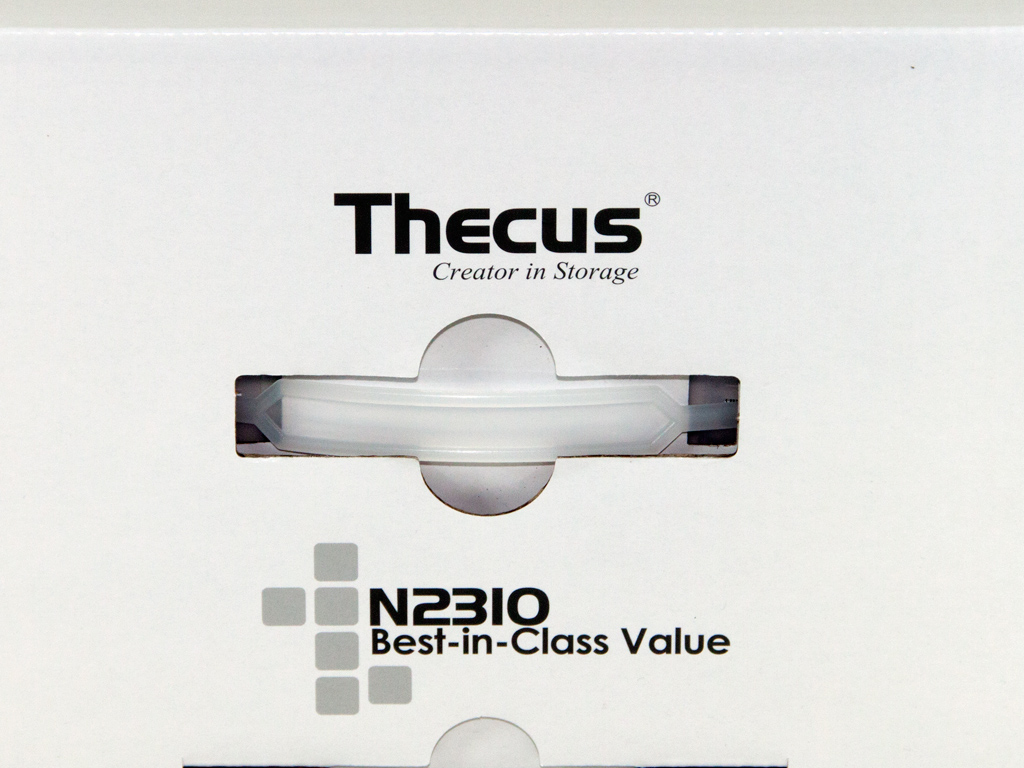
Although not too heavy, the box features a plastic carrying handle on top, which makes lugging it around easier.
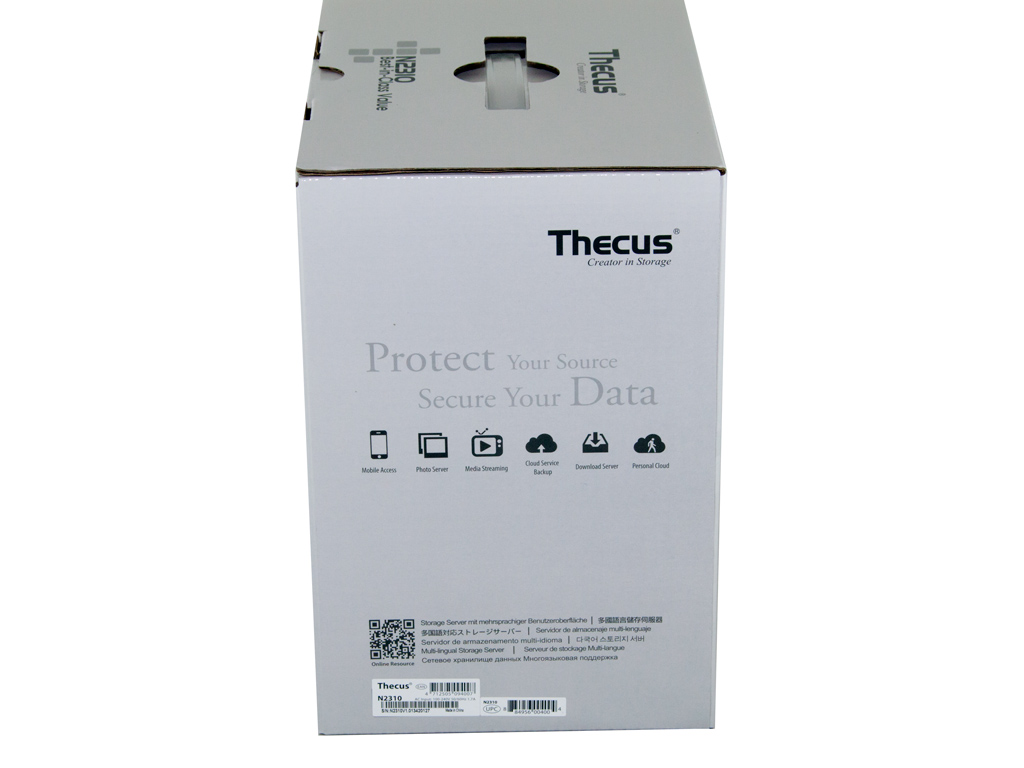
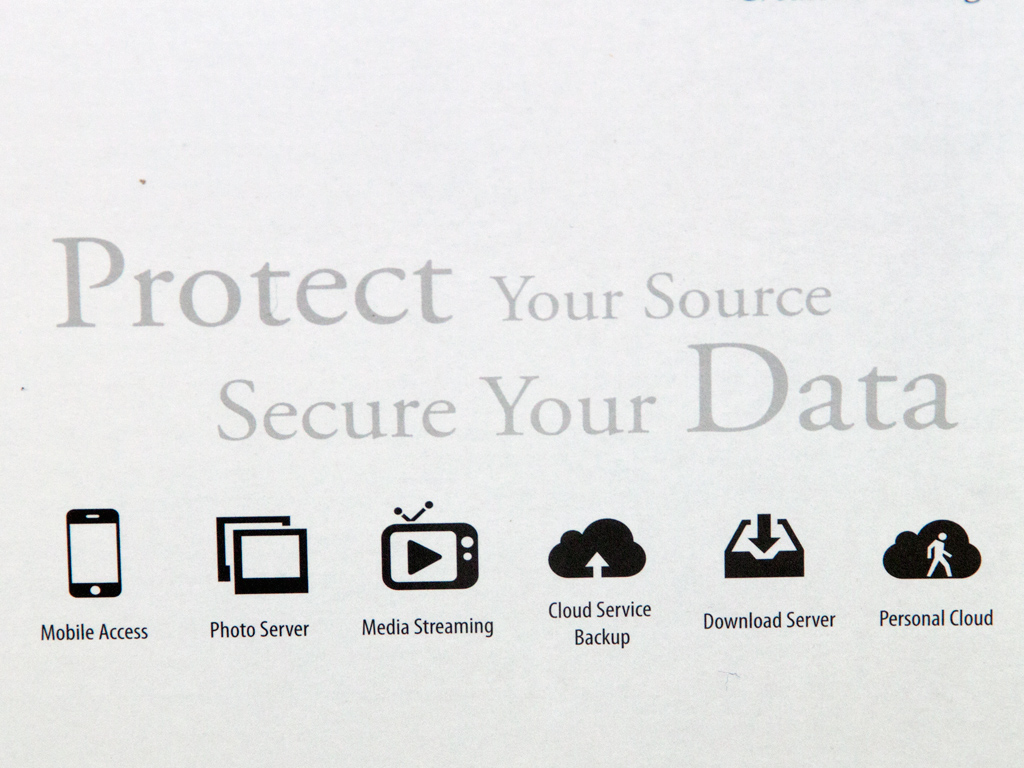
Several icons depict some of the NAS's features, like Mobile Access, its photo and download servers, or cloud and streaming capabilities, and its Cloud Backup service.
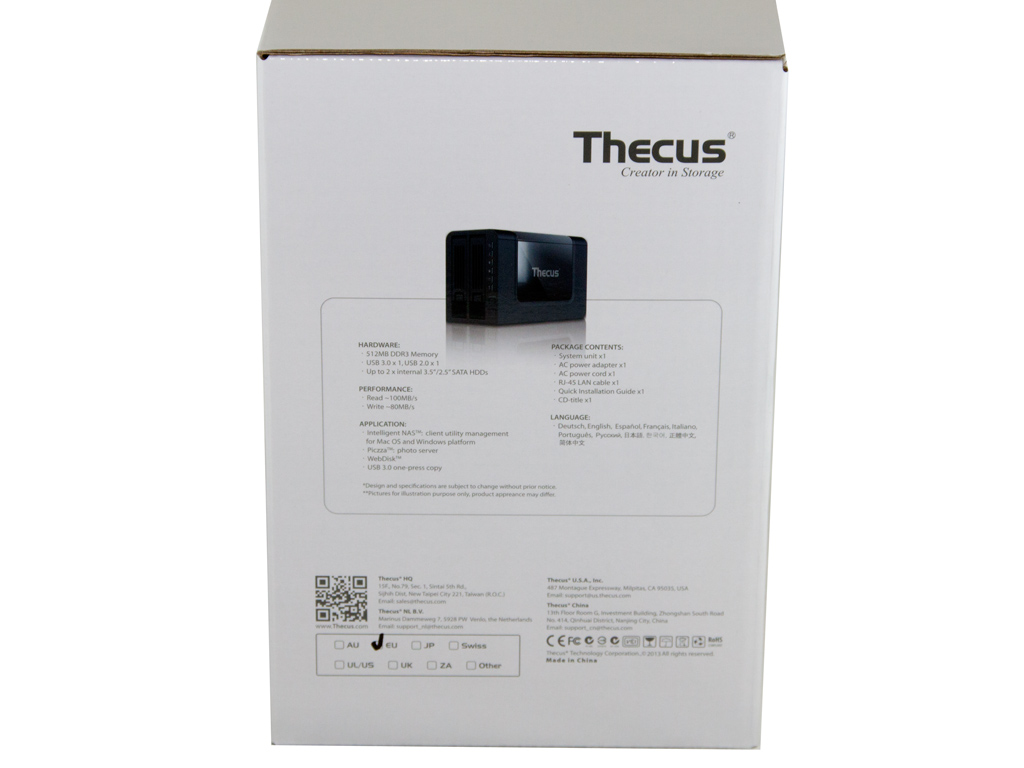
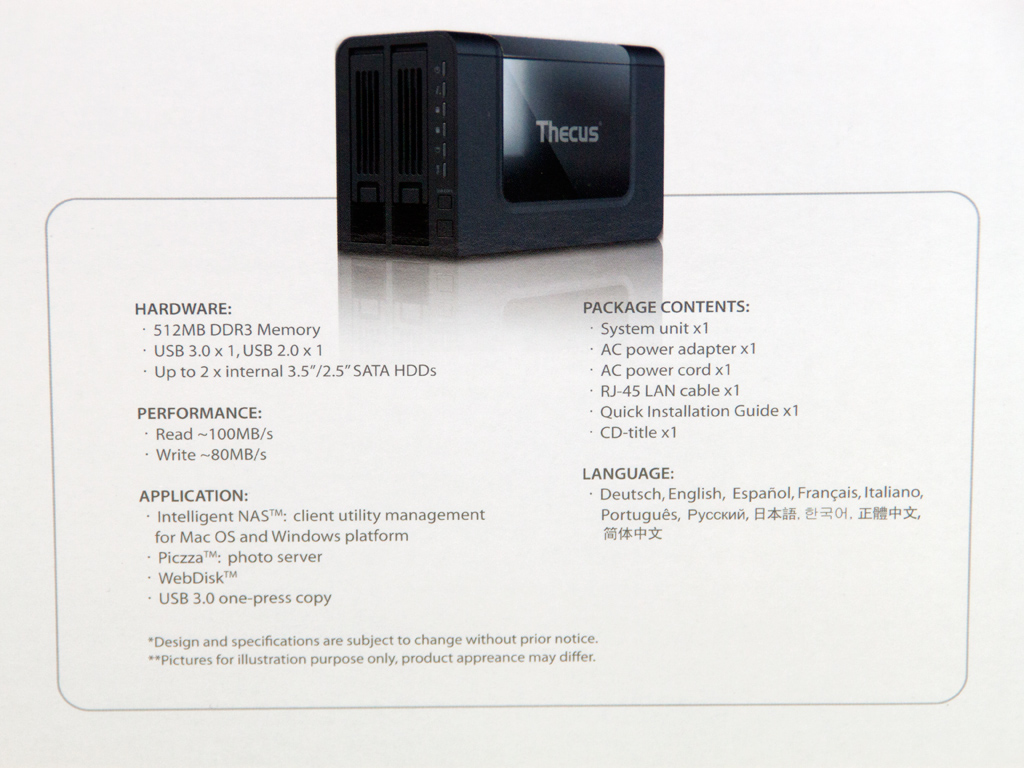
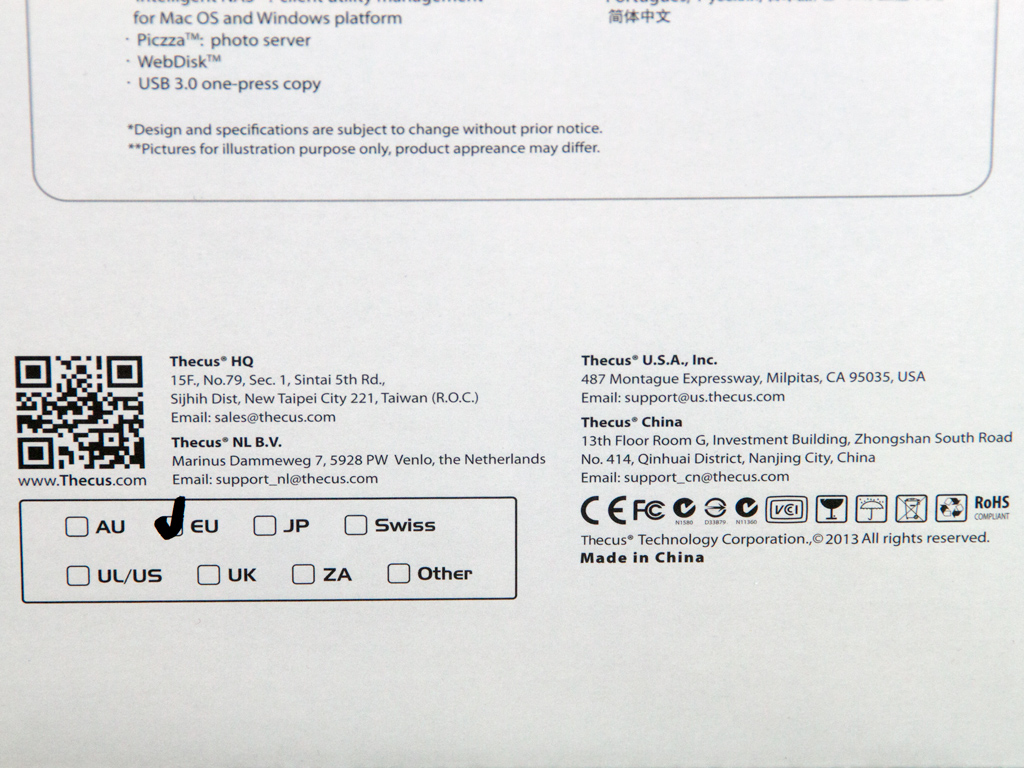
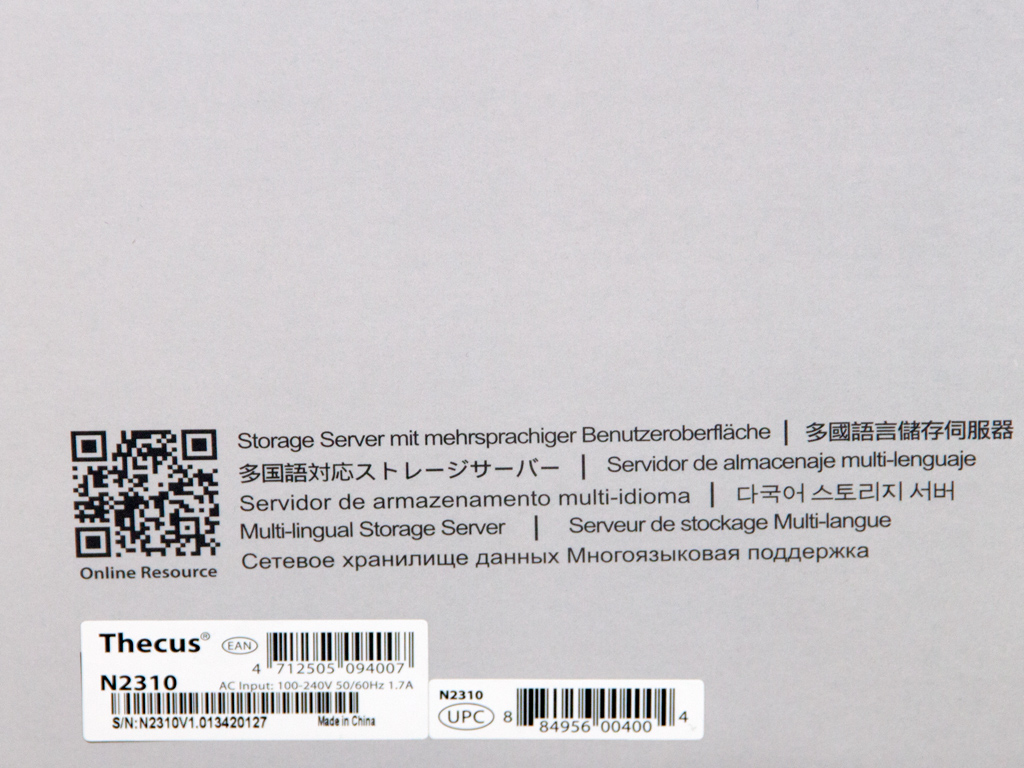
This side lists some of the unit's specifications, the contents of its package, and all supported languages.
Contents & Bundle
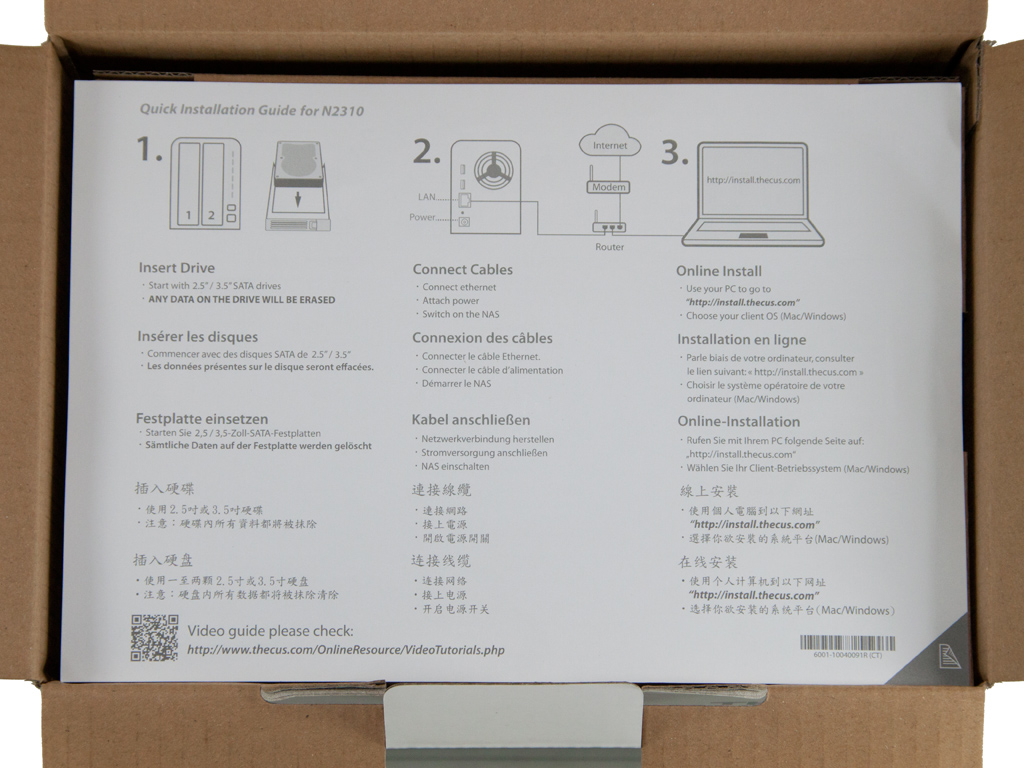

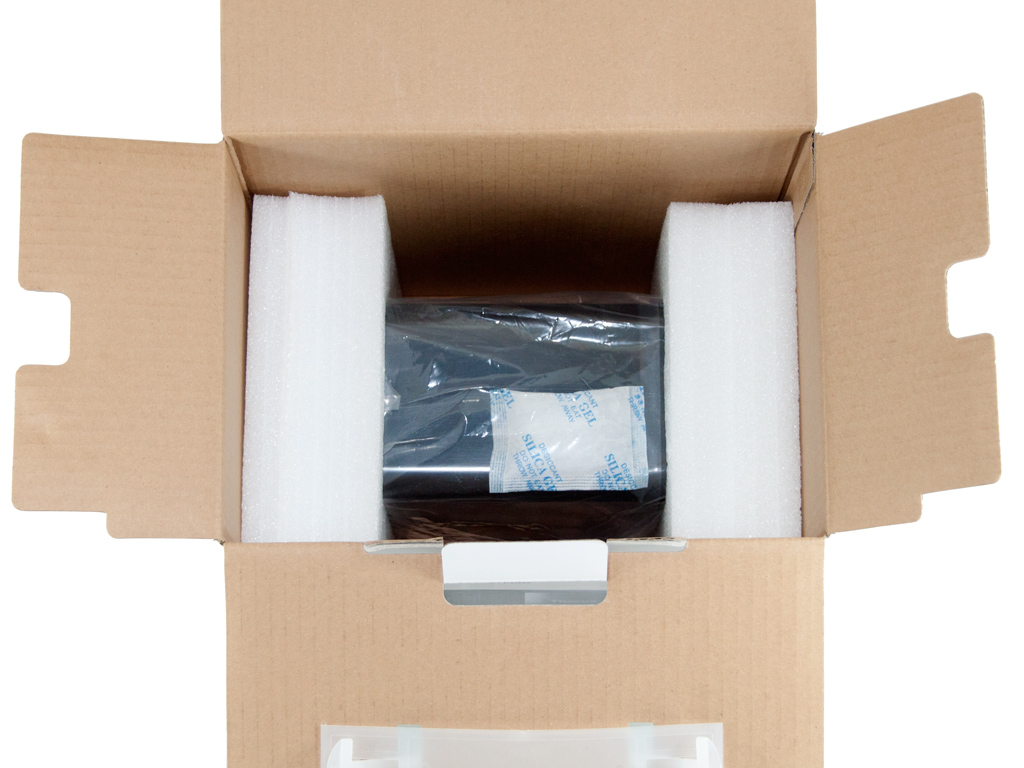
Open the top flap of the box and you will be greeted by the quick installation guide. It only covers three steps.
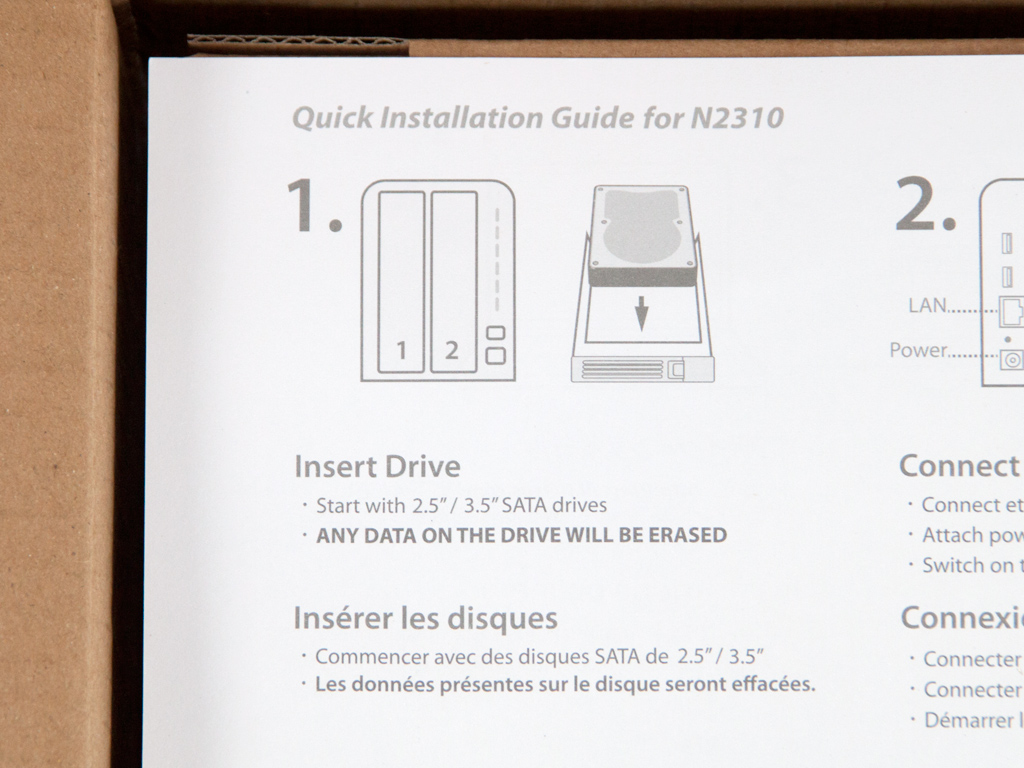
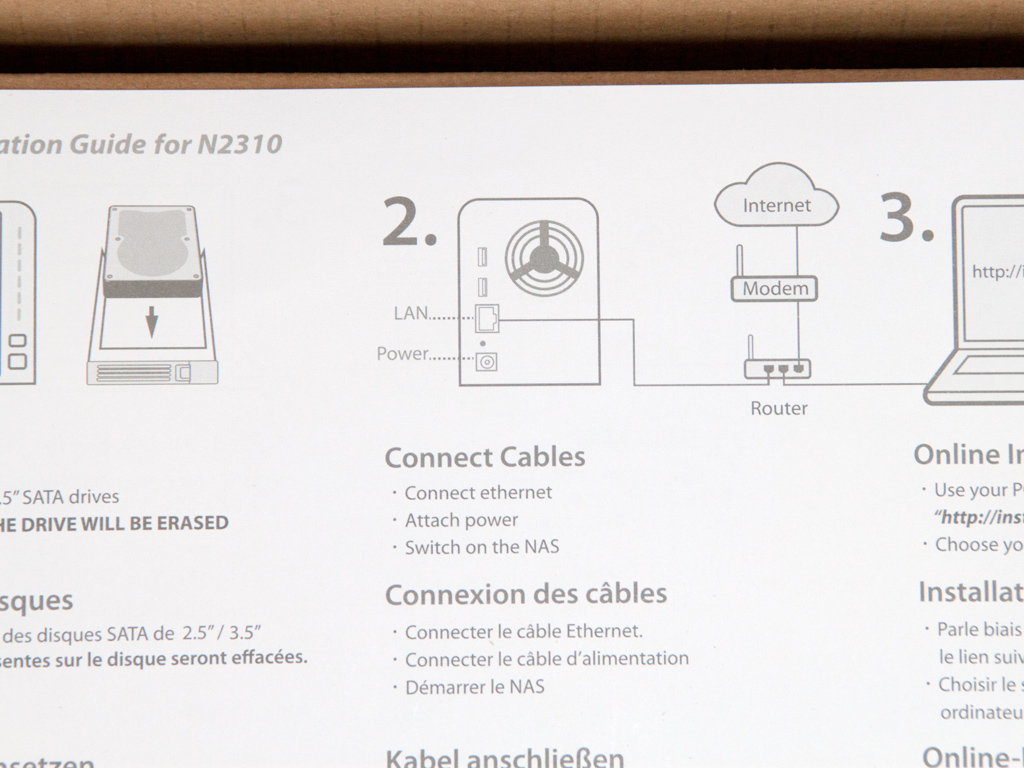
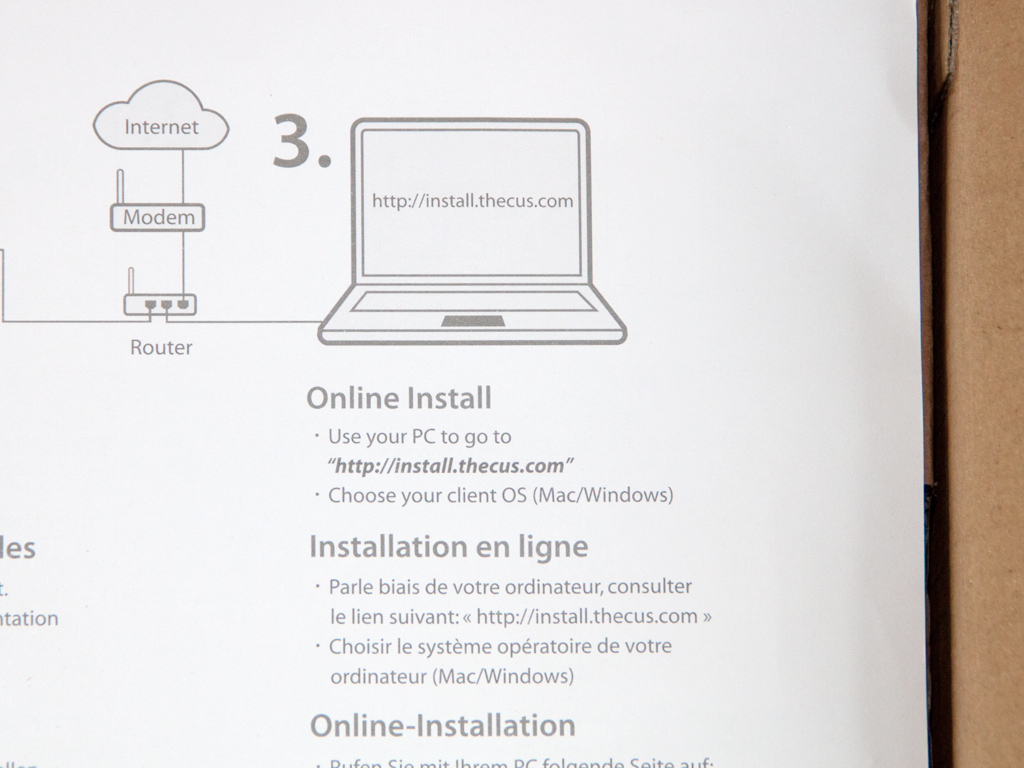
A close look at the steps the quick installation guide covers.
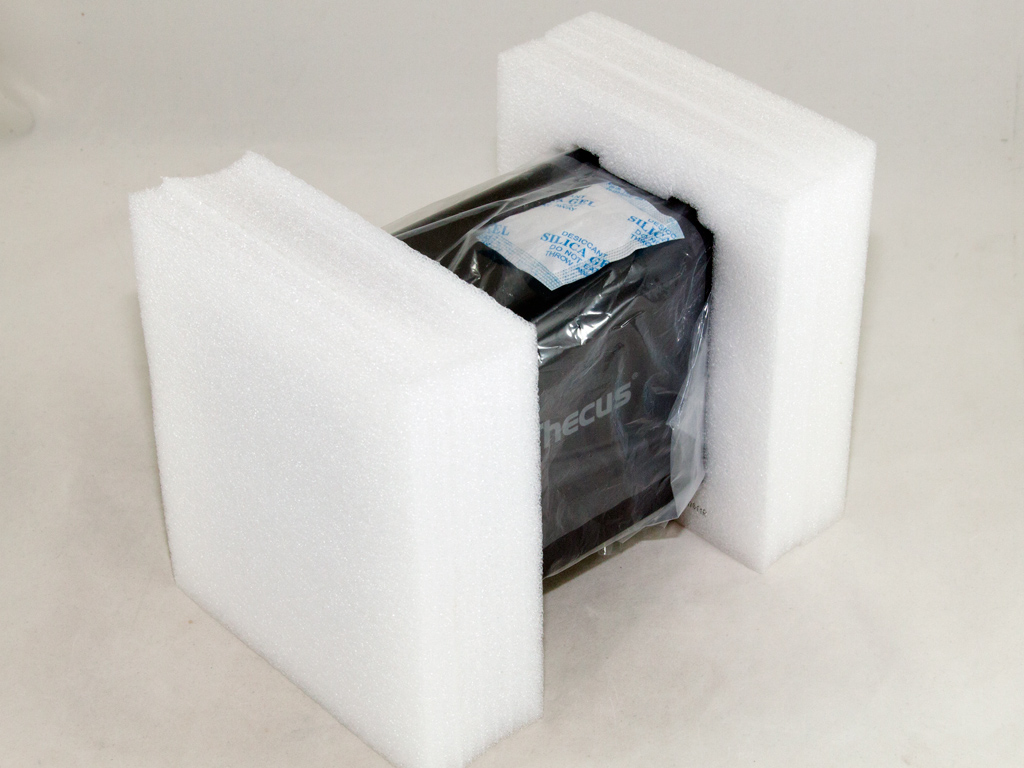
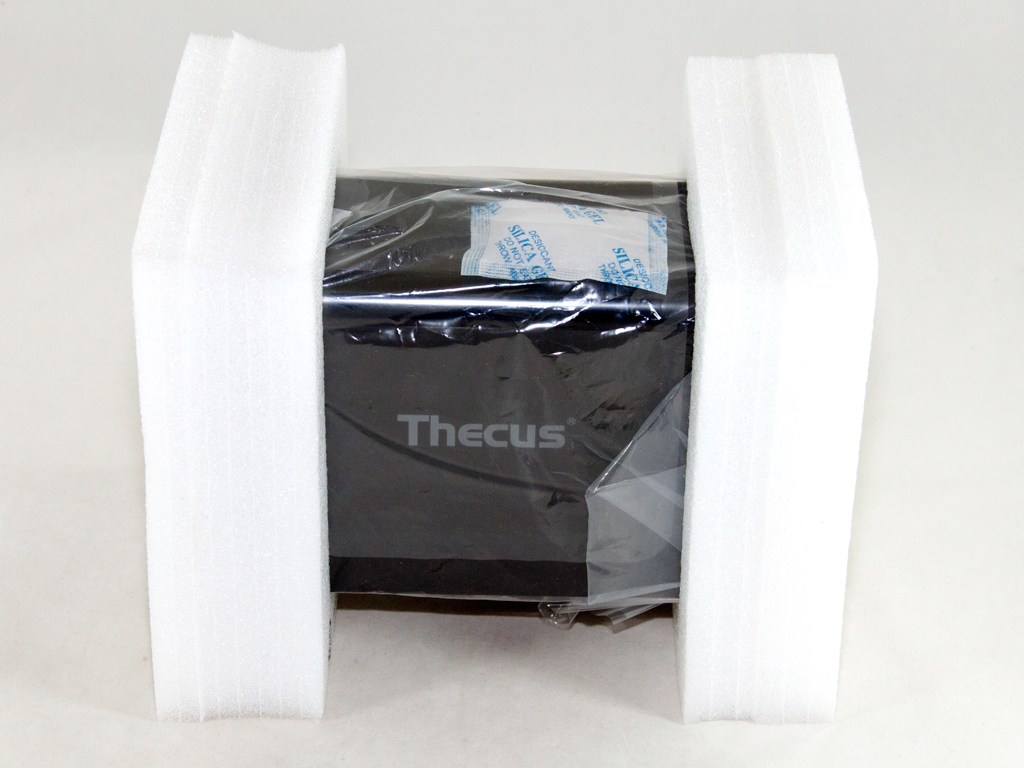
Two thick pieces of packing foam and a thin sheet of plastic the NAS is wrapped in for protection.
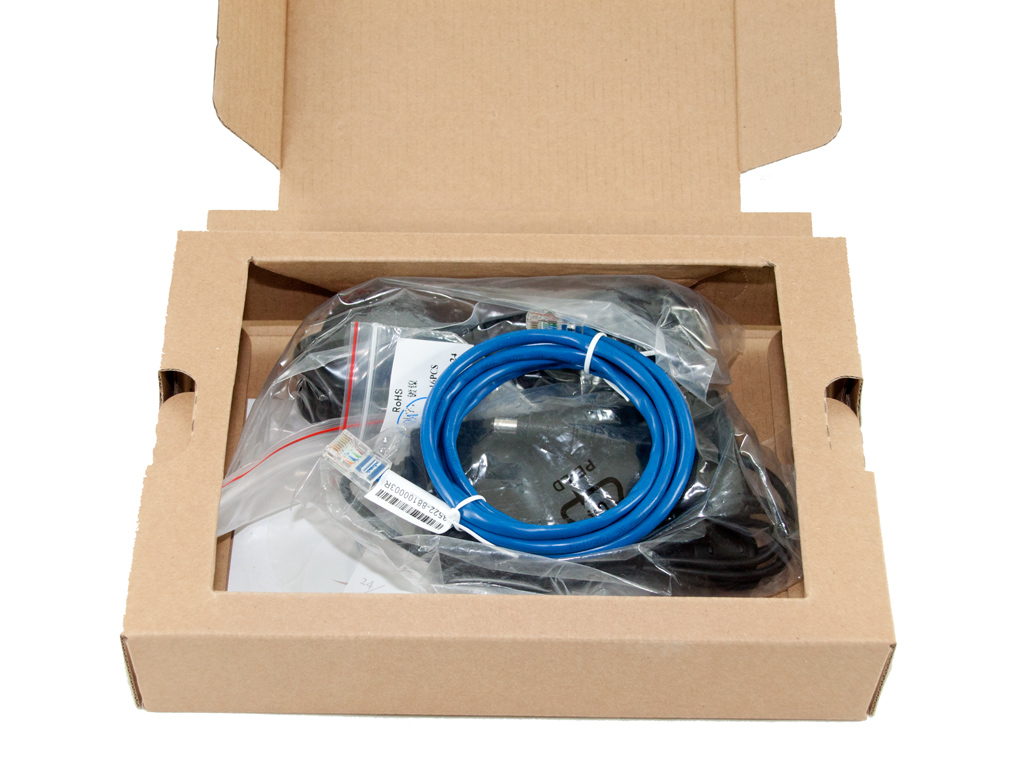
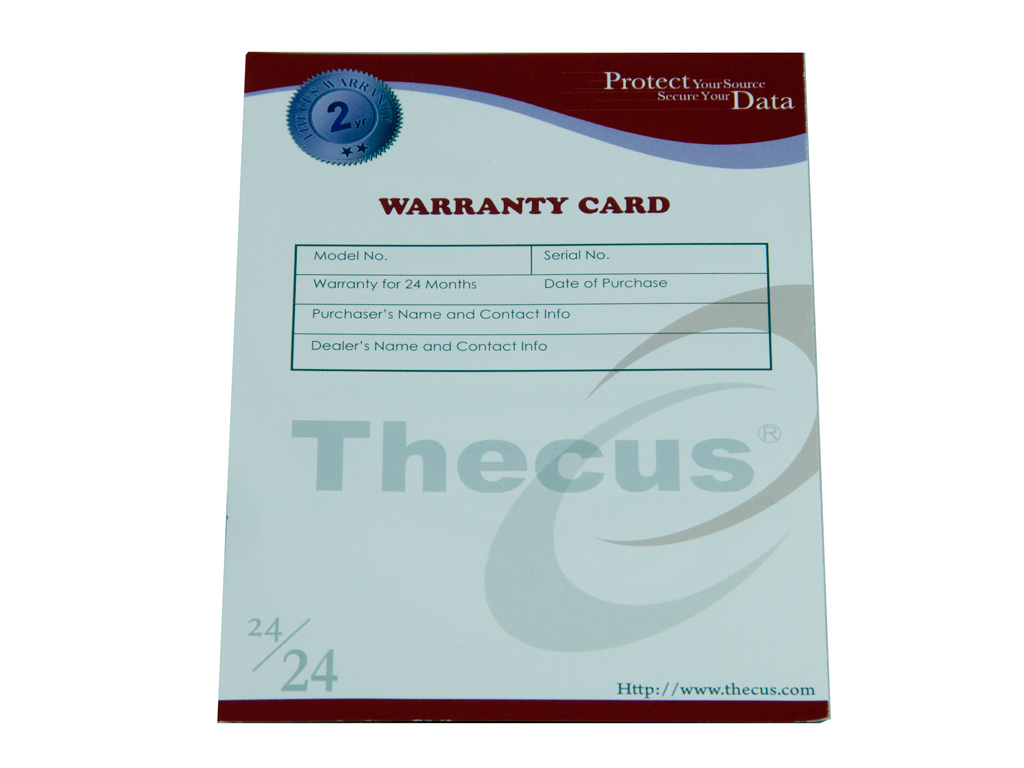
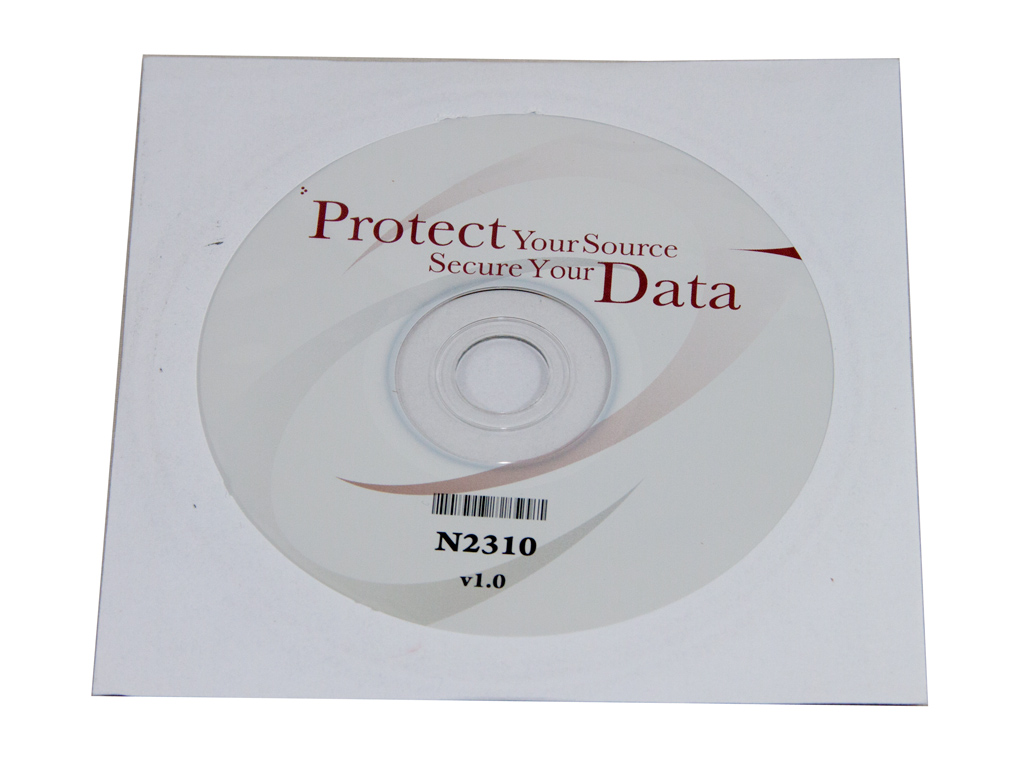
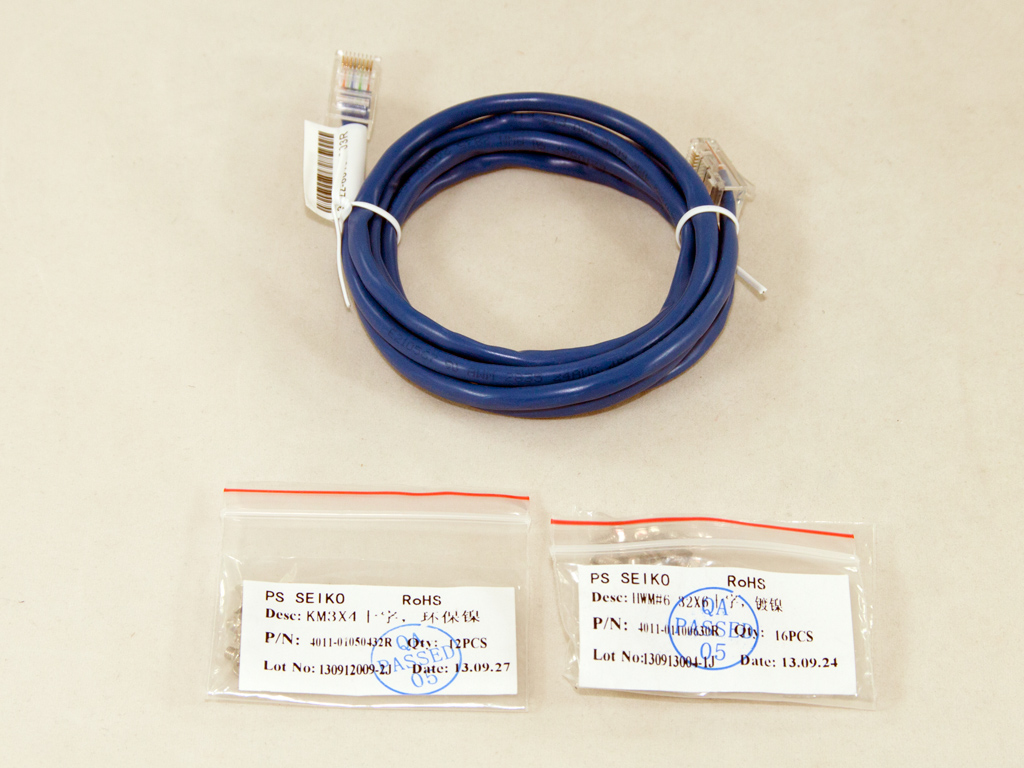
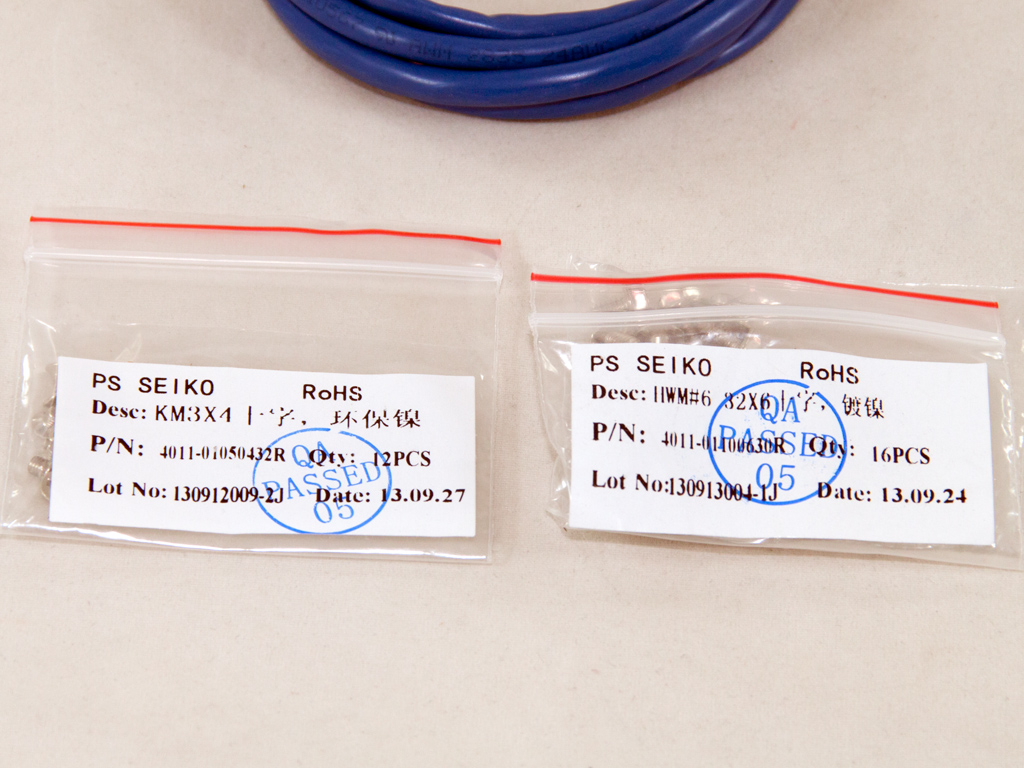
A small carton box holds all the accessories: An Ethernet cable, two bags with screws, the warranty, and a software disc.
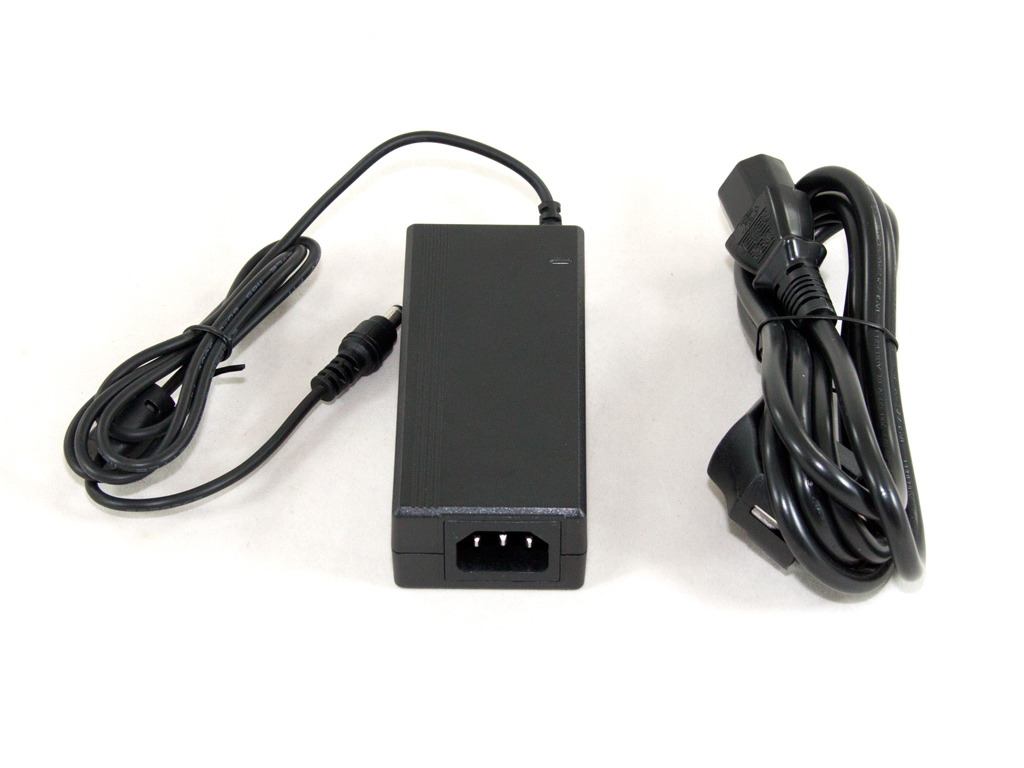
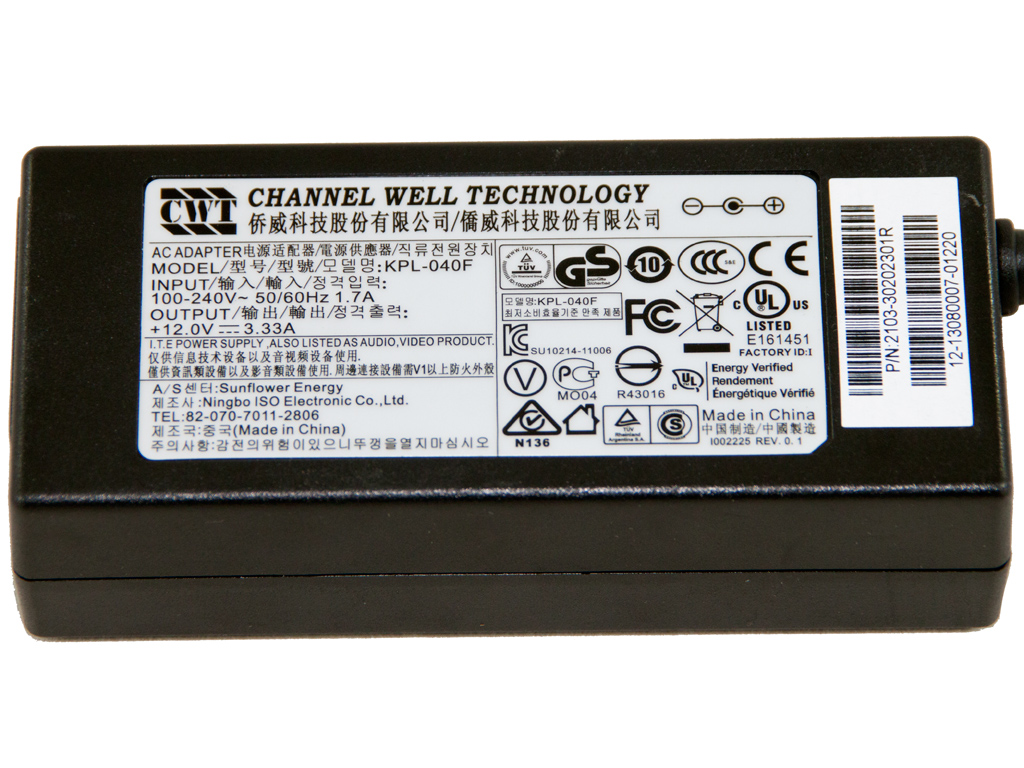
This small power brick is one by Channel Well Technology (CWT), a big PSU OEM of high repute. The brick's model number is KPL-040F, and it can deliver up to 3.33 A at +12V for a maximum of 40 W, which will easily cover the needs of this small NAS server.
Exterior


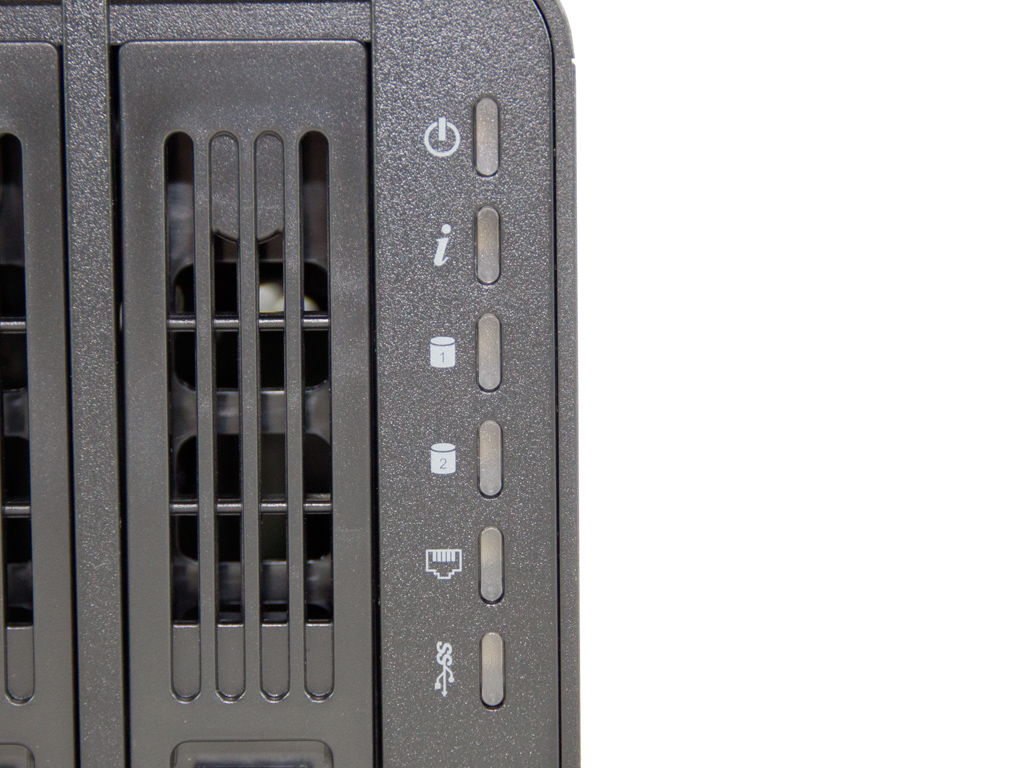
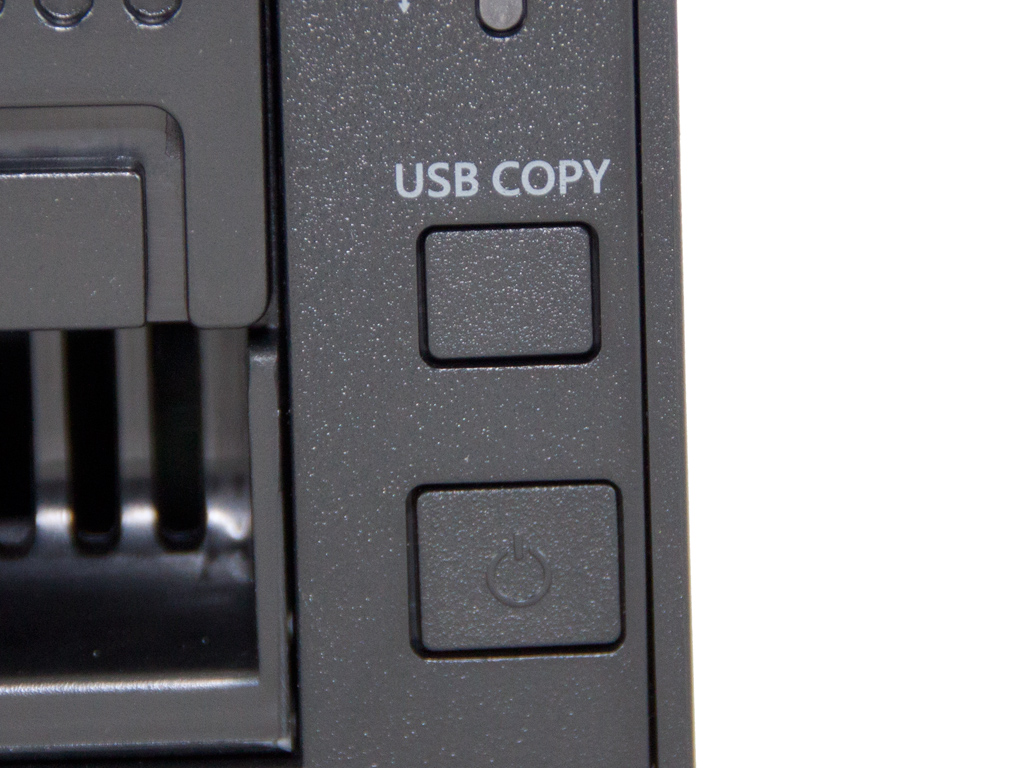
The plastic enclosure doesn't look that nice, which easily gives away this product's low price, but the polished bit right in the middle makes up for it. We obviously can't expect a full aluminum case at this price point, and even much more expensive NAS units come with plastic enclosures.
The front doesn't really appeal to us because it lacks a cover for the HDD trays. To the right are a series of LED indicators. The scheme below describes their functions well. In the bottom-right corner are the USB-copy and on/off buttons.

Thecus embedded six LEDs into the front, and this scheme describes each LED and its function.

The plastic enclosure's polished parts cover most of the unit. It looks nice, but will also scratch up easily if you aren't careful.
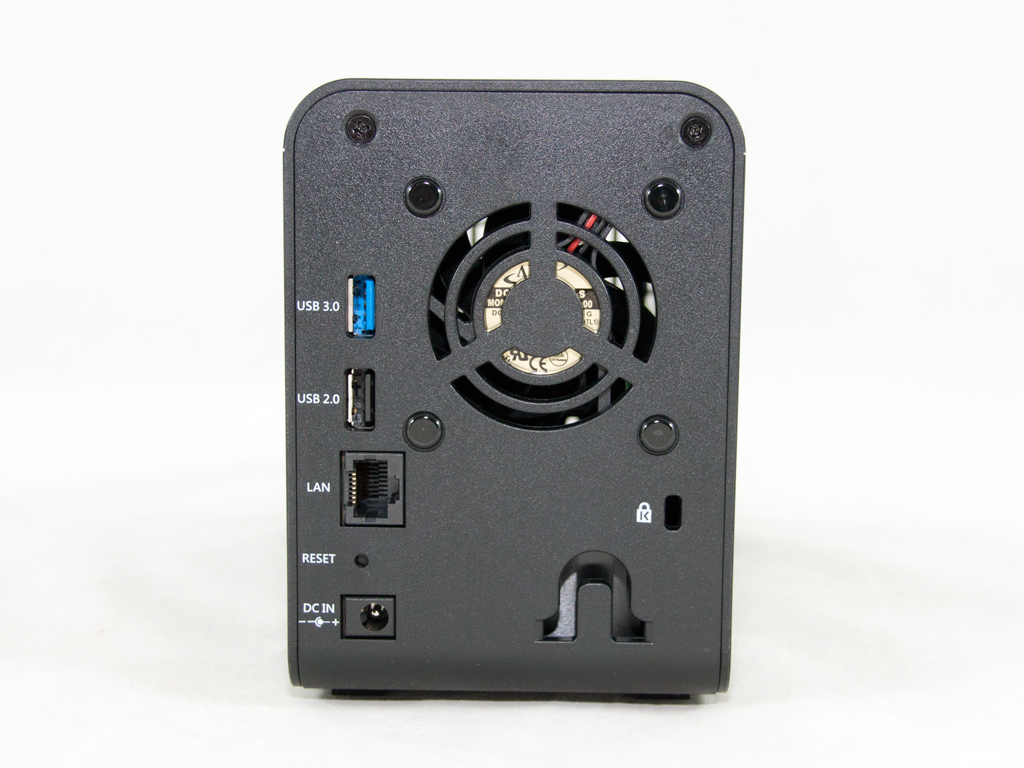
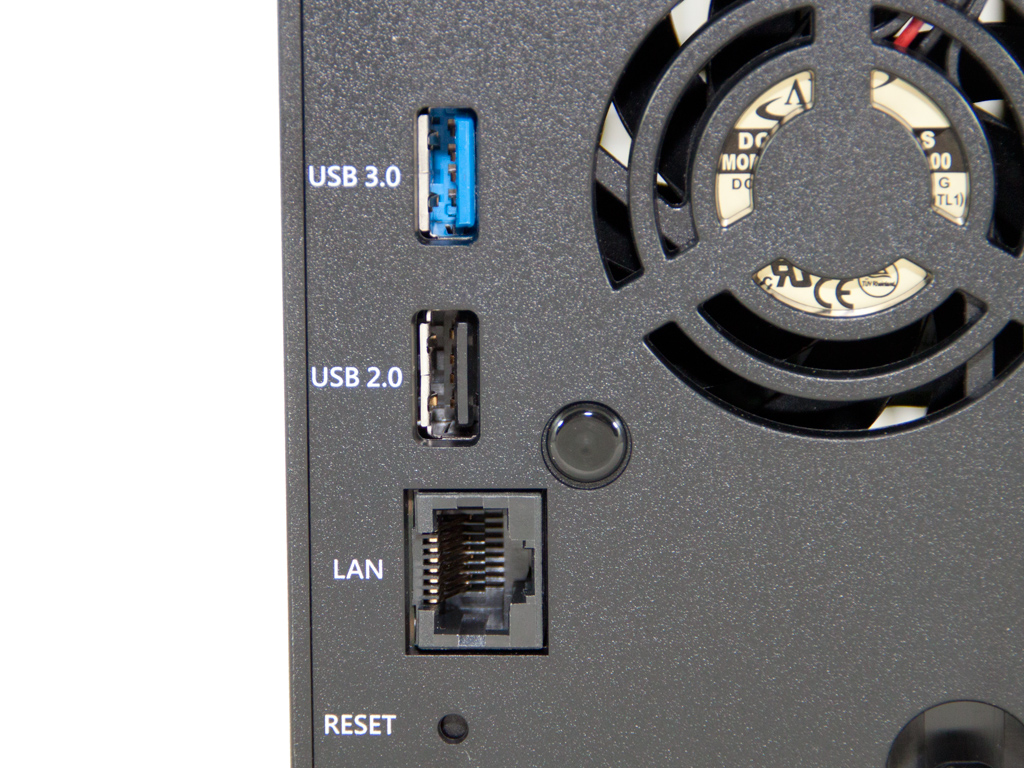
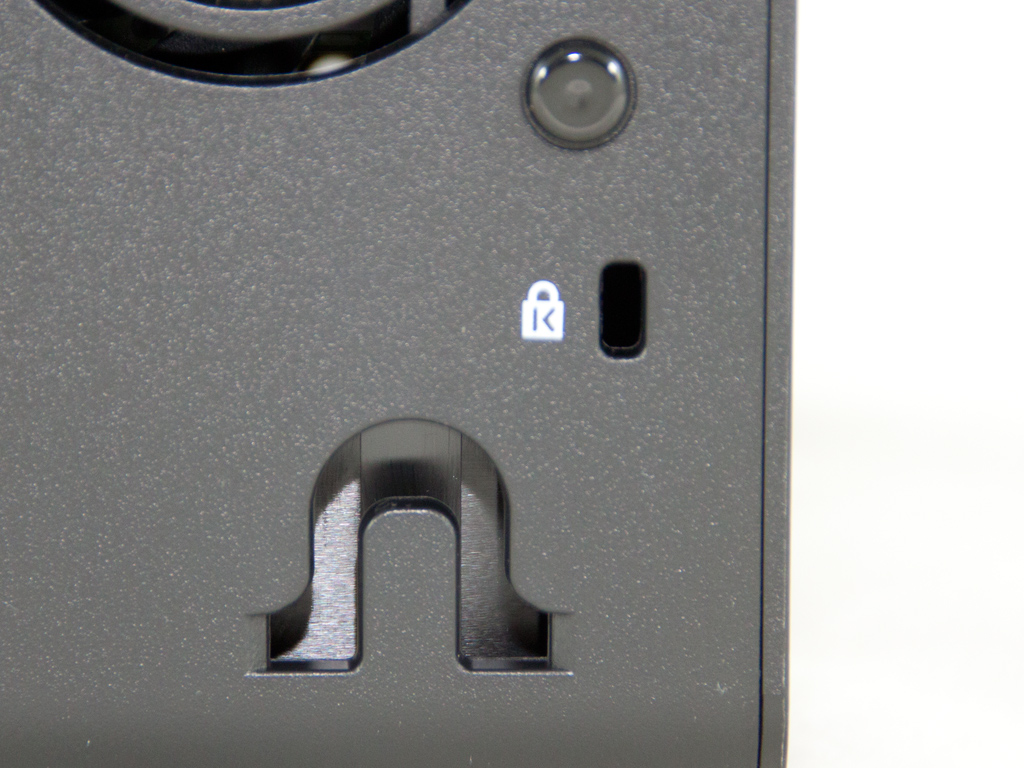
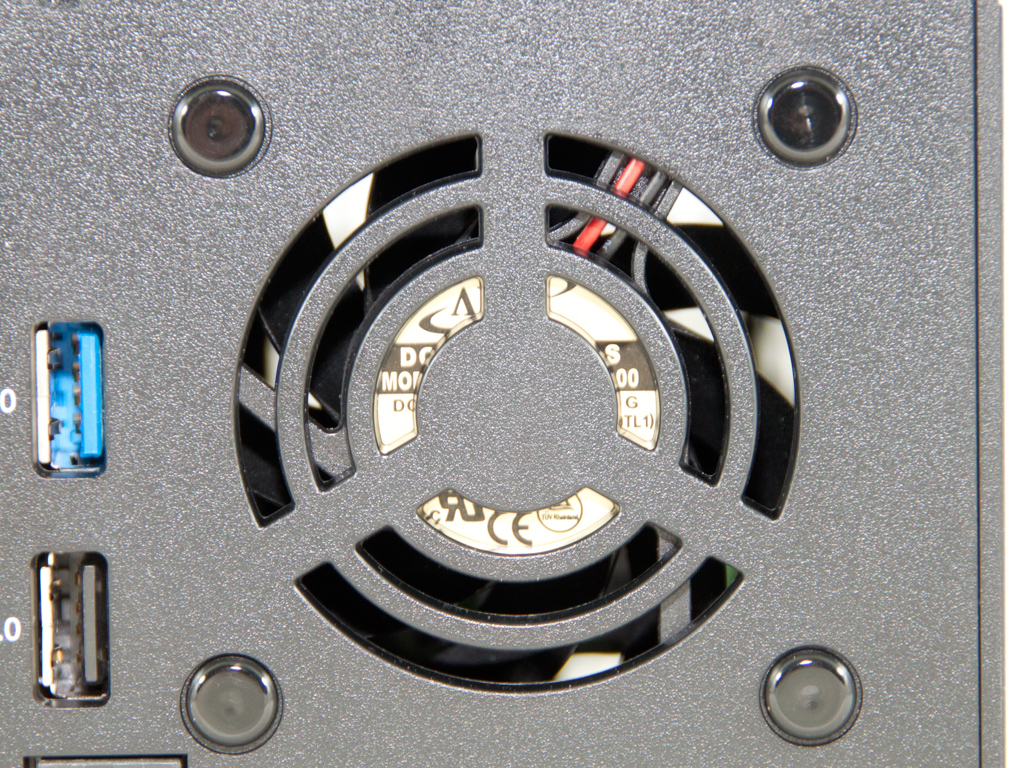
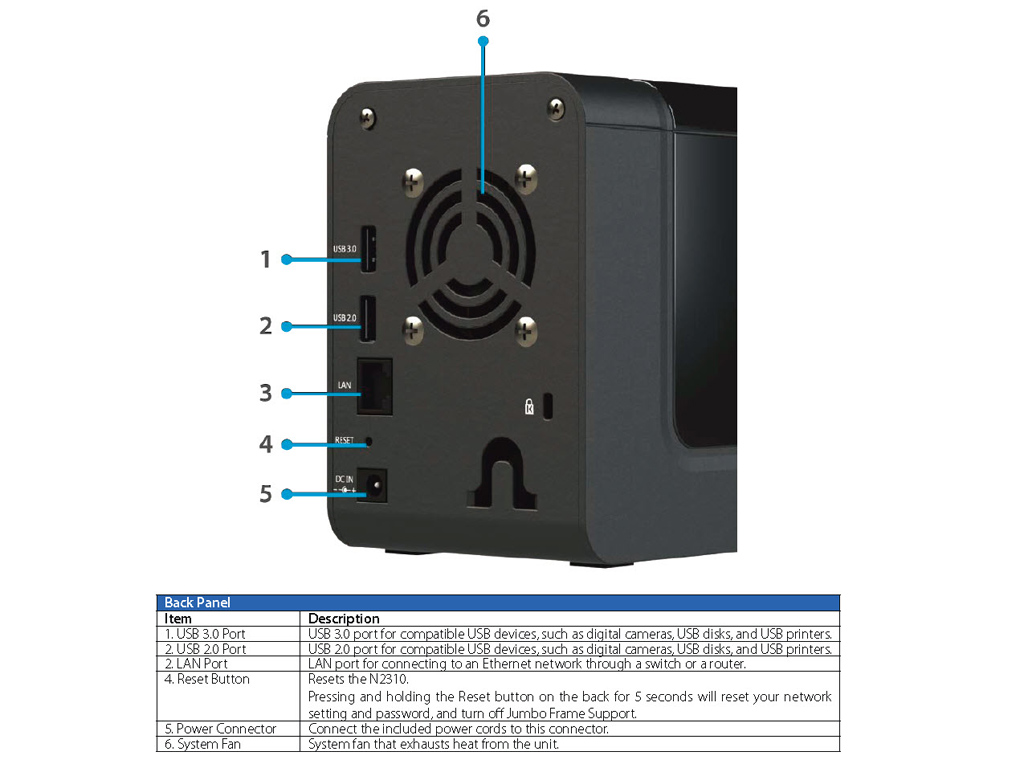
At the back are two additional USB ports (one is USB 3.0 and the other USB 2.0), a DC-in and Ethernet port, a reset switch for emergencies, and a Kensington lock. The small fan grill only occupies a small part of the real estate here - Thecus should use a larger fan since there is enough room to do so and because it would operate at lower speeds, which produces less noise.
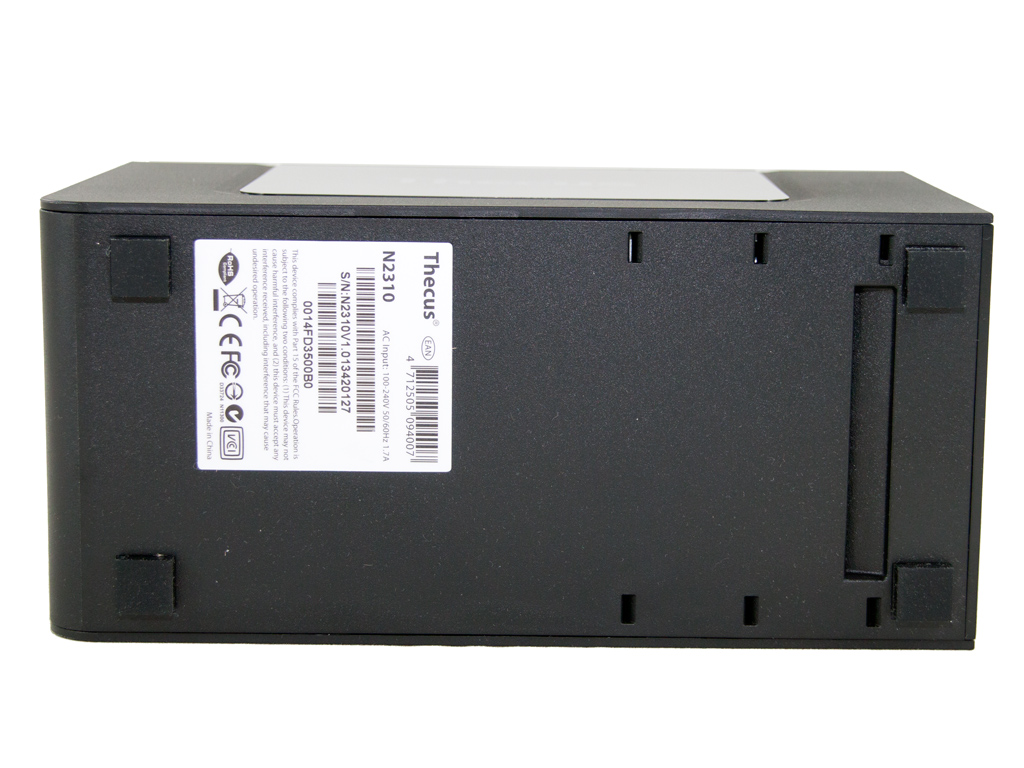
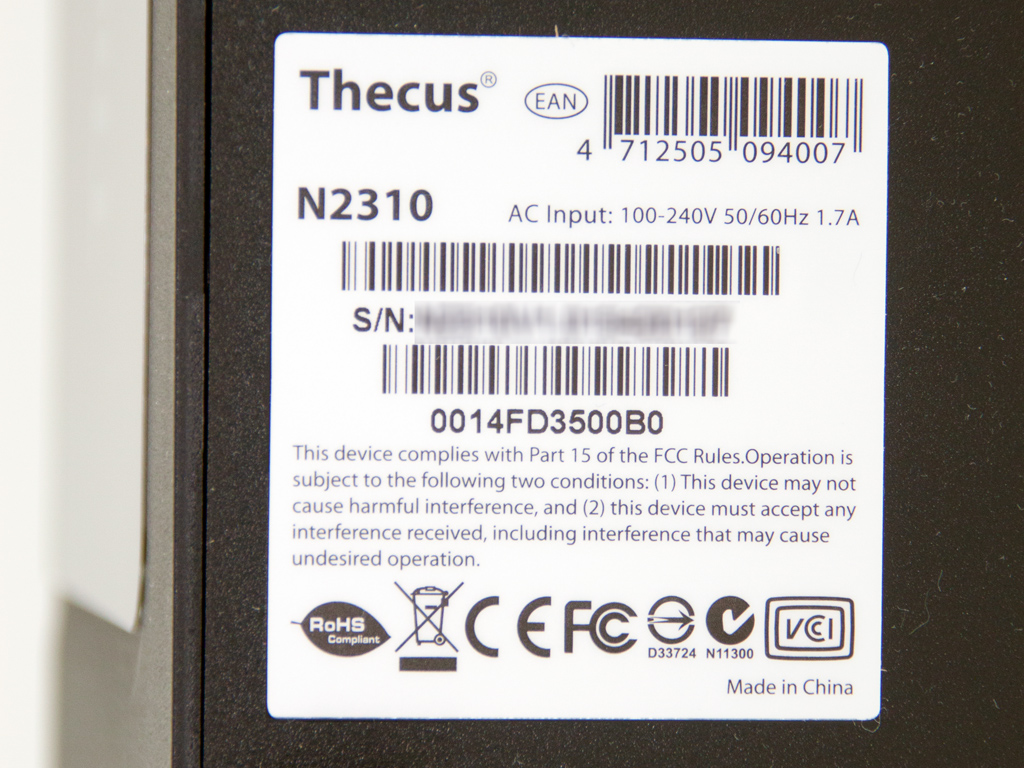
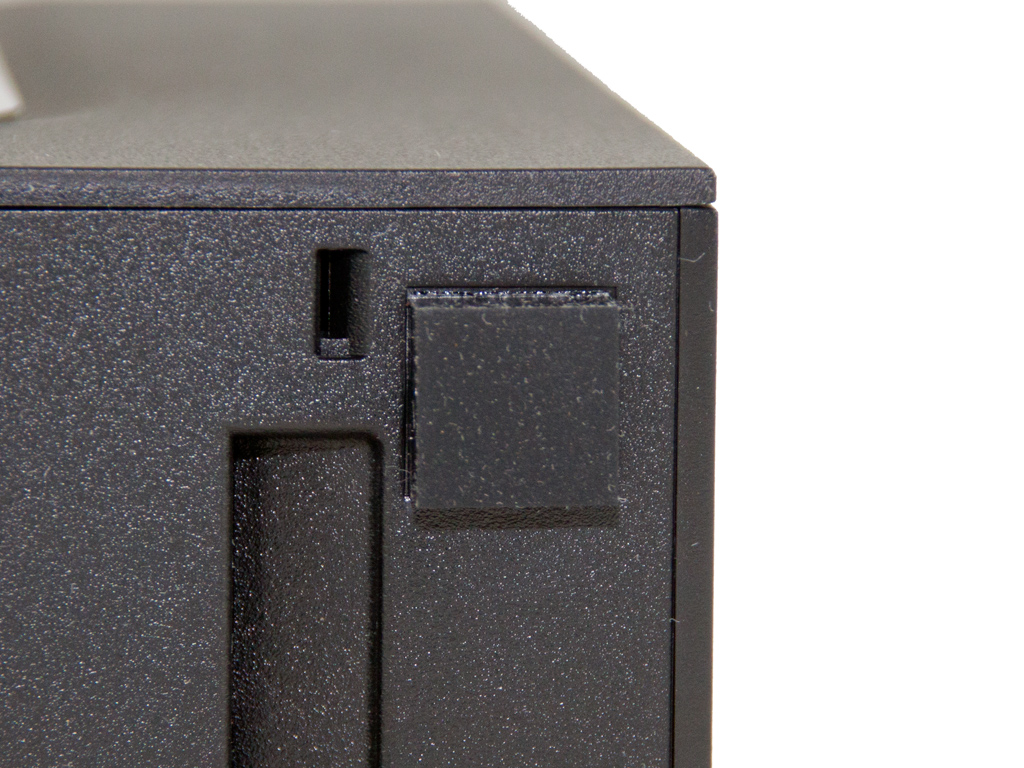
At the bottom of the NAS are four rubber feet. These provide stability. There is also a small label with the product's serial number here. Under the rubber feet at the front are two screws ýou have to removeif you want to access the interior.


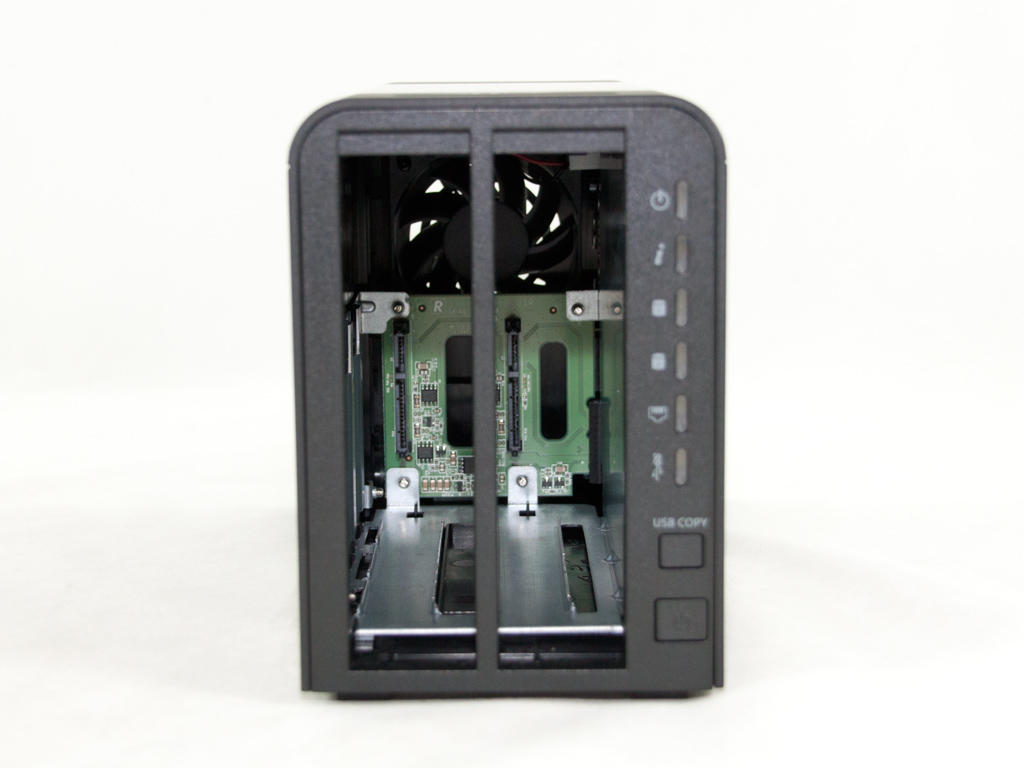

The trays are unfortunately not numbered, and the same applies to their slots. We have to wonder why most NAS manufacturers opt not to number their trays since it can lead to serious headaches if HDDs are removed.


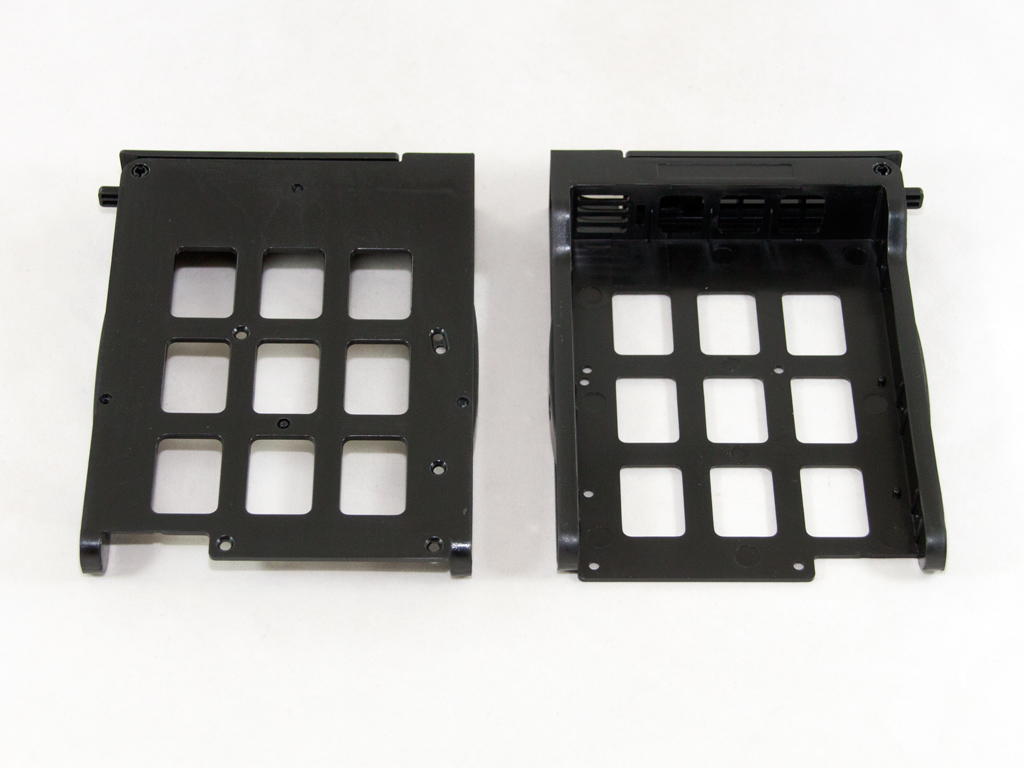
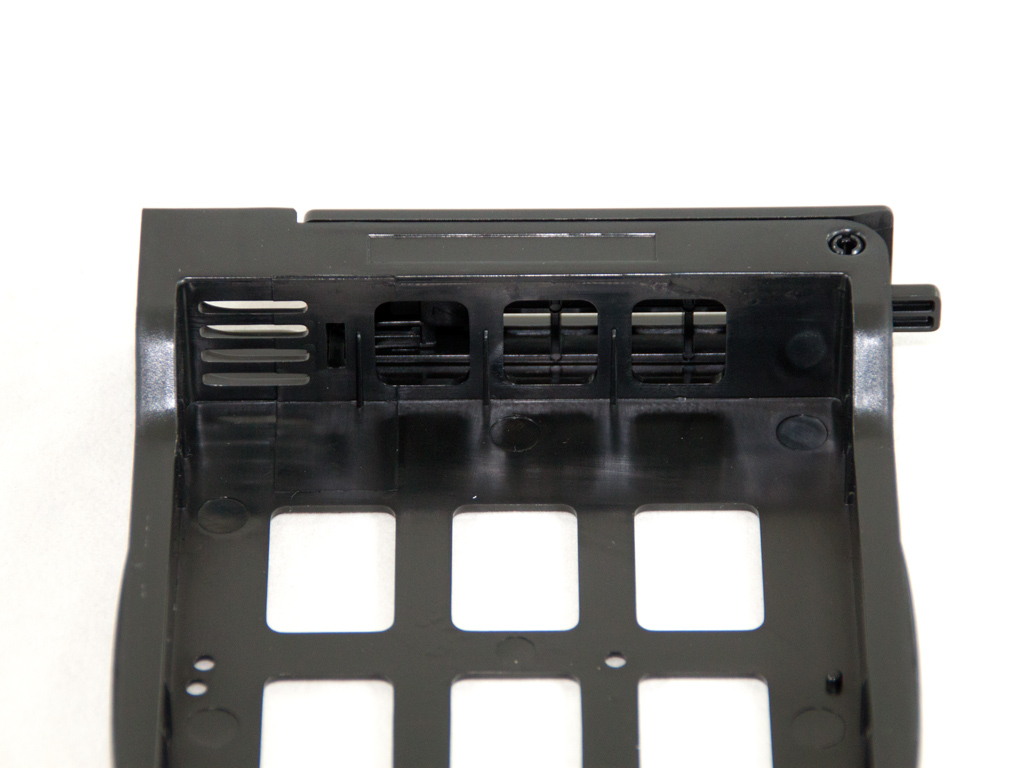
The plastic trays look cheap and their build quality really is low. We would like these to be out of higher quality plastic. The trays should include anti-vibration materials even if it would increase the product's final price.

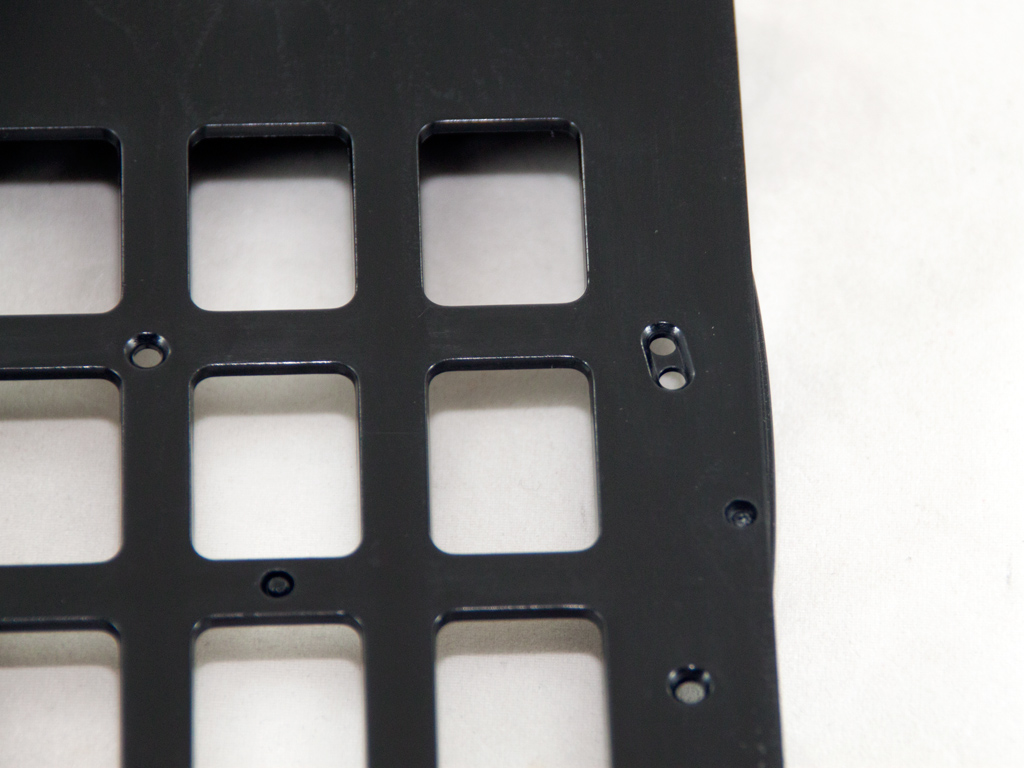
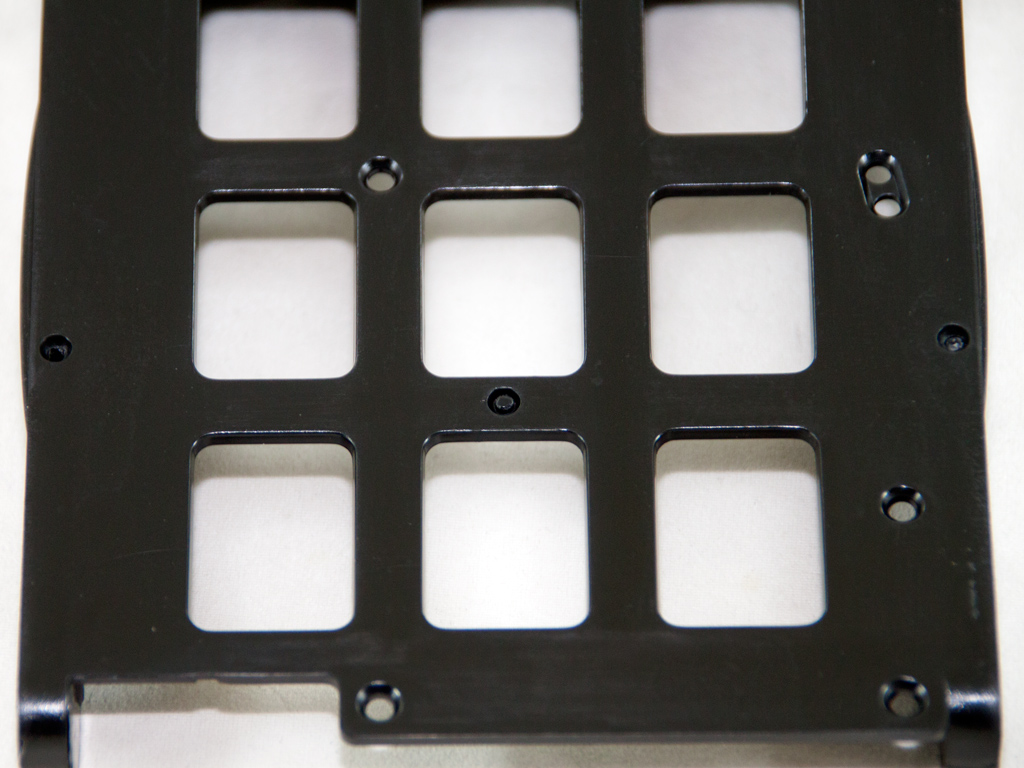
The trays can host 3.5" and 2.5" disks, so you can opt to equip the N2310 with either SSDs or 2.5" HDDs.
A Look Inside
It's time now to strip this NAS down to discover what components are hidden inside. Taking apart the N2310 is fairly easy, but there is a catch: You not only have to remove the screws at the back as there are also two well-hidden screws underneath its rubber feet at the front. Remove all of these and you can take the plastic bezel out by tugging at it gently. Now apply some pressure toward its solid top and both sides to remove the cover. We, strangely enough, didn't see any warranty stickers.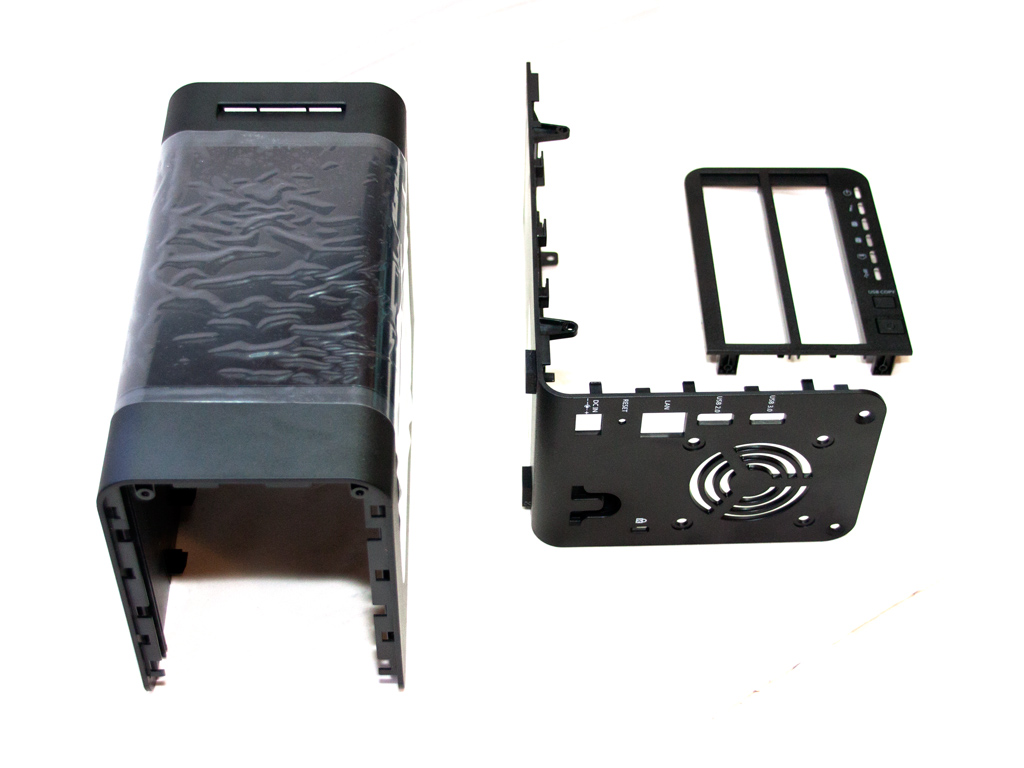
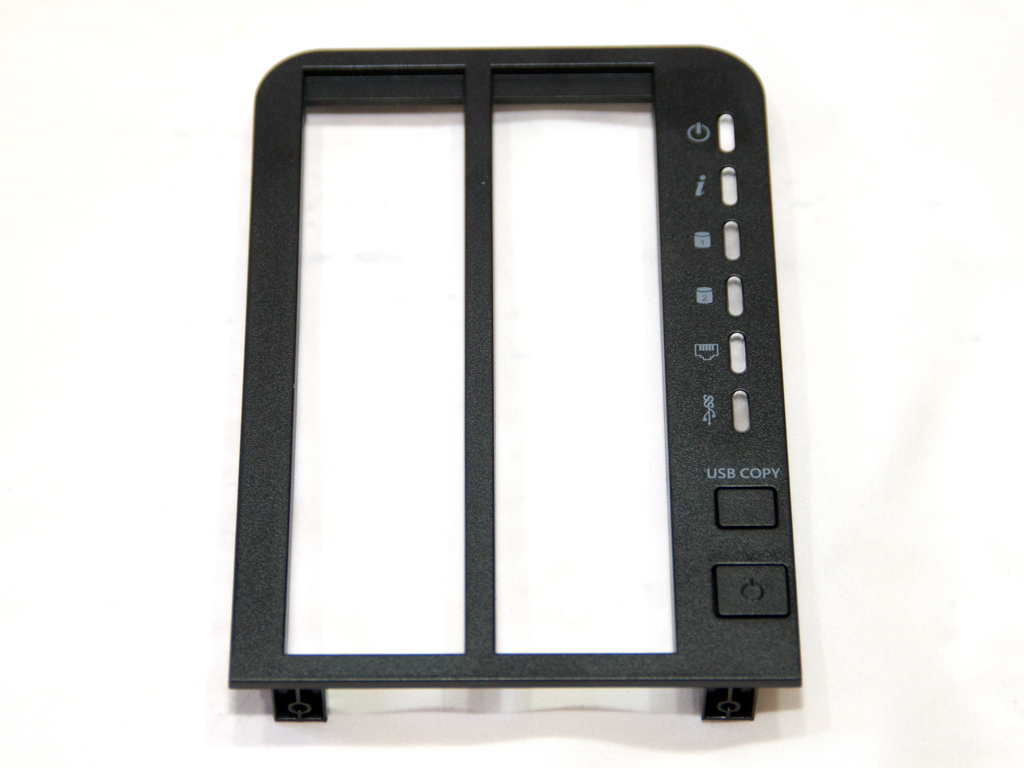


The parts of the plastic enclosure in all their glory.
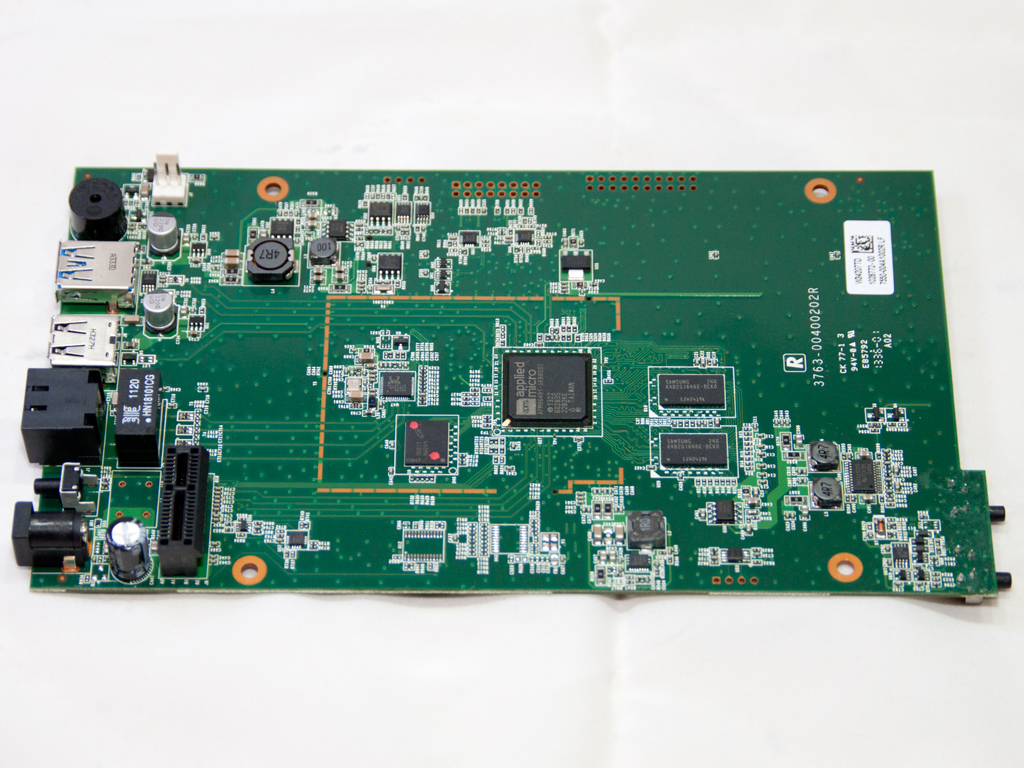
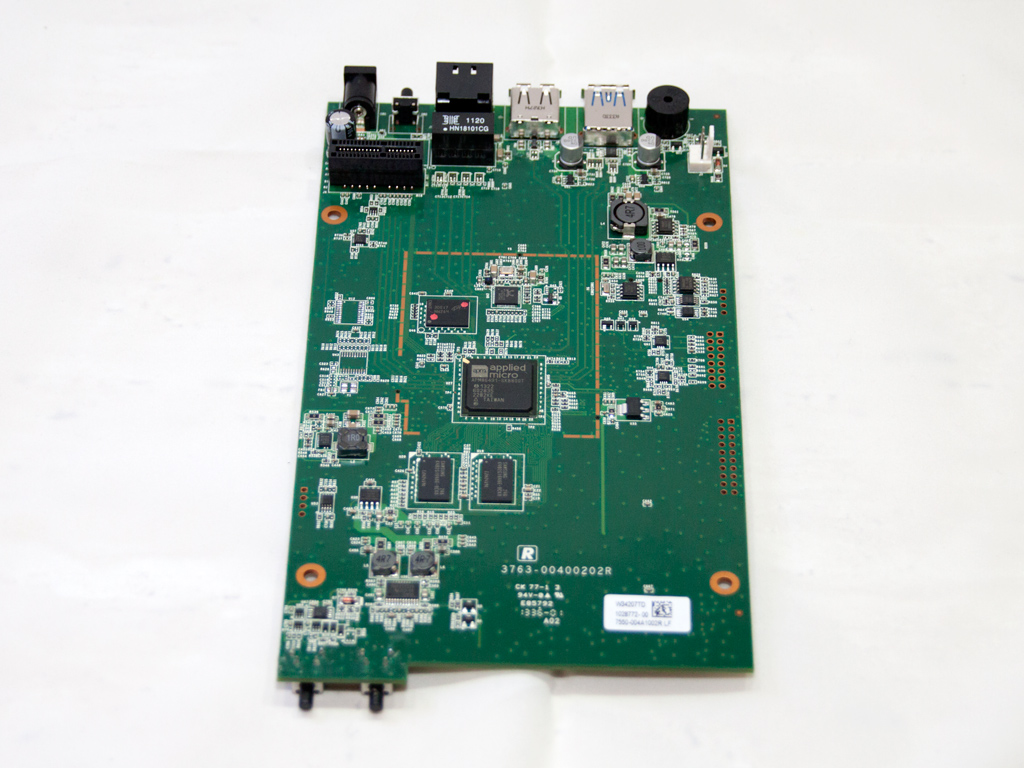
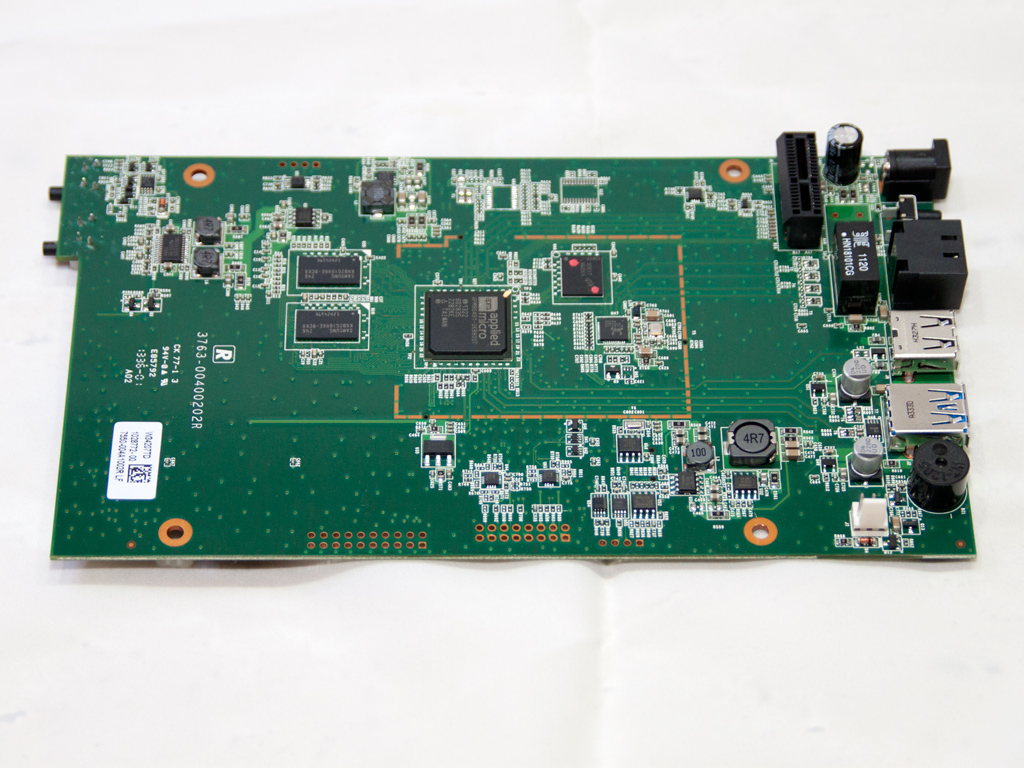

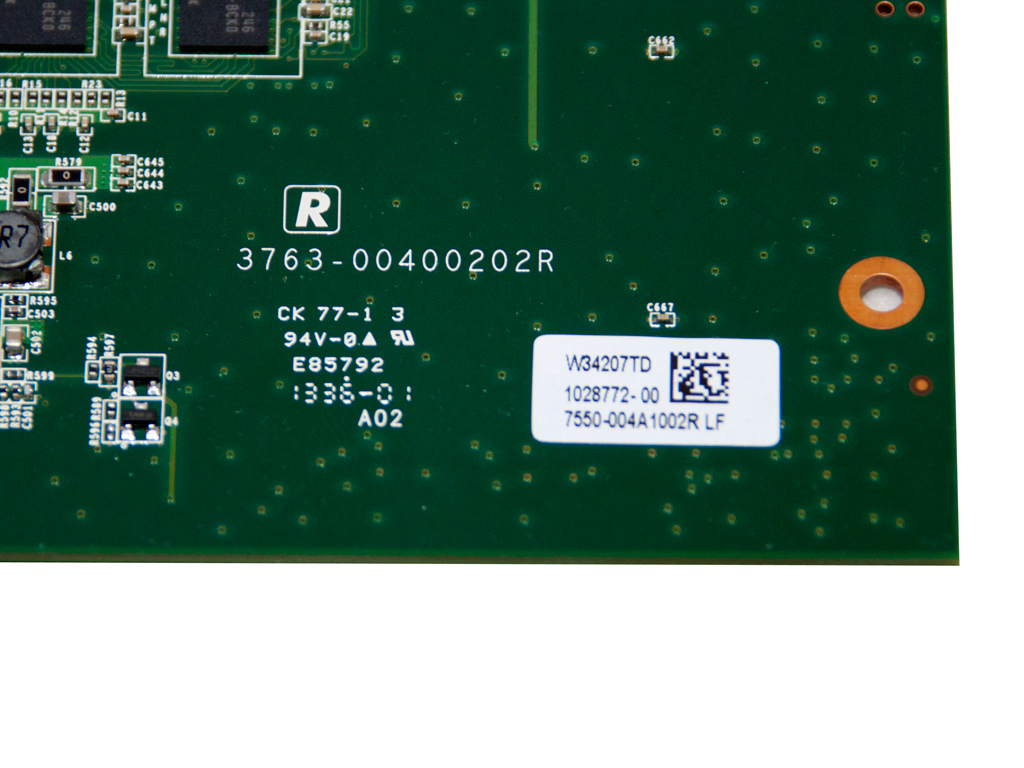
The mainboard is really small but very densely populated, though most of the components it uses are integrated into the SoC.
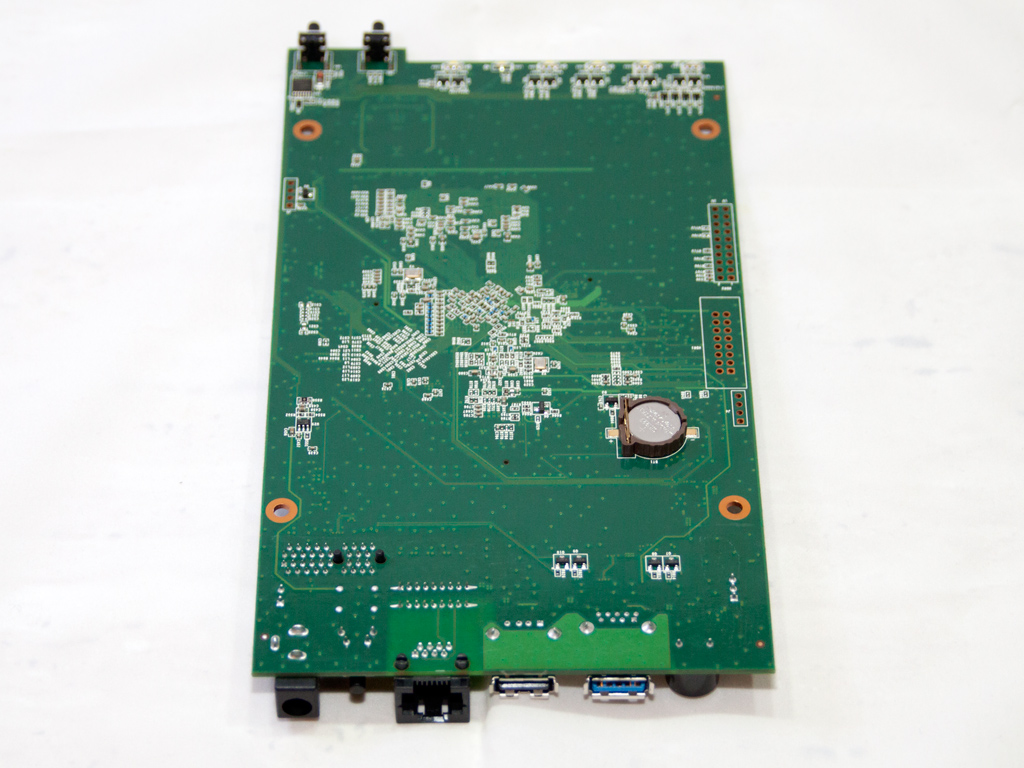
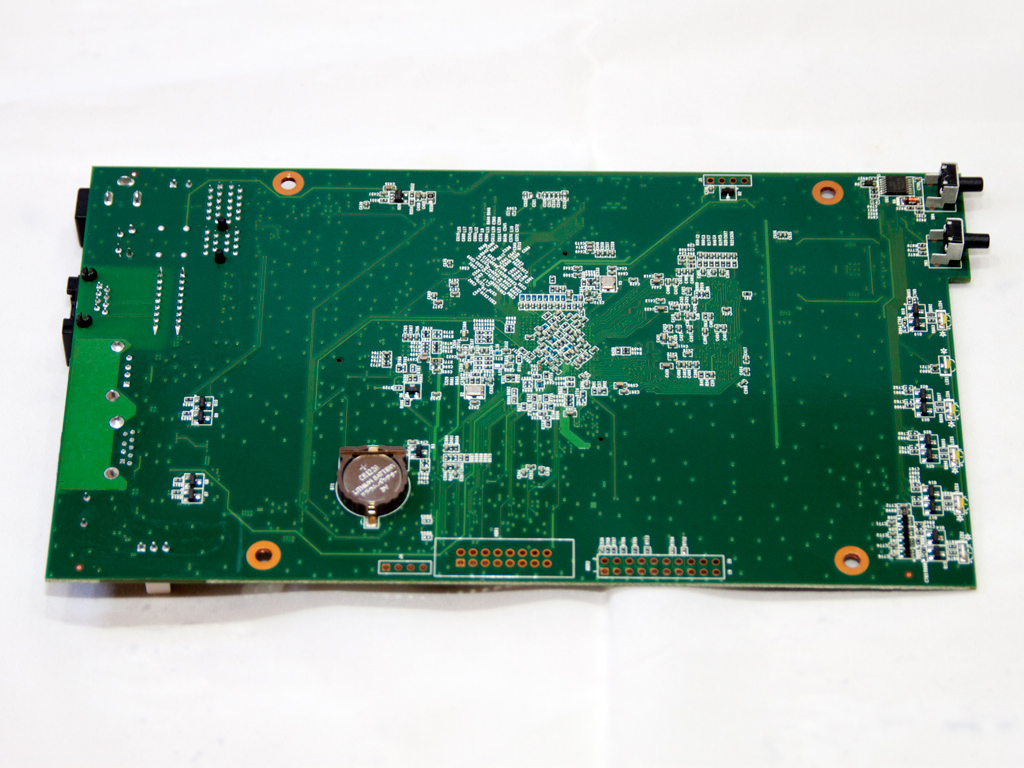
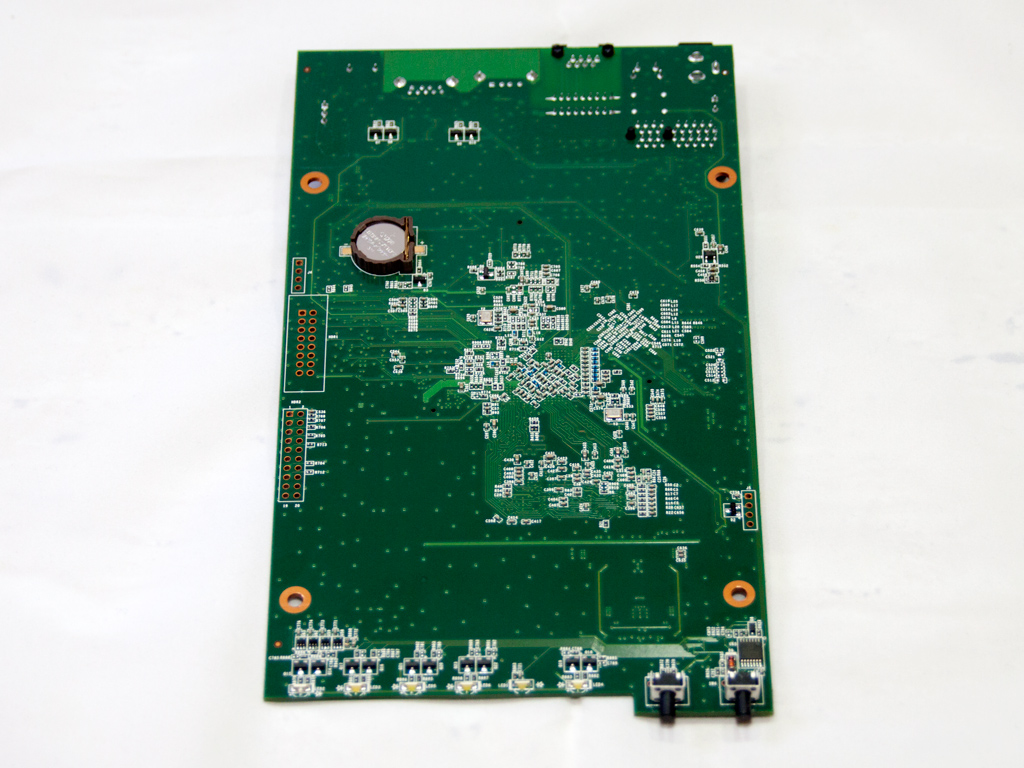
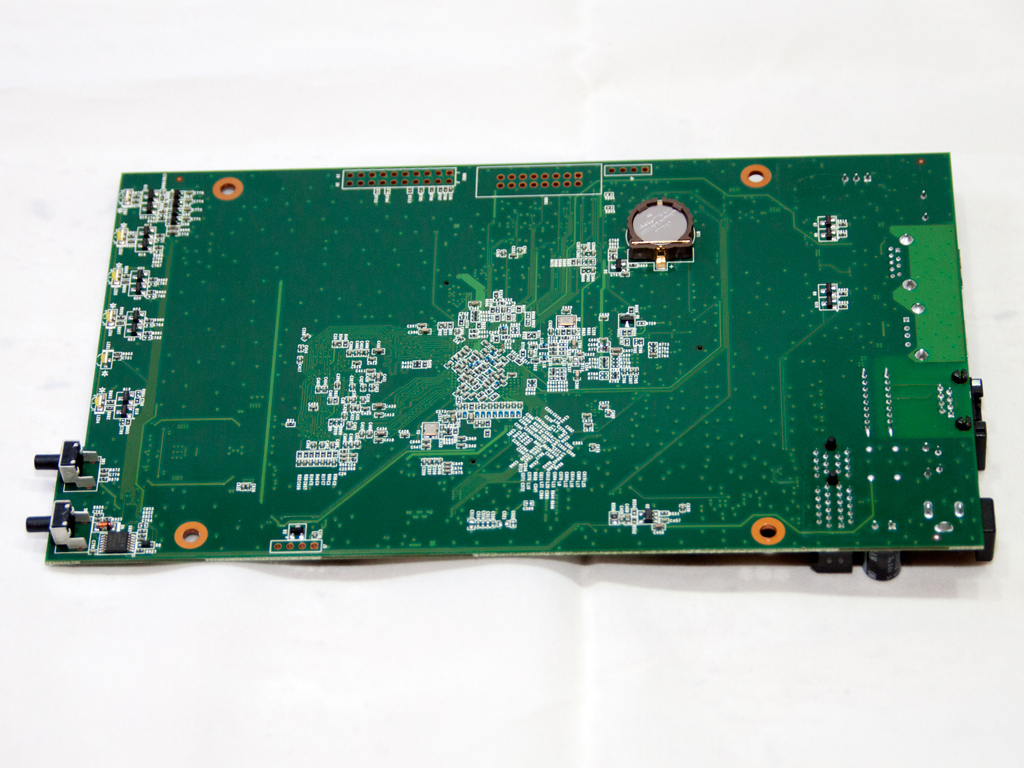
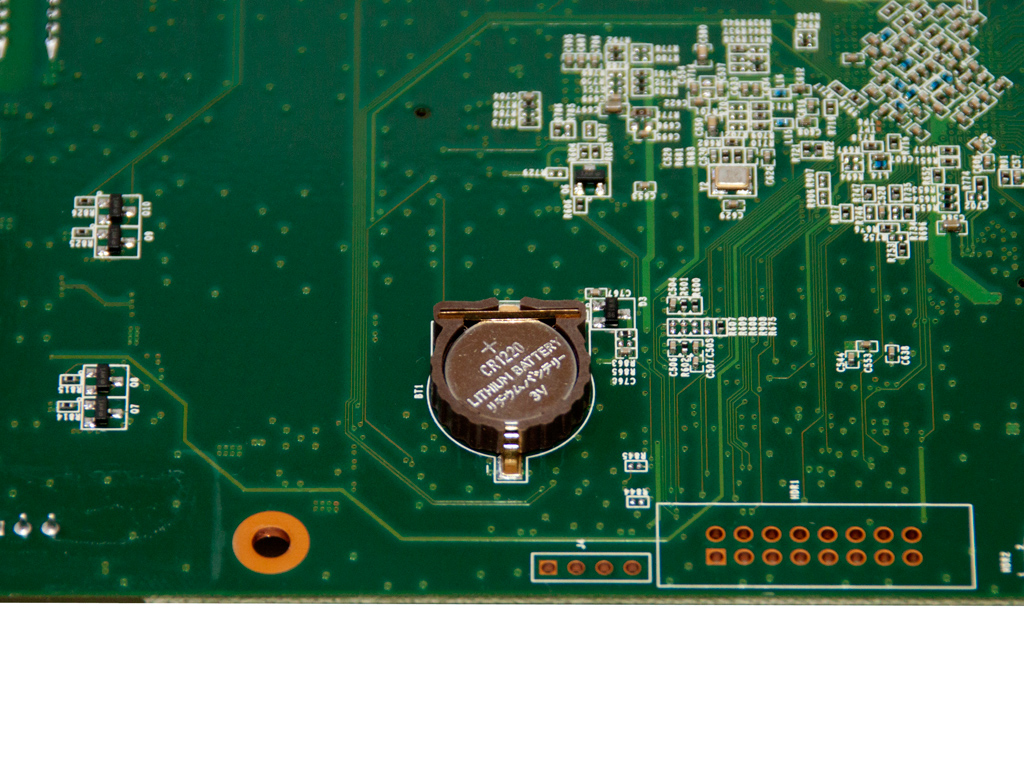
The battery for the BIOS is installed on the solder side of the mainboard.
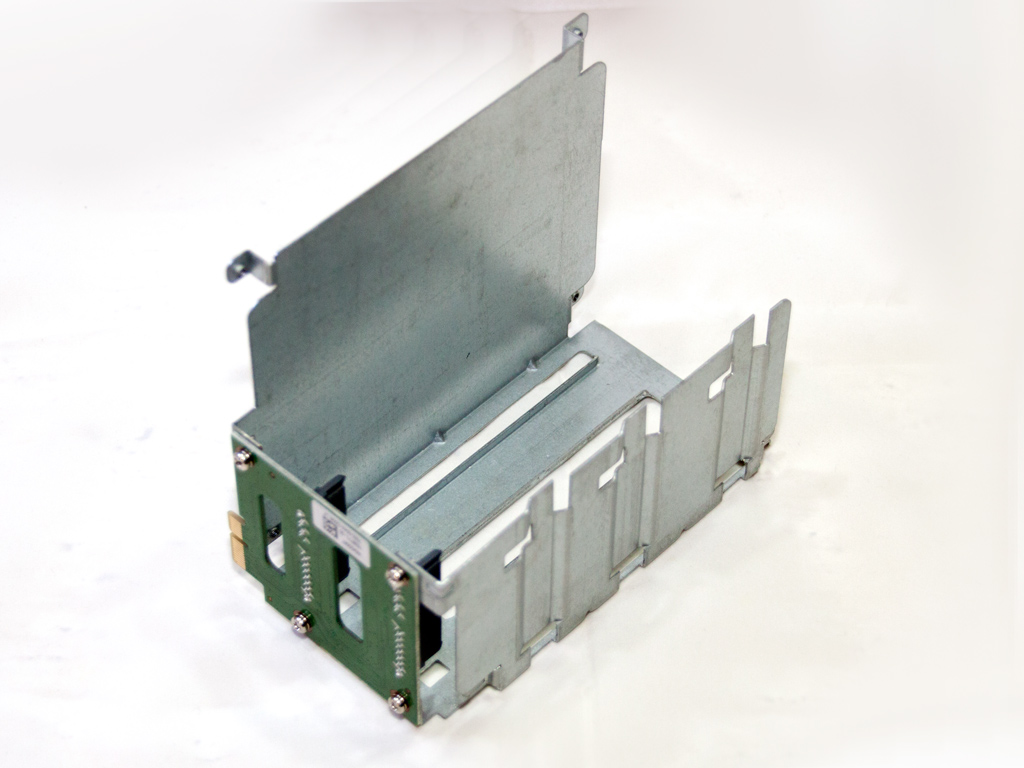
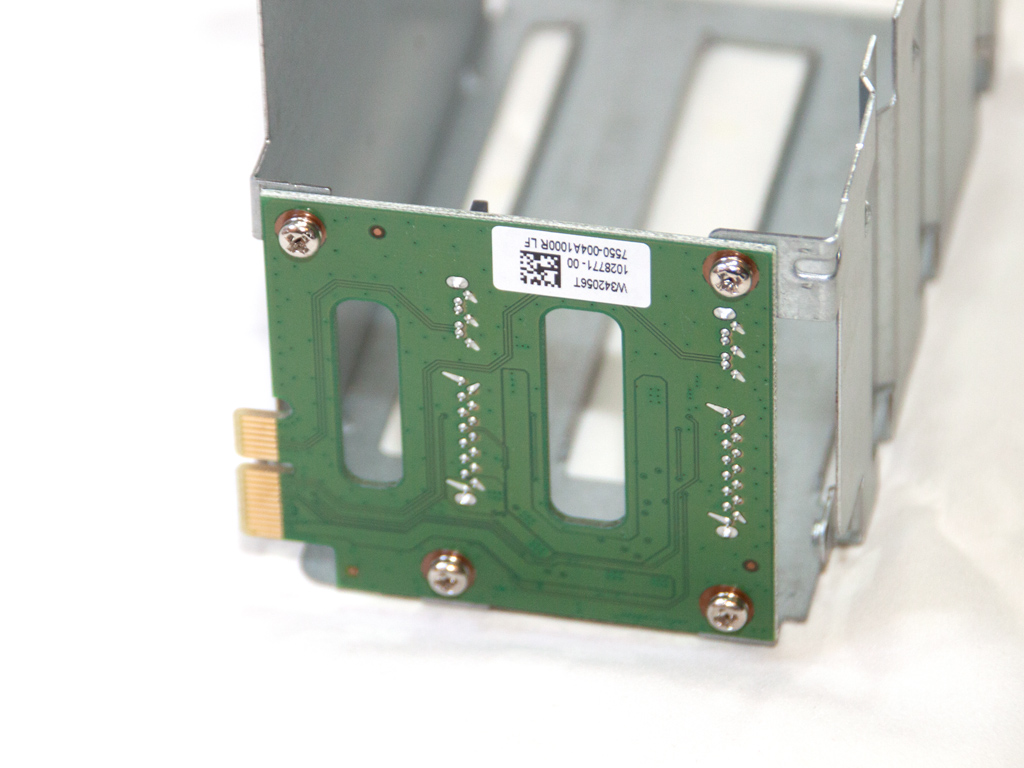
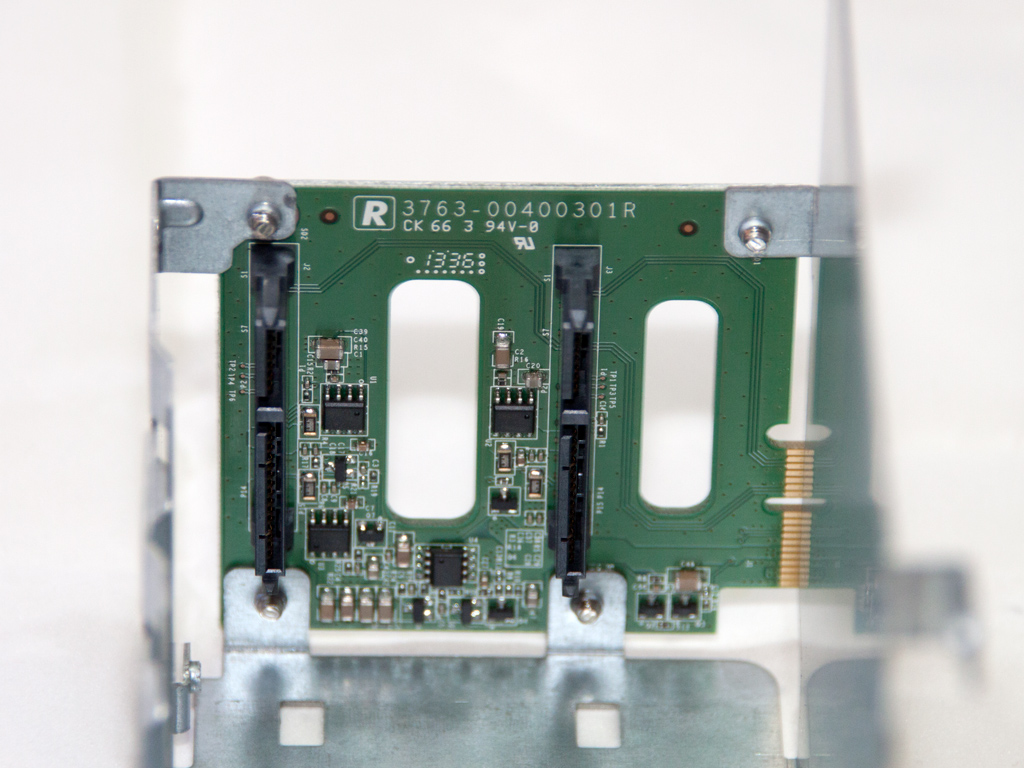
The metal cage holding the HDD rails and the PCIe expansion card with its SATA connectors.
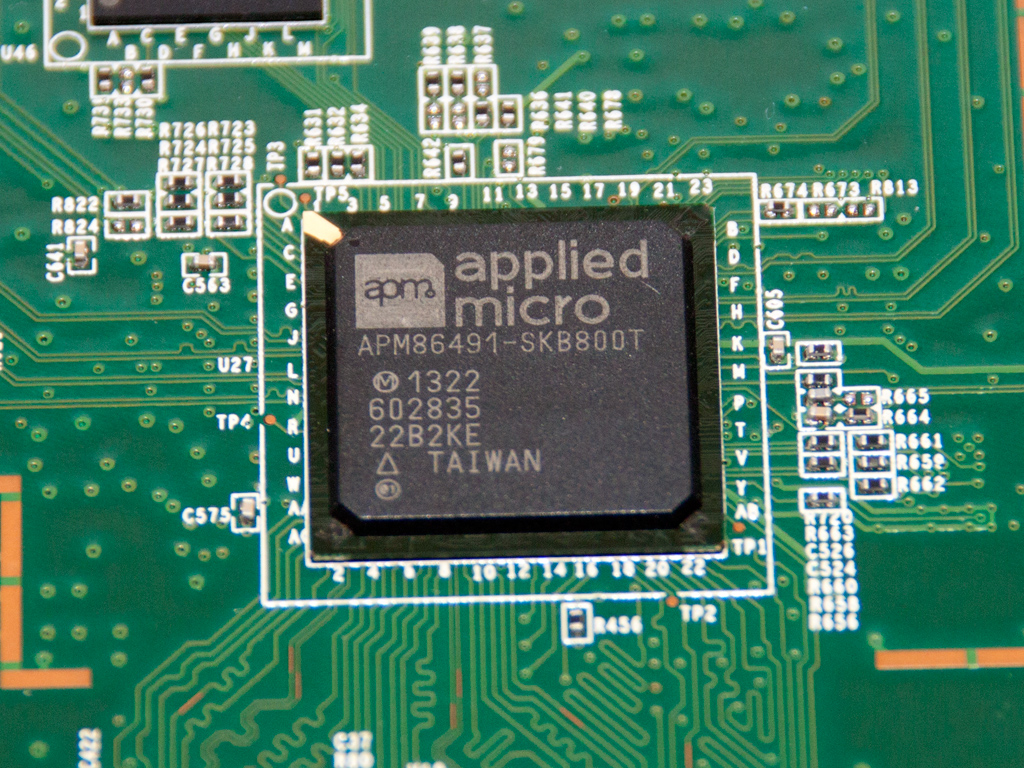
An Applied Micro APM86491 SoC is the brains of this NAS. It can support up to two USB 3.0 ports (there is, however, only one in the N2310), two PCI Express Gen 2 ports, up to two SATAII ports, and two 10/100/1000 Ethernet ports. The Catalina APM86491 PowerPC 465 core features a floating point unit, 32KB L1 I-cache, 32KB D-cache, and 256 KB L2 cache, and its TDP is so low that it doesn't even need a passive heatsink to keep cool.
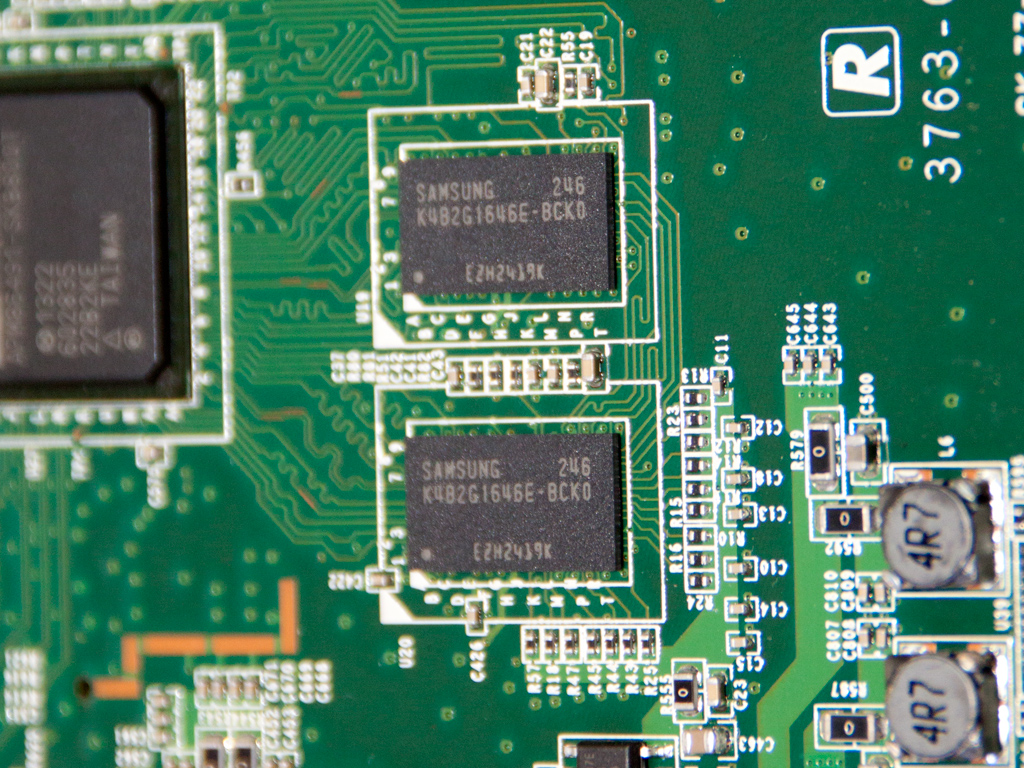
A couple Samsung FGBA K4B2G1646E-BCK0 DDR3 RAM ICs are soldered to the board. Their combined capacity is 512 MB. The same ICs are also used in the Synology DS214Play we have reviewed recently.
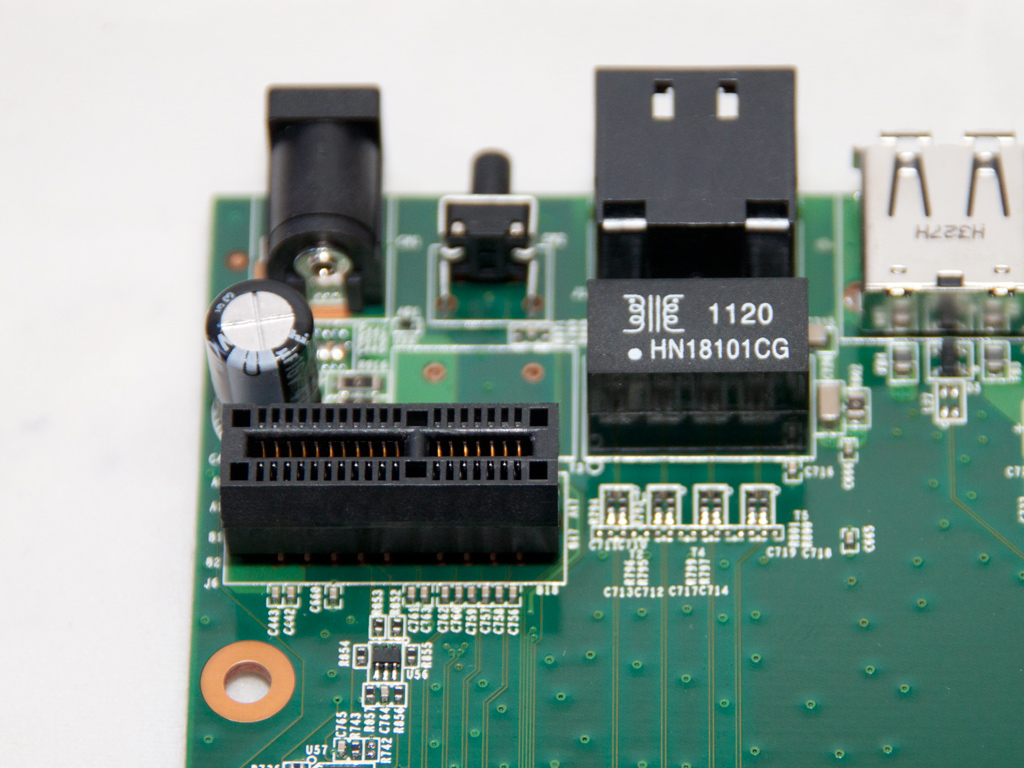
The single PCIe slot of the mainboard on which the SATA expansion card is installed.
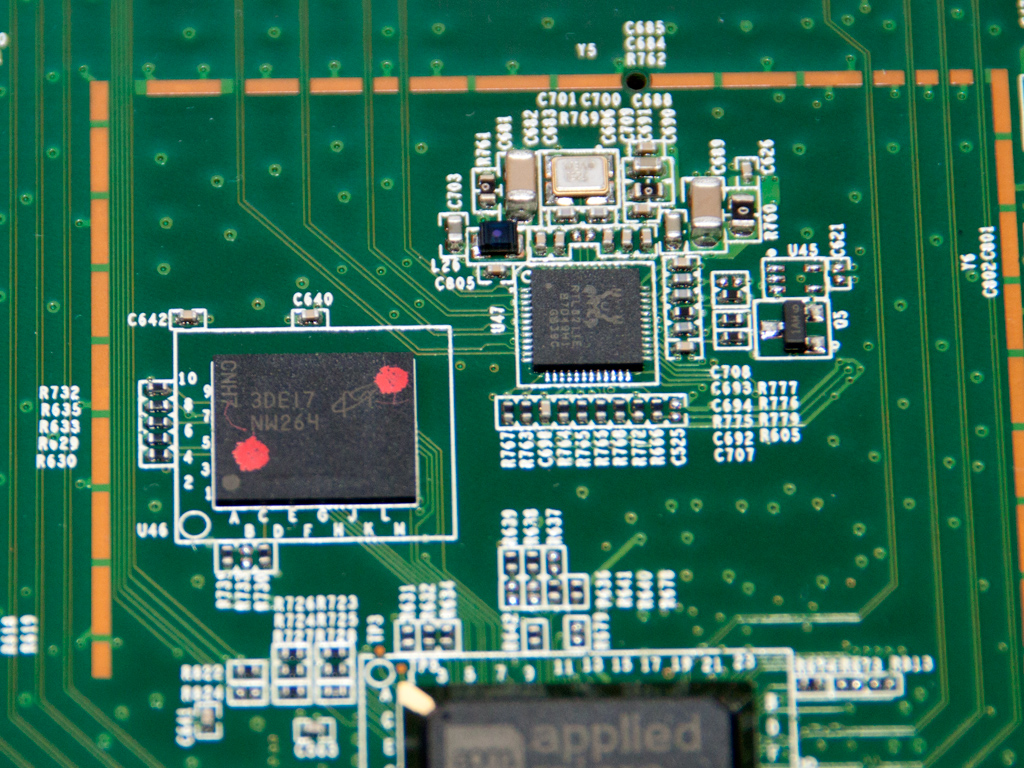
A Realtek RTL8211E gigabit Ethernet controller and the Micron 2Gb x8 ECC NAND Flash Memory the APM86491 SoC uses.
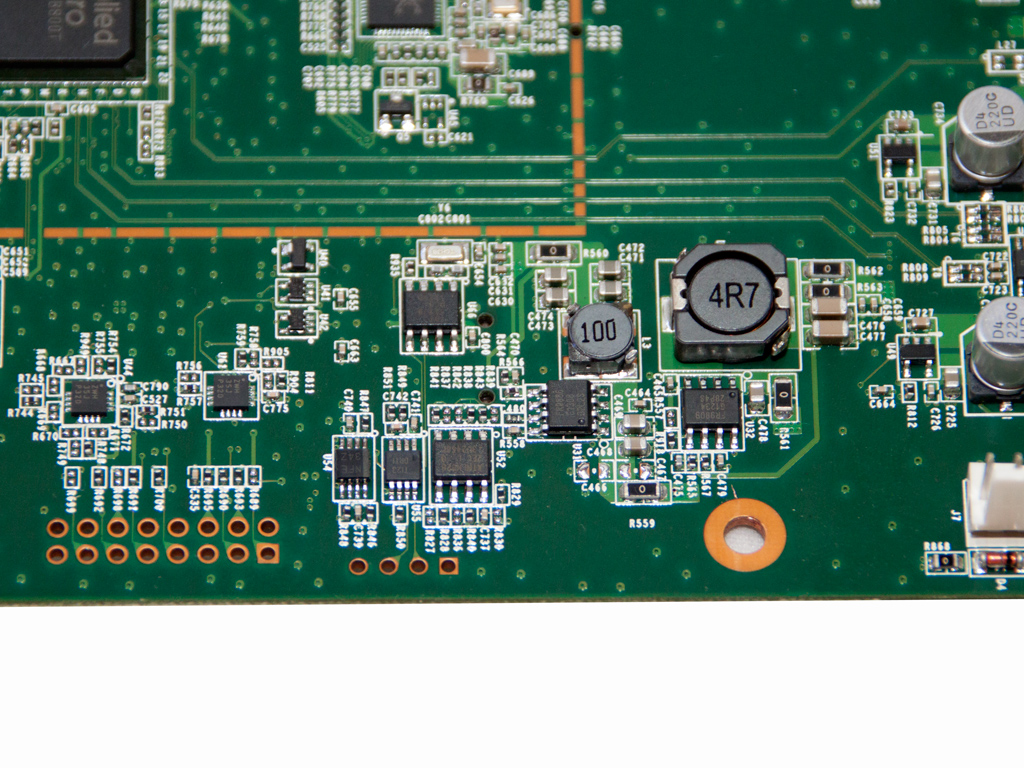
Two of the VRMs (Voltage Regulation Modules) that feed the mainboard's components. The first uses a Fitipower FR9806 step-down DC/DC converter with up to 3 A continuous current output, and the second uses an FR9809 that can deliver up to 5 A current.
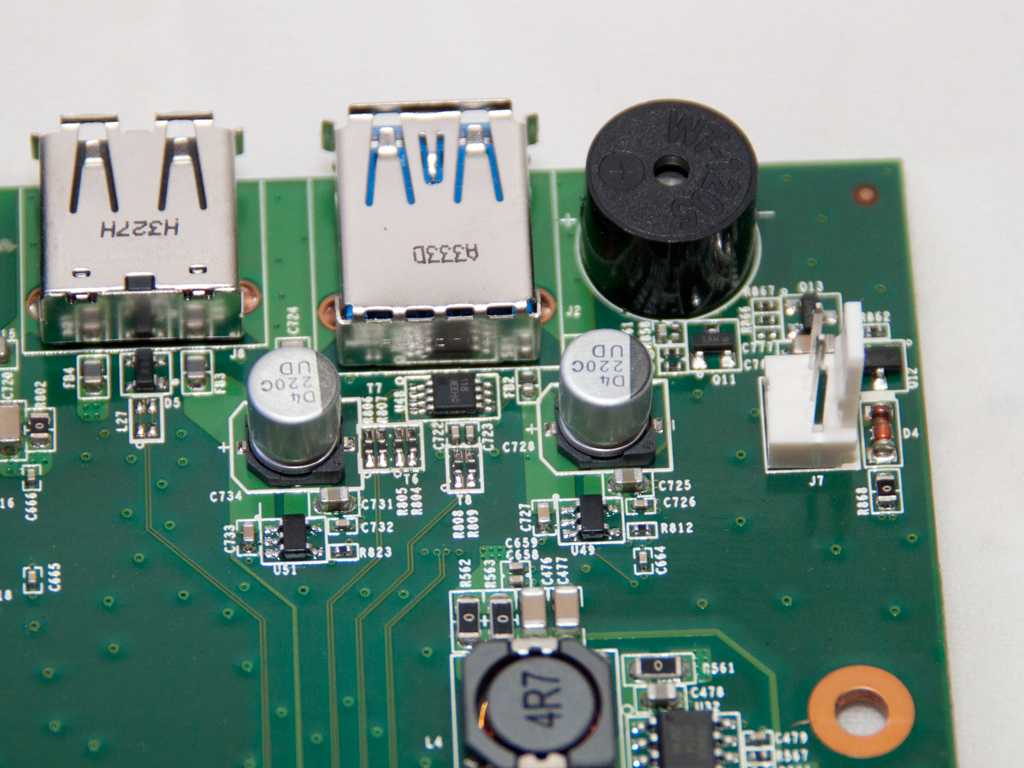
The buzzer is next to the fan header, and there are two polymer caps by Nichicon in the same area.
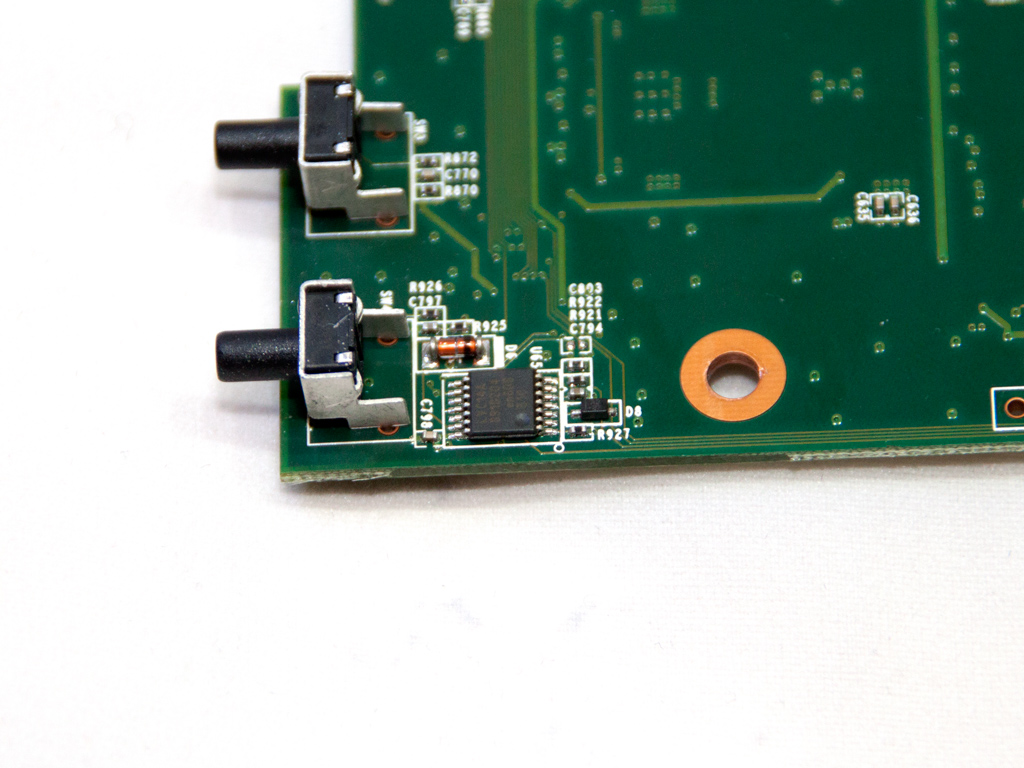
We spotted this IC on the solder side of the main PCB. It is a TI LVC14A HEX Schmitt-Trigger. An active circuit that converts an analog input signal into a digital output signal, it is called a "trigger" because its output retains its value until the input changes sufficiently to trigger a change. You can read more about it here.
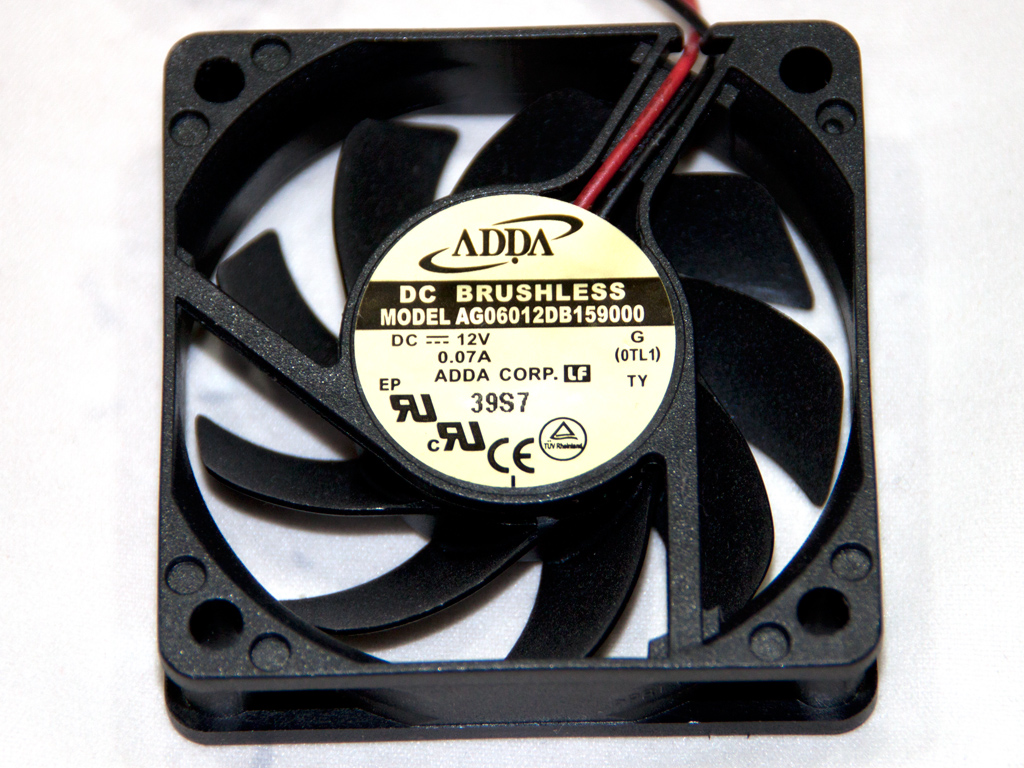
The cooling fan is by ADDA, and its model number is AG06012DB159000 (12 V, 60 mm diameter, 0.07 A). It uses double ball-bearings and is a low-speed fan. It isn't noisy while operating normally but picks up in noise at close to full speed.
Our Patreon Silver Supporters can read articles in single-page format.
Nov 28th, 2026 14:37 CST
change timezone
Latest GPU Drivers
New Forum Posts
- Youtube channel video downloader, not playlist. (6)
- ASRock Z590 OC Formula (Various questions). (11)
- Can you guess Which game it is? (378)
- Which new games will you be buying? (363)
- TPU's Nostalgic Hardware Club (22211)
- WarpCoreBench scores! (118)
- RivaTuner / MSI Afterburner OSD with GPU-Z (6)
- What are you playing? (26257)
- Share your CPUZ Benchmarks! (2687)
- What's your main Black Friday / Cyber Monday purchase? (48)
Popular Reviews
- Upcoming Hardware Launches 2027 (Updated Nov 2026)
- Moaiplay Ora Pro G1 850 Review
- AMD Ryzen 7 9800X3D Review - The Best Gaming Processor
- VZMORE AX9 Max Review
- Montech CyberFlow ARGB 360 Review
- ASRock X870E Challenger Wi-Fi White Review
- AMD Zen 6 Technical Deep Dive
- ORICO Obook15 AI Review
- Phantom Blade Zero Performance Benchmark Review - 35 GPUs Tested
- Microsoft Surface Laptop Ultra Review - The Next-gen Arm Laptop
TPU on YouTube
Controversial News Posts
- Jensen Huang Reinstated as CEO of NVIDIA (628)
- NVIDIA Co-Founder and CEO Jensen Huang Officially Resigns (492)
- Report: Jensen Huang Eyes NVIDIA Comeback (281)
- Open Letter Asking NVIDIA to Reinstate Jensen Huang Passes 115,000 Signatures (184)
- OpenAI CEO Argues Home PCs Waste the World's Limited DRAM Supply (153)
- NVIDIA Launches Investigation Into Jensen Huang's Relationship With Suspected Chinese Spy (136)
- Intel Razor Lake Gets a 12 P-Core bLLC Chip With No E-Cores, Per Leak (94)
- NVIDIA GeForce RTX 50-Series Scheduled for up to $500 Price Hike This Week (89)