 10
Thermal Grizzly DeltaMate CPU Block - MPII Review
(10 Comments) »Introduction

Thermal Grizzly is a German brand that was founded in 2013 and almost instantly made a mark for itself thanks to an impressive lineup of thermal pastes. I recall talking to Der8auer, one of the people behind Thermal Grizzly, about using their Hydronaut and Kryonaut thermal paste and being very impressed with the overall combination of heat transfer efficiency, ease and uniformity of spreading, and long-term performance. Since then Thermal Grizzly has expanded to a wider lineup of products with overclocking in mind, including water blocks, sensors, a benchtable, and even dedicated products pertaining to delidding CPUs. TechPowerUp has covered some of these already, and news of some former EKWB staff joining Thermal Grizzly got me all the more interested in taking a closer look at their water blocks.
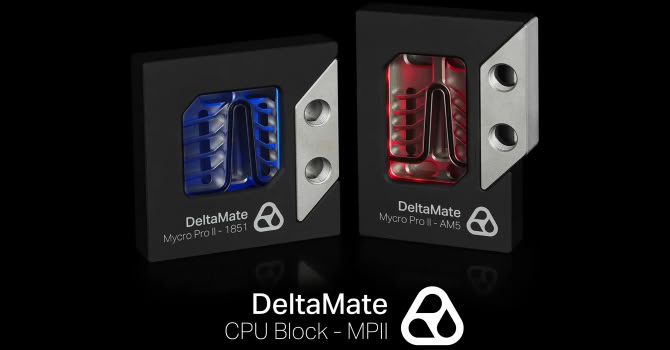
Thermal Grizzly's latest and greatest CPU block is called the DeltaMate MPII, and we see there are two different versions—Intel LGA 1851 and AMD AM5; I have the former here. I am currently in the middle of changing my test setup from the now older LGA 1700 platform to AMD AM5, so this is most likely the final Intel CPU block review for the foreseeable future. I saw these blocks in person at Computex and had a nice chat with the R&D team behind it, which in turn led to them sending over a pre-release sample for review. As such, please note that the block you will see here may not be aesthetically perfect. The DeltaMate MPII is built upon the learnings from Thermal Grizzly's older Mycro CPU block series, and is a flagship in every sense of the word. Thus this is not a budget CPU block, and promises ultra-high performance for those who want the best. Let's thank Thermal Grizzly for providing a review sample to TechPowerUp and begin with a look at the product specifications in the table below.
Specifications
| Thermal Grizzly DeltaMate CPU Block - MPII (Intel LGA 1851) | |
|---|---|
| Top: | Aluminium cover, borosilicate glass window, nickel-plated brass housing |
| Mounting (Hold-down) Bracket: | Integrated, nickel-plated brass base |
| Cold Plate: | Nickel-plated copper |
| CPU Socket Compatibility: | Intel LGA 1700/1851 |
| Ports: | Two, BSP G1/4" threaded |
| Dimensions: | 94.5 × 94.5 × 33 mm |
| Warranty: | Two years |
Packaging and Accessories
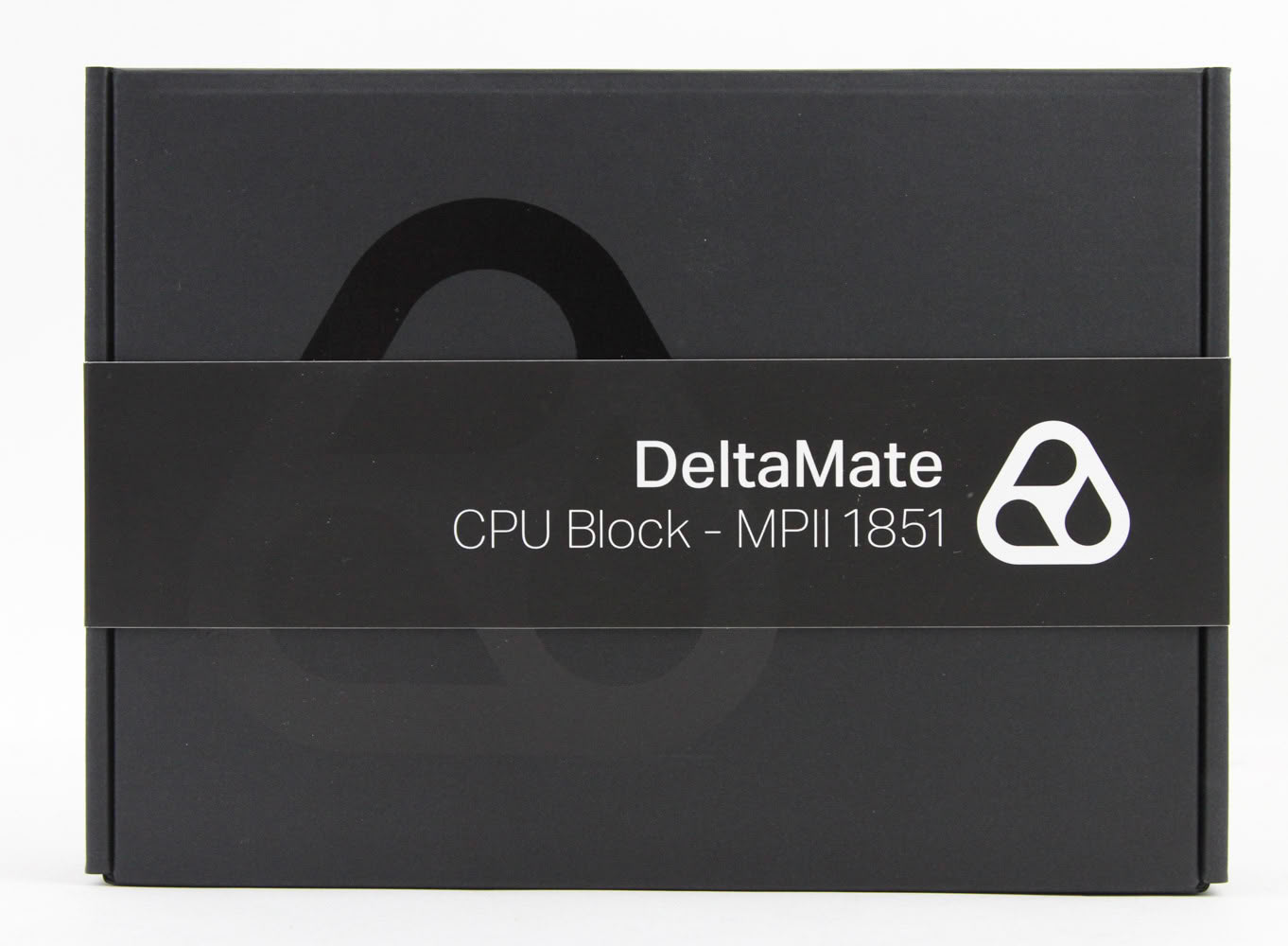
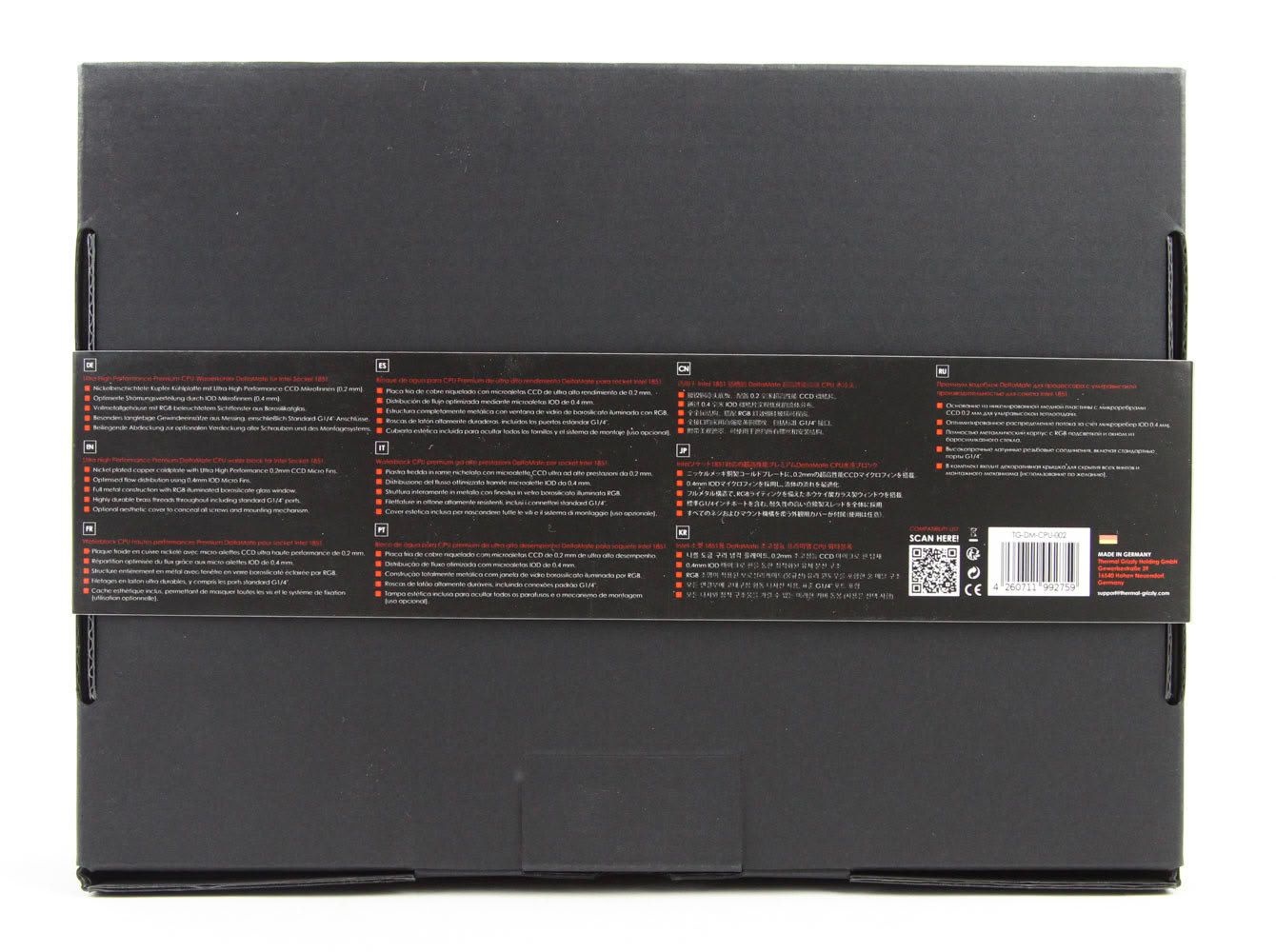
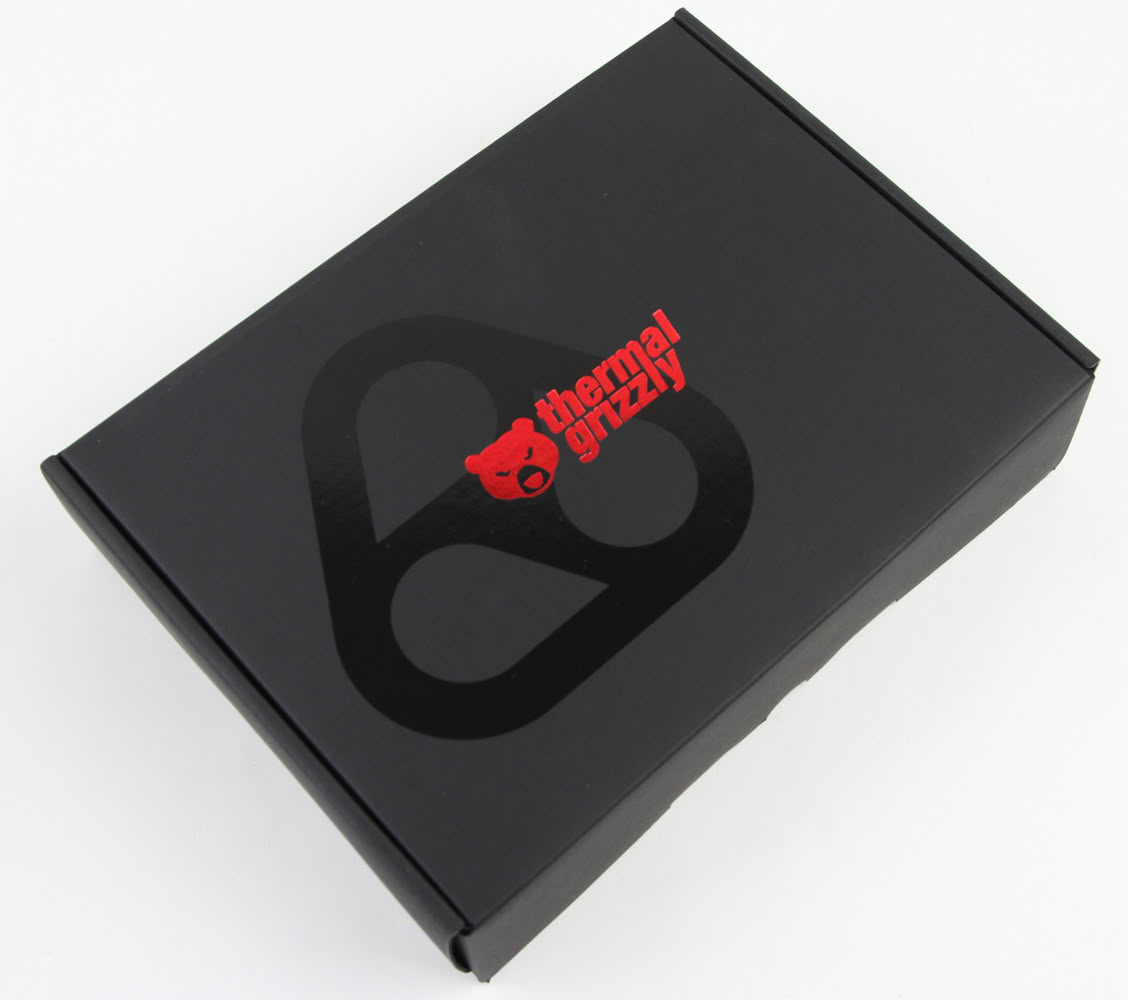
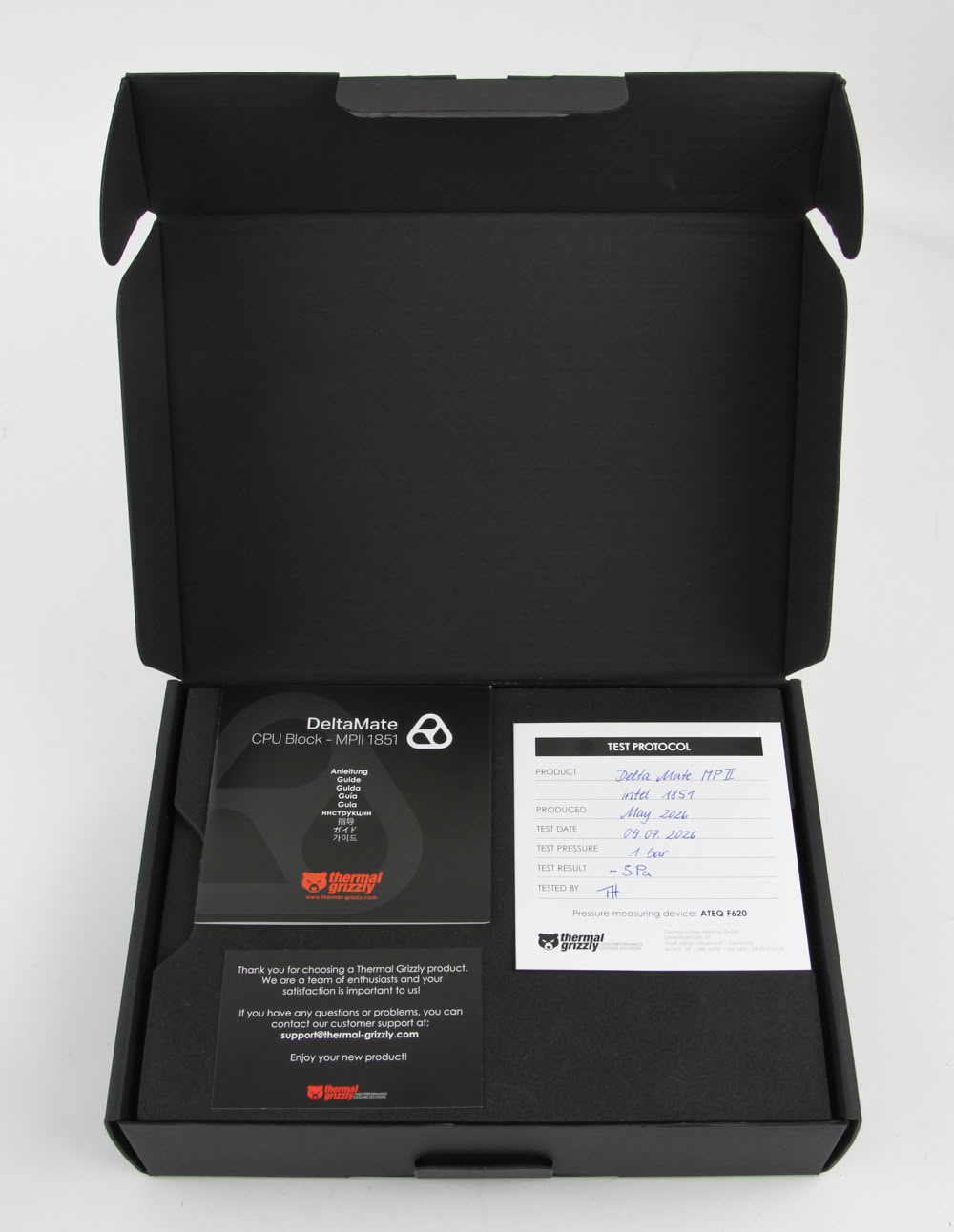
While not necessarily adhering to the physical prettiness, if you will, of a retail unit, Thermal Grizzly was kind enough to provide me with a complete retail kit, so I can show everyone what a paying customer will receive. The product box is clean and minimalist, with a black banderole over the cardboard and a wrapper that has the product name on the front and specifications in multiple languages listed on the back. The box itself comes adorned with the red Thermal Grizzly logo as well, and opens from the side where we see a double flap helping secure the contents in place during transit. Opening the box immediately shows this is not your typical CPU block, as this is the first time in over 300 different water block reviews that I have seen a handwritten note confirming a leak check being done on this particular unit. To be clear, this isn't unique to Thermal Grizzly. All reputable brands do rudimentary leak testing, usually at the factory the blocks are assembled at, yet this helps add confidence in the product and doesn't add much cost. Accompanying this is a multi-language user manual (online copy here) which goes over the installation of the block. A thank you note with customer support information rounds up the first layer inside the box.
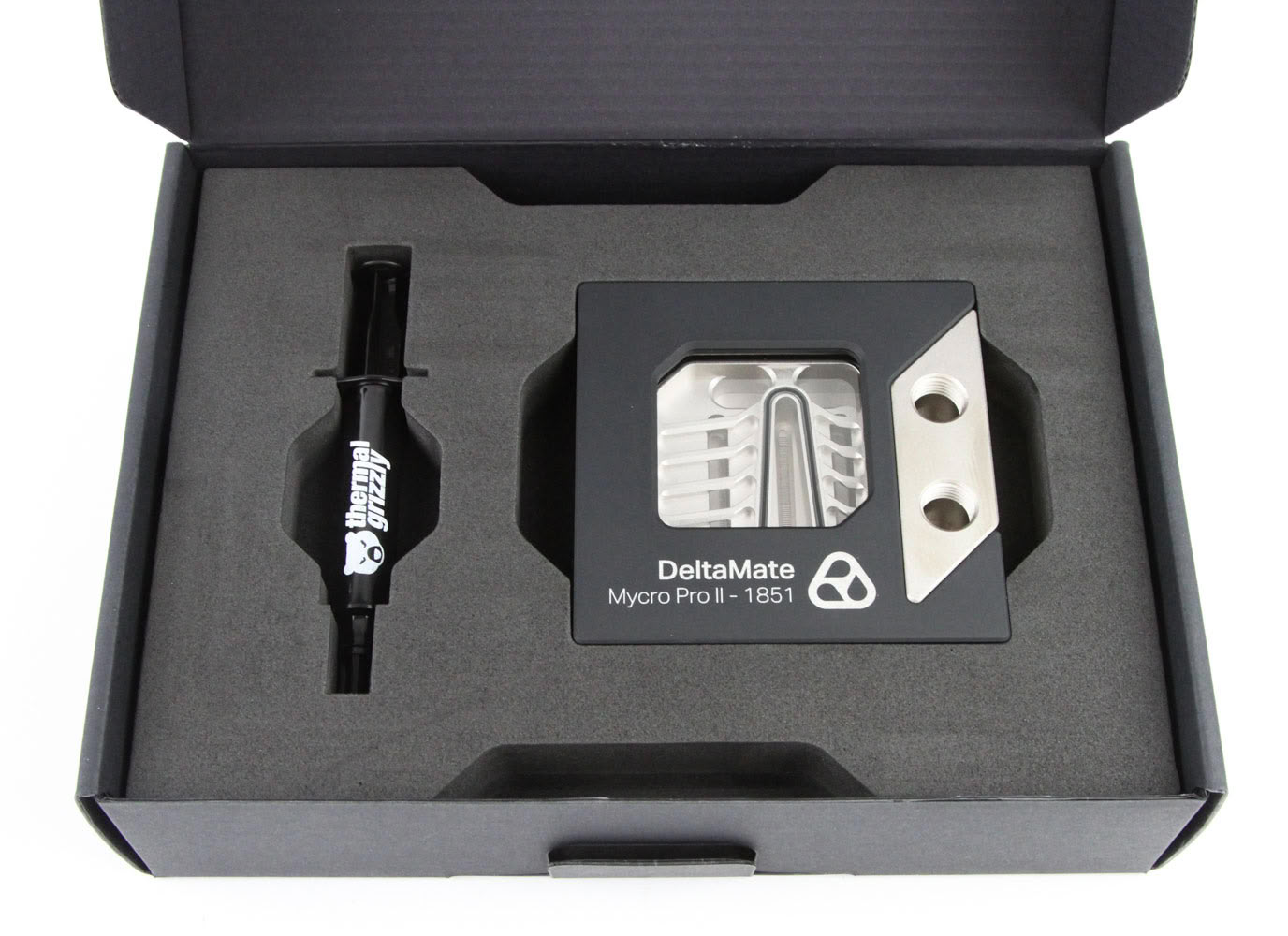
Remove the thin foam sheet and you will see a thicker one. This time, it has two compartments to snugly hold a generous 6 g tube of Thermal Grizzly Duronaut thermal paste and the CPU block itself. The block is substantial in both mass and volume, so be careful when taking it out. You may also experience something here that could surprise you, but more on that later. The gaps around the tube and block help remove these easily, and also lift this layer to access the bottom compartment that houses the remaining accessories.
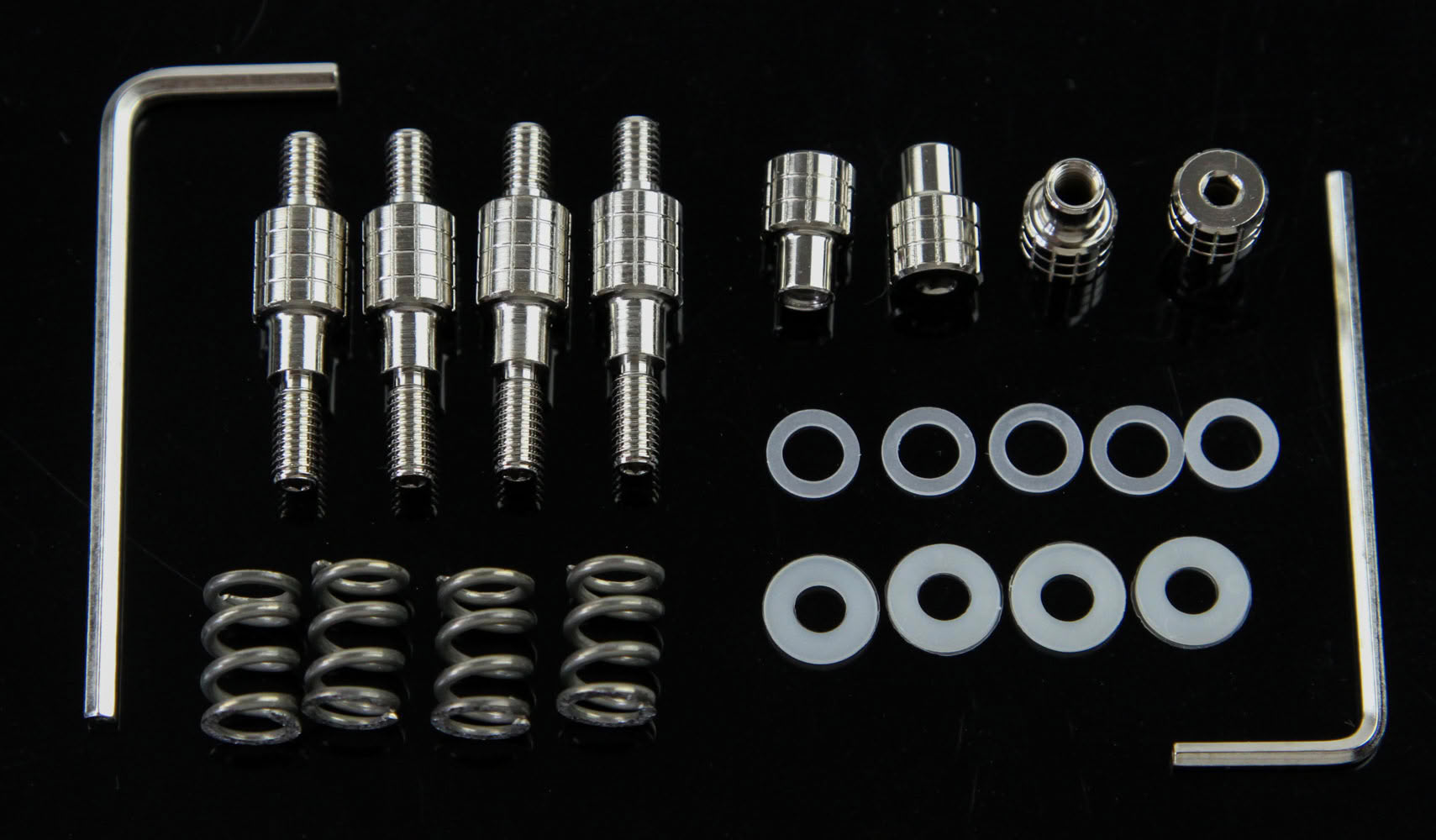
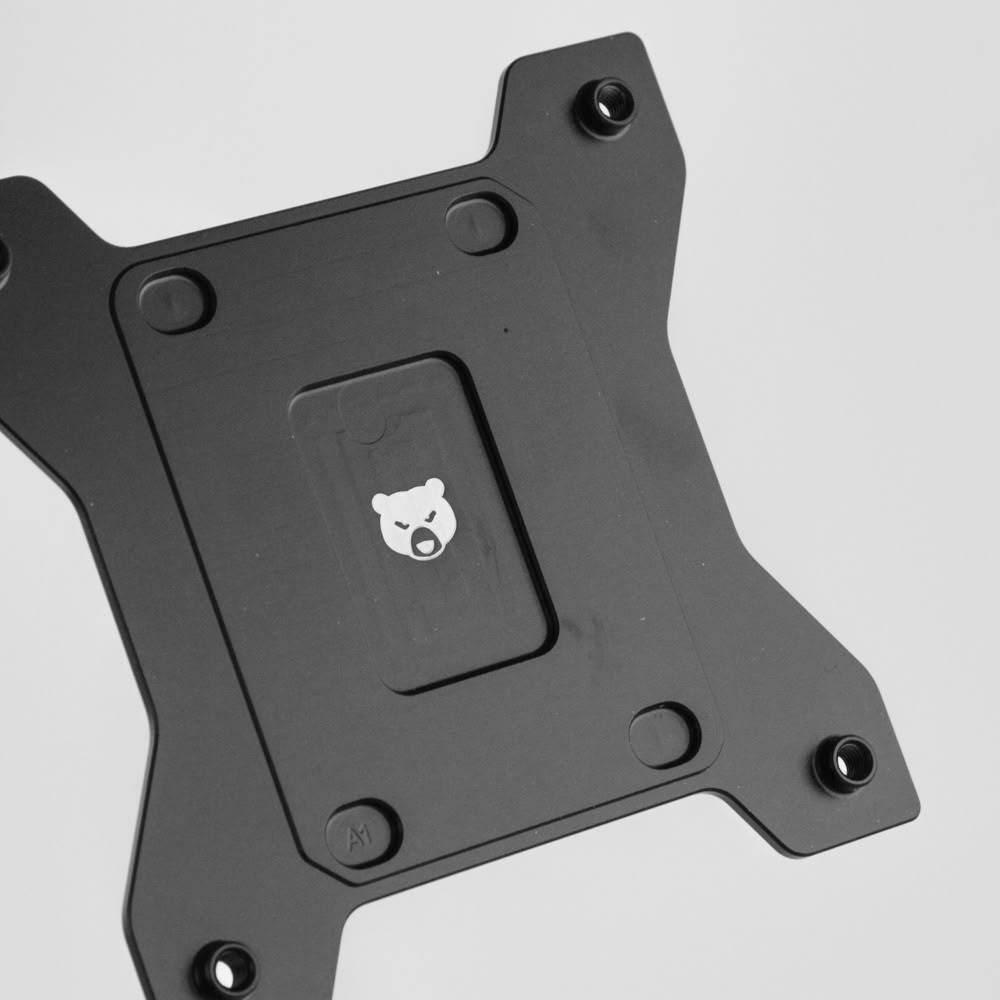
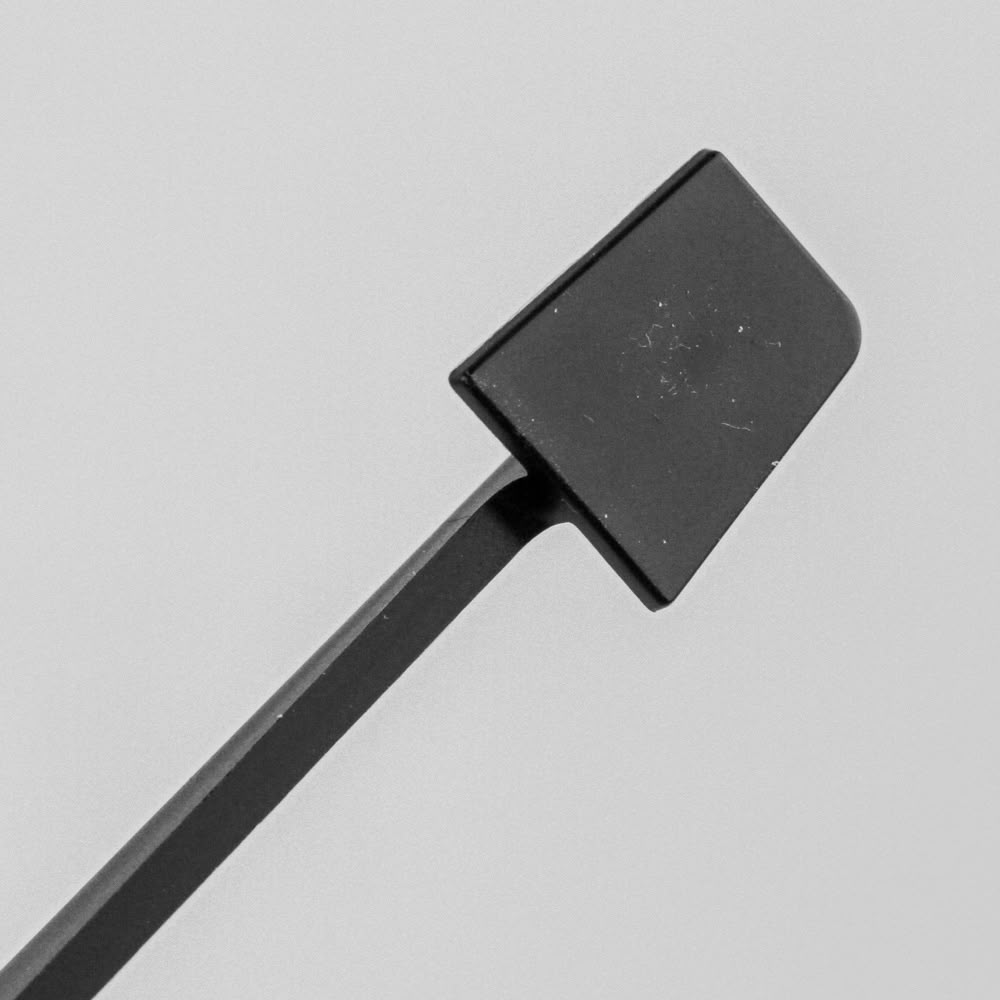
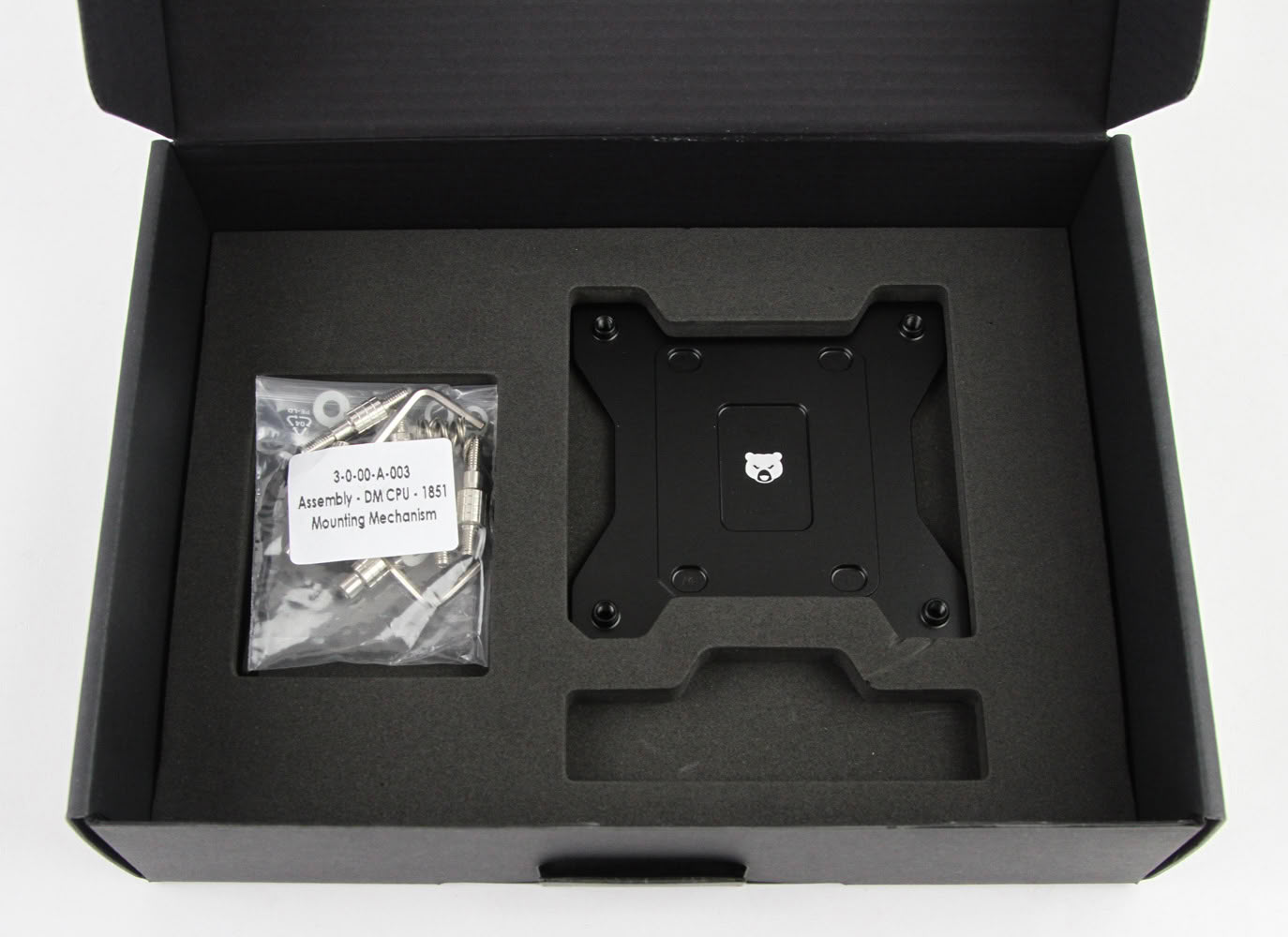
The installation hardware includes a zip-lock bag containing two sets of different thickness plastic washers, a CPU socket backplate for Intel LGA 1700/1851, a 2 mm Allen key, a 2.5 mm Allen key, four knurled metal locking nuts, four steel springs, and four UNC 6-32 standoff screws. Based on the product page and manual, the retail units should be shipping with only one set of four M4 plastic washers, but you will in fact use both sets as seen later. We also get a spreader tool to use with the thermal paste, which is a nice touch.
Our Patreon Silver Supporters can read articles in single-page format.
Nov 18th, 2026 15:59 PST
change timezone
Latest GPU Drivers
New Forum Posts
- Honestly, do you care about GTA VI? (147)
- Got a new laptop! What should I do with it? (4)
- Dell Workstation Owners Club (3514)
- Making a game in Godot engine (2)
- [Poll] 12V-2x6 Connector Protection: What Are You Using? (WireView / Ampinel / Equalizer / Other / Nothing) (39)
- Last game you purchased? (1406)
- Time to upgrade CPU and MOBO (34)
- Can i play GTA 6 now? (Joke) (7)
- What are you playing? (26234)
- Very unusual two gaming-pc scenarios. (12)
Popular Reviews
- Acemagic Retro X3 Review
- Upcoming Hardware Launches 2027 (Updated Nov 2026)
- AMD Zen 6 Technical Deep Dive
- ASUS ROG Strix B850-I Gaming Wi-Fi7 W Review
- Corsair HX1000i Shift Crystal Review
- Ugreen NASync DXP4800 GT Review
- Biwin Black Opal NV7400 2 TB Review
- Pulsar Office Tour & First Look at P1 Dual-Sensor Mouse
- AMD Ryzen 7 9800X3D Review - The Best Gaming Processor
- Chieftec Iceberg PRO 360 DARK Review
TPU on YouTube
Controversial News Posts
- NVIDIA Co-Founder and CEO Jensen Huang Officially Resigns (478)
- Report: Jensen Huang Eyes NVIDIA Comeback (193)
- Open Letter Asking NVIDIA to Reinstate Jensen Huang Passes 115,000 Signatures (184)
- OpenAI CEO Argues Home PCs Waste the World's Limited DRAM Supply (152)
- NVIDIA Launches Investigation Into Jensen Huang's Relationship With Suspected Chinese Spy (136)
- Intel "Raptor Lake Next" 16-Core and 20-Core CPUs Surface (130)
- Legendary Game Studio BioWare Shuts Down Following EA Layoffs (104)
- Dell CEO Says the Memory Shortage Will Get Worse in 2027 (95)