 5
TRYX LUCA L70 Review
A Closer Look - Outside »TRYX Panorama 360


On top of the case, TRYX also shipped us their Panorama 360 AIO to include in the build. It ships in a custom, full-color box with an image of the cooler in the front as well as a full list of specifications in the back.


You can flip the top open, which reveals a bright, neon green inner panel, offering a window to see the AIO, which in turn is securely situated inside a block of black foam. TRYX has really managed to provide a very cool unboxing experience for their liquid cooler.

Even the radiator of the cooler is protected with a branded cloth bag instead of the usual plastic, really driving home that this is not your run-of-the-mill unit.

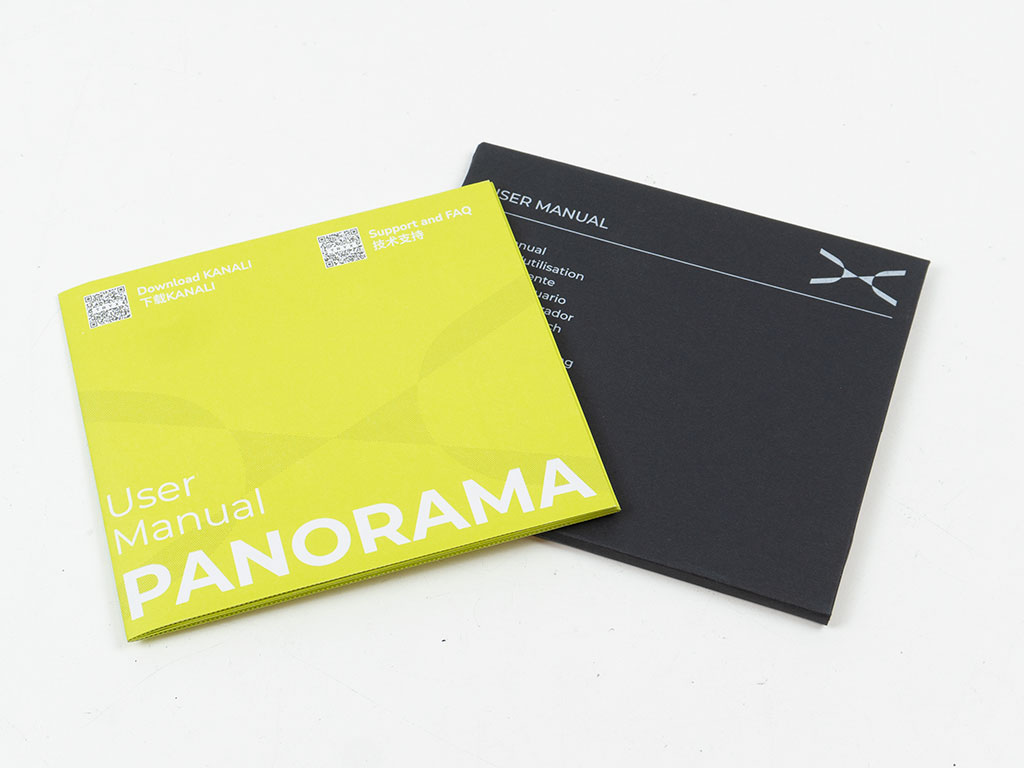
You will receive some Velcro straps, magnetic PWM cables, and mounting hardware alongside an assembly manual which has been tucked into a black envelope. It is worth mentioning the separately included thermal paste, since most AIO offerings don't provide this. Another interesting fact is that it is fully branded and has a model name, so if TRYX wanted, they could probably sell it in retail sometime in the future.
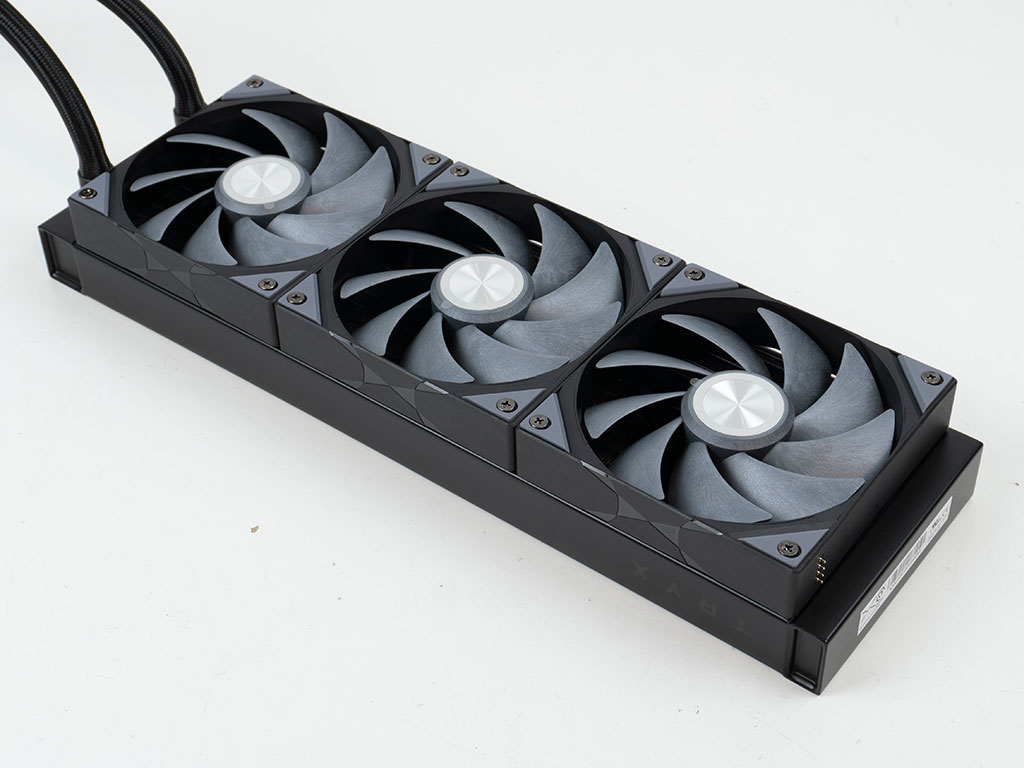
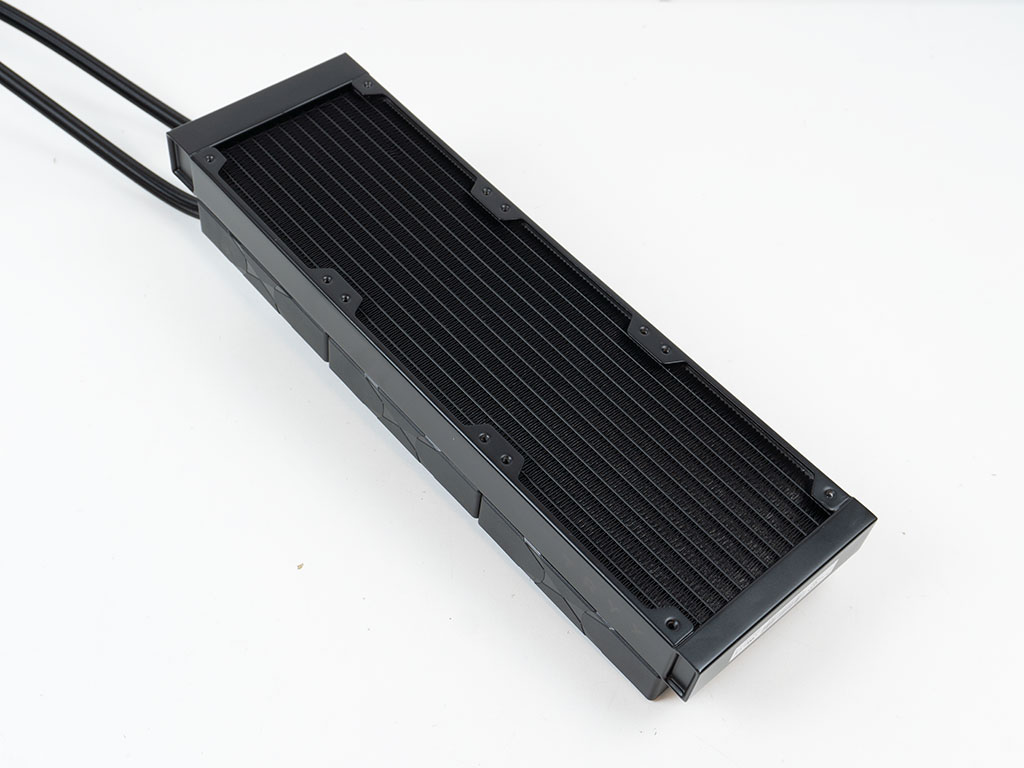
The AIO comes pre-assembled, with all three high-quality fans secured to the AIO. The radiator itself is pretty standard fare, but feels solid with proper end caps.

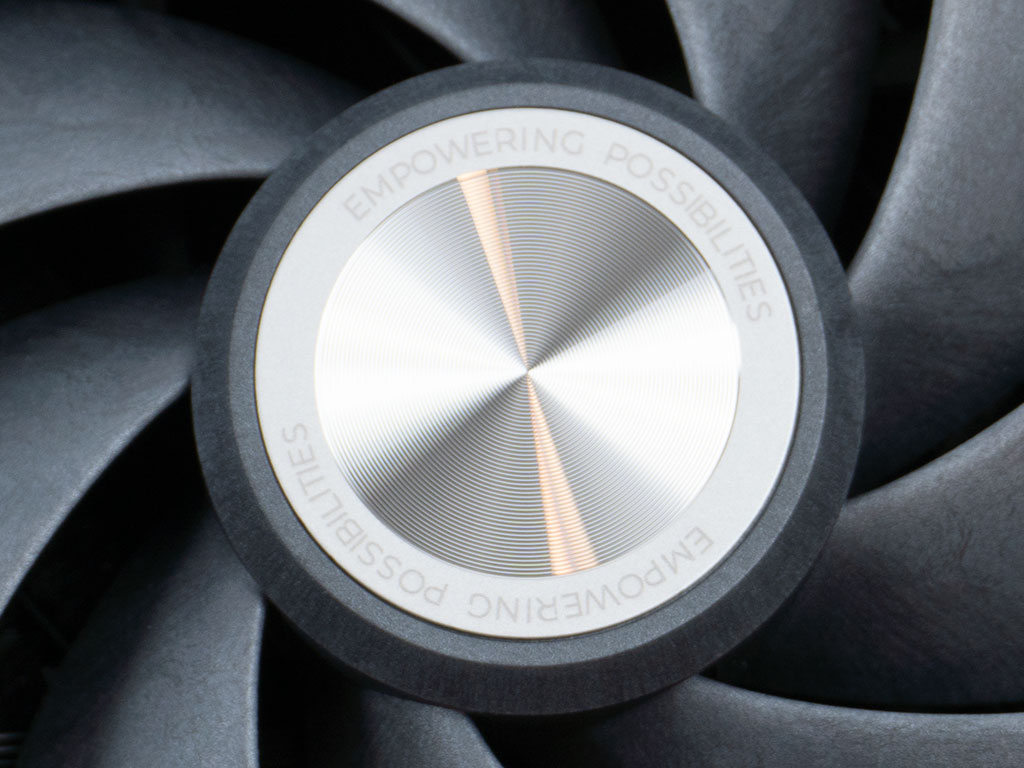
As the fans are connected in series using push pins, there is no cable mess to worry about, so that you can simply go ahead and install the unit then let the magnetic wire snap unto place to interface with a single header on the motherboard. The fan hub even comes with some branding which is fun to see.

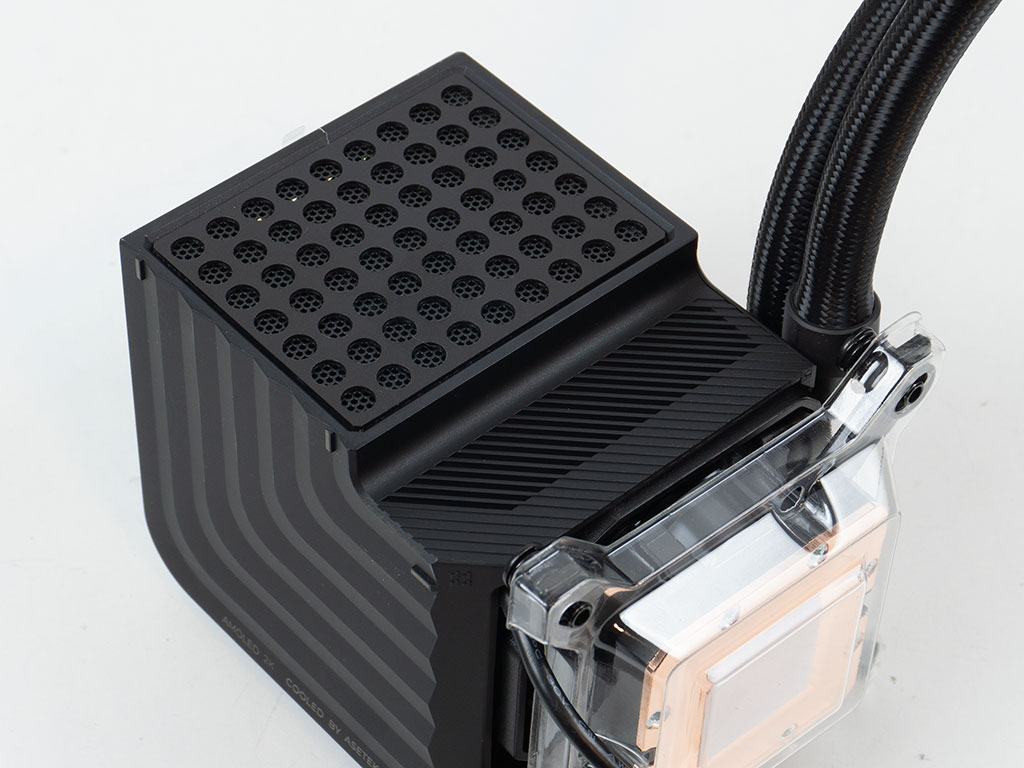
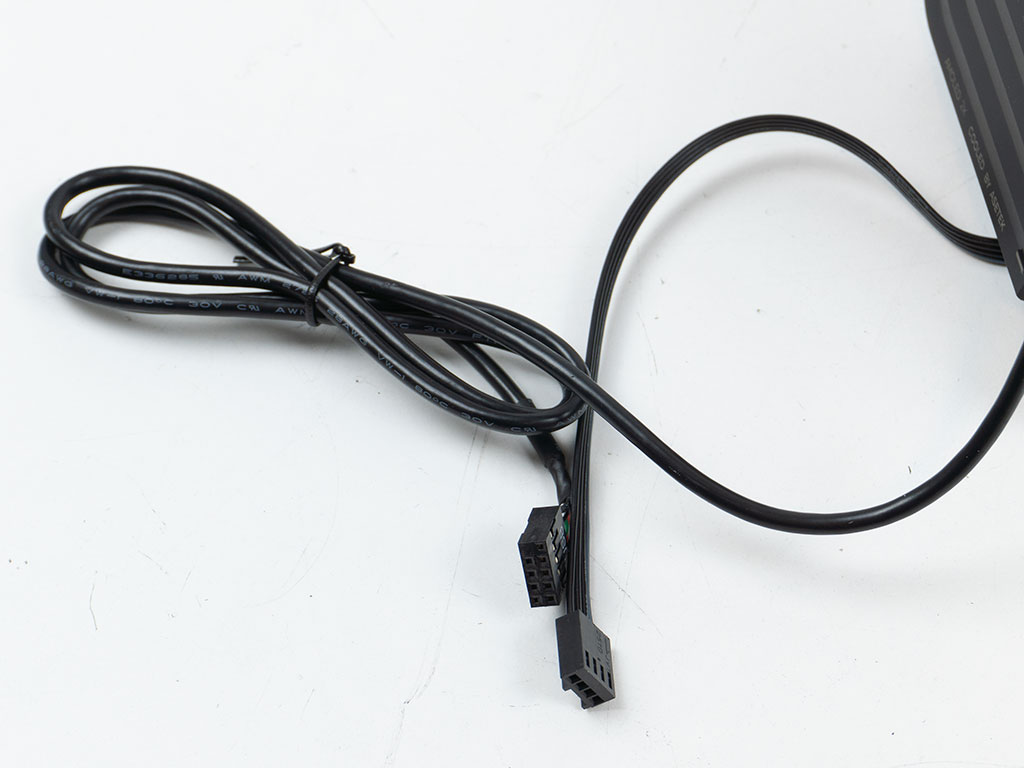
The main USP of the Panorama 360 is the 6.67" AMOLED L-shaped screen with a 2K resolution. It is housed inside a plastic cover, which has an air vent on the one end. TRYX uses a single USB 2.0 cable to drive it, with a PWM cable connected to the fan within.
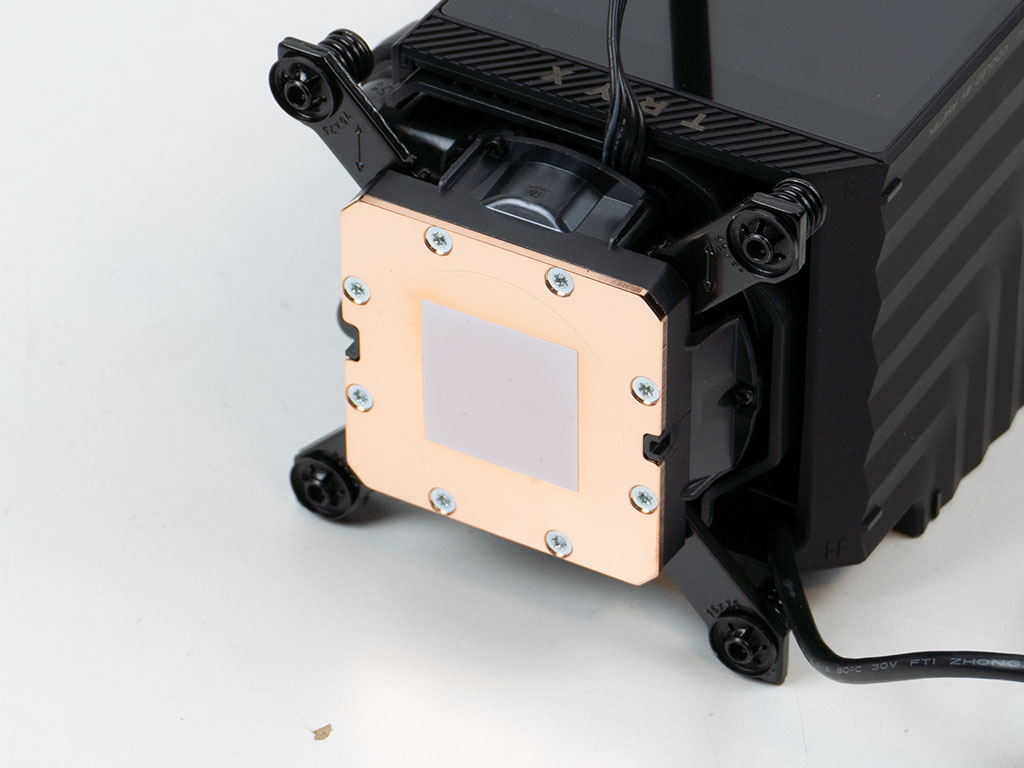
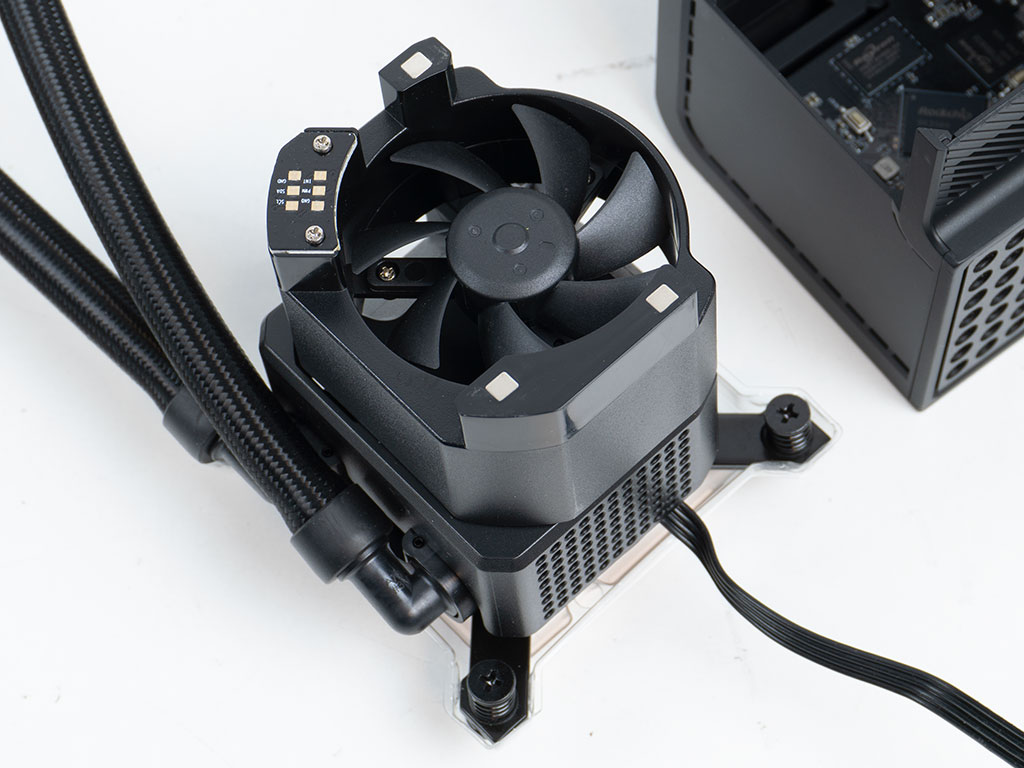
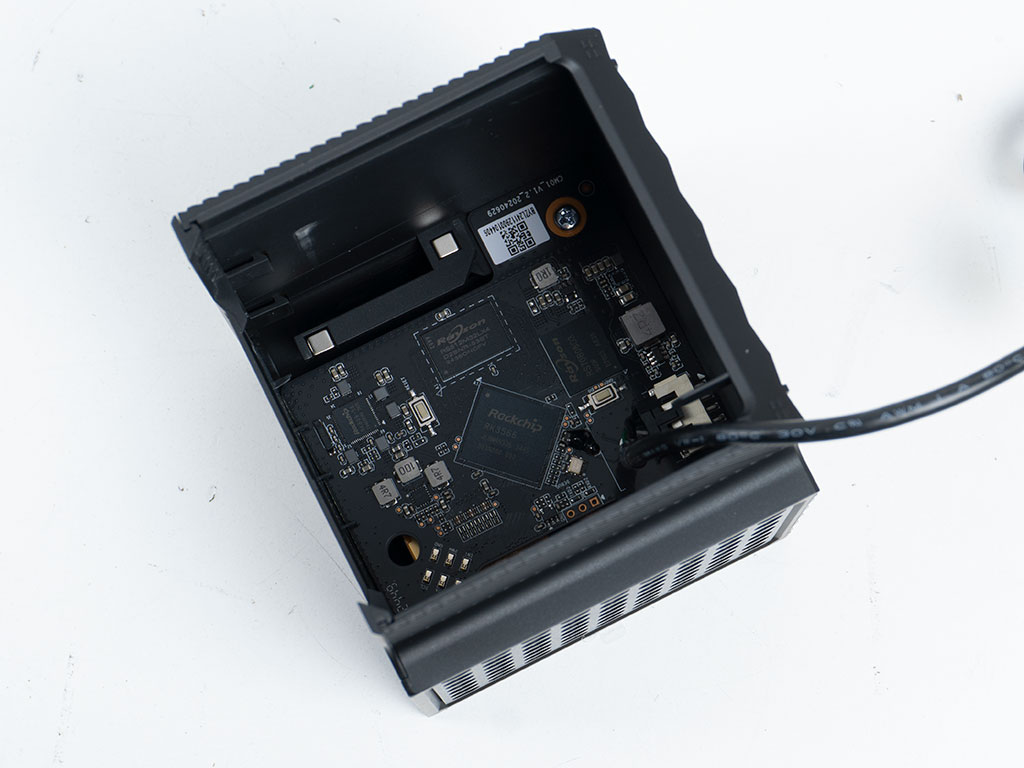
The base is made of copper, and secured with four screws. The unit utilizes Asetek's Gen 8 V2 platform and TRYX's built in fan is set to push air down and out the vented section of the LCD screen equipped housing. Besides cooling the OLED, this provides a bit of active air flow for the components around the CPU socket. Lastly, we can take a peek inside the magnetically attached housing, which comes equipped with quite the packed PCB to drive the screen.
Nov 26th, 2026 09:51 CST
change timezone
Latest GPU Drivers
New Forum Posts
- Wireless Internet sharing between PC and router both-ways, is it possible? (24)
- Can you guess Which game it is? (366)
- Post your CrystalDiskMark speeds (658)
- Making a game in Godot engine (20)
- What's your main Black Friday / Cyber Monday purchase? (17)
- X79 and/or rampage IV OC'ing thread for those of us still left.... (2459)
- Exploring Local LLMs: Models, Hardware and Setup Experiences (4)
- Linpack Xtreme Released (513)
- Claude credits purchased on or after Dec. 7 now have an expiry date (20)
- Acer TravelMate P414-51 (i5-1135G7): CPU stuck at x4 / ~200 MHz effective under 100% load, no throttle flags. How to find who's clamping it? (1)
Popular Reviews
- ASRock X870E Challenger Wi-Fi White Review
- VZMORE AX9 Max Review
- Upcoming Hardware Launches 2027 (Updated Nov 2026)
- Microsoft Surface Laptop Ultra Review - The Next-gen Arm Laptop
- AMD Ryzen 7 9800X3D Review - The Best Gaming Processor
- AMD Zen 6 Technical Deep Dive
- Corsair RM1200e (Second Generation) Review
- Phantom Blade Zero Performance Benchmark Review - 35 GPUs Tested
- Montech CyberFlow ARGB 360 Review
- Pulsar Office Tour & First Look at P1 Dual-Sensor Mouse
TPU on YouTube
Controversial News Posts
- Jensen Huang Reinstated as CEO of NVIDIA (585)
- NVIDIA Co-Founder and CEO Jensen Huang Officially Resigns (492)
- Report: Jensen Huang Eyes NVIDIA Comeback (281)
- Open Letter Asking NVIDIA to Reinstate Jensen Huang Passes 115,000 Signatures (184)
- OpenAI CEO Argues Home PCs Waste the World's Limited DRAM Supply (152)
- NVIDIA Launches Investigation Into Jensen Huang's Relationship With Suspected Chinese Spy (136)
- Intel "Raptor Lake Next" 16-Core and 20-Core CPUs Surface (130)
- Intel Razor Lake Gets a 12 P-Core bLLC Chip With No E-Cores, Per Leak (94)