 4
UPERFECT BE173BU Review - Sharp Picture, Blurred Gaming Ambitions
(4 Comments) »Introduction

UPERFECT originally sold this monitor as the UColor J5, and it now goes by BE173BU, split into two refresh-rate variants: a 60 Hz model and the 120 Hz version reviewed here. The two are not identical beyond the refresh rate, so unless stated otherwise, everything below applies specifically to the 120 Hz unit I tested.
At the heart of the BE173BU is a 17.3-inch IPS panel with a native 3840×2160 resolution, which is an ambitious combination for a portable. That is a genuine 4K UHD panel in a chassis you can slip into a bag, and it works out to roughly 255 PPI, an extremely high pixel density that makes text and fine detail razor-sharp. The flip side, as we will see, is that Windows is impractical for most users at 100% scaling on a screen this dense, so 150% scaling or higher is the sensible choice. The panel has a matte anti-glare finish and no touch layer.
The port selection is lean. Two USB-C ports accept DisplayPort Alt Mode video and power input, and a mini-HDMI input covers devices without a video-capable USB-C. A single USB-C cable from a laptop drives the panel, though on our Lenovo ThinkBook G4 test system bus power capped brightness at 195 cd/m², so the bundled adapter had to be connected to the second USB-C port for full output. There is a 3.5 mm headphone jack and a pair of 1 W speakers, but no USB hub and no OTG port for peripherals. The OSD is a proper structured menu operated by a jog wheel rather than the bare icon bar on the BE22BQ, and it exposes real gaming-oriented options including FreeSync, a black equalizer, and picture presets.
The rest of the hardware leans into portability. The monitor is only 14 mm thick and 1.03 kg (2.28 lb) light. An integrated metal kickstand folds out Surface-style across a wide 0 to 180° range, and a 75×75 mm VESA pattern is exposed on the rear. Let's examine the BE173BU in greater detail to see where it fits.
Specifications
| UPERFECT BE173BU (120 Hz) | |
|---|---|
| Screen Size | 17.3" |
| Native Resolution | 3840×2160 (16:9), ~255 PPI |
| Panel Technology | IPS, 8-bit |
| Refresh Rate | 120 Hz (60 Hz variant also sold) |
| Curvature | Flat |
| Screen Coating | Matte anti-glare |
| Touch | No |
| Supported Adaptive Synchronization | FreeSync |
| Brightness | 400 cd/m² rated |
| Contrast | 1,000:1 (static) |
| Viewing Angles | 178/178° |
| Response Time | 8 ms GtG (rated, 120 Hz version) |
| HDR | Accepts HDR10 input |
| Color Gamut | Marketed 100% Adobe RGB/100% DCI-P3 |
| Adjustability | Integrated kickstand, 0 to 180° |
| Video Inputs | 2× USB-C 3.1 (DP Alt Mode), 1× Mini-HDMI |
| USB-C | DP Alt Mode and power input |
| USB Hub | None |
| Audio | 1× 3.5 mm headphone jack |
| Speakers | 2× 1 W |
| VESA Mounting | 75×75 mm (M4x4) |
| Power Input | USB-C (30 W PD adapter included) |
| Dimensions & Weight | 394 × 242 × 14 mm (15.51 × 9.53 × 0.55 in), 1.03 kg (2.28 lb) |
The Package

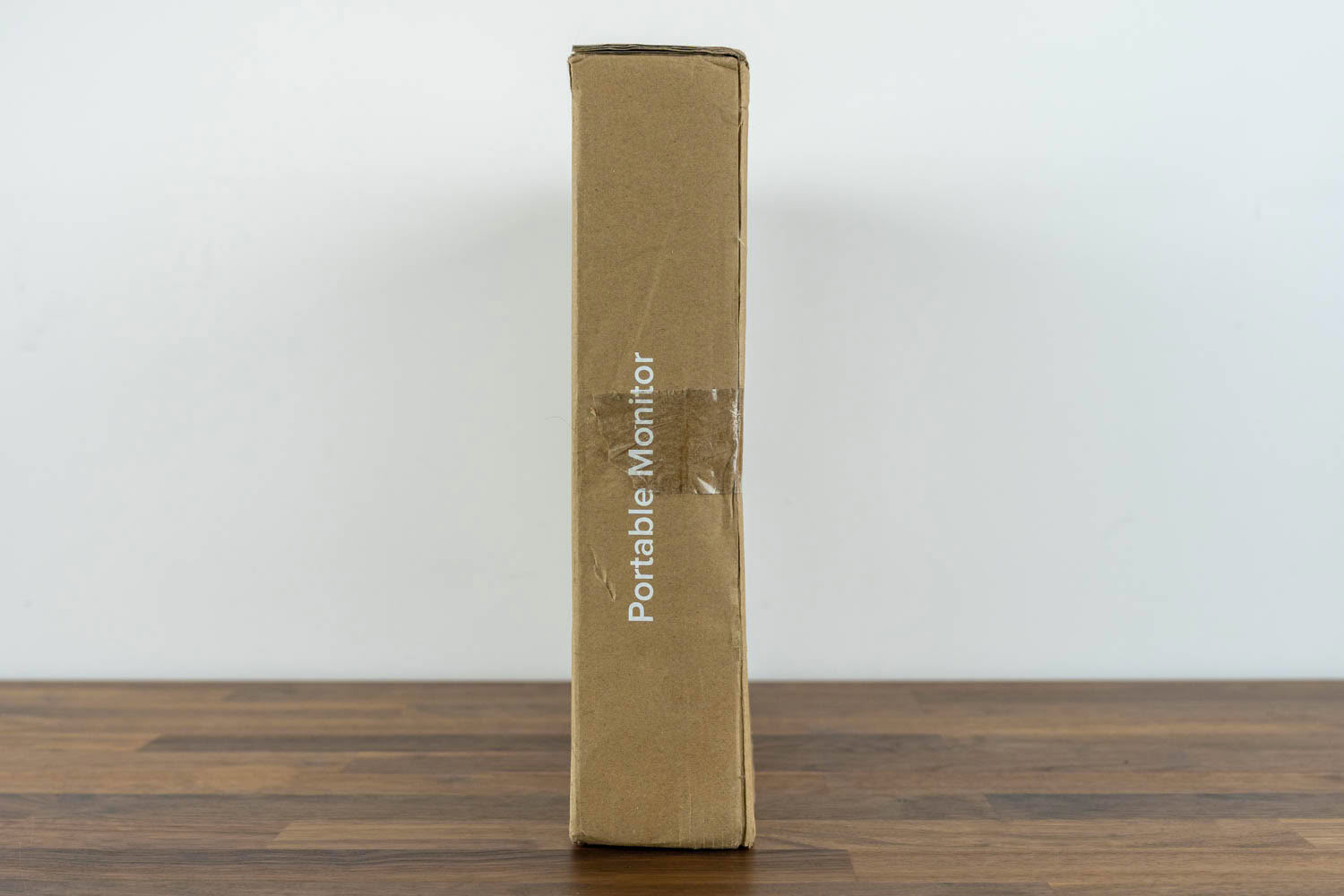
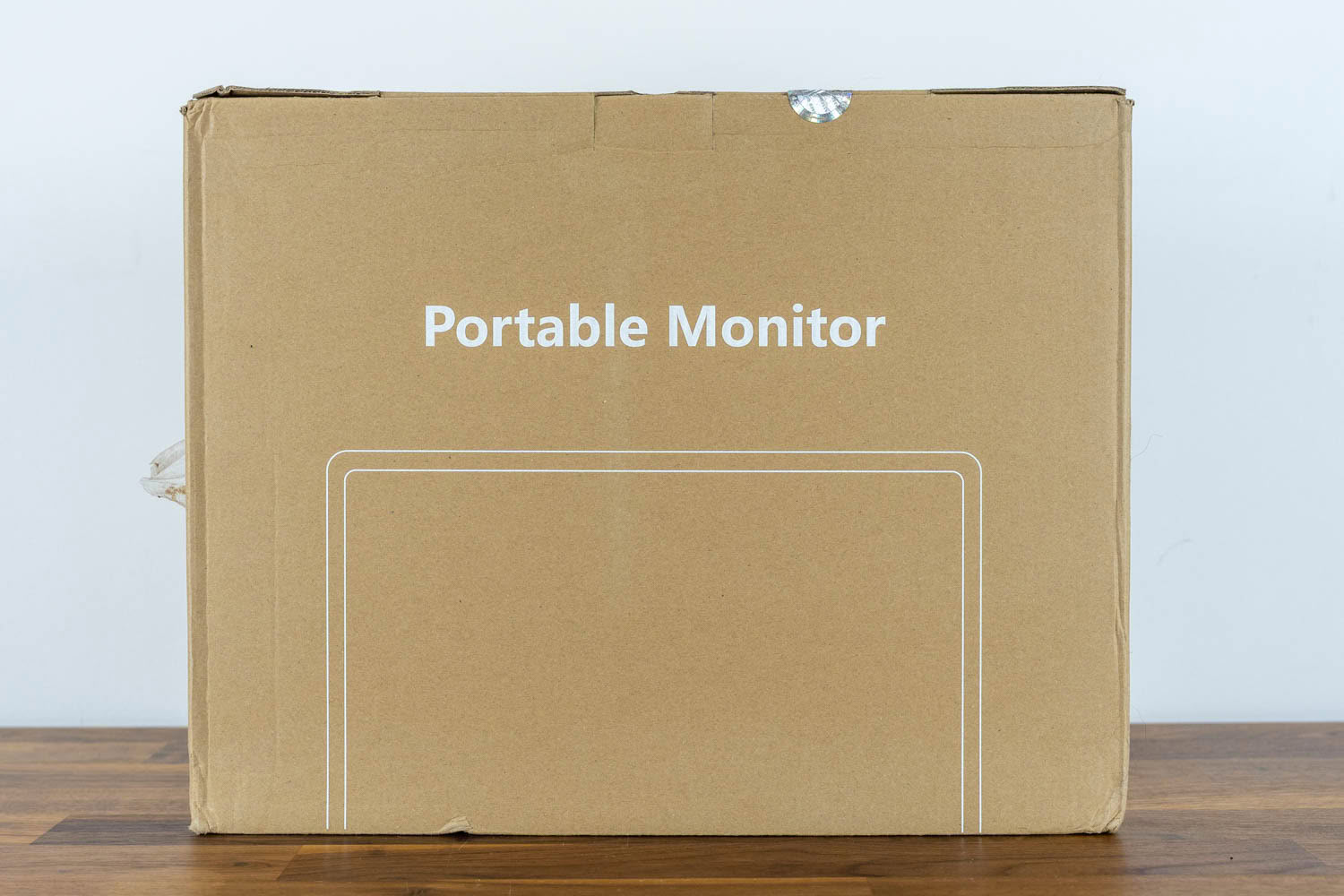
The BE173BU ships in a plain brown cardboard box with no product photography, just a "Portable Monitor" label, the tagline "Sustaining our Environment for Better Future," and the usual compliance marks. As with the rest of UPERFECT's lineup, this is not a monitor sold off a store shelf, so the packaging never has to catch a shopper's eye. This one sure doesn't.
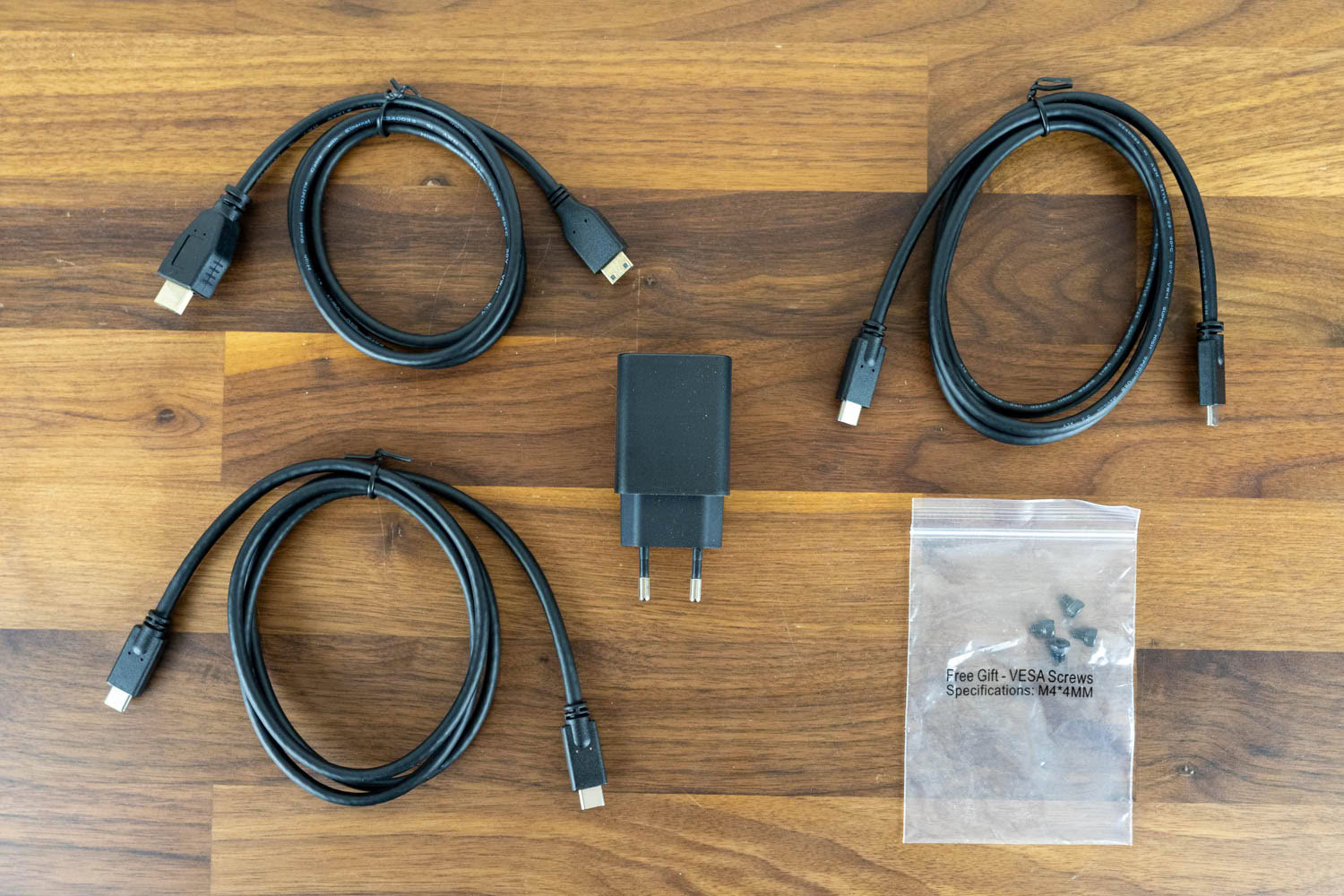
Inside you get the monitor, a printed manual, a mini-HDMI to standard HDMI cable, two USB-C to USB-C cables, the power adapter, and a small bag of M4x4 VESA screws. Every input is therefore usable out of the box. Note that unlike the BE22BQ, there is no separate USB-A to USB-C cable here, which is consistent with this model having no OTG port for peripherals or touchscreen functionality.
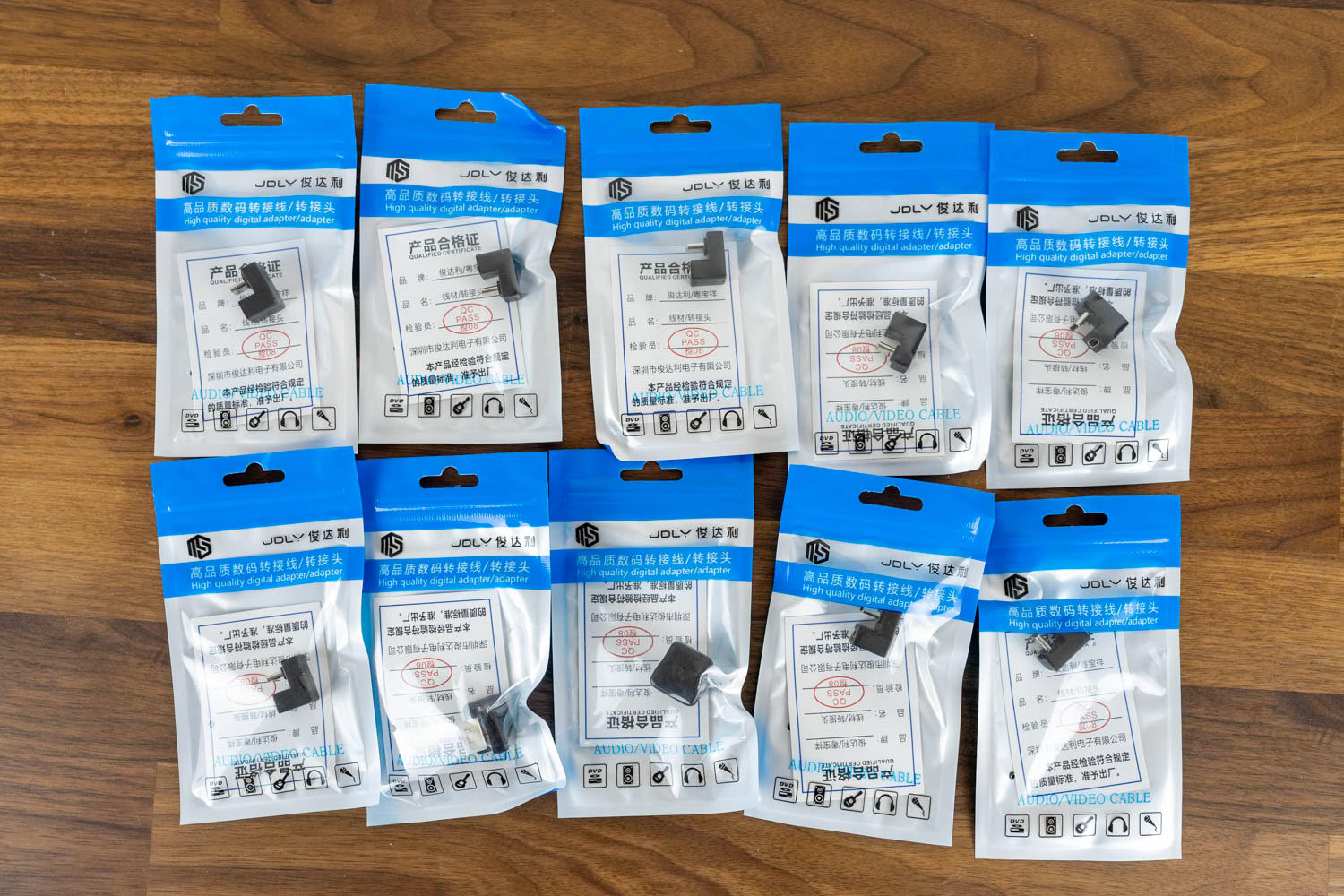
One genuine oddity is worth flagging. Our review unit arrived already opened, and tucked inside were ten individually bagged right-angle USB-C adapters, far more than anyone would ever need. Whether that is a packing mistake or a reviewer extra, it is not something a regular buyer should expect to find in the retail box. As a passing note, a right-angle USB-C adapter is actually a sensible companion for a slim tablet-style monitor like this, since it lets the cable run flush along the edge and behind the monitor instead of jutting straight out, but a bag of ten remains a mystery.
Our Patreon Silver Supporters can read articles in single-page format.
Nov 19th, 2026 15:42 CST
change timezone
Latest GPU Drivers
New Forum Posts
- Honestly, do you care about GTA VI? (163)
- Windows 11 General Discussion (7736)
- Current Sales, Bundles, Giveaways (10448)
- Last game you purchased? (1409)
- WarpCoreBench scores! (76)
- Got the EOL 32GB TridentZ 6000 CL26 1.4V (12)
- Dell Workstation Owners Club (3516)
- Making a game in Godot engine (4)
- DTS DCH Driver for Realtek HDA [DTS:X APO4 + DTS Interactive] (2815)
- Security Apps (2)
Popular Reviews
- Acemagic Retro X3 Review
- Ugreen NASync DXP4800 GT Review
- Upcoming Hardware Launches 2027 (Updated Nov 2026)
- Pulsar Office Tour & First Look at P1 Dual-Sensor Mouse
- AMD Zen 6 Technical Deep Dive
- Biwin Black Opal NV7400 2 TB Review
- Sapphire Radeon RX 7700 XT Pure Review
- Sapphire Radeon RX 7700 XT Pulse Review
- AMD Ryzen 7 9800X3D Review - The Best Gaming Processor
- Chieftec Iceberg PRO 360 DARK Review
TPU on YouTube
Controversial News Posts
- NVIDIA Co-Founder and CEO Jensen Huang Officially Resigns (488)
- Report: Jensen Huang Eyes NVIDIA Comeback (223)
- Open Letter Asking NVIDIA to Reinstate Jensen Huang Passes 115,000 Signatures (184)
- OpenAI CEO Argues Home PCs Waste the World's Limited DRAM Supply (152)
- NVIDIA Launches Investigation Into Jensen Huang's Relationship With Suspected Chinese Spy (136)
- Intel "Raptor Lake Next" 16-Core and 20-Core CPUs Surface (130)
- Legendary Game Studio BioWare Shuts Down Following EA Layoffs (104)
- Dell CEO Says the Memory Shortage Will Get Worse in 2027 (95)